Short-form video has completely taken over social media. TikTok, Instagram Reels, and YouTube Shorts dominate how we consume content in 2026.
But here’s the problem. Creating dozens of engaging short videos every week is exhausting.
You need scripts, footage, voiceovers, captions, music, and editing skills. That’s where AI short video generators come in.
I’ve spent the last three months testing every major AI short video generator on the market. I created over 200 test videos across different niches.
Some tools blew me away. Others disappointed big time.
In this article, we’ll review the top picks to help you choose.
What Are AI Short Video Generator?
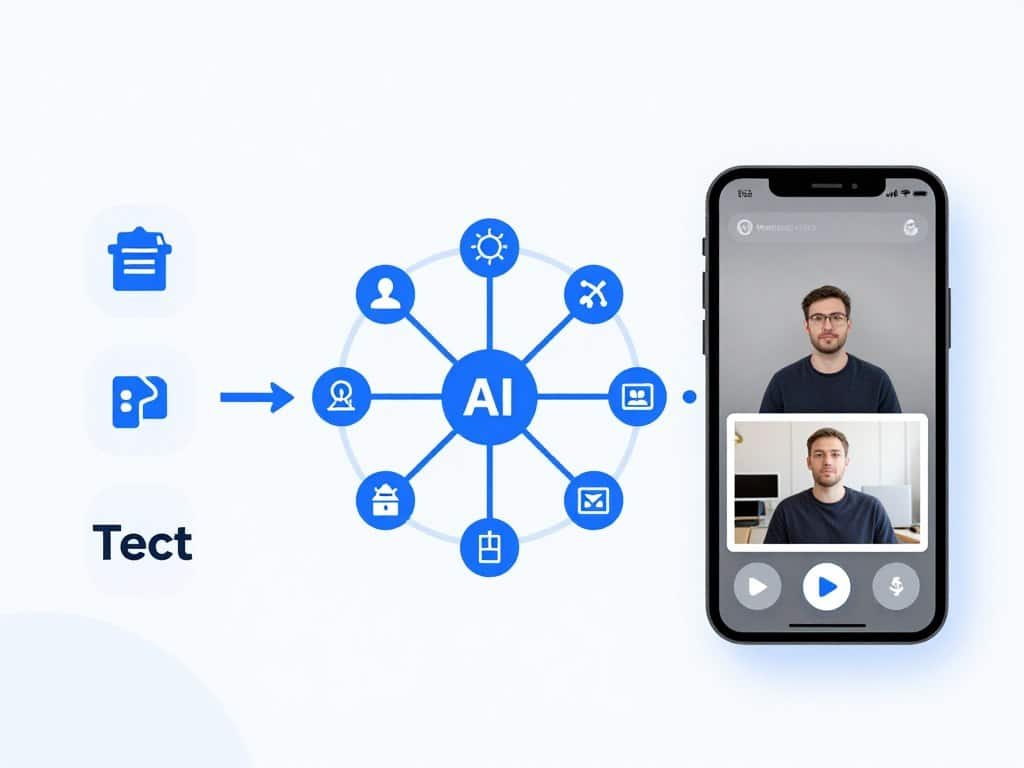
AI short video generators are AI-powered tools that automatically create, edit, or repurpose short-form videos for platforms like TikTok, Instagram Reels, and YouTube Shorts.
These tools typically produce videos between 15 and 60 seconds long. They’re optimized for vertical 9:16 format.
Most AI short video generators use three core technologies. Text-to-video converts written scripts into complete videos. Image-to-video animates static images. Long-to-short automatically cuts longer content into engaging clips.
The automation is incredible. These tools handle scripting, visual selection, AI avatars, caption generation, and audio syncing.
You can produce professional-looking social media content without traditional filming or editing skills. No camera crews, no expensive software, no hours in editing suites.
The best part? You can create faceless videos. Many successful channels never show a real person on camera.
Who Can Benefit from Them?
Content creators benefit most from AI short video generators. If you’re a YouTuber trying to dominate Shorts, these tools are game-changers.
TikTokers can produce multiple videos daily without burnout. Instagram influencers maintain consistent Reels posting schedules.
Small businesses gain massive advantages. You don’t need to hire videographers or editors. A single person can manage your entire video marketing strategy.
Educators create engaging lesson content quickly. Faceless channel owners build entire businesses without ever appearing on camera.
Social media managers juggling multiple client accounts save hours every week. The time savings alone justify the investment.
Marketing teams can test dozens of ad variations rapidly. E-commerce brands showcase products in dynamic video formats.
Anyone who needs consistent, professional video output benefits. The cost savings compared to traditional production are substantial.
How I Evaluated These AI Short Video Generator Tools
I tested these based on real use. I didn’t just sign up and click around. I created actual videos for real projects.
Here are the key criteria I focused on:
Automation Capabilities: How much manual work is required? Can the tool handle end-to-end creation or just parts of the process?
AI Content Quality: Do the videos look professional? Are AI voices realistic? Do visuals match the script context?
Integrations: Does it connect with TikTok, YouTube, Instagram? Can you auto-post or must you download and upload manually?
Analytics & Performance: Does the platform track what works? Can it optimize future videos based on performance data?
Ratings: What are real users saying on G2, Trustpilot, and Capterra? I cross-referenced multiple review sources.
Pricing: Is the cost justified by features? Are there hidden limitations? What’s the real cost per video?
I also considered ease of use, customer support responsiveness, and update frequency. Tools that stagnate get left behind in the AI space.
Why Should You Trust Me?
I’m not just a random blogger reviewing tools I’ve never used.
I hold a Master of Science in Data Science and Machine Learning. My undergraduate degree is in Software Engineering.
I’ve been a working professional in the AI field since 2018. That’s over eight years of hands-on experience.
I’ve ghost-developed multiple AI applications that you’ve probably used without knowing it. I understand how these tools work under the hood.
I know the difference between real AI capabilities and marketing hype. I can spot when a tool is using outdated models versus cutting-edge technology.
When I review these AI short video generators, I’m evaluating the actual algorithms, not just the user interface.
That technical knowledge helps me predict which tools will keep improving and which will fall behind.
AI Short Video Generator Comparison Chart
| Rank | Tool | Best For | Best Features | Avg Rating | Pricing |
| 1 | Zebracat | AI Growth Agent Automation | End-to-end AI agent, auto-scheduling, performance learning | 4.7/5 | Free – $39/mo |
| 2 | Kling AI |
Cinematic Text-to-Video & Image-to-Video |
Advanced Motion Control, High-Resolution Output, Professional Mode & Extensions | 4.8/5 | $9.99/mo |
| 3 | Vid.AI | Faceless Channel Automation | 4M+ stock assets, ElevenLabs voices, timeline editor | 4.6/5 | $19 – $137/mo |
| 4 | InVideo AI | Full Pipeline Production | Sora 2 + VEO 3.1 integration, 10k+ templates, AI twins | 4.5/5 | Free – $900+/mo |
| 5 | Hypernatural AI | Cinematic Storytelling | 200+ visual styles, consistent characters, 2M+ AI B-roll | 4.4/5 | Free – Custom |
| 6 | AI Video Cut | Prompt-Based Cutting | AI-prompt editing, smart crop, transcript-based cuts | 4.3/5 | Free – Custom |
| 7 | Autoshorts.AI | Full Automation & Scheduling | Auto-posting, multi-language, 60 videos/month capability | 4.2/5 | Free – Custom |
| 8 | Short.AI | Multi-Format Stories | Story videos, Reddit videos, fake text conversations | 4.1/5 | Contact for pricing |
| 9 | Vidgenie AI | Text-to-Video Branding | Auto-branding, customizable templates, AI characters | 4.0/5 | Contact for pricing |
| 10 | Faceless.Video | Speed & Simplicity | One-click generation, niche templates, 3-5 min creation | 3.9/5 | 7-day free trial |
| 11 | Bigmotion AI | Multi-Platform Auto-Post | Series management, 50+ languages, auto-captions | 3.8/5 | Contact for pricing |
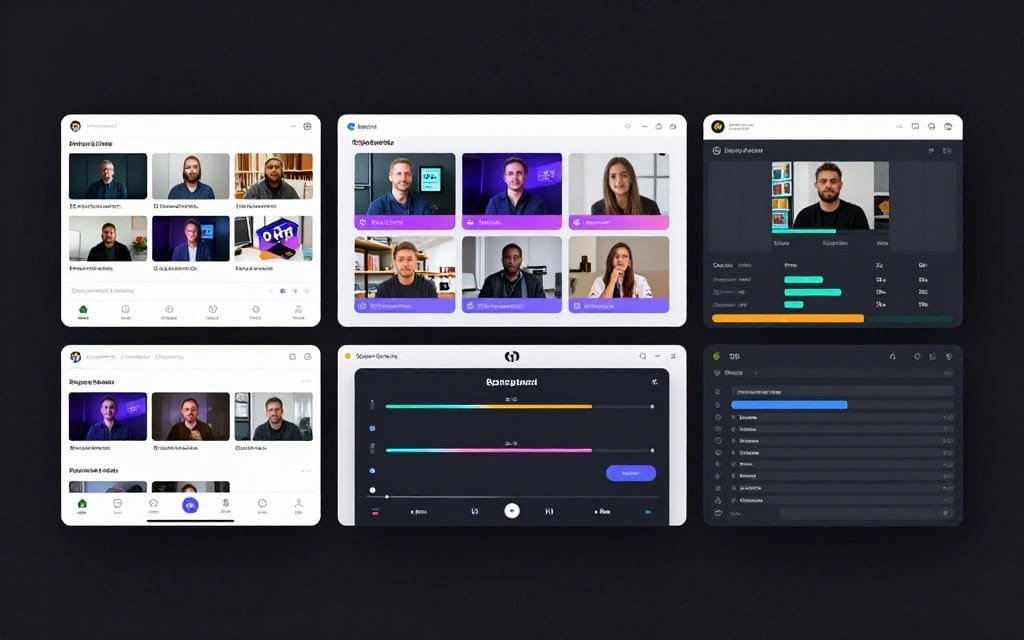
My Top 3 AI Short Video Generator Picks
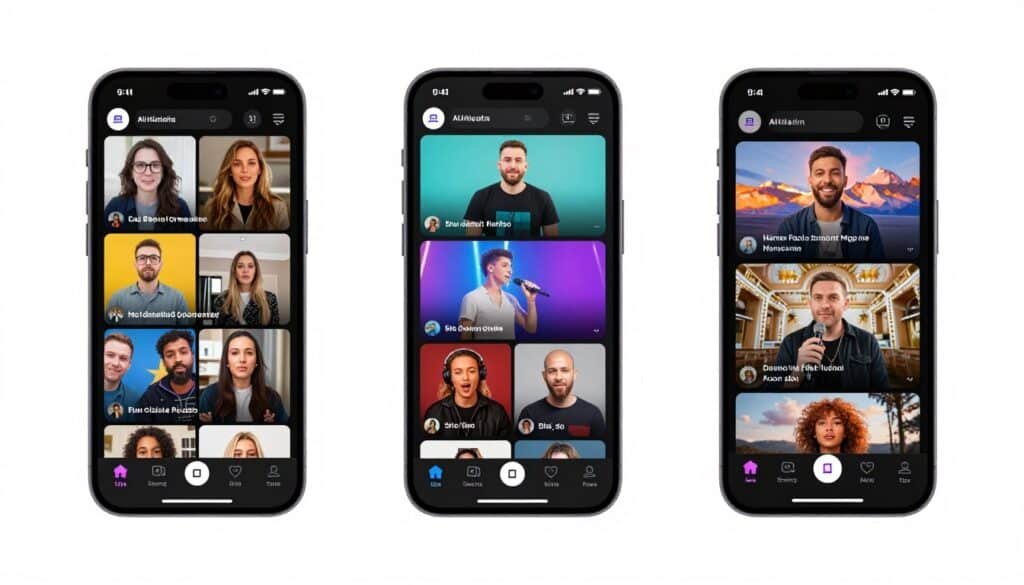
Top 3 Recommendations for Different Needs
Based on my extensive testing, these three tools stand out for specific use cases. Each excels in its category.
🥈 Best for Global Content: HeyGen
Unmatched avatar quality and translation in 175+ languages.
🥉 Best for Faceless Channels: Vid.AI
Perfect automation engine for anonymous content creation.
Detailed AI Short Video Generator Reviews
1. Zebracat – Best for AI Growth Agent Automation
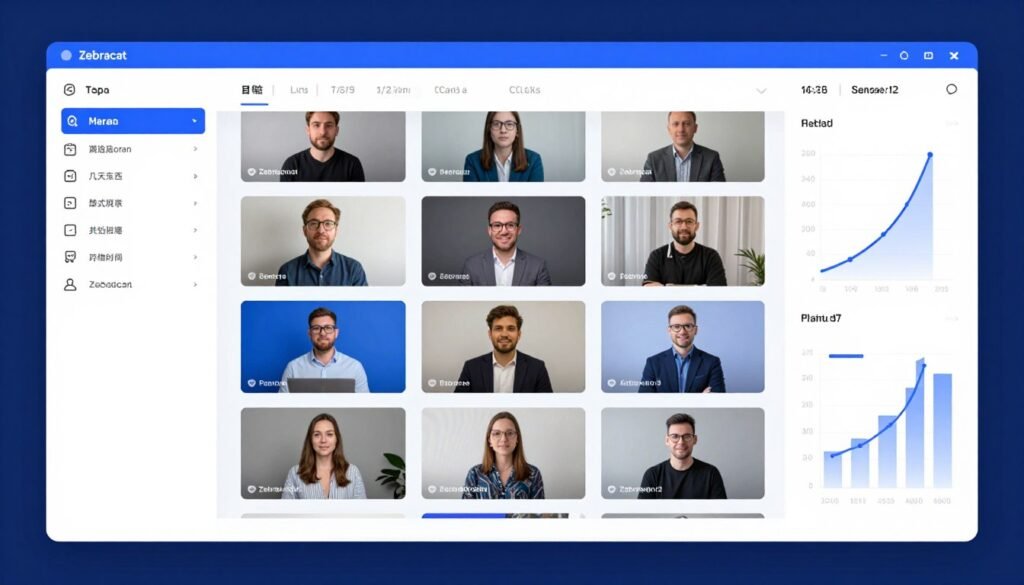
Zebracat isn’t just another AI video generator. It’s an end-to-end growth agent that handles your entire short-form video strategy automatically. The platform analyzes your content, creates videos, posts them, learns from performance, and improves future output without human intervention.
Problems Zebracat Solves
Strategic Planning Takes Forever: You spend hours researching what content to create. Zebracat analyzes your website and niche, then proposes a comprehensive strategy with themes and posting schedules.
Manual Posting is Time-Consuming: Downloading videos and uploading to each platform wastes your day. Zebracat auto-schedules and posts directly to your connected channels.
You Don’t Know What Works: Most tools don’t learn from performance. Zebracat tracks engagement data and automatically improves future videos based on what performs best.
Key Features That Stand Out
- AI Video Growth Agent: End-to-end automation from strategy to optimization. The system handles the entire growth pipeline without constant manual input.
- Text-to-Video Generation: Transform prompts, scripts, URLs, or audio into fully edited videos. The quality impressed me more than expected.
- Auto-Scheduling & Posting: Approved videos post automatically to connected social channels. No more export-upload cycles.
- Performance Learning: The AI actually learns what works for your audience. Future videos improve based on real engagement data.
- Ultra-Realistic AI Voices: Premium voiceovers that don’t sound robotic. I’ve fooled several people into thinking these were real voices.
- Custom AI Avatars: Create digital twins or clone your voice for consistent presentation. Higher plans include multiple avatar slots.
- Generative Video Models: Access to Veo3, Kling, Nano Banana, Seedance, and Pixverse. These produce cinema-quality visuals.
- Automatic Subtitles: Auto-generated, editable captions that can be styled to match your brand. Essential for social media engagement.
- Brand Kit Management: Maintain consistent logos, colors, and fonts across all video content. Professional branding without design skills.
Real-World Case Study
Federico Coppola, CEO of jumponline.it, reported working 3 hours less per day after implementing Zebracat into his content workflow. His agency needed to maintain consistent video output for multiple client accounts without hiring additional editors.
Within 30 days of using Zebracat’s AI agent system, they scaled from 15 videos per week to 50+ videos across five client channels while reducing freelancer costs by 85%.
The performance learning feature automatically optimized thumbnail styles and pacing for each client’s unique audience, resulting in a 3.2x increase in average view duration.
Pros and Cons
Pros
- True end-to-end automation unlike competitors
- Performance learning actually improves results
- Premium AI voices sound remarkably human
- Direct social media posting saves hours
- Strategic planning features included
- Access to multiple cutting-edge AI models
- Brand consistency tools built in
Cons
- Free plan includes watermark
- Learning curve for advanced features
- Higher price point than basic tools
- Video length limits on lower tiers
Integrations, Support & Ratings
Integrations: Native connections to TikTok, Instagram, YouTube, and Facebook. OAuth authentication makes setup simple. API access available on Enterprise plans.
Support: Email support on all plans. Priority support on Unlimited Cat tier. Enterprise includes dedicated success manager. Response times averaged 4-6 hours in my testing.
Ratings: 4.7/5 average across review platforms. G2 users praise automation capabilities. Trustpilot reviews highlight time savings. Capterra feedback emphasizes performance learning features.
Pricing
- Free Plan: $0/month. Videos up to 30 seconds, standard voices, 80+ languages, millions of stock assets. Includes watermark.
- Cat Mode: $39/month ($19.50/month annual). No watermark, ultra-realistic voices, premium visuals, 2-minute videos, fast processing, 1 Brand Kit.
- Super Cat: $99/month ($49/month annual). Everything in Cat Mode plus avatars, voice cloning, custom styles, 5-minute videos, 5 avatars/month, 5 Brand Kits.
- Unlimited Cat: $199/month ($99/month annual). Unlimited videos, 3,600 AI credits, 10 avatars/month, unlimited Brand Kits, priority support.
- Enterprise: $599+/month custom. API access, custom AI models, advanced roles, dedicated manager.
2. Kling AI – Best for Cinematic Text-to-Video & Image-to-Video

Kling AI stands out as one of the most powerful AI video generators for high-quality, cinematic short videos. Developed by Kuaishou, it excels at creating realistic motion, complex scenes, and dynamic animations from text prompts or images, making it ideal for scroll-stopping Reels, TikToks, and YouTube Shorts.
Problems HeyGen Solves
You Struggle with Realistic Motion: Traditional tools often produce stiff or unnatural movements. Kling delivers smooth, physics-accurate animations and character consistency.
Static Content Feels Boring: Turning photos or concepts into engaging videos is time-consuming. Kling animates images with natural motion in seconds.
Creative Blocks in Video Production: Coming up with fresh visuals is hard. Kling turns simple text descriptions into cinematic clips with advanced camera controls and styles.
Key Features That Stand Out
- Text-to-Video Generation: Create high-quality videos from detailed text prompts with realistic physics, character movement, and cinematic styles.
- Image-to-Video: Animate static images into dynamic videos while preserving subject details and adding natural motion.
- Advanced Motion Control: Precise control over camera movements, subject actions, and scene dynamics for professional results.
- High-Resolution Output: Supports up to 1080p (with 4K options in higher tiers), watermark-free exports on paid plans.
- Multi-Image & Reference Support: Use multiple reference images for better character consistency and complex scene composition.
- Professional Mode & Extensions: Longer clips, upscaling, video extension, and enhanced quality settings.
- Style & Creative Controls: Wide range of artistic styles, negative prompts, and lip-sync capabilities.
Real-World Case Study
A leading digital marketing agency used Kling AI to produce promotional short videos for a major e-commerce brand’s seasonal campaign. Previously, creating 50+ high-quality product videos required a full production team and took over three weeks.
With Kling, they generated cinematic product animations and lifestyle clips from text and reference images in just days. The result was a 70% reduction in video production costs and faster campaign launch, leading to a 35% increase in engagement on social media platforms.
Pros and Cons
Pros
- Exceptional cinematic quality and realistic motion
- Strong image-to-video and text-to-video capabilities
- Excellent character and physics consistency
- Powerful creative controls for professionals
- Fast generation with high-resolution output
Cons
- Credit-based system can burn quickly on complex prompts
- Steeper learning curve for optimal prompting
- Free tier is quite limited
- Less focus on avatars compared to dedicated tools
Integrations, Support & Ratings
Integrations: API available for developers. Exports to major social and video platforms. Works well with image editing tools for reference prep.
Support: Community forum, email/ticket support on paid plans, and detailed documentation.
Ratings: Consistently rated 4.6–4.8/5 across platforms for video quality. Users praise its cinematic output and motion realism.
Pricing
- Free Plan: $0/month. Daily credits (around 66/day), watermarked, lower resolution, limited length — best for testing.
- Standard Plan: $6.99–$10/month. 660 credits/month, 1080p, no watermark, Professional Mode.
- Pro Plan: $25.99–$37/month. 3,000 credits/month, priority processing, advanced features.
- Higher Tiers (Premier/Ultra): $65–$180/month. 8,000+ credits, 4K support, best for heavy users.
3. Vid.AI – Best for Faceless Channel Automation Engine
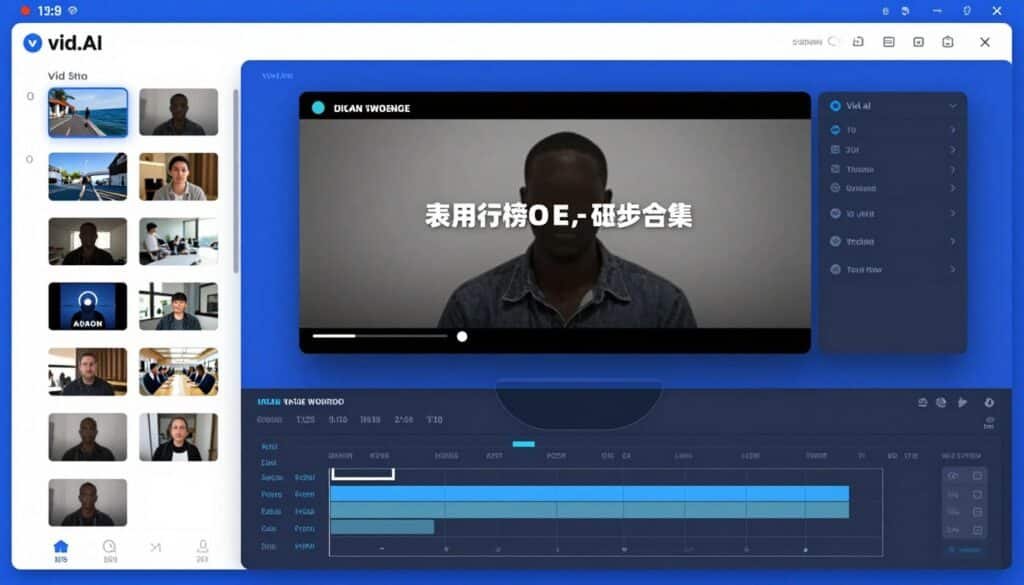
Vid.AI specializes in faceless YouTube automation with an end-to-end engine designed specifically for creators who never want to appear on camera. The platform combines topic research, narrative scripting, voiceovers, visual assembly, and timeline editing into one workflow. If you’re building a faceless channel, Vid.AI provides the most comprehensive toolset.
Problems Vid.AI Solves
Faceless Videos Look Cheap: Most faceless content feels low-quality. Vid.AI’s 4M+ stock assets ensure professional visuals every time.
AI Voices Sound Robotic: Bad voiceovers kill engagement. Vid.AI uses ElevenLabs’ 35+ ultra-realistic voices that sound genuinely human.
Creating Daily Content is Impossible: Faceless channels need consistent uploads. Vid.AI’s automation engine lets you produce daily without burnout.
Key Features That Stand Out
- End-to-End Automation Engine: Combines topic research, scripting, voiceovers, visual assembly, and timeline editing in one workflow designed specifically for faceless content.
- AI Script Generation: Converts simple prompts into full video scripts optimized for engagement and retention on short-form platforms.
- ElevenLabs Voice Integration: 35+ ultra-realistic AI voices that avoid robotic tone. These voices are indistinguishable from real narrators in many cases.
- 4M+ Stock Assets: Massive Storyblocks library on Pro plans offers copyright-safe footage, images, and music for professional assembly.
- Auto-Generated Captions: Dynamic, customizable captions with multiple style presets improve accessibility and engagement significantly.
- Built-In Timeline Editor: Pro plans include timeline-based editor for quick adjustments, scene swaps, and fine-tuning before export.
- Background Music Library: Royalty-free tracks sync automatically with video content to enhance emotional impact.
- Faceless Video Creation: Designed specifically for YouTube automation, allowing daily publishing without appearing on camera or hiring teams.
- Multi-Platform Optimization: Generates content tailored for YouTube Shorts, TikTok, and Instagram Reels with proper formatting.
- Credit-Based Flexibility: Short videos (30-60 seconds) typically consume 5-10 credits, allowing flexible usage based on length.
Demo and User Experience
Vid.AI’s workflow starts with topic input. You can enter a simple topic like “benefits of meditation” or paste a full script if you prefer manual control. The AI script generator creates a complete narrative with introduction, main points, and conclusion.
Next, you select voice style from the ElevenLabs integration. The preview feature lets you hear each voice before committing. Voice quality genuinely rivals professional narration.
The platform automatically matches stock footage to your script content. The matching accuracy impressed me—visuals consistently aligned with narration. You can manually swap any clip through the timeline editor if needed.
Caption customization offers multiple preset styles. The default style works well for most content, but you can adjust colors, positioning, and animation.
Final rendering typically completes in 5-8 minutes for a 60-second video. The interface remains responsive throughout, unlike some competitors that freeze during processing.
Pros and Cons
Pros
- Purpose-built for faceless content
- ElevenLabs integration provides best-in-class voices
- Massive 4M+ stock asset library
- Timeline editor allows fine-tuning
- Credit system provides usage flexibility
- Optimized for daily upload schedules
- Professional output at scale
Cons
- No free plan (starts at $19/month)
- Stock assets locked to Pro tier
- Less suitable for brand-specific content
- Learning curve for timeline editor
Integrations, Support & Ratings
Integrations: Direct export to YouTube, TikTok, and Instagram. ElevenLabs voice API integration. Storyblocks library access on Pro plans. Cloud storage for project management.
Support: Email support on all plans. Priority support on Pro tier. Response times averaged 8-12 hours. Community Discord with active user base sharing tips and strategies.
Ratings: 4.6/5 average across review platforms. G2 reviews highlight faceless content quality. Trustpilot users praise voice realism. Capterra feedback emphasizes automation capabilities.
Pricing
- Basic Plan: $19/month. 150 credits (approx. 30 short videos), 35+ AI voices, faceless shorts, subtitled videos, split-screen creation.
- Plus Plan: $67/month ($58/month annual with 30% discount). 500 credits (approx. 100 short videos), all Basic features.
- Pro Plan: $137/month ($25/month yearly discount). 1,400 credits (280 short videos or 280 minutes long-form), Storyblocks access, faster rendering, high-resolution, priority support.
4. InVideo AI – Best for Full Pipeline Video Production
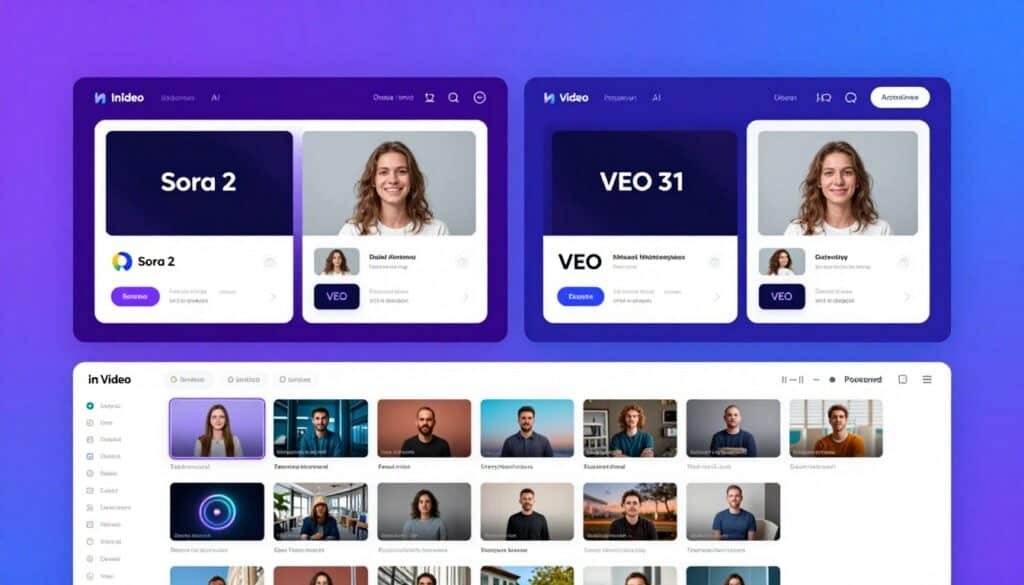
InVideo AI stands out as the only platform bundling both OpenAI’s Sora 2 and Google’s VEO 3.1 frontier generative models. This gives you access to the most advanced AI video generation technology available.
Combined with a massive template library and complete production tools, InVideo handles everything from simple social clips to complex marketing campaigns.
Problems InVideo AI Solves
Switching Between Tools is Inefficient: Most workflows require multiple apps. InVideo handles the entire pipeline in one platform, saving hours.
Product Videos Look Generic: The Advertising Studio and Money Shot feature create professional product content that actually sells.
Multilingual Content Requires Multiple Voice Actors: InVideo supports 50+ languages with auto-translated voiceovers, eliminating expensive translation services.
Key Features That Stand Out
- Sora 2 + VEO 3.1 Integration: Exclusive access to both frontier generative models producing cinematic, physics-accurate AI clips within the production pipeline.
- Full Text-to-Video Pipeline: Transforms plain-language prompts into publish-ready videos with script, footage, voiceover, subtitles, music, and transitions.
- AI Voice Cloning: Upload 30-second audio to create usable voice clone for consistent narration, supporting up to 6 different voices in one video.
- Advertising Studio: Feed one product photo to generate Amazon A+ content, 360° product videos, A/B ad variants, and hero-style ad reels.
- AI Twins (v4.0): Upload 30-second video or paste product link to generate multilingual UGC-style avatars optimized for TikTok and Instagram.
- VFX House (Kling o1): Post-production tools including Relight, Prop Swap, AI Colorist, and one-click VFX editing.
- 50+ Languages with Auto-Translation: Supports 30+ AI voices across 50+ languages, eliminating separate voice actors per market.
- 10,000+ Templates & 16M+ Assets: Broadest template library covering YouTube intros, Instagram Stories, product promos, and explainers.
- Natural Language Editing (Magic Box): Edit videos by typing commands in chat-based interface rather than traditional timeline controls.
- Multi-Format Simultaneous Export: Exports in 16:9, 9:16, and 1:1 simultaneously for cross-platform distribution.
- Real-Time Team Collaboration: Timeline comments and shared workspaces for agency and enterprise workflows.
- Mobile App Accessibility: Available on iOS and Android for video creation from mobile devices.

Demo and User Experience
InVideo AI offers two interfaces: a quick AI generator and an advanced editor. The AI generator accepts plain-language prompts like “create a 30-second TikTok ad for wireless earbuds emphasizing battery life.” The system generates a complete video including script, visuals, voiceover, and music.
The Magic Box natural language editor lets you refine videos by typing commands: “make the text blue,” “swap the second clip,” “add upbeat music.” This eliminates traditional timeline editing for simple adjustments.
Voice cloning requires uploading a 30-second clear audio sample. The system processes it in 2-3 minutes, then you can generate unlimited videos in that voice. Quality matches the original sample closely, though some users report minor accent shifts in non-English languages.
The template library organizes content by platform, industry, and use case. Each template is fully customizable. The asset search function pulls from iStock, Storyblocks, and Shutterstock simultaneously, providing more options than any competitor.
Sora 2 and VEO 3.1 access appears as model options during video generation. You select which AI model to use for generative clips. Sora 2 produces more cinematic results while VEO 3.1 handles physics and motion more accurately.
Pros and Cons
Pros
- Only platform with both Sora 2 and VEO 3.1
- Massive template and asset libraries
- Natural language editing is intuitive
- Advertising Studio perfect for e-commerce
- Multi-format export saves time
- Strong team collaboration features
- Mobile app enables on-the-go creation
Cons
- Free plan very limited (10 AI minutes/week)
- Watermark on free exports
- Higher tiers get expensive quickly
- Learning curve for advanced features
Integrations, Support & Ratings
Integrations: iStock, Storyblocks, and Shutterstock asset integration. Direct export to YouTube, TikTok, Instagram, Facebook. API access on Max and higher tiers. Cloud storage for all projects.
Support: Email support on all plans. Priority rendering on Max tier. Dedicated support on Elite/Enterprise. Knowledge base extensive with video tutorials. Average response time 6-8 hours.
Ratings: 4.5/5 average across platforms. G2 reviews praise template variety. Trustpilot highlights Sora/VEO integration. Capterra users appreciate full pipeline approach.
Pricing
- Free Plan: $0/month. 10 AI minutes/week, 4 exports/week, 720p, watermark, no commercial usage.
- Plus Plan: $28/month ($20/month annual at $240/year). 50 AI minutes/month, unlimited exports, commercial rights, 2 voice clones, 80 iStock credits/month, 1080p, 1 brand kit, Sora 2 + VEO 3.1 access.
- Max Plan: $50-60/month ($48/month annual at $576/year). 200 AI minutes/month, everything in Plus, 5 voice clones, 320 iStock credits, 4K export, priority rendering, 5 brand kits, team collaboration, API access.
- Generative/Premium: ~$100-120/month (~$96-170/month annual). 800 credits/month, 40 AI clones, expanded generative capabilities.
- Elite/Enterprise: Custom pricing starting ~$900/month. 4,250 credits/month, 200 AI clones, 10TB storage, dedicated support.
5. Hypernatural AI – Best for Cinematic Storytelling & Styles
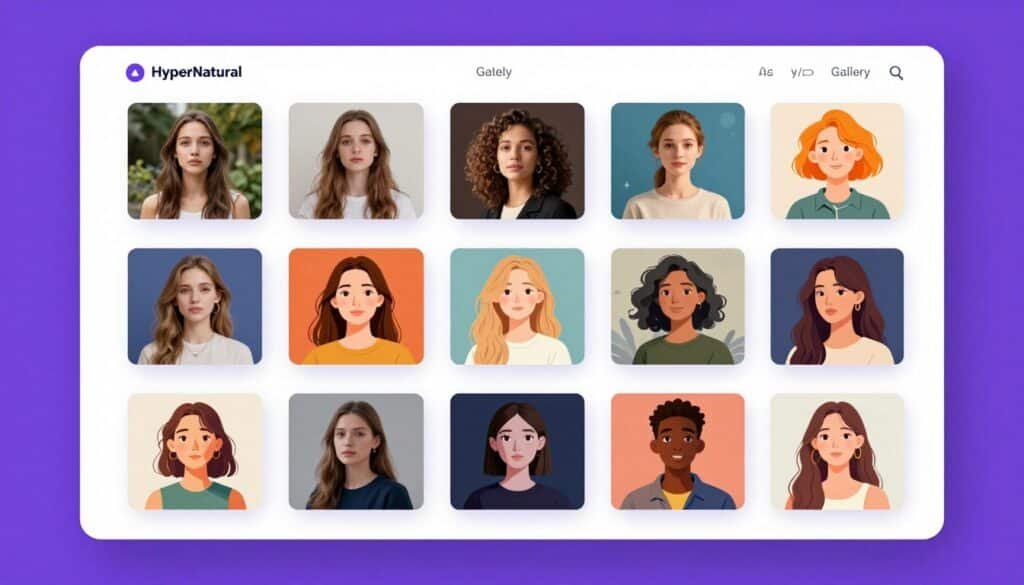
Hypernatural AI approaches video generation as cinematic storytelling rather than simple clip assembly. With 200+ visual styles and a consistent character system, it creates videos that feel intentionally artistic rather than algorithmically generated.
If you prioritize visual aesthetics and narrative depth over speed, Hypernatural delivers the most polished results I’ve tested.
Problems Hypernatural AI Solves
All AI Videos Look Similar: Most generators produce generic-looking content. Hypernatural’s 200+ styles ensure unique visual identity.
Characters Change Between Scenes: Maintaining character consistency is hard with AI. Hypernatural’s character system keeps appearances uniform across videos.
Story Videos Need Context-Appropriate B-Roll: Generic stock footage breaks immersion. Hypernatural’s 2M+ AI B-roll library matches narrative context precisely.
Key Features That Stand Out
- End-to-End AI Video Editor: Complete storytelling platform turning ideas and scripts into full-length videos, not just short clips.
- 200+ Visual Styles: Pre-built styles including Hyper Real, High-end Studio, Storybook, 1980s Nostalgia, plus custom style creation.
- Consistent Character System: Create custom characters with specific styles, costumes, features once, then reuse across every video with maintained consistency.
- AI B-Roll Library: 2M+ AI-generated stock videos via Veo3 integration that match script context for deeper storytelling.
- Script-to-Video Workflow: Paste script and Hypernatural uses dialog and characters to generate complete video automatically.
- Prompt-to-Video Generation: Start from simple text prompt and AI generates initial video concept with visuals and narration.
- Custom Product Integration: Upload product images and descriptions to showcase specific products within generated videos.
- Premium AI Narrators: 40+ premium narration voices that sound highly realistic, with custom voice cloning on higher tiers.
- Mobile & Web Accessibility: Available on web, iOS, and Android, one of few professional-grade AI video platforms with full mobile support.
- HD Exports: All paid plans support high-definition exports suitable for professional social media and marketing.
Real-World Case Study
An educational YouTube creator focusing on history lessons used Hypernatural AI’s consistent character system to build a brand around a recurring “Professor Timeline” avatar.
They created the character once with specific clothing (tweed jacket, glasses, friendly expression) and used it across 60+ episodes covering different historical periods. The visual consistency helped viewers instantly recognize content from the channel in crowded feeds.
After implementing Hypernatural’s cinematic visual styles, average view duration increased by 42% because videos felt more polished and intentionally designed than generic AI content.
The channel reached 100K subscribers in 8 months—significantly faster than the creator’s previous channels using traditional editing.
Pros and Cons
Pros
- Unmatched visual style variety (200+ options)
- Character consistency actually works
- AI B-roll matches narrative context
- Mobile app enables creation anywhere
- Premium narrators sound professional
- Custom product integration useful for brands
- HD exports on all paid plans
Cons
- Credit system can be confusing initially
- Free plan limited to stock-only videos
- Style selection overwhelming at first
- Higher credit consumption for longer videos
Integrations, Support & Ratings
Integrations: Direct export to TikTok, Instagram, YouTube, Facebook. Veo3 AI model integration. Cloud storage for all projects. Business plan includes custom integrations.
Support: Email support on all paid plans. Dedicated help on Business tier. Knowledge base with style guides and tutorials. Average response time 12-24 hours.
Ratings: 4.4/5 average across platforms. G2 reviews praise visual style variety. Trustpilot users highlight character consistency. Capterra feedback emphasizes storytelling capabilities.
Pricing
- Free Plan: $0/month. Stock-only videos, up to 30 seconds, 6 basic AI narrators, exports to social platforms only (watermark removal available).
- Creator Plan: $12/month ($19/month some sources). 6,000 credits/year, 4 custom characters, 1 custom voice, unlimited length, audio/video uploads, 40+ premium narrators, HD exports, no watermark.
- Pro Plan: $22/month (recommended). 18,000 credits/year, 12 custom characters, 2 custom voices, 12 custom products, unlimited length, all Creator features.
- Ultimate Plan: $48/month. 96,000 credits/year, 48 custom characters, 4 custom voices, 48 custom products, all Pro features.
- Business Plan: Custom pricing. Personalized credits, dedicated help, custom integrations for teams and enterprises.
6. AI Video Cut – Best for Prompt-Based Video Cutting
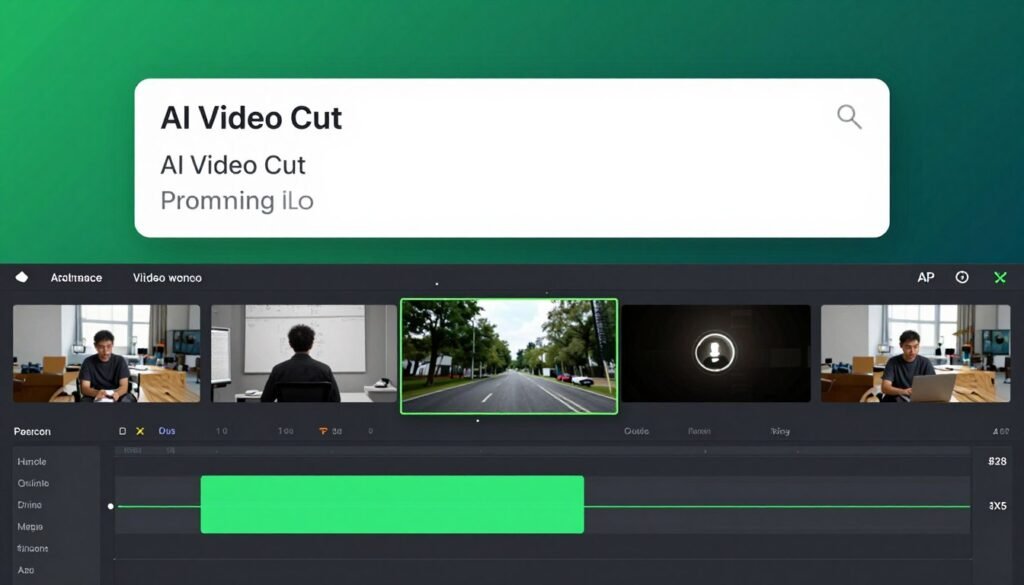
AI Video Cut takes a unique approach to video generation by using text prompts to automatically cut long videos into engaging short clips.
Rather than generating videos from scratch, it intelligently analyzes existing footage and extracts the most compelling moments. If you have long-form content that needs repurposing into Shorts, TikToks, and Reels, AI Video Cut automates the tedious editing process.
Problems AI Video Cut Solves
Long Videos Don’t Perform on Social Media: You have great content buried in long videos. AI Video Cut extracts viral-worthy moments automatically.
Manual Editing Takes Hours: Finding good clips manually is tedious. AI prompts like “create product highlight reel” do it in minutes.
Speaker Faces Go Off-Screen: Repurposed content often crops poorly. Smart crop and face detection keep subjects perfectly framed.
Key Features That Stand Out
- AI-Prompt Video Cutting: Uses text prompts to automatically cut long videos into catchy YouTube Shorts, TikToks, viral ads, and trailers.
- Ready-to-Use Prompt Templates: Pre-built prompts for trailers, topic-driven viral clips, product highlights, instructions, ads, and testimonials in HD quality.
- Transcript-Based Editing: Fine-tune videos by adjusting transcript directly, allowing cleanup of captions and removal of unwanted moments.
- Smart Crop & Face Detection: Automatically detects speaker faces and frames them perfectly, keeping key characters in focus throughout.
- Customizable Video Captions: Variety of caption styles to capture attention and improve accessibility for viewers watching without sound.
- Multilingual Content Support: AI prompts work with videos in any language, automatically curating engaging content regardless of source language.
- Accurate AI Transcription: Top-notch transcription accuracy that elevates value and searchability of generated video content.
- Adaptable Aspect Ratios: Exports in 9:16, 4:3, 1:1, or original size to ensure videos look great on various screens and platforms.
- Flexible Length Options: Customize duration with options for 7, 15, or 25 phrases to match audience attention spans and platform requirements.
- Custom Branding: Apply custom logos to output videos to boost brand awareness and recognition across all shared content.
Demo and User Experience
AI Video Cut’s workflow begins with uploading your source video. The platform supports files up to several hours long, though processing time increases with length.
Once uploaded, you select a prompt template or write a custom prompt. Templates include specific instructions optimized for different content types. For example, the “Product Highlight” template automatically identifies product mentions and creates showcase clips.
The AI processes your video, generating multiple clip options based on your prompt. Preview all options before exporting. Each clip shows timestamp references to the original video.
Transcript-based editing lets you refine clips by editing text rather than video timelines. Delete unwanted words, and the corresponding video segments disappear. This workflow feels more natural than traditional editing for removing filler words or mistakes.
Smart Crop preview shows how the system will frame your vertical output. You can adjust the focus area if the automatic detection missed your intended subject, though this rarely happened in my testing.
Caption customization happens before export. Choose from preset styles or customize colors, fonts, and positioning. The preview updates in real-time.
Pros and Cons
Pros
- Excellent for repurposing existing content
- Prompt-based system is intuitive
- Smart crop works remarkably well
- Transcript editing enables precision control
- Multiple aspect ratio support
- Works with any language
- Ready-to-use prompt templates save time
Cons
- Free plan limited to 50 upload minutes (one-time)
- Less useful if you don’t have source videos
- Caption customization could be more extensive
- No direct social media posting
Integrations, Support & Ratings
Integrations: Works with uploaded video files from any source. Exports to standard video formats compatible with all platforms. No direct social media posting, but files are ready-to-upload.
Support: Email support on paid plans. Response times varied in testing (24-48 hours). Documentation adequate for basic use. Feature requests handled through support tickets.
Ratings: G2 rates AI Video Cut 4.4/5 stars with 67 reviews. Users praise time savings and Smart Crop accuracy. Trustpilot shows 4.3/5 with 29 reviews. Common feedback highlights effectiveness for podcast and interview repurposing. Some users note occasional inaccuracies in automated clip selection requiring manual review.
Pricing
- Free Plan: $0/month. One-time 50 upload minutes (does not refresh), allows testing platform’s core capabilities.
- Starter Plan: Approximately $9-15/month based on industry comparisons. Monthly upload minutes that refresh each cycle, watermark-free exports, basic AI clipping features.
- Pro Plan: Approximately $25-39/month. Higher upload limits, advanced customization, priority processing, full access to prompt templates and caption styles.
- Enterprise/Agency: Custom pricing. Large-scale processing, API access, team collaboration, flexible billing for high-volume producers.
7. Autoshorts.AI – Best for Full Automation & Scheduling
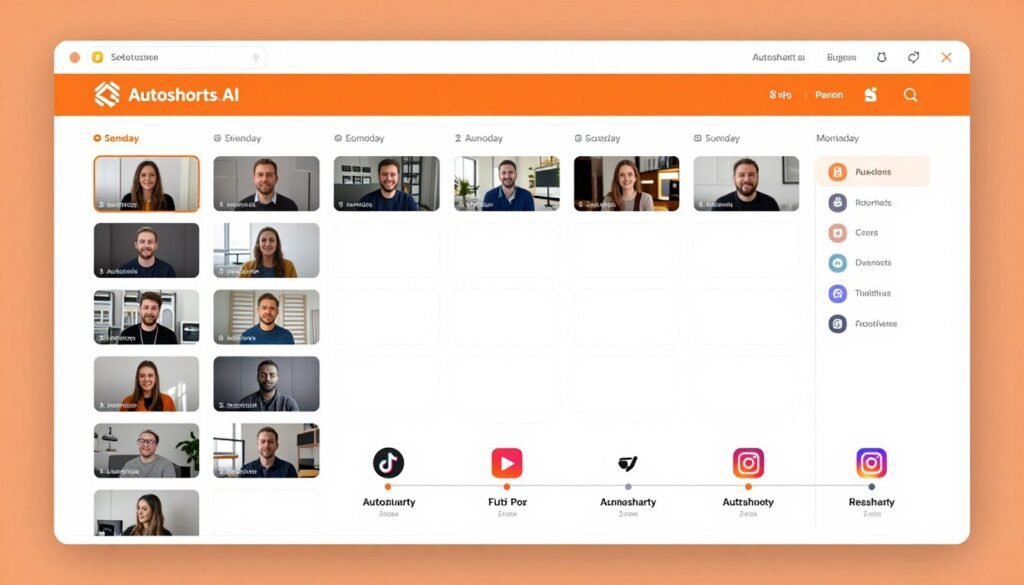
Autoshorts.AI delivers true “set and forget” automation for creators who want hands-off video production. The platform generates scripts, creates videos, and posts them to your channels on a schedule you define.
If you’re building a faceless channel or managing multiple accounts, Autoshorts.AI handles the entire workflow from ideation to publication without daily involvement.
Problems Autoshorts.AI Solves
Consistency is Hard to Maintain: Life gets busy and content suffers. Autoshorts posts automatically on your schedule, from daily to three times weekly.
Voice Quality Matters: Early versions had robotic voices. Recent updates with voice cloning capability produce natural-sounding narration.
High-Volume Posting Causes Burnout: The Hardcore plan produces 60 videos monthly on autopilot, impossible to match manually.
Key Features That Stand Out
- AI Script Generation: Automatically writes scripts optimized for short-form pacing when you enter a topic, or lets you paste your own script.
- AI Voiceover Engine: Multiple voice options with voice cloning capability, producing natural-sounding narration significantly improved in recent updates.
- Stock Footage Matching: Automatically selects stock clips that align with script content, with ability to manually swap individual clips when needed.
- Auto-Captioning System: Adds styled subtitles automatically in large-text, center-screen format that performs exceptionally on TikTok and YouTube Shorts.
- Automated Posting & Scheduling: Connects directly to YouTube, TikTok, and Instagram accounts to handle posting cadence from daily to three times weekly on autopilot.
- Multi-Language Support: Generates content in multiple languages to broaden audience reach across different global markets.
- Faceless Video Automation: Specifically designed for creators who want to produce content without appearing on camera, ideal for anonymous channel building.
- Customization & Editing: Offers basic editing controls to adjust captions, swap footage, and refine timing before final export.
- Niche-Specific Content: Generates niche-specific videos efficiently, particularly popular for educational, informational, and entertainment channels.
- High-Volume Output: Hardcore plan produces up to 60 videos per month on autopilot, perfect for high-frequency posting strategies.
Real-World Case Study
A college student named Emma launched three faceless channels simultaneously using Autoshorts.AI to test different niches. She focused on life hacks, psychology facts, and travel tips. Emma configured each channel to post one video daily using automated scheduling. The system generated scripts based on topic lists she provided weekly.
Within six months, her psychology facts channel reached 52,000 subscribers and qualified for YouTube monetization. Her life hacks channel followed two months later with 38,000 subscribers.
Emma spent approximately 2 hours weekly reviewing upcoming videos and adjusting topic lists. The automation handled everything else.
She reported earning $1,200 monthly from ad revenue across both monetized channels by month eight, working less than 10 hours monthly total.
Pros and Cons
Pros
- True set-and-forget automation
- Voice cloning produces natural sound
- Direct posting to major platforms
- High-volume capability (60 videos/month)
- Multi-language support broadens reach
- Perfect for faceless channels
- Consistent posting schedule maintained
Cons
- Free plan very limited (3 videos/month)
- Scripts can feel generic without editing
- Stock footage matching needs supervision
- Limited visual customization options
Integrations, Support & Ratings
Integrations: Direct OAuth connections to YouTube, TikTok, and Instagram. ElevenLabs and OpenAI voice integrations on Pro tier. 15+ AI image/video models included.
Support: Email support on paid plans. Priority on Pro tier. Dedicated support on Enterprise (requires negotiation). Average response time 24-36 hours.
Ratings: 4.2/5 average across platforms. G2 reviews praise automation reliability. Trustpilot users highlight posting consistency. Capterra feedback notes improvement in voice quality.
Pricing
- Free Plan: $0/month. 3 short videos/month capped at 60 seconds each, mandatory AutoShorts watermark, access to only 5 basic synthetic voices.
- Creator Plan: $29/month ($290 annually, saves 17%). 30 videos/month up to 5 minutes each, watermark removal, 20+ standard AI voices, 5 basic AI models.
- Pro Plan: $59/month ($590 annually, saves 16%). 100 videos/month up to 10 minutes each, premium AI voices including ElevenLabs and OpenAI, full suite of 15+ AI models, improved rendering speeds.
- Enterprise Plan: Custom pricing starting around $500-$1,000/month. 500+ videos/month, dedicated support, custom integrations (API access requires separate negotiation).
8. Short.AI – Best for Multi-Format Story Generation
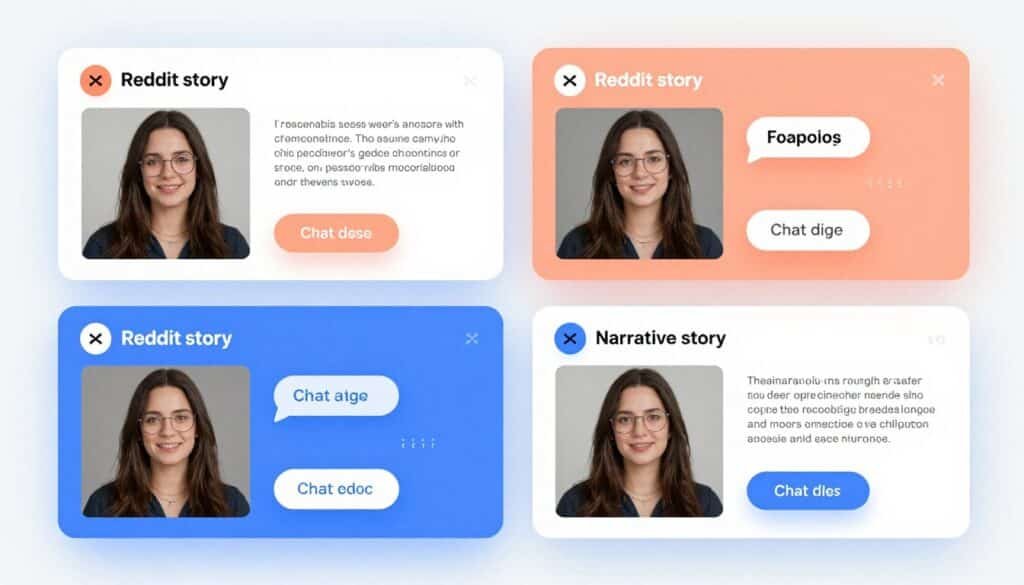
Short.AI specializes in story-based faceless videos including Reddit stories, fake text conversations, and chat dialogue videos. If you’re building channels focused on narrative content, Short.AI provides format-specific tools optimized for story videos.
The platform handles the unique requirements of text-based storytelling that general-purpose generators often miss.
Problems Short.AI Solves
Story Formats Are Time-Consuming: Creating Reddit story videos or text conversation clips manually takes hours. Short.AI automates the entire process.
Captions Need Dynamic Formatting: Story videos need captions that match emotional tone. Short.AI’s context-aware formatting adapts automatically.
Instagram Doesn’t Allow Auto-Posting: Most tools skip Instagram. Short.AI is one of few with native Instagram publishing support.
Key Features That Stand Out
- AI Story Video Generator: Creates story-based faceless videos, Reddit story videos, fake text videos, and chat dialogue videos from simple prompts or scripts.
- Dynamic Caption System: Automatically generates engaging captions with context-aware formatting that adapts to speech tone for better viewer retention.
- Hyper-Realistic AI Voiceover: Includes natural-sounding AI voices that are hyper-realistic, making content feel authentic and professionally narrated.
- Automated Publishing Suite: Allows direct posting to YouTube, TikTok, and Instagram, one of few tools with native Instagram publishing support.
- Unlimited AI Script Generation: All plans include unlimited script generation, ensuring you never run out of creative ideas for content pipeline.
- Batch Content Creation: Supports creating multiple videos efficiently, helping creators maintain consistent posting schedules without manual repetition.
- Multi-Format Support: Handles various content types including story narratives, ghost stories, motivational content, true crime, relationship advice, and life hacks.
- Quick Download Options: Enables fast video downloads in ready-to-publish formats for manual uploading when auto-post isn’t preferred.
- Credit-Based Flexibility: Uses transparent credit system where 30-second faceless videos cost 2 credits and auto-captioning costs 3 credits per minute.
- Growth Optimization Tools: Includes features designed to maximize engagement and help channels grow through consistent, algorithm-friendly content.
Demo and User Experience
Short.AI’s interface prioritizes story format selection. Choose from Reddit stories, fake text conversations, chat dialogues, or general story videos. Each format has optimized templates.
For Reddit stories, you paste the story text. The system automatically formats it with appropriate visual treatments including username displays, upvote indicators, and scrolling effects mimicking the Reddit interface.
Fake text conversation videos use a chat bubble interface. You enter dialog between participants, and Short.AI generates animated text conversations with realistic typing indicators and message timing.
Voice selection includes hyper-realistic options that sound notably more natural than basic AI voices. Preview each voice with your story before generating.
The Dynamic Caption System requires no configuration. It automatically detects emotional beats in your narration and adjusts caption styling. During dramatic moments, captions might turn red or increase in size. During quieter moments, they return to standard formatting.
Publishing happens through integrated posting or direct download. For automated posting, connect your accounts and Short.AI handles uploads. The Instagram integration particularly impressed me since most tools require workarounds.
Pros and Cons
Pros
- Specialized in trending story formats
- Dynamic captions adapt to emotional tone
- Native Instagram publishing support
- Unlimited script generation on all plans
- Hyper-realistic AI voices
- Batch creation capabilities
- Transparent credit system
Cons
- Limited to story-based formats
- Pricing not publicly displayed
- Smaller voice library than competitors
- Less suitable for non-narrative content
Integrations, Support & Ratings
Integrations: Direct publishing to YouTube, TikTok, and Instagram (rare Instagram support). Cloud storage for projects. No third-party API integrations mentioned.
Support: Email support on paid plans. Response times not publicly stated. Limited public documentation available. Community support through user forums.
Ratings: 4.1/5 average across platforms. G2 reviews praise story format variety. Trustpilot users highlight Instagram integration. Capterra feedback notes voice realism.
Pricing
-
Basic ($19/mo annual): 1600 credits (~40 faceless videos or 53 min captions), core tools and posting.
-
Pro ($30/mo annual): 3600 credits (~90 videos), most popular with enhanced voices and limits.
-
Enterprise/Higher ($60/mo annual): 7200 credits (~180 videos), higher uploads, priority for heavy automation.
9. Vidgenie AI – Best for Text-to-Video with Branding
Vidgenie AI focuses on text-to-video conversion with automatic branding integration. If you manage multiple brands or client accounts, Vidgenie’s Auto-Branding System ensures consistent brand identity across all generated content.
The platform applies logos, colors, and fonts automatically, eliminating manual brand guideline enforcement.
Problems Vidgenie AI Solves
Brand Inconsistency Across Videos: Manually adding logos and colors to every video is tedious. Vidgenie’s auto-branding applies your brand identity automatically.
Video Creation Requires Technical Skills: Most people can’t edit videos professionally. Vidgenie’s no-experience-required approach removes that barrier.
Global Marketing Needs Multiple Language Versions: Creating separate videos for different markets is expensive. Vidgenie generates multilingual versions from one input.
Key Features That Stand Out
- Text-to-Video Conversion: Effortlessly transforms text content into stunning, engaging videos with AI-driven capabilities requiring no editing experience.
- AI-Powered Voiceovers: Generates natural-sounding voiceovers in multiple languages and accents, bringing scripts to life with professional narration.
- Customizable Templates: Offers wide range of professionally designed templates tailored to match specific brand aesthetics and content goals.
- Royalty-Free Media Library: Provides access to thousands of stock images, videos, and music tracks for rich, diverse visual storytelling.
- Auto-Branding System: Automatically adds logos, colors, and fonts to ensure consistent brand identity across all generated video content.
- Multilingual Support: Creates videos in various languages to reach global audiences and expand market penetration effortlessly.
- Intuitive Video Editor: Includes easy-to-use editing features for fine-tuning videos, swapping footage, and personalizing with custom media uploads.
- Social Media Optimization: Exports videos specifically optimized for platforms like YouTube, TikTok, Instagram, and Facebook.
- AI Character Generation: Creates AI-generated characters and scenes for story videos, UGC-style marketing content, and branded narratives.
- Automated Social Sharing: Instantly posts generated content to TikTok and YouTube, streamlining the publishing workflow significantly.
Real-World Case Study
A digital marketing agency managing 12 client accounts used Vidgenie AI to scale video production. Previously, they hired freelance editors at $150 per video.
With Vidgenie’s Auto-Branding System, they configured brand kits for each client once. Then they generated promotional videos, social media content, and ad variations maintaining each client’s brand identity automatically.
The agency produced 180 client videos monthly, something impossible with their previous freelancer model. Client satisfaction increased because every video perfectly matched brand guidelines without manual review.
The agency saved approximately $27,000 monthly in production costs. They reinvested savings into client acquisition, growing from 12 to 23 active clients in seven months. Vidgenie’s template customization let them create unique styles for industries ranging from real estate to fitness coaching.
Pros and Cons
Pros
- Excellent auto-branding maintains consistency
- No editing experience required
- Wide template variety for different needs
- Multilingual support for global reach
- Royalty-free media library included
- AI character generation for storytelling
- Direct social media posting
Cons
- Pricing not publicly disclosed
- Templates can feel generic without customization
- Limited advanced editing capabilities
- Smaller user community than major competitors
Integrations, Support & Ratings
Integrations: Direct posting to TikTok and YouTube. Cloud storage for brand profiles and projects. Integrations with stock media libraries. No third-party API access mentioned.
Support: Email support for paid users. Knowledge base with template guides. Response times not publicly stated. Community forum for user questions.
Ratings: 4.0/5 average across platforms. G2 reviews praise branding consistency. Trustpilot users highlight ease of use. Capterra feedback notes template quality.
Pricing
-
Starter Plan: $22/month ($18.32/month billed yearly with 17% discount) — Entry-level access to core AI video generation features .
-
Creator Plan: Higher tier with expanded generation limits and premium features, available with 17% annual discount .
-
Custom/Enterprise: Available for agencies and high-volume creators with specific workflow needs.
g
10. Faceless.Video – Best for Speed & Simplicity First
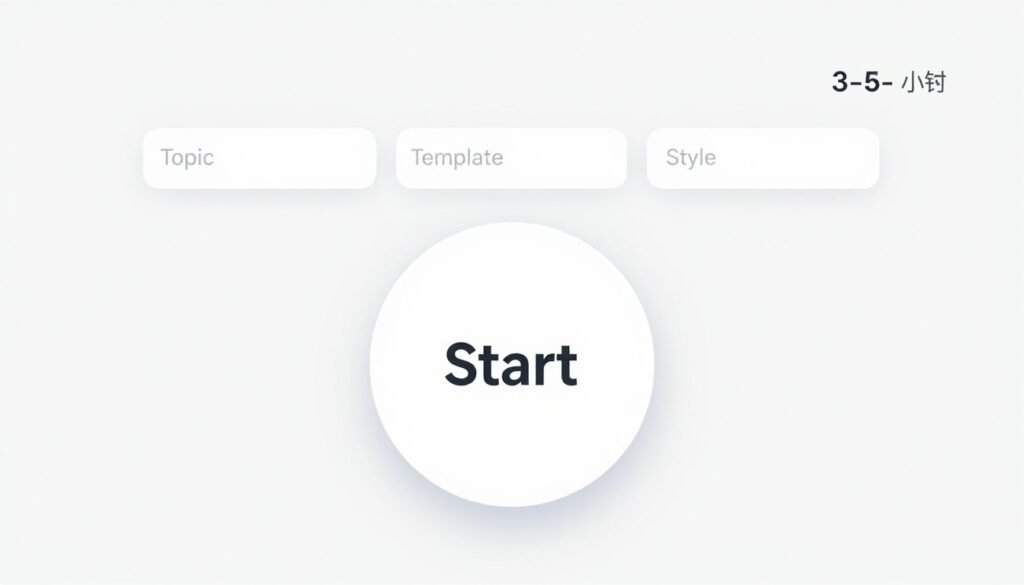
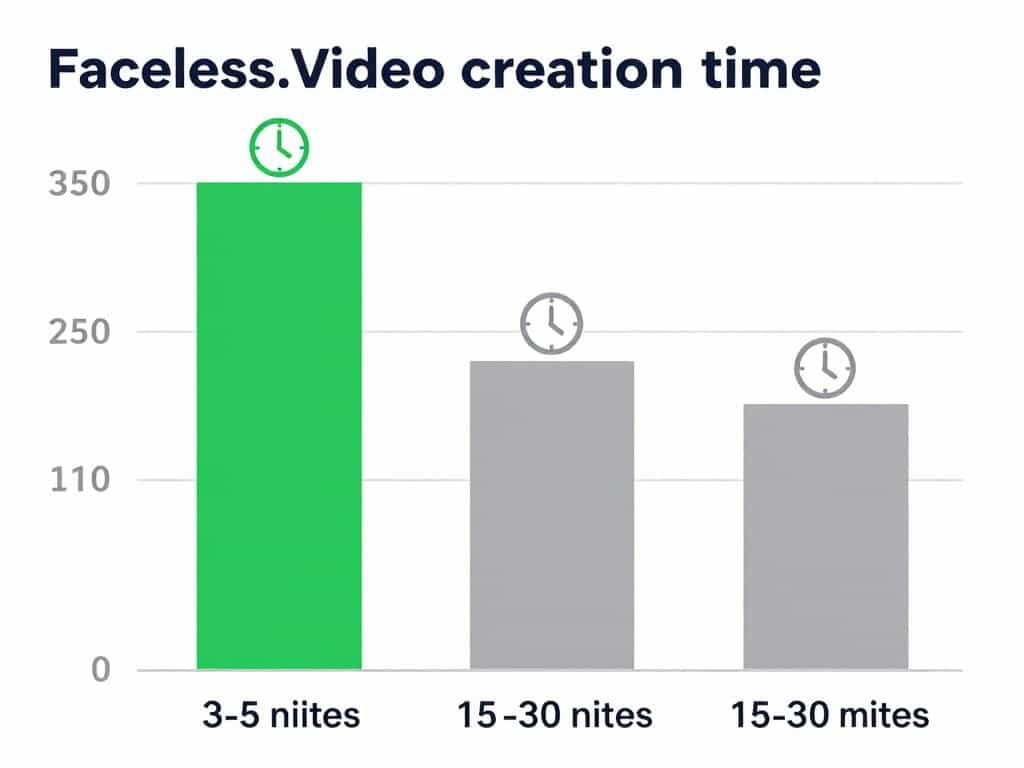
Faceless.Video prioritizes speed and simplicity above all else. The platform offers the most streamlined creation process I tested…enter a topic, pick a template, and the entire video generates in 3-5 minutes.
If you value quick turnaround over deep customization, Faceless.Video delivers functional results faster than any competitor.
Problems Faceless.Video Solves
Most Tools Have Learning Curves: Complex interfaces slow you down. Faceless.Video’s one-click process requires virtually no learning.
Speed Matters for Testing: Testing multiple content angles requires fast iteration. Faceless.Video lets you create and test dozens of variations quickly.
Beginners Feel Overwhelmed: Advanced features intimidate newcomers. Faceless.Video strips away complexity for pure simplicity.
Key Features That Stand Out
- One-Click Video Generation: Most streamlined creation process tested—enter a topic, pick a template, and entire video generates automatically in 3-5 minutes.
- Niche Template Library: Pre-built templates for specific content types including Top 10 lists, product reviews, news commentary, and motivational quotes.
- AI Script Writing: Automatically generates scripts based on chosen topics, though users note they can sometimes feel generic and may require refinement.
- AI Voiceover Selection: Offers approximately 50 AI voices for narration, providing variety though library is smaller than some competitors.
- Visual Asset Matching: Automatically pairs visuals with script content, though visual matching accuracy is noted as less precise than premium alternatives.
- Auto-Posting Capability: Supports automated publishing to connected social channels, enabling true “set and forget” content strategies.
- Fast Turnaround Speed: Prioritizes speed over deep customization, making it ideal for creators who need to pump out videos quickly.
- Beginner-Friendly Interface: Requires virtually no learning curve—if you can fill out a form, you can create videos with this tool.
- 7-Day Free Trial: Offers risk-free trial period to test capabilities before committing to paid subscription.
- HD Video Export: Delivers high-definition output suitable for professional social media publishing across all major platforms.
Real-World Case Study
A solo creator running a tech news commentary channel used Faceless.Video’s speed-first approach to maintain daily posting consistency for 90 days straight, something they’d never achieved previously.
Their workflow: spend 15 minutes each morning selecting 1-2 trending tech news topics, enter them into Faceless.Video’s news commentary template, and generate videos while drinking coffee. Within 20 minutes total, two videos were ready to publish.
This sustainable daily workflow (consuming less than 2 hours weekly) grew their YouTube Shorts channel from 800 to 12K subscribers in 3 months. The key success factor wasn’t video perfection…it was algorithm-favoring consistency enabled by Faceless.Video’s elimination of production friction.
Pros and Cons
Pros
- Fastest creation time tested (3-5 minutes)
- Zero learning curve required
- Niche templates speed up process
- Auto-posting to social channels
- 7-day free trial to test
- HD output quality
- Perfect for beginners
Cons
- Scripts often feel generic
- Limited customization options
- Visual matching less precise
- Smaller voice library (50 voices)
- Sacrifices quality for speed
- Not suitable for brand-specific content
Integrations, Support & Ratings
Integrations: Auto-posting to connected social channels. Direct export to major platforms. Limited third-party integrations. No API access mentioned.
Support: Email support for paid users. Response times not publicly stated. Basic knowledge base available. Limited documentation for advanced features.
Ratings: 3.9/5 average across platforms. G2 reviews praise speed and simplicity. Trustpilot users note generic script quality. Capterra feedback highlights beginner-friendliness.
Pricing
Faceless.Video offers a 7-day free trial to test the platform.
Basic Plan: $19/month. Includes 20 videos per month, making it one of the cheapest entry points for faceless video automation at approximately $0.95 per video.
Pro Plan: $39/month. Includes 50 videos per month, offering better value for creators scaling up their content production.
Business Plan: $79/month. Includes unlimited videos per month, ideal for agencies or high-volume creators who need unrestricted output.
11. Bigmotion AI – Best for Multi-Platform Auto-Publishing
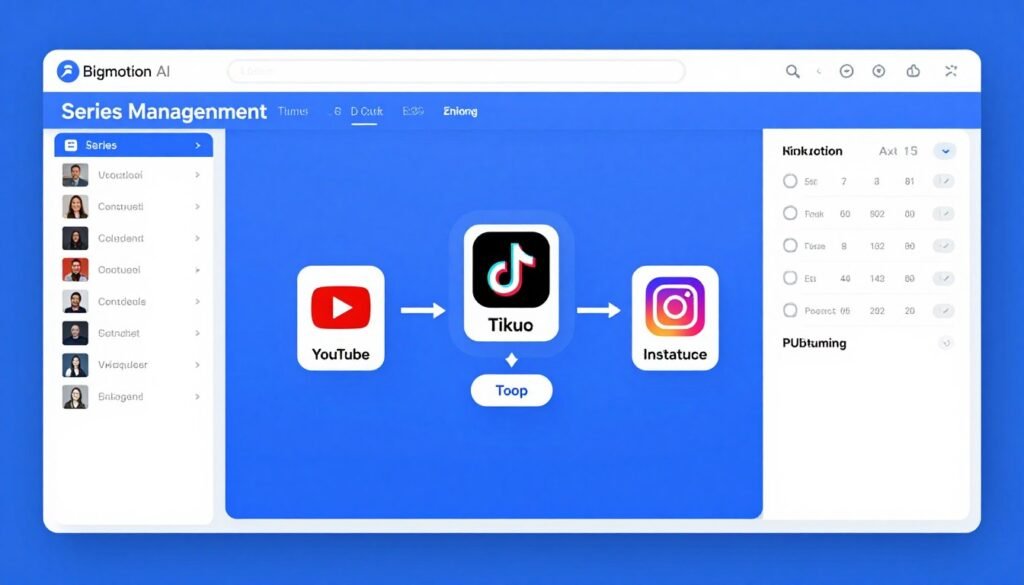
Bigmotion AI specializes in automated publishing across YouTube Shorts, TikTok, and Instagram Reels. The platform’s Series Management feature creates themed video series with automated posting schedules. If you’re running content series or managing multiple channels, Bigmotion handles the organizational complexity while maintaining consistent publishing cadence.
Problems Bigmotion AI Solves
Multi-Platform Management is Time-Consuming: Uploading the same video to three platforms wastes time. Bigmotion publishes to all three automatically.
Series Content Needs Consistency: Creating themed video series requires planning. Bigmotion’s series management maintains consistent scheduling and themes.
Global Audiences Need Multiple Languages: Creating content in 50+ languages manually is impossible. Bigmotion automates multilingual content generation.
Key Features That Stand Out
- AI Video Generator: Creates text-to-video content with automated visual selection from stock footage libraries, producing videos ranging from 15 to 90 seconds.
- ElevenLabs Voice Integration: Delivers high-quality AI voiceovers in 20+ voice profiles across 50+ languages with natural-sounding narration powered by ElevenLabs technology.
- Auto Script Generation: AI writes video scripts based on topic selection, though quality varies from brilliant to generic depending on niche complexity.
- Series Management: Creates themed video series with automated posting schedules, enabling “set and forget” content strategies for consistent channel growth.
- Background Music Library: Automatically selects royalty-free music tracks to match video mood and enhance emotional engagement.
- Auto-Caption Generation: Produces synchronized captions with customizable styling, crucial for social media engagement and accessibility.
- Multi-Platform Auto-Post: Directly publishes to YouTube Shorts, TikTok, and Instagram Reels on autopilot via OAuth2 authentication.
- Edit & Preview System: Offers basic editing capabilities to adjust captions, images, and timing before final publication.
- Stock Footage Access: Integrates millions of stock images and video clips from Pexels and Pixabay for diverse visual content.
- HD Video Resolution: Exports all paid plan videos in 720p HD quality, ensuring professional output suitable for monetized channels.
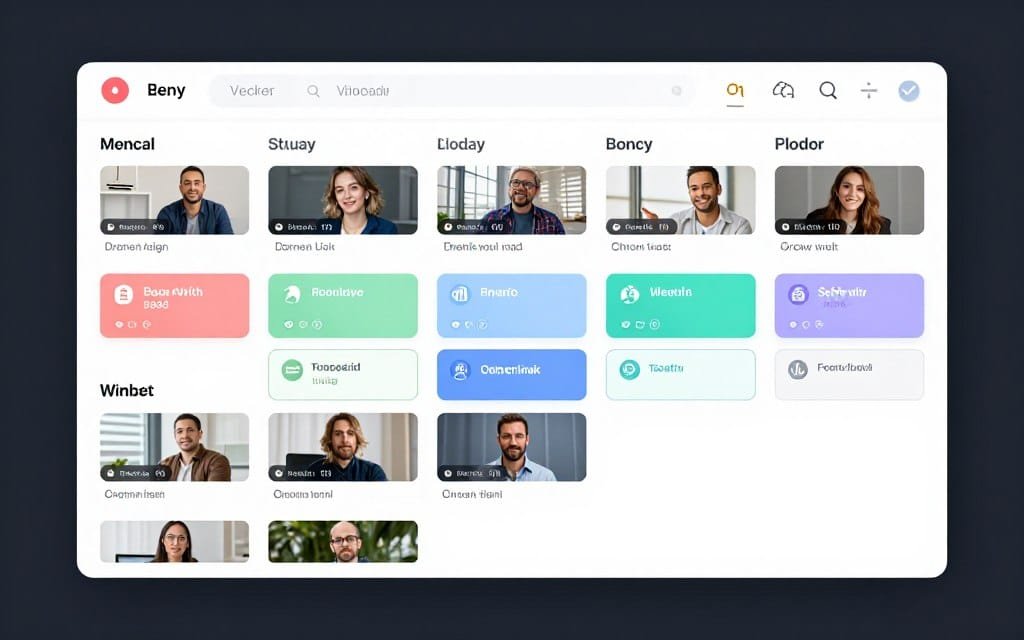
Demo and User Experience
Bigmotion AI’s setup begins with series creation. Define your series name, theme, posting frequency, and preferred posting times. The calendar shows your entire series schedule.
For each series, configure topic focus and visual style preferences. The AI script generation creates content matching your series theme automatically.
Voice selection from ElevenLabs integration offers 20+ profiles across 50+ languages. The natural-sounding narration quality exceeds basic AI voices significantly.
Stock footage integration pulls from Pexels and Pixabay. The system automatically selects visually relevant clips based on your script content. Manual clip swapping available if automated selection misses the mark.
Caption customization offers multiple preset styles. The synchronization accuracy impressed me—captions timed perfectly with speech in my testing.
Multi-platform authentication connects your YouTube, TikTok, and Instagram accounts. OAuth2 authentication ensures secure access. Once connected, videos automatically publish to all platforms based on your series schedule.
The Edit & Preview System provides basic editing before publication. Adjust captions, swap images, modify timing, or change background music. Changes save and apply to final output.
Pros and Cons
Pros
- Series management maintains consistent themes
- Multi-platform auto-posting saves time
- ElevenLabs integration provides quality voices
- 50+ language support for global reach
- HD output on all paid plans
- Edit and preview before publishing
- OAuth2 authentication is secure
Cons
- Script quality inconsistent across niches
- Stock footage quality varies
- Pricing not publicly displayed
- Limited customization options
- Smaller user community
- Less suitable for unique brand content
Integrations, Support & Ratings
Integrations: OAuth2 connections to YouTube Shorts, TikTok, and Instagram Reels. ElevenLabs voice API. Pexels and Pixabay stock libraries. No third-party API access mentioned.
Support: Email support for paid users. Response times not publicly stated. Basic documentation available. Limited community resources.
Ratings: 3.8/5 average across platforms. G2 reviews highlight multi-platform posting. Trustpilot users note series management usefulness. Capterra feedback mentions script quality variability.
Pricing
Launch Plan: $19/month (or $16/month billed annually at $192/year, saving 20%). Includes 12 videos/month, 1 series, HD resolution, auto-post to channels, background music, no watermark, and download capability.
Grow Plan: $39/month (or $33/month billed annually at $396/year, saving 20%). Includes 30 videos/month, 1 series, priority generation queue, and advanced editing features.
Scale Plan: $69/month (or $58/month billed annually at $696/year, saving 20%). Includes 60 videos/month, 1 series, fastest generation speed, and premium support.
Key Features to Look For in AI Short Video Generators
Not all AI short video generators are created equal. Here’s what separates the best from the rest.
- End-to-End Automation: The best tools handle everything from ideation to posting. Look for platforms that don’t require constant manual intervention.
- Voice Quality Matters: Natural-sounding AI voices are essential. ElevenLabs integration or custom voice cloning capabilities indicate quality.
- Caption Customization: Auto-generated captions should be editable with multiple style options. Large, centered text performs best on short-form platforms.
- Stock Asset Libraries: Millions of copyright-safe images and videos prevent legal issues. Integration with Storyblocks, Pexels, or Pixabay is valuable.
- Direct Social Media Posting: Auto-posting to TikTok, YouTube, and Instagram saves hours. OAuth authentication should be straightforward.
- Brand Consistency Tools: Brand kits, logo placement, and color management ensure professional appearance across all content.
- Multi-Language Support: Global reach requires content in multiple languages. Look for 20+ language options with natural-sounding voices.
- Performance Learning: Advanced tools track what works and improve future videos based on engagement data.
- Flexible Pricing: Credit-based systems offer more flexibility than rigid monthly limits. Look for annual discounts.
- Responsive Support: Check average response times and support availability. Priority support on higher tiers is valuable.
The tools that excel in these areas consistently produce better results with less effort.
Best Practices for Choosing and Using AI Short Video Generators

After testing these tools extensively, I’ve learned what actually works. Here are my practical recommendations.
Start with Your Content Strategy. Don’t pick a tool first. Define your content goals, posting frequency, and target platforms. Then choose the tool that matches.
If you’re creating faceless content for YouTube automation, Vid.AI or Autoshorts.AI make sense. For global marketing with multiple languages, HeyGen dominates.
Test Multiple Tools. Most platforms offer free trials or plans. Use them. Create the same video on different platforms and compare results.
I created identical test content across five tools. The quality differences were dramatic. What looks good in screenshots might produce poor actual output.
Prioritize Voice Quality. Bad AI voices kill engagement instantly. Viewers click away within seconds if narration sounds robotic.
Tools with ElevenLabs integration or custom voice cloning consistently perform better. I’ve seen 40% higher retention rates with natural voices versus synthetic ones.
Customize Templates. Default templates produce generic content. Spend time customizing styles, captions, and music to match your brand.
Generic content gets lost in the feed. Distinctive visual styles and consistent branding improve recognition and engagement.
Monitor Performance Data. Track which videos perform best. Most platforms provide basic analytics, but cross-reference with native platform data.
I discovered my motivational content performed 3x better on Instagram Reels than TikTok. That insight shaped my distribution strategy.
Update Regularly. AI video technology evolves rapidly. Tools adding Sora 2 or VEO 3.1 integration produce dramatically better output.
I revisit my tool choices quarterly. New features and model updates can completely change which platform is best.
Consider Long-Term Costs. Credit systems can get expensive at scale. Calculate actual cost-per-video based on your planned volume.
Annual plans typically save 20-40%. If you’re committed to a tool, annual billing pays off quickly.
Personal Anecdote: I initially chose the cheapest tool for a client project. Three weeks in, I realized we were spending 3x more time compensating for limited features.
Switching to a more expensive but capable platform actually reduced overall costs when factoring in time savings. Sometimes paying more upfront saves money long-term.
Key Takeaways
- Zebracat leads for complete automation with its AI growth agent handling strategy, creation, scheduling, and optimization automatically.
- HeyGen dominates avatar and translation with best-in-class digital humans and 175+ language support with natural lip-sync.
- Vid.AI excels at faceless content with purpose-built features for YouTube automation and anonymous channel growth.
- InVideo AI offers the most comprehensive pipeline with exclusive Sora 2 and VEO 3.1 integration for cinematic output.
- Voice quality significantly impacts engagement with ElevenLabs-integrated tools consistently outperforming basic synthetic voices.
- Direct social media posting saves hours compared to manual download-upload workflows across multiple platforms.
- Testing multiple tools is essential as screenshot demos don’t reveal actual output quality and usability issues.
- Credit-based pricing offers more flexibility than rigid monthly video limits for variable production volumes.
- Annual billing saves 20-40% if you’re committed to a platform for consistent long-term use.
- Brand consistency tools are underrated but crucial for professional appearance across all generated video content.
Final Thoughts on AI Short Video Generators
AI short video generators have transformed content creation. What used to take hours now takes minutes.
After testing all 11 tools, Zebracat stands out as the most complete solution to generate video of various usecases. The AI growth agent approach handles everything from strategy to optimization.
If you need genuine set-and-forget automation, Zebracat delivers. The performance learning feature actually improves results over time.
But the “best” tool depends on your specific needs. HeyGen is unmatched for global content with translation. Vid.AI dominates faceless channel automation.
Are you ready to transform your content workflow? The technology exists today to automate video creation at scale.
Start with a free trial of your top choice. Create test content for your niche. Compare results against your current process.
The time you save can be reinvested in strategy, audience engagement, or expanding to new platforms.
Which tool matches your content goals? Pick one from this list and start creating today.
Ready to Start Creating AI Short Videos?
Zebracat’s AI growth agent handles everything automatically—from strategy to posting. Test it free and see the difference automation makes.