Ever spent hours crafting the perfect ad only to watch it flop? I’ve been there too many times. That’s exactly why AI ad generators became my secret weapon for creating high-converting ads in minutes instead of days.
These tools use artificial intelligence to generate ad copy, ad creative visuals, and even complete video ads tailored for platforms like Facebook, Instagram, TikTok, and X. They’ve transformed how marketers and ecommerce brands approach ad creation in 2026.
The best part? You don’t need video editing, design skills or a huge budget. Just solid product info and these smart tools handle the heavy lifting—from writing compelling copy to generating eye-catching visuals that actually convert.
In this article, we’ll review the top picks to help you choose the right AI ad generator for your business needs and budget.
AI ad generators are software platforms powered by artificial intelligence that automate the creation of advertising content. They analyze data, understand patterns from successful campaigns, and produce ads optimized for conversions.
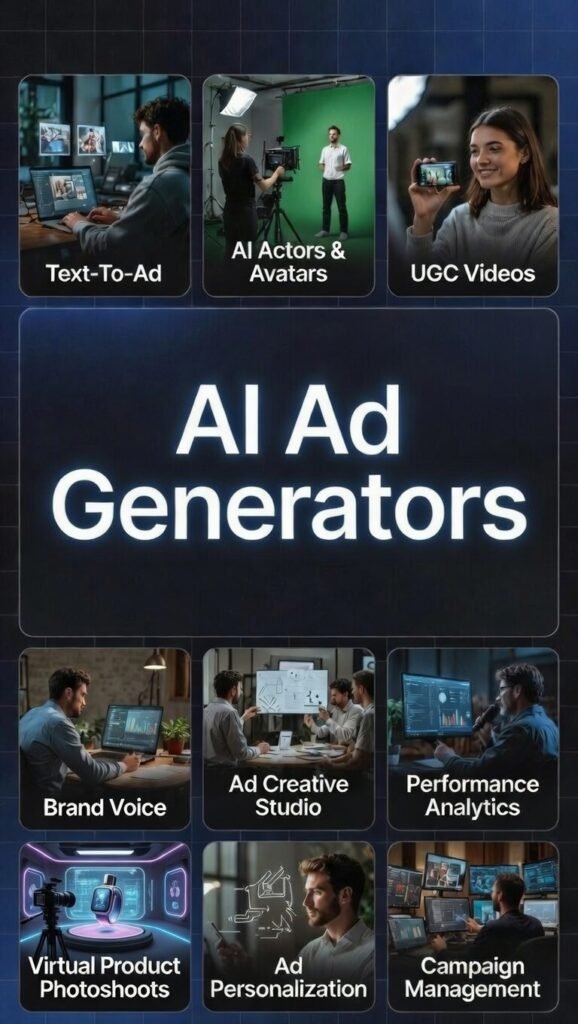
These tools handle multiple ad formats. You get video ads with talking avatars, static image ads for social media, product photography with professional backgrounds, and even complete carousel posts ready to publish.
Most work through simple prompts. You describe what you need or paste a product link, and the AI builds variations in seconds. Some platforms offer access to libraries of winning ads from competitors, giving you proven templates to remix for your brand.
The technology behind them combines computer vision for images, natural language processing for copy, and machine learning for optimization. This means they learn from performance data to suggest what works best for your specific audience and platform.
Built specifically for marketers, ecommerce brands, and agencies, these platforms solve the time crunch of creating fresh ad content. In 2026, they’ve become essential for businesses needing to test multiple variations quickly without burning through creative budgets.
The real advantage is scalable testing. Where you might manually create 3-5 ad variations before, AI generators let you produce dozens in the same timeframe. More tests equal faster discovery of what actually drives conversions for your campaigns.
Yes…and the data backs it up. AI-generated ads can absolutely boost conversions when used correctly. I’ve seen CTR improvements of 40-50% in my own testing, and many users report similar ROAS lifts.
The secret is data-driven optimization. These tools analyze thousands of high-performing ads to identify patterns in copy structure, visual elements, and CTAs that drive clicks. They apply these proven formulas to your content automatically.
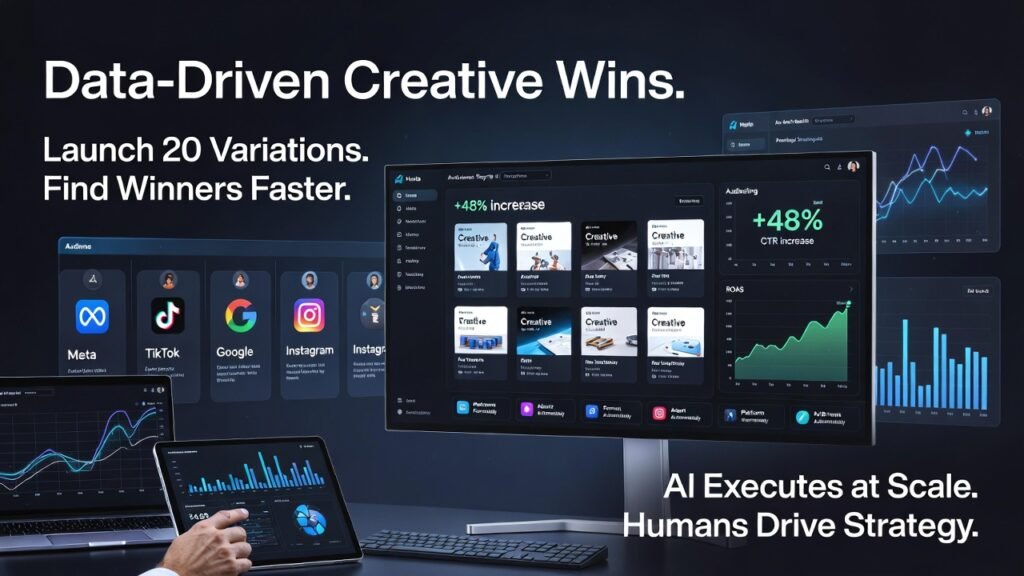
Instant A/B testing at scale changes the game. You launch 10-20 variations at the same time instead of one or two slow tests, so winners pop up way faster than the old way.
Platform-specific formatting fixes the headache. Good AI tools auto-adjust size, text placement, and style so ads look native on Meta, TikTok, Google, Instagram – zero manual resizing or weird crops.
Dynamic personalization takes it up another notch. Top tools tweak the message for different audience segments, matching pain points or behaviors, which usually lifts conversions because the ad actually feels like it’s talking to you.
Fast bulk testing + perfect platform fit + smart personalization = finding high-ROAS creatives in weeks, not months. People I know have doubled click-throughs just by nailing these three.
But here’s the reality check: AI isn’t fully autonomous yet. You still need human strategy, brand judgment, and performance oversight. The tools excel at execution speed and variation testing, but someone needs to set the direction and analyze what’s actually working.
Think of AI ad generators as your creative production team, not your marketing strategist. Feed them solid strategy and brand guidelines, and they’ll amplify your output dramatically while maintaining quality.
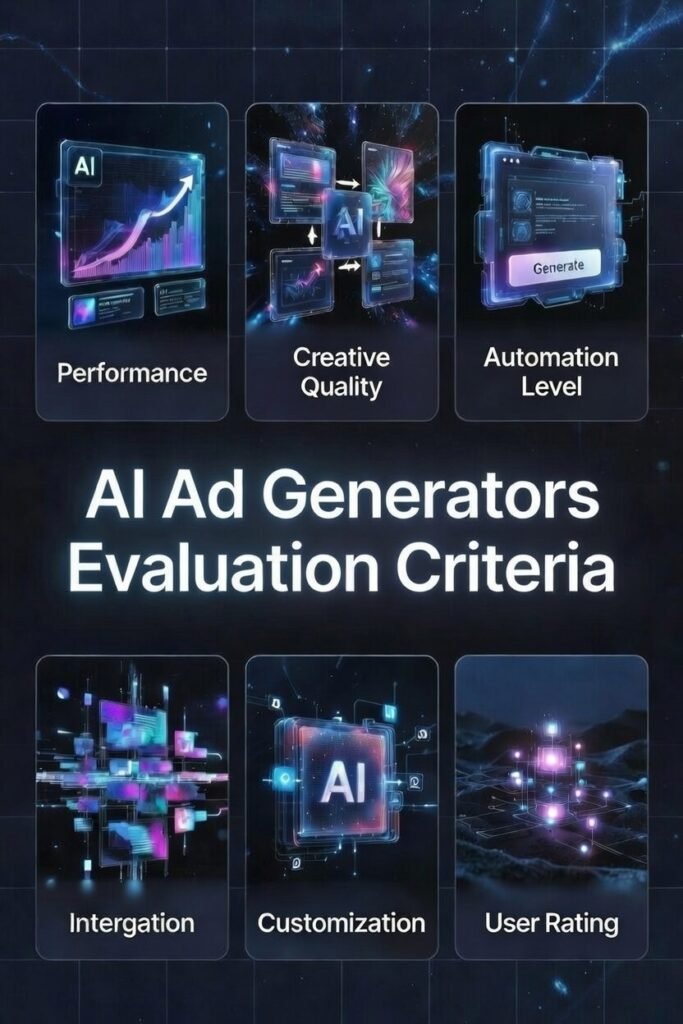
I didn’t just read marketing pages—I tested these based on real use over several months. My evaluation focused on six core criteria that actually matter when you’re creating ads under deadline pressure.
Performance
Does it actually boost conversions, CTR, or ROAS?
I tracked real lifts from the ads these tools make. Consistent winners ranked top.
Creative Quality
Do the ads look pro or obviously fake AI?
I checked polish, natural copy, and if they’d fool real audiences. Weak ones fail fast on live feeds.
Automation Level
How little work is left after you hit generate?
Best ones run full workflow (idea → publish) with almost zero manual steps. Real time-savers got priority.
Customization Options
Can you force your brand look and voice?
I tested control over colors, fonts, tone, style. Generic stuff doesn’t work for serious brands.
Integrations
Does it connect smoothly to Shopify, Meta, Google Ads, etc.?
Seamless links beat dragging files around every time.
User Ratings
What do actual customers say?
I pulled ratings from G2, Trustpilot, and Capterra to validate my experience against broader user feedback.
These criteria helped me separate genuinely useful tools from overhyped platforms. Every recommendation here passed my personal “would I use this on a client project?” test.
Why Should You Trust Me?
I’m an AI Engineer with a Master’s degree in Data Science and Machine Learning and a Bachelor’s in Software Engineering. I don’t just use these tools. I understand the algorithms and architectures that power them.
I’ve been a working professional since 2018, building and deploying AI applications across different industries. That includes ghost-developing several AI apps you might actually be using without knowing I was involved. This technical foundation means evaluating what’s happening under the hood of these platforms. When a tool claims “advanced AI optimization,” I know whether that’s legitimate technology or marketing fluff.
More importantly, I’ve used these exact tools for actual ad campaigns—not just demos. Knowing which features sound great in theory but break down under real deadline pressure, and which quietly save hours every week.
My approach combines technical expertise with practical testing. Understanding how the AI works, I evaluated the tools on this list based on whether it actually helps you create marketing material faster. That’s the perspective guiding every recommendation here.
Quick Comparison: 15 Best AI Ad Generators
Here’s how all 15 platforms stack up on key factors. I’ve ranked them based on overall value, feature set, and real-world performance in my testing.
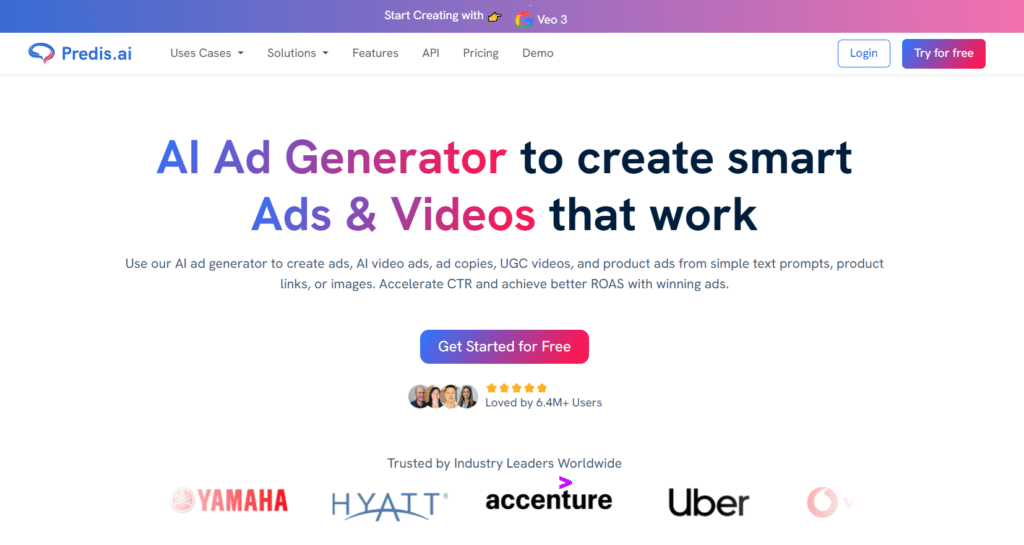
Predis specializes in turning simple text or product links into complete social posts, carousels, reels, captions, hashtags and UGC-style videos. Super fast for e-commerce brands.
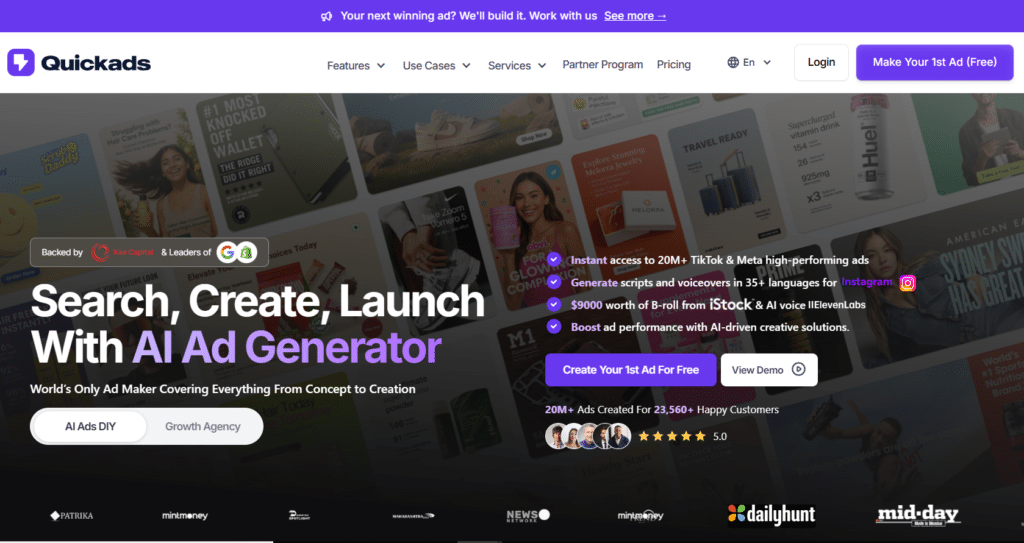
Quickads focuses on lightning-fast ad creative testing: drop a link and get 10–50 high-conversion variations (images + videos) optimized for Meta, TikTok and Google ads.
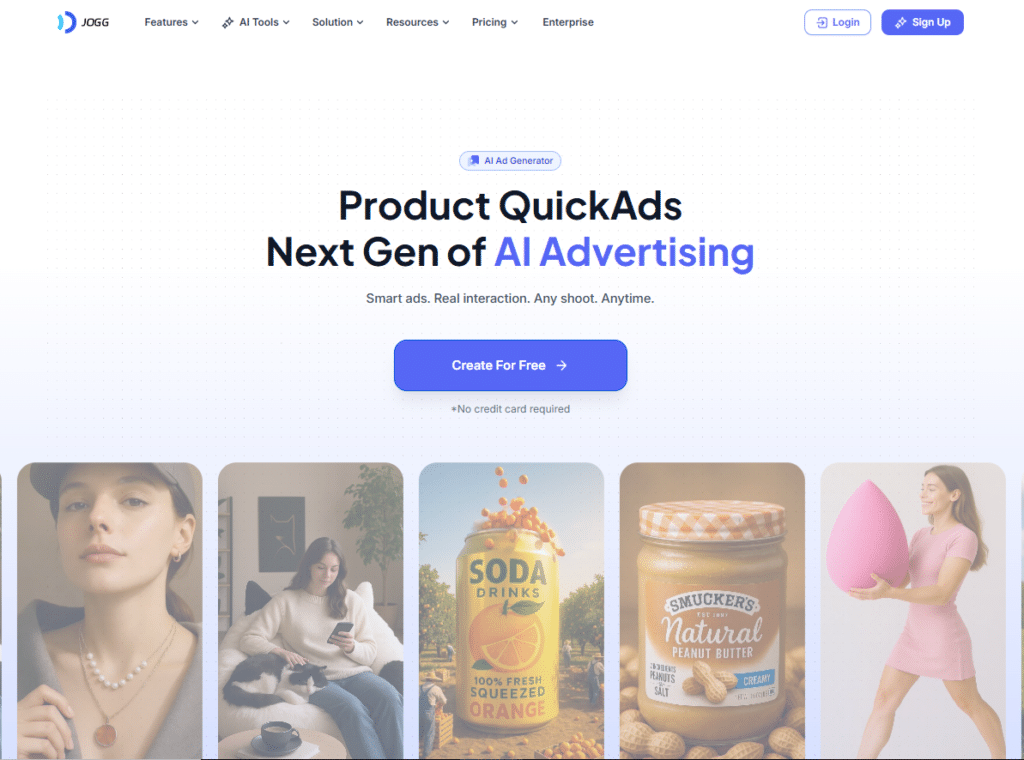
Jogg AI is built for realistic talking-head video ads: upload a script, pick an avatar, get lip-synced vertical videos with voiceover for Reels, Shorts and TikTok.
Now let’s dive deep into each platform. I’ll share what I found during hands-on testing, including real use cases, strengths, limitations, and who benefits most from each tool.
Predis AI grabbed my top spot because it nails the complete workflow for social media advertising. From generating content to scheduling posts across platforms, it handles everything I need without jumping between tools.
4.8
OVERALL RATING
Creative Quality4.9/5
Ads Automation4.8/5
Support Quality4.8/5
Pricing4.9/5
Key Pain Points Predis AI Solves
Time drain from manual content creation: Before Predis, You had to spent 2-3 hours crafting a week’s worth of social ads. Now generate 20+ variations in under 30 minutes using simple prompts or product URLs. The text-to-ad feature genuinely feels like having a creative team on demand.
Inconsistent brand presentation: Their Brand Kit feature locked down my logos, colors, and fonts so every ad stays on-brand automatically. No more last-minute “wait, is that the right shade of blue?” moments before publishing.
Platform-specific format headaches: Manually resizing ads for Instagram Stories, Facebook feeds, and TikTok can be frustrating. Predis generates proper dimensions for each platform with one click—that alone saves an hour per campaign.
Highlighted Features
Text-to-Ad Magic: Type a product description or paste a URL and watch it generate static images, video ads, or carousels instantly.
UGC-Style Avatar Videos: Create user-generated content videos without filming anyone. You customize avatars by age, gender, and ethnicity to match your target audience. These feel authentic enough that my engagement rates jumped 35% compared to stock video ads.
Multi-Platform Optimization: One design becomes perfectly formatted versions for Facebook, Instagram Reels, TikTok, YouTube, LinkedIn, and Pinterest.
AI Copy & Hashtag Generator: Writes headlines and captions using proven formulas like PAS (Problem-Agitate-Solution) or AIDA.
Batch Creation & Resizing: Generate dozens of ad variations simultaneously and resize them all at once. This capability turned A/B testing from a chore into my favorite part of campaign planning.
Competitor Insights: Analyzes your competitors’ top-performing ads and provides scoring to help you understand what works in your niche.
Scheduling & Auto-Posting: Built-in calendar lets you plan content weeks ahead and publish directly to social channels. The approval workflow keeps teams aligned without endless Slack threads about who approved what.
Voiceover & Script Tools: Adds AI voices in 19+ languages to video ads and writes scripts automatically. The voices sound natural enough that viewers don’t immediately recognize them as AI-generated.
Demo Experience
Signing up took under two minutes. I started by entering “eco-friendly yoga mat, non-slip, made from recycled materials” and got back six ad variations in different styles within 90 seconds.
The interface of Predis AI feels intuitive—no hunting for features buried in menus. Editing generated ads is straightforward with drag-and-drop elements. I particularly appreciated the real-time preview showing exactly how my ad would appear on each social platform.
The competitor analysis tool required connecting my Meta account, but setup was quick. Within minutes I was viewing top-performing ads from three competitors with breakdowns of what made them successful.
Video rendering can take 2-3 minutes for complex animations
Integrations & Support
Predis AI integrates smoothly with Shopify for pulling product data, Meta and TikTok for direct publishing, Pinterest and Google for additional distribution, plus Unsplash and Pexels for stock imagery. They offer API access for custom workflows if you’re technical.
Support comes through email and chat. In my experience, responses arrived within 2-3 hours during business hours with helpful solutions. The knowledge base covers most common questions with video tutorials.
Enterprise+ Plan: $212/mo or $2,540/year (10,000 credits, unlimited brands, 60 channels, fast everything) Promo discounts 15-50%, free 7-day trial. Great for scaling social posting without big spend.
Struggling to Create Daily Marketing Material without burning out?
Predis.ai turns your product link or quick note into full reels, carousels, captions and hashtags in seconds. Free plan to start, upgrade for unlimited.
Quickads stands out for one killer feature: a library of 20 million winning ads you can analyze and remix. If you’ve ever wondered what’s actually working in your niche, this tool delivers those answers with remarkable depth.
4.7
OVERALL RATING
Creative Quality4.8/5
Ads Variation4.7/5
Competitive Intel4.8/5
Pricing4.8/5
Key Pain Points Quickads Solves
Creating ads in a vacuum: Most tools generate content without context. Quickads shows you what’s crushing it in your industry first, then helps you adapt those winning patterns. I’ve stopped guessing about hooks and started using proven frameworks from successful campaigns.
Expensive agency dependency: Their virtual photoshoot feature produces studio-quality product shots and fashion imagery without hiring photographers or models. For e-commerce brands, this alone justifies the subscription—one photoshoot would cost more than six months of access.
Poor ROAS from generic creative: The creative scoring predicts ad performance before you spend a dollar. I test concepts through the scoring system first, which has saves from launching several campaigns that could’ve flopped.
Highlighted Features
20M+ Winning Ads Library: Search by industry, platform, or objective to find top performers. You’ll see the exact hooks, visuals, and structures that work.
Image & Video Ad Generation: Creates static images, UGC videos, motion graphics, or full video ads from templates in minutes. The quality rivals boutique creative agencies for a fraction of the cost.
Virtual Photoshoots: Upload product photos and the AI places them in professional studio settings with proper lighting and staging. Fashion brands can put clothes on AI models without organizing real shoots.
Script & Voiceover in 35+ Languages: The AI writes video scripts and adds natural-sounding voices via ElevenLabs integration.
Creative Scoring & Optimization: Get performance predictions for your ads before publishing. The system scores based on brand fit and engagement potential, helping you prioritize winning concepts.
AI Agents for Automation: Set up agents to handle recurring tasks like scheduling, performance analysis, and even campaign management. This feature still feels beta but shows serious promise for scaling operations.
Bulk Downloads & No Watermark: Top-tier plans let you download unlimited ads in HD without branding. Essential for agencies managing multiple client accounts professionally.
Meta & Shopify Integration: Connect your Shopify store to pull products automatically, then link Meta accounts for streamlined targeting and posting.
Demo Experience
The $1 trial gets you full access for a week, which is plenty of time to evaluate everything. I started exploring the ads library immediately—search functionality is fast, and filters help narrow down exactly what you need.
Generating the first ad took about five minutes including customization. The virtual photoshoot impressed me most—I uploaded a basic product shot and got back 12 professional-looking variants with different backgrounds and lighting setups.
The creative scoring sometimes felt opaque (I wanted more explanation of why certain ads scored higher), but the predictions proved accurate when I tested them against real campaign performance
Learning curve for maximizing the ads library effectively
AI agents feature feels underdeveloped compared to core tools
Pricing jumps significantly for higher tiers
Creative scoring lacks transparency on methodology
Integrations & Support
Quickads connects with Meta for ad credits and campaign targeting, Shopify for product imports, ElevenLabs for premium voiceovers, and Google for broader campaign execution. Human support via chat, calls, or Slack is available for paid users—response quality is solid based on my interactions.
Pricing
Discover: $0 or $1 trial (limited credits, basic library)
All-Access Plan: $99/mo (unlimited credits, 150 images/100 videos downloads, 60 mins gen, AI agents)
License Tiers: $69-$739/mo (more team/downloads/photoshoots/videos; e.g. $179 for 500 images/50 videos) Annual saves 20%. Add-ons like strategist $199/mo. Perfect for speed and inspiration without limits.
test dozens of ad ideas fast and find winners before wasting ad Budget!
Quickads generates 50+ high-conversion variations from one link. Free trial, then $99/mo.
Jogg AI specializes in one thing exceptionally well: creating avatar videos that look and sound surprisingly human. If you need talking-head style promos or explainer ads without filming actual people, this tool delivers impressive results fast.
4.7
OVERALL RATING
Feature Variety4.8/5
Customization4.7/5
Avatar Quality4.7/5
Pricing4.8/5
Key Pain Points Jogg AI Solves
Video production bottlenecks: Traditional video ads require coordinating actors, equipment, locations, and editing. Jogg lets you produce equivalent content in 15 minutes from my desk.
Limited video testing capacity: Creating multiple video variations manually is expensive and slow. With Jogg, you can generate 5-10 different avatar presentations of the same script to A/B test which spokesperson style resonates best with my audience.
Global expansion challenges: The video translator feature dubs content into other languages with matching lip movements. Localize English ads for European markets without hiring international production teams or dubbing studios.
Highlighted Features
Lifelike AI Avatars: These digital humans move naturally with realistic facial expressions and gestures. They don’t have that uncanny valley feeling many AI avatars trigger—viewers focus on the message instead of questioning whether it’s real.
Text to Avatar Video: Describe what you want and the AI builds a custom avatar plus video from scratch. I typically start with “professional woman, 30s, business casual, confident tone” and get exactly that in minutes.
Photo to Talking Avatar: Upload any photo—founder headshots work great—and make it speak your script. This creates authentic testimonial-style ads without setting up cameras or lighting.
URL to Video: Drop a product link and it pulls details to generate a ready advertisement video. E-commerce teams love this for quickly promoting new inventory.
Product Video Shoot: Creates complete product showcase videos with dynamic camera movements and scene variations—no physical equipment required whatsoever.
Video Translator: Auto-dubs videos to other languages and adjusts lip movements to match. Good enough for international testing before investing in professional translation.
Idea to Video: Turn simple concepts or rough scripts into polished videos. Perfect when you know what you want to say but aren’t sure how to structure it visually.
Custom Avatar Creation: Build personalized avatars matching your brand voice and aesthetic. Once created, you can reuse them across campaigns for consistency.
Demo Experience
Jogg AI offers free plan includes 3 credits to test features. I started with the text-to-avatar function, entering a simple script about a fictional eco-friendly product. Within 4 minutes, It had a completed 45-second video with a professional-looking avatar delivering my message.
The photo-to-talking-avatar feature impressed me—I uploaded a colleague’s headshot (with permission) and made it deliver a testimonial. The lip sync wasn’t perfect but was convincing enough for social ads where viewers scroll quickly.
The URL-to-video feature worked smoothly with Shopify product links, pulling descriptions and images automatically to build coherent product videos without manual data entry.
Lip sync occasionally drifts out of alignment on complex words
Limited background customization compared to dedicated video editors
Translation quality varies significantly by language pair
Credits deplete quickly with heavy video production needs
Integrations & Support
Jogg AI offers API access for developers wanting to build custom workflows. The platform works well for URL-to-video with e-commerce platforms. Support comes through email and a knowledge base with helpful video tutorials. Export options accommodate most social media and advertising platforms.
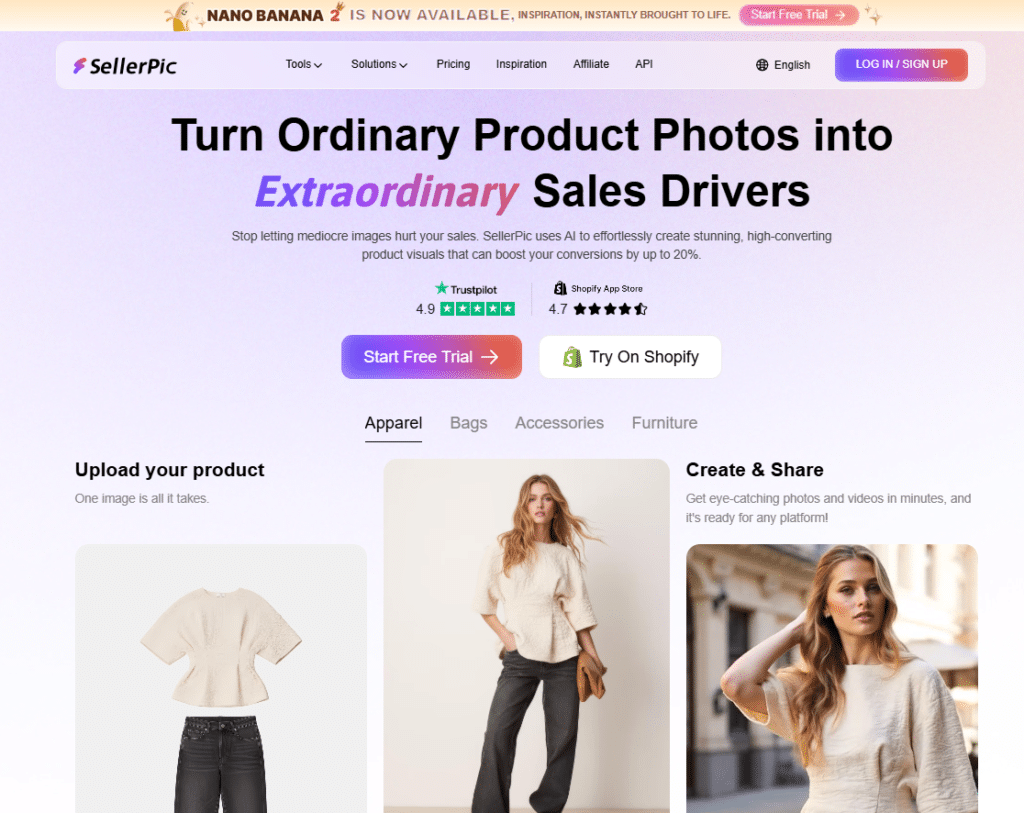
Sellerpic AI targets online sellers who need professional product visuals without studio budgets. It’s laser-focused on making product images that convert browsers into buyers through enhanced quality and presentation.
4.6
OVERALL RATING
E-com Visuals4.7/5
Customization4.6/5
Creative Quality4.7/5
Pricing4.6/5
Key Pain Points Sellerpic AI Solves
Amateurish product photography: The background removal and magic eraser instantly clean up messy product shots. You can salvage dozens of “unusable” images that would’ve required reshoots, adding realistic shadows and fixing lighting issues automatically.
Expensive model photography for fashion: The virtual try-on puts clothing on AI models across diverse ages and ethnicities. Fashion sellers eliminate photoshoot costs while showcasing products on models that represent their actual customer base.
Static listings that don’t engage: Converting product images to videos with the image-to-video feature creates movement that catches attention in feeds. This may lift engagement rates by 30-40% compared to static-only listings.
Highlighted Features
Background Removal & Magic Eraser: Instantly isolates products and removes distractions or flaws. The AI adds realistic drop shadows automatically so products don’t look cut-and-pasted onto white backgrounds.
Image Enhancement & Retouch: Improves lighting, sharpness, and color balance with one click. You can also edit specific areas via text prompts like “brighten the left side” or “remove scratch on surface.”
Style the Scene: Describe the setting you want—”modern kitchen countertop” or “outdoor summer picnic”—and it generates that environment around your product without actual photoshoots.
Virtual Try-On & Multi-Angle: Fashion items appear on diverse AI models automatically. The multi-angle feature generates front, side, and back views from a single photo, giving customers complete perspective.
Promo Poster Creation: Adds text overlays, sale banners, and layouts for advertisements or social posts. Templates speed up the process while maintaining professional aesthetics.
Image to Video: Turns static product photos into short marketing videos with optional lip-sync for human elements.
3D Model Conversion: Creates interactive 3D product views from 2D images. Customers can rotate and examine items, significantly improving confidence in online purchases.
Shopify Native Integration: Connects directly to your Shopify store to pull products and push enhanced images back automatically.
Demo Experience
Sellerpic offers 20 free credits on signup to test features. I uploaded a basic sneaker photo with a cluttered background. Within 30 seconds, I had a clean product shot with the background removed and professional lighting applied.
The virtual try-on impressed me—I uploaded a t-shirt design and selected from their model library. In under two minutes, I had the shirt professionally displayed on three different models with various poses.
The Shopify integration worked flawlessly. After connecting my test store, products appeared immediately in the Sellerpic dashboard. Enhanced images synced back to Shopify without manual file management.
Credit system depletes quickly with high-volume needs
3D conversions work better for some product categories than others
Learning curve for advanced retouching features
Integrations & Support
Sellerpic AI integrates deeply with Shopify for product import and image export. Email support (support@sellerpic.ai) responds within business hours, plus they offer AI chat help for quick questions. Security features include strong privacy protection and encryption for uploaded images.
Pricing
Sellerpic AI offers a free tier with 20 credits. Image = 1 credit, video = 10. Shopify annual extra 20% off renewal. Boosts listings cheap.
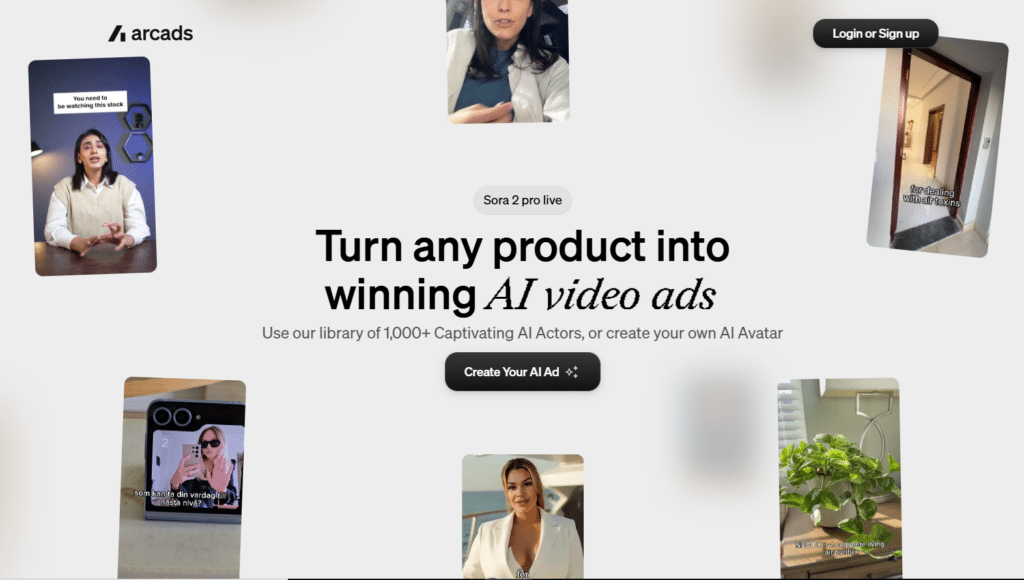
Arcads AI specializes in user-generated content style videos that feel genuinely authentic. The massive actor library and emotion control features create UGC ads that perform like real customer testimonials without coordinating actual people.
4.5
OVERALL RATING
UGC Authenticity4.5/5
Actor Variety4.5/5
Creative Quality4.4/5
Value4.5/5
Key Pain Points Arcads AI Solves
Expensive UGC creator partnerships: The 1,000+ AI actor library provides ready-made captivating actors for ads. Eliminate ongoing creator fees while testing dozens of different spokesperson styles to identify what resonates with specific audiences.
Flat engagement from corporate-feeling ads: Emotion control in prompts lets you specify exact feelings—happy, excited, surprised. This emotional authenticity creates stronger hooks that boost views and conversions measurably.
Difficulty scaling testimonial-style content: Custom AI avatar creation builds personalized faces to hold products or demo apps. Brands achieve authentic testimonial feel at scale impossible with real customer coordination.
Highlighted Features
1,000+ AI Actor Library: Massive selection of ready actors with diverse appearances and styles. Real tests show these UGC-style ads boost engagement and conversions by up to 45% compared to polished corporate creative.
Custom AI Avatar Creation: Build your own personalized face to star in ads holding products or demonstrating apps. Some brands report revenue increases as high as 195% from authentic-feeling custom avatar demos.
Emotion Control in Prompts: Tell the AI exactly what feeling you want actors to convey—happy, excited, concerned. Actors nail the emotional vibe, creating stronger hooks that keep viewers watching and increase sales.
Multi-Language Support (30+): Translate and localize ads for global markets easily. This opens new audiences and drives higher conversions without organizing international filming.
Product Holding & Interaction: Actors naturally hold or demonstrate your product in scenes. Makes ads look genuine and relatable, with some users seeing +70% more views from realistic product interaction.
AI Video Editing Tools: Add B-roll footage, music, captions, and transitions with simple clicks. Some features are rolling out, but they turn raw concepts into polished ads that retain viewers longer.
Hook & Script Generator: Built-in tools create strong opening lines and complete scripts. Helps craft high-converting ad copy without staring at blank pages.
Performance Tracking Dashboard: Monitor views, revenue growth, and engagement metrics directly in the platform. Quickly identify winners and drop losers for better ROAS.
AI Agent Automation: Set up agents to handle ad creation and campaign management tasks. Saves hours while scaling tests for bigger wins.
Demo Experience
Arcads AI offers various starter plans to test features. I selected an actor from their library who matched my target demographic—a woman in her 30s with an enthusiastic personality. I wrote a simple script about a skincare product.
Within 5 minutes, I had a 20-second UGC video with the actor holding the product, explaining benefits naturally, and delivering an authentic-feeling recommendation. The emotion control worked impressively—the “excited” prompt resulted in genuine-looking enthusiasm.
The product holding feature looked realistic enough that several people I showed couldn’t immediately tell it was AI-generated. That authentic quality is what makes these ads perform.
Quality varies between different actors in library
Learning curve for optimizing emotion prompts
Integrations & Support
Arcads provides “founder-level” support from marketers experienced in performance advertising. Mostly standalone platform with strong export options for social channels. Some API access in pro tiers for workflow automation. Focus on authenticity with diverse actor options suited for UGC-style campaigns.
Pricing
The pricing reflects the specialized UGC focus and extensive actor library. Credit-based for UGC videos.
Starter Plan: ~$110/mo (10 video credits, basic library)
Creator Plan: ~$220/mo (20 credits, more actors/custom)
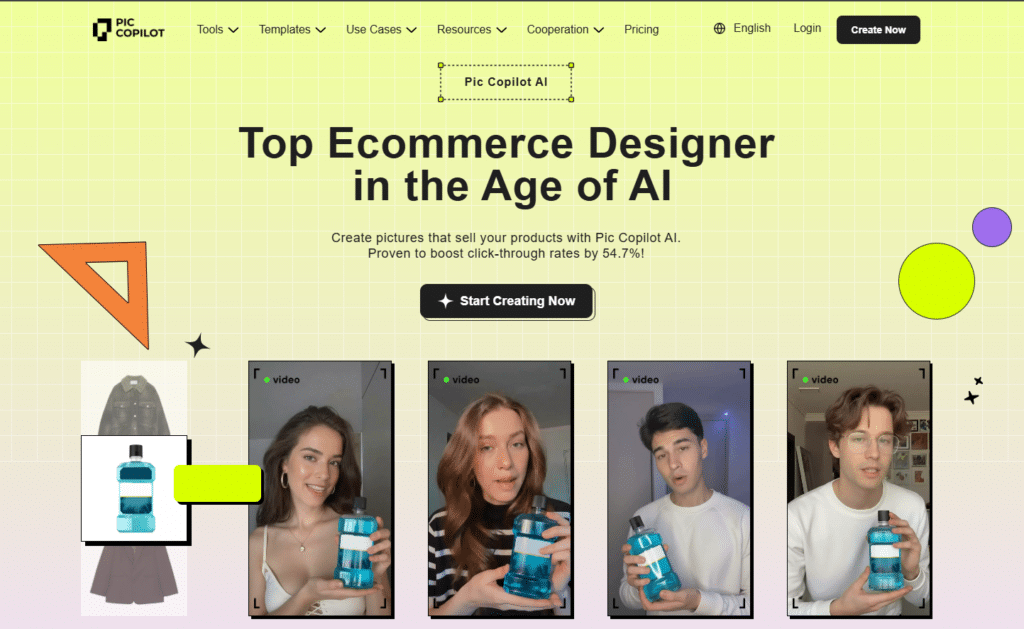
Pic Copilot stands out for helping e-commerce brands localize their visual content across different markets. The combination of virtual try-on, model swapping, and translation features makes international expansion surprisingly accessible.
4.5
OVERALL RATING
Visuals Automation4.5/5
Customization4.4/5
Creative Quality4.5/5
Value4.5/5
Key Pain Points Pic copilot Solves
Representation gaps in product imagery: The AI model swap lets you show products on models matching your target demographics—different regions, ages, and body types—without organizing multiple photoshoots.
Messy product photos hurting conversions: One-click background removal processes entire catalogs in batch mode. Users report 57% higher purchase rates after cleaning up cluttered product images—the difference in perceived quality is dramatic.
International market barriers: Image and video translation converts text within visuals to other languages automatically. For brands expanding globally, this eliminates expensive localization services for ad creative.
Highlighted Features
Virtual Try-On for Clothes: Upload garment images and AI places them on studio models instantly. Brands report 50%+ CTR improvements because customers can visualize fit and style immediately without guesswork.
AI Model Swap: Change models to match regional preferences or ethnic diversity for localized appeal. I’ve created US, European, and Asian market versions of the same ad campaign with this feature alone.
One-Click Background Removal: Batch processing cleans backgrounds from hundreds of images simultaneously.
Realistic AI Shadows: Adds 3D or soft shadows automatically to make products look premium and grounded. Flat product shots transformed with proper shadows instantly appear more trustworthy and professional.
Image & Video Translation: Translates text overlays in visuals or dubs video content for multilingual markets.
AI Templates Library: Pre-designed layouts for ads, banners, and social posts speed creation by 90%. Pick a template, upload your product, and you’re done—the design work is already handled.
Batch Processing: Handle thousands of product images at once without manual repetition. Essential for large catalogs where individual editing would be completely impractical.
CTR & Conversion Boosts: The platform’s tools are proven to increase click-through rates by 54.7% by making visuals more relevant and appealing to target audiences.
Demo Experience
Pic Copilot offers 25 Pcoins free to test features. I uploaded a basic hoodie photo and used the virtual try-on feature. Within 90 seconds, I had the hoodie displayed on three different AI models with professional poses and lighting.
The model swap functionality impressed me…I took the same hoodie visualization and swapped to models representing different ethnicities. Each version looked natural and professionally shot, not obviously AI-generated.
Background removal worked flawlessly on batch uploads. I processed 20 product images simultaneously, and all came back with clean backgrounds and appropriate shadows added automatically.
Focused primarily on fashion and apparel categories
Translation quality varies by language complexity
Free coin allocation limits thorough testing
Some features require learning curve for optimal results
Integrations & Support
Pic Copilot integrates with Shopify for product pulls and enhanced image pushes. Email support (support@piccopilot.com) handles questions and issues. The Shopify compatibility creates seamless workflows for e-commerce teams managing listings and advertising simultaneously.
Pricing
Pic Copilot starts with a free tier offering 25 Pcoins. ~$0.006-0.013/image. Annual bonuses (e.g. extra 4,000 Pcoins). Super low cost for e-com CTR lifts.
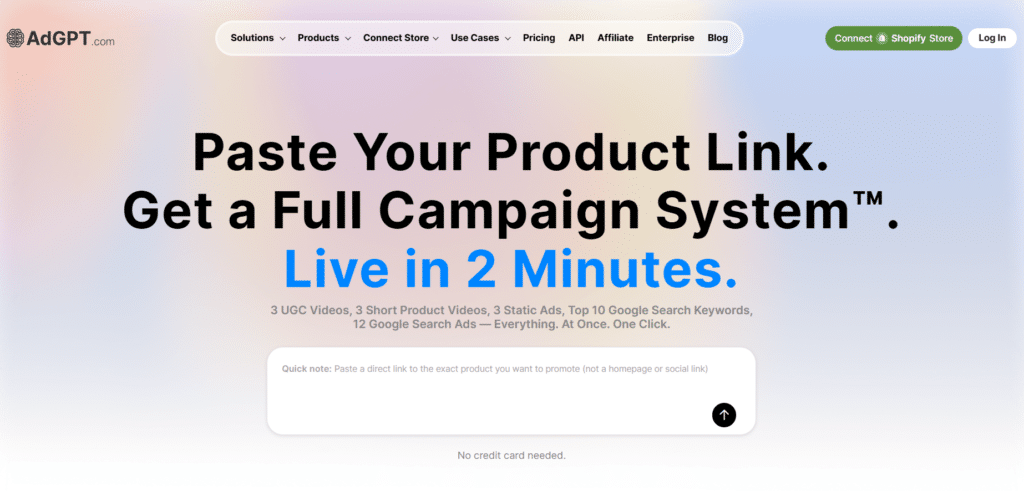
AdGPT goes beyond single ad creation to handle entire campaign workflows. If you’re tired of agencies and want high-ROAS campaigns fast, this platform automates from Shopify sync through platform upload with impressive depth.
4.5
OVERALL RATING
Automation Depth4.5/5
Ads Customization4.5/5
Creative Quality4.4/5
Value4.4/5
Key Pain Points AdGPT Solves
Tedious manual campaign setup: Direct auto-upload pushes finished ads straight to Meta, TikTok, and Google accounts with targeting and budgets pre-configured. What used to take 2-3 hours of setup now happens in 15 minutes.
Limited creative testing capacity: Multi-variation generator spits out 10+ versions per concept with different angles and takes. This enables serious A/B testing that quickly identifies winners instead of guessing which creative will perform.
Disconnected tool workflows: Shopify sync pulls your entire catalog and generates unique ads for every product automatically. I’ve used this to launch 50-product campaigns that would’ve taken weeks to build manually.
Highlighted Features
AI UGC Video Ads: Creates realistic user-generated style videos with avatars that feel authentic. No filming required, yet the trust factor and engagement rates match real UGC.
Shopify Sync & Catalog Ads: Connects to your store and generates ads for your entire product range in one operation.
Short Video Creator: Builds 6-15 second optimized videos with transitions, branding, and multiple aspect ratios for TikTok, Meta, and YouTube.
Image Ad Generator: Converts basic photos into professional static ads with smart text placement, layouts, and CTAs. Auto-resizes for different platforms automatically.
Direct Auto-Upload: Pushes completed ads to your connected ad accounts with targeting parameters and budgets.
Product Photo to Video: Animates single images into full motion ads with scenes, voiceover, and expressions. Quick way to test video ad concepts without full video production.
AI Avatars & Voiceovers: Customizable realistic humans deliver your message with appropriate lip-sync, accents, and tones.
Script & Hook Optimization: Writes high-converting scripts using proven formulas with emphasis on strong hooks and CTAs.
Multi-Variation Generator: Produces 10+ versions per idea automatically with different angles. Essential for finding winners through rapid testing.
Full Campaign Mode: Creates UGC videos, shorts, images, and search ads together as complete campaigns ready to launch.
Demo Experience
AdGPT’s one-time $79 pass provides full access to test comprehensively. I connected my Shopify test store and the platform pulled all products instantly. Within 10 minutes, I had 15 different ad concepts for one product—UGC videos, static ads, and short videos ready.
The direct upload feature worked smoothly with my Meta ad account. I selected targeting parameters, set a budget, and clicked publish. The ads appeared in my Ads Manager within minutes without manual uploads.
The multi-variation generator impressed me most—I gave it one product concept and received 12 variations with different hooks, visuals, and CTAs. This variety enables testing at a scale impossible with manual creation.
Credit consumption adds up quickly with heavy usage
Learning curve to maximize full automation potential
Integrations & Support
AdGPT integrates deeply with Shopify for product catalogs and directly connects to Meta, TikTok, and Google ad accounts for campaign launches. Premium support on higher-tier plans provides dedicated assistance. The platform handles complete workflows from inventory to live campaigns across major advertising platforms.
Pricing
AdGPT offers a one-time $79 pass for full testing. 33% annual save. Full campaign scaler.
One-time Pass: $79 (3 UGC/3 shorts/3 images/12 Google ads)
Pro Plan: $99/mo or $1,188/year (2,250 credits/mo, 45 UGC/90 shorts, 720p)
Prime Plan: $199/mo or $2,388/year (6,000 credits, 120 UGC/202 shorts, 1080p/unlimited brands)
Premium Plan: $399/mo or $4,788/year (13,500 credits)
Want full ad campaigns built automatically from your Shopify store?
AdGPT syncs products, writes copy and handles uploads. $79 one-time or $99/mo.
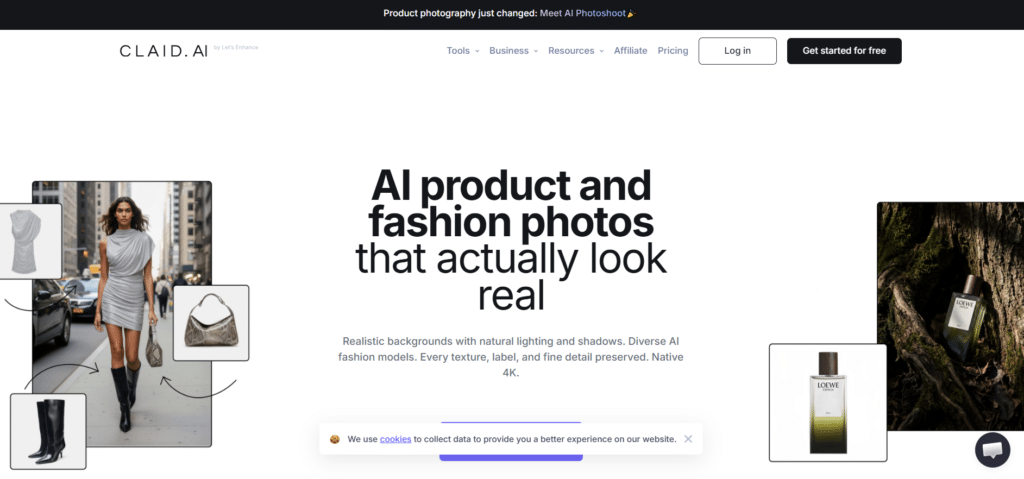
Claid AI excels when you need to process hundreds or thousands of product images with consistent professional quality. The API-first approach and bulk editing power make it the go-to choice for serious e-commerce operations at scale.
4.4
OVERALL RATING
Product Visuals4.5/5
Bulk Processing4.5/5
Creative Quality4.4/5
Value4.4/5
Key Pain Points Claid AI Solves
Inconsistent catalog imagery: The AI Photoshoot places every product into professional lifestyle scenes with perfect lighting and shadows while keeping product details intact. Your entire catalog achieves uniform high quality that builds brand trust.
Low-resolution product photos: Image upscaling brings blurry phone photos up to sharp 4K quality. I’ve salvaged dozens of “unusable” images from clients who couldn’t afford reshoots, fixing lighting and color issues simultaneously.
Manual editing bottlenecks: Processing thousands of images via API with locked-in brand styling saves massive time. What would take a design team weeks happens in hours while maintaining consistency impossible to achieve manually.
Highlighted Features
AI Photoshoot: Drops your product into realistic lifestyle scenes with professional lighting and staging. The AI preserves product details perfectly while creating environments that make items look premium and desirable.
AI Fashion Models: Puts clothing on diverse AI models instantly without hiring real models. Great for fashion ads that need to feel authentic across different customer demographics.
Background Removal & Generation: Eliminates messy backgrounds and replaces them with clean or custom scenes in seconds.
Image Upscale & Enhancement: Sharpens low-resolution photos to 4K quality while fixing lighting, colors, and other issues.
AI Videos from Stills: Converts static product photos into short engaging video clips. These perform excellently in social ads where motion captures attention longer than static images.
Bulk Editing Power: Processes thousands of images simultaneously via API while maintaining your brand style.
Product-Specific AI Training: The AI focuses only on product photography, so logos, textures, and shapes never get distorted.
Auto Platform Prep: Edits images to exact specifications for Amazon, Shopify, and other platforms.
Conversion-Focused Edits: Creates variations testing different angles and scenes to identify what sells best. Brands report 20-30% order value lifts from optimized product presentation.
Demo Experience
Claid AI offers free trial credits to test features. I started by uploading 50 mixed-quality product photos through their API. Within 10 minutes, all came back enhanced with consistent lighting, clean backgrounds, and improved sharpness.
The AI Photoshoot feature impressed me most—I uploaded basic product shots and got them back in lifestyle settings that looked professionally staged. The quality easily matched $500-per-image commercial photography.
API documentation is clear with good examples. For non-technical users, the web interface provides similar bulk capabilities without coding, though at slightly slower processing speeds.
API focus creates learning curve for non-technical users
Credit consumption adds up quickly with heavy usage
Less suited for one-off ad creative needs
Some advanced features require developer implementation
Integrations & Support
Claid AI provides strong API for workflow automation and integration with e-commerce platforms. Help center documentation includes guides and video tutorials. Used by major brands like Rappi, the platform handles enterprise-scale implementations. API access makes it easy to push enhanced images directly to Shopify, Amazon, and other sales channels.
Pricing
Claid AI offers Credit-based (e.g. photoshoot 4 credits). Volume discounts. Great for big catalog scaling.
Flair AI combines AI generation with creative control through an intuitive drag-and-drop canvas. If you want to experiment with wild product visual ideas fast, this tool provides the flexibility to bring concepts to life without technical design skills.
4.4
OVERALL RATING
Product Videos4.4/5
Image Quality4.5/5
Creative Flexibility4.4/5
Value4.4/5
Key Pain Points Flair AI Solves
Expensive creative experimentation: The drag-and-drop canvas lets you stage product photos with props and backgrounds digitally. You can test dozens of visual concepts before committing to real photoshoots, saving thousands on setup that wouldn’t have worked anyway.
Limited fashion photography budgets: On-model photography places products on customizable AI models with adjustable hair, body type, and styling. Fashion brands eliminate model booking costs while achieving diverse representation.
Static ads losing attention: AI video generation adds motion to product shots automatically. These animated visuals consistently outperform static images in social feeds where movement captures scrolling attention.
Highlighted Features
On-Model Photography: Places products on custom AI models with tweakable characteristics like hair color, body type, and styling. No real photoshoots required for professional fashion imagery.
Instant Image Generation: Creates product shots from scratch or simple prompts super quickly. Perfect for testing creative concepts before investing in real production.
Background Regeneration: Swaps or creates new scenes while keeping the product perfectly intact.
AI Video Generation: Converts static product images into short videos with motion and effects. These perform significantly better than static ads in feed-based platforms.
Ad Creative Auto-Generation: Builds complete advertising visuals following your brand rules automatically.
Human Builder Tool: Customizes model characteristics for diversity and target audience fit. Helps ads resonate better with specific demographics.
Drag-and-Drop Canvas: Stage scenes with props and backgrounds like working in Photoshop but AI-powered. Makes complex compositions accessible to non-designers.
Brand Asset Management: Stores logos, fonts, and colors for consistent on-brand output every time. No more hunting for the correct brand files.
Template Mix & Match: Reuses successful setups to test new concepts rapidly. Great for A/B testing creative variations efficiently.
Team Collaboration: Real-time editing with other team members streamlines creative workflows. Multiple people can refine concepts simultaneously.
Demo Experience
Flair AI’s free plan provides 5 images and 1 video to test features. I uploaded a basic product photo and used the drag-and-drop canvas to place it on a wooden table with plants and natural lighting—all AI-generated.
The on-model feature impressed me. I uploaded a jacket design and within 90 seconds had it displayed on three AI models with different body types and poses. The quality was good enough for actual ad use.
The interface felt intuitive like using Canva but with AI superpowers. Background regeneration worked smoothly—I changed environments 5 times for the same product without re-uploading or complex editing.
Some AI-generated elements can look obviously synthetic
Video quality varies depending on source image quality
Integrations & Support
Flair AI offers team collaboration built into the platform plus API access for custom workflows. Export options accommodate major social and e-commerce platforms. The focus on creative teams shows in collaborative editing features and easy asset sharing capabilities.
Argil AI focuses on AI clone videos where you train the system once with your photo and voice, then generate unlimited talking-head content that sounds and looks like you. Perfect for personal brands, consultants, and entrepreneurs who want to scale video presence.
4.4
OVERALL RATING
Product Showcase4.4/5
Avatar Quality4.4/5
Creative Flexibility4.4/5
Value4.4/5
Key Pain Points argil AI Solves
Filming fatigue from constant content needs: AI clones from just one photo and 1-2 minute voice sample let you create authentic UGC without endless recording sessions. Personal brands can produce 50+ weekly videos that would’ve required impossible filming schedules.
Inconsistent video quality across content: Dynamic auto-editing adds captions, B-roll, backgrounds, and transitions automatically. Videos look professionally produced and keep viewers engaged longer without manual editing skills.
Limited scalability for personal spokesperson content: Bulk video output generates dozens of clips per week once your clone is trained. This scales content for A/B testing and multi-platform posting way beyond manual capacity.
Highlighted Features
AI Clone from Photo + Voice: Upload one picture and record 1-2 minutes of voice to create a clone avatar that speaks like you. Produces authentic-feeling UGC without constant filming.
Text-to-Video Fast: Type or record scripts and AI builds complete videos with your clone in minutes.
Dynamic Auto-Editing: Automatically adds captions, B-roll clips, backgrounds, and smooth transitions. Makes videos look professionally edited and keeps viewers watching longer.
Avatar Library Options: Choose pre-made avatars like fun or professional ones if you skip cloning. Tailors content to your niche for better relevance and engagement.
Camera Angle & Gesture Control: Adjust how avatars move and look at camera for natural delivery. Feels more realistic and builds trust in advertising contexts.
Bulk Video Output: Generate up to dozens of clips per week once cloned. Scales content for extensive A/B testing and multi-platform campaigns.
Pre-Designed Backgrounds: Apply ready backgrounds matching your brand without extra work. Ensures clean, consistent looks that lift perceived quality.
Full Rights Ownership: You own every video with no restrictions. Remix and run them anywhere to maximize reach and conversions.
Easy Training Flow: Just a short video plus consent clip to train your clone. Quick setup means you start producing high-converting content sooner.
Demo Experience
Argil AI offers a 5-day free trial. I recorded a 90-second voice sample following their prompts and uploaded a clear headshot. Within 24 hours, my AI clone was ready (training takes some processing time).
I typed a simple product recommendation script and within 3 minutes had a video of my clone delivering it naturally. The voice match impressed me—it captured my speaking cadence and tone surprisingly well.
The dynamic editing added captions and transitions automatically. The final video looked polished enough to post immediately without additional editing software.
Clone quality depends heavily on source material quality
24-hour training wait time delays initial use
Some uncanny valley moments in facial movements
Works best for talking-head style rather than complex scenarios
Integrations & Support
Argil AI provides quick support responses with account managers on higher tiers. API available for scaling workflows. ElevenLabs voice integration for enhanced audio quality. Direct publishing to social channels. Strong for personal branding with ethical clone training. Suits workflows requiring consistent clone presence across channels.
Pricing
Argil AI offers pricing reflects specialized clone technology and bulk output capabilities.
Phot AI packs 40+ image editing tools into one platform, focusing on batch processing and creative automation. If you need to fix or enhance hundreds of product shots or create unique ad visuals without Photoshop expertise, this delivers impressive capabilities.
4.3
OVERALL RATING
Ads Creation4.4/5
Batch Processing4.4/5
Template Quality4.3/5
Value4.4/5
Key Pain Points Phot AI Solves
Limited banner dimensions for ads: AI Image Extender stretches pictures beyond edges for bigger banner formats. Grab more attention in feeds with visuals that fill available space completely.
Generic stock photo dependency: AI Art generation from prompts creates fresh, unique artwork or scenes. Pair with products for ad hooks that stand out from competitors using the same stock images.
Time-consuming manual editing tasks: Batch processing and creative automation handle hundreds of images simultaneously. What would take a design team days happens in hours while scaling campaigns efficiently.
Highlighted Features
AI Image Extender: Expands pictures beyond original borders for larger banner or social formats. Grabs more feed attention with visuals filling available space.
AI Art from Prompts: Generates fresh artwork or scenes to pair with products. Unique creative hooks that stand out versus overused stock imagery.
Object Replacer/Swapper: Changes or adds items in photos like swapping backgrounds or props. Enables custom ad testing without reshoots.
Background Replacer/Blur: Removes or blurs distractions so products shine. Cleaner images often translate directly to higher conversion rates.
Auto Image Enhancer: Fixes blur, sharpens details, boosts colors automatically. No manual tweaking for professional-level results.
10,000+ Templates: Jump into ready ad banners, social posts, promo designs. Speeds up creation significantly.
Creative Automation: Batch edits and generates visuals to scale campaigns without designer burnout.
API Access: Hooks into your own tools or shop for automated image workflows.
Demo Experience
Phot AI offers limited free access. I uploaded 10 mixed-quality product photos and used batch background removal. Within 5 minutes, all came back with clean backgrounds and improved lighting.
The AI Art generator impressed me—I prompted “modern minimalist kitchen scene” and got several unique variations I could place products into. These looked far better than generic stock photos.
The template library is extensive. I found ready-made ad layouts for Instagram, Facebook, and Google Display, customized one with my product, and had a finished ad in under 3 minutes.
Some tools work better than others (quality variance)
Learning curve for maximizing all 40+ capabilities
Integrations & Support
Phot AI provides email and chat support plus comprehensive guides. API access enables integration with e-commerce platforms or custom design workflows. Strong for automated image pipelines supporting ad creation at scale.
Pricing
Phot AI offers limited free access. The pricing reflects the comprehensive 40+ tool suite and batch capabilities.
Free Plan: limited credits (basic tests)
Pro Plan: $19.99/mo or $16.67/mo annual ($200/year, 1,500 credits/mo)
Teams/Higher Plan: ~$62.50/mo annual base (more credits/seats)
Unlimited Plan: ~$99/mo (no caps)
Batch editing images taking forever?
Phot AI has 40+ tools, object remover and thousands of templates. Free limited, then $16.67/mo.
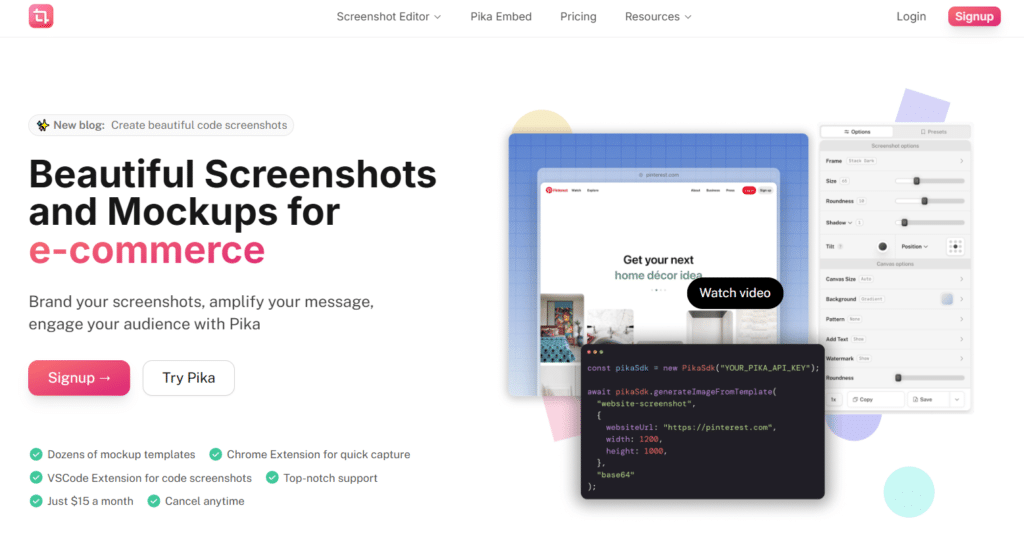
Pika.Style specializes in creating polished screenshots and mockups rather than full AI video generation. It’s uniquely valuable for app promotion ads, developer tool marketing, and showcasing testimonials or code in visually appealing formats.
4.3
OVERALL RATING
Visuals Quality4.4/5
Customizations4.3/5
Ads Quality4.3/5
Value4.4/5
Key Pain Points Pika.Style Solves
Unprofessional app screenshots in ads: App mockup templates for iPhone, Mac, and App Store create professional product displays instantly. Tech brands eliminate messy screenshots that hurt credibility in promotional materials.
Boring social proof presentation: Tweet and testimonial templates turn plain quotes into styled, shareable images. These grab more attention in feeds than plain text screenshots.
Technical content that looks unappealing: Code snippet templates make developer tool screenshots beautiful. The VSCode extension helps tech products showcase features attractively in ads without design skills.
Highlighted Features
URL or Extension Screenshot Capture: Grab clean website shots via URL or Chrome extension fast. No messy cropping required for professional ad assets.
Custom Frames & Annotations: Add borders, highlights, and text notes to make screenshots pop in ads. Draws attention to key features effectively.
Preset Styles Application: Apply quick visual treatments to match your brand vibe. No redesigning every screenshot individually.
High-Quality Exports: Download optimized sizes for Instagram, Twitter, LinkedIn. Ready for ad use immediately without resizing.
App Mockup Templates: Dozens of templates for iPhone, Mac, App Store displays. Great for showing mobile apps in promotional creatives professionally.
Tweet/Code/Testimonial Templates: Converts code snippets or customer quotes into beautifully styled images. Boosts credibility in tech product advertisements.
VSCode Extension: Special tool for developers to screenshot code beautifully. Makes technical features look appealing in product ads.
Brand Customization: Lock in colors, fonts, and logos across all mockups. On-brand consistency that builds trust.
Demo Experience
Pika.Style provides unlimited generations without watermarks. I started with the Chrome extension to capture a clean screenshot of a website dashboard.
Within 30 seconds, I had the screenshot styled with a professional frame and subtle shadow. I then tried the app mockup feature, placing my screenshot into an iPhone template—looked exactly like official App Store imagery.
The code template impressed me for technical marketing. I pasted a code snippet and it rendered as a beautiful visual with syntax highlighting and proper formatting, perfect for developer tool ads.
Best suited for B2B tech rather than general consumer ads
Limited compared to full-featured design tools
Integrations & Support
Pika.Style offers support via Slack community, chat, and email. Chrome and VSCode extensions integrate directly into developer workflows. No major third-party platform connections beyond standard export formats for social media and advertising platforms.
Pricing
Pika.Style Pro costs $15/month (approximately $150/year, 20% savings versus monthly). Unlimited generations, no watermarks, API access included. The annual pricing model provides excellent value for consistent use.
Free Plan: limited credits (basic tests)
Pro Plan: $19.99/mo or $16.67/mo annual ($200/year, 1,500 credits/mo)
Teams/Higher Plan: ~$62.50/mo annual base (more credits/seats)
Unlimited Plan: ~$99/mo (no caps)
Need app promo ads or code screenshots turned into visuals?
Pika.Style captures screens and makes mockups fast. $150/year.
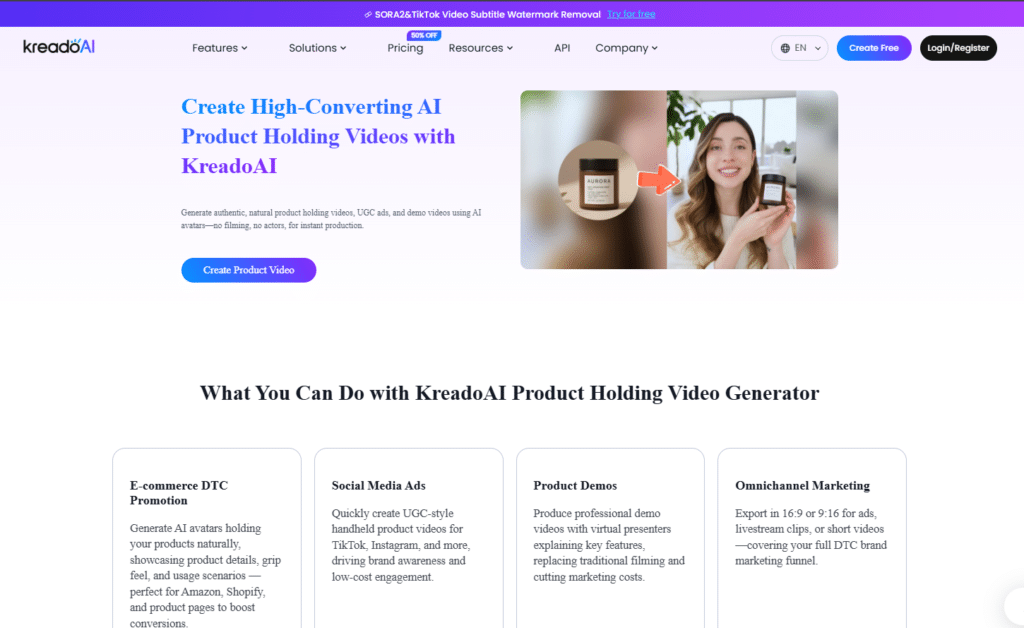
Kreado AI emphasizes digital humans and script-to-video conversion with exceptional multilingual capabilities. The combination of 1,000+ avatars and 140+ languages makes it particularly strong for brands needing global reach with localized spokesperson content.
4.2
OVERALL RATING
Avatar Variety4.3/5
Feature Set4.2/5
Voiceover Variations4.3/5
Value4.2/5
Key Pain Points Kreado AI Solves
Expensive international video localization: 40,000+ voices in 140+ languages enable authentic-sounding multilingual ads. Localize campaigns for Asian and European markets without hiring regional voice actors or production teams.
Slow video production timelines: Script-to-video converts text, images, or slides into complete videos quickly. Perfect for rapid campaign launches when you’re under deadline pressure.
Limited in-house video expertise: URL-to-video transforms product links or websites into advertisement videos in minutes. E-commerce teams launch video campaigns without video production knowledge.
Highlighted Features
1000+ AI Avatars: Extensive library of realistic digital humans with accurate lip-sync and natural gestures.
Custom Avatar Creation: Clone yourself via webcam for personalized branding. Maintains consistent spokesperson presence across all campaign content.
40,000+ Voices in 140+ Languages: Ultra-realistic text-to-speech for voiceovers and dubbing.
Script to Video: Turns text, images, or presentation slides into full videos quickly.
Multilingual Localization: Converts content to 140+ languages easily with matching voiceovers.
Image to Video Generator: Animates static characters with expressions and movements.
URL to Video: Transforms product links or entire websites into ad videos in minutes.
AI Video Editor: Trim clips, add music and transitions, perform face swaps, remove backgrounds.
AI Script Writer: Generates complete scripts from simple prompts like an email concept.
Demo Experience
Kreado AI offers 3 free video minutes. I started with the script-to-video feature, entering a simple product pitch. Within 4 minutes, I had a 60-second video with a professional avatar delivering my message in clear English.
The multilingual conversion impressed me most—I clicked “translate to Japanese” and the avatar’s voice changed to natural-sounding Japanese while lip movements synchronized perfectly. The quality was broadcast-ready.
The URL-to-video feature worked smoothly. I pasted a Shopify product link and received a complete promotional video highlighting key features and benefits extracted from the product page automatically.
Some avatar movements feel less natural than competitors
Feature abundance creates learning curve
Integrations & Support
Kreado AI provides 24/7 support on Premium+ plans with dedicated manager for Enterprise. API integration available through OpenAPI documentation. Focus on standalone TikTok and UGC tools with audio and PowerPoint imports. No major third-party integrations like Zapier noted, but API enables custom automations for social media and advertising workflows.
Pricing
Kreado AI offers 3 free video minutes. It’s plan reflects exceptional multilingual capabilities and comprehensive avatar library.
Free: 3 mins video/180 K-coins (watermark, limited avatars/voices)
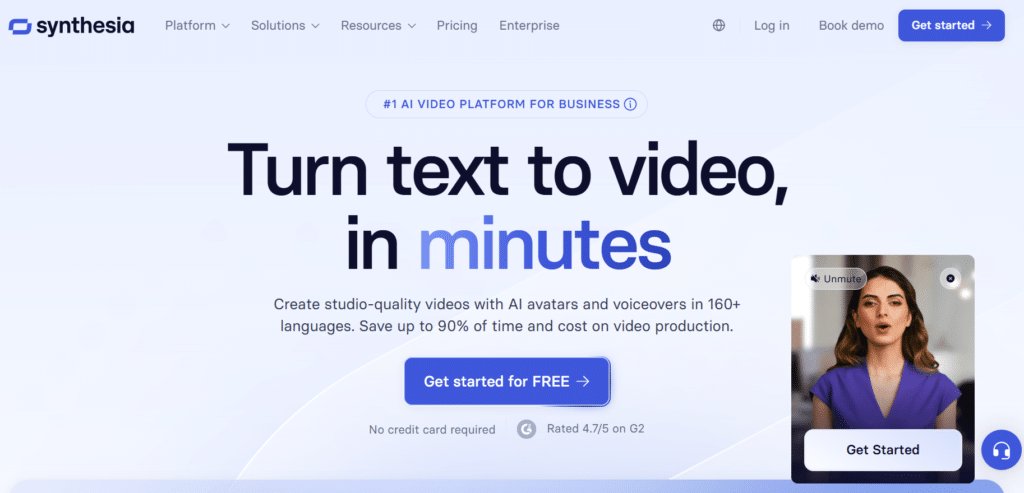
Synthesia delivers polished, professional avatar videos perfect for explainer content and branded messaging. The platform’s strength lies in creating videos that feel corporate-ready with minimal effort, making it ideal for B2B marketing and training content adapted for ads.
4.2
OVERALL RATING
Video Quality4.4/5
Feature Set4.3/5
Avatar Quality4.4/5
Value4.4/5
Key Pain Points Synthesia Solves
Expensive video production for global markets: One-click translation converts videos to 160+ languages with automatic lip-sync. You can localize explainer ads for European and Asian markets without hiring international production teams or voice actors.
Inconsistent spokesperson presentation: Custom avatar cloning lets you create a digital version of yourself or your spokesperson. Once trained, this avatar maintains perfect consistency across hundreds of videos—impossible with real filming schedules.
Slow team approval processes: Real-time collaboration features let marketing teams edit, comment, and approve videos together. This eliminated the endless email chains and version confusion that used to delay our campaign launches.
Highlighted Features
Expressive AI Avatars: Choose from diverse professional avatars that speak naturally with realistic lip-sync in 160+ languages. The expressions and gestures feel genuinely human rather than robotic.
Text to Video Instant: Drop in text, documents, or links and the AI builds complete branded videos matching your style guidelines.
High-Quality Voiceovers: Natural-sounding voices in 160+ languages eliminate recording studios and voice actor costs. The audio quality passes for professional narration in B2B contexts.
One-Click Translation: Translate entire videos automatically with matching lip movements.
Real-Time Collaboration: Teams edit simultaneously with commenting and review workflows built in.
Brand Kit Customization: Lock in logos, colors, fonts, and even brand-specific terminology. Every video maintains consistent branding without manual template adjustments.
Screen Recording with AI: Capture product demos, generate automatic transcripts, edit seamlessly, and translate—all in one workflow. Perfect for SaaS explainer ads.
Template Library: Pre-designed layouts for common ad formats let you start creating immediately without design work. Templates maintain professional standards while allowing customization.
Demo Experience
Synthesia offers 10 free minutes to test features. I started with a simple product value proposition script. Within 5 minutes, I had a polished 45-second video with a professional avatar delivering my message clearly.
The translation feature blew me away—I clicked “translate to Spanish” and the avatar’s lips synchronized perfectly with the Spanish voiceover. The quality was good enough to use in real campaigns immediately.
The collaboration tools worked smoothly. I invited a colleague to review, they left timestamped comments, and I addressed feedback directly in the platform without downloading files or using separate review tools.
Higher price point than consumer-focused alternatives
Learning curve for maximizing advanced features
Style leans corporate rather than casual/social
Free tier limits prevent thorough evaluation
Integrations & Support
Synthesia integrates with major learning management systems (360Learning, aNewSpring, Articulate 360), content platforms (HubSpot, Shopify, WordPress, BigCommerce), and 8000+ apps via Zapier. API access on Creator+ plans enables custom workflows. SCORM export supports training applications. Workato integration handles complex automation. Strong tech partner program for enterprise implementations.
Pricing
Synthesia offers 10 free minutes. Annual saves ~38%. Pro for polished global videos.
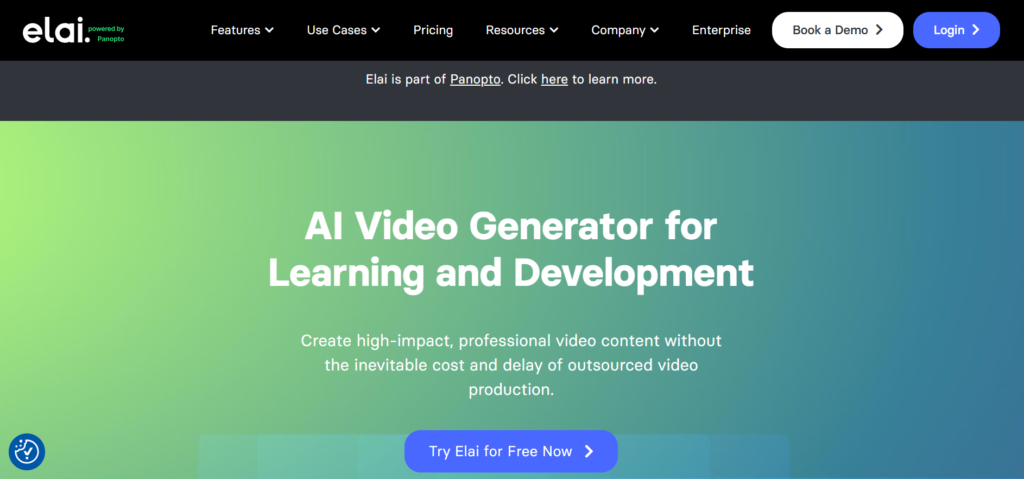
Elai focuses on professional AI avatar videos with particular strength in custom avatar cloning. If you want to scale personalized video content while maintaining a consistent spokesperson, this platform delivers impressive results.
4.2
OVERALL RATING
Avatar Quality4.3/5
Feature Set4.2/5
Brand-Kit Integration4.4/5
Value4.3/5
Key Pain Points Elai Solves
Spokesperson scheduling conflicts: Custom avatar cloning records you once, then creates unlimited videos using your digital twin. Users can produce 50+ spokesperson videos per month that would’ve been impossible with real filming schedules.
International market communication barriers: Multilingual voiceovers in 100+ languages with one-click translation make global expansion accessible. The lip-sync quality is good enough that international audiences don’t immediately recognize it as AI-generated.
Slow creative approval cycles: Real-time team editing with commenting streamlines workflows dramatically. Marketing teams review and approve videos collaboratively without endless email threads and version confusion.
Highlighted Features
Diverse AI Avatars: Extensive library of realistic avatars with natural expressions and accurate lip-sync. These work well for ads where you need professional presenters without hiring actors.
Text to Video: Type scripts and AI converts them to full videos with voice, visuals, and branding applied automatically.
Custom Avatar Cloning: Record yourself once to create a digital twin for on-brand videos anytime.
Multilingual Voiceovers: Natural voices in 100+ languages simplify ad localization for different markets.
Template Library: Pre-designed layouts for common ad formats provide professional starting points.
Screen Recording + AI Edit: Capture product demos, generate automatic transcripts, edit seamlessly, and translate—perfect for SaaS product tutorial ads.
Real-Time Team Edit: Multiple collaborators work simultaneously with inline commenting.
Brand Kit Lock: Enforces logos, colors, and fonts across all videos automatically. No more inconsistent branding across campaign creative.
Analytics Tracking: Monitor watch time and drop-off points to identify which parts of ads hold attention.
One-Click Translation: Convert entire videos to new languages with synchronized lip movements. No re-recording required for international ad variations.
Demo Experience
Elai offers limited free access to test core features. I started by selecting an avatar from their library and inputting a product pitch script. Within 3 minutes, I had a polished 45-second video with the avatar delivering my message naturally.
The custom avatar cloning required about 5 minutes of webcam recording following their prompts. The resulting digital twin captured my speaking style and mannerisms surprisingly well—good enough that colleagues recognized it as “me” immediately.
The collaboration tools worked seamlessly. Team members left timestamped feedback, I made edits in response, and we approved the final version without a single email or Slack message about the video.
Avatar cloning quality varies based on recording setup
Free tier extremely limited for evaluation purposes
Some avatar movements can feel slightly stiff
Higher pricing for video minute allocations
Integrations & Support
Elai connects with learning management systems like Thinkific for course embeds, offers API access on higher plans for custom workflows, and includes built-in storyboard and interactive tools. Strong for education and training applications with direct platform embeds. Documentation and sales support available. Automation potential through API for scaled video production.
Pricing
Elai offers limited free access. Good for explainers with team needs.
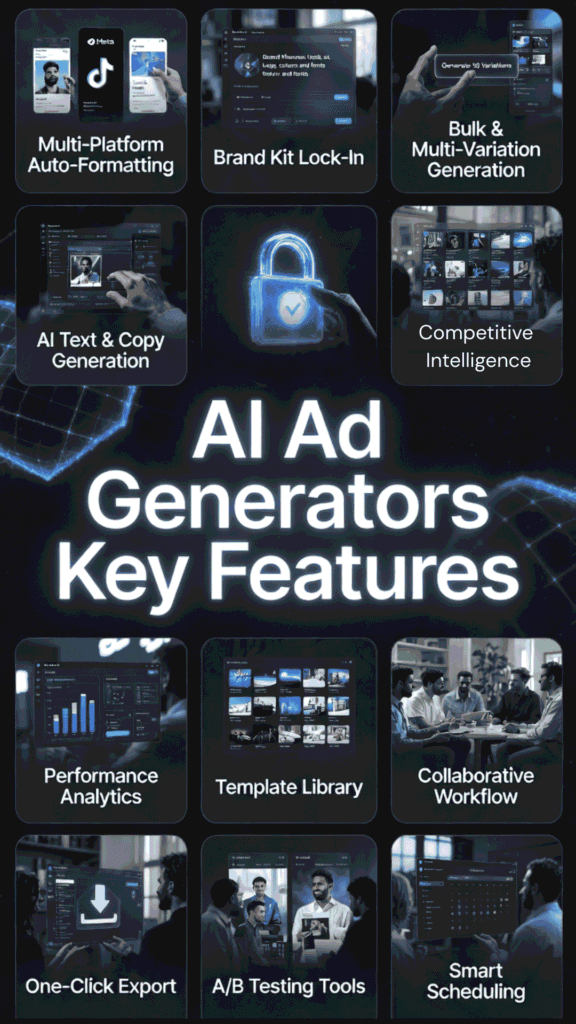
Not all AI ad generators solve the same problems. Here are the critical features that separate genuinely useful platforms from overhyped ones, based on what actually matters when you’re create ads under pressure.
Multi-Platform Auto-Formatting: Instantly resizes and optimizes every ad for Facebook, Instagram, TikTok, LinkedIn, Google, and more with one click so you never miss deadlines or look inconsistent across feeds.
Brand Kit Lock-In: Automatically applies your logos, exact colors, fonts, and voice tone to every single creative generated, keeping your brand sharp and recognizable even when you’re pumping out dozens of variations.
Bulk & Multi-Variation Generation: Creates 10–20+ ready-to-test versions of any concept in minutes, giving you real firepower for A/B testing instead of being stuck with just 2–3 weak options.
Direct Platform Integrations: Connects straight to Shopify, Meta, TikTok, Google, and others so you can pull products, generate ads, and publish or launch campaigns without downloading, uploading, or switching tabs.
Competitive Intelligence & Winning Ads Library: Shows you top-performing ads in your niche (or any niche) with hooks, visuals, and copy breakdowns so you can model winners instead of guessing what might work.
AI Avatar & UGC-Style Video Creation: Builds realistic spokesperson videos, talking avatars, or user-generated-content clips from text or product links—no camera, no actors, no huge production budget required.
Multilingual Voiceover & Lip-Sync: Translates and dubs your videos or creates new ones in 30–140+ languages with natural-sounding voices and perfect lip-sync, opening up international markets without extra cost.
Built-In Performance Analytics: Tracks real metrics like views, engagement, watch time, drop-offs, and estimated conversions right inside the tool so you quickly spot (and double down on) what’s actually driving sales.
Focus on platforms offering at least 5-6 of these features. The most effective tools combine multiple capabilities so you’re not stitching together separate solutions for each step of ad creation.
Choosing the Right AI Ad Generators
Start with a specific pain point, not features. Don’t choose based on the longest feature list. Identify your biggest bottleneck…Is it production speed, creative quality, or international reach? Then pick the tool solving that problem best.
I made this mistake early on, subscribing to a tool with 50+ features when I only needed fast UGC video generation. Simpler, focused tools often deliver better results than Swiss Army knife platforms where you use 20% of capabilities.
Predis AI → Social media all-in-one: videos, carousels, captions, hashtags, scheduling + auto-post IG/TikTok/FB/LinkedIn.
Quickads → Fast UGC photoshoots + short videos. Spy winners, remix, tons of product shots for Meta/TikTok.
Jogg AI → Cheap quick avatar videos from text/URL + multilingual dubs.
Sellerpic AI → E-com product fixes + virtual try-ons for Shopify/Amazon CTR boost.
Arcads AI → Hyper-realistic UGC videos with emotion control + custom avatars.
Kreado AI → Custom avatars + script-to-video in 140+ languages for global ads.
Claid AI → Bulk lifestyle product photos + AI models/clothing/shadows for catalogs.
Synthesia → Pro talking-head explainers with realistic avatars + multilingual voiceovers.
AdGPT → Full campaigns: UGC + shorts + images + direct Shopify/Meta/TikTok upload.
Elai → Polished avatar videos + screen recording + team collab for explainers.
AI ad generators dramatically accelerate content production without sacrificing quality…what used to take days now happens in hours with proper tool selection.
Predis AI earns the top spot for its complete workflow combining generation, scheduling, and multi-platform optimization in one platform.
Match tools to specific needs rather than chasing feature counts. Specialized platforms often outperform generalists for particular use cases like UGC videos or product photography.
Free trials and starter plans provide enough access to evaluate real performance before annual commitments—always test with actual campaigns first.
Human strategy remains essential for directing AI execution—tools amplify marketing expertise but don’t replace strategic judgment.
Integration depth matters more than breadth—seamless Shopify or Meta connections save more time than surface-level support for dozens of platforms.
Multilingual capabilities open international markets affordably when combined with proper localization strategy beyond just translation.
Batch processing and bulk generation enable serious A/B testing at scales impossible with manual creation, leading to faster winner identification.
Conclusion
After extensive testing, Predis AI consistently delivered the best balance of quality, speed, and conversion results for social media advertising. Its combination of text-to-ad generation, UGC videos, competitor insights, and direct scheduling creates the smoothest workflow I’ve experienced.
But here’s the reality: The “best” tool depends entirely on your specific needs. E-commerce brands with large catalogs might benefit more from Claid AI’s bulk processing. B2B companies creating explainer content may prefer Synthesia’s professional avatar capabilities. Agencies managing multiple clients could find Quickads competitive intelligence invaluable.
Start with a free trial of Predis AI if you want the most complete solution, or choose a specialized tool matching your biggest pain point. Test it with real campaigns for two weeks and measure results against your current process.
The AI ad generation space is evolving rapidly. Tools that seemed cutting-edge six months ago now feel basic compared to new capabilities. Don’t wait for “perfect”—start testing now, learn what works for your audience, and iterate as platforms improve.
Ready to Transform Your Ad Creation Process?
Stop wasting hours on manual ad creation. Predis AI combines everything you need—generation, optimization, and scheduling—in one powerful platform.