Creating professional videos with realistic digital presenters used to require expensive equipment, actors, and technical expertise.
Not anymore.
AI avatar generators have revolutionized how we produce video content, making it accessible to everyone regardless of budget or technical skills. But with so many options flooding the market, finding the right tool can feel overwhelming.
As an AI engineer who’s spent countless hours testing these platforms, I’ve seen firsthand how the right AI avatar generator can transform your content strategy. Whether you need corporate training videos, marketing content, or personalized customer experiences, these tools can save you thousands in production costs while delivering studio-quality results.
In this article, we’ll review the top picks to help you choose the perfect AI avatar solution for your specific needs.
What Are AI Avatar Generator?
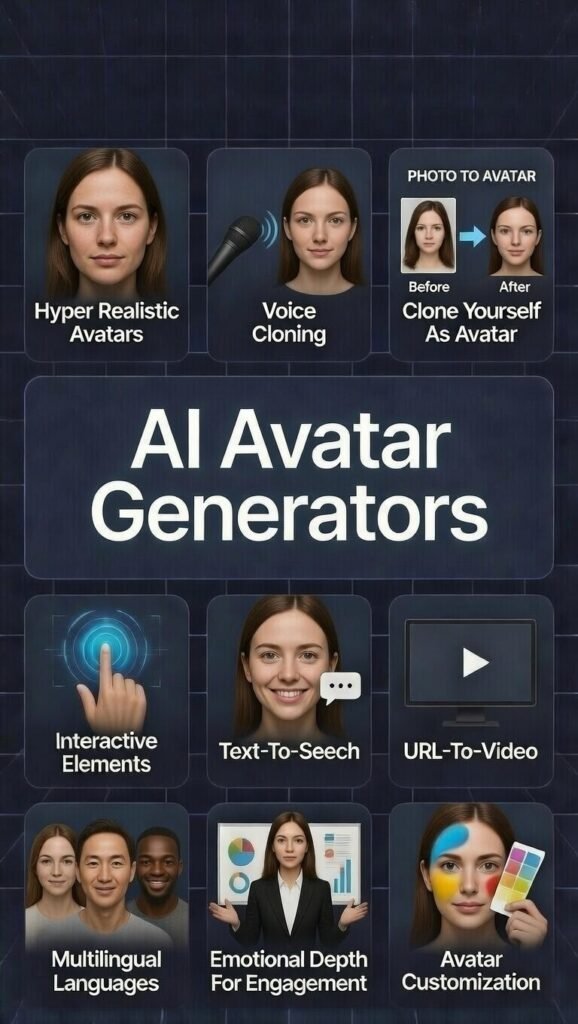
AI avatar generators are sophisticated platforms that use artificial intelligence to create digital representations of humans. These tools leverage deep learning algorithms to generate realistic facial expressions, lip movements, and even body language that synchronize perfectly with spoken text.
The technology has evolved dramatically in recent years, moving from obviously synthetic characters to digital humans that are nearly indistinguishable from real people.
At their core, these generators work by converting text into speech and then animating a digital character to deliver that speech with natural expressions and movements. Many platforms now offer customization options, allowing you to create avatars that match specific demographics, wear branded clothing, or even clone your own likeness for a personalized digital twin.
Who Can Use AI Avatar Generator Tools?
How I Tested These AI Avatar Tools
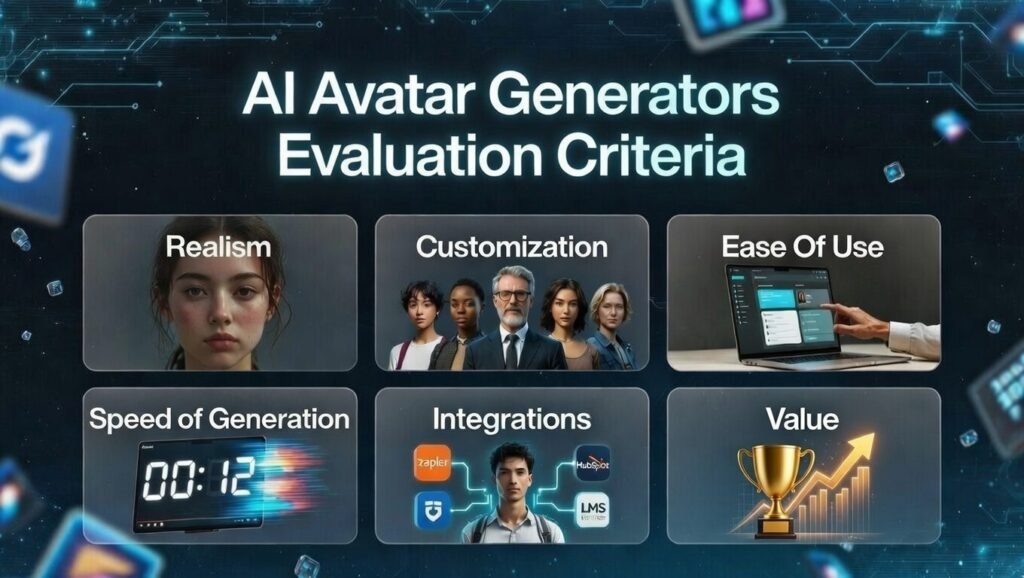
To provide you with an honest assessment, I spent considerable time going through each platform with real-world projects. My evaluation focused on seven critical factors that determine whether an AI avatar generator will actually deliver value for your specific needs:
Realism
How natural do the avatars look and move?
Do they avoid the uncanny valley effect?
I scrutinized facial expressions, lip synchronization, and overall believability.
Customization
Can you create branded avatars or personal digital twins?
I evaluated the range of customization options and how easily you can make avatars that align with your brand identity.
Ease of Use
How intuitive is the platform for beginners?
Can you create professional videos without technical expertise?
I assessed the learning curve and user interface quality.
Speed
How quickly can you go from concept to finished video?
I measured the time required to create various types of content, from simple talking heads to complex presentations.
Value
Does the platform deliver results worth its price?
I compared features against cost to determine which tools offer the best return on investment for different use cases.
Integrations
How well does the tool connect with your existing workflow?
I tested compatibility with common platforms like LMS systems, CRMs, and content management tools.
Why Should You Trust My Reviews?
I bring a unique perspective to these reviews as both a technical expert and practical user. With an MS in Data Science and Machine Learning and a BS in Software Engineering, I understand how these AI systems work under the hood. As a working professional since 2018, I’ve ghost-developed numerous AI applications and have firsthand experience with the challenges and opportunities these tools present.
Over the last year I’ve gone deep – exploring each of the AI tool’s detailed workflows, creator comparisons, full demos, and tons of user outputs. I study what breaks (weird lip-sync in accents, free-tier limits) and what truly shines (fast clones, natural gestures). That lets me cut through hype and spot what delivers for real projects.
These breakdowns come from careful research and pattern-spotting, not quick glances. They’re honest and aimed at saving you time and money.
AI Avatar Generators Comparison Chart
| Rank | Tool | Best For | Key Features | Rating | Starting Price |
| 1 | Synthesia | Corporate training | 125+ avatars, 160+ languages, SCORM export | 4.8/5 | $29/month |
| 2 | HeyGen | Custom digital twins | 700+ avatars, voice cloning, 175+ languages | 4.7/5 | $29/month |
| 3 | Fliki AI | Blog-to-video conversion | 70+ avatars, 2500+ voices, voice cloning | 4.7/5 | $28/month |
| 4 | Akool | Product showcase ads | Hyper-realistic avatars, 150+ languages, 4K output | 4.6/5 | $21/month |
| 5 | Kreado AI | TikTok-style videos | 1000+ avatars, 40,000+ voices, 140+ languages | 4.6/5 | $24/month |
| 6 | Elai | Interactive e-learning | 80+ avatars, interactive elements, scenario dialogues | 4.5/5 | $23/month |
| 7 | Jogg AI | E-commerce videos | 450+ avatars, URL-to-video, batch creation | 4.5/5 | $29/month |
| 8 | Vidnoz AI | Free daily usage | 1900+ avatars, 2000+ voices, 140+ languages | 4.4/5 | Free (limited) |
| 9 | Arcads AI | UGC-style marketing | 1000+ AI actors, product interaction, emotion control | 4.4/5 | $110/month |
| 10 | Apob AI | Custom influencer content | Photo animation, full customization, viral-ready tools | 4.3/5 | Free (limited) |
| 11 | Argil AI | Personal branding | Personal AI clones, voice cloning, magic AI editing | 4.2/5 | $39/month |
Top 3 AI Avatar Generator Picks

🥇
Synthesia
Creates polished corporate training videos with consistent professional avatars.


🥉
Fliki AI
Turns blog posts and scripts into accurate talking-avatar videos with voice clones.
Detailed Reviews of the Top 11 AI Avatar Generators
1. Synthesia – Best for Professional Training Videos
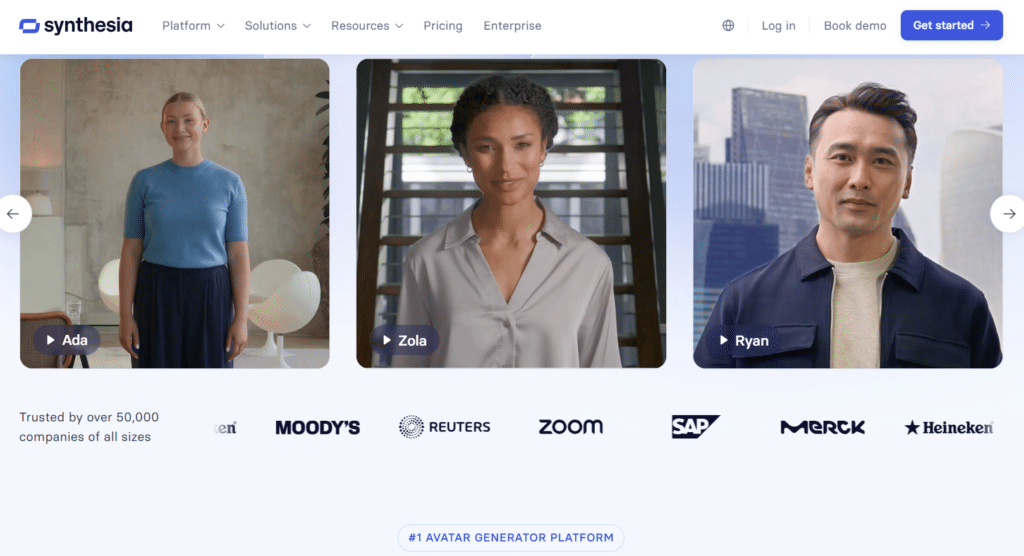
Synthesia has established itself as the gold standard for corporate video creation, particularly excelling in training and educational content. During my testing, I was consistently impressed by the professional quality and natural delivery of their avatars, which maintain credibility even in complex technical explanations.
4.8
OVERALL RATING
Key Pain Points Synthesia Solves
Highlighted Features

Real-World Success
“The ultimate best AI video generator! The studio is intuitive and easy to navigate and the quality of the AI avatars is plainly superb, so much much better than of the competitors. The lip synch, emotion expressions, variety. I use it for easily communicate my strategy to the clients. Adding visuals and screen recordings really helps to visualize the point I am trying to make. It is way better than just sending over a doc to read through. Usually I combine those 2.“
— Anna Uss, Synthesia User, ProductHunt
My Testing Experience
I created a 5-minute product training video in about 30 minutes, including script writing. The avatar’s delivery was remarkably natural, with appropriate pauses and emphasis that made the technical content easy to follow. What impressed me most was how seamlessly I could translate the video into Spanish and Japanese, with the avatar maintaining perfect lip-sync in each language.
Pros and Cons


Support & Integrations
Synthesia offers robust integration with learning platforms like 360Learning, aNewSpring, and Articulate 360, plus CMS connections to HubSpot, Shopify, and WordPress. Their Zapier integration enables workflows with 8,000+ apps. API access is available on Creator+ plans, and their support team responds quickly to technical questions.
Pricing
Create Pro Talking Videos Without Showing Your Face!
Jump into Synthesia’s free trial and make your first polished avatar video in minutes, no camera needed.
2. HeyGen – Best For Realistic Custom Digital Twins
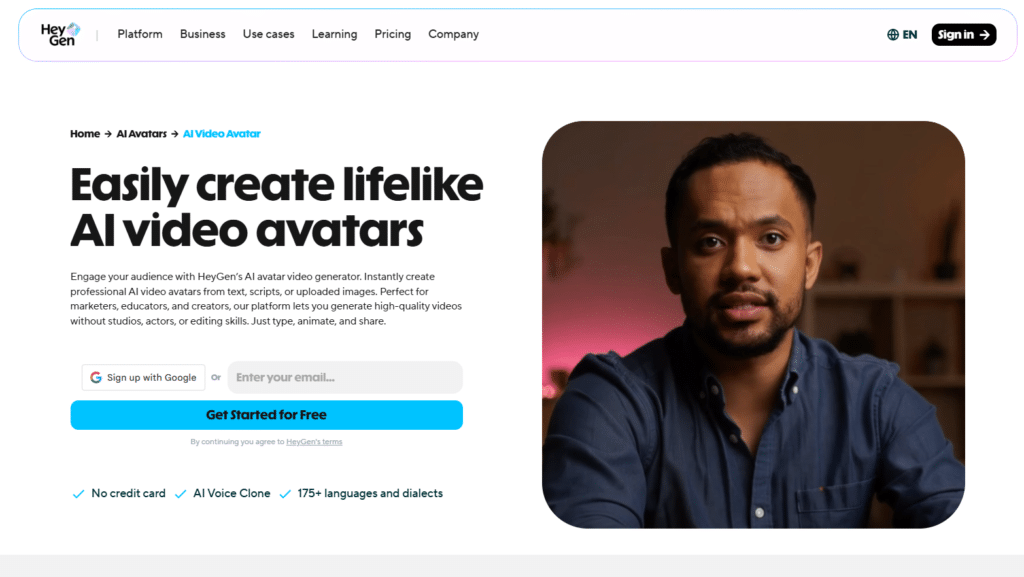
HeyGen stands out for its exceptional ability to create personalized digital twins that capture your likeness and mannerisms. If you’re looking to scale your personal brand without constantly being on camera, this platform offers the most convincing solution I’ve tested.
4.7
OVERALL RATING
Key Pain Points HeyGen Solves
Highlighted Features
Real-World Success
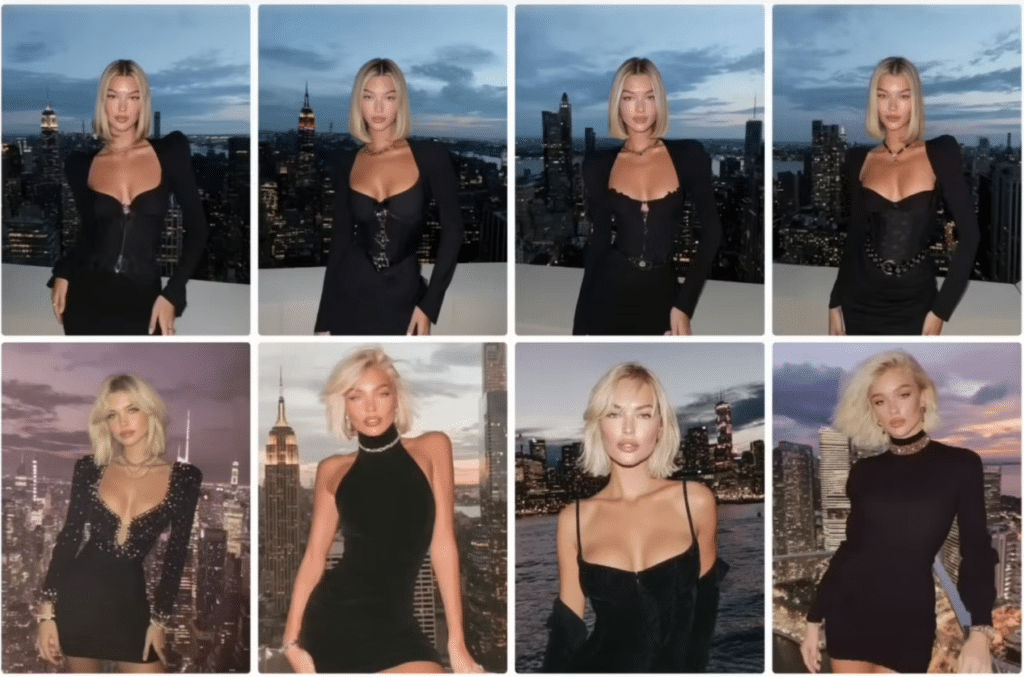
“I’m genuinely impressed by HeyGen’s Avatar IV. What stands out immediately is the fusion of simplicity and sophistication: from a single photo and a short script, Avatar IV creates a fully-animated, expressive video avatar — complete with lip sync, facial micro-expressions, natural head movements and even hand gestures.
In my experience testing it, the results feel remarkably human. The model seems to interpret tone and rhythm, not just mimic them — there’s a tangible sense of timing and emotion.”
— Jacopo Olivieri, HeyGen User, ProductHunt
My Testing Experience
Creating my digital twin took about 10 minutes of setup and processing time. I must admit creating myself with AI previously in midjourney had been a nightmare, I still recover from.
I was genuinely surprised by how accurately it captured my facial expressions and speaking style. The voice cloning feature was particularly impressive—after providing a 2-minute audio sample, the system reproduced my speech patterns with remarkable accuracy.
I created personalized product demos for different customer segments in minutes, something that would have taken days with traditional video.
Pros and Cons
Support & Integrations
HeyGen offers robust API for custom builds and automation (docs at docs.heygen.com). Integrates with HubSpot, Canva, Adobe, ChatGPT, n8n, Make, Zapier for workflows. LMS/SCORM export, workspace collab, and community for tips. Great for CRM personalization, content tools, or embedding in apps—plus voices API and live avatar options.
Pricing
Build Your Own Digital Twin Today!
Start HeyGen free. Upload one photo or video and get a realistic talking version of yourself fast.
3. Fliki AI – Best For Blog-to-Video Content Conversion
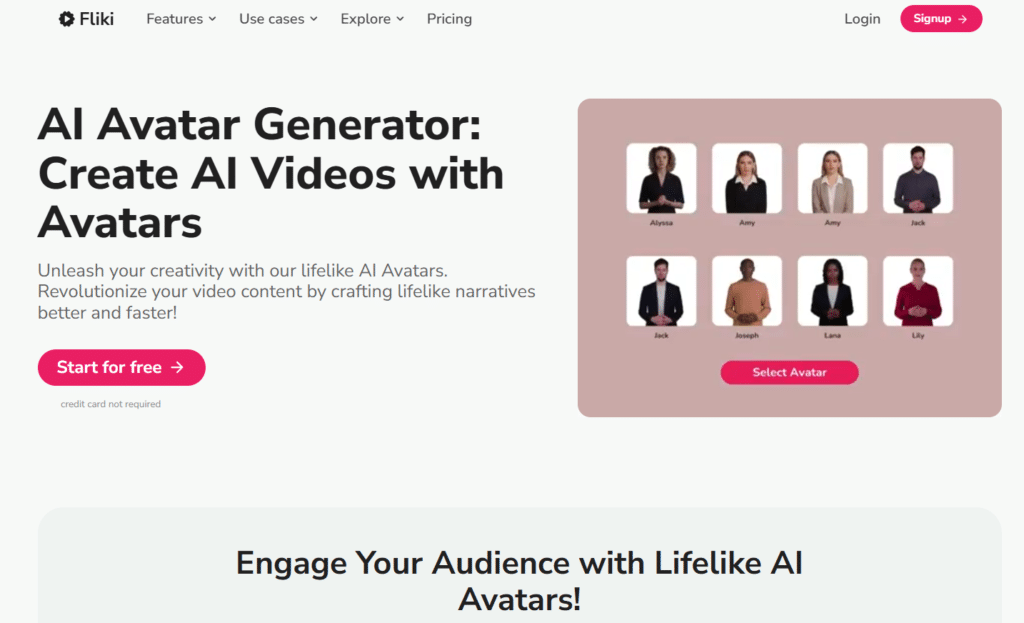
Fliki AI excels at transforming written content into engaging video presentations. If you’re a blogger, content marketer, or educator looking to repurpose text-based material into video format, Fliki offers the most streamlined solution I’ve encountered.
4.7
OVERALL RATING
Key Pain Points Fliki AI Solves
Highlighted Features
Real-World Success
“I’ve been using Fliki.ai for a while now and I’m honestly impressed with how easy it makes video creation. Turning a simple script into a professional-looking video with realistic voiceovers takes just minutes. The interface is very intuitive, so even without prior editing experience I was able to create content quickly for social media and presentations.
What I like most is the wide selection of natural-sounding AI voices and the ability to create content in different languages. It saves me a huge amount of time compared to traditional video editing. Rendering is usually fast and the overall workflow feels smooth and efficient.
In my experience, Fliki is a great tool for content creators, marketers, or anyone who wants to produce videos without complicated software. It’s practical, time-saving, and delivers solid quality results. Definitely worth trying if you create content regularly.”
— Aleksandra Cabaj, Fliki AI User, TrustPilot
My Testing Experience
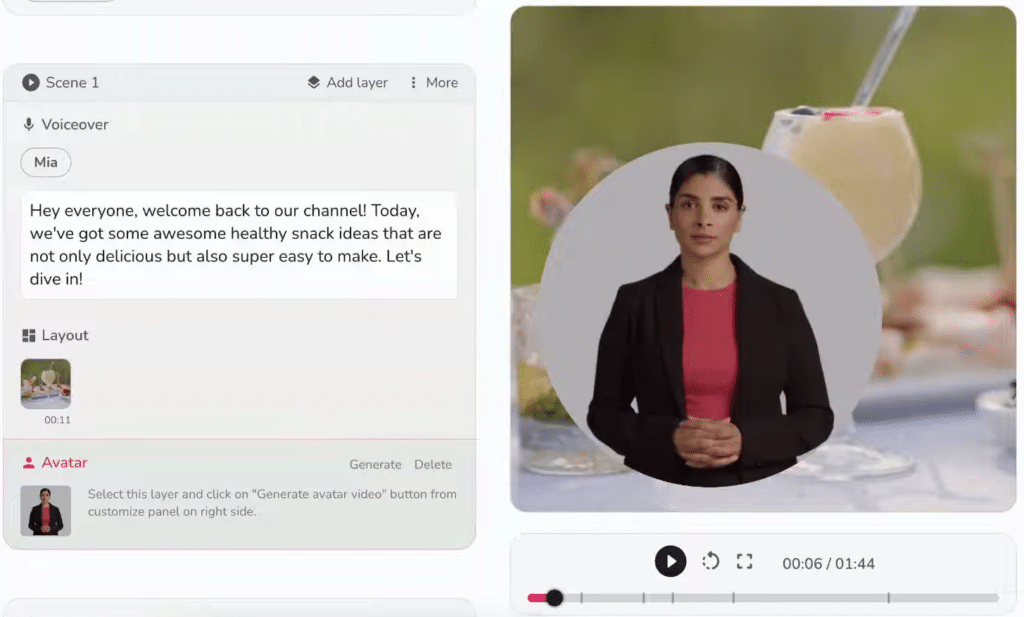
I tested Fliki by converting a 1,500-word technical article into a video presentation. The process was remarkably simple—I pasted the URL, and Fliki automatically extracted the content, suggested appropriate visuals, and generated a draft video.
The AI did an impressive job of maintaining the article’s structure while adapting it for video format. I particularly appreciated how the platform automatically suggested visual breaks and transitions to maintain viewer engagement.
Pros and Cons
Support & Integrations
Fliki offers email/live chat (priority on Premium+), dedicated manager for Enterprise. Make and Zapier for no-code automations (connect to social, docs, etc.). Built-in for text/blog/PPT imports, AI image gen. Web-based, no heavy LMS but great for content workflows like posting to platforms or CRM ties via Zapier.
Pricing
Turn Blogs into Avatar Videos in Minutes!
Try Fliki free minutes and paste any script or post and watch it become a full talking-head video.
4. Akool – Best For Hyper-Realistic Product Showcase Ads
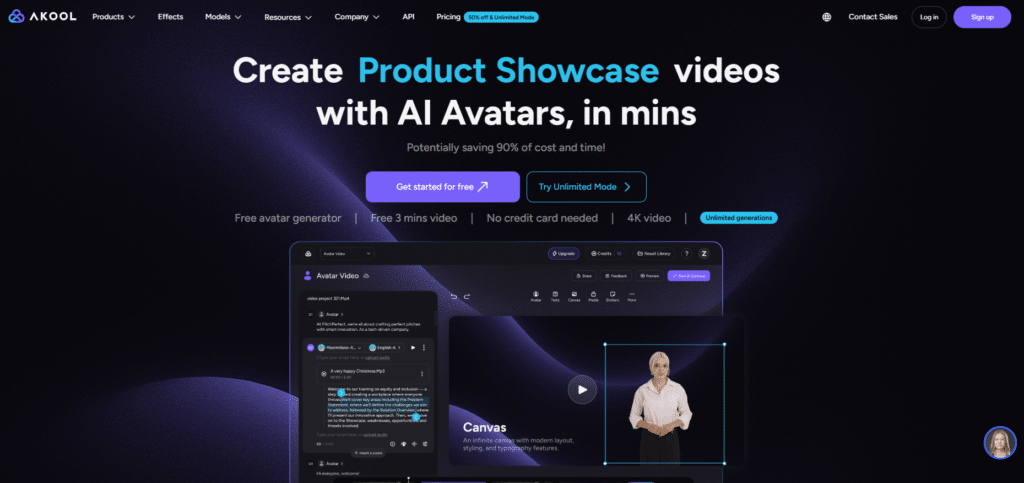
Akool has carved out a niche as the go-to platform for creating product demonstration videos that rival professional studio productions. Their hyper-realistic avatars excel at showcasing physical products with natural movements and expressions that build consumer trust.
4.6
OVERALL RATING
Key Pain Points Akool Solves
Highlighted Features
Real-World Success
“I would highly recommend to the marketers. Akool innovative approach ensures their solutions are future-proof, adapting to evolving market trends. Akool inc support team is knowledgeable, responsive, and always willing to help. Their platform scales effortlessly, accommodating our growing business needs.”
— Xavier Collins, Akool User, TrustPilot
My Testing Experience
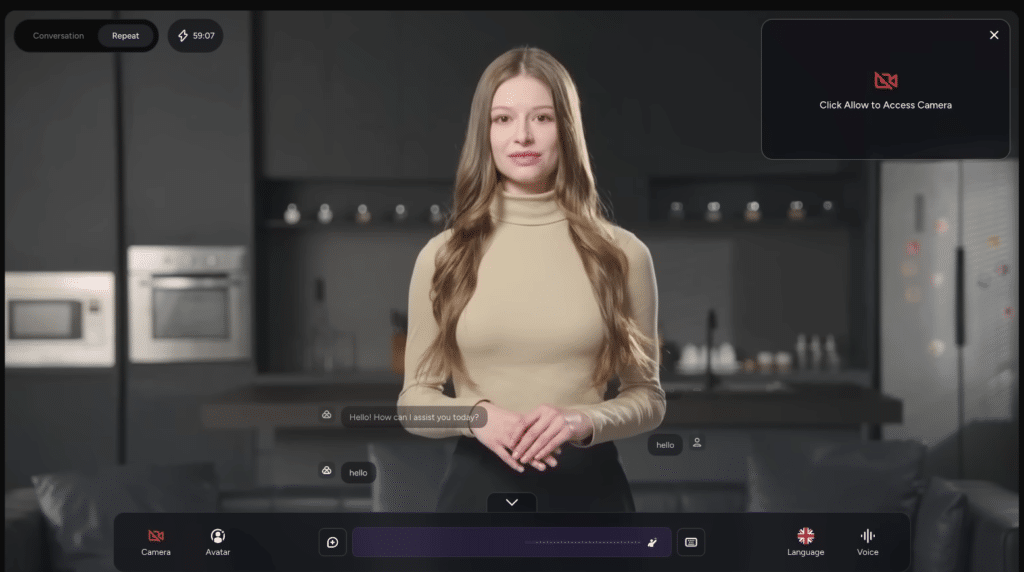
I created a product demonstration for a sample smartphone using Akool, and the results were impressive. The avatar’s hand movements when holding and demonstrating the product looked natural and convincing.
The platform’s ability to generate multiple variations with different selling points and calls-to-action made A/B testing effortless. The 4K output quality was indistinguishable from professional studio footage, and the quick processing time (under 10 minutes for a 2-minute video) was remarkable.
Pros and Cons
Support & Integrations
Akool offers workspace collab on higher plans, API access (Pro Max+). Built-in editor for video/translation. Focus on standalone use with fast processing, but API enables custom workflows. Email/support for issues; strong for e-commerce/product visuals without many third-party plugs noted beyond internal tools.
Pricing
Make Hyper-Real Product Ads Super Fast!
Akool offers free access. Create avatars that hold and show your products like real people, no shoot required.
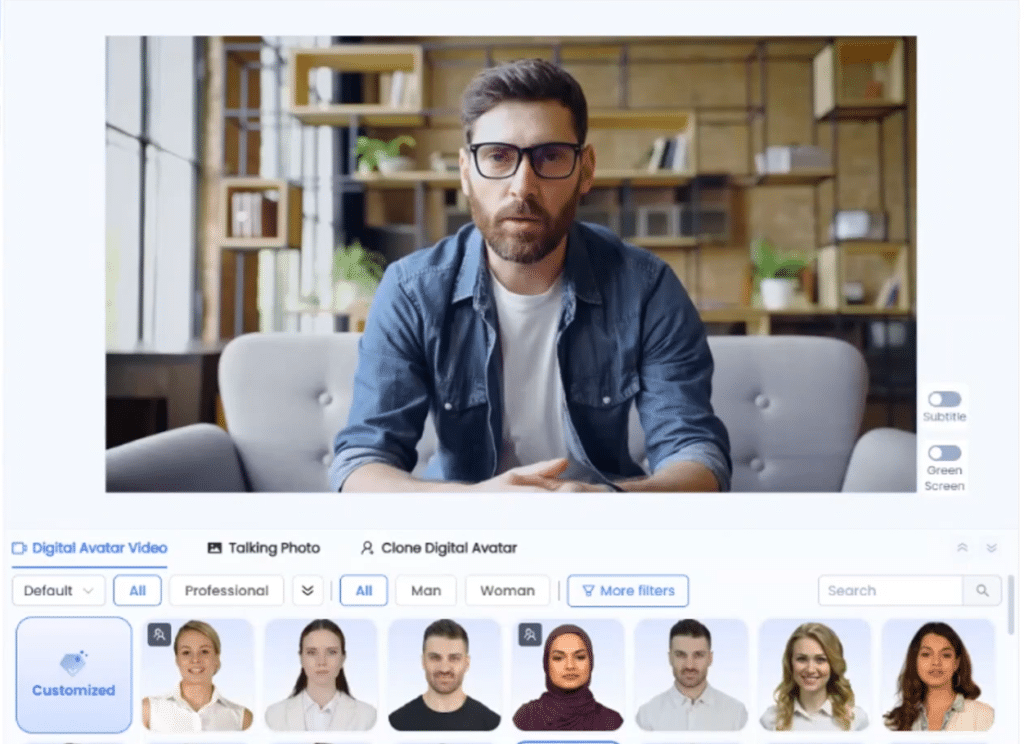
5. Kreado AI – Best For TikTok-Style Viral Short Videos
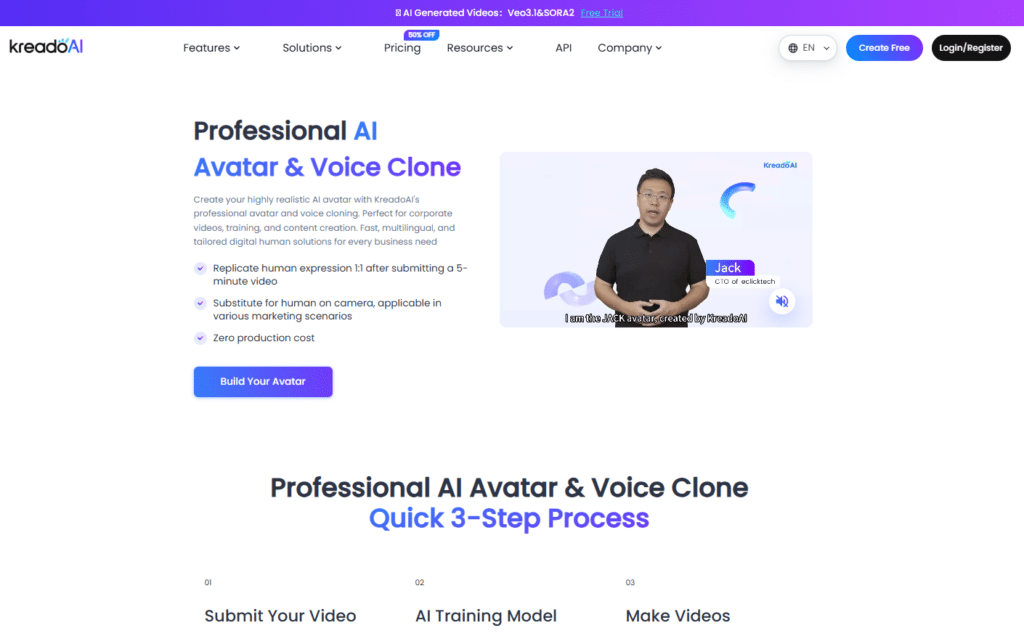
Kreado AI has positioned itself as the specialist for creating short-form, highly engaging social media content. If you’re targeting platforms like TikTok, Instagram Reels, or YouTube Shorts, Kreado offers the most effective tools for generating scroll-stopping avatar videos.
4.6
OVERALL RATING
Key Pain Points Kreado AI Solves
Highlighted Features
Real-World Success
“I stumbled across Kreado AI while looking for a quick way to create multilingual video content, and I’m honestly impressed. Within minutes of signing up, I was able to generate a high-quality avatar video just by typing in some text. No technical skills needed at all.
The voice and avatar options are incredible. I tried several languages and accents, and the pronunciation and lip sync were spot on. It even supports regional accents, which is a huge plus. The avatars look natural, not robotic like with some other tools I’ve tested.”
— Nj, Kreado AI User, TrustPilot
My Testing Experience
I created several TikTok-style videos promoting a fictional product, and the results were surprisingly engaging. Kreado’s strength lies in its understanding of social media aesthetics—the avatars use contemporary gestures and expressions that feel native to platforms like TikTok.
The emotion control feature was particularly useful, allowing me to specify exactly how enthusiastic or casual I wanted the delivery to be. Videos processed quickly (under 5 minutes each), and the export options were perfectly formatted for different social platforms.
Pros and Cons
Support & Integrations
Kreado AI offers 24/7 support on Premium+, dedicated manager for Enterprise. API integration available (openapi docs). Focus on standalone TikTok/UGC tools, audio/PPT imports. No major third-party like Zapier noted, but API suits custom automations for social or ad workflows.
Pricing
Viral TikTok Avatars + Voice Clone Free!
Grab Kreado’s 180 K-coins free and make short avatar clips with your cloned voice in seconds.
6. Elai – Best For Interactive E-Learning & Sales Training
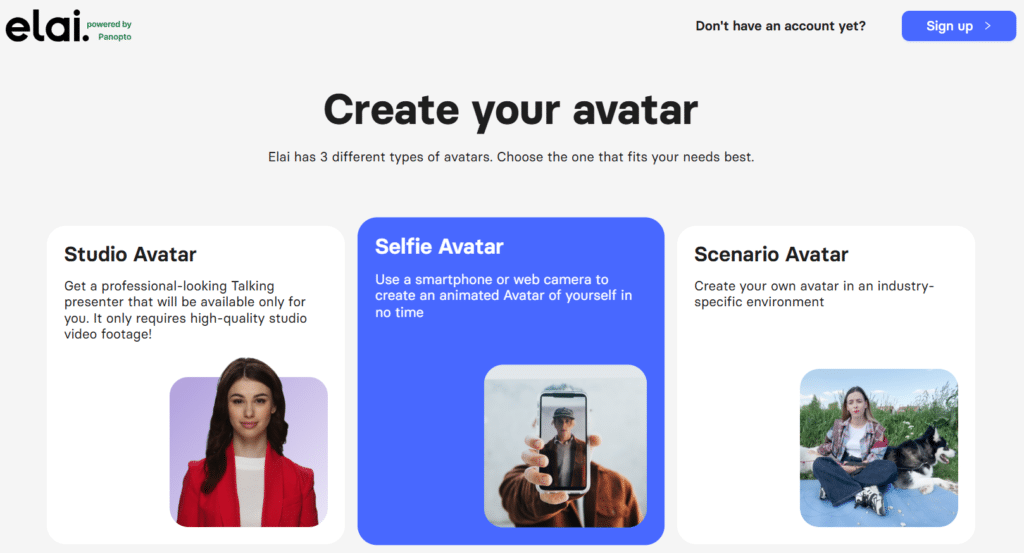
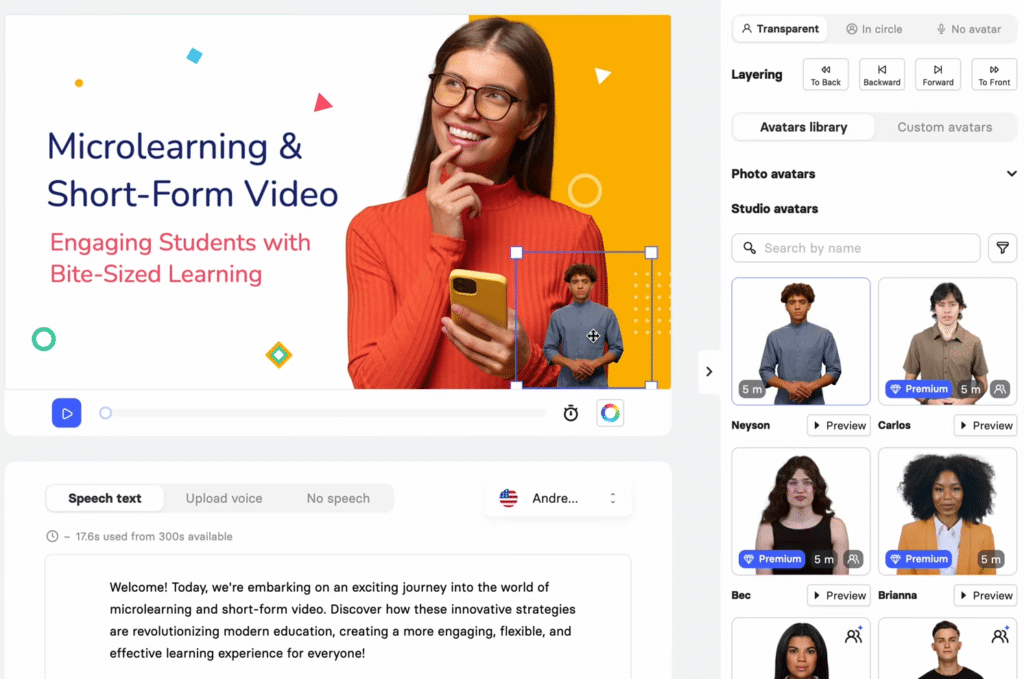
Elai specializes in creating interactive learning experiences that go beyond simple talking-head videos. If you’re developing training materials, sales enablement content, or educational courses, Elai’s interactive capabilities make it the standout choice.
4.5
OVERALL RATING
Key Pain Points Elai Solves
Highlighted Features
Real-World Success
“Elai is such an amazing video creation platform! It lets me express all of my ideas concerning video making, all thanks to the variety of features, virtual presenters, templates etc. Also I like that the changes made to the video are automatically saved, so I don’t need to worry that my system crashes and everything is gone. I think this tool is definitely worth at least looking at!“
— Valerie Tkachenko, Elai User, TrustPilot
My Testing Experience
Using Elai, I created a sample sales training module with decision points that branched to different scenarios based on the learner’s choices. The process was surprisingly intuitive, with the platform guiding me through creating an effective learning structure.
The multi-avatar dialogue feature was particularly impressive, allowing me to create realistic customer conversation simulations. The built-in analytics provided valuable insights into which parts of the training were most effective and where learners struggled.
Pros and Cons
Support & Integrations
Elai offers Demos/docs/sales support. Strong LMS ties (Thinkific, etc.) for course embeds. API on higher plans for workflows. Built-in storyboard/interactive tools. Great for education/training setups with direct platform embeds and automation potential.
Pricing
Interactive Training Videos Made Easy!
Elai free trial. Build avatar-led lessons with quizzes and branching paths, perfect for courses.
7. Jogg AI – Best For Fast E-Commerce Product Video Ads
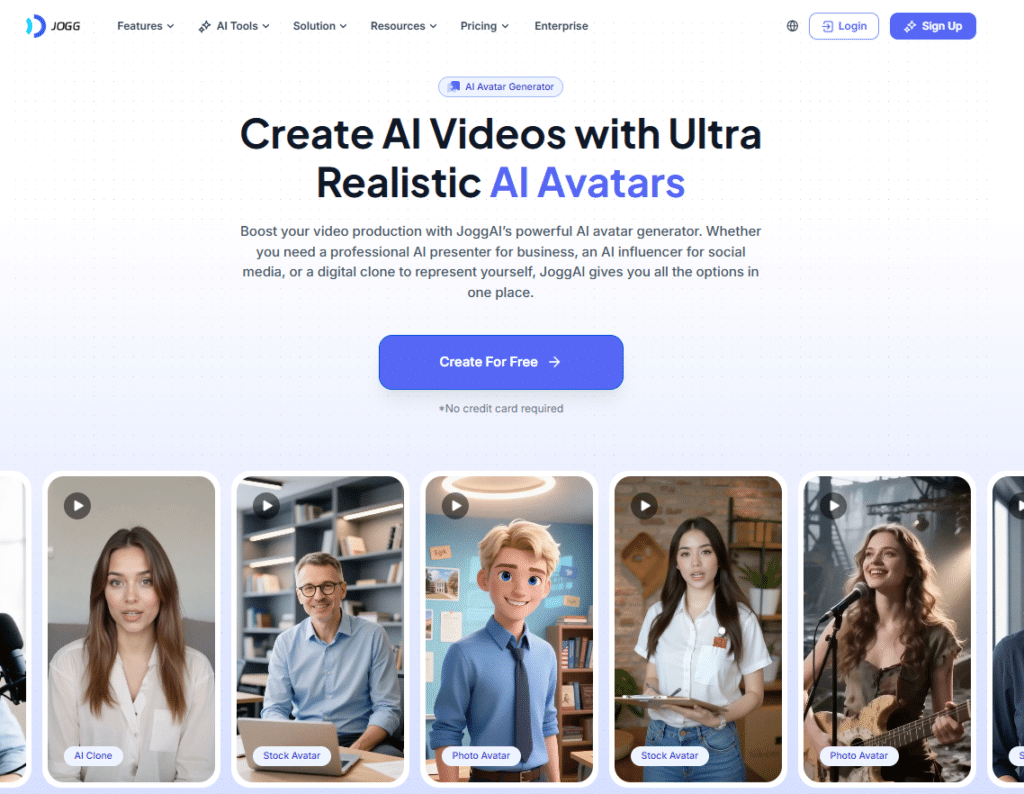
Jogg AI has optimized its platform specifically for e-commerce businesses needing to create product videos at scale. If you’re managing an online store and need to quickly generate engaging product content, Jogg offers the most streamlined solution.
4.5
OVERALL RATING
Key Pain Points Jogg AI Solves
Highlighted Features
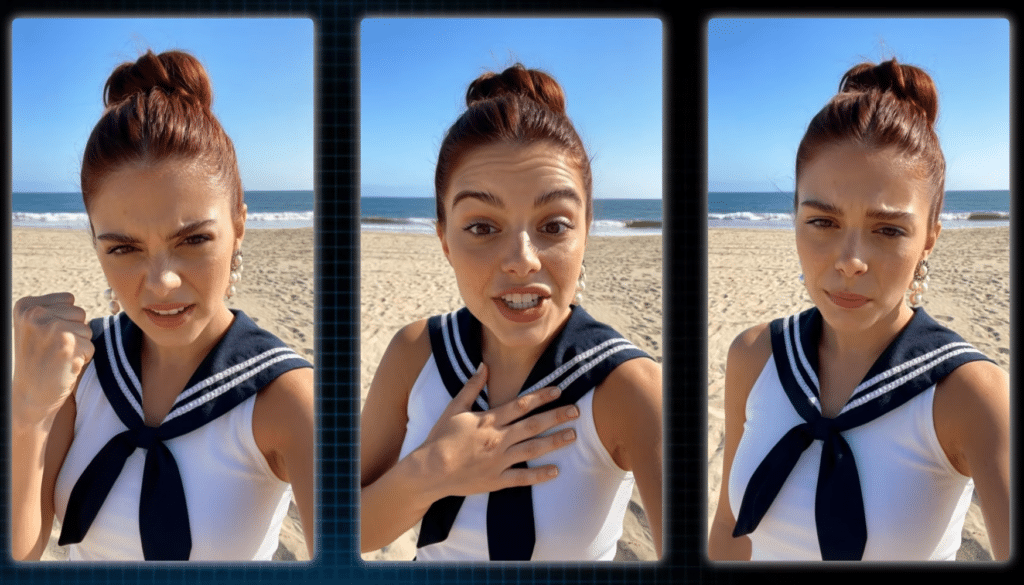
Real-World Success
“I have been very pleased with my experience with JoggAI. The team is constantly improving the product and positioning it to be a major player in the generative AI market. I love how easy it is to make video ads with my ecommerce products and avatar videos with my blog posts. One of the best content creation tools in my toolbox.“
— Brandon Garner, Jogg AI User, ProductHunt
My Testing Experience
I used Jogg to create videos for a number of product types, and the URL-to-video feature was impressively efficient.
After pasting a product URL, the system automatically extracted key selling points, images, and pricing to create a structured video script. The avatar delivery was natural and persuasive, with appropriate emphasis on product benefits.
The batch creation feature allowed me to generate variations for A/B testing, and the processing speed (about 3-4 minutes per video) made it practical for large catalogs.
Pros and Cons
Support & Integrations
Jogg offers email support and a Email/knowledge base. API for devs. E-commerce potential (product shoots). Built-in for URL-to-video, batch creation. Standalone strong for ads/social, with export options; some WooCommerce-like ties possible via custom.
Pricing
Quick Product Ads That Feel Like UGC!
Get Jogg free credits. Generate avatar videos showing your stuff holding products, ready for ads.
8. Vidnoz AI – Best For Free Daily Avatar Usage
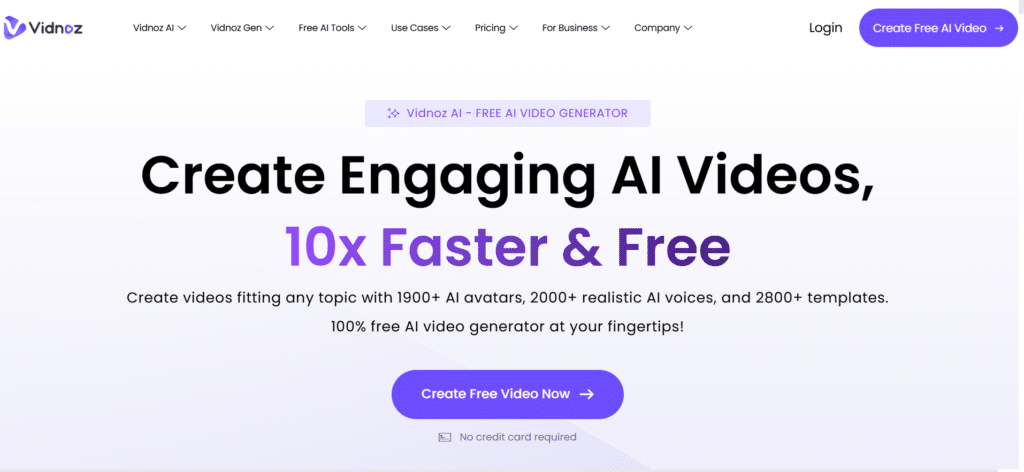
Vidnoz AI stands out for its generous free tier, making it the ideal entry point for individuals and small businesses wanting to explore AI avatars without financial commitment. Their massive avatar library and daily free credits make it perfect for regular content creation on a budget.
4.4
OVERALL RATING
Key Pain Points Vidnoz AI Solves
Highlighted Features

Real-World Success
“I’ve been using Vidnoz recently, and it’s been a lifesaver. I’m not a video editing pro, but this tool makes it super easy to create professional-looking videos. You just type in your idea, and it does the rest. It’s fast, intuitive, and the results look great. I’ve saved so much time and stress with this—it’s perfect for anyone who needs to make videos without the usual hassle.“
— Rockett Jeniffer, Vidnoz AI User, ProductHunt
My Testing Experience
I tested Vidnoz’s free tier extensively, creating short videos over several days. The daily credit refresh was reliable, and the quality of the free avatars was surprisingly good. The platform’s strength lies in its accessibility—I was able to create a professional-looking video within minutes of signing up, with no learning curve.
While the free videos include a watermark, the quality and variety of avatars available without payment make this an exceptional value for beginners or those with limited budgets.
Pros and Cons
Support & Integrations
Vidnoz offers 24/7 support, dedicated manager on Business+. SCORM export for LMS, brand kit/embed/CTA pages. API on Enterprise. Web-based with SSO; great standalone but ties well to training platforms or video analytics tools.
Pricing
1900+ Avatars Free Every Day!
Vidnoz offers daily credits free. Play with thousands of avatars and make short videos non-stop.
9. Arcads AI – Best For High-Engagement UGC-Style Marketing
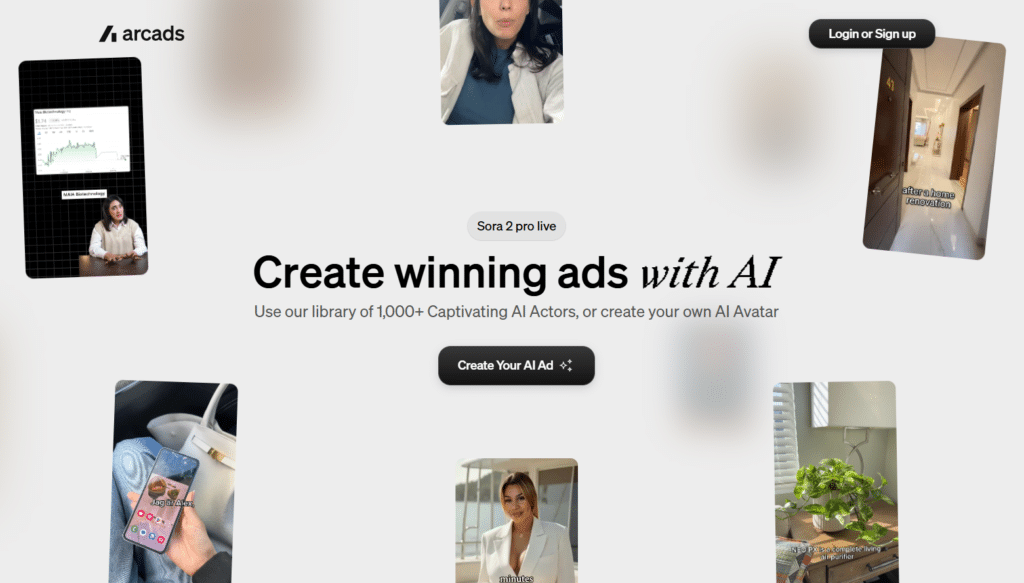
Arcads AI specializes in creating user-generated content (UGC) style videos that mimic the authentic, relatable feel of creator content. If you’re looking to create ads that don’t feel like ads, Arcads offers the most convincing solution.
4.4
OVERALL RATING
Key Pain Points Arcads AI Solves
Highlighted Features
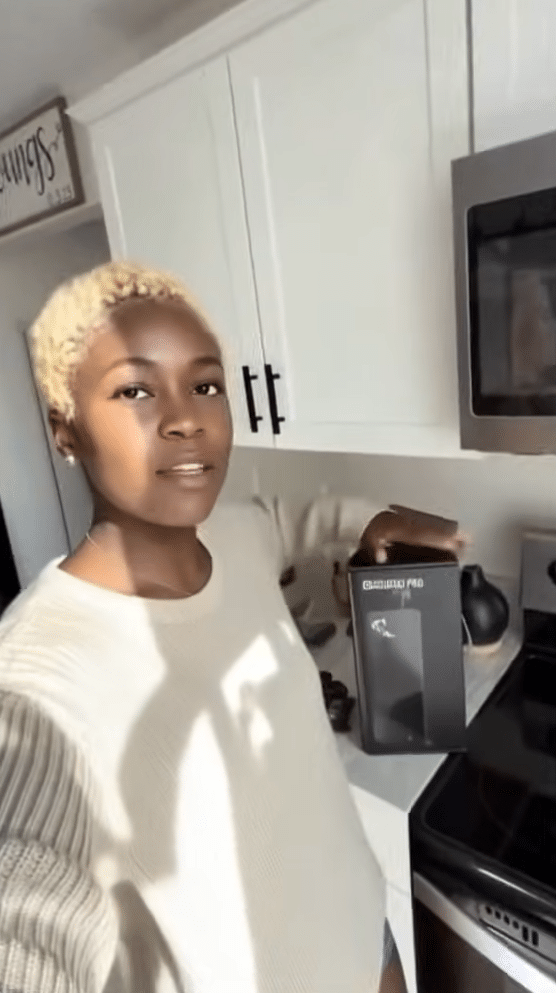
Real-World Success
“An outlier marketing company’s experience.
This is john with GURD.ai a large marketing company , i been personally using Arcads AI ,what i can say is Arcads is dominating the market , its a company that is 10 steps ahead of all their competitors and they crushing it in every way , they already have 100s of actors in their library , i wish we not that demanding but we rather they could add extra choices about a 1000 actor , however Nilo is the best guy to reach out to , Romain as well remains a genius ! at Gurd.ai we doing an exceptional work and we always looking for the best and Arcads.ai is the best.”
— John, Arcads AI User, TrustPilot
My Testing Experience
I created several UGC-style product recommendations, and the results were remarkably authentic. Arcads AI’s strength is how natural the avatars look while holding and demonstrating products—something many competitors struggle with.
The casual, conversational delivery options felt genuinely like creator content rather than scripted ads. The emotion control was particularly effective, allowing fine-tuning of enthusiasm levels to match different product categories and target audiences.
Pros and Cons
Support & Integrations
Arcads offers “founder-level” support from marketers who understand performance advertising. The platform is primarily standalone but provides strong social media export options. API access is available on Pro plans for workflow integration with advertising platforms.
Pricing
UGC-Style Ads With Product-Holding Avatars!
Start with Arcads today. Create high-engagement ads where avatars actually hold and demo your items.
10. Apob AI – Best For Faceless Influencer & Viral Shorts
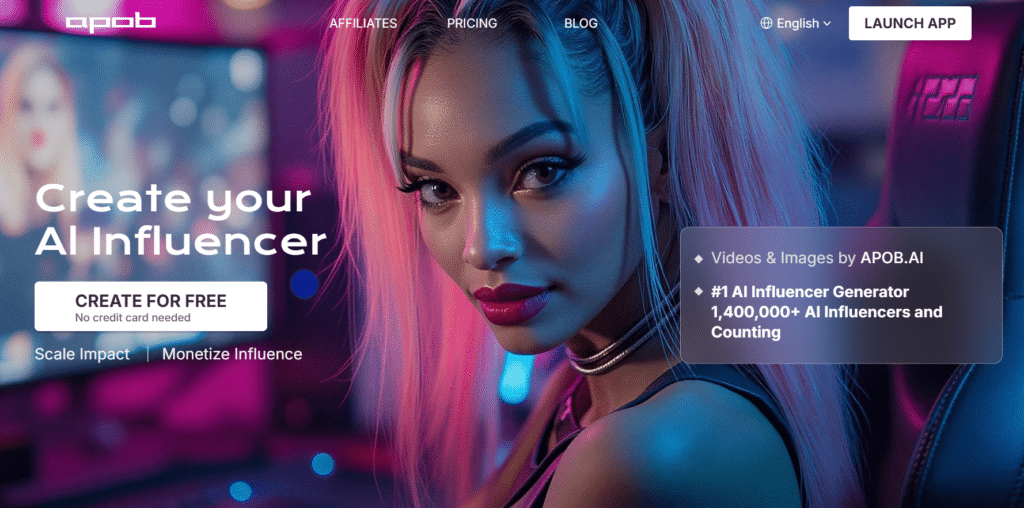
Apob AI has carved out a unique niche for content creators who want to build an online presence without showing their face. If you’re looking to create viral-style content while maintaining privacy, Apob offers the most specialized solution.
4.3
OVERALL RATING
Key Pain Points Apob AI Solves
Highlighted Features

Real-World Success
“Discover the fascinating world of Apob AI and create hyper-realistic virtual characters in just a few clicks!”
— Thomasbssh, Apob AI User, Apob AI Official Website
My Testing Experience
I tested Apob by creating several faceless educational shorts, and the results were impressive for social media use. The platform’s strength is its animation quality—the movements feel natural and engaging rather than robotic.
The face lock feature ensured my character remained consistent across multiple videos, which is essential for building a recognizable brand. The text-to-video generation was particularly useful for quickly testing different content approaches without extensive planning.
Pros and Cons
Support & Integrations
Apob AI offers email support and web-based uploads. The platform is primarily standalone for social media content creation, with a focus on TikTok and Instagram Reels. While they don’t offer extensive third-party integrations, their face lock technology ensures consistency across content published to different platforms.
Pricing
Faceless Influencer Videos From One Photo!
Apob offers 80 daily credits free. Turn a single pic into unlimited talking avatars for Reels/TikTok.
11. Argil AI – Best For Personal AI Clone Branding
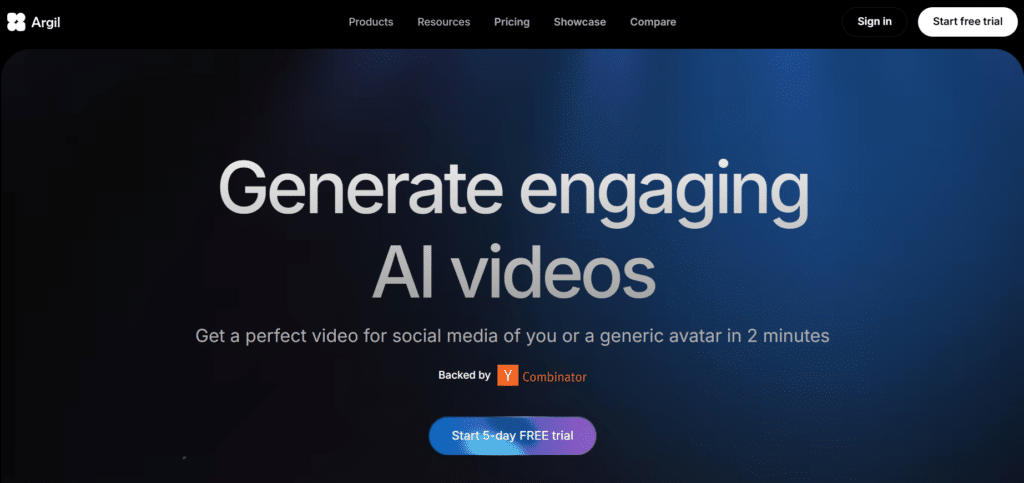
Argil AI focuses on creating highly personalized AI clones for individuals building their personal brand. If you’re a coach, consultant, or thought leader looking to scale your personal presence, Argil offers the most specialized personal cloning solution.
4.2
OVERALL RATING
Key Pain Points Argil AI Solves
Highlighted Features

Real-World Success
“We’ve been using Argil to create customized, AI-generated icebreaking videos for our cold messages, and it’s been an absolute game-changer. The service is top-tier, delivering high-quality, personalized content that significantly enhances our outreach efforts. Highly recommend!“
— Geoffrey CAMBEFORT, Argil AI User, ProductHunt
My Testing Experience
Creating my personal AI clone with Argil was straightforward, requiring about 5 minutes of video recording following their guided process. The resulting avatar captured my speaking style and mannerisms with surprising accuracy.
The voice cloning was particularly impressive, maintaining my intonation patterns and accent. I created several personalized outreach videos, and the platform’s strength lies in how natural the final result feels—recipients commented that they couldn’t tell it wasn’t me recording personally for them.
Pros and Cons
Support & Integrations
Argil AI offers responsive support and account managers on higher-tier plans. They provide API access for scaling and integrate with ElevenLabs for voice technology. The platform supports direct publishing to social media platforms and focuses on personal branding with ethical training practices.
Pricing
Clone Yourself for Personal Brand Videos!
Start with Argil free trial and record once and get your own avatar clone speaking any script you write.
Key Features to Look For in an AI Avatar Generator
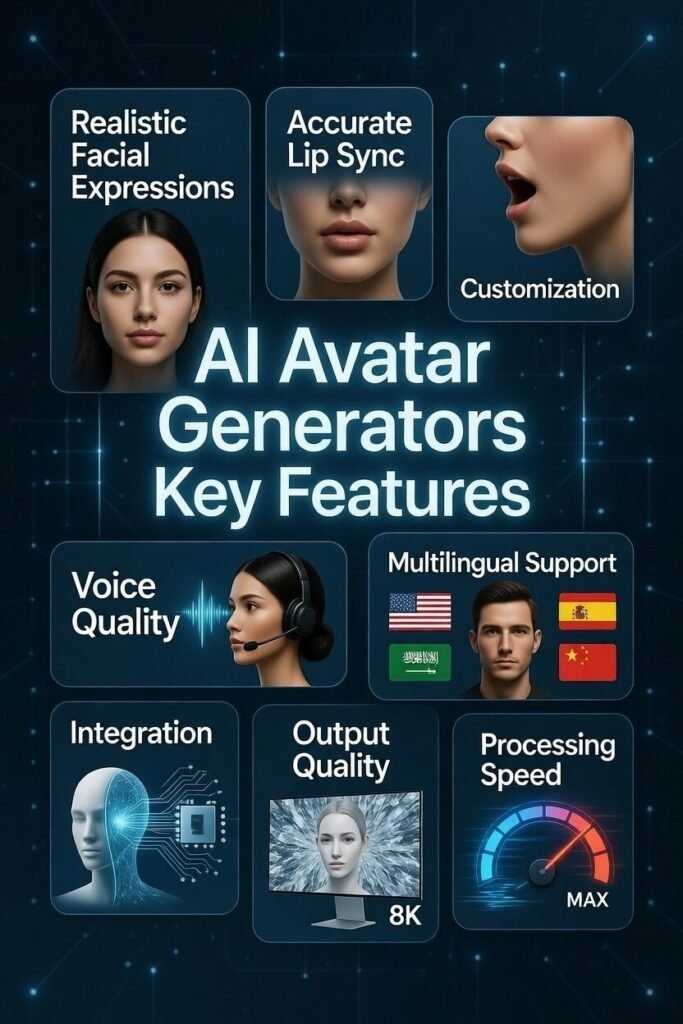
- Realistic Facial Expressions – Poor facial animations create an uncanny valley effect that turns viewers away. Look for platforms with natural eye movements, appropriate blinking, and subtle expressions that match the emotional tone of the content.
- Accurate Lip Synchronization – Misaligned lip movements instantly break immersion and credibility. The best tools offer frame-perfect lip-sync across multiple languages, maintaining believability even in close-up shots.
- Customization Options – Generic avatars limit your brand expression. Choose platforms that allow you to customize clothing, backgrounds, and brand elements to create a consistent visual identity across all content.
- Voice Quality and Variety – Robotic voices undermine even the best visuals. Prioritize platforms with natural-sounding voices and ideally voice cloning capabilities to maintain a consistent audio identity.
- Multilingual Support – Language barriers limit your reach. Select tools that offer accurate translation and lip-sync in your target markets’ languages to scale globally without recreating content.
- Integration Capabilities – Isolated tools create workflow bottlenecks. Look for platforms that connect with your existing systems (CMS, LMS, CRM) to streamline content creation and distribution.
- Output Quality and Format Options – Poor resolution or limited export options restrict usage. Choose generators that offer HD/4K output and multiple aspect ratios for different platforms and purposes.
- Processing Speed – Slow rendering kills productivity. The best platforms generate videos in minutes rather than hours, allowing for rapid iteration and timely content delivery.
Best Practices & Pro Tips
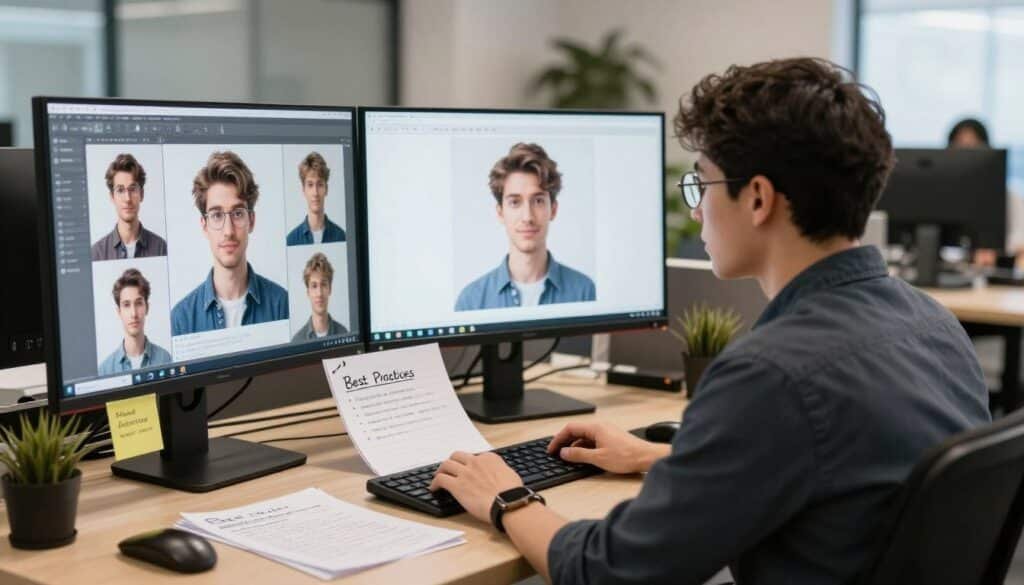
1.) Choosing the Right Tool
Match the tool to your specific use case rather than going with the highest-ranked option.
For corporate training, Synthesia excels; for personal branding, HeyGen or Argil might be better fits.
I’ve found that the “best” tool is highly contextual—when I needed to create product demonstrations, Akool’s natural product handling made it the clear winner despite being fourth in overall rankings.
2.) Optimizing Scripts
Write for spoken delivery rather than reading. Keep sentences shorter than you would in written content, use contractions, and include natural pauses.
I’ve discovered that adding stage directions like [pause], [smile], or [enthusiastic] significantly improves avatar delivery in most platforms.
3.) Testing Different Avatars
Don’t settle for the first avatar that seems appropriate. Test the same script with 3-5 different avatars and gather feedback.
In my experience, viewer preferences often surprise me—avatars I thought would perform best sometimes connect less effectively than unexpected alternatives.
4.) Maximizing Free Tiers
Most platforms offer limited free access. Use these strategically to test concepts before committing to paid plans.
I regularly use Vidnoz’s free daily credits for quick social media content while reserving paid platforms for more critical projects.
5.) Staying Current
AI avatar technology is evolving rapidly. What was cutting-edge six months ago may now be standard. I make a point of testing new features and platforms quarterly to ensure I’m leveraging the latest capabilities. This review reflects the current state of these tools, but expect continued advancement throughout the year.
6.) Constant Upgrades
When I first created my digital twin with HeyGen last year, the results were good but slightly uncanny. Six months later, the technology had improved so dramatically that colleagues couldn’t distinguish between my real videos and AI-generated ones. Don’t write off a platform based on older experiences—the rate of improvement is remarkable.
Key Takeaways
Conclusion
After extensive testing, Synthesia emerges as the overall best AI avatar generator for 2026, combining exceptional realism, ease of use, and professional features that make it suitable for a wide range of applications. However, the “right” choice ultimately depends on your specific needs and budget.
The democratization of video production through AI avatars represents one of the most significant shifts in content creation in decades. What once required expensive equipment, technical expertise, and on-camera talent is now accessible to anyone with a script and an internet connection. As these tools continue to evolve, the gap between AI-generated and human-created content will narrow further, opening new possibilities for personalized, scalable video communication.
Ready to transform your content strategy with AI avatars? Start with the free tier of your chosen platform and experiment with a simple project. You might be surprised at how quickly you can create professional quality videos that genuinely connect with your audience.
Ready to create your first AI avatar video?
Get started with Synthesia’s free trial and see the power of AI avatars for yourself.