Ever stared at a blank page for hours, waiting for inspiration to strike?
Yeah I know how that feels….just sitting…waiting and waiting…for that solid idea to strike.
The journey from idea to published book can feel like climbing Mount Everest—especially when you’re doing it alone. That’s where AI book writing tools come in, transforming the impossible into the possible for self-published authors everywhere.
As an AI engineer with years of experience developing these technologies, I’ve watched these tools evolve from clunky text generators to sophisticated writing partners. Whether you’re crafting the next great novel or putting together a non-fiction masterpiece, the right AI assistant can help you brainstorm ideas, overcome writer’s block, and even polish your final draft.
In this article, we’ll review the top picks to help you choose the perfect AI writing companion for your self-publishing journey in 2026.
What are AI Book Writing Tools?

Hey, if you’ve ever stared at a blank page wondering how to turn your idea into a full book, AI book writing tools are like having a super-smart writing buddy right there with you. These are advanced apps powered by large language models (think latest versions of GPT, Claude, Gemini Pro, or custom-tuned ones) that understand stories, facts, tone, and structure deeply.
Here’s how they work in simple terms: You give a prompt, outline, or even upload your own writing samples and knowledge docs. The AI reads everything, predicts what comes next word-by-word (but smartly over long chapters), keeps track of characters/plot consistency with huge context memory, and generates text that feels human.
Tools like Sudowrite suggest vivid scenes or rewrite parts to match your voice. Squibler or Aivolut can spit out a complete nonfiction book or novel from one idea, planning structure first then filling chapters cohesively…no choppy bits.
Why are they a game-changer for us authors and self-publishers?
They crush writer’s block by brainstorming endless ideas or expanding rushed drafts. We finish books way faster (days instead of years), automate boring parts like outlining or polishing, and create engaging fiction that pulls emotions or nonfiction that teaches clearly.
For self-publishing on KDP, you get ready drafts, covers, metadata—letting you publish more, test niches, and earn without burning out. It’s not replacing creativity; it’s amplifying it so your unique stories reach readers quicker.
Who Can Benefit From AI Book Writing Tools?
Honestly, if you’re anyone with a story or expertise itching to share but short on time, these tools open doors big time. Here’s who wins most:
Real example: A friend of mine used one to draft a fitness guide in a weekend, tweaked it to sound like him, added his stories, and it’s selling steadily. We all get stuck sometimes; The right AI just gives that gentle push so your voice shines through and connects emotionally.
How I Evaluated the Best AI Book Writing Tools
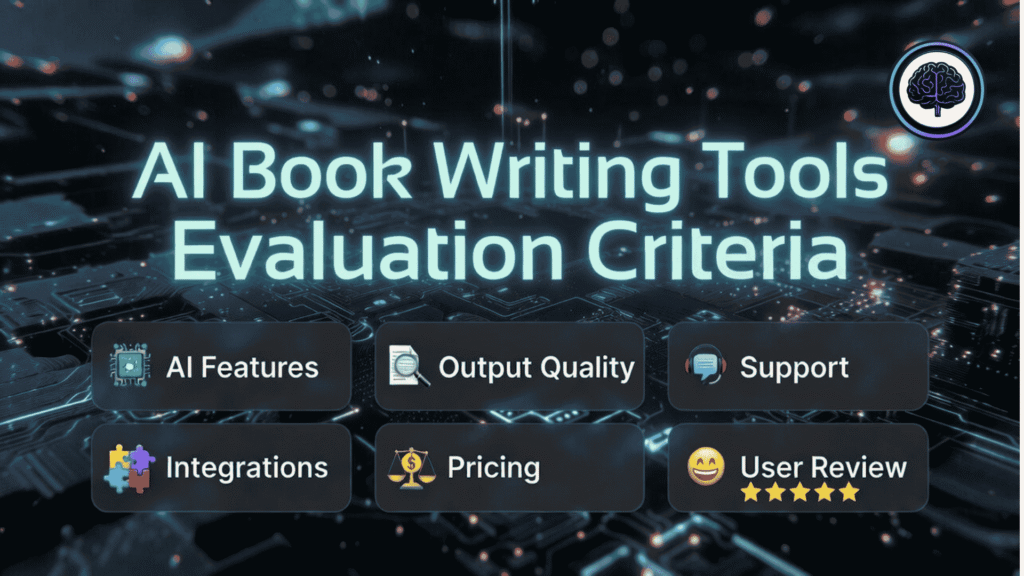
Selecting the right AI writing tool isn’t just about finding the shiniest new technology—it’s about finding the right partner for your specific writing needs. I’ve spent countless hours testing these tools to bring you recommendations that actually deliver results.
Testing multiple AI writing tools to find the best options for authors
My evaluation criteria included:
I didn’t just read about these tools—I actually used them to write sample chapters, develop characters, and outline entire books. The recommendations below come from hands-on experience, not just marketing claims.
Why Should You Trust Me?
You might be wondering, “Who is this person telling me which AI tools to use?” Fair question! I’m an AI Engineer with an MSc in Data Science and Machine Learning and a BSc in Software Engineering. I’ve been working professionally in the AI field since 2018.
Beyond my academic credentials, I’ve ghost-developed several AI applications and have intimate knowledge of how these tools work under the hood. I understand the algorithms, training methods, and limitations of large language models that power today’s AI writing tools.
But more importantly, I’m a writer too. I’ve used these tools to help with my own creative projects, so I understand the unique challenges authors face when trying to integrate AI into their writing process. I’m not just evaluating technical specs…I’m looking at how these tools actually help real writers finish real books.
Comparison Chart at a Glance
Before diving into detailed reviews, here’s a quick comparison of the top 10 AI book writing tools for 2026:
| Rank | Tool | Best For | Key Features | Rating | Pricing |
|---|---|---|---|---|---|
| 1 | Sudowrite | Fiction authors needing high-quality prose | Rich scene Describe, style-matching Rewrite, Story Bible for outlines-to-draft, emotional depth suggestions, vivid brainstorming that feels alive | 4.8 | $22/month (Professional annual) |
| 2 | Aivolut Book Writer | Fast nonfiction KDP-ready books with your voice | Custom knowledge upload, voice matching, full book + KDP metadata/covers in minutes, AI Editor polish, cohesive long-form nonfiction | 4.7 | $9–$49/month (Lifetime deal) (annual big savings) |
| 3 | Squibler | Complete book generation & management | Unlimited AI manuscripts, smart writer adapts tone, visuals/covers, story outlines, project dashboard for chapters and progress | 4.6 | $16/month (Pro annual) |
| 4 | NovelistAI | Character development & story structure | Immersive world-building, consistent character arcs, audiobook creation, gamebook branching, multi-language + commercial rights | 4.5 | $12/month (Premium) |
| 5 | DabbleWriter | Plot development & organization | Plot grid, character profiles, world bible, drag-drop scenes, daily goals, co-authoring, integrated grammar checks | 4.5 | $10/month (approx. annual) |
| 6 | GPTHuman AI | Human-like writing style | Undetectable humanization, tone adaptation, plagiarism-free, multi-language, handles long chapters with natural flow | 4.4 | $19–$39/month (Unlimited tier) |
| 7 | Simplified | Multi-format content creation | All-in-one drafts/chapters, style customization, team collaboration, plagiarism checker, templates for books + blogs | 4.4 | $12–$29/month (Pro) |
| 8 | MaxAI | One-click book generation | Browser extension one-click full book compose, 15-chapter structure, multilingual quick drafts, fast research-to-text workflow | 4.3 | $12–$30/month (Pro annual) |
| 9 | WriteHuman AI | Avoiding AI detection | Top-tier humanizer passes 99% detectors, adds natural rhythm/emotion, long-form support up to 3000 words/request, built-in tester | 4.3 | $18/month (Pro annual) |
| 10 | WordVice AI | Academic & technical writing | Pro-level proofreader, paraphraser modes, summarizer, plagiarism checker, translator, 1M words/month on Premium for big edits | 4.2 | $9.95–$19.95/month (Premium annual) |
Top 3 AI book Writing Tools Picks


🥈
Aivolut Book Writer
Specializes in fast nonfiction KDP books using your voice and knowledge.

Detailed Reviews of the Top 10 AI Book Writing Tools
Now let’s dive deeper into each tool to help you find your perfect AI writing partner.
1. Sudowrite: The Fiction Author’s Dream Tool

Best For: One of the top picks for fiction writers who want AI that feels like a creative partner.
Sudowrite has quickly become the gold standard for fiction authors looking to leverage AI in their creative process. What sets it apart is its uncanny ability to generate natural-sounding prose that actually feels like it was written by a human author.
4.8
OVERALL RATING
Key Pain Points sudowrite Solves
Highlighted Features
What impressed me most during testing was Sudowrite’s custom AI model (Muse) specifically designed for fiction. It has an intuitive understanding of scene structure and blocking that most other AI tools simply don’t have. The “Story Bible” feature takes you step-by-step from idea to outline to beating out chapters to thousands of words—all in your style.
For editing, the “Rewrite” tool serves as a super-flexible revision buddy who always takes direction and doesn’t have an ego. And when you need feedback, Sudowrite can read your entire manuscript in seconds and provide actionable improvement suggestions.
Real-World Success
Hugh Howey, bestselling author of “Silo,” described Sudowrite as “scary good,” while Emmy-winning screenwriter Bernie Su said it “just kicks ass.”
In my conversations with authors using the platform, many report cutting their first draft time in half while maintaining their unique voice.
The Experience
Using Sudowrite feels like having a brilliant writing partner who never sleeps. The interface is clean and intuitive, with eight themes and five dark modes to choose from. You can go full screen in focus mode to keep distractions away, and the organization features help keep your drafts and chapters neatly arranged.
Pros and Cons


Integrations & Support
Email support plus a lively Discord community for tips and chats with other writers. Tons of plugins (over 1,000) add extras like character chats or screenplay conversion. No major third-party integrations, but exports work well for publishing.
Pricing
Credit-based system scales for how much you write—higher tiers give more rollover credits so you never waste unused generation on big fiction projects.
Write & Publish Your Fiction Novel Fast!
Try Sudowrite‘s free trial to play with brainstorming and scene suggestions, then upgrade if you need big credits for full novels.
2. Aivolut Book Writer: The Fast-Track Nonfiction Publisher’s Best Friend
Best For: Self-publishers and experts who want to go from idea to KDP-ready book in hours, especially nonfiction that builds your authority.
Aivolut Book Writer stands out for busy creators who need fast, cohesive nonfiction books that sound exactly like them. It’s built for turning your knowledge, notes, or niche expertise into full manuscripts ready for Amazon KDP – without endless prompting or generic AI feel.
4.7
OVERALL RATING
Key Pain Points Aivolut Books Solves
Highlighted Features
The thing about Aivolut Books is that it truly delivers consistent, logical drafts that actually flow like a human wrote them. The custom knowledge upload keeps everything accurate….no hallucinations… and the KDP tools make the last step dead simple. For nonfiction hustlers, this saves weeks.
Real-World Success
User, Sean Chao called Aivolut “immediately a superior product… drafts are consistently good to very good in terms of internal consistency, logical progression, and creative material.”
Another user, Stanley Jay praised the Editor mode: “Quality is pretty good out of the box… makes it possible to edit and regenerate chapter by chapter on the fly.””
Many users report finishing and publishing nonfiction books in days instead of months, using them as lead magnets or KDP earners.
The Experience
Using Aivolut Books feels like having a smart, no-drama assistant who just gets it done. The interface is dead simple – no crazy prompt engineering required. Start with a sentence or go detailed, generate, edit lightly, grab cover + metadata, upload to KDP. Super clean and fast, perfect if you’re juggling a day job or family.
Pros and Cons
Integrations & Support
Direct Amazon KDP friendly – metadata and formatting make uploading painless. Email and live chat support (quick replies most days), plus knowledge base and free 2026 Niche Guide bonus. No fancy academic links, but custom uploads cover most research needs.
Pricing
Aivolut Books offer lifetime deals as well as monthly subscriptions.
Credit-based system scales for how much you write—higher tiers give more rollover credits so you never waste unused generation on big fiction projects.
Ready to publish a book that sounds exactly like you wrote it?
Jump into Aivolut Book Writer‘s 14-day trial today – no card needed. Get the free 2026 Niche Guide bonus and start turning your ideas into KDP-ready nonfiction fast.
3. Squibler: Turn Your Idea into a Complete Book
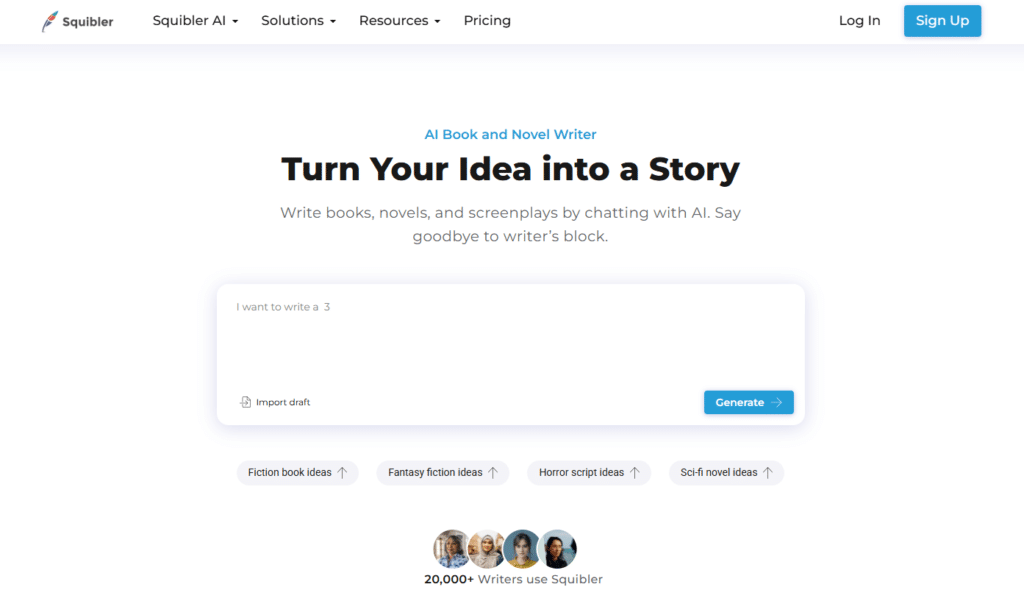
Best For: Awesome if you like visual organization mixed with fast AI generation for books or scripts.
Squibler positions itself as the ultimate AI book writer that can transform a simple idea into a complete story. It’s designed to address the entire writing process from brainstorming to publishing, making it ideal for authors who want comprehensive support.
4.6
OVERALL RATING
Key Pain Points Squibler Solves
Highlighted Features
Squibler’s full-length book generation capability impressed me during testing. You can generate an entire book structure and then refine the content as needed. The platform supports multiple genres and offers templates for fiction, non-fiction, short stories, scripts, and screenplays.
The AI smart writer adapts to your writing style and can expand scenes, refine plot arcs, or rework individual lines. I found the elements creation tool particularly useful for developing characters, settings, and other story components.
Real-World Success
One user, Samantha Rivera, reported: “I was surprised with how quickly it structured my story idea. It’s perfect, and saved me hours of brainstorming!”.
Screenwriters have also found success, with Alex Carter noting that his “script was spot-on with tone and pacing.”
The Experience
Using Squibler feels streamlined and intuitive. The platform guides you through the writing process step by step, from selecting your genre to developing your story. The interface is clean and focused on productivity, with minimal distractions.
Pros and Cons
Integrations & Support
Solid FAQ section covers everything from covers to publishing tips. No big integrations listed, but exports suit self-publishing platforms. Community feel through user stories and easy sharing permissions.
Pricing
Squibler offers a free trial, after which you’ll need a subscription. The pricing is competitive considering the comprehensive feature set, making it accessible for independent authors.
Generate Full Novels and Screenplays!
Start with Squibler‘s free tier right now to create your first full manuscript and feel the speed. Upgrade to Pro when you’re ready for unlimited generations and priority help.
4. NovelistAI: Master Character Development & Story Structure
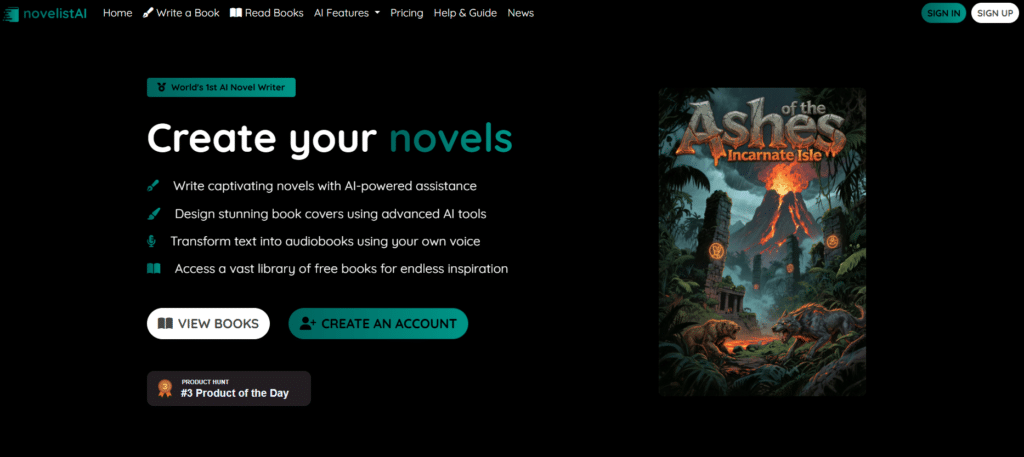
Best For: Stands out for immersive generation, especially if you want audiobooks or interactive stories too.
NovelistAI specializes in helping authors create compelling characters and solid story structures—two of the most challenging aspects of novel writing. This tool shines when you need to develop complex character relationships and craft narratives that keep readers engaged.
4.5
OVERALL RATING
Key Pain Points NovelistAI Solves
Highlighted Features
During my testing, NovelistAI’s character relationship mapping tool stood out as exceptional. It visualizes connections between characters and helps ensure consistent interactions throughout your story. The dialogue generator creates conversations that reflect each character’s unique voice and personality.
The world-building assistant helps you create immersive settings with detailed cultural, geographical, and historical elements. For fantasy and sci-fi authors, this feature alone is worth the subscription price.
Real-World Success
Fantasy author Michael Chen credits NovelistAI with helping him develop a complex magic system and interconnected character relationships for his debut novel, which landed him a publishing deal. “The character consistency alone saved me countless revisions,” he reported.
The Experience
NovelistAI offers a clean, intuitive interface that makes complex story development feel manageable. The visual tools help you see your story from different angles, identifying strengths and weaknesses you might otherwise miss.
Pros and Cons
Integrations & Support
Priority support in paid plans, plus feature requests for Pro. Strong community for sharing and inspiration. No major integrations, but PDF and audio exports help with publishing.
Pricing
Credit-based for generation, this helps fantasy self-publishers with audiobooks—higher plans mean commercial rights to sell without worries.
Generate full stories, gamebooks, or even sellable audiobooks!
Start free at NovelistAI to browse the library and try basic generation. Upgrade to Premium ($12/mo) for real creation power or Pro for commercial rights and bigger output.
5. DabbleWriter: Plot Development & Organization
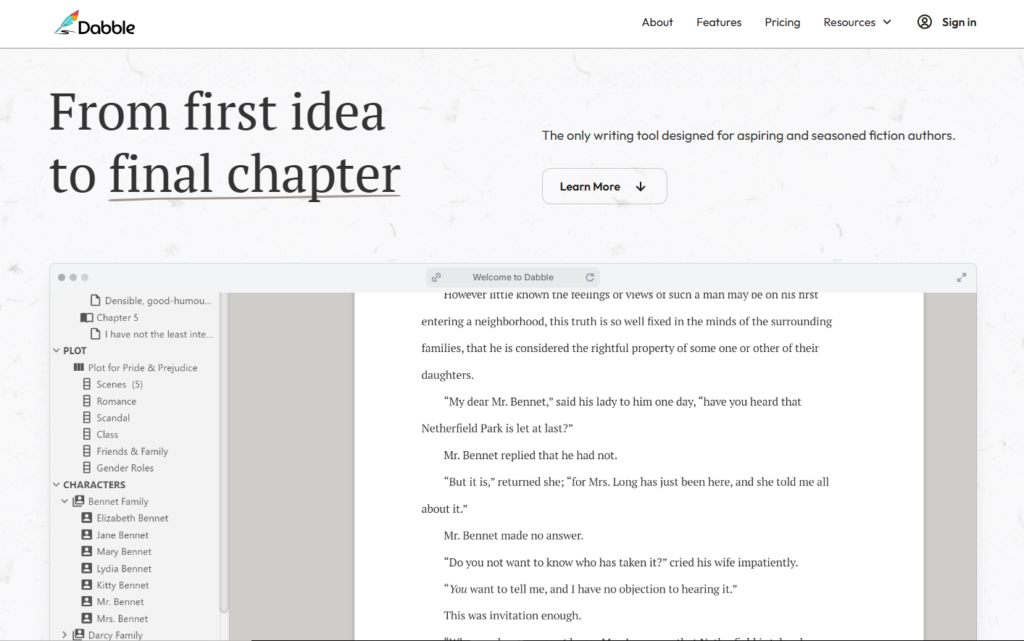
Best For: More traditional novelist tool with some AI checks, focused on organization over heavy generation.
DabbleWriter combines traditional writing software with AI assistance to help authors plot, organize, and write their books more efficiently. It’s particularly strong for writers who need help with story structure and keeping track of complex narratives.
4.5
OVERALL RATING
Key Pain Points Dabble Writer Solves
Highlighted Features
During testing, DabbleWriter’s AI-assisted plotting tools stood out. The Plot Grid helps you structure your story according to proven storytelling frameworks, while the AI suggests plot points, conflicts, and resolutions based on your genre and characters.
The Character Development feature helps you create consistent, believable characters with detailed profiles, arcs, and relationships. I particularly appreciated the AI’s ability to suggest character reactions and dialogue that remain true to their established personalities.
Real-World Success
Mystery author Sarah Jenkins credits DabbleWriter with helping her plan and execute a complex whodunit with multiple suspects and red herrings. “The Plot Grid kept me from dropping threads or creating plot holes” she explained. Her novel went on to become an Amazon category bestseller.
The Experience
DabbleWriter offers a clean, distraction-free writing environment with powerful organizational tools just a click away. The cloud-based platform allows you to work from any device, and the offline mode ensures you can write even without internet access.
Pros and Cons
Support & Integrations
Email support, huge resource library (400+ articles), community events like sprints and workshops. Integrates with ProWritingAid, Grammarly; exports to common formats.
Pricing
Unlimited manuscripts across plans, with annual savings—helps plot-heavy self-publishers organize without extra costs creeping in.
Ready to organize your novel with goals, plot grids, and no distractions?
Head to DabbleWriter and grab a plan from $9/mo – unlimited manuscripts from day one. Start drafting in focus mode today and build your story step by step.
6. GPTHuman AI: Human-Like Writing Style
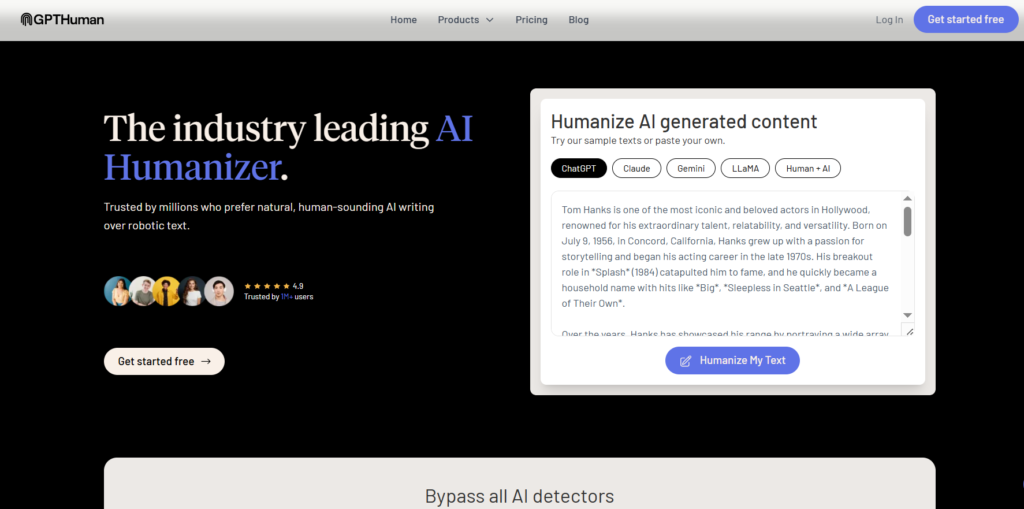
Best For: Best for making AI text sound totally human and undetectable, useful for polishing book drafts.
GPTHuman AI specializes in generating text that’s virtually indistinguishable from human writing. For authors concerned about their work sounding “too AI,” this tool offers sophisticated style controls and natural language patterns.
4.4
OVERALL RATING
Key Pain Points GPTHuman AI Solves
Highlighted Features
What impressed me most during testing was GPTHuman’s style customization options. You can adjust parameters like sentence complexity, vocabulary range, and idiomatic expression to create a truly personalized writing style. The platform also offers genre-specific writing patterns for everything from literary fiction to technical manuals.
The rewriting tool deserves special mention—it can transform AI-sounding text into natural prose while preserving the original meaning. This is invaluable for editing first drafts or improving content generated by other AI tools.
Real-World Success
Thriller author Marcus Chen used GPTHuman AI to help write his latest novel after struggling with writer’s block. “Not only did it sound exactly like my writing style, but my editor couldn’t tell which chapters I wrote and which the AI helped with” he reported. The book became his fastest-completed project.
The Experience
Using GPTHuman feels like working with a ghostwriter who’s studied your style extensively. The interface is straightforward, focusing on text generation and style controls rather than organizational features. This specialization results in superior output quality for the core writing process.
Pros and Cons
Support & Integrations
Email for questions; standalone, no noted integrations but works with any AI text input. Focused on generation; limited details on support. No major integrations noted, but works standalone for editing AI drafts.
Pricing
Word limits per month, ideal for polishing AI drafts to sound human—Ultra’s unlimited lets you refine full books without rationing.
Want Your AI-Generated Drafts to read like real human writing?
Test GPTHuman AI free right now – humanize a sample and check the difference. Grab a plan for bigger limits or unlimited if you’re fixing full books.
7. Simplified: All-in-One Content Creation
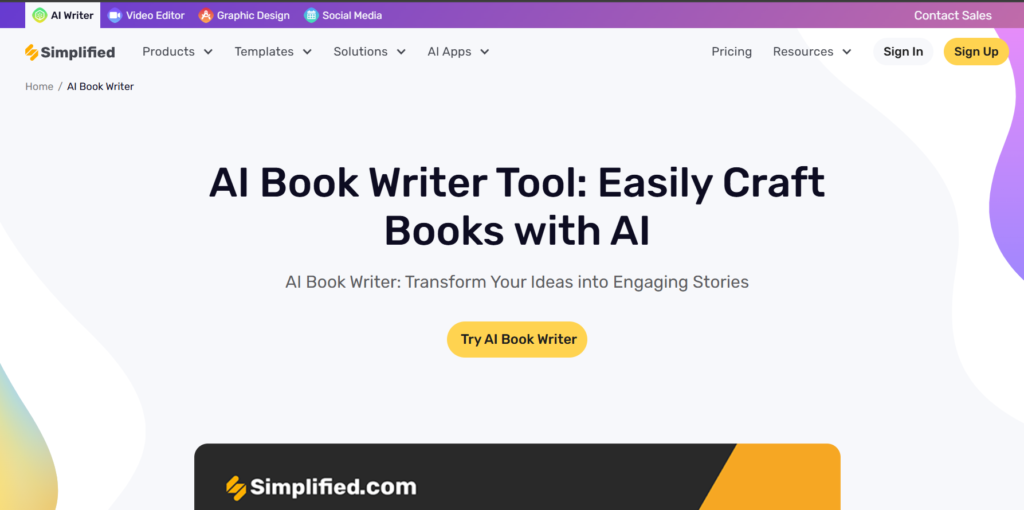
Best For: More all-in-one, great for quick drafts with a collaborative vibe.
Simplified lives up to its name by offering an all-in-one platform for content creation that extends beyond just book writing. It’s ideal for authors who also handle their own marketing, social media, and visual content.
4.4
OVERALL RATING
Key Pain Points Simplified Solves
Highlighted Features
The AI book writer in Simplified impressed me with its versatility. You can generate chapter outlines, expand on key points, and create cohesive narratives across different formats. The platform also offers templates for various book genres and content types.
What sets Simplified apart is its design capabilities. You can create professional book covers, chapter illustrations, and promotional materials using the same AI that helps with your writing. This integration saves time and ensures visual consistency across your author brand.
Real-World Success
Non-fiction author Jamie Rodriguez used Simplified to create her self-help book and all the accompanying marketing materials. “I saved thousands on design costs and kept complete control of my brand identity,” she shared. Her book launch exceeded sales projections by 40%.
The Experience
Using Simplified feels like having a complete creative studio at your fingertips. The interface is colorful and intuitive, with different sections for writing, design, and marketing. While this might seem overwhelming at first, the workflow becomes natural once you get familiar with the platform.
Pros and Cons
Support & Integrations
Workflow integration for teams and collaboration. General support through the platform. Email/chat priority on Premium, resource library; Grammarly/ProWritingAid integration, exports to Word/Docs.
Pricing
AI words renew monthly, perfect for non-fiction self-publishers mixing books with blogs—Enterprise scales for agencies churning content.
All-In-One Platform With book Writer!
Try Simplified‘s AI Book Writer free – no card to start generating right away. Upgrade to Pro for way more words, plagiarism checks, and team features when you’re serious.
8. MaxAI: One-Click Book Generation
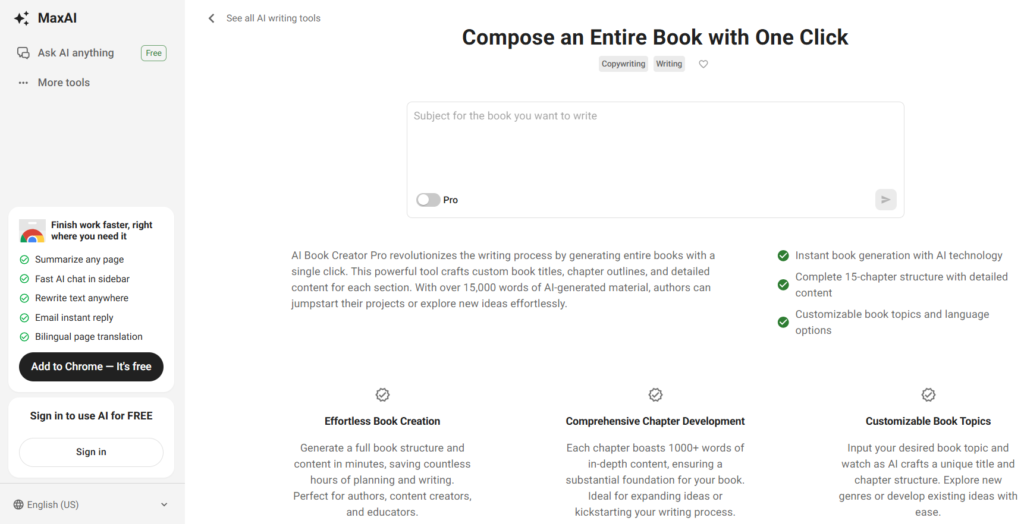
Best For: This one’s built for speed with that famous “one-click” book generator. Handy as a browser tool for quick drafts
MaxAI takes the concept of AI writing assistance to its logical extreme: complete book generation with minimal input. If you’re looking for the fastest way to go from concept to completed manuscript, this tool delivers impressive results with just a few clicks.
4.3
OVERALL RATING
Key Pain Points MaxAI Solves
Highlighted Features
What impressed me most during testing was the speed and coherence of MaxAI’s book generation. From a simple prompt, it creates a complete book structure with introduction, chapters, subheadings, and conclusion. The content flows naturally between sections, maintaining thematic consistency throughout.
The customization options allow you to specify tone, style, reading level, and content depth before generation. After creation, the inline editing tools make it easy to refine the generated content while maintaining the overall structure.
Real-World Success
Business coach Robert Mendez used MaxAI to create the first draft of his leadership guide in just one afternoon. “I provided my key concepts and expertise, and MaxAI structured it into a comprehensive book” he shared. After editing and personalizing the content, he published within weeks rather than months.
The Experience
Using MaxAI feels almost magical in its simplicity. You provide a topic, select your parameters, and watch as a complete book takes shape before your eyes. While the output will require editing and personalization, it eliminates the intimidation of facing a blank page.
Pros and Cons
Support & Integrations
Email support and community through their site. Works as a Chrome extension so it integrates anywhere online (Google Docs, email, etc.). No deep book-specific integrations, but easy copy-paste or exports.
Pricing
MaxAI is mostly a browser extension with tiers; book tool is part of Pro features — prices from recent checks:
Love fast one-click book drafts straight from your browser research?
Get MaxAI free in Chrome to try the compose tool. Upgrade to Pro for unlimited generations and advanced tricks when quick drafts become your go-to move.
9. WriteHuman AI: Avoiding AI Detection
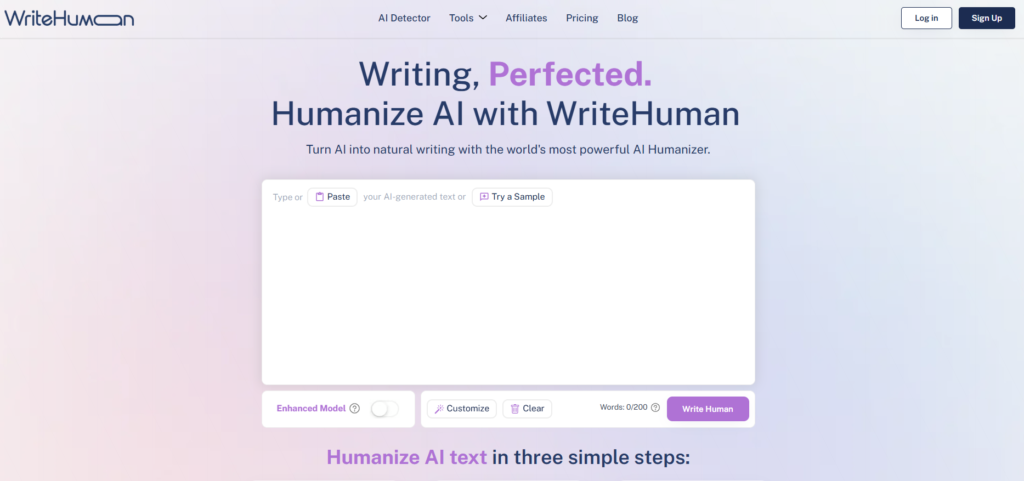
Best For: Make any AI-drafted book sound 100% human and pass detectors. Essential final step before publishing.
WriteHuman AI specializes in creating content that passes AI detection tools with flying colors. For authors concerned about their work being flagged as AI-generated, this platform offers sophisticated humanization techniques that preserve quality while ensuring authenticity.
4.3
OVERALL RATING
Key Pain Points WriteHuman AI Solves
Highlighted Features
During testing, WriteHuman’s real-time detection score impressed me most. As you generate or modify text, the platform shows how likely it is to be flagged by common AI detection tools. This immediate feedback helps you adjust settings until your content reaches the desired level of “humanness.”
The humanization settings allow fine control over factors like sentence variety, word choice patterns, and structural quirks. You can even introduce occasional typos or stylistic inconsistencies (which you can later correct) to further mask AI patterns.
Real-World Success
Academic author Dr. James Wilson used WriteHuman AI to help draft sections of his latest textbook. “I needed to accelerate my writing process without compromising quality or authenticity” he explained. “The content passed all university plagiarism and AI detection checks while maintaining scholarly standards.”
The Experience
Using WriteHuman feels like having a secret weapon in your writing arsenal. The interface focuses on text generation and humanization controls, with clear metrics showing how “human” your content appears. The learning curve is steeper than some alternatives, but the results justify the effort.
Pros and Cons
Support & Integrations
Email support (priority on paid plans). Works standalone or with any AI generator. Integrates detector checks seamlessly; no major publishing tool ties, but exports clean text anywhere.
Pricing
Requests per month with word caps—Ultra’s unlimited helps self-publishers humanize entire manuscripts undetected.
Need natural Sounding, undetectable of AI Content flow?
Start humanizing free at WriteHuman AI – try a section and see it transform. Upgrade to Ultra for unlimited full-book work if you’re producing a lot.
10. WordVice AI: Academic & Technical Writing
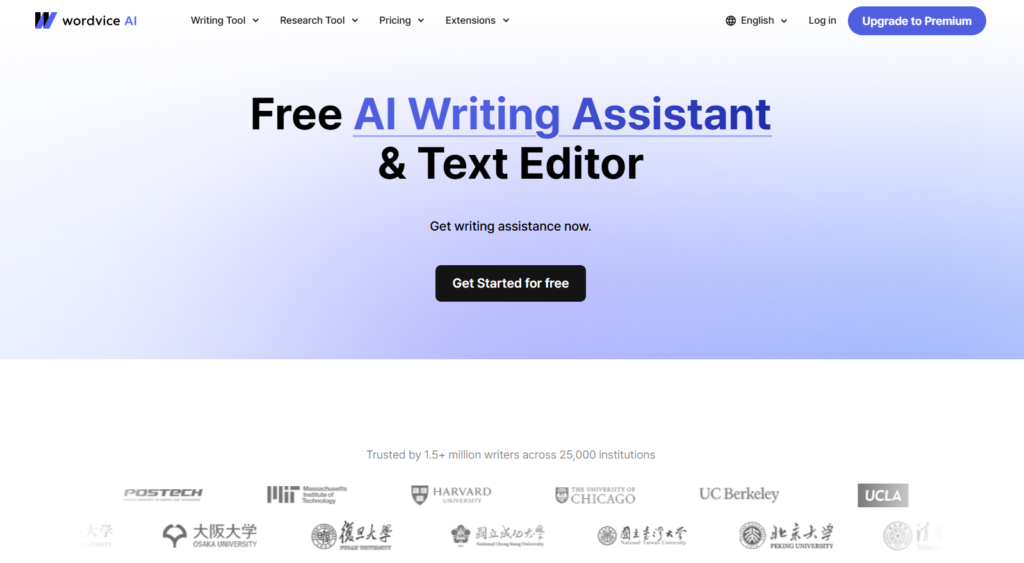
Best For: More of an editing powerhouse than full writer. Use it to polish your AI-assisted book drafts for pro-level grammar, style, and flow.
WordVice specializes in academic and technical writing assistance, helping authors create scholarly books, textbooks, and technical manuals.
With its focus on precision, citation management, and field-specific terminology, it’s the ideal tool for experts sharing specialized knowledge.
4.2
OVERALL RATING
Key Pain Points WordVice AI Solves
Highlighted Features
During testing, WordVice’s discipline-specific assistance impressed me most. Whether you’re writing about quantum physics, medical procedures, or literary theory, the platform provides relevant terminology, formatting, and stylistic conventions for your field.
The clarity enhancement tool deserves special mention—it helps transform dense academic prose into more accessible explanations without sacrificing accuracy or scholarly standards. This is invaluable for authors writing for students or interdisciplinary audiences.
Real-World Success
Engineering professor Dr. Elena Patel used WordVice to transform her research into a comprehensive textbook. “The platform helped me maintain technical precision while making the content accessible to undergraduate students” she reported. The book has been adopted by multiple universities and praised for its clarity.
The Experience
Using WordVice feels like having a knowledgeable academic editor at your side. The interface is clean and focused on the specific needs of scholarly writing, with specialized tools for different disciplines and publication formats.
Pros and Cons
Support & Integrations
Solid resources like articles and videos for writing tips. Email support; works as web tool or add-ons (MS Word mentioned). Easy to use alongside other writers for final passes.
Pricing
Word limits monthly, great for editing book drafts—Premium’s million words means thorough polishes without extras.
YMake Your drafts pro polish (grammar, style, no plagiarism flags)!
Jump into WordVice AI free with 5,000 words to test the tools. Upgrade to Premium for huge limits and full editing power when you’re ready to make it shine.
Key Features to Look For in an AI Book Writing Tool
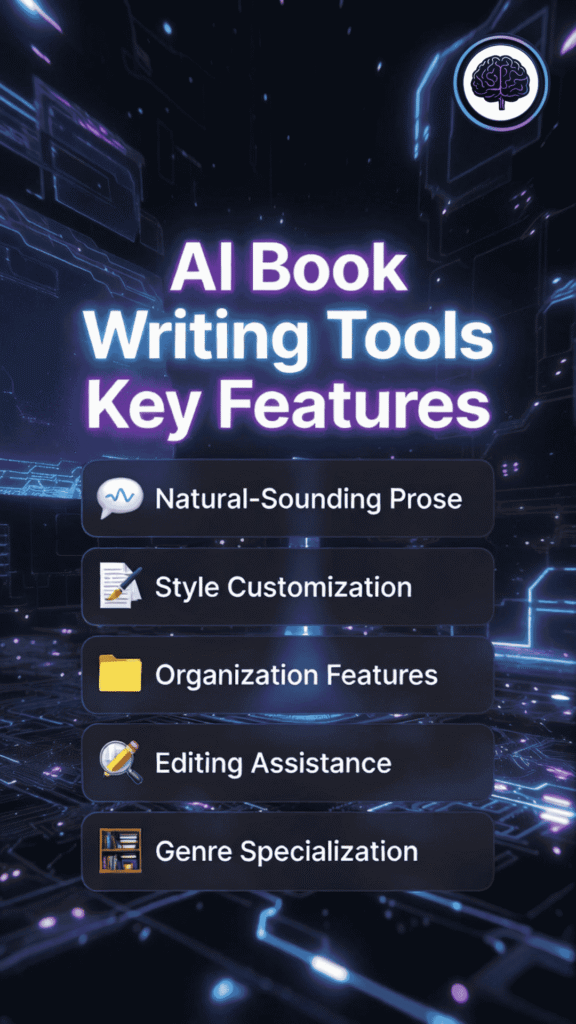
After testing the various AI Book writing tools on this list, I’ve identified the most important features that make a real difference for authors. Here’s what to look for:
- Natural-Sounding Prose: You struggle with writing that sounds robotic or generic, resulting in readers losing interest. Look for tools with advanced language models that create text with natural rhythm and flow, helping you produce engaging content that keeps readers turning pages.
- Style Customization: Your unique voice gets lost in AI-generated content, making your book feel inconsistent. Choose tools with style matching capabilities that can analyze and replicate your writing style, ensuring a consistent voice throughout your book.
- Organization Features: You get overwhelmed by managing characters, plot points, and research, leading to inconsistencies and plot holes. Prioritize tools with robust organizational features like character databases, plot grids, and research management, helping you keep track of all elements of your book.
- Editing Assistance: You waste hours on manual editing and revision, slowing down your publishing timeline. Select tools with AI-powered editing features that can identify issues with pacing, clarity, and consistency, accelerating your revision process.
- Genre Specialization: Generic writing advice doesn’t address the specific requirements of your genre, resulting in books that don’t meet reader expectations. Look for tools with templates and guidance tailored to your specific genre, helping you create books that satisfy genre conventions while still being original.
Best Practices and Pro Tips

After years of working with AI writing tools and helping authors integrate them into their workflows, I’ve gathered some valuable insights that can help you get the most out of these powerful assistants:
1.) Finding Your Perfect AI Partner
Don’t just go with the most popular tool—consider your specific needs. Are you writing fiction or non-fiction?
Do you need help with plotting, prose generation, or editing?
Most authors I work with find that using a combination of tools yields the best results. For example, you might use Sudowrite for creative prose generation but DabbleWriter for organization.
2.) Maintaining Your Voice
The best AI-assisted books still reflect the author’s unique voice. I recommend creating a “style guide” document with examples of your writing that you can feed to the AI.
This helps tools like GPTHuman AI and Sudowrite better match your tone and style. Remember, AI should enhance your voice, not replace it.
3.) The Human Touch
I learned this lesson the hard way when I published my first AI-assisted short story collection. The pieces that received the most praise were those where I heavily edited and personalized the AI output.
Now I follow the 70/30 rule: let AI generate the first 70%, then add the crucial 30% human touch that makes the writing truly shine.
4.) Staying Current
AI writing technology is evolving rapidly. A tool that was cutting-edge six months ago might be outdated today. I make it a habit to test new features and updates regularly.
This article reflects the state of AI writing tools in 2026, but by the time you’re reading this, new capabilities may have emerged. Always check for the latest versions and updates.
Key Takeaways
Conclusion
After extensive testing and analysis, Sudowrite stands out as the top AI book writing tool for 2026, particularly for fiction authors who need high-quality prose and intuitive story development features. Its custom AI model designed specifically for fiction writing produces remarkably natural text while maintaining narrative coherence.
That said, the “best” tool ultimately depends on your specific needs, genre, and writing style. The good news is that we’re living in a golden age of AI writing assistance, with options available for every type of author and budget.
Are you ready to transform your writing process and finally finish that book you’ve been dreaming about? The right AI writing partner can make all the difference between another unfinished manuscript and a published book that readers love.
Start Your AI Writing Journey Today?
Try Sudowrite, my top pick for 2026, and experience the difference that purpose-built AI can make for your writing.