The AI revolution is transforming how businesses operate, and finding the right AI business tools can be the difference between thriving and merely surviving in today’s competitive landscape.
I’ve spent countless hours testing dozens of AI platforms to separate the game-changers from the gimmicks. Whether you’re looking to streamline operations, generate content, or make data-driven decisions, the right AI tool can dramatically boost your productivity and bottom line.
But with hundreds of options flooding the market, how do you know which ones are worth your time and investment? In this article, we’ll review the top picks to help you choose the perfect AI companions for your business journey in 2026.
What are AI Business Tools?
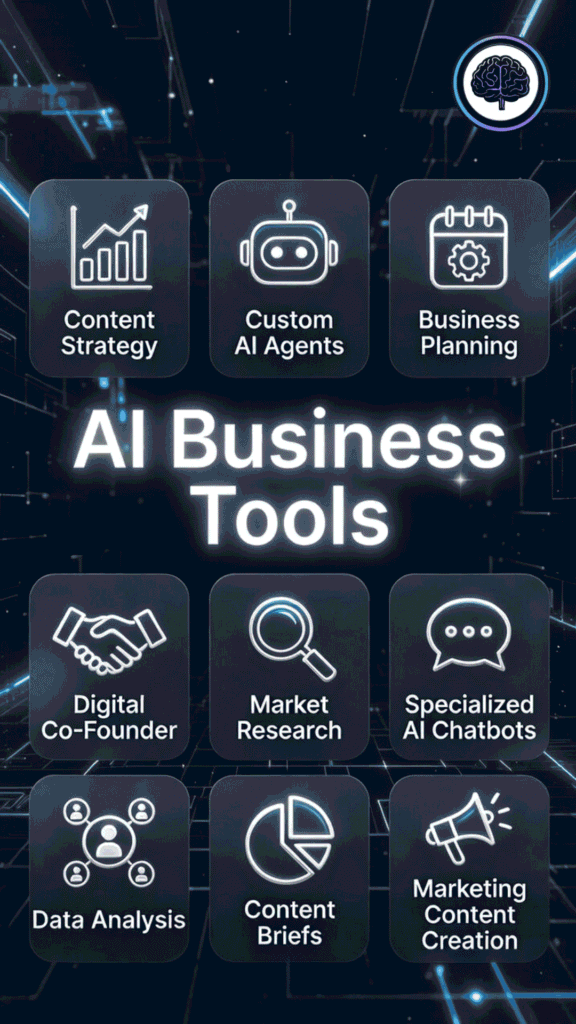
AI business tools are smart software powered by large language models and generative AI. They handle the repetitive tasks that used to eat up your whole day. In 2026 these tools have leveled up big time. Many now act like little agents that run actual workflows for you.
Most of them use transformer architecture. That means the model looks at your whole prompt at once (thanks to self-attention), figures out what’s important, and predicts the best next words or actions super fast. No waiting around like older tech.
That speed lets these tools automate and speed up real parts of your business. For example, CrawlQ takes market research from weeks down to minutes. You type your niche and it builds a full semantic database of audience pains, desires, objections, and trends. You walk away with ready-to-use personas and content ideas that actually clicks with your audience.
FounderPal feels like a marketing partner sitting next to you. Give it your business details and it builds customer personas, journey maps, growth strategies, and copy step by step. It hands you clear next actions so you stop staring at the screen and start testing campaigns that move the needle.
Creators and small teams cut editing or planning time in half with tools like these. We get hours back every week on emails, research, or support. Fewer mistakes. More energy for the stuff that grows the business.
Feeling stuck in the same boring loop? These tools break it open.
Business owners who use AI in their daily workflows to automate routine tasks often find it easier to manage and grow their operations compared to those who don’t.
As these tools become more common in 2026, the difference is easier to notice. The ones using these tools move quicker, test more, and scale smarter, while everyone else stays busy staying busy.
Who Can Benefit From AI Business Tools?

Honestly, almost anyone running or growing a business in 2026 can win big here. I feel for solopreneurs juggling everything – these tools give you superpowers without hiring a team. Small business owners save tons on marketing, support, and ops.
Freelancers and creators speed up content creation so they take on more clients. Marketing teams personalize campaigns faster. Sales folks qualify leads automatically. Even big companies use them for forecasting, HR onboarding, or supply chain tweaks.
Ideal use cases we see working great right now:
If you’re tired of repetitive stuff holding you back, these tools level the playing field.
How I Evaluated These AI Business Tools
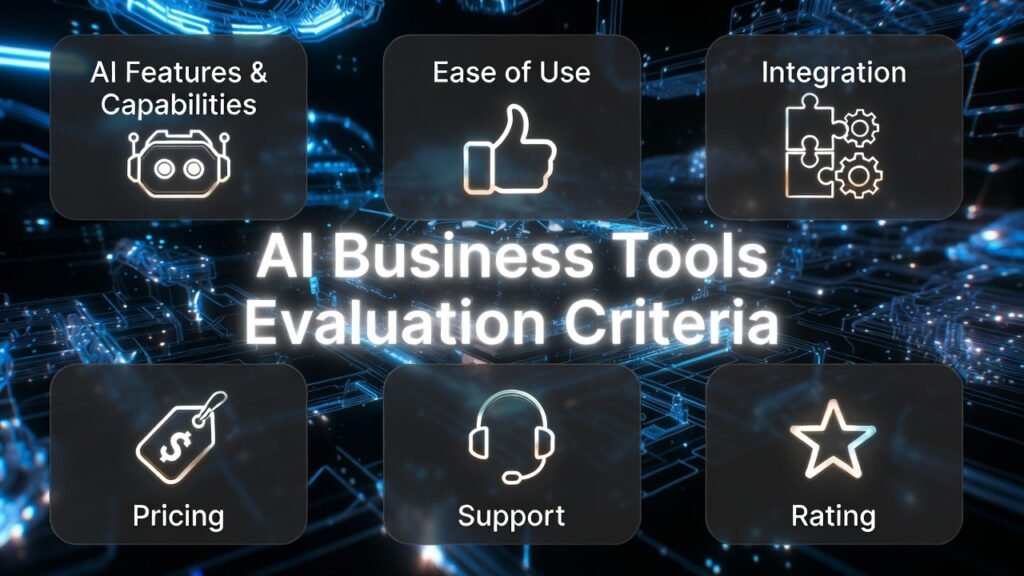
Before diving into the reviews, let me explain my evaluation process. I didn’t just skim through marketing materials or rely on secondhand information. Instead, I spent weeks putting each tool through rigorous testing in real business scenarios. My assessment focused on six critical factors:
Each tool received a score in these categories, which I’ve compiled into an easy-to-reference comparison chart below. I’ve also included real-world use cases and mini case studies to show you exactly how these tools perform in the wild.
Why Should You Trust My Reviews?
I’m not just another tech blogger jumping on the AI bandwagon. With an MSc in Data Science and Machine Learning and a BSc in Software Engineering, I understand the technology powering these tools at a fundamental level. I’ve been a working professional since 2018, ghost-developing numerous AI applications for businesses across various industries.
This hands-on experience gives me unique insight into how these tools actually work under the hood—not just what their marketing teams claim. I’ve personally implemented AI solutions for startups and enterprise companies alike, which means I know exactly what makes a tool genuinely useful versus merely impressive in a demo.
When I test an AI tool, I’m evaluating it from both a technical perspective and a practical business standpoint. Does it solve real problems? Will it integrate smoothly with your existing workflows? Is it worth the investment? These are the questions I answer in my reviews.
AI Business Tools Comparison Chart
| Rank | Tool | Best For | Key Features | Rating | Pricing |
| 1 | Content Harmony | Content Strategy & SEO | Content briefs, SEO analysis, AI writing | 4.7/5 | From $99/month |
| 2 | YourGPT AI | Custom AI Assistants | Personalized AI, knowledge base integration | 4.7/5 | From $29/month |
| 3 | IdeaBuddy | Business Planning | Business model canvas, financial projections | 4.6/5 | From $12.50/month |
| 4 | FounderPal | Startup Guidance | AI advisor, pitch deck creation, market analysis | 4.6/5 | From $39/month |
| 5 | CrawlIQ | Market Research | Competitor analysis, trend detection | 4.5/5 | From $49/month |
| 6 | Simplified | All-in-One Marketing | Content creation, design, social media management | 4.5/5 | Free plan available |
| 7 | Relevance AI | AI Agents Workforce | Customer insights, data visualization | 4.5/5 | Custom pricing |
| 8 | CustomGPT AI | Specialized AI Chatbots | Custom AI training, knowledge base integration | 4.4/5 | From $19/month |
| 9 | Marketsy AI | Digital Store | Digital store creation, digital product marketing, Ecommerce | 4.3/5 | From $1/month |
Top 3 AI Business Tools Picks

🥈
YourGPT AI
No-code AI sales agents qualify leads, automate follow-ups, and close deals faster.

🥉
IdeaBuddy
AI-driven business planning with sales forecasts, revenue estimates, and investor-ready plans.
Best AI Business Tools Ranked
1. Content Harmony: Best for Content Strategy & SEO

Content Harmony stands out as the most comprehensive content strategy platform I’ve tested. It combines powerful SEO analysis with AI-driven content creation tools to help businesses develop high-performing content that actually ranks.
What impressed me most was how it bridges the gap between SEO data and actionable content briefs—something many tools promise but few deliver.
4.7
OVERALL RATING
Key Pain Points The Content Harmony Solves
Highlighted Features
Real-World Success:
” Game changing technology for content marketers
We were introduced to Content Harmony as a client of their agency. During the engagement, they taught us how to use the tool and we cascaded this out amongst our content team. Subsequently, we got the opportunity to participate during the Beta and still use the platform to this day. Can not recommend this highly enough!
In short, this software changed the way we think about the briefing process internally and on the client side. It fills a massive hole in the game as it helps you plan your content strategy overall by giving you access to strategic briefing tool set that is well beyond just keyword research. The feature I love the most is the google doc export. The briefs that are created are rich, comprehensive and extremely detailed. Our writers are thrilled and our Head of Content Strategy is obsessed with this tool!“
— Brendan W, Founder/Principal, Content Harmony User, Capterra
Pros and Cons


Integrations & Support
Content Harmony integrates seamlessly with WordPress, Google Docs, Semrush, and Clearscope. Their support team is responsive, typically replying within hours during business days. The knowledge base is comprehensive, with detailed tutorials and best practices.
Pricing Plans
Content Harmony use a credit-based system tied to how much content you produce monthly. It’s flexible but scales with usage.
Ready to transform your content strategy?
Content Harmony offers a 7-day free trial with no credit card required. Test their content briefs and see the difference in your content quality.
2. YourGPT AI: Best for Custom AI Assistants
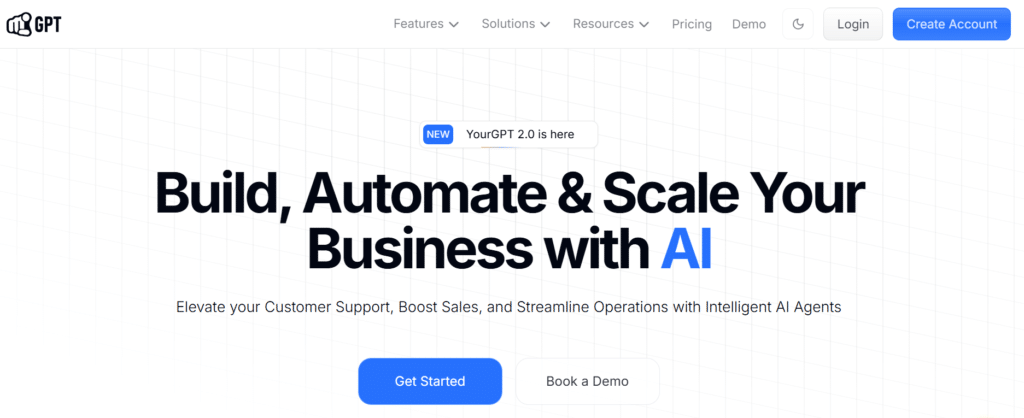
YourGPT AI has quickly become my go-to recommendation for businesses & project management looking to create custom AI assistants tailored to their specific needs.
This platform allows you to build AI chatbots trained on your own knowledge base, documentation, or expertise—essentially creating a virtual version of your company’s collective knowledge.
4.7
OVERALL RATING
Key Pain Points The YourGPT AI Solves
Highlighted Features
Real-World Success:
” YourGPT is a powerhouse for building next-gen conversational AI agents. With features like intent-based event detection, real-time API integration, and built-in code execution, it gives users full control and flexibility. A must-try for businesses serious about scaling smart customer experiences.”
— Sophia H, YourGPT AI User, ProductHunt
Pros and Cons
Integrations & Support
YourGPT AI offers 24/7 support via chat/email plus enterprise dedicated help. Tons of integrations: WhatsApp, Instagram, Slack, Telegram, Shopify, WordPress, WooCommerce, Zapier, Twilio, Intercom, Crisp, and custom APIs/webhooks. Connects to CRMs, databases, and more. This makes it super flexible for stacking with your existing tools.
Pricing Plans
YourGPT AI offers simple tiers based on AI credits (usage) and features. No hidden fees, and annual saves ~30%. 7-day free trial (no card needed).
Create your custom AI assistant today!
YourGPT AI offers a free plan to test the platform with up to 50 queries per month. Experience how a custom AI can transform your business operations.
3. IdeaBuddy: Best for Business Planning
IdeaBuddy has revolutionized how entrepreneurs and business teams approach planning and strategy. This AI-powered platform transforms the traditionally tedious process of business planning into an interactive, guided experience that actually makes strategic thinking enjoyable.
After testing numerous business planning tools, IdeaBuddy stands out for its intuitive approach and comprehensive feature set for formulating your business plans.
4.6
OVERALL RATING
Key Pain Points The IdeaBuddy Solves
Highlighted Features
Real-World Success:
” My overall experience with IdeaBuddy has been excellent. After researching and trying out several FP&A and business planning platforms, I can confidently say that IdeaBuddy is the best. It strikes the perfect balance between ease of use and depth, making the entire process of validating ideas, building financial forecasts, and preparing investor-ready plans smooth and efficient. As both an entrepreneur and consultant, I’ve found it invaluable for my own ventures as well as client projects. It has truly simplified business planning and turned what often feels overwhelming into a clear, structured process.”
— Laldinliana M, Founder, Management Consultancy IdeaBuddy User, Capterra
Pros and Cons
Integrations & Support
Help via docs, chat, or email. No major third-party integrations mentioned (it’s more standalone). Exports make it easy to pull into tools like Excel or pitch decks. Strong on privacy/encryption for your ideas.
Pricing Plans
IdeaBuddy offers straightforward pricing:
Start planning your business success!
IdeaBuddy offers a 7-day free trial with access to all features. Try their business planning tools and see how they can transform your entrepreneurial journey.
4. FounderPal : Best for Startup Guidance

FounderPal is the AI advisor every startup founder wishes they had from day one. This innovative platform combines AI-powered guidance with practical tools to help entrepreneurs navigate the complex journey from idea to successful business.
What sets FounderPal apart is its conversational approach—it feels like having an experienced co-founder or mentor available 24/7.
4.6
OVERALL RATING
Key Pain Points The FounderPal Solves
Highlighted Features
Real-World Success:
“I´m preety impressed on how easy FounderPal turns the always complex development of a Marketing Plan. By submiting some data about a Persona, it generates a comprehensive marketing plan, with all the features totaly integrated. Amazing platform!”
— Aldo Wandersman, CEO, FounderPal User
Pros and Cons
Integrations & Support
Basic email support. Light integrations (copy-paste friendly, maybe Zapier for some). Works standalone or with tools like Notion/Canva.
Pricing Plans
FounderPal offers three pricing tiers:
Get your AI startup advisor!
FounderPal offers a 7-day free trial with limited features. Experience how AI guidance can accelerate your startup journey.
5. CrawlQ AI: Best for Market Research
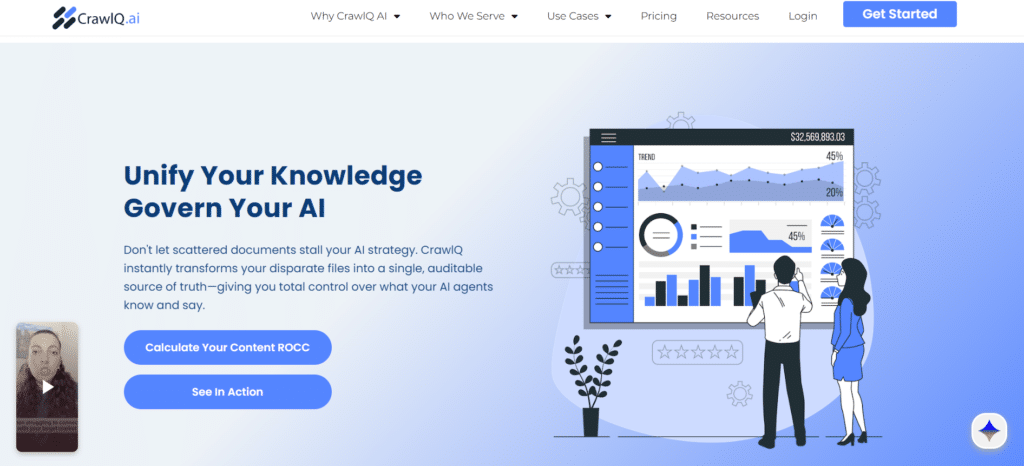
CrawlQ AI has transformed how businesses gather competitive intelligence and market insights throught AI agents. This powerful AI-driven research platform automates the collection and analysis of market data that would typically require weeks of manual work.
After extensive testing, I’ve found CrawlQ to be the most comprehensive market research tool for businesses looking to understand their competitive landscape and identify new opportunities.
4.5
OVERALL RATING
Key Pain Points The CrawlQ AI Solves
Highlighted Features
Real-World Success:
“An excellent content management system for those looking to write content related to specific Niche
CrawlQ is an AI-powered content creation platform that enables your brand to craft the appropriate content for your customers. It lets professionals quickly generate highly personalized insights, stories, questions, and answers based on their customer persona research. It also helps you engage your audience by using your brand’s voice in the right content and in the right context. It again provides you with actionable insights to help generate learnings that you can use in your marketing strategy.”
— Jean Bertin, Data Analyst, Coach and Trainer in Côte d’Ivoire
Pros and Cons
Integrations & Support
Dedicated enterprise support. Integrates with top LLMs (GPT-5, GPT-5 Vision, and Google Gemini Pro 1.5.), Intel tech for local runs, and internal systems. No heavy third-party list, but built for compliance-heavy stacks.
Pricing Plans
CrawIQ offers tiered pricing based on data volume and features:
Unlock market insights with AI!
CrawlIQ offers a 14-day free trial with access to core features. Discover how AI-powered market research can transform your business strategy.
6. Simplified: Best All-in-One Marketing Platform
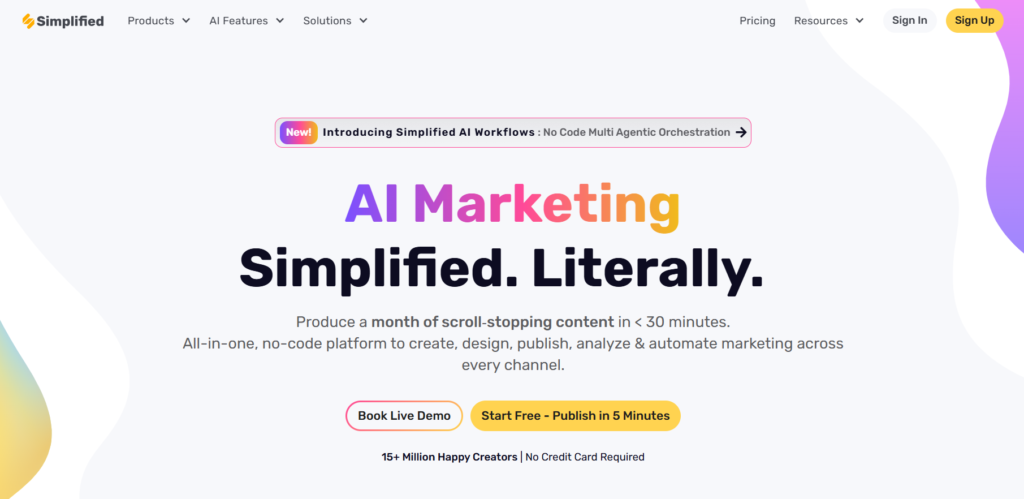
Simplified lives up to its name by bringing together content creation, image design, social media management, and video editing in one cohesive AI-powered platform.
After testing dozens of marketing tools, I’ve found Simplified to be the most comprehensive solution for businesses looking to streamline their entire marketing workflow. It’s particularly valuable for small teams that need to produce high-quality content across multiple channels without specialized expertise in each area.
4.5
OVERALL RATING
Key Pain Points The Simplified Solves
Highlighted Features
Real-World Success:
“ Simplified. Simplicity defined!
I have been using Simplified for almost 3 months now and it has been a game changer for me! As a small start up business owner, juggling everything while you are still at the learning stage can be overwhelming. Sometimes, it can also lead to discouragement. With simplified, I was able to cope with the content challenges. Simplified. Simplicity defined! Thanks for always having your back!”
— Marcel, Entrepreneur, Simplified User
Pros and Cons
Integrations & Support
Quick customer support pops up in chats (users love the fast replies). Integrations shine with LinkedIn, Instagram, TikTok, YouTube, Shopify, WordPress for direct posting/scheduling. It fits nicely into social and e-com stacks without heavy setup. No massive Zapier list, but the built-ins cover most creator needs.
Pricing Plans
Simplified offers flexible pricing to accommodate different team sizes. All paid plans offer annual discounts of approximately 20%.
Streamline your marketing workflow!
Simplified offers a generous free plan with no time limit. Experience how an all-in-one AI marketing platform can transform your project management.
7. Relevance AI: Best for Building Your AI Workforce
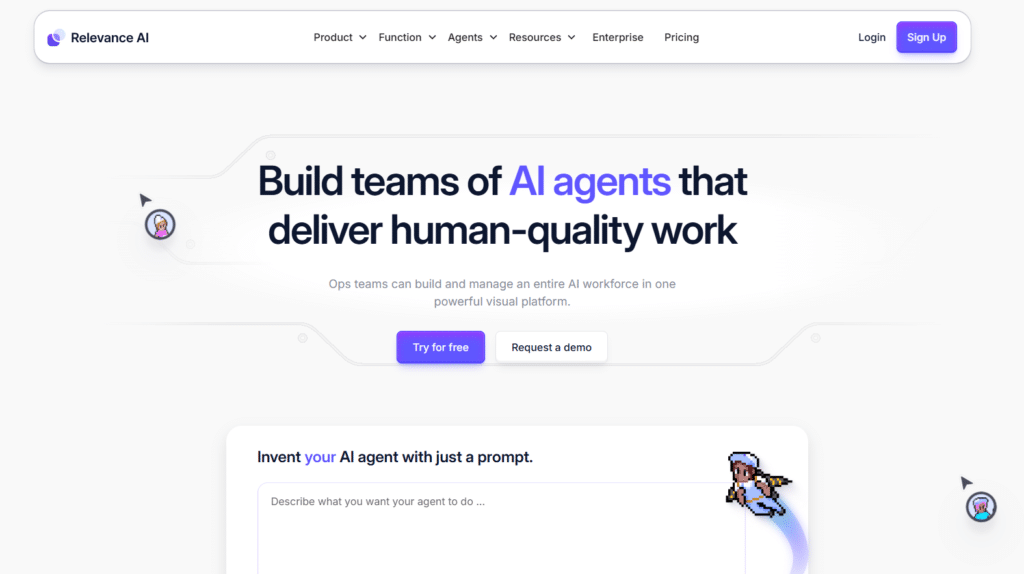
Relevance AI is one of the easiest ways I’ve seen to create your own team of AI agents that work like real employees. You don’t need to be a coder. It lets anyone build smart, autonomous agents that handle tasks on autopilot. This is huge for sales teams who want to automate boring stuff and focus on closing deals.
4.5
OVERALL RATING
Key Pain Points The Relevance AI Solves
Highlighted Features
Real-World Success:
“ Easy to use and packed with useful feature!
Relevance AI is really simple to work with. Setting up agents takes just a few minutes, and everything is intuitive—you don’t have to dig through a bunch of menus to find what you need. I like that I can manage all my agents in one place without jumping between different tools. I’ve tried other automation platforms, but only here I was able to build a solid RAG system without running into weird limitations. The platform keeps improving, and the integrations with other services make things even smoother.
By the way, I use Relevance AI almost every day, and it really saves a lot of time. Whenever I have questions, customer support responds quickly and helps solve any issues, which is a big plus.”
— Margarita C., Personal assistant, Marketing and Advertising Small-Business
Pros and Cons
Integrations & Support
Relevance AI integrates into 2000+ apps (Gmail, Slack, Salesforce, etc.) plus custom APIs. Support includes docs, community, onboarding, and priority chat on paid plans. They even do weekly training.
Pricing Plans
Relevance AI pricing plans include a free consultation to determine your specific needs and pricing. Credits cover actions and AI model use – start free and upgrade as you run more agents.
Transform your data into business insights with AI Agent!
Relevance AI offers a free demo and consultation to explore how their platform can address your specific data challenges.
8. CustomGPT AI: Best for Specialized AI Chatbots
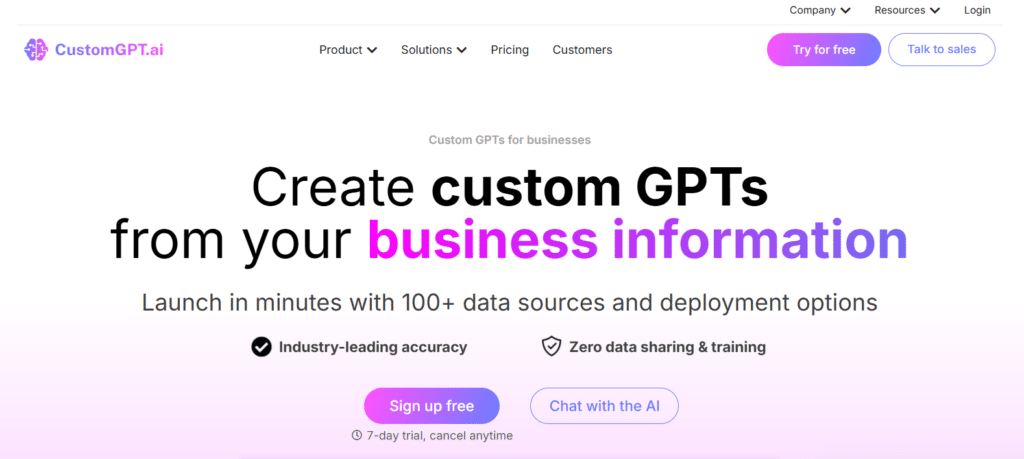
CustomGPT AI has carved out a unique position in the AI business tools landscape by focusing exclusively on creating highly specialized, domain-specific chatbots. Unlike general-purpose AI assistants, CustomGPT allows you to build agents with deep expertise in particular fields, whether that’s legal compliance, medical knowledge, technical support, or any other specialized domain.
4.4
OVERALL RATING
Key Pain Points The CustomGPT AI Solves
Highlighted Features
Real-World Success:
“ We chose the CustomGPT solution because of its scalable data ingestion platform which enabled us to bring together knowledge of entrepreneurship across multiple knowledge bases at MIT.”
— Doug Williams, Product Lead, Martin Trust Center for MIT Entrepreneurship
Pros and Cons
Integrations & Support
Community Slack for tips, helpdesk on Standard+, prioritized for Premium/Enterprise. Over 100 integrations (Google Drive, Shopify, HubSpot, Notion, WordPress, etc.) plus file uploads and APIs. Super easy to connect your content sources.
Pricing Plans
CustomGPT AI offers tiered pricing based on features and usage:
Create your specialized AI assistant!
CustomGPT AI offers a 14-day free trial with no credit card required. Experience how a domain-specific chatbot can transform your customer interactions.
9. Marketsy AI: Best for Marketing Automation
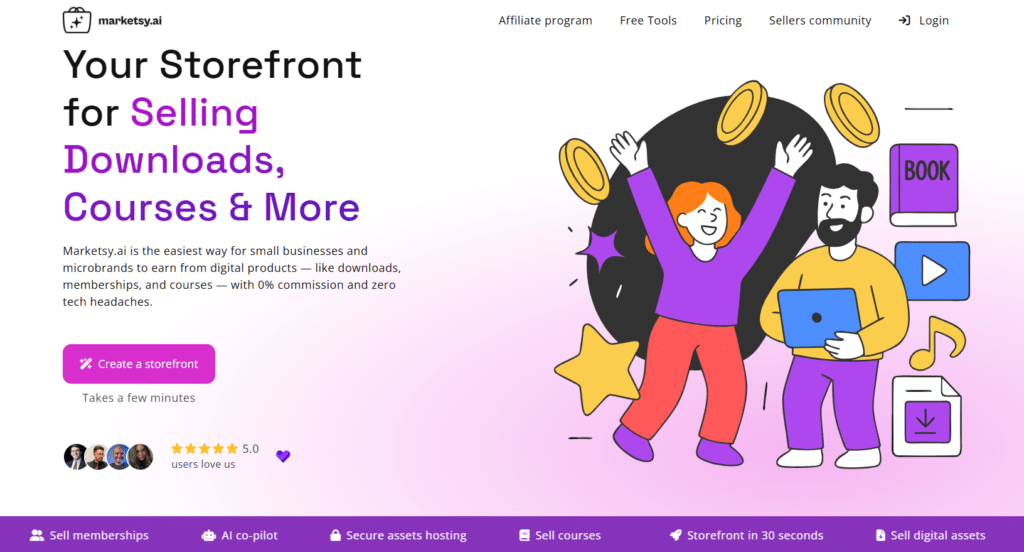
Marketsy AI reimagines selling digital products by using AI to build and run your entire storefront in minutes. This platform goes beyond basic link-in-bio tools to create ready-to-sell stores that generate copy, images, and listings automatically.
After trying a bunch of creator tools, I found Marketsy AI the easiest way for small businesses and indie creators to launch and monetize without tech headaches or high fees.
4.3
OVERALL RATING
Key Pain Points The Marketsy AI Solves
Highlighted Features
Real-World Success:
” Martketsy is an awesome startup that will disrupt the market for quick-to-set up eCommerce stores. With Marketsy, you can create a pop-up digital store selling downloads or anything else you want in minutes. Use Zapier, Pabbly Connect, Make or any other platform to fulfil digital or physical orders with Marketsy’s webhooks. The devs behind Marketsy are super dedicated to building and supporting it, and there are plenty of lifetimes deals where they don’t take commission (unlike more mature solutions like Gumroad).”
— Evgeny, Marketsy AI User
Pros and Cons
Integrations & Support
Talk directly to the founder (Alexey) via DM—super personal. Integrations include Stripe, PayPal, Zapier, Webhooks, API for payments and automations. Great for stacking with email tools or analytics without hassle.
Pricing Plans
Marketsy AI pricing plans start with a trial or low entry – no big upfront commitment.
Launch your digital store fast!
Marketsy AI gives you a low-entry trial to test it out. See how AI can set up your shop and marketing in minutes with zero fees eating your profits.
Key Features to Look for in AI Business Tools
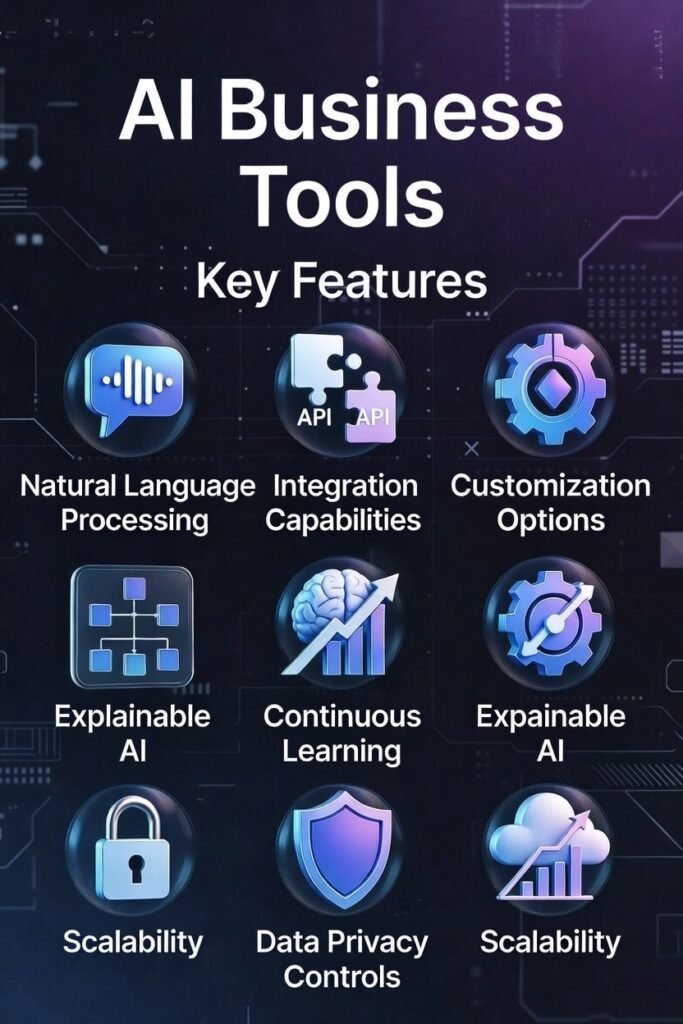
After testing dozens of AI business tools, I’ve identified the critical features that separate truly valuable solutions from the rest. When evaluating any AI tool for your business, make sure to consider these essential capabilities:
- Natural Language Processing: Struggling to translate technical jargon into actionable insights? Look for tools with advanced NLP capabilities that understand industry-specific terminology and can communicate in plain language.
- Integration Capabilities: Tired of data silos and disconnected workflows? Prioritize tools that seamlessly connect with your existing tech stack through robust APIs and pre-built integrations.
- Customization Options: Frustrated by one-size-fits-all solutions? Choose tools that allow you to tailor AI models to your specific business needs, industry, and data requirements.
- Explainable AI: Concerned about “black box” AI making critical decisions? Select tools that provide transparency into how they reach conclusions and recommendations.
- Continuous Learning: Worried about static models that quickly become outdated? Opt for platforms that improve over time by learning from your data and user interactions.
- Data Privacy Controls: Anxious about sensitive information? Ensure your AI tools offer robust security features, compliance certifications, and granular privacy controls.
- Scalability: Planning for growth? Choose tools designed to scale with your business, handling increasing data volumes and user numbers without performance degradation.
Best Practices for Implementing AI Business Tools
Successfully integrating AI tools into your business operations requires more than just signing up for the right platforms. Based on my experience implementing AI solutions across various industries, here are the best practices that lead to successful adoption and ROI:
I recently worked with a marketing agency that rushed to implement an AI content generation tool without properly training their team or establishing quality control processes. The result was inconsistent content that often missed the mark for client expectations. After taking a step back, defining clear use cases, and creating a collaborative workflow between the AI and human editors, they transformed the tool from a disappointment into a competitive advantage that increased their content production capacity by 300%.
Key Takeaways
Conclusion
After extensive testing and real-world implementation, Content Harmony emerges as the top AI business tool for 2026, particularly for companies focused on content marketing and SEO. Its comprehensive approach to content strategy, powerful AI-driven analysis, and actionable recommendations make it an invaluable asset for businesses looking to compete in increasingly crowded digital spaces.
However, the “best” AI business tool ultimately depends on your specific needs and challenges for project management. YourGPT AI offers unmatched capabilities for creating custom AI assistants, while IdeaBuddy excels at business planning and financial modeling. The key is identifying your most pressing business challenges and selecting tools purpose-built to address them.
Are you ready to transform your business operations with AI?
The tools in this list represent the cutting edge of what’s possible in 2026, offering unprecedented opportunities to automate routine tasks, uncover valuable insights, and scale your impact without proportionally scaling your team. The question isn’t whether AI can help your business—it’s which specific tools will deliver the greatest value for your unique situation.
build high performance content marketing programs!
Begin with Content Harmony’s 7-day free trial to experience how AI-powered content strategy can drive measurable business results.