The fashion industry is experiencing a revolution thanks to AI fashion model technology. Gone are the days of expensive photoshoots, limited model diversity, and time-consuming production schedules.
Today’s AI tools can transform simple product photos into stunning fashion imagery with virtual models that looks remarkably real. Whether you’re running an e-commerce store, managing a fashion brand, or working as a marketer, these tools can save you thousands while dramatically scaling your visual content.
I’ve spent months testing dozens of AI fashion model generators to find the ones that truly deliver professional results. In this article, we’ll review the top 9 picks to help you choose the perfect solution for your specific needs in 2026.
What are AI Fashion Model Apps?
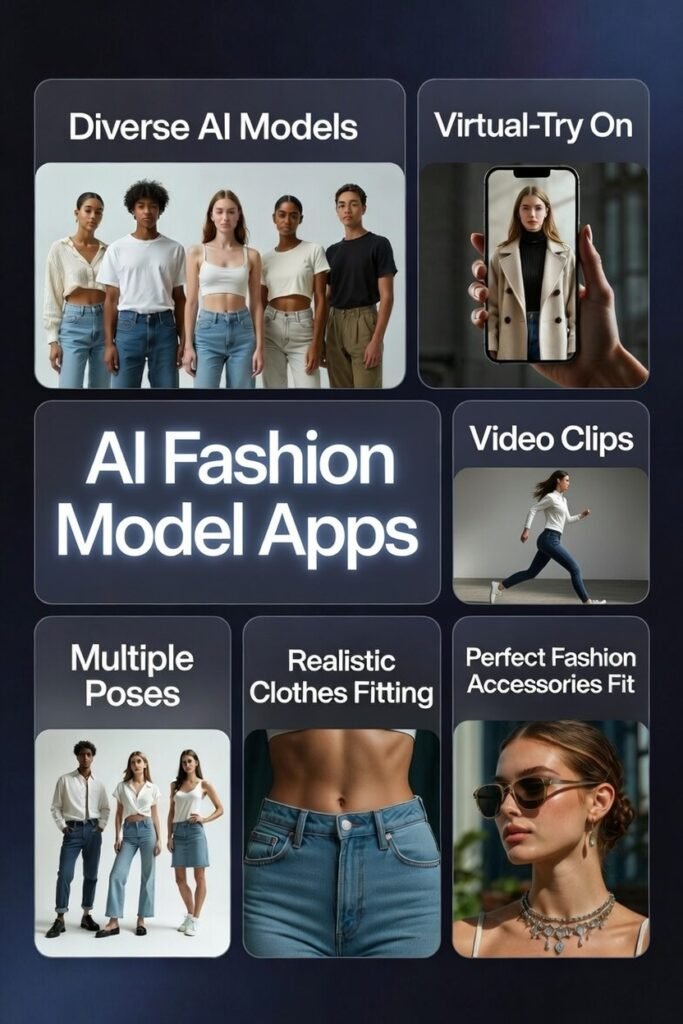
AI fashion model apps are tools that use smart generative AI (think advanced diffusion models and computer vision) to create virtual people who “put on” your wearables (clothes, jewelry or any fashion accessories you can think of).
Here’s how they work inside: You upload a product image (flat lay, mannequin, or even a sketch). The AI first understands the garment’s shape, fabric, patterns, and how it drapes.
Then it generates a photorealistic human figure (Fully customizable) – picking body type, skin tone, face, hair from huge trained datasets. It warps and fits the clothing realistically onto the model using 3D-like simulation, adds natural shadows, folds, and lighting. Some even spit out short videos with movement.
No real photoshoots needed – just seconds or minutes per image.
These apps are game-changers for marketing and ecommerce. We save 70-90% on costs (no models, studios, or retouchers). Get endless variations fast – different ethnicities, sizes, scenes – for super inclusive ads.
Shoppers see “real” fit better, so conversions jump and returns drop (real brands report 20-30% sales boosts). Imagine listing a new collection tomorrow with pro-looking on-model shots instead of waiting weeks. It’s faster, cheaper, and way more creative.
Who Can Benefit From AI Fashion Model Apps?
Honestly, if you’re in fashion or selling clothes online, these tools feel made for you. Small ecommerce sellers and dropshippers love them most – turn basic supplier pics into stunning product pages without breaking the bank. Indie designers test looks on virtual models before making samples. Bigger brands scale catalogs fast with diverse, on-brand visuals.
Ideal use cases we see working great:
Even jewelers or accessory brands fit accessories on models.
Bottom line: Anyone tired of expensive shoots or limited diversity wins big here.
How I Evaluated These AI Fashion Model Tools
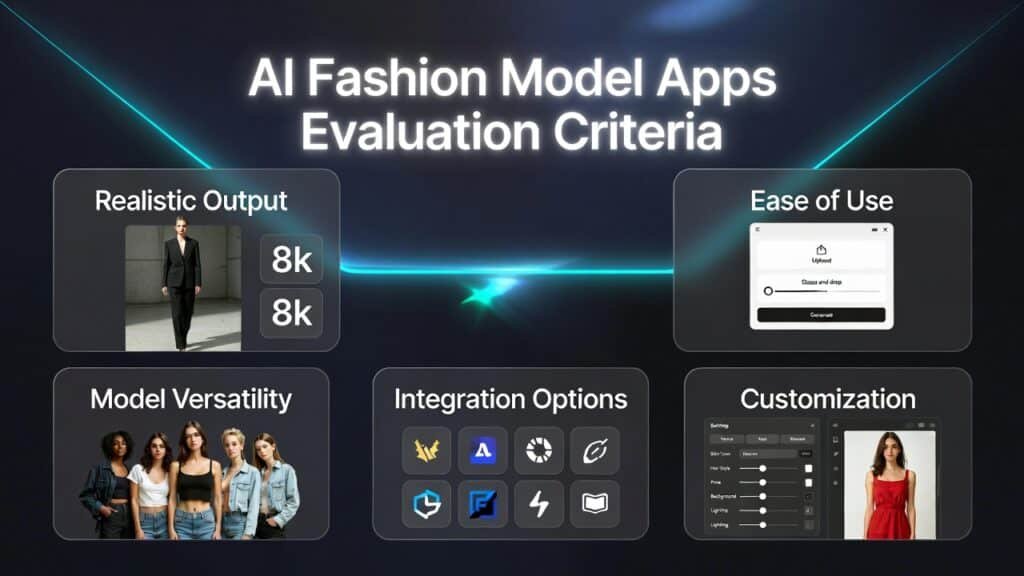
As an AI engineer with extensive experience in both software development and machine learning, I approach these tools with a critical eye. My evaluation goes beyond marketing claims to assess what these platforms can actually deliver. Here’s what I looked for:
Key Evaluation Factors
Why Trust My Reviews?
I bring a unique perspective as both a technical expert and practical user:
I tested each platform by uploading various clothing items—from simple t-shirts to complex patterns and textures—to see how they handled different challenges. The results were fascinating, with clear winners emerging as game changer for specific use cases.
AI Fashion Model Apps Comparison
| Rank | Tool | Best For | Key Features | Rating | Pricing |
|---|---|---|---|---|---|
| 1 | SellerPic AI | E-commerce Sellers | Upload clothes → diverse AI models, realistic fit, poses, backgrounds. Videos + batch edits. Saves 90% on shoots. | 4.8/5 | From $29/month |
| 2 | Claid AI | Enterprise Brands | Flat shots to on-model images. AI backgrounds, 4K upscale, lighting fixes, batch + video clips. Cuts edit time 80%. | 4.7/5 | From $9/month |
| 3 | Picjam | Small Boutiques & Startups | Ghost mannequin → real models. Easy swaps, 2000+ poses, videos. Batch for fast catalogs. Hyper-real & licensed. | 4.6/5 | From $29/month |
| 4 | PhotoAIStudio | Professional Photographers | Selfie → custom AI influencer. Try-ons, styles (glamour/anime), photoshoots + videos. Quick face/hair swaps. | 4.6/5 | From $9.50 |
| 5 | HuHu AI | Social Media Content | Build custom models (face/body/skin). Accurate try-ons, diverse sets. Credit-based for targeted marketing shots. | 4.5/5 | From $15/month |
| 6 | Weshop AI | Multi-model Campaigns | Try-ons from any photo. AI videos, pose changes, outfit ideas. Shopify points system. 4K fast results. | 4.5/5 | From $12.99/month |
| 7 | Flair AI | Creative Directors | Drag-drop scenes + custom models. Text-to-image ads, videos, templates. API for big creative freedom. | 4.4/5 | From $8/month |
| 8 | Piccopilot | Budget-conscious Users | Quick try-ons, model swaps, background removal. Video translations + batch. Low-cost global reels. | 4.3/5 | From $5.99/month |
| 9 | UWear AI | Fashion Designers | Flat-lay → model photos. Shopper try-ons via API/Shopify. Batch CSV, color analysis. Pay-per-use only. | 4.3/5 | From $0.10/credit |
Top 3 AI Fashion Model Tools at a Glance

🥇
SellerPic AI
The most versatile AI fashion model generator with exceptional quality and marketplace integration.

🥈
Claid AI
Enterprise-grade AI fashion model solution with advanced customization and brand consistency features.

🥉
Picjam
Affordable AI fashion model generator ideal for small businesses and startups with limited budgets.
Best AI Fashion Model Apps Ranked
1. SellerPic AI: Best Overall AI Fashion Model Generator

SellerPic AI stands out as the most comprehensive AI fashion models solution I’ve tested. It’s designed specifically for e-commerce sellers who need to quickly transform product photos into professional model imagery. What impressed me most was how it handles complex patterns and textures with remarkable accuracy.
4.8
OVERALL RATING
Key Pain Points SellerPic AI Solves
Highlighted Features
Real-World Success: Fashion Startup Case Study
” An Exciting Tool for E-Commerce and Digital Art!
SellerPic is a must-have tool not just for e-commerce but for digital graphic artists as well! It saves us a significant amount of money from expensive models and photoshoots. And also saves us precious time on post-production editing. Easy to use with lots of features – at a very competitive cost-per-credit pricing!”
— Gui Anthony, SellerPic AI User, TrustPilot
My Experience
Using SellerPic AI feels remarkably straightforward. The interface guides you through a simple three-step process: upload your product image, select your preferred model and background, then generate your results.
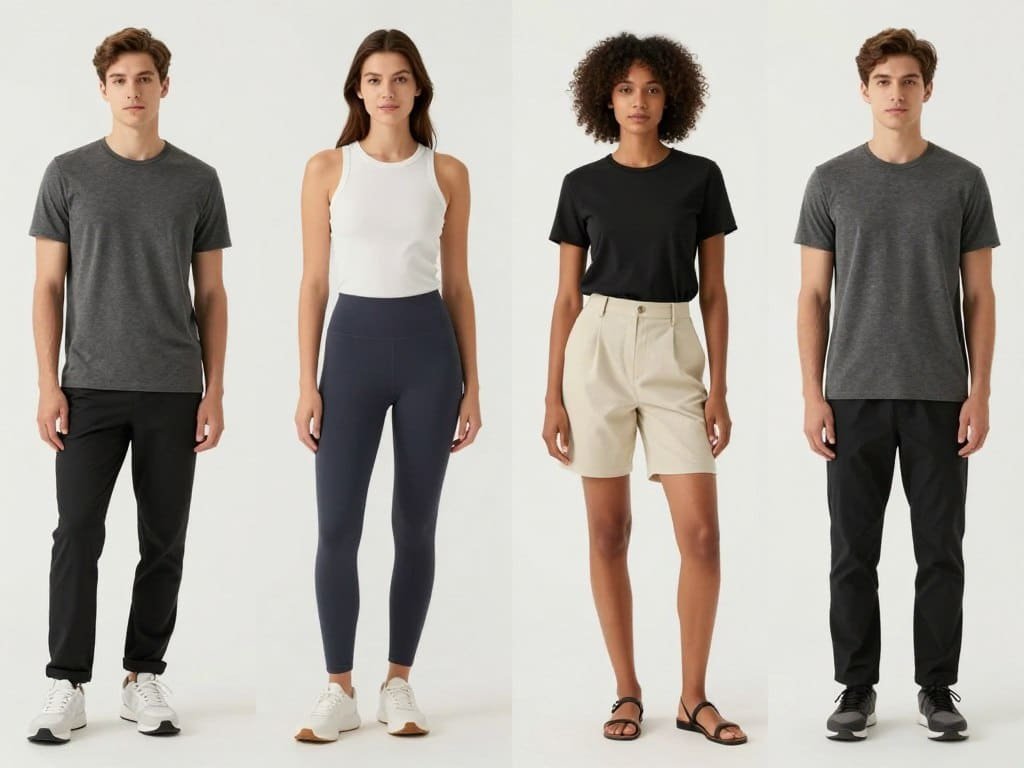
What sets it apart is the quality of the output—the AI-generated models look convincingly real, with natural poses and accurate garment draping that reflects how clothing actually fits on a body.
Pros and Cons


Support & Integrations
SellerPic AI offers direct integration with major e-commerce platforms including Shopify, WooCommerce, and Magento. Their API allows for custom workflow integration, which several users mentioned as a significant advantage. Customer support is responsive, with an average ticket resolution time of under 4 hours according to Trustpilot reviews.
Pricing
SellerPic AI offers three pricing tiers:
transform your product photos Now!
SellerPic AI offers the most comprehensive solution for creating professional AI fashion models imagery. Start your free trial today and see the difference for yourself.
2. Claid AI: Best for Enterprise Fashion Brands
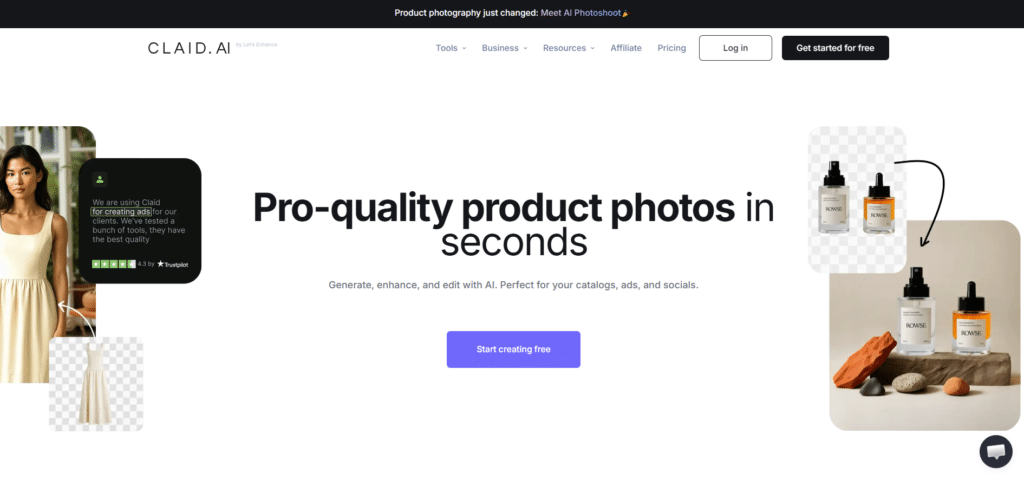
Claid AI takes a different approach by focusing specifically on enterprise fashion brands that need consistent, high-volume model imagery. What distinguishes Claid is its emphasis on brand consistency and style preservation across large catalogs.
4.7
OVERALL RATING
Key Pain Points Claid AI Solves
Highlighted Features
Real-World Success:
“As an marketing agency owner, i highly recommend Claid for creatives and product showcase, its actually a game changer. Based on my research, is the best tool on the market. Great job!”
— Moiseș Emanuel, Marketing Agency Owner, Claid AI User
My Experience with Claid AI
Working with Claid AI feels more like using professional creative software than a simple web app. The learning curve is steeper than some competitors, but the depth of control is unmatched.
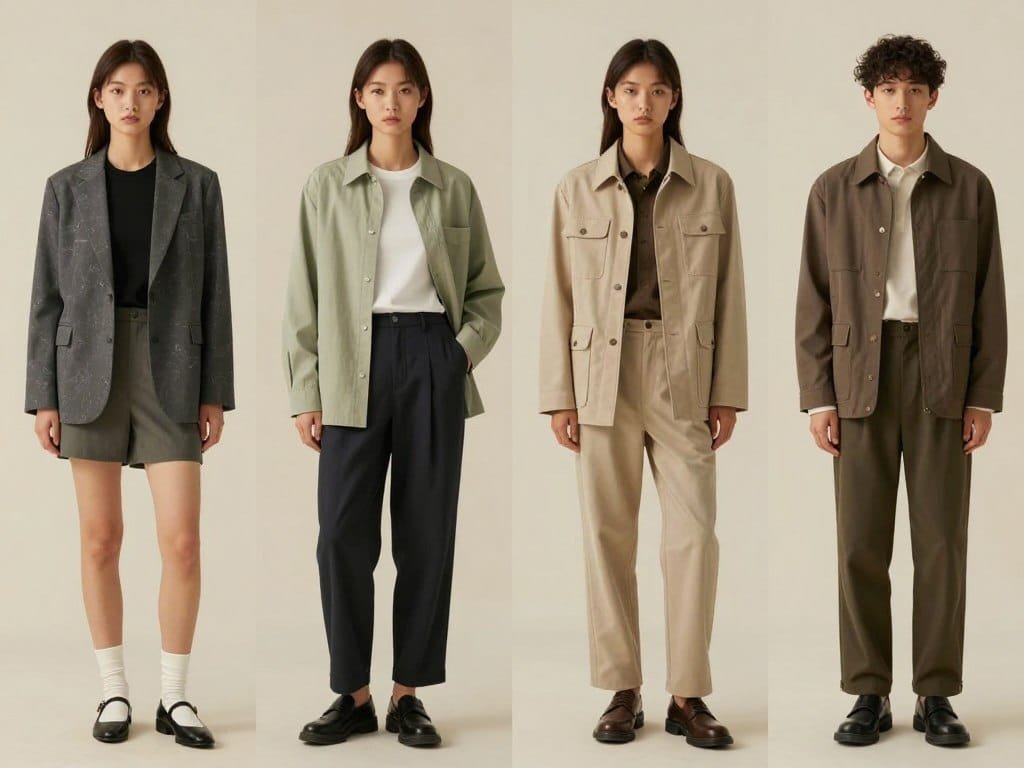
The platform excels at maintaining consistent lighting and composition across large sets of images—a crucial factor for brand-conscious enterprises.
Pros and Cons
Support & Integrations
Claid AI offers comprehensive API access for e-commerce automation (used by brands like Rappi) and pre-built integrations with enterprise DAM systems, PIM platforms, and major e-commerce solutions. Their enterprise support includes dedicated account managers and SLA-backed response times, which received high praise in G2 reviews.
Pricing
Claid AI offers following pricing tiers:
Elevate your brand’s visual consistency!
Claid AI offers enterprise-grade solutions for fashion brands that demand consistent, high-quality model imagery at scale. Book a demo to see how it can transform your visual content strategy.
3. Picjam: Best Budget-Friendly AI Fashion Models Tool
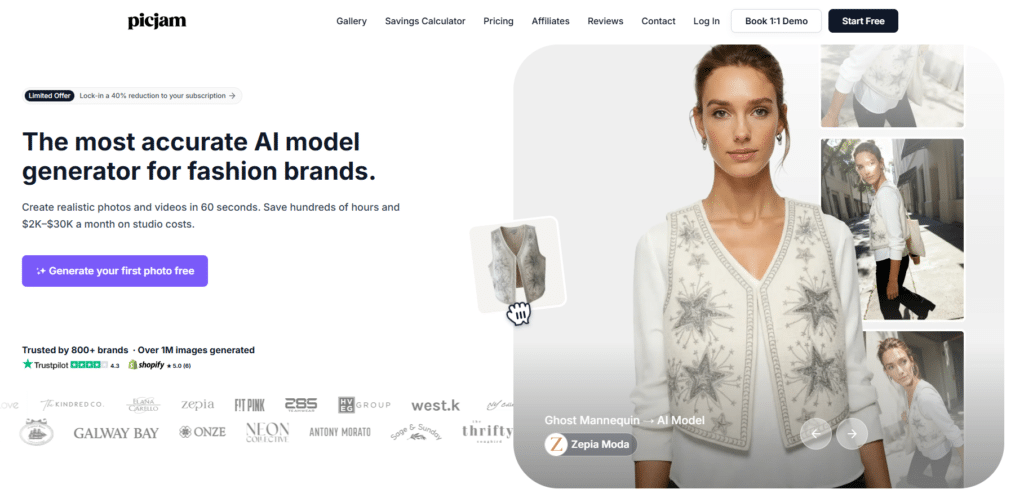
Picjam has carved out a niche as the go-to solution for small businesses, startups, and independent designers who need professional fashion imagery without enterprise budgets. What makes Picjam special is how it balances affordability with surprisingly good quality.
4.6
OVERALL RATING
Key Pain Points Picjam Solves
Highlighted Features
Real-World Success:
“Picjam Let’s You Have It Your Way!
The wide assortment of models (faces, bodies, expressions) was great. I get a chance to see a lot of different looks which leads to finding ‘that look’ that really sets the model for the clothing piece (and the store). I’m finding new features and elements each day that make our compositions better and better! Thank you!!“
— WRTHY Apparel LLC, PicJam User
My Experience with Picjam
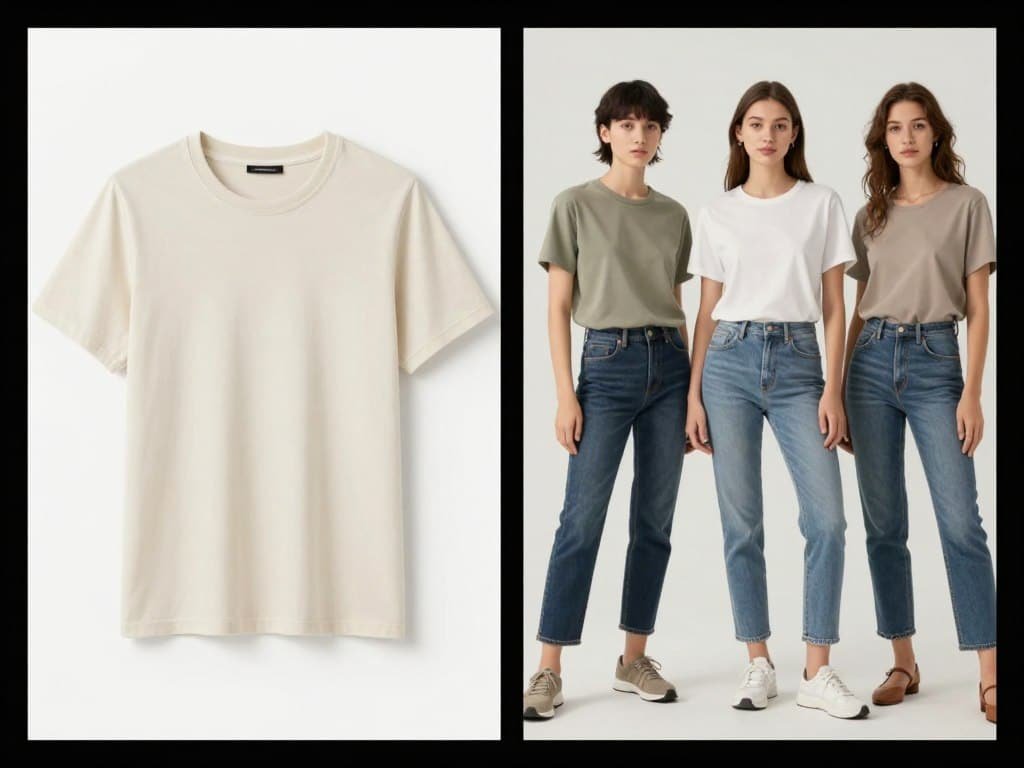
Using Picjam feels refreshingly simple. The interface prioritizes accessibility over advanced features, making it perfect for non-technical users. While it doesn’t offer the depth of customization found in enterprise tools, the quality-to-effort ratio is exceptional. I was particularly impressed by how well it handles basic clothing items like t-shirts, dresses, and casual wear.
Pros and Cons
Support & Integrations
Picjam offers basic integrations with Shopify and WordPress, making it easy to export generated images directly to your store.
Their support is primarily email-based with a typical response time of 24 hours, which is reasonable given the price point. Priority video support and 1:1 onboarding on higher plans.
Email/contact for help. Their knowledge base is comprehensive and addresses most common questions.
Pricing
PicJam offers the following pricing plans:
Professional fashion imagery on a budget!
Picjam makes AI fashion models generation accessible to businesses of all sizes. Try it free and see how it can transform your product photos without breaking the bank.
4. HuHu AI: Best for Social Media Content
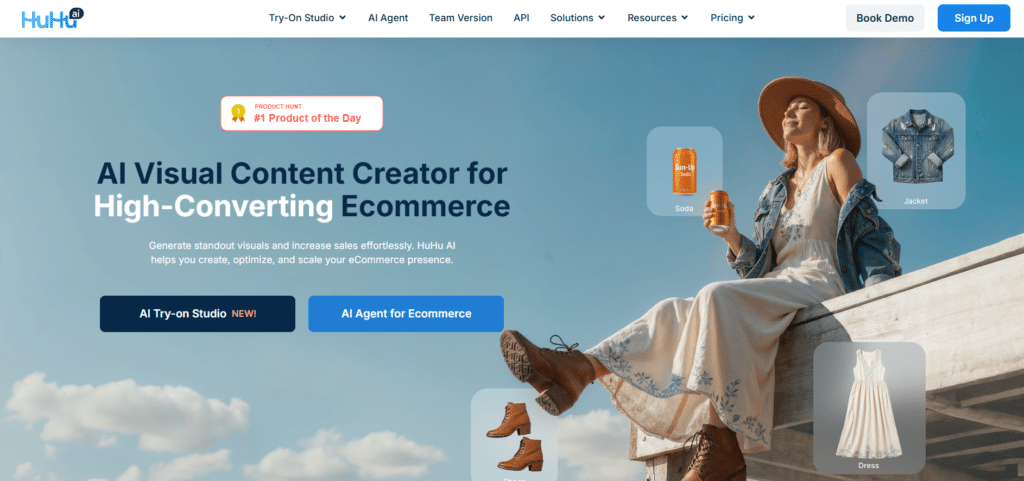
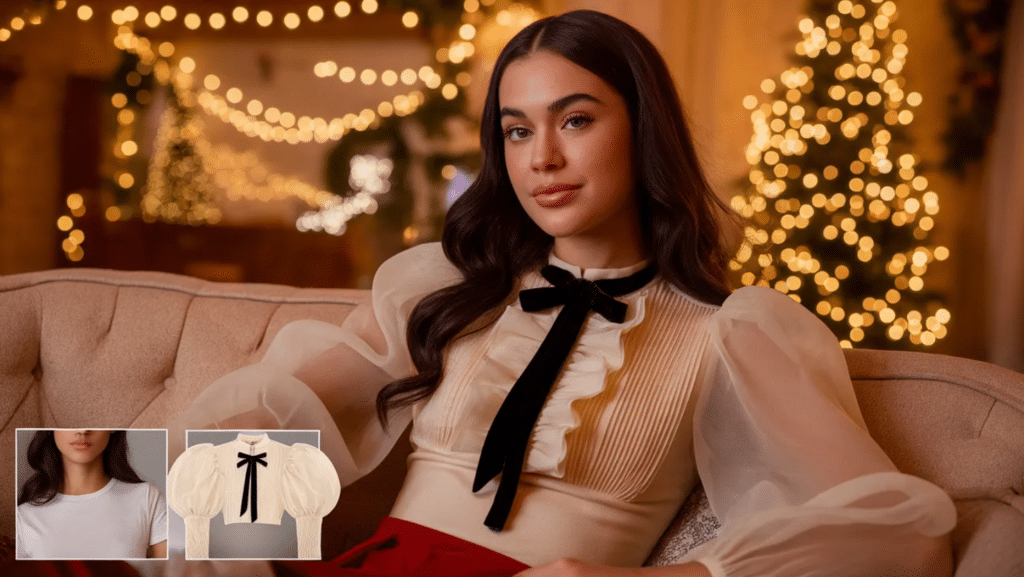
HuHu AI specializes in creating high-quality visuals and fashion content specifically optimized for social media platforms. While other tools focus on e-commerce or general photography, HuHu AI is built from the ground up for creating engaging, shareable fashion content.
4.6
OVERALL RATING
Key Pain Points HuHu AI Solves
Highlighted Features
Real-World Success:
“If you’re into fashion tech, HUHU.AI is a fresh breath of innovation. Imagine turning your basic garment photos into stunning model shots without needing a photoshoot! HUHU lets you upload designs and see them flawlessly styled on diverse body types—from petite to plus-size, no mannequins needed. It’s fast, fun, and saves tons of time and money. Perfect for fashion brands wanting to level up their product images with ease. Plus, the results are polished, professional, and customizable. Definitely worth a look!”
— Arash Ranjbaran Qadikolaei, HuHu AI User, ProductHunt
My Experience with HuHu AI
Using HuHu AI feels like working with a social media management tool that happens to include AI fashion model generation. The platform prioritizes content planning, scheduling, and cross-platform optimization.
The model generation quality is good, though not quite at the level of specialized tools like SellerPic or Claid. However, the social-specific features more than make up for this slight quality difference.
Pros and Cons
Support & Integrations
HuHu AI offers direct posting integration with Instagram, Facebook, TikTok, Pinterest, and Twitter. Their support is primarily focused on social media strategy alongside technical assistance, with active community forums for sharing best practices.
Pricing
HuHu AI’s pricing is structured around social media needs:
Supercharge your social media content!
HuHu AI helps fashion brands and creators maintain a consistent, engaging social media presence without constant photoshoots. Try it today to transform your social strategy.
5. Weshop AI: Best for Multi-Model Campaigns
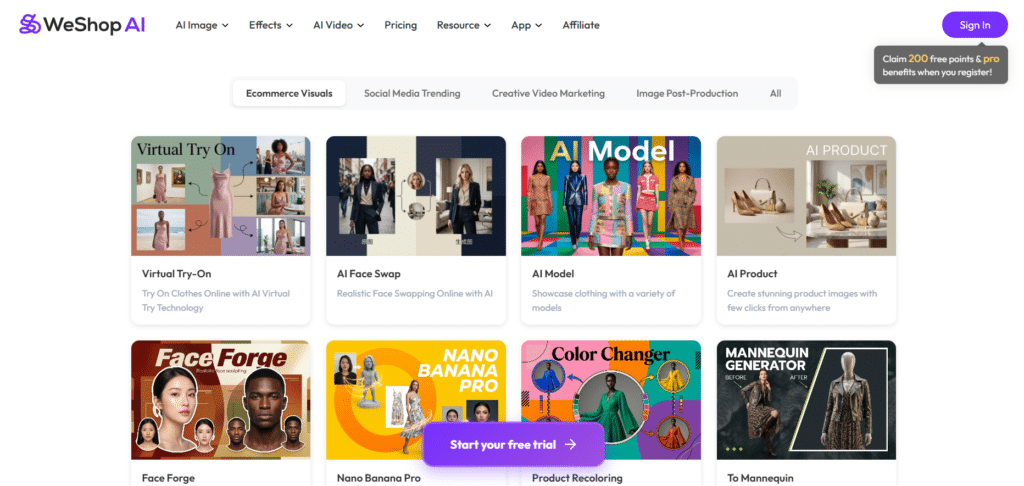
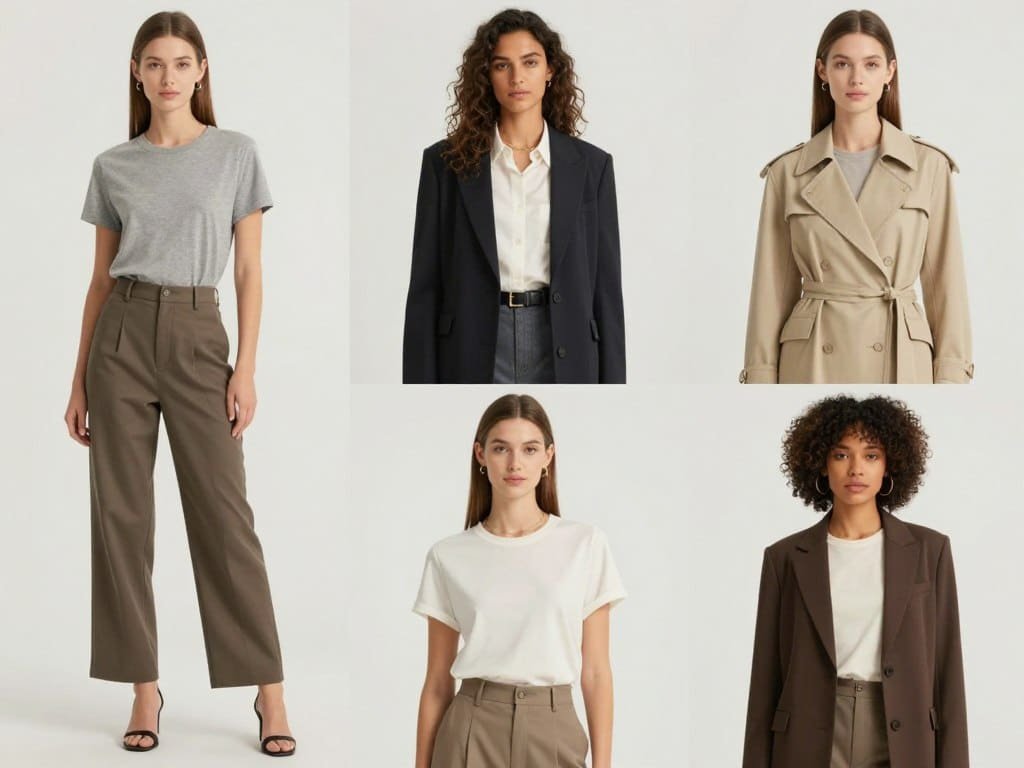
Weshop AI has carved out a specialized niche by focusing on creating cohesive fashion campaigns featuring multiple models. This tool excels at maintaining consistent styling, lighting, and mood across diverse model sets—perfect for lookbooks and seasonal campaigns.
4.5
OVERALL RATING
Key Pain Points Weshop AI Solves
Highlighted Features
Real-World Success:
“WeShop AI has the capability to create high-quality product images from just one uploaded picture. It enables users to modify the background and replace models or individuals in the image using artificial intelligence. If the outcome isn’t satisfactory, we have the option to edit and regenerate the image. Occasionally, there might be a short wait in the queue for image generation, but it usually doesn’t take much time.”
— SumoHan, Weshop AI User
My Experience with Weshop AI
Using Weshop AI feels like working with a virtual campaign director. The platform guides you through selecting a campaign mood, choosing diverse models, and maintaining consistent styling.
The interface is organized around campaign management rather than individual images, which takes some adjustment but makes perfect sense for its intended purpose.
Pros and Cons
Support & Integrations
Weshop AI offers integration with major e-commerce platforms and digital asset management systems. Their support includes campaign planning assistance alongside technical help, with specialized guidance for first-time users creating multi-model campaigns.
Pricing
Weshop AI’s pricing reflects its campaign focus:
Create cohesive, diverse fashion campaigns!
Weshop AI helps fashion brands create stunning consistent, inclusive campaigns without the logistical challenges of multi-model photoshoots. Try it today to transform your campaign production.
6. Flair AI: Best for Creative Directors
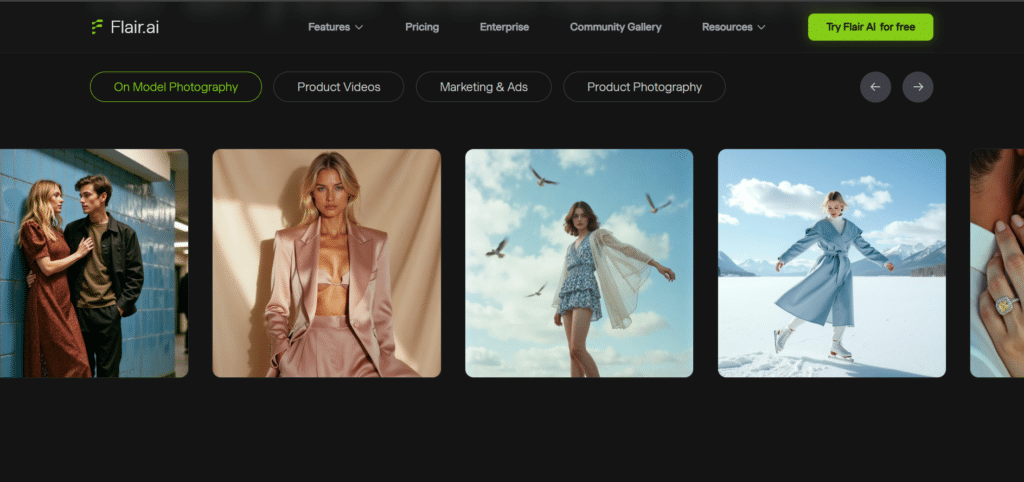
Flair AI takes a different approach by focusing on the creative conceptualization phase of fashion imagery and models fashion. Rather than simply generating product photos, it helps creative directors explore concepts, develop mood boards, and visualize creative directions before committing to production.
4.5
OVERALL RATING
Key Pain Points Flair AI Solves
Highlighted Features
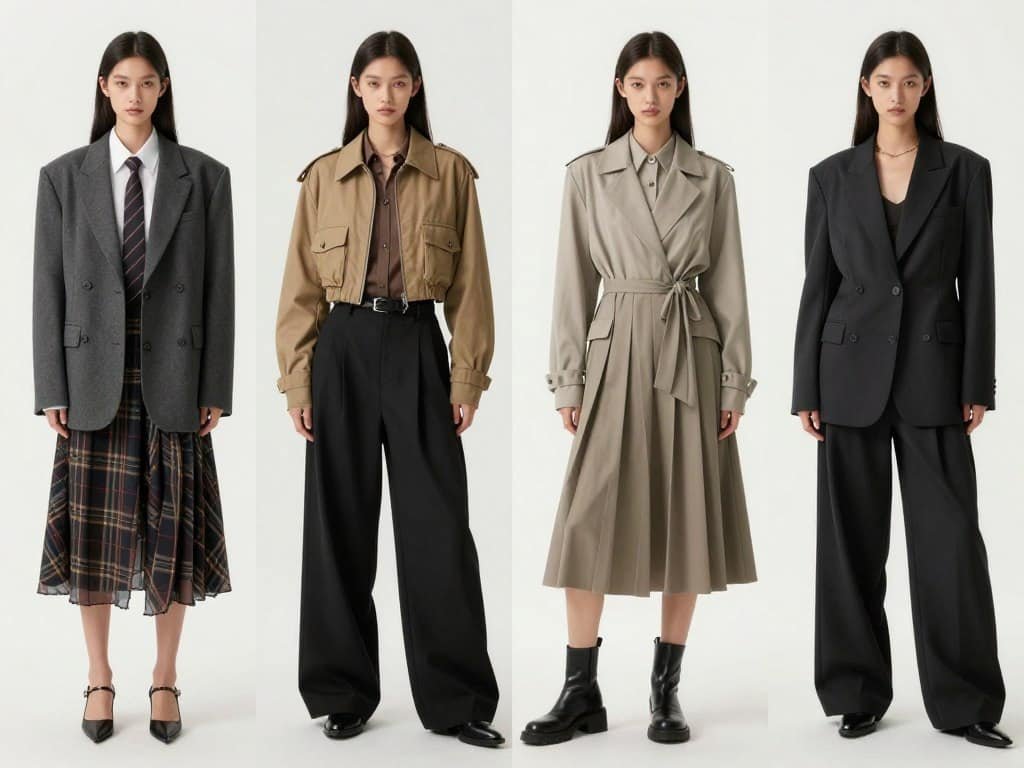
Real-World Success:
“Running a growing brand means I’m…
Running a growing brand means I’m always looking for ways to move faster without sacrificing quality. Flair AI has been a solid addition to our process — it gave us the flexibility to create multiple ad variations in half the time we used to spend. I’m pretty hands-on with visuals, so being able to tweak scenes and generate new looks on demand has saved us both budget and creative burnout. Some images need light edits, especially on reflective surfaces, but that’s expected. Overall, it’s made our content production way more efficient.”
— Alex Fisherman, Flair AI User
My Experience with Flair AI
Using Flair AI feels more like working with a creative tool than a standard AI generator. The interface emphasizes exploration and iteration rather than just production efficiency.
The quality of the generated images varies more than with some competitors, but this is by design—the platform prioritizes creative diversity over standardization. For creative directors looking to push boundaries, this approach is refreshing.
Pros and Cons
Support & Integrations
Flair AI offers integration with creative tools like Adobe Creative Cloud and Figma, making it easy to incorporate generated concepts into larger creative workflows. Their support team includes former fashion creatives who understand the unique needs of the industry.
Pricing
Flair AI’s pricing reflects its creative focus:
Unleash your creative vision!
Flair AI helps creative directors explore and visualize fashion concepts before committing to production. Try it today to transform your creative process..
7. PicCopilot: Best Budget Option for Beginners
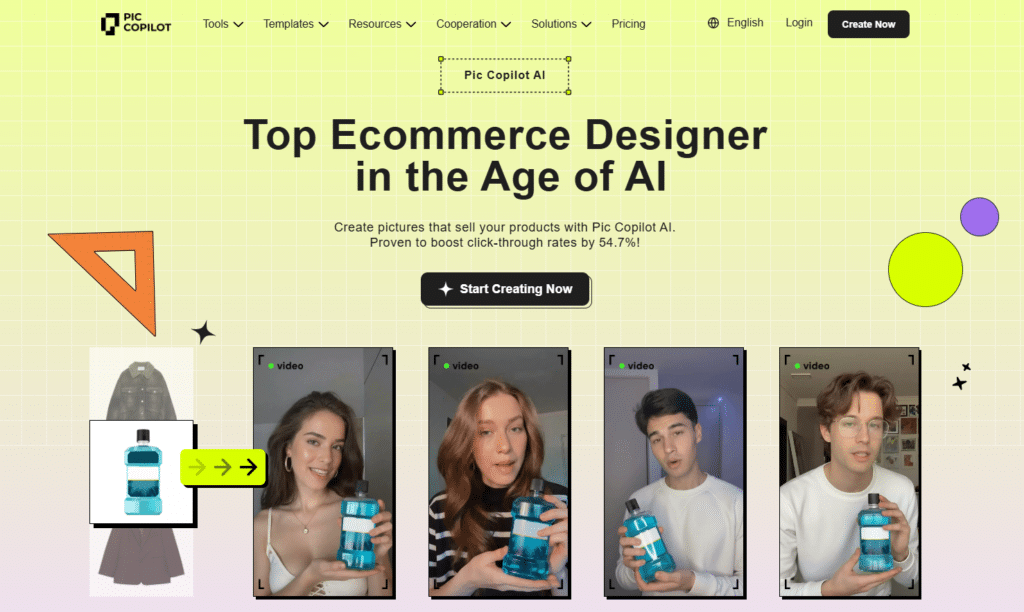
PicCopilot stands out as the most accessible entry point for complete beginners to AI fashion model generation. With the lowest price point and simplest interface of all tools reviewed, it’s designed specifically for those just starting to explore AI fashion imagery.
4.3
OVERALL RATING
Key Pain Points PicCopilot Solves
Highlighted Features
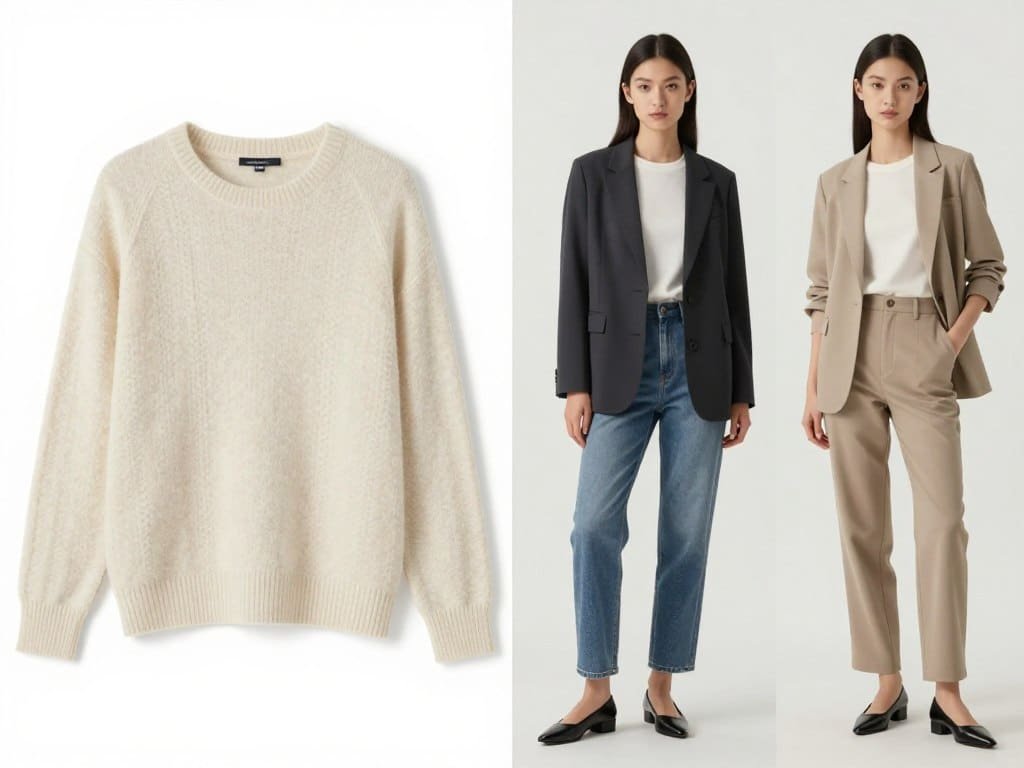
Real-World Success:
“PicCopilot has truly transformed how I present clothing on my Depop store. Just by uploading a flat image of the garment, I get a realistic model try-on photo instantly. This eliminates the need for live photoshoots and makes my listings much more compelling, directly boosting my sales. It’s perfect for showing customers exactly how the clothes will look on them!”
— Sophie, Depop Seller
My Experience with Flair AI
Using PicCopilot feels like using an app designed for complete beginners. The interface prioritizes simplicity over advanced features, with clear explanations and limited options to prevent overwhelm. While the image quality doesn’t match premium tools, the ease of use and affordability make it an excellent starting point for those new to AI fashion imagery.
Pros and Cons
Support & Integrations
PicCopilot offers basic image export functionality but limited integrations with other platforms. Their support is primarily through detailed documentation and email, with a focus on helping beginners understand the basics of AI fashion imagery.
Pricing
PicCopilot’s pricing is designed for accessibility:
The perfect starting point for Fashion beginners!
Piccopilot makes AI fashion model generation accessible to everyone, regardless of technical skills or budget. Try it today to take your first steps into AI fashion imagery.
8. UWear AI: Best for Fashion Designers
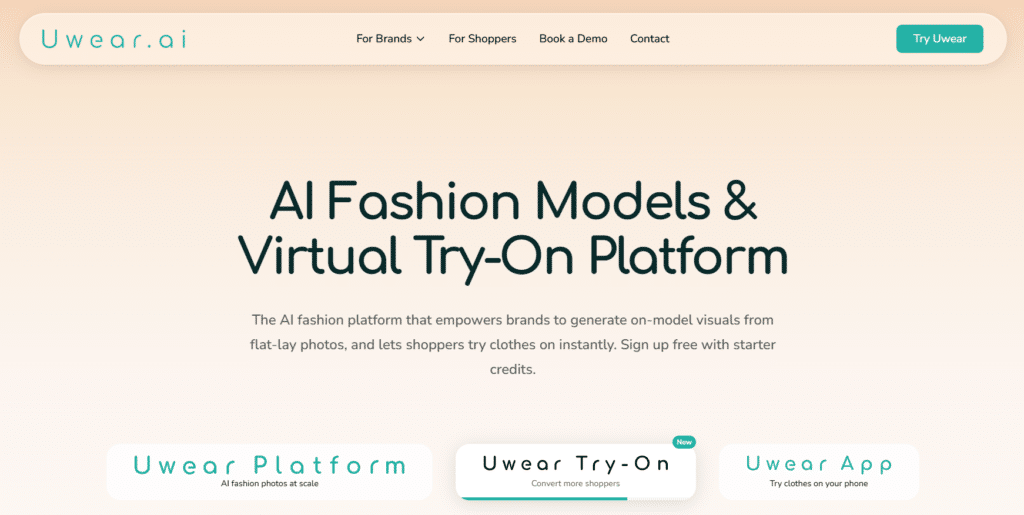
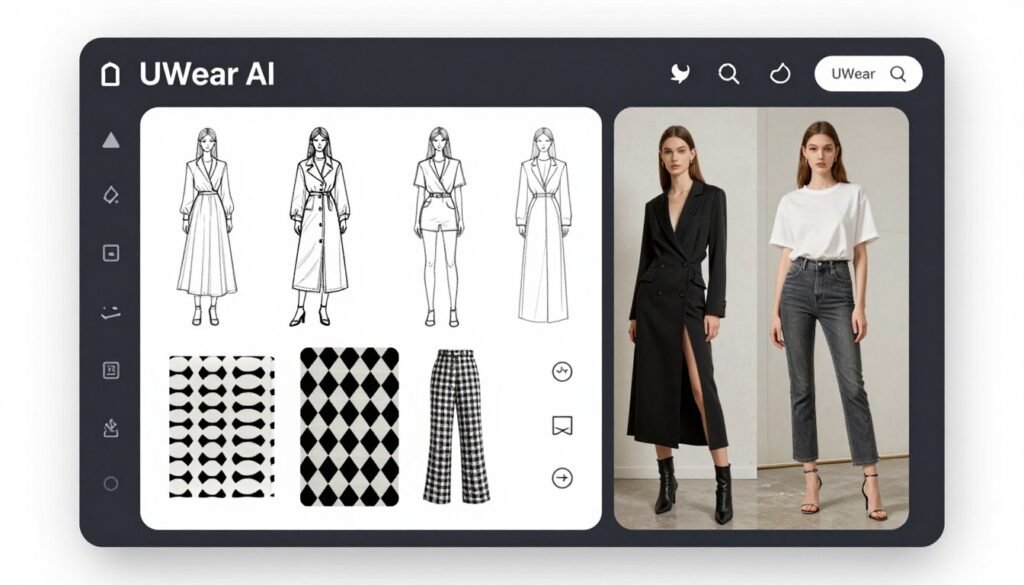
UWear AI takes a unique approach by focusing specifically on the needs of fashion designers who want to visualize designs before production. Rather than just generating model imagery for existing products in real time, it helps bring design concepts to life during the creation process.
4.3
OVERALL RATING
Key Pain Points UWear AI Solves
Highlighted Features
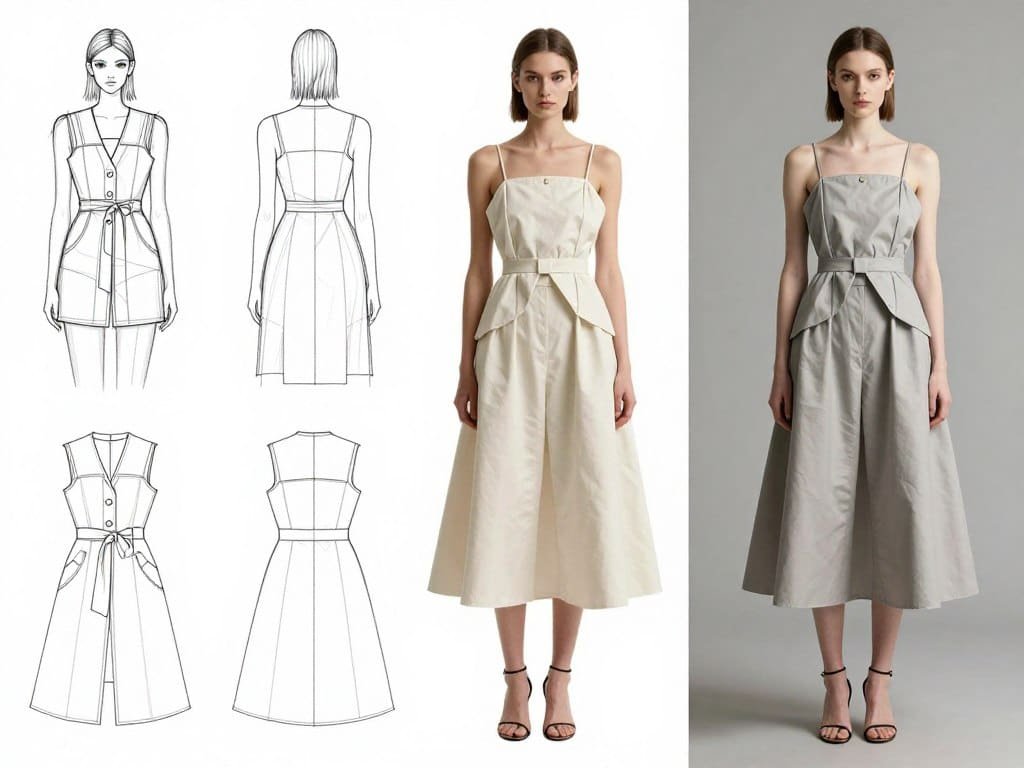
My Experience with UWear AI
Using UWear AI feels like working with a tool designed specifically for the fashion design process. The interface integrates with common design workflows and emphasizes iteration and exploration. While it requires more fashion-specific knowledge than general AI model generators, it offers unique value for designers that other tools can’t match.
Pros and Cons
Support & Integrations
UWear AI offers integration with common design software including Adobe Illustrator, CLO 3D, and Browzwear. Their support team includes fashion industry professionals who understand design workflows and terminology.
Pricing
UWear AI’s pricing reflects its specialized design focus:
Bring your Fashion designs to life!
UWear AI helps fashion designers visualize concepts and iterate quickly without expensive physical samples. Try it today to transform your design process.
9. PhotoAIStudio: Best for Professional Model Generation
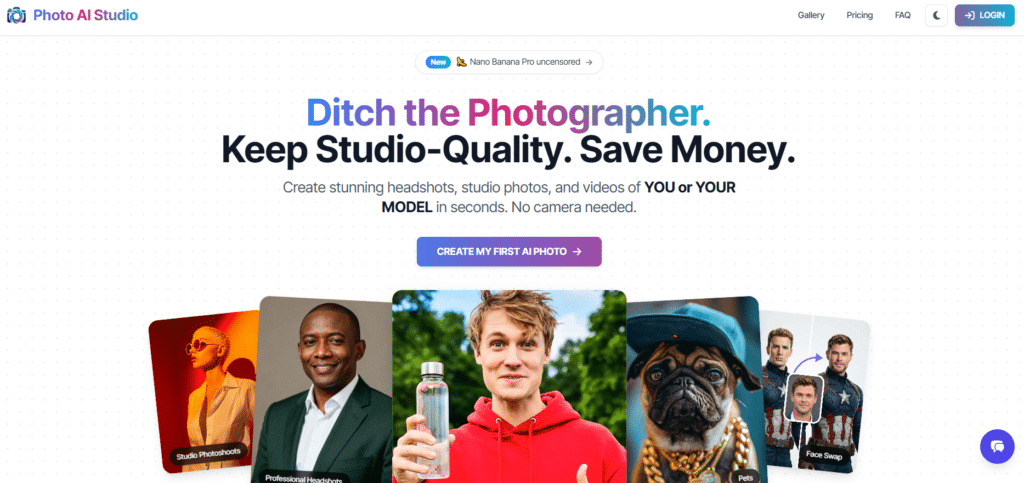
PhotoAIStudio takes a different approach by targeting professional photographers who want to incorporate AI fashion models into their existing workflow. Rather than replacing photographers, it aims to enhance their capabilities and efficiency.
4.3
OVERALL RATING
Key Pain Points PhotoAIStudio Solves
Highlighted Features
Real-World Success:
“Authentic Renderings
I am over the moon with the results i am getting from this service! More often than not, the likeness to the original is uncanny. Unbelievable results, plus the variety of looks available is off the charts! I am starting a video marketing company for small businesses to promote their social media presence! This service will put me over the top!”
— Michael Green, PhotoAIStudio User, TrustPilot
My Experience with PhotoAIStudio
Using PhotoAIStudio feels like working with professional photography software rather than a typical AI tool. The interface assumes some knowledge of photography principles and editing workflows.
While this creates a steeper learning curve, it provides the depth that professional photographers expect. The results are notably superior in terms of lighting quality and compositional control.
Pros and Cons
Support & Integrations
PhotoAIStudio offers plugins for Adobe Photoshop, Lightroom, and Capture One, making it ideal for professional workflows. Their support is tailored to professionals with dedicated technical assistance and priority response for commercial users. They also offer one-on-one onboarding sessions for new subscribers.
Pricing
PhotoAIStudio’s pricing reflects its professional positioning:
Expand your photography capabilities!
PhotoAIStudio gives professional photographers powerful AI tools that integrate with their existing workflow. Try it today to offer your clients more options with less production time.
Key Features to Look for in AI Fashion Model Tools
After testing dozens of AI fashion model generators, I’ve identified the most important features that deliver real value. Here’s what to prioritize based on common pain points:
- Image Quality and Realism: Poor quality AI models can damage brand perception. Look for tools with realistic fabric draping, natural poses, and consistent lighting that creates professional, believable imagery.
- Model Diversity Options: Limited representation alienates potential customers. Choose platforms offering diverse models across ethnicities, body types, ages, and styles to connect with your entire audience.
- Customization Depth: Generic imagery fails to represent your brand. Prioritize tools that allow detailed control over model attributes, styling, backgrounds, and brand-specific elements.
- Integration Capabilities: Manual workflows waste time and create errors. Select tools that integrate directly with your e-commerce platform, DAM system, or design software for seamless implementation.
- Processing Speed: Slow generation creates bottlenecks. Test tools for their ability to quickly process images, especially if you have large catalogs requiring hundreds of transformations.
Best Practices for Using AI Fashion Model Tools
To get the most from these powerful tools, I’ve developed these best practices through extensive testing and real-world implementation:
Start with Quality Inputs
The quality of your original product images significantly impacts results. Use well-lit, high-resolution photos with clear details. I’ve found that images with at least 2000px on the longest side produce the best outcomes.
Test Multiple Models
Don’t settle for the first result. Generate variations with different models to find the most flattering presentation for each garment. In my testing, the same clothing item can look dramatically different depending on the AI model selected.
Maintain Brand Consistency
Develop a consistent approach to backgrounds, lighting, and model styling across your catalog. When I helped a client implement SellerPic AI, we created a style guide specifically for AI-generated content to ensure brand cohesion.
Combine with Traditional Photography
The most effective strategy I’ve seen is using AI models alongside some traditional photography. This hybrid approach gives you scale while maintaining authenticity—particularly important for brand-defining hero images.
Final Thoughts: Choosing the Right AI Fashion Model Tool
After comprehensive testing of these nine AI fashion model generators, SellerPic emerges as the clear overall winner for most users. Its combination of exceptional image quality, marketplace optimization, and user-friendly interface makes it the most versatile solution for fashion brands of all sizes.
However, the “best” tool ultimately depends on your specific needs:
The AI fashion model landscape continues to evolve rapidly. As these tools become more sophisticated, they’re not just reducing costs—they’re expanding creative possibilities and making professional fashion imagery accessible to brands of all sizes.
Ready to transform your fashion imagery? Start with SellerPic AI’s free trial to experience the future of fashion visualization firsthand.
Ready to revolutionize your fashion imagery?
SellerPic AI offers the most comprehensive solution for creating professional AI fashion model imagery. Start your free trial today and see the difference for yourself.