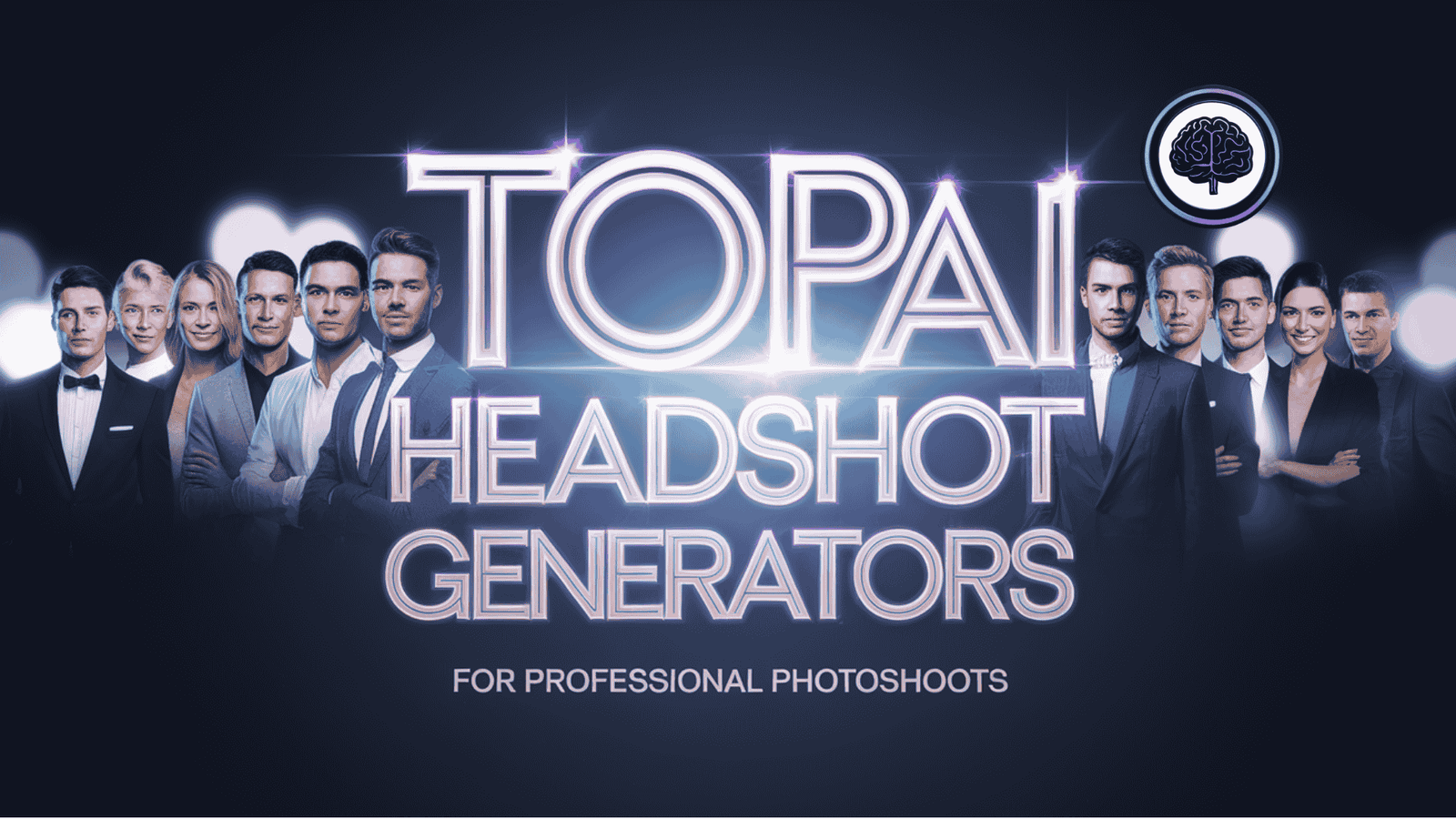
Need a polished headshot but don’t want to book a studio?
Professional work life requires professional photos — and after testing these tools in real use, I can honestly say AI Headshot Generators can save you time and money while delivering surprisingly realistic results.
From LinkedIn-ready profile shots to team photos that match your brand, the right generator can make you look like you had a full photoshoot.
In this article, I’ll walk you through the 9 top headshot generators I ranked (based on hands-on testing and review data).
I’ll cover what each tool does best, the key features that matter, pricing, real-world results, and — importantly — how they solve common pain points. In this article, we’ll review the top picks to help you choose.
What are AI Headshot Generators?
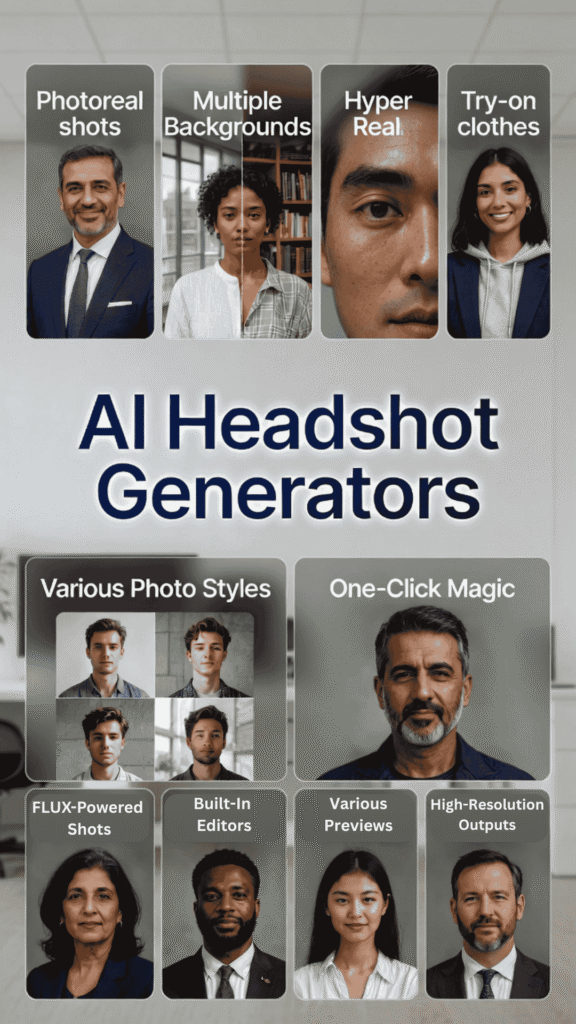
We all know getting a professional headshot used to mean booking a photographer, dressing up, and spending hours (and hundreds of bucks). Now? You just snap 6-12 casual selfies at home – good lighting helps a ton – and upload them to an AI tool.
The magic happens like this: The AI trains a quick custom model on your face (tech folks call it something like LoRA adaptation – basically a smart tweak to a big image model). It learns your features, skin tone, smile, even tiny details. Then it uses advanced diffusion tech (the same stuff behind crazy-real images today) to generate dozens or hundreds of new shots. You pick outfits, backgrounds, poses – boom, you get polished, studio-quality portraits that look like a real photographer took them.
No more awkward poses or bad hair days ruining everything.
And why do we need professional photos anyway? Because first impressions matter big time. On LinkedIn, profiles with sharp headshots get 21x more views and up to 40% more interview chances. They scream confidence, credibility, and that you’re serious about your career. A blurry selfie? It can make recruiters scroll past.
A clean pro shot builds trust fast – it’s like a visual handshake that says “I’m approachable and put-together.” In 2026’s job market (especially remote/hybrid), that edge helps you stand out, get more messages, and land opportunities quicker.
I’ve seen friends double their profile views just by swapping to a good one.
Who Can Benefit From AI Headshot Generators?
Honestly, almost anyone building an online presence these days.
Ideal use cases? Updating LinkedIn during a job hunt, refreshing your personal site, making team pages look unified, or just feeling more confident online.
How I Evaluated These AI Headshot Generators
Quick intro: I’m an AI engineer with an MSc in Data Science and Machine Learning and a BSc in Software Engineering. I’ve worked professionally since 2018 and have ghost-developed a number of AI apps — so I know how these best headshot tools work under the hood and what makes their results believable.
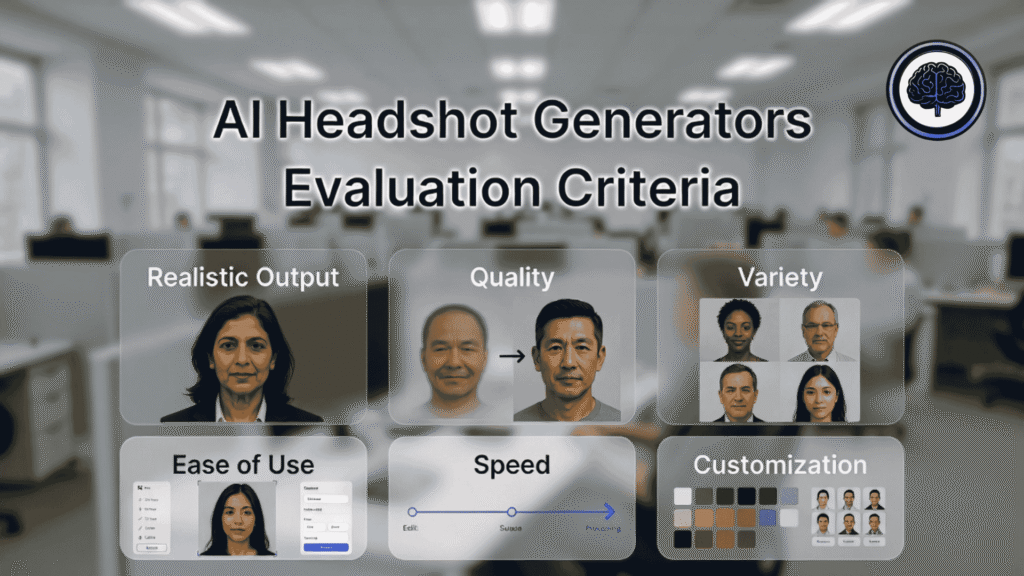
I tested these headshot tools based on real use. That means I used the same phone, the same neutral background, and a consistent set of 10–12 unfiltered selfies (different angles and expressions) for each platform to keep the comparison fair. Then I evaluated the outputs across several practical dimensions:
Beyond my hands-on testing, I cross-checked user feedback on G2, Trustpilot, and Capterra to make sure I wasn’t missing common issues or standout wins.
Want the quick version?
Keep reading — I ranked everything from the best overall to the niche winners so you can pick the one that fits your needs.
AI Headshot Generators Comparison
| Rank | Tool | Best For | Key Features | Rating | Starting Price |
|---|---|---|---|---|---|
| 1 | Aragon AI | Overall quality & realism | Custom model from 6 selfies, 20+ outfits/46+ backgrounds, Remix tool for endless tweaks, fast 15-45 min delivery, built-in editor, high-res on top plan. | 4.8 | $35 One-Time |
| 2 | HeadshotPro | Business professionals & teams | 50+ realistic shots in 10-30 min, 300+ outfits/200+ backdrops, easy swaps post-gen, branding tools (LinkedIn previews/signatures), 14-day guarantee. | 4.7 | $29 One-Time |
| 3 | Betterpic | Natural lighting & outdoor styles | 4K photoreal shots, 150+ styles, under 1-2 hr delivery, AI + human edits (unlimited top plan), smart upload checker, commercial license. | 4.6 | $35 One-Time |
| 4 | PhotoAIStudio | Creative professionals & artistic looks | Instant model from 1 selfie, hyper-real zoom details, virtual try-on clothes, wide styles (CEO to anime), fast 15-sec gens, built-in editor + videos. | 4.5 | $9.50 Monthly (credits) |
| 5 | AISuitUp | Budget-friendly mass headshots | FLUX hyper-real model, job-specific outfits/poses, 1-6 hr turnaround, 50-150 variations, money-back guarantee, scalable for teams. | 4.4 | $27 One-Time |
| 6 | PhotoGPT | Wide style variety & experimentation | One-shot training, 50+ preset themes, prompt wizard/editor/upscaling, batch mode, mobile app, commercial use. | 4.3 | $16.66 Monthly |
| 7 | Bettershot | Fast turnaround & urgent needs | Studio lighting sim, auto-retouch/crop, themed options (business/outdoor), one-time buys, money-back guarantee. | 4.2 | $29 One-Time |
| 8 | The Multiverse AI | Custom prompts & creative control | Flux-powered 100+ shots in 30 min, text-based magic edits (outfit/background swaps), team dashboard, bonus extras for social shares. | 4.2 | $29 One-Time |
| 9 | Proshoot | Industry-specific headshots & templates | True likeness/no plastic skin, 232 outfits/143 backdrops (10K+ combos), pose control, advanced editor, 45-90 min delivery, commercial rights. | 4.2 | $35 One-Time |
Top 3 AI Headshot Generators Picks

🥇
Aragon AI
Best Overall: Exceptional realism, studio lighting, and output quality — this one consistently delivered the most natural, LinkedIn-ready images in my tests. It saved me hours when I needed consistent team headshots.
🥈
HeadshotPro
Best for Business:
Built for teams and corporate branding — strong consistency, LinkedIn optimization, and easy team workflows. Great if you need matching headshots across your company.

🥉
BetterPic
Best Natural Look:
If you want indoor as well as outdoor, warm, and authentic expressions, Betterpic’s natural light approach and skin-tone accuracy blew me away during testing.
Best AI Headshot Generators Ranked
1. Aragon AI: Best Overall AI Headshot Generator
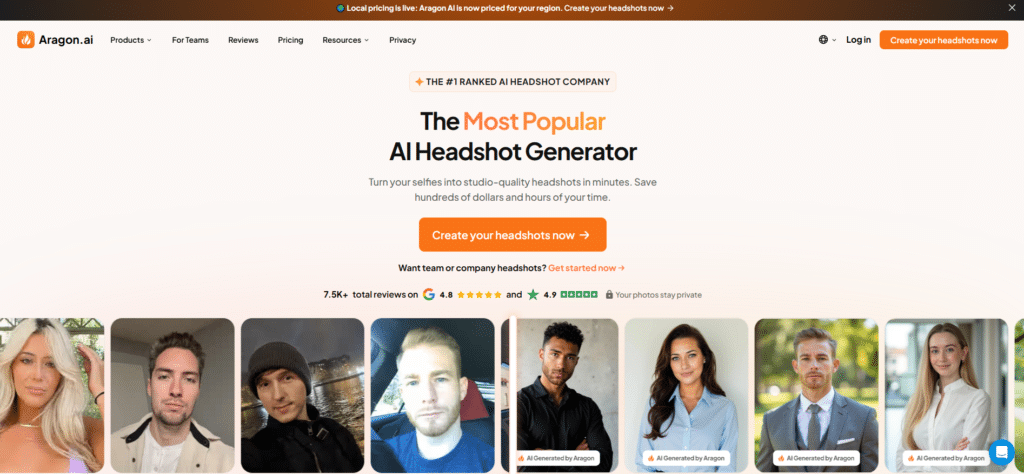
Aragon AI is my pick for the best headshot generator overall because it nails realism, lighting, and consistency — the three things that make AI headshots actually usable for professional profiles.
I’ve tried dozens of tools, and Aragon consistently produced images that looked like high-quality photos taken in a studio, not ai-generated headshots. If you want LinkedIn-ready headshots or consistent team photos, this one will make you look like you hired a pro photographer — fast.
4.8
OVERALL RATING
Key Pain Points Aragon AI Solves
Highlighted Features
Real-World Success:
” As the CEO of a marketing company I require high quality images. I’ve paid lots of so called photoshop retouches that couldn’t give me what I wanted. It’s so nice to take a killer photo and reuse it various ways without compromising authenticity. This app also provided super fast turn around time. Totally recommend.”
— Christy O’Connor, CEO, OCONCO Marketing
Demo description
How the demo/flow works: Sign up on Aragon’s site, upload up to 6 clear, unfiltered pictures of yourself (different angles and expressions), choose your style/outfit presets and background, then submit.
The system processes and delivers a gallery; Use the built-in editor to tweak results and export high-res files. In my test run the UI walked me through each step clearly and offered helpful tips for better inputs.
Pros and Cons


Integrations & Support
Aragon typically supports direct downloads and common file types for web use; some customers report LinkedIn-ready sizing presets and email support/FAQ documentation. For enterprise customers, ask about SSO or team management features.
Pricing Plans
Aragon AI pricing offers one-time payment options:
Get Your professional headshots in an hour!
Upload your selfies and get studio-quality headshots that look like a real photoshoot.
2. HeadshotPro: Best for Business Professionals
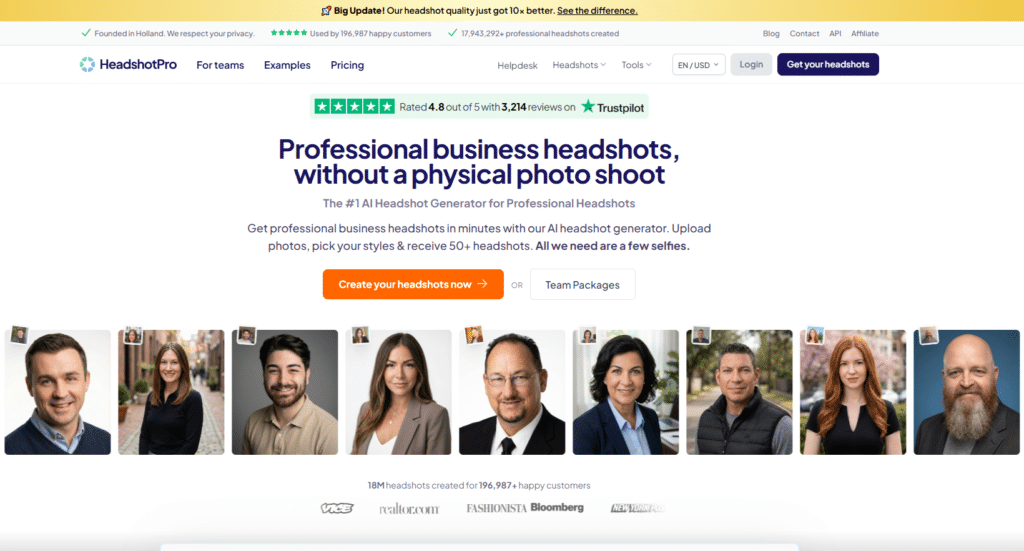
HeadshotPro focuses on corporate-quality headshots designed to match business branding and team needs. They emphasize uniformity, LinkedIn optimization, and straightforward team workflows — which is why HR teams and agencies often choose them when updating dozens or hundreds of professional headshots.
4.7
OVERALL RATING
Key Pain Points HeadshotPro Solves
Highlighted Features
Real-World Success:
” HeadshotPro was easy to use and far exceeded my expectations on providing quality headshots. The remix feature allowed for even more shots and the ability to have more variety of wardrobe. The process was straight forward and well worth the cost. As a word of advice if you have any distinct facial features such as a mole in one area that you want to show make sure your submitted shots clearly show those. I didn’t realize that I only shared angles on one side of my face until I saw the results. Great product, great experience, and great results.”
— Amy Mears, HeadshotPro User, Trustpilot
Demo description
Sign up, create a team project, invite members or upload multiple sets of selfies, choose the corporate style preset, and request batch processing. You’ll get a gallery for review and can use remix tools to fine-tune the best shots.
Pros and Cons
Integrations & Support
HeadshotPro focus on automating the collection and distribution of professional, AI-generated photos, primarily through Zapier and a dedicated API. Support: email/help center and priority support for enterprise customers.
Pricing Plans
HeadshotPro offers one-time payment options:
Need professional corporate headshots?
Get consistent, brand-aligned headshots for individuals or whole teams.
3. Betterpic: Best for Natural Lighting & Outdoor Styles
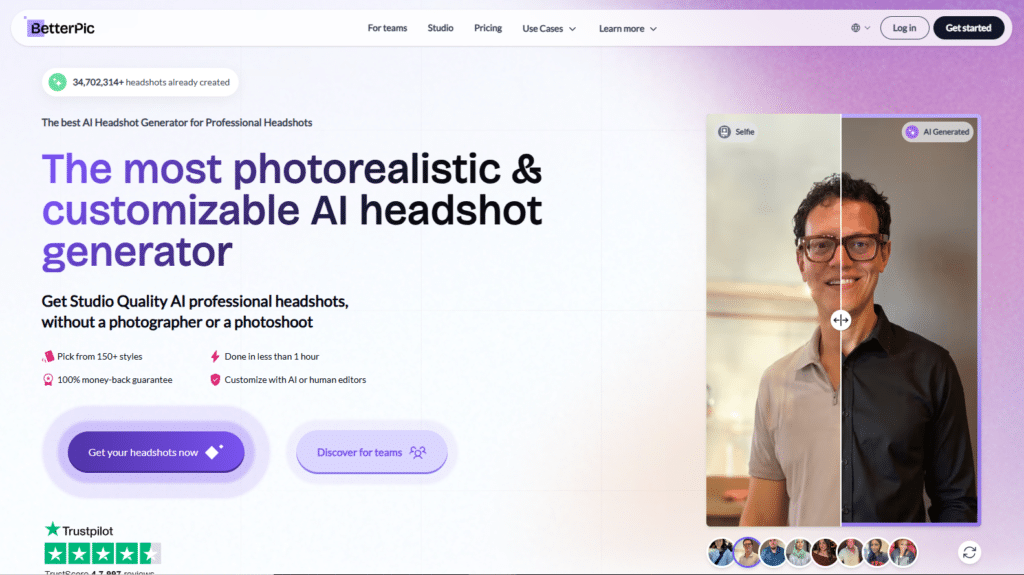
Betterpic stood out in my testing for producing warm, naturally-lit headshots that feel less staged and more authentic. If your personal brand leans creative or you want profile images that look like they were taken outdoors by a pro, Betterpic’s approach to lighting and expression modeling is a big win.
4.6
OVERALL RATING
Key Pain Points BetterPic Solves
Highlighted Features
Real-World Success:
” Great service, probably the best one of it’s kind. Almost all photos are realistic, they made even my body type exactly how I am built. I needed a retouch of a photo with a certain detail and that’s where the human editor was necessary and did wonders (yes they offer this option as well). Try it and you will be amazed at how real the photos are. I will be definitely using their AI services again”
— Dani, BetterPic User, Trustpilot
Demo description
To start using BetterPic, simply sign up, upload 8–12 unfiltered selfies, pick natural lighting and environmental presets, and request generation. Review the gallery and use minor edits if needed. The flow is intuitive and focused on natural-looking outcomes.
Pros and Cons
Integrations & Support
Integrations: Direct HRIS links (BambooHR, HiBob, ADP, AFAS, Microsoft Dynamics 365 HR). Syncs to Slack, Teams, Google Workspace, email. API access for enterprise. Centralized dashboard + CSV bulk upload.
Support: Email support (support@betterpic.io). Faster replies on higher plans
Pricing Plans
Betterpic also offers one-time payment options:
Want naturally-lit professional headshots?
Get headshots with authentic lighting and expressions that fit creative brands.
4. PhotoAIStudio: Best for Creative Professionals
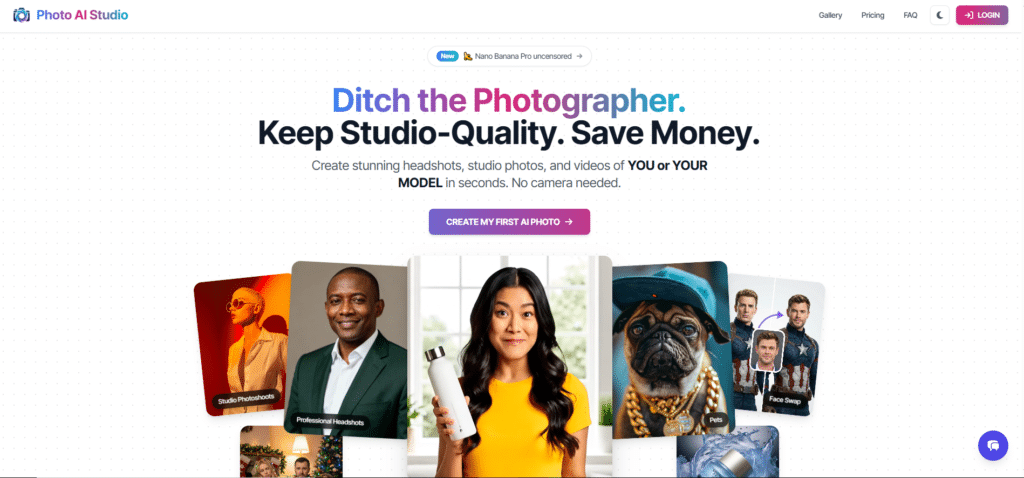
PhotoAIStudio is geared toward creatives who want headshots with personality — think designers, photographers, artists, and founders who want more than a plain corporate look.
I’ve tried creative-first generators and PhotoAIStudio stood out for delivering images that balance professional polish with artistic flair. If your website or portfolio needs headshots that feel styled and intentional (not cookie-cutter), this tool is worth a look.
4.5
OVERALL RATING
Key Pain Points PhotoAIStudio Solves
Highlighted Features
Real-World Success:
” I really like how Photo AI Studio made me look very professional with a single photo. I now use those photos to market my brand, and it helps me stand out. I could have hired a professional photographer, yes, but the various scenes and locations would have cost me a fortune. Thanks, Photo AI Studio, I appreciate you. :-)”
— Tommy Ricks, PhotoAIStudio User, Trustpilot
Demo description
PhotoAIStudio Demo flow: sign up, upload 8–12 unfiltered selfies (varied angles), pick a creative preset and background, and request generation. The gallery returns multiple stylized options — use built-in color grading and retouching tools to finalize the look, then download high-res files for portfolio and social use.
Pros and Cons
Integrations & Support
Integrations: API for developers. Works with Shopify, web stores, Lightroom/Adobe, Google Cloud, OneDrive, Slack, Make automation, Print API, GitHub. Good for e-commerce, editing workflows, POD.
Support: Email via contact@photoaistudio.com. Solid help for prompts or API questions.
Pricing Plans
PhotoAIStudio also offers one-time payment options:
Need creative professional headshots?
Get 50+ headshots that balance professionalism with creative style.
5. AISuitUp: Best Budget-Friendly Option
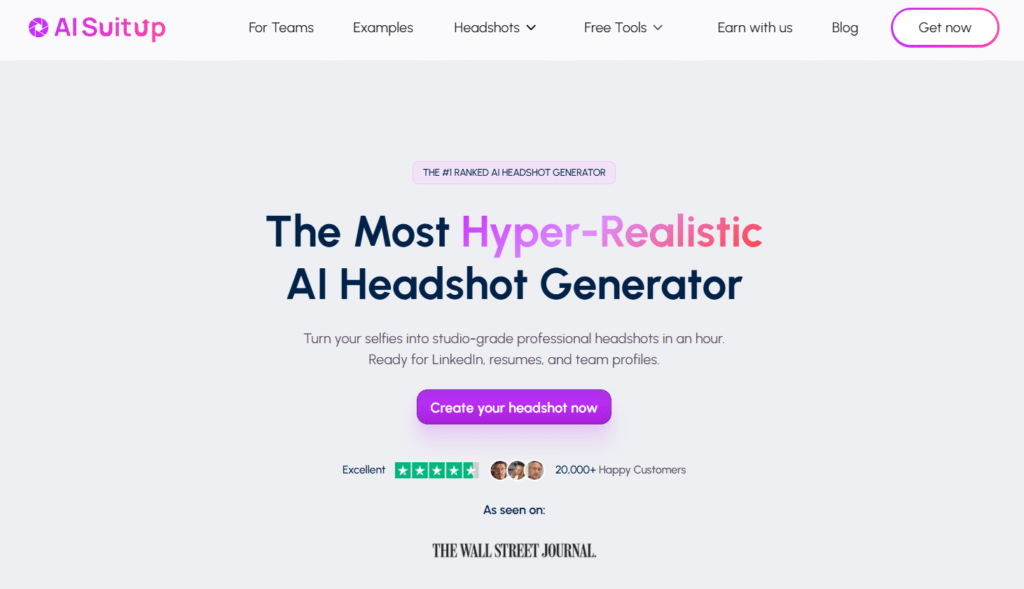
AISuitUp is aimed at people and teams who need solid, professional headshots without breaking the bank. In my tests, it offered very good value: Images are polished enough for LinkedIn and websites, and the straightforward pricing makes budgeting simple. If you need to get headshots for many people or want a low-cost option for personal branding, this is a top pick.
4.4
OVERALL RATING
Key Pain Points AISuitUp Solves
Highlighted Features
Real-World Success:
” I used AI SuitUp to generate some LinkedIn profile pictures. I am a Mom to two young kids and don’t have the time or the money to go get professional headshots done! I didn’t know what to expect as I’ve never used anything similar. I’m very pleasantly surprised at the results! I also wanted some more pictures with me having longer hair and the SuitUp team was very quick to get back to me. They generated the pictures at no extra cost.”
— Natalia Vickaryous, AISuitUp User
Demo description
AISuitUp Workflow: sign up, upload several clear selfies (6–12), pick the budget preset and background, submit. The platform returns an album of images; pick your favorites and download. The interface is simple, which is perfect if you just want good headshots quickly.
Pros and Cons
Integrations & Support
Integrations: No direct API or Zapier. Headshots designed for instant use on LinkedIn, company sites, resumes. Bulk/team friendly but no HR/CMS plugs listed.
Support: Fast email + live chat. Very friendly and quick replies (high Trustpilot praise).
Pricing Plans
AiSuitUp offers one-time payment options (one-time discounted packages, often 50%+ off shown):
Need professional headshots on a budget?
Get 50+ quality headshots created without breaking the bank.
6. PhotoGPT: Best for Style Variety
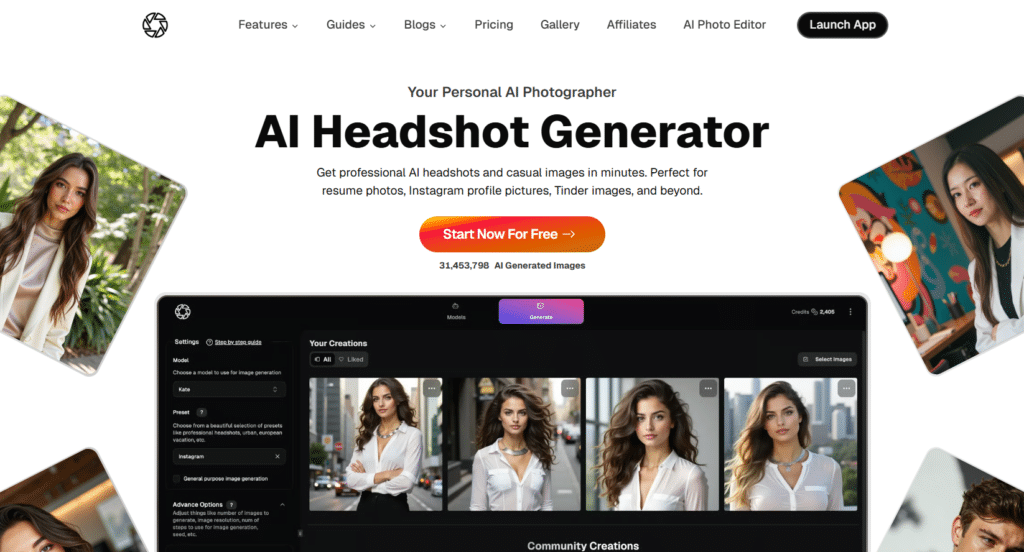
PhotoGPT shines when you want to experiment. It offers one of the widest selections of styles and prompts, so you can create headshots for different platforms — formal for LinkedIn, relaxed for social media, and stylized for portfolio pages. If you like to try multiple looks and compare results, PhotoGPT gives you that flexibility.
4.3
OVERALL RATING
Key Pain Points PhotoGPT Solves
Highlighted Features
Real-World Success:
” Been using PhotoGPT for some months, and has proven to be an indispensible tool in our AI Stack.
Generative engine is spot on, custom avatars are persistent and consistent, and the editing suite does a good job.
Would like to see editing features to be more granular with AI assistance.
If the team does videos with the same high level output for images would easily become the core part of our workflow.
An engaged team behind the scenes see consistent development in this space.
Well done Team PhotoGPT.”— ZU, PhotoGPT User, TrustPilot
Demo description
Same as for above, PhotoGPT workflow is simple. Sign up, upload 8–12 unfiltered selfies, pick multiple style presets or write custom prompts, queue generation, then compare output galleries side-by-side. PhotoGPT’s strength is the variety and the ability to iterate quickly.
Pros and Cons
Integrations & Support
Integrations: Native iOS (Apple Intelligence, Image Playground, share sheet). API for developers. Zapier possible via custom setup. Optimized for LinkedIn, Instagram, dating apps.
Support: Email + active Discord community. Fast community tips and official answers.
Pricing Plans
PhotoGPT offers one-time payment options:
Want to try multiple professional styles?
Get 60+ headshots in various styles and settings.
7. Bettershot: Best for Fast Turnaround
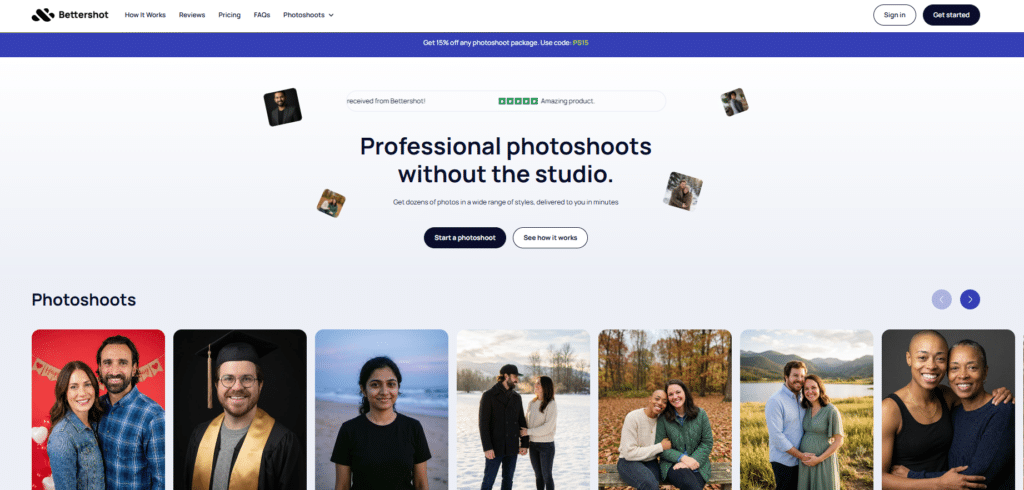
Need headshots fast? Bettershot is built around speed. I used their fast option during a tight deadline once — and honestly, it saved the day. The platform streamlines the upload-to-download flow so you can get polished headshots in hours instead of days, which is perfect for last-minute profile updates or busy teams that can’t wait for a photoshoot.
4.2
OVERALL RATING
Key Pain Points Bettershot Solves

Highlighted Features
Real-World Success:
” I don’t think that Bettershot could have made the process any easier. I was agonizing over updated headshots for my website but was resisting the rigamarole of hair, makeup, photo shoot – I was not presently for the time and expense. I think I knocked this out in about 15 minutes and 96 images for $35? It’s bonkers.”
— Maria Glenn, Bettershot User
Demo description
How it works: Sign up, upload 6–12 clear selfies, choose a speed tier and style presets, and submit. The UI shows progress and then provides a gallery for quick review and download. In testing the interface felt optimized for clarity: fewer options, faster decisions.
Pros and Cons
Integrations & Support
Integrations: No API or Zapier listed. Outputs ready for LinkedIn, company sites, social profiles. No HRIS or CMS connections mentioned.
Support: Email only (hello@bettershot.ai). Quick and responsive replies according to reviews.
Pricing Plans
Bettershot offers (one-time packages with 100% money-back guarantee)
Need professional headshots ASAP?
Get 80+ quality headshots with the fastest delivery times.
8. The Multiverse AI: Best for Custom Prompts & Creativity
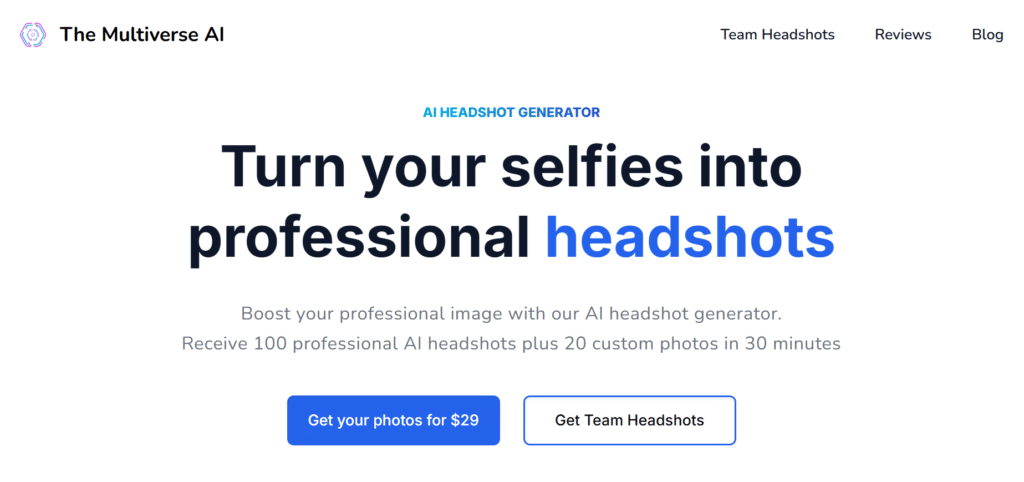
The Multiverse AI is for people who want creative control. Instead of only picking presets, you can write prompts or tweak parameters to craft very specific looks — mood, lighting, clothing, even subtle story details. I found it excellent for generating unique shots that help personal brands stand out from generic headshots.
4.2
OVERALL RATING
Key Pain Points The Multiverse AI Solves
Highlighted Features
Real-World Success:
” Fantastic app! For months, I’d been needing a new profile picture, but with my hectic work schedule, I never found the time to take a professional shot. With Multiverse AI, I simply uploaded some recent selfies, and within minutes, I received astonishingly high-quality photos. It would’ve been challenging to achieve similar results even with a top-tier camera. I especially liked the detailed guidance provided throughout the process, ensuring optimal results. Since I recently went from long to short hair, I’ll definitely be using the app again to update my professional profile picture to reflect my new look.”
— KG, The Multiverse AI User, ProductHunt
Demo description
How The Multiverse AI Works: Sign up, upload 8–12 selfies, pick a base preset or start from scratch with custom prompts (e.g., “soft rim light, navy blazer, warm tones, confident smile”), generate variations, and iterate on the prompts until satisfied. The platform supports multiple revisions depending on your plan.
Pros and Cons
Integrations & Support
Integrations: Slack webhook for team auto-delivery. Shared dashboard for companies. No API or Zapier mentioned. Good for team profile consistency.
Support: Live chat 9-6 UTC + email. Fast and helpful responses per user feedback.
Pricing Plans
The Multiverse AI offers mostly one-time buys:
Want complete creative control?
Get headshots that match a specific creative vision using custom prompts.
9. Proshoot: Best for Industry-Specific Headshots
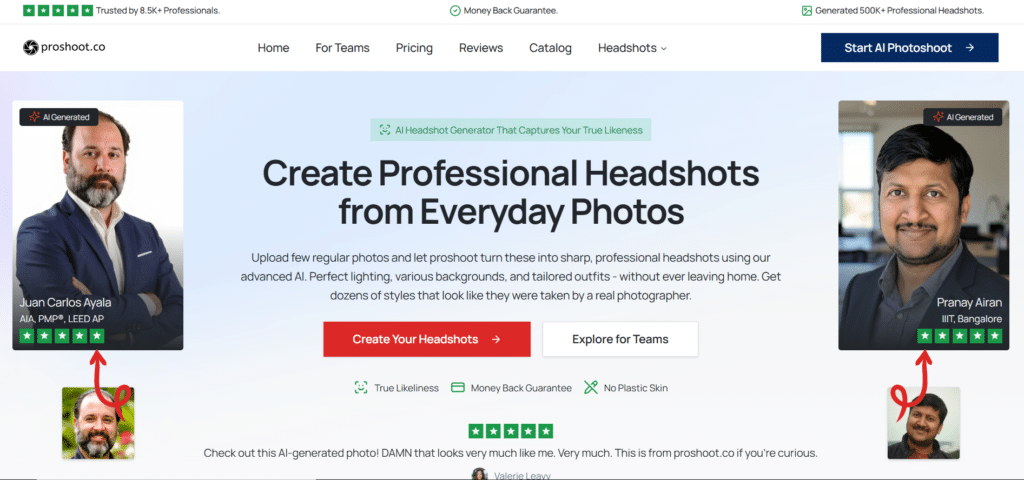
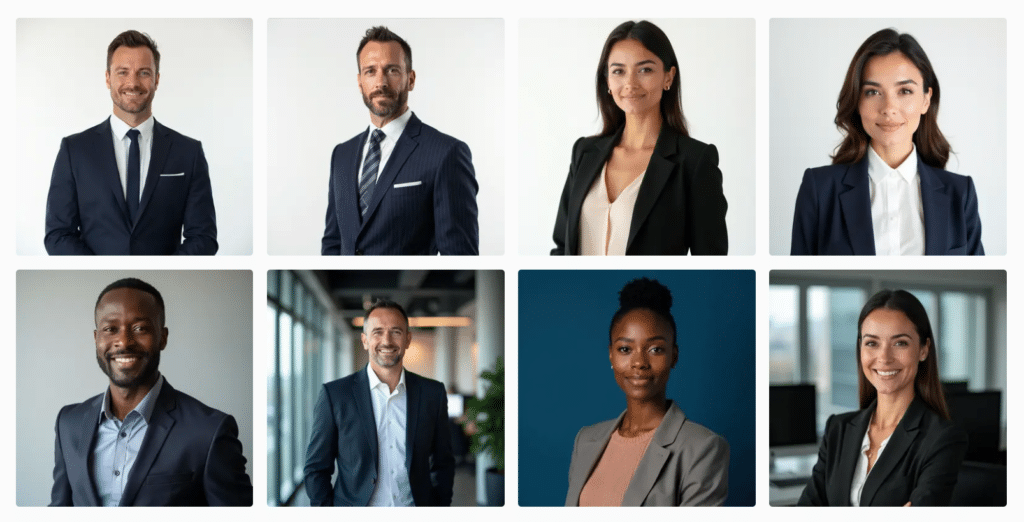
Proshoot focuses on tailoring headshots to industries — legal, medical, tech, creative, and more. If your goal is to have images that immediately signal your profession and industry expectations, Proshoot’s templates and styling guidance make it easy to get the right look without guessing.
4.2
OVERALL RATING
Key Pain Points The Proshoot Solves
Highlighted Features
Real-World Success:
” I tried Proshoot along with a few other popular alternatives. I loved the Proshoot output, it was much much closer to how I looked. Compared to other services nearly 70% of photos were perfect and ready to use.”
— Pranay Airan, Proshoot User
Demo description
Proshoot demo flow: sign up, choose your industry template, upload several selfies, and request generation. For teams, invite members or bulk-upload photos. The system returns industry-appropriate images and allows small edits before download.
Pros and Cons
Integrations & Support
Integrations: Chrome extension for quick creation. No API or Zapier listed. Easy CSV for bulk/HR uploads. Headshots ready for LinkedIn, marketing, social tools.
Support: Real human chat (no bots). Fast and friendly help.
Pricing Plans
Proshoot offers one-time only packages, ~10x cheaper than real photographers:
Need industry-specific professional headshots?
Get 50+ headshots tailored to your specific profession.
Key Features to Look for in AI Headshot Generators
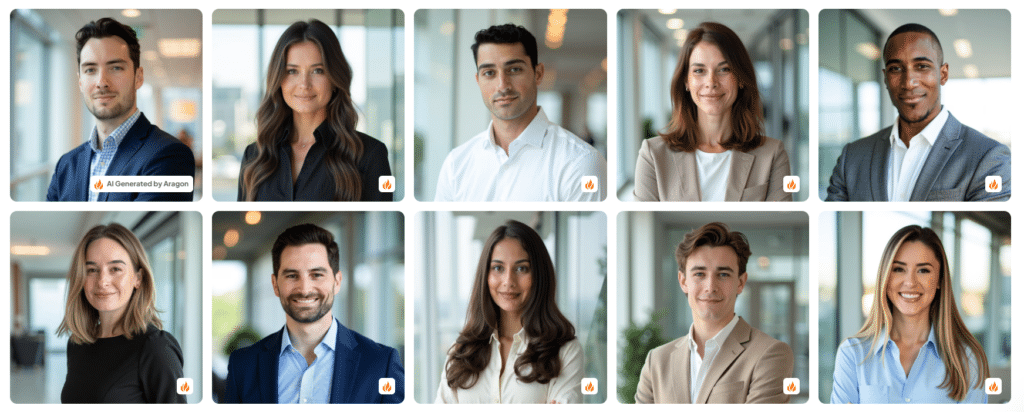
After testing many headshot tools, I boiled the must-have features down to practical wins — the ones that turn a decent image into a usable professional headshot. Below I map each common pain to the result you want and the feature that gives it to you.
- Facial Accuracy: The AI keeps your real face shape, eyes, nose, jawline, and expressions. The headshot looks exactly like you, not some strange generic version that makes people question if it’s really you.
- Natural Lighting: Realistic lighting adds soft shadows, proper highlights, and real depth. Your face looks natural instead of flat or fake-glowy like many cheap tools create.
- Style Variety: You get multiple looks: business formal, smart casual, creative, even industry-specific. One set of selfies works for LinkedIn, Instagram, Twitter, or company bios.
- Background Options: Plenty of clean choices: plain studio gray, modern office, subtle outdoor blur, or brand-color walls. The headshot fits whatever platform or printed material you need.
- Clothing Customization: Pick outfits that match your job: suits, blazers, open-collar shirts, lab coats, creative casual. No more random or mismatched clothes that don’t feel right for your role.
- Resolution Quality: High-res downloads (at least 4K, ideally 8K upscaling) stay sharp when cropped for profiles, zoomed on mobile, or printed for business cards and brochures.
- Delivery Speed: Fast turnaround: under 30 minutes on premium plans, 1-2 hours on standard. You get new headshots quickly when you need them for a job app or profile update tomorrow.
Best Practices for Getting Great AI Headshots
I’ve generated hundreds of headshots created across different platforms, and a few practical habits made the biggest difference. Here’s exactly what I do — step-by-step — and a quick anecdote about how one tip saved me hours when producing team images.
Personal anecdote: When I needed consistent headshots for a 12-person team, I first uploaded filtered selfies (mistake!). The images were inconsistent and required extra edits. Repeating the process with plain, unfiltered photos and 10+ angles per person saved me hours and produced clean, uniform headshots — lesson learned.
Update freshness: I tested these tools in late 2025 — ratings and pricing change fast, so make sure to double-check live pricing and Trustpilot/G2/Capterra scores before buying.
Key Takeaways
Conclusion
AI headshot generators have genuinely changed how we think about professional photos — you can now get studio-quality headshots without scheduling a photographer, booking a studio, or spending hours coordinating a shoot. After hands-on testing and reviewing ratings across G2, Trustpilot, and Capterra, Aragon AI still stands out as the best overall pick for realistic results, speed, and consistency.
These tools keep improving fast. Whether you need a fresh LinkedIn profile photo, matching team images for your website, or several variations for your personal brand, the best headshot generator will save time and money while giving you professional headshots that look real and work across platforms.
So stop stressing about studio bookings and get great headshots instead. If you want my short advice: try the top three (Aragon AI for realism, HeadshotPro for teams, Betterpic for natural looks) and pick the one that matches your timeline and brand.
Ready for professional AI headshots?
Start with my top recommendation for quality, realism, and value — or test the top three to see which one fits your needs.