The SEO landscape has transformed dramatically in recent years, and AI is at the forefront of this revolution.
As someone who’s been in the trenches of SEO for years, I’ve watched AI SEO tools evolve from basic keyword suggestion systems to sophisticated platforms that can predict algorithm changes, generate optimized content, and automate technical fixes.
Whether you’re struggling with keyword research, content optimization, or technical SEO, there’s an AI-powered solution that can save you hours of manual work while delivering better results. But with so many options flooding the market, finding the right tool for your specific needs can feel overwhelming.
In this article, we’ll review the top 13 AI SEO tools that are genuinely changing the game in 2026. I’ve personally tested each one to help you cut through the noise and find the perfect match for your website, budget, and SEO goals.
What Are AI SEO Tools?
Hey, if you’re wondering what AI SEO tools really are in the current AI landscape, here’s the simple truth.
We used to chase keywords manually, guess what Google liked, and pray our content ranked. Now, AI SEO tools are smart software that use advanced models (like GPT-5.2-level tech or custom LLMs) to understand search like a human…actually better in speed.
They scan massive data from real SERPs, analyze intent, spot what top pages do right, then auto-suggest or fix titles, meta, alt text, schema, internal links…..even optimize so your stuff gets pulled into ChatGPT answers, Gemini replies, or Google AI Overviews.
It’s like having a tireless SEO expert who predicts trends, clusters topics for authority, and tweaks content to match how modern search works (not just blue links anymore).
The game-changer?
Modern AI gets the science of words….emotion, flow, trust signals (E-E-A-T)—to boost clicks and conversions while ranking higher.
I’ve seen creators go from page 3 to featured snippets or AI citations overnight. It saves hours and feels almost unfair how fast it levels the field.
Who Can Benefit from AI SEO Tools?
Pretty much anyone fighting for visibility online in 2026.
How I Evaluated These AI SEO Tools
My experience with both doing manually and automating on-page SEO, off-page optimization, and backlink building with AI SEO tool, gives me a unique perspective on what makes an the automation tool truly valuable. I don’t just look at feature lists…I test how these tools perform in real-world scenarios.
Here’s what I evaluated for each tool:
I spent over hours testing these tools on various websites across different niches. The results were sometimes surprising—the most expensive options weren’t always the best performers, and some lesser-known tools outshined industry giants in specific areas.
AI SEO Tools Comparison Chart
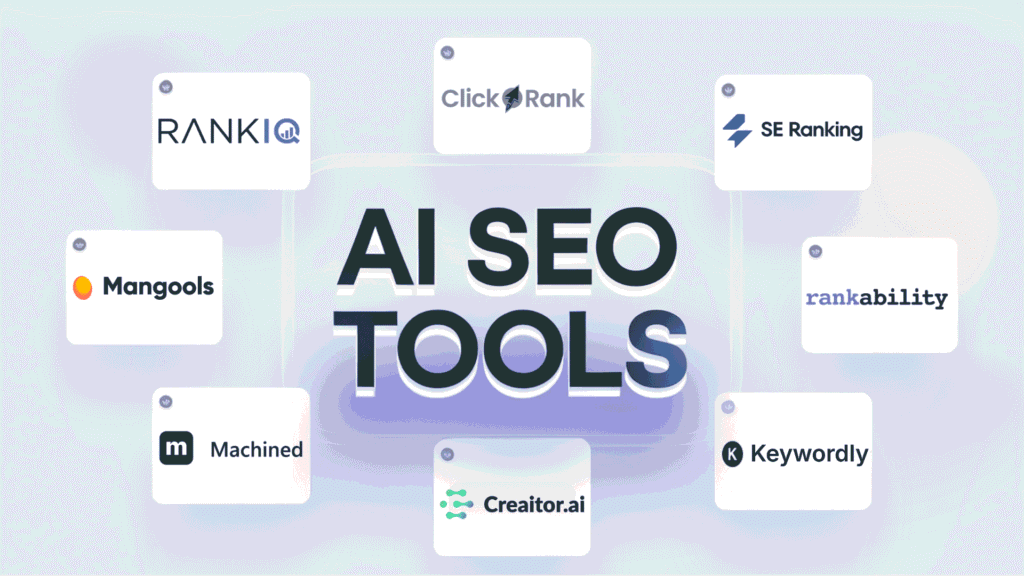
| Rank | Tool | Best For | Key Features | Rating | Pricing |
| 1 | Clickrank AI | All-in-one SEO automation | AI content generation, rank tracking, technical audits | 4.8/5 | From $49/mo |
| 2 | Rankability | Content optimization | Content scoring, AI-powered recommendations | 4.7/5 | From $149/mo |
| 3 | Mangools | SEO beginners & small businesses | Keyword research, SERP analysis, backlink analysis | 4.6/5 | From $18.85/mo |
| 4 | SE Ranking | Comprehensive SEO management | Rank tracking, AI content tools, competitor analysis | 4.6/5 | From $52/mo |
| 5 | Creaitor AI | AI-driven content creation | SEO content generation, optimization, multilingual support | 4.5/5 | From $19/mo |
| 6 | RankIQ | Bloggers & content creators | Low-competition keywords, content optimization | 4.5/5 | From $49/mo |
| 7 | Machined AI | Technical SEO automation | AI site audits, schema markup generation | 4.4/5 | From $29/mo |
| 8 | SnowSEO | SEO and GEO Automation | Automate SEO, AI chatbot visibility, SEO pipeline automation | 4.3/5 | From $39 per month |
| 9 | KeySearch | Budget-conscious SEOs | Keyword research, competitor analysis | 4.3/5 | From $24/mo |
| 10 | NeuralText | Content research & creation | AI content briefs, SEO writing assistant | 4.3/5 | From $49/mo |
| 11 | Indexly | Indexation & technical SEO | Automated indexing, technical audits | 4.2/5 | From $49/mo |
| 12 | Keyword.com | Keyword research & tracking | AI keyword suggestions, rank monitoring | 4.2/5 | From $3/mo |
| 13 | Keywordly AI | Keyword clustering & organization | AI clustering, content workflow automation | 4.1/5 | From $14/mo |
Top 3 AI SEO Tools picks

🥇
ClickRank AI
One-click on-page magic, auto-fixes titles, meta, alt text, schema, internal links, AI-vision, GSC-powered, crazy fast ranking boosts.

🥈
Rankability
Best content optimization for both traditional search (SEO) and AI engines (GEO)

🥉
Mangools
All-in-one suite, killer keyword tool, rank tracker, backlinks, now tracks AI-search visibility, affordable, super clean interface, future-proof.
Best AI SEO Tools Ranked
1. Clickrank AI: The Ultimate All-in-One AI SEO Platform
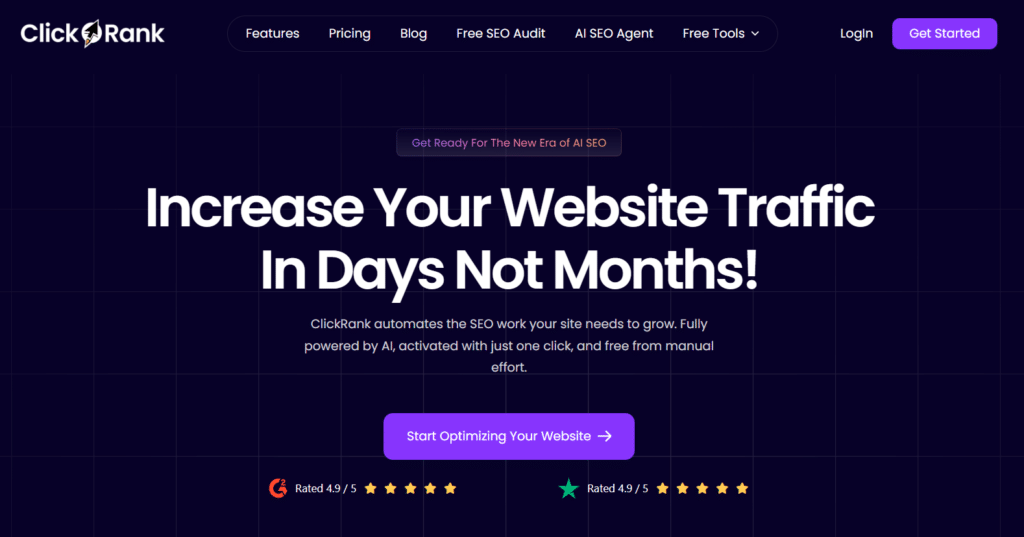
After testing dozens of AI SEO tools, ClickRank AI emerged as the clear frontrunner for 2026. This comprehensive platform combines advanced AI algorithms with an intuitive interface to deliver a truly all-in-one SEO solution.
What sets Clickrank AI apart is its ability to not just gather data, but to provide actionable insights that directly impact your rankings. The platform uses a proprietary AI engine that continuously learns from successful SEO strategies across millions of websites to deliver recommendations tailored to your specific niche and goals.
4.8
OVERALL RATING
Key Pain Points ClickRank AI Solves
Highlight Features
Real-World Success
“E-commerce retailer GreenLeaf Organics was struggling to compete in the crowded organic supplements market. After implementing Clickrank AI, they identified a cluster of underserved long-tail keywords with high purchase intent. Using the AI Content Generator, they created optimized product pages targeting these terms. Within 90 days, their organic traffic increased by 215%, and their conversion rate improved by 28%, resulting in a 187% increase in revenue from organic search.“
— Case study from ClickRank AI website
User Experience
When I tested ClickRank AI, I was immediately impressed by the onboarding process. After entering my website URL, the platform conducted a comprehensive analysis and presented a prioritized action plan within minutes. The dashboard was intuitive, with clear visualizations of my site’s current performance and potential growth opportunities.
The keyword research tool suggested several high-potential terms I hadn’t considered, complete with difficulty scores and estimated traffic potential.
What really stood out was the content optimization workflow…it analyzed my existing content and provided specific recommendations that went beyond basic keyword density to include semantic relevance, content structure, and even emotional appeal.
Pros and Cons


Integrations
ClickRank AI integrates seamlessly with Google Analytics, Google Search Console, WordPress, Shopify, and most major CMS platforms. It also connects with content tools like Surfer SEO, MarketMuse, and popular project management systems like Asana and Trello.
Support
Support options include 24/7 live chat, email support with a 4-hour response time, and weekly webinars for users. Enterprise plans include a dedicated account manager and custom training sessions.
Pricing
- Starter: $49/month – 1 website, 500 keywords, basic AI features
- Professional: $99/month – 3 websites, 2,000 keywords, full AI suite
- Agency: $249/month – 10 websites, 10,000 keywords, white-label reports
- Enterprise: Custom pricing – Unlimited websites, custom AI training
Ready to transform your SEO strategy?
Clickrank AI offers a 14-day free trial with no credit card required. Experience the power of AI-driven SEO and see why it’s my top recommendation for this list.
2. Rankability: AI-Powered Content Optimization Platform
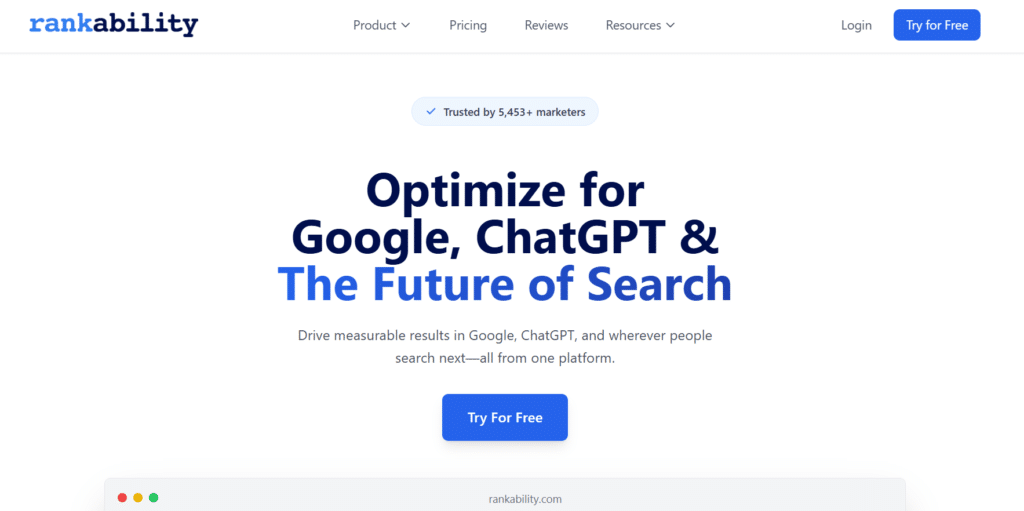
Rankability has emerged as a powerful AI-driven platform focused specifically on content optimization for search engines. Created by SEO expert Nathan Gotch, Rankability combines years of SEO expertise with advanced AI to help content creators produce material that consistently ranks well in search results.
What distinguishes Rankability is its focus on content quality rather than just technical optimization. The platform evaluates content based on a comprehensive set of factors that influence rankings, including topical relevance, semantic richness, content structure, and user engagement signals.
This holistic approach helps create content that satisfies both search engines and human readers.
4.7
OVERALL RATING
Key Pain Points Rankability Solves
Highlight Features
Real-World Success
“Health and wellness site Vitality Today was struggling with declining traffic despite publishing regular content. After analyzing their site with Rankability, they discovered that much of their content was thin compared to competitors and missing key topics that searchers were looking for. Using the Content Optimizer, they systematically updated their top 20 traffic-driving pages. Within 60 days, organic traffic increased by 78%, and their average position for target keywords improved from 8.3 to 3.7. The improved content also led to a 24% increase in email newsletter signups.“
— From Rankability case studies
User Experience
When I tested Rankability, I was impressed by the depth and specificity of its content analysis. The Content Optimizer provides a clear score out of 100, with detailed breakdowns of what’s working well and what needs improvement. Rather than vague suggestions, it offers specific recommendations like topics to add, questions to answer, and structural changes to make.
The Content Monitor feature was particularly valuable for identifying older content that was losing relevance. It flagged several articles that were beginning to slip in rankings before they experienced significant traffic losses, allowing for proactive updates rather than reactive recovery efforts.
Pros and Cons
Integrations
Rankability integrates with WordPress for direct content optimization, Google Search Console for performance tracking, and project management tools like Asana and Trello for workflow integration.
Support
Support options include email support with 24-hour response times, an extensive knowledge base, and monthly masterminds with Nathan Gotch. All plans include access to the Rankability community for peer support and strategy sharing.
Pricing
- Standard: $149/month – 20 content optimizers, 16 AI-optimized articles, 50 keyword searches
- Pro: $249/month – 40 content optimizers, 32 AI-optimized articles, 100 keyword searches
- Agency: $499/month – 100 content optimizers, 80 AI-optimized articles, 250 keyword searches
Optimize your content for better rankings?
Rankability offers a 7-day free trial so you can experience the power of AI-driven content optimization firsthand.
3. Mangools: The Perfect AI SEO Suite for Beginners
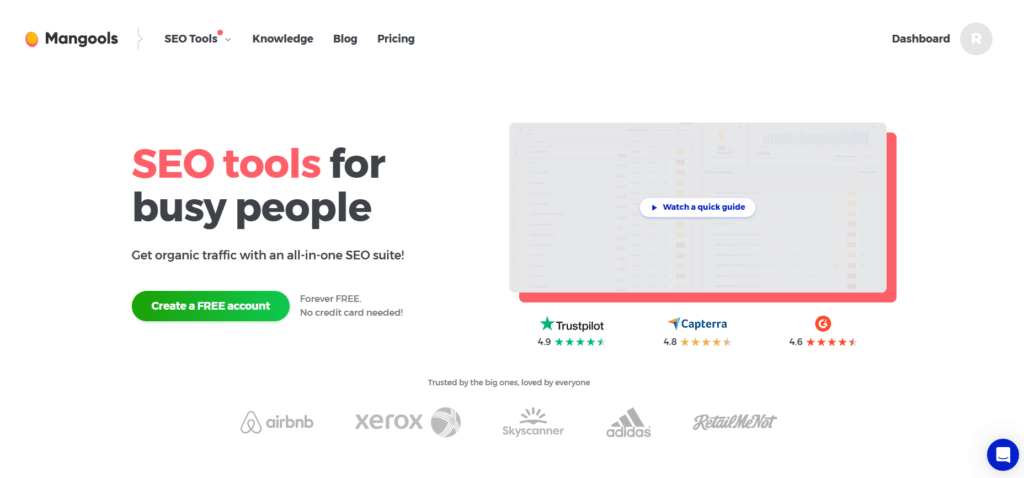
Mangools has earned its place as one of the most user-friendly AI SEO tool suites on the market. While many SEO platforms overwhelm users with complex interfaces and technical jargon, Mangools strikes the perfect balance between powerful functionality and accessibility.
The platform consists of five integrated tools that cover the essential aspects of SEO: KWFinder for keyword research, SERPChecker for SERP analysis, SERPWatcher for rank tracking, LinkMiner for backlink analysis, and SiteProfiler for website analysis. What sets Mangools apart is how these tools work together seamlessly while remaining approachable for SEO beginners.
4.6
OVERALL RATING
Key Pain Points Mangools Solves
Highlight Features
Real-World Success
“Digital marketing agency SmallBiz Digital was struggling to deliver SEO results for local business clients without breaking their modest budgets. After switching to Mangools, they were able to streamline their keyword research and competitor analysis processes. Using the AI-powered keyword suggestions, they identified several untapped local service keywords for a plumbing client. Within three months, the client’s website was ranking in the top 3 positions for 27 high-intent local keywords, resulting in a 43% increase in service calls.“
— From Mangools testimonials
User Experience
When I tested Mangools, I was immediately struck by how intuitive the interface is. The KWFinder tool in particular stands out for its visual approach to keyword difficulty…green means easy to rank, yellow is moderate, and red is difficult. This simple color-coding makes it instantly clear which keywords are worth targeting.
The integration between tools is seamless. For example, when researching keywords, I could click directly through to analyze the SERP, check my current rankings, or examine the backlink profiles of top-ranking sites. This connected workflow saved significant time compared to switching between different tools.
Pros and Cons
Integrations
Mangools offers API access for custom integrations and connects with Google Search Console and Google Analytics. It also provides Chrome extensions for quick SEO analysis while browsing.
Support
Support options include email support with 24-hour response times, an extensive knowledge base, and tutorial videos. The Mangools blog also provides regular updates on SEO best practices and tool features.
Pricing
- Basic: $29.90/month – 100 keyword lookups/day, 200 tracked keywords
- Premium: $39.90/month – 500 keyword lookups/day, 700 tracked keywords
- Agency: $79.90/month – 1,200 keyword lookups/day, 1,500 tracked keywords
Your All-In-One SEO Suite!
Mangools offers a 10-day money-back guarantee and frequent discounts for annual plans. Try the complete suite and see why it’s the top choice for SEO beginners and small businesses.
4. SE Ranking: Comprehensive AI-Powered SEO Platform
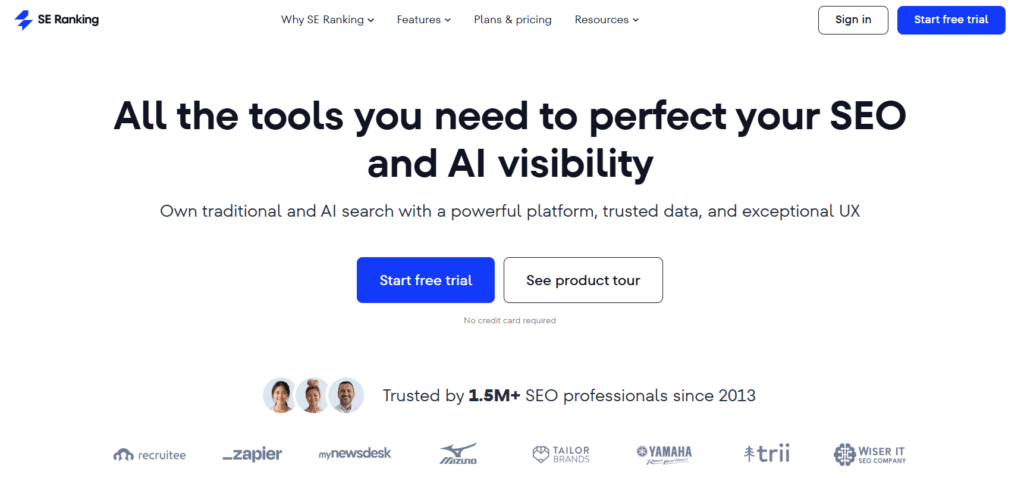
SE Ranking has evolved into one of the most comprehensive AI-powered SEO platforms on the market. What began as a rank tracking tool has expanded into a full-featured SEO suite that leverages artificial intelligence to provide actionable insights across all aspects of search engine optimization.
What makes SE Ranking stand out is its balance of depth and usability. While it offers advanced features that satisfy experienced SEO professionals, the platform remains accessible to newcomers thanks to its intuitive interface and helpful guidance.
The recent addition of AI-powered features has further enhanced its capabilities, making it a strong contender for the best all-around SEO platform.
4.6
OVERALL RATING
Key Pain Points SE Ranking Solves
Highlight Features
Real-World Success
“Marketing agency Digital Elevate was struggling to scale their SEO services while maintaining quality. After implementing SE Ranking, they were able to streamline their workflow and take on 40% more clients without adding staff. The AI-powered recommendations helped them identify high-impact opportunities for each client, resulting in an average ranking improvement of 23 positions for target keywords within 90 days. One e-commerce client saw organic traffic increase by 156% and conversions by 89% after implementing the platform’s recommendations.“
— From SE Ranking case studies
User Experience
When I tested SE Ranking, I was impressed by how intuitive the platform is despite its comprehensive feature set. The onboarding process guides you through setting up your projects and connecting Google Search Console and Analytics for enhanced data.
The keyword research tool stands out for its depth of data, providing not just search volume and difficulty, but also SERP features, intent analysis, and AI-generated keyword groupings.
The content marketing platform was particularly useful, offering specific recommendations for optimizing existing content and creating new pieces based on gap analysis.
Pros and Cons
Integrations
SE Ranking integrates with Google Analytics, Google Search Console, Google Data Studio, and Google Ads. It also connects with major CMS platforms like WordPress, Shopify, and Wix, and offers API access for custom integrations.
Support
Support options include 24/7 live chat, email support, an extensive knowledge base, and regular webinars. Higher-tier plans include dedicated account managers and priority support.
Pricing
- Essential – ~$52/mo: core rank tracking, site audit, keyword & backlink tools.
- Pro – ~$95/mo: expanded keywords, competitor research, AI tools.
- Business – ~$207+/mo: unlimited projects, API access, agency features. Free trial available.
Elevate your strategy For SEO & AI Visibility!
SE Ranking offers a 14-day free trial with no credit card required. Experience the power of AI-driven SEO across all aspects of your strategy.
5. Creaitor AI: Revolutionary AI Content Creation for SEO
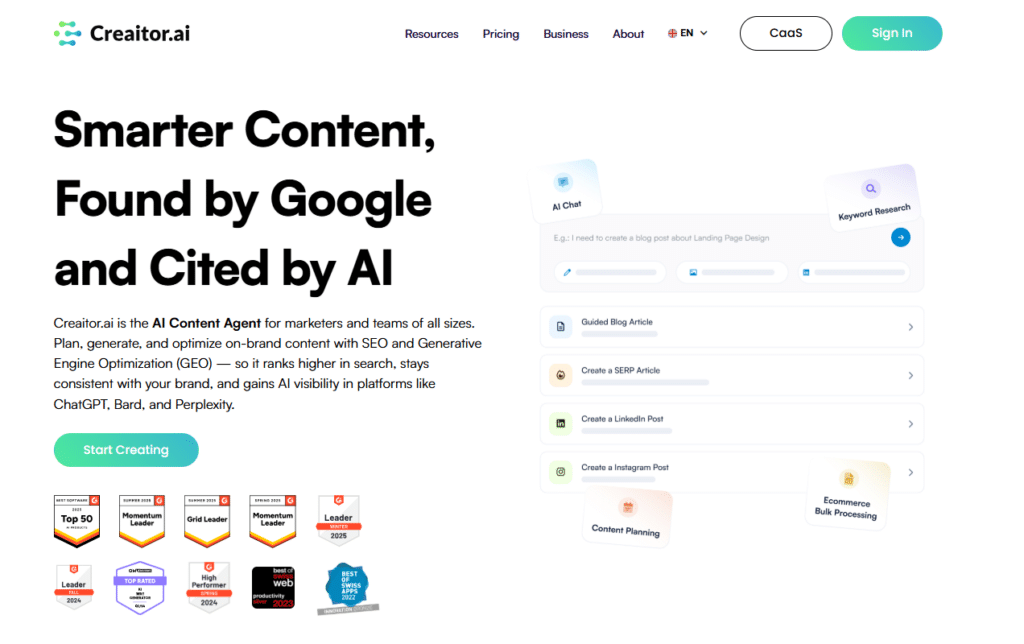
Creaitor AI represents the cutting edge of AI-powered content creation for SEO. While many tools offer basic AI writing capabilities, Creaitor takes content generation to a new level with its advanced natural language processing and deep integration with SEO best practices.
What sets Creaitor apart is its ability to create content that not only ranks well but also genuinely engages readers.
The platform uses a proprietary AI model trained on high-performing content across various industries, enabling it to generate material that strikes the perfect balance between search optimization and reader value.
4.5
OVERALL RATING
Key Pain Points Creaitor AI Solves
Highlight Features
Real-World Success
“SaaS company CloudSecure was struggling to produce enough high-quality content to support their SEO strategy. Their small marketing team could only create 2-3 blog posts per month, limiting their ability to compete for relevant keywords. After implementing Creaitor AI, they increased their content production to 15 articles per month without adding staff. Within six months, their organic traffic increased by 218%, and they began ranking for 73% more keywords. The improved content strategy led to a 34% increase in demo requests directly attributed to organic search.“
— From Creaitor AI testimonials
User Experience
When I tested Creaitor AI, I was impressed by both the quality and speed of content generation. The platform’s interface is intuitive, starting with a brief where you specify your topic, target keywords, desired tone, and content structure. From there, the AI generates a complete article that’s remarkably well-written and properly optimized.
What stood out most was the content’s quality. Unlike many AI writers that produce generic, somewhat robotic text, Creaitor created content with a natural flow, logical structure, and genuinely valuable insights.
The platform’s optimization suggestions were specific and helpful, focusing on improvements that would genuinely impact rankings rather than superficial keyword stuffing.
Pros and Cons
Integrations
Creaitor AI integrates with WordPress, Shopify, and major CMS platforms for direct publishing. It also connects with Google Docs, Airtable, and project management tools like Asana and Trello for seamless workflow integration.
Support
Support options include 24/7 live chat, email support with 12-hour response times, and an extensive knowledge base. All plans include access to regular webinars and training sessions.
Pricing
- Basic – $19/mo: 300K characters, 20 AI images, 80+ assistants.
- Standard – $49/mo: unlimited characters, keyword insights, SERP Beater articles.
- Professional – $99/mo: more AI images, extra keyword credits, priority support.
Transform Your AI Content Strategy & SEO Enhancement!
Creaitor AI offers a 7-day free trial with 10,000 words included. Experience the future of AI-powered content creation for SEO.
6. RankIQ: The Blogger’s AI SEO Secret Weapon
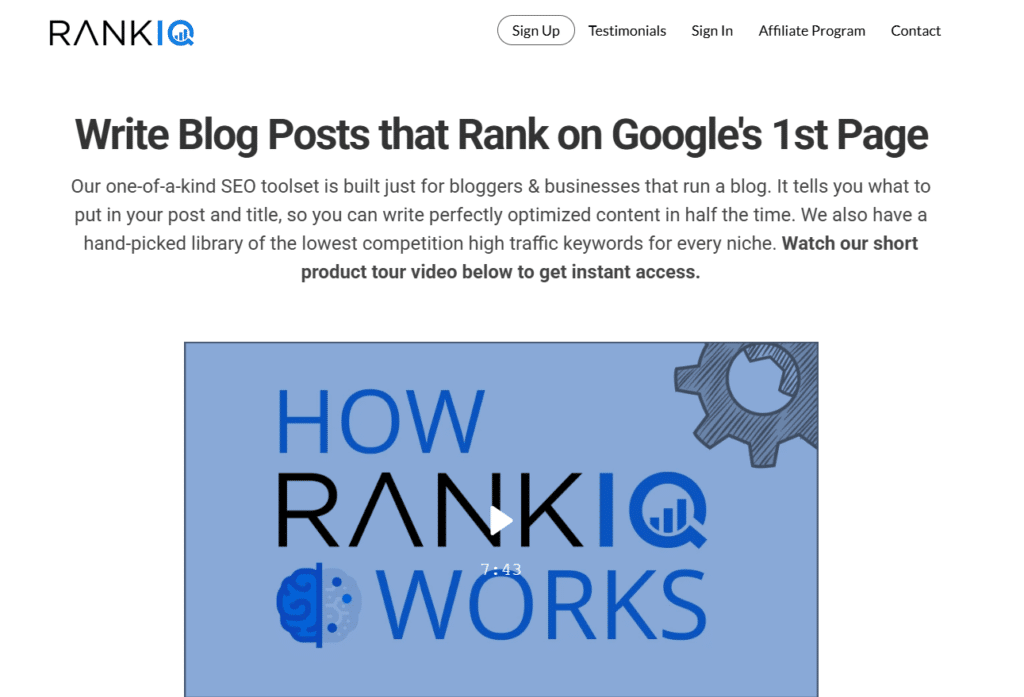
RankIQ has carved out a unique niche as the go-to AI SEO tool for bloggers and content creators. Founded by Brandon Gaille, a successful blogger with over 1 million monthly visitors, RankIQ was built specifically to address the challenges faced by content creators trying to rank in competitive niches.
What makes RankIQ special is its laser focus on content optimization and its curated library of low-competition keywords with high traffic potential. While it doesn’t try to be an all-in-one SEO solution, it excels at helping bloggers create content that ranks quickly.
4.5
OVERALL RATING
Key Pain Points RankIQ Solves
Highlight Features
Real-World Success
“Food blogger Sarah Mitchell was struggling to gain traction in the competitive recipe niche. After using RankIQ to identify low-competition keywords and optimize her content, she saw 80% of her new posts ranking on page one within 60 days. Her monthly traffic increased from 25,000 to 127,000 visitors in just six months, allowing her to quadruple her ad revenue and secure her first sponsored content deals.“
— From RankIQ case studies
User Experience
When I tested RankIQ, I was immediately impressed by the keyword library. Unlike other tools that overwhelm you with thousands of keyword suggestions of varying quality, RankIQ’s library contains only pre-vetted keywords with genuine ranking potential. Each keyword includes a competition score, estimated monthly traffic, and projected time to rank.
The content optimization process was straightforward and effective. After selecting a keyword, the AI analyzed the top-ranking content and provided a comprehensive report of terms and topics to include.
What I particularly appreciated was the built-in content editor, which provided real-time feedback as I wrote, highlighting terms I’d covered and suggesting others I’d missed.
Pros and Cons
Integrations
RankIQ integrates with Google Search Console to track your content performance. It also offers a WordPress plugin for seamless content transfer between platforms.
Support
Support options include email support with 24-hour response times, an extensive knowledge base, and regular training webinars. All plans include access to the RankIQ community, where users share strategies and success stories.
Pricing
- Lite – ~$29/mo: 8 AI SEO content briefs/reports per month; access to full keyword library and ranking tracking (available on request, not always on main pricing page).
- Standard – $49/mo: 16 reports; full access to all core features.
- Pro – $99/mo: 36 reports; same features, more capacity.
- Agency – $199/mo: 80 reports; best for teams/agencies. All plans include unlimited keyword library access and content optimization tools.
Ready to create content that ranks!
RankIQ offers a 7-day money-back guarantee, so you can try it risk-free and see why it’s the preferred tool for serious bloggers and content creators.
7. Machined AI: Automated Technical SEO Platform
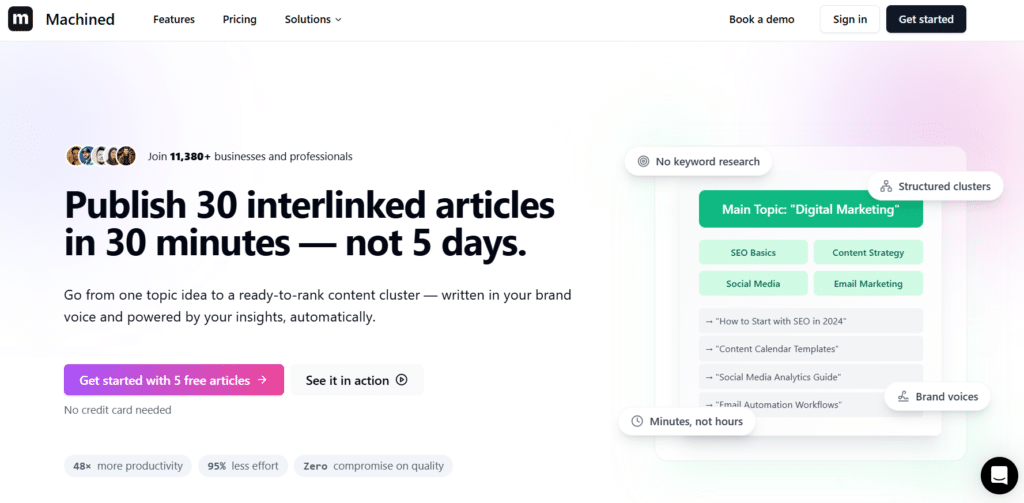
Machined AI has carved out a unique position in the AI SEO tools market by focusing specifically on technical SEO automation.
While many platforms offer basic technical audits, Machined AI takes technical optimization to a new level with its ability to not just identify issues but automatically implement fixes. What sets Machined AI apart is its deep understanding of technical SEO factors and how they impact rankings.
The platform uses machine learning algorithms trained on millions of websites to identify patterns and correlations between technical elements and search performance, enabling it to prioritize issues based on their actual impact rather than theoretical importance.
4.4
OVERALL RATING
Key Pain Points Machined AI Solves
Highlight Features
Real-World Success
“E-commerce site HomeStyle was experiencing declining organic traffic despite regular content updates. After implementing Machined AI, they discovered that their site had significant technical issues, including render-blocking JavaScript, unoptimized images, and incomplete schema markup. Using the platform’s automated fixes and recommendations, they resolved 87 critical issues within two weeks. The improvements led to a 43% increase in pages indexed, a 2.7-second reduction in average page load time, and a 31% increase in organic traffic within 60 days. Their conversion rate also improved by 18% due to the better user experience.“
— From Machined AI case studies
My Experience
When I tested Machined AI, I was impressed by both the depth of its technical analysis and the accessibility of its interface. Despite dealing with complex technical concepts, the platform presents information in a way that’s understandable even to those without extensive technical SEO knowledge.
The initial audit was comprehensive, examining everything from basic crawlability issues to advanced technical factors like JavaScript rendering and Core Web Vitals.
What stood out most was the prioritization system, which clearly identified which issues would have the greatest impact on search performance, allowing for efficient resource allocation.
Pros and Cons
Integrations
Machined AI integrates with Google Search Console, Google Analytics, Google PageSpeed Insights, and major CMS platforms including WordPress, Shopify, and Magento. It also offers API access for custom integrations with development workflows.
Support
Support options include 24/7 live chat, email support with 12-hour response times, and an extensive knowledge base. Higher-tier plans include access to technical SEO specialists for custom guidance and implementation support.
Pricing
- Starter – ~$29/mo: ~30 articles, 1 CMS connection, automated research & images.
- Professional – ~$49/mo: ~300 articles, 3 CMS connections & webhooks.
- Unlimited – ~$99/mo: Unlimited articles, integrations, automation & features for teams/businesses. BYOK model (pay your own OpenAI usage).
Automated AI-Powered SEO Content Generation Platform!
Machined AI offers a 14-day free trial with full access to all features. Experience the power of automated technical SEO and see the impact on your site’s performance.
8. SnowSEO: All-in-One AI SEO & AI-Search Optimization Platform
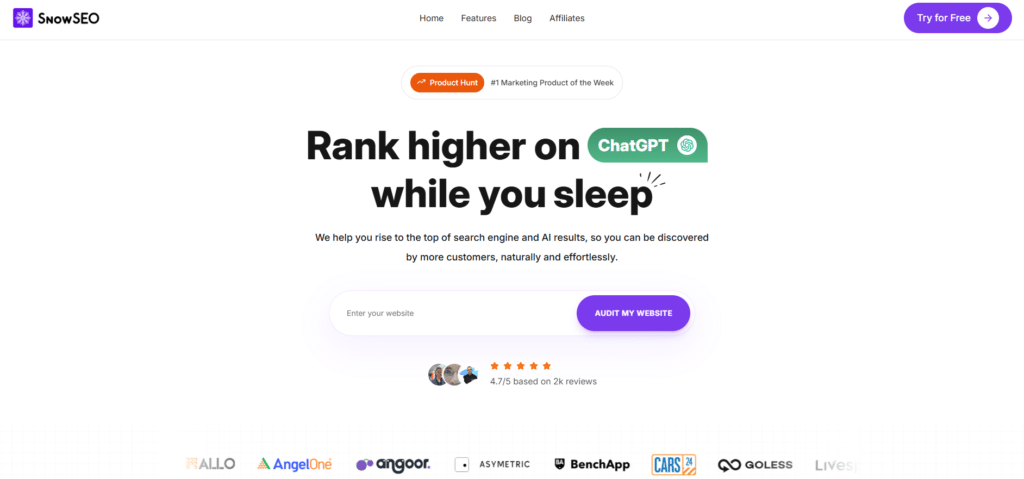
SnowSEO stands out as a modern all-in-one tool that blends classic SEO with AI-search optimization. While many tools stick to Google-only tracking, SnowSEO goes further by helping your site rank in both traditional search results and AI answers from ChatGPT, Claude, Grok, Gemini, and more.
It uses smart AI to automate the full workflow…from keyword hunting and content creation to competitor spying, backlink ideas, and cross-platform tracking.
The real magic?
It predicts gaps that stop your brand from showing up in AI replies and fixes them so you get mentioned when people ask questions naturally.
No more switching between five different tools. SnowSEO handles everything in one clean dashboard, saving time and cutting costs for creators and teams who want faster results without the hassle.
4.3
OVERALL RATING
Key Pain Points SnowSEO Solves
Highlight Features
Real-World Success
“SEO gains are looking wild – jumped 8 points on domain rating in the past couple months..”
— Rares Vasilescu, CEO of Cardora
“Tested a bunch of tools and this one is the best by far! Articles have hyper realistic images, great structure, infographics, relevant internal links and relevant citations.”
— Chandan Perla, CEO of Podcast Circle
My Experience
I tried SnowSEO on a small test site, and a few things really stood out. The AI crawler audit flagged blocks right away and gave easy fixes so tools like GPTBot could read my pages better. I loved the human-like content generator—it spit out drafts with realistic images, internal links, and citations that felt natural, not robotic (I just tweaked a bit).
Seeing AI rank tracking show mentions in Claude answers was eye-opening; it’s like getting a sneak peek at the future of search. The dashboard stayed clean and fast, no overload. Overall, it felt built for today’s mixed search world where AI steals the show.
Pros and Cons
Integrations
SnowSEO links with Google Analytics for traffic data, major CMS like WordPress for auto-publishing, and pulls from search/AI engines. It keeps things simple and focused on smooth workflows.
Support
Quick email replies, solid knowledge base, and founder chats on places like Product Hunt/Reddit. Higher plans get priority help.
Pricing
- Starter: $59/mo — 4,000 credits, 30 articles, 20 keyword tracking, 5 AI ranks, unlimited audits/clusters
- Pro: $79/mo (or one-time lifetime deals around $79 early on) — 6,000 credits, more projects, 50 articles, 50 keywords, 30 AI tracking, images, humanize
- Scale: $129/mo — 12,000 credits, bigger teams, 100 articles, 200 keywords, 100 AI tracking, priority
start ranking higher in Google and AI chats!
Grab a free trial of SnowSEO right now and start showing up on Google and AI Chats within days.
9. KeySearch:Affordable AI-Powered Keyword Research
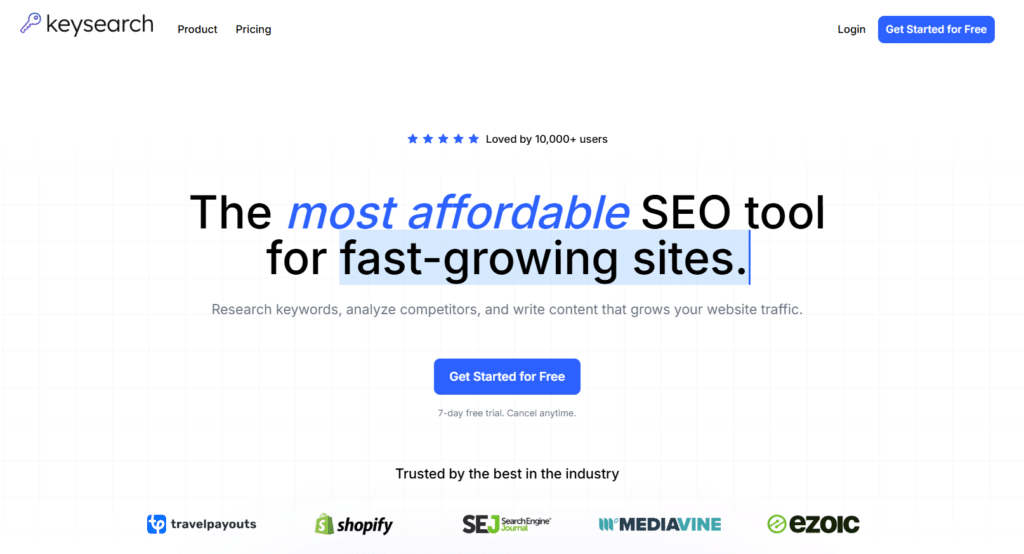
KeySearch has built a loyal following by offering powerful AI-enhanced keyword research capabilities at a price point that’s accessible to individual bloggers, small businesses, and startups.
While many advanced SEO tools come with enterprise-level price tags, KeySearch delivers professional-grade features without breaking the bank. What makes KeySearch stand out is its focus on providing actionable keyword data rather than overwhelming users with metrics.
The platform uses AI to identify keywords with the optimal balance of search volume, competition, and relevance for your specific website, helping you focus your content strategy on opportunities you can actually rank for.
4.3
OVERALL RATING
Key Pain Points KeySearch Solves
Highlight Features
Real-World Success
“Travel blogger Maria Chen was struggling to gain traction in the competitive travel niche with her limited budget. After implementing KeySearch, she focused on long-tail keywords with moderate search volume but low competition. Within six months, her organic traffic increased from 1,200 to 14,500 monthly visitors. One article targeting an underserved keyword about “hidden beaches in Portugal” reached position #2 in Google, driving over 3,000 monthly visitors alone. The increased traffic allowed her to monetize her blog through affiliate partnerships and sponsored content, generating enough revenue to travel full-time.“
— From KeySearch user testimonials
User Experience
When I tested KeySearch, I was impressed by how intuitive and straightforward the platform is. The keyword research tool provides clear data on search volume, competition, and CPC, with a color-coded difficulty score that makes it easy to identify opportunities. The interface is clean and focused, without the clutter that can make some SEO tools overwhelming.
The Competitor Analysis feature was particularly valuable, allowing me to quickly identify which keywords were driving traffic to competitor sites. This revealed several low-competition opportunities that other tools had missed.
The Content Assistant provided specific, actionable recommendations for optimizing content, going beyond basic keyword density to consider topical coverage and semantic relevance.
Pros and Cons
Integrations
KeySearch offers a Chrome extension for quick keyword analysis while browsing. It also provides data export options for integration with spreadsheets and other SEO tools.
Support
Support options include email support with 24-hour response times and an extensive knowledge base. The KeySearch blog provides regular updates on SEO best practices and tool features.
Pricing
- Starter – $24/month: Ideal for bloggers and small businesses. Includes 200 keyword searches/day, 80 tracked keywords, 2K audited pages, 5K AI credits.
- Pro – $48/month: Best for growing teams and agencies. Adds Foresight, 500 searches/day, 200 tracked keywords, 5K audits, 15K AI credits.
- No hidden fees; monthly or discounted annual billing.
An Affordable SEO Tool To Grow Your Website Fast!
KeySearch offers a 30-day money-back guarantee, so you can try the platform risk-free and see why it’s the preferred choice for budget-conscious SEO professionals.
10. NeuralText:AI-Powered Content Research and Creation
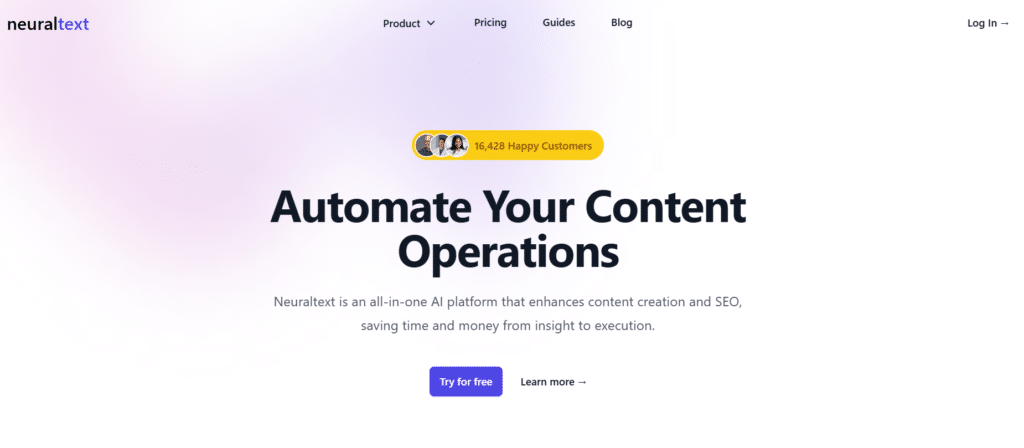
NeuralText has established itself as a powerful AI-driven platform for content research, planning, and creation. Unlike basic AI writers that focus solely on generating text, NeuralText takes a more comprehensive approach to content development, helping you research topics, understand search intent, and create optimized content that ranks.
What sets NeuralText apart is its focus on research-driven content creation. The platform analyzes top-ranking content for your target keywords, identifies patterns and gaps, and helps you create material that’s both comprehensive and unique.
This data-driven approach results in content that’s more likely to rank well and engage readers.
4.3
OVERALL RATING
Key Pain Points NeuralText Solves
Highlight Features
Real-World Success
“Digital marketing agency ContentPro was struggling to scale their content production for clients without sacrificing quality. After implementing NeuralText, they were able to reduce their content research time by 70% while improving the comprehensiveness of their material. The AI Writer helped them create first drafts quickly, which their editors then refined for brand voice and accuracy. Within three months, they increased their content output by 215% without adding staff. One client in the financial services sector saw their organic traffic increase by 143% after implementing NeuralText-optimized content, resulting in a 37% increase in qualified leads.”
— From NeuralText case studies
My Experience
When I tested NeuralText, I was impressed by the depth of its content research capabilities. The Content Intelligence tool provided a comprehensive analysis of top-ranking content, identifying not just keywords but also topics, questions, entities, and content structure. This research was presented in a clear, actionable format that made it easy to develop a comprehensive content plan.
The Content Brief Generator created detailed, well-structured briefs that covered all aspects of the topic. These briefs included suggested headings, questions to answer, entities to mention, and even recommended word count based on what’s currently ranking.
The AI Writer then used these briefs to generate surprisingly good first drafts that required less editing than most AI-generated content I’ve tested.
Pros and Cons
Integrations
NeuralText integrates with WordPress for direct publishing, Google Docs for collaborative editing, and project management tools like Asana and Trello for workflow integration. It also connects with Google Search Console for performance tracking.
Support
Support options include email support with 24-hour response times, an extensive knowledge base, and regular webinars. All plans include access to the NeuralText community for peer support and strategy sharing.
Pricing
- Starter – $19/mo: 100K words, 5 briefs, 2K suggestions.
- Basic – $49/mo: 100K words, 40 briefs, 20K suggestions.
- Pro – $119/mo: 300K words, 100 briefs, deeper keyword & clustering limits.
Automate your SEO content creation process!
NeuralText offers a 7-day free trial with 5,000 AI words included. Experience the power of research-driven content creation and optimization.
11. Indexly:AI-Powered Indexing and Technical SEO
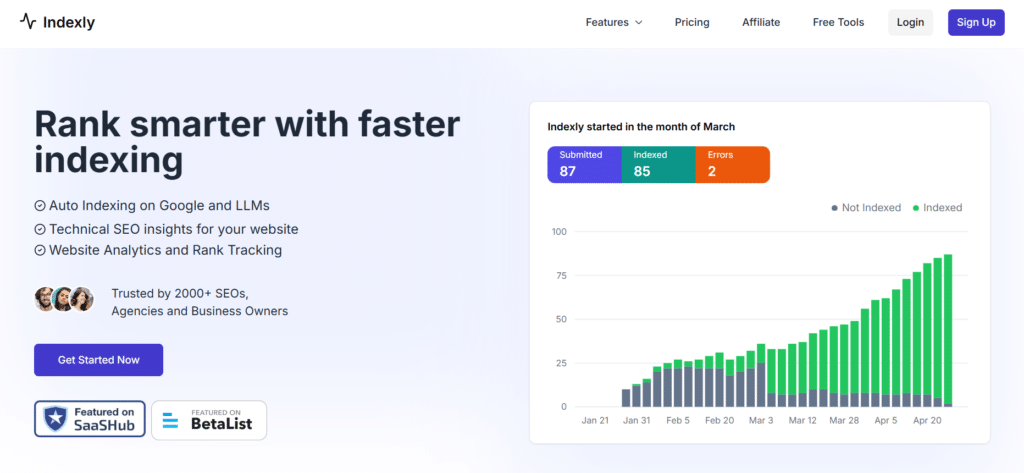
Indexly has emerged as a specialized AI SEO tool focused on solving one of the most persistent challenges in search optimization: getting pages indexed quickly and effectively. While many SEO platforms treat indexation as an afterthought, Indexly makes it the central focus, using AI to automate and optimize the indexing process.
What sets Indexly apart is its comprehensive approach to indexation. Rather than simply submitting URLs to search engines, the platform uses AI to identify indexing issues, prioritize pages based on their importance, and implement strategies to ensure faster and more complete indexation.
This focused approach can significantly reduce the time it takes for new content to start ranking and driving traffic.
4.2
OVERALL RATING
Key Pain Points NeuralText Solves
Highlight Features
Real-World Success
“E-commerce site FashionForward was struggling with slow indexation of their product pages, particularly during seasonal launches when timely visibility was crucial. After implementing Indexly, they saw their new product pages indexed within hours rather than days or weeks. During their summer collection launch, 94% of new pages were indexed within 24 hours, compared to just 37% for their previous collection. This improved indexation led to a 68% increase in organic traffic to new products and a 43% increase in revenue from organic search during the critical first week of the launch.”
— From Indexly testimonials
My Experience
When I tested Indexly, I was impressed by how straightforward yet powerful the platform is. The dashboard provides a clear overview of your site’s indexation status, with detailed breakdowns by page type, submission method, and search engine. The Auto Indexing feature was particularly valuable, automatically identifying and submitting unindexed pages without any manual intervention.
The Page Inspector tool provided detailed insights into why specific pages weren’t being indexed, identifying issues that other SEO tools had missed. For example, it flagged several pages with conflicting canonical tags that were causing indexation problems.
The LLM Indexability feature was also impressive, providing specific recommendations for making content more discoverable by AI search engines.
Pros and Cons
Integrations
Indexly integrates with Google Search Console for enhanced data and automatic sitemap discovery. It also connects with WordPress, Shopify, and other major CMS platforms for seamless site monitoring.
Support
Support options include email support with 24-hour response times and an extensive knowledge base. The Indexly blog provides regular updates on indexation best practices and tool features.
Pricing
- Solo – $14/mo: automated indexing, keyword tracking, analytics.
- Team – $39/mo: audits, backlink intelligence, priority support.
- Business – $79/mo: AI brand visibility, prompt tracking, traffic tools.
- Agency – $129/mo: white-label, custom reports, brand sentiment tools.
Get your sEO content indexed faster!
Indexly offers a 14-day free trial with no credit card required. Experience the impact of faster indexation on your search visibility and traffic.
12. Keyword.com:AI-Powered Keyword Research and Tracking
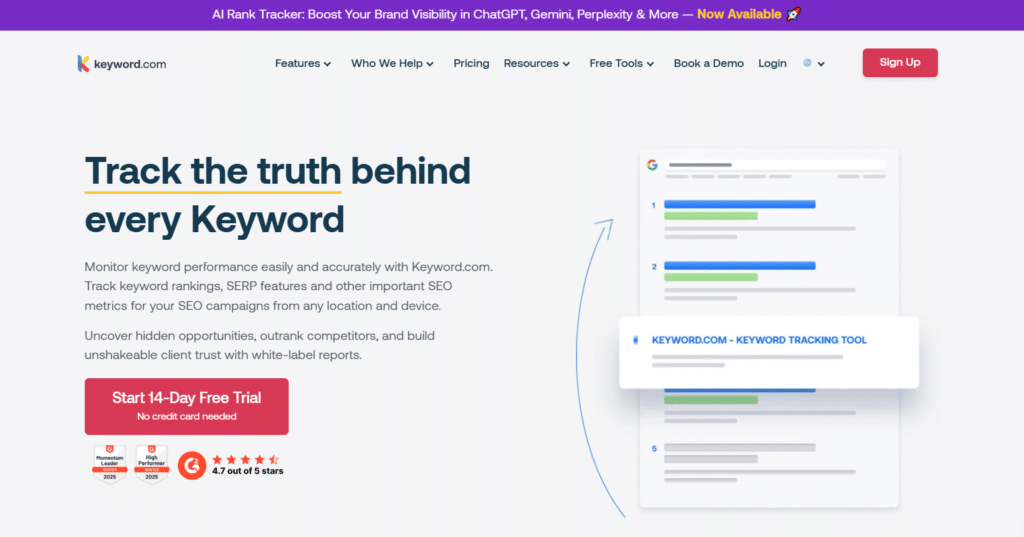
Keyword.com has established itself as a specialized platform focused on keyword research, tracking, and optimization. While many SEO tools treat keyword analysis as just one of many features, Keyword.com makes it the central focus, using AI to provide deeper insights and more actionable recommendations.
What sets Keyword.com apart is its comprehensive approach to keyword intelligence. The platform uses advanced AI algorithms to analyze search patterns, identify emerging trends, and predict keyword opportunities before they become competitive.
This forward-looking approach helps you stay ahead of the curve rather than chasing keywords that are already saturated.
4.2
OVERALL RATING
Key Pain Points Keyword.com Solves
Highlight Features
Real-World Success
“Health and wellness brand VitalLife was struggling to gain visibility in their competitive niche despite regular content creation. After implementing Keyword.com, they discovered several emerging trends in plant-based nutrition that weren’t yet highly competitive. Using the Intent Analysis feature, they created content specifically tailored to different search intents within this niche. Within four months, their organic traffic increased by 127%, and they achieved top 3 rankings for 43 previously untargeted keywords. The improved targeting also led to a 34% increase in their e-commerce conversion rate from organic traffic.”
— From Keyword.com case studies
My Experience
When I tested Keyword.com, I was impressed by the depth and accuracy of its keyword analysis. The AI Opportunity Finder provided genuinely valuable keyword suggestions that were tailored to my test website’s authority and niche. Rather than just listing high-volume terms, it identified keywords with the optimal balance of traffic potential, competition, and relevance.
The Intent Analysis feature was particularly useful, categorizing keywords by intent and providing specific recommendations for content structure and approach based on what’s currently ranking.
The Trend Predictor also stood out, identifying several emerging topics that showed significant growth in the months following my test.
Pros and Cons
Integrations
Keyword.com integrates with Google Search Console and Google Analytics for enhanced data. It also connects with content platforms like WordPress and project management tools for workflow integration.
Support
Support options include email support with 24-hour response times, an extensive knowledge base, and regular webinars. Higher-tier plans include dedicated account managers for personalized support.
Pricing
- Free Trial (14 days): No credit card required. Track 200 keywords with daily updates and full Business features, including Spyglass verification, share of voice, mobile tracking, Looker Studio integration, and custom alerts.
- Business Plan: Scalable rank tracking for agencies and teams. Pricing starts at $4/month (50 keywords) and scales to 5,000+ keywords, with daily/weekly updates, 2-year SERP history, branded reports, API access, unlimited users, local ZIP tracking, and annual discounts.
Master your keyword strategy!
Keyword.com offers a 7-day free trial with full access to all features. Experience the power of AI-driven keyword research and tracking.
13. Keywordly AI: Automated Keyword Clustering and Content Workflow
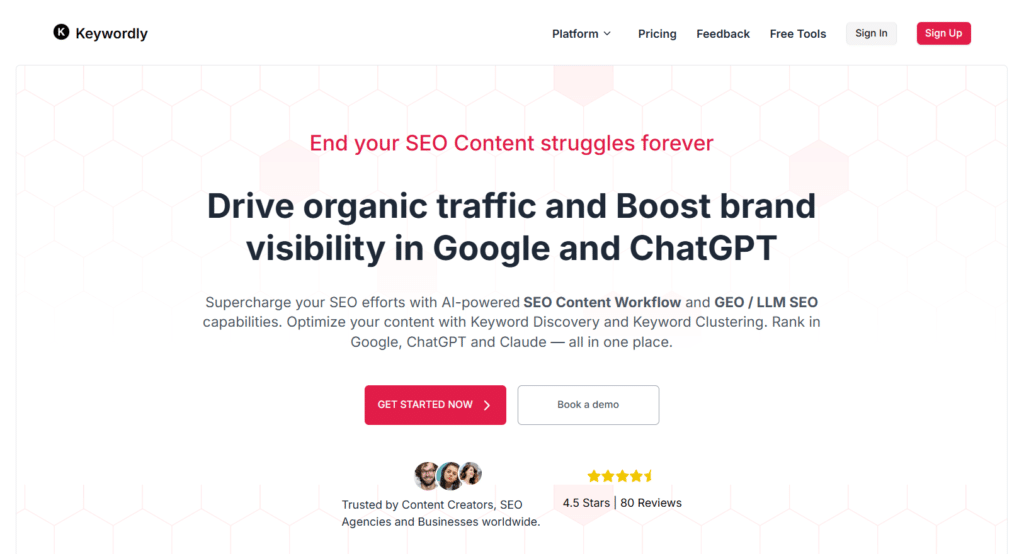
Keywordly AI has carved out a specialized niche in the AI SEO tools market by focusing on keyword clustering and content workflow automation. While many SEO platforms treat keywords as isolated data points, Keywordly AI uses advanced algorithms to identify relationships between terms and organize them into strategic content clusters.
What sets Keywordly AI apart is its ability to transform raw keyword data into actionable content plans. The platform not only groups related keywords but also provides insights into how to structure content around these clusters for maximum search visibility.
This approach helps create more comprehensive, topically relevant content that satisfies both search engines and users.
4.1
OVERALL RATING
Key Pain Points Keywordly AI Solves
Highlight Features
Real-World Success
“Educational technology company LearnSmart was struggling to organize their content strategy across multiple product lines and audience segments. After implementing Keywordly AI, they were able to cluster over 5,000 keywords into 87 logical topic groups aligned with their different products and user needs. The Content Planner helped them prioritize these clusters based on search volume, competition, and business impact. Within six months of implementing the resulting content strategy, their organic traffic increased by 167%, and they achieved top 5 rankings for 43% more keywords. The improved content organization also led to a 28% increase in time on site and a 23% decrease in bounce rate.”
— From Keywordly AI testimonials
My Experience
When I tested Keywordly AI, I was impressed by how quickly and accurately it organized keywords into meaningful clusters. The platform’s algorithm goes beyond simple lexical matching to consider semantic relationships, search intent, and competitive landscape, resulting in clusters that truly make sense from a content planning perspective.
The Content Planner feature was particularly valuable, transforming these clusters into actionable content plans with suggested topics, priorities, and even content types based on what’s currently performing well in search.
The Conversation Explorer also provided unique insights by analyzing how real users discuss topics on platforms like Reddit, revealing questions and concerns that traditional keyword research would miss.
Pros and Cons
Integrations
Keywordly AI integrates with content management systems like WordPress and Webflow for seamless workflow. It also connects with project management tools like Asana, Trello, and ClickUp for content planning integration.
Support
Support options include email support with 24-hour response times and an extensive knowledge base. The Keywordly AI blog provides regular updates on content strategy best practices and tool features.
Pricing
- Solo – $49/mo: 1 user, keyword research & content basics.
- Team – $99/mo: clustering, CMS integrations.
- Business – $149/mo: content optimization & analytics.
- Agency – $249/mo: API access, whitelabel reports
Streamline your SEO content strategy!
Keywordly AI offers 20 free credits to test the platform, with no credit card required. Experience the power of AI-driven keyword clustering and content planning.
Key Features to Look for in AI SEO Tools
After testing dozens of AI SEO tools, I’ve identified the most important features that deliver real results. When evaluating tools for your specific needs, look for these capabilities:
Best Practices for Using AI SEO Tools
Having worked with AI SEO tools for a long time now, I’ve developed some best practices that can help you get the most value from these platforms:
I learned this last point the hard way when I relied exclusively on a single AI tool for a client project. While the tool excelled at keyword research and content optimization, it missed several critical technical issues that were holding back the site’s performance.
Key Takeaways
Conclusion
The AI SEO landscape continues to evolve rapidly, with new tools and capabilities emerging regularly. Based on my extensive testing, Clickrank AI stands out as the top overall choice for 2026, offering an exceptional combination of comprehensive features, advanced AI capabilities, and user-friendly design.
However, the “best” tool ultimately depends on your specific needs, budget, and expertise level. RankIQ excels for bloggers and content creators, Mangools offers exceptional value for beginners, and specialized tools like Machined AI and Indexly provide unmatched capabilities in their specific domains.
Are you ready to transform your SEO strategy with the power of artificial intelligence? The tools reviewed in this article represent the cutting edge of what’s possible when advanced AI meets search optimization. By selecting the right platforms for your specific needs and following best practices for implementation, you can achieve dramatic improvements in your search visibility, traffic, and conversions.
Take your SEO to the next level!
Start with Clickrank AI, my top recommendation for 2026, and experience the difference that advanced AI can make for your search performance.