Building a website used to mean hiring developers, learning code, or spending weeks wrestling with complicated platforms. Not anymore. AI website builders changed everything. You type a few prompts, answer some questions, and the AI generates a complete site in minutes. Pages, copy, images, layout – all done.
I’ve spent the last few years testing AI-powered website builders to see which ones actually deliver. Some blew me away. Others fell short. The best website builders combine speed with real customization, give you beautiful design without the coding headache, and help you launch fast.
Whether you’re launching a portfolio, starting a business, or building an online store, you need a builder that fits your goals. In this article, we’ll review the top picks to help you choose.
What Are AI Website Builders?
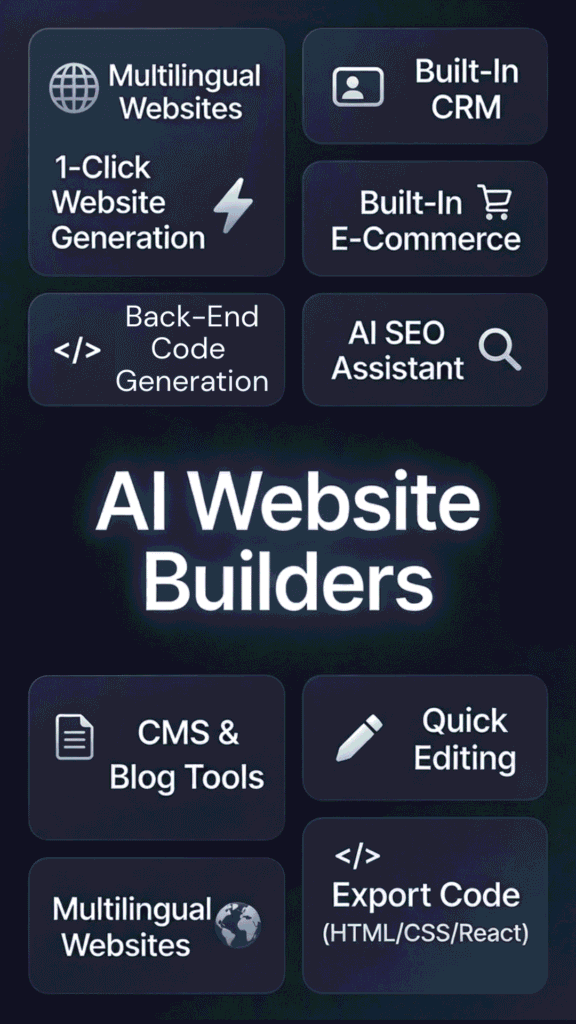
AI website builders are platforms that use artificial intelligence to create websites automatically. You describe your business or project in simple words. The AI takes over and builds pages, writes content, picks layouts, and adds images. No coding required.
These tools work through prompts and machine learning. You answer questions like “What type of site do you need?” or “Who’s your audience?” The AI analyzes thousands of design patterns and generates a custom site in seconds. Some even write SEO-optimized copy and suggest branding.
Key features include auto content writing, design generation based on your industry, and built-in SEO setup. Many offer drag-and-drop editors so you can tweak what the AI creates. Some add e-commerce tools, analytics, and marketing integrations right out of the box.
These no-code builders are perfect for:
Why are they growing in 2026?
Speed, lower costs, and zero coding barriers. Traditional website builders took hours to set up. AI cuts that time to minutes. You save money by skipping developers. You skip the learning curve entirely. That’s why more people choose AI-powered platforms every day.
How I Evaluated These AI Website Builders
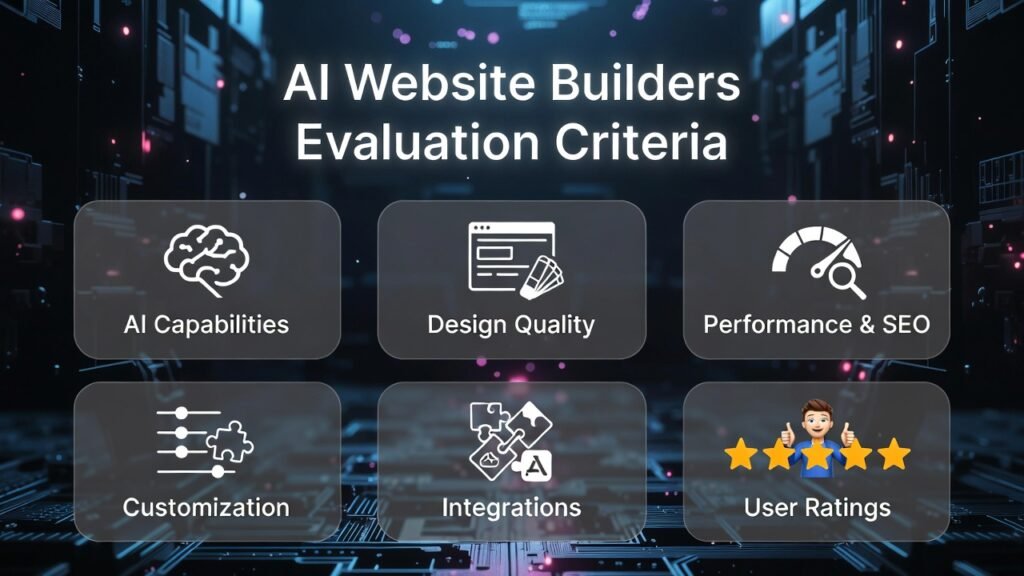
I didn’t just browse features or read marketing pages. I built real sites with each platform. Tested speed, design quality, customization limits, and how well the AI actually worked. Here’s what mattered most in my testing.
AI Capabilities
Does the AI actually build good sites, or does it spit out generic junk?
I checked how smart the content generation was, whether designs matched my prompts, and if the AI could handle different industries. The best tools felt like they understood my goals.
Design Quality
Pretty templates mean nothing if they look dated or broken on mobile. I tested every site on phones, tablets, and desktops.
I looked for modern aesthetics, clean layouts, and professional results that didn’t scream “template.”
Performance and SEO
A slow site kills conversions and rankings. I ran speed tests, checked SEO basics like meta tags and sitemaps, and saw which platforms optimized automatically.
Fast loading and built-in SEO tools made a huge difference.
Customization
AI gets you started, but you need control to make the site yours.
I tested how easy it was to change colors, add sections, upload images, and tweak copy. Rigid builders lost points. Flexible ones won.
Integrations
Your site needs to connect with the apps you already use.
I checked for payment processors, email tools, analytics, booking systems, and third-party connections. The more options, the better.
Ratings
I pulled real user reviews from G2, Trustpilot, and Capterra.
Customer feedback revealed bugs, support quality, and long-term satisfaction that marketing doesn’t show.
I tested these based on real use. Every tool in this list earned its spot through hands-on testing, not hype.
Why Should You Trust Me?
I’m an AI Engineer with a Master’s in Data Science and Machine Learning and a Bachelor’s in Software Engineering. I’ve been a working professional since 2018, having ghost-developed a number of AI applications behind the scenes.
I know how AI tools work from the inside. I understand the machine learning models that power these website builders, the natural language processing that generates copy, and the algorithms that pick design elements. That knowledge helps me spot real innovation versus marketing fluff.
When I test a website builder, I’m not just clicking buttons. I’m analyzing how the AI makes decisions, whether the automation adds real value, and if the platform delivers what it promises. Years of building various sort of apps taught me what separates great AI from gimmicks.
This article reflects honest, technical analysis combined with practical testing. I’m here to help you pick the right tool, not push a sale.
Quick Comparison: Best AI Website Builders
| Rank | Tool | Best For | Best Features | Overall Rating | Pricing |
| 1 | Hostinger AI Website Builder | Small businesses and beginners | AI generation in under 1 min, built-in e-commerce, AI SEO assistant | 4.8/5 | From $1.99/month |
| 2 | PineApple Builder | Fast personal sites and landing pages | AI assistants (CMO, Designer, Developer), ultra-fast loading | 4.7/5 | From $12/month |
| 3 | Butternut AI | Unlimited edits, custom AI chatbot (Pro), automated SEO | Quick builds with editing freedom | 4.6/5 | From $20/month |
| 4 | CodeDesign.AI | Developers and agencies needing code export | AI Magic Copy, code export (HTML/CSS/React), regenerate designs | 4.5/5 | Free plan, paid from $99/month |
| 5 | Dorik | Blogs, memberships, and client sites | CMS and blog tools, membership features, white-label (higher plans) | 4.5/5 | From $20.75/month |
| 6 | Lindo AI | Agencies and freelancers reselling sites | White-label platform, built-in CRM, client billing | 4.4/5 | From $30/month |
| 7 | Readdy AI | Creative builds with chat-based control | Chat-driven generation, reference-based creation, 5,000+ templates | 4.3/5 | Free plan, paid from $15/month |
| 8 | Mixo | Fast idea validation and launches | Instant site from idea, waiting list capture, 40+ languages | 4.3/5 | From $8/month |
| 9 | SITE123 | Beginners wanting free forever option | Free plan with unlimited sites, multilingual support, simple editor | 4.2/5 | Free, premium from $10/month |
Top 3 AI Website Builders Picks

🥇
Hostinger AI Website Builder
Hostinger specializes in super-affordable all-in-one hosting + AI sites with strong e-commerce, SEO tools, and unlimited everything for beginners and small shops.

🥈
PineApple Builder
PineApple Builder specializes in lightning-fast AI-generated landing pages and blogs with smart assistants for marketing, design, and content that feel super personal.

🥉
Butternut
AI
Butternut AI specializes in instant AI site creation with unlimited edits, beautiful styles, built-in blogging, and easy e-commerce for creative freelancers and startups.
All 9 Best AI Website Builders Ranked
1. Hostinger AI Website Builder
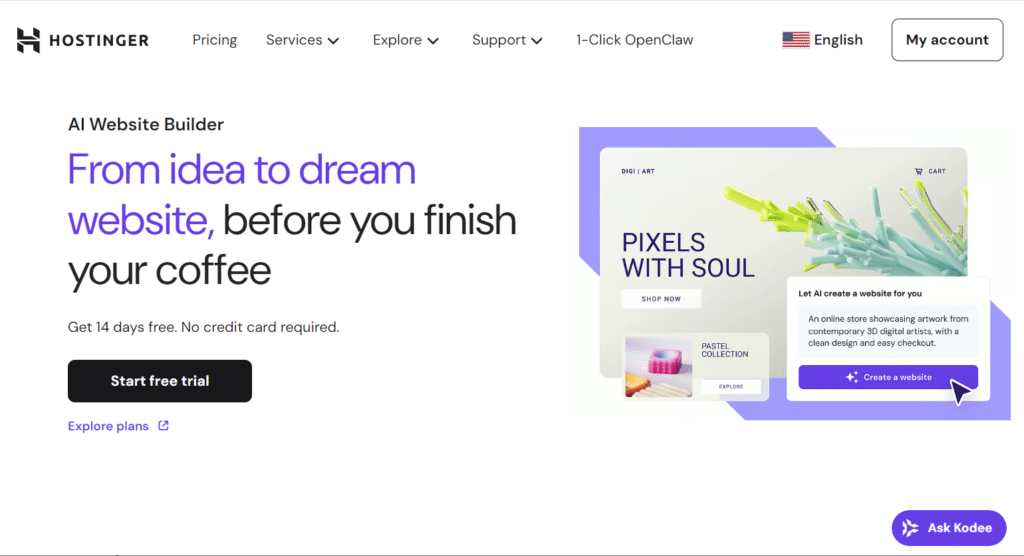
Hostinger mixes affordable hosting with powerful AI automation. I’ve used it for small business projects and it delivers fast, professional sites without headaches. It’s my top pick for beginners and budget-conscious users.
4.8
OVERALL RATING
Key Pain Points Hostinger AI Website Builder Solves
Highlighted Features
Real User Experience
“I’ve used all of the obvious other CMS systems including WiX, 123 reg etc. This is by far the best we’ve used. Happy to recommend..”
— David Watson, TrustPilot, Hostinger AI Website Builder User
Demo Description
The Hostinger demo walks you through the AI setup. You select your industry, describe your business in a sentence, and choose tone preferences. The AI generates a full site instantly. You’ll see the drag-and-drop editor, AI text tools, and image generator in action. The demo highlights how easy it is to switch templates, add e-commerce, and publish live.
Pros and Cons


Integrations & Support
You get 24/7 live chat support on every plan plus a 30-day money-back guarantee if it does not click. For connections, link Google Analytics, Meta Pixel, Google Ads for tracking and ads. Printful works for print-on-demand merch. Built-in AI tools like email campaigns and SEO tie everything together nicely without extra hassle.
Pricing
Build a fast, affordable pro site with built-in store and SEO tools today!
Hostinger specializes in super-cheap all-in-one hosting plus strong e-commerce and unlimited features for beginners and small shops.
2. PineApple Builder
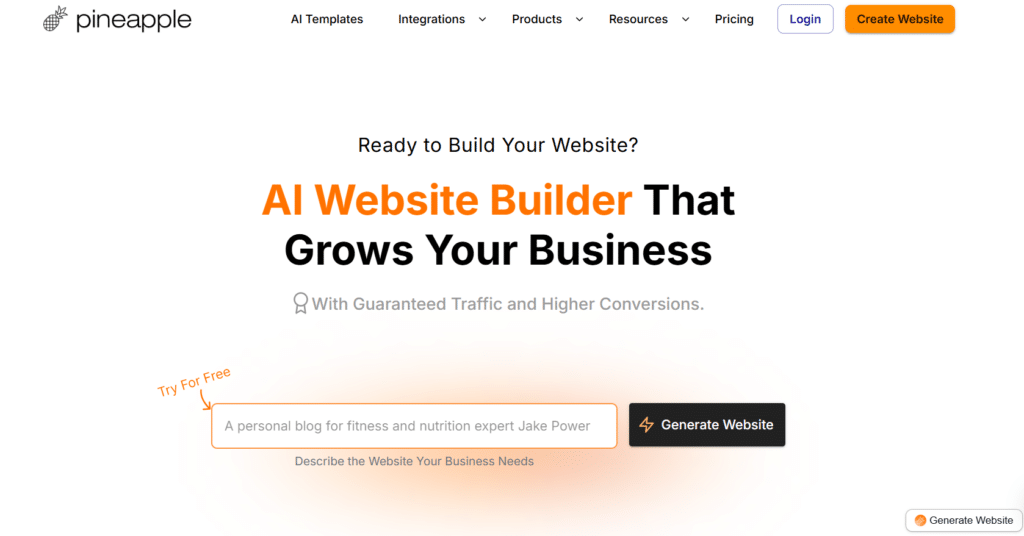
PineApple Builder feels modern and focuses on speed. I find it perfect for creators who want personalized sites without spending days on setup. The AI assistants make updates smart and fast.
4.7
OVERALL RATING
Key Pain Points PineApple Builder Solves
Highlighted Features
Real User Experience
“With Pineapple Builder, I was able to generate a customized website in just a few clicks. There are many settings so every website can be tailored to the user’s needs. Recommended!”
— Mattia Righetti, ProductHunt, PineApple Builder User
Demo Description
PineApple’s demo shows you creating a landing page from scratch. You input business details and audience info. The AI generates a custom site instantly. You’ll test the drag-and-drop editor, interact with AI Assistants for ideas, and see integrations in action. Factors that seem to be emphasized during my use of PineApple Builder were, speed and personalization.
Pros and Cons
Integrations & Support
24/7 support comes with a full help center, tutorials, videos, and online workshops to guide you. One-click integrations make it easy – add forms, bookings, payments, newsletters, Google Analytics, testimonials, and chats. You stay flexible to plug in your favorite apps and customize widgets however you need for smooth workflows.
Pricing
Create personalized landing pages and blogs with smart AI help in minutes!
Pineapple Builder specializes in lightning-fast AI-generated pages and blogs with clever assistants for marketing, design, and content.
3. Butternut AI
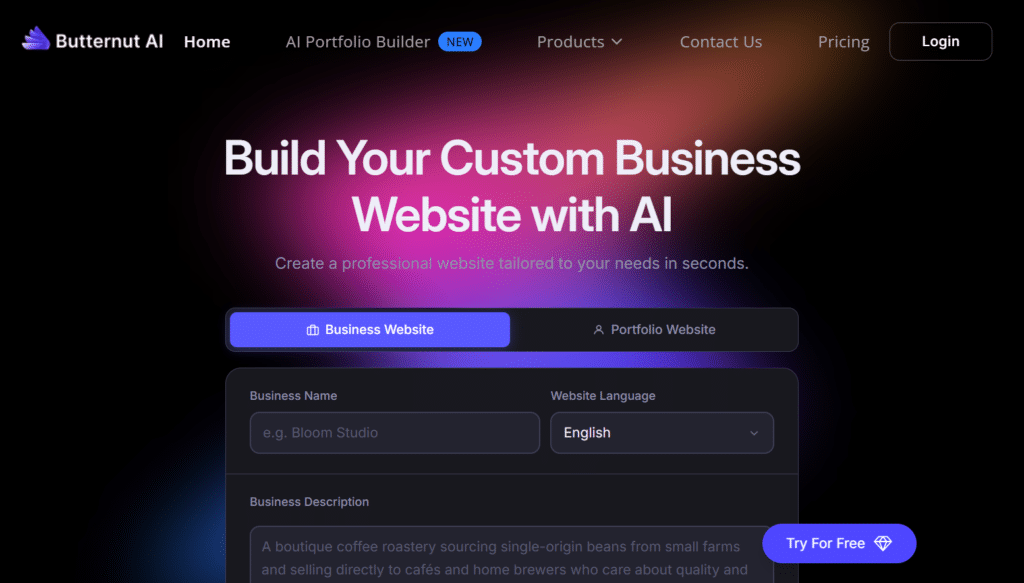
Butternut combines lightning-fast AI builds with serious editing freedom via it’s AI agent. I like it when I need quick launches but still want total control over the final look.
4.6
OVERALL RATING
Key Pain Points Butternut AI Solves
Highlighted Features
Real User Experience
“Is this for real ? Literally it took close to 9 seconds but boom a website is ready. A Single page website with all the required sections for a small / medium business with contact form, Newsletter sign up form. Exceptional one.
A couple of inputs there needs to a training on the specifics/ niche words for the model. Even when I entered a keyword it gave me a common text and common website. Kudos to the team behind this. Amazing Job Pritika and Team.”
— Sai K, ProductHunt, Butternut AI User
Demo Description
Butternut’s shows instant site creation in action via it’s AI agent. You enter a business description, select a style, and watch the AI generate a full site. You’ll explore unlimited editing options, test the AI Blog Writer, and see how the chatbot trains on custom data. Emphasizes were on speed and flexibility for website development
Pros and Cons
Integrations & Support
Butternut AI offers regular customer support handles questions, with priority support and a 1:1 onboarding call on the Pro plan.
Key connections include Google Analytics for traffic tracking, Stripe and PayPal for payments, plus WhatsApp lead capture on Pro. These cover basics well so you focus on growing instead of setup headaches.
Pricing
Launch a stunning site with unlimited edits and easy e-commerce right away!
Butternut AI specializes in instant beautiful sites with unlimited changes, blogging, and simple selling for freelancers and startups.
4. CodeDesign.AI
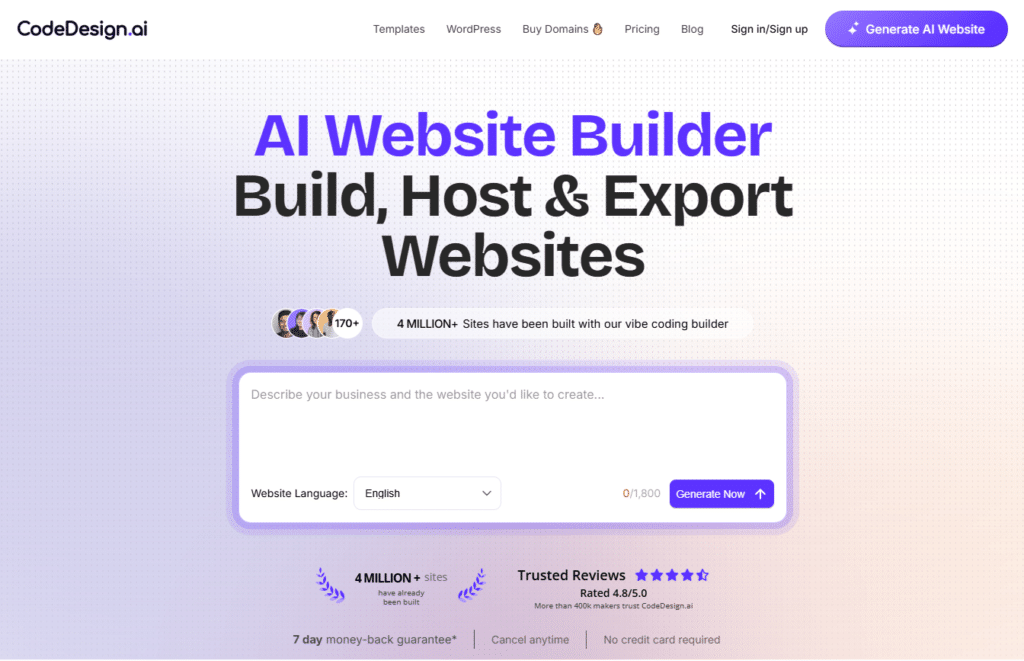
CodeDesign mixes AI automation with serious developer power. I like it when I need freedom to export code or tweak every detail while still getting AI speed.
4.5
OVERALL RATING
Key Pain Points CodeDesign.AI Solves
Highlighted Features
Real User Experience
“Amazing Web Design Program!! The software is easy to learn, and it creates professional landing pages, its a great tool for beginners and advanced marketers, it has automated features that allow AI to automatically build your website, which helps, especially if its a large website. And they have fast and professional live assistants to help you if you get lost along the way, highly recommended!! “
— Andreas Pepas, TrustPilot, CodeDesign.AI User
Demo Description
CodeDesign’s walks you through AI site generation. You describe your vision, and the AI builds a site from its library. You’ll test the drag-and-drop editor, regenerate designs, use the Magic Copy tool, and export code. The demo shows developer-friendly features mixed with no-code ease.
Pros and Cons
Integrations & Support
CodeDesign’s support team shines – they fix issues directly, not just point to guides. You get a 7-day money-back guarantee and community sharing. Integrations feature Zapier for forms and apps, WordPress sync for publishing, custom domains, built-in analytics, email notifications, and clean code export (HTML/CSS/React). This gives you real freedom and easy data flow.
Pricing
Design full sites with AI magic and export clean code whenever you want!
CodeDesign.AI specializes in powerful AI generation mixed with visual no-code editing and code export freedom for pros.
5. Dorik AI
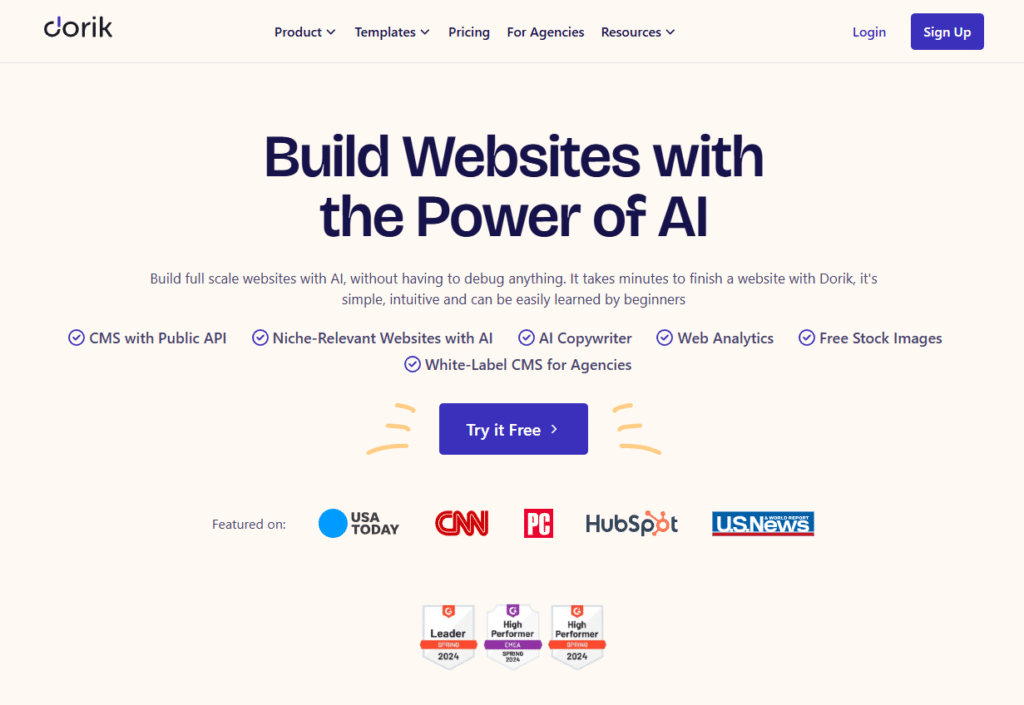
Dorik gives you AI speed plus real control for blogs, memberships, or client sites. I pick it when I need to grow beyond basic pages.
4.5
OVERALL RATING
Key Pain Points Dorik Solves
Highlighted Features
Real User Experience
“The most important thing I need for any application is technical support. Dorik has great technical support and a strong community. I used wordpress for 15 years but now I am switching to Dorik and we are happy because I don’t have to deal with data backup, security, updates, installations etc.
I have to make websites fun and intuitive. My web site: https://evolucevztahu.cz , Dorik fulfills that. If you’re not an IT guy, you’ll be thankful for zo’s very helpful team and tech support behind the scenes. I also love their community and helpful customer support. I use the Dorik CMS Agency plan and have watched Dorik become a better and better tool for building quality websites. It has a lot of potential. I am very happy with Dorik, even though I am from the Czech Republic ❤ “
— Miroslav Sázovský, ProductHunt, Dorik User
Demo Description
Dorik’s demo shows AI site generation, CMS management, and membership setup. You’ll create a blog, add membership tiers, and test team collaboration features. The demo emphasizes content management and scalability for growing projects.
Pros and Cons
Integrations & Support
Dorik’s email support plus a help center keep things moving, with priority help on higher plans for faster replies. Connect Google Analytics for tracking, payments for memberships, custom code embeds, and forms. Built-in CMS and membership tools handle content and users smoothly, making it simple to tie in what you already use.
Pricing
Grow blogs, memberships or client sites with flexible AI and no-code tools!
Dorik specializes in content-heavy sites like blogs and memberships with strong CMS, white-label, and team features.
6. Lindo AI
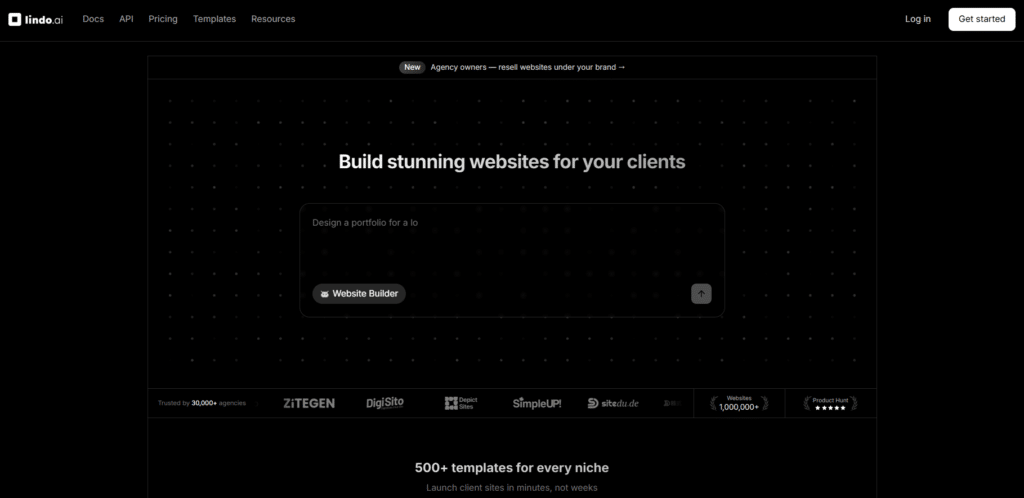
Lindo AI targets agencies and freelancers hard. I use it when I need white-label, client tools, and tons of AI to build and sell sites like a pro service.
4.4
OVERALL RATING
Key Pain Points Lindo AI Solves
Highlighted Features
Real User Experience
“I’ve tried all the AI website builders out there, and this one just works. It’s also dead simple to use. To top it off, it’s sense of style is really great. I really like the sites that this platform creates so much better than any other AI platform I’ve tried. And, everything’s included: hosting, custom domains, ssl, etc.
Plus, you can configure everything with Tailwind or any custom CSS or JavaScript, if you’re so inclined. They’ve just made it so easy to get great results. I’ve been using it for over a year now and I couldn’t be happier.”
— Jeremy, ProductHunt, Lindo AI User
Demo Description
Lindo’s demo shows AI site generation, white-label branding setup, CRM workflow, and client billing integration.
You’ll create a client site in seconds, customize branding, send an invoice, and track analytics. The demo emphasizes agency scalability and professional tools.
Pros and Cons
Integrations & Support
Lindo AI has email support with a help center works fine, and priority goes higher on agency plans.
Built-in CRM organizes clients and invoices. Analytics track visitors, leads, devices, and UTMs. Add chat widgets, payments, forms, custom code, and branded tools. Agency folks love the white-label and workflow connections for reselling sites smoothly.
Pricing
Run your agency or freelance business with white-label AI sites and CRM!
Lindo AI specializes in agency tools with white-label sites, built-in CRM, client billing, and scaled AI generation.
7. Readdy AI
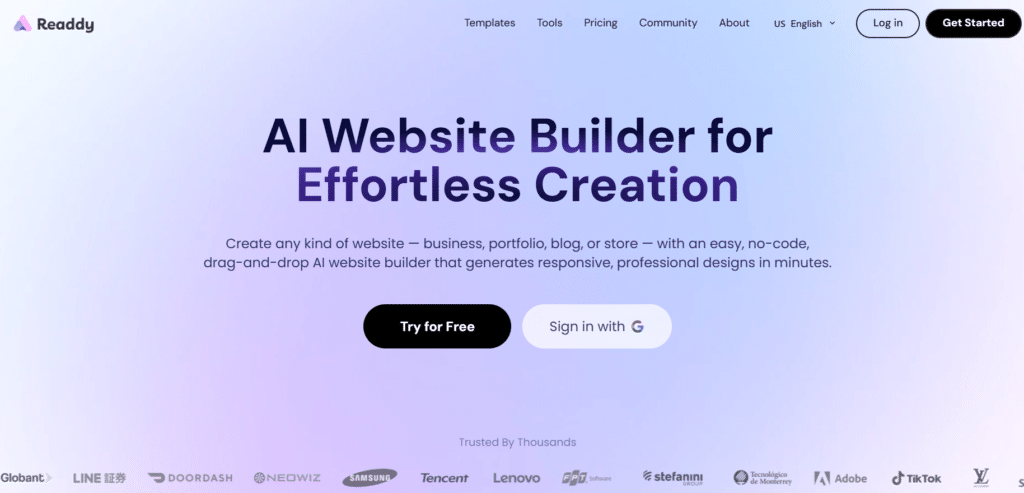
Readdy AI feels fresh and chat-based. You talk to the AI like texting a friend, and it builds or tweaks your site. I love it for creative or fast changes.
4.3
OVERALL RATING
Key Pain Points Readdy AI Solves
Highlighted Features
Real User Experience
“ Finally found the tool I NEEDED!!!
I’ve probably spent a couple of hundred dollars testing vibe coding websites, and Readdy AI is my FAVORITE by far, and I recommend it to everyone I know. My sister in law called me this morning while I was driving to ask me to build a website for her non profit org, and she created an account and a website while we were on the phone for 18 minutes! She loved it, and I do too. There are sooooo many people with good ideas that don’t know how to share their ideas with the world…I’m glad I get to help the people I can reach by telling them about Readdy AI!
Oh yeah…it worked GREAT for me! I built an amazing website that’s getting rave reviews from my target audience. I wish I could give ten stars! “— A-Sun, TrustPilot, Readdy AI User
Demo Description
Readdy’s website generation is chat-based. You type a business description or paste a reference URL. The AI builds a site matching your request. You’ll test text-driven style changes, add animations, scale with new pages, and revert versions. The demo highlights creativity and conversational control.
Pros and Cons
Integrations & Support
Readdy AI offers help docs and FAQ cover most questions, with email support (priority on paid plans) for extras. Strong integrations include Stripe and Shopify for payments and stores, Calendly for bookings, Mailchimp for emails, Google Analytics for tracking, and Supabase for secure forms and user data. These make sales, leads, and marketing flow without extra work.
Pricing
Build your site by chatting with AI like texting a friend – super easy!
Readdy AI specializes in conversational AI building where you describe or chat to create and tweak sites fast.
8. Mixo
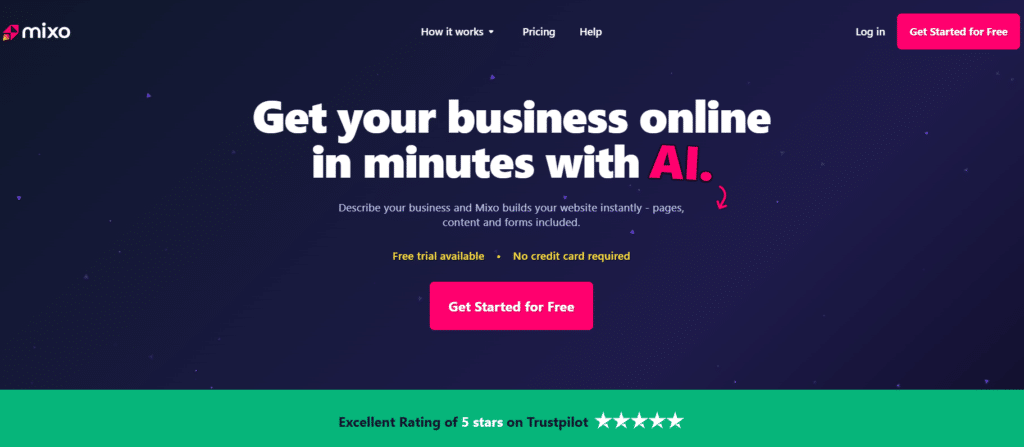
Mixo nails super-fast launches from just an idea. I use it when I need a site up in minutes to test concepts or start selling quick.
4.3
OVERALL RATING
Key Pain Points Mixo Solves
Highlighted Features
Real User Experience
“ No better website builder, especially for lean startups
As a startup founder, Mixo has been an incredible asset in giving a web dev incompetent like myself, the tools to make a sleek, chic, 2024 website. It also does not feel like the many other AI website builders. Yes, you have to pay for the premium account if you truly need to launch a business of any kind, but there are so many promos, you just may for the whole year and forget about it because it looks so nice.
Also, major shoutout to the founder Adam. I had an issue where my custom domain was unresponsive, and he reached out within hours and had a full step by step guide on what to do, and went above and beyond by sorting things out on Mixo’s end to ensure everything was 100%.”— Greg, Startup Founder, TrustPilot, Mixo User
Demo Description
Mixo can result in an instant site creation from an idea. You type a one-sentence business description and watch the AI generate a full landing page. You’ll test customization, add a waiting list form, connect a custom domain, and publish live. The demo highlights speed and simplicity.
Pros and Cons
Integrations & Support
Mixo offers email support and clear help docs answer questions quick when you need them.
Focus stays on fast connections – export leads from forms, link Google Analytics for insights, add payments, and capture emails or waiting lists. Everything feels straightforward so you launch and grow without getting stuck on tech.
Pricing
Turn your business idea into a live website in just minutes!
Mixo specializes in ultra-quick one-page sites from ideas with lead capture and simple testing for startups.
9. SITE123
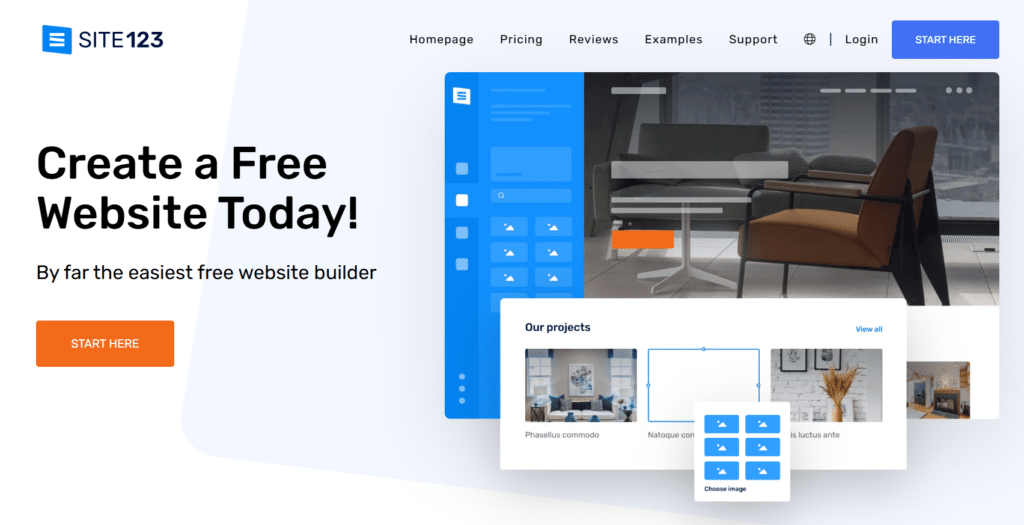
SITE123 keeps it dead simple with a strong free forever option. I recommend it if you want zero risk or just need something basic up fast.
4.2
OVERALL RATING
Key Pain Points SITE123 Solves
Highlighted Features
Real User Experience
“ Creating web pages, it was never so easy
Creating a web page from scratch could be traumatic, but with this tool it’s more of a fun walk, it guides you, it gives you tips, you can improve your online publications in such a simple way and with a professional finish that caught me from the start”
— Patricia D, G2, SITE123 User
Demo Description
SITE123’s demo guides you through template selection, real-time editing, and adding multilingual support. You’ll set up a product store, connect social sharing, and publish a site. The demo shows how simple the platform stays even for complete beginners.
Pros and Cons
Integrations & Support
SITE123 offers 24/7 live chat support jumps in to guide you anytime – super helpful for beginners. Integrations keep it basic but useful: social sharing buttons, Google SEO tools, e-commerce payments, custom domains, and free hosting/CDN. Royalty-free images and multilingual options fit right in, so your site connects to the world easily.
Pricing
Set up a simple, mobile-ready site completely free and upgrade only later!
SITE123 specializes in dead-simple drag-drop sites with free forever hosting and easy multilingual setups for beginners.
Key Features to Look For in AI Website Builders
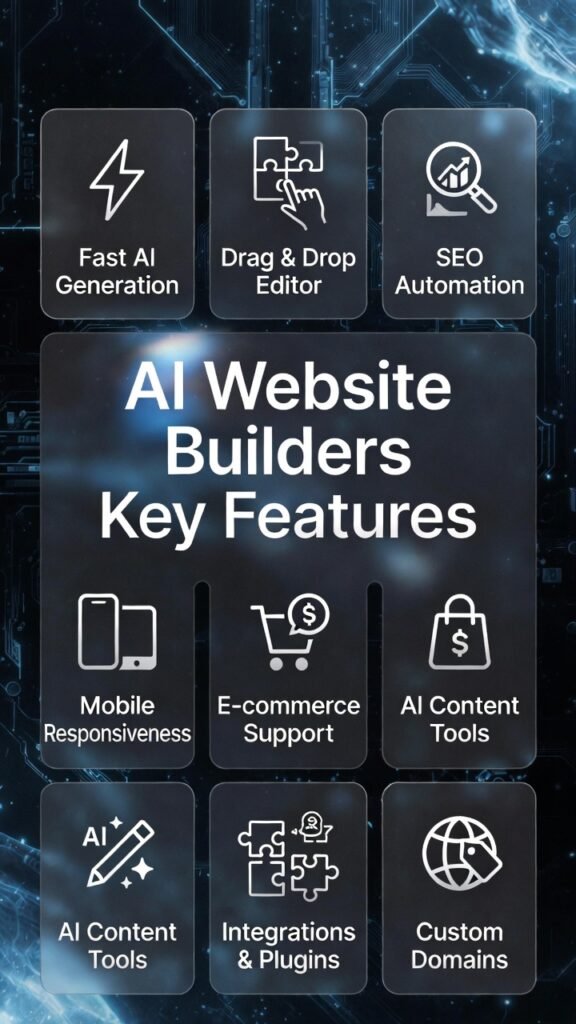
Not all AI website builders deliver the same value. When you’re choosing a platform, these features make the biggest difference in speed, quality, and long-term success.
- Fast AI Generation: The best website builders create complete sites in under a minute. Slow AI defeats the purpose. Look for platforms that build layout, copy, and images in seconds, not hours.
- Drag-and-Drop Editor: AI gets you started, but you need easy customization. A visual editor lets you tweak colors, move sections, and add content without touching code. Flexibility matters.
- SEO Automation: Built-in SEO tools optimize meta tags, titles, sitemaps, and speed. The AI should suggest improvements so your site ranks higher without manual SEO work.
- Mobile Responsiveness: Your site must look perfect on phones and tablets. Automatic mobile optimization saves time and ensures every visitor gets a smooth experience.
- E-commerce Support: If you’re selling products, choose a builder with payment integrations, product management, and zero transaction fees. Avoid platforms that nickel-and-dime you on sales.
- AI Content Tools: AI writers, blog generators, and copy editors speed up content creation. Quality matters – test how well the AI writes for your industry and voice.
- Integrations and Plugins: Connect email marketing, analytics, booking systems, and payment processors easily. More integrations mean more flexibility without switching tools.
- Custom Domains: Free subdomains look unprofessional. Make sure the plan includes a custom domain or lets you connect your own without extra fees.
- Scalability: Can you add unlimited pages, handle growing traffic, and expand features? Don’t pick a builder that caps your growth.
- Support and Ratings: Check real user reviews on G2, Trustpilot, and Capterra. Reliable 24/7 support saves you when things break or you get stuck.
These features separate great AI website builders from mediocre options. Prioritize what matches your goals – speed, customization, e-commerce, or scalability.
Best Practices for Choosing and Using AI Website Builders
Picking the right AI website builder isn’t just about features – it’s about matching the tool to your goals and using it smart. Here’s what I learned from testing these platforms.
Choosing the Right Builder
Start with your goal. Are you launching a personal portfolio, building a blog, or selling products? Different tools excel at different things. Hostinger nails e-commerce and affordability. Lindo fits agencies. Mixo works for fast idea validation. Match the builder to your purpose.
Test the free plan or trial. Almost every platform offers free trials or forever-free plans. Build a test site before paying. You’ll discover quirks, limits, and whether the AI actually delivers what marketing promises.
Check real user ratings. Don’t trust marketing hype. Read G2, Trustpilot, and Capterra reviews. Look for patterns – if multiple users complain about slow support or broken features, that’s a red flag.
Using AI Website Builders Effectively
Give the AI clear prompts. Vague descriptions create generic sites. The better you describe your business, audience, and tone, the better the AI performs. I saw huge quality jumps when I added specific details like “modern minimalist style for tech-savvy millennials.”
Customize what the AI builds. AI gives you a solid starting point, but don’t publish it raw. Tweak colors to match your brand, swap placeholder images with real ones, and refine the copy. Personalization makes your site stand out.
Update regularly. Fresh content keeps your site relevant and helps SEO. Use AI blog writers to publish posts consistently. Update product pages, add testimonials, or refresh design elements every few months. Stale sites lose traffic.
Personal Anecdote
When I tested Butternut AI for a client project, I rushed and used generic prompts. The AI built a decent site, but it felt cookie-cutter. I redid it with specific details – industry jargon, target audience pain points, brand personality. The second build blew me away. It felt custom-made, not AI-generated. That taught me: AI quality depends on your input quality.
Also, don’t skip mobile testing. I once published a site that looked perfect on desktop but broke on phones. Lost a week fixing it. Always preview and test on multiple devices before going live.
Key Takeaways
Conclusion
AI website builders transformed web development. You don’t need coding skills, big budgets, or weeks of time. Pick the right tool, give clear prompts, and let AI handle the heavy lifting. Customize what it creates, test on mobile, and publish fast.
Hostinger AI Website Builder takes the top spot for value, speed, and features. It blends affordability with powerful AI automation, built-in e-commerce, and strong SEO tools. Perfect for small businesses, beginners, and anyone who wants professional results without complexity.
But every tool on this list excels in different areas. PineApple Builder shines for personalized sites. Butternut gives editing freedom. Lindo scales agencies. SITE123 costs nothing to start. Pick what fits your goals.
So what’s stopping you? The hardest part isn’t building the site anymore – it’s deciding to start. Which AI website builder will you choose to bring your vision to life?
Instant Generate Your Website Today!
Hostinger AI Website Builder combines speed, affordability, and powerful features. Launch your professional site in under a minute with AI automation, e-commerce tools, and built-in SEO.