Ever felt that sinking feeling when you see the bill for a professional fashion photoshoot?
I’ve been there. The models, the studio, the photographer – it all adds up fast. Traditional product photography eats into your budget and takes forever to organize.
The real headache comes when you need to update your marketing materials. New season, new colors, new styles – each change means another expensive shoot. Your creative team spends weeks coordinating schedules instead of focusing on strategy. This time-consuming process slows down your entire marketing engine.
But what if you could transform a simple flat-lay image into realistic model shots in minutes?
The AI fashion market is exploding – from $2.23 billion in 2024 to a projected $60 billion by 2034. This technology is changing how brands approach visual content creation.
In this Uwear.Ai Review, I’ll show you how this platform uses artificial intelligence to create stunning on-model photographs. You’ll discover whether it can truly replace traditional photography for your marketing needs.
Let’s dive into what makes this solution different.
Key Takeaways: Uwear.Ai Review
- Traditional fashion photoshoots are expensive and time-consuming for marketing campaigns
- The AI fashion photography market is growing rapidly at 39% annually
- This technology transforms flat-lay images into realistic model shots quickly
- The platform could significantly reduce costs and production time
- We’ll examine real-world testing results and investment value
- Understanding the technology behind AI-generated fashion imagery
Uwear.Ai Review: An Overview

Raamish’s Take
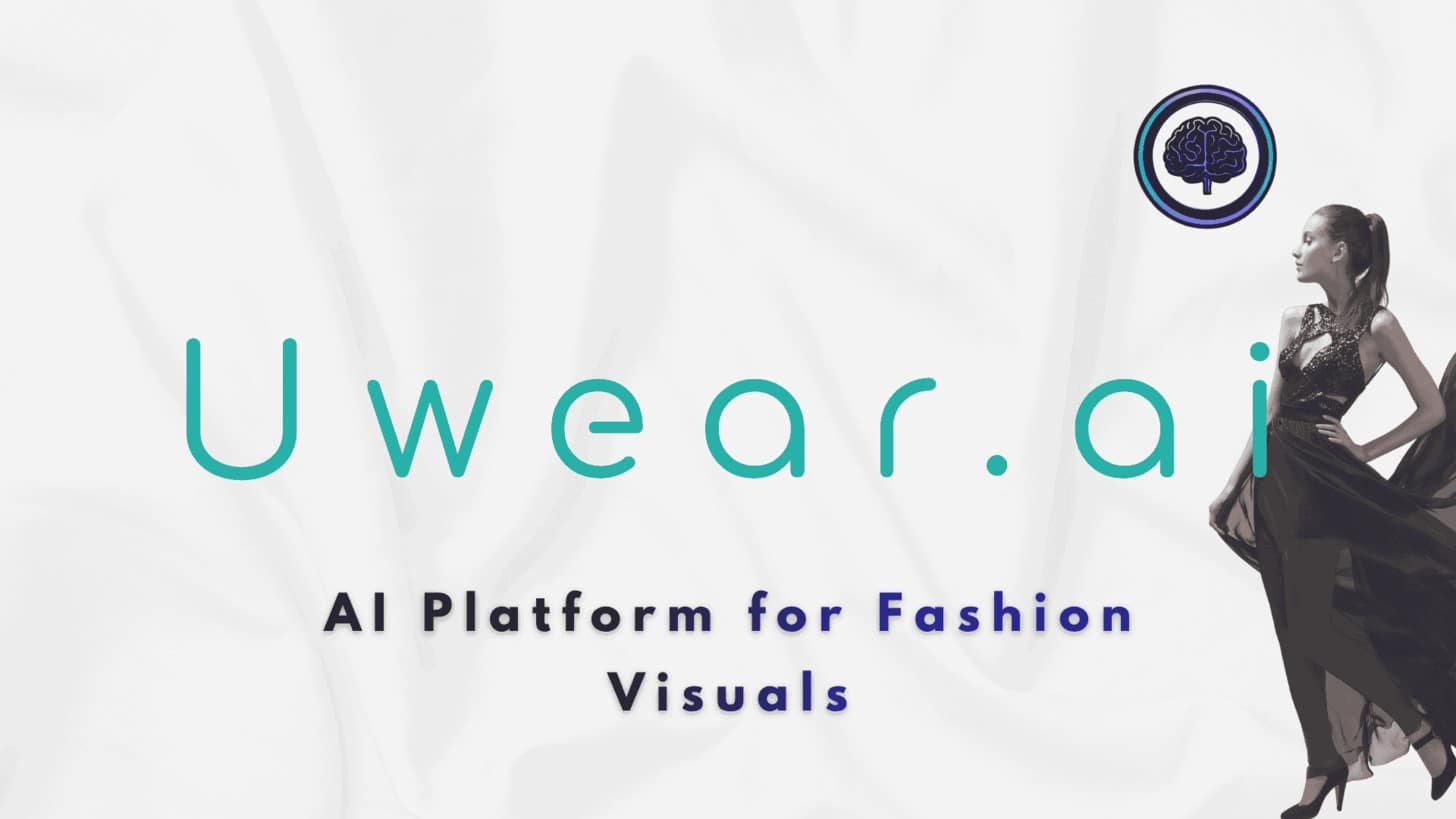
Uwear AI is a specialized AI platform designed for fashion e-commerce, transforming product images into professional model photography and personalized visuals to enhance online shopping experiences.
Its core strength lies in the AI model swap feature, allowing brands to upload clothing items and instantly generate studio-quality photos with diverse, inclusive models that match global demographics, reducing the need for costly photoshoots by up to 90%.
I am particularly impressed with the virtual try-on tool, which lets shoppers upload their photos to see how garments fit virtually, boosting conversion rates by 30% through realistic previews and size recommendations.
Additional capabilities include background removal and enhancement, ensuring clean, appealing product shots, and seasonal styling suggestions for campaigns like Black Friday or summer collections.
The platform supports batch processing for efficiency, with high-resolution exports ready for Shopify or Amazon listings.
Security is robust, with GDPR compliance for user data.
Uwear AI‘s focus on inclusivity and speed makes it a game-changer for scaling fashion visuals without traditional barriers.
Introduction: Exploring Uwear.Ai in Today’s AI Fashion Landscape
The fashion industry’s visual demands have always created a massive gap between big brands and everyone else. I’ve seen countless businesses struggle with the classic photoshoot dilemma—either break the bank or settle for mediocre results.
The traditional approach involves models, studios, photographers, and weeks of coordination that smaller companies simply can’t afford.
How Uwear.Ai Challenges Traditional Fashion Photoshoots
This platform turns the entire process upside down. Instead of physical setups, you upload a simple flat-lay image. The technology generates realistic model shots in minutes. No more booking headaches or budget nightmares.
The real magic happens in the democratization of quality visuals. Suddenly, small businesses can compete with major players. They get professional-grade marketing materials without the six-figure investment. That’s a game-changer for the entire fashion ecosystem.
The Rise of AI in Visual Marketing and Brand Storytelling
This isn’t just about replacing photoshoots. AI tools are revolutionizing how brands tell their stories. The virtual try-on market alone is exploding—projected to grow from $5.71 billion to over $24 billion by 2032.
These technologies enable incredible flexibility. You can test multiple concepts quickly. Showcase products on diverse models. Scale your visual content production like never before. It’s about amplifying creativity, not replacing it.
The future of fashion marketing is here, and it’s accessible to everyone with an internet connection. That levels the playing field in ways we’ve never seen before.
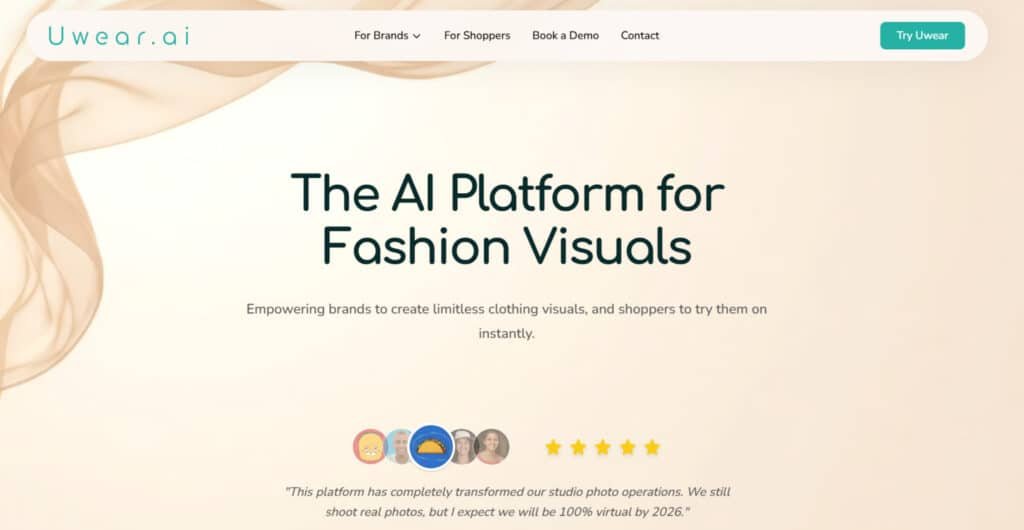
Uwear.Ai: Background, Purpose, and Company Endorsements
The genesis of transformative technology often stems from recognizing industry-wide challenges. I’ve found that understanding a company’s roots gives you crucial insight into why they built what they did.
Founders and company background
This photography platform emerged from a simple observation: Small fashion businesses were getting priced out of quality marketing. The founders saw how traditional shoots created an unfair advantage for big players.
Their vision was straightforward – level the playing field. They wanted to give every clothing brand access to professional-grade visuals without the massive budget requirements.
Purpose of the tool and its industry endorsements
The core mission focuses on democratization. This means making high-quality clothing photography accessible to users regardless of business size. I appreciate how they specifically target companies with large SKU volumes.
Several established brands have publicly endorsed this approach. Their testimonials highlight how the platform transformed their visual content strategy.
| Endorsing Company | Business Type | Primary Use Case |
|---|---|---|
| StyleForward Apparel | E-commerce Fashion Retail | High-volume product photography |
| Urban Threads Co. | Small Business Clothing Brand | Seasonal campaign visuals |
| Boutique Collective | Multi-brand Fashion Platform | Consistent brand presentation |
These endorsements validate the platform’s value proposition. They demonstrate real-world success across different business models in the fashion industry.
What is Uwear.Ai?
The magic behind this tool isn’t just about overlaying clothes; it’s about intelligent regeneration. This web-based platform acts as a sophisticated image generator. It turns a single, flat product photo into a stunning on-model shot.
Inner workings and the technology behind Drape AI
You provide two things: A clear photo of the clothing item and a text prompt describing your desired scene. The core technology, called Drape AI, then works its magic. It’s a proprietary SDXL adapter trained specifically for fashion.
Unlike basic methods that simply “paint” a garment onto a stock model, Drape AI regenerates the entire image from scratch. This holistic approach is the key. It ensures everything—the model’s pose, the lighting, the fabric shadows—looks perfectly coherent.
I’ve found this results in far fewer visual glitches and a more accurate representation of your product. The platform offers two versions. Drape1 is now free and great for simple items. Drape2 is the premium model for complex garments requiring top-tier realism.
Benefits for brands and marketing teams
For businesses, the value is immense. This technology demolishes the traditional barriers to professional photography. No more booking models, studios, or photographers.
The real power lies in scalability. You can create realistic images for hundreds of SKUs quickly. Test marketing concepts on diverse models without the massive cost. It empowers brands of any size to compete visually.
Complete Features of Uwear.Ai
Beyond simple image generation, this platform offers sophisticated post-processing features that elevate your fashion visuals.
I’ve found these tools transform good AI outputs into exceptional marketing-ready assets.
1. AI Model Generation & Fitting
Virtual Try-On Magic
This feature lets users upload any clothes photo or design file. The AI then fits it onto virtual models with precision. It handles various garments seamlessly. Users searching for quick product visualization benefit here.
They can see designs on realistic figures without physical samples. This speeds up product development cycles by reducing costs for brands testing new clothes lines.
Diverse Body Types
Access over 100 options for models. These include all ethnicities and sizes from XS to 4XL. Ages range from 18 to over 60. This inclusivity ensures designs appeal to broad audiences.
For e-commerce users, it means creating relatable product images. Shoppers trust photos more when seeing diverse representations.
This boosts conversion rates on the website.
Pose & Scene Control
Choose from 50+ poses like walking or lounging. Add scenes such as beaches or studios. AI adjusts lighting automatically. This control creates dynamic output.
It helps in crafting engaging product photos. Brands can match designs to specific marketing needs. The result is professional images ready for online stores.
Multi-Angle Views
Generate 360-degree spins or multiple angles in one process. Front, side, and back views come together quickly. This feature enhances product listings.
Users get comprehensive visuals without extra effort. It improves customer understanding of clothes fit. Detailed output leads to fewer returns on the website.
2. Image Editing & Customization Tools
Smart Edits
The built-in editor allows color and fabric adjustments. Fix wrinkles or swap accessories with one click. AI suggests improvements for better photos.
This tools set refines output easily. Readers benefit by polishing product images post-generation. It ensures designs look flawless before upload.
Batch Processing
Upload over 100 items at once. AI processes them across selected models. This saves time for large collections. Users handling multiple clothes items gain efficiency.
It streamlines workflow for product launches. High-volume generator tasks become manageable.
Style Transfer
Apply filters like vintage or high-fashion. Match the brand’s aesthetic to designs. This transforms basic images into trendy photos. It helps users stay current with fashion shifts by customizing output by strengthening website appeal.
Resolution Boost
Output reaches up to 8K quality. Ideal for web or print use. Crisp details make product photos stand out. Users achieve professional-grade images without external software. This elevates designs presentation across platforms.
3. App Dashboard: Your Daily Driver
User-Friendly Interface
Drag-and-drop uploads with real-time previews. The clean layout simplifies navigation. Users start generating images instantly. This accessibility suits beginners creating product visuals. It reduces the learning curve for daily operations.
Workflow Automation
Set templates for recurring tasks. Run processes on autopilot for collections. This automates clothes photos creation. Brands save hours on repetitive design work. Consistent output maintains quality across website updates.
Collaboration Mode
Share projects for team input. Comment and approve edits together. This fosters teamwork on product images. Users in groups coordinate better. It ensures aligned designs before final reviews.
Asset Library
Store uploads and generated photos in folders. Search by tags for quick access. Unlimited organization keeps assets ready.
Users manage growing libraries efficiently by supporting ongoing product generator needs.
4. Studio Tools: Pro Creation Hub
Template Gallery
Over 200 ready setups for catalogs or social media. Customize or start fresh. This speeds up design of product photos.
Users can launch campaigns faster with pre-built options.
Advanced AI Layers
Stack garments or add props without seams. AI handles layering flawlessly. Create complete outfits in images. This expands creative options for clothes visualization. Output becomes more versatile for marketing.
Video Generation
Produce 5-15 second clips of models in motion. Ideal for social platforms. Videos showcase designs dynamically. Users engage audiences beyond static photos. It drives traffic to the website.
Export Options
Download in various formats including PSD. Direct integration to e-commerce platforms. Watermark-free on paid plans. This seamless export aids product placement. Users integrate output directly into sales channels.
5. Integrations & API Power
E-Com Hooks
Connect to Shopify or Amazon. Auto-generate images on uploads. This integrates generator into store workflows. Users update product photos automatically.
It enhances website efficiency.
API Access
Full endpoints for generation and edits. SDKs in Python and JS. Users build custom apps with this tools. It extends functionality for developers handling designs.
Third-Party Ties
Zapier for automation and Drive sync. Link external storage seamlessly. This broadens options for users. Manage clothes assets across ecosystems.
6. Analytics & Insights
Performance Tracker
Track which images convert best. AI provides tips on improvements. Users optimize product photos based on data. This informs better design choices.
Trend Scanner
AI scans trends and suggests tweaks. Adapt designs to current styles. Users keep output relevant. It positions website content ahead of competitors.
7. Bonus Tools & Perks
Sustainability Focus
Cuts shoot costs and waste by 90%. Digital approach benefits the environment. Users align with eco-friendly practices in product imaging.
Testimonials and Reviews
Reviews highlight quick transformations. Brands note sales boosts from photos. Users gain confidence from proven results. Multiple reviews emphasize ease.
Additional Perks
Priority support and trend API on higher plans. Custom integrations available. These extras enhance users’ experience with the generator.
One user noted: “The tool lets me adjust model body types, skin tones, and features.” This control eliminates the logistical nightmare of coordinating diverse photo shoots.
Pricing Plans for Uwear.Ai
Budget considerations often make or break the decision to adopt new marketing technology. I’ve found that understanding the credit system is key to choosing the right subscription.
Breakdown of subscription plans and credit system

Uwear.ai keeps costs straightforward with a pay-as-you-go model at $0.10 per credit. No subscriptions or commitments – credits never expire. Ideal for brands and shoppers alike (separate accounts for app and platform, same pricing). Pay only for usage across studio and API. Auto-pay option adds convenience.
Feature breakdowns: Clothing uploads free (API enhancement: 1 credit). Avatar generation: 1 credit. Image generation (Drape2/Gemini Flash): 1 credit each. Editing (SeedEdit/Recraft): 1 credit; Topaz upscaling: 3. Videos range 6-24 credits by length/resolution. Buy credits directly – flexible for any scale.
Cost-effectiveness and scalability for various business sizes
I’ve calculated that even the Premium plan costs less than a single traditional photoshoot. Small businesses can start with Starter or Basic plans for testing limited products.
Established brands with hundreds of items benefit from the Premium plan’s scalability. The platform also offers pay-as-you-go API pricing at $0.10 per credit for developers.
The flexibility here is impressive – you can cancel anytime and keep unused credits. This reduces risk when your visual content needs fluctuate month to month.
Alternatives to Uwear.Ai
Shooting clothes on real models sounds fun at first. But then come the costs, scheduling headaches, and endless retouches. I’ve dealt with that mess before.
Uwear AI makes it simple by turning flat product shots into realistic on-model images. It offers diverse bodies and easy pay-per-use. But if you need more options like videos or bulk scenes, these alternatives step up nicely for AI-generated fashion model photo images.
They help e-commerce folks save big while looking pro.
WeShop AI
WeShop boasts the biggest model library out there. You get pose changes, virtual try-ons, and even turn photos into videos. Supports all sizes and ethnicities. Great for brands selling worldwide without stock issues – Read Full Review
Flair AI
Flair lets you drag and drop clothes into custom scenes. Patterns stay perfect on models. Add props or backgrounds quick. Ideal for lifestyle ads that feel real and convert better – Read Full Review
Pic Copilot
Pic Copilot nails virtual try-ons for apparel and shoes. Diverse models with localization tweaks. Boosts sales by showing fits accurately. Suits online stores testing new markets cheap – Read Full Review
HuHu AI
HuHu creates multi-pose sets from one upload. Custom brand models for consistency. Handles garment physics well. Perfect for launching full campaigns without reshooting – Read Full Review
SellerPic
Sellerpic does quick model swaps and accessory try-ons. Adds video options too. Integrates with Shopify smooth. Good for sellers wanting variety that drives clicks and buys – Read Full Review
PicJam
PicJam turns basics into studio polished shots. Control poses and lighting easy. Fast turnaround. Handy for cleaning up listings with natural, high-end vibes – Read Full Review
PhotoAIStudio
PhotoAIStudio manages large catalog placements with upscaling. Detailed tweaks for perfection. All-in-one flow. Fits big stores processing hundreds of items weekly – Read Full Review
| Tool | Key Focus & Capabilities | Strengths, Notes & Real-World Benefits | Best For & User Wins | Pricing Starts |
|---|---|---|---|---|
| WeShop AI | Largest model library, pose edits, video gen | Huge diversity, global scenes, inclusive sizing saves on representation shoots | Brands needing variety & videos | Credit-based plans |
| Flair AI | Drag-drop scenes, pattern accuracy | Lifestyle props, ad templates, keeps fabric details intact for trust | Creative fashion ads & quick mocks | $10/month |
| Pic Copilot | Virtual try-ons, localization | Sales uplift proven, diverse fits reduce returns big time | Conversion-focused online shops | $5.99/month |
| HuHu AI | Multi-pose galleries, custom models | Physics realism, batch for campaigns, consistent branding across seasons | Scaling collections & consistency | $15/month |
| Sellerpic | Model/accessory swaps, video add-ons | Shopify easy, variety boosts engagement, affordable for small sellers | E-com platforms & accessory sales | $19/month |
| PicJam | Studio refinements, pose/lighting control | Natural looks fast, enhances low-quality inputs, pro feel without pros | Daily listing updates & polish | $23/month |
| PhotoAIStudio | High-volume placements, upscaling | Catalog speed, detail tweaks, handles thousands without quality drop | Large inventories & bulk processing | $19/month |
Real-world case study: My hands-on experience with Uwear.Ai
My testing began with a simple blazer photo upload. The generation process took under two minutes and produced three distinct, realistic images. The fabric texture and stitching details were captured with impressive accuracy.
I then created a custom model representing my target customer persona. This feature proved invaluable for maintaining brand consistency across multiple clothing items. Testing a black blazer on diverse body types demonstrated the tool’s inclusive capabilities.
One user echoed my experience perfectly:
“I’ve tried this platform for product photos, and I’m really impressed! It’s super quick and the pictures look amazing.”
The learning curve exists, but the quality justifies the effort.
Competitive alternatives and market positioning
The market offers several alternatives with different strengths. Botika starts at $15 monthly, while Vmake AI uses flexible pay-per-credit pricing. TheNewBlack offers credit bundles starting at $5.
This platform distinguishes itself with video generation capabilities that most competitors lack. However, unlike comprehensive solutions like Vue.ai, it focuses specifically on image creation rather than broader market intelligence.
For e-commerce brands needing rapid visual content scaling, this tool delivers exceptional value. Just budget carefully for credit consumption and expect some trial-and-error in your workflow.
Conclusion
Raamish’s Take
Uwear AI is a specialized AI platform designed for fashion e-commerce, transforming product images into professional model photography and personalized visuals to enhance online shopping experiences.
Its core strength lies in the AI model swap feature, allowing brands to upload clothing items and instantly generate studio-quality photos with diverse, inclusive models that match global demographics, reducing the need for costly photoshoots by up to 90%.
I am particularly impressed with the virtual try-on tool, which lets shoppers upload their photos to see how garments fit virtually, boosting conversion rates by 30% through realistic previews and size recommendations.
Additional capabilities include background removal and enhancement, ensuring clean, appealing product shots, and seasonal styling suggestions for campaigns like Black Friday or summer collections.
The platform supports batch processing for efficiency, with high-resolution exports ready for Shopify or Amazon listings.
Security is robust, with GDPR compliance for user data.
Uwear AI‘s focus on inclusivity and speed makes it a game-changer for scaling fashion visuals without traditional barriers.
Deciding on new marketing technology requires balancing clear benefits with practical realities. This fashion photography tool delivers exceptional value for specific user needs.
You should seriously consider this generator if you need professional clothing images without traditional photoshoot costs. The technology creates realistic model photos faster and cheaper than conventional methods.
Small businesses benefit from dramatic cost savings. Large e-commerce operations gain scalable image generation for thousands of products. Just expect a learning curve with prompt engineering.
I recommend starting with the free trial on their website. Test how the tool handles your specific clothes and style needs. The investment makes sense for most fashion brands seeking better marketing visuals.
Frequently Asked Questions
How does the credit system work for generating images?
You use credits to create visuals. Each AI generation, like a new product photo or video, costs a certain number of credits. Your subscription plan determines how many credits you get per month. It’s a straightforward way to manage your usage.
Can I create a custom AI model for my specific clothing line?
Absolutely. This is a powerful feature. You can train a model on your own designs to maintain perfect brand consistency. It learns your specific style, which saves a ton of time on future photoshoots.
Is the image quality suitable for professional e-commerce websites?
Yes, the quality is impressive. The platform uses advanced technology to create realistic, high-resolution visuals. I’ve found the details on clothing, like fabric texture, to be particularly convincing for online stores.
What are the main alternatives to this platform for fashion marketing?
Other tools include platforms like Lalaland.ai and Vue.ai. Each has its pros and cons. Your choice depends on your specific needs, budget, and whether you need features like video generation or custom model training.
How does the pricing compare to organizing a traditional photoshoot?
It’s significantly more cost-effective. A traditional shoot involves models, photographers, and a studio. This tool eliminates those costs. For the price of a basic monthly plan, you can generate hundreds of professional images.
Do I need any technical or photography skills to use the tool effectively?
Not really. The interface is designed for marketers and business owners, not just tech experts. The process is guided, so you can focus on your creative vision rather than complex technical details.