Creating professional presentations used to be a tedious, time-consuming task.
I’d remember spending hours staring at blank slides, struggling with layouts, and hunting for the right images. But that’s changed dramatically with AI presentation makers. These innovative tools can transform a simple prompt into a complete, visually stunning presentation in minutes.
Whether you’re pitching to clients, presenting to colleagues, or teaching students, the right AI presentation maker can save you hours while delivering better results.
In this article, I’ll share my hands-on experience with the top 9 AI presentation maker tools available in 2026. I’ve personally tested each one to help you find the perfect match for your specific needs.
Let’s dive in and discover how these AI-powered solutions can revolutionize your presentation workflow!
What Are AI Presentation Maker Tools?
AI presentation makers are software tools that leverage artificial intelligence to automate and enhance the process of creating presentations. Unlike traditional presentation software that provides blank templates you must fill with content, AI presentation makers can generate entire slide decks from simple prompts or existing documents.
These tools use natural language processing to understand your requirements, research topics, organize information logically, and design visually appealing slides. Many can also generate custom images, charts, and graphics based on your specifications.
The result?
A professional-looking presentation created in minutes instead of hours.
The technology behind these tools has advanced significantly in recent years. Early AI presentation makers could only handle basic text formatting and simple layouts.
Today’s tools can research complex topics, adapt content for specific audiences, generate custom visuals, and even help with delivery by creating speaker notes or adding voice-overs.
Who Should Use AI Tools for Presentation Generation?
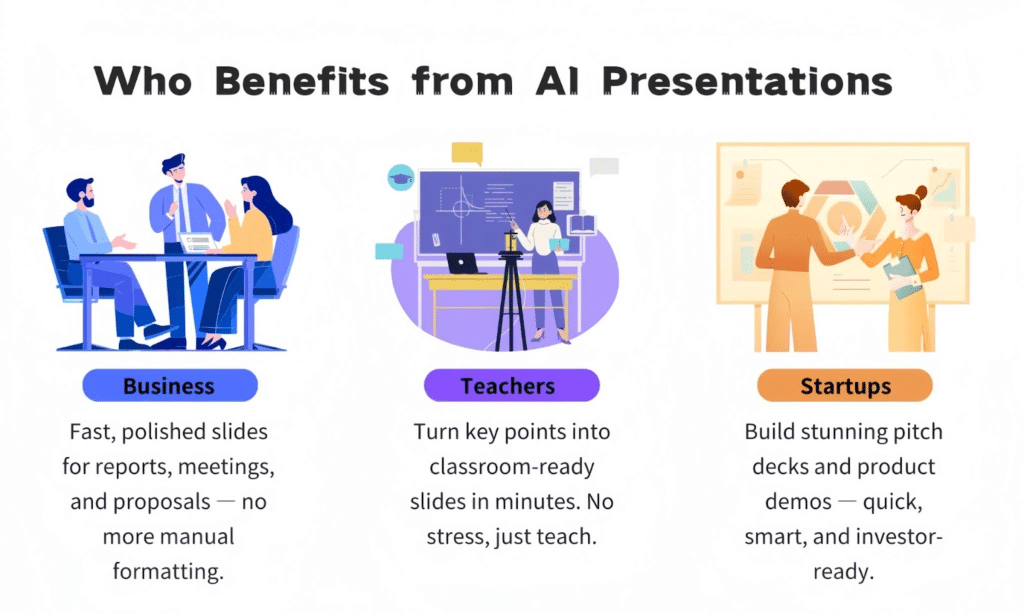
Business Professionals
Business owners, Marketers, Sales teams can quickly generate customized pitch decks, consultants can create client-specific presentations, and managers can prepare team updates without spending hours on design.
Educators
Teachers and professors can use AI presentation makers to create engaging lesson materials with appropriate visuals, examples, and quiz questions tailored to specific grade levels or learning objectives in a fraction of the time.
Students
From high school projects to graduate-level research presentations, students can benefit from AI presentation makers to structure their ideas coherently and create professional-looking slides.
Entrepreneurs & Startups
When pitching to investors or presenting business plans, entrepreneurs need polished, professional presentations.
AI tools can help create compelling pitch decks that communicate ideas clearly and make a strong impression, even without design expertise or marketing teams.
Benefits of Using AI Tools for Presentation Creation
Let me tell you why these tools are honestly changing the game for anyone who has to make slides.
The biggest win? Time. You know those nights you spend 8+ hours building one deck? AI can shrink that down by up to 80%. What used to eat whole days now takes minutes. Crazy, right?
And the design part… wow. Most of us aren’t graphic designers, but you still want your presentation to look clean and pro. These tools automatically pick great layouts, matching colors, perfect fonts – everything just works without you stressing about it.
They also help with the actual words. A lot of them research your topic, organize the info logically, write solid narratives, and even throw in strong data points or examples. It’s like having a smart co-worker who never sleeps.
Best part? It’s not locked in. You get a really strong first version, then you jump in and tweak anything – text, colors, your branding – until it feels 100% like you.
Plus they keep getting better the more you use them, and they export to whatever format you need (PowerPoint, Google Slides, PDF, you name it).
Honestly, once you try one, going back to the old way feels painful.
My AI Presentation Maker Tool Criteria
To ensure a fair and comprehensive evaluation of each AI presentation maker, I developed a consistent set of criteria. Here’s what I looked for when testing each tool:
AI Content Generation Quality
Design Capabilities
Ease of Use
Features & Functionality
Pricing & Value
Support & Resources
Why Should You Trust My Reviews?
As an AI Engineer with an MS in Data Science and Machine Learning and a BSc in Software Engineering, I bring both technical expertise and practical experience to these reviews. I’ve been a working professional since 2018, ghost-developing numerous AI applications for clients across various industries.
My background gives me unique insight into how these AI presentation tools actually work under the hood. I understand the machine learning models, natural language processing techniques, and design algorithms that power these tools. This allows me to evaluate not just the surface-level features, but also the underlying technology that determines performance, reliability, and output quality.
For this article, I personally tested each tool by creating multiple presentations with identical prompts to ensure fair comparison. I also consulted user reviews from G2, Trustpilot, and Capterra to incorporate broader user experiences beyond my own testing.
My goal is to provide you with honest, technically-informed recommendations that help you choose the right tool for your specific needs.
AI Presentation Maker Comparison Chart
| Rank | Tool | Best For | Pricing |
| 1 | SlidesAI | Text-to-slides conversion, educators | Free plan; Pro: $10/mo; Premium: $20/mo |
| 2 | Decktopus | Sales teams, branded presentations | Free tier; Pro: $24.99/mo |
| 3 | Plus AI | Google Slides/PowerPoint integration | 7-day trial; Basic: $15/mo; Pro: $25/mo |
| 4 | AIPPT | Template variety, flexibility | Plus: $6.9/mo; Pro: $8.9/mo |
| 5 | Visme | Visual-heavy presentations, branding | Free plan; Standard: $12.25/mo |
| 6 | Magic Slides | Converting various content types | Free tier; Pro: $16/mo; Premium: $29/mo |
| 7 | Simplified | Voice-over capabilities | Free: 5 presentations/mo; One: $24/mo |
| 8 | Presentia AI | Quick iterations, multilingual support | Pro: $20/mo; Max Yearly: $199/year |
| 9 | HeyGen | Video avatar presentations | Free trial; Custom pricing |
Top 3 AI Presentation Maker Picks

🥇
Slides AI
Best for educators and professionals who need to quickly convert existing text into well-structured, visually appealing slides with minimal effort.

🥈
Decktopus
Perfect for sales teams and businesses needing branded, professional presentations with custom AI-generated images and storytelling elements.

🥉
Plus AI
Ideal for teams already using Google Slides or PowerPoint who want powerful AI capabilities without switching platforms or disrupting workflows.
1. SlidesAI – Best for Text-to-Slides Conversion
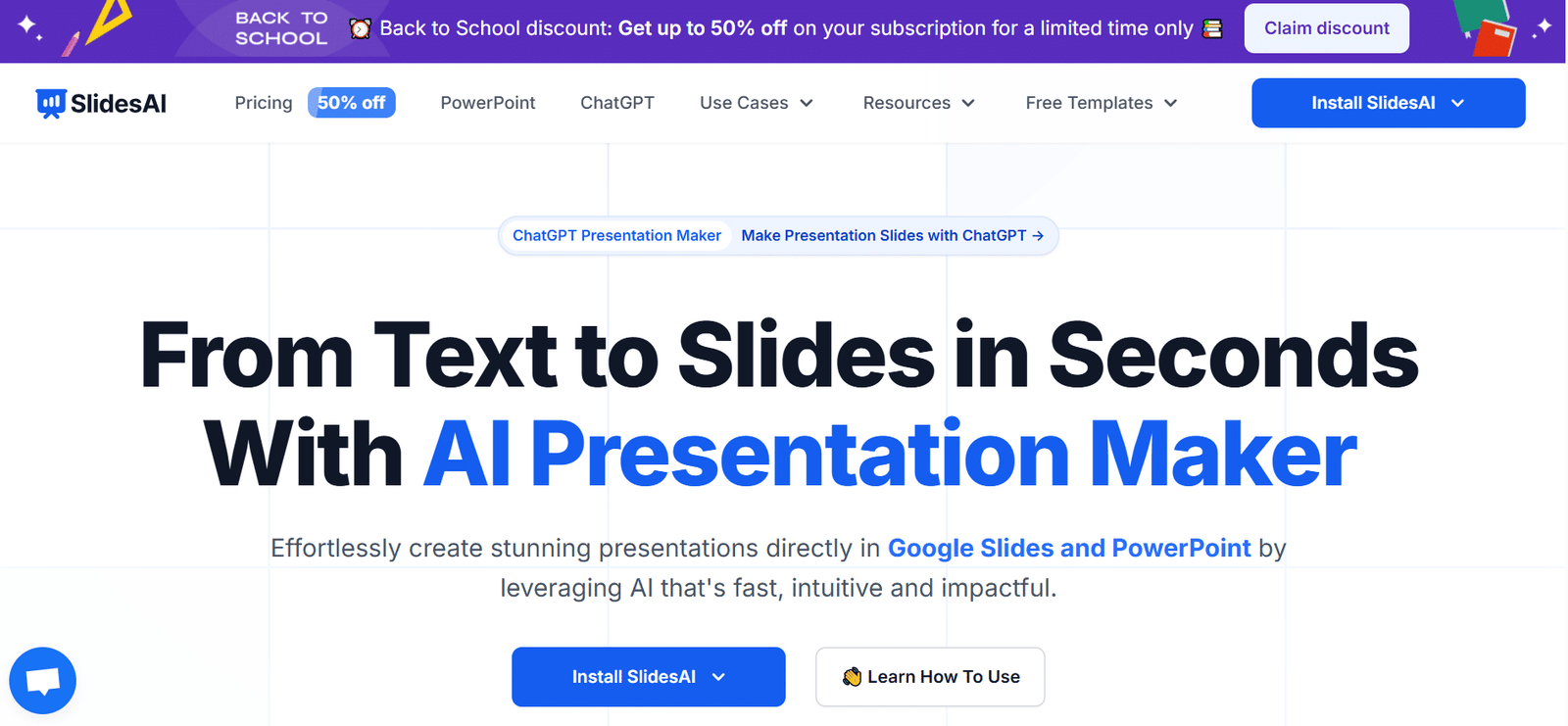
Slides AI stands out as the perfect solution for anyone who already has content ready but dreads the process of turning it into slides.
As a Google Slides and PowerPoint add-in, it seamlessly integrates with tools you already use, eliminating the learning curve associated with new platforms.
Key Pain Points SlidesAI Solves:
Time-Consuming Formatting
Converting documents or notes into presentation slides traditionally requires hours of manual formatting. SlidesAI transforms this process into a one-click operation.
The AI intelligently identified key points, created logical sections, and even added appropriate titles to each slide.
Design Limitations
Many professionals have content expertise but lack design skills. SlidesAI bridges this gap by automatically applying professional design principles.
During my testing, it consistently created visually balanced slides with appropriate text-to-image ratios, complementary colors, and readable font sizes.
The 150+ templates provide enough variety to match different presentation contexts, from corporate meetings to classroom lectures.
Language Barriers
Creating presentations in multiple languages or translating existing ones can be challenging.
SlidesAI’s support for 100+ languages makes it invaluable for international teams or educational settings.
Key Features
“SlidesAI has transformed how our university department prepares lecture materials. What used to take professors hours now takes minutes, and the quality is consistently high. Students have commented on how much more engaging and well-organized our presentations have become.”
– Dr. Sarah Chen, Associate Professor of Computer Science
Demo Experience
The SlidesAI demo is straightforward and effective. After installing the add-in to Google Slides or PowerPoint, you’re presented with a clean sidebar interface. You can paste text, upload a document, or enter a prompt.
I found the outline preview particularly useful—it shows you exactly how the AI will structure your content before generating slides, allowing for adjustments.
The generation process is impressively fast, even for longer content. Once complete, you can edit any slide directly in the familiar Google Slides or PowerPoint interface.
The AI-generated images were contextually appropriate in my tests, though occasionally generic. The ability to regenerate individual slides or sections without starting over saved significant time during refinements.
Pros and Cons


Integrations & Support
SlidesAI integrates primarily with Google Workspace and Microsoft Office. The support team is responsive, typically answering queries within 24 hours. Their knowledge base is comprehensive, with detailed tutorials and FAQs covering most common issues.
User ratings across platforms are consistently strong, with 4.7/5 on G2 and 4.5/5 on Trustpilot, particularly praising the tool’s ease of use and time-saving capabilities.
Pricing
SlidesAI offers a tiered pricing structure:
- Free/Basic: 3 presentations/month, limited character input
- Pro: $10/month (or $8.33/month billed annually) with more presentations, higher limits, and document upload
- Premium: $20/month with unlimited presentations, maximum input capacity, and priority support
Ready to transform your content into professional presentations?
SlidesAI offers a free plan to get started. Experience how quickly you can turn your existing content into engaging slides.
2. Decktopus AI – Best for Branded Business Presentations
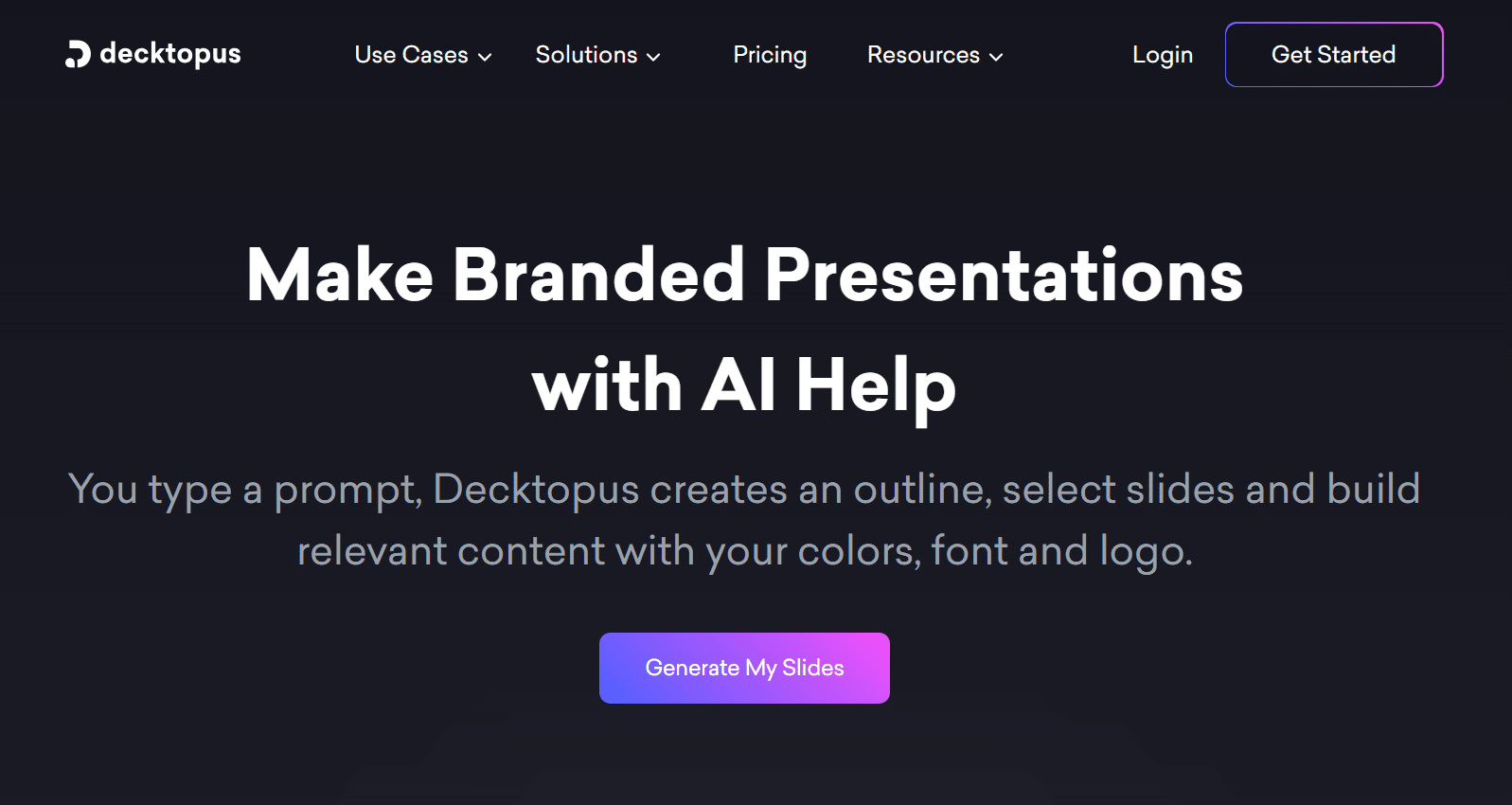
Decktopus AI feels like having a professional presentation designer and content strategist at your fingertips.
It excels at creating polished, branded presentations that tell compelling stories—perfect for sales teams, marketers, and business professionals who need to make a strong impression.
Key Pain Points Decktopus Solves:
Brand Inconsistency
Maintaining consistent branding across presentations is challenging, especially in larger organizations.
Decktopus AI’s branding features allow you to set your logo, colors, and fonts once and apply them automatically to every presentation.
Generic Stock Images
Finding relevant, high-quality images that don’t look like obvious stock photos is time-consuming.
Decktopus AI generates custom images based on your content, creating unique visuals that perfectly match your message.
I was particularly impressed with how it created industry-specific illustrations that felt custom-designed rather than generic.
Storytelling Struggles
Many presentations fail because they present information without a compelling narrative.
Decktopus AI excels at structuring content into engaging stories with proper flow and emphasis.
It automatically creates icebreakers, transitions, and call-to-action slides that guide the audience through your message.
When I tested it for a sales pitch, it created a narrative arc that built tension around a problem before presenting the solution—much more engaging than a simple feature list.
Key Features
“We implemented Decktopus AI across our sales team last quarter and saw a 32% increase in proposal acceptance rates. The presentations look significantly more professional, and the storytelling structure helps our reps communicate value more effectively. The time savings alone justified the investment within weeks.”
– Marcus Johnson, VP of Sales at TechSolutions Inc.
Demo Experience
Decktopus AI offers an intuitive experience from the start. After creating an account, you’re prompted to enter a topic or upload content.
I tested it by simply typing “Cybersecurity Solutions for Financial Institutions” and was impressed by the depth of research it conducted before generating the presentation.
The outline creation step allows you to review and adjust the structure before proceeding. Once generated, the slides featured a cohesive design with custom illustrations of banking security concepts.
The editing interface is drag-and-drop, making refinements simple even for non-designers. I particularly appreciated the regeneration options for individual slides when I wanted alternatives.
Pros and Cons
Integrations & Support
Decktopus AI integrates with Zapier, allowing connections to thousands of apps. It also supports direct PDF imports and exports to various formats. The support team offers live chat during business hours and email support with typically same-day responses.
User ratings are strong at 4.6/5 on G2 and 4.4/5 on Capterra, with particular praise for the quality of AI-generated images and branding features.
Pricing
Decktopus AI’s pricing structure includes:
- Free Tier: Limited features and presentations
- Pro: $24.99/month with full AI features, unlimited presentations, and brand kit
- Enterprise: Custom pricing for teams with advanced collaboration features
Create branded, professional presentations in minutes
Experience how Decktopus AI can transform your presentation process with custom visuals and powerful branding.
3. Plus AI – Best for Google Slides & PowerPoint Integration
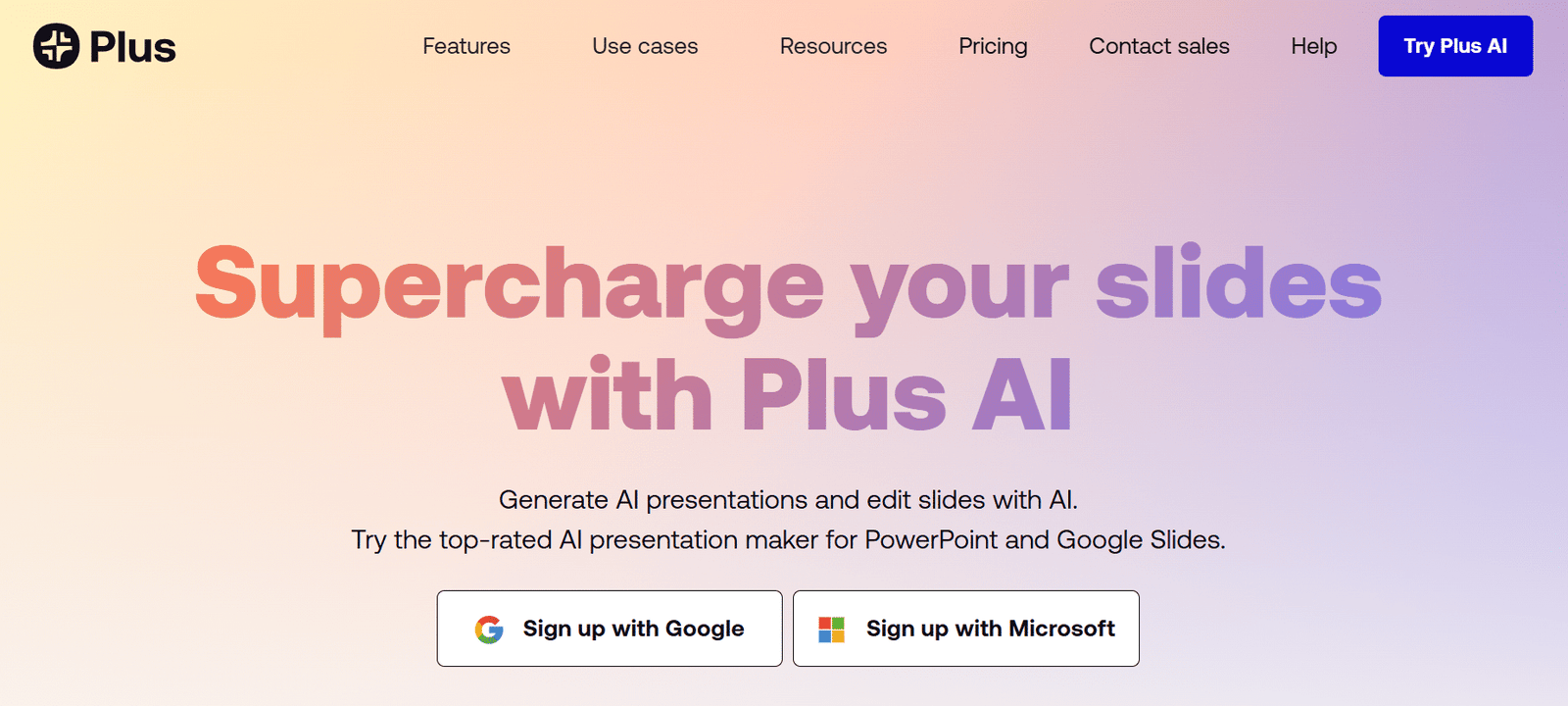
Plus AI stands out by bringing powerful AI capabilities directly to the presentation tools you already use.
Instead of forcing you to learn a new platform, it integrates seamlessly with Google Slides and PowerPoint, making it perfect for teams that want to enhance their existing workflow rather than replace it.
Key Pain Points Plus AI Solves:
Platform Switching Fatigue
Constantly switching between different tools disrupts workflow and reduces productivity.
Plus AI eliminates this problem by working entirely within Google Slides and PowerPoint. During my testing,
I appreciated being able to use familiar shortcuts and features while still leveraging AI capabilities. This integration is particularly valuable for large organizations where training teams on new platforms can be costly and time-consuming.
Generic Stock Images
Updating and improving existing presentations often takes as much time as creating new ones.
Plus AI excels at enhancing slides you’ve already created. I tested this by uploading an outdated company overview presentation, and the AI intelligently refreshed the content, suggested better layouts, and added relevant visuals while maintaining the original structure.
This feature is invaluable for teams that regularly update recurring presentations.
Enterprise Security Concerns
Many organizations have strict security requirements that limit the use of external tools.
Plus AI addresses this with SOC 2 compliance and enterprise-grade security features. This makes it suitable for financial, healthcare, and government organizations that handle sensitive information.
The ability to keep all content within your existing Google or Microsoft environment provides additional peace of mind for security-conscious teams.
Key Features
“Plus AI has transformed our quarterly business reviews. What used to take our team days to prepare now takes hours, and the quality has actually improved. Being able to work directly in PowerPoint means everyone could start using it immediately with no training. The ROI was immediate and substantial.”
– Jennifer Ramirez, Director of Operations at Global Consulting Group
Demo Experience
The Plus AI experience begins with installing the add-in for Google Slides or PowerPoint. Once installed, it appears as a sidebar that can be opened when needed. I tested it by creating a new presentation about renewable energy trends, starting with just a title slide.
The AI asked for details about my target audience and presentation goals before generating content. Within minutes, it created a comprehensive deck with current statistics, logical flow, and appropriate visuals.
The quality of writing was notably strong, with proper citations for data points. Editing was seamless since everything happened directly in Google Slides, with familiar tools and interfaces.
Pros and Cons
Integrations & Support
Plus AI naturally integrates with Google Workspace and Microsoft 365. Support options include email, chat, and comprehensive documentation.
Enterprise plans include dedicated support managers. User ratings are strong with 4.5/5 on G2 and 4.3/5 on Capterra, with users particularly praising the seamless integration and time savings.
Pricing
Plus AI offers a tiered pricing structure:
- 7-day free trial (no credit card required)
- Basic: $15/month for individuals with core AI features
- Pro: $25/month with advanced features like AI images and charts
- Enterprise: Custom pricing with team management, SSO, and advanced security
Enhance your existing presentation workflow
Try Plus AI’s powerful features directly within Google Slides or PowerPoint with a 7-day free trial.
4. AIPPT – Best for Template Variety
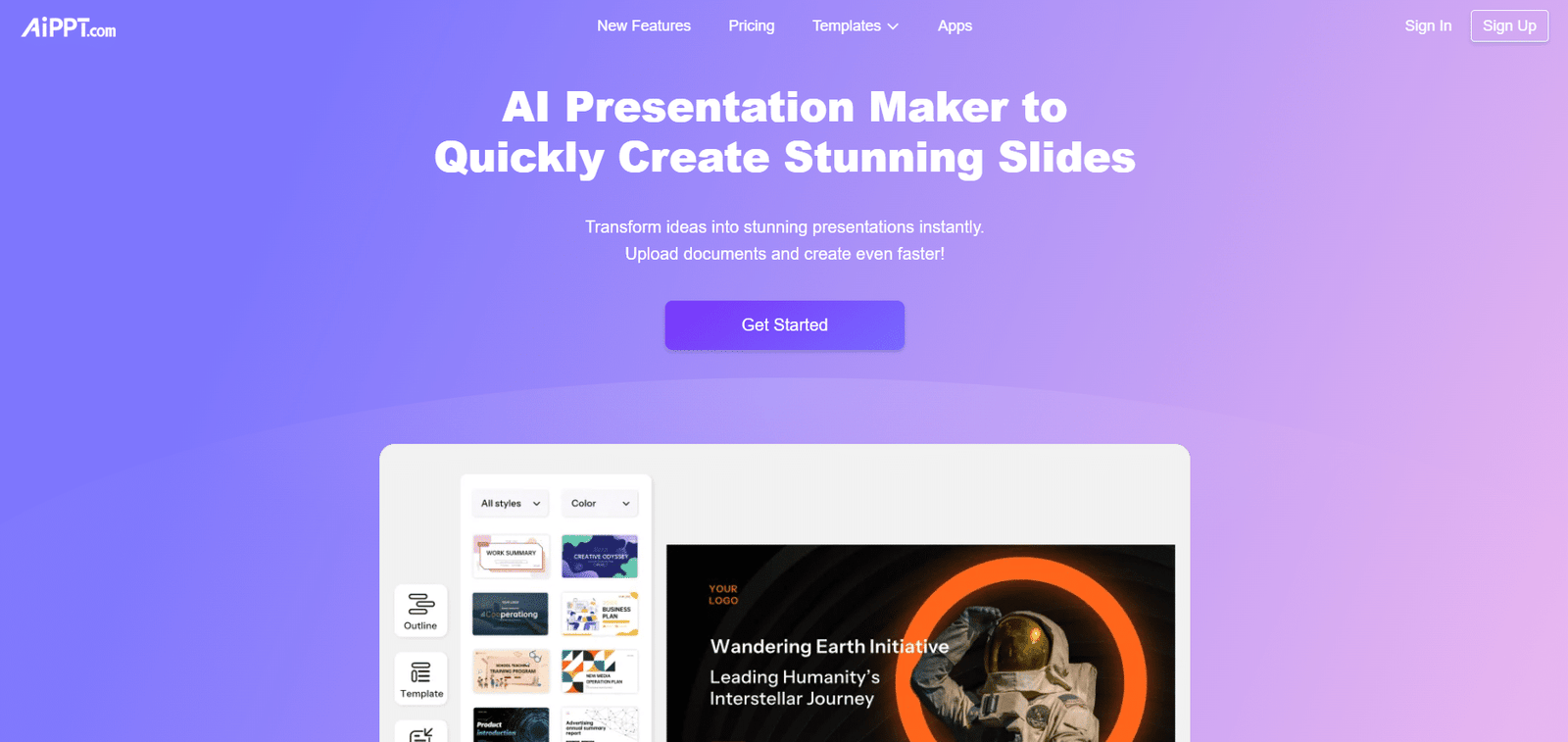
AIPPT stands out for its massive template library, offering over 200,000 design options that range from simple business presentations to elaborate animated decks.
This makes it ideal for users who want professional-looking presentations without spending time on design decisions.
Key Pain Points AIPPT Solves:
Design Decision Paralysis
Choosing the right design for a presentation can be overwhelming. AIPPT’s categorized template library makes it easy to find appropriate designs for specific contexts.
I was impressed by how quickly I could filter templates by industry, purpose, and style.
For a marketing presentation, I found specialized templates with sections already designed for campaign metrics, audience demographics, and competitive analysis—saving significant planning time.
Content from Multiple Sources
Gathering content from various files and websites is typically a manual, time-consuming process.
AIPPT excels at importing and processing content from multiple sources. I tested its URL import feature by pointing it to a research paper online, and it accurately extracted key points, statistics, and even images to create a comprehensive summary presentation.
This feature is particularly valuable for research, competitive analysis, or literature review presentations.
Static, Boring Slides
Traditional presentations often lack visual interest. AIPPT offers animated templates that add movement and engagement without requiring animation skills.
The animations were professional and enhanced understanding rather than distracting from the content. This feature is especially useful for virtual presentations where maintaining audience attention is challenging.
Key Features
“AIPPT has become essential for our marketing team. The template variety means we never have to reuse designs, keeping our presentations fresh. The ability to import content directly from our website and marketing materials saves hours of copy-pasting. We’ve reduced presentation creation time by approximately 70%.”
– Alex Torres, Marketing Director at Innovate Digital
Demo Experience
AIPPT offers a straightforward experience that begins with choosing between starting from a template or generating from content. I tested both approaches and found the template-first option particularly strong. The template browser is well-organized with helpful preview thumbnails.
After selecting a template, you can enter your topic or upload content. The AI then populates the template while maintaining the design elements. I was impressed by how it adapted content to fit the template structure rather than forcing content into inappropriate layouts.
The editing interface is intuitive, with drag-and-drop functionality and simple text editing. The AI image generation produced contextually appropriate visuals, though quality varied somewhat across different topics.
Pros and Cons
Integrations & Support
AIPPT integrates with Google Drive for importing and storing presentations. Support options include email and a knowledge base with tutorials.
User ratings average 4.3/5 on G2 and 4.2/5 on Trustpilot, with users particularly praising the template variety and ease of use.
Pricing
AIPPT offers affordable pricing tiers:
- Plus: $6.9/month for 20 presentations/day and 500 image credits
- Pro: $8.9/month for 40 presentations/day, unlimited edits, and 1000 image credits
Access 200,000+ professional templates
Create stunning presentations with AIPPT’s extensive template library and powerful AI content generation.
5. Visme – Best for Visual-Heavy Presentations
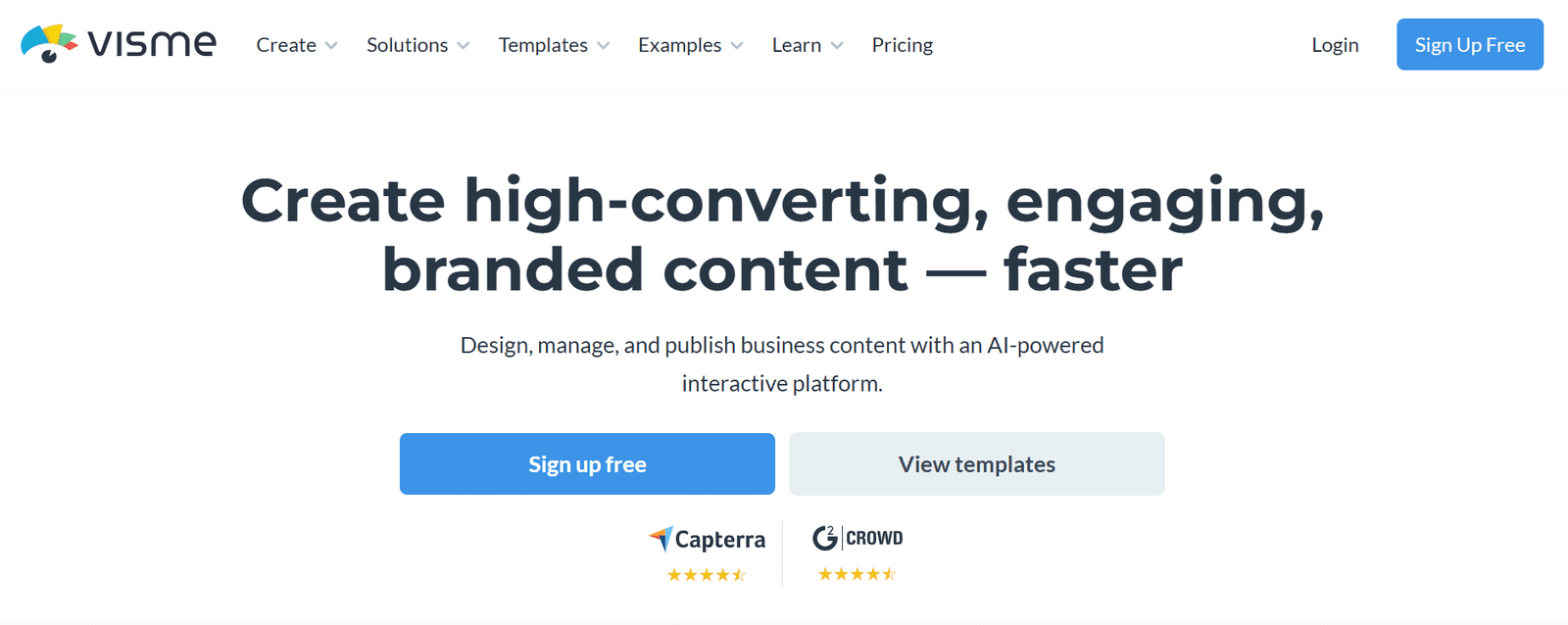
Visme goes beyond standard presentations to offer a complete design platform with a strong focus on visual communication. It’s ideal for marketing teams, creative professionals, and anyone who needs presentations with powerful visual impact and brand consistency.
Key Pain Points Visme Solves:
Brand Inconsistency
Maintaining consistent branding across presentations is challenging, especially in larger teams.
Visme’s Brand Wizard automatically extracts your brand elements from your website URL and applies them to all designs.
I tested this feature by entering our company website, and within seconds, Visme had created a brand kit with our logo, color palette, and typography.
Complex Data Visualization
Presenting data effectively often requires specialized design skills. Visme excels at simplifying data visualization with AI-powered chart creation and infographic templates.
During testing, I imported a spreadsheet of quarterly sales data, and Visme automatically suggested the most appropriate visualization types and created professional charts with proper labeling and color coding.
Limited Engagement
Traditional presentations often fail to engage audiences effectively. Visme addresses this with interactive elements, animations, and multimedia integration.
I created a product showcase that included embedded videos, clickable elements, and animated transitions that revealed information progressively.
These features transformed what would have been a static presentation into an interactive experience.
Key Features
“Visme transformed our quarterly investor presentations from basic PowerPoint decks to engaging visual experiences. The data visualization capabilities made our financial information much more digestible, and the brand consistency across all materials has strengthened our professional image. We’ve received specific compliments from investors on the presentation quality.”
– Rebecca Chen, Investor Relations Manager at GrowthTech Ventures
Demo Experience
Visme offers a comprehensive platform that initially feels more robust than a simple presentation tool. After creating an account, you can choose from templates or start with the AI Designer. I tested the AI approach by entering a prompt for a market analysis presentation.
The AI asked several questions about my audience and goals before generating a visually rich presentation with appropriate sections. The standout feature was how it incorporated data visualization, suggesting chart types for different metrics.
The editing interface is more complex than some competitors but offers significantly more design control. I particularly appreciated the ability to add interactive elements like hover effects and clickable regions that reveal additional information.
Pros and Cons
Integrations & Support
Visme integrates with various platforms including Slack, HubSpot, and major cloud storage services. Support options include live chat, email, and an extensive knowledge base. User ratings average 4.4/5 on G2 and 4.3/5 on Capterra, with particular praise for the visual design capabilities and brand management features.
Pricing
Visme offers several pricing tiers:
- Free Plan: Basic features with limited exports
- Standard: $12.25/month (billed annually) with more templates and features
- Business: $24.75/month for brand management and team collaboration
- Enterprise: Custom pricing for larger organizations
Create visually stunning presentations
Try Visme’s powerful design platform with AI capabilities to create presentations that stand out visually.
6. MagicSlides – Best for Content Conversion
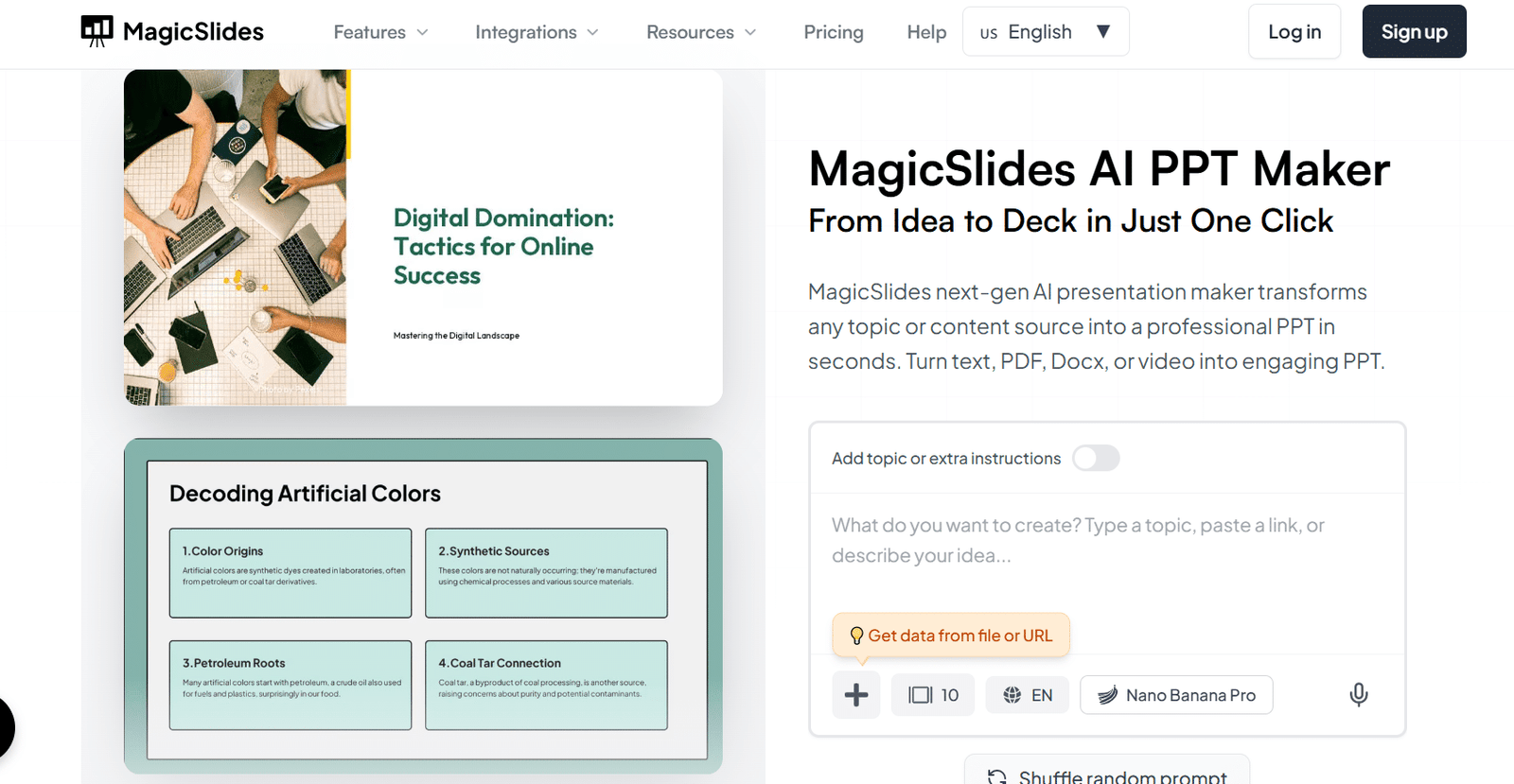
MagicSlidesApp specializes in transforming existing content into presentations, making it ideal for educators, researchers, and professionals who need to repurpose content from various sources quickly and efficiently.
Key Pain Points MagicSlides Solves:
Content Repurposing Challenges
Converting content from videos, documents, or websites into presentations typically requires manual extraction and reformatting. MagicSlidesApp automates this process with impressive accuracy.
I tested its YouTube conversion feature by entering a link to a 20-minute educational video, and it created a well-structured 12-slide presentation that captured the key points, included screenshots from the video, and maintained the logical flow of information.
Language Barriers
Creating presentations in multiple languages often requires professional translation services. MagicSlidesApp supports over 136 languages, allowing for instant translation of presentations.
The AI maintained proper context and technical terminology, making this feature particularly useful for international teams or educational settings with diverse language needs.
Specialized Slide Requirements
Creating specialized slides like SWOT analyses, timelines, or comparison matrices typically requires manual formatting.
MagicSlidesApp offers specific slide type generation that automatically creates properly structured specialized slides.
I tested the SWOT analysis feature by providing basic information about a business case, and the AI generated a comprehensive analysis with appropriate formatting and visual organization. This saves significant time when creating business or strategic presentations.
Key Features
“MagicSlidesApp has revolutionized how I prepare for classes. I can convert research papers, YouTube lectures, or website content into comprehensive slide decks in minutes. The language support has been particularly valuable for my international students—I can quickly create versions in their native languages. This tool has reduced my prep time by at least 60%.”
– Professor Michael Rivera, Department of Computer Science
Demo Experience
MagicSlidesApp offers a straightforward interface focused on content conversion. After creating an account, you’re presented with options to convert from various sources or create from a prompt. I tested multiple conversion types and found the YouTube and PDF conversions particularly impressive.
For YouTube conversion, you simply paste the URL and adjust settings like slide count and language.
The processing takes 1-2 minutes depending on video length, and the resulting slides capture the essence of the content with appropriate visuals. The AI chat interface for editing is intuitive—you can ask it to “add more details to slide 3” or “create a summary slide” using natural language. The Google Slides integration works seamlessly, allowing you to export directly to your Google Drive with formatting intact.
Pros and Cons
Integrations & Support
MagicSlidesApp integrates primarily with Google Slides and offers a Chrome extension for easier access. Support includes email and a knowledge base with tutorials. User ratings average 4.2/5 on G2 and 4.1/5 on Trustpilot, with users particularly praising the content conversion capabilities and language support.
Pricing
MagicSlidesApp offers several pricing tiers:
- Free Tier: 3 presentations/month with basic features
- Pro: $16/month for 50 presentations/month and advanced features
- Premium: $29/month for unlimited basic presentations plus 50 advanced presentations
Transform any content into presentations
Try MagicSlidesApp’s powerful conversion features to turn videos, documents, and websites into professional presentations.
7. Simplified – Best for Voice-Over Capabilities On Presentations
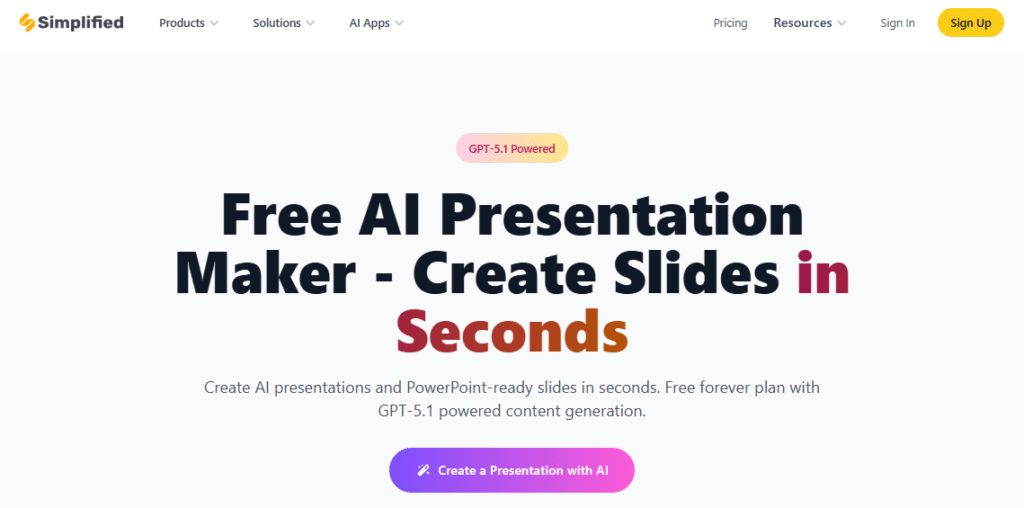
Simplified stands out by combining AI presentation creation with powerful voice-over capabilities, making it ideal for creating narrated presentations, training materials, and video content without additional recording software.
Key Pain Points Simplified AI Presentation Maker Solves:
Narration Recording Challenges
Recording professional voice-overs typically requires good equipment, quiet environments, and often multiple takes. Simplified’s AI voice generation eliminates these challenges with 40+ natural-sounding voices.
During testing, I created a product training presentation and added narration using the AI voice feature. The quality was remarkably natural, with appropriate pacing and pronunciation of technical terms.
The ability to adjust tone, speed, and emphasis gives you significant control over the final result.
Multi-Format Content Needs
Creating presentations that work across different formats (slides, videos, social media) typically requires using multiple tools.
Simplified offers an all-in-one solution that can export presentations in various formats. I tested creating a marketing presentation that I then exported as both a standard deck and a narrated video for social media.
This feature is particularly valuable for marketing teams that repurpose content across channels.
Personalization at Scale
Creating personalized presentations for different audiences typically requires extensive manual editing.
Simplified’s voice cloning feature allows you to create presentations narrated in your own voice or that of team members.
This feature is especially useful for sales teams creating personalized pitches or executives who need consistent messaging across multiple presentations.
Key Features
“Simplified has transformed our training program. We used to spend days recording voice-overs for our onboarding presentations, often with inconsistent quality. Now we create professional-sounding narrated presentations in hours, not days. The voice cloning feature lets our CEO ‘narrate’ welcome presentations without requiring her time for recording sessions.”
– David Nguyen, Head of Learning & Development at TechStart Inc.
Demo Experience
Simplified offers a clean, intuitive interface that guides you through the presentation creation process. After creating an account, you can start with a template or generate from a prompt. I tested the prompt approach by requesting a product launch presentation.
The AI generated a well-structured 10-slide deck with appropriate sections and placeholder content. The editing interface is drag-and-drop, making refinements simple. The standout feature is the voice-over capability—you can select from various voices, adjust settings like pace and tone, and preview before applying.
The voice quality is impressively natural, avoiding the robotic sound common in many text-to-speech tools. The collaboration features work well, allowing team members to comment and edit in real-time.
Pros and Cons
Integrations & Support
Simplified integrates with various platforms including Canva, Unsplash, and major cloud storage services. Support options include chat, email, and a knowledge base. User ratings average 4.3/5 on G2 and 4.2/5 on Capterra, with particular praise for the voice-over features and multi-format capabilities.
Pricing
Simplified offers several pricing tiers:
- Free: 5 presentations/month with basic features
- One: $24/month for 100 presentations and advanced features
- Enterprise: Custom pricing for larger teams with additional capabilities
Create presentations with professional narration
Try Simplified’s AI presentation maker with voice-over capabilities to create engaging narrated content.
8. Presentia AI – Best for Quick Iterations
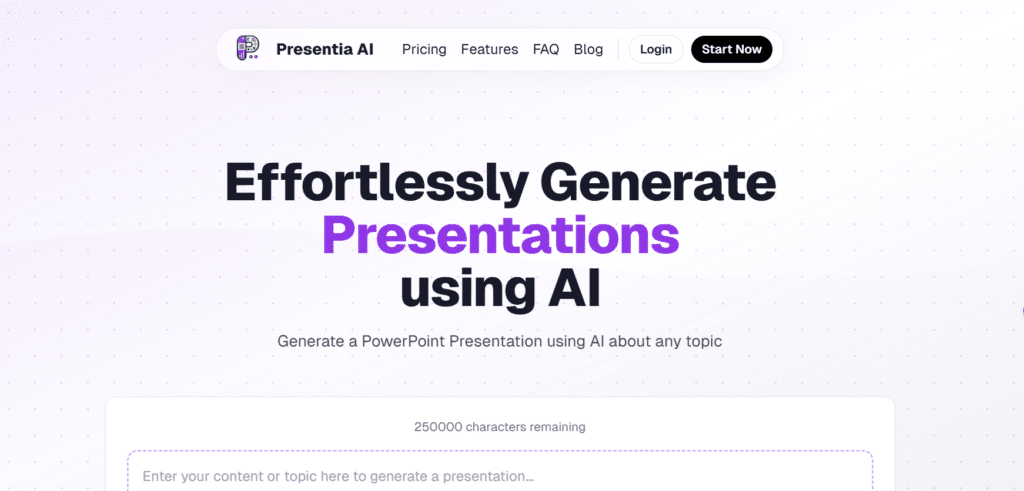
Presentia AI focuses on speed and iteration, making it ideal for professionals who need to quickly generate multiple presentation versions or frequently create new presentations with minimal time investment.
Key Pain Points Presentia AI Solves:
Iteration Time Constraints
Creating multiple versions of presentations for different audiences or purposes typically requires extensive reworking.
Presentia AI’s unlimited generation feature allows you to quickly create variations with different tones, lengths, or emphases.
This capability is particularly valuable for sales teams that need to customize pitches for different clients or stakeholders.
Multilingual Presentation Needs
Creating presentations in multiple languages traditionally requires translation services or bilingual team members.
Presentia AI offers strong multilingual support that maintains context and formatting.
The translations were accurate and maintained proper formatting and visual elements. This feature is especially useful for international businesses or educational institutions serving diverse populations.
Last-Minute Requests
Urgent presentation requests often create stress and result in lower quality work. Presentia AI’s rapid generation (often under 30 seconds) and simple interface make it perfect for last-minute needs.
The tool can generate a comprehensive deck with current statistics and appropriate visuals in seconds, allowing me to spend the remaining time reviewing and making minor adjustments rather than rushing through creation.
Key Features
“As a consultant working with clients across different industries, I need to create customized presentations frequently. Presentia AI has become my secret weapon for rapid development. Last month, I had a last-minute request from a client who needed a presentation for an investor meeting the next morning. I created a professional 20-slide deck in under an hour, including research and customization. The client was amazed by both the quality and turnaround time.”
– Thomas Wilson, Independent Business Consultant
Demo Experience
Presentia AI offers one of the simplest user experiences among the tools I tested. After creating an account, you’re presented with a clean interface where you can enter a prompt or upload a document. I tested both approaches and found the prompt-based generation particularly fast and effective.
After entering a topic, the AI generates a presentation in seconds…significantly faster than most competitors. The quality was solid, with logical structure and appropriate content. The editing interface is straightforward, focusing on essential adjustments rather than complex design options.
This simplicity contributes to the tool’s speed advantage. The theme customization options, while not as extensive as design-focused tools, provide enough variety to create professional-looking presentations quickly.
Pros and Cons
Integrations & Support
Presentia AI offers basic integrations for document upload and export. Support options include email and a knowledge base. User ratings average 4.0/5 on G2 and 4.1/5 on Trustpilot, with users particularly praising the speed and ease of use.
Pricing
Presentia AI offers straightforward pricing:
- Pro: $20/month for 110 slides with unlimited AI generations
- Max Yearly: $199/year for 1500 slides with all features
Create presentations in seconds, not hours
Try Presentia AI’s ultra-fast presentation generation for your next deadline or client pitch.
9. HeyGen – Best for Video Avatar Presentations
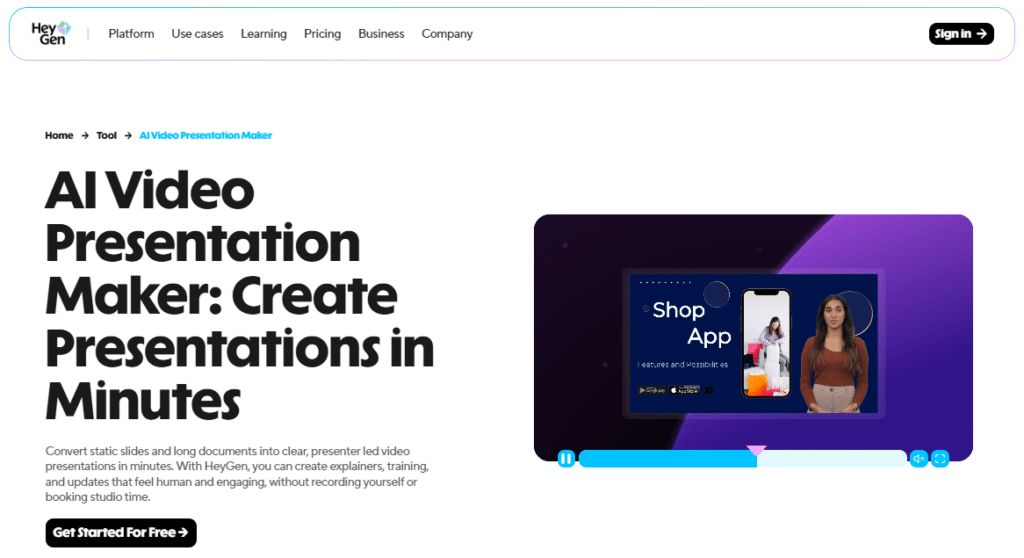
HeyGen takes a unique approach to presentations by focusing on video avatars that deliver your content, making it ideal for sales teams, marketers, and trainers who want to create personalized video presentations without appearing on camera themselves.
Key Pain Points HeyGen Solves:
Personalization at Scale
Creating personalized video presentations for multiple clients or prospects is typically time-prohibitive.
HeyGen allows you to generate customized videos by simply changing the script, with the avatar delivering each version naturally.
I tested this by creating a sales pitch template and then generating three versions with different client names, specific pain points, and custom offers.
This capability is especially powerful for sales teams targeting multiple prospects.
Camera Shyness and Production Quality
Creating professional video presentations typically requires comfort on camera and good production equipment.
HeyGen eliminates these barriers with AI avatars that can deliver your content professionally.
During testing, I created a product demonstration using an avatar that looked and sounded remarkably natural. The lighting, background, and delivery were consistently professional—something difficult to achieve without proper studio equipment.
Language and Accent Barriers
Presenting in multiple languages or with specific accents typically requires native speakers.
HeyGen offers avatars that can speak in multiple languages and accents with natural delivery. I tested creating the same presentation in English, Spanish, and Mandarin, and was impressed by the natural pronunciation and appropriate cultural nuances in each version.
Key Features
“As a consultant working with clients across different industries, I need to create customized presentations frequently. Presentia AI has become my secret weapon for rapid development. Last month, I had a last-minute request from a client who needed a presentation for an investor meeting the next morning. I created a professional 20-slide deck in under an hour, including research and customization. The client was amazed by both the quality and turnaround time.”
– Thomas Wilson, Independent Business Consultant
Demo Experience
HeyGen offers a unique experience focused on video creation rather than traditional slides. After creating an account, you can select from various avatar options or create a custom avatar based on photos. I tested using a pre-made professional avatar for a product demonstration.
The process involves writing a script or uploading content, selecting an avatar, and customizing settings like background and delivery style.
The generation process takes a few minutes depending on video length. The quality of the final video was impressive—the avatar’s lip movements matched the audio perfectly, and gestures looked natural rather than robotic.
The platform includes basic editing tools for trimming, adding background music, or inserting visual elements. The export options include various video formats and direct sharing to email or CRM systems.
Pros and Cons
Integrations & Support
HeyGen integrates with various CRM and email platforms for streamlined sales outreach. Support options include chat, email, and a knowledge base. User ratings average 4.2/5 on G2 and 4.0/5 on Trustpilot, with users particularly praising the quality of the avatars and personalization capabilities.
Pricing
HeyGen offers video-focused pricing:
- Free Trial: Limited features to test the platform
- Creator: Custom pricing based on video minutes
- Business: Custom pricing with advanced features and higher volume
Create engaging video presentations with AI avatars
Try HeyGen’s innovative approach to presentations with lifelike AI presenters that deliver your content.
Key Features to Look For in AI Presentation Makers

- Content Generation Quality – Struggling with research and writing takes hours of your time → Get AI that actually researches your topic and provides accurate, relevant content → Look for advanced AI models that go beyond basic templates to deliver substantive, well-researched content.
- Design Capabilities – Poor design skills lead to unprofessional presentations that undermine your message → Impress audiences with professionally designed slides → Prioritize tools with strong visual templates and automatic design principles that ensure balanced, attractive slides.
- Customization Options – Generic presentations fail to reflect your brand or specific needs → Create presentations that perfectly align with your identity → Choose tools with brand kit features that maintain consistent colors, fonts, and logos across all slides.
- Input Flexibility – Starting from scratch is time-consuming → Leverage existing content from various sources → Select tools that accept multiple input types (text, documents, URLs, videos) to maximize efficiency.
- Export Options – Platform lock-in limits how you can use and share presentations → Present anywhere, anytime, in any format → Ensure your tool offers multiple export formats (PowerPoint, Google Slides, PDF, video) for maximum flexibility.
- Collaboration Features – Isolated work leads to feedback delays and revision cycles → Enable team input throughout the creation process → Look for real-time collaboration capabilities with commenting and version control.
- Integration with Existing Tools – Switching between platforms disrupts workflow → Maintain productivity within familiar environments → Prioritize tools that integrate with your current software ecosystem (Google Workspace, Microsoft 365, CRM).
- Learning Curve – Complex tools require training and delay implementation → Get productive immediately → Choose tools with intuitive interfaces that balance power with accessibility.
Best Practices for Using AI Presentation Makers

Having tested dozens of AI presentation makers and created hundreds of presentations with them, I’ve developed some best practices that can help you get the most out of these powerful tools:
Be Specific with Prompts
The quality of AI-generated content directly correlates with the specificity of your prompts. Instead of “Create a presentation about marketing,” try “Create a 10-slide presentation about digital marketing strategies for small e-commerce businesses, including case studies and ROI statistics.” The more details you provide about audience, purpose, and desired content, the better the results.
Always Review for Accuracy
While AI presentation makers have improved dramatically, they can still make factual errors or present outdated information. Always fact-check statistics, quotes, and specific claims. I once nearly presented an AI-generated market size figure that was off by a factor of ten—a quick verification saved me from potential embarrassment.
Add Personal Touches
AI-generated presentations can sometimes feel generic. Add your personal experiences, company-specific examples, or industry insights to make the content more authentic and valuable. These unique elements often become the most memorable parts of your presentation and help establish your expertise.
Use AI for Structure, You for Substance
Think of AI as your presentation framework builder rather than the complete solution. Let it handle the organization, basic content, and design elements, but inject your unique insights, specific data points, and personal style. This hybrid approach yields the best results in my experience.
Iterate, Don’t Settle
The ability to quickly generate multiple versions is one of the greatest advantages of AI presentation makers. Don’t settle for the first output—generate alternatives, compare approaches, and combine the best elements. I typically create at least three versions of important presentations before finalizing the structure.
Practice Delivery
Even the most beautifully designed AI presentation needs effective delivery. Take time to familiarize yourself with the content, practice transitions between slides, and prepare for potential questions. Some AI tools even offer presenter notes or delivery suggestions—use these as starting points for your preparation.
Key Takeaways
- Time Efficiency: AI presentation makers can reduce creation time by up to 80%, turning hours of work into minutes.
- Tool Selection: Choose based on your specific needs—integration with existing tools, design quality, content generation, or specialized features like voice-over.
- Content Quality: The best AI tools research topics thoroughly and provide substantive, accurate content—not just attractive templates.
- Customization: Look for tools that allow you to maintain brand consistency and personalize content for specific audiences.
- Human Touch: Use AI as a starting point, but add your expertise, personal examples, and unique insights to make presentations truly effective.
- Continuous Improvement: AI presentation technology is advancing rapidly—tools that incorporate the latest AI models generally produce better results.
Conclusion
After thoroughly testing the top AI presentation makers available in 2026, SlidesAI emerges as the overall winner for most users due to its seamless integration with familiar tools, exceptional content generation, and time-saving capabilities. Its ability to transform existing text into well-structured, visually appealing slides makes it particularly valuable for professionals who already have content but need help with presentation formatting and design.
That said, the “best” tool ultimately depends on your specific needs. If you prioritize branded business presentations, Decktopus AI offers superior customization. If you’re committed to Google Slides or PowerPoint, Plus AI provides powerful AI capabilities without platform switching. For visual-heavy presentations, Visme excels, while HeyGen offers a completely different approach with video avatars.
Are you ready to transform your presentation workflow and save countless hours while creating more professional, engaging slides?
Choose the AI presentation maker that best matches your specific needs from our list, and start experiencing the benefits of AI-powered presentation creation today.
Ready to revolutionize your presentation process?
Start with SlidesAI’s free plan to experience how AI can transform your presentation workflow and save you hours of work.