Remember when marketing meant endless hours of manual work?
Those days are gone. AI marketing tools have revolutionized how entrepreneurs approach everything from content creation to customer insights. As someone who’s spent countless hours testing these tools, I can tell you that the right AI assistant can literally give you back days of your life each month.
But here’s the challenge: the market is absolutely flooded with options. Some promise the moon but deliver a pebble. Others are genuinely game-changing but might not be right for your specific needs. How do you cut through the noise and find the tools that will actually move the needle for your business?
In this article, we’ll review the top picks to help you choose the perfect AI marketing tools for your entrepreneurial journey in 2026. I’ve personally tested each one, so you don’t have to waste time and money figuring out what works.
What are AI Marketing Tools?
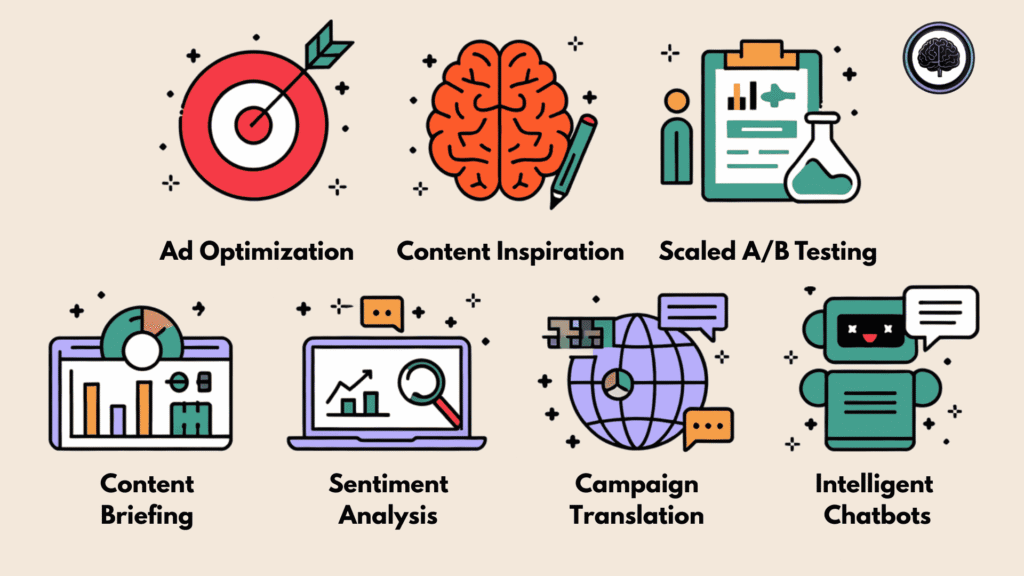
Simply put, AI marketing tools are software powered by machine learning and data analysis that act like our personal assistants on overdrive. We use them to analyze past customer behavior and predict future trends, automating tasks that used to take us hours.
For example, when I’m stuck staring at a blank screen, I can simply type a topic, and the tool instantly drafts a catchy blog outline or Instagram caption tailored to my audience’s style that is likely to convert. It’s a total game-changer for daily automation, handling the repetitive heavy lifting so we can focus on being creative and strategic.
Who can benefit from them?
Content Creators & Bloggers: Overcoming writer’s block and generating ideas faster.
Small Business Owners: Managing marketing on a budget without a huge team.
Social Media Managers: Scheduling posts and analyzing engagement automatically.
Email Marketers: Personalizing subject lines to increase open rates.
Digital Marketing Agencies: Scaling content production for multiple clients efficiently.
My Criteria for Choosing AI Marketing Tools
Before diving into the reviews, let me explain how I evaluated these AI marketing tools. I didn’t just take the companies’ word for it—I put each tool through its paces with real marketing tasks. Here’s what mattered most in my assessment:
- Features: Does it solve real marketing problems? Is it versatile or specialized?
- Ease of Use: Can you get started quickly, or is there a steep learning curve?
- Output Quality: How good is the AI-generated content? Does it need heavy editing?
- Integration Capabilities: Does it play nice with your existing tech stack?
- Pricing: Is it affordable for entrepreneurs and small teams?
- Support: Is help available when you need it?
- User Reviews: What do other marketers say about their experience?
I tested these based on real use cases, not just demos. I wrote blog posts, created social media content, designed graphics, analyzed data, and more…all the tasks entrepreneurs tackle daily. The tools that made this list delivered consistent results that actually saved time and improved quality.
Why Should You Trust Me?
I’m not just another reviewer throwing together a list of tools I’ve never touched. I’m an AI Engineer with an MSc in Data Science and Machine Learning and a BSc in Software Engineering. I’ve been a working professional since 2018, ghost-developed numerous AI applications, and have deep knowledge of how these tools work under the hood.
My marketing background extends to writing or rather engineering the proper choice of words for writing full-fledge sales copies and creating high converting ad creatives (Check out my Pinterest for examples!)
This technical background gives me a unique perspective on AI marketing tools. I can spot the difference between genuine innovation and marketing fluff. When a tool claims to use “advanced AI,” I know exactly what questions to ask and what to look for in the results.
But more importantly, I use these tools myself. I’ve integrated them into my own workflows and seen firsthand how they can transform marketing operations. The recommendations below come from practical experience, not theoretical knowledge.
AI Marketing Tools Comparison Chart
| Rank | Tool | Best For | Best Features | Overall Average Rating | Starting Pricing |
|---|---|---|---|---|---|
| 1 | Holo AI | Founders, solopreneurs, agencies, and small teams | Brand DNA Capture, Daily Unlimited Ideas, Swipe Interface, Overnight Generation, Multi-Brand Workspaces | 4.9/5 | $19/month (annual) |
| 2 | Simplified | Growing businesses and content creators | AI Blog & Copywriter, AI Faceless Video, Creative Copilot, No-code Workflow Builder | 4.8/5 | $12/month |
| 3 | Content Harmony | Marketers needing comprehensive SEO content briefs | AI Search Intent Analysis, Competitor Study, Outline Builder, AI Content Grader | 4.7/5 | $99/month |
| 4 | FounderPal | Entrepreneurs with multiple roles | Marketing Strategy Generator, Market Research, User Persona Generator, Ad & Content Tools | 4.7/5 | $74.50 one-time |
| 5 | ContextMinds | Visual thinkers and content planners | AI Mind Mapping, Topic Expansion, Integrated Search, One-Click Content Generation | 4.6/5 | $8/month |
| 6 | Marketsy.AI | Creators, course builders, and digital product sellers | AI Co-pilot, Zero-Commission Storefront, Abandoned Cart Recovery, Course Builder | 4.5/5 | $1/month |
| 7 | TagShop AI | Ecommerce brands and dropshippers for UGC video ads | URL-to-Video, AI Avatars & Twins, 75+ Languages, Campaign Dashboard | 4.5/5 | $11/month (annual) |
| 8 | Zebracat AI | Marketers scaling video content | AI Script Writing, Voice Cloning, Auto-Scheduling, Brand Kits, Performance Learning | 4.5/5 | $19/month |
| 9 | Phot AI | D2C brands and performance marketing teams | AngleLab Discovery, ListingLab Optimization, Parallel Testing, Auto Creative Refresh | 4.5/5 | $40.83/month (annual) |
| 10 | Arcads AI | Performance marketers needing realistic UGC videos | 1,000+ AI Actors, Custom Avatars, Emotion Control, Infinite Canvas, Bulk Creation | 4.5/5 | $110/month |
| 11 | VidAU | E-commerce sellers, dropshippers, and affiliates | URL-to-Video, AI Avatars, Hundreds of Templates, Mobile App Access | 4.4/5 | $29/month |
| 12 | StoryLab AI | Marketers focused on storytelling and video content | Video Script & Hook Generator, Social Captions, eBook Tools, YouTube SEO | 4.4/5 | $7–19/month |
| 13 | Ideamap AI | Teams that brainstorm and organize ideas visually | AI-Assisted Mind Mapping, Idea Expansion, Collaborative Workspaces | 4.3/5 | $8–20/month |
| 14 | Pika.Style | Creating branded screenshots and mockups | Mockup Templates, Browser & VSCode Extensions, High-Quality Export | 4.2/5 | $15/month |
| 15 | Orshot | Marketing teams generating large volumes of visuals | AI Template Generation, Dynamic API Renders, Canva/Figma Import | Not specified | $30/month |
Top 3 AI Marketing Tools Picks

🥇
Holo AI
Holo AI specializes in capturing your unique Brand DNA from your website to generate unlimited on-brand ads, social posts, and emails instantly.

🥈
Simplified
The ultimate all-in-one AI marketing workspace that handles everything from content creation to design and video. Perfect for entrepreneurs who want to consolidate their tech stack.

🥉
Content Harmony
The content strategist’s dream tool that combines AI with competitor data to create winning content briefs and SEO-optimized content that actually ranks.
Best AI Marketing Tools Ranked
1. Holo AI: Brand DNA-Powered AI Marketing Content Engine
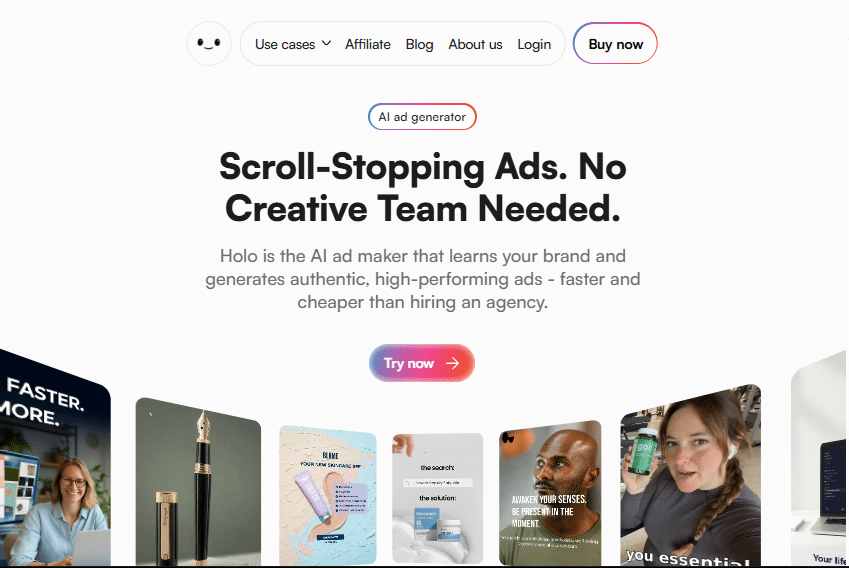
Holo AI positions itself as the all-in-one AI marketing tool that instantly turns any website into hundreds of high-performing ads, social posts, emails, and video creatives — all sounding and looking exactly like your team created them.
Built for founders, solopreneurs, agencies, and small teams, it captures your unique Brand DNA in minutes, eliminates prompt engineering and generic templates, and generates ready-to-launch campaigns while you sleep. Trained on 10M+ marketing assets and 19,000+ proven ads, it consistently delivers 27% higher CTR without design skills or extra tools.
4.9
OVERALL RATING
Key Pain Points Holo AI Solves
Highlight Features
Real-World Success
Solo founder Anna Clark was running everything herself and drowning in content demands for her skincare brand.
After switching to Holo AI, she generated full ad campaigns, social calendars, and email sequences in hours instead of weeks. Within the first month her team saved thousands on freelancers, engagement rates jumped, and she launched three months of content in advance.
The brand-consistent tone across platforms led to higher conversions, and she now spends more time on strategy than creation.
My Experience Using Holo AI
Holo AI surprised me with how fast and accurate the onboarding felt — just drop in your website URL and the Brand DNA engine does the rest in under ten minutes.
No long setup or complex prompts required. The swipe interface made selecting winning ideas addictive and fast, while the overnight generation filled my post calendar without any extra effort. What stood out most was how closely every ad creative piece matched my actual brand voice instead of sounding generic robotic.
Minor tweaks were easy, and the output performed noticeably better than my previous manual or template-based approach.
Pros and Cons


Integrations and Support
Holo AI connects directly with every major social and advertising platform for seamless one-click publishing, eliminating the need to switch tools. Support is handled through fast email response at support@tryholo.ai, with quick help noted across customer reviews.
The platform focuses on simplicity so most users need very little assistance, but dedicated help is available for onboarding or advanced campaign strategy when required.
Pricing
Holo AI uses simple flat-rate pricing with no heavy credit systems on core plans (exact figures may vary with current promotions):
- Starter Plan: $19/month (billed annually) — ideal for solo founders and light usage.
- Standard Plan: $39/month — full unlimited generation and multi-brand support for growing teams.
- Higher tiers up to $59/month for agencies or power users.
Launch High-Performing Campaigns in Minutes!
Start with Holo AI today and discover how Brand DNA-powered AI can fill your content calendar while you sleep.
2. Simplified (All-in-One AI Marketing Workspace)
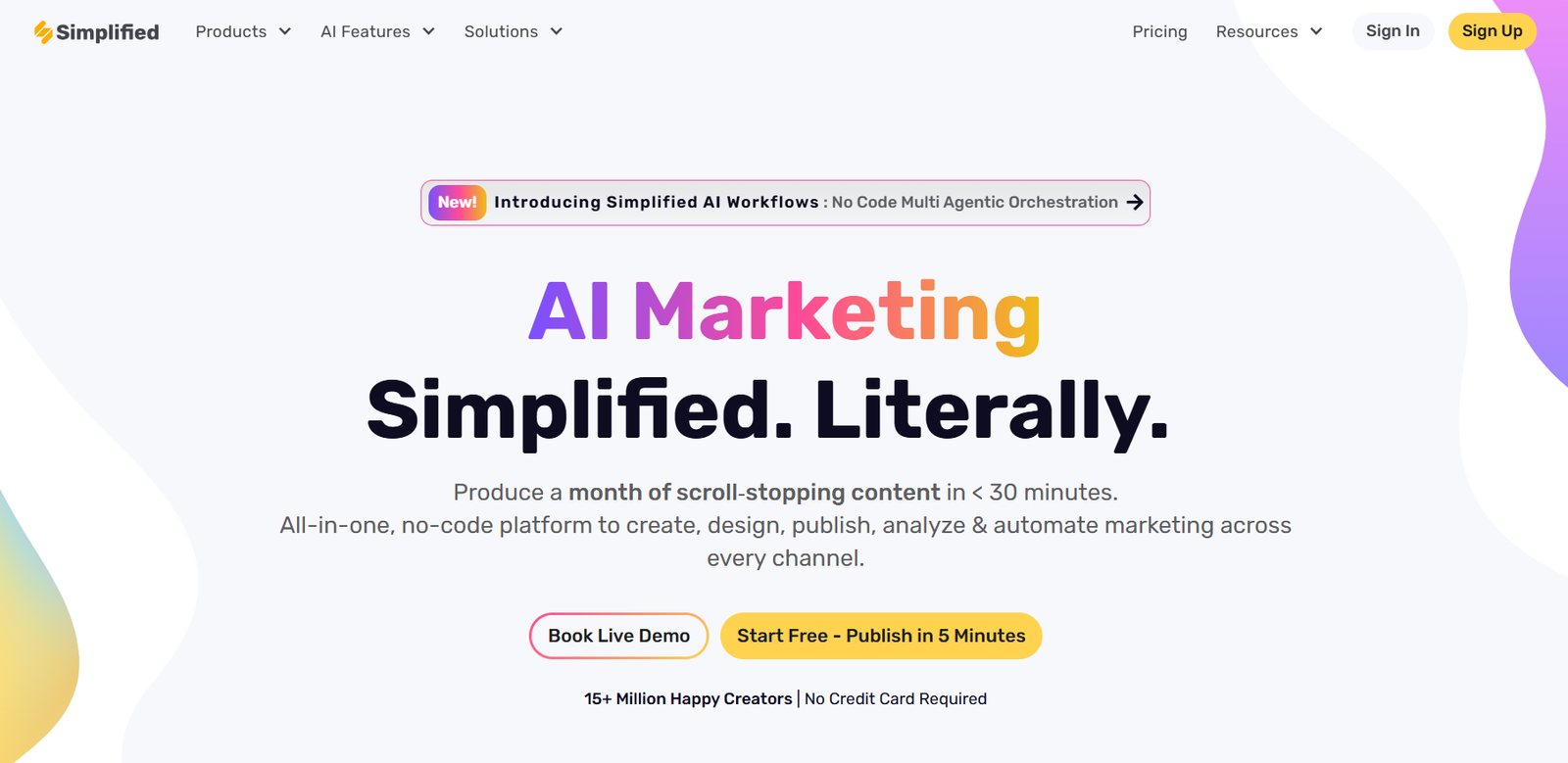
Simplified is truly the Swiss Army knife of AI marketing tools. After spending weeks jumping between different apps for content creation, design, and scheduling, I was blown away by how Simplified consolidates everything into one seamless workspace.
It’s designed specifically for growing businesses and content creators who need to produce high-quality marketing assets without a massive team.
4.8
OVERALL RATING
Key Pain Points Simplified Solves
Main Features
Real-World Success
Fintech startup Wallet Wizard implemented Simplified and saw remarkable results. Their small marketing team of three was struggling to create consistent content across seven social platforms.
After adopting Simplified, they increased their content output by 300% while reducing production time by 65%. Their engagement rates improved by 42% due to more consistent posting and higher-quality content. The team particularly valued the ability to create, approve, and schedule content in one platform.
My Experience Using Simplified
When I first logged into Simplified, I was impressed by the clean, intuitive interface. The onboarding process guided me through setting up my brand kit with colors, fonts, and tone of voice. Within 30 minutes, I had created my first AI-generated blog post, which was surprisingly well-structured and on-brand.
The social media tools particularly impressed me. I could create a week’s worth of content in about an hour, including images and captions. The AI adapts content for different platforms automatically—what works on LinkedIn isn’t the same as what works on Instagram, and Simplified understands this nuance.
Pros and Cons
Integrations and Support
Simplified integrates with major tools like Canva, WordPress, Shopify, and all major social media platforms. Their support team is responsive, with live chat available during business hours and comprehensive documentation.
Pricing
Free forever plan with basics and limited credits. Pro starts at $12-29/month (annual cheaper around $9-19), Business $29-49, Growth higher. Tons of AI credits and social accounts as you scale. Great value for all-in-one users.
streamline your marketing workflow!
Simplified offers a free plan to get started, with no credit card required. Experience the power of an all-in-one AI marketing platform today.
3. Content Harmony (AI-Powered Content Brief & SEO Tool)
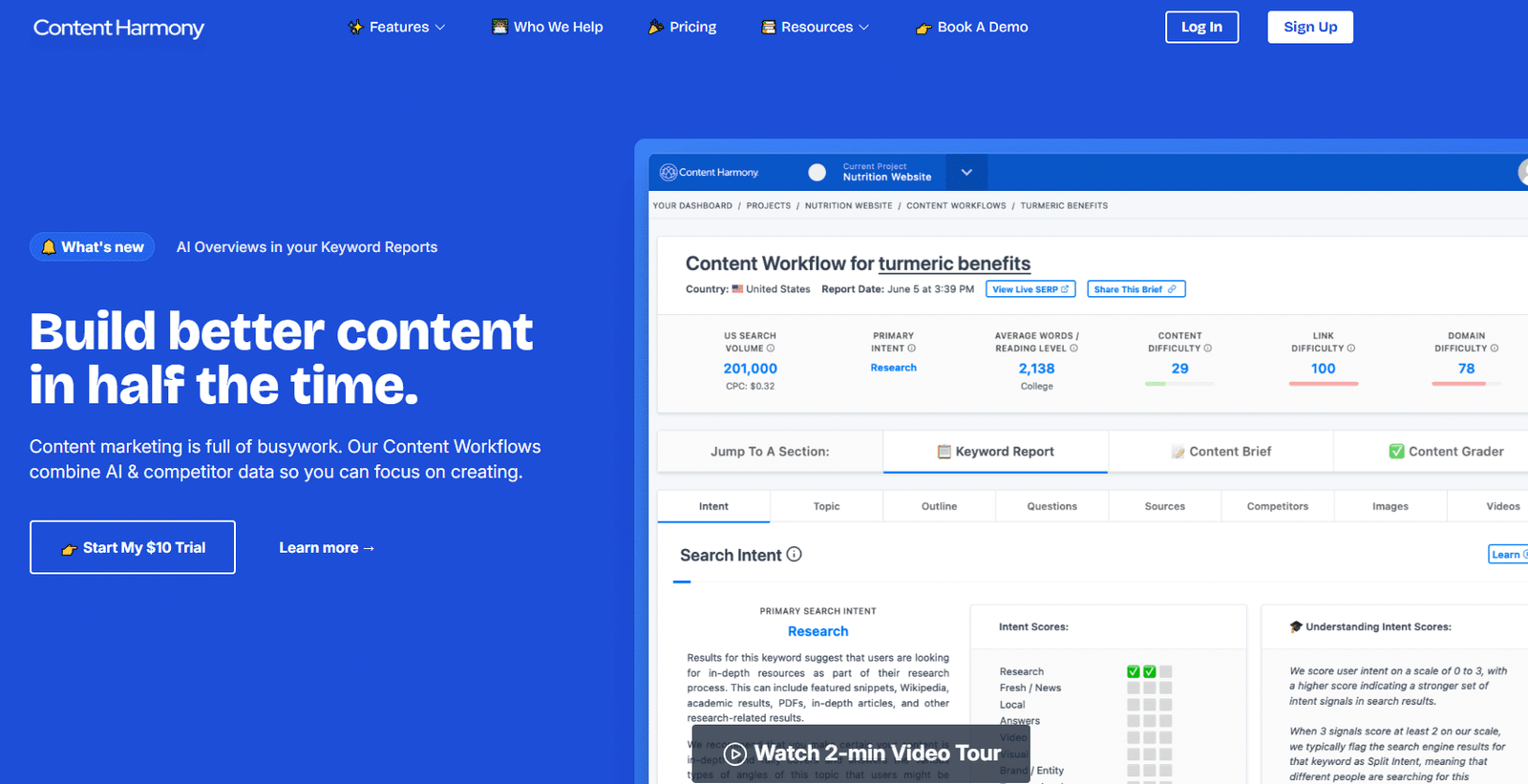
Content Harmony revolutionizes how marketers approach content creation by combining AI with deep competitor analysis.
As someone who’s struggled with creating comprehensive content briefs, this tool has been a game-changer for my content strategy. It’s built by agency professionals who understand the real challenges of content marketing.
4.7
OVERALL RATING
Key Pain Points Content Harmony Solves
Highlight Features
Real-World Success
Digital marketing agency Altitude implemented Content Harmony for a client in the competitive health supplements space. They were struggling to rank for high-value keywords despite publishing regular content.
After implementing Content Harmony’s brief system, they saw 78% of their new content rank on page one within three months, compared to just 23% previously. The content team reported that briefs reduced research time by 65% while improving content quality. The client saw a 112% increase in organic traffic within six months.
My Experience Using Content Harmony
My first project with Content Harmony was creating a comprehensive guide on email marketing automation. The brief creation process was impressively thorough. I entered my target keyword, and within minutes, the tool analyzed the top 30 ranking pages, identified common subtopics, and suggested an outline structure.
What impressed me most was the depth of insights. The tool identified questions my audience was asking that I hadn’t considered, suggested visual content types that performed well, and even recommended word count ranges for each section. When I followed the brief, my content scored 92/100 on their grader—and more importantly, it ranked on page one within weeks.
Pros and Cons
Integrations and Support
Content Harmony integrates with WordPress, Google Docs, and offers full API access for custom workflows. Their support includes detailed documentation, video tutorials, and responsive email support.
Pricing
$10 trial gets your first 10 workflows (big value). Main plan $99/month (~$89 annual) for 12 workflows. Scales with content volume – unlimited users, perfect for SEO teams pumping out briefs regularly.
Create content that actually ranks!
Try Content Harmony with 10 workflows for just $10 and see how proper content briefs transform your SEO results.
4. FounderPal (Your AI Marketing Co-Pilot)
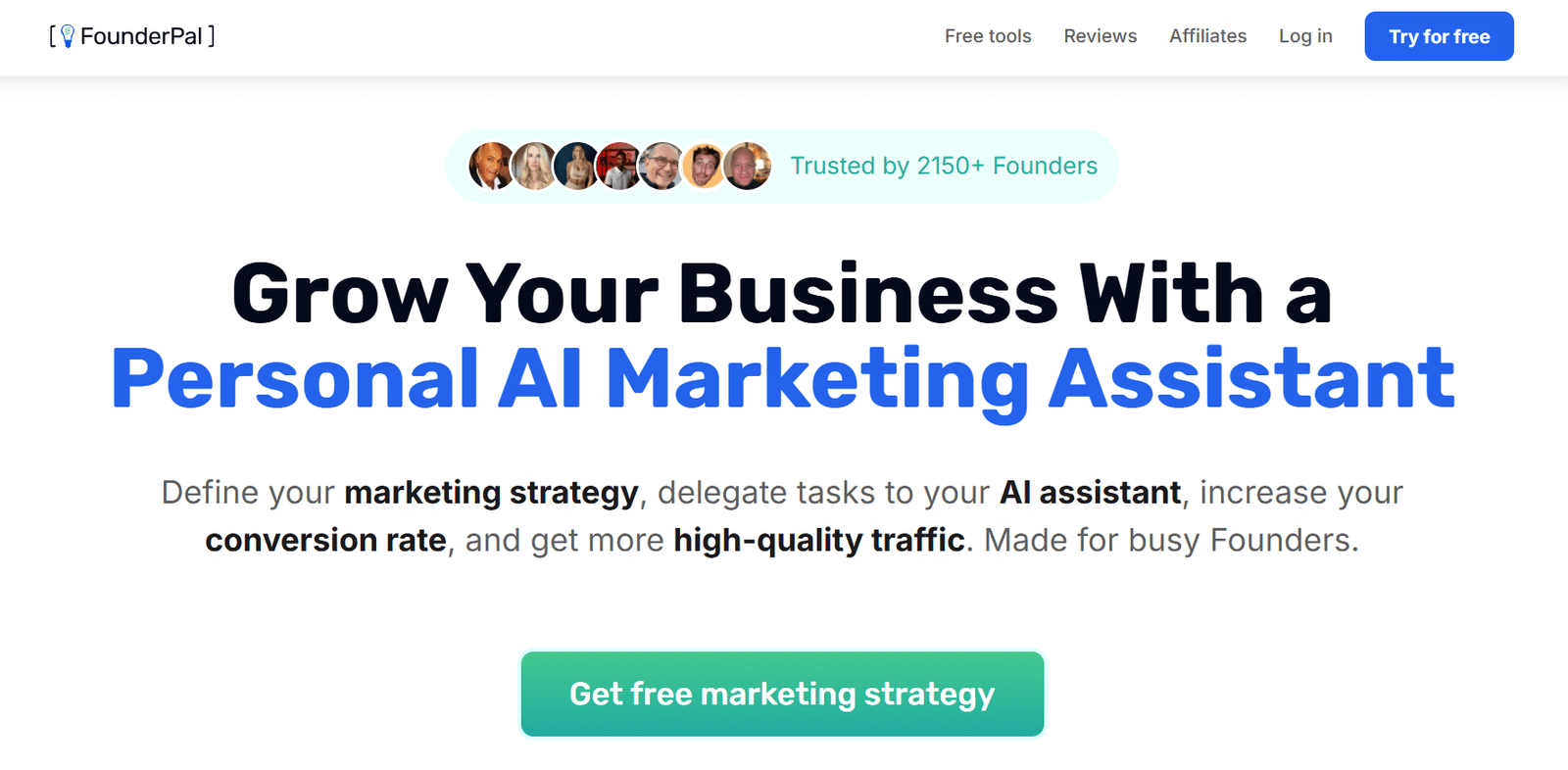
FounderPal is the marketing co-pilot every entrepreneur wishes they had from day one. This AI tool specifically targets the unique challenges founders face when wearing multiple hats.
After using it for three months, I can confidently say it’s like having a marketing strategist, copywriter, and growth hacker available 24/7.
4.7
OVERALL RATING
Key Pain Points FounderPal Solves
Highlight Features
Real-World Success
E-commerce startup GreenHome launched with a limited marketing budget and no dedicated marketing team. The founder used FounderPal to develop their initial marketing strategy and create content across channels. Within three months, they had a functioning content calendar, optimized product descriptions, and targeted ad campaigns.
Their conversion rate improved by 34% after implementing FounderPal’s landing page recommendations, and their customer acquisition cost decreased by 28%. The founder estimated FounderPal saved them approximately $4,000 monthly in marketing consultant fees.
My Experience Using FounderPal
I first used FounderPal when launching a side project with minimal marketing resources. The onboarding process guided me through a series of questions about my business, goals, and target market. Within minutes, I had a customized dashboard with relevant tools for my specific needs.
The marketing strategy generator impressed me most. It created a comprehensive 90-day plan that included content themes, channel priorities, and growth metrics. The user persona generator helped me clarify exactly who I was targeting, which improved all my subsequent marketing efforts.
I particularly appreciated how the tools build upon each other…I could take my persona insights directly into the ad generator for more targeted messaging.
Pros and Cons
Integrations and Support
While they don’t list many direct integrations, you can export all outputs to common formats. Support includes comprehensive guides, email support, and a founder community for sharing insights.
Pricing
Lifetime deals shine: Founder plan often $74.50 one-time (was $149), Business $149.5 lifetime. No monthly sub – pay once for forever access. Ideal for solopreneurs wanting deep strategy without ongoing bills.
Get your 24/7 marketing co-pilot!
Try FounderPal’s free plan to experience how the right AI marketing tools can transform your entrepreneurial journey.
5. ContextMinds (AI-Powered Visual Brainstorming)
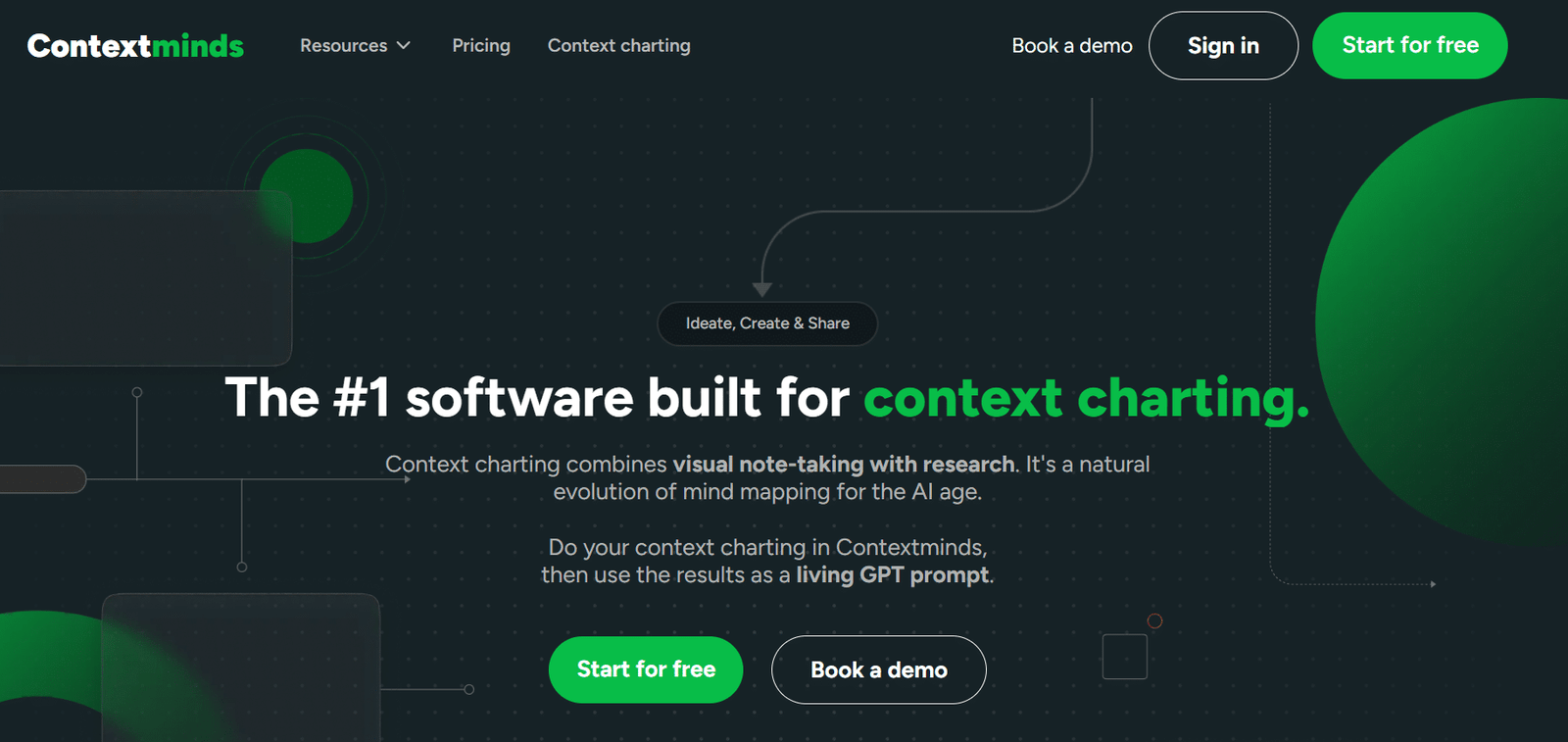
ContextMinds takes brainstorming to a whole new level by combining visual mind mapping with AI-powered research and content generation.
As someone who thinks visually, this tool has transformed how I approach content planning and research. It’s like having a whiteboard that actively suggests ideas and pulls in relevant information as you work.
4.6
OVERALL RATING
Key Pain Points ContextMinds Solves
Highlight Features
Real-World Success
Content marketing agency ContentLab struggled with their research-to-writing workflow, especially when handling multiple client industries simultaneously. After implementing ContextMinds, not only did they get their content organized, they reduced their research time by 40% while improving content depth.
Their team particularly valued how the tool helped them quickly become “mini-experts” in new topics. For one healthcare client, they created a comprehensive content strategy in two days that previously would have taken two weeks. The visual nature of the tool also improved client presentations, making it easier to explain content strategies and get approval.
My Experience Using ContextMinds
I first used ContextMinds when planning a series on emerging marketing technologies. Starting with a central topic, I was impressed by how quickly the AI suggested relevant subtopics. As I expanded my map, the tool automatically pulled in search results, news, and research papers that I could drag directly into my workspace.
The “expand” feature was particularly useful…selecting any node and clicking “expand” generated multiple related ideas. When my map was complete, I used the GPT integration to generate an outline based on my visual organization. The resulting structure was logical and comprehensive, capturing connections I might have missed with linear planning.
Pros and Cons
Integrations and Support
The platform doesn’t list many direct integrations, but you can export to common formats like PDF, PNG, and text. Support includes detailed tutorials, email support, and regular webinars on advanced features.
Pricing
Free trial 14 days. Starter $8/month (occasional use, 2 maps/week). Pro $28/month for daily work and collab. Yearly saves 25%. Super affordable for visual brainstorming fans.
Transform your brainstorming process!
Try ContextMinds free for 14 days and experience how visual AI brainstorming can enhance your content strategy.
6. Marketsy.AI (Simplified Digital Product Sales)
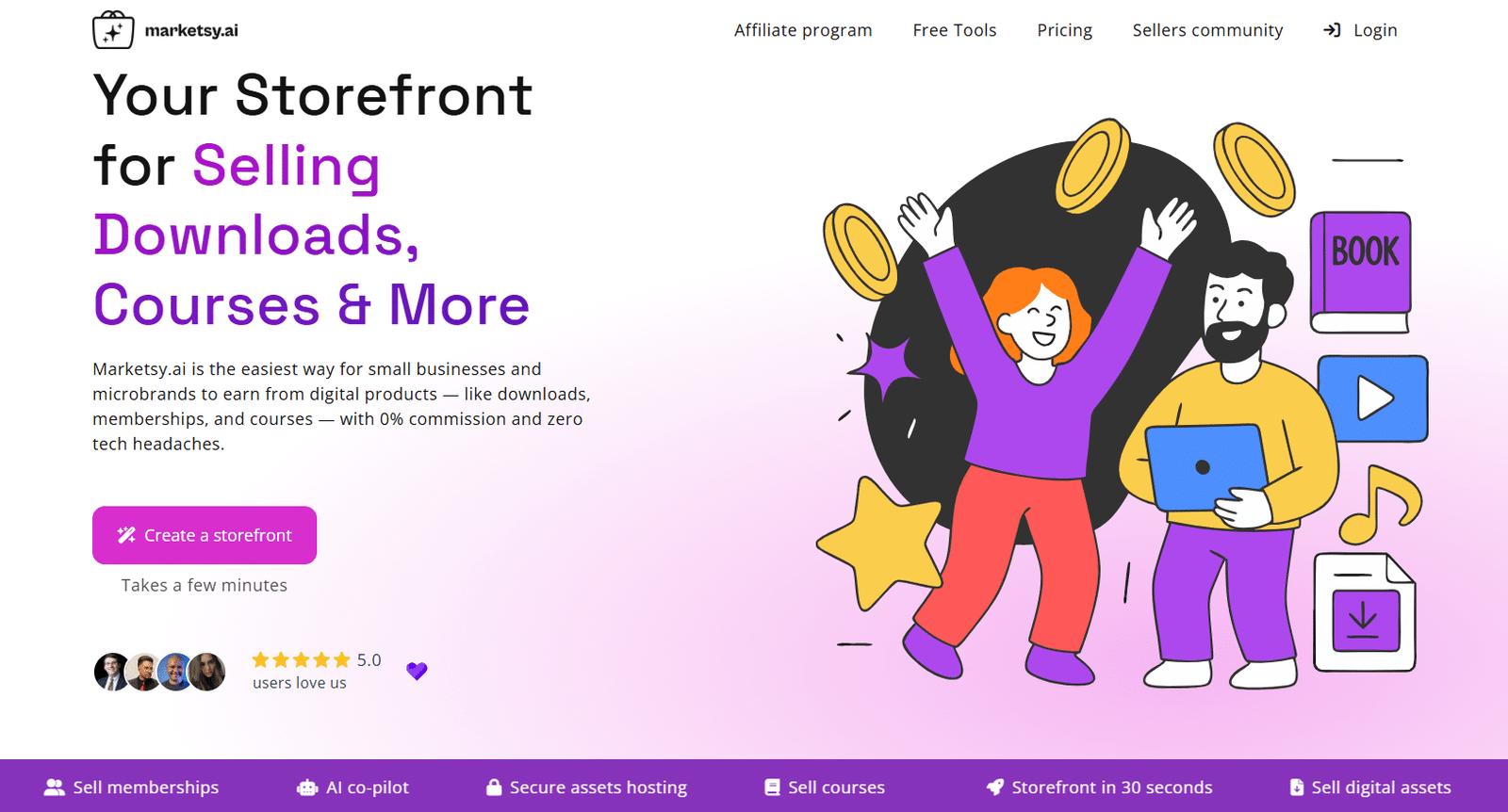
Marketsy.AI offers a refreshingly simple solution for entrepreneurs selling digital products. While not a traditional marketing tool, it combines e-commerce functionality with AI-powered marketing features that make it perfect for creators, course builders, and digital product sellers. I was skeptical at first, but its streamlined approach won me over.
4.5
OVERALL RATING
Key Pain Points Marketsy.AI Solves
Highlight Features
Real-World Success
Designer Sarah M. was selling digital templates through Etsy but struggled with high fees and limited marketing tools. After switching to Marketsy AI, she reduced her platform costs by 87% while maintaining the same sales volume. The AI co-pilot helped her create more compelling product descriptions, which improved her conversion rate by 23%.
She particularly valued the abandoned cart emails, which recovered approximately 15% of potential lost sales. Within three months, her digital product business was generating 32% more profit simply by changing platforms and leveraging the built-in AI marketing tools.
My Experience Using Marketsy.AI
I tested Marketsy.AI by setting up a small store for digital marketing templates. The onboarding process was impressively fast—I had a functioning storefront in under five minutes. The interface is minimalist but includes everything you need without overwhelming options.
The AI co-pilot surprised me with its effectiveness. I provided basic information about my templates, and it generated professional descriptions that highlighted benefits and use cases I hadn’t considered.
The image generation for product thumbnails was particularly useful, creating consistent, branded visuals without design skills. The analytics dashboard provided clear insights into which products were performing best and where customers were dropping off.
Pros and Cons
Integrations and Support
The platform integrates with Zapier for custom workflows, Stripe & PayPal for payment integration and offers API access. Support includes documentation, email support, and an active user community.
Pricing
Starts at $1/month Basic (after short trial) – insane low entry. Premium low too (around $3-15 range in deals). 0% commission forever on sales. Best budget pick for digital product stores.
Start selling digital products without the hassle!
Try Marketsy AI with their affordable Basic plan and experience how easy digital product sales can be.
7. TagShop AI: Best for Instant AI Video Ads and UGC Creation
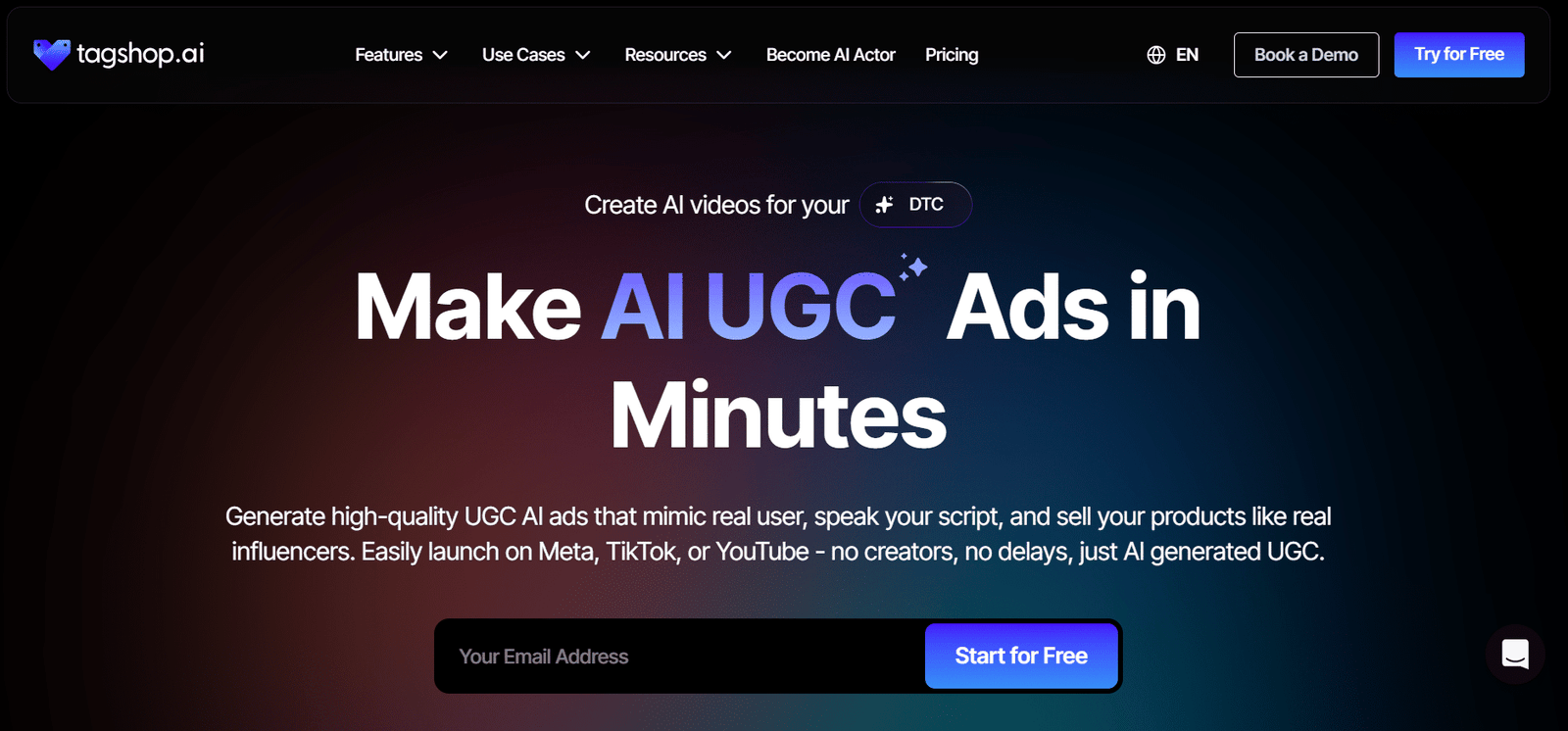
TagShop AI positions itself as the dedicated AI video ad generator built specifically for high-converting UGC-style ads, AI avatars, and digital twins. It lets ecommerce brands, dropshippers, and marketers turn any product URL or idea into scroll-stopping video creatives in minutes — no filming, no editing, no creators required.
Trained on the latest models like Kling, Wan 2, and Nano Banana Pro, it delivers authentic-looking ads that feel native to Facebook, Instagram, TikTok, and YouTube while cutting production costs by up to 90%.
4.5
OVERALL RATING
Key Pain Points TagShop AI Solves
Highlight Features
Real-World Success
Dropshipping founder Mike Rivera was struggling to test new products fast enough for his fashion store. After adopting TagShop AI he generated 50+ UGC-style video variations for a single launch in under an hour instead of weeks.
His winning creatives drove a 3.2x ROAS lift in the first week, cut ad production spend by 87%, and allowed him to kill losing products before they drained budget. Within two months he scaled to three new stores using only AI-generated content.
My Experience Using TagShop AI
TagShop AI felt refreshingly straightforward from the first minute — I dropped in a product URL and the AI pulled all the details and spit out three solid video options in under two minutes. The avatars looked surprisingly human, and the built-in editor let me tweak captions and add gestures without leaving the tool.
What impressed me most was how quickly I could generate platform-specific versions (Reels, Shorts, TikTok) that actually felt native.
Testing became addictive because new variations took almost zero extra time, and performance on my own campaigns improved noticeably compared to stock footage or basic AI tools I had tried before.
Pros and Cons
Integrations and Support
TagShop AI integrates directly with Facebook Ads, Instagram, TikTok, and YouTube for seamless one-click publishing and campaign management from the dashboard. Support is available through an extensive FAQ section, email, and live chat.
Users report quick responses and helpful onboarding assistance, with most issues resolved without needing advanced technical help.
Pricing
TagShop AI uses a simple credit-based system with generous annual discounts (up to 60% off):
- Free Plan: $0 — 15 credits (1 video) — perfect for testing the platform with no credit card required.
- Starter Plan: $29/month or $11/month (annual) — 600 credits, up to 60 videos, basic avatars — ideal for solo marketers and light testing.
- Growth Plan: $99/month or $39/month (annual) — 2,400 credits, up to 240 videos, premium avatars — great for teams running consistent campaigns.
- Scale Plan: $249/month or $100/month (annual) — highest credit volume, 4K exports, priority rendering, full avatar library — designed for agencies and high-volume brands.
Create Scroll-Stopping AI Video Ads in Minutes!
Start with TagShop AI today and discover how realistic AI avatars and instant UGC videos can skyrocket your ad performance while slashing costs.
8. Zebracat AI: Best for AI-Powered Video Creation and Social Media Automation
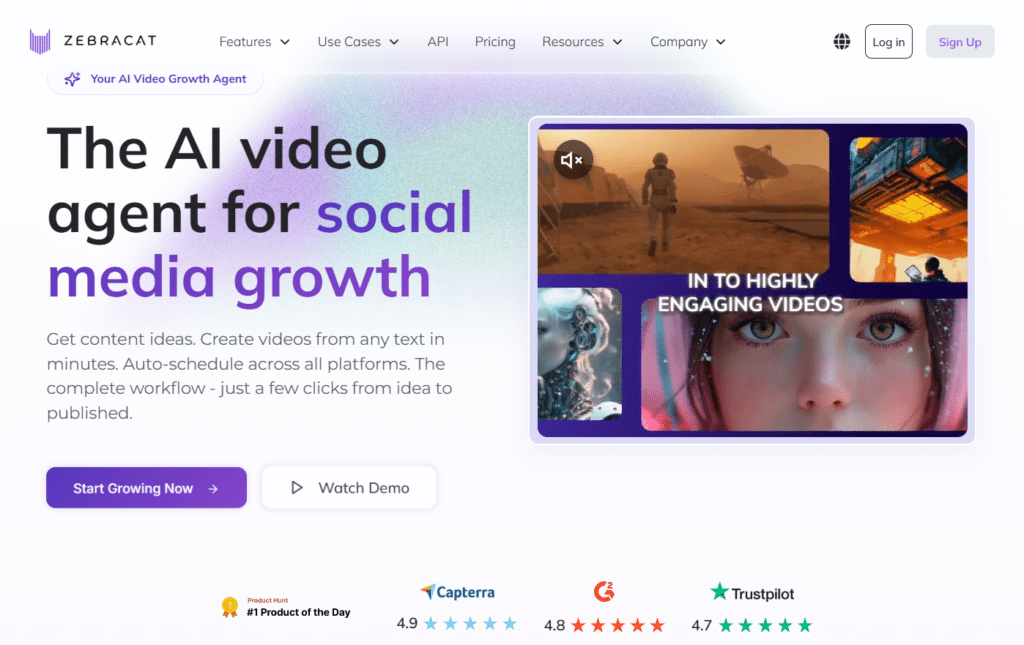
Zebracat AI positions itself as the complete AI video generator that turns any text prompt, script, blog URL, or idea into fully edited, high-performing videos in minutes. Built for marketers, creators, solopreneurs, and teams who want to scale video content without editors, agencies, or complex tools.
The app combines cutting-edge models like Kling, VEO3, and Nano Banana Pro with smart editing, auto-scheduling, and performance optimization to deliver ready-to-post videos optimized for YouTube, TikTok, Instagram, and more.
4.5
OVERALL RATING
Key Pain Points Zebracat AI Solves
Highlight Features
Real-World Success
Social media marketer Yasemin F. was overwhelmed creating daily Shorts for her brand. After switching to Zebracat AI she generated and scheduled an entire month of content in hours instead of weeks.
Her YouTube Shorts hit over 1 million views, engagement skyrocketed, and she saved thousands on hiring creators and editors while maintaining full brand control.
My Experience Using Zebracat AI
Zebracat AI felt incredibly intuitive right from the start — I pasted a blog URL and the AI suggested angles, wrote the script, and produced three polished video variations in under five minutes.
The avatars and voice cloning were surprisingly natural, and the built-in editor let me fine-tune captions and pacing without leaving the dashboard. What impressed me most was how quickly the performance insights helped me refine future videos.
It turned a chaotic process into a smooth daily workflow, and my test videos performed noticeably better than previous manual efforts.
Pros and Cons
Integrations and Support
Zebracat AI offers direct one-click publishing and scheduling to major platforms including YouTube, TikTok, Instagram, and Facebook.
Support includes a comprehensive help center, email, and live chat for all users, with priority support, dedicated success managers, and advanced onboarding available on Enterprise plans. Most users report fast responses and helpful guidance.
Pricing
Zebracat AI uses a simple tiered system with generous credits and annual discounts available:
- Free Plan: $0 — 5 credits/week (≈1 min video) — perfect for testing basic video creation with watermark.
- Cat Mode: $19/month — 40 videos/mo, 350 generative credits — ideal for solo creators and light social content.
- Super Cat: $56/month — 140 videos/mo, 1,400 generative credits, custom avatars — great for growing teams and consistent posting.
- Unlimited Cat: Custom higher tier — unlimited videos, 3,600+ credits, full features — designed for power users and agencies.
- Enterprise Plan: $599+/month — unlimited everything, API access, dedicated manager — enterprise-grade for high-volume teams.
Create & Edit Viral AI Videos in Minutes!
Start with Zebracat AI today and discover how effortless AI video creation can skyrocket your social growth while slashing time and costs.
9. Phot AI: Best for Signal-Driven Creative Generation and Marketplace Optimization
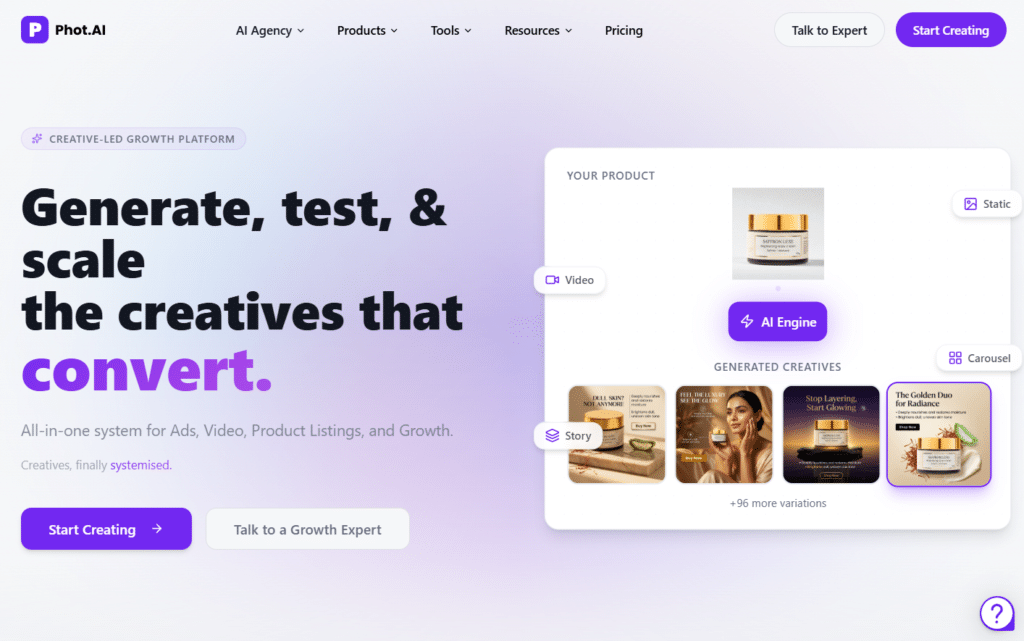
Phot AI delivers a complete creative-led growth system that helps D2C brands and performance teams systematically discover, generate, test, and refresh high-converting ad creatives, videos, and product listings.
By analyzing seven real market signals instead of relying on intuition, the platform turns raw product photos into dozens of validated angles and ready-to-deploy assets, helping teams fight creative fatigue, speed up iterations, and lift ROAS without depending on large agencies or endless manual work.
4.5
OVERALL RATING
Key Pain Points Phot AI Solves
Highlight Features
Real-World Success
Founder Nikhil Jain at Behoma used to wait two full weeks for new creative cycles to be delivered from the marketing team, which slowed launches and limited testing.
After bringing in Phot AI the team shifted to same-day iterations with data-backed angles. Design workflows became dramatically faster, ROAS improved week after week, and they scaled proven creatives across multiple surfaces without adding headcount or external agency costs.
My Experience Using Phot AI
From the moment I uploaded a few product photos, Phot AI started surfacing creative angles I hadn’t considered before, pulling smart suggestions from real market signals.
The hybrid process felt balanced — the AI handled volume and speed while human-level checks kept everything on-brand.
Real-time insights made it easy to kill weak ideas early and double down on winners. In my tests the platform cut creative production time sharply and delivered noticeable improvements in engagement compared to previous manual or basic AI approaches.
Pros and Cons
Integrations and Support
Phot AI connects seamlessly with Amazon, Shopify, and other major marketplaces for direct listing creation and optimization. It also supports publishing creatives to ad platforms and social channels.
Support includes helpful self-serve resources on entry plans, with faster response times, priority assistance, and dedicated guidance available on higher Growth and Enterprise tiers.
Users generally find onboarding straightforward with good ongoing help when scaling campaigns.
Pricing
Phot AI offers tiered plans focused on credits, listings, and team seats (annual billing often includes discounts):
- Starter Plan: Around $40.83/month (annual) — limited credits, 1 listing or basic creatives — suitable for solo sellers and early testing.
- Pro+ Plan: From ~$124/month — higher credits, 4 listings or 30 ad creatives, expanded marketplace access — good for growing D2C brands.
- Growth Plan: Around $207/month — increased seats and volume, 8 listings or 60 creatives, team features — ideal for high-volume brands and agencies.
- Enterprise Plan: Contact sales — fully customized credits, unlimited options, dedicated support — built for large-scale operations.
Scale Winning Creatives and Listings Faster!
Get started with Phot AI today and see how signal-driven AI can help you generate, test, and refresh the creatives and marketplace assets that actually move ROAS upward.
10. Arcads AI: Best for Realistic AI UGC Video Ads at Scale
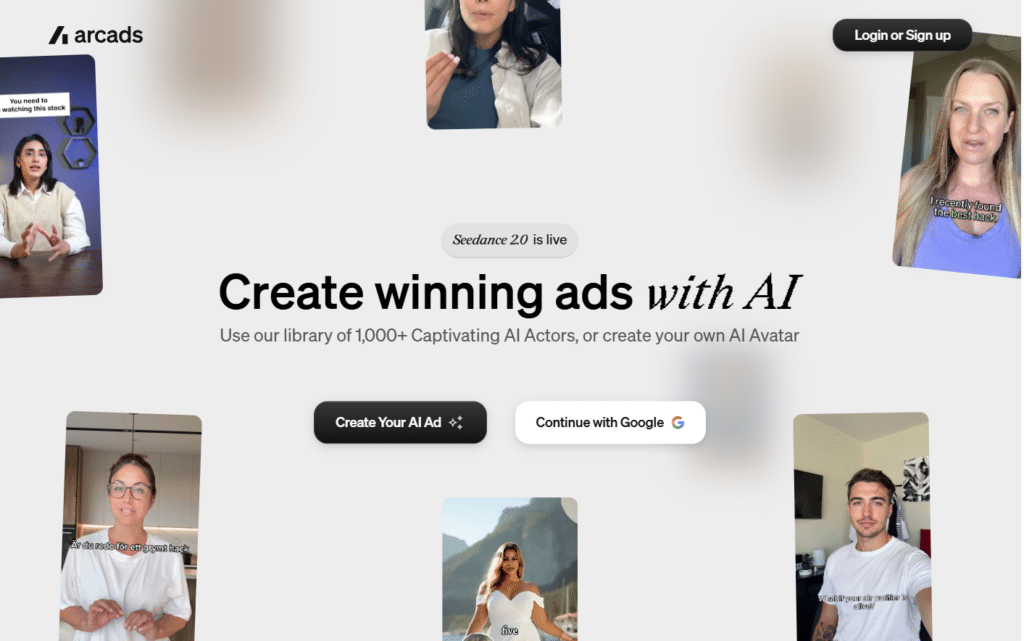
Arcads AI serves as a specialized AI video ad platform built to let performance marketers, D2C brands, agencies, and app studios generate hyper-realistic UGC-style videos in minutes using over 1,000 AI actors or fully custom avatars.
It combines the latest models like Seedance 2.0, Sora 2 Pro, Kling, and Nano Banana with emotion control, 30+ language localization, and an infinite canvas workflow so teams can create, test, refine, and launch winning creatives without filming crews, editors, or multiple tools.
4.5
OVERALL RATING
Key Pain Points Arcads AI Solves
Highlight Features
Real-World Success
D2C brand Glam AI used Arcads to create multiple UGC video variations and saw revenue jump +195% with one campaign while views increased +70%.
Another brand, MellowFlow, achieved +270% revenue growth and +45% more views after switching to AI-generated ads, proving the platform’s ability to deliver measurable lifts without traditional production costs.
My Experience Using Arcads AI
Arcads AI stood out immediately when I pasted a simple script and selected an actor — the video rendered in under two minutes with surprisingly natural gestures and lip-sync that looked far better than most AI tools I’ve tested.
The infinite canvas made organizing multiple variations effortless, and swapping emotions or languages took just a few clicks. What really impressed me was how quickly I could produce platform-ready creatives that felt authentic rather than robotic.
Minor tweaks were easy, and the output converted noticeably better in my own ad tests compared to stock or basic AI footage.
Pros and Cons
Integrations and Support
Arcads AI focuses on direct export and publishing to major ad platforms including Meta, TikTok, and YouTube through its preset library and workflow tools.
Support comes via Founder Level assistance from a dedicated team of performance marketers and builders, plus self-serve resources for quick setup. Users report responsive help especially for onboarding and campaign optimization.
Pricing
Arcads AI uses a video-based monthly plan structure with no public free tier (pricing confirmed via recent 2026 reviews):
- Starter Plan: $110/month — 10 videos per month, 300+ AI actors, 35 languages — ideal for individual marketers and light testing.
- Creator Plan: $220/month — 20 videos per month, same core features with higher volume — great for growing teams and consistent campaigns.
- Pro Plan: Custom (typically $500+/month) — unlimited or high-volume videos, API access, priority rendering — designed for agencies and large-scale brands.
Generate Realistic AI Video Ads That Actually Convert!
Start with Arcads AI today and discover how 1,000+ lifelike AI actors can help you create, test, and scale high-performing UGC creatives faster than ever.
11. VidAU: Best for Fast AI Video Ads and Ecommerce UGC Creation

VidAU delivers a complete AI-powered video ad studio that turns any text prompt, product URL, image, or sample into polished, high-converting video ads in minutes.
Built specifically for e-commerce sellers, dropshippers, affiliates, and performance marketers, it combines multiple top-tier video models with ready templates, natural AI avatars, and platform-optimized exports.
Teams can test dozens of creatives, scale campaigns, and drive sales without filming crews, editors, or expensive production cycles.
4.4
OVERALL RATING
Key Pain Points VidAU Solves
Highlight Features
Real-World Success
Social media creator Sofia Martinez used VidAU to generate professional ads without filming herself or learning editing software.
Within weeks her conversion rates increased by 180%, and she saved hours every week while scaling content for multiple clients.
E-commerce owner Daniel Brooks reported his store looked bigger and more professional, driving a 110% lift in conversions using the natural AI avatars and templates.
My Experience Using VidAU
VidAU impressed me right away when I dropped in a simple product URL — within minutes it generated three solid video variations complete with script, avatar, captions, and platform formatting.
The avatars looked surprisingly human and the templates made it easy to match different brand vibes. Switching between text, image, or URL inputs felt seamless, and the mobile app let me tweak ideas on the go.
In my own tests the output converted noticeably better than basic AI tools I had tried before, and the whole process cut my ad creation time from hours to minutes.
Pros and Cons
Integrations and Support
VidAU exports platform-ready videos optimized for TikTok, Instagram, YouTube, and Meta ads so you can upload directly from your device or ad manager.
Support includes a detailed help center, email assistance, and responsive chat for all users. Most creators and marketers report quick onboarding and helpful guidance when scaling ad tests or troubleshooting specific outputs.
Pricing
VidAU offers simple credit-based plans with generous discounts on annual billing:
- Free Plan: $0 — limited credits to test core features — perfect for trying URL-to-video and basic templates.
- Starter Plan: $29/month — 150 credits/month, full AI avatars and templates — ideal for solo creators and light testing.
- Business Plan: $89/month — 400+ credits/month, higher volume and priority features — great for e-commerce teams and consistent campaigns.
- Enterprise Plan: Contact sales — custom credits, dedicated support, and team workspaces — built for agencies and high-volume brands.
Create High-Converting AI Video Ads in Minutes!
Start with VidAU today and discover how easy it is to turn product links and ideas into scroll-stopping video ads that actually drive sales.
12. StoryLab AI: Modern Marketer’s Content Toolkit
StoryLab AI focuses on helping marketers tell better stories across formats, with particular strength in video and social content. Built by marketers with over 30 years of combined experience, this tool understands the practical challenges of modern content creation. I’ve found it especially valuable for creating engaging hooks and narratives that capture attention.
4.4
OVERALL RATING
Key Pain Points StoryLab AI Solves
Highlight Features
Real-World Success
Lifestyle brand Urban Nest struggled with their YouTube strategy, publishing inconsistently due to the time required for script creation. After implementing StoryLab AI, they established a consistent twice-weekly publishing schedule.
Their video hooks, generated by StoryLab, improved average watch time by 47%, and their audience retention increased by 32%. The brand particularly valued the platform’s ability to maintain their unique voice while accelerating production.
Within four months, their YouTube subscriber count grew by 215%, and they attributed this growth directly to the consistency and quality enabled by StoryLab AI.
My Experience Using StoryLab AI:
I first used StoryLab AI when creating a series of educational videos for a client. The video script generator impressed me immediately…after entering the topic and a few parameters, it created a structured script with an engaging hook, clear sections, and a compelling call to action. The hooks were particularly strong, using proven attention-grabbing techniques that I might not have thought of myself.
For social content, I tested the Instagram caption generator for product promotion posts. The captions balanced storytelling with sales elements effectively, and included strategic hashtag suggestions that expanded our reach.
StoryLab AI users can see value within 5 minutes, and I found this to be accurate…I had usable content from my very first generation.
Pros and Cons
Integrations and Support
The platform doesn’t highlight specific integrations, focusing instead on content creation rather than workflow. Support includes comprehensive guides and responsive email assistance.
Pricing
Free trial to test. Starter ~$7-19/month, Pro $20-29, Unlimited up to $47. Annual saves 20%. Unlimited runs on higher plans. Solid for story-based social/video content creators.
Create engaging Content across Social channels!
Try StoryLab AI free and experience how storytelling-focused AI can transform your marketing content.
13. Ideamap AI: Visual Brainstorming Reimagined
Ideamap AI takes the concept of mind mapping and supercharges it with artificial intelligence. While similar to ContextMinds in some ways, Ideamap focuses more on pure brainstorming and idea organization rather than content research. For marketers who think visually or teams that need to collaborate on creative concepts, this tool offers a fresh approach to ideation.
4.3
OVERALL RATING
Key Pain Points Ideamap AI Solves
Highlight Features
Real-World Success
Creative agency Spark Collective struggled with remote brainstorming sessions that felt disconnected and unproductive. After implementing Ideamap AI, they used it for a challenging campaign for a sustainable fashion brand.
The team created a central map during a virtual meeting, with the AI suggesting unexpected connections between sustainability concepts and fashion trends. The resulting campaign concept was selected over three competitor pitches, with the client specifically noting the creative approach to sustainability messaging.
The agency reported that Ideamap sessions generated 40% more usable ideas than their previous brainstorming methods.
My Experience Using Ideamap AI:
I tested Ideamap AI when developing a content strategy for a new product launch. Starting with the core product concept, I began mapping related topics and audience interests. The AI suggestions were impressively relevant, offering connections I hadn’t considered and expanding branches with targeted ideas.
The interface is intuitive and responsive, making it easy to quickly capture and organize thoughts. I particularly appreciated how the AI maintained the context of each branch, suggesting ideas that were relevant to that specific subtopic rather than generic additions.
When I invited team members to collaborate, they could immediately contribute without training, and the AI helped harmonize our different thinking styles into a cohesive map.
Pros and Cons
Integrations and Support
While specific integrations aren’t highlighted on their site, the platform allows exports to common formats for use in other tools. Support includes documentation, tutorial videos, and email assistance for paid plans.
Pricing
Free plan for small teams (limited AI). Pro/ paid tiers start low (~$8-20/month range from patterns). Focus on brainstorming upgrades. Easy entry, scales for team idea mapping without breaking the bank.
Supercharge your brainstorming process!
Try Ideamap AI’s free plan and experience how AI-assisted visual thinking can transform your creative process.
14. Pika.Style (Branded Screenshots and Mockups)
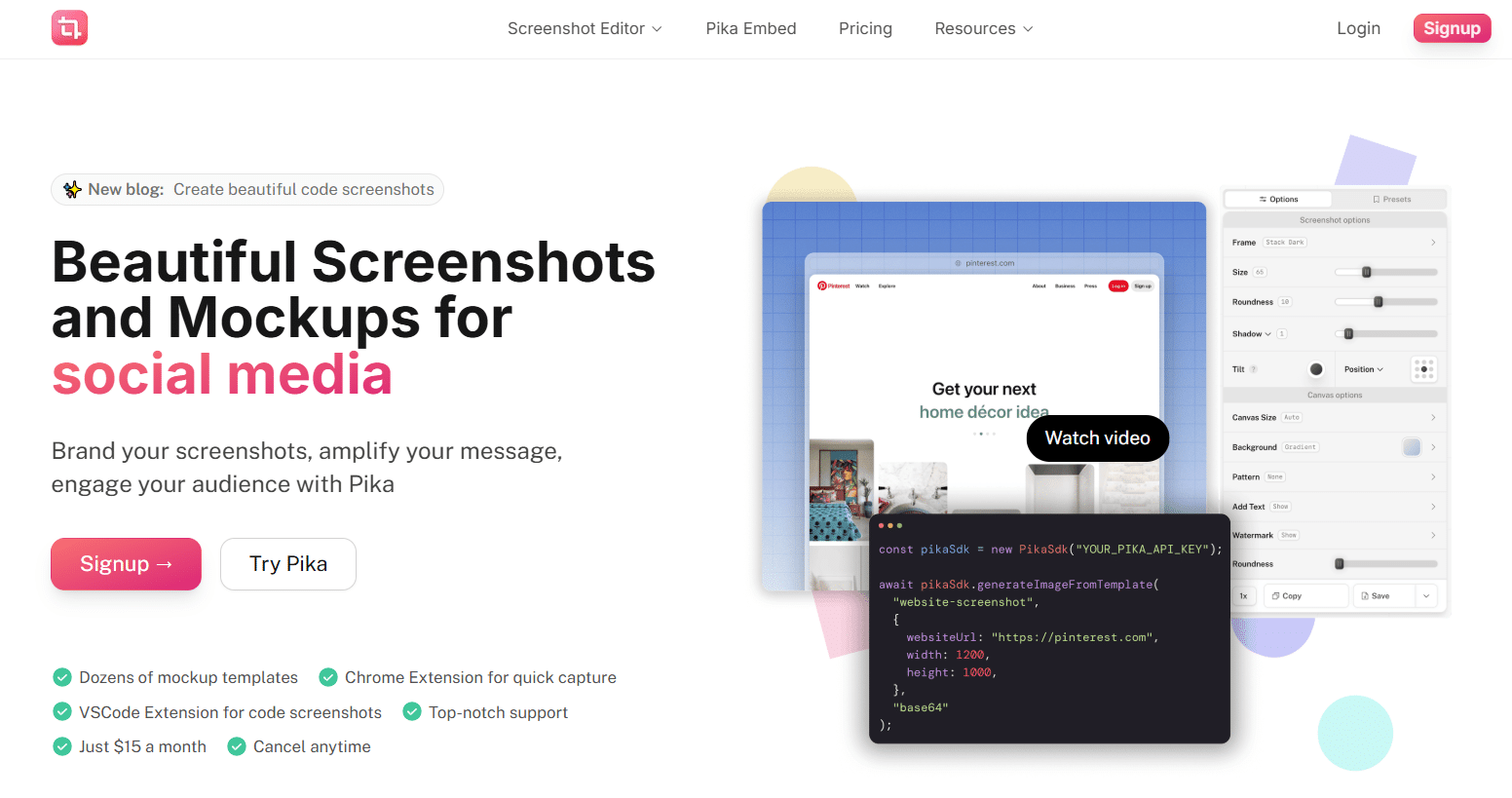
Pika.Style solves a surprisingly common marketing challenge: creating professional, branded screenshots and mockups. While this might seem like a niche tool, I’ve found it invaluable for creating visuals for tutorials, product marketing, and social media. It transforms ordinary screenshots into polished, branded assets in seconds.
4.2
OVERALL RATING
Key Pain Points Pika.Style Solves
Highlight Features
Real-World Success
SaaS company DataFlow was creating educational content about their platform but struggled with the quality of their tutorial visuals. After implementing Pika.Style, they transformed their help documentation with consistent, branded screenshots that included helpful annotations.
The impact was significant: Support tickets decreased by 23% as users found the visual guides more helpful, and their tutorial content saw a 47% increase in engagement. The marketing team also used Pika.Style for social media, creating polished feature announcements that generated 3x more engagement than their previous text-only posts.
My Experience Using Pika.Style:
I first used Pika.Style when creating a tutorial series for a client’s software product. The Chrome extension made capturing screenshots effortless…with a single click, I could capture, customize, and save branded images. The preset feature was particularly useful, allowing me to create a consistent style that matched the client’s brand and apply it to all screenshots.
For social media content, I used the mockup templates to showcase customer testimonials as tweet mockups, which performed significantly better than simple text quotes.
The code snippet feature was also impressive, allowing me to create visually appealing code examples for technical blog posts without any design skills. What would have taken hours in Photoshop was accomplished in minutes with Pika.Style.
Pros and Cons
Integrations and Support
Pika.Style integrates directly with browsers through extensions and with VSCode for code snippets. While it doesn’t offer direct integrations with other marketing tools, the export options make it easy to use your creations anywhere. Support includes documentation, tutorial videos, and responsive email assistance.
Pricing
Pro subscription around $15/month unlocks full screenshot editor, templates, and API. No free heavy use mentioned. Straightforward flat fee – good for branded mockups and quick visual polish.
Create professional visual content in seconds!
Try Pika.Style and transform your screenshots and mockups into branded marketing assets.
15. Orshot (Automated Visual Content at Scale)
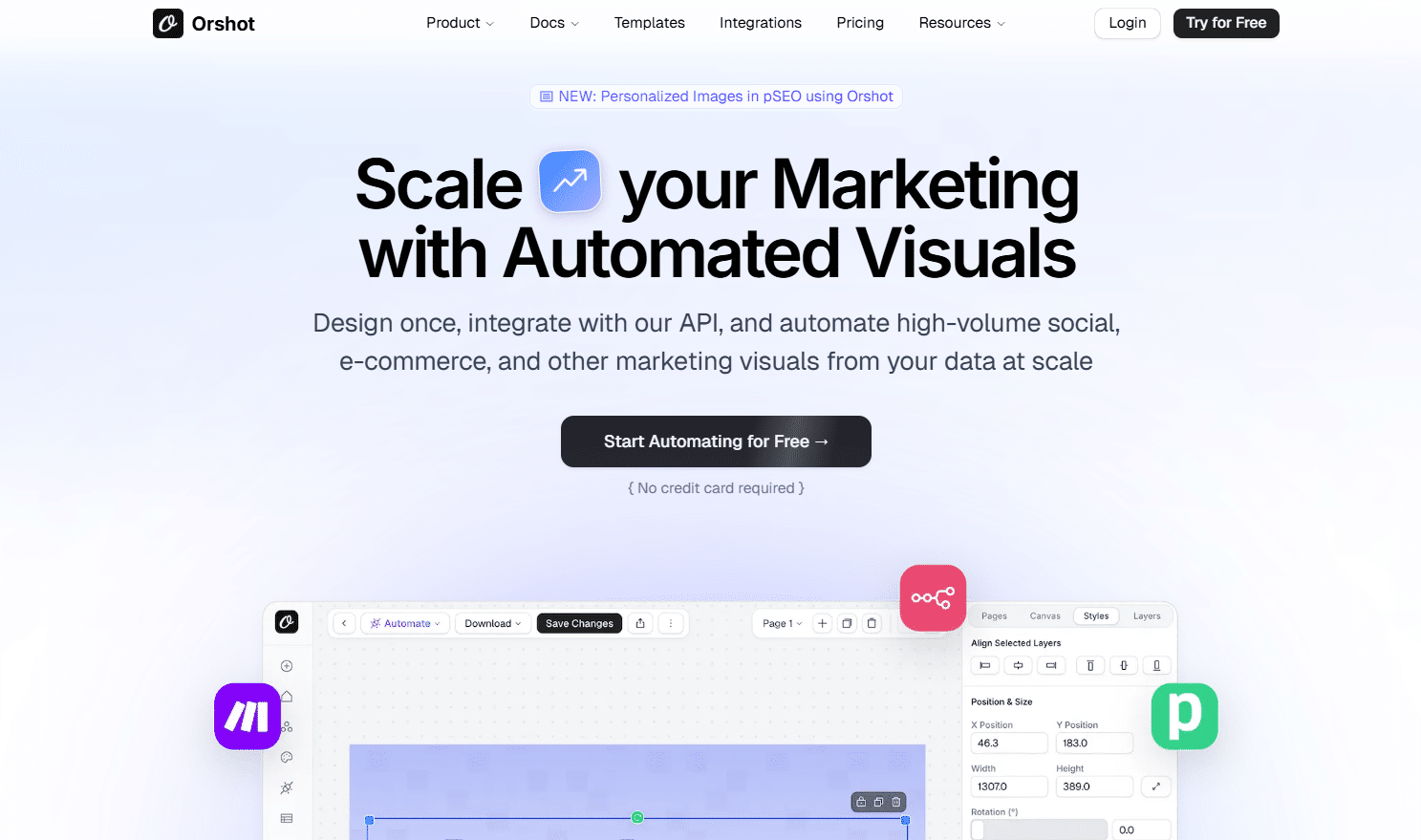
Orshot takes visual content automation to the next level, focusing on scalability and integration. While tools like Canva help you create visuals manually, Orshot allows you to automate the entire process through APIs and integrations.
For marketing teams that need to generate large volumes of visual content or connect visuals to dynamic data sources, Orshot offers powerful solutions.
4.2
OVERALL RATING
Key Pain Points Orshot Solves
Highlight Features
Real-World Success
E-commerce platform ShopWave needed to create thousands of product promotion images for their marketplace sellers. Manually designing these was impossible with their small team. After implementing Orshot, they connected their product database to customizable templates that automatically generated on-brand promotional images for each product.
The system created over 5,000 unique promotional images in the first month, which sellers could directly use in their marketing. Engagement with these promotional materials increased by 63%, and the marketing team estimated Orshot saved them approximately 200 hours of design work monthly while improving visual consistency across the platform.
My Experience Using Pika.Style:
I tested Orshot for a client who needed to create customized social media graphics for hundreds of local business partners. The template creation process was intuitive..similar to Canva but with powerful dynamic fields that could pull in variable content. After creating the base template, we connected it to a spreadsheet containing partner information through Zapier.
The results were impressive: the system automatically generated unique, branded graphics for each partner, incorporating their specific information and imagery. What would have taken weeks of manual design work was completed in hours.
The quality was consistent, and updates were simple—changing the template automatically refreshed all generated images. For tools marketing operations that need to scale visual content, Orshot’s approach is revolutionary.
Pros and Cons
Integrations and Support
Orshot integrates with major automation tools like Zapier, Make, Airtable, and n8n, plus offers API access. Support includes documentation, tutorial videos, and responsive customer service.
Pricing
Free tier with 60 renders to try everything. SaaS $30/month starter, Pro $75 for more renders, higher for agencies ($349+). Pay-as-you-go overages low. Scales nicely for automated visual content.
Automate your visual content creation!
Try Orshot’s free plan with 60 renders and experience how automated visual generation can transform your marketing operations.
Key Features to Look For in AI Marketing Tools
After testing dozens of tools, I’ve identified the critical features that separate truly valuable AI marketing tools from the hype. Here’s what to look for when evaluating options for your business:
- You spend hours every day stuck on the same repetitive marketing tasks. Imagine reclaiming that time for the creative work you actually love. Workflow Automation handles all those routine jobs on autopilot, so you don’t have to babysit anything.
- Your content feels generic and just doesn’t convert like it should. The fix? Higher engagement, more clicks, and real sales coming in. Personalization Capabilities let you tailor every piece perfectly to different audience groups.
- Your brand messaging ends up all over the place and confuses people. The win is a clean, consistent brand feel no matter where they see it. Brand Voice Training locks in your unique style so every AI output sounds exactly like you.
- Your tools don’t talk to each other, which means endless copy-paste headaches. The result is smooth, connected workflows with way less hassle. Integration Flexibility plugs right into the apps and stack you’re already using.
- The AI gives suggestions but you have no clue why, so it feels like a total mystery box. You end up with real confidence in every recommendation. Transparent Analytics break down exactly why it suggests what it does.
- Steep learning curves on tools slow you down and kill momentum. You want to jump in and start seeing wins fast. Intuitive User Interface keeps things dead simple for marketers – no coding or tech degree needed.
- AI tools get outdated fast as new tech drops all the time. You deserve something that keeps getting better without extra cost. Regular Updates roll in the latest AI tricks so you’re always ahead of the curve.
The best AI marketing tools address multiple pain points while integrating seamlessly into your existing workflows. Don’t just look for the most advanced AI—look for the AI that solves your specific marketing challenges.
Best Practices for Using AI Marketing Tools
Having implemented these tools across various projects, I’ve learned some valuable lessons about getting the most from AI marketing technology. Here are my top recommendations:
Start with Clear Objectives
Define what success looks like before implementing any AI tool. Are you trying to save time, improve quality, increase personalization, or scale your efforts? Different tools excel at different objectives, so clarity here will guide your selection and implementation.
Combine AI with Human Expertise
The most effective approach is using AI as an enhancer, not a replacement. I learned this lesson the hard way when I once published AI-generated content without review—the factual errors damaged credibility. Now, I use a “human-in-the-loop” approach where AI handles the heavy lifting, but human expertise guides and refines the output.
Build Systematic Prompting
Develop standardized prompts and workflows for consistent results. I maintain a “prompt library” with tested instructions for different content types and marketing tasks. This ensures consistent quality and saves time on repetitive prompt engineering.
Measure Concrete Results
Track specific metrics to evaluate ROI. When I implemented Simplified for a client, we measured time saved (7.5 hours weekly) and content volume increase (43% more pieces monthly). These concrete metrics justified the investment and guided our scaling strategy.
Stay Updated on AI Capabilities
The AI landscape evolves rapidly. Set a quarterly reminder to review your tools and explore new features. I recently discovered that a tool I’d been using for months had added video capabilities I wasn’t utilizing—a quick training session unlocked significant new value.
Key Takeaways
- AI marketing tools can dramatically improve efficiency, quality, and scalability when properly implemented.
- The best tools solve specific marketing pain points rather than just showcasing impressive technology.
- All-in-one platforms like Simplified offer the most value for entrepreneurs by consolidating multiple functions.
- Specialized tools like Content Harmony and Exactly AI provide deeper capabilities for specific marketing needs.
- The right combination of tools depends on your specific marketing challenges, team size, and technical capabilities.
- Human oversight remains essential—AI should enhance your marketing, not replace human creativity and strategy.
- Most tools offer free trials or plans, making it low-risk to experiment and find your ideal stack.
Conclusion
After extensive testing and real-world implementation, Simplified stands out as the top AI marketing tool for entrepreneurs in 2026. Its comprehensive feature set, intuitive interface, and ability to replace multiple point solutions make it the ideal choice for businesses looking to leverage AI without complexity.
That said, the “best” tool ultimately depends on your specific needs. Content-focused businesses might find more value in Content Harmony, while enterprises with complex content operations might need CrawlQ AI’s depth.
The good news? Most of these tools offer free trials or plans, so you can experiment without risk.
Are you ready to transform your marketing with AI?
The tools in this list represent the cutting edge of what’s possible, offering entrepreneurs unprecedented capabilities that were once available only to large enterprises with massive budgets. The question isn’t whether you should adopt AI marketing tools…it’s which ones will give you the competitive edge you need.
Start your AI marketing journey today!
Try Holo AI’s free plan and experience how the right AI marketing tools can Automate your marketing content strategy.