Are you tired of juggling multiple AI tools for different tasks?
I know I was. The constant switching between platforms for content creation, image generation, and light document analysis wasted time and money. Finding a solid All In One AI Platform changed that for my workflow.
The AI world is big now — tons of niche tools, lots of promise. But the real win comes when those capabilities live together in one place. Whether you’re a marketer planning campaigns, a developer building a product, or a small business owner automating processes, having several AI models available in one platform can save hours and improve quality.
In this post I review the top 11 All In One AI Platforms that bundle multiple models and tools into one tidy workspace. I tested them hands-on across common use cases: Writing blog copy, generating images and video, building chatbots, automating workflows, and extracting insights from documents.
If you want a quick answer first, skim the Quick Comparison table…otherwise, read on and I’ll walk you through what each platform really does in 2026.
What Are All In One AI Platforms?
Ever feel like you’re bouncing between a dozen AI apps just to get one project done? That’s exactly why all-in-one AI platforms exploded in popularity by 2026.
These are single apps (or workspaces) that pack multiple top AI models into one spot. No more separate logins for ChatGPT, Claude, Gemini, or image tools. You switch models instantly, keep your chat history, upload files once, and let the platform pick the best brain for each task.
I love how it saves time and money. Instead of paying five subscriptions, one fee unlocks text smarts, image magic, video clips, and more. It’s like having a full creative team in your browser.
We creators used to waste hours switching tabs. Now? Everything flows in one place.
Total game-changer, right?
Which Types of Latest Tools Are In The Platforms?
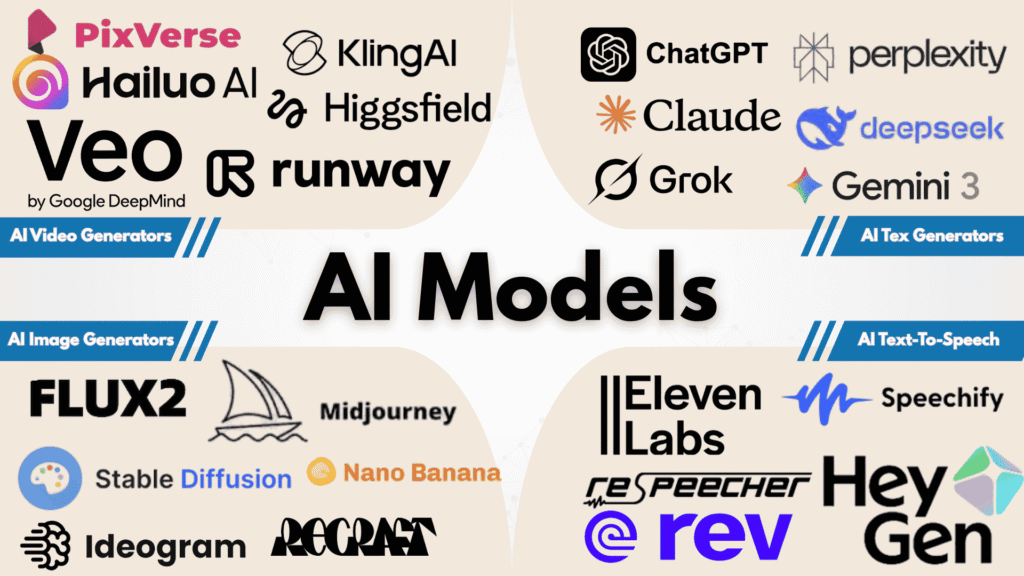
Inside these platforms, the real power comes from multi-model access for different content types.
For written text (blogs, emails, ads, scripts), you get heavy hitters like GPT-5.2 (super creative and fast), Claude Sonnet 4.5 (great at deep reasoning), Gemini 3 Pro (handles huge context), Grok 4 (fun and truthful), Perplexity Sonar Pro (research king), and DeepSeek v3.2 (cheap & speedy).
For images, switch to Flux .2, Stable Diffusion, Midjourney, Ideogram, Recraft, Hunyuan, or Nano Banana Pro for stunning, consistent visuals.
Video generation rocks with Veo 3.1, Sora 2, Luma, Kling, Runway, Pika, Hailuo, Pixverse, Vidu, Hedra, and Higgsfield – turning text or pics into smooth clips.
Audio/voice tools add ElevenLabs, HeyGen, or Rev.
This mix lets you test the best one for your style without extra cost. Super helpful for creators who want variety fast!
Who Can Benefit from Them?
Honestly, almost anyone creating content today wins big with these platforms.
Content creators and marketers
Imagine writing a killer blog post with Claude 4.5, then instantly generating matching images via Flux .2 and a short promo video with Kling – all in one tab. No more tool-hopping kills your flow.
Small business owners
You need social posts, product photos, email campaigns, and quick videos without hiring a full team. These tools handle it affordably.
Freelancers and solopreneurs
We juggle everything. One platform means faster delivery, happier clients, and more free time.
YouTubers and influencers
Script with GPT-5.2, thumbnails via Midjourney, talking-head videos with HeyGen or Sora 2. It cuts production time in half.
Students or hobby creators
Experiment freely, learn what each model does best.
The empathy part? I get the frustration of scattered tools eating your day. These all-in-one spots bring calm and speed back.
Plus, modern models “get” human emotion in words now – so AI copy feels real, boosts engagement, and actually converts sales.
How I Tested These All In One AI Platforms
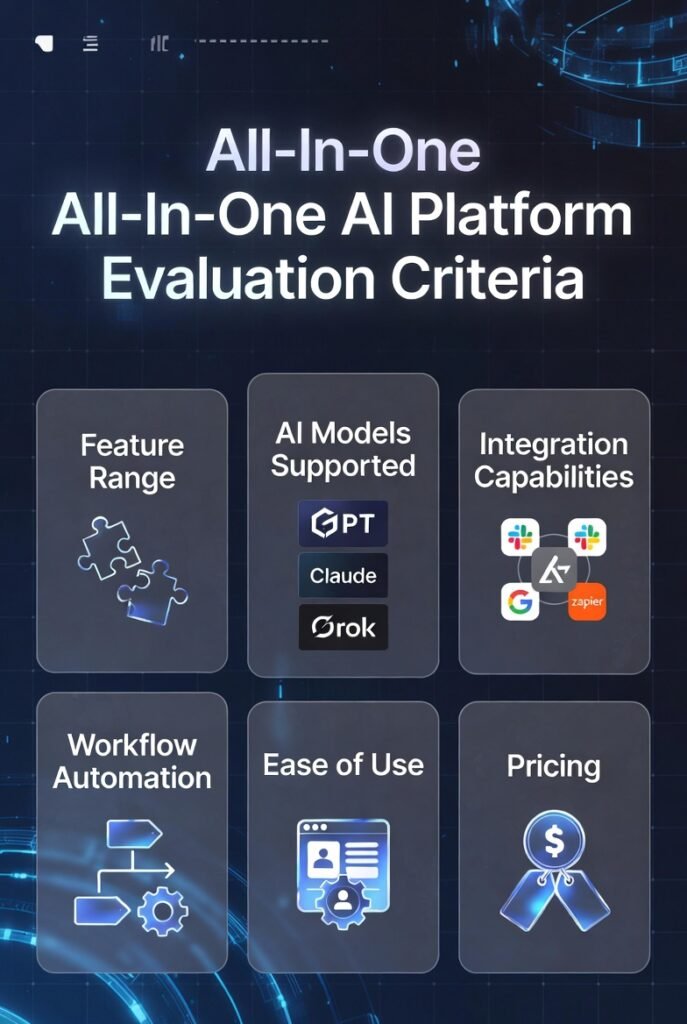
Before we jump into the reviews, here’s how I evaluated each platform. I did extensive hands-on testing across real-world use cases so these recommendations are practical and reliable.
I looked at each platform from the lens of real teams and real work…not just marketing copy.
For each platform I completed short, repeatable tests that you can copy:
These checks show how each platform performs on common tasks teams actually do. If you want to get started testing on your own, pick one use case that matters most to your team and run these five checks during the free trial. That will give you clear information to choose the best platform for your needs.
Why Should You Trust Me?
I’m not just another reviewer copying vendor pages. I bring real, hands-on experience to these reviews and I test platforms like a user — not a marketer.
- I hold an MSc in Data Science & Machine Learning and a BSc in Software Engineering
- I’ve worked in AI since 2018, building and shipping models for products and agencies
- I’ve developed client-facing AI projects across e-commerce, marketing, and finance
- I know both the technical limits and practical workflows that make AI useful for teams
- I also consult with businesses on picking the right platform and rolling out AI safely
That background helps me focus on practical value — not just flashy features. I also re-verified each platform’s model support and integrations against official docs and recent user reports so the model lists in this post reflect what’s actually available in 2026.
Quick Comparison: Top All In One AI Platforms
| Rank | Tool | Key Model Access | Best For | Rating | Pricing |
|---|---|---|---|---|---|
| 1 | Galaxy AI | GPT-5.3, Claude 4.5 Sonnet/Opus, Gemini 3.1 Pro, Grok 4, Flux .2, Veo 3.1, Sora 2, Kling, Runway + 3000+ tools/models | Enterprise-grade platform with massive model & tool catalog (everything in one place) | 4.9/5 | From $29/month |
| 2 | Easy-peasy.AI | Claude 4.5 Sonnet, GPT-5o mini, Llama 3 70B, Mixtral, Gemini, DeepSeek (unlimited on many plans) | User-friendly content creation, templates, and campaign automation | 4.8/5 | From $19/month |
| 3 | Magai | GPT-5.3 / GPT-5, Claude 4.5 Sonnet/Opus, Gemini 3 Pro, DeepSeek, Perplexity, Grok, Flux, DALL-E 3, Runway | Visual workflow automation and custom AI solutions | 4.7/5 | From $25/month |
| 4 | 1min.AI | GPT-5.2, Claude 3.1 Opus/Sonnet, Gemini 3.1 Pro/Flash, Grok, Mistral, Llama 3, Kling AI | Lightning-fast content creation with text, image, audio & video tools | 4.6/5 | From $5/month |
| 5 | AIChatOne | GPT-5.2, Claude 3.7 Sonnet, Gemini 2.5 Pro, Grok 4, DeepSeek V3, Perplexity Sonar Pro + 30+ models | Versatile multi-model AI assistant with excellent organization tools | 4.5/5 | From $3.99/month |
| 6 | Monica AI | GPT-5 / GPT-5.2, Claude 4.5 Sonnet, Gemini 3 Pro, DeepSeek V3, Sora 2 | Personal productivity: email, summaries, notes, and assistants | 4.5/5 | From $15/month |
| 7 | Hix AI | GPT-4o, Claude 4.5, Gemini 3 Pro + many for writing/SEO | Marketing teams focused on campaigns, SEO, and content analytics | 4.4/5 | From $22/month |
| 8 | Simplified | Built-in AI for text/image/video (multi-model access, specifics like Flux/Stable Diffusion-style in tools) | Content marketing for growing teams (social, ads, videos, presentations) | 4.4/5 | From $18/month |
| 9 | Global GPT | GPT-5, Claude 4/4.5, Gemini 3 Pro, DeepSeek, Grok, Veo + 100+ models total | Aggregator style platform with strong multilingual support and many models | 4.5/5 | From $17/month |
| 10 | BlueGPT | Multiple integrated models (text/image/video agents, not heavily named but broad access) | Content creation, AI agents/automation, and light doc/image analysis | 4.4/5 | From $23/month |
| 11 | AIMLAPI.com | 400+ models gateway (Llama, Mixtral, Stable Diffusion, chat/image/video/audio variety) | Developers needing an API-first gateway to many models | 4.3/5 | From $27/month |
Top 3 All In One AI Platforms Picks

🥇
Galaxy AI
The most comprehensive enterprise-grade platform — a true one-stop shop with an enormous catalog of tools and models for text, image, audio, video, and more.
Notable models: GPT-5.2, Gemini 3 Pro, Claude 4.5, Stable Diffusion.

🥈
Easy-peasy.AI
Great for teams that want strong content creation and campaign workflows without a steep learning curve.
Notable models: Claude 4.5 Sonnet, GPT-4o mini, Llama 3 70B, Mixtral 8x7b.

🥉
Magai
Top pick if you need visual workflow builders and easy model switching inside automated pipelines.
Notable models: GPT-4o / GPT-5.2 (where available), Claude 4.5, Gemini 3 Pro, DeepSeek.
Best All In One AI Platforms Ranked
1. Galaxy AI – Enterprise-Grade All In One AI Platform
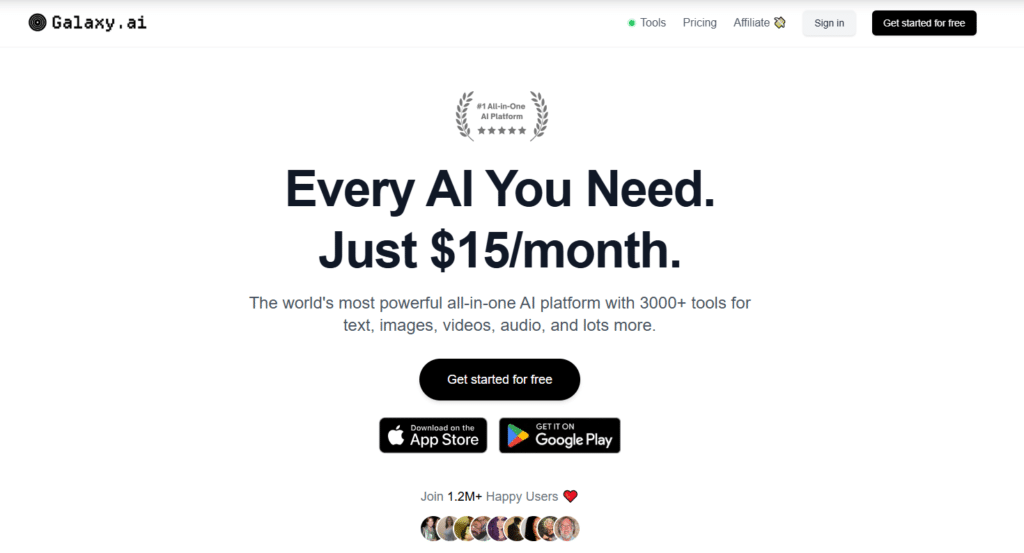
Galaxy AI is the most comprehensive All In One AI Platform I’ve used. It’s built like a one-stop shop for teams that need lots of AI tools in one place…text, images, video, audio, voice, music, ads, and more…All tied together so you don’t keep switching apps.
4.9
OVERALL RATING
Key Pain Points Galaxy.AI Solves
Standout Features
AI Models integrations
Real-World Success: Acme Corporation Case Study
Acme, a mid-sized e-commerce company, consolidated seven separate tools into Galaxy AI. They cut production time by 42% and tool spend by 35%. Their team could build complete campaigns…blog posts, social copy, product pages, and image sets — without losing context between steps.
My Experience Using Galaxy AI
I built a full product-launch workflow in one session: a 700-word blog draft, three social posts, and six ad images. The platform kept context across the steps and the images matched the messaging without extra prompts. It felt fast and reliable for complex multi-model work.
Pros and Cons


Integrations
Galaxy AI connects to Slack, Microsoft 365, Google Workspace, Salesforce, HubSpot, Asana, Adobe Creative Cloud, and common storage/CI tools. Support includes live chat, enterprise account managers, weekly webinars, and detailed docs. (Tip: confirm current support SLAs and trial access when you sign up.)
Pricing Plans
- Starter: $29/month (entry-level access)
- Professional: $79/month (team features)
- Business: $199/month (growth and analytics)
- Enterprise: Custom pricing and private deployment options
streamline your AI Automation workflow with 3000+ AI Tools?
Galaxy AI offers a free trial — try the models and automations you care about to see how they fit your campaigns and teams.
2. Easy-peasy.AI – User-Friendly All In One AI Platform
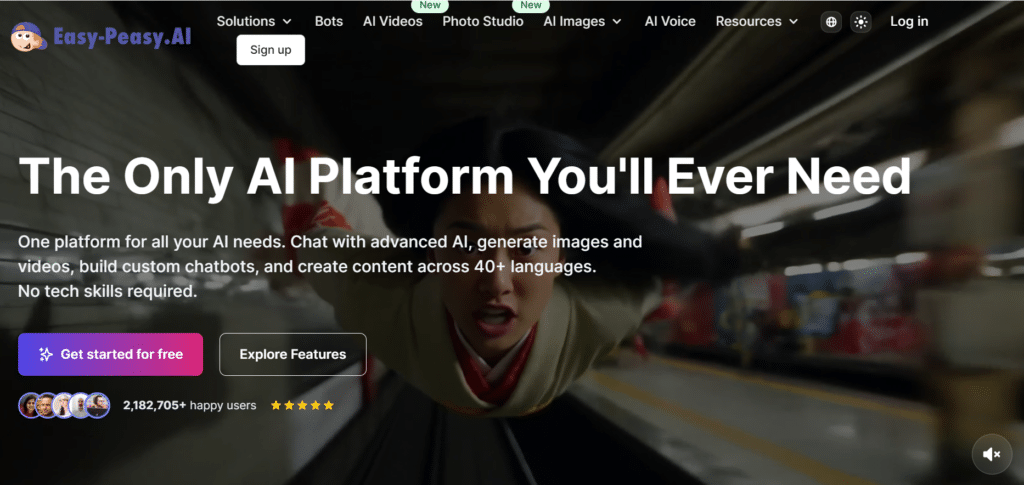
Easy-peasy.AI really lives up to the name. It makes strong AI features easy to use for marketers and small teams. If you want templates, guided workflows, and fast content creation without learning a ton, this platform is built for that.
Easy-peasy.AI is best for Social posts, email sequences, product copy, and simple ad creative — fast and consistent content production for teams.
4.8
OVERALL RATING
Key Pain Points Easy-peasy.AI Solves
Standout Features
AI Models integrations
Real-World Success: Marketing Agency Case Study
A 15-person agency used Easy-peasy.AI to standardize client deliverables. They sped up content production by about 60% and improved delivery consistency. The guided launch templates were a big win…the agency owner said they could take on more clients without hiring additional writers.
My Experience Using Easy-peasy.AI
I built a product launch set: a 700-word blog draft, four social posts, an email sequence, and three promo images. Using the launch template, I had a solid first draft for every asset in about 20 minutes. Prompts were simple and the brand settings helped keep tone consistent across outputs.
Pros and Cons
Integrations
Easy-peasy.AI connects with WordPress, Shopify, HubSpot, Mailchimp, Google Drive, Dropbox, Slack, and major social platforms.
Support includes email, business-hours live chat, a knowledge base, and weekly training webinars. Check their current plan notes to confirm which models are available on each paid tier.
Pricing Plans
- Solo: $19/month (entry plan)
- Pro: $49/month (more credits and features)
- Team: $99/month (multi-user, collaboration tools)
- Agency: $249/month (high-volume credits and seats)
Multiple AI Content power without the complexity!
Easy-peasy.AI offers a free tier and a short free trial on paid plans. Try the launch template and the image tools to see how quickly you can get from brief to publish-ready.
3. Magai – Advanced Workflow All In One AI Platform
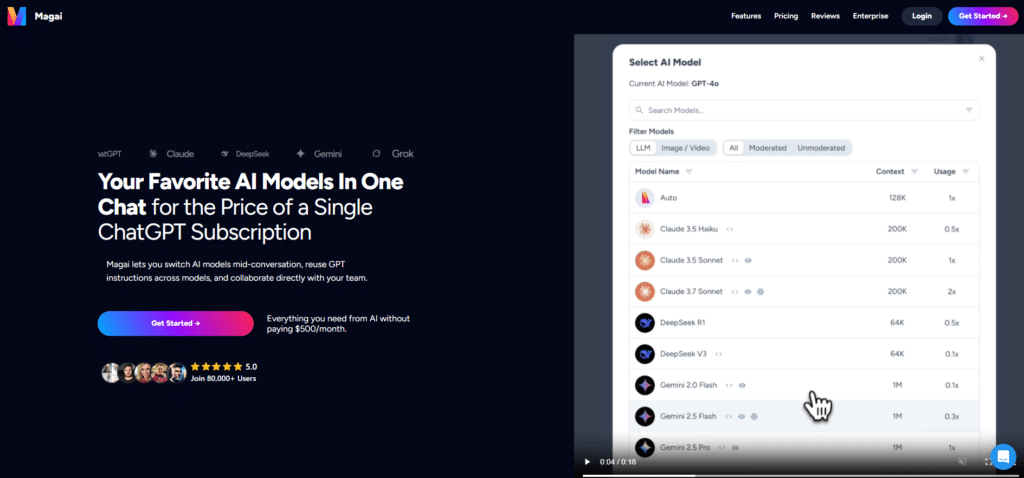
Magai shines when you need to stitch multiple AI models into real business processes.
It’s a no-code / low-code workflow builder that makes it easy to connect models, data sources, and business logic into repeatable automations. If your team needs custom AI apps or end-to-end pipelines, Magai is built for that.
4.7
OVERALL RATING
Key Pain Points Magai Solves
Standout Features
AI Models integrations
Real-World Success: Financial Services Case Study
A mid-sized financial firm used Magai to automate loan intake: Extract fields from PDFs, validate against APIs, run risk scoring, and generate personalized responses. Processing time dropped from 48 hours to about 20 minutes and accuracy improved significantly.
My Experience Using Magai
I built a simple 5-step content workflow in under 15 minutes: Monitor a news feed, summarize trending topics, create a brief, generate a draft, and push for review. Adjusting one step didn’t break the rest, and switching which model handled the summary was just a click — great for testing model trade-offs.
Pros and Cons
Integrations
Magai offers REST APIs, database connectors, file system access, and prebuilt connectors for platforms like Salesforce, Shopify, and major cloud providers.
Support typically includes documentation, live chat, and solution architects on higher tiers. Check the trial details to see which model connectors are included by default.
Pricing Plans
- Starter: $25/month (limited workflows)
- Professional: $75/month (expanded operations)
- Business: $199/month (advanced features & higher limits)
- Enterprise: Custom pricing with dedicated support and private deployment
Ready to automate complex AI Content workflows?
Magai offers a trial that lets you test workflow building and model switching. Use it to prototype a real process your team runs today.
4. 1min.AI – Lightning-Fast All-In-One AI Content Platform
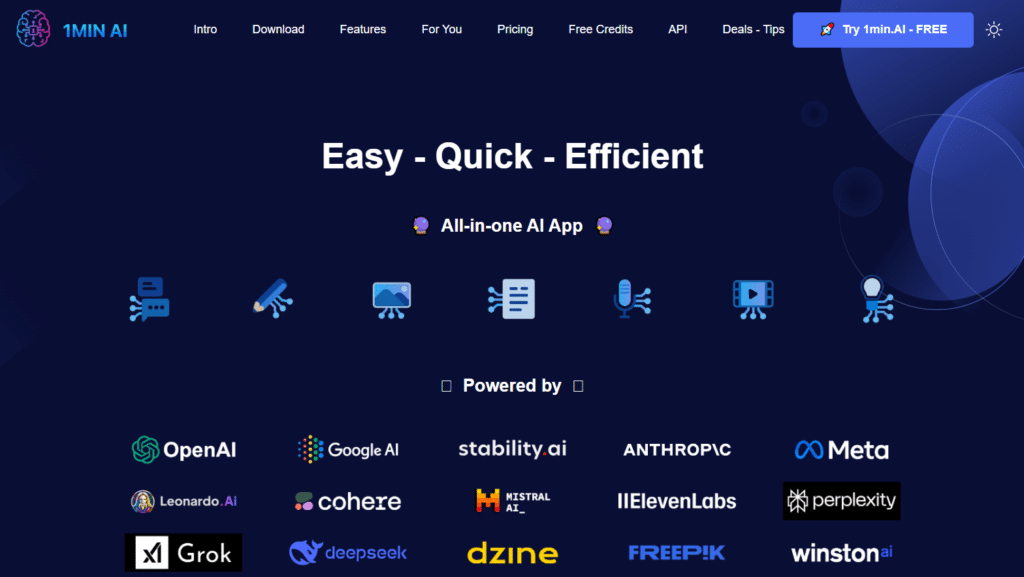
1min.AI is a super-fast all-in-one AI platform built for creators, marketers, and solopreneurs who want quick results across text, image, audio, and video…All in one place.
Powered by a wide range of top AI models and specialized tools, it delivers most outputs within 1 minute, making it perfect if speed and simplicity are your top priorities for daily content creation.
4.6
OVERALL RATING
Key Pain Points 1min.AI Solves
Standout Features
AI Models integrations
Real-World Success: Content Creator Case Study
A freelance content creator and YouTuber adopted 1min.AI to handle daily social media, thumbnails, and video scripts. By using the fast image tools and multi-model chat, they reduced content production time by 60% while maintaining high quality. The generous daily free credits helped them stay productive even on the free tier.
My Experience Using 1min.AI
I tested 1min.AI by generating a full social media post set with matching images in under two minutes. The speed was impressive, background removal and image variations worked smoothly. Switching between models for writing and then using the image suite felt seamless, and the clean interface made it enjoyable for quick daily tasks.
Pros and Cons
Integrations
1min.AI offers a convenient desktop app for macOS and Windows, browser access, and a powerful API for custom integrations. It works well with social media workflows and supports commercial use. Support includes help documentation, email, and an active user community.
Pricing Plans
1min.AI offers generous free credits on signup and a 30-day money-back guarantee.
- Pro Plan: $5/month (all features + flagship models)
- Business Plan: $8/month (higher limits, team-friendly features)
Get results in 1 minute with powerful all-in-one AI tools!
Try the fast image generator and multi-model chat today to see how quickly it can boost your productivity.
5. AIChatOne – Versatile All-In-One AI Assistant Platform
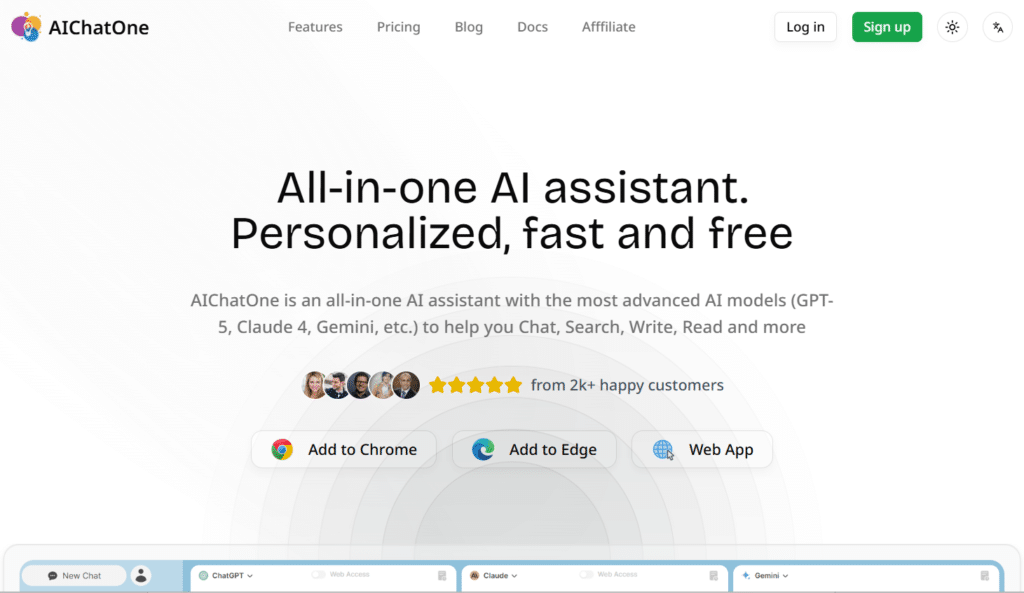
AIChatOne is a powerful all-in-one AI assistant designed for everyday users and professionals who want fast, organized, and multi-model AI access in one clean interface.
With 30+ advanced AI models, it excels at chatting, writing, web research, document analysis, and social content creation, making it ideal if you need a smart, privacy-focused daily AI copilot without switching between tools.
4.5
OVERALL RATING
Key Pain Points AIChatOne Solves
Standout Features
AI Models integrations
Real-World Success: Freelancer Case Study
A freelance writer and content creator switched to AIChatOne to handle research, drafting, and social posts. By using multiple models side-by-side and organizing chats in folders, they cut research and writing time by 45% while maintaining high quality. The document upload and custom persona features helped them deliver client work faster with consistent tone.
My Experience Using AIChatOne
I tested AIChatOne by uploading a research document and chatting with GPT-5, Claude 3.7 Sonnet, and Gemini 3 Pro at the same time. The side-by-side comparison was extremely useful, and the chat folders + search made it easy to revisit previous sessions. Voice input and web access turned it into a true daily copilot for quick tasks and deep work.
Pros and Cons
Integrations
AIChatOne offers a convenient Chrome and Edge extension for sidebar access on any website. It supports direct integration with OpenAI APIs and works seamlessly for web research and social platforms like Twitter/X and Reddit. Support includes email, help documentation, and an active user community.
Pricing Plans
AIChatOne offers instant signup with 5,000 free credits to try for 30 days.
- AI Credits Pro: $3.99/month (1 million credits)
- AI Credits Ultra: $6.99/month (2 million credits)
- AI Credits Max: $16.9/month (5 million credits)
- Lifetime Premium: $24.9 one-time (unlocks top models + premium features)
Unlock powerful multi-model AI assistance at an unbeatable price!
Test chatting with multiple top models side-by-side and see how well the organization tools fit your workflow.
6. Monica AI – Personal Productivity All In One AI Platform
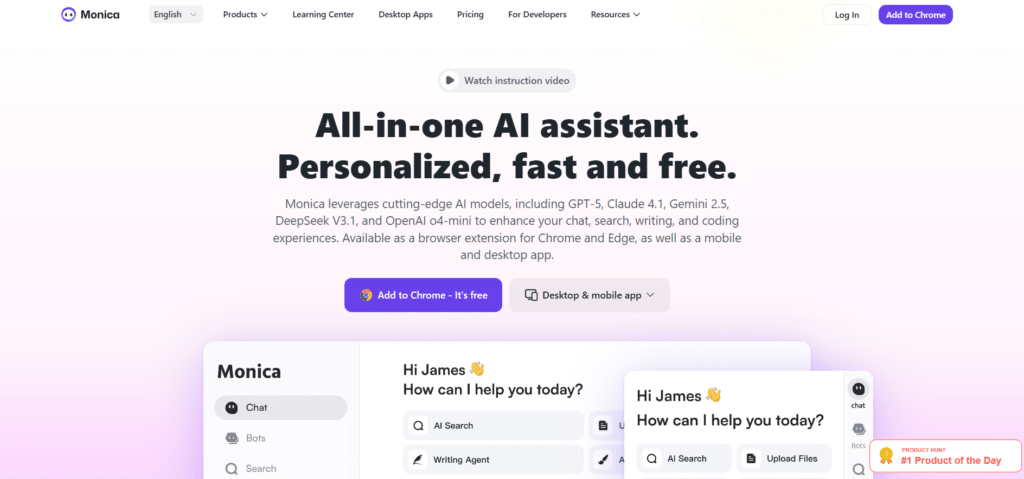
Monica AI is built for people who want a smart assistant to handle day-to-day work. It shines at email drafting, meeting summaries, document Q&A, and general personal productivity tasks. If you want a tool that saves hours on routine writing and knowledge work, Monica is a great fit.
4.5
OVERALL RATING
Key Pain Points Monica AI Solves
Standout Features
AI Models integrations
Real-World Success: Freelancer Case Study
A freelance consultant used Monica to manage client comms and deliverables. By letting Monica draft replies, summarize meetings, and pre-fill report outlines, they saved roughly 15 hours a week and improved response times. Clients noticed faster turnarounds and clearer updates.
My Experience Using Monica AI
I used Monica on a busy week: I uploaded a 20-minute meeting transcript and got a 200-word summary plus three clear action items in under a minute.
I also fed a long client PDF and asked five targeted questions — the answers were concise and cited sections. The email drafting helped me create polite, on-tone responses quickly after a short style setup.
Pros and Cons
Integrations and Support
Monica integrates with Gmail, Outlook, Google Calendar, Microsoft 365, Zoom, Slack, Notion, and Evernote. Support includes help docs, email support, tutorial videos, and a user community. Check current docs for exact model and integration support per plan.
Pricing Plans
- Personal: $15/month (basic assistant features)
- Professional: $29/month (more credits and advanced tools)
- Team: $69/month (team features and shared workspace)
Your All-In-one AI Assistant!
Monica AI offers a short free trial on paid plans — try uploading a transcript and a PDF to see how much time you can save.
7. Hix AI – Marketing-Focused All In One AI Platform
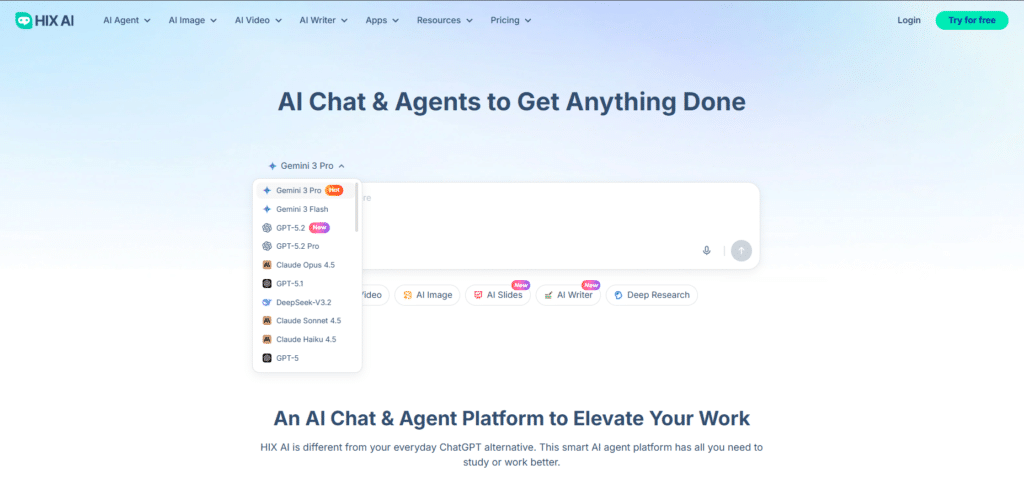
Hix AI is built for marketing teams who need to produce, optimize, and analyze content across channels. It focuses on campaign planning, SEO-aware writing, ad copy, and performance insights — all wrapped in workflows that make the marketer’s job easier.
4.4
OVERALL RATING
Key Pain Points Hix AI Solves
Standout Features
AI Models integrations
Real-World Success: E-commerce Brand Case Study
An e-commerce brand used Hix AI to scale content across product pages, social channels, and email campaigns. They reported a 300% increase in content output while maintaining brand voice. The marketing director said coordinated campaign briefs and AI SEO suggestions were game-changers for speed and quality.
My Experience Using Hix AI
I tested Hix AI by creating a product launch campaign: A brief, an SEO-optimized blog post, three social captions, and two ad variants.
The campaign planner kept everything consistent and the SEO tool suggested relevant topic clusters I hadn’t considered. From brief to first drafts took under 30 minutes.
Pros and Cons
Integrations and Support
Hix AI connects with HubSpot, Mailchimp, WordPress, Shopify, Google Analytics, and major social platforms. Support typically includes email, live chat during business hours, marketing tutorials, and monthly webinars. Check current docs for exact model/connectors included on each plan.
Pricing Plans
- Starter: $22/month (basic content features)
- Professional: $59/month (expanded credits & SEO tools)
- Team: $119/month (multi-user collaboration)
- Agency: $229/month (higher limits & agency features)
Supercharge your marketing content production!
Hix AI offers trials on paid plans — try building a short campaign during your trial to see how templates, SEO guidance, and testing tools fit your team.
8. Simplified – Content Marketing All In One AI Platform
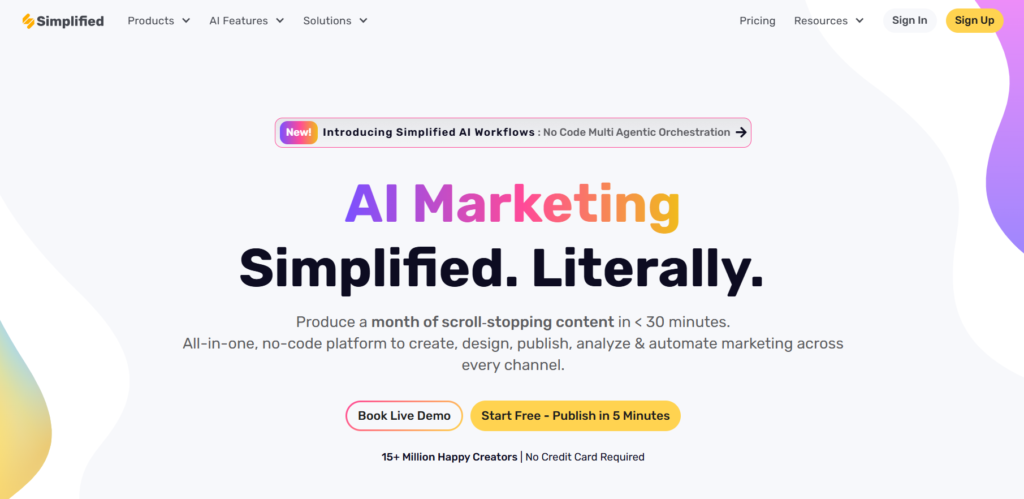
Simplified is best seen as an all-in-one content marketing platform for growing teams. Yes, it has strong design tools…but its real power is helping teams produce social posts, ads, videos, carousels, presentations, and blog content all from the same workspace.
4.4
OVERALL RATING
Key Pain Points Simplified Solves
Standout Features
Core use cases
My Experience Using Simplified
I used Simplified to turn a 300-word product summary into a 5-slide carousel plus five social captions in under 12 minutes. The brand kit applied colors and fonts automatically and the captions matched the carousel tone.
Pros and Cons
Integrations and Support
Simplified connects with major social platforms, Canva, Adobe Creative Cloud, Google Drive, Dropbox, and common CMS systems. Support includes email, live chat during business hours, video tutorials, and a design-focused help center. Check current docs for exact connector and model availability per plan.
Pricing Plans
- Free: Basic design and limited content features
- Small Team: $18/month per user (core content & design tools)
- Business: $32/month per user (advanced features)
- Growth: $99/month (5 users, full feature set)
Create marketing content and visuals in one place!
Simplified offers a free plan and trials on paid tiers. Try converting a blog into a carousel + social set to see how it speeds up your content pipeline.
9. Global GPT – Aggregator-Style All In One AI Platform

Global GPT is more of an aggregator-style All In One AI Platform that gives you access to lots of models and strong multilingual features. It’s ideal for teams that need many model options plus reliable language and localization tools…a good fit for international marketing, product localization, and multi-language customer content.
4.4
OVERALL RATING
Key Pain Points Global GPT Solves
Standout Features
AI Models integrations
Real-World Success: E-commerce Expansion Case
An online store used Global GPT to localize product pages, ad copy, and support FAQs for five markets. They saw faster go-to-market times and a 150% lift in new-market sales within months.
The platform’s cultural adaptation tools helped avoid awkward literal translations and improved conversion in target regions.
My Experience Using Global GPT
I tested content creation across English, Spanish, French, German, and Japanese. The platform didn’t just translate…it adapted idioms and suggested local keyword swaps. I also compared the same brief across two models to see which produced better cultural tone — that A/B of models was quick and useful for picking a final version.
Pros and Cons
Integrations and Support
Global GPT connects to CMS systems, e-commerce platforms, marketing automation, and helpdesk tools. Support includes multilingual documentation, email, and live chat; check the current plan for SLA details and connector lists.
Pricing Plans
- Starter: $17/month (basic multilingual features)
- Professional: $49/month (expanded languages and credits)
- Business: $99/month (more languages and higher limits)
- Enterprise: $249/month (full language coverage and enterprise features)
Expand your global reach with model choice and localization!
Global GPT is great if you need many model options and strong multilingual tools. Try a free trial and test the same campaign in two languages to see how well the platform adapts tone and SEO per market.
10. BlueGPT – Content Creation Automation, and Light Document/Image Analysis
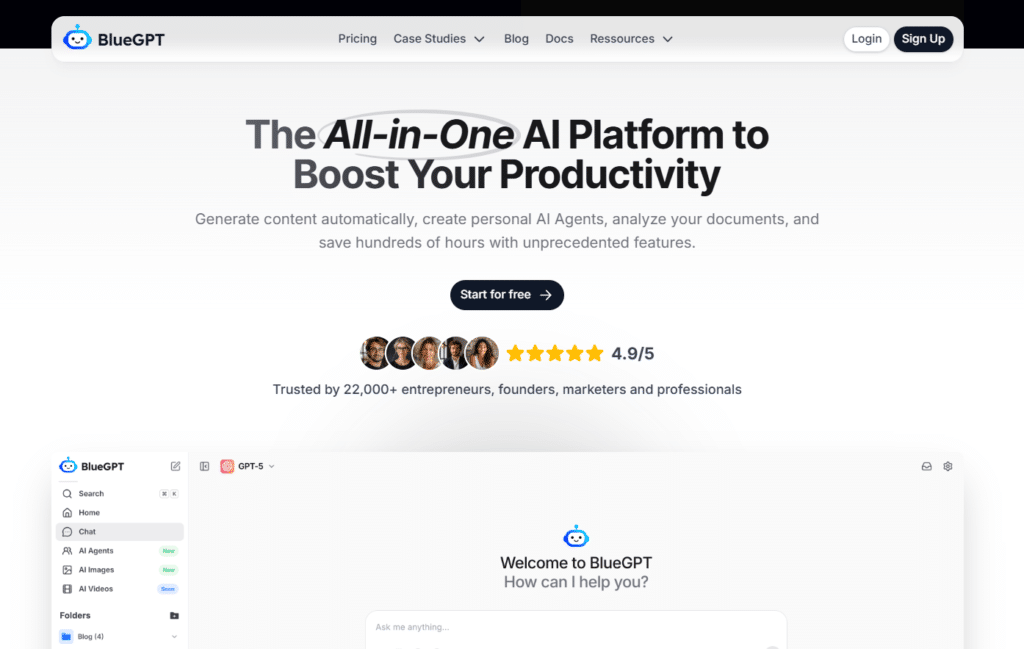
BlueGPT is best described as a content-first platform that also offers automation (AI agents) and handy document/image analysis features. It’s not primarily a heavy BI tool — instead, it helps teams create content, run task automations, and quickly extract info from PDFs and images.
4.4
OVERALL RATING
Key Pain Points BlueGPT Solves
Standout Features
How teams typically use BlueGPT
AI Models integrations
Real-World Success:
A small e-commerce brand used BlueGPT to automate weekly content: An agent gathered trending keywords, generated a blog outline and first draft, and created social posts from the draft.
The team saved several hours each week and kept a consistent content cadence without hiring extra writers.
My Experience Using BlueGPT
I tested BlueGPT by uploading a 15-page product manual and asking ten questions. The platform returned short, clear answers and highlighted the manual sections it used. I also spun up an agent that pulled product keywords, drafted a 600-word post, and generated three caption options — it handled the full loop in under an hour.
Pros and Cons
Integrations and Support
BlueGPT connects to common CMS, social schedulers, and storage systems for publishing and asset management. Support typically includes email, docs, and live chat; check current plan details for SLAs and connector lists.
Pricing Plans
- Starter — 24€/month Text models only, basic credits, unlimited agents. Good entry point. Pro — 32€/month Full access: text + image + video + PDF analysis. More credits, best for creators. Team — Custom (starts ~69€/user/month) Shared workspaces, priority support, bigger limits for small teams.
All In One AI Platform To Boost Content Productivity!
Try BlueGPT’s free trial if you want to test content generation plus document Q&A and simple agents. Build one agent that automates a real weekly task to judge fit quickly.
11. AIML API – Developer-Focused All In One AI Platform
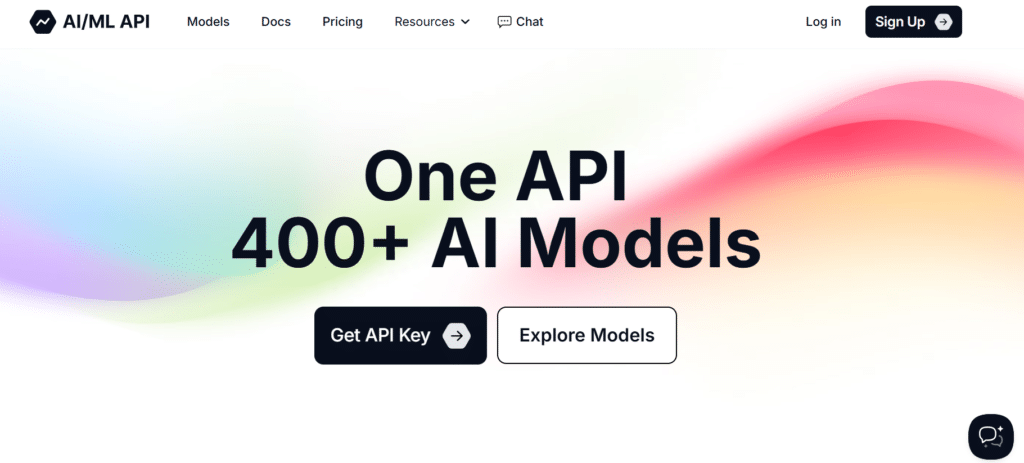
AIML API is built for developers who want an API-first gateway to many AI models and tools. It simplifies integration by offering a single, consistent API surface that can route requests to different engines, host your own models, and help manage costs and performance.
4.3
OVERALL RATING
Key Pain Points AIML API Solves
Standout Features
How teams typically use AIML API
AI Models integrations
Real-World Success:
A SaaS company used AIML API as their AI abstraction layer. Instead of building multiple provider integrations, they integrated once with AIMLAPI. This cut dev time, gave them instant model redundancy, and made it easy to experiment with new models without changing their app code.
My Experience Using AIML API
I built a small prototype that combined text generation, sentiment analysis, and image creation. The unified API made testing quick and the SDKs had clear examples. The model router saved time by selecting the right engine for each job during the test runs.
Pros and Cons
Integrations and Support
AIML API provides SDKs for JavaScript, Python, and other major languages, plus thorough API docs and code samples. Support channels include email, developer forums, and documentation. Check current product pages for exact model counts and the latest connector list.
Pricing Plans
- Free: 0 USD, 10 API calls/hour, Playground & community access.
- Free Verified: 10 requests/hour & daily quotas with credits.
- Pay-As-You-Go: flexible credits, no request limits.
- Growth Crypto: from ~100 USD/month, 200M+ credits, priority support.
Get 400+ AI Models with Single API!
If you’re a developer or engineering team, try AIML API to reduce integration work and experiment with multiple model types from one place. Use the sandbox to prototype before moving to production.
Key Features to Look For in an All In One AI Platform
After testing many platforms, here are the features that actually matter. Short checks you can run during a trial are included so you can judge fit fast.
Red flags to watch for
Prioritize the features that matter for your use cases. If your work is marketing-heavy, focus on templates, campaign workflows, and brand controls.
If you need developer flexibility, prioritize API access, model routing, and deployment options. Run the quick checks above during a free trial to gather the evidence you need to choose confidently.
Best Practices for Choosing and Using All In One AI Platforms
Based on real deployments and hands-on testing, here are practical tips to help you get value fast and avoid common mistakes.
Selection Tips
Implementation Best Practices
Security & Compliance
A Personal Note on AI Adoption
In my experience the platforms that deliver the most value are the ones that fit into existing workflows and make daily tasks easier. A client once swapped a very advanced but complex tool for a simpler platform and usage doubled — ROI followed. The lesson: usability and fit matter more than raw model specs.
If you follow a simple playbook — pick one use case, test with real work, measure time saved, and expand on wins — you’ll pick the right platform and get practical benefits quickly.
Key Takeaways
- All In One AI Platforms bring multiple models and tools into one workspace so you don’t have to hop between apps.
- Top platforms in 2026 specialize differently — Galaxy AI for everything-at-scale, Easy-peasy.AI to get started fast, and Magai for workflow automation.
- Focus on your actual use cases (content creation, automation, localization, etc.) and your team — not just model names or feature count.
- Try platforms during free trials or free tiers — test real work (a blog + images or a short workflow) before buying.
- Integrations matter: choose platforms that connect to the tools your team already uses to avoid new friction.
- Think about growth and support — ensure the platform’s model access, security, and support match your future needs.
- Quick suggestion: if you want the largest catalog and enterprise features, try Galaxy AI; if you want fast content production, try Easy-peasy.AI; if you need workflow automation, try Magai.
Conclusion
After extensive hands-on testing and comparison, Galaxy AI stands out as the top pick for 2026 — it offers the broadest catalog of tools and models (3000+ assets), strong integrations, and enterprise-grade controls.
That said, the “best” platform depends on your needs. Easy-peasy.AI is perfect if you want to get started fast with content, campaign workflows and interior designing capabilties.
Magai is the right choice if your priority is building custom automated AI processes.
AIMLAPI is the way to go if you are looking to multiple AI model API access.
The AI platform space keeps evolving fast. Platforms are specializing…some focus on content creation, some on marketing workflows, some on developer APIs, and others on model aggregation. What doesn’t change is the value of consolidating multiple AI capabilities into a single place: you save time, reduce friction, and often improve output quality.
Ready to try one?
When you test a platform, be sure to run the models and workflows you actually plan to use. Try GPT-5.2, Claude 4.5, or Gemini 3 Pro (if available on the platform) and measure results on real tasks like a blog + images or a short campaign. That practical test will tell you more than any spec sheet.
Ready to experience the power of consolidation?
Galaxy AI provides one of the largest tool and model catalogs in 2026. Try a free trial and test the exact models and automations your team needs to see how they fit your workflows and campaigns.