The world of video creation is undergoing a revolutionary transformation in the current age of generative AI, with AI tools like AI video generators leading the charge in content creation workflow.
These powerful tools, including the best video generators options, are making professional video production accessible to everyone—regardless of technical expertise or budget constraints.
Whether you’re a marketer looking to boost engagement, an educator creating learning materials, or a content creator seeking efficiency, AI video generators are becoming essential tools in your creative arsenal.
I’ve spent weeks testing the most promising AI video generators to bring you this comprehensive guide.
After evaluating dozens of options, I’ve narrowed down the top 19 contenders that deliver the best AI video generation results. From lifelike AI avatars to text-to-video capabilities, these video editing tools powered by AI simplify the process, letting anyone create stunning content with ease.
These video editing tools utilizing AI simplify the process, letting anyone create stunning content with ease.
What are AI Video Generators?
Hey, as a content creator who’s juggled cameras, edits, and endless revisions, I gotta say AI video generators have been a total game-changer for me.
So, what exactly are they?
These smart tools use advanced AI (mostly diffusion models combined with transformers) to create videos from simple text prompts, images, or even short clips.
Here’s how they work in simple terms: The AI starts with “noise” (random pixels), then step by step removes that noise while following your description.
It predicts motion, lighting, and consistency across frames to make smooth, realistic videos. Latest models like Google’s Veo 3, OpenAI’s Sora 2, Kling 2.6, and Runway Gen-4.5 handle longer clips, better physics, natural movements, and even native audio now.
We get high-quality results fast without needing big crews or fancy gear.
For example, imagine you’re a busy YouTuber like me. You type: “A cozy coffee shop scene where a smiling barista makes latte art with hearts, warm morning light, cinematic style.” Boom—the AI generates a 10-20 second clip that’s ready for your intro. No shooting, no waiting.
It saves hours (or days!) of work.
Who benefits?
Honestly, if you’re tired of video feeling like a chore, these tools make creation feel fun and effortless again.
How We Evaluated These AI Video Generators
To ensure a fair and thorough assessment, I developed a comprehensive evaluation framework that examines each tool across multiple dimensions.
My goal was to pinpoint which platforms produce the best video content for diverse needs, from marketing to creative storytelling.
Evaluation Criteria
Feature Assessment
Performance Metrics
For each tool, I created multiple test videos using identical scripts and prompts ensure a fair comparison.
I also tested how well the model powering each tool handled complex scripts, diverse visual requirements and audio.
I evaluated both the free and paid tiers to understand the full spectrum of capabilities and limitations.
This hands-on approach allowed me to identify the strengths and weaknesses of each platform beyond what’s listed in their marketing materials.
AI Video Generators: Quick Comparison
Before diving into the detailed reviews, here’s a quick comparison of the best AI video generators.
This table highlights the key differences in features, pricing, and ideal use cases to help you quickly identify which tool might be best suited for your needs.
| Rank | Tool | Best For | Best Features | Overall Average Rating | Starting Pricing |
|---|---|---|---|---|---|
| 1 | InVideo AI | Text-to-video for creators, marketers, YouTubers, and educators | 200+ AI models (Veo 3.1, Sora 2 Pro, Kling 3.0), V4 agent for long videos, conversational editing, premium stock library | 4.9 | $25/month (Plus) |
| 2 | Kling AI | Motion & physics-driven realistic videos for filmmakers & animators | Kling 3.0 series, superior motion/physics, motion brush, lip sync, character consistency, camera controls | 4.8 | $6.99/month (Standard) |
| 3 | Synthesia | Professional avatar videos for businesses, HR & marketers | 230+ AI avatars, 140+ languages with lip-sync, custom avatars, 1-click translation, interactive videos | 4.8 | $29/month (Starter) |
| 4 | Jogg AI | Budget-friendly video ads & social content for marketers & e-commerce | URL-to-video, 450+ AI avatars, voice cloning, batch creation, 90+ language translation | 4.8 | $29/month (Starter) |
| 5 | Vizard AI | Repurposing long-form videos into social clips for marketers & creators | AI clipping, text-based editing, auto-reframing, AI captions & B-roll, 100+ language translation | 4.7 | $29/month (Creator) |
| 6 | Fliki AI | Text & blog-to-video for bloggers, YouTubers & small businesses | Blog-to-video, 1000+ natural voices (75+ languages), smart media matching, brand customization | 4.7 | $28/month (Standard) |
| 7 | Pollo AI | Stylized short-form social media videos for creators & influencers | Text/image/video-to-video, 40+ templates & effects, AI animation, camera movement | 4.6 | $10/month (Lite) |
| 8 | Elai | Corporate training & educational videos for HR, educators & businesses | 80+ avatars, PPT/PDF import, interactive quizzes, AI storyboard, screen recording | 4.5 | $29/month (Basic) |
| 9 | VideoGen | Rapid video creation for marketers, educators & creators | Text-to-video, 200+ voices (50+ languages), AI script writer, stock footage library | 4.5 | $9/month (Pro) |
| 10 | DomoAI | Realistic, anime & artistic videos for viral content | Video-to-video, image-to-video, talking avatar, character animation, lip sync, 18+ style transfer | 4.5 | $9.99/month (Basic) |
| 11 | Zebracat AI | Fast video creation with vast avatars for social & training | AI Strategy Engine, Video Generation using multiple models & video editing | 4.5 | $39/month (Cat Mode) |
| 12 | Vadoo AI | Viral short-form content (YouTube Shorts, TikTok, Reels) | Text-to-video, AI voiceovers, auto-captions (50+ languages), virality score | 4.4 | $12/month (Starter) |
| 13 | GoEnhance AI | Animated video transformations & style effects | Video-to-animation (30+ styles), face swap, AI image & video generator, lip sync | 4.4 | $9.99/month (Basic) |
| 14 | Crayo AI | Creative storytelling & viral social media for creators & streamers | Style transfer, custom characters, scene composition, motion effects, narrative templates | 4.4 | $19/month (Hobby) |
| 15 | VidAI | Faceless short-form videos for YouTube Shorts, Reels & TikTok | AI shorts, script-to-video, 35+ voices, niche templates, 4M+ asset library | 4.4 | $19/month (Basic) |
| 16 | Hypernatural AI | Custom-styled story videos for short-form content | 200+ custom styles, consistent characters, B-roll, AI narration (40+ voices) | 4.4 | $3/month (Starter) |
| 17 | Flux-ai.io | Diverse animation styles & fun effects for social media | Photo-to-video, text-to-video, Ghibli art, kissing/hugging effects, Flux.1 Schnell | 4.3 | $9.99/month (Standard) |
| 18 | AutoShorts AI | Automated faceless video series for TikTok, YouTube & Instagram growth | Series creation, auto-posting, voice cloning, HD resolution, multi-platform support | 4.3 | $19/month (Starter) |
| 19 | Nanophoto AI | Professional AI video & photo editing for filmmakers & designers | Seedance 2.0 multimodal, Sora 2 / Sora 2 Pro, Veo 3.1, Nano Banana Pro, unlimited prompt generators | 4.2 | $15/month (Basic) |
Best Video Generators Ranked
1. InVideo AI: Best Text-to-Video AI Generator
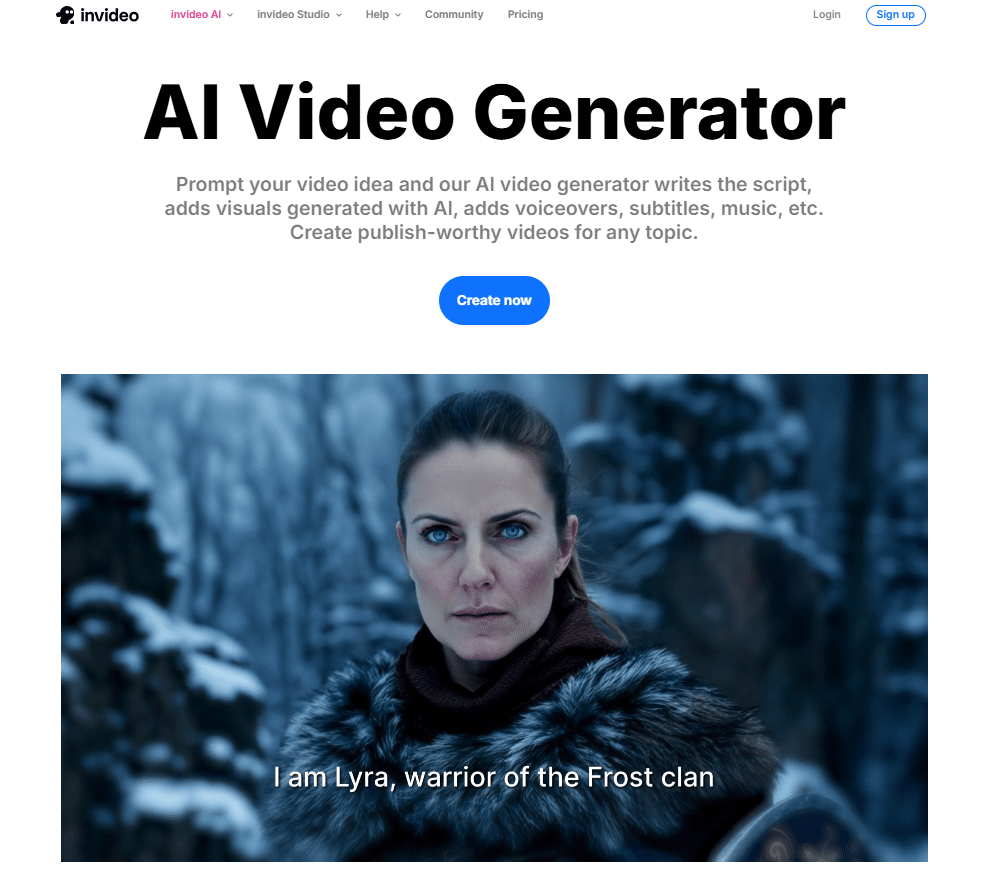
InVideo AI stands out as a powerful all-in-one platform that turns simple text prompts into complete, professional videos in minutes.
It has quickly become a favorite among creators and marketers who want fast, high-quality results without needing cameras, actors, or complex editing software.
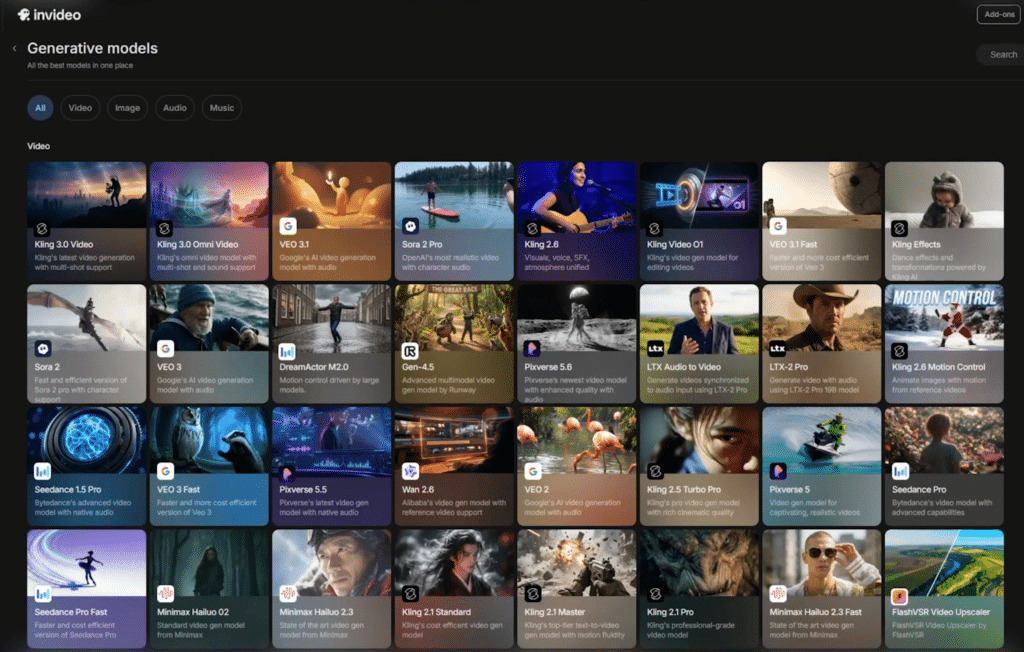
The tool shines at converting ideas into dynamic videos using over 200 advanced AI models, making it perfect for everything from quick social clips to longer marketing pieces.
After putting it through real-world tests, I found InVideo AI delivers impressive speed and flexibility for anyone who needs to produce engaging content on a regular basis.
Thanks to its smart V4 agent, natural-language editing, and seamless access to top models like Veo 3.1, Sora 2 Pro, and Kling 3.0, users can generate up to 30 minutes of video from one prompt and then refine it effortlessly by typing commands like “add upbeat music” or “change voice to Spanish.”
Content creators, YouTubers, marketers, and educators appreciate how it slashes production time…one marketing agency reported doubling sales after cutting video creation from half a day to just 30 minutes.
Built-in tools for instant element swaps, voiceover changes, caption addition, and premium stock footage from iStock and Storyblocks keep everything smooth and efficient. You can create polished videos quickly, even if you have zero editing experience.
4.9
OVERALL RATING
Key Features
Pros
Cons
Pricing
InVideo AI serves as a creative powerhouse trusted by thousands of creators and businesses in 190+ countries.
Their pricing starts free and scales up for serious production. Here’s the breakdown:
InVideo AI works especially well for marketing videos, YouTube content, explainers, social media reels, and educational stories where speed and visual appeal are essential.
One of its biggest strengths is the flexibility for commercial projects.
The editing experience feels natural, you simply describe changes and the AI handles the rest, making it ideal for creators who need quick iterations.
Who doesn’t love that kind of efficiency?
Whether you’re building ad campaigns, product explainers, or engaging stories, InVideo AI’s combination of powerful models and easy editing delivers content that looks professionally made.
It has become a true game-changer for anyone scaling video output without a big budget or team.
The platform excels at producing videos that feel cinematic and high-quality, all created in a fraction of the usual time and cost.
Create Videos Without Any Limits with AI!
Try InVideo AI today and turn your ideas into videos in just minutes.
2. Kling AI: Best Motion & Physics-Driven AI Video Generator
Kling AI delivers top-tier video creation focused on lifelike movements, accurate physics, and consistent characters that feel almost filmed by hand.
Many creators now turn to it when they need videos where people walk naturally, objects interact realistically, and scenes flow smoothly across multiple shots.
With its powerful Kling 3.0 series, including VIDEO 3.0 and VIDEO 3.0 Omni, the platform handles complex prompts exceptionally well, supporting image-to-video, text-to-video, native audio with lip-sync, motion brush controls, and multi-shot storyboarding for longer, coherent sequences.
After testing it extensively with detailed scenes and character references, I saw Kling AI as an excellent choice for anyone wanting cinematic quality and believable physics without spending days on traditional shoots or editing.
It supports advanced features like deep multimodal instructions, character consistency through reference elements, camera movement control, video extension, and native audio generation in multiple languages, producing outputs up to 1080p or higher with strong visual fidelity.
Filmmakers, YouTubers, advertisers, and indie animators value how quickly it creates natural-looking clips. One tester noted dramatic improvements in motion realism compared to earlier versions. Tools for precise editing, storyboard agents, and professional mode help refine results efficiently while keeping creative control high.
You end up with polished, realistic videos faster than expected, without needing advanced technical skills.
4.8
OVERALL RATING
Key Features
Pros
Cons
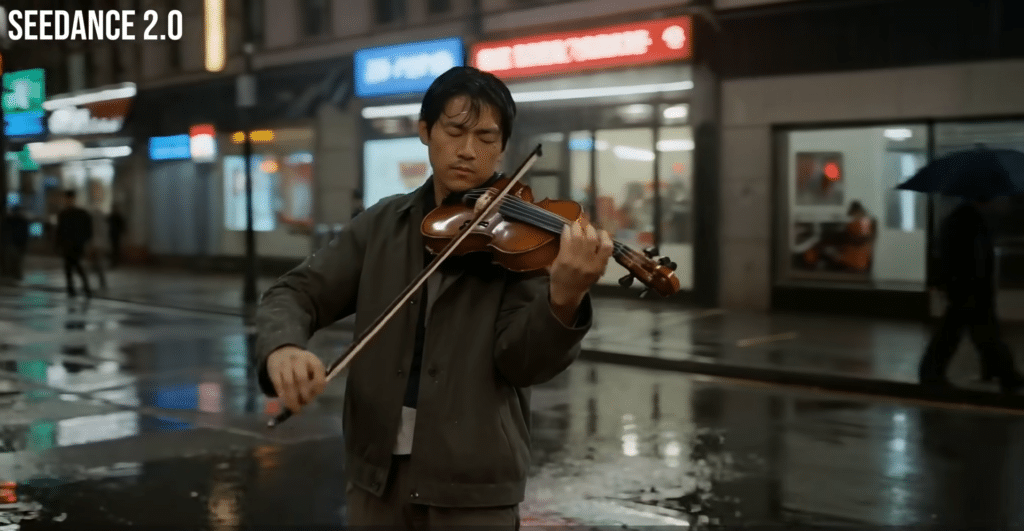
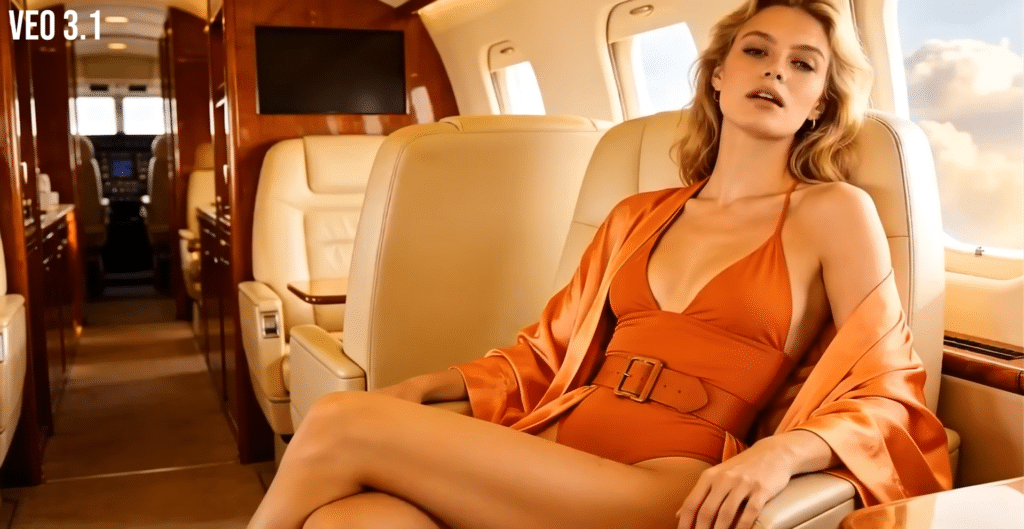
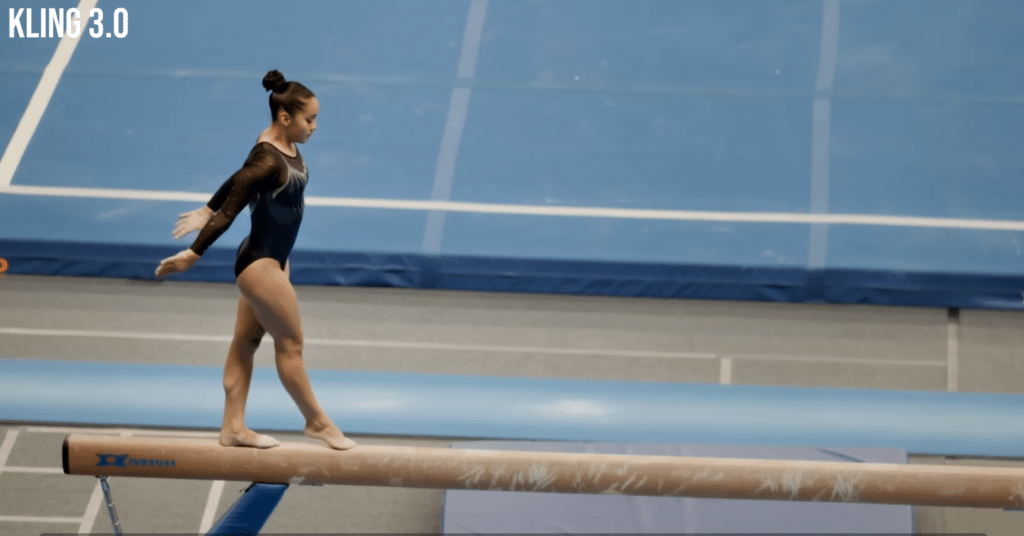
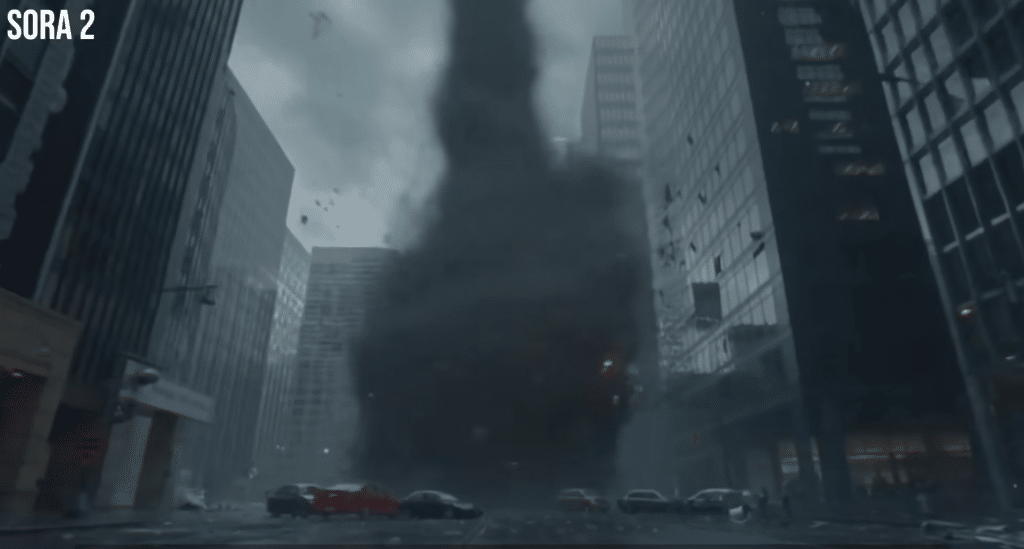
Video Generated through different Generative Models that Kling AI Offers
Pricing
Kling AI uses a credit-based system that works well for both beginners and professionals.
Plans begin with a free option and increase based on monthly credits and features. Here’s the breakdown:
Kling AI suits projects needing realistic character-driven videos, product showcases, short films, or creative storytelling where natural movement makes a big difference.
Its standout quality comes from handling complex physical interactions and keeping characters consistent shot after shot.
You describe the action, add references if needed, and receive outputs that look surprisingly lifelike with very little manual fixing required.
Who doesn’t appreciate that kind of realism?
From marketing clips and narrative shorts to experimental visuals, Kling AI helps produce content that rivals traditional production while saving significant time and budget.
It positions itself as a strong pick for creators chasing believable, high-quality AI video without the usual hassle.
The platform shines by generating videos with convincing movements and scene coherence, created much quicker and more affordably than conventional methods.
Generate Realistic Cinematic Videos with AI!
Try Kling AI now and experience natural motion in your creations.
3. Synthesia: Best Overall AI Video Generator
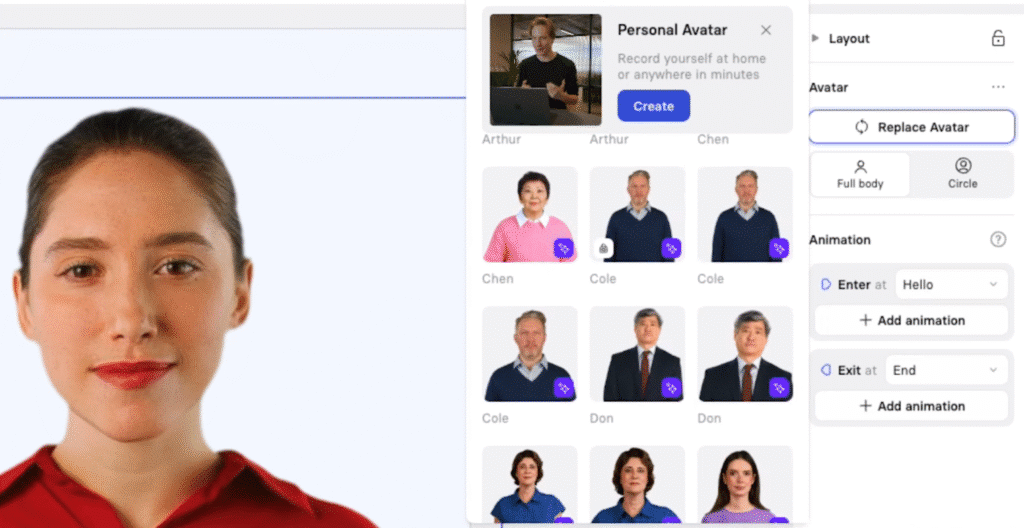
Synthesia has established itself as one of the best video generator available. It transforms text into polished videos with 230+ AI avatars and 140+ languages, ideal for professional content
It leads the pack as the go-to AI video generator, trusted by 50,000+ companies, including 70% of Fortune 100.
It is capable of transforming text into polished videos with 230+ AI avatars and 140+ languages, ideal for professional content.
After extensive testing, I found Synthesia to be the most comprehensive solution for businesses and content creators who need high-quality video content without the traditional production overhead.
With 1-click translation, PowerPoint import, interactive videos, and Full HD MP4 downloads, it’s a breeze to create training modules, marketing ads, or multilingual promos.
Businesses, HR professionals, and marketers love it for scaling content—Teleperformance saved 80% of time and budget for 380,000 employees. Features like auto-generated captions, dialogue (2+ avatars), and AI video assistant streamline workflows.
You’ll produce high-quality videos fast, no editing skills needed.
4.8
OVERALL RATING
Key Features
Pros
Cons
Pricing
Synthesia feels like the big boss here. It’s trusted by over 50,000 companies, including 70% of Fortune 100, which is pretty impressive.
Their pricing?
Starts at $0 for a free plan, up to custom enterprise options. Here’s the breakdown:
Synthesia is particularly well-suited for sales videos, corporate training, product demonstrations, and marketing videos where professionalism is paramount.
One standout aspect of Synthesia is its flexibility for commercial use.
It’s editing process is a breeze, allowing you to adjust scenes and audio with a few clicks. This makes it perfect for teams needing quick turnarounds for professional projects.
Who doesn’t love efficiency?
Whether you’re crafting marketing campaigns or client-facing training videos, Synthesia’s in-built video editing and high-quality output ensures your content looks professional and polished.
It’s a game-changer for businesses aiming to scale their video production.
The platform’s strength lies in its ability to create videos that look like they were professionally filmed with real actors, but at a fraction of the cost and time.
Generate Professional Marketing Interactive Videos with AI
Try Synthesia to create your first AI video with realistic avatars in minutes.
4. Jogg AI: Best for Budget-Friendly Video Ads Creation
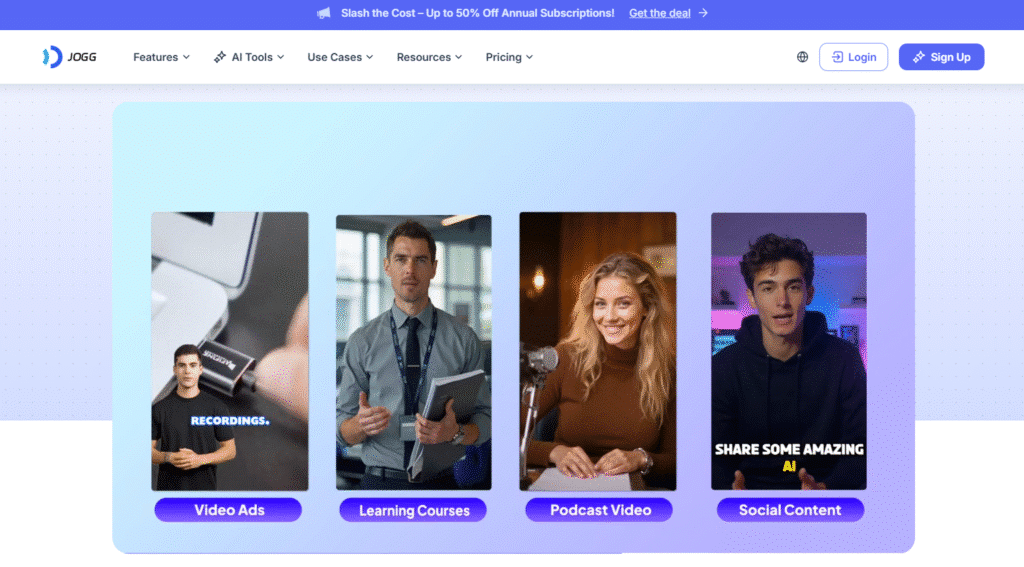
Jogg AI secures the number two spot for its knack for turning ideas into scroll-stopping videos without breaking the bank.
Trusted by over 550,000 marketers and creators, it’s a powerhouse for creating social media ads, faceless tutorials, or product demos in minutes.
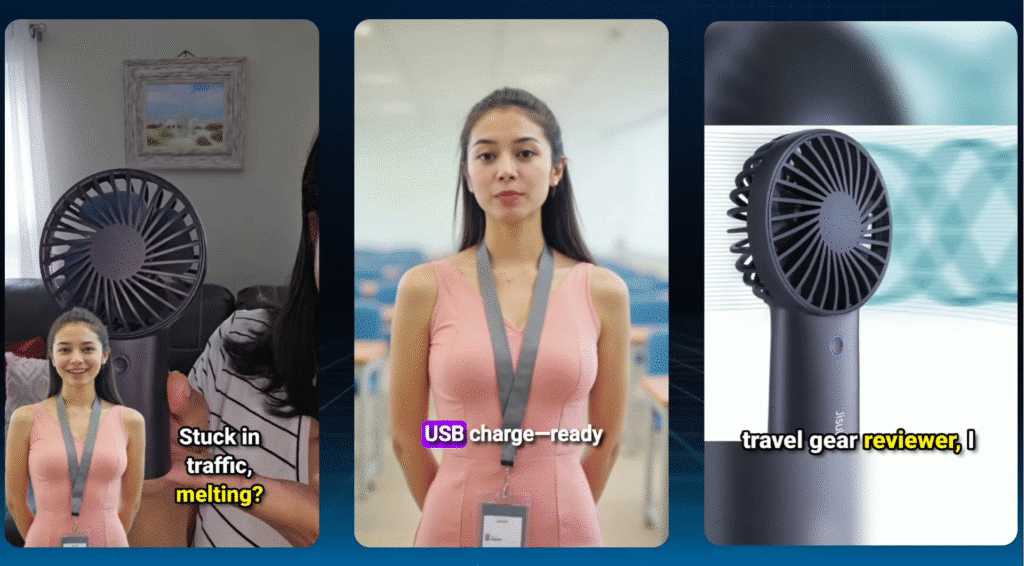
I tested the URL-to-video feature—pasting a Shopify link gave me a polished ad in seconds! For small businesses or solo creators, Jogg AI’s affordable plans, lifelike avatars, and robust AI tools make it a top pick for fast, professional video ads production.
Founded by Anbang Xu in March 2024 in Singapore, Jogg AI was built to slash the cost and time of video production. Its AI-driven features, like voice cloning and auto-scripting, let you create pro videos in 10 minutes for as little as $15, compared to traditional methods costing $1,000+.
It’s a dream for marketers needing quick ads or creators wanting engaging content without showing their face.
4.8
OVERALL RATING
Key Features
Pros
Cons
Pricing
Jogg AI’s pricing is wallet-friendly, with a free plan and annual discounts up to 50%. Here’s the breakdown:
Jogg AI’s URL-to-video and batch creation features let marketers flood TikTok, Instagram, or YouTube with ads in no time.
Small businesses save thousands compared to traditional production, while creators love faceless videos for tutorials or reviews without a camera.
Compared to pricier tools like Synthesia, Jogg AI offers similar quality at a lower cost, though it may lack some enterprise polish.
The talking photo and video translator features make it ideal for global campaigns or creative storytelling.
Craft scroll-stopping video ads with Jogg AI’s AI avatars today!
Try Jogg AI now to automate social media ads & visual posts creation.
5. Vizard AI: Best for Repurposing Long-Form Videos
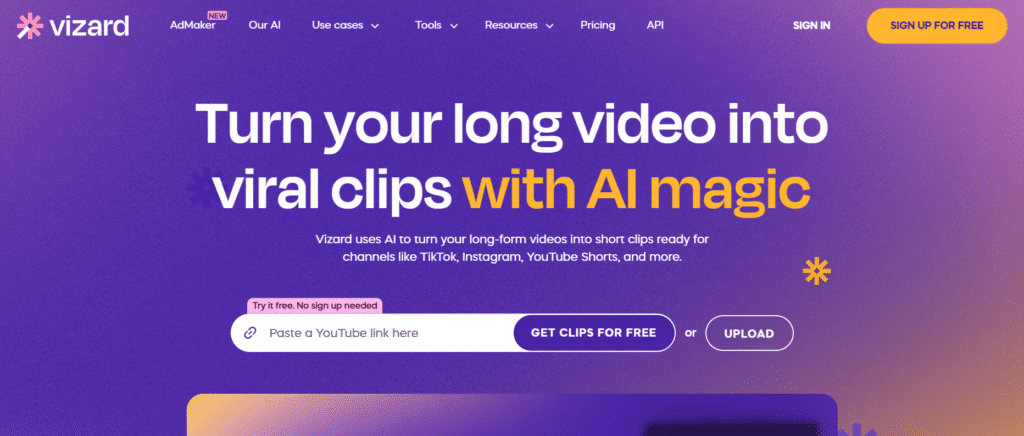
Vizard AI takes the third spot for its incredible ability to transform long-form content into bite-sized, social-ready clips with minimal effort.
Trusted by over 5 million creators and businesses, it’s a favorite for turning webinars, podcasts, or interviews into viral TikTok, Instagram, or YouTube Shorts.
Upload a 60-minute webinar, and Vizard’s AI clipping will churn out 10+ polished clips in minutes—perfect for marketers and creators needing quick, engaging content without editing skills.
Launched to streamline video repurposing, Vizard AI uses AI-powered tools to identify highlights, add captions, and resize videos for any platform.
It’s 90% cheaper than hiring an editor and 10x faster than manual clipping, saving you hours. Whether you’re a coach building a personal brand or an agency scaling content, Vizard’s intuitive workflow delivers.
4.7
OVERALL RATING
Key Features
Pros
Cons
Pricing
Vizard AI offers a free plan and 50% off annual subscriptions. Here’s the breakdown:
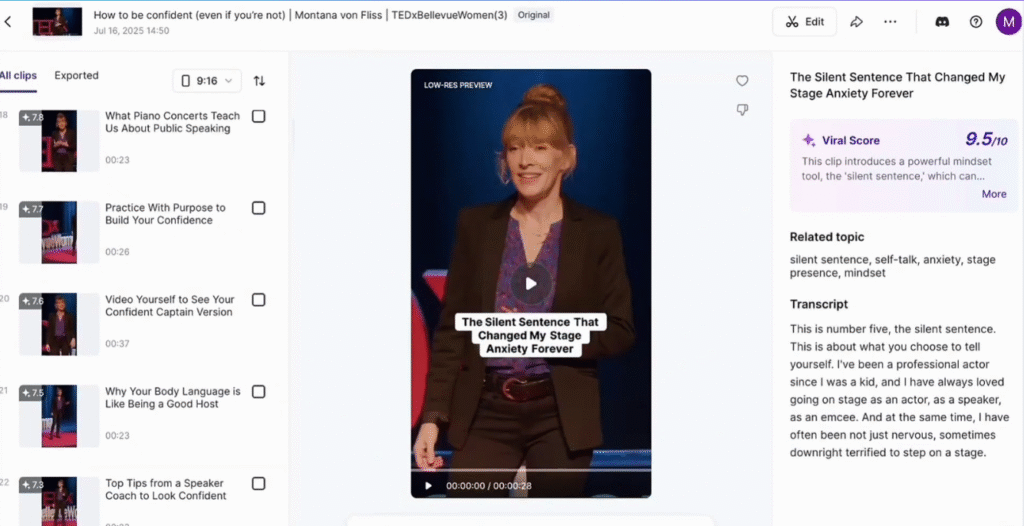
Vizard’s AI clipping and auto-reframing make it a dream for marketers turning webinars into a month’s worth of social posts.
Agencies save big by producing 10x more content at a fraction of the cost, while creators love the text-based editor for quick tweaks.
Compared to Jogg AI, Vizard focuses more on repurposing existing footage than creating from scratch, but its virality score gives it an edge for social media.
It’s perfect for scaling content across platforms like TikTok or Instagram.
Turn your videos into viral clips with Vizard AI’s magic Editing Features!
Try Vizard AI now to create viral clips from long form content.
6. Fliki AI: Best for Converting Text Content to Video
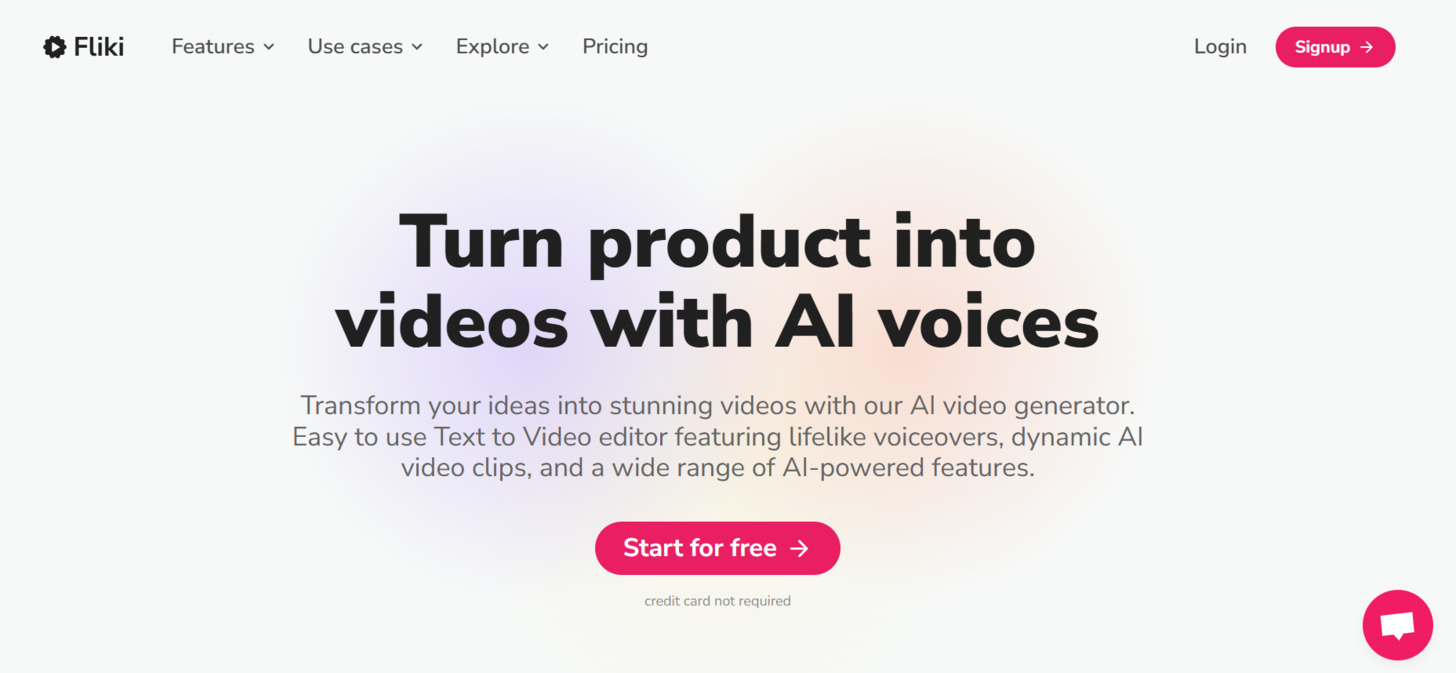
Fliki AI has established itself as the specialist in content creation, transforming written content into engaging videos.
It is a creator’s best friend, with 8.75 million users and a 4.7/5 G2 rating. It excels at turning blogs, scripts, or ideas into social media videos using 2000+ voices (1000+ ultra-realistic) across 80+ languages.
During my testing, I was impressed by how effectively it could transform a 1,500-word script article into a compelling video with clear audio, in just minutes.
Features like blog-to-video, AI image generation, voice cloning, and 1080p videos (up to 40 minutes) make repurposing content a snap.
Creators, YouTubers, and small businesses use it to whip up social media posts, tutorials, or ads with premium media and no watermarks (paid plans).
Fliki boosts productivity 5x, perfect for quick, monetizable content with commercial rights.
No editing skills? No problem—it’s super user-friendly designed for every day user.
4.7
OVERALL RATING
Key Features
Pros
Cons
Pricing
Fliki.ai’s all about making videos easy, especially for content creators. It’s got 8.75 million users and a 4.8/5 rating on G2 and Capterra. Pricing starts at $0, with paid plans from $21/month annually. Here’s what you get:
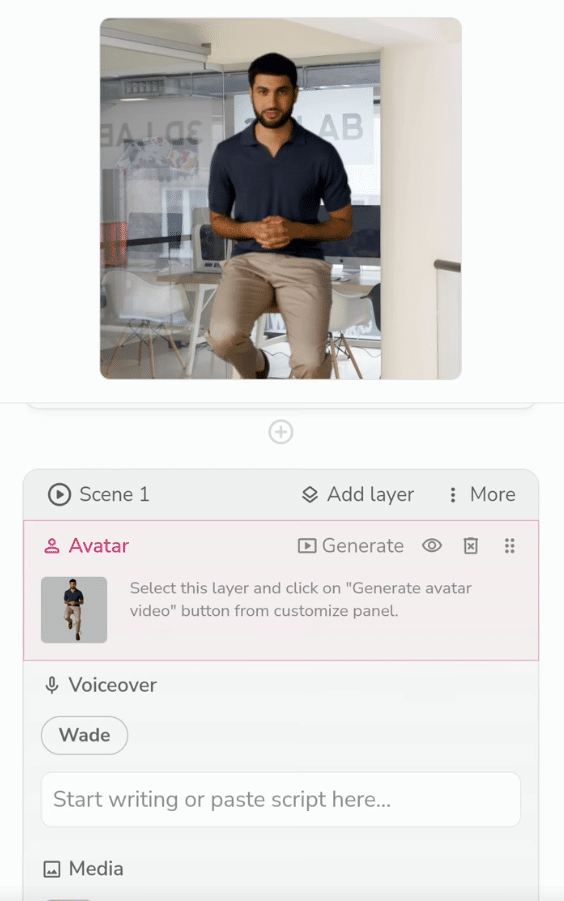
Fliki AI is the ideal solution for content marketers, bloggers, and businesses looking to expand their content strategy across multiple formats.
What sets Fliki AI apart is its smart model that analyze your text to pick the perfect visuals.
This automation saves hours of manual work, letting you focus on crafting your message. It’s like having a personal video producer on call!
Its ability to quickly transform existing text content into video makes it a powerful tool for maximizing content ROI.
Turn your Blog Posts, Social Media Posts & Articles into engaging videos
See how Fliki AI can transform your written content into video format in minutes.
7. Pollo AI: Best for Social Media Content
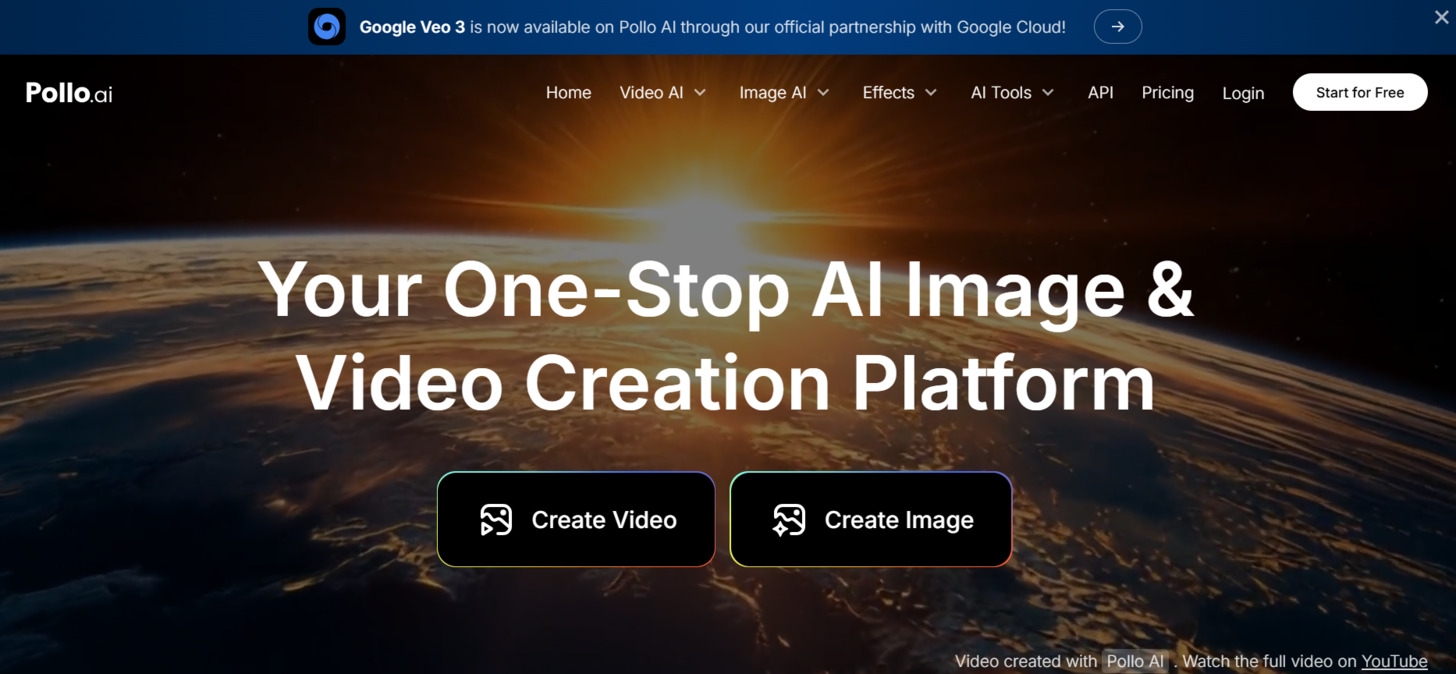
Pollo AI has emerged as the specialist AI video generator for All-in-one AI Video solution.
It shines for creative projects, serving 10M+ users with its versatile AI models like Pollo 1.5 and Runway Gen-3.
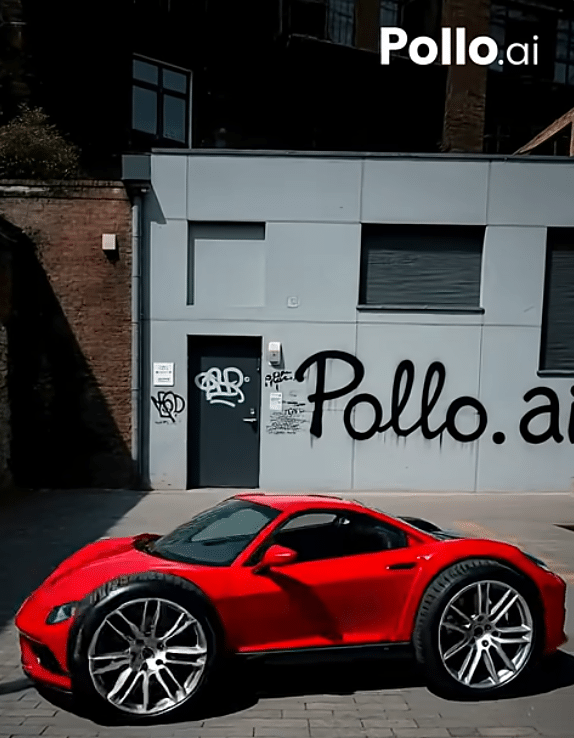
It supports text-to-video, image-to-video, video-to-video, and AI animation, perfect for stylized content like anime or Pixar-inspired videos. With 40+ templates & effects, AI image generation, and no-watermark outputs (paid plans), it’s a playground for creativity.
It’s features are specifically designed for platforms like TikTok, Instagram, and YouTube Shorts such as consistent character video and camera movement options which add flair to your projects, it offers the most streamlined solution for creating engaging short-form videos.
Pollo AI is perfect for creators and influencers looking to create engaging, stylized social media videos and animations efficiently.
4.6
OVERALL RATING
Key Features
Pros
Cons
Pricing
Pollo AI’s for creative videos, with plans starting at $0, paid from $10/month. Here’s the breakdown:
Pollo AI is the perfect tool for Content creators, artists, and social media influencers, and brands focused on crafting short-form videos, animated content, or viral posts and building a strong social media presence.
Its specialized features make it particularly valuable for those who need to create engaging content across multiple platforms efficiently.
You can produce up to 80 videos and 800 images monthly, with AI video enhancers to polish your work. It’s user-friendly, requiring no advanced skills, and lets you create unique, eye-catching content fast.
Create scroll-stopping social media videos
Try Pollo ai’s free plan to see how it can help create appealing social media videos & images.
8. Elai: Best for Corporate Training Videos
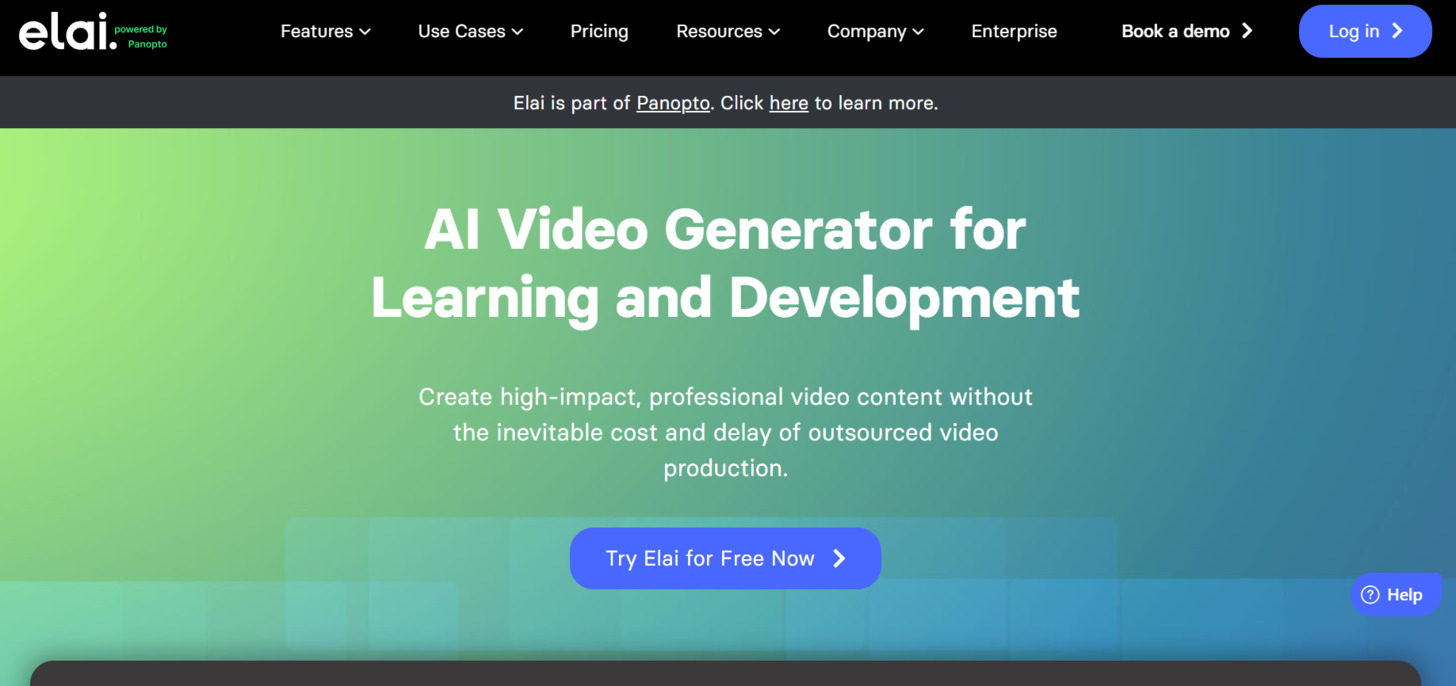
Elai, trusted by 2,000+ companies, has carved out a strong position in the AI video generator market by focusing on simplicity, customization and speed.
It offers 80+ avatars, 75+ languages, and 300+ standard voices (plus 100+ premium in higher plans), with Ultra 4K HD videos and 100+ templates.
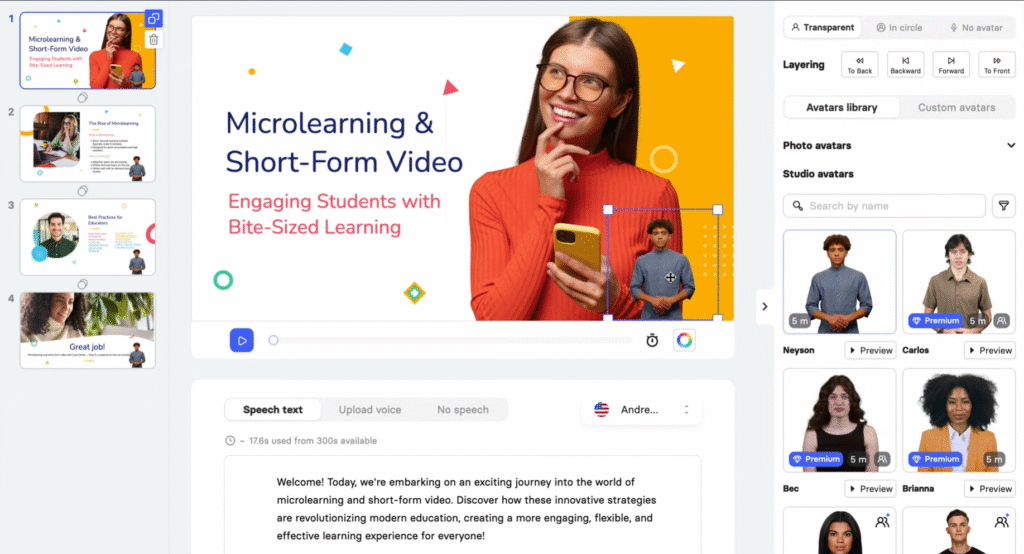
Features like URL-to-video, AI storyboard, PPT/PDF import, and interactive quizzes make it ideal for e-learning. Educators, HR teams, and businesses use it to create training modules, explainers, or interactive courses with auto captions and branching.
A Sigma Software case study highlights its streamlined IT training solutions.
During my testing, I was particularly impressed by how quickly I could go from a simple script to a finished video. Its built-in video editor lets you fine-tune every aspect of your explainer video with ease.
If you’re looking for the best video generator for fast, professional explainer content, Elai’s streamlined process is hard to beat.
4.5
OVERALL RATING
Key Features
Pros
Cons
Pricing
Elai.io’s all about training videos, trusted by thousands of organizations. Pricing starts at $0, with paid plans from $23/month annually. Here’s the lineup:
Elai is ideal for creators and businesses that need to create explainer videos, product demonstrations, or convert presentations into engaging video content quickly.
Elai is also a solid choice for commercial use, especially for small businesses needing quick, cost-effective video content. Its ability to turn scripts into polished explainer videos makes it ideal for product launches or customer onboarding.
Its straightforward approach makes it accessible even to those with no video production experience.
Generate quick professional Marketing & explainer videos.
Experience how Elai.io can transform your script into engaging videos in minutes.
9. VideoGen: Best for Rapid Video Creation
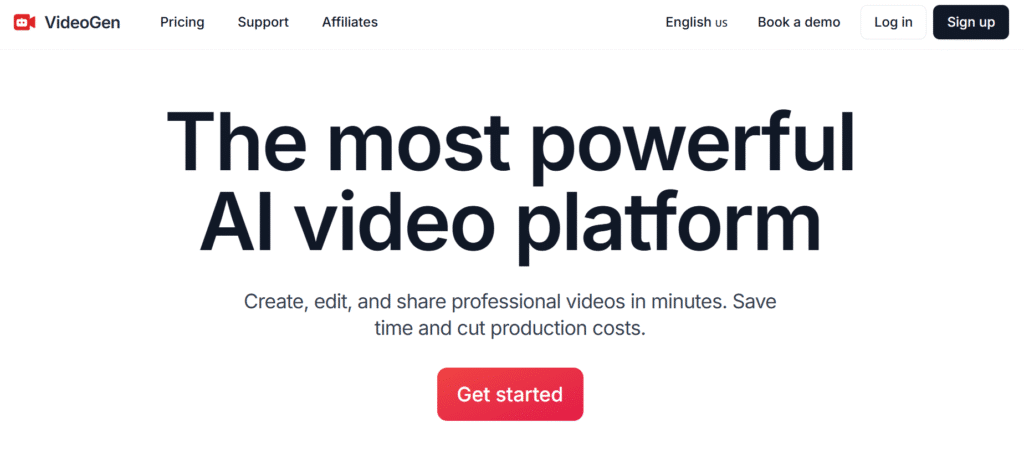
VideoGen snags the seventh spot for its lightning-fast AI-driven video creation, perfect for anyone needing professional videos in seconds.
With its userbase comprising of over 4 million professionals, educators, and creators, including brands like Google and TikTok, it simplifies video production for social media, marketing, or education.
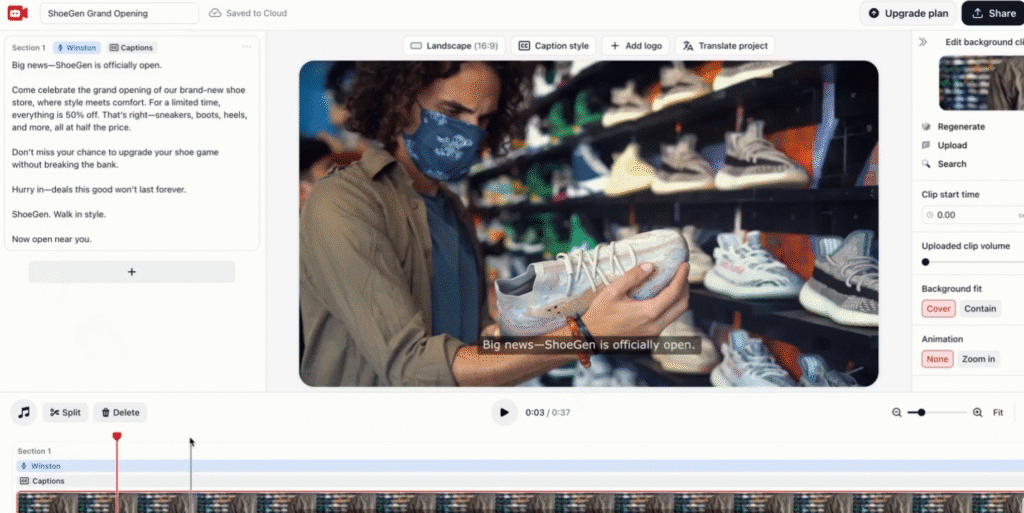
I tried the text-to-video feature, and in under 10 seconds, I had a polished Instagram Reel from a simple prompt—mind-blowing for busy creators!
VideoGen tackles the biggest hurdles in video production—complexity, cost, and time. It’s 300x cheaper than traditional methods ($100–$1,000+/minute) and 25x faster, turning ideas into videos with minimal effort.
Its AI-powered tools make it ideal for marketers, educators, or creators who want high-quality content without editing skills.
4.5
OVERALL RATING
Key Features
Pros
Cons
Pricing
VideoGen offers 50% off yearly plans for cost savings:
VideoGen’s text-to-video and voiceover tools empower marketers to flood TikTok, Instagram, or YouTube with content fast.
Educators can craft engaging lessons, and businesses slash production costs.
It’s ideal for creating new videos from text but less focused on repurposing. Content created from VideoGen has known 80% engagement boost which makes it ideal for social media.
Create stunning videos in seconds with VideoGen’s AI!
Try VideoGen now to create videos faster than you thought possible.
10. DomoAI: Best for Realistic, Anime & Artistic Video Generation
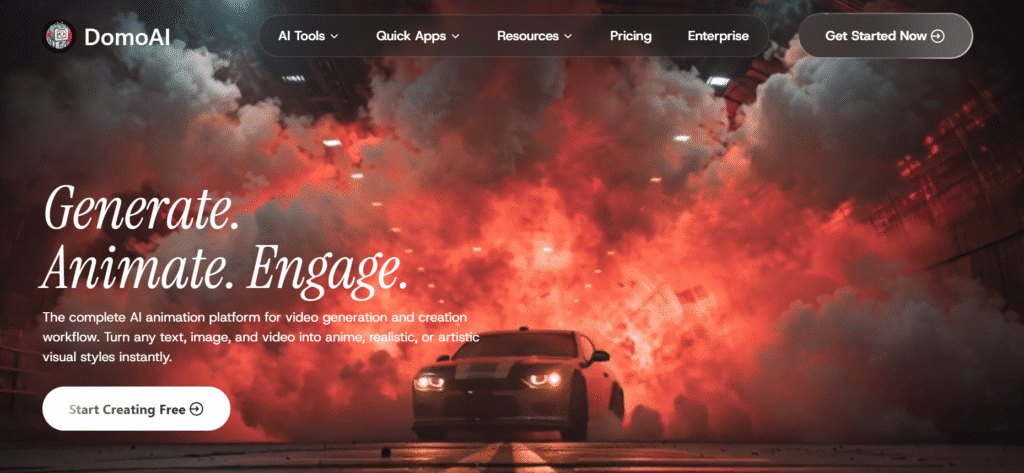
DomoAI is a versatile AI platform that turns text, images, or videos into stunning hyper-realistic, anime, or artistic motion visuals, trusted by 3M+ creators for viral content.
It’s ideal for creators wanting high-quality animations fast, with 70+ AI models for endless styles.
With lip sync auto-match and video upscaling, DomoAI simplifies complex edits, delivering professional results in minutes.
Its community templates inspire creativity, though video generation can be credit-intensive for heavy users.
4.5
OVERALL RATING
Key Features
Pros
Cons
Pricing
DomoAI offers a free plan and paid tiers with annual discounts (30% off):
DomoAI’s anime generator and style transfer make it perfect for creators crafting viral Shorts or cinematic content.
Its smart editing tools save hours, ideal for TikTok or YouTube.
Create stunning animations with DomoAI today!
Try DomoAI to create visual motions in multiple style and various customizations
11. Zebracat AI: Best for Automated Short-Form Video Growth
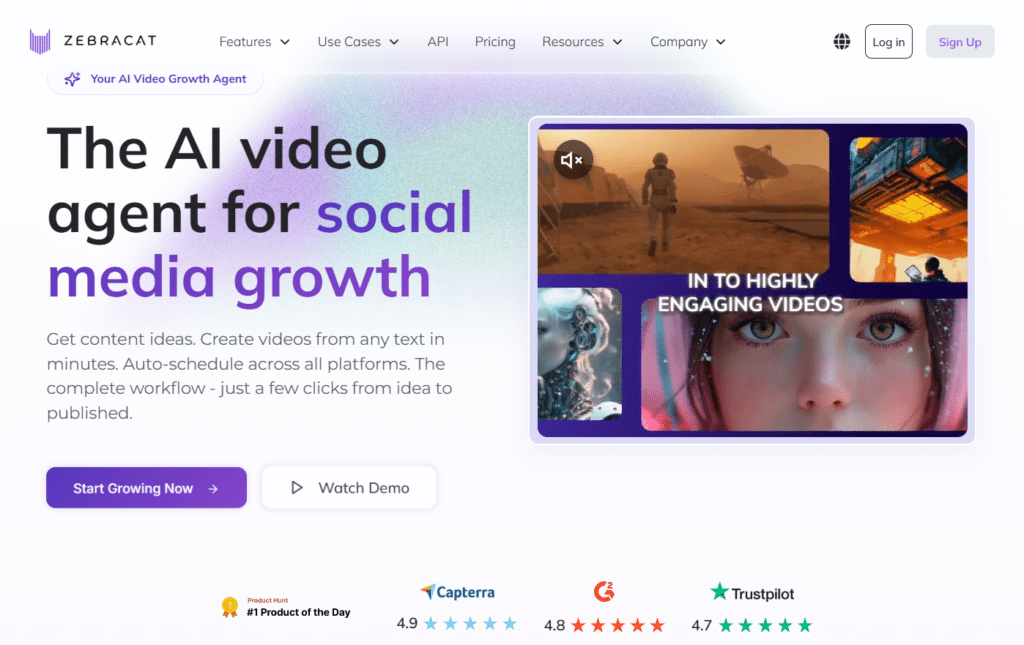
Zebracat AI functions as a complete AI video agent that automatically handles strategy, creation, editing, and scheduling of short-form videos for social media platforms.
Over 50,000 creators and marketers rely on it to grow their presence on Instagram, TikTok, YouTube, and LinkedIn without needing editors, agencies, or manual uploading.
Its ability to turn prompts, scripts, URLs, websites, or audio files into fully polished videos — complete with captions, music, and brand styling — makes it highly effective for consistent content output.
Zebracat AI dramatically reduces workload, delivering 95% cost savings compared to traditional agencies and cutting content creation time from 15–25 hours per week down to just 1–2 hours, according to user reports.
The platform’s AI strategy engine, custom avatars, voice cloning, and auto-posting features help users achieve viral growth and higher engagement while maintaining full brand control.
4.5
OVERALL RATING
Key Features
Pros
Cons
Pricing
Zebracat AI offers a free plan and tiered paid options with no long-term contracts.
Zebracat AI’s automated strategy, generation, and scheduling tools help marketers and creators produce consistent short-form content that drives real growth on social platforms.
Businesses report saving thousands monthly while achieving higher engagement and views without extra team members.
Start creating with Zebracat AI’s automated video tools today!
Try Zebracat AI now to generate and schedule high-performing videos effortlessly.
12. Vadoo AI: Best for Viral Short-Form Content
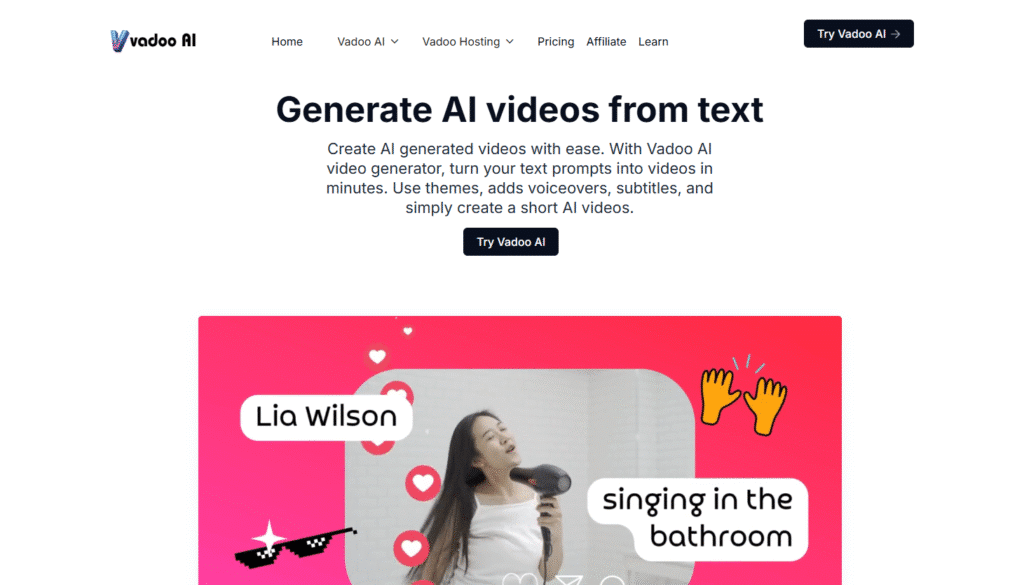
Vadoo AI turns text prompts into engaging videos in minutes, boasting 3 million users across 190 countries.
With AI-powered voiceovers, auto-captions, and B-roll integration, it’s a go-to for creators crafting YouTube Shorts, TikToks, and Instagram Reels.
Its intuitive platform simplifies video production for marketers, educators, and businesses.
This video generation platform streamlines content creation with multi-language captioning in 50+ languages and a virality score to boost engagement.
It saves time by automating editing and posting, making it ideal for social media. Users report it’s easy to use, though some note occasional glitches.
4.4
OVERALL RATING
Key Features
Pros
Cons
Pricing
Vadoo AI offers flexible plans with 20% off yearly subscriptions:
Vadoo AI’s text-to-video and social media automation tools make it a powerhouse for creating viral short-form content.
It’s in-built unique virality score helps creators craft engaging clips, while automated posting keeps schedules consistent and you social media profiles active.
It’s a solid pick for boosting social media presence with minimal effort.
Create viral Shorts and Reels with Vadoo AI’s intuitive tools!
Try Vadoo AI now to create videos that have a high chance of going viral.
13. GoEnhance AI: Best for Animated Video Transformations
GoEnhance AI is an all-in-one platform that transforms videos and images into captivating animations. It has an overall userbase of 2.6 million+ creators who use it to produce captivating videos effortlessly, transforming content into 30+ animated styles like anime and Pixar.
Its video-to-animation, face swap, and image upscaling tools make it a go-to for creators in 180 countries, ideal for social media, marketing, or personal projects.
The short video generation platform offers high-resolution outputs (up to 4K, 60fps) and an intuitive interface, saving creators time. It leverages top-tier AI video models like GoEnhance, Kling AI, Runway, Hailuo, and Google’s Veo 2 for stunning results.
With 100+ viral-ready effects and a lip-sync tool, it drives engagement, though some users report shaky outputs or short video limits in the free plan.
4.4
OVERALL RATING
Key Features
Pros
Cons
Pricing
GoEnhance AI offers a free plan and paid tiers with 20% off yearly subscriptions:
GoEnhance AI’s video-to-animation and lip-sync tools, backed by Kling AI and Veo 2, craft eye-catching Shorts and marketing videos.
Its 100+ effects and upscaling ensure stunning visuals, perfect for creators aiming to stand out.
It’s a solid pick for creators, marketers, and anime fans seeking vibrant video transformations.
Bring your vision to life with GoEnhance AI’s tools!
Try GoEhance AI to create it in multiple anime styles.
14. Crayo aI: Best for Creative Storytelling
Crayo AI stands out in the AI video generator landscape by focusing on creative storytelling and artistic expression.
It is built for viral social media content, serving 2.1M+ creators chasing TikTok and YouTube fame.
Unlike platforms that prioritize business presentations, Crayo.ai gives creators the tools to craft visually stunning narratives with unique aesthetics, particularly useful for social media.
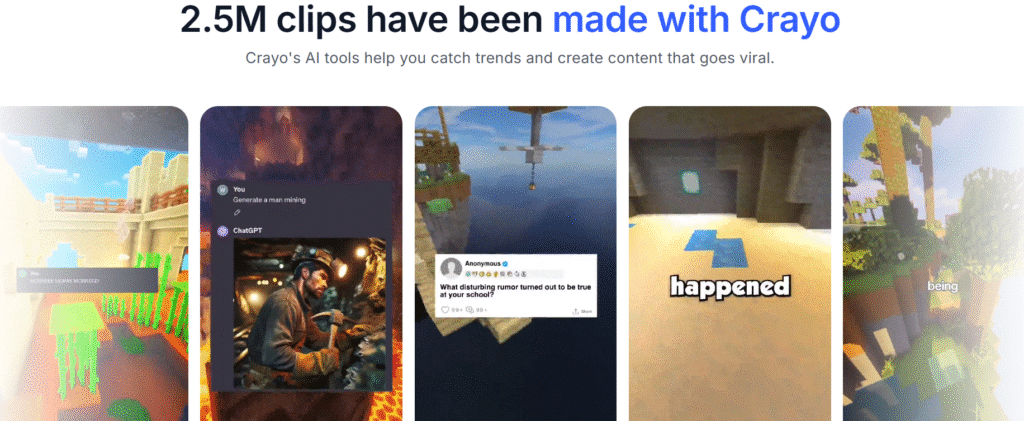
It excels at short-form videos with tools like AI script generator, AI voiceovers, and subtitles, plus unique features like Reddit story videos, fake text videos, and TikTok/YouTube downloader.
Content creators, streamers, and influencers use it to create scroll-stopping clips, gaming content, or social media posts fast.
With background music remover and split-screen videos, you can craft engaging content in seconds. Higher plans offer more voiceover minutes and AI image credits for polished outputs. It’s super intuitive, needing no editing skills.
In my opinion it is to be the go-to choice for content creators who want their videos to have a distinctive creative edge.
4.4
OVERALL RATING
Key Features
Pros
Cons
Pricing
Crayo.ai’s for creators chasing viral fame, with 2.1 million users. Pricing starts at $0, with paid plans from $19/month. Here’s what’s on offer:
- Hobby: $19/month, 40 minutes export, 30 voiceover minutes, 40 AI video credits, 100 AI image credits, 100 AI script credits AI script generator, AI voice overs, engaging subtitles, optimized gameplay, fake text videos, Reddit story videos, split-screen videos, background music remover, AI vocal remover, streamer videos, TikTok/YouTube video downloader
- Clipper: $39/month, 120 minutes export, 120 voiceover minutes, 150 AI video credits, 300 AI image credits, 300 AI script credits AI script generator, AI voice overs, engaging subtitles, optimized gameplay, fake text videos, Reddit story videos, split-screen videos, background music remover, AI vocal remover, streamer videos, TikTok/YouTube video downloader
- Pro: $79/month, 240 minutes export, 180 voiceover minutes, 250 AI video credits, 500 AI image credits, 500 AI script credits AI script generator, AI voice overs, engaging subtitles, optimized gameplay, fake text videos, Reddit story videos, split-screen videos, background music remover, AI vocal remover, streamer videos, TikTok/YouTube video downloader
Crayo AI is perfect for content creators, marketers seeking brand differentiation, and storytellers who want their videos to stand out visually.
When it comes to video editing, Crayo AI offers a unique approach with its creative tools. You can tweak every detail, from motion effects to artistic styles, from transitions to audio, to make your video pop. It’s like having a digital canvas for storytelling!
Its creative toolkit makes it especially valuable for social media content, short films, and artistic promotional videos.
Unleash your creative storytelling on Social Media
Explore Crayo.ai’s artistic video creation and editing capabilities.
15. VidAI: Best for Faceless Short-Form Videos
VidAI is a powerful AI platform that transforms text prompts or scripts into faceless YouTube Shorts, Reels, and TikToks, trusted by 100K+ creators like Jamie Nyland (10M+ subs).
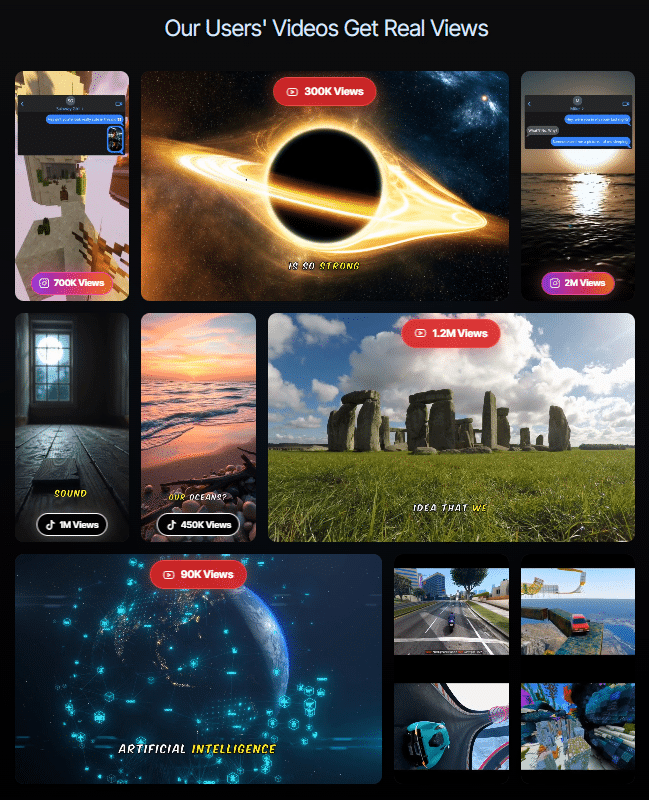
With 100,000+ videos generated, it automates voiceovers, visuals, and edits, delivering view-ready content in minutes for social media creators.
VidAI uses 35+ ultra-realistic voices from ElevenLabs and 4M+ assets from Storyblocks to create engaging, niche-specific videos.
Its story-driven Shorts, gameplay-focused clips, and subtitled videos boost views, though some users note limited long-form customization in lower plans.
4.4
OVERALL RATING
Key Features
Pros
Cons
Pricing
VidAI offers plans with annual discounts (billed yearly):
VidAI’s AI Shorts and niche templates make it a go-to for creators pumping out viral content fast.
Its real-time editing and ElevenLabs voices ensure professional results, perfect for growing YouTube or TikTok channels.
Create viral Shorts in seconds with VidAI!
VidAI is the tool thousands of creators are using for their content to grow viral
16. Hypernatural AI: Best for Custom-Styled Story Videos
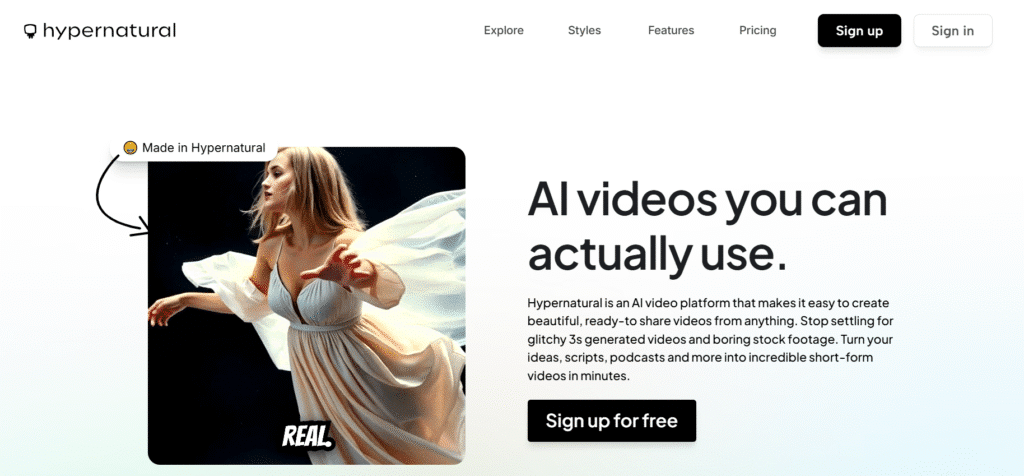
Hypernatural AI transforms ideas, scripts, or podcasts into stunning short-form videos with it’s 200+ style templates, trusted by creators featured in Forbes and Fast Company.
It’s perfect for crafting unique animated stories and shareable content for TikTok, Reels, or YouTube Shorts in minutes.
This platform offers custom video styles like anime or cyberpunk, paired with AI narration and B-roll generation, making videos pop.
Its consistent character feature ensures cohesive storytelling, though some users note limited video length in the free plan.
4.4
OVERALL RATING
Key Features
Pros
Cons
Pricing
Hypernatural AI offers a free plan and paid tiers with annual discounts:
Hypernatural AI’s custom styles and AI captions make it ideal for creators wanting unique Shorts.
Its B-roll generation and 40+ voices deliver pro-level results fast, perfect for social media or branded content.
Craft unique Animated Stories with Your Own Characters in Hypernatural AI today!
Try Hypernatural AI and create your stories and characters in multiple styles.
17. Flux-ai.io – Best for Diverse Video Animation Styles
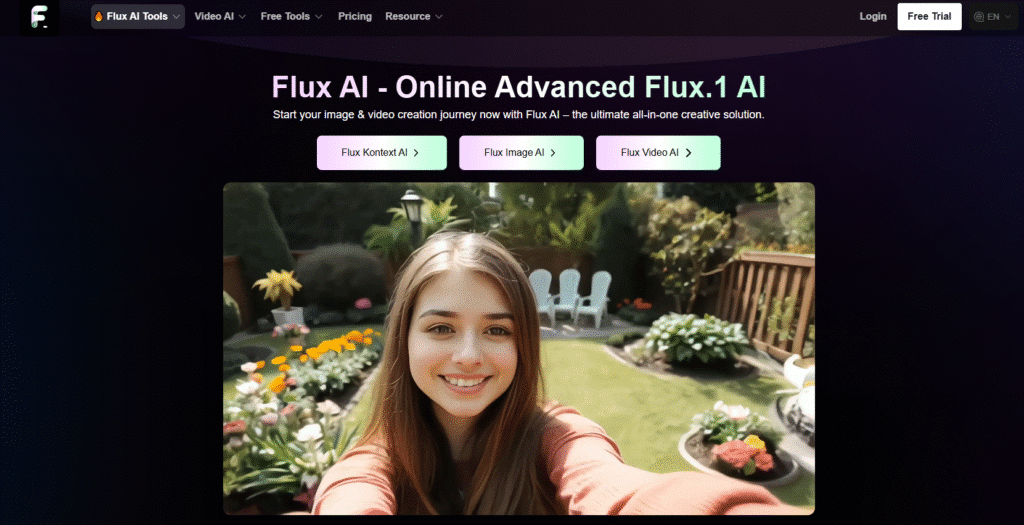
Flux-ai.io, created by Black Forest Labs, is a versatile AI video generator that transforms your ideas into dynamic, high-quality videos.
It’s a fantastic choice for creators crafting content for social media, marketing, or personal projects, thanks to its wide range of animation styles and intuitive design.
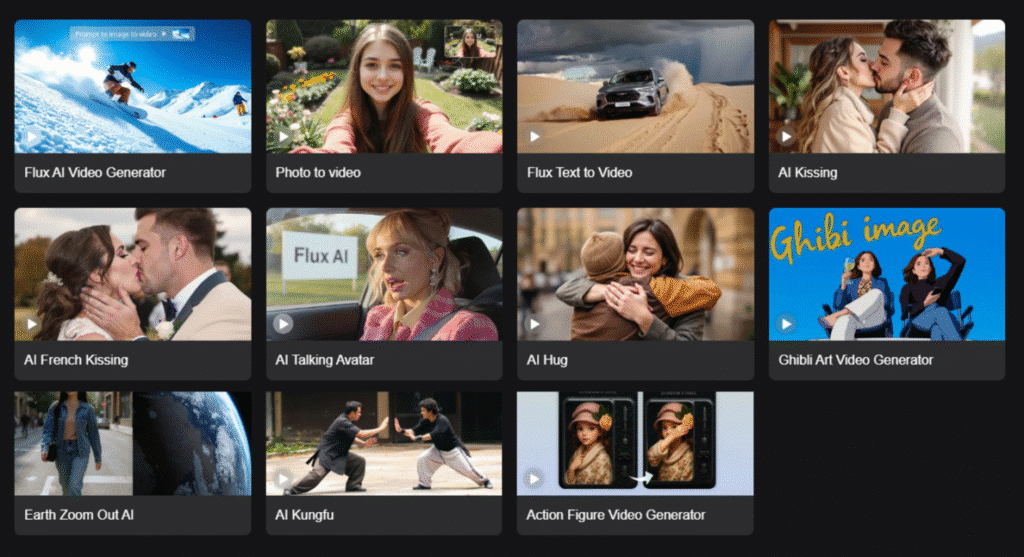
This platform stands out for its specialized video generation features, like AI Kissing, Ghibli Art Video, and Earth Zoom Out AI, which add unique flair to your creations.
Powered by a 12-billion-parameter hybrid architecture, it delivers professional-grade videos with excellent prompt adherence. The Flux.1 Schnell model ensures speedy outputs, perfect for tight deadlines.
4.3
OVERALL RATING
Key Features
Pros
Cons
Pricing
Flux-ai.io offers a free plan and tiered subscriptions for video creators:
- Free Plan: $0/month, 40 credits for new users, 20 daily credits, Flux.1 Schnell & Dev, 50 daily free AI tool uses, shared queue, 15-day history
- Standard Plan: $9.99/month ($12.49/year, 20% off), 5,000 credits/month, unlimited premium features, high-quality videos, 500 daily free AI tool uses, fast queue, 100-day history, commercial rights
- Popular Plan: $19.99/month ($33.31/year, 40% off), 13,000 credits/month, enhanced video features
- Professional Plan: $29.99/month ($54.53/year, 45% off), 21,000 credits/month, ideal for large-scale video projects with priority queue
Whether you’re animating a product photo or creating a Studio Ghibli-inspired clip, Flux-ai.io’s diverse tools make it easy to produce engaging videos that pop on platforms like TikTok or Instagram.
“Flux-ai.io’s animation styles brought my brand’s videos to life, especially the Ghibli effects!”
— Maya Patel, Social Media Strategist
Generate Videos & Images In Multiple Styles
WheFlux-ai.io’s range of video styles and speed make it a top pick for creators
18. AutoShorts AI: Best for Automated Faceless Video Series
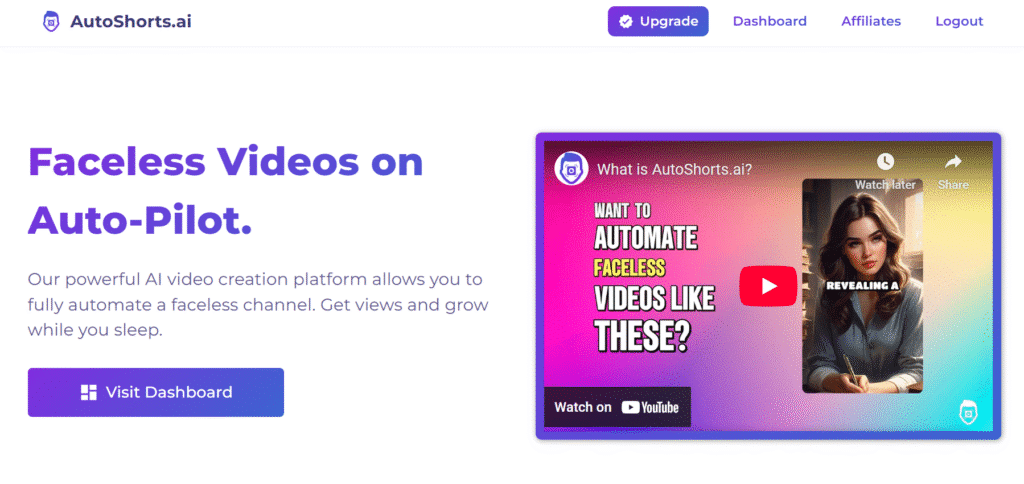
AutoShorts AI is an AI-powered platform that automates creation and scheduling faceless video creation for TikTok, YouTube, and Instagram, perfect for creators who want to grow channels without appearing on camera.
It generates unique videos from topics or custom prompts, saving hours of editing time.
With voice cloning, HD resolution, and auto-posting, it streamlines content creation for niches like scary stories or history facts.
Its series-based automation keeps channels active, though new accounts may face low views due to platform algorithms.
4.3
OVERALL RATING
Key Features
Pros
Cons
Pricing
AutoShorts AI offers a free plan and paid tiers with annual discounts (2 months free):
AutoShorts AI’s series automation and voice cloning make it a game-changer for scaling faceless channels.
Its auto-posting ensures consistent content, ideal for busy creators aiming for viral growth.
Grow your channel on autopilot with AutoShorts AI!
Try Autoshorts AI and automate your social media content growth strategy.
19. Nanophoto AI: Best for Professional AI Video Generation and Photo Editing
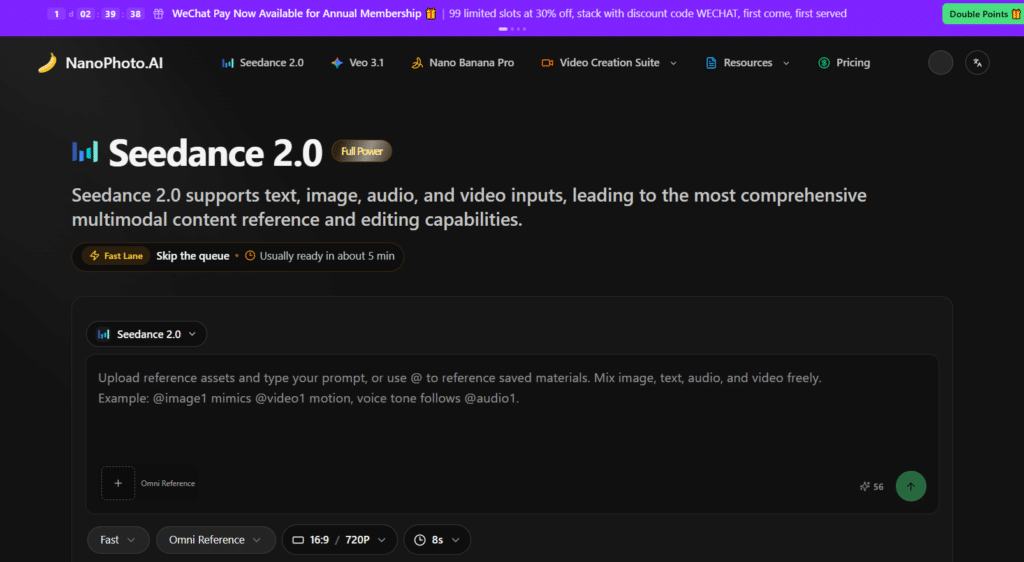
Nanophoto AI serves as a dedicated platform for high-quality AI video and photo editing, favored by professional creators for its focus on realistic motion, multimodal generation, and efficient workflows.
It works especially well for filmmakers, marketers, and designers who want to produce cinematic videos and polished images without traditional production setups or lengthy editing sessions.
The platform leverages advanced tools like Seedance 2.0 for multimodal inputs, Sora 2 and Sora 2 Pro for dynamic video clips, Veo 3.1 for high-fidelity shots, and Nano Banana Pro for precise photo enhancements and image creation.
After thorough testing with various prompts and reference materials, I found Nanophoto AI to be a reliable solution for users seeking professional-grade results in both video and photo projects.
Its combination of powerful models, unlimited prompt generators, and straightforward credit system allows quick generation of 15-second videos, multi-shot sequences, and enhanced images while supporting commercial use on higher tiers.
Professional video editors, content agencies, and creative studios value its speed and realism—many report cutting production time dramatically while maintaining high visual quality. Built-in features such as motion controls, native audio options, and instant watermark removal keep the process smooth and output-ready.
You can create studio-level videos and photos rapidly, even with complex creative requirements.
4.2
OVERALL RATING
Key Features
Pros
Cons
Pricing
Nanophoto AI follows a transparent credit-based model designed for both individuals and professional teams:
Nanophoto AI’s advanced models and editing tools make it ideal for creating realistic marketing videos, product demonstrations, short films, or high-end photo content.
Its motion accuracy and prompt flexibility save significant time, perfect for busy professionals.
Unleash your creativity with Nanophoto AI!
Try Nanophoto AI and generate professional videos and photos using frontier AI models.
Best AI Video Generators: Use Cases and Recommendations
Different AI video tools excel in specific scenarios. Based on my extensive testing, here are my recommendations for various use cases:
For Corporate Training
Best Choice: Synthesia
Synthesia’s professional avatars and multilingual capabilities make it ideal for creating consistent, high-quality training content across global organizations.
Runner-up: Elai
For Content Marketing
Best Choice: Fliki AI
Fliki’s ability to transform existing blog content into engaging videos makes it perfect for content marketers looking to repurpose their material across formats.
Runner-up: Synthesia
For Social Media
Best Choice: Vizard AI
Vizard AI’s platform-specific templates and trend analysis make it the top choice for creating engaging social media content that drives engagement.
Runner-up: Crayo AI
For Creative Projects
Best Choice: VideoGen
VideoGen’s focus on artistic expression and storytelling makes it ideal for creators who want their videos to stand out visually.
Runner-up: Pollo AI
For Product Demos
Best Choice: Jogg AI
Jogg AI’s professional presentation style and clear voice synthesis make it perfect for showcasing products and services.
Runner-up: Elai
For Quick Explainers
Best Choice: Elai
Elai’s streamlined process and presentation focus make it the fastest way to create professional explainer videos.
Runner-up: Synthesia
The Future of AI Video Generators: What’s Coming Next
As we move through in the current age of AI, several emerging trends are shaping the future of AI video generation. Expect next-generation model to enable hyper-realistic avatars and seamless real-time video creation.
Based on my research and conversations with industry experts, here’s what to watch for:

Future trends in AI video generation technology for beyond
Emerging technologies are rapidly advancing AI video generation capabilities
Emerging Technologies
Industry Impact
As these technologies evolve, we’ll see even more tools competing to offer the best video creation experience.
Tools that maintain the balance between ease of use and powerful features will likely continue to lead the market as we move toward more sophisticated AI video creation.
Conclusion: Choosing the Right AI Video Generator
After extensive testing and evaluation, it’s clear that AI video generators have matured significantly, offering powerful solutions for a wide range of video creation needs.
The editing capabilities of AI video generators are also worth mentioning. With tools automating tasks like captioning, transitions, and visual enhancements, creators can focus on their vision without getting stuck in technical details. It’s like having an assistant who handles the grunt visual work!
While Invideo AI stands out as the best video generator due to its professional quality and comprehensive feature set, each tool on this list excels in specific use cases.
When selecting the right AI video generator for your needs, consider your specific use case, budget, and the type of content you want to create. All five tools offer free plans or trials, so I recommend experimenting with a few options before committing to a paid subscription.
The democratization of video creation through AI is transforming how we communicate, educate, and market. Whether you’re a marketer, educator, content creator, or business owner, these tools offer unprecedented opportunities to create professional-quality video content efficiently and affordably.
Frequently Asked Questions About AI Video Generators
1. What is an AI video generator?
An AI video generator is a software tool that uses artificial intelligence to create, edit, or enhance videos. These tools can generate videos from text prompts, create AI avatars that speak your script, automatically select visuals for your content, and streamline the video production process.
Rapidly, these tools have become sophisticated enough to create professional-quality videos with minimal human input.
2. Are AI-generated videos good enough for professional use?
Yes, many AI video generators produce results that are suitable for professional applications.
Tools like Synthesia and Elai offer AI Video generation to create videos that are being used for corporate training, marketing, and customer communication by major companies.
The quality varies between platforms, but the top tools offer professional-grade output that can be indistinguishable from traditionally produced videos in many contexts.
3. How much do AI video generators cost?
Pricing for AI video generators typically ranges from free plans with limited features to premium subscriptions starting around $12-$29 per month for individual users.
Enterprise plans with advanced features and higher usage limits can cost $100+ per month.
Most platforms offer tiered pricing based on features, video minutes, and the number of users. Many provide free trials or limited free plans so you can test their capabilities before purchasing.
4. Can AI video generators create videos in multiple languages?
Yes, multilingual support is a key feature of leading AI video generators.
Synthesia offers the most extensive language support with over 140 languages, while others like Fliki AI (75+ languages) and Elai (30+ languages) also provide strong multilingual capabilities.
These tools can generate natural-sounding voiceovers with proper pronunciation and often include accurate lip-syncing for AI avatars speaking different languages.
5. Do I need technical skills to use AI video generators?
Most AI video generators in which they utilize current AI model, are designed to be accessible to users without technical or video production skills.
The interfaces are typically intuitive, with templates and guided workflows that simplify the creation process.
Some platforms like Crayo AI offer advanced video editing features that may have a steeper learning curve, but even these are designed to be more accessible than traditional software.