I used to spend hours daily sending connection requests, crafting follow-ups, and juggling replies—until I started using LinkedIn automation tools. The right automation platform multiplied my outreach, reclaimed time, and improved reply rates dramatically.
But not every linkedin automation tool is equal: some prioritize safety and integrations, others overpromise features or push risky tactics that can trigger LinkedIn warnings.
Over months of hands-on testing I ran real campaigns, measured reply and conversion rates, and noted which automation tools deliver tangible results for linkedin prospecting, sales teams, and lead generation in 2026.
This guide gives concise, no-fluff reviews of the top 12 tools: what they do best, where they fall short, current pricing notes, and which to try first. Short on time? Jump to the “Top 3” picks for quick recommendations.
Ready to send personalized outreach at scale without wrecking your account? Read on—or start with a free trial of a top pick to test in your stack.
What Are LinkedIn Automation Tools?
LinkedIn automation tools are software platforms that handle repetitive LinkedIn tasks so you don’t have to. They automate actions like sending connection requests, follow-up messages, profile visits, and lightweight engagement (likes, endorsements), letting you scale outreach without the manual grind.
Think of them as a LinkedIn assistant that runs campaigns, executes drip sequences, and tracks results while you focus on conversations that matter.
Common automated actions: connection requests, personalized messages, profile visits, skill endorsements, InMails, and scheduled content engagement.
Account safety first. Aggressive automation risks warnings or restrictions. Best-practice platforms include safety controls—warm-up modes, randomized timing, daily limits, and options like dedicated proxies or cloud-based accounts to reduce detection signals. Start conservatively and ramp activity gradually.
Modern automation platforms also act as an automation hub: they sync with CRMs, integrate with email tools for multichannel outreach, and surface analytics (reply rates, conversion metrics, sentiment) so you can optimize performance.
Different tools target different needs—some focus on linkedin prospecting and sales teams with Sales Navigator support and linkedin email follow-ups, others on content scheduling or agency multi-account management. If account safety is your priority, see Expandi and HeyReach in the reviews below.
How LinkedIn Automation Tools Drive Business Growth
LinkedIn automation isn’t magic — it’s repeatable, data-driven execution that humans can’t scale manually. Used correctly, these tools free reps from busywork and focus effort on conversations that close deals.
Here are the concrete ways linkedin automation accelerates growth:
- Faster, scalable prospecting. Automated lead sourcing via Sales Navigator, saved searches, or CSV imports builds targeted lists in minutes, not days. Combine that with email finder/enrichment and you have contactable prospect lists ready for multichannel outreach.
- Personalized outreach at scale. Modern platforms use AI to analyze profiles and generate tailored messages that reference mutual connections, recent posts, or role-specific pain points — far beyond basic mail-merge. That personalization typically drives materially higher reply rates versus generic blasts.
- Multichannel sequences improve outcomes. If a LinkedIn message is ignored, automatic email follow-ups or InMails kick in. Coordinating LinkedIn and email outreach increases overall reach and response—so you’re not betting everything on a single touchpoint.
- CRM sync and clean data keep teams aligned. Native integrations with HubSpot, Salesforce, and Pipedrive log connections, replies, and meetings automatically. Sales teams see a single interaction history, avoid duplicate outreach, and move prospects through pipeline stages faster.
- Analytics let you optimize, not guess. Track connection acceptance, reply rates, and conversion by industry, job title, or message variant. A/B testing and conversion metrics tell you which messages and cadences actually convert.
- Scale without adding headcount. One rep using automation can reach many more qualified prospects weekly; multiple reps using coordinated sequences multiply pipeline velocity without linear hires.
- Content and engagement amplify visibility. Scheduling posts and automating tasteful engagement (profile visits, likes, comments) increases impressions and warms prospects before outreach.
Short real-world examples (illustrative):
- Company A: Added email follow-ups to LinkedIn sequences and saw reply rates jump from low-teens to low-thirties (measured over a 60-day A/B test).
- Agency B: Used multi-account rotation to scale outreach safely, increasing weekly connection volume 5x while keeping account warnings at zero.
- Solo rep: Replaced manual prospecting with automated lead capture + personalized messages and doubled qualified demos in 90 days.
The bottom line: better lists (Sales Navigator), smarter personalization (AI), and coordinated follow-ups (LinkedIn + email outreach) produce measurably higher pipeline and revenue growth. Want to test this in your stack? Start with a small pilot: 1–2 sender accounts, a 2-week multichannel sequence, and clear CRM tracking to compare results vs manual outreach.
How I Selected These LinkedIn Automation Tools
I didn’t assemble this list from marketing pages. I tested each platform in real campaigns, monitored account safety, and measured outcomes. Below is the concise checklist I used to separate useful automation tools from hype.
1. Features & AI capabilities
Does the tool offer smart sequences (if-then logic), personalization beyond simple mail-merge, AI message generation, and drip campaigns? Tools that automate conditional flows and produce genuinely personalized outreach ranked higher.
2. Integrations & API access
Native crm integrations (HubSpot, Salesforce, Pipedrive), Zapier/Make support, and robust API/webhooks matter. If a platform can’t sync cleanly with your sales stack or export contact data, it creates manual work that defeats automation.
3. Analytics & scalability
Look for dashboards that report connection requests, acceptance and reply rates, email opens, and conversion metrics. I prioritized tools that scale from solo users to multi-account agency workflows with team collaboration features.
4. Account safety
Safety controls (warm-up modes, randomized timing, proxies or cloud-based linkedin accounts, daily limits) were non-negotiable. Tools that deprioritize account protection failed my tests.
5. Ratings & user feedback
I checked G2, Capterra, and Trustpilot for consistent patterns in praise and complaints—particularly around reliability and support. High ratings added confidence; anything below ~4.0 needed standout features to earn a spot.
6. Pricing & trialability
Does pricing match features? Are there hidden limits (per-sender fees, execution hours, email credits)? Free trials or money-back windows let you validate performance in your environment before committing.
How I tested
I ran identical small pilots across multiple tools (same target lists, sequences, and tracking), measured reply and conversion rates, monitored warnings, and evaluated CRM sync quality. The tools included here passed those practical tests and proved they could deliver measurable value for linkedin automation in 2026.
Why Should You Trust Me?
Short answer: I test tools, not just repackage marketing copy.
I’m an AI engineer with hands-on experience building automation for businesses since 2018. I run real linkedin automation campaigns, deliberately test account-safety boundaries, and measure outcomes—reply rates, CRM sync fidelity, and conversion—not just feature lists.
My reviews focus on technical reliability (API architecture, data handling, integrations) and practical value for sales teams and linkedin prospecting. I’m not paid to promote any vendor—recommendations reflect measured performance and safety, not sponsorship.
See the selection criteria above for the exact tests I ran and the metrics I tracked.
Quick Comparison: 12 Best LinkedIn Automation Tools
| Rank | Tool | Best For | Best Features | Average Rating | Starting Price |
| 1 | HeyReach | Multi-account agency outreach | Unlimited sender rotation, AI agent integration, unified inbox | 4.8/5 | $59/sender/month |
| 2 | Snov.io | Multichannel automation with email | LinkedIn + email sequences, lead prospecting, verified emails | 4.6/5 | $39/month + $69 LinkedIn |
| 3 | Dux-Soup | Budget-friendly drip campaigns | AI personalization, unlimited campaigns, cloud hosting option | 4.4/5 | $14.99/month |
| 4 | Taplio | Content creation and engagement | AI post generation, viral inspiration library, carousel builder | 4.7/5 | $39/month |
| 5 | PhantomBuster | Lead scraping and data extraction | Multi-platform automation, workflow chains, unlimited exports | 4.5/5 | $69/month |
| 6 | Waalaxy | Simple safe sequences | 99+ templates, smart reply detection, multichannel outreach | 4.6/5 | $21/month |
| 7 | We-Connect | AI-powered sales outreach | Smart sequences, lead scoring, multichannel workflows | 4.5/5 | $69/seat/month |
| 8 | Meet Alfred | Multi-channel automation | LinkedIn + email + Twitter, built-in CRM, team features | 4.3/5 | $59/month |
| 9 | OctopusCRM | All-in-one budget option | Personal CRM, Sales Navigator support, bulk actions | 4.2/5 | $9.99/month |
| 10 | Dripify | Drag-and-drop sequences | Visual campaign builder, A/B testing, team management | 4.4/5 | $59/user/month |
| 11 | Expandi | Cloud-based safety | Dedicated IPs, smart sequences, agency tools | 4.6/5 | $99/month |
| 12 | Closely | Scalable AI outreach | AI personalization, unlimited campaigns, flat agency pricing | 4.3/5 | $29/sender/month |
This quick comparison highlights the core differentiators across the 12 tools—use cases range from multi-account agency scaling to inexpensive, browser-based automation and content-focused platforms. If you want the short answer, jump to the “Top 3” picks for one-line recommendations and trial suggestions.
My Top 3 LinkedIn Automation Tools
If you want the short answer, these three tools cover the main needs: agency scaling, multichannel outreach, and budget-friendly automation. Pick one to test via free trial and compare results in your CRM.
🏆 #1 HeyReach
Best for agencies scaling multi-account outreach safely.
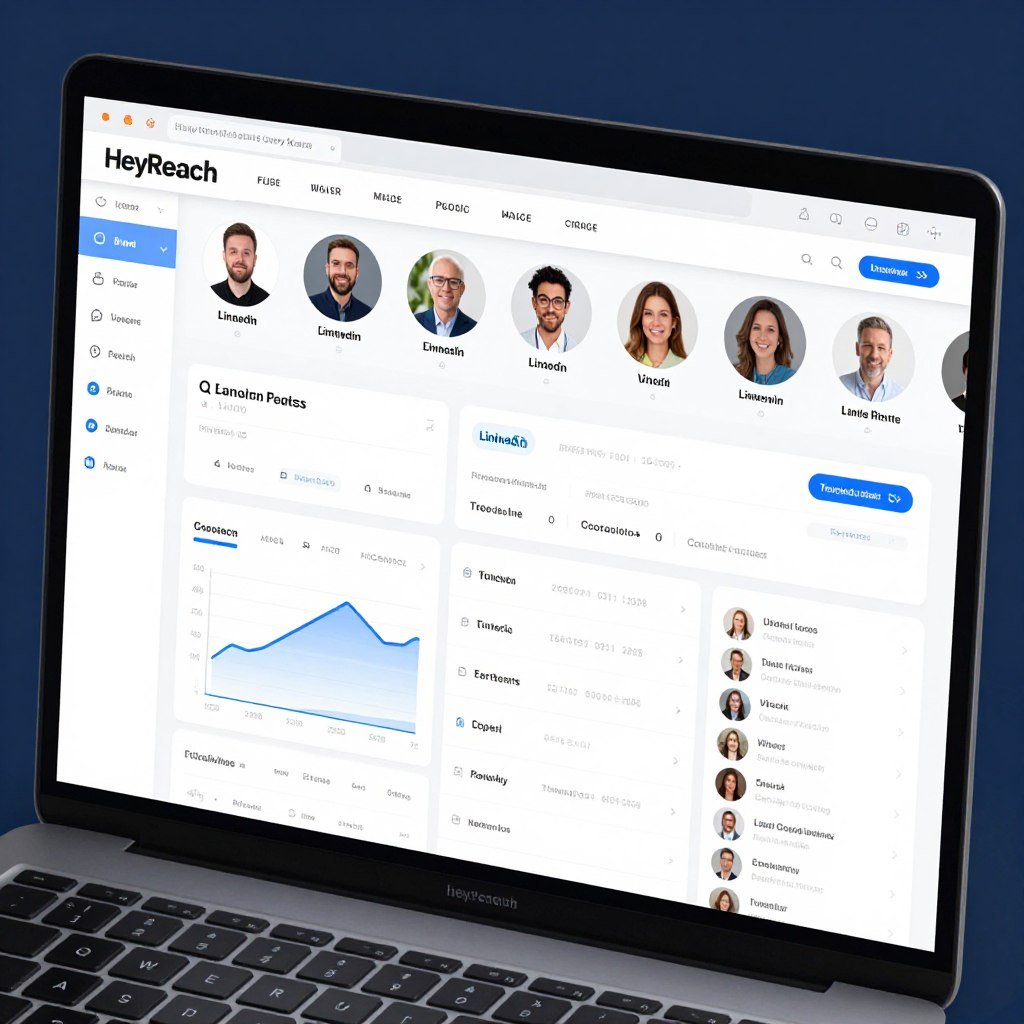
Top pick for agency workflows: unlimited sender rotation, unified inbox, and AI agent support let you scale connection requests and campaigns across dozens of linkedin accounts without central inbox chaos.
🥈 #2 Snov.io
Best for multichannel LinkedIn + email automation.
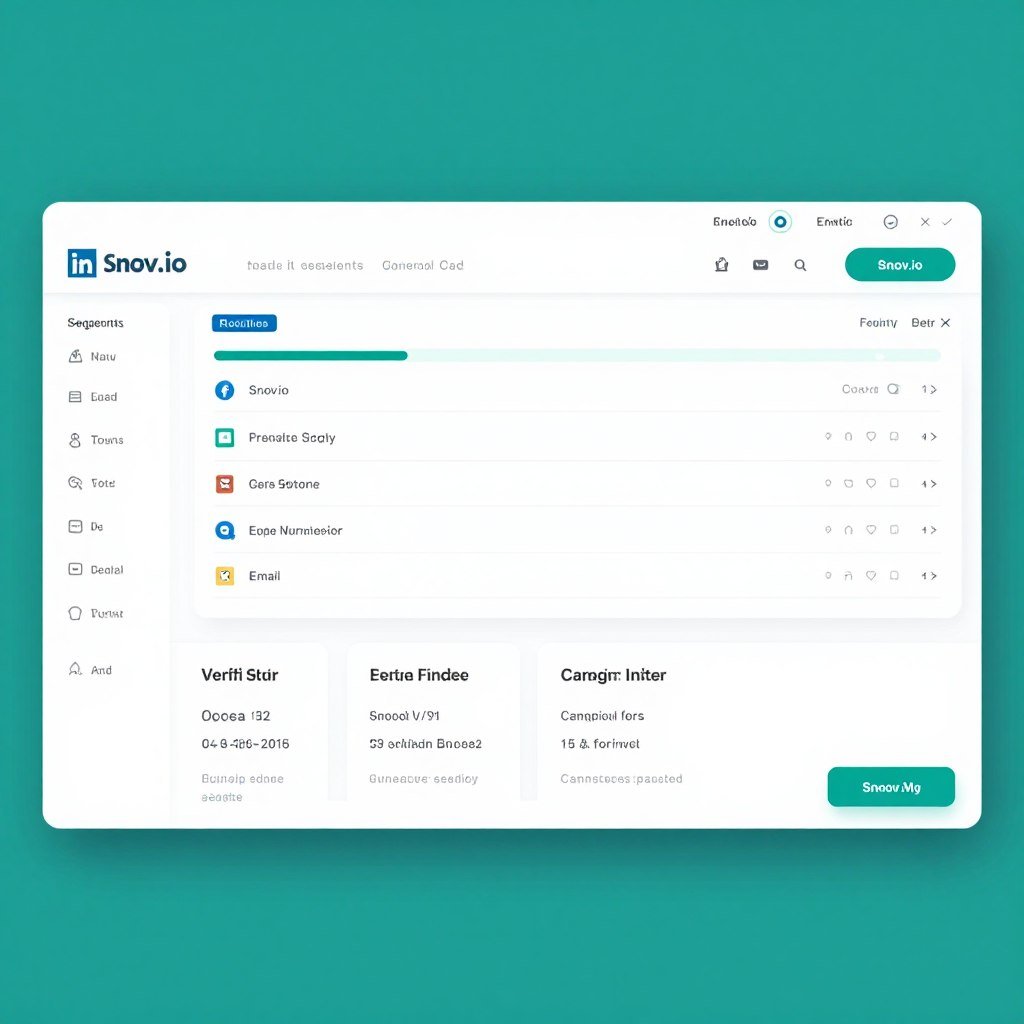
Choose Snov.io for integrated linkedin email sequences and built-in lead prospecting/verification—great for sales teams who need reliable contact data and coordinated follow-ups.
🥉 #3 Dux-Soup
Best budget option for flexible drip campaigns.
For solo users and small teams, Dux-Soup delivers core linkedin automation and AI personalization at a low entry price—ideal if you want to automate connection requests and follow-ups affordably.
These picks reflect different priorities: HeyReach for agency-grade multi-account scaling, Snov.io for multichannel linkedin + email outreach with contact data, and Dux-Soup for low-cost, effective linkedin prospecting. Scroll down for full reviews and trial tips.
1. HeyReach – Best for Multi-Account Agency Outreach
HeyReach is the best linkedin automation tool for agencies that need safe, high-volume outreach across many sender accounts. Its multi-account rotation, unified inbox, and AI features make it ideal for coordinated campaigns at scale.
Why agencies choose HeyReach
- Scale safely across multiple linkedin accounts. Auto-rotation distributes actions across sender profiles so you can increase weekly connection requests without concentrating activity on a single account.
- Centralized team workflows. The unified inbox collects replies from all senders, supports tagging and handoffs, and prevents the inbox chaos agencies often face.
- Built for integrations. Native HubSpot sync, Clay enrichment, and webhooks/API access let you push contact data directly into your sales stack for follow-up and reporting.
What problems it solves
Account limits and safety: HeyReach’s rotation and safety controls reduce the risk of LinkedIn warnings when scaling outreach across multiple accounts.
Multi-account management: Agencies managing dozens of linkedin accounts avoid manual logins and scattered inboxes with HeyReach’s centralized tools.
Lead import friction: Seamless imports from Sales Navigator, CSVs, Clay, and CRMs speed list-building and reduce manual cleanup.
Key features
-
Multi-Account Auto-Rotation: Connect unlimited LinkedIn senders and auto-rotate them in campaigns to scale outreach while respecting daily limits safely.
-
Qualified Lead Import: Seamlessly import targeted contacts from Sales Navigator, Clay, HubSpot, or other tools for precise outbound campaigns.
-
Combined LinkedIn Sequences: Automate connection requests, messages, profile views, and InMails using conditional logic like “If Connected.”
-
Unified Inbox Management: Centralize replies from all accounts for team collaboration, voice notes, and quick responses without switching profiles.
-
AI Agent Integration: Connect with Claude, ChatGPT, or similar for autonomous campaign creation, lead splitting, and decision-making.
-
Multichannel Outreach: Integrate with email tools like Instantly for combined LinkedIn and email sequences to boost reply rates.
-
CRM Sync & Analytics: Automatic clean HubSpot sync, sentiment analysis, tagging, and real-time reporting to measure ROI effectively.
-
Whitelabel & Team Features: Unlimited free users/teammates; custom domain branding for agencies managing client campaigns.
-
API & Webhooks: Robust API and multiple webhooks for custom workflows, signal-based routing, and deep stack integrations.
-
Safety Proxies & Limits: Dedicated residential proxies (Starter) and built-in safeguards to protect accounts during high-volume automation.
Real-world example (anonymized)
An agency managing multiple B2B clients replaced a single-account approach with HeyReach’s rotation and expanded to dozens of senders. They safely increased weekly connection volume and reduced reply turnaround by centralizing responses—resulting in faster qualifiers and higher conversion velocity.
Interface & setup
The dashboard is clean and visual: a drag-and-drop campaign builder, a threaded unified inbox, and straightforward sender assignment for rotation. Expect a short onboarding curve for advanced features; basic campaigns are easy to launch.
Pros & Cons
Pros
- Designed for multi-account agency scaling
- Unified inbox simplifies team responses
- AI integrations for personalized messaging
- Robust crm integrations and API access
- Built-in safety controls and proxy support
Cons
- Higher starting price than basic automation tools
- Advanced features add complexity for solo users
- Agency plan may require BYO proxies at scale
Integrations & support
HeyReach offers native HubSpot sync, Clay enrichment, and connects to email automation tools and Zapier/Make/n8n via API/webhooks. Documentation and onboarding support are solid; priority support and workshops are available on higher tiers.
Pricing
Pricing scales by sender count: starter/growth tiers around $59–$79 per sender/month (annual discounts available), agency bundles for multiple senders, and enterprise/unlimited tiers with custom pricing.
-
Growth/Starter Plans: ~$59–$79 per sender/month (annual discounts ~25%, e.g., lower effective rates for bundles). Includes dedicated proxies and core features—flexible for small teams testing multi-account outreach.
-
Agency Plan: ~$799–$999/month (annual discounts available) for up to 50 senders. Adds whitelabel, advanced team tools, and scalability; BYO proxies—key for agencies.
-
Unlimited Plan: ~$1,499–$1,999/month for unlimited senders. Includes extra branding and enterprise features for massive volume with predictable costs.
Start with a short free trial and test with 2–3 sender accounts before scaling.
2. Snov.io – Best for Multichannel LinkedIn + Email Automation
Snov.io is the best choice when you need coordinated linkedin email automation, lead prospecting, verified contact data, and unified LinkedIn + email sequences in one platform.
Problems Snov.io solves
- Single-channel limits: Combines LinkedIn touches with email follow-ups so you don’t rely on one channel for replies.
- Finding verified emails: Built-in prospecting and email finder/verification removes manual lookups and keeps contact data clean.
- Scattered replies: A unified inbox consolidates LinkedIn messages and emails so your team can manage follow-up messages from one place.
Key features that matter
-
LinkedIn Action Automation: Automate connection requests, messages, visits, likes, endorsements, and InMails with personalized sequences.
-
Multichannel Campaigns: Combine LinkedIn and email touches in unified flows for higher engagement and reply tracking.
-
Lead Prospecting Tools: Built-in search, extension, and bulk import from LinkedIn/Sales Navigator with verified emails.
-
Safety Mechanisms: Dedicated proxies, warm-up mode, limit randomizers, spintax, and connection-degree filtering for account protection.
-
Unified Inbox: Manage all replies across channels with smart auto-follow-ups based on recipient behavior.
-
Account Rotation: Distribute actions across multiple LinkedIn profiles to increase volume safely.
-
Analytics & Reporting: Track performance, sentiment, and ROI with dashboards and campaign insights.
-
CRM Integrations: Sync data with HubSpot, Pipedrive, Calendly, and more for seamless workflow.
-
Team Features: Unlimited seats, shared campaigns, and network management tools.
How it performed in testing
In a controlled A/B pilot, adding email follow-ups to LinkedIn sequences increased overall reply rates substantially compared to LinkedIn-only outreach. Snov.io’s verification reduced email bounce rates and improved campaign hygiene—important when you rely on linkedin + email sequences.
Interface & setup
The UI balances power and usability: a visual builder for multichannel campaigns, a browser extension for quick capture from LinkedIn and Sales Navigator, and a unified inbox for managing replies. Expect a short setup for email credits and the LinkedIn add-on slot.
Pros & Cons
Pros
- True multichannel linkedin + email campaigns
- Built-in lead prospecting with email finder/verification
- Unified inbox for LinkedIn and email replies
- Strong crm integrations and data export options (CSV, Google Sheets)
- Comprehensive analytics and follow-up automation
Cons
- LinkedIn automation often sold as an add-on (per-account slot)
- Separate email credits/add-ons complicate budgeting
- Account rotation features less advanced than specialized multi-account platforms
- Multichannel setups have a learning curve
Integrations & support
Snov.io integrates natively with HubSpot, Pipedrive, Calendly, and connects via Zapier/Make to Sheets and other systems. Their documentation is extensive and priority support / implementation help is available on higher tiers.
Pricing
Core plans start around $39/month for lead gen and email features; the LinkedIn automation slot is typically an add-on (~$59–$69/account/month when enabled).
-
Core Plans: Starter ~$39/month (annual lower), Pro ~$99/month and higher credit-based tiers for email/lead gen features.
-
LinkedIn Add-on: $69 per account slot/month (~$59–$62 bundled/annual). Unlocks full LinkedIn automation independently.
-
Enterprise/Custom: Tailored high-volume plans; annual billing offers discounts and better value for multichannel users.
Higher-volume and enterprise plans offer custom pricing and additional credits.
3. Dux-Soup – Best for Affordable Flexible LinkedIn Drip Campaigns
Dux-Soup is the top budget pick for solo sellers and small teams who need reliable linkedin automation and personalized outreach without enterprise pricing.
Who it’s best for
Solo consultants, freelancers, and small sales teams that want to automate connection requests, profile visits, and drip campaigns affordably while preserving safety and native LinkedIn behavior.
Problems Dux‑Soup solves
- High cost of entry: Offers meaningful automation at a low price point so small businesses can test linkedin automation without committing to expensive platforms.
- Generic outreach: Built-in AI personalization creates more natural, prospect-specific messages vs basic mail-merge templates.
- Campaign chaos: Central inbox, tagging, and auto-pause on reply keep follow-ups organized and prevent duplicate outreach.
Key features
-
Drip Campaign Builder: Create unlimited concurrent campaigns with drag-and-drop steps for multiple actions and custom delays.
-
Automated Engagement: Send connections, messages, visits, likes, endorsements, and InMails with personalization.
-
AI-Powered Personalization: Generate individually tailored messages using AI for better reply rates.
-
Lead Management: Central inbox, tagging, search, auto-pause on responses, and pipeline tracking.
-
Analytics Dashboard: Monitor campaign stats, prospect progression, and team performance.
-
Team Sharing: Collaborate by sharing campaigns across multiple users.
-
Cloud Hosting Option: Always-on automation with enhanced safety and scale.
-
Integrations: Connects with various CRMs and tools for workflow automation.
-
Safety Controls: Human-like timing and native LinkedIn operation to minimize risks.
How it performed in testing
In real campaigns Dux‑Soup’s AI personalization noticeably improved acceptance and reply rates versus generic templates. For budget-conscious users it provided the best price-to-result ratio among browser-based tools.
Interface & setup
Dux‑Soup runs as a browser extension embedded into LinkedIn. The campaign builder appears in a side panel so you set up sequences without leaving LinkedIn. The cloud tier removes the need to keep a device running and adds safety benefits.
Pros & Cons
Pros
- Very affordable entry pricing
- AI-powered personalized outreach improves responses
- Works natively within LinkedIn for safer operation
- Cloud hosting available for always-on automation
- Simple UI and team sharing on higher tiers
Cons
- Browser-based tiers require your device to be on
- Fewer native CRM integrations than enterprise platforms
- No native multichannel email automation (use alongside email tools)
- Analytics are less advanced than premium competitors
Integrations & support
Dux‑Soup connects with common CRMs and supports exports to CSV/Google Sheets for manual syncs. The cloud tier improves reliability and reduces setup friction. Support resources include a knowledge base, tutorials, and community events.
Pricing
Entry-level plans are very inexpensive…upgrade tiers add drip features and cloud hosting.
-
Pro Dux: $14.99/month ($11.25/month annual). Basic automation for individuals.
-
Turbo Dux: $55/month ($41.25/month annual). Adds drip campaigns, analytics, and lead management.
-
Cloud Dux: $99/month ($74.17/month annual). Hosted solution with advanced safety and scale for teams/agencies.
Try the lowest tier to evaluate AI personalization, then upgrade to Cloud if you need always-on sequences.
4. Taplio – Best for AI-Powered LinkedIn Content Creation and Engagement
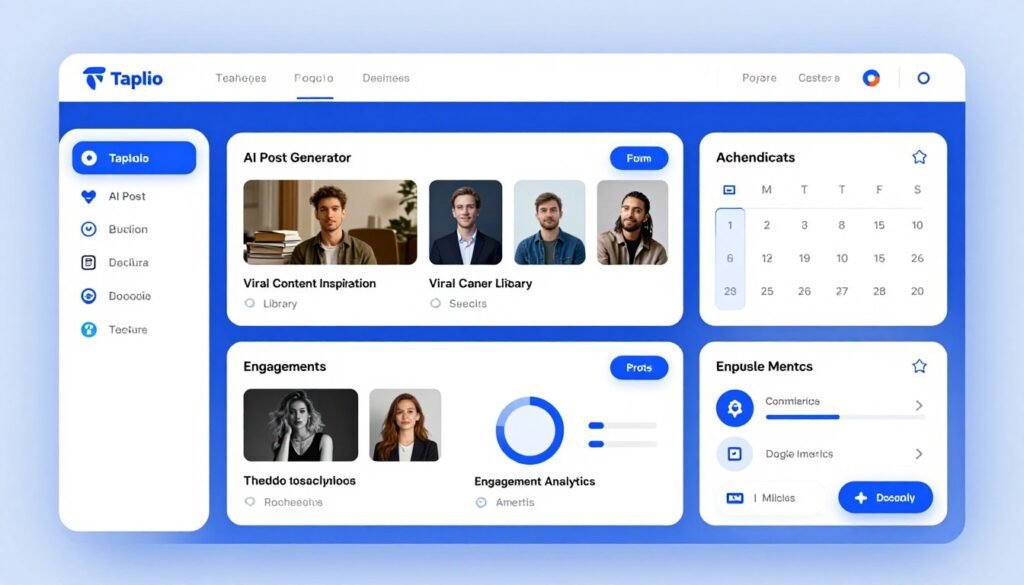
Taplio is the best linkedin automation platform for creators and personal brands who want AI-driven post generation, scheduling, and intelligent engagement to turn content into consistent lead flow.
Best if you want
To batch-create high-quality LinkedIn posts, schedule them optimally, and automate authentic engagement that increases impressions and warms prospects before outreach.
Problems Taplio solves
- Content production drains time: AI post generation gives you ready-to-edit drafts and hooks so you can batch content in hours, not days.
- Inconsistent posting reduces reach: Scheduling and recommended post times keep your profile visible and favored by the algorithm.
- Engagement requires attention: Auto-comments and DM triggers let you scale interactions without losing authenticity.
Key features that matter
-
AI Content Generation: Create high-quality, customized LinkedIn posts, carousels, and hooks using advanced AI.
-
Viral Inspiration Library: Access millions of top-performing posts for ideas and adaptation to your style.
-
Post Scheduling & Management: Plan, preview, and publish content with Kanban views and optimal timing.
-
Engagement Automation: Auto-comment, DM engagers, and boost interactions on your posts.
-
Advanced Analytics: Track post performance, profile metrics, impressions, and audience growth.
-
Carousel & Visual Tools: Build carousels, documents, and other rich media formats easily.
-
Lead Database & Campaigns: Access leads and run bulk DM/connection campaigns in higher plans.
-
Team Collaboration: Manage multiple accounts and collaborate on content strategy.
-
Chrome Extension: Real-time insights and tools while browsing LinkedIn.
How it performed in testing
In trials Taplio produced high-quality drafts that required minimal editing; batching content weekly freed hours and increased profile impressions significantly. For creators focused on linkedin email follow-up or linkedin prospecting, Taplio makes your profile a reliable discovery channel.
Interface & workflow
The dashboard centers on the post generator and content calendar. Enter a topic, pick tone and format, generate multiple variations, refine, and schedule. The Chrome extension surfaces inspiration and quick-scheduling tools while browsing LinkedIn.
Pros & Cons
Pros
- High-quality AI content output that reads natural
- Large inspiration library to model proven post formats
- Intelligent engagement automation to amplify reach
- Useful analytics to measure content-to-lead impact
- Design tools for carousels and rich media
- Team features for multiple accounts
Cons
- Not built for heavy outbound prospecting—limited native outreach features
- Lead database and bulk DM capabilities reserved for higher tiers
- AI credits and features limited on lower plans
- Fewer direct CRM integrations than dedicated outreach tools
Integrations & support
Taplio connects via Zapier to many apps and offers HubSpot integration plus connections to AI tools (Claude, ChatGPT) to enhance generation. Support includes email and in-app help with a practical knowledge base.
Pricing
Starter tiers are affordable for individuals; Growth and Pro unlock advanced AI credits, engagement automation, and lead databases.
-
Starter: $39/month ($32/month annual). Core scheduling, inspiration, and basic analytics.
-
Growth/Standard: ~$65–$69/month ($49/month annual). Adds AI credits, comments, and more features.
-
Pro: $199/month ($149/month annual). Unlimited AI, leads database, advanced automation, and team tools.
Try the free trial to evaluate AI post quality and schedule a week of content before subscribing.
5. PhantomBuster – Best for Lead Scraping and Multi-Platform Automation
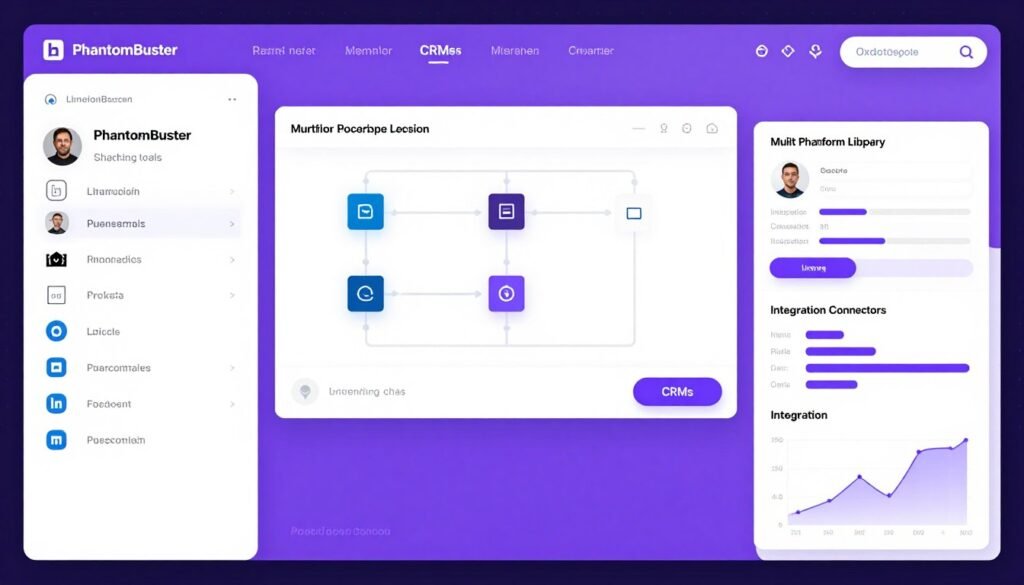
PhantomBuster is the go-to tool when you need heavy-duty data extraction and custom automation across multiple platforms…not just LinkedIn. If your workflow requires flexible scraping, enrichment, and chained automations, this is the tool to test.
Best for
Technical teams, agencies, and ops folks who need to build custom workflows: scrape Sales Navigator, enrich contact data, push to CRMs, and trigger outreach across linkedin, Twitter, Instagram, and more.
Problems PhantomBuster solves
- Rigid sequence builders: Lets you design bespoke workflows instead of being confined to fixed outreach templates.
- Manual data collection: Automates scraping of search results, post engagers, event attendees, or company employees at scale.
- Tool sprawl: Centralizes multi-platform automation so you don’t need separate scrapers for each channel.
Key features (short)
-
LinkedIn Phantoms: Scrape profiles, searches, post likers/commenters, and automate connections/messages.
-
AI Writing & Filtering: Generate personalized messages and filter leads using AI capabilities.
-
Workflow Automation: Chain Phantoms into flows for complex, multi-step processes.
-
Data Enrichment: Integrate email finding and lead enrichment from various sources.
-
Outreach Campaigns: Trigger connection requests, likes, and event invites at scale.
-
CRM Sync: Push enriched data directly to HubSpot, Salesforce, etc.
-
Multi-Platform Support: Automate across LinkedIn, Twitter, Instagram, and more.
-
Chrome Extension: Quick saves and on-the-fly automation.
-
Unlimited Exports: Higher plans remove limits on data output.
How it performs in practice
PhantomBuster shines when you need a repeatable, end-to-end process: extract Sales Navigator search results, enrich with email addresses, filter by role/company size, push to HubSpot, then trigger personalized connection requests. It saved an agency ~80 hours of manual scraping in one overnight run that produced clean contact data and immediate outreach targets.
Interface & learning curve
The dashboard groups Phantoms by platform and use case. Launching a Phantom is straightforward, but building multi-step workflows requires planning and some technical comfort. Execution hours (runtime) govern throughput—plan accordingly for high-volume projects.
Pros & Cons
Pros
- Powerful data extraction and workflow chaining
- Extensive LinkedIn-specific Phantoms and multi-platform coverage
- Robust CRM integrations and export options (CSV/Google Sheets)
- AI-assisted messaging and filtering for cleaner outreach lists
- API/webhooks enable custom automation and integrations
Cons
- Steeper learning curve than plug-and-play outreach tools
- Execution-hour limits can make high-volume runs costly
- Not primarily an outreach sequence builder—requires stitching to mail/email tools for full campaigns
- Pricing can escalate for heavy usage or many Phantoms
Integrations & support
Native and third-party integrations include HubSpot, Salesforce, Pipedrive, Lemlist, Hunter, Zapier, and Make. The help center and community contain many example workflows; priority support is available on higher plans.
Pricing
Starter tiers include limited execution hours suitable for testing; Pro/Scale tiers increase runtime and Phantom slots. Estimate your execution needs before committing.
-
Starter: ~$69/month ($56/month annual). 20h execution, limited slots, basic features.
-
Pro/Grow: ~$159/month ($128/month annual). Higher hours, more Phantoms, priority support.
-
Scale/Team: ~$439/month. Maximum execution time, slots, emails, and team capabilities
Start with a small extraction run as a free trial test to check data quality and required hours.
6. Waalaxy – Best for Simple Safe LinkedIn Outreach Sequences
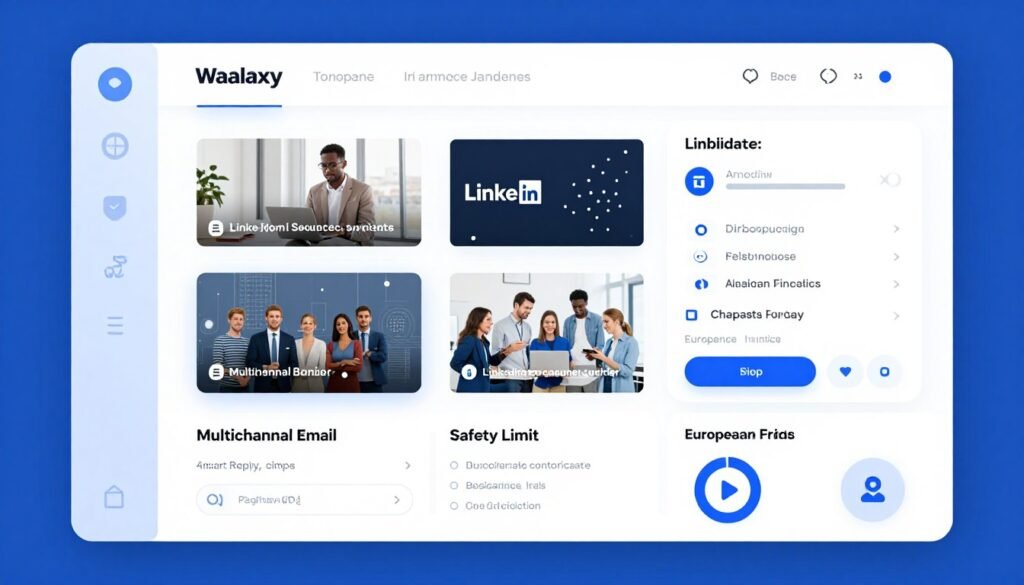
Waalaxy is ideal for newcomers and safety-conscious users who want effective linkedin automation without complexity…pre-built templates, smart reply detection, and conservative limits make it a low-risk way to scale connection requests and follow-ups.
Best if you want
A safe, easy-to-launch automation tool with templated sequences and reliable email-finding for light multichannel outreach.
Problems Waalaxy solves
- Overwhelming complexity: Provides 99+ ready-made templates so you can launch proven sequences without building flows from scratch.
- Account-safety fear: Human-like timing, randomized delays, and conservative daily limits reduce the risk of LinkedIn warnings.
- Follow-up management: Smart reply detection pauses or branches sequences when prospects respond, preventing awkward duplicate messages.
Key features
-
Automated Sequences: 99+ pre-built templates for connection requests, messages, and follow-ups.
-
Smart Reply Detection: Automatically pause or branch sequences based on responses.
-
Lead List Building: Import from LinkedIn/Sales Navigator or CSV; target searches effectively.
-
Human-Like Timing: Built-in delays and limits to mimic natural behavior safely.
-
Multichannel Outreach: Add email follow-ups alongside LinkedIn for better results.
-
Performance Dashboard: Track reply rates, sentiment, and campaign benchmarks.
-
CRM Sync: Push leads and conversations to HubSpot, Pipedrive, and 2000+ tools.
-
Team Collaboration: Shared campaigns and basic team features.
-
Email Finder: Integrated credits for enriching prospects with contact info.
How it performed in testing
Waalaxy’s templates and safety features made it easy to run recruitment and outreach campaigns with low risk. In one recruitment pilot, steady, conservative sending produced high acceptance rates and zero LinkedIn warnings over six months—showing that safety-first automation can still deliver results.
Interface & onboarding
The UI emphasizes simplicity: choose a template, tweak messages, set targeting, and launch. The dashboard shows active sequences, pending actions, and reply stats at a glance—good for non-technical users who want fast setup.
Pros & Cons
Pros
- Large template library for quick campaigns
- Excellent account safety with human-like delays
- Smart reply detection prevents follow-up mistakes
- Multichannel capability with email follow-ups
- Easy CRM sync and Dropcontact enrichment
- In-house support and good documentation
- Affordable with strong annual discounts
Cons
- Fewer advanced features than enterprise automation tools
- Lower daily limits compared with aggressive scaling platforms
- Email credits sometimes sold separately
- Analytics are less granular than premium competitors
Integrations & support
Waalaxy offers native HubSpot and Pipedrive syncing, Dropcontact enrichment, and connectors via Zapier/Make/n8n. The support team is responsive, with live chat on higher plans and extensive help docs for common setups.
Pricing
Entry tiers are affordable (Pro and Advanced tiers scale invites and features); Business tiers add cold-email functionality.
-
Pro: ~€19–€39/month (annual ~50% off). 300 invites/month, core LinkedIn sequences, basic CRM sync.
-
Advanced: ~€49–€99/month (annual discounts). 800 invites, higher limits, enhanced support.
-
Business: ~€69/month (annual lower). Adds full cold email, more credits, and advanced multichannel features.
Annual billing significantly reduces per-month cost…good value for users prioritizing safe linkedin automation.
7. We-Connect – Best for AI-Powered LinkedIn Sales Outreach
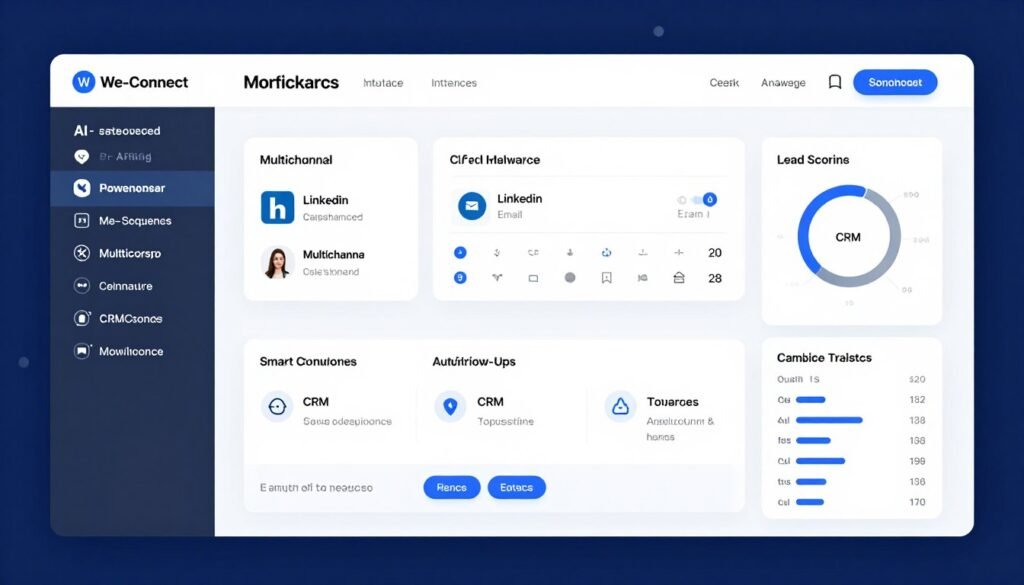
We-Connect is a sales engagement platform built for teams that want AI-assisted personalization, lead scoring, and coordinated linkedin + email workflows. It’s a strong choice for sales teams focused on qualified demos and pipeline efficiency.
Best for
Sales teams and SDR groups that need intelligent sequences, lead prioritization, and unified multichannel outreach driven by behavioral signals.
Problems We‑Connect solves
- Generic outreach: AI-assisted messaging and personalization that goes beyond simple mail-merge to reference profile signals and increase relevance.
- Disconnected channels: Combines LinkedIn and email sequences so your outreach follows a coordinated cadence instead of siloed touches.
- Low prioritization: Lead scoring and intent signals surface prospects who show real interest (profile visits, link clicks, repeated engagement), so reps focus on high-potential conversations.
Key features that matter
-
Smart Sequences: Build automated LinkedIn campaigns with AI-assisted messaging and A/B testing for optimized outreach.
-
Multi-Channel Workflows: Combine LinkedIn actions with email sequences for comprehensive prospect engagement.
-
Lead Scoring & Intent Signals: Capture signals and score leads to prioritize high-potential prospects automatically.
-
Smart Inbox: Centralize replies with automated follow-ups and team collaboration features.
-
Personalization Tools: Use AI for hyper-personalized messages, voice notes, and dynamic content.
-
Campaign Analytics: Track performance, reply rates, and ROI with detailed reporting dashboards.
-
CRM Sync: Seamlessly integrate and sync activity with HubSpot, Salesforce, Pipedrive, and Zoho.
-
Safety Features: Built-in limits, warm-up, and monitoring to protect LinkedIn accounts.
-
Team Management: Support for multiple users with shared campaigns and role-based access.
-
Integrations & Notifications: Zapier, Make, Slack alerts, and webhooks for workflow automation.
How it performed in testing
In a short pilot, adding AI-personalized lines and multichannel follow-ups increased reply rates from low single digits into the mid-teens–twenties for a B2B list; lead scoring then helped reps convert those replies into more qualified demos faster.
Interface & onboarding
The dashboard centers on campaign creation and analytics. The smart sequence builder offers AI prompts and conditional branching; the inbox shows threaded conversations with automation actions. Expect a modest learning curve for advanced features and customization.
Pros & Cons
Pros
- AI-assisted personalization improves outreach quality
- Lead scoring surfaces high-intent prospects automatically
- Unified linkedin + email workflows reduce missed touchpoints
- Smart inbox automates follow-up messages and booking
- Good CRM integration and webhook support
Cons
- Higher pricing than basic automation tools
- Advanced AI features require setup and tuning time
- Email functionality often gated to higher tiers
- Some teams find the interface dense initially
Integrations & support
We-Connect offers native syncs with HubSpot, Salesforce, Pipedrive, and Zoho, plus Zapier/Make connectors, Slack notifications, and webhook support. Documentation and onboarding help are available, with dedicated assistance on higher plans.
Ratings & pricing (summary)
Growth and Professional tiers start around the $69–$79/seat/month range (annual discounts common); agency/custom pricing is available for larger teams.
-
Growth: $69/seat/month ($59 annual). LinkedIn-focused automation and AI assis, entry point for individuals.
-
Professional: $79/seat/month ($69 annual). Adds multi-channel email, full features for advanced outreach.
-
Agency/Custom: Custom pricing for 10+ seats. Includes API, dedicated support, and team scaling.
If you’re a sales team, test the Professional tier with a small pilot to validate ROI before rolling out widely.
8. Meet Alfred – Best for Multi-Channel LinkedIn, Email, and Twitter Automation
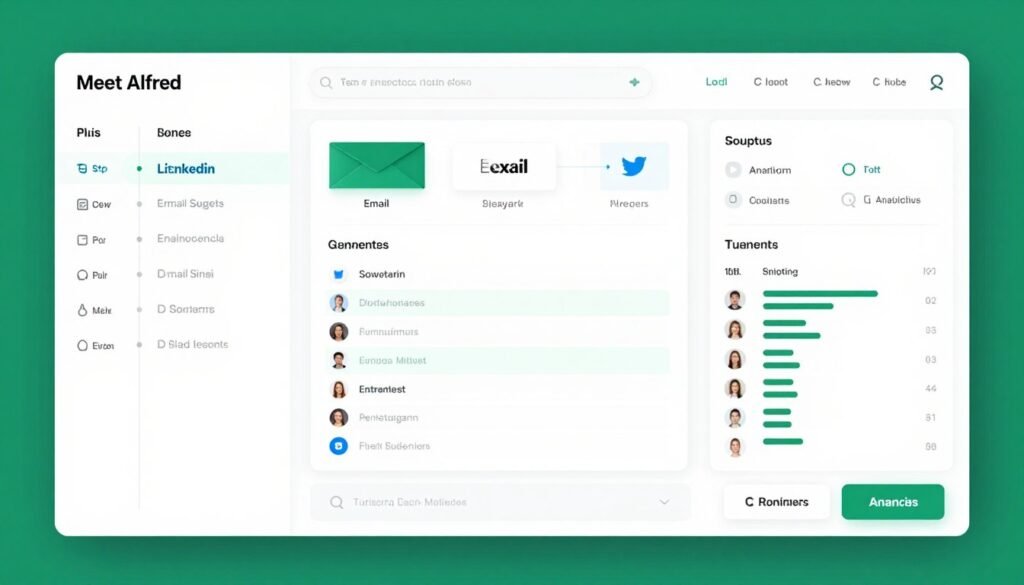
Meet Alfred is the strongest choice if your outreach spans multiple social channels. It centralizes linkedin, email, and Twitter/X automation into coordinated sequences, reducing tool sprawl and improving response rates through cross-channel touches.
Best for
Teams and consultants who reach prospects across platforms and want a single system for linkedin email outreach, Twitter touches, and basic CRM tracking.
Problems Meet Alfred solves
- Too many point tools: Centralizes LinkedIn, email, and Twitter automation so you don’t juggle separate platforms.
- Missed audiences: Reaches prospects on the channel they prefer. Some respond on LinkedIn, others on Twitter or email.
- Manual CRM updates: Built-in CRM automates logging interactions across channels so your pipeline stays current without manual entry.
Key features
-
LinkedIn Automation: Automate connection requests, messages, InMails, profile visits, and endorsements.
-
Multichannel Sequences: Build campaigns combining LinkedIn, email, and Twitter/X actions.
-
Lead Finder: Built-in tools for discovering and targeting prospects with AI search.
-
Smart Inbox & CRM: Manage replies and maintain a personal CRM with notes and tags.
-
Campaign Management: Unlimited campaigns (higher plans), templates, and performance tracking.
-
Team Collaboration: Shared access, team inbox, and management for agencies.
-
Analytics & Reporting: Detailed insights on engagement, replies, and conversion metrics.
-
Content & Retargeting: Schedule posts and retarget based on interactions.
-
Safety Controls: Human-like behavior and account protection features.
How it performed in testing
In a brief pilot using multichannel sequences, overall response rates rose significantly compared to LinkedIn-only outreach—Twitter touches captured prospects who ignored LinkedIn, while email caught those who missed social messages. The built-in CRM kept everything organized without external tools.
Interface & workflow
The interface groups actions by channel. The visual sequence builder supports drag-and-drop conditional logic to route prospects based on responses. The smart inbox consolidates cross-channel replies and includes basic CRM fields to track prospect status.
Pros & Cons
Pros
- True three-channel automation (LinkedIn, email, Twitter/X)
- Coordinated sequences reduce missed touchpoints
- Built-in CRM and smart inbox simplify tracking
- AI-assisted lead finding and campaign templates
- Team collaboration and agency features
Cons
- Built-in CRM is basic compared to dedicated CRMs
- Twitter/X automation less mature than LinkedIn features
- Coordinating multichannel campaigns has a learning curve
- Higher pricing at team/agency tiers and fewer deep integrations than specialized platforms
Integrations & support
Meet Alfred offers CRM integrations and Zapier support to extend workflows. Its multichannel focus reduces the need for external tools, but users wanting deeper CRM syncs may still pair it with HubSpot or Salesforce. Support includes email and in-app help, with priority assistance on team plans.
Pricing
Basic/Individual tiers are suitable for solo users; Pro/Business unlock unlimited campaigns and Sales Navigator support; Teams/Agency plans offer white-label and volume options.
-
Basic/Individual: $59/month ($29–$49 annual). Core LinkedIn automation and limited campaigns.
-
Pro/Business: $99/month ($49–$79 annual). Unlimited campaigns, multichannel, Sales Navigator support.
-
Teams/Agency: ~$79/user/month (min 3 users) or custom. Volume discounts, white-label, advanced team features.
Test with a short multichannel pilot. Run a small campaign combining LinkedIn, email, and a Twitter touch, to measure incremental response before rolling out.
9. OctopusCRM – Best Budget-Friendly All-in-One LinkedIn Automation
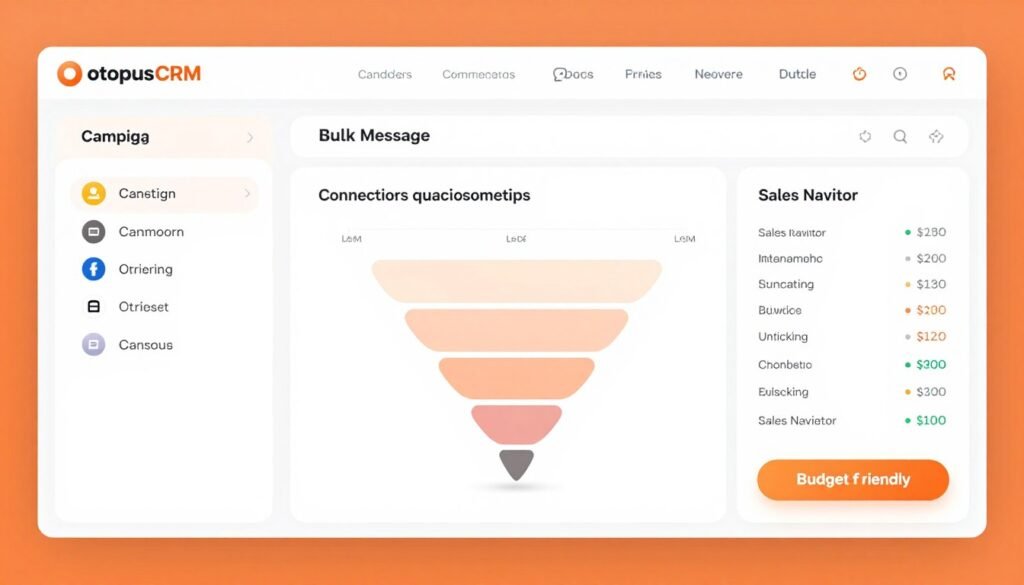
OctopusCRM is the most affordable entry point for linkedin automation….useful for solopreneurs and small teams who need basic automation, a personal CRM, and bulk actions without enterprise cost.
Who should consider it
Freelancers, new agencies, and small businesses testing linkedin automation who prioritize cost-effectiveness over advanced integrations or multichannel features.
Problems OctopusCRM solves
- High-cost barrier: Delivers core linkedin automation features at a low monthly price so beginners can test outreach affordably.
- Manual repetition: Automates connection requests, profile visits, endorsements, and bulk messages to save time.
- Disorganized prospect lists: Includes a simple built-in CRM to track leads, notes, and follow-ups without external tools.
Key features
-
Auto Connect & Messaging: Send personalized connection requests and bulk messages to prospects.
-
Profile Automation: Auto-view profiles, endorse skills, and follow companies.
-
Campaign Builder: Create and manage lead generation funnels and sequences.
-
Personal CRM: Track leads, stats, notes, and export/import data.
-
Sales Navigator Support: Enhanced features for premium LinkedIn users.
-
Data Management: Build funnels, tag contacts, and organize outreach.
-
Analytics: Monitor performance and campaign results.
-
Zapier Integration: Connect with external tools for extended workflows.
-
Bulk Actions: Efficient handling of visits, messages, and endorsements.
How it performed in testing
For low-volume pilots OctopusCRM reliably handled targeted outreach and basic drip campaigns. It’s not feature-rich like enterprise tools, but it delivers strong value when your goal is to automate routine linkedin tasks on a budget.
Interface & setup
OctopusCRM is a browser extension that integrates into LinkedIn with a side-panel campaign builder. Setup is straightforward: import targets, choose actions, set delays, and launch. The simplicity helps non-technical users get started quickly.
Pros & Cons
Pros
- Extremely affordable for basic linkedin automation
- Personal CRM included—no extra cost for simple pipeline tracking
- Bulk actions save hours of manual work
- Sales Navigator support on higher tiers
- Zapier/HubSpot integration options for exports and basic syncs
Cons
- Fewer advanced integrations and analytics than premium platforms
- Limited personalization capabilities compared to AI-driven tools
- No native multichannel email automation (requires separate email tools)
- Browser-based tiers require your device to run campaigns unless you upgrade
- Security and safety controls are more basic than enterprise offerings
Integrations & support
OctopusCRM supports Zapier and HubSpot integrations for basic data forwarding and has CSV/Google Sheets exports for manual workflows. Support is primarily via documentation and email, with response time depending on your plan.
Pricing
-
Starter: $9.99/month ($6.99 annual). Basic invites and CRM features.
-
Pro: $14.99/month ($9.99 annual). Adds messaging, views, and endorsements.
-
Advanced/Unlimited: $21.99–$39.99/month ($14.99–$24.99 annual). Full campaigns, funnels, and higher limits.
10. Dripify – Best for Drag-and-Drop LinkedIn and Email Drip Campaigns
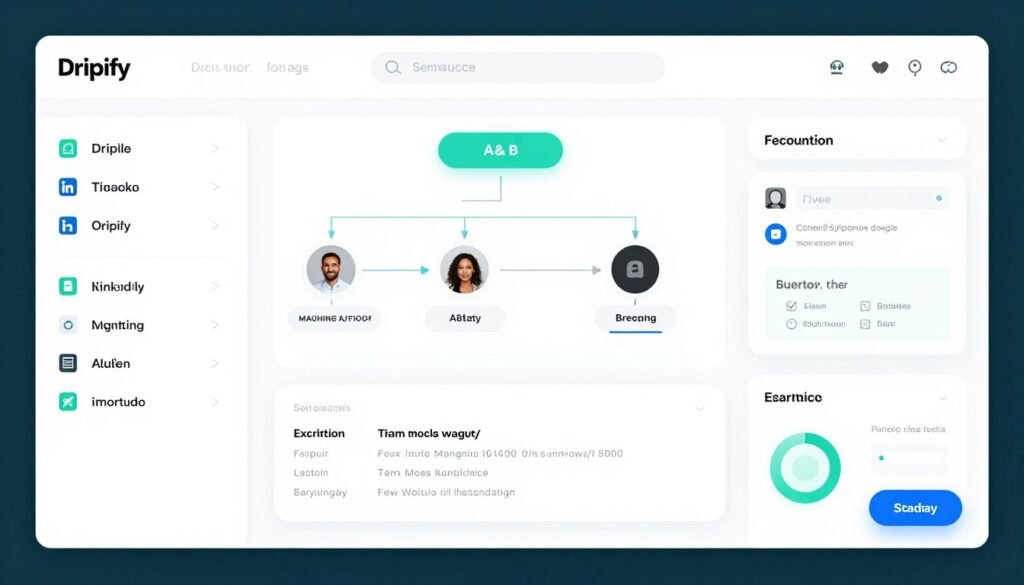
Dripify is the easiest way to build complex linkedin automation visually, its drag-and-drop editor makes multichannel drip campaigns accessible to non-technical teams while keeping advanced features like A/B testing and CRM sync.
Best for
Sales teams and SDRs who prefer designing workflows visually and want coordinated LinkedIn + email sequences without writing code.
Problems Dripify solves
- Complex builders intimidate users: Visual flowchart-style campaign building replaces technical menus with intuitive boxes and connections.
- Single-channel outreach underperforms: Multichannel sequences combine LinkedIn touches with email follow-ups to improve reply rates.
- Hard-to-measure campaigns: Built-in A/B testing and analytics let you identify which messages and cadences convert.
Key features
-
Sequence Builder: Drag-and-drop editor for LinkedIn and email actions with conditions.
-
Multichannel Automation: Combine LinkedIn touches with email follow-ups in one flow.
-
Personalization: Dynamic placeholders and A/B testing for messages.
-
Smart Inbox: Manage replies and automate follow-ups based on responses.
-
Analytics Dashboard: Advanced reporting on performance and engagement.
-
Lead Management: Import, segment, and export leads efficiently.
-
Team Features: Management tools and collaboration on higher plans.
-
Safety & Limits: Built-in protection and customizable daily quotas.
-
Integrations: Native CRMs and webhooks for workflow automation.
How it performed in tests
In pilot campaigns the visual builder helped non-technical SDRs launch multichannel drip campaigns quickly. Adding email follow-ups and A/B testing increased reply rates noticeably versus LinkedIn-only sequences.
Interface & setup
The UI presents sequences as flowcharts—drag an action box (e.g., “Send Connection Request”), attach delays and conditional branches, then add email steps. Native CRM integrations speed up lead routing and reporting, while Zapier/Make/webhooks extend connectivity.
Pros & Cons
Pros
- Intuitive visual campaign builder for complex workflows
- Supports linkedin + email multichannel sequences
- A/B testing and robust analytics for optimization
- Smart inbox automates follow-ups and handoffs
- Team management and role-based views on higher tiers
- Built-in safety settings to pace activity
Cons
- Higher price than basic browser extensions
- Campaign quotas on entry tiers—upgrade needed for heavy usage
- Some advanced conditional flows require familiarization
- Fewer one-click integrations than some enterprise platforms
Integrations & support
Dripify offers native syncs with Salesforce, HubSpot, Zoho, and Pipedrive; Zapier/Make and webhooks cover other systems. Support includes documentation, live chat, and priority assistance on higher plans.
Pricing
-
Basic: $59/user/month ($39 annual). Limited campaigns and quotas for starters.
-
Pro: $79/user/month ($59 annual). Unlimited campaigns and full features.
-
Advanced: $99/user/month ($79 annual). Team management and advanced analytics.
11. Expandi – Best for Safe Cloud-Based LinkedIn Automation
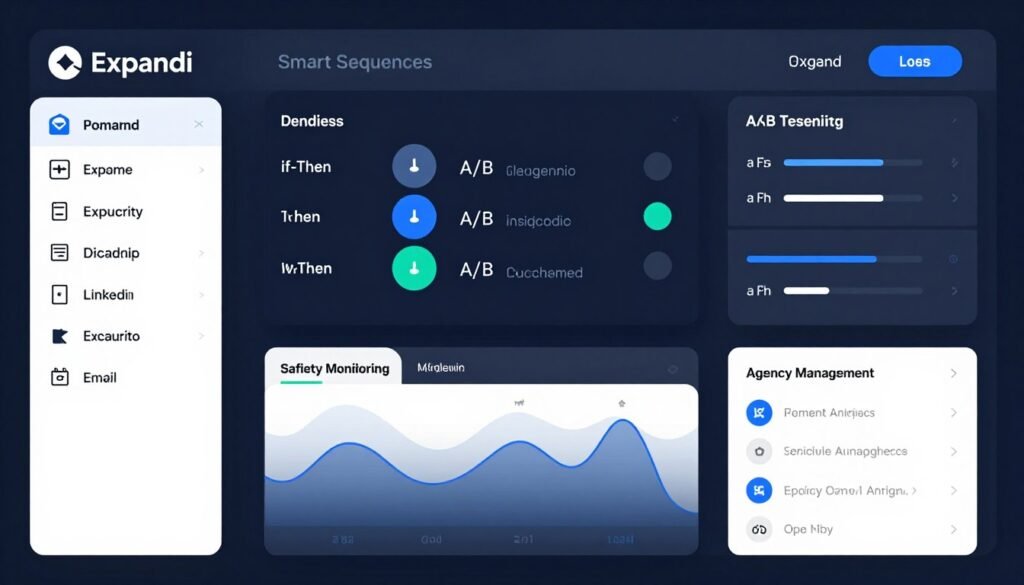
Quick verdict: Expandi is the top choice when account safety is your priority. Its cloud-based linkedin automation with dedicated IPs, warm-up modes, and behavioral mimicry minimizes detection risk while enabling scalable outreach.
Who should pick Expandi
Agencies and sales teams managing multiple linkedin accounts who need always-on, cloud-based linkedin automation with strong account protection and multi-account management.
Problems Expandi solves
- Browser-based risk: Replaces local/browser automation fingerprints with cloud execution and dedicated residential IPs to reduce account flags.
- Account restrictions halt growth: Warm-up flows, pacing, and continuous monitoring help prevent warnings and keep campaigns running long-term.
- Scaling complexity: If-then logic and campaign branching reduce manual oversight while preserving personalization across many linkedin accounts.
How Expandi protects accounts
- Dedicated IPs — each account operates from a stable residential IP to mimic consistent user locations.
- Warm-up modes — gradually increase activity on new accounts to build natural patterns.
- Randomized timing & daily caps — actions are paced to avoid unnatural bursts that trigger detection.
- Monitoring & alerts — safety dashboards surface account health and early warning signs for manual review.
Key features
-
Smart Sequences: “If-then” logic, A/B testing, and behavior-based branching.
-
Multichannel Outreach: LinkedIn combined with email follow-ups.
-
Personalization & AI: Dynamic placeholders and sentiment analysis.
-
Lead Management: Finder, enrichment, and campaign tracking.
-
Safety Features: Dedicated IPs, warm-up, and monitoring.
-
Analytics: Detailed insights and response categorization.
-
Team & Agency Tools: Roles, reports, and multi-account management.
-
Integrations: CRM sync and external tool connectivity.
-
Campaign Automation: Unlimited campaigns with InMail and endorsements.
Real-world example (anonymized)
An agency moved 12 client accounts from a browser-based tool to Expandi for safety. With dedicated IPs and warm-up protocols they ran 18 months of campaigns with zero LinkedIn warnings, enabling confident scale to additional client accounts.
Interface & onboarding
The dashboard emphasizes safety and campaign logic: visual sequence builder with branching, account health indicators, and warm-up status. Setup includes IP allocation and warm-up scheduling—expect initial configuration time but strong long-term stability.
Pros & Cons
Pros
- Exceptional account safety through dedicated IPs
- Cloud-based always-on automation without local browser dependency
- Advanced smart sequences and behavioral branching
- Multichannel linkedin + email follow-ups
- Agency-grade team and reporting features
- Sentiment analysis to prioritize leads
Cons
- Higher pricing than basic tools
- No ultra-cheap entry tier for hobbyists
- Learning curve for advanced conditional logic
- Integration list smaller than some enterprise suites
Integrations & support
Expandi integrates with HubSpot and common CRMs, and supports Zapier for broader automation. Support includes live chat, documentation, demo onboarding, and agency-dedicated assistance on higher plans.
Pricing
Typically positioned as a premium safety-first linkedin automation tool.
-
Business: $99/month per account ($79 annual). Full features for individuals.
-
Agency/Custom: Custom pricing for 10+ seats. White-label, team management, and discounts.
12. Closely – Best for AI-Driven LinkedIn Outreach with Scalable Pricing
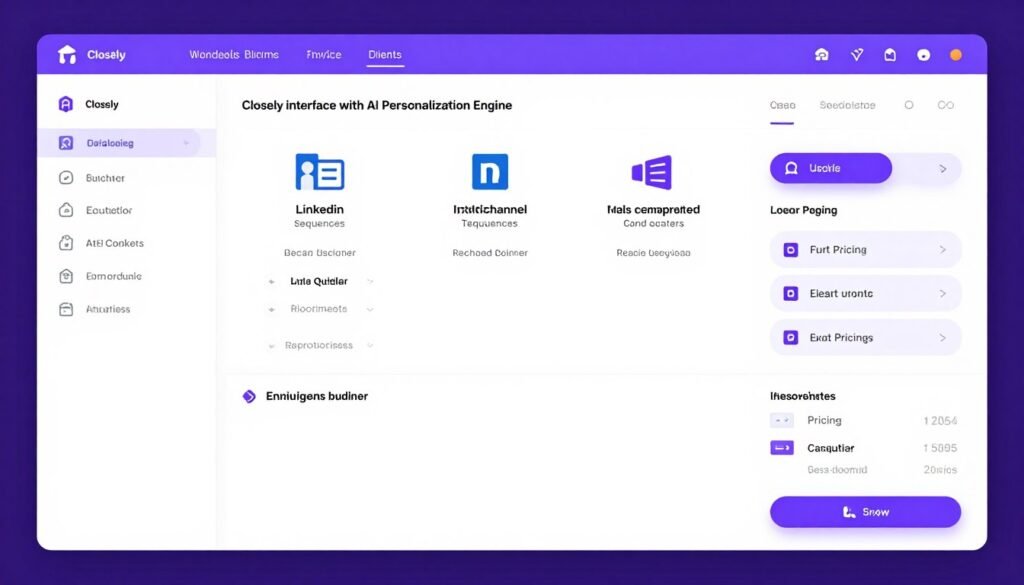
Closely stands out for agencies and high-volume teams that need AI-driven personalization plus flexible pricing. Its unlimited-sender agency plan can materially lower per-account costs once you pass a modest break-even point.
Best for
Agencies and teams managing 10+ linkedin accounts who want automated research, AI personalization, and predictable billing for large-scale outreach.
Problems Closely solves
- Per-account costs that kill margins: A flat agency plan removes per-sender scaling penalties and simplifies budgeting for many accounts.
- Time-consuming prospect research: AI automates prospect qualification and crafts personalized messages so reps spend less time on pre-outreach work.
- Maintaining personalization at scale: The AI generates individualized outreach at high volume, avoiding the trade-off between scale and relevance.
Key features
- AI personalization: Analyzes linkedin profiles to surface talking points and auto-generate tailored message copy that references profile details naturally.
- LinkedIn automation: Handles connection requests, follow-up messages, and standard engagement actions while respecting LinkedIn limits.
- Multichannel campaigns: Coordinate linkedin and email sequences, including email warm-up and scheduled follow-ups.
- Unlimited campaigns & lead enrichment: Run parallel sequences with robust lead enrichment and no per-contact caps on higher plans.
- Analytics & ROI reporting: Measure reply rates, conversion, and ROI across sender accounts to optimize strategy.
- Team scaling: Unlimited-sender agency plan removes per-user fees and supports multiple client workspaces.
- Safety & compliance: Proxies and pacing controls to reduce account risk during high-volume execution.
Cost Analysis (When Flat Pricing Pays)
If per-sender plans run $50–$79/month, Closely’s $999/month flat fee becomes cheaper once you manage roughly 10–20 accounts (do the math for your exact per-sender rates). For agencies planning steady expansion, the flat model simplifies forecasting and improves margins.
How it performed in testing
In agency tests, switching from per-sender billing to a flat plan reduced monthly tool spend while preserving message quality through AI personalization. Campaign throughput increased and client capacity expanded without proportional tool cost growth.
Interface & workflow
Closely’s dashboard highlights AI-driven message drafts, campaign organization by client or persona, and consolidated analytics. Build linkedin + email sequences with timing controls, then review AI-generated messages before sending.
Pros & Cons
Pros
- AI personalization removes manual research bottlenecks
- Flat $999/month agency plan for unlimited senders (cost-effective at scale)
- Unlimited campaigns and generous lead enrichment
- Multichannel linkedin + email automation with warm-up
- Team scaling without per-user fees on agency plans
- Analytics focused on business impact and ROI
Cons
- Flat pricing is only economical at higher account volumes
- AI quality depends on available prospect signal and profile data
- Fewer niche advanced features than specialized enterprise platforms
- Smaller user community than long-established tools
Integrations & support
Closely offers integrations with Salesforce, Pipedrive, and major CRMs, plus email platform hooks for coordinated campaigns. Support includes documentation and onboarding, with more dedicated assistance for higher-volume plans.
Pricing
Per-sender tiers exist for smaller teams (~$29–$49/sender/month); the agency flat rate (~$999/month) unlocks unlimited senders and is attractive once you manage many accounts.
-
Starter/Growth: $29–$49 per sender/month (annual discounts). Per-account scaling.
-
Agency/Flat: $999/month fixed for unlimited senders/seats. Ideal for high-volume teams.
Start with a trial to validate AI output quality and run a breakeven calculation based on your expected sender count before committing.
Key Features to Look For in LinkedIn Automation Tools
Not all linkedin automation tools are created equal. Use this compact checklist to evaluate platforms quickly—each item has a one-line reason so you can prioritize based on your goals.
- Smart sequences with conditional logic: If-then branching (e.g., “If accepted, send message A; if not, wait 7 days and try B”) lets campaigns adapt to prospect behavior instead of blasting everyone identically.
- Account safety mechanisms: Warm-up modes, randomized timing, daily caps, and dedicated proxies or cloud-based linkedin execution minimize detection risk and protect accounts long-term.
- Multichannel outreach: Coordinated linkedin + email sequences and automated follow-up messages increase reach and reply rates compared to single-channel tactics.
- AI-powered personalization: Automated analysis of linkedin profiles to craft personalized outreach dramatically improves response quality vs basic mail-merge.
- CRM integrations & API access: Native HubSpot/Salesforce/Pipedrive syncs, webhooks, and API access keep contact data clean, prevent duplicate outreach, and automate pipeline updates.
- Lead management & enrichment: Import from Sales Navigator or CSV, verify email addresses, append contact data, and segment lists for targeted drip campaigns.
- Analytics & performance tracking: Dashboards showing connection requests, acceptance rates, reply rates, email opens, and conversion/ROI help you optimize based on real data.
- A/B testing functionality: Test subject lines, message hooks, and cadences to identify what converts instead of guessing.
- Team collaboration features: Shared templates, unified inbox with assignments, role-based access, and manager dashboards scale outreach across sales teams and agencies.
- Scalability options: Multi-account support, volume pricing, white-labeling, and enterprise API capabilities let you grow without switching platforms.
- Compliance & security: GDPR, encryption, secure auth, and clear data handling policies protect you and your prospects’ contact information.
- Support & documentation: Good onboarding, a searchable knowledge base, responsive support, and community resources shorten time-to-value.
Quick persona mapping:
- Agencies: Prioritize multi-account support, dedicated IP/cloud-based linkedin, white-label, and flat/volume pricing.
- Sales teams: Focus on CRM integrations, multichannel outreach (email sequences + linkedin), advanced analytics, and smart sequences.
- Solo users / freelancers: Choose ease-of-use, affordable tiers, built-in email finder/contact data export, and basic automation with safety controls.
Mini scorecard (copy and use):
Feature / Rating 1–5 — Smart sequences( )
Safety( ) / Multichannel( )
CRM integrations( )
AI personalization( )
Pricing( )
— total( )
Use the scorecard and persona mapping to compare 2–3 automation tools with a 7–14 day free trial. Test identical campaigns and measure connection requests, reply rates, and booked meetings to decide which automation platform delivers real ROI for your workflow.
Best Practices for Choosing and Using LinkedIn Automation Tools
Buying the right automation tool is only half the battle—how you implement it determines results and account safety. Use this short playbook to launch predictable, scalable linkedin prospecting.
Quick starter settings
- Initial daily invites: 30–40 for established accounts; 10–15 for brand-new profiles.
- Initial message volume: limit to 20–30 follow-up messages/day while testing.
- Ramp-up period: increase activity over 2–4 weeks rather than hitting max limits immediately.
12 practical rules (playbook)
- Start conservative with daily limits. Begin low and ramp up to avoid LinkedIn warnings—gradual increases build a natural activity history.
- Personalize beyond first name. Reference a recent post, mutual connection, or role-relevant pain point. Small, relevant details raise acceptance and reply rates dramatically.
- Test messages before scaling. Manual-send to ~20 prospects first. If reply rate <15%, revise messaging before automating across large lists.
- Monitor campaigns weekly. Review acceptance, reply, and conversion metrics; pause underperforming sequences and double down on winners.
- Combine automation with real engagement. Automate volume, but keep manual commenting and relationship-building to stay authentic and improve profile credibility.
- Respect LinkedIn’s invisible boundaries. Limits vary by account age and activity—older, active accounts can safely push more; new accounts must be conservative.
- Optimize your LinkedIn profile first. A clear headline, strong summary, and recent activity improve acceptance rates—automation drives visitors to your profile, so make it convert.
- Segment your audience. Build separate campaigns for personas, industries, and seniority. Targeted, smaller segments outperform mass blasts every time.
- Refresh messaging regularly. Rotate templates quarterly, introduce new hooks, and A/B test subject lines and CTAs to avoid fatigue.
- Use trials to validate tools. Run 7–14 day pilots across 2–3 platforms with the same test campaign and compare real results (acceptance, replies, meetings booked).
- Prioritize reply quality over volume. Measure qualified conversations and demos booked—not just connection counts—when assessing ROI.
- Document and codify wins. Keep a simple spreadsheet of templates, audience, and results so you can reproduce successful combos across teams.
Readiness checklist before you automate
- Profile: headline, photo, 3–5 recent posts, clear value proposition.
- Target list: cleaned Sales Navigator or CSV, segmented by persona.
- Test message: manual test to 20 prospects with tracking in CRM.
- Safety settings: daily limits, warm-up enabled, proxy/cloud setting confirmed.
- CRM sync: confirm HubSpot/Salesforce/Pipedrive mapping and lead flow.
Final note: Automation tools amplify your process….done well they free your team to do higher-value work and multiply pipeline. Done poorly, they burn accounts and budgets. Start small, measure, and iterate.
Key Takeaways
- HeyReach — Best for agencies. Top choice for multi-account rotation, unlimited senders, unified inbox management, and AI agent integration for large-scale outreach.
- Snov.io — Best for multichannel outreach. Excels at coordinated LinkedIn + email sequences with built-in lead prospecting and email verification—great for sales teams needing reliable contact data.
- Dux-Soup — Best budget option. Affordable automation and AI personalization for solo sellers and small teams who want effective drip campaigns without enterprise pricing.
- Taplio is for content-first strategies. If your goal is personal branding and inbound leads, Taplio’s AI post generation, scheduling, and engagement automation turn your profile into a lead engine.
- PhantomBuster is unmatched for data extraction. Use it when you need custom scraping, workflow chaining, and multi-platform automation to build clean contact databases at scale.
- Account safety must come first. Prefer tools with warm-up modes, randomized timing, and cloud-based or dedicated IP options (Expandi, Waalaxy) rather than chasing raw volume.
- Multichannel sequences outperform single-channel. Combining LinkedIn touches with email follow-ups usually improves reply rates and pipeline conversion versus LinkedIn-only campaigns.
- AI personalization beats basic templates. Tools that analyze profiles and generate individualized outreach deliver materially higher engagement than simple mail-merge approaches.
- Pricing models affect ROI. Per-sender pricing favors small teams; flat-rate or unlimited-sender plans (e.g., Closely) can transform agency economics once you scale beyond a breakeven point.
- Free trials eliminate guesswork. Run 7–14 day pilots on 2 tools with the same campaign and measure connection requests, reply rates, and meetings booked to choose the best linkedin automation tool for your stack.
- Match features to needs. Agencies prioritize multi-account and white-label features; sales teams need CRM integrations and smart sequences; solo users want ease of use and low-cost tiers.
- Implementation matters most. The best tool used poorly produces worse results than a simple tool used strategically—focus on testing, monitoring, and iterating your campaigns.
Next step: pick two tools that map to your use case, run identical test campaigns for 14 days, and compare reply quality and booked meetings—then scale what works.
Final Thoughts: Which LinkedIn Automation Tool Should You Choose?
Short answer: pick the tool that matches your use case, test it, and optimize your campaigns—implementation matters more than the brand name.
Best overall for agencies: HeyReach — Unmatched multi-account rotation, unified inbox, HubSpot sync, and AI integrations make it the safest way to scale outreach across many linkedin accounts.
Best for multichannel teams: Snov.io — Combines linkedin + email sequences with built-in lead prospecting and email verification, ideal for sales teams that rely on contact data and coordinated follow-ups.
Best budget pick: Dux‑Soup — Low-cost, browser‑native automation with AI personalization and drip campaigns that delivers strong ROI for solo sellers and small teams.
Why automate? Manual linkedin prospecting is time-consuming—Any automation tool that halves that time frees reps to take more meetings and close more deals. But automation is a multiplier, not a replacement: poor setup or ignored replies wastes money and risks accounts.
How to pick and validate — 3 Quick Steps
- Map your needs: agency multi-account? Prioritize safety, rotation, and custom pricing. Sales team? Prioritize CRM integrations, multichannel outreach, and smart sequences. Solo user? Prioritize ease of use and price.
- Run a short pilot: pick 2 tools, run identical 7–14 day campaigns (same target lists and messaging), and measure connection requests, reply rates, and meetings booked in your CRM.
- Scale cautiously: start conservative with daily limits, monitor account health, iterate messaging, and only expand successful sequences and sender counts.
Next step: use free trials to validate deliverables in your stack. Test actual linkedin email sequences, CRM sync, and reply handling before committing to annual plans or heavy spend.
Ready to Experiment?
Try the top 3 free trials this week—HeyReach for agency scaling, Snov.io for linkedin + email multichannel, and Dux‑Soup for budget automation—and compare real results in your CRM over 14 days.