Creating 3D models used to take hours or even days. I remember spending entire weekends modeling a single character in Blender.
Now? AI 3D Model Generators can produce detailed models in minutes. The technology has reached a point where professionals actually use these tools in production.
But here’s the problem. There are dozens of options now, and most reviews don’t tell you which one actually works for your specific needs.
I spent weeks testing 11 leading AI 3D Model Generators. I created game assets, architectural models, product prototypes, and character designs. Some tools impressed me. Others disappointed.
In this article, we’ll review the top picks to help you choose.
What Are AI 3D Model Generators?
AI 3D Model Generators are software tools that create three-dimensional models using artificial intelligence. You provide text descriptions or images, and the AI produces a complete 3D asset.
These tools use machine learning models trained on millions of 3D objects. They understand geometry, topology, and textures. The result? Production-ready models in a fraction of the time traditional modeling requires.
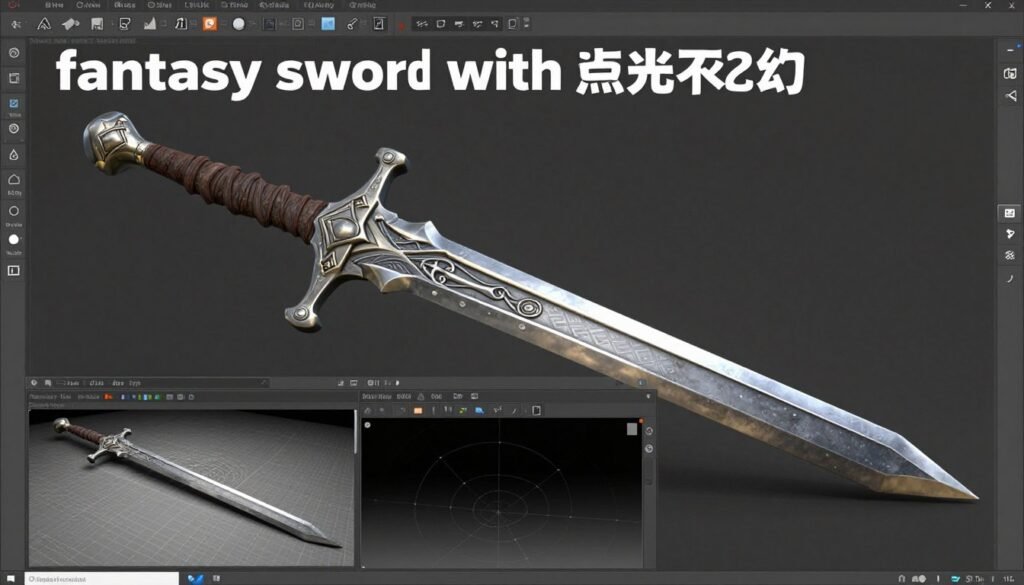
Most platforms offer similar core features. Text to 3D conversion. Image to 3D conversion. AI texturing. Some add rigging and animation capabilities.
The technology saves time. But it’s not magic. You still need to understand what makes a good 3D model. Topology matters. Poly count affects performance. UV mapping determines texture quality.
Think of these tools as assistants, not replacements. They handle the heavy lifting. You provide the creative direction and final polish.
Who Can Benefit From AI 3D Model Generators?
I’ve seen these tools transform workflows across multiple industries. Here’s who gets the most value:
- Game developers need rapid asset creation for prototyping and production
- 3D artists use AI for base models and concept exploration
- Product designers visualize concepts quickly for client presentations
- Architects generate furniture and decorative elements efficiently
- Marketing teams create 3D visuals for campaigns without hiring specialists
- E-commerce businesses produce product models for AR experiences
- Educators build interactive 3D content for learning materials
- 3D printing enthusiasts design printable models without CAD expertise
The common thread? Anyone who needs 3D content but faces time or skill constraints.
You don’t need years of Blender experience. But you should understand basic 3D concepts. What’s a mesh? What does poly count mean? How do textures work?
If you’re nodding along, these tools will accelerate your work. If those terms confuse you, start with tutorials before diving into AI generation.
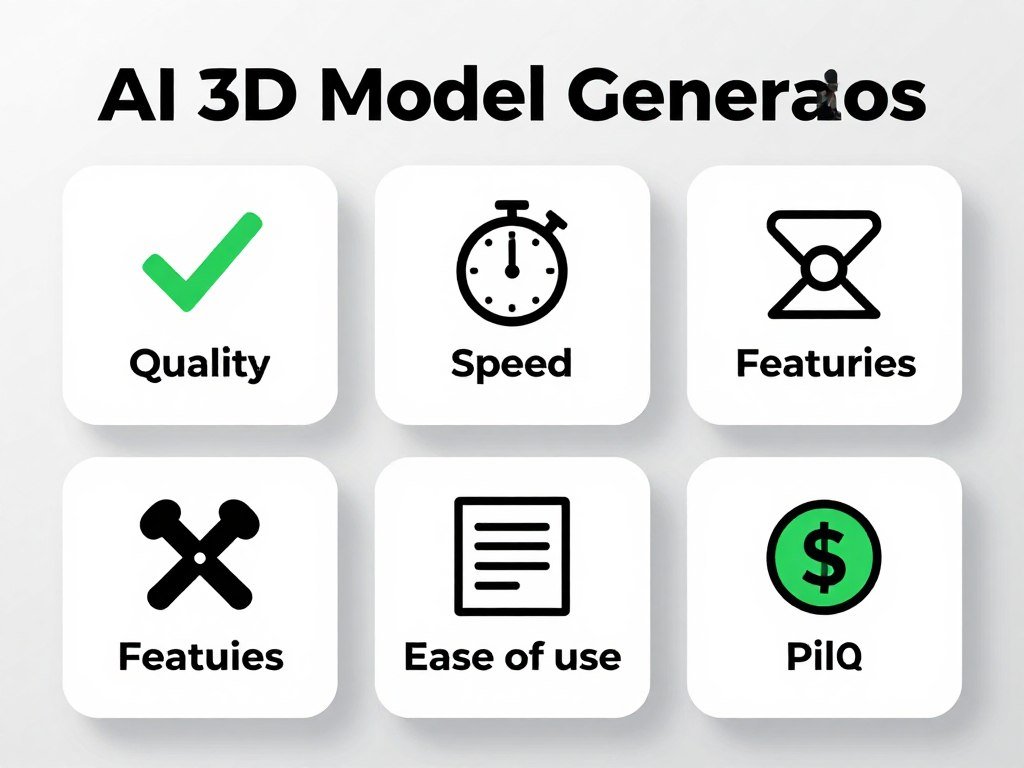
AI 3D Model Generators Evaluation Criteria
I tested these tools based on real use, not marketing claims. Here’s what actually matters:
Model Output Quality
Does the generated model have clean topology? Are the textures sharp and realistic? Can you use it in production without major fixes?
I looked at polygon distribution, UV mapping accuracy, and texture resolution. Many tools produce messy geometry that needs extensive cleanup.
Model Generation Speed
Time is money. Some tools generate models in 30 seconds. Others take 10 minutes. Speed matters when you’re iterating on designs or working with tight deadlines.
I measured generation time for standard requests across all platforms.
Features
Does it offer text-to-3D? Image-to-3D? AI texturing? Auto-rigging? The feature set determines workflow flexibility and final output quality.
I prioritized tools with comprehensive feature sets that reduce the need for multiple platforms.
Ease of Use
Can you start generating models immediately? Or do you need a PhD to understand the interface?
I evaluated onboarding experience, UI clarity, and documentation quality. The best tools feel intuitive from minute one.
Pricing
What do you actually get for your money? I compared credit systems, subscription costs, and value per generated asset.
Some “cheap” tools have hidden costs. Others offer incredible value. We’ll break down the real economics for each platform.
Why Should You Trust Me?
I’m an AI Engineer with a Master’s degree in Data Science and Machine Learning. I also hold a Bachelor’s in Software Engineering.
I’ve been a working professional since 2018. During that time, I’ve ghost-developed numerous AI applications. I understand how these models work under the hood.
This isn’t theoretical knowledge. I’ve built systems that use similar technology. I know what good model architecture looks like. I can spot quality issues others miss.
More importantly? I actually use these tools. Not for a one-day test, but in real projects over weeks of experience. I’ve hit the frustrations, discovered the workarounds, and learned which features actually matter.
My recommendations come from practical experience, not affiliate commissions or sponsored content. If a tool has problems, I’ll tell you. If it excels, you’ll know why.
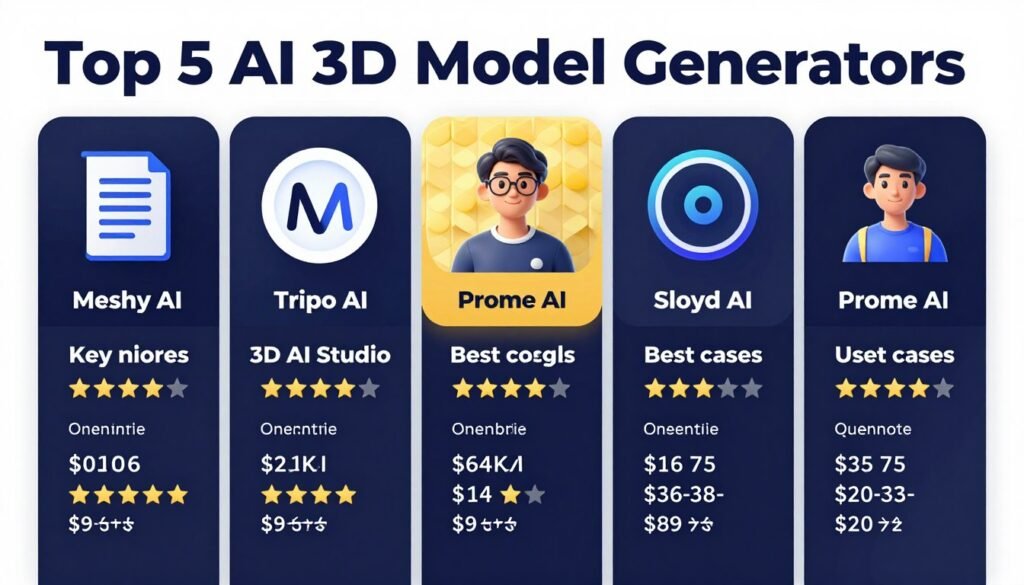
Quick Comparison: 11 Best AI 3D Model Generators
Here’s a quick overview before we dive into detailed reviews. This table shows each tool’s specialty, standout features, user ratings, and pricing.
| Tool | Best For | Best Features | Avg Rating | Pricing |
| Meshy AI | Rapid professional 3D assets | Text/Image to 3D, AI Texturing, Auto-rigging, Multi-view generation | 4.6/5 | Free – $240/year |
| Tripo AI | Production-ready clean models | Intelligent segmentation, 4K texturing, Smart optimization | 4.5/5 | Free – $90/month |
| Prome AI | Design rendering workflows | Sketch to 3D, AI rendering, Architecture focus | 4.4/5 | Free – $59/month |
| 3D AI Studio | Full 3D pipeline suite | 35+ tools, Multiple AI engines, LOD generation | 4.5/5 | $19 – $29/month |
| Sloyd AI | Unlimited game-ready assets | Procedural templates, Parametric controls, Commercial plugins | 4.3/5 | Free – $50/month |
| Hyper3D Rodin | Preview-then-pay realism | Free previews, HD textures, Multi-view fusion | 4.4/5 | Free – $80+/month |
| Spline | Interactive web 3D | Real-time collaboration, Omma AI assistant, Browser-based | 4.5/5 | Free – $40+/month |
| Ideal House | Home design 3D | Floor plan integration, Room visualizer, Interior remodel | 4.2/5 | Free – Credit-based |
| Dzine AI | Controllable image-to-3D | Canvas 3D integration, Precise editing, Multi-tool workflow | 4.3/5 | $8.99 – $149.99/month |
| Home Design AI | 2D to 3D home visuals | Floor plan to 3D, Exterior & garden design, Quick iteration | 4.1/5 | Free trial – Paid plans |
| Magnific | Image-based 3D models | Multi-view reconstruction, Commercial ownership, Fast generation | 4.3/5 | $39 – Enterprise |
Top 3 AI 3D Model Generators (My Recommendations)
After extensive testing, three tools stood out for different use cases. Here are my top picks:
Detailed Reviews: 11 Best AI 3D Model Generators
Now let’s dive deep into each tool. I’ll cover features, real-world performance, pricing, and who should use each platform.
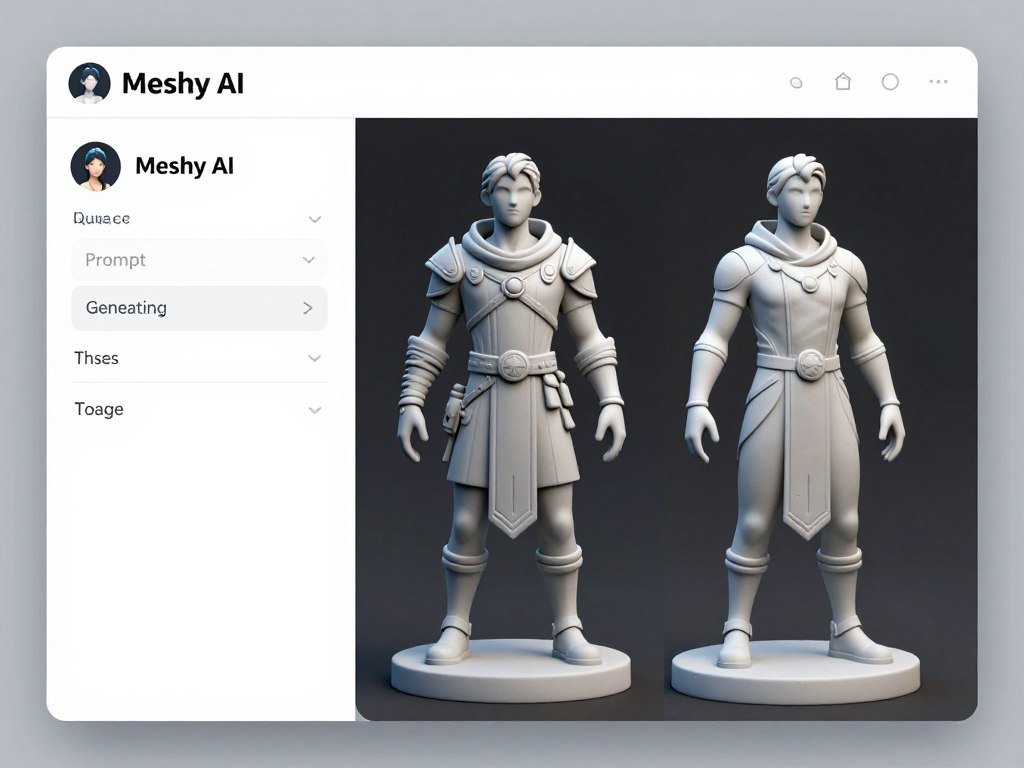
1. Meshy AI – Best Overall AI 3D Model Generator
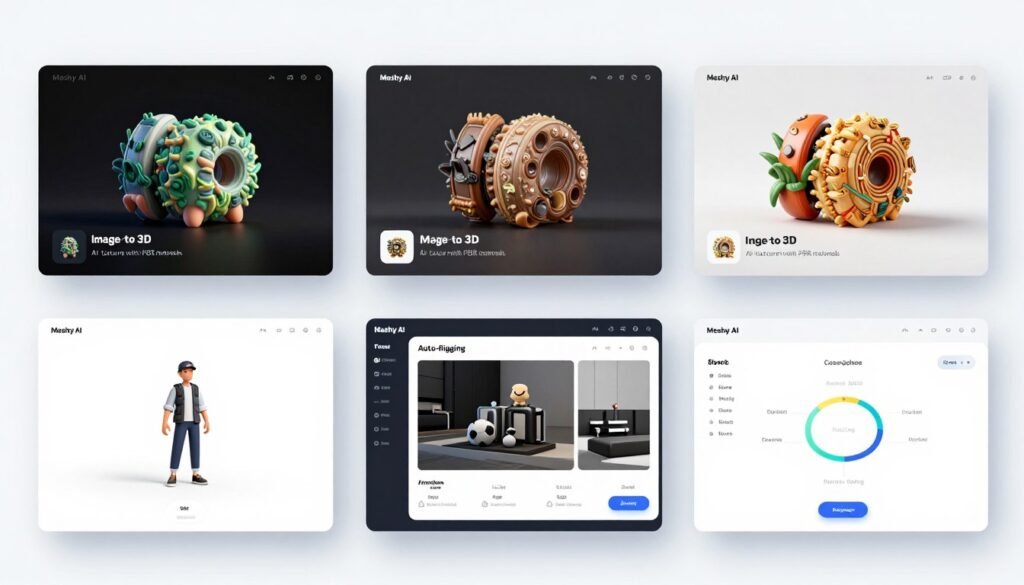
Meshy AI impressed me from the first test. The platform generates high-quality 3D models faster than any competitor I tried.
I created game characters, architectural elements, and product prototypes. The results consistently featured clean topology and realistic textures. Most importantly, the models worked in Unreal Engine and Unity without extensive cleanup.
Pain Points Meshy AI Solves
- Slow asset creation: Generates production-ready models in minutes instead of hours
- Complex texturing workflows: AI applies realistic PBR textures automatically with reference images
- Limited 3D modeling skills: Creates detailed models from simple text descriptions
Key Features That Stand Out
Meshy AI packs an impressive feature set. Here’s what makes it valuable:
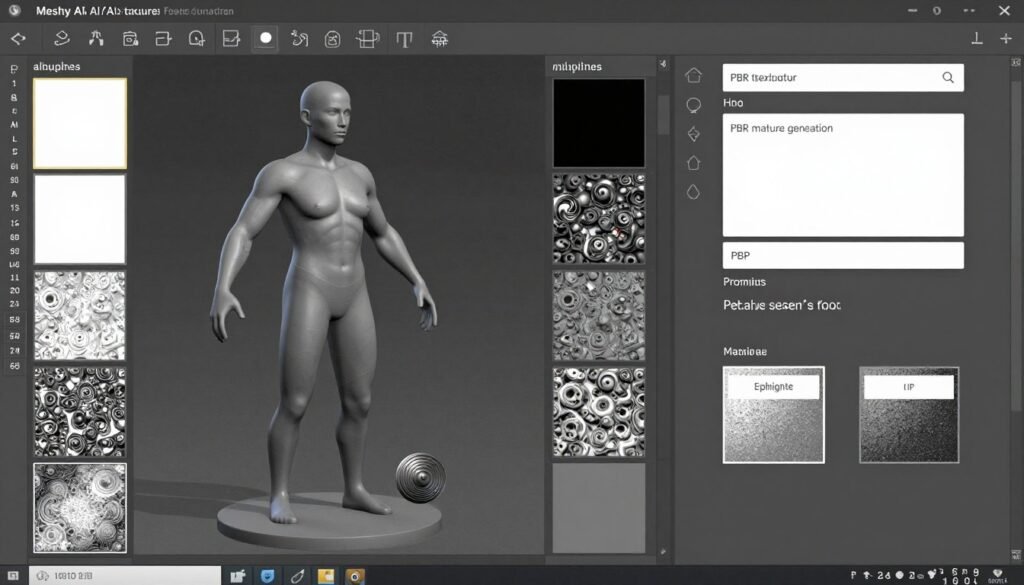
Text to 3D Model: The natural language processing understands contextual details remarkably well. I described “weathered wooden barrel with iron bands and visible damage” and received three distinct variations, each with appropriate wear patterns and material definition. Generation completed in under one minute consistently.
Image to 3D Model: I uploaded a rough concept sketch of a sci-fi vehicle. Meshy interpreted the 2D lines into a complete 3D form with proper proportions and inferred details for unseen angles. The alignment between my sketch intent and the generated geometry exceeded my expectations significantly.
AI Texturing & Editing: The PBR texture generation rivals hand-painted professional work. I refined materials using text descriptions like “add more rust to metal areas” and watched the albedo and roughness maps update accordingly. All texture maps exported at 4K resolution for high-quality rendering.
Smart Remesh & Topology: Automated topology optimization adapts to target platforms intelligently. I exported the same character model at 5K polygons for mobile, 30K for PC gaming, and 150K for cinematic rendering. Each version maintained visual fidelity appropriate to its polygon budget.
Rigging & Animation: Auto-rigging placed skeleton joints accurately on humanoid characters without manual adjustment. The rig structure followed Unity Mechanim standards, enabling immediate animation retargeting. The included motion library provided 60+ common animation clips ready for implementation.
Bulk Generation & Management: I queued 15 generation tasks simultaneously for a large asset batch. The dashboard organized results clearly with thumbnail previews and tagging options. Bulk export downloaded all completed assets in a single archive with organized folders.
Integration and Support
Meshy offers native plugins for Blender, Unity, Unreal Engine, Maya, Godot, and 3ds Max. You can generate and import models without leaving your primary software.
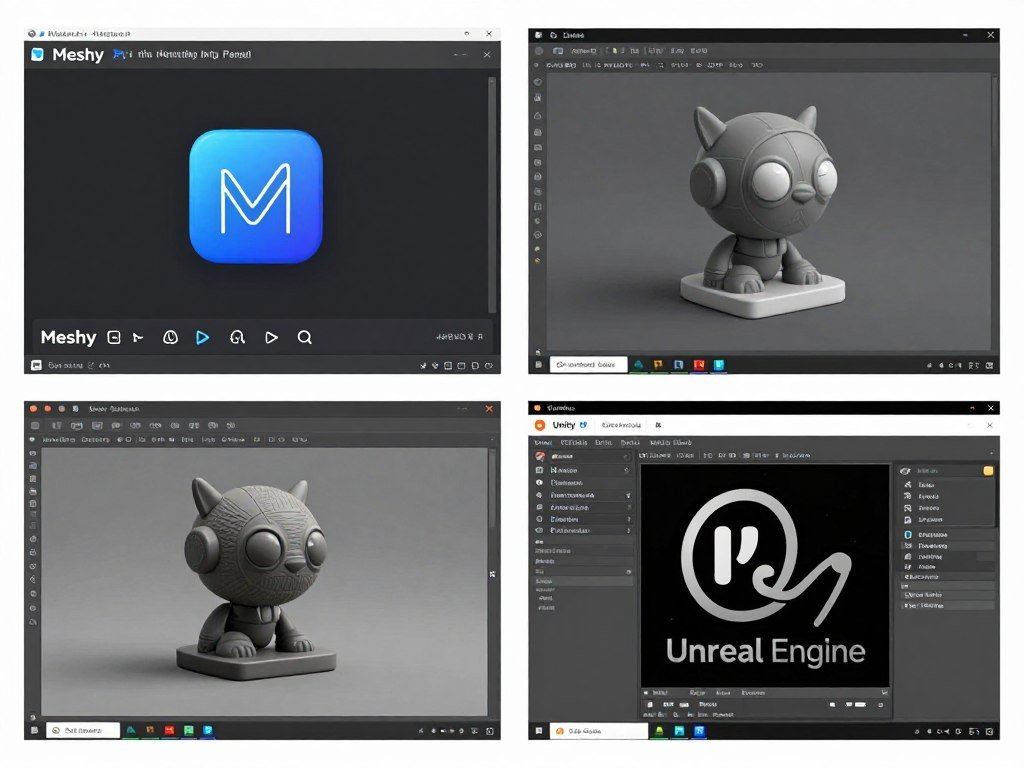
The REST API supports custom pipelines. I built automated workflows that generated assets based on game design documents. The API documentation was clear and examples actually worked.
Support includes community Discord, live chat, email, and dedicated account managers for Enterprise users. I got responses within hours, not days.
Real-World Demo
I created a complete game environment in one afternoon. The scene included buildings, furniture, decorative props, and characters.
Using text prompts, I generated 30+ unique assets. Each took 2-3 minutes. I applied consistent texturing across all models using reference images from a mood board.
The entire asset creation process that normally takes a week was compressed into one day. Quality was good enough for an indie game production.
Pros
- Fastest generation speed among all tested tools
- Excellent topology suitable for animation and games
- Comprehensive feature set covers entire 3D workflow
- Native plugins for major 3D software platforms
- Powerful bulk generation for large projects
- Strong API for custom pipeline integration
- Over 10 million shared community models
Cons
- Free plan limited to 10 assets per month
- Learning curve for advanced features like multi-view
- Credit system can get expensive for heavy users
- Some generated models need UV unwrapping fixes
Pricing
Free Plan: $0/month provides 100 credits (approximately 10 assets). Limited downloads and basic features let you test the platform.
Pro Plan: $20/month ($240 annually) includes 1,000 credits, unlimited downloads, API access, and high-priority processing. This tier works for most professionals.
Premium/Studio/Ultra: Higher credit allocations and team features. Enterprise plans offer custom pricing with SSO and dedicated support.
The value proposition is strong. At $240 annually, you get enough credits for dozens of professional models monthly. Compare that to hiring 3D artists or spending hours modeling manually.
If you need professional-quality 3D assets fast, Meshy AI delivers. The combination of speed, quality, and features makes it the best overall choice.
2. Tripo AI – Best for Production-Ready Clean Models
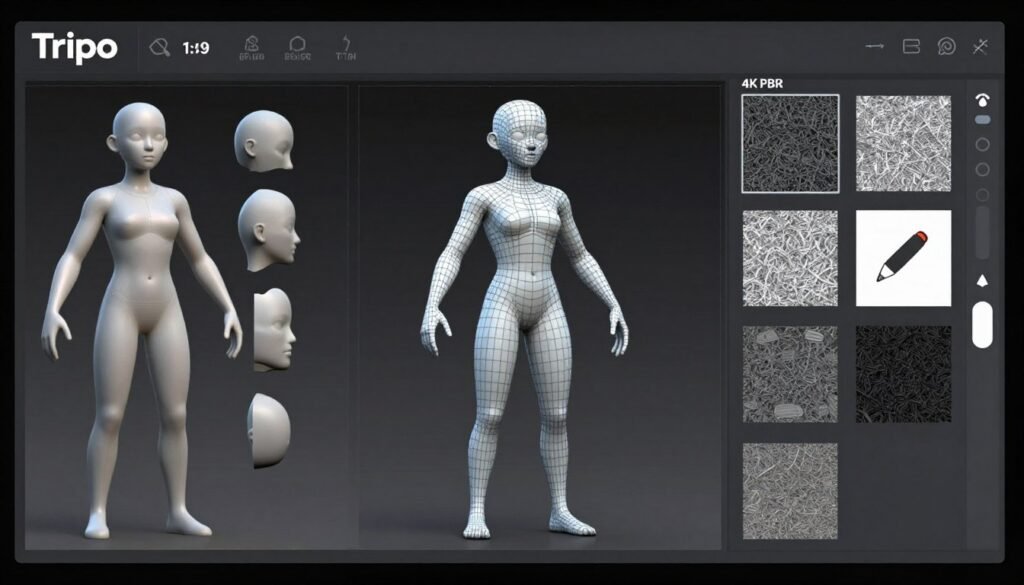
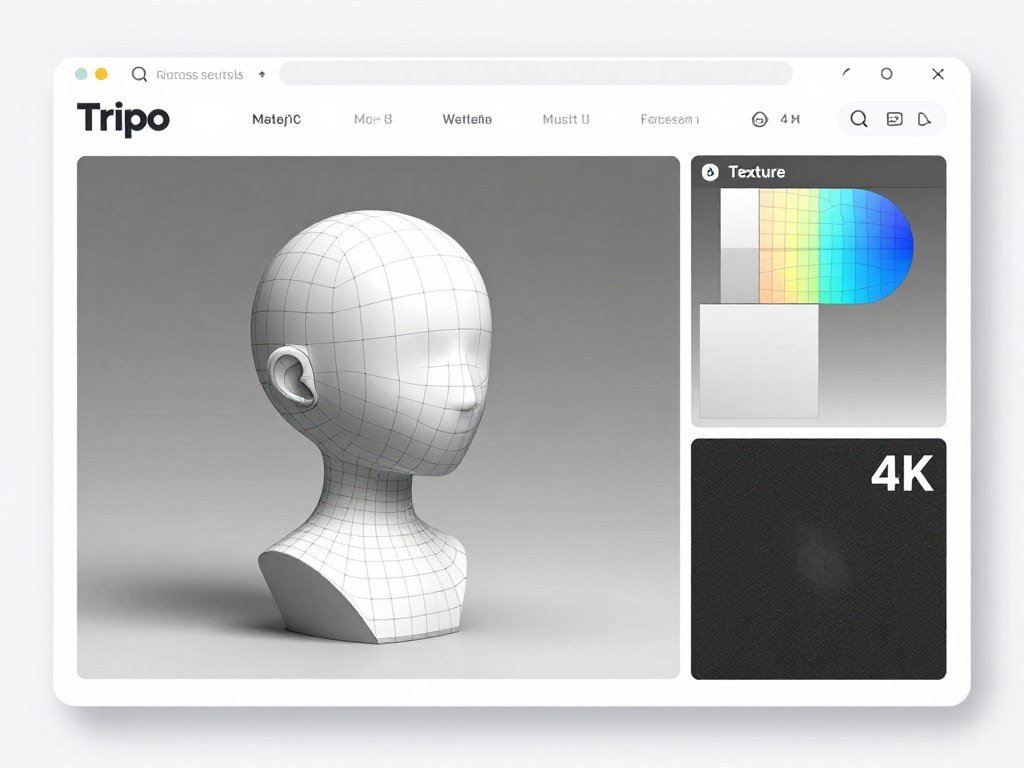
Tripo AI focuses on one thing: production-ready models with clean, editable topology. If you’re sending models into professional pipelines, this tool delivers.
I tested Tripo AI extensively for game development projects. The models imported into Unreal Engine without errors. Topology was consistently clean. UV layouts made sense. Textures looked sharp.
Pain Points Tripo AI Solves
- Messy AI-generated geometry: Intelligent segmentation creates clean, structured, editable model parts
- Poor texture quality: 4K PBR textures with Magic Brush for precise local detail control
- Time-consuming rigging: Auto-rigging with clean skeletons ready for smooth animation workflows
Key Features That Stand Out
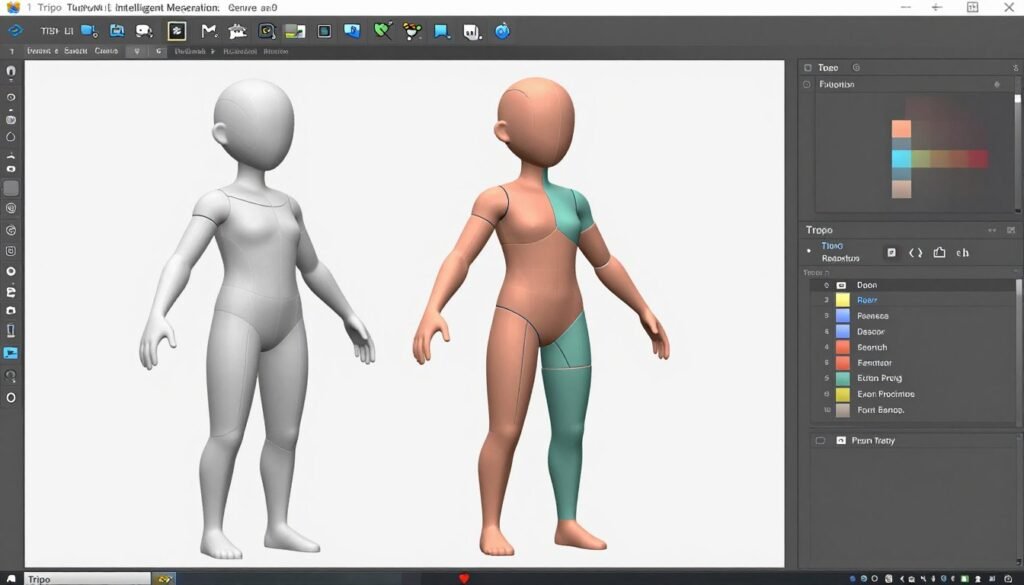
Text to 3D Model: The generation engine produces detailed geometry rapidly. I tested with “futuristic hover motorcycle with glowing accents” and received three high-quality variations in 48 seconds. Detail resolution surpassed my expectations for AI generation speed.
Image to 3D Model: The multi-view reconstruction option delivers exceptional dimensional accuracy. I photographed a physical object from four angles. Tripo reconstructed it with geometric precision matching photogrammetry quality at a fraction of the processing time.
Intelligent Segmentation: This feature automatically separates complex models into logical components. A generated vehicle split cleanly into body, wheels, glass, and interior sections. Each component received separate material IDs for streamlined texture assignment and easy part selection.
AI Texturing with Magic Brush: The 4K PBR texture generation produces professional results immediately. The Magic Brush tool enables localized refinement using text prompts. I adjusted rust patterns on metal sections without affecting surrounding materials, maintaining cohesive overall appearance.
Auto Rigging & Animation: Automatic skeletal generation creates clean bone hierarchies. I tested rigging on both humanoid and creature models. Animation software accepted both rigs without adjustment. Deformation quality during animation exceeded typical auto-rigging results.
Model Stylization: Tripo applies artistic style transfers effectively while maintaining topology quality. I converted a realistic character into a stylized low-poly game art version. The transformation preserved proper mesh structure throughout the conversion process.
Integration and Support
Tripo supports standard 3D exports and integrates with major DCC tools like Blender and Unreal Engine. The platform includes Gamehub for interactive testing.
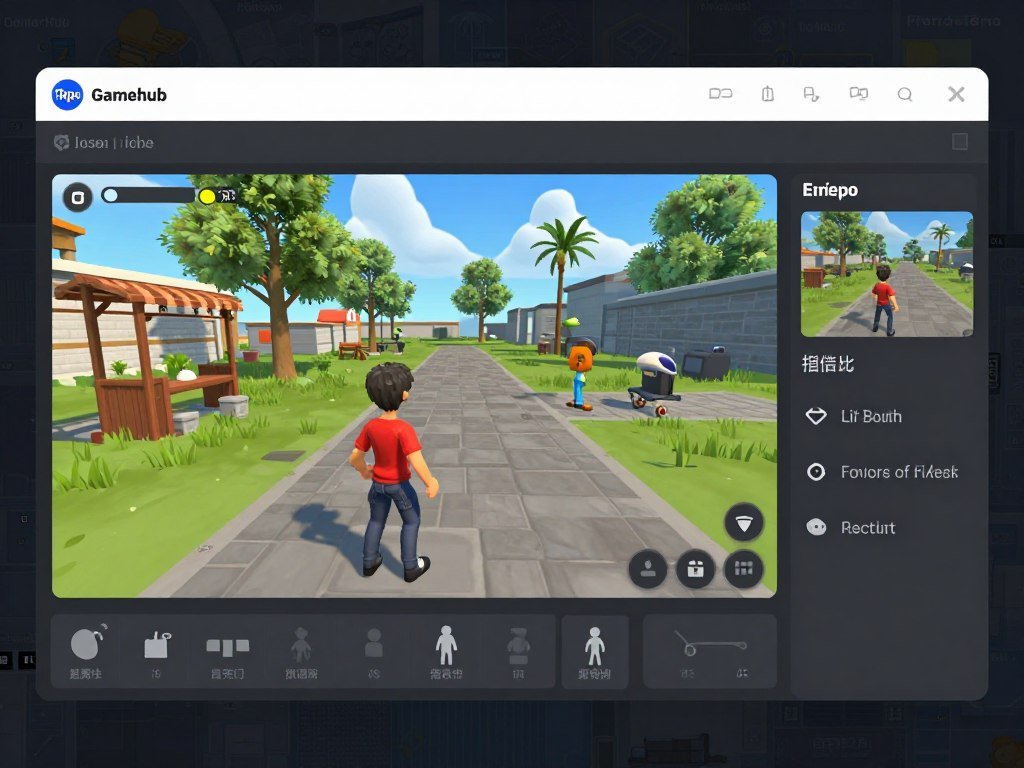
The community features include blogs, tutorials, events, and an affiliate program. I found the documentation helpful for learning advanced workflows.
Support responds through documentation and user community. Response times were reasonable, though not as fast as Meshy’s dedicated support.
Real-World Demo
I built a character customization system for a game prototype. Using Tripo’s segmentation, I created a base character with interchangeable parts.
I generated heads, torsos, arms, legs, and accessories separately. Because Tripo’s segmentation creates clean boundaries, all parts connected seamlessly.
The system supported thousands of visual combinations without extra modeling work. This kind of modular asset creation is where Tripo shines.
Pros
- Exceptionally clean topology for professional use
- Intelligent segmentation creates reusable modular assets
- 4K textures with precise Magic Brush control
- Strong auto-rigging with standard bone structure
- Gamehub for interactive testing before export
- Excellent mesh optimization balancing quality and performance
Cons
- Slightly slower generation than Meshy AI
- Free plan very limited for serious testing
- Fewer integrations than some competitors
- Segmentation occasionally misidentifies complex shapes
Pricing
Free Plan: $0/month with limited credits and models for basic testing.
Pro Plan: Approximately $14-20/month includes 3,000 credits, advanced features, and concurrent processing.
Max Tier: Around $54-90/month provides high volume credits and priority processing. Annual discounts available.
For professional pipelines where clean topology matters, the pricing is justified. The time saved on cleanup and the quality of segmentation add real value.
For production environments demanding clean, editable models, Tripo AI is worth serious consideration. The topology quality and segmentation features justify the investment.
3. Prome AI – Best for Design Rendering Workflows
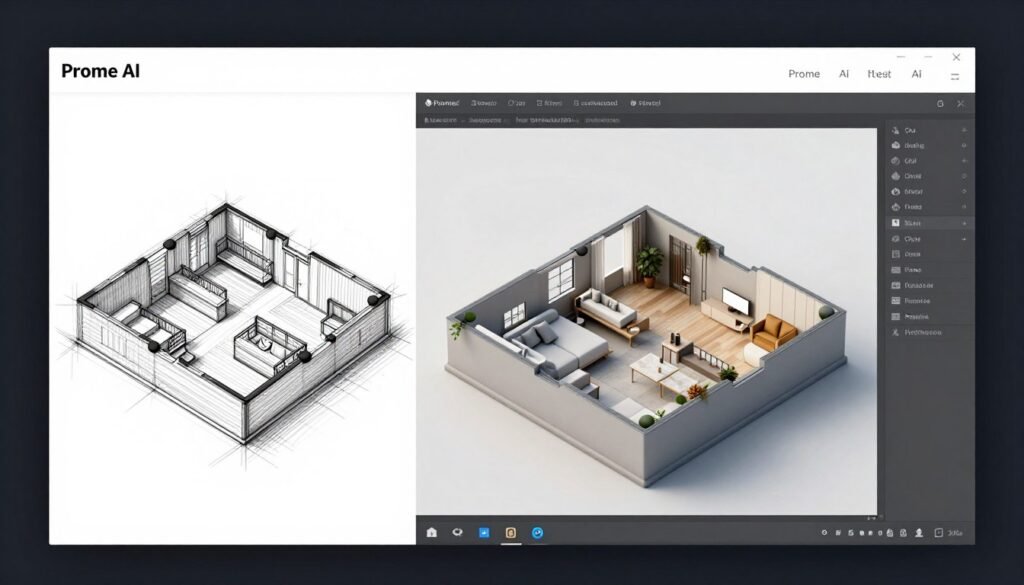
Prome AI targets designers, architects, and creative professionals. The platform combines 3D generation with powerful rendering and visualization tools.
I tested Prome AI for architectural visualization and product design. The workflow from sketch to rendered 3D presentation was remarkably smooth.
Pain Points Prome AI Solves
- Complex rendering setup: Produces high-quality realistic visualizations directly from designs without render engine configuration
- Disconnected creative tools: Integrates sketch-to-3D, rendering, and animation in controllable unified workflow
- Time-consuming concept iteration: Text-to-image integration generates design concepts linked to 3D generation instantly
Key Features That Stand Out

Sketch to 3D Model: The conversion engine understands architectural drawing conventions remarkably well. I uploaded a simple elevation sketch with basic line work. Prome generated a complete 3D space with appropriate structural elements, openings, and furnishing suggestions automatically.
AI 3D Rendering: The rendering quality rivals professional architectural visualization. I generated multiple lighting scenarios for the same interior space in minutes. Each render exhibited proper global illumination, realistic material appearance, and professional composition quality.
Text-to-Image Integration: I used text prompts to generate initial design concepts that fed directly into 3D model creation. The seamless integration between 2D concept generation and 3D modeling streamlines the early creative exploration phase effectively.
Video Animation Tools: Prome creates walkthrough animations from generated 3D spaces. I produced a 45-second camera animation through a residential interior. The output quality worked excellently for client presentations and marketing materials.
Workflow Automation: The platform connects multiple AI tools into automated sequences. I created a workflow taking a sketch, generating a 3D model, applying style preferences, and rendering final images automatically without manual intervention between steps.
Architecture Focus: Specialized tools for floor plans and spatial design distinguish Prome from general-purpose platforms. The AI understands architectural conventions like wall thicknesses, door swings, and furniture clearances, generating structurally logical spaces consistently.
Integration and Support
Prome AI integrates with design workflows for architecture and interiors. It supports CAD-like inputs and standard 3D exports.
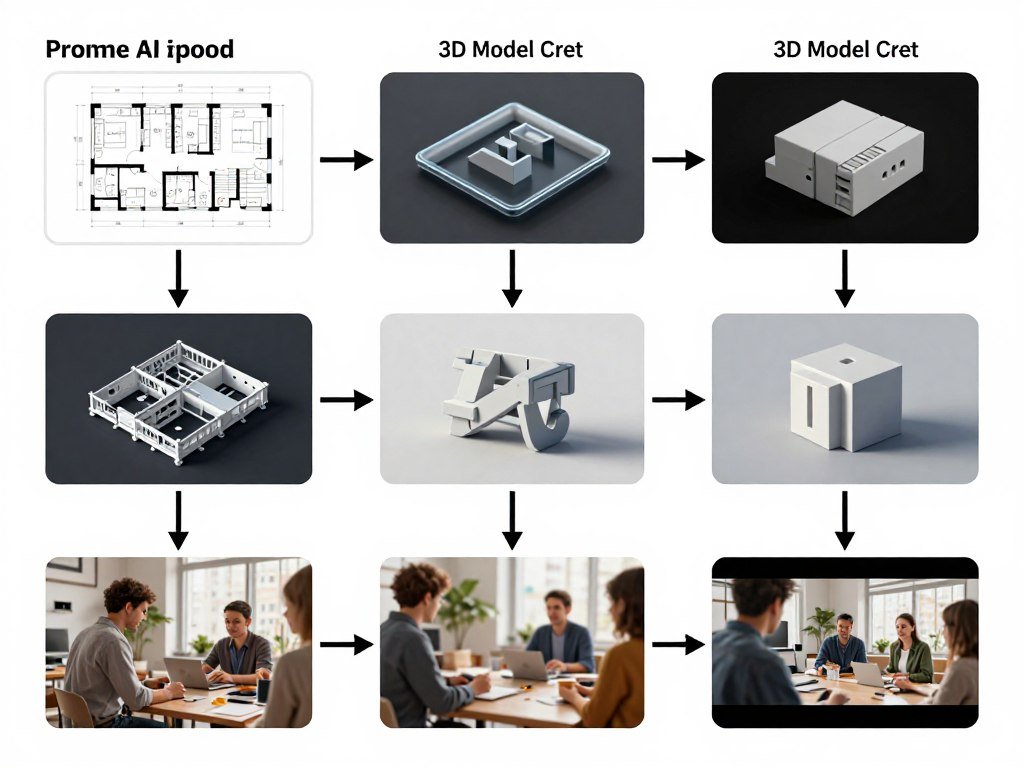
Community challenges, academy tutorials, and inspiration vaults aid users. I found the tutorial library helpful for learning architectural visualization techniques.
Customer support works through platform chat and rewards system. Pro features scale for team collaboration.
Real-World Demo
I created a complete interior design presentation for a client. Started with rough sketches of room layouts.
Prome AI converted sketches to 3D models. I applied different style variations (contemporary, rustic, industrial). Generated photorealistic renders of each option.
Finally, I created walkthrough videos showing each design. The entire process took three hours. Traditional workflow would need days.
Pros
- Excellent sketch-to-3D conversion for concept work
- High-quality rendering without complex setup
- Strong architectural and interior design focus
- Integrated workflow from concept to final video
- Extensive style libraries for quick variations
- Good CAD compatibility for professional pipelines
Cons
- Less suitable for game development workflows
- 3D model topology not as clean as Tripo or Meshy
- Limited animation control compared to dedicated tools
- Daily credit limits restrictive on free plan
Pricing
Free Plan: Limited daily credits for basic generations.
Base/Standard: Approximately $39-59/month with enhanced limits and pro tools.
Pro/Higher: Advanced unlimited options and team capabilities with annual savings.
For architects and designers creating client presentations, the pricing makes sense. The rendering quality alone would cost more with traditional render farms.
If your work focuses on design visualization, architecture, or product presentations, Prome AI delivers excellent value. The integrated rendering workflow is its strongest selling point.
4. 3D AI Studio – Best All-in-One 3D Pipeline Suite
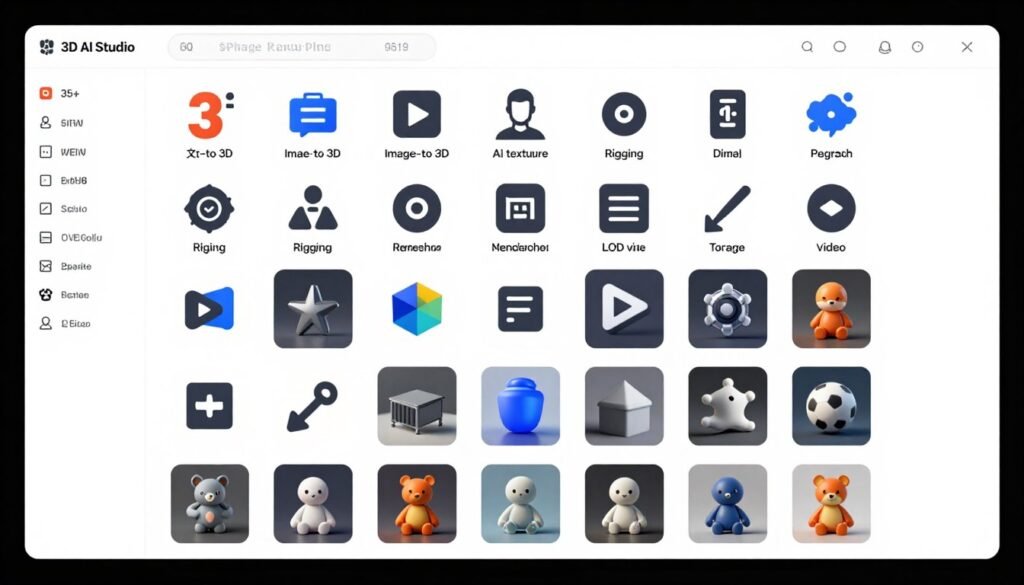
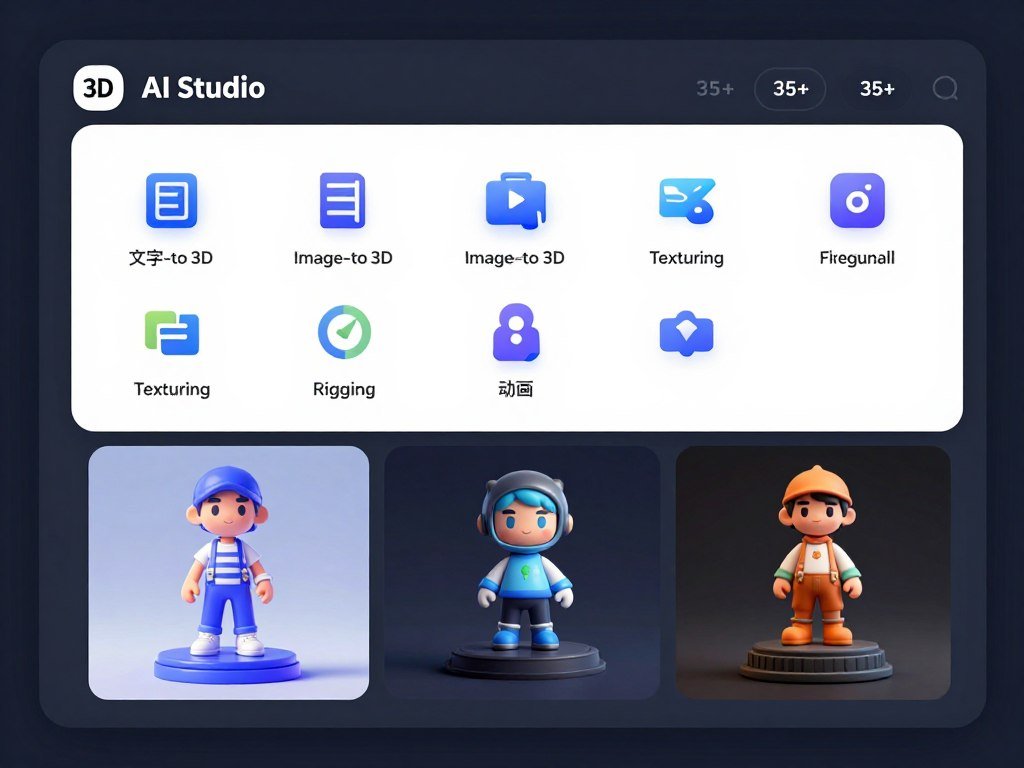
3D AI Studio takes a different approach. Instead of focusing on one aspect, it provides 35+ tools covering the entire 3D content creation pipeline.
I used 3D AI Studio as my primary platform for several projects. Having everything in one place reduced context switching and streamlined workflows.
Pain Points 3D AI Studio Solves
- Juggling multiple platforms: Access 35+ tools including image, video, and 3D generation in unified ecosystem
- Inconsistent results across tools: Multiple AI engines ensure best results for each specific task type
- Complex asset management: Efficiently organize, preview, and iterate on all generated content centrally
Key Features That Stand Out
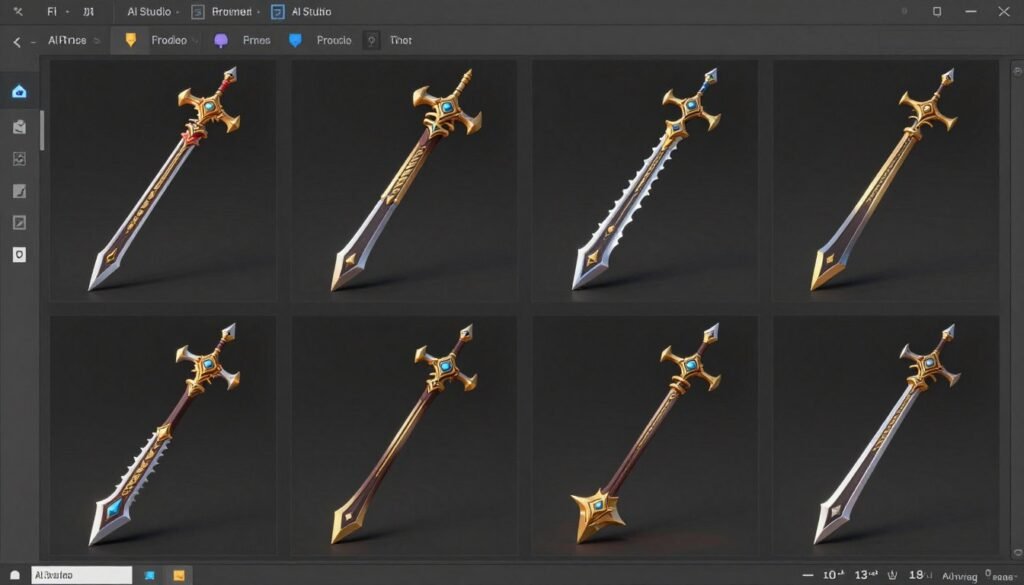
Multi-Engine Generation: 3D AI Studio employs multiple specialized AI engines for different generation types. I achieved superior results selecting the appropriate engine for each task. Character generation used one engine while architectural elements used another, each optimized for its specialty.
Comprehensive Texturing Suite: The texturing tools match standalone application capabilities. I created custom PBR materials from scratch, refined procedural textures, and applied them with full material node control. Material presets accelerated common texturing tasks significantly.
Integrated Asset Management: The organization system handles large asset libraries effectively. I tagged, categorized, and searched through hundreds of generated models efficiently. Version control tracked iteration history, preventing accidental loss of previous work.
LOD Generation: Automatic level-of-detail creation optimizes models for performance-critical applications. I generated five LOD levels from a single high-poly source. Each reduction level maintained visual fidelity while progressively reducing polygon counts appropriately.
Video Generation Integration: Beyond static model creation, the platform generates promotional video content. I created product animation sequences with automated camera movements and lighting variations for social media marketing without additional software.
Complete Pipeline Tools: The 35+ integrated tools cover every production stage. Remeshing, UV editing, rigging, animation, rendering, and format conversion all integrate seamlessly. This comprehensiveness eliminates most external software dependencies.
Integration and Support
3D AI Studio provides comprehensive API access for custom integrations. It supports standard 3D formats and works alongside popular 3D software.
Documentation includes changelog and in-app guidance. Support scales with plans, including priority assistance for business users.
The value-focused ecosystem means you’re paying for a complete content creation suite, not just 3D generation.
Real-World Demo
I created assets for a mobile game. Used the image generation tool to create concept art. Converted approved concepts to 3D models.
Applied textures using the AI texturing system. Generated multiple LOD levels for each asset to optimize mobile performance.
Finally, created promotional videos showing the assets in action. The integrated workflow eliminated file transfers between different platforms.
Pros
- Comprehensive 35+ tool suite in one platform
- Multiple AI engines for optimized results
- Excellent LOD generation for game development
- Strong asset management for large projects
- Integrated image and video generation tools
- Good API for custom pipeline integration
- Value pricing for all-in-one access
Cons
- Interface can feel overwhelming initially
- Individual tools not always best-in-class
- Steeper learning curve due to feature breadth
- Basic plan somewhat limited for serious use
Pricing
Basic: Around $19/month provides 1,000 credits for beginners.
Studio: Approximately $29/month includes 3,500 credits with full pipeline access.
Pro/Business: Higher volumes, priority processing, and team features. One-time credit packs available.
For the breadth of tools included, the pricing is competitive. If you need multiple content creation capabilities, this consolidation saves money.
If you want a complete content creation ecosystem in one platform, 3D AI Studio offers excellent value. The integrated approach eliminates the need for multiple subscriptions.
5. Sloyd AI – Best for Unlimited Game-Ready Assets
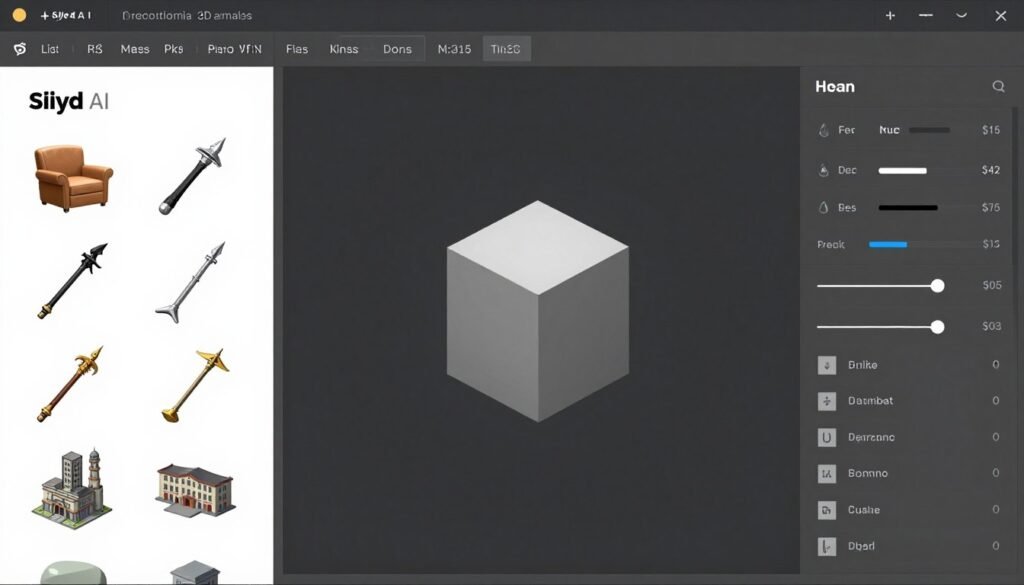
Sloyd AI targets game developers with unlimited generation capabilities and game-ready optimization. The platform focuses on parametric creation and commercial licensing.
I tested Sloyd AI for indie game development. The unlimited generation model removed the anxiety of credit limits during asset creation.
Pain Points Sloyd AI Solves
- Credit anxiety during iteration: Unlimited generations let you experiment freely without counting credits
- Inconsistent asset styles: Procedural templates ensure cohesive visual consistency across generated assets
- Licensing uncertainty: Commercial license included in paid plans with clear usage rights
Key Features That Stand Out
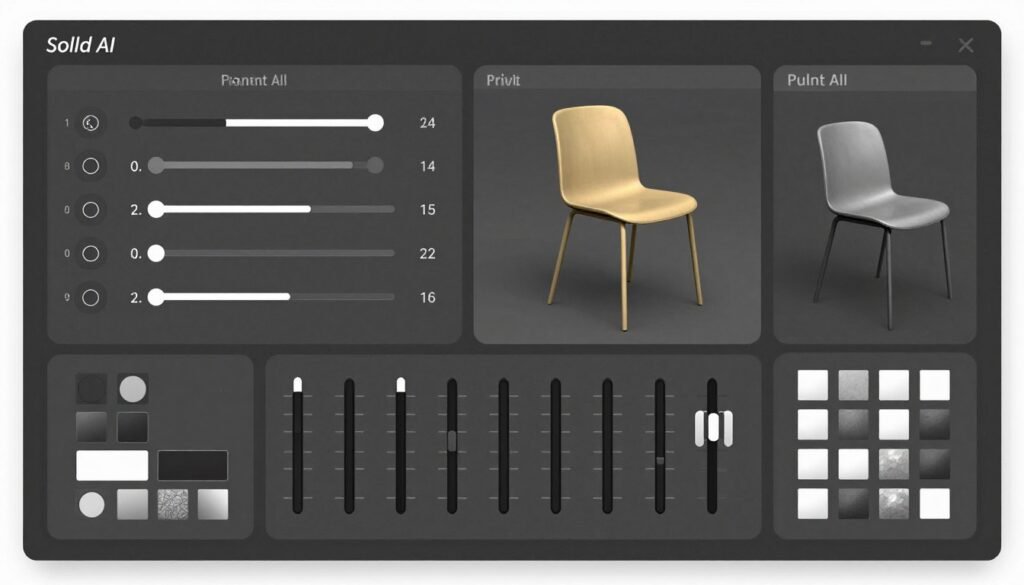
Procedural Templates: The curated template library covers common game asset categories comprehensively. I found templates for weapons, furniture, vehicles, foliage, and architectural elements. Each template maintains consistent visual style while allowing extensive customization.
Parametric Controls: Adjusting model properties with real-time sliders feels intuitive and responsive. I changed dimensions, detail density, and style variations without regeneration delays. The instant visual feedback enabled rapid exploration of design possibilities.
Game Engine Optimization: Models export optimized specifically for real-time rendering. Polygon counts remain reasonable while maintaining visual quality. LOD meshes generate automatically for distance-based rendering optimization.
Commercial Licensing: Paid subscriptions include commercial usage rights automatically. I used generated assets in client projects without licensing complications or additional fees. This legal clarity prevents potential issues for professional game development.
Print Optimization: Models export as manifold watertight meshes suitable for 3D printing. I tested multiple exports with both resin and FDM printers. All models sliced correctly without errors or non-manifold geometry issues.
SDK Support: The software development kit enables real-time generation within game engines. I integrated Sloyd into Unity and generated placeholder assets during prototyping sessions. This integration streamlined iterative gameplay development significantly.
Integration and Support
Sloyd provides plugins for easy import into game engines and 3D software. SDK support enables real-time generation within your application.
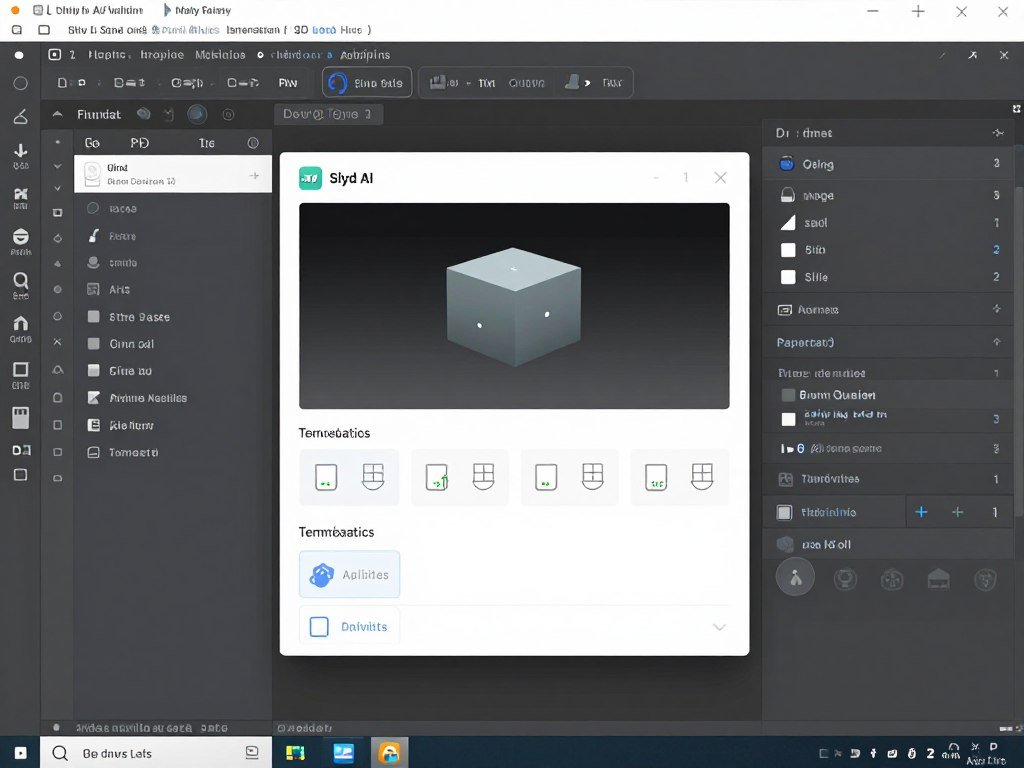
Commercial license included in paid plans removes uncertainty. Community resources, documentation, and direct support help users integrate into game development workflows efficiently.
Real-World Demo
I created environment assets for a dungeon crawler game. Used Sloyd’s procedural templates to generate hundreds of props: crates, barrels, weapons, furniture, decorations.
Because all assets derived from templates with consistent parameters, the visual style remained cohesive. The unlimited generation meant I created variations freely without credit concerns.
The entire environment asset library took one day to create. Traditional modeling would need weeks.
Pros
- Unlimited generations eliminate credit anxiety
- Procedural templates ensure consistent style
- Intuitive parametric controls for rapid variations
- Clear commercial licensing for game developers
- Good game engine integration via plugins
- Models optimized for real-time performance
- 3D print-ready manifold meshes
Cons
- Template-based approach limits creative freedom
- Less suitable for unique, custom designs
- Free tier very limited for testing workflow
- Generation speed slower than top competitors
Pricing
Guest/Free: Limited daily generations for testing.
Plus: $15/month provides unlimited generations and core tools.
Pro: $50/month includes faster performance and advanced features. First-month discounts available.
For game developers needing hundreds of assets, the unlimited model at $15/month is exceptional value. The peace of mind alone justifies the cost.
If you’re developing games and need consistent assets at scale, Sloyd AI’s unlimited generation and commercial licensing make it an excellent choice.
6. Hyper3D Rodin – Best Preview-Then-Pay Realistic Models
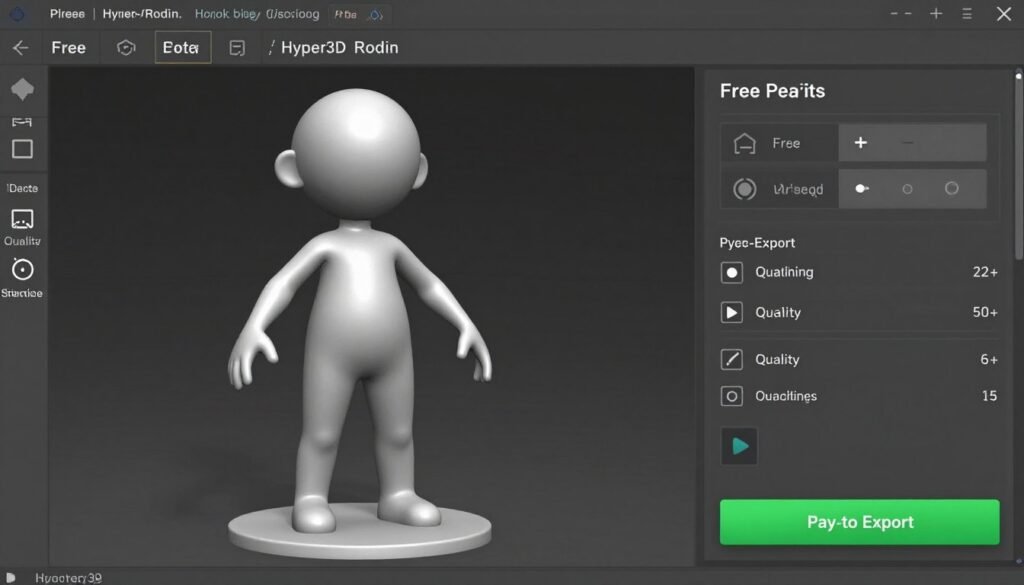
Hyper3D Rodin introduces a smart approach: preview models for free before spending credits on exports. This removes the gamble from AI generation.
I tested Hyper3D for client work where quality guarantees mattered. The preview system let me generate multiple options and only pay for keepers.
Pain Points Hyper3D Rodin Solves
- Wasted credits on poor results: Free previews let you evaluate and refine before spending credits on exports
- Unclear quality until export: HD texture and high-poly previews show exactly what you’ll get
- Multi-view accuracy issues: Multi-view fusion combines images for more accurate 3D reconstructions
Key Features That Stand Out
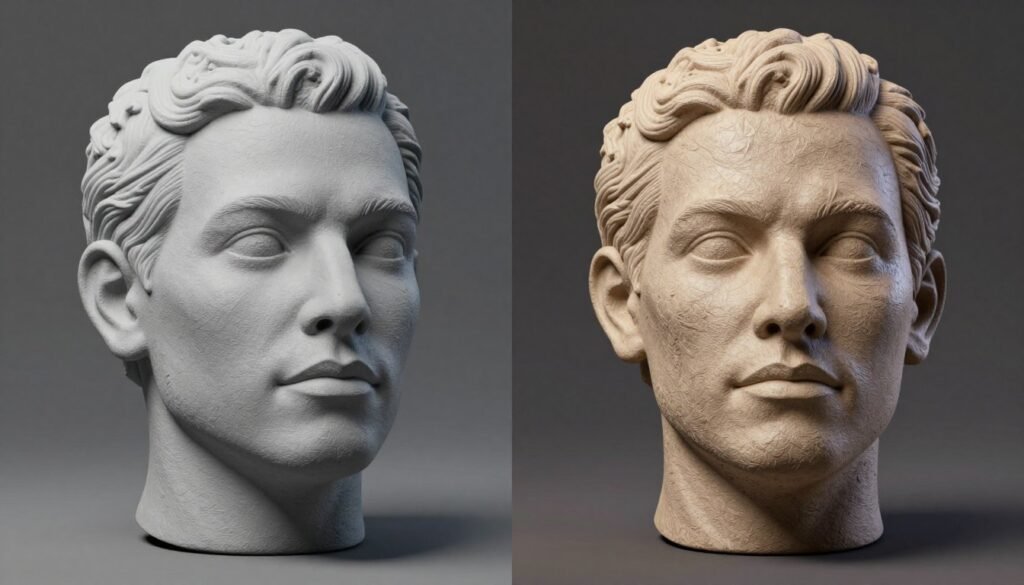
Free Preview System: This feature fundamentally changes AI generation economics. I previewed dozens of variations without credit expenditure. Only the final approved version required payment. This risk-free iteration enables perfectionism without budget concerns.
High-Fidelity Textures: The 4K texture quality competes with professional hand-painted work directly. I examined texture detail closely during preview. Material definition and surface details exceeded most competitor platforms significantly.
Smart Optimization Options: Rodin generates both high-polygon and optimized versions simultaneously. I used high-poly versions for offline rendering and low-poly versions for real-time applications. Optimization maintained visual quality surprisingly effectively.
Multi-View Reconstruction: Uploading multiple reference photographs produces exceptional dimensional accuracy. I provided four photographs of a physical sculpture. The reconstructed 3D model captured fine surface details that other platforms missed entirely.
Post-Generation Editing: Adjustment tools enable geometry and material refinement after generation. I corrected minor topology irregularities without regenerating the complete model. This fine-tuning capability adds significant value for professional work.
Integration and Support
Hyper3D offers API access for pipeline integration and plugins for popular tools. The pay-after-preview model reduces waste.
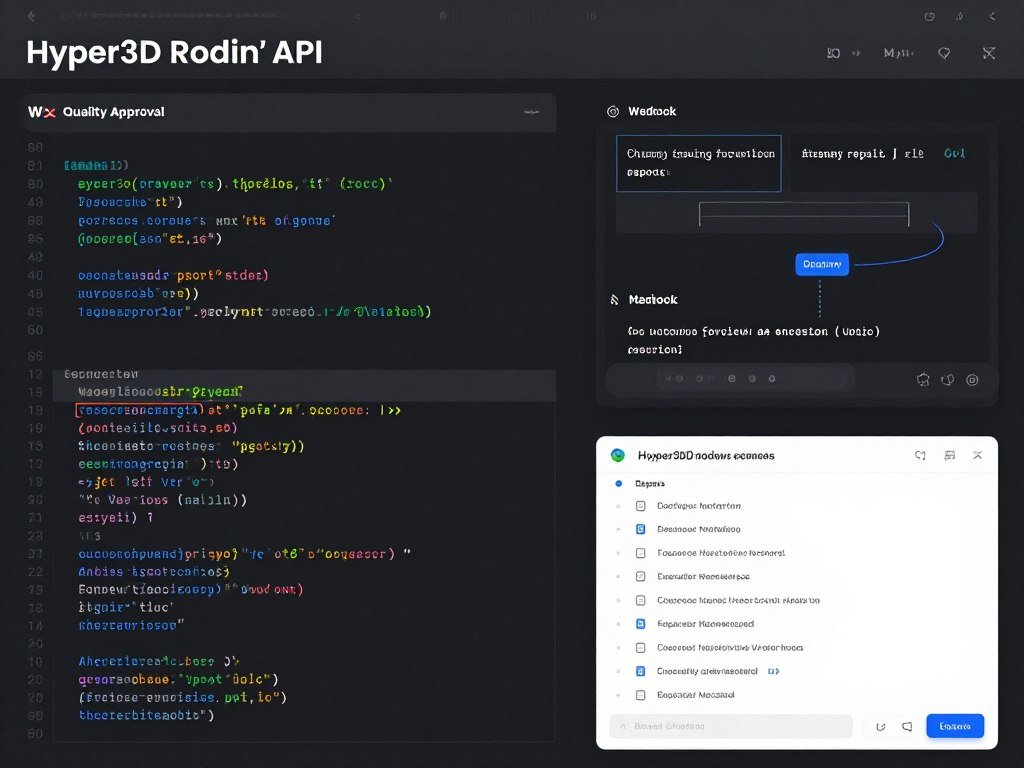
Documentation and community resources are available. Support includes priority for higher tiers with options for enterprise on-premise and custom solutions.
Real-World Demo
I created 3D assets for an e-commerce AR experience. Photographed 20 products from multiple angles.
Used Hyper3D’s multi-view fusion to generate models. Previewed all 20 for free. Identified three that needed regeneration with adjusted parameters.
After previews met standards, I paid to export the final 20 models. The preview system saved credits and guaranteed quality before commitment.
Pros
- Free preview before spending credits is game-changing
- Excellent photorealistic quality for product models
- Multi-view fusion produces accurate reconstructions
- High-resolution 4K texture options available
- Post-generation editing tools included
- API access for automated workflows
Cons
- Preview watermarks can obscure detail evaluation
- Pay-per-export can get expensive at scale
- Limited free tier for initial testing
- Slower generation than some competitors
Pricing
Free/Limited: Basic previews for testing the workflow.
Creator: Around $20-30/month provides entry credits and private use rights.
Business/Higher: $80+/month includes more credits, advanced features, and API priority. Pay-per-generation also available.
The preview-then-pay model offers unique value. You’re only buying models you actually want. For quality-focused work, this approach makes financial sense.
For professionals requiring guaranteed quality before payment, Hyper3D Rodin’s preview-then-pay approach offers peace of mind and credit efficiency.
7. Spline – Best for Interactive Web 3D Experiences
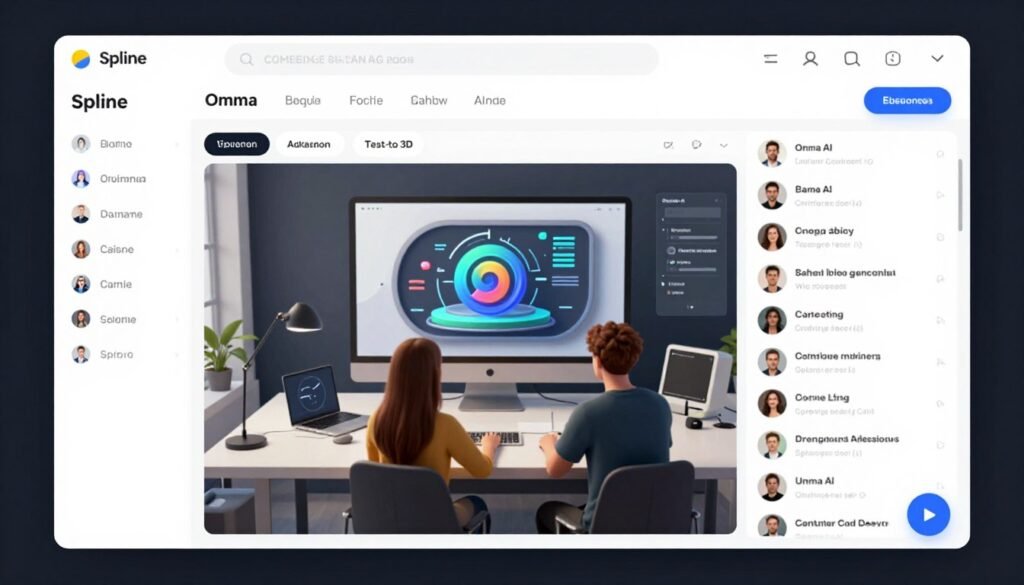
Spline takes a different approach. It’s a browser-based platform focused on interactive 3D experiences for the web. AI generation is one component of a larger design tool.
I used Spline to create interactive 3D elements for websites and web applications. The real-time collaboration and browser-native workflow stood out.
Pain Points Spline Solves
- Complex 3D software installation: Browser-based platform works anywhere without downloads or powerful hardware
- Isolated design workflows: Real-time collaboration lets teams work simultaneously on interactive 3D scenes
- Steep learning curve for 3D: Omma AI assistant uses natural language to build complex interactive projects
Key Features That Stand Out
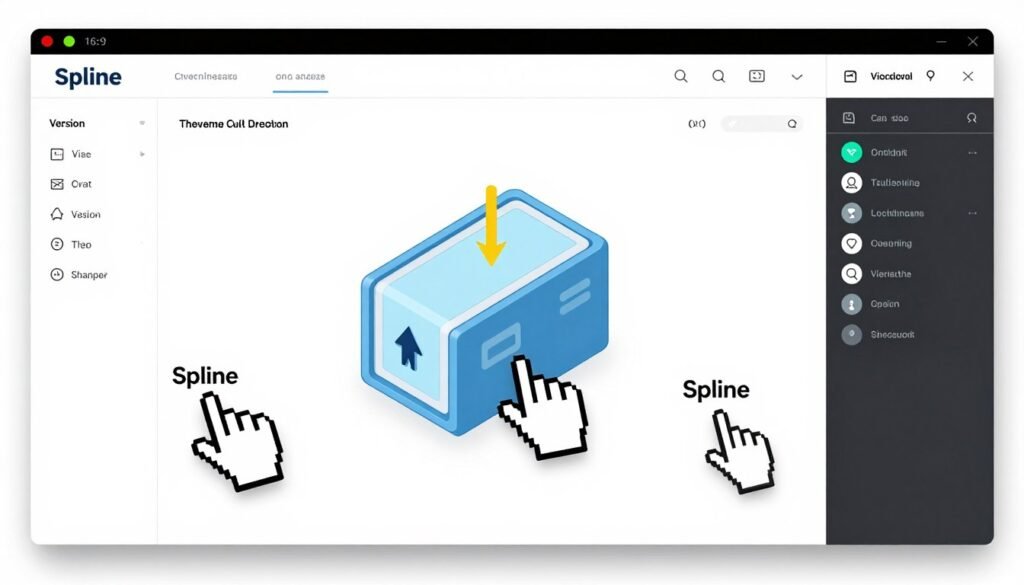
AI Texture Generation: Apply and generate textures using AI to enhance model realism and style. The texturing integrates smoothly with the design workflow.
Real-Time Collaboration: Work simultaneously with team members on interactive 3D scenes and experiences. This feature is Spline’s biggest strength.
I designed an interactive product showcase with a remote designer. We both edited the scene in real time. Changes appeared instantly. Comments and feedback happened inline.
For distributed teams, this collaboration capability is transformative. No more file versioning nightmares or merge conflicts.
Interactive Experiences: Build engaging 3D websites, apps, and animations with no-code tools. Spline includes event triggers, animations, and physics.
I created clickable 3D product configurators. Users rotated models, changed colors, and toggled features. All without writing code.
Remix and Variants: Easily generate new versions by remixing previous AI results for iteration. This speeds up the design exploration phase.
Omma AI Assistant: Use natural language to build complex interactive 3D projects and designs. Omma understands design intent and generates appropriate solutions.
I asked Omma to “create a floating island with trees and a waterfall.” It generated the scene with appropriate objects, materials, and lighting.
Integration and Support
Spline is browser-based with seamless real-time collaboration and exports to major 3D formats. It integrates well with web development workflows and design tools like Figma.
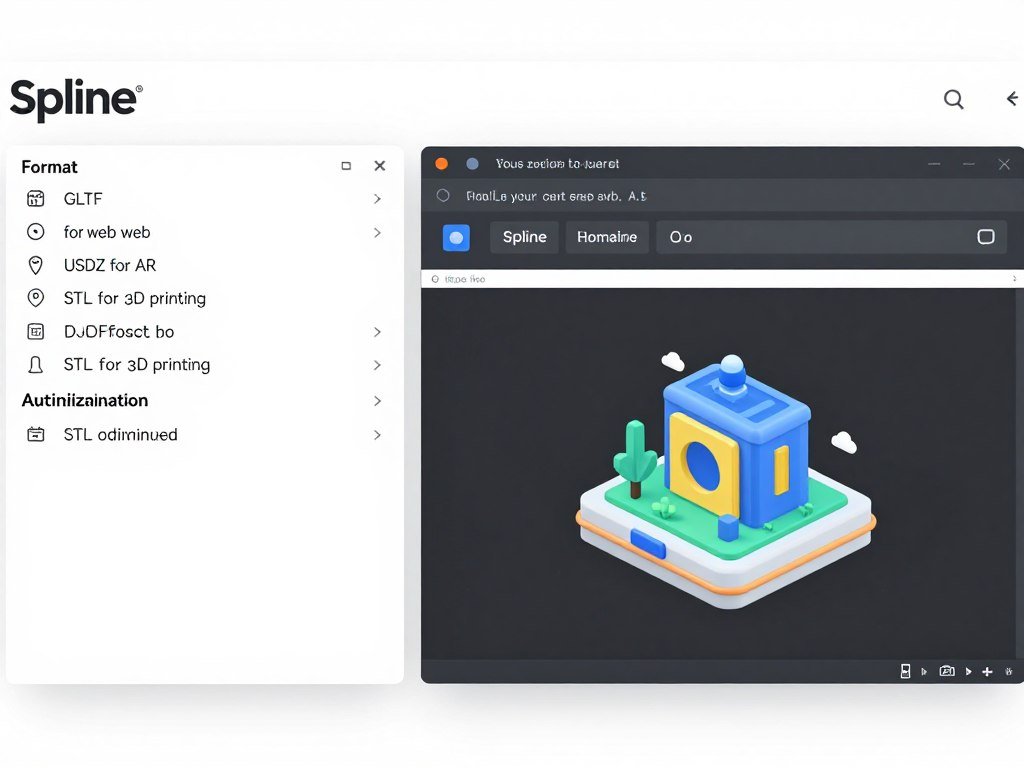
Strong documentation, tutorials, and community support exist. AI add-on enhances capabilities with dedicated credits. Customer support scales with plans.
Real-World Demo
I built an interactive 3D product page for an e-commerce client. Used Spline to create the product model, add interactive rotation, and implement a color picker.
The entire interactive experience was designed, built, and deployed in Spline. Exported the scene as web code and embedded it directly into the website.
The client could update colors and options themselves without developer help. This self-service capability impressed them.
Pros
- Browser-based workflow requires no installation
- Real-time collaboration for distributed teams
- Excellent for interactive web 3D content
- Omma AI assistant accelerates design process
- No-code interactivity tools empower designers
- Direct web embedding of 3D scenes
Cons
- 3D generation quality lower than specialized tools
- Not ideal for game development pipelines
- Performance limited by browser capabilities
- AI features require separate add-on purchase
- Steeper learning curve for non-designers
Pricing
Free Plan: Basic features and limited files for individuals.
Super Plan: Around $24/month provides enhanced AI credits, unlimited editors, and version history.
Team/Enterprise: Approximately $40+/editor/month with more AI credits, collaboration features, and custom options. AI add-on available.
For web designers and agencies creating interactive 3D content, Spline’s pricing is reasonable. The collaboration features alone justify the cost for teams.
If you’re creating interactive 3D experiences for the web, Spline offers a complete solution. The browser-native workflow and collaboration features set it apart.
8. Ideal House – Best for Home Design 3D Visualization
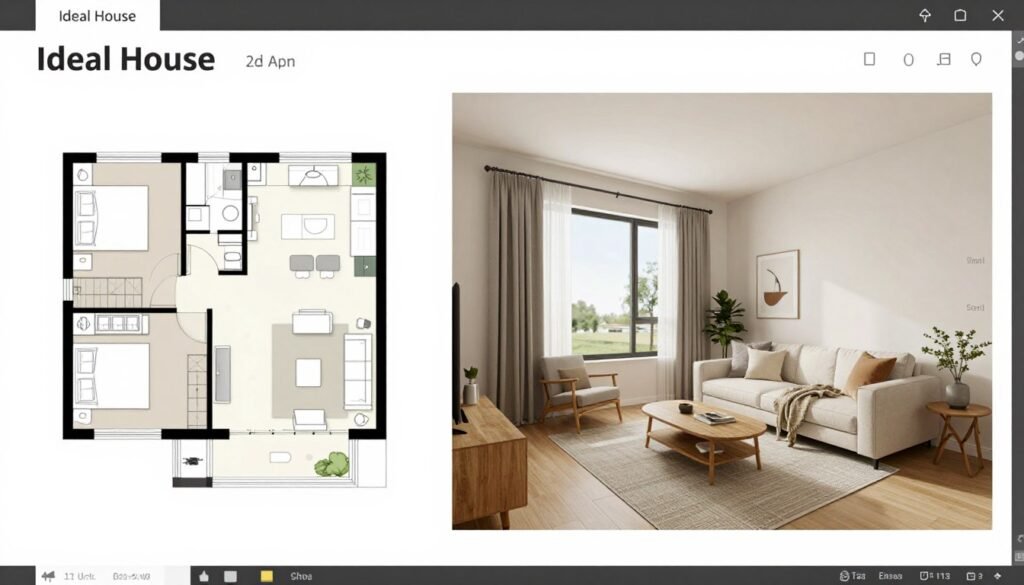
Ideal House specializes in home design applications. Transform photos, floor plans, and descriptions into professional 3D home decor and furniture models.
I tested Ideal House for interior design projects. The platform understands home design conventions and produces realistic visualizations quickly.
Pain Points Ideal House Solves
- Difficult client visualization: Transform photos or descriptions into professional 3D models for realistic space previews
- Time-consuming floor plan rendering: Create and visualize 3D models from floor plans or room layouts instantly
- Expensive design iterations: AI-generated elements and styles enable quick room redesign without costly physical changes
Key Features That Stand Out
Image/Text to 3D Models: Transform photos or descriptions into professional 3D home decor and furniture models. The AI understands furniture styles and proportions.
I uploaded photos of client furniture. Ideal House generated 3D models that matched the real pieces. I then used those models in redesign visualizations.
AI 3D Rendering: Generate photorealistic interior and exterior visualizations quickly. The rendering quality is impressive for home design presentations.
I created before-and-after renovation visualizations. Clients could see proposed changes in realistic detail. This improved decision-making and reduced revision cycles.

Floor Plan Integration: Create and visualize 3D models from floor plans or room layouts. Upload a 2D floor plan and Ideal House generates a walkable 3D space.
I used this for real estate visualization. Buyers could virtually tour properties before construction finished. The 3D spaces helped them understand layouts better than floor plans alone.
Room Visualizer: Place and test 3D models in your space for realistic previews. See how furniture fits before purchasing.
I designed a living room layout. Tried different furniture arrangements virtually. The visualizer showed accurate scale and spacing. This prevented expensive furniture-return mistakes.
Interior Remodel Tools: Redesign rooms with AI-generated 3D elements and styles. Change wall colors, flooring, furniture, and lighting with simple prompts.
I remodeled a kitchen in multiple style variations. Contemporary, farmhouse, industrial. Each complete redesign took minutes instead of hours of manual work.
Upscaling and Editing: Enhance images and refine 3D outputs for higher quality results. The upscaling improved render sharpness for client presentations.
Community Sharing: Access and share designs within the creative home design community. I found inspiration and reusable elements from other users.
Integration and Support
Ideal House focuses on web-based home design tools with easy exports for visualization. It integrates AI across floor plans, rendering, and 3D modeling in one platform.

Community features, tutorials, and affiliate support are available. Responsive platform guidance helps users working on renovation and interior projects.
Real-World Demo
I helped a client visualize their home renovation. Started with floor plans and photos of existing spaces.
Used Ideal House to generate 3D models of the current rooms. Then applied proposed changes: new flooring, paint colors, furniture, and lighting.
Created photorealistic renders showing before and after views. The client approved designs confidently because they could see exactly what they were getting.
Pros
- Excellent floor plan to 3D conversion
- Photorealistic rendering for home design
- Room visualizer helps with furniture decisions
- Quick style variations for client presentations
- Community designs provide inspiration
- Affordable for homeowners and designers
Cons
- Limited to home design applications
- 3D models not suitable for game development
- Free tier very restricted
- Topology not optimized for external use
Pricing
Free/Lite: Limited generations and standard resolution for basic use.
Plus/Pro Plans: Credit-based paid tiers with faster queues, HD exports, commercial rights, and more generations. Affordable for homeowners and designers.
For interior designers and homeowners planning renovations, the pricing is very accessible. The visualization quality justifies the cost.
For home design visualization and interior design projects, Ideal House provides specialized tools that general 3D generators don’t offer.
9. Dzine AI – Best for Controllable Image-to-3D Conversion
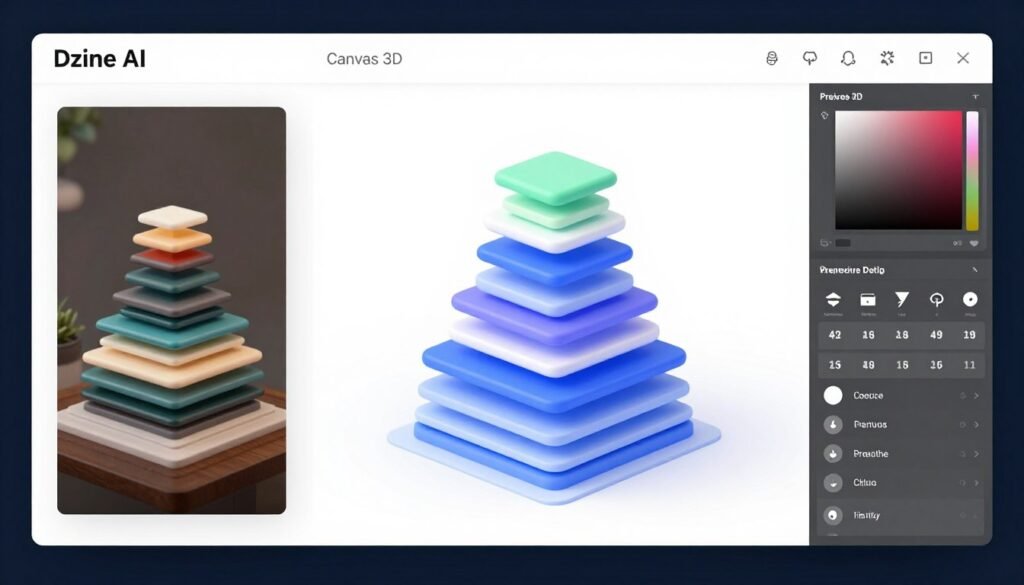
Dzine AI offers controllable image-to-3D conversion within an all-in-one creative platform. The Canvas 3D feature provides precise control over generated models.
I tested Dzine AI for character creation and avatar design. The precision editing capabilities set it apart from fully automated tools.
Pain Points Dzine AI Solves
- Lack of generation control: Canvas 3D integration allows precise arrangement and editing of generated 3D models
- Detail loss in conversion: Texture and detail preservation maintains skin, hair, and material details in outputs
- Fragmented creative tools: Multi-tool workflow combines image generation, editing, and video tools in unified platform
Key Features That Stand Out
Image to 3D Model: Convert 2D images into 3D models suitable for avatars, characters, and VR. The conversion quality is good, especially for humanoid subjects.
I converted portrait photos into 3D avatar models. The facial features, proportions, and details translated accurately. Hair and clothing required some refinement but the base models were solid.
Canvas 3D Integration: Place and arrange generated 3D models directly in design scenes. This workflow integration is Dzine’s strength.
I created character lineup presentations. Generated multiple character models. Arranged them on a shared canvas. Added lighting and camera angles. The entire composition happened in one environment.
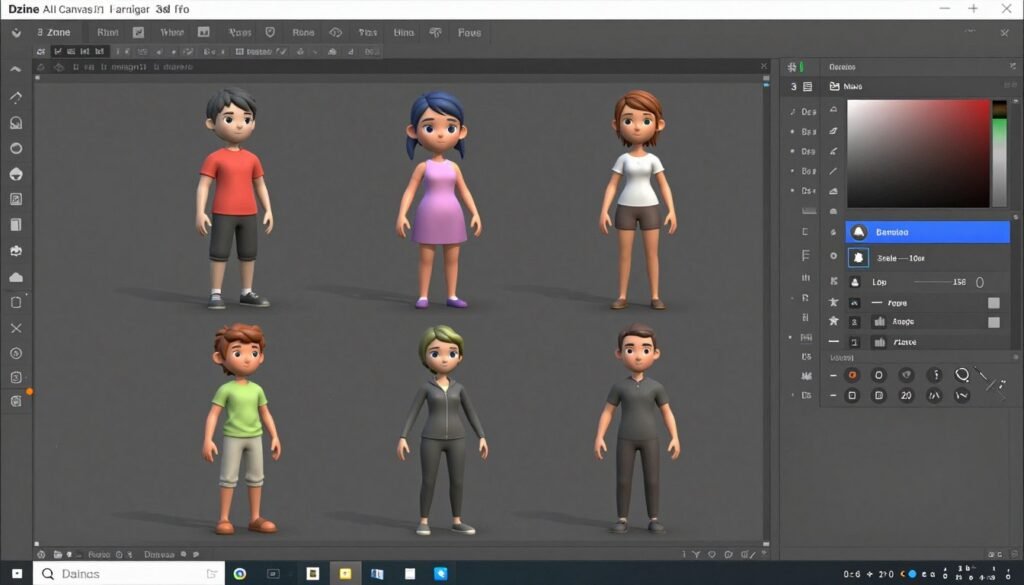
Precise Editing: Use layering, positioning, and AI tools for detailed control over 3D elements. The editing capabilities balance automation with manual control.
I fine-tuned model positions, scales, and rotations. The controls felt familiar to anyone who’s used design software like Photoshop or Figma. But they operated in 3D space.
Background Removal: Automatically prepare images for clean 3D model conversion. This preprocessing improves generation quality.
I uploaded photos with complex backgrounds. Dzine removed backgrounds cleanly. The resulting 3D models had better edge definition and fewer artifacts.
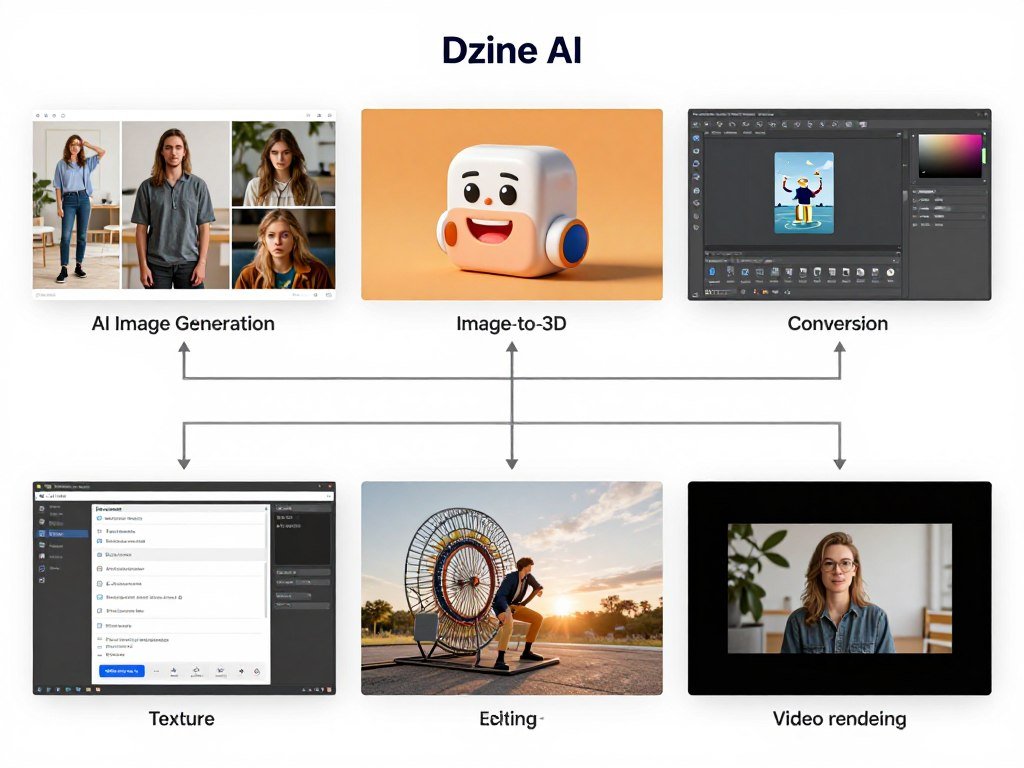
Multi-Tool Workflow: Combine with image generation, editing, and video tools in one platform. The integration reduces tool switching.
I generated concept character images. Converted approved concepts to 3D. Created texture variations. Rendered showcase videos. All within Dzine’s ecosystem.
Texture and Detail Preservation: Maintain skin, hair, and material details in 3D outputs. The AI preserves fine details during conversion.
Character hair texture remained visible. Skin pores and texture carried over. Clothing fabric patterns survived the conversion process.
Animation Ready: Generate models optimized for further animation or scene building. The models export with reasonable topology for rigging.
Integration and Support
Dzine AI works as an all-in-one web platform with canvas tools for seamless 3D placement. It supports exports and integration with broader design workflows.
Credit-based system with good documentation and community for creative users. Support via platform resources and updates.
Real-World Demo
I created a cast of characters for an indie game. Used Dzine to generate character concept images from text descriptions.
Converted approved concepts to 3D models. Arranged all characters on a canvas to check visual consistency and style coherence.
Made adjustments to proportions and details using Dzine’s editing tools. Exported final models for rigging and animation in external software.
Pros
- Canvas 3D provides unique control over arrangements
- Good detail preservation in image-to-3D conversion
- All-in-one platform reduces tool switching
- Precise editing tools balance automation and control
- Background removal improves conversion quality
- Affordable entry-level pricing
Cons
- Limited to image-to-3D (no text-to-3D)
- Topology not as clean as specialized tools
- Learning curve for canvas-based workflow
- Credit consumption can be high for complex projects
Pricing
Beginner: $8.99/month provides 1,000 credits for light use.
Creator: $24.99/month includes 6,000 credits with balanced image/video tools.
Master/Pro: $59.99 to $149.99/month offers higher credits, unlimited options, and advanced features. Annual discounts available.
For creative professionals needing integrated design tools, the pricing is reasonable. The multi-tool access adds value beyond just 3D generation.
For character designers and avatar creators who value precise control, Dzine AI offers unique canvas-based workflows worth exploring.
10. Home Design AI – Best for 2D to 3D Home Visualization
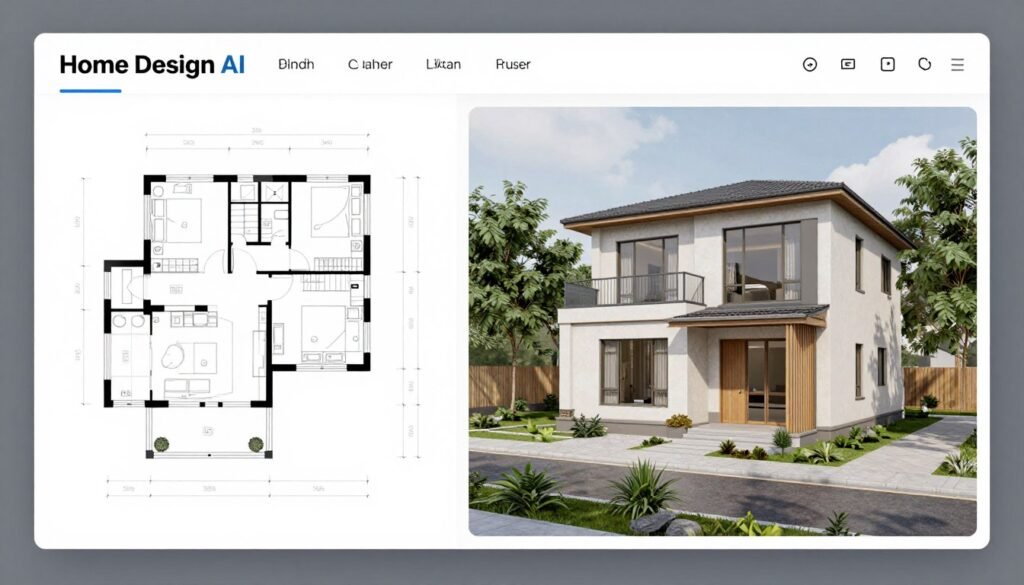
Home Design AI specializes in converting 2D floor plans into complete 3D home designs with intelligent furniture placement and realistic rendering.
I tested Home Design AI for real estate visualization and home remodeling projects. The automated design intelligence impressed me.
Pain Points Home Design AI Solves
- Unclear floor plan visualization: Convert 2D drawings into realistic 3D home designs with smart furniture placement
- Time-consuming exterior design: Generate complete home exteriors and landscaping ideas in 3D instantly
- Slow design iteration: Easily modify and regenerate 3D home concepts on the fly for quick client approval
Key Features That Stand Out
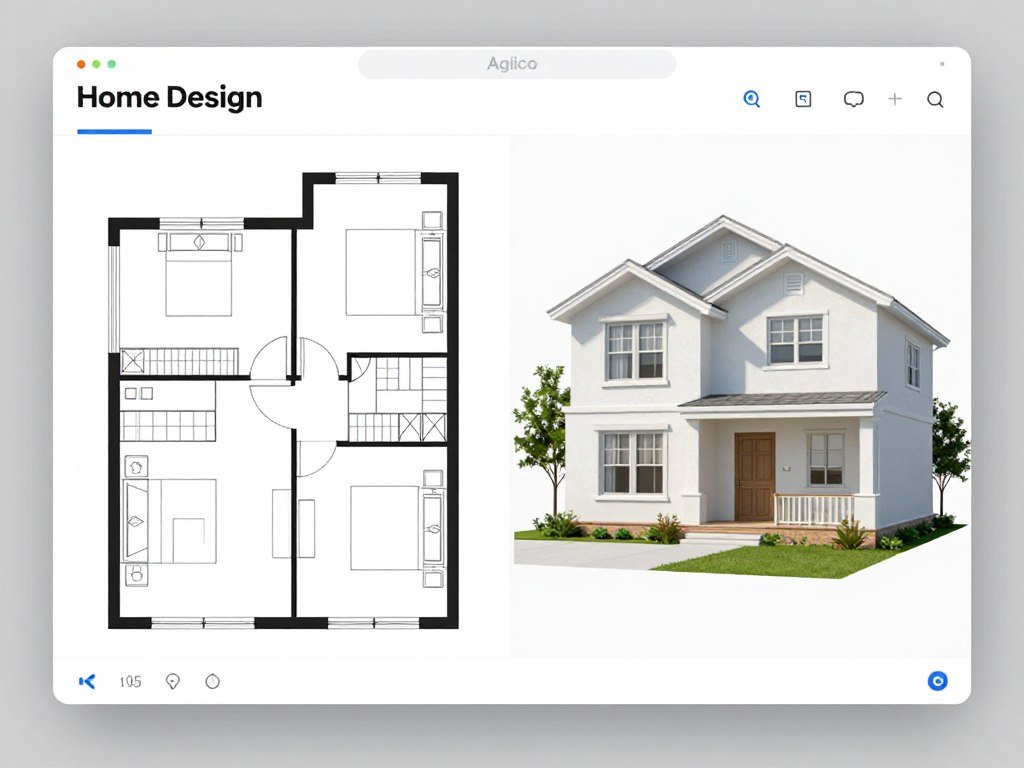
Floor Plan to 3D: Convert 2D drawings into realistic 3D home designs with smart furniture placement. The AI understands architectural conventions and room purposes.
I uploaded basic floor plan sketches. Home Design AI recognized bedrooms, living rooms, kitchens, and bathrooms. It placed appropriate furniture automatically.
The furniture placement followed interior design principles. Traffic flow made sense. Furniture scale matched room sizes. It was like having an interior designer built into the software.
AI Interior Generation: Create detailed interior layouts and visualizations from simple inputs. Describe a room style and the AI generates complete designs.
I typed “modern minimalist bedroom.” The AI furnished the space with appropriate pieces. Lighting, materials, and color palette matched the style description.

Exterior and Garden Design: Generate complete home exteriors and landscaping ideas in 3D. This expands beyond just interior visualization.
I designed complete property visualizations. The AI generated house facades, driveways, gardens, and outdoor spaces. Landscaping included trees, shrubs, and hardscaping.
Planner Tool: Draw custom floor plans and instantly visualize them in 3D. The planner makes it easy to create layouts from scratch.
I drew wall layouts using simple click-and-drag tools. Added doors and windows. The instant 3D visualization updated in real time as I drew.
Style Customization: Apply various design styles and preferences for personalized results. Modern, traditional, farmhouse, industrial styles available.
I tested the same floor plan with different styles. Each version completely transformed the aesthetic while maintaining the functional layout.
Realistic Rendering: Produce photorealistic 3D views for better decision-making. The rendering quality suits client presentations.
Quick Iteration: Easily modify and regenerate 3D home concepts on the fly. Changes apply quickly, enabling rapid design exploration.
Integration and Support
Web-based tool focused on intuitive home design workflows with easy 3D visualization. Supports uploads of floor plans and exports of renders.
Helpful tutorials and free trial options for users exploring interior/exterior ideas. Platform support for design enthusiasts and professionals.
Real-World Demo
I worked with a homeowner planning a renovation. We sketched their existing floor plan in the planner tool.
Generated 3D visualizations of the current layout. Then modified walls, added an open-concept kitchen, and expanded the master bedroom.
Applied different design styles to the new layout. The homeowner selected their favorite. We exported high-resolution renders for contractor bidding.
The entire process took one consultation meeting instead of multiple revision cycles.
Pros
- Excellent floor plan to 3D conversion
- Smart furniture placement follows design principles
- Exterior and landscaping generation included
- Quick style variations for client options
- Intuitive planner tool for custom floor plans
- Affordable free trial available
Cons
- Specialized for home design only
- Models not exportable for other 3D uses
- Limited control over fine details
- Requires understanding of floor plan conventions
Pricing
Free trial and basic generations available. Paid plans unlock unlimited or higher-volume 3D generations, HD downloads, and advanced customization features tailored for home design projects.
For homeowners and interior designers working on residential projects, the pricing is very accessible. The time saved on visualization alone justifies the cost.
For homeowners planning renovations or interior designers working on residential projects, Home Design AI provides specialized tools that simplify visualization workflows.
11. Magnific – Best for Fast Image-Based 3D Models
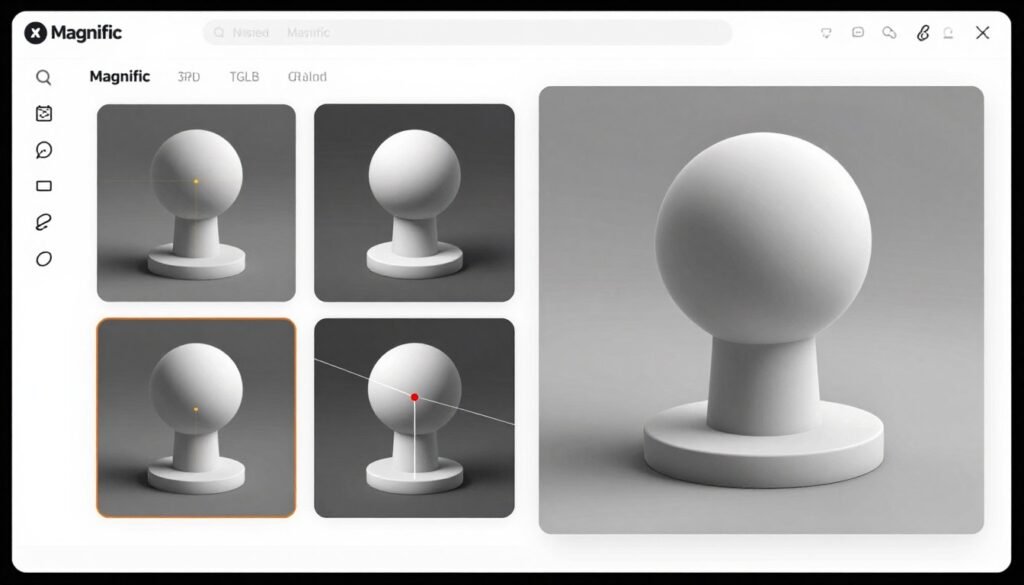
Magnific offers fast image-to-3D conversion with commercial ownership rights. Part of a larger creative AI platform, it focuses on speed and quality.
I tested Magnific for product modeling and asset creation. The generation speed and GLB export quality stood out.
Pain Points Magnific Solves
- Slow 3D model generation: Create production-ready GLB models in under 2 minutes with full texture mapping
- Licensing uncertainty: Retain full commercial ownership rights to generated 3D models on paid plans
- Single-view limitations: Multi-view reconstruction combines multiple angles for more accurate 3D results
Key Features That Stand Out
Image to 3D Model: Generate production-ready 3D meshes from up to 4 input views. The multi-view capability improves accuracy significantly.
I photographed products from front, back, left, and right sides. Magnific combined all views into one accurate 3D model. The fusion handled occlusion and parallax well.
Geometry and Texture Control: Adjust polygon count, texture quality, and model details precisely. The control options balance automation with customization.
I created both high-poly versions for rendering and low-poly versions for real-time use. The quality settings produced appropriate results for each use case.
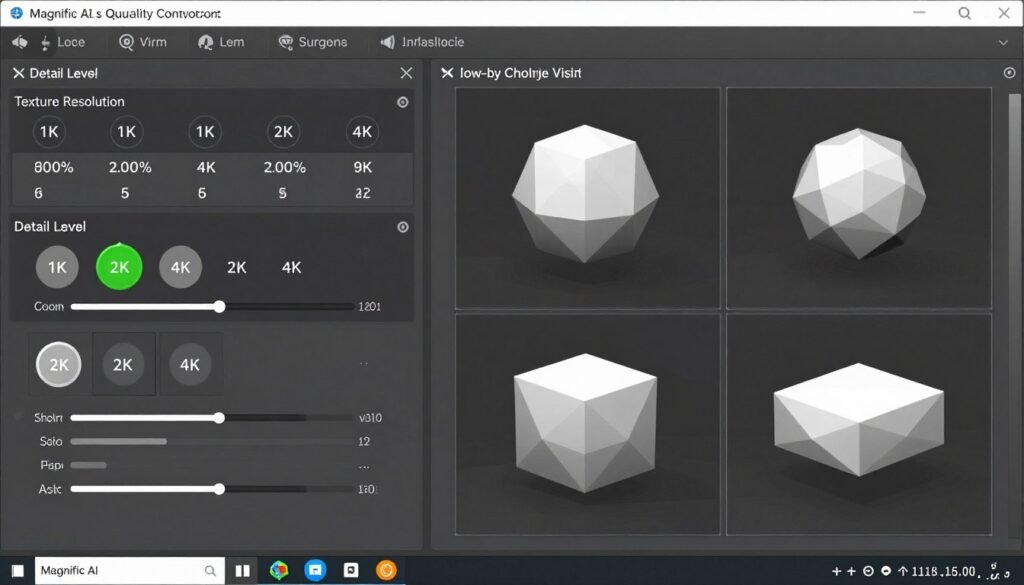
Fast Generation: Create GLB models in under 2 minutes with full texture mapping. The speed is genuinely impressive.
I timed multiple generations. Most completed in 60-90 seconds. This rapid turnaround enabled quick iteration during design reviews.
Commercial Ownership: Retain full rights to generated 3D models on paid plans. No revenue sharing or usage restrictions.
For commercial projects, this licensing clarity is valuable. You own the assets outright. No worrying about license violations.
Multi-View Reconstruction: Combine multiple angles for more accurate 3D results. The reconstruction algorithm is sophisticated.
I tested objects with complex shapes and fine details. The multi-view approach captured features that single-image generation missed.
Pipeline Ready: Direct GLB exports compatible with any 3D software or engine. The export format works universally.
I imported Magnific models into Blender, Unity, and Unreal Engine. All worked without conversion or compatibility issues.
Quality Settings: Choose between speed and high-detail output options. Fast mode for iteration. High-quality mode for final assets.
Integration and Support
Magnific provides straightforward GLB exports for integration into Blender, Unity, Unreal, and other tools. Part of a larger AI creative platform with image/video tools.
Documentation for the 3D generator and standard subscription support. Commercial licensing included in higher tiers.
Real-World Demo
I created product models for an e-commerce AR experience. Photographed 15 products from multiple angles.
Used Magnific to generate 3D models in fast mode. Reviewed results quickly. Selected products that needed high-quality regeneration.
Exported final GLB files and integrated them into a web-based AR viewer. The entire batch took less than one hour to complete.
Pros
- Exceptionally fast generation under 2 minutes
- Multi-view reconstruction improves accuracy
- Full commercial ownership on paid plans
- GLB export works universally across platforms
- Quality settings balance speed vs detail
- Part of larger creative AI toolkit
Cons
- Image-only input (no text-to-3D)
- Limited to 4 input views maximum
- Topology not as refined as specialized tools
- Higher pricing for credit volumes
Pricing
Free/Pro: Limited or entry credits (approximately $39/month range).
Premium+: Higher credits (20k-45k+/month) with more generations and features.
Enterprise: Custom high-volume plans. Subscription model with commercial rights on paid tiers.
For professionals needing fast, commercially-licensed 3D models from images, Magnific’s speed and clear licensing justify the premium pricing.
For rapid product modeling and image-based 3D generation with commercial rights, Magnific delivers exceptional speed and clear licensing terms.
Key Features to Look For in AI 3D Model Generators
After testing all these tools, certain features matter more than others. Here’s what to prioritize:
- Clean Topology: Models should have proper edge flow, quad-based geometry, and logical polygon distribution. Poor topology causes problems during animation and editing. Check wireframe views before committing.
- Texture Quality: High-resolution PBR textures make the difference between amateur and professional results. Look for 4K options and proper UV mapping. Test how textures hold up under close inspection.
- Generation Speed: Time matters when iterating on designs. Tools that generate models in under 3 minutes enable productive workflows. Slower tools frustrate creative exploration.
- Format Support: GLB, FBX, OBJ, and STL exports ensure compatibility. Verify the tool exports formats your workflow needs. Missing a critical format creates extra conversion steps.
- Commercial Licensing: Clear usage rights prevent legal issues. Understand what you can do with generated models. Some tools restrict commercial use on lower tiers.
- Integration Options: Plugins for Blender, Unity, and Unreal Engine streamline workflows. API access enables automation. Check integration quality, not just availability.
- Editing Capabilities: Post-generation editing saves time. Tools with built-in refinement features reduce the need for external software. Look for texture editing, remeshing, and parameter adjustment.
- Credit System Transparency: Understand what credits actually buy. Some tools consume many credits for single models. Others offer unlimited generation. Calculate real cost per asset.
- Quality Consistency: Models should meet quality standards reliably. Inconsistent results waste credits and time. Test multiple generations before subscribing.
- Support and Documentation: Good tutorials accelerate learning. Responsive support solves problems quickly. Check community activity and documentation quality before committing.
Don’t choose based on marketing hype. Test the features that matter for your specific use case. A tool with fewer features might actually serve you better if those features work exceptionally well.
Best Practices for Choosing and Using AI 3D Model Generators
After months of testing these tools, I’ve learned what actually works. Here’s practical advice:
Start with Free Trials
Don’t commit to annual subscriptions immediately. Every tool offers different strengths. Test multiple platforms with real projects.
I tested all 11 tools on the same modeling tasks. Performance varied dramatically. What works for one person might not fit your workflow.
Match Tools to Use Cases
Game development needs different features than architectural visualization. Product modeling differs from character creation.
I use Meshy AI for game assets. Prome AI for client presentations. Home Design AI for residential projects. Specialization matters.
Understand Credit Economics
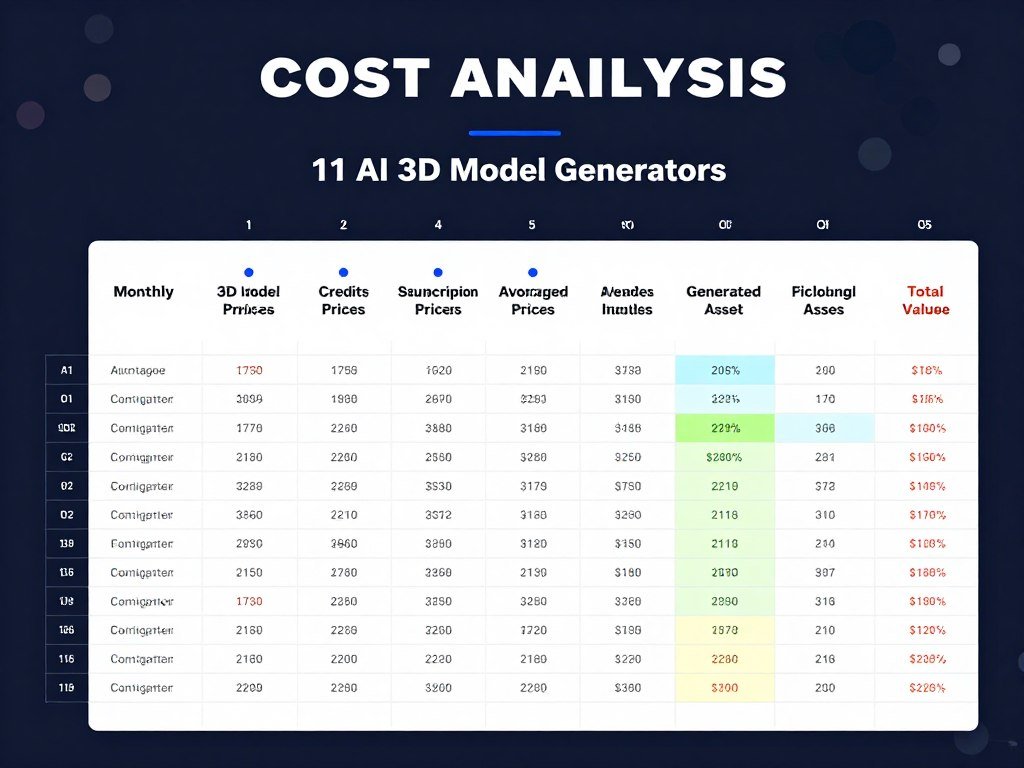
Calculate cost per asset, not just monthly subscription price. Some “cheap” tools consume credits rapidly. Others offer better value.
I created a spreadsheet comparing real costs. Sloyd’s unlimited model often costs less than credit-based systems for high-volume work.
Invest Time in Prompt Engineering
Better prompts produce better results. Be specific. Include style references, technical details, and intended use.
Vague prompt: “sword.” Better prompt: “medieval longsword with leather-wrapped grip, steel crossguard, fantasy runes etched on blade, weathered realistic texture.”
The second prompt consistently produces superior models.
Verify Licensing Before Commercial Use
Read terms of service carefully. Some tools restrict commercial use. Others charge more for commercial licenses. Revenue sharing requirements exist on some platforms.
I always verify licensing for client projects. The legal headaches aren’t worth the savings.
Plan for Post-Processing
AI-generated models rarely work perfectly out of the box. Budget time for cleanup, UV fixes, and topology refinement.
I estimate 20-30% additional time for post-processing. Still faster than modeling from scratch, but not instant.
Keep Tools Updated
These platforms improve constantly. New features appear monthly. Generation quality increases. Pricing structures change.
I revisit tools every quarter. A platform that disappointed six months ago might now excel.
Personal Experience
I started with Meshy AI for a game project. The results impressed me, so I expanded to other tools. Each platform taught me something about effective AI-assisted 3D creation.
The biggest lesson? Don’t treat these as magic solutions. They’re powerful tools that accelerate work. But they require skill, understanding, and creative direction.
Used correctly, AI 3D Model Generators compress weeks of work into days. Used carelessly, they waste credits generating unusable assets.
Key Takeaways
- Meshy AI offers the best overall combination of speed, quality, and features for professional 3D asset creation
- Tripo AI excels at producing clean, production-ready topology perfect for game development and animation pipelines
- 3D AI Studio provides exceptional value as an all-in-one suite with 35+ tools for complete content workflows
- Sloyd AI delivers unlimited generation ideal for game developers needing consistent, game-ready assets at scale
- Specialized tools like Prome AI, Ideal House, and Home Design AI serve specific niches better than generalist platforms
- Generation speed matters more than expected when iterating on designs during creative exploration
- Commercial licensing clarity prevents legal issues and varies significantly between platforms
- Topology quality separates professional-grade tools from consumer options for animation and production use
- Cost per asset matters more than subscription price when evaluating long-term value
- Free trials are essential before committing, as workflow fit varies by individual needs
Conclusion: Which AI 3D Model Generator Is Right for You?
After extensive testing, Meshy AI stands out as the best overall choice. The combination of generation speed, model quality, comprehensive features, and professional integration makes it the most versatile option.
But your perfect tool depends on specific needs. Game developers should seriously consider Sloyd AI’s unlimited generation. Architects will love Prome AI’s visualization capabilities. Home designers get specialized value from Ideal House and Home Design AI.
The technology has matured enough for professional use. These aren’t experimental toys anymore. They’re legitimate production tools that save time and money.
Are you still manually modeling everything when AI could accelerate your workflow?
Start with free trials. Test the tools on real projects. Find what fits your workflow. Then commit to the platform that delivers consistent results.
The future of 3D content creation combines human creativity with AI efficiency. These tools represent that future, available today.
Ready to Transform Your 3D Workflow?
Start with Meshy AI, the top-rated AI 3D Model Generator. Create professional-quality models in minutes, not hours. Try it free and experience the difference.