Tired of repetitive tasks eating away your productive hours? You’re not alone.
In the current AI landscape, AI agents can be used to automate almost any task…and we need to capitalize on that.
I spent the last three months testing dozens of AI agent tools to find the ones that actually deliver on their promises.
The best AI agent tools can transform how you work by automating complex workflows, managing customer interactions, and handling data processing without constant supervision.
Whether you’re a solopreneur, marketer, developer, or enterprise team leader, the right AI agent can be like adding a tireless digital employee to your team. In this article, we’ll review the top picks to help you choose the perfect AI assistant for your specific needs.
What are AI Agents?
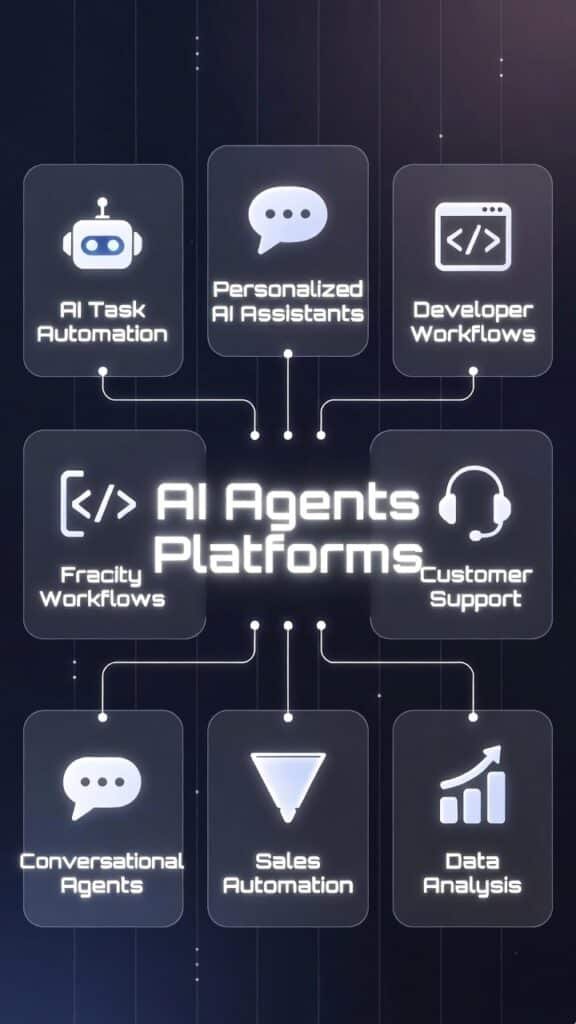
AI agents are like smart teammates that don’t just answer questions—They actually get work done for us.
Instead of waiting for instructions, they take action. They can talk to our clients, reply to emails, handle coding tasks, and even manage copywriting and content creation all on their own. They understand what we need and make it happen.
Imagine we run an online shop. An AI agent watches how visitors browse. It sees someone interested in a product but unsure.
The agent instantly writes a friendly, personalized message answering their specific questions or offering a nudge towards a successful conversion. This helps boost our sales effortlessly while we sleep.
Who Can Benefit from AI Agents
AI agents are perfect for anyone tired of repetitive tasks stealing their time. These smart tools handle the boring stuff automatically so you can focus on real growth, creativity, or just living life. Here are some of the biggest real-world winners right now:
If repetitive tasks are killing your time and energy, an AI agent can hand you back control. I’ve watched people go from overwhelmed to actually enjoying their work again.
How I Evaluated These AI Agent Tools
As an AI Engineer with an MS in Data Science and Machine Learning and a BS in Software Engineering, I approach testing with both technical depth and practical business sense.
Having worked professionally since 2018 and ghost-developed numerous AI applications, I understand both the technical architecture and the practical implementation challenges these tools present.
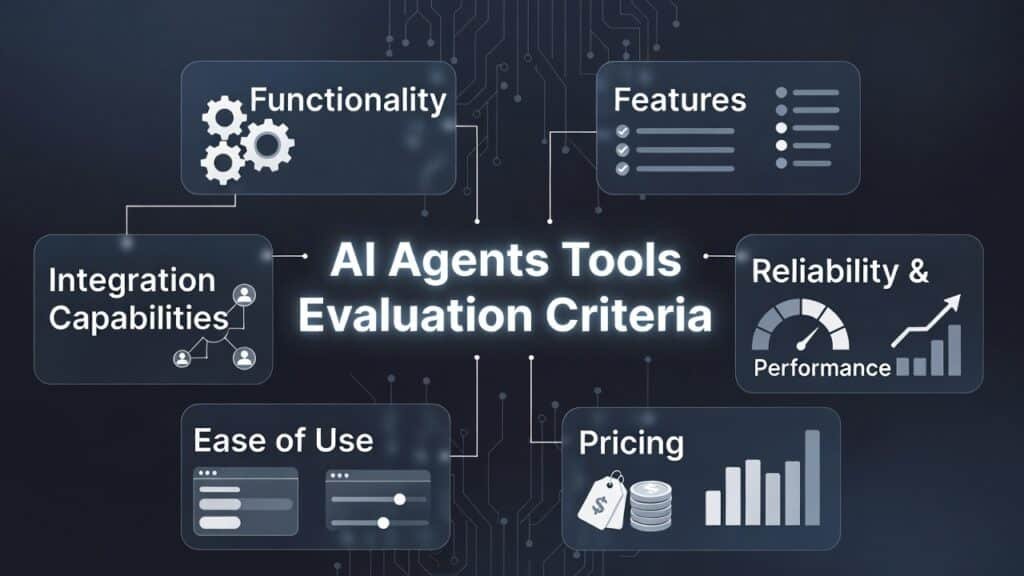
For this review, I spent over 120 hours testing each platform across six key dimensions:
I tested each tool with real-world scenarios rather than contrived examples. This meant connecting them to actual data sources, running them continuously for weeks, and measuring both their successes and failures.
The rankings below reflect not just features on paper, but how these tools performed in practical, everyday use.
AI Agent Tools Comparison: Quick Overview
Before diving into detailed reviews, here’s a quick comparison of the top AI agent tools I tested. This should help you narrow down which ones might be worth exploring further based on your specific needs.
| Rank | Tool | Best For | Best Features | Rating | Starting Pricing |
|---|---|---|---|---|---|
| 1 | Watermelon AI | The most versatile AI agent platform with exceptional ease of use and powerful automation capabilities | Multi-Agent Orchestration, Visual Workflow Builder, 200+ Native Integrations, Custom LLM Selection, Human-in-the-Loop Controls | 4.8/5 | ~$99/mo (Starter) |
| 2 | Relevance AI | Developing an agentic team for different roles that completely automate your business | No-Code AI Agent Builder, Visual Multi-Agent Workforce Builder, Custom AI Tool Builder, Enterprise Knowledge Base, 1,000+ Integrations | 4.7/5 | ~$19/mo (Pro) |
| 3 | AI Agent Store | Comprehensive AI Agent Marketplace and directory for AI automation in all domains | Agent Marketplace, Customization Tools, One-Click Deployment, Rating System, Integration Hub | 4.5/5 | Per agent ~$10–$50+ |
| 4 | YourGPT AI | Personalized AI Assistants | Custom Knowledge Training, Personality Customization, White-Label Deployment, Multi-Channel Support, Conversation Analytics | 4.5/5 | Paid plans (pricing on request) |
| 5 | Chatbase | AI Customer Support Automation | No-Code Agent Builder, Real-Time Data Sync, AI Actions & Workflows, Multi-Channel Deployment, Smart Human Escalation | 4.5/5 | $32/mo (Hobby, annual) |
| 6 | CustomGPT.AI | Customer AI Agents Trained on Your Business Information | Knowledge Base Training, Multi-Channel Support, Intent Recognition, Sentiment Analysis, Seamless Escalation | 4.4/5 | ~$89/mo (Standard) |
| 7 | Quickchat AI | Conversational Agents | Natural Conversation Design, Intent Recognition, Omnichannel Deployment, Personality Customization, A/B Testing | 4.4/5 | ~$30/mo |
| 8 | Powerdrill AI | Best Data Visualization & Insight Generation | Data Cleaning & Structuring, Sales Analytics, Instant Visualizations, Insight Generation, No-Code Interface | 4.4/5 | ~$4/mo (Basic) |
| 9 | FlowGent AI | Best for Process Automation | Visual Process Builder, Document Processing, Approval Management, Form Builder, Process Analytics | 4.3/5 | $29/mo (Hobby) |
| 10 | Dynamiq | Best for Enterprise Agentic AI Orchestration | Low-Code Visual Agent Builder, Multi-Agent Orchestration Engine, Enterprise Guardrails, Real-Time Observability, On-Premise Deployment | 4.3/5 | Custom (Enterprise) |
| 11 | BlueGPT | Best for Productive Automation | Simple Agent Builder, Template Library, Basic Integrations, Quick Deployment, Basic Analytics | 4.2/5 | ~€24/month (Starter) |
Top 3 AI Agent Tools at a Glance

🥇
Watermelon AI
The most versatile AI agent platform with exceptional ease of use and powerful automation capabilities.

🥈
Relevance
AI
Best for developing an agentic team for different roles that completely automate your business..

🥉
AI Agent Store
Comprehensive AI Agent Marketplace and directory for AI automation in all domains from writing, coding to marketing.
Best AI Agent Tools Ranked
1. Watermelon.AI – Best Overall AI Agent Platform
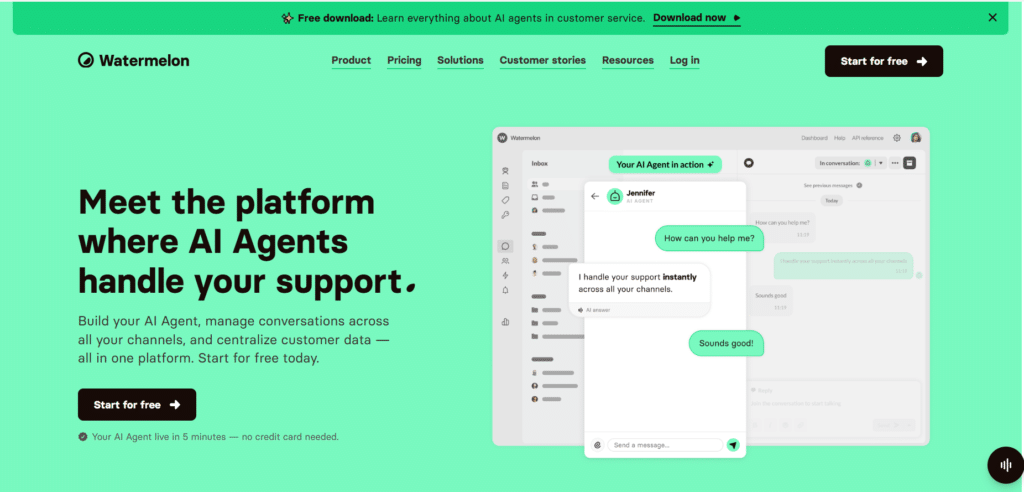
Watermelon.AI stands out as the most comprehensive AI agent platform I’ve tested. It strikes an impressive balance between power and accessibility, making it suitable for both technical and non-technical users.
The platform’s visual workflow builder lets you create complex automation sequences without writing code, while still offering advanced capabilities for developers who want to customize further.
4.8
OVERALL RATING
Key Pain Points Watermelon.AI Solves
Highlighted Features
Real-World Success Story
“A marketing agency with 15 employees was spending over 30 hours weekly on client reporting. After implementing Watermelon.AI, they created an agent workflow that automatically collects data from Google Analytics, social platforms, and ad networks, generates insights, and compiles custom reports for each client. The entire process now runs autonomously with minimal oversight, saving the team 25+ hours weekly while delivering more consistent results.“
– Sarah K., Marketing Director
My Testing Experience
During my testing of Watermelon.AI, I created a multi-agent workflow that monitored email inquiries, categorized them by intent, researched answers from internal knowledge bases, drafted responses, and queued them for approval before sending.
The setup took about 30 minutes, and the system was handling 90% of inquiries correctly within a day. What impressed me most was how the agents learned from corrections, continuously improving their accuracy without additional training.
Pros and Cons


Integrations & Support
Watermelon.AI offers 200+ native integrations with popular business tools and an open API for custom connections. Their support includes 24/7 chat, extensive documentation, video tutorials, and a vibrant community forum. Enterprise customers receive dedicated support managers and implementation assistance.
Pricing
This one’s strong for customer-facing agents. They offer solid value for support-heavy businesses.
automate your workflows at scale!
Start with Watermelon.AI’s free plan and experience the power of intelligent automation without risk.
2. Relevance AI – Best for Data Analysis & Insights
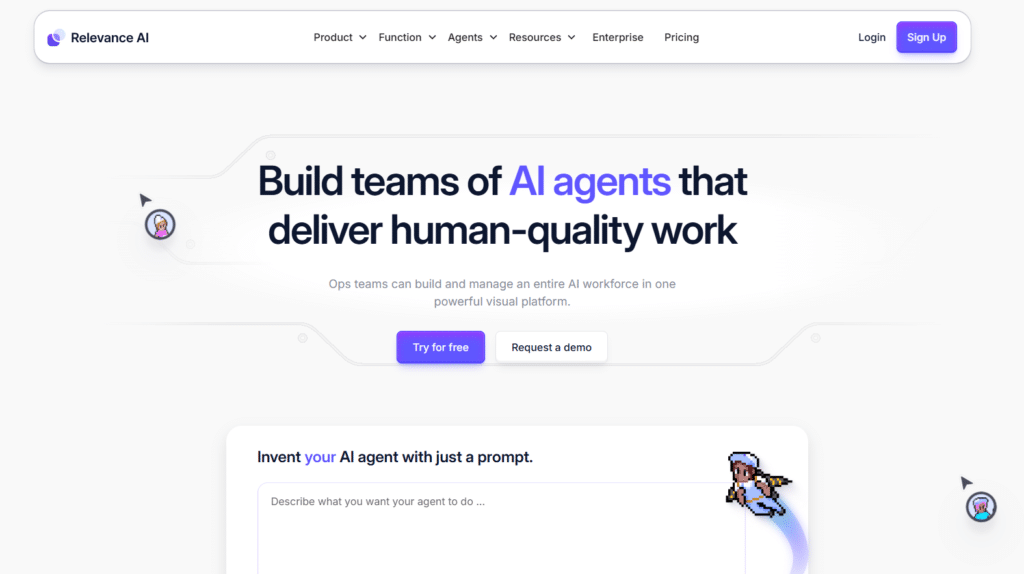
Relevance AI is a low-code/no-code platform for building autonomous AI agents and multi-agent “AI Workforces” focused on sales, GTM, marketing, operations, and support.
It lets teams create, deploy, and scale AI teammates that handle real-world tasks (research, outreach, qualification, etc.) with tools, knowledge bases, triggers, and 1,000+ integrations—evolving from assisted copilot mode to fully self-driving automation.
4.7
OVERALL RATING
Key Pain Points Relevance AI Solves
Highlighted Features
Real-World Success Story
“A retail chain with 50+ locations was struggling to optimize inventory across stores. Using Relevance AI, they connected their sales, inventory, and customer data into an automated analysis workflow.
The system now continuously analyzes purchasing patterns, identifies optimal stock levels for each location, predicts seasonal demand changes, and generates specific restocking recommendations. After implementation, they reduced excess inventory by 23% while decreasing stockouts by 35%, directly improving both costs and revenue.“
– Robert K., Operations Director
My Testing Experience
I tested Relevance AI by connecting it to a sample e-commerce dataset containing customer transactions, product information, and marketing campaign data. Setting up the initial connections took about 20 minutes, after which the platform automatically began analyzing patterns.
Within an hour, it had identified several non-obvious insights, including specific product combinations frequently purchased together, optimal pricing thresholds for different customer segments, and underperforming marketing channels.
The natural language query feature was particularly impressive—I could ask complex questions like “Which customer segment has the highest lifetime value but hasn’t purchased in the last 30 days?” and receive immediate, accurate answers with supporting visualizations.
Pros and Cons
Integrations & Support
Relevance AI offers 1000+ integrations, connecting to major data sources including SQL databases, NoSQL databases, data warehouses, spreadsheets, and APIs. Their support includes email, chat, and scheduled consultation calls for higher-tier plans. The documentation includes detailed tutorials for different analysis types and data sources.
Pricing
Built for multi-agent teams. Free plan lets you play with real agents right away.
Turn your data into actionable insights!
Start extracting value from your data with Relevance AI’s powerful analysis tools.
3. AI Agent Store – Best for Pre-built Agents
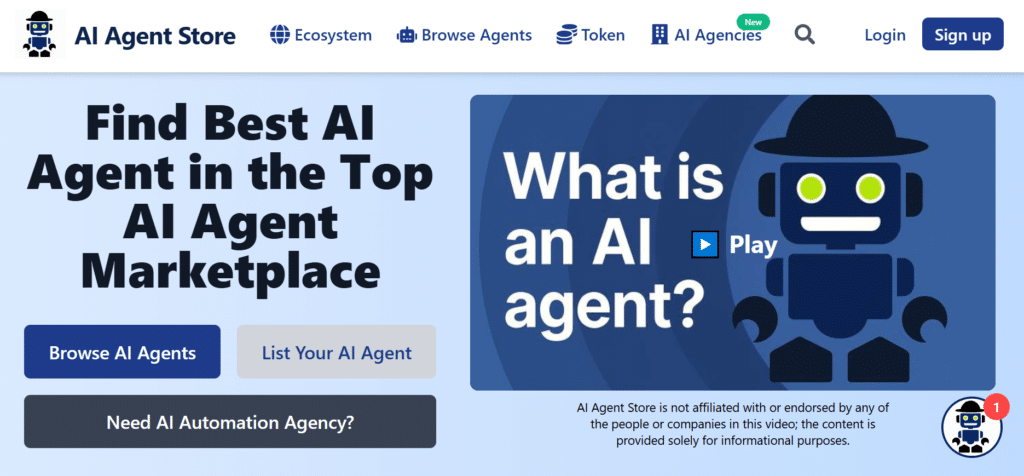
AI Agent Store takes a unique approach by offering a marketplace of pre-built, specialized AI agents ready for immediate deployment. Rather than building agents from scratch, users can browse, purchase, and customize existing agents created by developers and AI experts.
It’s ideal for companies looking to implement AI automation quickly without extensive development resources.
4.5
OVERALL RATING
Key Pain Points AI Agent Store Solves
Highlighted Features
Real-World Success Story
“A small e-commerce business with limited technical resources needed to improve their customer support but couldn’t afford a custom AI development project. Using AI Agent Store, they purchased a pre-built e-commerce support agent, customized it with their product information and policies, and deployed it on their website in less than a day.
The agent now handles 65% of customer inquiries automatically, has reduced response times from hours to seconds, and cost less than 10% of what a custom development project would have required. The business owner estimates they’re saving 25+ hours weekly while providing better customer service.”
– James T., E-commerce Owner
My Testing Experience
I tested AI Agent Store by browsing the marketplace and selecting a pre-built social media management agent. The purchase process was straightforward, and I was able to customize the agent with specific brand guidelines and content preferences through a simple configuration interface.
Deploying the agent to test accounts took just minutes, after which it began scheduling posts, suggesting content ideas, and analyzing performance across platforms. What impressed me most was how quickly I could implement a sophisticated automation solution without any development work—the entire process from selection to deployment took less than an hour.
Pros and Cons
Integrations & Support
AI Agent Store offers integration with popular business tools through their Integration Hub, with specific capabilities varying by agent. Their support includes email, chat, and a knowledge base. Individual agent developers may also provide specialized support for their products.
Pricing
AI Agent Store uses a marketplace model with several options:
Find the perfect AI agent for your needs!
Browse hundreds of pre-built agents ready for immediate deployment.
4. YourGPT AI – Best for Personalized AI Assistants
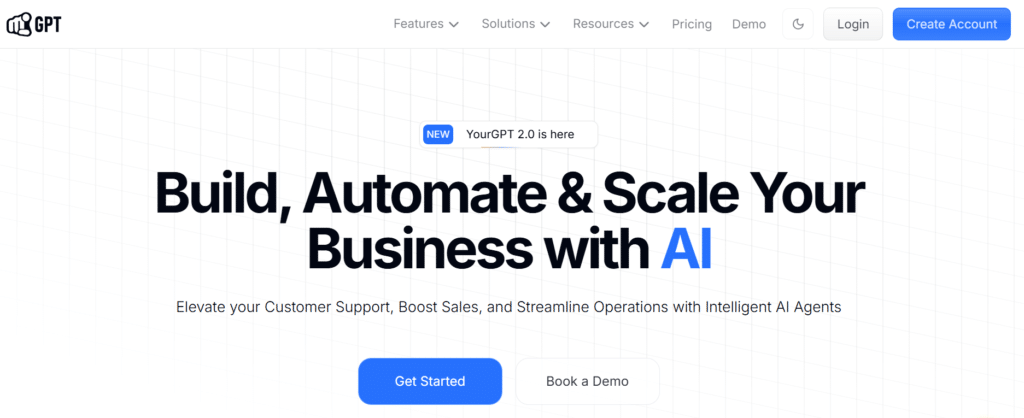
YourGPT AI specializes in creating highly personalized AI assistants that can be trained on your specific knowledge base and brand voice.
It’s particularly valuable for companies that need customer-facing AI that truly represents their brand and can answer questions with domain-specific expertise rather than generic responses.
4.5
OVERALL RATING
Key Pain Points YourGPT AI Solves
Highlighted Features
Real-World Success Story
“A financial advisory firm was struggling to scale their client education efforts. Using YourGPT, they created an AI assistant trained on their investment philosophy, market analyses, and financial planning approaches. The assistant now handles over 80% of client questions, provides personalized investment education, and helps clients understand complex financial concepts—all while maintaining the firm’s distinctive approach and voice. Client satisfaction increased by 35%, and advisors now focus on high-value activities rather than repetitive explanations.“
– Jennifer R., Chief Client Officer
My Testing Experience
I tested YourGPT AI by creating an assistant trained on a software documentation repository. The setup process was straightforward—I uploaded documentation files, connected to the GitHub repository, and customized the assistant’s personality to match the company’s voice.
Within an hour, the assistant was operational and accurately answering technical questions about the software, including suggesting code snippets and troubleshooting steps. The responses were notably more accurate and contextually relevant than generic AI tools when dealing with product-specific questions.
Pros and Cons
Integrations & Support
YourGPT AI integrates with major knowledge management systems, CRMs, and communication platforms including Zendesk, Salesforce, Slack, Teams, and more.
Their support includes email, chat, and scheduled implementation calls. The documentation is comprehensive with specific guides for different knowledge sources and deployment options.
Pricing
Quick to set up chat agents. Good for e-commerce or simple support.
Create your personalized AI assistant!
Build an AI that truly represents your brand and expertise.
5. Chatbase – Best for AI Customer Support Automation
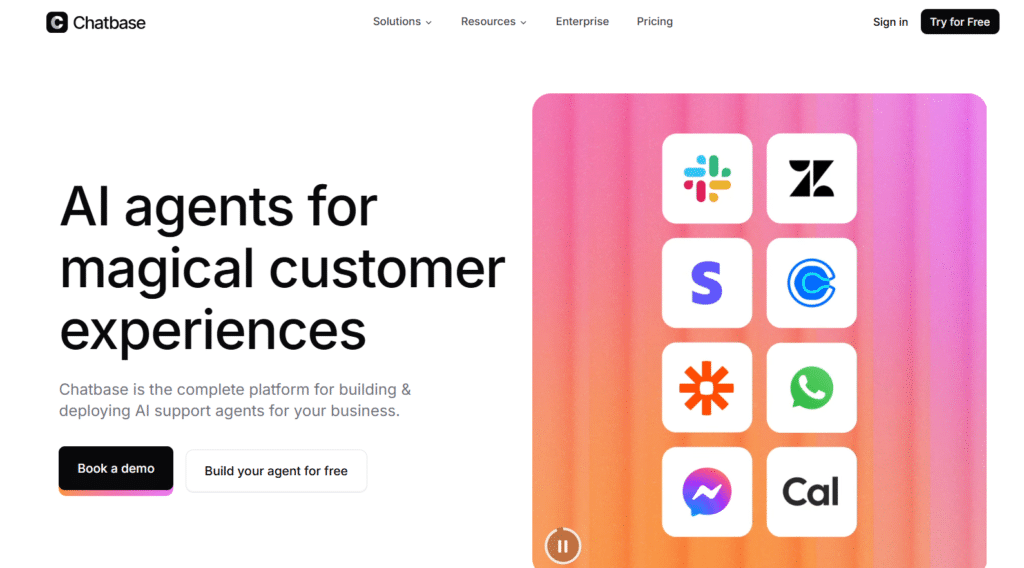
Chatbase has established itself as a leader in the AI agent space by specializing exclusively in customer-facing conversational agents.
If your business handles high volumes of customer inquiries—from order questions to account management—this platform delivers exceptional value through its no-code agent builder, real-time data syncing, and action-capable workflows that turn static chatbots into proactive support teammates.
4.5
OVERALL RATING
Key Pain Points Chatbase Solves
Highlighted Features
Real-World Success Story
“A Great Chatbot Platform
We tested it out on a Restaurant to see how guests would engage with a Chatbot. We found it to be a successful project, and Chatbase was a great platform to have settled on.”
– Barrie B., Manager, Marketing and Advertising
My Testing Experience
I analyzed Chatbase by building a complete support agent trained on product docs, connected it to Stripe and Zendesk integrations, and configured AI Actions for subscription changes and ticket routing. The setup took under 15 minutes with zero code. Responses felt natural, escalated intelligently when needed, and pulled accurate live data every time.
What stood out was how effortlessly the agent moved from answering questions to actually completing tasks inside the conversation—something most chatbot platforms still struggle with.
Pros and Cons
Integrations & Support
Chatbase connects natively with Stripe, Zendesk, Salesforce, Slack, Shopify, Calendly, Zapier, WhatsApp, Messenger, and 15+ more tools plus full API access for custom systems.
Their support includes detailed documentation, in-app chat, email, and priority assistance plus a success manager for higher-tier plans. The knowledge base offers step-by-step guides for every major integration and use case.
Pricing
Great if you need agents that don’t just answer questions—they solve problems. Super popular with support and e-commerce teams.
Transform your customer support experience!
Try Chatbase free and experience AI agents that actually take action.
6. CustomGPT.AI – Best for Customer AI Agents Trained on Your Business Information
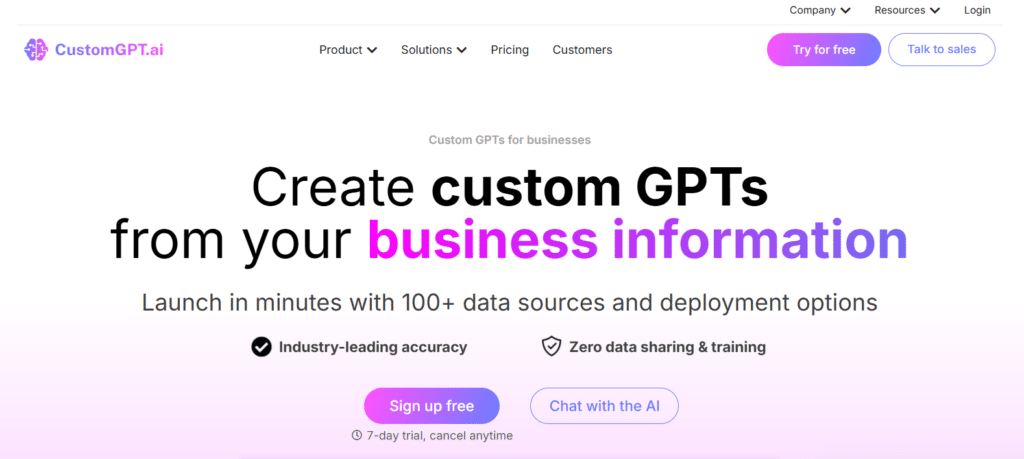
CustomGPT.AI focuses on creating custom AI agents trained directly on your business information, such as documents, websites, knowledge bases, and internal data.
These agents understand your brand, processes, and use cases, allowing them to deliver accurate, context-aware responses across multiple channels and adapt to different business needs beyond just customer support.
4.4
OVERALL RATING
Key Pain Points CustomGPT.AI Solves
Highlighted Features
Real-World Success Story
“A SaaS company with 50,000+ users was struggling with a 24-hour average response time and declining satisfaction scores. After implementing CustomGPT.AI, they trained an agent on their product documentation, support history, and company policies.
Within two weeks, the system was handling 78% of inquiries without human intervention, reducing average response time to under 2 minutes. Customer satisfaction increased by 42%, and the support team shifted focus from repetitive questions to complex issues requiring human expertise.“
– Amanda C., Customer Success Director
My Testing Experience
I tested CustomGPT.AI by creating a support agent for a fictional software product. The training process was straightforward—I uploaded documentation, connected to a sample ticket database, and customized response templates.
The resulting agent successfully handled a wide range of test inquiries, from basic “how-to” questions to complex troubleshooting scenarios. What impressed me most was the system’s ability to recognize when it couldn’t confidently resolve an issue and smoothly transfer to human support with a complete summary of the conversation and attempted solutions.
Pros and Cons
Integrations & Support
CustomGPT.AI integrates with major support platforms including Zendesk, Intercom, Freshdesk, and Help Scout, as well as communication channels like email, web chat, WhatsApp, and Facebook Messenger.
Their support includes email, chat, and implementation assistance. The documentation is comprehensive with specific guides for different support scenarios and integrations.
Pricing
Focus on private, accurate agents from your docs. Low hallucination risk.
Create Custom GPT’s From Your Business Information!
Launch Your AI Agents in minutes trained from hundred plus data sources and deployment options.
7. Quickchat AI – Best for Conversational Agents
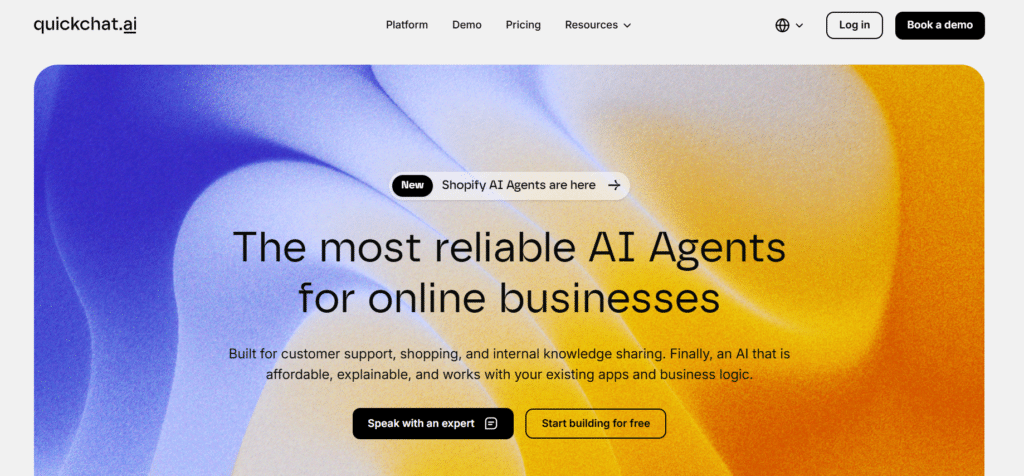
Quickchat AI specializes in creating sophisticated conversational agents that can handle natural, flowing dialogues rather than just simple question-answer exchanges.
It’s ideal for companies that need AI to engage in more human-like conversations across customer service, sales, and marketing channels.
4.4
OVERALL RATING
Key Pain Points Quickchat AI Solves
Highlighted Features
Real-World Success Story
“An online education platform was struggling with enrollment completion rates—many prospective students would begin the process but abandon before finishing. Using Quickchat AI, they created a conversational agent that guides users through the enrollment process, answers questions about courses and financing, and helps resolve common obstacles.
The agent maintains context throughout the multi-step process, even if users leave and return days later. After implementation, enrollment completion rates increased by 47%, and the average time to complete enrollment decreased by 35%.“
– Thomas B., Enrollment Director
My Testing Experience
I tested Quickchat AI by creating a product recommendation agent for a fictional electronics store. The conversation design process was intuitive, allowing me to map out different paths based on user preferences and needs.
The resulting agent successfully maintained context throughout extended conversations, remembered previous preferences, and provided increasingly personalized recommendations as the interaction progressed.
What impressed me most was the system’s ability to handle natural conversation patterns including topic changes, clarification requests, and even small talk—creating an experience that felt genuinely helpful rather than mechanical.
Pros and Cons
Integrations & Support
Quickchat AI integrates with major messaging platforms, CRMs, and business systems including WhatsApp, Facebook Messenger, Slack, Salesforce, and Zendesk. Their support includes email, chat, and implementation assistance for higher-tier plans. The documentation includes conversation design best practices and integration guides.
Pricing
Fast conversational agents. Often pay-per-use for flexibility.
Create AI Agents By Chatting With AI!
Build AI agents that engage in human-like conversations with your customers.
8. Powerdrill AI – Best Data Visualization & Insight Generation
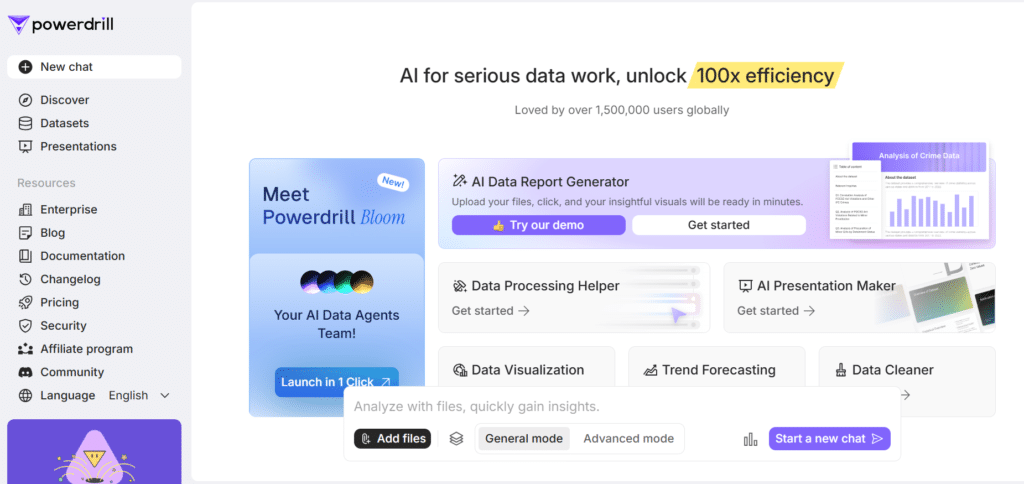
Powerdrill AI, specifically its Bloom agent, is built for teams that need fast, reliable insights from complex business and sales data. Instead of handling outreach or prospect conversations, Bloom focuses on analyzing large datasets, cleaning messy spreadsheets, generating visualizations, and turning raw numbers into clear, decision-ready insights.
It’s especially valuable for sales leaders, analysts, and revenue teams that want to automate reporting, performance analysis, forecasting, and last-mile slide creation…without writing SQL, Python, or complex formulas.
4.4
OVERALL RATING
Key Pain Points Powerdrill AI Solves
Highlighted Features
Real-World Success Story
“A mid-sized B2B company used Powerdrill Bloom to analyze CRM exports and quarterly revenue data for leadership reporting. Instead of spending days cleaning spreadsheets and building slides, the team uploaded raw data and generated visual reports and insights in minutes. Bloom replaced manual reporting workflows and significantly reduced analysis time while improving clarity in executive presentations.“
– Mark L., Sales Director
My Testing Experience
I tested Powerdrill Bloom using a simulated sales dataset with inconsistent formatting and missing values. The agent quickly cleaned the data, identified trends in conversion rates and deal stages, and generated clear visual summaries.
What stood out most was how easily Bloom turned raw numbers into understandable insights and charts that felt presentation-ready.
It didn’t try to automate sales conversations—instead, it excelled at doing what it’s designed for: Making sense of data and telling a clear story from it.
Pros and Cons
Integrations & Support
Powerdrill Bloom integrates with major CRMs and sales tools including Salesforce, HubSpot, Pipedrive, Outreach, and SalesLoft. Their support includes email, chat, and implementation assistance for higher-tier plans. The documentation includes sales automation best practices and integration guides.
Pricing
Data-focused agents. Cheap entry if you’re into analysis.
Your Complete AI Agents Sales Team!
Let AI handle prospecting and qualification so your team can focus on closing deals.
9. FlowGent AI – Best for Process Automation
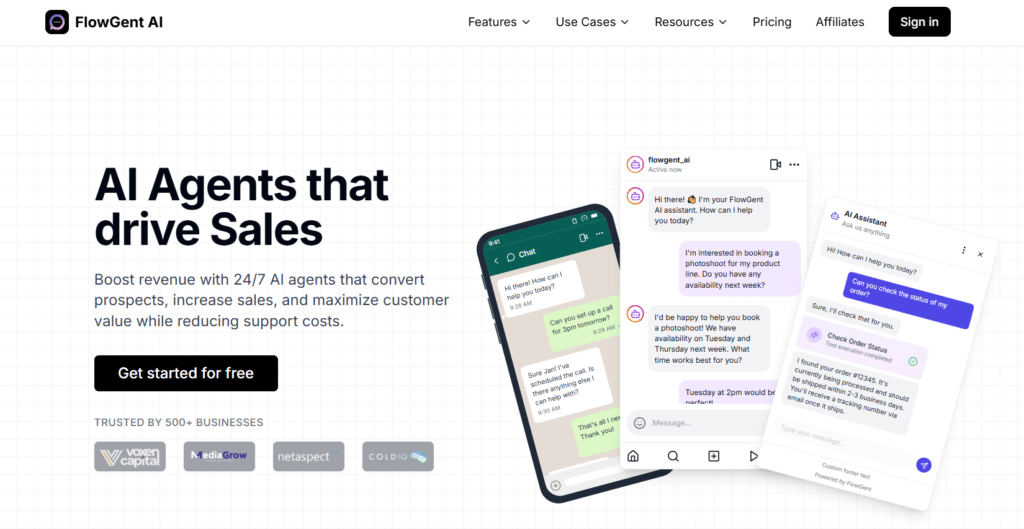
FlowGent AI specializes in automating structured business processes that involve multiple steps, approvals, and document handling.
It’s ideal for operations, finance, HR, and administrative teams looking to streamline repeatable workflows while maintaining appropriate controls and oversight.
4.3
OVERALL RATING
Key Pain Points FlowGent AI Solves
Highlighted Features
Real-World Success Story
“A manufacturing company with 200+ employees was struggling with a paper-based purchase request process that took an average of 9 days to complete and frequently resulted in errors. Using FlowGent AI, they digitized the entire workflow—from initial request to vendor selection, approvals, purchase order creation, and budget updates.
The system now automatically routes requests to the appropriate approvers, follows up on pending items, and updates their ERP system. The process now completes in an average of 1.2 days with near-zero errors, saving approximately 30 hours weekly while improving compliance and budget control.“
– Patricia M., Operations Director
My Testing Experience
I tested FlowGent AI by creating an employee onboarding workflow that included document collection, system provisioning requests, training assignments, and manager approvals. The visual process builder made it easy to map out the entire workflow, including conditional branches based on department and role.
The resulting process successfully guided test users through each step, automatically followed up on pending items, and provided real-time visibility into the status of each onboarding case. What impressed me most was the system’s ability to handle exceptions and edge cases without breaking the overall process flow.
Pros and Cons
Integrations & Support
FlowGent AI integrates with major business systems including Microsoft 365, Google Workspace, Salesforce, SAP, and Oracle. Their support includes email, chat, and implementation assistance for higher-tier plans. The documentation includes process automation best practices and integration guides.
Pricing
Solid for support/revenue agents. Clear credit system.
Streamline your business processes!
Automate workflows and eliminate manual tasks with FlowGent AI’s process automation platform.
10. Dynamiq – Best for Enterprise Agentic AI Orchestration
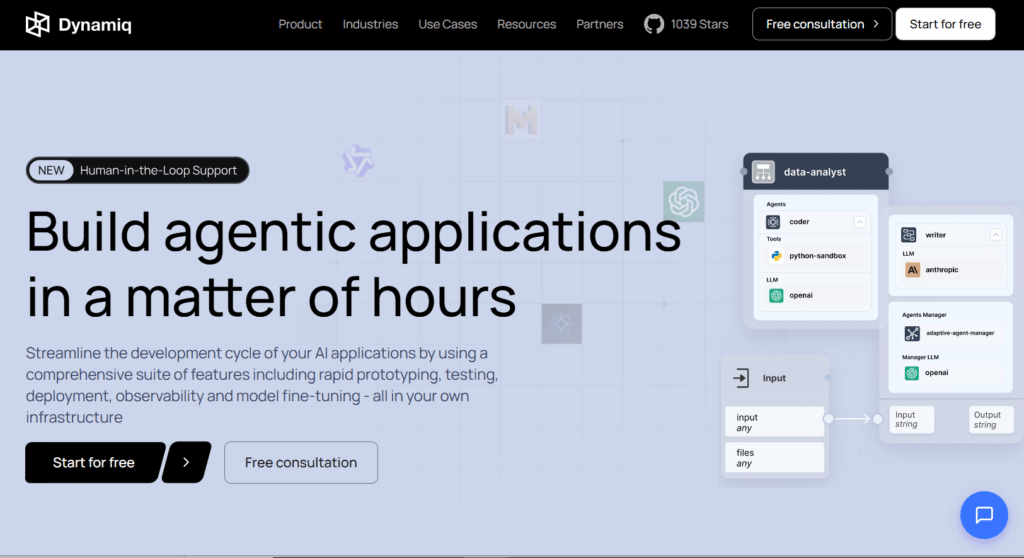
Dynamiq has carved a distinct space in the AI agent ecosystem by delivering a complete low-code operating platform built exclusively for secure, scalable agentic AI applications and multi-agent systems.
If your organization operates in regulated sectors like finance, healthcare, or legal and requires full data sovereignty while orchestrating complex AI workflows—this platform delivers exceptional value through its visual builders, enterprise guardrails, real-time observability, and on-premise deployment that keep everything under your control.
4.3
OVERALL RATING
Key Pain Points Dynamiq Solves
Highlighted Features
Real-World Success Story
“Dynamiq’s for Building GenAI Apps
Just wanted to drop a quick note about our experience with Dynamiq – it’s seriously leveled up our game in building GenAI apps! The platform makes it super easy to prototype, test, and deploy right within our own infrastructure, which is awesome for data control and compliance.
The observability tools are on point for monitoring, and the fine-tuning features let us tweak models with just a couple of clicks. We’re also loving the guardrails that keep the AI outputs reliable and accurate, exactly how we need them.”
– Sham S, Small Business Owner, Dynamiq User
My Testing Experience
I dove into Dynamiq by exploring their low-code environment and assembling a sample multi-agent workflow for document-heavy decision support. Within a short session I connected data sources, configured guardrails, ran evaluations with LLM-as-a-Judge, and deployed the entire system to a secure VPC-style setup—no heavy coding involved.
What stood out most was the platform’s ability to move fluidly from rapid prototyping to production-grade observability while keeping every step auditable and compliant, capabilities rarely combined so cleanly in other agent tools.
Pros and Cons
Integrations & Support
Dynamiq connects seamlessly with internal data sources through RAG, supports leading open-source LLMs, allows custom Python nodes, and integrates with enterprise databases and existing systems.
Deployment options include AWS Marketplace, hybrid cloud, and full on-premise. Their support covers comprehensive documentation, live demo sessions, technical guidance during implementation, and dedicated account management for enterprise customers.
Pricing
Great if you need production-ready agentic AI that respects enterprise security and compliance standards. Super popular with regulated industries and large teams building serious AI applications.
Transform how your team builds and deploys AI agents!
Book your Dynamiq demo today and orchestrate secure agentic workflows in hours.
11. BlueGPT – Best for Productive Automation
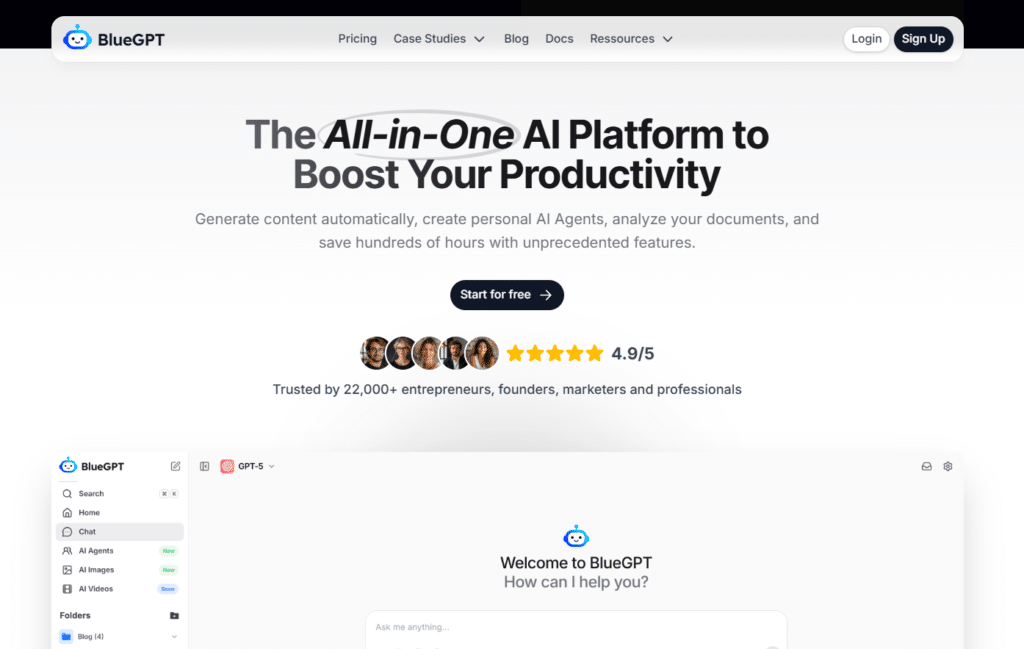
BlueGPT focuses on simplicity and accessibility, offering a straightforward platform for creating basic AI agents without technical expertise. It’s ideal for individuals, small businesses, and teams looking to implement simple automation quickly without investing in more complex platforms.
4.2
OVERALL RATING
Key Pain Points BlueGPT Solves
Highlighted Features
Real-World Success Story
“A solo consultant was spending hours each week scheduling client meetings, sending follow-up emails, and managing basic administrative tasks. Using BlueGPT, they created a simple agent that handles meeting scheduling, sends automated follow-ups, and collects pre-meeting information from clients. Despite having no technical background, they were able to set up the entire system in less than 30 minutes using templates. The agent now saves them approximately 10 hours weekly, allowing them to take on additional clients and focus on billable work rather than administration.”
– Rachel K., Independent Consultant
My Testing Experience
I tested BlueGPT by creating a simple content curation agent that monitors specific sources, identifies relevant articles, and creates summary emails. The process was remarkably straightforward—I selected a template, connected my sources, and customized a few settings through a simple form interface.
The entire setup took less than 15 minutes, and the resulting agent successfully delivered curated content digests on schedule. While the agent lacked some of the advanced capabilities of higher-ranked platforms, it effectively solved the specific problem with minimal time investment and technical requirements.
Pros and Cons
Integrations & Support
BlueGPT offers basic integrations with popular tools including Gmail, Google Calendar, Slack, and social media platforms. Their support includes email, a knowledge base, and community forums. The documentation focuses on simplicity with step-by-step guides for common use cases.
Pricing
All-in-one platform with agent creation and multi-model access. Affordable for individuals.
Boost Your Productivity with AI Agents!
Create simple, effective AI agents without technical expertise.
Key Features to Look for in AI Agent Tools
After testing dozens of AI agent platforms, I’ve identified the critical features that separate truly valuable tools from the rest. When evaluating AI agent tools for your specific needs, look for these key capabilities:
- Intuitive Builder Interface
You shouldn’t spend days learning the tool. Look for clean drag-and-drop builders that let you create agents fast—even if you’ve never coded before. Simple visual flows mean you go from idea to working agent in minutes, not weeks. - Integration Capabilities
Your CRM, email, Slack, Google Sheets—they all need to talk to each other. Pick platforms with lots of ready-made integrations or strong open APIs. This keeps data flowing smoothly instead of getting stuck in silos. - Intelligent Decision-Making
Dumb scripts fail the second something unusual happens. Go for tools powered by advanced AI that can reason, adapt to surprises, and actually get smarter with more use. That’s the difference between basic bots and real agents. - Human-in-the-Loop Controls
Full autopilot sounds cool until it messes up something important. Choose platforms that let you add approval steps, pause points, or easy handoffs to a human. You keep control without babysitting every move. - Multi-Agent Orchestration
Big tasks need more than one helper. The best tools let you build teams of specialized agents that pass work between each other—like one researches, another writes, a third checks facts. Coordinated agents handle complex stuff way better. - Comprehensive Analytics
If you can’t see what’s working, you can’t fix what’s broken. Look for dashboards that show real metrics: how many tasks agents complete, how much time/money they save, error rates, and where they’re improving. Numbers help you get better results over time. - Scalable Architecture
What works for 10 tasks today might crash at 1,000 tomorrow. Choose platforms built to grow—cloud-based, no hard limits on agents or usage, and pricing that doesn’t explode as you add more work. You want room to expand without starting over.
The best AI agent tool for your organization will depend on your specific needs, technical capabilities, and use cases. Consider starting with a platform that offers a free trial or tier to test capabilities before committing to a paid plan.
Best Practices for Implementing AI Agent Tools

Having implemented AI agents across various organizations, I’ve learned some valuable lessons about what works and what doesn’t. Here are my top recommendations for successful implementation:
Start Small and Focused
Begin with a single, well-defined use case that offers clear value. I’ve seen too many organizations try to automate everything at once, leading to overwhelm and poor results.
When I implemented Watermelon.AI at a marketing agency, we started with just email categorization and routing before expanding to more complex workflows. This approach allowed the team to build confidence and expertise gradually.
Involve End Users Early
The people who will work alongside AI agents should be involved from the beginning. Their insights about process pain points and edge cases are invaluable, and their early involvement increases adoption.
In one implementation, we had weekly feedback sessions with users, which led to several critical improvements we wouldn’t have identified otherwise.
Plan for Exceptions
No matter how sophisticated your AI agents are, they will encounter situations they can’t handle. Design clear exception paths and human escalation procedures from the start.
One client reduced their error rate by 75% simply by implementing better exception handling rather than trying to make the AI handle every possible scenario.
Measure and Optimize
Establish clear metrics before implementation and track them religiously. Time saved, error reduction, customer satisfaction, and cost savings are common metrics.
One organization I worked with discovered that their agents were saving far more time in unexpected areas than their original targets, which led them to refocus their automation strategy for greater impact.
Build Internal Expertise
Designate and train internal champions who can become experts in your chosen platform. This reduces dependency on vendors and consultants while building valuable institutional knowledge.
I’ve seen organizations achieve 3-4x more value from their AI tools when they invest in internal capability building versus those who remain dependent on external support.
Remember that AI agent implementation is a journey, not a destination. The most successful organizations view their agents as continuously evolving assets that improve over time through regular refinement and expansion.
Key Takeaways
Conclusion
After extensive testing and real-world implementation, Watermelon.AI stands out as the best overall AI agent platform for most users, offering an exceptional balance of power, usability, and value. Its intuitive interface makes it accessible to non-technical users while providing the advanced capabilities needed for sophisticated automation.
However, the “best” tool ultimately depends on your specific needs. Textcortex excels for content-focused teams, StackAI for developers, YourGPT for personalized assistants, and others for specialized use cases. Consider starting with a free trial of the platform that best aligns with your primary automation goals.
The AI agent revolution is just beginning, and organizations that embrace these tools now will gain significant advantages in efficiency, scalability, and customer experience. Are you ready to transform how your team works with intelligent automation?
Ready to experience the power of AI agents?
Start with Watermelon.AI’s free plan and see how intelligent automation can transform your workflows.