AI art generators have revolutionized the creative landscape, making it possible for anyone to create stunning visuals with just a text prompt. As someone who’s been deeply immersed in the AI art world since its early days, I’ve watched these tools evolve from experimental curiosities to powerful creative platforms.
Whether you’re a professional designer looking to speed up your workflow, a marketer needing fresh visual content, or just a curious creative wanting to explore new possibilities, AI art generators offer an exciting new frontier. But with so many options available, how do you know which one is right for your needs?
That’s exactly why I created this comprehensive guide. I’ve spent countless hours testing these platforms, analyzing their strengths and weaknesses, and determining which ones truly deliver on their promises. From ease of use to output quality, pricing to unique features, I’ve evaluated every aspect to help you make an informed decision.
In this article, I’ll walk you through the 13 best AI art generators of 2026, ranked according to performance, features, and value. Ready to discover which AI art tools are truly worth your time and money? Let’s dive in!
What Are AI Art Generators?
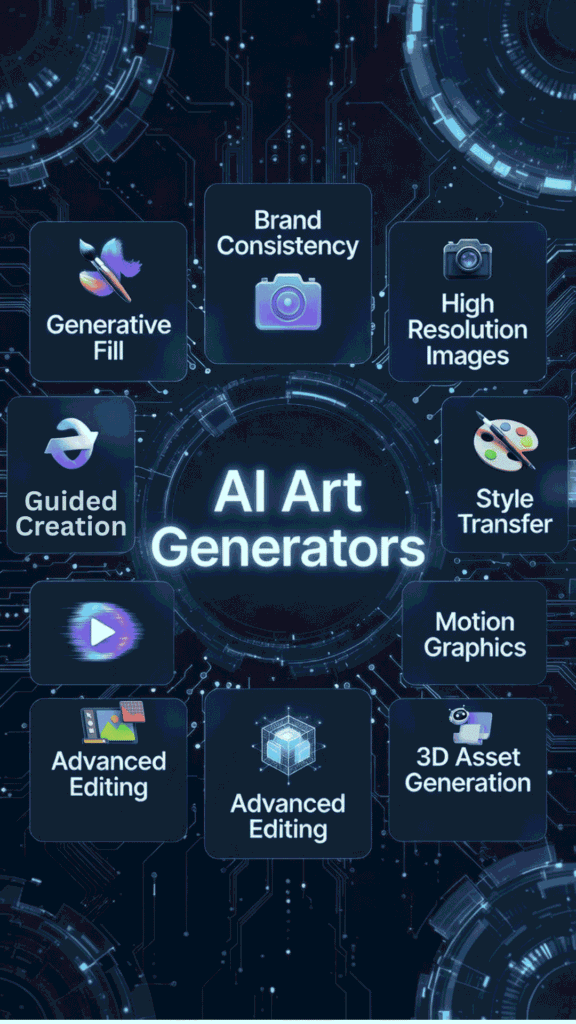
Picture this: You type in a prompt like “a cozy coffee shop in rainy Tokyo at dusk, cyberpunk vibe,” and boom – an image pops up that looks like it came from a pro artist. That’s an AI art generator at work. Basically, these are smart programs powered by machine learning models trained on millions of images and captions from the internet.
They “learn” patterns – like how light hits a face or colors blend in a landscape – then create new stuff from scratch.
How do they work? Most use diffusion models (think starting with random noise and slowly “denoising” it step-by-step to match your description). Early ones like GANs (from around 2014) were clunky, pitting two AIs against each other for okay-ish results. But now, the have evolved big time by 2026!
Latest models?
- FLUX.1 (from Black Forest Labs): Hybrid transformer-diffusion setup cranks out photorealistic images with insane detail and speed – Schnell variant does it in under a second! Great for consistent characters across scenes.
- Stable Diffusion 3.5: Open-source king, now with better text rendering (no more garbled signs in images) and control nets for precise edits like poses or styles.
- Midjourney V7 and DALL-E 3: These handle complex prompts way better, adding features like inpainting (fix specific parts), outpainting (expand borders), and even image-to-video transitions.
This evolution means sharper realism, fewer weird artifacts (like extra fingers – lol), and tools for editing/refining. It helps users by democratizing creativity – no need for Photoshop mastery or years of practice. The time I wanted custom book covers but canva covers just weren’t cutting it?
These nailed it, saving hours and sparking ideas I never would’ve sketched myself.
Who Can Benefit from AI Art Generators?
We all can, honestly – they’re empathetic tools that level the playing field. Here’s who thrives:
For example, a teacher could generate vibrant story illustrations to engage kids, or a startup founder mock up app icons or design their ad creative effortlessly. It’s empowering…especially if you’re like me, not a natural artist but full of ideas.
My Selection Criteria
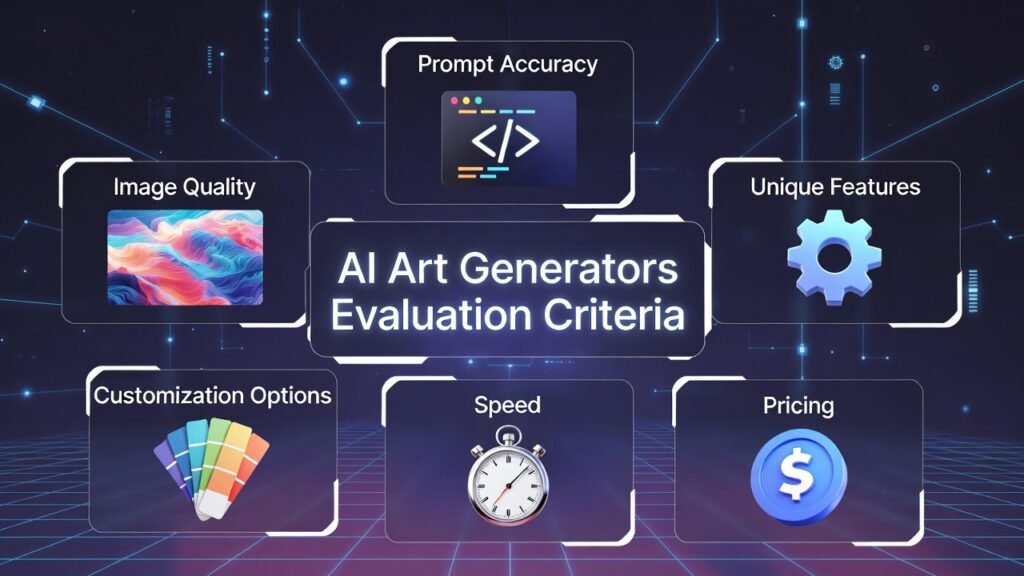
Before we jump into the rankings, I want to share the methodology behind my evaluations. Each AI art generator was assessed based on several key factors:
I personally tested each tool by creating multiple images across different styles and complexity levels. For consistency, I used similar prompts across all platforms to enable direct comparisons. My goal was to provide you with an honest, thorough assessment based on real-world usage rather than marketing claims.
Why Trust My Reviews?
I’m not just another reviewer skimming through features. As an AI Engineer with an MS in Data Science and Machine Learning and a BS in Software Engineering, I understand the technology that powers these tools at a fundamental level.
Since 2018, I’ve been working professionally in the AI field, ghost-developing several AI applications for clients across various industries. This hands-on experience gives me unique insight into how these systems work “under the hood” and what separates a truly excellent AI art generator from a mediocre one.
Beyond the technical aspects, I’m also an avid user of these tools for both personal and professional projects. I’ve generated thousands of images and spent hundreds of hours exploring the capabilities and limitations of each platform. When I recommend a tool, it’s based on extensive firsthand experience.
AI Art Generators at a Glance
| Rank | Tool | Best For | Key Features | Rating | Pricing Starts |
| 1 | Artspace AI | Professional designers | Style consistency, high resolution, advanced editing | 4.9/5 | Free trial, $12/month |
| 2 | Imagine.Art | Artists and illustrators | Style transfer, brush control, animation | 4.8/5 | Free plan, $15/month |
| 3 | Getimg.AI | Content creators | Batch generation, API access, model training | 4.7/5 | Free plan, $10/month |
| 4 | ArtSmart AI | Beginners | Guided creation, templates, tutorials | 4.6/5 | Free plan, $8/month |
| 5 | ImaginePro | Marketing teams | Brand consistency, collaboration, templates | 4.5/5 | $19/month |
| 6 | Easy-Peasy AI | Quick projects | Simplicity, speed, mobile app | 4.5/5 | Free plan, $7/month |
| 7 | Simplified | All-in-one solution | Design tools, social media integration | 4.5/5 | Free plan, $12/month |
| 8 | PromeAI | Technical users | Advanced controls, parameter tweaking | 4.4/5 | $14/month |
| 9 | Scenario AI | Game developers | 3D asset generation, game-ready outputs | 4.4/5 | $20/month |
| 10 | Flux AI | Experimental art | Unique styles, animation, video generation | 4.4/5 | Free plan, $16/month |
| 11 | GoEnhance | Photo enhancement | Upscaling, restoration, background removal | 4.3/5 | Free plan, $9/month |
| 12 | DrawThis | Casual users | Simplicity, social sharing, community | 4.3/5 | Free, $5/month |
| 13 | All-Images AI | Budget option | Basic generation, affordable pricing | 4.2/5 | Free plan, $3/month |
Top 3 AI Art Generators Picks

Best AI Art Generators Ranked
1. Artspace AI – The Professional’s Choice
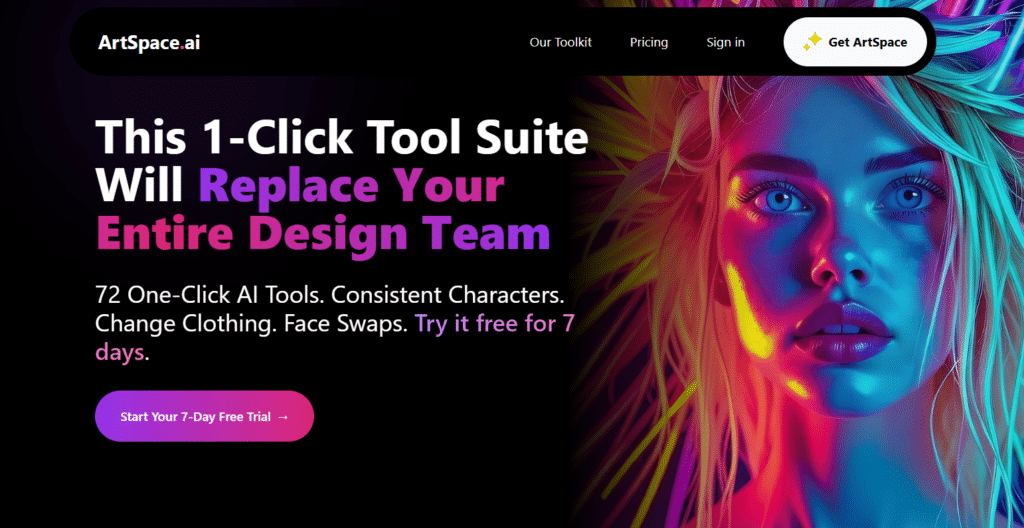
Artspace AI Image generator and editor stands out as the premier choice for professional designers and artists who need exceptional quality and control. This powerful platform combines cutting-edge AI models with an intuitive interface that makes creating stunning visuals remarkably straightforward.
4.9
OVERALL RATING
Key Pain Points Artspace AI Solves
Highlighted Features
What truly impressed me during testing was Artspace’s “Concept Evolution” feature, which allows you to generate variations of an image while preserving core elements.
The platform also offers exceptional prompt interpretation accuracy…I found it required far fewer prompt revisions compared to competitors. Their unique model training capability lets you create custom AI models based on your own artwork or style preferences.
Real User Experience
Sarah Chen, a graphic designer at a major marketing agency, shared: “Artspace AI has completely transformed our workflow. We used to spend days creating concept art for client presentations. Now we can generate multiple high-quality options in minutes, allowing us to focus more on strategy and less on production.
The consistency between images is what really sets it apart—clients can’t tell the difference between our traditional designs and AI-assisted ones.” Actively solved the specific problem with minimal time investment and technical requirements.
Pros and Cons


Integrations & Support
ArtSpace AI’s email and ticket support – fast replies, 4.9/5 user ratings. No live chat. Third-party API for custom apps. Direct integration with CopySpace.ai. Works inside Wavebox browser (2,500+ AI app workflows). Outputs vector-friendly for tools like Inkscape or Affinity Designer.
Pricing
Ready to create professional-quality AI art?
Experience Artspace AI’s powerful generation capabilities with a free 7-day trial.
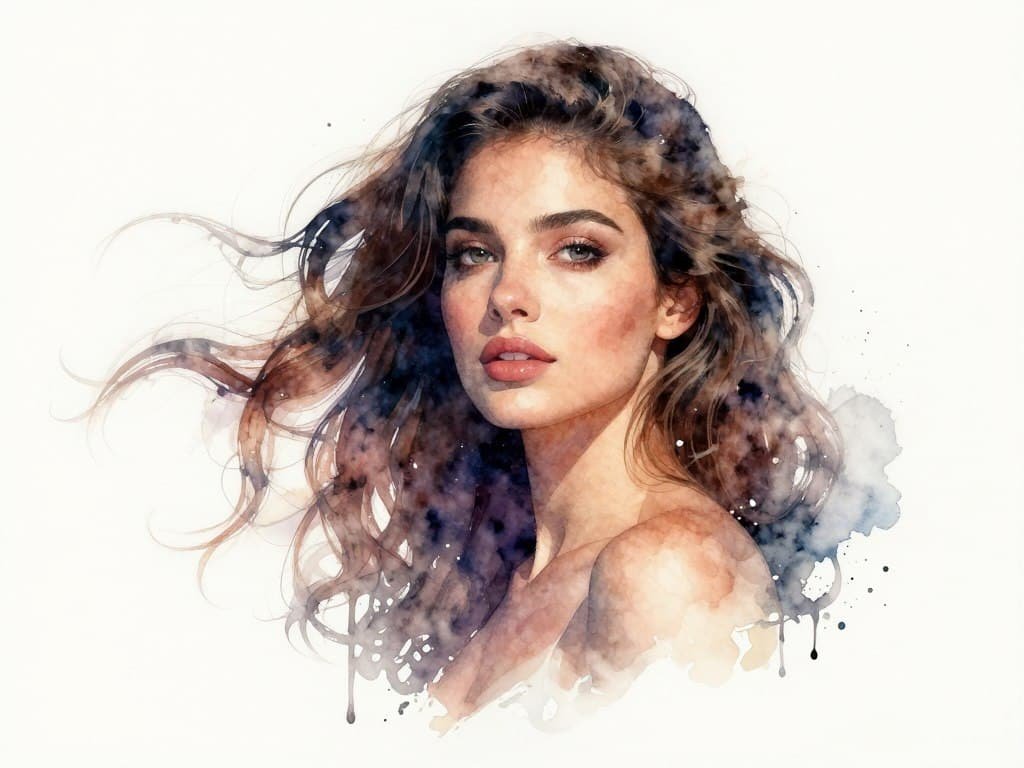
2. Imagine.Art – Best for Artists and Illustrators
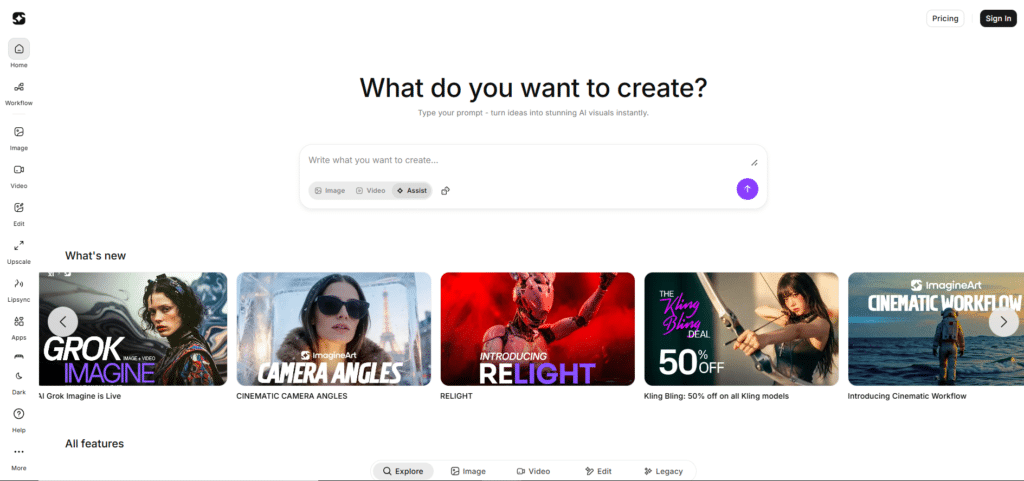
Imagine.Art image generator has carved out a special niche for artists and illustrators looking to incorporate AI into their creative process. Rather than replacing traditional art methods, this platform enhances them with AI assistance.
4.8
OVERALL RATING
Key Pain Points Imagine.Art Solves
Highlighted Features
The “Brush Control” system stands out as Imagine.Art’s most innovative feature, allowing you to guide the AI with your own brushstrokes rather than just text prompts.
I was also impressed by the animation capabilities, which can bring static images to life with subtle movements. The platform’s community gallery provides endless inspiration and learning opportunities.
Real User Experience
“I was skeptical about AI art tools until I tried Imagine.Art. It doesn’t try to replace my skills but enhances them. I can quickly test different styles and compositions before committing to a final piece. The brush control feature feels natural and respects my artistic input. It’s like having a collaborative partner rather than just a tool.“
— Marcus R, Freelance illustrator
Pros and Cons
Integrations & Support
Imagine.Art’s email support + strong community help. Robust API + SDKs (JavaScript, TypeScript, Python) for gen, inpainting, upscaling. viaSocket connects to HubSpot, Shopify, Slack, Airtable, Razorpay, Zendesk and more. Node-based workflows for automation. Ideal if you automate marketing or content.
Pricing
Enhance your artistic process with AI!
Join thousands of artists using Imagine.Art to expand their creative possibilities.
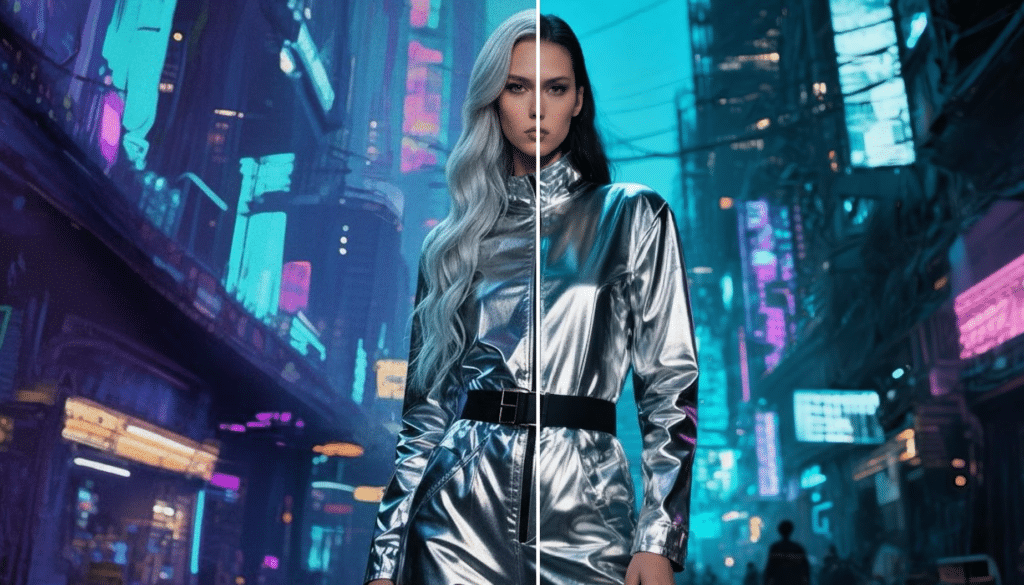
3. Getimg.AI – Content Creator’s Dream Tool
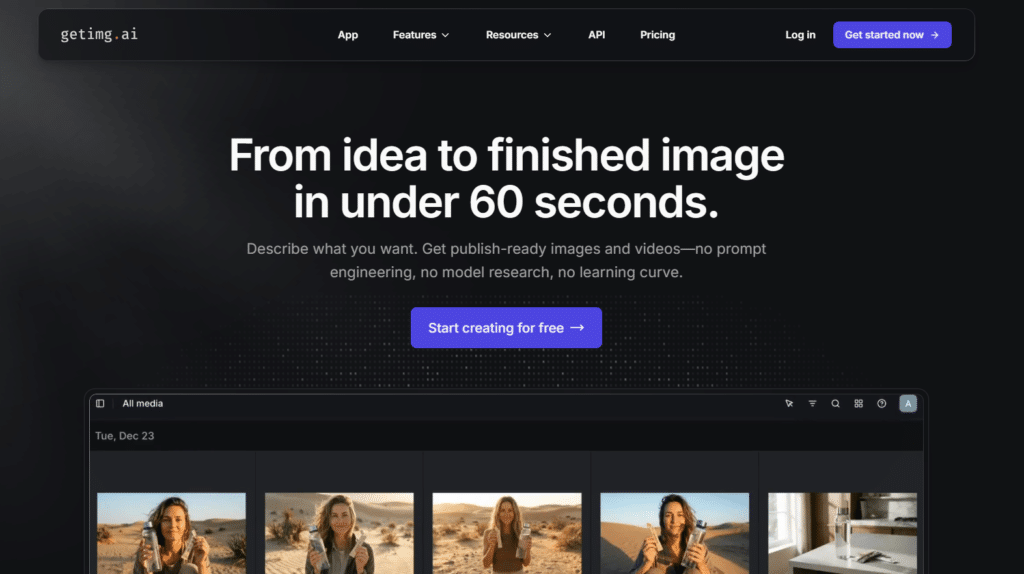
Getimg.AI has established itself as the go-to platform for content creators who need to generate high volumes of quality images quickly. Its focus on efficiency and integration makes it perfect for bloggers, social media managers, and digital marketers.
4.7
OVERALL RATING
Key Pain Points Getimg.AI Solves
Highlighted Features
During my testing, I was particularly impressed by Getimg.AI’s API capabilities, which allow for seamless integration with content management systems and automation tools.
The platform also offers exceptional batch processing speed…generating 20 images in roughly the same time competitors take to create one. Their “Content Calendar” feature helps plan and generate themed content in advance.
Real User Experience
“Before Getimg.AI, we struggled to keep up with content demands across multiple social platforms. Now we can generate a month’s worth of visually consistent images in a single afternoon. The API integration with our scheduling tool has automated our entire visual content pipeline. The ROI has been incredible—we’ve cut design costs by 70% while increasing engagement by 35%.“
— Emily Johnson, Digital marketing manager
Pros and Cons
Integrations & Support
GetImg.AI’s email support – quick and helpful. Full API access. Pabbly Connect & ApiX-Drive link to 2,000+ apps (Facebook Leads, Google Sheets, WordPress, Slack, WooCommerce, Telegram). Direct workflows with Synamate, Focuster, Prefinery. Great for automating social/content in your workflow.
Pricing
Scale your Visual content creation!
Generate hundreds of high-quality images for your content needs with minimal effort.
4. ArtSmart AI – Best for Graphic Designers
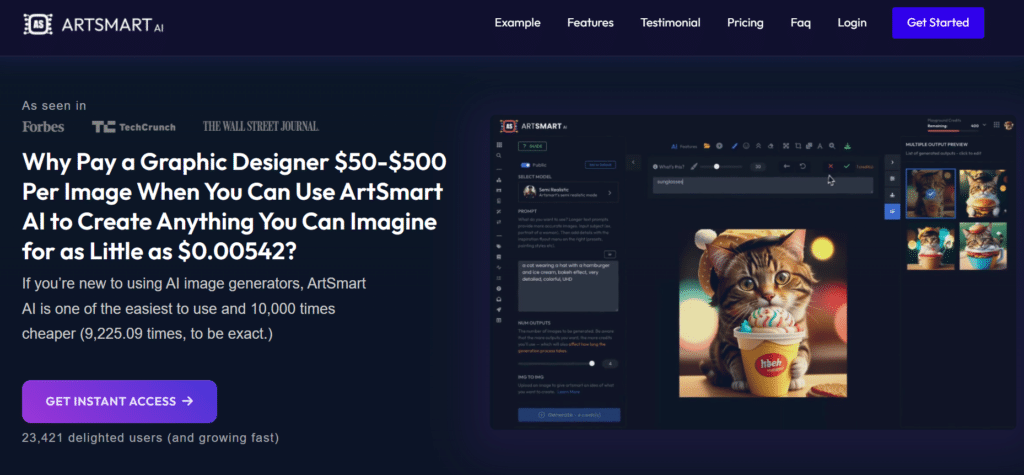
ArtSmart AI has mastered the art of accessibility, making AI image generation approachable for complete beginners while still offering room to grow as users develop their skills.
4.6
OVERALL RATING
Key Pain Points ArtSmart AI Solves
Highlighted Features
The “Guided Creation” wizard makes ArtSmart.AI stand out—it asks simple questions about what you want to create and builds an optimized prompt automatically.
The template gallery provides hundreds of starting points that users can customize. I also appreciated the interactive tutorials that explain AI art concepts in plain language.
Real User Experience
“Its a great to start with AI imaging tool, which helps to create free intresting styled pictures and created images looks realistic with some awesome features to use. And it saves a lot of time. And its a great tool for youtubers and bloggers.“
— Sholden K, Small Business Owner
Pros and Cons
Integrations & Support
ArtSmart AI offers Email/ticket support + Discord API help channel. Full API for embedding gen, manipulation, PosePerfect into apps/sites. Stripe payment integration. Built for freelancers/businesses to plug into existing systems. Solid docs for quick setup.
Pricing
Start your AI art Creative today!
Create impressive images even if you’ve never used AI tools before.
5. ImaginePro – Marketing Team Essential
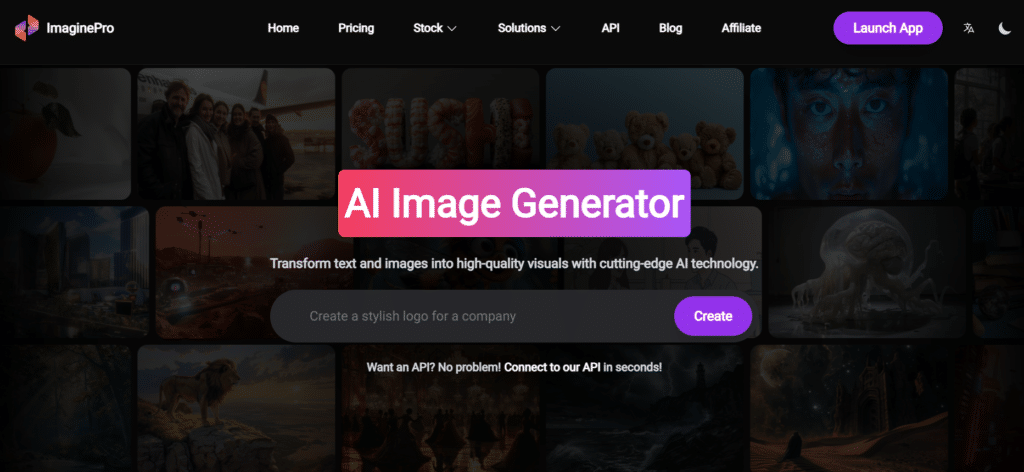
ImaginePro has positioned itself as the ideal AI art solution for marketing teams that need to maintain brand consistency while producing large volumes of creative assets across campaigns.
4.5
OVERALL RATING
Key Pain Points ImaginePro Solves
Highlighted Features
The “Campaign Generator” feature stood out in my testing—it can automatically create variations of a core concept across different formats and channels while maintaining brand consistency.
The platform’s asset management system is also exceptional, with powerful tagging and organization capabilities. Their template system allows non-designers to create on-brand content easily.
Real User Experience
“ImaginePro transformed how our team creates visual content. Before, we had bottlenecks with our design team and inconsistent results from freelancers. Now, our entire marketing department can generate on-brand visuals for any channel. The collaboration features ensure nothing goes live without proper review, and the campaign organization keeps everything structured. We’ve increased our visual content output by 300% while reducing costs.“
— Michael T, Marketing Director at a D2C brand
Pros and Cons
Integrations & Support
ImaginePro offers Priority email support on paid. MCP server for Claude Desktop/Code integration. npx/npm setup. Handles text-to-image, video, upscaling, inpainting via Claude ecosystem. Perfect if you already use Claude tools for dev or creative work.
Pricing
Empower your marketing Visuals!
Create consistent, on-brand visuals across all your marketing channels.
6. Easy-Peasy.AI – Fastest Solution for Quick Projects
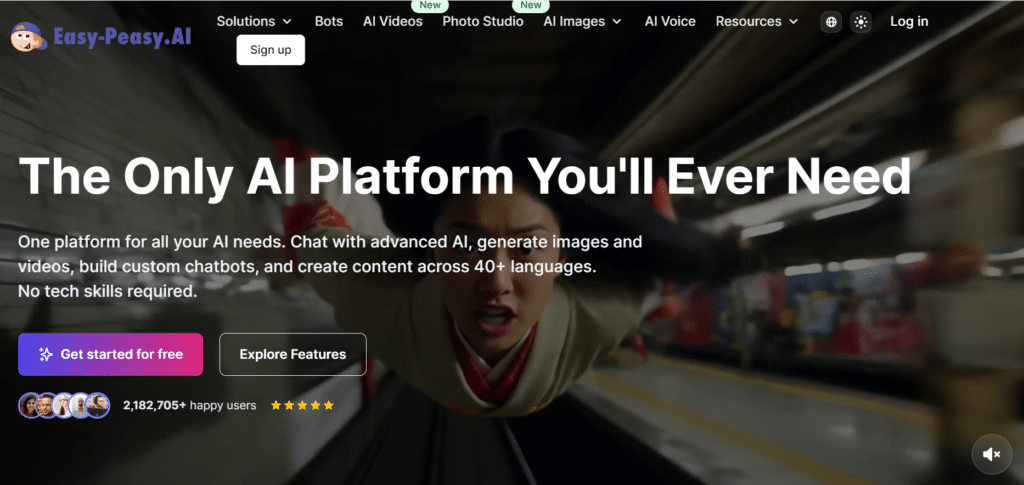
Easy-Peasy.AI lives up to its name by offering the fastest, most streamlined experience for generating AI art when you need images quickly and don’t require complex features.
4.5
OVERALL RATING
Key Pain Points Easy-Peasy AI Solves
Highlighted Features
The “Quick Generation” mode makes easy-peasy.AI easily stand out from the rest of the competition—it can produce usable images with just a few words of description in under 5 seconds.
The mobile app is exceptionally well-designed, offering nearly all the functionality of the web version. I also appreciated the “Last Mile Editing” feature that provides simple but effective touch-up tools.
Real User Experience
“It is astonishing what AI can do for creating images! The true art is in knowing what to write in your text prompt in order to get those fabulous images. This can be a real daunting task, especially if you are new to creating images with AI, like I am.
Easy-Peasy really goes the extra mile in helping users to get the most out of their AI experience. There’s one feature there that says, “Explain it to me like I’m 5”. It does just what it says! It’ll walk you through what to do and how to create spectacular images you never knew was possible before!
There’s also a chat there called “Marky”. Marky is so helpful that you feel like you’re talking to a real person. He’ll listen to what it is you’re trying to create. When it goes wrong, he’ll explain to you why it likely happened and he’s quick to give suggestions on how to fix it. I say “he” because he’s that good, Marky makes you feel right at home, and will definitely help your imagination so you can create brilliant images you just can’t do any other way!
Well done, Easy-Peasy!”
— Shaun MZcCusker (TrustPilot)
Pros and Cons
Integrations & Support
Easy-Peasy.AI offers Email support + 30-day money-back. Zapier, Make, Pipedream connect to Google Drive, Gmail, Notion, Slack, WordPress, Discord, Instagram, Facebook. WhatsApp bot integration. Dedicated WordPress plugin. API for custom text/image/transcription.
Pricing
Automate Your Visuals Creation For projects!
Generate quality AI art in seconds, even on your mobile device.
7. Simplified – All-in-One Creative Platform
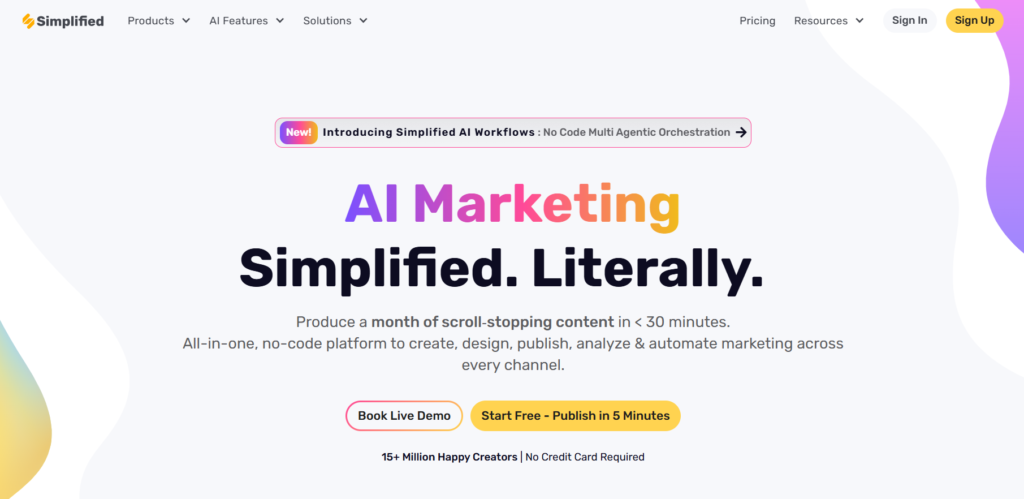
Simplified stands out by integrating AI art generation into a comprehensive creative platform that includes design, content creation, and social media management tools—perfect for creators who need more than just images.
4.5
OVERALL RATING
Key Pain Points Simplified Solves
Highlighted Features
The “Unified Workflow” impressed me most during testing—you can generate an image, edit it in the design tool, add it to social media templates, schedule posts, and track performance all within one platform.
The AI art generator itself offers solid quality with good style variety. Their template system is also excellent, with thousands of pre-designed options.
Real User Experience
“I’m a one-person creative studio, juggling gothic visuals, English copy, and a storm of social-media posts every day. Since I switched to Simplified, the chaos finally lines up. The AI writer nails my tone in seconds, the design suite turns ideas into scroll-stopping graphics, and the built-in scheduler pushes everything live while I’m out shooting fjords.
No more hopping between five different apps, no more “where did I save that file?” moments—just one clean workspace that feels made for creators who value both speed and craft. If you thrive on inspiration yet crave order, give Simplified a spin. It genuinely delivers.”
— Piotr, digital artist, Tromsø (TrustPilot)
Pros and Cons
Integrations & Support
Simplified offers email/FAQ support. n8n connects to 1,000+ apps. Direct social media account linking for posting/scheduling. Chrome Extension, Shopify App, iOS/Android apps. Google Calendar, Outlook, Evernote, OneNote integration. Great for social/content creators.
Pricing
Streamline your creative workflow!
Generate AI images and design content all in one integrated platform.
8. Prome AI – For Technical Users Who Want Control
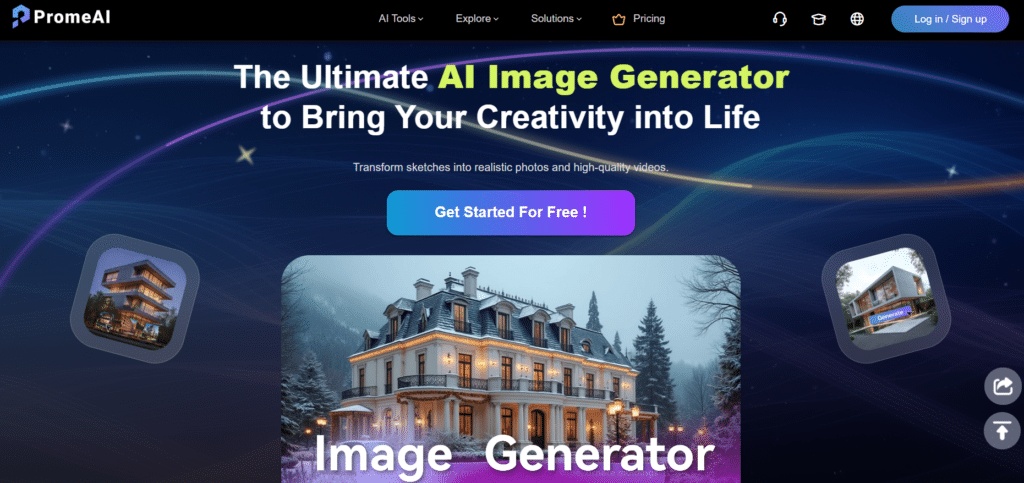
Prome AI caters to technical users who want granular control over the AI generation process, offering advanced parameters and customization options that most platforms hide behind simplified interfaces.
4.4
OVERALL RATING
Key Pain Points Prome AI Solves
Highlighted Features
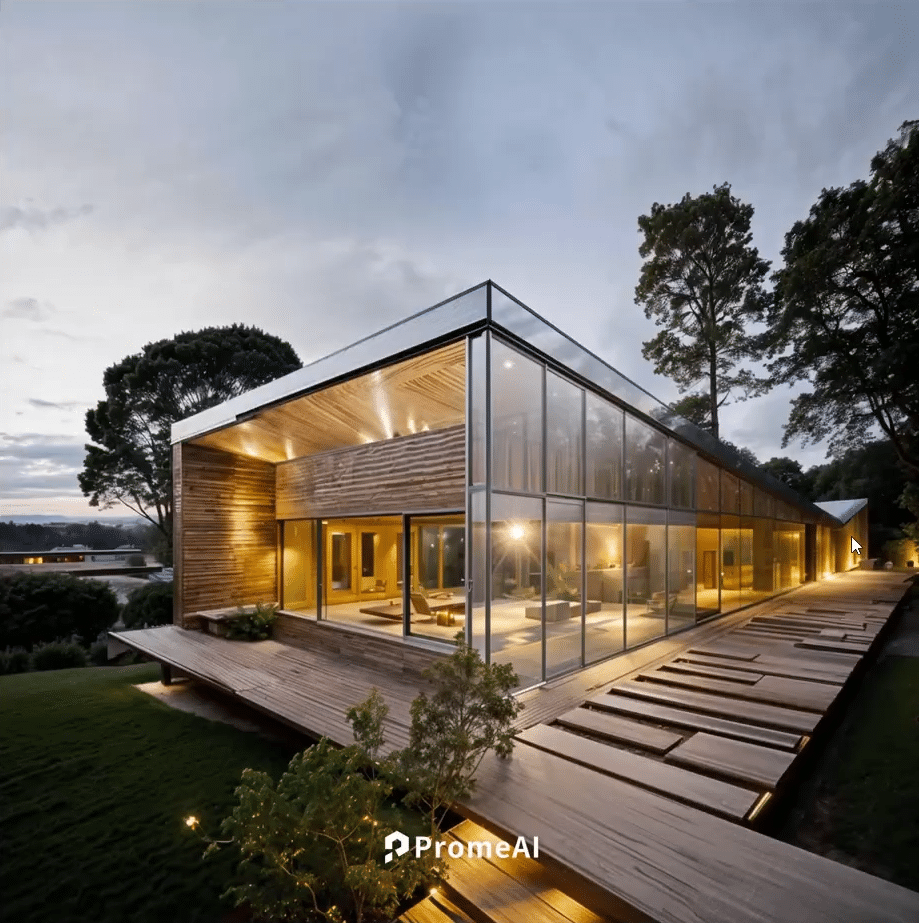
The “Parameter Lab” feature of Prome AI was what I found most fascinating….it allows you to adjust dozens of generation parameters that other platforms don’t expose. The ability to create and save custom parameter presets is extremely useful. I also appreciated the detailed generation logs that help understand how changes affect the output.
Real User Experience
“PromeAI is the only platform that gives me the level of control I need for my research. I can adjust sampling methods, attention mechanisms, and other parameters that most tools hide. The ability to export detailed logs helps me understand the relationship between parameters and outputs. It’s not for beginners, but for technical users who understand diffusion models, it’s invaluable for achieving precise results.“
— Dr. James C, AI researcher
Pros and Cons
Integrations & Support
Prome AI offers email support + community gallery. Team Edition for private workspaces/shared assets. Works with 3D models (upload for rendering). Education/org integration for classrooms/labs. Plugin-like for design workflows. No strong public API.
Pricing
Take control of your AI Image generation & Editing!
Access advanced parameters and technical features for precise results.
9. Scenario AI – Best For 3D Models Generation
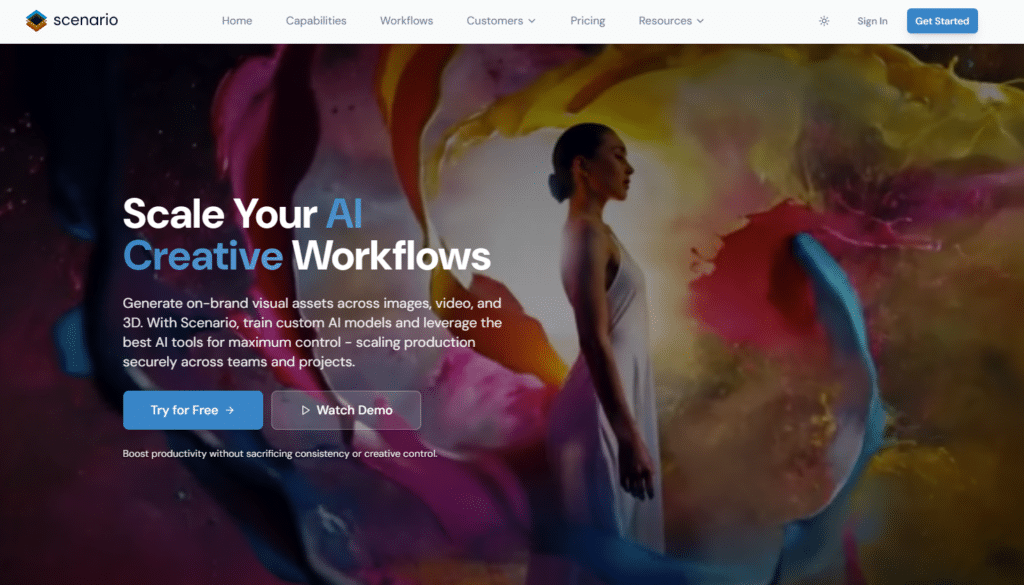
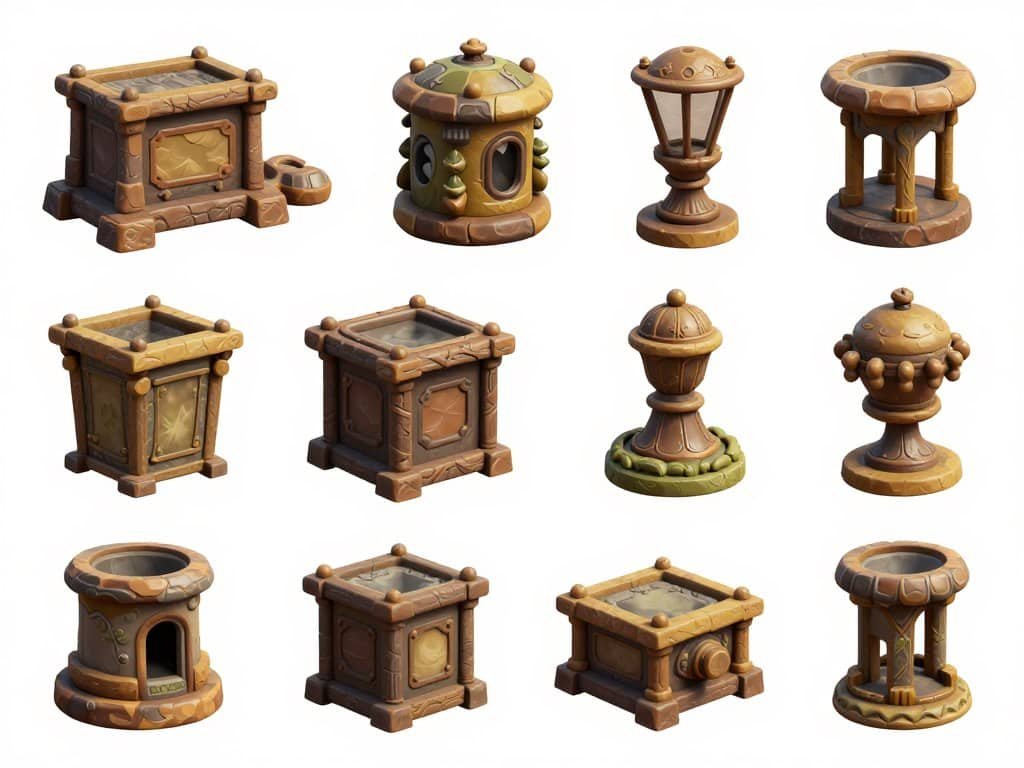
Scenario AI has specialized in serving game developers with AI-generated assets that are optimized for game engines, filling a crucial niche in the rapidly evolving game development landscape.
4.4
OVERALL RATING
Key Pain Points Scenario AI Solves
Highlighted Features
Scenario AI’s “Game Engine Integration” feature allows for assets to be generated and exported directly to Unity or Unreal Engine with proper materials and LODs.
The platform’s ability to create consistent asset sets across different categories is also remarkable. Their texture generation capabilities produce PBR-ready materials that work immediately in game engines.
Real User Experience
“Scenario AI has completely changed our production pipeline. As a small studio, we couldn’t afford to hire multiple 3D artists, which limited the scope of our games. Now we can generate environment assets, props, and textures in hours instead of weeks.
The direct integration with Unity saves additional time, and the quality is impressive—players can’t tell the difference between our AI-generated assets and traditionally created ones.“
— David P, an Indie game developer
Pros and Cons
Integrations & Support
Scenario AI offers email support + free trial. REST API for full programmatic access. Open-source Unity Plugin for game engine. Make.com automation. Custom agent adapters (LangWatch.ai). Built for game/dev teams.
Pricing
Accelerate your 3D Models development!
Access advanced parameters and technical features for precise results.
10. Flux AI – Experimental Art and Animation
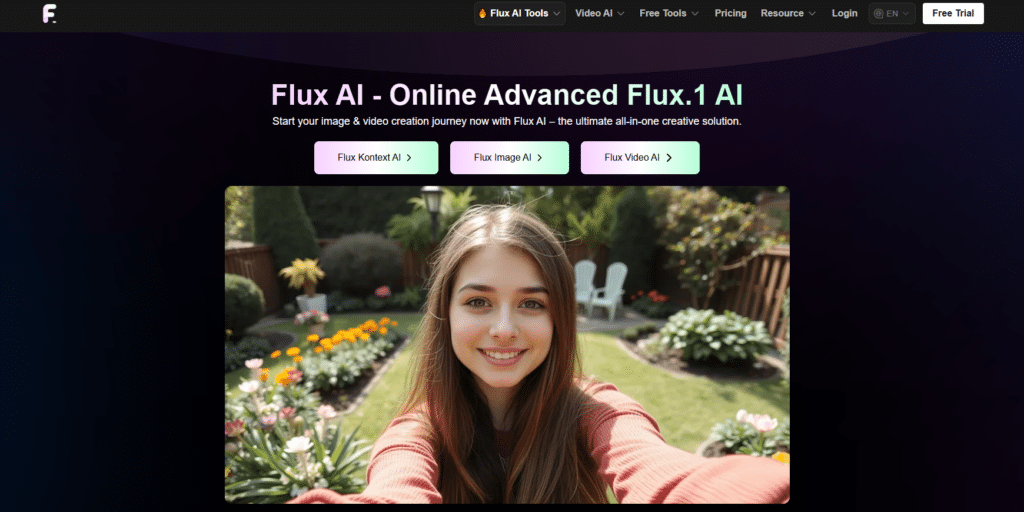
Flux AI pushes the boundaries of what’s possible with AI art, focusing on experimental styles, animation, and video generation for creators who want to explore beyond conventional imagery.
4.4
OVERALL RATING
Key Pain Points Flux AI Solves
Highlighted Features
Flux AI’s “Motion Engine” is one of the features which makes it stand out, transforming still images into fluid animations or generate short videos directly from prompts.
The platform’s unique style models produce results unlike any other generator I’ve tested. I also appreciated the “Style Fusion” feature that combines multiple artistic influences in unexpected ways.
Real User Experience
“Flux AI has become central to my creative practice. Other AI tools produce beautiful but somewhat predictable results—Flux consistently surprises me with unexpected interpretations and styles. The animation capabilities have allowed me to expand into motion art without learning complex animation software. I’ve exhibited work created with Flux in galleries, and viewers are always amazed when they learn AI was involved in the process. “
— Maya P, Digital artist
Pros and Cons
Integrations & Support
Flux AI offers email support. Integration with fal.ai, Replicate, DeepInfra, Together AI, Hugging Face APIs. OpenAI-compatible SDKs. Zapier/Make/n8n for automation (Google Sheets, Slack, Discord). LoRA fine-tuning. API-first for developers.
Pricing
Push creative & Visual Art boundaries!
Explore experimental styles and bring your AI art to life with animation.
11. GoEnhance – Image To Video Specialist
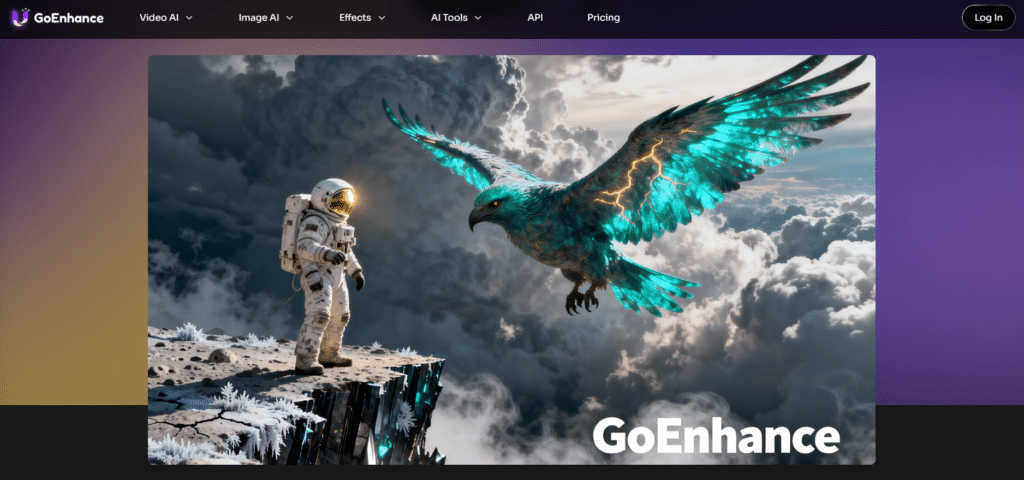
GoEnhance takes a different approach to AI imagery by focusing on turning photos into smooth videos rather than generating images from scratch, making it perfect for photographers and content creators who want to bring their still shots to life.
4.3
OVERALL RATING
Key Pain Points GoEnhance Solves
Highlighted Features
GoEnhance specializes in image-to-video conversion…You upload one photo (or a few), and it creates natural motion, adds realistic movement to people or objects, handles smooth transitions, and keeps lighting and shadows consistent.
Super handy if you’re a photographer looking to make short clips for social media, reels, or client work without shooting extra footage.
Real User Experience
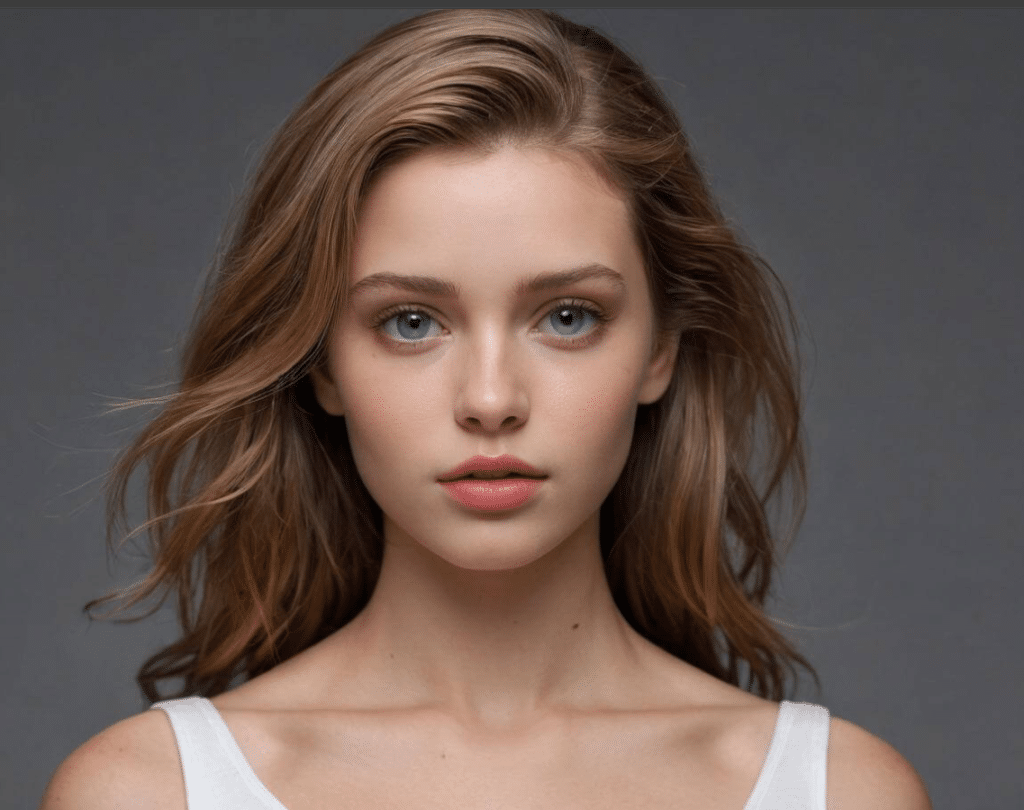
“GoEnhance has become an essential part of my workflow. I recently had a client bring in family photos from the 1940s that were badly damaged—GoEnhance restored them beautifully, preserving the authentic feel while removing damage. For my commercial work, the upscaling feature lets me use images in large formats that would normally be too low-resolution. The results are far more natural than traditional enlargement methods. “
— Thomas R
Pros and Cons
Integrations & Support
Email/ticket support. No strong public API. Browser-based simple workflow. Focused on photo tools – no deep third-party connects listed. Easy for quick photo fixes.
Pricing
Start turning images into motion Visuals!
Convert to video, Enhance, restore, and reimagine your images with AI technology.
12. DrawThis – Social AI Art Community
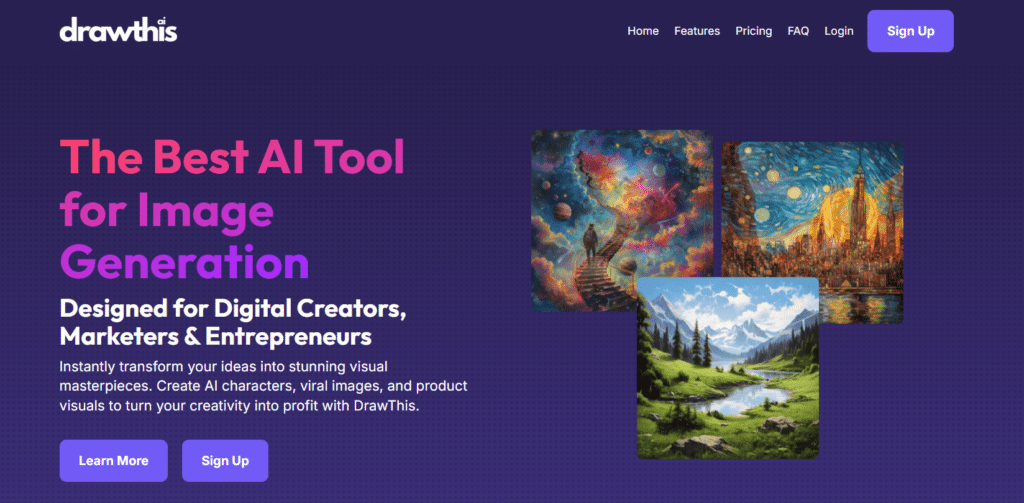
DrawThis has built a thriving social platform around AI art generation, focusing on community features, challenges, and sharing rather than just providing generation tools.
4.3
OVERALL RATING
Key Pain Points DrawThis Solves
Highlighted Features
DrawThis offers the Draw This In Your Style” (DTIYS) challenge which is a weekly themed competitions that give you a clear structure to try new ideas and push your creativity a bit.
The social features work nicely too, with galleries, comments, and follows that actually help build a real sense of community instead of feeling empty or forced.
I also found the Prompt Exchange useful. Users share prompts that get good results, so you can pick up tricks and improve faster without starting from zero every time.
Real User Experience
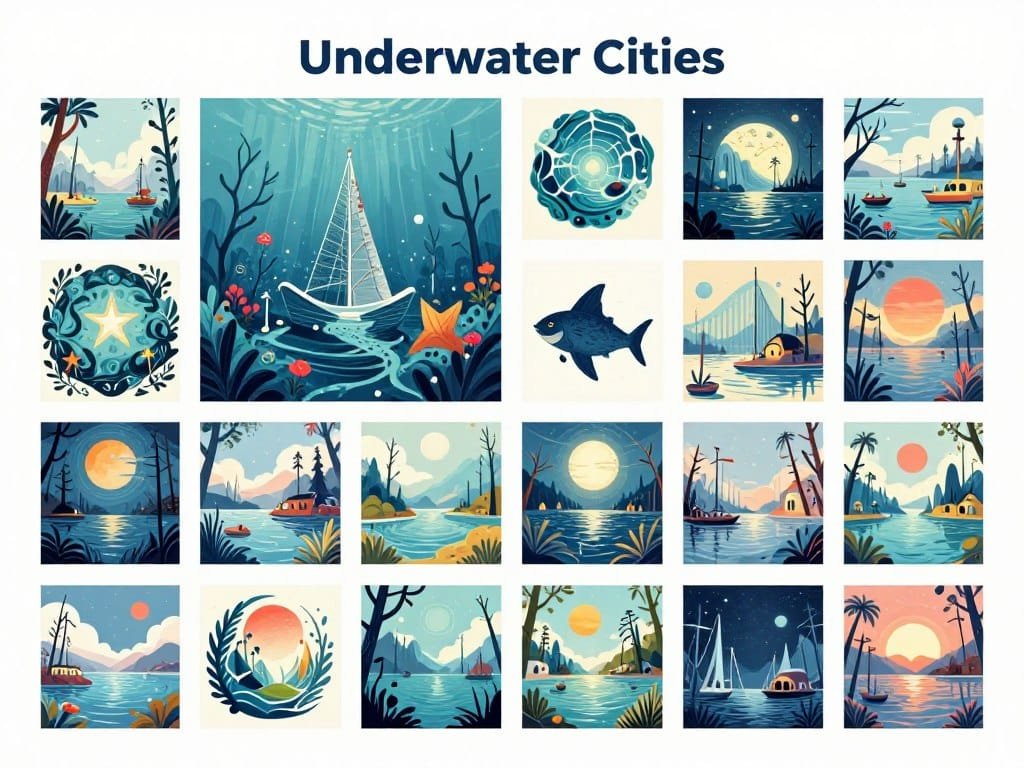
“DrawThis made AI art approachable and fun for me. I was intimidated by other platforms, but the supportive community here helped me learn. The weekly challenges push me to try new styles and techniques I wouldn’t have attempted otherwise. I’ve made friends who share my interests, and seeing how others interpret the same prompts has improved my own skills. It feels less like a tool and more like a creative social network. “
— Emma W, Hobbyist Creator
Pros and Cons
Integrations & Support
Email support only. No API. Standalone simple tool – no deep integrations. Perfect for casual fun art without complexity.
Pricing
Join the AI art community!
Create, share, and connect with fellow AI artists in a supportive environment.
13. All-Images AI – Budget-Friendly Option

All-Images AI focuses on providing basic AI image generation as well as AI stock images at the most affordable price point, making it accessible to users with limited budgets who still want to explore AI art creation.
4.2
OVERALL RATING
Key Pain Points All-Images AI Solves
Highlighted Features
Real User Experience
“As a student on a tight budget, All-Images AI is perfect for me. I need AI-generated images for school projects and personal use, but couldn’t afford the premium options. The quality is good enough for my needs, and the free plan is actually usable without constant upsells. When I did upgrade to the basic paid plan, it was affordable enough to fit in my budget. It doesn’t have all the bells and whistles, but it does exactly what I need it to do. “
— Carlos M, A Student
Pros and Cons
Integrations & Support
All-Images AI offers email support. Full API for programmatic gen/retrieve/purchase. Zapier/Make/Pipedream connect to Slack, Google Drive, WordPress. Boost.space for asset centralization. Website embedding + bulk automation.
Pricing
Create one-of-a-kind images based on your imagination!
Generate quality images without breaking the bank.
Key Features to Look For in AI Art Generators
After testing dozens of AI art generators, I’ve identified the most important features that separate the great tools from the merely good ones. Here’s what to look for when choosing an AI art generator:
Remember that the “best” AI art generator depends on your specific needs. A professional designer might prioritize quality and control, while a casual user might value simplicity and affordability. Consider your use case carefully when making your selection.
Best Practices for Using AI Art Generators
Having generated thousands of AI images across different platforms, I’ve developed some best practices that can help you get the most out of any AI art generator:
One personal tip that’s saved me countless hours: when working on a project that requires multiple related images, first spend time perfecting a “base prompt” that captures the core style and elements. Once you have that dialed in, you can make minor modifications for each specific image while maintaining visual consistency across the set.
Final Thoughts: Choosing the Right AI Art Generator
After extensively testing these 13 AI art generators, it’s clear that the field has matured significantly in 2026. These tools have evolved from novelties into serious creative platforms that can produce professional-quality results.
If you’re looking for the absolute best overall performance, Artspace AI stands out for its exceptional image quality, powerful editing features, and style consistency—making it ideal for professional work despite its higher price point.
For artists looking to incorporate AI into their creative process, Imagine.Art offers the most artist-friendly approach with its unique brush control system and style transfer capabilities.
Content creators who need volume and efficiency will find Getimg.AI image generator to be the perfect balance of quality, speed, and integration capabilities.
Remember that the “best” tool ultimately depends on your specific needs, technical comfort level, and budget. I recommend starting with the free tier of a few different platforms to get a feel for their interfaces and output quality before committing to a paid subscription.
Have you tried any of these AI art generators? Which one works best for your creative process? The field is evolving rapidly, and I’d love to hear about your experiences in the comments below.
Ready to explore AI art creation?
Start with my top recommendation for most users. Artspace enables creative image generation plus various customization options.