The rise of advanced AI writing tools has made it increasingly difficult to distinguish between human and machine-generated content. Whether you’re an educator concerned about academic integrity, a content publisher worried about authenticity, or a business protecting your brand, reliable AI detection tools have become essential.
I’ve spent years working with these technologies and testing numerous solutions to separate the truly effective from the merely adequate. In this article, we’ll review the top picks to help you choose the right tool for your specific needs.
What Are AI Detection Tools?
AI detection tools are specialized software designed to analyze text and identify content likely generated by artificial intelligence systems like GPT-5.2, Claude Sonnet, Grok 4 or similar large language models. These tools examine writing patterns, linguistic structures, and statistical properties that often differentiate AI-written content from human writing.
The best detectors can identify subtle patterns that humans might miss, such as unusual consistency in sentence structure, predictable word choices, or statistical improbabilities in the text flow. As AI writing becomes increasingly sophisticated, detection tools have evolved to keep pace, using advanced algorithms and machine learning techniques to improve accuracy.
For educators, publishers, and businesses, these tools provide a crucial line of defense against plagiarism, academic dishonesty, and content misrepresentation. They help maintain integrity in various fields where authentic human writing matters.
How Do AI Detection Tools Work?
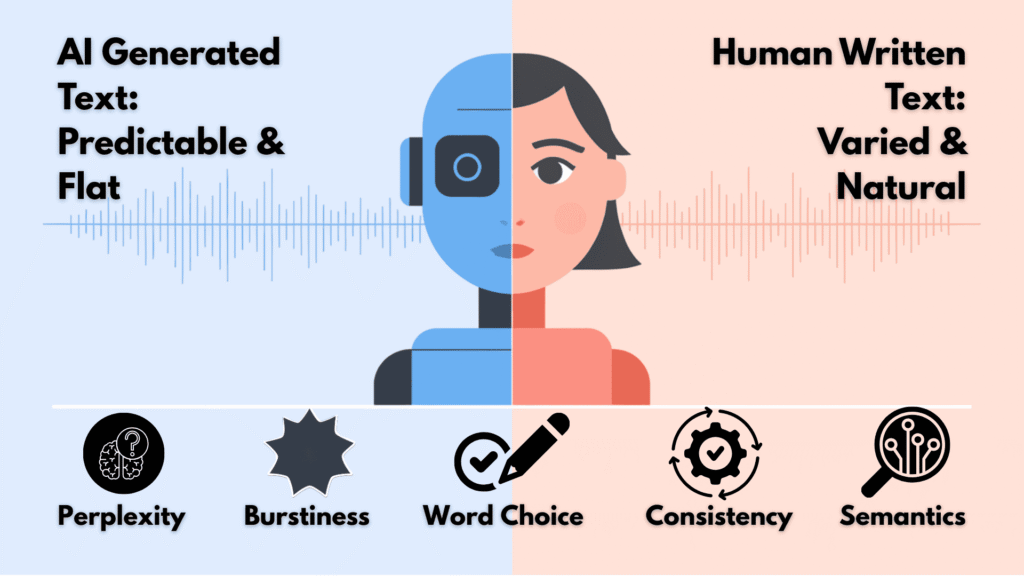
Most AI detection tools analyze text using sophisticated algorithms that look for telltale signs of machine generation. They typically examine:
The most effective tools combine multiple detection methods and continuously update their models to recognize content from the latest AI systems. Many use their own proprietary algorithms or machine learning models trained on vast datasets of both human and AI-written text.
Important Disclaimer
No AI detection tool is perfect. Even the best tools occasionally produce false positives (flagging human content as AI-generated) or false negatives (missing AI-generated content). These tools should be used as aids to human judgment, not as definitive arbiters of content authenticity.
AI Detection Tools Criteria
I evaluated each tool based on several key factors to ensure a comprehensive assessment:
Accuracy
The tool’s ability to correctly identify AI-generated content while minimizing false positives. I tested each with various content types, including heavily edited AI text and mixed human/AI content.
Features
Beyond basic detection, I examined additional capabilities like plagiarism checking, multilingual support, bulk processing, and detailed reporting options.
Ease of Use
The intuitiveness of the interface, simplicity of the workflow, and overall user experience for both beginners and advanced users.
Support & Integrations
Available customer support channels, documentation quality, and integration capabilities with other platforms like LMS systems, Google Docs, or WordPress.
Pricing
Value for money, pricing structure, and availability of free plans or trials. I considered both individual and institutional/enterprise needs.
Updates & Development
How frequently the tool is updated to detect content from newer AI models and the company’s commitment to ongoing improvement.
Why Should You Trust Me?
I bring substantial expertise to this evaluation. As an AI Engineer with an MSc in Data Science and Machine Learning and a BSc in Software Engineering, I’ve been working professionally in the field since 2018. I’ve ghost-developed numerous AI applications and have intimate knowledge of how these tools function at their core.
For this review, I personally tested each tool with various content types, including:
- Pure AI-generated text from multiple models (GPT-4, Claude, Bard)
- Human-written content from diverse authors
- Hybrid content with mixed human and AI input
- “Humanized” AI content that had been processed to evade detection
- Content in multiple languages where supported
My goal is to provide you with an honest, technical assessment based on real-world testing rather than marketing claims.
Comparison Chart
| Rank | Tool | Best For | Key Features | Rating | Pricing |
| 1 | Originality.AI | Marketing agencies, publishers | 97%+ accuracy, plagiarism check, Chrome extension | 4.8/5 | Credit-based system |
| 2 | GPTZero | Educators, academic institutions | Low false positives, writing feedback, video proof | 4.7/5 | Free plan, $10-46/month |
| 3 | Winston AI | SEO professionals, publishers | 99.98% claimed accuracy, multilingual, AI image detection | 4.6/5 | Free basic, $8-12/month |
| 4 | Undetectable AI | Content creators, students | Detection + humanizer, multi-checker results | 4.5/5 | Free basic, paid plans |
| 5 | AI Detector Pro | Writers using AI | Scan-as-you-type, tone analysis, rewriting | 4.4/5 | Free, $14-25/month |
| 6 | SciSpace | Researchers, academics | 98% accuracy, scholarly focus, editing tips | 4.3/5 | Free |
| 7 | Paperpal | Academic publishing | Scholarly training, revision tracking, templates | 4.22/5 | Free |
| 8 | Monica.im | Students, bloggers | Multi-detector results, humanizer tool | 4.1/5 | Free with quota |
| 9 | Copyleaks | Educational institutions | Combined plagiarism/AI detection, LMS integration | 4.0/5 | $13-20/month |
Top 3 AI Detection Tools Picks



Top 9 AI Detection Tools Ranked
1. Originality.AI (Leading AI Detection Tool for Marketers & Publishers)
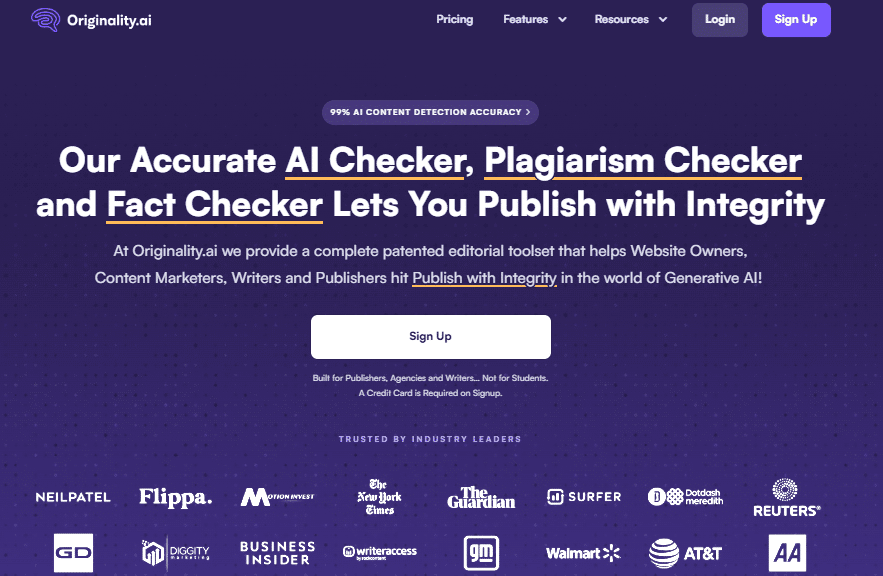
Originality.AI stands out as the most powerful solution for professionals who need exceptional accuracy without compromising on features. This tool has consistently impressed me with its ability to detect content from even the newest AI models.
4.8
OVERALL RATING
Key Pain Points Solved:
Many creators struggle with three major challenges that Originality.AI effectively addresses:
Highlight Features:
Real-World Application
A digital marketing agency I consulted for was struggling with content authenticity issues that affected their clients’ search rankings.
After implementing Originality.AI across their content workflow, they identified that approximately 15% of their freelance submissions contained undisclosed AI-generated sections. By addressing this issue, they saw a 22% improvement in client content performance within three months and eliminated client complaints about content quality.
Pros and Cons


Integrations & Support
Originality.AI offers robust API access, WordPress and Moodle plugins, and a Chrome extension. Their support team is responsive, typically replying within hours, and they maintain comprehensive documentation. Based on reviews across G2, Trustpilot, and Capterra, users consistently praise their customer service.
Pricing
Free AI detector tool for basic checks (no cost to scan). Full suite (AI + plagiarism + fact-check) paid from ~$13-15/month (subscription) or pay-as-you-go ~$30 for 3,000 credits. Great for pros needing detailed reports and low false positives, but credits add up fast for big volumes.
Ready for unmatched AI detection accuracy?
Join thousands of professionals who trust Originality.AI for the most reliable content verification available.
2. GPTZero (Best for Educators & Academic Integrity)
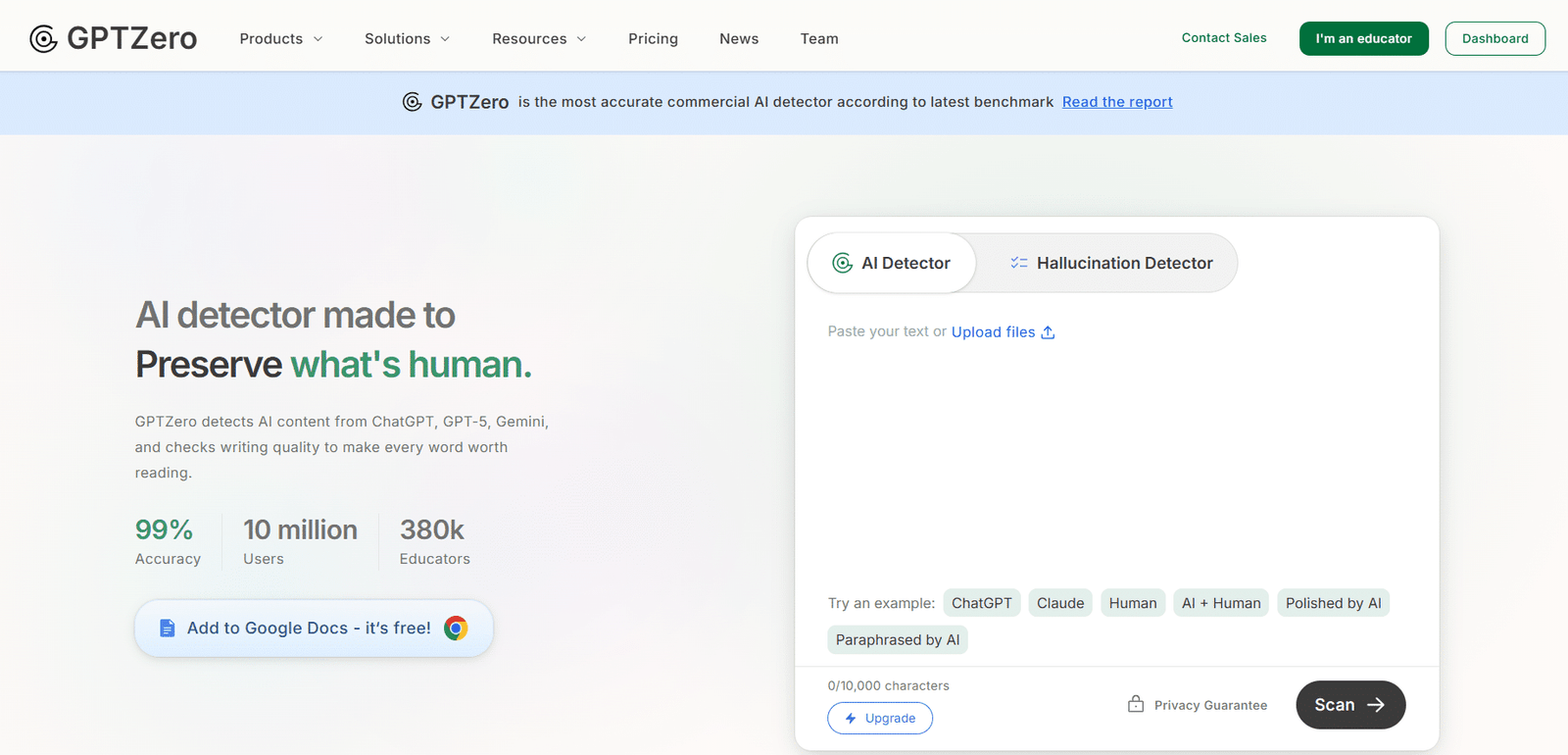
GPTZero has established itself as the go-to solution for educational institutions, with over 380,000 educators relying on its technology. What began as a project by a Princeton student has evolved into one of the most trusted names in academic integrity.
4.7
OVERALL RATING
Key Pain Points Solved:
GPTZero addresses several critical challenges faced by educators:
Highlight Features:
Real-World Application
A university writing department I worked with implemented GPTZero across their first-year composition courses after noticing suspicious patterns in student submissions.
Rather than using it punitively, they incorporated it as a teaching tool, showing students how AI patterns differ from human writing. The result was a 34% decrease in suspected AI use and, more importantly, students reported greater confidence in their own writing abilities as they better understood the differences.
Pros and Cons
Integrations & Support
GPTZero integrates with Google Docs, Google Classroom, Canvas, and other educational platforms. Their support team is education-focused and understands the unique needs of academic institutions. Based on reviews, users particularly appreciate their responsive email support and comprehensive knowledge base.
Pricing
GPTZero offers a free plan with 10,000 words per month and basic scans. Premium plans range from approximately $10-24 per month (billed annually) with 300,000 words and all features. Professional plans ($25-46/month) include 500,000 words and additional features like bulk file processing.
Protect academic integrity with confidence
Join over 380,000 educators who trust GPTZero to maintain authenticity in student work.
3. Winston AI (Best for SEO Professionals & Publishers)
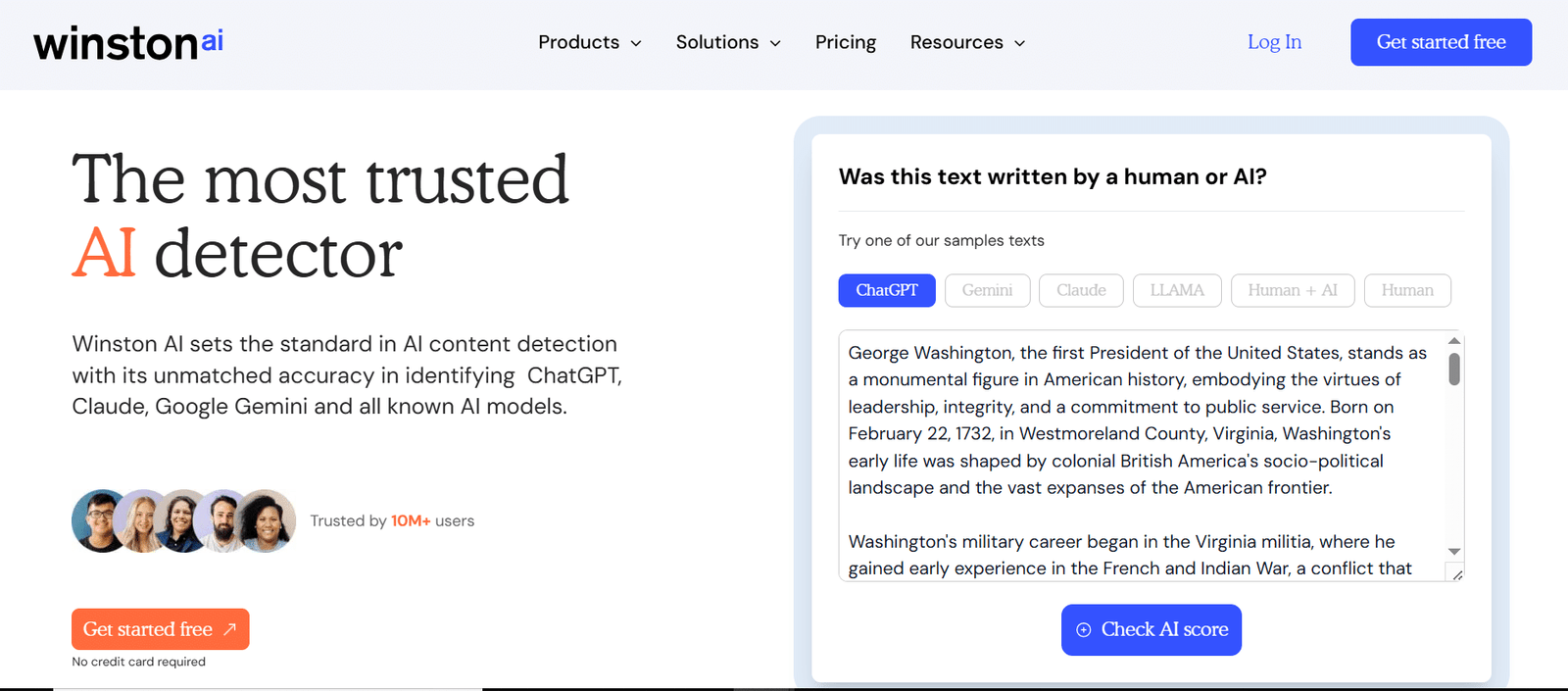
Winston AI has rapidly emerged as a top contender in the detection space, consistently earning high marks for accuracy in independent tests. This tool particularly shines when dealing with content that has been processed through “humanizers” or paraphrasing tools.
4.6
OVERALL RATING
Key Pain Points Solved:
Winston AI effectively addresses several challenges that plague other detection tools:
Highlight Features:
Real-World Application
A digital publisher I consulted for was struggling with contributors submitting AI-generated content that had been run through humanizer tools to bypass their existing detection system. After implementing Winston AI, they identified approximately 23% of submissions contained disguised AI content.
By addressing this issue, they maintained their publication’s reputation for authentic content and saw a 17% increase in reader engagement metrics over the following quarter.
Pros and Cons
Integrations & Support
Winston AI offers API integration for developers and a Chrome extension for everyday users. Their support team is responsive and knowledgeable, typically replying within one business day. Users on G2 and Trustpilot frequently mention the quality of their technical support as a standout feature.
Pricing
Winston AI offers a free basic account with limited credits. Paid from ~$10-14/month (Essential ~80k words), up to $19-32/month for Advanced/Elite (more words, plagiarism, team features). Annual deals help. Strong for nuanced detection, including images – affordable if you need accuracy over volume.
Detect even the most cleverly disguised AI content
Experience Winston AI’s industry-leading accuracy for yourself with a free trial.
4. Undetectable AI (Best Detection + Humanizer Combo)
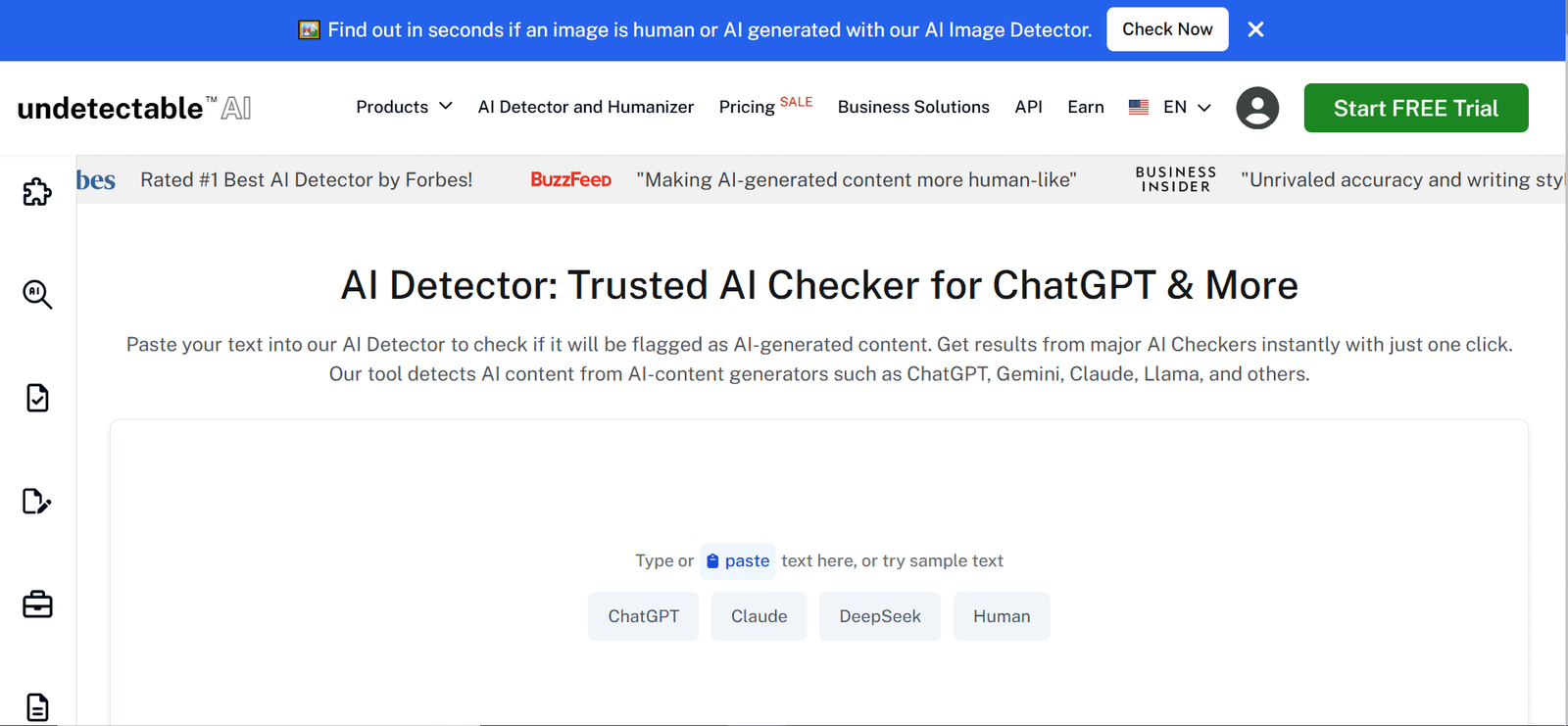
Undetectable AI takes a unique approach by combining detection capabilities with humanization tools. This dual functionality makes it particularly valuable for content creators who use AI as a starting point but need the final output to read naturally.
4.5
OVERALL RATING
Key Pain Points Solved:
Undetectable AI addresses several distinct challenges:
Highlight Features:
Real-World Application
A content marketing team I consulted for was using AI to generate initial drafts but found the output too mechanical and easily flagged by clients’ detection tools.
By implementing Undetectable AI in their workflow, they were able to maintain the efficiency benefits of AI assistance while ensuring their final deliverables had the natural flow and style their clients expected.
The team reported a 35% increase in content production speed while maintaining high client satisfaction scores.
Pros and Cons
Integrations & Support
Undetectable AI offers a Chrome extension and basic API access. Their support team is responsive through email, typically replying within 24 hours. User reviews note that while they don’t offer as many integration options as some competitors, their core functionality works reliably.
Pricing
Free limited words to test. Paid word-based from ~$10-20/month entry (10k-20k words), scaling to $45+/month for bigger packs. Flexible pay-as-you-go. Good for quick checks, but costs rise if you’re scanning tons – best for occasional use.
Transform AI-generated content into natural human writing
Experience the dual power of detection and humanization in one platform.
5. AI Detector Pro (Best for Writers Generating AI Pieces Daily)
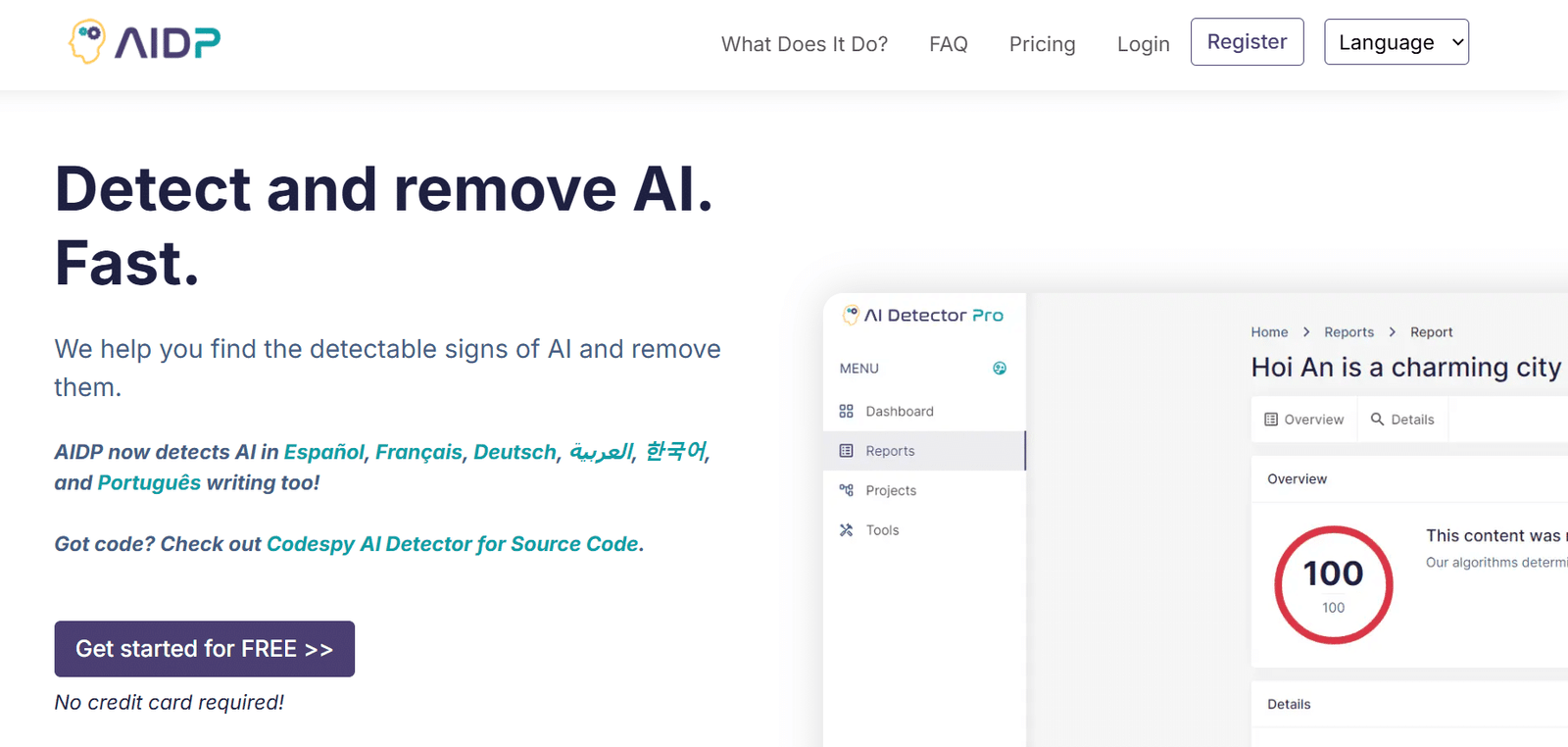
AI Detector Pro stands out for its real-time analysis capabilities and integration with popular writing platforms. This tool is particularly valuable for writers who want to check content as they create it rather than after completion.
4.4
OVERALL RATING
Key Pain Points Solved:
AI Detector Pro addresses several workflow challenges:
Highlight Features:
Real-World Application
A freelance writer I worked with was using AI tools for research and initial drafts but struggled with clients rejecting work that appeared too AI-like. After implementing AI Detector Pro with its Word plugin, she was able to identify and revise problematic sections during her writing process rather than after completion.
This proactive approach reduced revision requests by approximately 60% and helped her maintain higher client satisfaction rates.
Pros and Cons
Integrations & Support
AI Detector Pro offers plugins for Microsoft Word and Google Docs, plus API access for developers. Their support team is writer-focused and understands content creation workflows. Reviews highlight their responsive chat support and helpful tutorial resources.
Pricing
Free limited trial (few reports or words). Paid plans from ~$13-28/month (Basic for more reports), up to $50/month for Unlimited (full features like AI eraser, multi-language). Decent for rewriting tweaks too, but free tier too restricted for serious testing.
Integrate AI detection directly into your writing workflow
Catch and fix AI-like content as you write with real-time analysis.
6. SciSpace (Best for Researchers & Academic Writing)
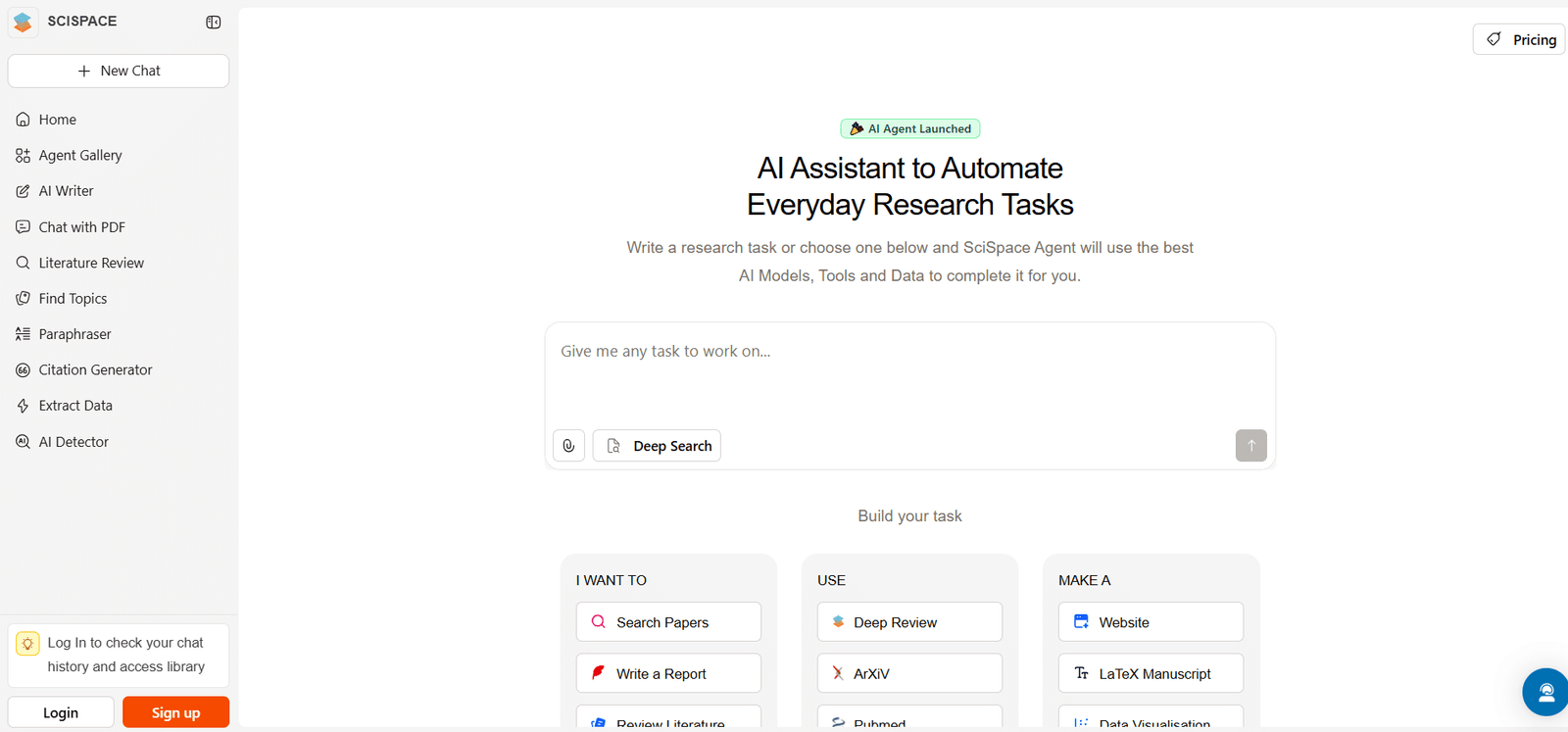
SciSpace (formerly Typeset.io) has developed an AI detector specifically optimized for academic and research content. This specialized focus makes it particularly valuable for researchers, academics, and students working with scholarly material.
4.3
OVERALL RATING
Key Pain Points Solved:
SciSpace addresses several challenges unique to academic contexts:
Highlight Features:
Real-World Application
A graduate research department I consulted for implemented SciSpace after concerns about AI use in thesis drafts. They appreciated the tool’s ability to handle technical content without excessive false positives that plagued other solutions they had tried.
The editing suggestions proved particularly valuable, as they helped students understand specifically how to improve their writing rather than simply flagging problematic sections. The department reported that the tool served an educational purpose beyond mere detection.
Pros and Cons
Integrations & Support
SciSpace offers limited formal integrations but works well as a standalone tool. Their support is primarily through documentation and email. As an academic-focused tool, they maintain a knowledge base specifically addressing scholarly use cases.
Pricing
Mostly free for core AI detection (unlimited basic scans on text/PDFs, great for academics). Some advanced research tools or higher limits may need premium (starts ~$12/month). Zero-risk option if you’re checking essays/papers – outperforms many on scholarly content without paying.
Specialized AI detection for academic and research content
Analyze scholarly writing with a tool designed specifically for academic contexts.
7. Paperpal (Best for Academic Publishing Workflows)

Paperpal has developed an AI detector specifically for the academic publishing ecosystem. This specialized tool is designed to help researchers, journal editors, and academic institutions maintain the integrity of scholarly communications.
4.3
OVERALL RATING
Key Pain Points Solved:
Paperpal addresses several challenges specific to academic publishing:
Highlight Features:
Real-World Application
An academic journal I advised was concerned about undisclosed AI use in manuscript submissions. After implementing Paperpal in their review process, they identified approximately 8% of submissions contained significant AI-generated content without proper disclosure.
Rather than rejecting these papers outright, they used Paperpal’s disclosure templates to work with authors on proper attribution. This approach maintained publication integrity while educating authors about emerging best practices for AI use in scholarly writing.
Pros and Cons
Integrations & Support
Paperpal offers limited formal integrations but works well as a standalone tool. Their support is academically focused and includes resources specifically for researchers and journal editors. They maintain documentation addressing common scholarly publishing scenarios.
Pricing
Free AI detector with limits (5 scans/day, up to 1,200 words each). Unlimited scans + bigger files with Prime subscription ~$9-19/month (monthly/yearly). Tailored for academics – keeps formatting, highlights sentences, perfect for researchers avoiding false flags.
Maintain integrity in academic publishing
Ensure proper AI disclosure and content authenticity in scholarly communications.
8. Monica.im (Best Budget Tool for Students & Bloggers)
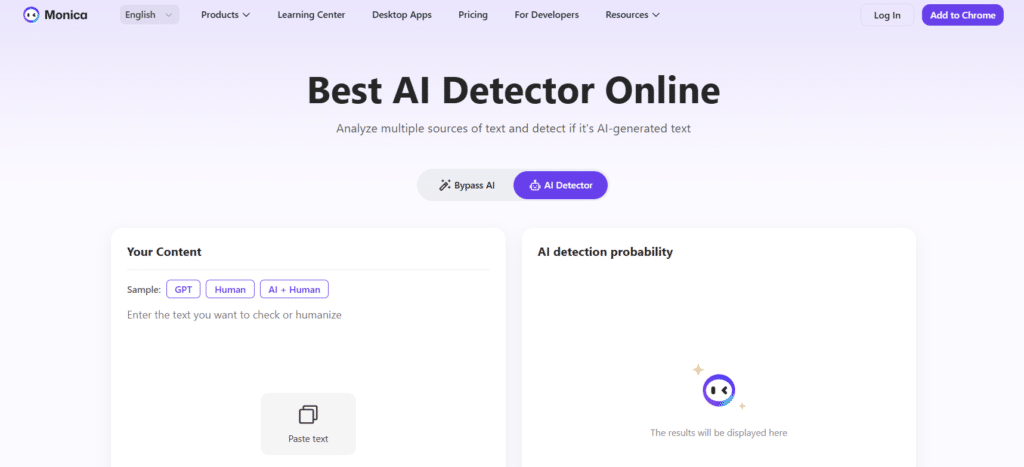
Monica.im offers a straightforward, accessible approach to AI detection that’s particularly well-suited for students, bloggers, and casual users who need quick checks without complex features or steep learning curves.
4.1
OVERALL RATING
Key Pain Points Solved:
Monica.im addresses several common challenges:
Highlight Features:
Real-World Application
A student writing center I consulted with implemented Monica.im as a self-service option for students concerned about unintentional AI indicators in their writing. The tool’s simplicity made it accessible even to students with limited technical skills, and the humanizer feature helped them learn how to improve their writing style.
The writing center reported that this approach empowered students to take ownership of their writing process rather than simply policing potential AI use.
Pros and Cons
Integrations & Support
Monica.im offers limited formal integrations, functioning primarily as a standalone web tool. Their support is basic but sufficient for the tool’s straightforward functionality, primarily through documentation and email.
Pricing
Free trial credits for basic detection (no cost to start, combines GPTZero/Copyleaks). Paid plans from ~$8-20+/month for more credits/unlimited. All-in-one AI suite – handy if you want detector + other tools, but credits burn fast on heavy use.
Quick, simple AI detection for everyday use
Get balanced results from multiple detection systems with an easy-to-use interface.
9. Copyleaks (Best for Institutions (Plagiarism + AI Detection))
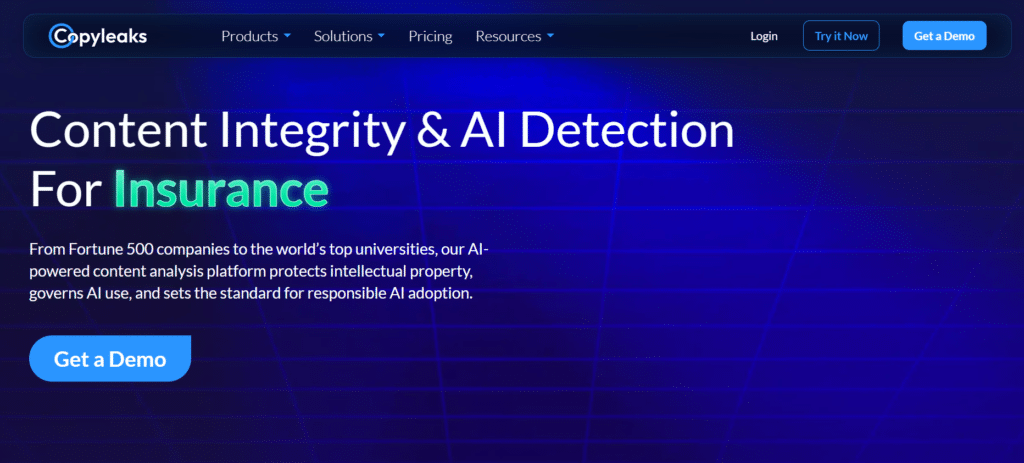
Copyleaks has leveraged its extensive experience in plagiarism detection to create a robust AI content identification system. This dual-purpose tool is particularly valuable for educational institutions that need comprehensive content verification.
4.0
OVERALL RATING
Key Pain Points Solved:
Copyleaks addresses several significant challenges:
Highlight Features:
Real-World Application
A community college writing program I worked with implemented Copyleaks after struggling with both traditional plagiarism and emerging AI use. Their previous solution required separate tools for each issue, creating workflow inefficiencies.
After adopting Copyleaks, they streamlined their verification process, reducing the time spent on content checking by approximately 40%. The integration with their Canvas LMS was particularly valuable, allowing instructors to access results directly within their existing workflow.
Pros and Cons
Integrations & Support
Copyleaks offers extensive integrations with learning management systems, Microsoft Word, Google Workspace, and API access for custom implementations. Their support team specializes in educational technology and provides comprehensive onboarding assistance. Reviews consistently mention their responsive support as a key advantage.
Pricing
Free trial available. Paid from ~$14/month (Personal, AI + plagiarism in one report), up to $168/yearly for more features/languages. Enterprise/education custom. Reliable for schools/businesses – multilingual, low false positives, but pricier for individuals.
Simplify your content verification process
Get comprehensive plagiarism and AI detection in one powerful platform.
Key Features to Look For in AI Detection Tools
When evaluating AI detection tools for your specific needs, focus on these critical capabilities:
- Accuracy & False Positive Rate: Inaccurate flagging of human content creates frustration and wastes time. Look for tools with documented low false positive rates, especially for your specific content type (academic, marketing, etc.).
- Detection Scope: Newer AI models constantly emerge. Ensure your chosen tool regularly updates to detect content from the latest systems like GPT-4, Claude, and others to avoid obsolescence.
- Explanation Capability: Simple percentage scores aren’t enough. The best tools explain why content was flagged, highlighting specific sections and patterns that triggered detection.
- Language Support: If you work with non-English content, verify the tool’s multilingual capabilities. Many detectors perform significantly worse outside of English.
- Integration Options: Consider how the tool fits into your workflow. Look for integrations with your writing platforms, learning management systems, or content management systems.
Best Practices for Using AI Detection Tools
To get the most reliable results from AI detection tools, follow these best practices:
In my experience consulting with educational institutions, I’ve found that establishing clear policies around AI detection before implementation is crucial.
One university I worked with created a tiered approach: initial screening with automated tools, followed by human review of flagged content, and finally a conversation with students when concerns persisted. This balanced approach prevented over-reliance on technology while still benefiting from its efficiency.
Key Takeaways
- No Perfect Solution: While tools like Originality.AI and GPTZero lead in accuracy, no detector is infallible. The best approach combines technology with human judgment.
- Match to Your Needs: Choose tools based on your specific use case—educators may prefer GPTZero’s academic focus, while content marketers might benefit more from Originality.AI’s comprehensive features.
- Evolving Landscape: Both AI generation and detection technologies are rapidly evolving. Regular reassessment of your chosen tools is essential to maintain effectiveness.
- Ethical Considerations: Consider how detection tools fit into your broader policies on AI use. The goal should be promoting appropriate use rather than simply policing content.
Conclusion
After extensive testing and analysis, Originality.AI emerges as the top overall AI detection tool for 2026, offering exceptional accuracy, comprehensive features, and regular updates for new AI models. However, the “best” tool ultimately depends on your specific needs and use case.
Are you ready to confidently identify AI-generated content in your organization or classroom?
The tools reviewed here provide reliable solutions for maintaining content authenticity in an increasingly AI-driven world. I recommend starting with a free trial of your top choice based on your specific requirements, then evaluating its performance in your actual workflow.
Take control of content authenticity today
Start with Originality.AI for industry-leading accuracy and comprehensive features