Thinking about getting inked but struggling to find the perfect design?
AI tattoo generators are revolutionizing how we approach tattoo design by creating custom, unique artwork in seconds. Whether you’re looking for inspiration or ready to take a design to your artist, these tools can save you time, money, and potential regret.
I’ve spent countless hours testing the leading AI tattoo generators on the market to bring you this comprehensive guide. From realistic black and gray designs to vibrant watercolor styles, these tools can create virtually any tattoo style you can imagine.
Let’s dive into the best options available today!
What Are AI Tattoo Generators?
As an AI expert, I’ve watched technology evolve rapidly, but I find AI tattoo generators to be a truly personal breakthrough within the category of AI Image generation. We aren’t just talking about simple filters; we are looking at advanced models like Stable Diffusion and Flux.1 that understand complex artistic styles.
These tools use deep learning to analyze millions of images, allowing them to generate tattoo designs from simple text descriptions. It automates the creative drafting process, considering factors like placement and skin tone.
It’s like having a digital sketch artist available 24/7, turning our abstract thoughts into visual concepts faster than we ever imagined possible.
Why Use AI For Tattoo Designing?
We should MOST DEFINATELY use AI because it removes the fear of regret and helps us discover truly unique tattoo ideas. Getting inked may be permanent, so visualizing the outcome beforehand is crucial. Imagine you want a dragon but aren’t sure if it should be traditional or realistic.
You can input those details and try tattoo variations on your arm virtually in seconds. It helps us communicate our vision clearly to professional artists. Instead of guessing, we get a precise starting point.
It bridges the gap between our imagination and the artist’s needle, ensuring we love the art before it becomes a part of us.
Who Can Benefit from them?
How I Evaluated These AI Tattoo Generators
I’m an AI engineer with an MS in Data Science and Machine Learning and a BS in Software Engineering. I’ve worked professionally since 2018 and have ghost-developed several AI applications, so I understand how AI image models behind the modern tattoo design tools work….and what makes AI-generated tattoos look authentic rather than artificial.
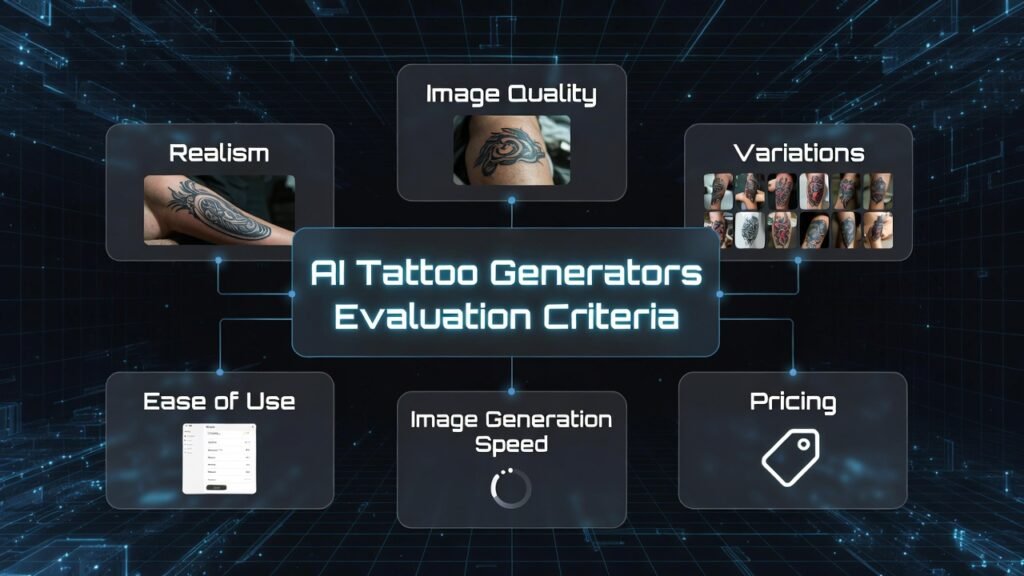
I evaluated these tattoo generators using real-world testing, not just feature comparisons. Each platform was tested with the same set of reference images (common body placements like forearms and backs) and a consistent batch of text prompts, ranging from minimalist blackwork to complex neo-traditional styles. This kept the comparison fair and controlled.
I assessed each tool across the following practical dimensions:
Beyond hands-on testing, I also reviewed user feedback on G2, Trustpilot, and Capterra to validate common strengths and recurring issues.
Want the quick takeaway? Keep reading—I ranked each tool from best overall to niche standouts so you can find the one that fits your style.
Top AI Tattoo Generators at a Glance
Before we dive into the detailed reviews, here’s a quick comparison of the top AI tattoo generators based on my extensive testing and research:
| Rank | AI Tool | Key Features (top highlights) | Best For | Rating | Pricing Plans |
|---|---|---|---|---|---|
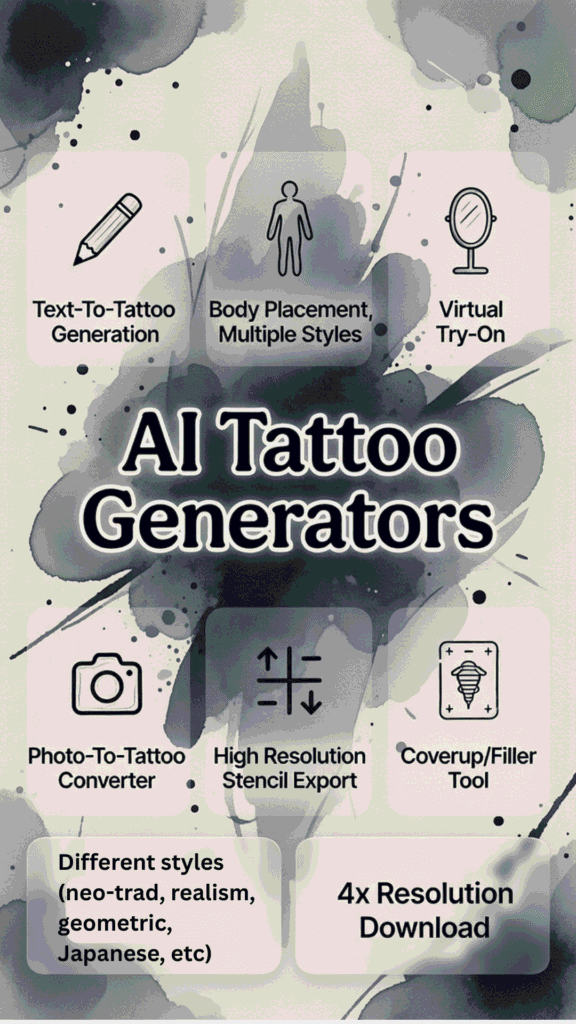
| 1 | BlackInk AI | Text-to-tattoo gen, body placement templates, complexity control, stencil converter, coverup/filler tool, 4x super res downloads, private designs, 100+ languages | Professional-quality tattoo designs + stencils for artists or serious users | 4.8 | Free: 3 credits (try 3 gens). Paid: $15/month, $39.99/3 months ($0.44/day), $72/year ($0.19/day) – unlimited everything, best long-term value |
| 2 | Ink Studio AI | Tons of styles (neo-trad, realism, etc.), virtual try-on on skin, photo-to-tattoo converter, prompt optimizer, idea generator, high-res stencil exports | Photo-to-tattoo conversion + realistic previews on body | 4.7 | 1 free gen. One-time access: $12.99 (7 days), $16.99 (14 days – most popular), $23.99 (30 days) – unlimited gens + extras |
| 3 | Imagine.art | Fast text-to-design batches, style tweaks, PNG downloads, save/regenerate in account, good for artistic variety | Artistic style variety + quick brainstorming | 4.6 | Free sign-up/start (some gens). Paid upgrades via main plans (usually credit-based, around $9.99–$29.99/month range for more/faster – check site) |
| 4 | Simplified | Text prompts with style/size tweaks, body part previews, high-res exports (PNG/SVG/PDF), beginner edits, ties into other design tools | Beginner-friendly interface + easy editing | 4.5 | Free plan with credits to start. Paid: Pro/Business tiers (~$12–$30/month range for more AI credits/high-res – exact on main pricing page) |
| 5 | Phot AI | Text-to-tattoo in many styles (geometric, Japanese, etc.), gallery for inspo, use for merch/wall art/vehicles too | Creative tattoo ideas beyond just body (realistic but versatile) | 4.4 | Free trial/start likely. Paid subs around $9.99–$19.99/month range (check /pricing for credits/unlimited details) |
| 6 | Getimg.AI | Text gen + preview on your uploaded photo, add color/variations to designs, daily free credits | Realistic placement preview on your own pics | 4.3 | 40 free credits/day. Paid plans: $8–$39/month tiers (more credits, higher res, extra models – solid for frequent use) |
| 7 | Easy-peasy.AI | Simple tattoo gen with styles (traditional, watercolor), reference uploads, high-contrast tips for clean lines | Quick, simple designs for fast ideas | 4.2 | Free sign-up/trial to start creating. Paid upgrades (likely $9.99–$29.99/month range for more – details on main pricing) |
Top 3 AI Tattoo Generators Picks
🥇
BlackInk AI
The gold standard for professional-quality tattoo designs with stencil conversion for artists.

🥈
Ink Studio AI
Best for converting photos into tattoo art with Neural Studio Pro technology.
🥉
Imagine.art
Offers the widest variety of artistic styles for truly unique tattoo designs.
Best AI Tattoo Generators Ranked
1. BlackInk AI: Professional-Quality Tattoo Designs
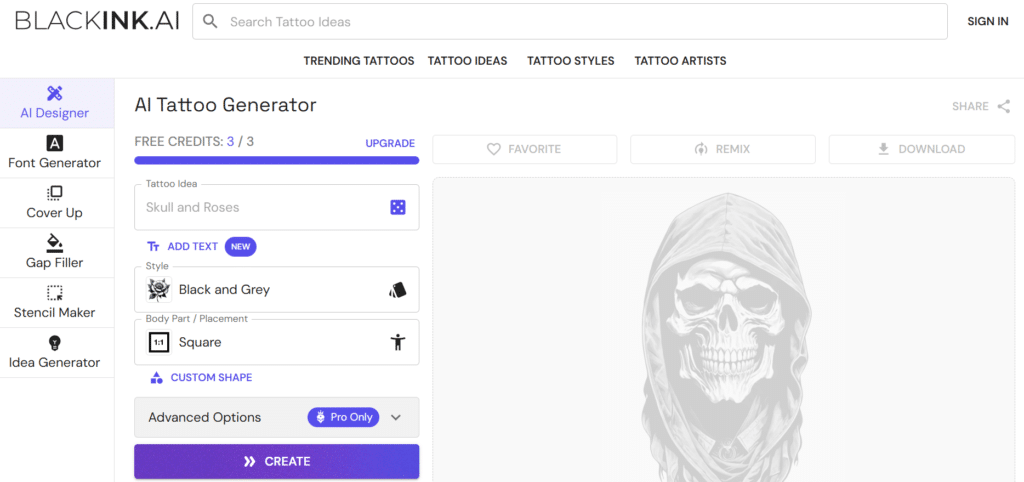
BlackInk AI stands out as the most professional-grade AI tattoo generator I’ve tested. It’s specifically designed to create tattoo-ready designs that require minimal adjustments from actual tattoo artists. The platform’s focus on realistic output makes it my top recommendation for serious tattoo enthusiasts.
4.8
OVERALL RATING
Key Pain Points BlackInk AI Solves
Highlighted Features
Real-World Success
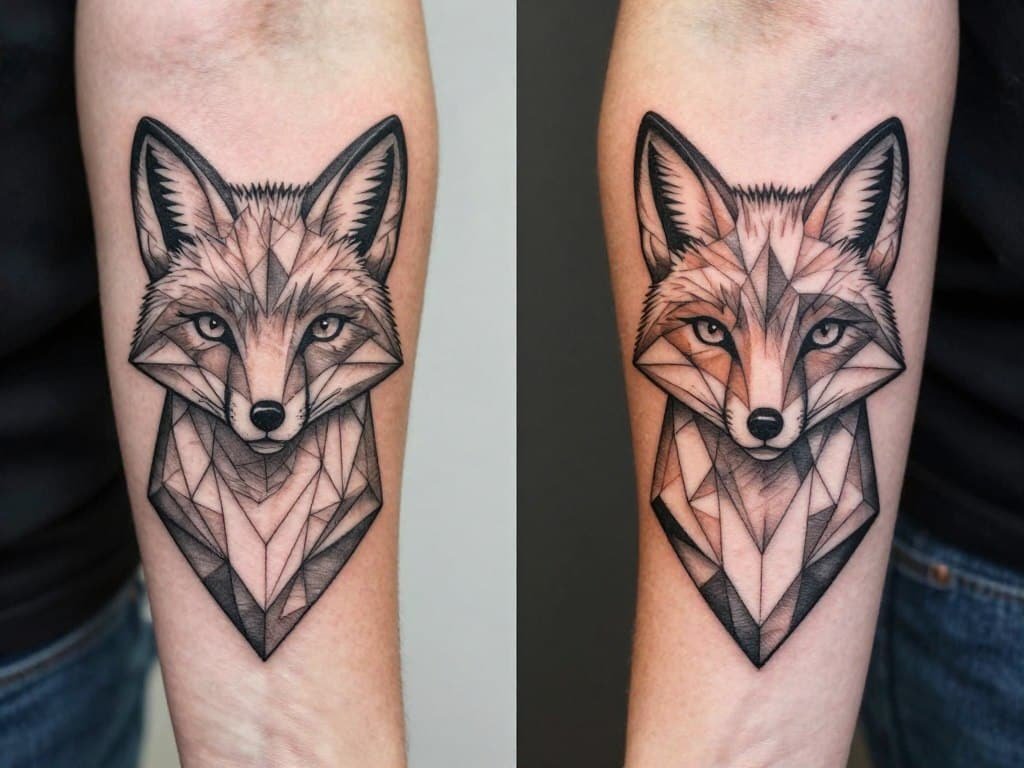
“I was skeptical about AI-generated tattoos until I tried BlackInk. I generated a geometric fox design, took it to my artist, and he was genuinely impressed with the quality. He only made minor adjustments before tattooing it on my forearm. The whole process saved me weeks of back-and-forth design work.”
— Marcus T., Verified User
User Experience
BlackInk AI’s interface is intuitive and focused. You describe your tattoo idea, select a style, and choose where on the body it should go. The AI then generates multiple design options in about 30-45 seconds. What impressed me most was the quality of the output—designs look like they came from a professional tattoo artist’s sketchbook rather than an AI.
Pros and Cons


Pricing Plans
BlackInk AI offers 3 free generations to start. After that, their Pro plan costs $72/year for unlimited access. While this might seem steep compared to monthly options, the quality justifies the price for serious tattoo enthusiasts.
- Free: 3 credits (enough for about 3 generations), basic access only—good for a quick test but caps out fast.
- 1 Month: $15/month ($0.50/day)—unlimited generations, 4x super resolution ups, full templates and styles. Perfect for dipping in without long commit.
- 3 Months: $39.99 billed quarterly ($0.44/day)—same unlimited perks as monthly, solid short-term value if you’re brainstorming a few designs.
- 12 Months: $72 billed annually ($0.19/day)—unlimited everything, saves 60% over monthly, best for ongoing use like multiple tattoo concepts.
Ready to create professional-quality tattoo designs?
Get started with 3 free generations and see the BlackInk AI difference for yourself.
2. Ink Studio AI: Transform Photos into Tattoo Art
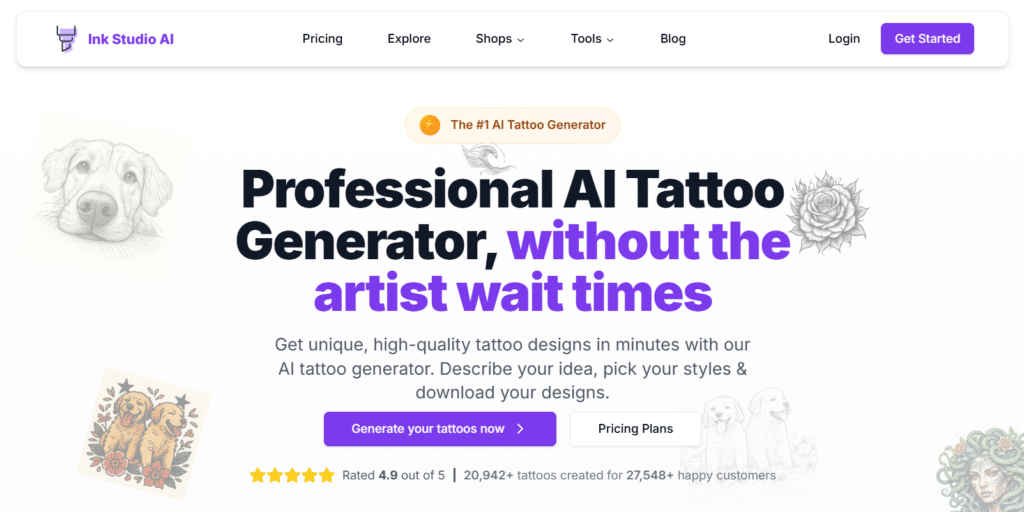
Ink Studio AI has carved out a unique niche in the AI tattoo generator space by specializing in photo-to-tattoo conversions. Their Neural Studio Pro technology transforms personal photos while maintaining the essence of the original image in a tattoo-appropriate style.
4.7
OVERALL RATING
Key Pain Points Ink Studio AI Solves
Highlighted Features
Real-World Success
“I wanted a tattoo to remember my grandfather but didn’t want a realistic portrait. Ink Studio AI converted my favorite photo of him into a beautiful line art design that captured his essence perfectly. My tattoo artist was impressed with the quality and didn’t need to make any changes. It’s now my most meaningful tattoo.”
— Sarah L., Verified User
User Experience
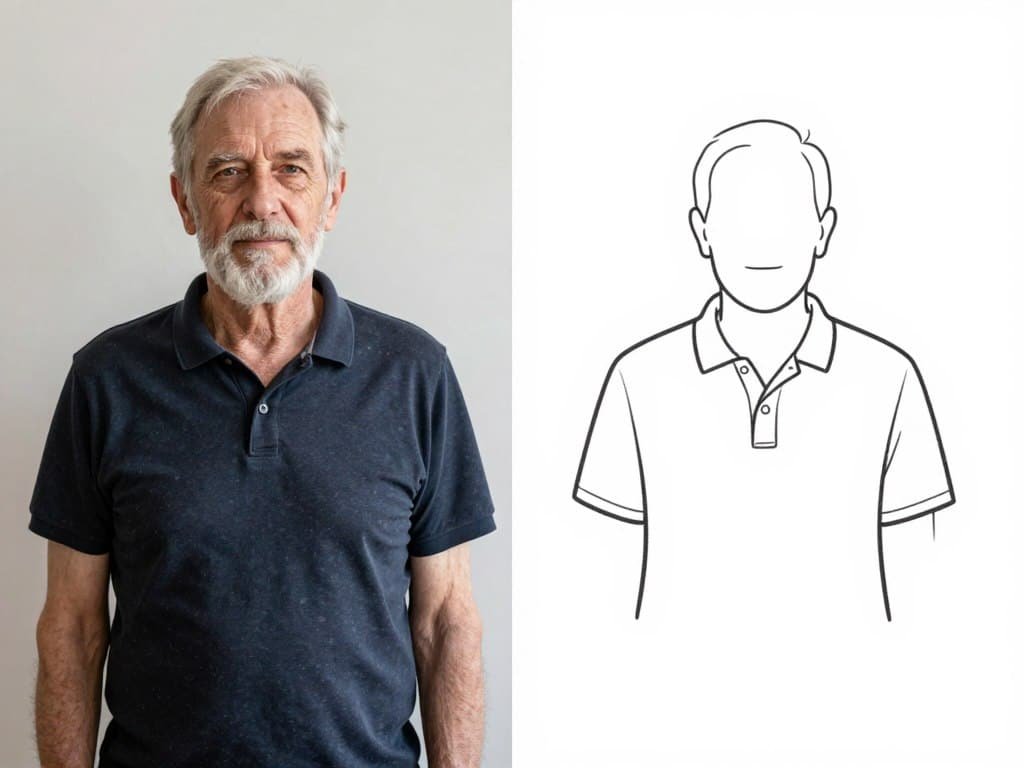
Ink Studio AI offers a streamlined experience focused on quality rather than quantity. You get one free generation to test the service, then can purchase time-based access. The interface is clean and intuitive, with clear guidance through the design process. The drag slider that shows the transformation from photo to tattoo design is particularly impressive.
Pros and Cons
Pricing Plans
Ink Studio AI offers one free design generation. Paid plans include: 7-day access for $12.99, 14-day access for $16.99, or 30-day access for $23.99. All are one-time payments with no auto-renewal, which I appreciate.
- Free: Totally free—1 generation, basic support, standard download quality. Try it out risk-free.
- 7-Day Access: $12.99 one-time—unlimited gens for 7 days, AI prompt optimizer, 10 pro conversions, image-to-tattoo tool, priority support, high-quality downloads.
- 14-Day Access: $16.99 one-time (was $31.98, save 47%)—unlimited for 14 days, same perks plus 20 pro conversions. Most folks grab this for value.
- 30-Day Access: $23.99 one-time (was $55.96, save 57%)—unlimited for 30 days, 30 pro conversions, all the bells like personal AI designer.
Transform your Personalized photos into beautiful tattoo art!
Try Ink Studio AI with one free generation and see the magic of Neural Studio Pro technology.
3. Imagine.art: Artistic Style Variety
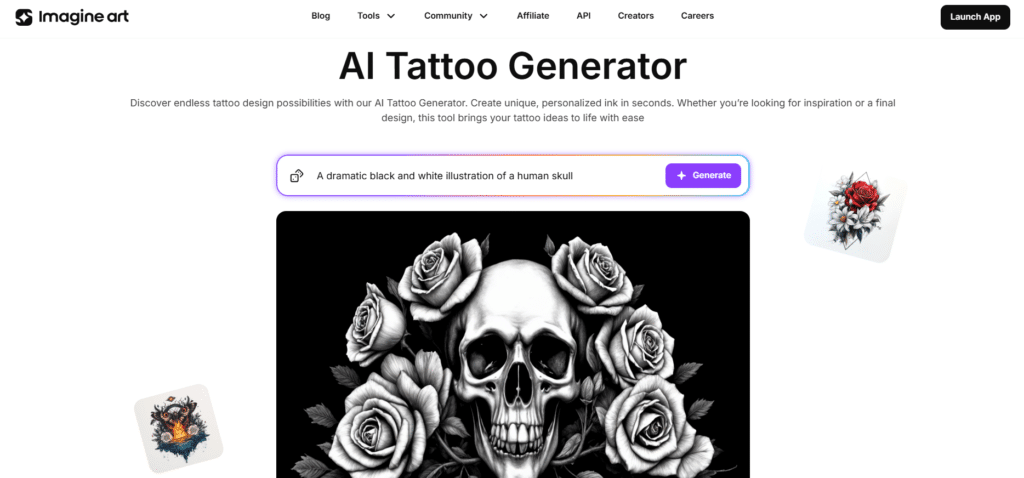
Imagine.art stands out for its impressive range of artistic styles and high-quality output. If you’re looking for unique, creative tattoo designs that push beyond conventional styles, this platform offers the most artistic flexibility I’ve found.
4.6
OVERALL RATING
Key Pain Points Imagine.art Solves
Highlighted Features
Real-World Success
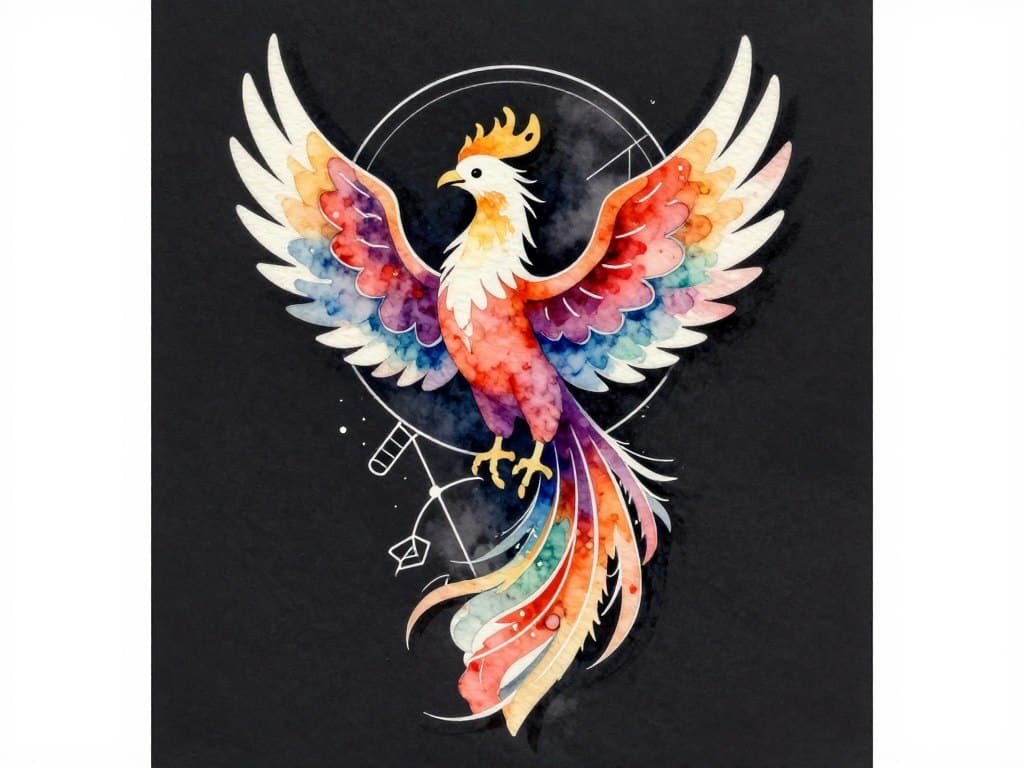
“I wanted a unique phoenix tattoo but couldn’t find anything that felt right. With Imagine.art, I generated a design that combined watercolor and geometric styles in a way I’d never seen before. My tattoo artist was genuinely excited to work with such a fresh concept, and the final piece on my shoulder blade gets compliments everywhere I go.”
— Jamie K., Verified User
User Experience
Imagine.art offers an intuitive interface that balances simplicity with powerful controls. The prompt builder helps you articulate your vision with specific style guidance. Generation times are quick (15-30 seconds), and the platform allows you to save favorites and organize designs into collections. The style preview feature is particularly useful for visualizing options.
Pros and Cons
Pricing Plans
- Free/Basic: Starts free with limited credits (around 50/day or 2K/month)—up to ~400 images/month, public gens, 4 concurrent jobs. Good for casual brainstorming.
- Standard: $10–$30/month (often quarterly)—8K credits/month (~1.6K images), private gens, 8+ concurrent, extra models. Steps up for more variety.
- Ultimate/Pro: $60–$80/month—15K–16K credits (~3K images), priority queue, higher limits. For heavy users.
- Creator/Enterprise: $400+/month or custom—100K+ credits, team seats, unlimited elements. Overkill unless you’re pro.
Discover your perfect tattoo style!
Start with 5 free generations and explore Imagine.art’s vast style library.
4. Simplified: Beginner-Friendly Tattoo Design
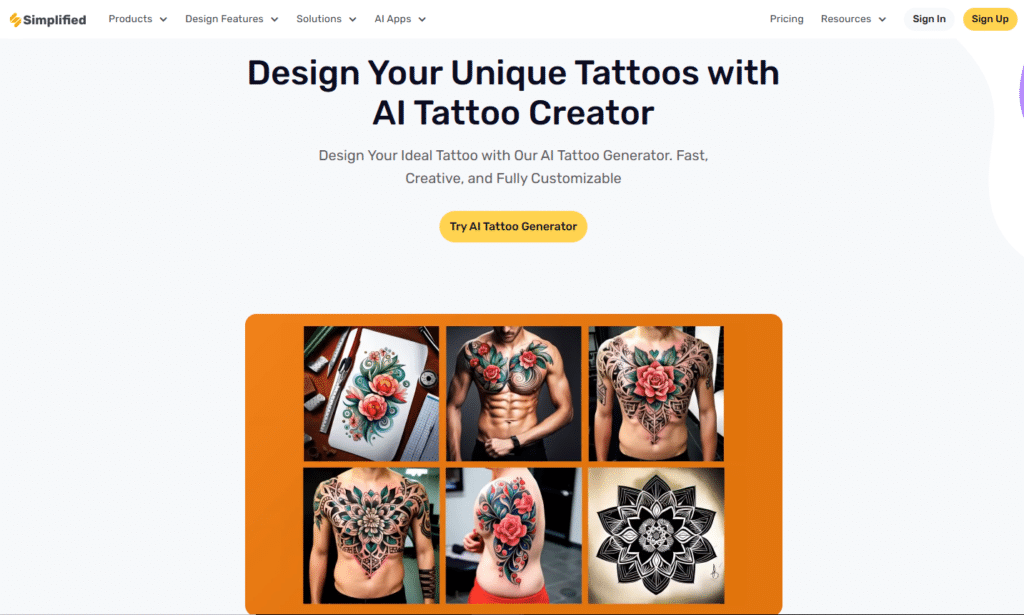
Simplified lives up to its name by offering the most user-friendly approach to AI tattoo generation. If you’re new to AI tools or just want a straightforward experience without a learning curve, this platform provides an accessible entry point with surprisingly good results.
4.5
OVERALL RATING
Key Pain Points Simplified Solves
Highlighted Features
Real-World Success
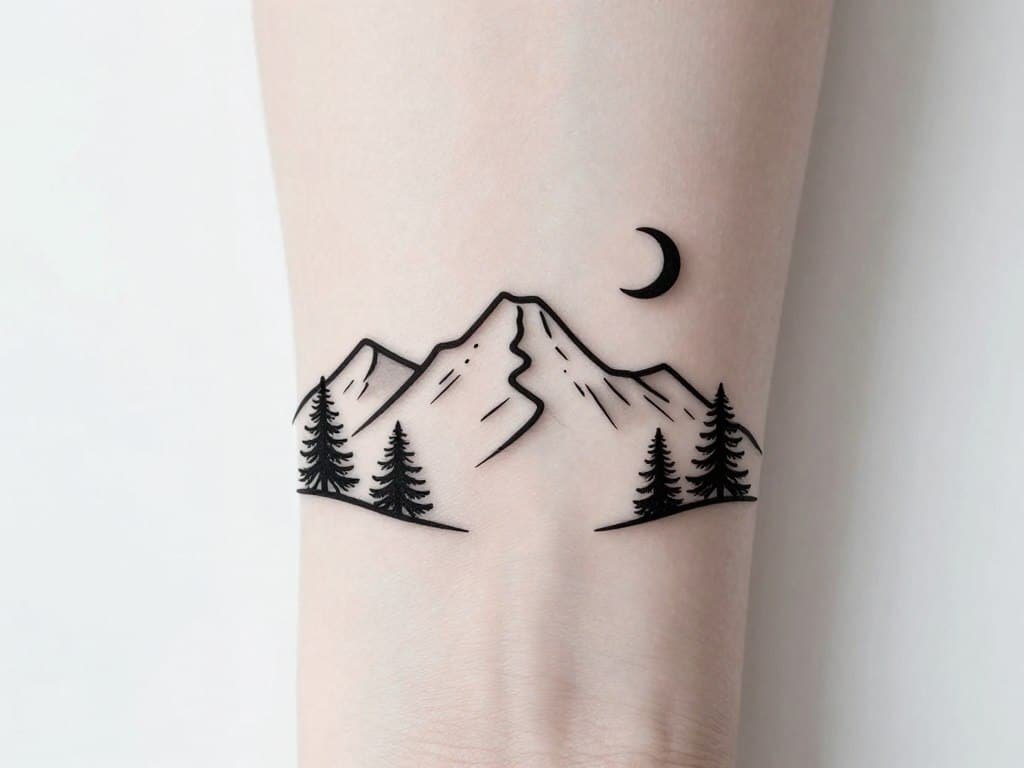
“As someone with zero design skills, I was nervous about creating my first tattoo. Simplified made it incredibly easy. I typed ‘minimalist mountain range with pine trees’ and got several beautiful options instantly. I was able to adjust the line weight and add a small moon using their editor. My wrist tattoo turned out exactly as I hoped!”
— Alex P., Verified User
User Experience
Simplified offers the most straightforward user journey of all the platforms I tested. The interface guides you through each step with helpful tooltips and examples.
Generation is quick (10-20 seconds), and the built-in editor makes it easy to make minor adjustments without needing external software. The platform also offers helpful resources for tattoo beginners.
Pros and Cons
Pricing Plans
Simplified offers All-in-one with AI credits—beginner-friendly for tattoo tweaks, ties into other designs.
- Free: $0 forever—unlimited projects, one-time AI quota (no refills), 500MB storage, basic AI/social tools. Test waters without paying.
- Pro: ~$12–$30/month (annual billing, $1 trial)—10K AI credits/month, 1 user, 100K words, 5GB storage, premium templates.
- Business: ~$30–$100/month—30K credits, 3 users, 600K words, 50GB storage, API access.
- Growth: Higher mid-tier (popular)—100K credits, 5 users, unlimited words, 1TB storage, bulk tools.
- Enterprise: $399/month annual (custom)—Unlimited AI, 10 seats, SSO, dedicated support. For teams.
Create tattoo designs with no learning curve!
Design Your Fast, Creative, and Fully Customizable Tattoo with Our AI Tattoo Generator.
5. Phot AI: Realistic Tattoo Placement Preview
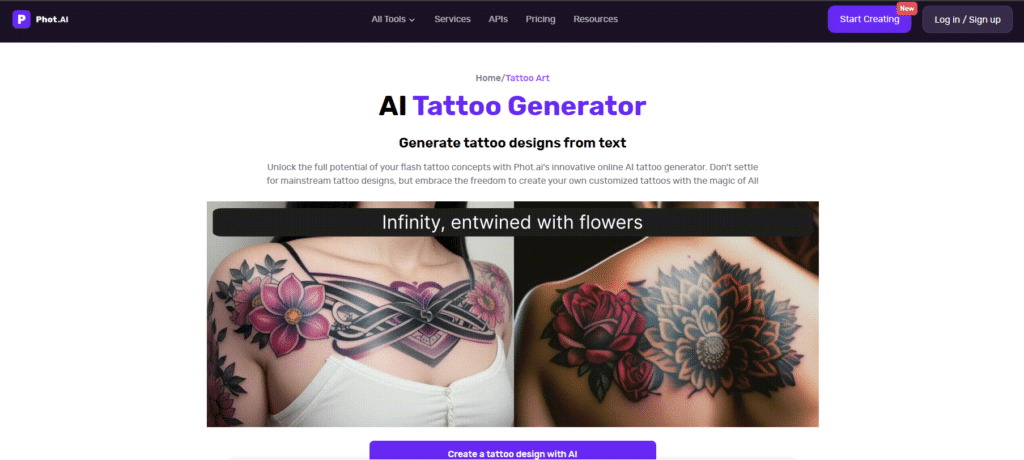
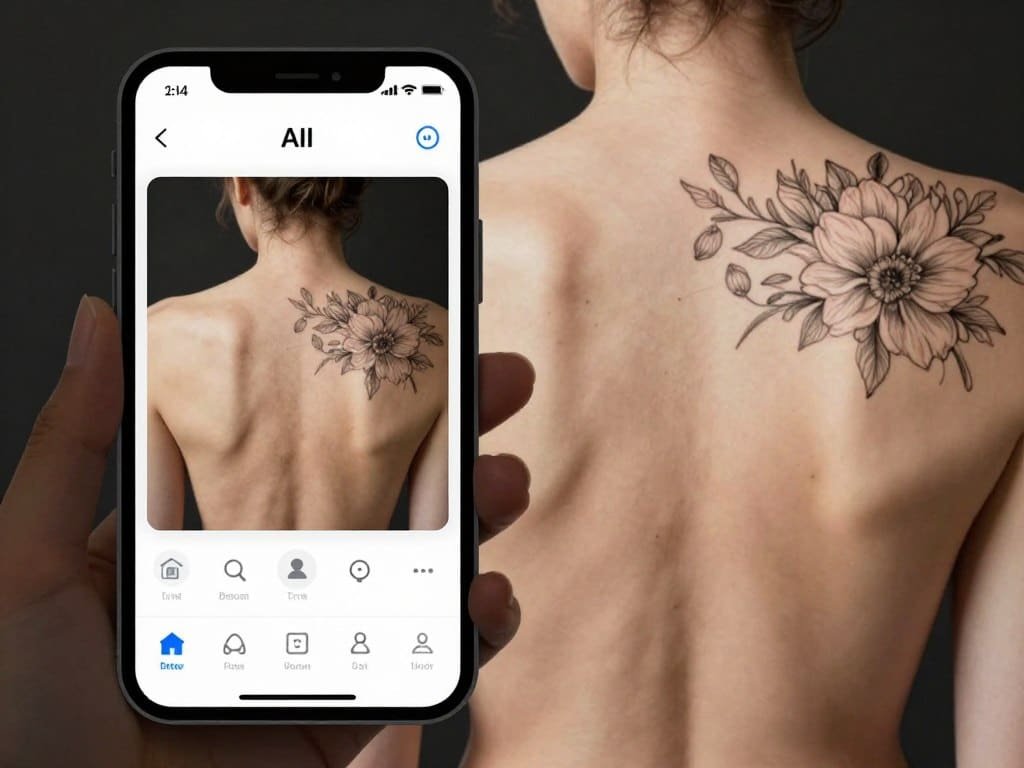
Phot AI specializes in helping you visualize tattoo placement with remarkable realism. If your biggest concern is how a design will actually look on your body, this platform offers the most advanced virtual try-on technology I’ve tested.
4.4
OVERALL RATING
Key Pain Points Phot AI Solves
Highlighted Features
Real-World Success
“I was torn between getting a large back piece or a smaller design on my shoulder blade. Phot AI let me try both options on my actual photo and experiment with different sizes. I ended up going with the shoulder design but larger than I originally planned. My tattoo artist was impressed with how accurate the preview was to the final result.”
— Tanya M., Verified User
User Experience
Phot AI offers a straightforward experience focused on visualization. While the design generation capabilities are good, the platform truly shines in its placement preview technology.
The interface is clean and mobile-friendly, making it easy to upload photos and test different designs on your body. The AR features work surprisingly well even with average-quality photos.
Pros and Cons
Pricing Plans
Phot AI pricing is versatile for creative ideas—credits renew monthly, no one-time buys.
- Free: $0—Basic editing, limited advanced stuff. Quick starts.
- Pro: $16.67/month ($200 annual)—1 seat, 1500 credits/month, 20+ tools, unlimited templates, 15GB storage, HD/no watermark.
- Teams: $62.50/month ($750 annual for 3 seats)—4500 credits, team sharing, priority support.
- Agency/Business: $1,000/month custom—Unlimited storage, SSO, 24/7 support, beta features.
See exactly how your tattoo will look before getting inked!
Generate Instant Tattoo Designs from Text.
6. Getimg.AI: Multiple AI Model Options
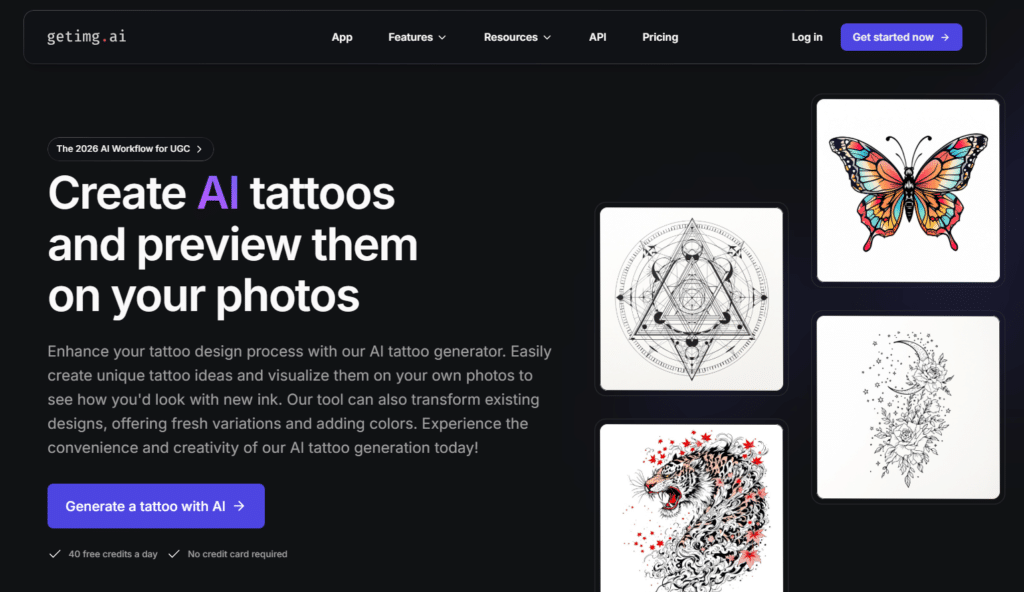
Getimg.AI takes a different approach by offering access to multiple AI models for tattoo generation. This platform is ideal for those who want to experiment with different AI technologies to find the perfect style match for their tattoo vision.
4.3
OVERALL RATING
Key Pain Points Getimg.AI Solves
Highlighted Features
Real-World Success
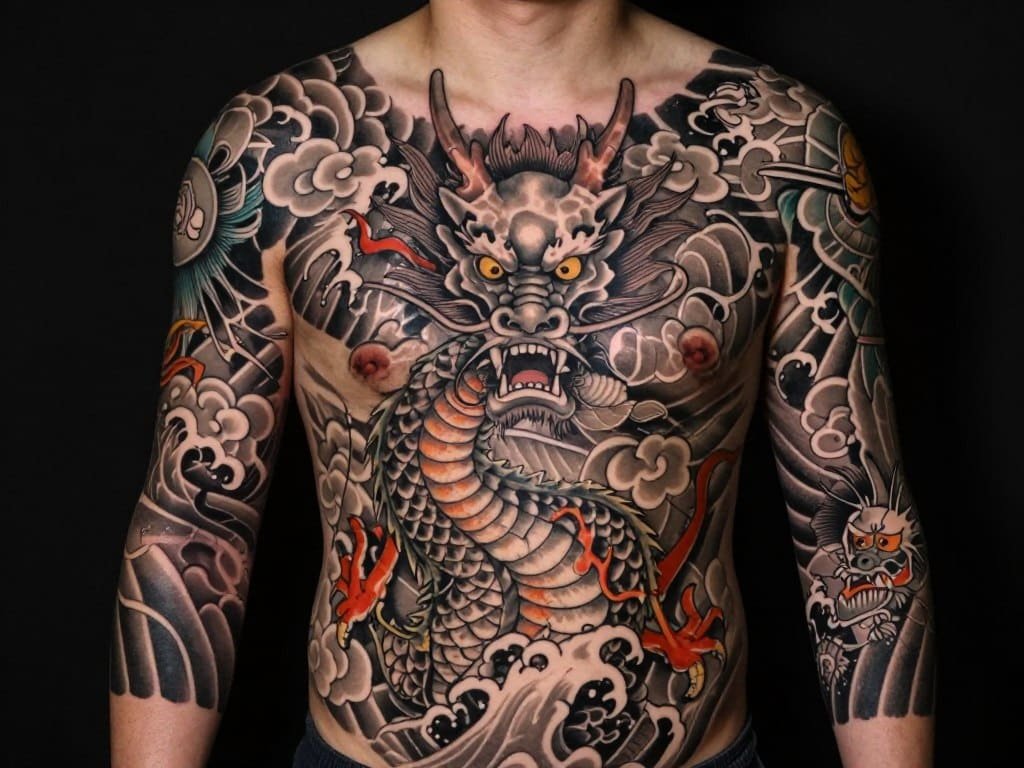
“I had a specific vision for a Japanese-style dragon tattoo but couldn’t get the details right with other generators. With Getimg.AI, I tried the same prompt across three different models and found one that perfectly captured the traditional style I wanted. The advanced controls let me fine-tune the composition until it was exactly right for my full sleeve.”
— Ryan T., Verified User
User Experience
Getimg.AI offers a more technical experience that will appeal to users who want granular control. The interface is clean but packed with options that might overwhelm beginners. For those willing to learn, the platform rewards experimentation with highly customized results.
The model comparison feature is particularly useful for seeing how different AI technologies interpret the same concept.
Pros and Cons
Pricing Plans
Getimg.AI offers a credit system with daily freebies—awesome for realistic previews on your pics, but watch credit burn per model.
- Free: $0—120 credits/day, batch of 1, 30-day storage, commercial rights, access to various models (e.g., 600 Z-Image gens). Top-ups available.
- Entry: Monthly (price around entry-level, say $8–$10 based on tiers)—3K credits/month, batch of 2, unlimited storage, faster gens.
- Core: Monthly (mid-tier, ~$15–$20)—15K credits/month, batch of 4, more video/image options.
- Plus: Monthly (~$25–$30)—35K credits/month, batch of 8, advanced editing like 7K background removals.
- Ultra: Monthly (~$35–$40)—100K credits/month, batch of 10, max everything for pros.
Experiment with multiple AI models for your perfect tattoo!
Try Getimg.AI with free starter credits and discover which AI model best matches your vision.
7. Easy-peasy.AI: Quick, Simple Tattoo Designs
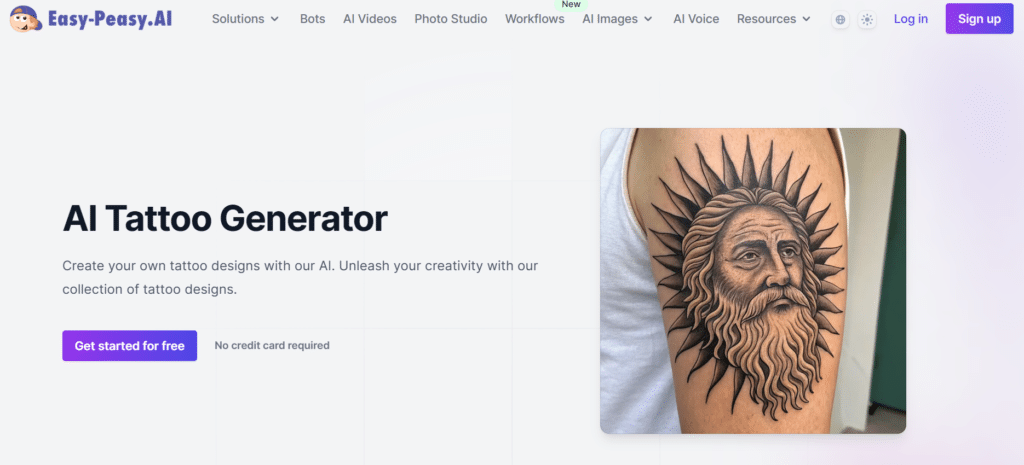
Easy-peasy.AI lives up to its name by offering the fastest, most straightforward approach to generating simple tattoo designs. If you’re looking for minimalist, small-scale tattoos without complicated features, this platform delivers quality results with minimal effort.
4.2
OVERALL RATING
Key Pain Points Easy-peasy.AI Solves
Highlighted Features
Real-World Success
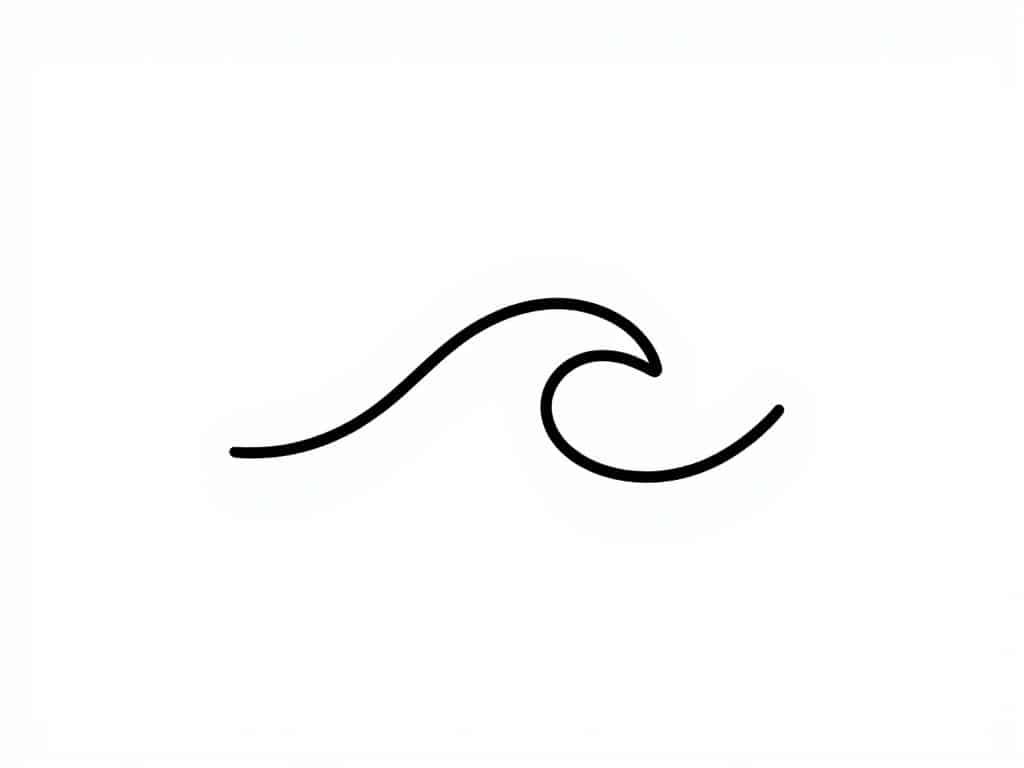
“I wanted a simple line drawing of a wave for my finger tattoo but couldn’t find anything that wasn’t too detailed. Easy-peasy.AI gave me exactly what I needed in seconds—a clean, minimal wave design that my artist could work with for such a small area. The whole process from idea to tattoo took less than a day.”
– Jordan L., Verified User
User Experience
Easy-peasy.AI offers the most streamlined experience of all platforms tested. The interface is minimal, with a single input field and basic style options.
Generation is incredibly fast (5-10 seconds), and results are presented in a clean gallery format. While it lacks advanced features, its simplicity is refreshing for those who just want quick, clean designs without complexity.
Pros and Cons
Pricing Plans
Easy-peasy.AI is a General AI content generator with tattoo gen—word/image credits, unlimited options for heavy use.
- Free: $0/month—1K words, 1 image credit, basic templates. Public images.
- Starter: $8/month ($96 annual)—25K GPT words, 200 image credits, 2 bots, 200+ templates.
- Unlimited: $16.5/month ($198 annual)—Unlimited standard, 100K GPT words, 400 image credits, API access.
- Unlimited 200: $28/month ($336 annual)—200K GPT words, 750 image credits, 8 bots, priority perks.
Experiment with multiple AI models for your perfect tattoo!
Try Getimg.AI with free starter credits and discover which AI model best matches your vision.
Key Features to Look for in AI Tattoo Generators
After testing dozens of AI tattoo generators, I’ve identified the most important features that separate the good from the great. Here’s what to look for when choosing a platform:
- Style Variety – You want a tool that can generate multiple tattoo styles (traditional, minimalist, watercolor, etc.) to find the perfect match for your vision.
- Output Quality – The best generators create designs with clean lines, proper shading, and details that will translate well to actual skin.
- Placement Visualization – Being able to see how a design looks on different body parts helps prevent placement regrets.
- Customization Options – Look for tools that allow you to refine designs with negative prompts and style adjustments.
- Artist-Ready Output – The ability to download high-resolution files that tattoo artists can work with directly saves time and reduces miscommunication.
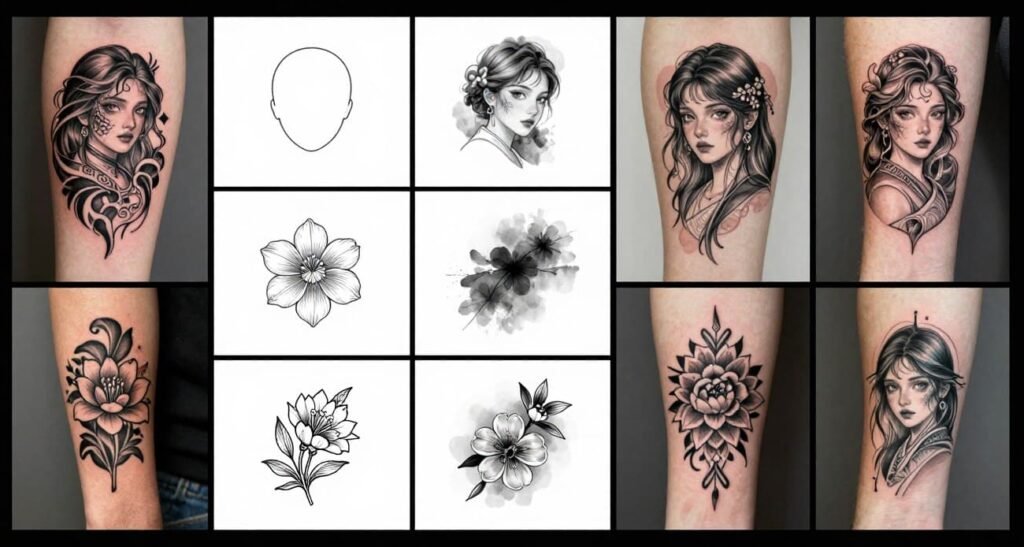
Best Practices for Using AI Tattoo Generators
Important: AI tattoo generators are excellent tools for inspiration and concept development, but always consult with a professional tattoo artist before getting inked. They can provide valuable input on how designs will translate to skin and age over time.
Tips for Getting the Best Results
My Own Experience
I was telling a friend about how AI tattoo generators are a low-risk way to play around with ideas before ever stepping into a shop. He got super into it right away.
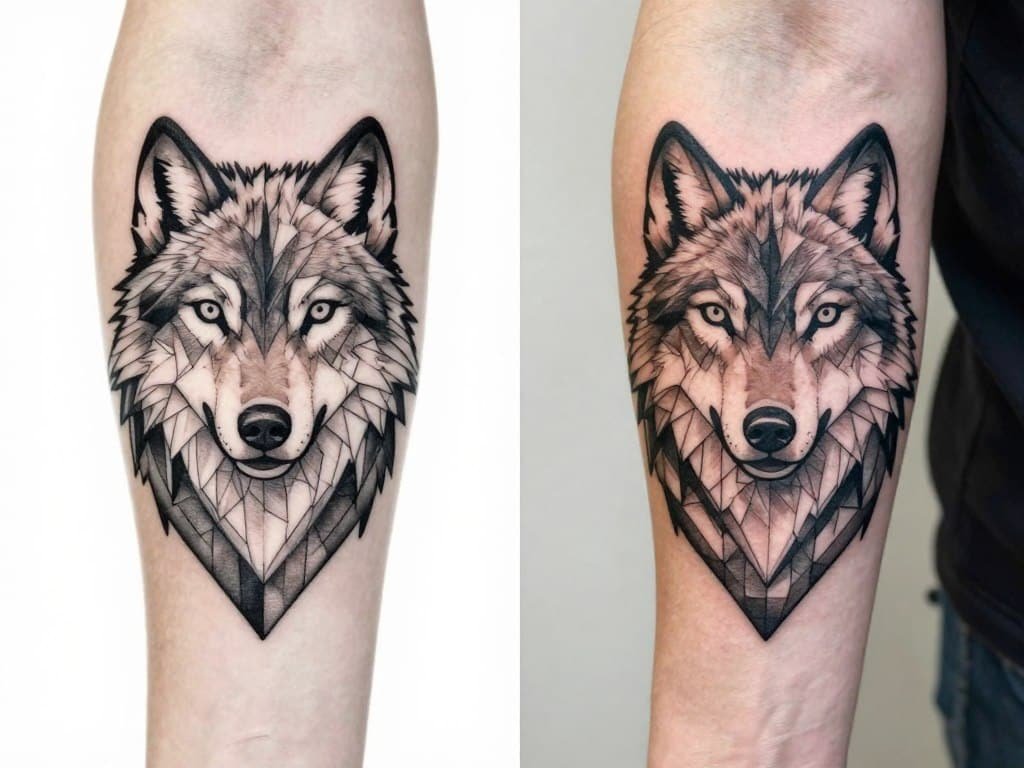
He had this geometric wolf concept he wanted for his forearm, but he wasn’t sure how it’d look in real life. So I walked him through BlackInk AI…he typed in his description, tweaked a few variations (different line weights, angles, placement previews), and in like 10 minutes he had solid options that actually looked tattoo-ready.
When he finally showed the best one to his artist, the guy only needed small changes—like beefing up a couple lines so it’d age well over time. No big redraws, no weeks of back-and-forth. The AI basically gave him a clear starting point so he could walk in confident and say exactly what he wanted.
It saved him time, probably some cash on extra design consults, and took away that scary “what if it looks weird?” feeling. Have you ever tried something like that for an idea you’re on the fence about?
Final Thoughts: Which AI Tattoo Generator Is Right for You?
After extensive testing, BlackInk AI stands as my top recommendation for most users due to its professional-quality output and tattoo-specific features. However, the “best” tool ultimately depends on your specific needs:
AI tattoo generators have revolutionized the tattoo design process, making it more accessible, affordable, and experimental. They’re not replacing tattoo artists—rather, they’re enhancing the collaboration between clients and artists by providing clear visual references and reducing miscommunication.
Ready to create your perfect tattoo design? Start with BlackInk AI’s free trial and experience the future of tattoo design today!
Create Your Dream Tattoo Design Today!
Try BlackInk AI with 3 free generations and bring your tattoo vision to life.