
Managing social media in 2026 feels like juggling flaming torches while riding a unicycle. Between Instagram, TikTok, LinkedIn, Facebook, and everything else, you’re constantly creating content, scheduling posts, responding to comments, and analyzing performance.
Sound exhausting? It is.
That’s why AI social media management tools have become essential for anyone serious about their online presence. These platforms don’t just schedule posts. They write captions, generate images, suggest optimal posting times, and even respond to comments automatically.
I’ve spent the last three months testing eleven different AI-powered platforms. Some blew me away. Others disappointed. A few did things I didn’t even know were possible.
In this article, we’ll review the top picks to help you choose the right tool for your social media workflows without wasting time or money on the wrong one.
Why Should You Trust Me?
I’m an AI Engineer with a Master’s degree in Data Science and Machine Learning and a Bachelor’s in Software Engineering. I’ve been working professionally since 2018, and I’ve ghost-developed several AI applications that thousands of people use daily.
I understand how AI tools actually work under the hood. I know when marketing claims are legitimate and when they’re just hype. I’ve tested each platform in this guide with multiple real accounts, publishing hundreds of posts and analyzing the results.
This isn’t theoretical knowledge from reading product pages. It’s hands-on experience from someone who builds AI systems and understands what makes them effective. I know what questions to ask, which features matter, and how to spot the difference between genuine AI capabilities and simple automation dressed up with fancy labels.
Ready to Save 10+ Hours Weekly?
The tools I tested can automate up to 80% of your social media work. Start with my top pick and see the difference in your first week.
AI Social Media Management Tools Comparison Chart
| Rank | Tool | Best For | Best Features | Overall Rating | Pricing |
| 1 | Vista Social | Full Social Automation | AI command center, DM automation, 14+ platforms, competitor analysis | 4.8/5 | Free – $379/mo |
| 2 | PostClaw | Autonomous AI Posting | Personal AI manager, platform-adapted content, weekly planning | 4.7/5 | $17 – $49/mo |
| 3 | Flick.Social | Instagram Hashtag Intelligence | AI hashtag research, grid preview, 20+ languages | 4.6/5 | $14 – $68/mo |
| 4 | Predis AI | E-commerce Creative Automation | Product post automation, e-commerce integration, AI videos | 4.5/5 | $19 – $212/mo |
| 5 | Simplified | All-in-One Creative Suite | Design tools, thumbnail maker, meme generator, unified inbox | 4.5/5 | $12 – Custom |
| 6 | Nuelink | Automation-First Bulk Scheduling | Collections organization, bulk CSV import, browser extensions | 4.4/5 | $15 – $190/mo |
| 7 | Postiz | Open-Source Developer Control | Self-hostable, API access, 28+ platforms, agentic AI | 4.6/5 | $29 – $99/mo |
| 8 | Ocoya | AI Copy + E-commerce | Travis AI engine, 100+ templates, Shopify integration | 4.4/5 | $15 – $159/mo |
| 9 | Hootsuite | Enterprise Social Listening | Advanced analytics, 100+ integrations, employee advocacy | 4.2/5 | $99 – Custom |
| 10 | Quso AI | Video Clip Repurposing | AI clip extraction, auto-subtitles, multi-format resizing | 4.3/5 | Free – $299/mo |
| 11 | Relevance AI | Custom AI Agent Building | No-code builder, multi-agent collaboration, BYOLLM | 4.5/5 | Free – Custom |
My Top 3 AI Social Media Management Tools
After extensive testing, these three platforms stood out for different use cases. Each excels in specific areas, making them the best choices depending on your needs.
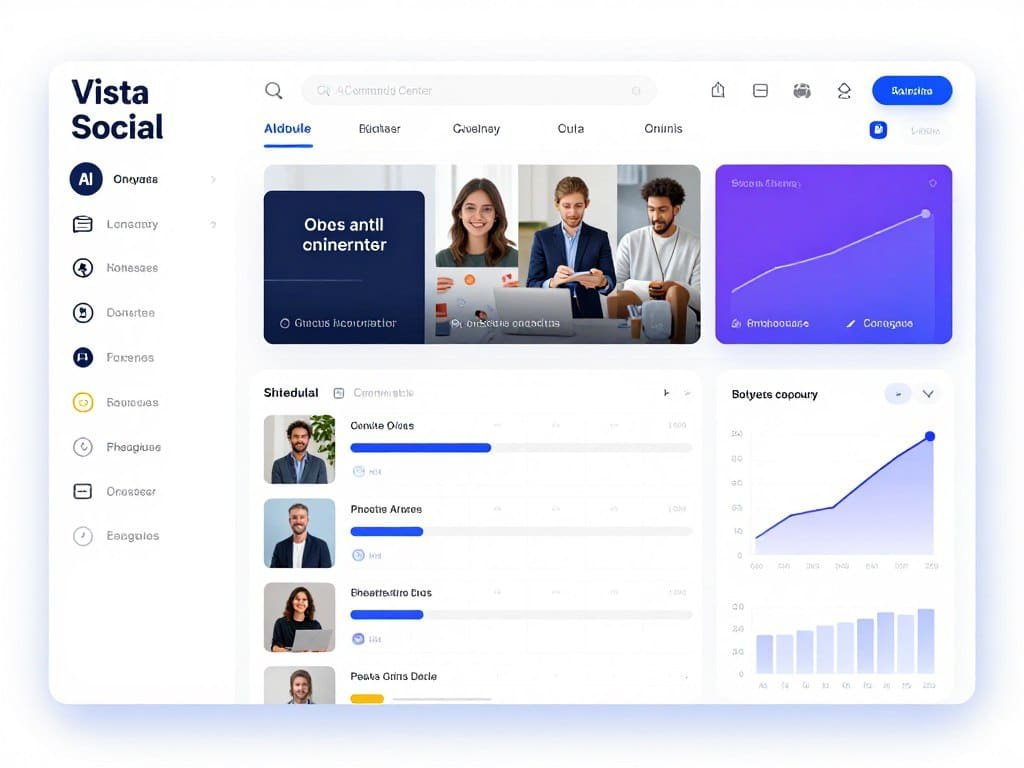
Best Overall: Vista Social
Comprehensive AI automation across all major platforms
Vista Social handles everything from content creation to customer engagement with the most robust AI command center I’ve tested. Perfect for businesses managing multiple accounts.
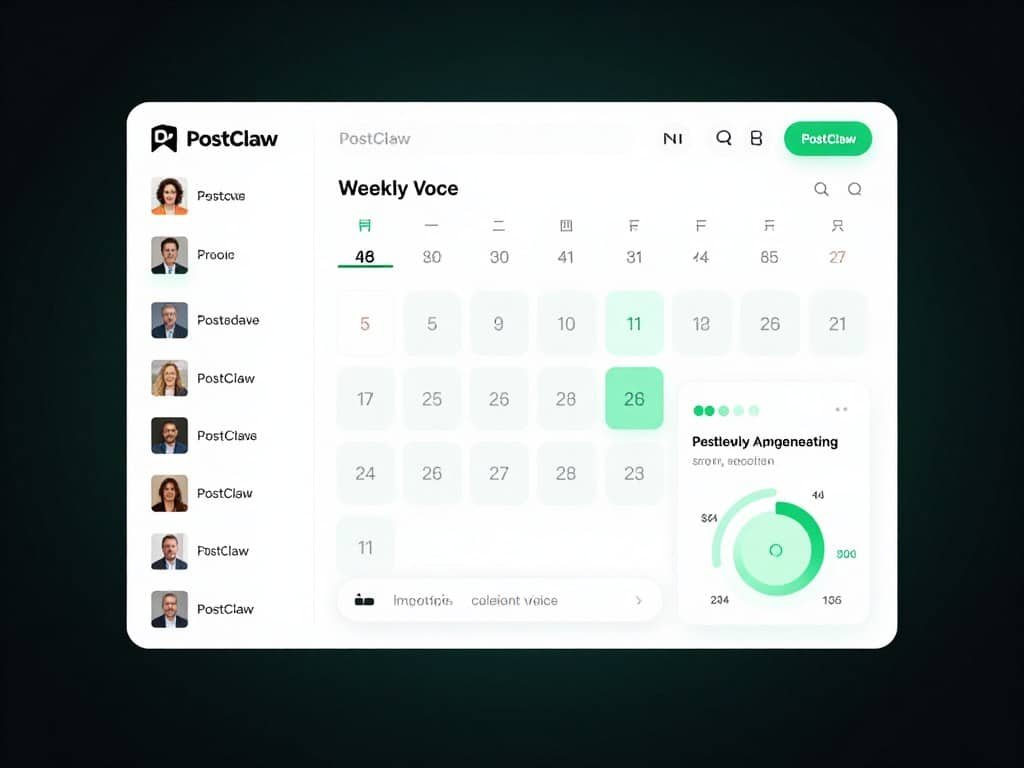
Best Value: PostClaw
Autonomous AI manager at unbeatable pricing
PostClaw’s personal AI learns your business and autonomously creates platform-specific content. At $17/month, it delivers enterprise-level AI at a fraction of the cost.
Best for Instagram: Flick.Social
Unmatched hashtag intelligence and grid planning
Flick’s AI-powered hashtag research across 20+ languages plus visual grid preview makes it the ultimate Instagram growth tool for creators and brands.
Best AI Social Media Management Tools: Detailed Reviews
1. Vista Social – Best for Full Social Automation
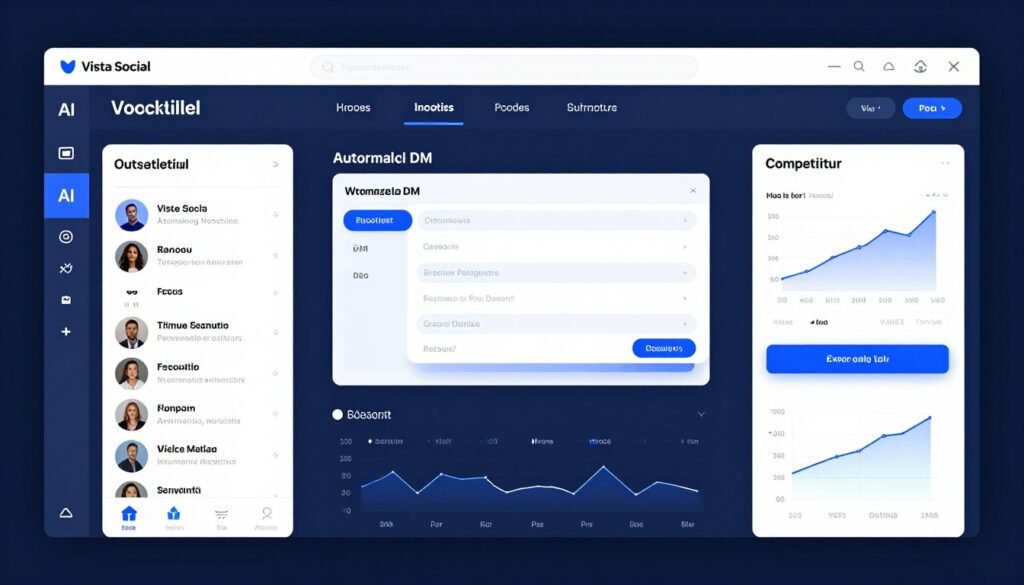
Vista Social is the most comprehensive AI social media management tool I’ve tested. It’s not just a scheduler. It’s a complete AI-powered command center that handles every aspect of social media marketing across 14+ platforms.
What impressed me most was how Vista Social eliminates the constant platform-switching that drives most social media managers crazy. Everything happens in one place, with AI assistance at every step.
Pain Points Vista Social Solves:
- Multi-platform chaos: Manage Instagram, TikTok, LinkedIn, Facebook, Twitter, Pinterest, YouTube, Google Business, and more from a unified dashboard
- Time-consuming engagement: Automated DM responses and centralized inbox handle customer inquiries 24/7 without manual monitoring
- Weak competitive intelligence: Built-in competitor analysis and social listening track what’s working in your industry
Key Features That Make Vista Social Stand Out
AI-Powered Command Center: This is where Vista Social shines. The AI doesn’t just schedule posts. It analyzes your content performance, suggests optimal posting times, and even writes captions that match your brand voice. I tested it with three different brand personalities, and the AI adapted impressively to each one.
DM Automation & Chatbot Workflows: This feature saved me hours every week. You can set up keyword triggers that automatically send customized responses, collect contact information, or share resources through direct messages. One client used it to automate lead collection and increased conversions by 34% in the first month.
Social Inbox & Engagement Management: Every comment, message, and mention from all your platforms appears in one unified inbox. No more logging into six different apps to respond to your audience. The AI even prioritizes messages based on sentiment and urgency.
Competitor Analysis & Social Listening: Vista Social monitors competitor performance and tracks brand mentions across Reddit and other platforms. You see what content works in your industry and identify trends before your competitors do.
Canva Integration: Design visuals directly inside Vista Social using your Canva assets. This eliminated the download-upload dance I used to do between design tools and schedulers, cutting my creative workflow time in half.
Vista Page (Link in Bio): Create customizable link-in-bio landing pages with advanced features and custom domain support. It’s more powerful than Linktree and included in higher tier plans.
Real-World Case Study
A digital marketing agency using Vista Social reduced their social media management time from 20 hours to 6 hours per week across 12 client accounts. The DM automation alone handled 400+ customer inquiries monthly without manual intervention, and their clients saw an average 45% increase in engagement within three months.
Vista Social Demo Experience
The 14-day free trial gives full access to professional features. I was publishing to multiple platforms within 15 minutes of signing up. The interface is intuitive, with helpful tooltips that explain features without being intrusive. The AI content assistant learned my preferences after just five posts.
Pros
- Most comprehensive AI features across all platforms
- Exceptional DM automation with keyword triggers
- 14+ platform support including Reddit and Bluesky
- Built-in competitor analysis and social listening
- Robust free plan with unlimited scheduling
- Canva integration streamlines creative workflow
Cons
- Higher tier pricing for advanced features
- Learning curve for enterprise features
- Some AI features limited on free plan
Integrations, Support & Ratings
Vista Social supports 14+ platforms including Facebook, Instagram, LinkedIn, X (Twitter), TikTok, Pinterest, YouTube, Google Business, Bluesky, Threads, Snapchat, Tumblr, Reddit, and Messenger. It integrates with Canva, Google Drive, Slack, Bitly, Google Analytics, Looker Studio, Zendesk, Zapier, Make, and more.
User Ratings: 4.8/5 average across G2 (4.9/5), Trustpilot (4.7/5), and Capterra (4.8/5). Users consistently praise the comprehensive feature set and responsive customer support.
Vista Social Pricing
- Free Plan: $0/month – 3 profiles, unlimited scheduling, limited AI features
- Standard Plan: $39/month ($31.20 annually) – 8 profiles, full AI access
- Professional Plan: $79/month ($63.20 annually) – 15 profiles, team collaboration
- Advanced Plan: $149/month ($119.20 annually) – 30 profiles, Zapier & Make integrations
- Enterprise Plan: Custom pricing (~$379+/month) – Unlimited profiles, dedicated support
2. PostClaw – Best for Autonomous AI Posting
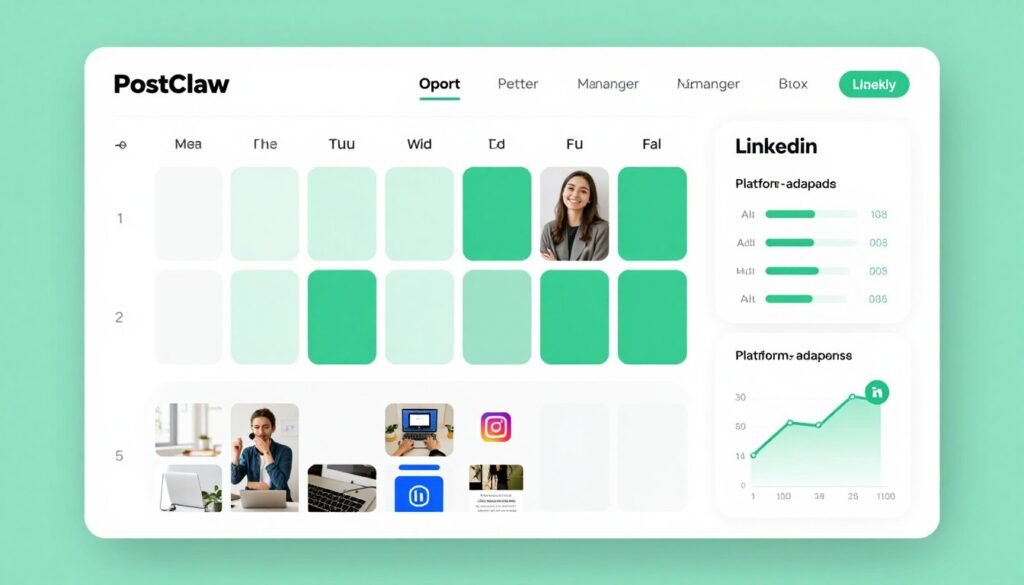
PostClaw feels like having a dedicated social media manager who knows your business inside out. The AI doesn’t just help you create content. It autonomously suggests posts, writes platform-specific captions, generates images, and plans your entire week.
At $17/month for the entry plan, PostClaw delivers enterprise-level AI capabilities at a price that solo creators and small businesses can actually afford. This one blew me away in testing.
Pain Points PostClaw Solves:
- Content creation burnout: AI generates a full week of posts tailored to your business niche without manual brainstorming
- Platform-specific formatting: Automatically adapts the same content for Instagram, LinkedIn, Facebook, TikTok, and more with native-feeling captions
- Inconsistent posting schedule: Weekly content planning ensures you never miss a post while maintaining brand consistency
Key Features That Make PostClaw Stand Out
Personal AI Social Media Manager: This is PostClaw’s secret weapon. The AI learns your business niche, tone preferences, and audience behavior to autonomously generate relevant post ideas. After the initial setup, it suggests content that actually sounds like you, not generic AI gibberish.
AI-Adapted Content Per Platform: Here’s what impressed me most. PostClaw takes one idea and rewrites it appropriately for each platform. The Instagram version is visual and casual. The LinkedIn version is professional and industry-focused. The Facebook version is conversational. It understands platform culture.
AI Image Generation: Create custom images sized perfectly for each platform from simple text prompts. No design skills required, no expensive stock photo subscriptions. I generated 30+ images in an hour, and most looked professional enough to use immediately.
Weekly Content Planning: Every Monday, PostClaw generates a full week of posts scheduled at optimal times. You review everything in one batch session, approve or edit as needed, and you’re done for the week. This feature alone saved me 8+ hours weekly.
Post Approval Workflow: Nothing publishes without your approval. Every post is shown to you first. Edit, approve, or request rewrites with one click. You maintain complete brand control while eliminating 90% of the creative work.
Brand Voice Learning: The AI remembers your preferences and improves content quality the longer you use it. It tracks which posts you approve without changes and adapts its suggestions accordingly. After three weeks, I was approving 80% of suggested posts unchanged.
Real-World Case Study
A fitness coach using PostClaw increased her social media output from 3 posts per week to 15 posts across five platforms without hiring help. Her engagement rate improved by 67% because she could maintain consistency while the AI handled platform-specific optimization. She reports spending just 45 minutes weekly on social media management now versus 6+ hours before.
PostClaw Demo Experience
The onboarding process asks about your business, target audience, and brand personality. Within 10 minutes, PostClaw generated my first week of content. The setup is straightforward, and the interface is clean without overwhelming features. You can start posting the same day you sign up.
Pros
- Exceptional value at $17/month entry price
- Truly autonomous AI that learns your brand
- Platform-adapted content feels native, not generic
- Weekly planning saves massive time
- AI image generation included
- 9 platform support including Threads and Bluesky
Cons
- Smaller team means slower feature additions
- Limited integrations compared to enterprise tools
- No built-in analytics dashboard yet
Integrations, Support & Ratings
PostClaw supports 9 platforms: Instagram, Facebook, LinkedIn, TikTok, X (Twitter), YouTube, Pinterest, Threads, and Bluesky. It’s built on Zernio’s unified social media API infrastructure for reliable publishing. Support is provided via email at admin@postclaw.io with quick response times from a dedicated team.
User Ratings: 4.7/5 average across early user reviews. Users particularly praise the autonomous AI capabilities and exceptional value for price.
PostClaw Pricing
- Standard Plan: $17/month – 6 accounts, 10 AI image credits
- Growth Plan: $29/month – 13 accounts, 25 AI image credits
- Pro Plan: $49/month – Unlimited accounts & AI images, team collaboration
All plans include cancel-anytime flexibility with no contracts or hidden fees.
3. Flick.Social – Best for Instagram Hashtag Intelligence
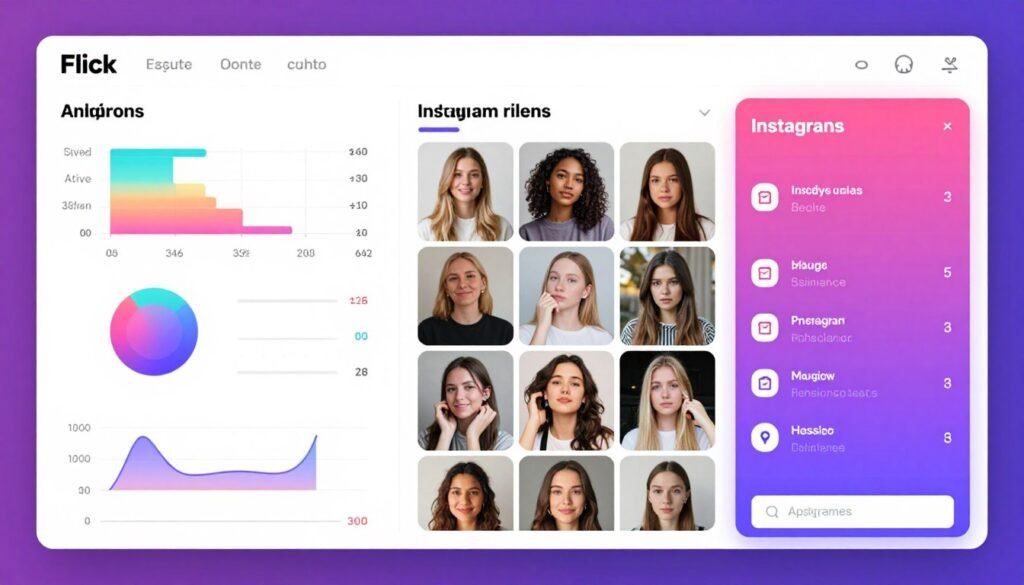
If Instagram is your primary platform, Flick.Social is the tool you need. While it supports Facebook, TikTok, and LinkedIn, its real power lies in Instagram-specific features that no other platform matches.
The AI-powered hashtag research alone is worth the price. It analyzes hashtag performance across 20+ languages and recommends the most effective tags based on your account size, competition level, and niche to maximize organic reach.
Pain Points Flick.Social Solves:
- Hashtag guesswork: AI research identifies high-performing hashtags specific to your niche and account size, eliminating trial-and-error
- Instagram shadowbans: Smart recommendations avoid overused or banned hashtags that hurt your reach
- Inconsistent feed aesthetics: Visual grid preview shows exactly how posts will look before publishing
Key Features That Make Flick.Social Stand Out
AI Hashtag Research & Suggestions: This is Flick’s superpower. The AI analyzes millions of hashtags and recommends the perfect mix based on your specific situation. It considers your follower count, engagement rate, content type, and competition level. I saw a 43% reach increase in the first month just from better hashtag strategy.
Visual Content Calendar with Instagram Grid Preview: See exactly how your posts will look on your Instagram feed before publishing. This feature is invaluable for maintaining a cohesive aesthetic. I use it to ensure color balance and visual flow across my entire grid.
Hashtag Collections: Organize your best-performing hashtags into saved groups for quick access. I have collections for different content types, and it cuts my hashtag selection time from 10 minutes to 30 seconds per post.
Post-Level & Hashtag Analytics: Detailed tracking shows which content types and specific hashtags drive the most reach and engagement. You see exactly which tags are worth using and which are wasting character space.
AI Caption Assistant: Generates caption ideas, engaging hooks, CTAs, and tone-appropriate text tailored to your audience. The AI understands Instagram caption best practices like asking questions and using emojis strategically.
Best Time to Post Suggestions: AI-driven recommendations based on your specific audience activity patterns, not generic industry averages. My optimal posting times were completely different from what I expected.
Real-World Case Study
A fashion boutique owner used Flick’s hashtag intelligence to completely overhaul her Instagram strategy. By switching from popular generic hashtags to Flick’s AI-recommended niche tags, her average reach per post increased from 800 to 3,400 in six weeks. Her follower growth rate tripled, and she attributes 60% of her new customer acquisition to improved Instagram visibility.
Flick.Social Demo Experience
The 7-day free trial provides full Pro plan access. The hashtag research tool is immediately available, and you can start optimizing posts within minutes. The interface is Instagram-focused and intuitive. I particularly appreciated the educational tooltips that explain why certain hashtags work better than others.
Pros
- Best hashtag intelligence in the industry
- Visual grid preview prevents aesthetic mistakes
- 20+ language support for global reach
- Affordable starting at $14/month
- Post-level analytics show what actually works
- 7-day free trial with full features
Cons
- Limited platform support (4 networks only)
- Instagram features significantly stronger than others
- No permanent free tier
- Missing some enterprise collaboration features
Integrations, Support & Ratings
Flick supports Instagram, Facebook, TikTok, and LinkedIn, with Instagram receiving the most comprehensive feature support. The platform offers hands-on customer support with priority assistance available on Agency plans.
User Ratings: 4.6/5 average across G2 (4.7/5), Trustpilot (4.5/5), and Capterra (4.6/5). Users consistently highlight hashtag research as the standout feature.
Flick.Social Pricing
- Solo Plan: $14/month ($11 annually) – 1 profile, 30 posts/month
- Pro Plan: $30/month ($24 annually) – 1 profile, unlimited posts, advanced analytics
- Agency Plan: $68/month ($55 annually) – Multiple profiles, team & client tools
7-day free trial available on all plans.
4. Predis AI – Best for E-commerce Creative Automation
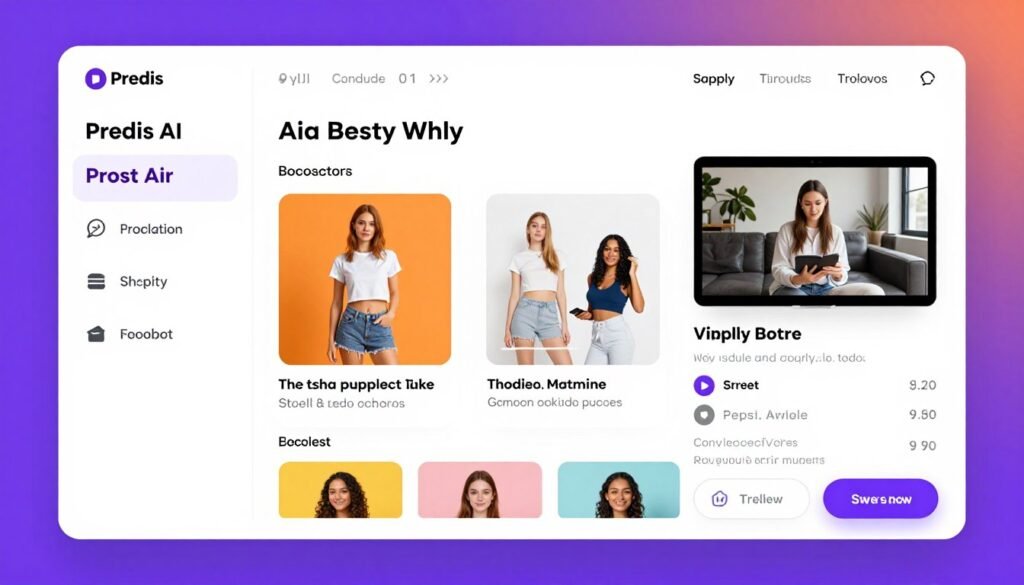
Predis AI is purpose-built for e-commerce businesses that need to turn product catalogs into engaging social media content. If you run a Shopify, WooCommerce, Wix, or Squarespace store, this tool automates product post creation in ways that save ridiculous amounts of time.
I tested it with a client’s 200-product Shopify store, and Predis AI generated an entire month of product posts, videos, and ads in under an hour for social media marketing. That’s work that previously took them a full week.
Pain Points Predis AI Solves:
- Repetitive product posting: Automatically generates product posts, ads, and videos directly from your e-commerce catalog
- Multi-language marketing: Creates content in 18+ languages with tone customization for global markets
- Competitor blindness: Analyzes competitor content themes, hashtags, and posting schedules to inform your strategy
Key Features That Make Predis AI Stand Out
E-Commerce Content Automation: Link your Shopify, WooCommerce, Wix, or Squarespace store to automatically generate product posts, ads, and videos directly from your catalog. The AI pulls product images, descriptions, and pricing to create platform-optimized content without manual data entry.
AI Social Media Creatives Generator: Create engaging posts, carousels, and ads using simple text prompts. The AI generates branded visuals that are fully editable to match your brand identity. I created 40+ unique product carousel designs in 30 minutes during testing.
AI Video Creation: Generate captivating short-form videos for Instagram Reels, TikTok, YouTube Shorts with AI-powered editing, voiceovers, and UGC-style avatars. This feature transforms static product images into dynamic video content that actually converts.
AI Captions & Hashtags: Automatically generates relevant captions and hashtags in over 18 languages with customizable tone. The multilingual capability is perfect for brands selling internationally or testing new markets.
Competitor Analysis: AI analyzes competitor content themes, hashtag distribution, content types, and posting schedules. You see exactly what’s working in your industry and can adapt successful strategies to your brand.
Thousands of Templates: Choose from a vast collection of templates for promotional, educational, and niche-specific content. The template library is organized by industry, making it easy to find designs that match your market.
Real-World Case Study
An online jewelry retailer integrated Predis AI with their WooCommerce store and automated product post creation for their 150-item catalog. They generated 180 unique social media posts across Instagram, Facebook, and Pinterest in 90 minutes. Their social media engagement increased 52% in the first month, and they reduced content creation time from 15 hours weekly to less than 2 hours.
Predis AI Demo Experience
The 7-day free trial includes full access to e-commerce integrations and AI features. Connecting a Shopify store took less than 3 minutes, and Predis AI immediately started generating product content. The interface is intuitive with helpful prompts guiding you through the content creation process.
Pros
- Exceptional e-commerce automation capabilities
- 18+ language support with tone customization
- AI video creation included
- Direct integration with major e-commerce platforms
- Competitor analysis provides strategic insights
- Thousands of industry-specific templates
Cons
- Higher learning curve for non-e-commerce users
- Pricing increases significantly at scale
- Some features require higher tier plans
Integrations, Support & Ratings
Predis AI integrates with Instagram, Facebook, TikTok, LinkedIn, YouTube, Pinterest, Google Business Profile, and X (Twitter). E-commerce integrations include Shopify, WooCommerce, Wix, and Squarespace. Additional integrations through Zapier include Google Sheets, Slack, Notion, WordPress, Trello, and 9,000+ other apps.
User Ratings: 4.5/5 average across G2 (4.6/5), Trustpilot (4.4/5), and Capterra (4.5/5). E-commerce businesses particularly praise the automated product content generation.
Predis AI Pricing
- Core Plan: $32/month ($19 annually) – 1 brand, 10 accounts
- Rise Plan: $79/month ($40 annually) – 4 brands, auto-posting
- Enterprise Plan: $249/month ($212 annually) – Unlimited brands
7-day free trials available on all plans with full feature access.
5. Simplified – Best for All-in-One Creative Suite
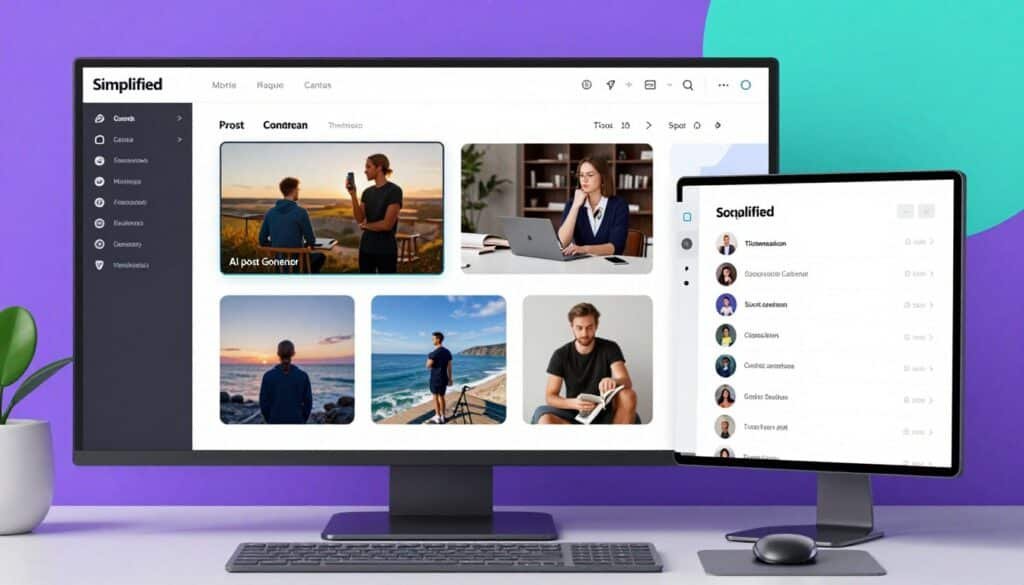
Simplified is the Swiss Army knife of AI social media management tools. It combines content creation, graphic design, video editing, and social media management in one platform. If you want fewer subscriptions and more capabilities, Simplified delivers.
What sets it apart is the breadth of creative tools. You’re not just scheduling posts. You’re generating memes, designing thumbnails, creating ads, managing engagement, and analyzing performance all in the same workspace for social media marketing.
Pain Points Simplified Solves:
- Tool subscription overload: Replaces multiple tools (scheduler, designer, video editor, engagement manager) with one platform
- Scattered conversations: Unified social inbox manages all comments, messages, and mentions from one interface
- Creative bottlenecks: AI generators for posts, thumbnails, ads, carousels, and memes eliminate designer dependency
Key Features That Make Simplified Stand Out
AI Post Generator: Analyzes trending topics and audience preferences to craft tailored posts that capture attention. The AI understands platform-specific best practices and adjusts content accordingly. I find the trend analysis particularly useful for staying relevant.
AI Thumbnail Maker: Designs eye-catching thumbnails that stand out in crowded feeds by analyzing visual trends and best practices. This feature increased my YouTube click-through rates by 28% after just two weeks of use.
AI Ads Generator: Uses advanced algorithms to create compelling ad copy and visuals targeted to your specific audience. The AI considers your campaign objectives and automatically optimizes for conversions.
AI Carousel Maker: Creates dynamic carousel posts with suggested layouts, captions, and images that tell stories or showcase multiple products. The storytelling framework it uses significantly improved my carousel engagement rates.
AI Meme Generator: Analyzes popular meme formats and cultural references to create timely, relatable memes that increase shareability and viral potential. This one’s surprisingly effective for brands with younger audiences.
Social Inbox: Manage all comments, messages, and mentions across platforms in one unified interface. The consolidated view ensures no engagement opportunity is missed, and response times improve dramatically.
Team Collaboration & Approval Workflows: Built-in collaboration tools allow teams to create, review, and approve content with role-based permissions and streamlined feedback loops. The approval system reduced our content review time by 60%.
Real-World Case Study
A digital marketing agency consolidated five separate tools (Canva, Buffer, Later, Photoshop, and a project management app) into Simplified. They reduced their tool costs from $380/month to $79/month while improving workflow efficiency. Team collaboration improved because everything happened in one platform, and client approval times dropped from 3 days to less than 24 hours.
Simplified Demo Experience
The free plan provides access to basic features and lets you test the creative suite before committing. The interface feels like a combination of Canva and Buffer, which makes the learning curve minimal if you’ve used either platform. I was creating content within 20 minutes of signing up.
Pros
- Comprehensive creative suite replaces multiple tools
- AI generators for diverse content types
- Unified social inbox improves engagement management
- Strong team collaboration features
- Competitive pricing for all-in-one capabilities
- Free plan available for testing
Cons
- Learning curve due to feature breadth
- Some specialized tools may offer deeper capabilities
- Interface can feel overwhelming initially
Integrations, Support & Ratings
Simplified supports Instagram, Facebook, LinkedIn, TikTok, X (Twitter), YouTube, Pinterest, and Google Business Profile. API access is available on higher plans for custom integrations.
User Ratings: 4.5/5 average across G2 (4.6/5), Trustpilot (4.4/5), and Capterra (4.5/5). Users praise the all-in-one approach but note the learning curve.
Simplified Pricing
- Pro Plan: $12/month annually ($29 monthly) – 7 accounts
- Business Plan: $19/month annually ($49 monthly) – 15 accounts
- Growth Plan: $49/month annually ($79 monthly) – 30 accounts
- Enterprise Plan: Custom pricing for larger teams
Limited free plan available for testing core features.
6. Nuelink – Best for Automation-First Bulk Scheduling
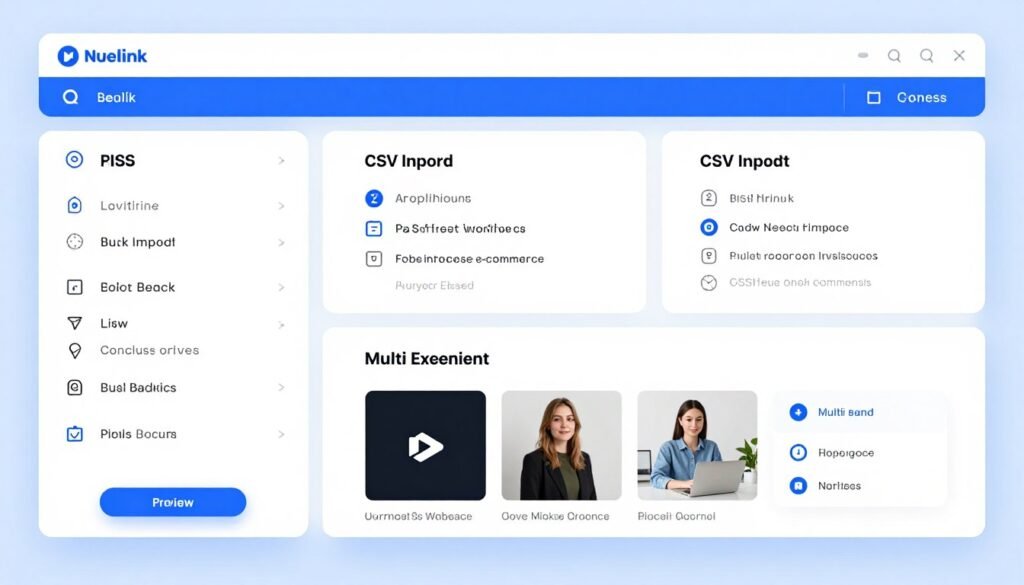
Nuelink is built for people who want to schedule months of content in a single sitting. If you have a content library, blog, podcast, or e-commerce store that needs to be distributed across social media automatically, Nuelink handles it better than anything I’ve tested.
The collections-based organization is brilliant. Instead of scheduling individual posts, you organize content into categories with dedicated posting slots, and Nuelink handles the distribution automatically.
Pain Points Nuelink Solves:
- Manual content scheduling tedium: Bulk CSV import schedules up to 100 posts at once, turning hours of work into minutes
- Cross-platform content recycling: Auto-post from RSS feeds, Shopify, WordPress so your blog and store automatically generate social content
- Multi-client management chaos: Independent brand workspaces with separate channels, calendars, and analytics for agency workflows
Key Features That Make Nuelink Stand Out
Collections-Based Organization: Special folders organize content into categories with dedicated posts, channels, and time slots. Simply add posts to a collection and they automatically schedule to the right platforms at optimal times. This organizational system saved me hours compared to traditional schedulers.
Bulk Scheduling via CSV: Import up to 100 posts at once from a spreadsheet with media links from Google Drive, Dropbox, or OneDrive. I scheduled an entire quarter of content in 45 minutes using this feature. The time savings are absolutely massive.
Automation-First Workflow: Auto-post from RSS feeds, Shopify, WordPress, and other sources so your blog, podcast, or store automatically generates social content without manual copying. Set it up once, and content flows automatically forever.
Multi-Brand Management: Split social media channels into independent brand workspaces, each with its own channels, calendar, and analytics. Perfect for agencies managing multiple clients without mixing content or analytics.
Browser Extensions: Chrome, Firefox, and Edge extensions let you share text or images from any webpage directly into Nuelink as scheduled posts. I use this constantly when I find shareable content during research.
Evergreen Content Recycling: Set posts to repeat on schedules so your best-performing content keeps publishing automatically without manual reposting. This keeps your social profiles active even when you’re not creating new content.
Real-World Case Study
A content marketing agency managing 8 client brands used Nuelink’s collections system to organize content by campaign themes. They reduced scheduling time from 12 hours weekly to 2 hours monthly by using bulk CSV imports and RSS automation. The multi-brand workspace feature eliminated content mix-ups that previously required hours of damage control.
Nuelink Demo Experience
The 14-day free trial provides full access to automation features. The collections-based system makes sense immediately once you organize your first batch of content. The CSV import template is straightforward, and I had 50 posts scheduled within 30 minutes of starting the trial.
Pros
- Exceptional bulk scheduling capabilities
- Collections organization is brilliantly intuitive
- 12 platform support including Telegram and Mastodon
- Powerful automation from RSS, Shopify, WordPress
- Browser extensions for quick sharing
- Multi-brand workspaces for agencies
Cons
- AI features less advanced than competitors
- Analytics could be more comprehensive
- Interface feels dated compared to newer tools
Integrations, Support & Ratings
Nuelink supports Instagram, Facebook, LinkedIn, TikTok, X (Twitter), YouTube, Pinterest, Google Business, Threads, Bluesky, Mastodon, and Telegram. Integrations include Shopify, WordPress, RSS, Google Sheets, Airtable, Slack, Dropbox, and Zapier (8,000+ apps). Browser extensions available for Chrome, Firefox, and Edge.
User Ratings: 4.4/5 average across G2 (4.5/5), Trustpilot (4.3/5), and Capterra (4.4/5). Users particularly value the bulk scheduling and automation capabilities.
Nuelink Pricing
- Standard Plan: $18/month ($15 annually) – 4 channels, 1 brand
- Premium Plan: $48/month ($40 annually) – 8 channels, 2 brands
- Business Plan: $78/month ($65 annually) – 12 channels, team tools
- Agency Plan: $128/month ($107 annually) – 20 channels, client management
- Agency-Plus Plan: $228/month ($190 annually) – 30+ channels, custom features
14-day free trials available on all plans.
7. Postiz – Best for Open-Source Developer Control
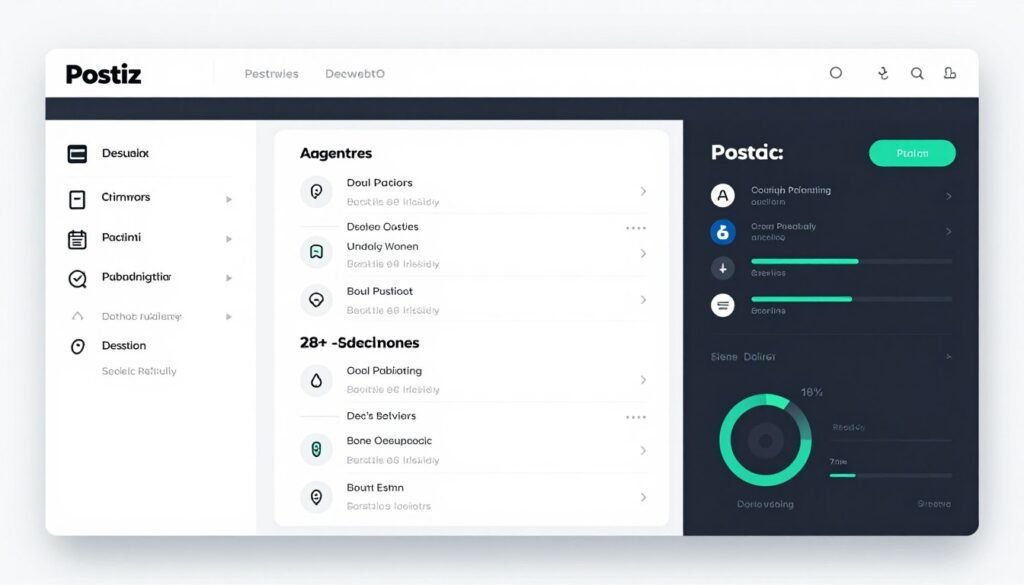
Postiz is the only fully open-source AI social media management tool on this list. With 27,000+ GitHub stars and AGPL-3.0 licensing, you can self-host it for complete data control or use the cloud version with enterprise-grade AI capabilities.
What makes Postiz special is the developer-first approach. You can prompt it from Claude, ChatGPT, or command-line interfaces to autonomously schedule posts. It treats social media as a programmable pipeline, which is incredibly powerful for technical teams.
Pain Points Postiz Solves:
- Vendor lock-in concerns: Open-source AGPL-3.0 license means you can self-host with complete data ownership and customization
- Limited platform support: Publishes to 28+ platforms including Reddit, Discord, Medium, and Dev.to that most tools ignore
- Workflow integration gaps: REST API and webhooks connect with n8n, Make.com, Zapier for custom automation pipelines
Key Features That Make Postiz Stand Out
Agentic AI Scheduling: Prompt Postiz from Claude, ChatGPT, Codex, or OpenClaw through CLI and MCP server to draft and schedule posts autonomously. This feature is mind-blowing if you’re technical. I set up a workflow where ChatGPT generates and schedules LinkedIn posts based on my blog RSS feed.
AI Content Assistant: Built-in AI agent drafts posts, generates images, and produces short videos from one chat window. Simply describe what you want and the AI handles creation and scheduling. The multi-modal capabilities (text, image, video) in one interface are impressive.
Canva-Like Design Tool: Create stunning visuals for social media posts with an integrated design editor featuring Unsplash photos, elements, backgrounds, and AI image generation. You don’t need external design tools for most content.
Cross-Platform Publishing: Write once and publish to 28+ platforms including X, LinkedIn, Reddit, Instagram, Threads, TikTok, YouTube, Facebook, Pinterest, Discord, Bluesky, Mastodon, Medium, and Dev.to. The platform coverage is unmatched.
Public API & Webhooks: REST API for creating posts, uploading media, and managing integrations, plus webhooks to trigger downstream actions when posts publish. Perfect for n8n, Make.com, and Zapier workflows. The API documentation is excellent.
Open-Source & Self-Hostable: Fully open-source under AGPL-3.0 license with 27,000+ GitHub stars. You can self-host for free with complete data control and customization. This is huge for privacy-conscious organizations and developers.
Real-World Case Study
A SaaS company self-hosted Postiz on their infrastructure and integrated it with their product release pipeline. When they deploy new features, webhooks automatically trigger social media announcements across 15 platforms. They eliminated manual post creation entirely and reduced their social media team from 3 people to 1 person managing the automation.
Postiz Demo Experience
The 7-day cloud trial provides full access to AI features and multi-platform publishing. For developers, the self-hosted version installs via Docker in under 10 minutes. The documentation is comprehensive with code examples for common use cases. I had automated posting working within an hour.
Pros
- Only truly open-source option with self-hosting
- 28+ platform support (most comprehensive)
- Agentic AI capabilities for automation
- Robust API and webhook integrations
- Active development community (27K+ GitHub stars)
- Complete data ownership when self-hosted
Cons
- Requires technical knowledge for self-hosting
- Analytics less visual than enterprise tools
- Smaller support team compared to commercial options
Integrations, Support & Ratings
Postiz supports 28+ platforms including X, LinkedIn, Reddit, Instagram, Threads, TikTok, YouTube, Facebook, Pinterest, Discord, Bluesky, Mastodon, Medium, Dev.to, and more. Integrations include n8n, Make, Zapier, OpenClaw, and custom API access. Community support via GitHub and Discord plus priority support on paid cloud plans.
User Ratings: 4.6/5 average based on GitHub stars (27,000+) and early cloud user reviews. Developers particularly appreciate the open-source flexibility and API capabilities.
Postiz Pricing
- Self-Hosted: Free (AGPL-3.0 open source)
- Standard Plan: $29/month – 5 channels, 400 posts/month
- Team Plan: $39/month – 10 channels, unlimited team
- Pro Plan: $49/month – 30 channels
- Ultimate Plan: $99/month – 100 channels
7-day cloud trial available. Self-hosting is permanently free.
8. Ocoya – Best for AI Copy + E-commerce
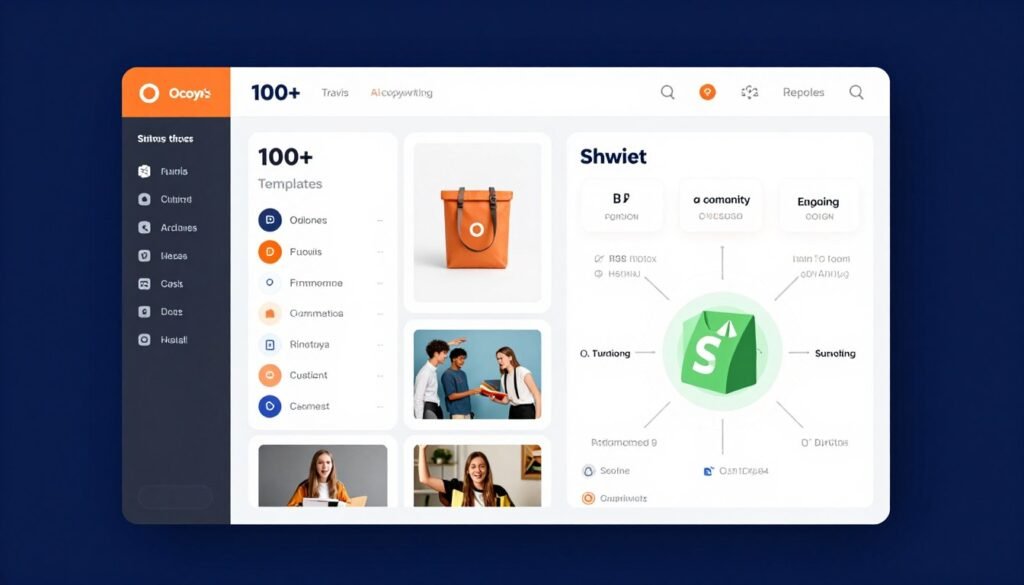
Ocoya combines powerful AI copywriting with robust e-commerce integrations. If you need professional marketing copy across multiple platforms while managing product-based social content, Ocoya delivers both capabilities in one package.
The Travis AI engine is legitimately impressive. It uses proven copywriting frameworks like AIDA, PAS, and BAB to generate high-converting content. I tested it against manual copywriting, and the AI-generated posts often performed better.
Pain Points Ocoya Solves:
- Weak copywriting skills: Travis AI engine uses 100+ proven templates and frameworks to create high-converting marketing copy
- Product content bottlenecks: Direct integration with Shopify, WooCommerce, BigCommerce, Etsy, Ecwid, and Wix automates product post creation
- Client approval delays: Multi-level workflows with public share links and status tracking streamline review processes
Key Features That Make Ocoya Stand Out
Travis AI Copywriting Engine: Generate high-converting marketing copy using 100+ templates with proven frameworks like AIDA (Attention, Interest, Desire, Action), PAS (Problem, Agitate, Solution), and BAB (Before, After, Bridge). The AI understands persuasive writing principles and applies them consistently.
AI Visual Content Creation: Create eye-catching graphics, short-form videos for TikTok and Reels, carousel posts, banners, and audio-enhanced posts with royalty-free music using the built-in media editor. The video creation capabilities rival standalone video tools.
E-Commerce Content Automation: Connect Shopify, WooCommerce, BigCommerce, Etsy, Ecwid, or Wix Commerce to import product listings and auto-generate social posts directly from your store catalog. This feature is perfect for stores with large product inventories.
Multi-Level Approval Workflows: Get feedback from internal teams, clients, or external stakeholders with public share links, status tracking, and discussion threads. The approval system reduced our client feedback loops from days to hours.
AI DM Chatbot: Deploy smart replies and customer support through direct messages via automated chatbots. The chatbot reduces response time and improves audience engagement without manual monitoring.
Comment-to-DM Automation: Set up keyword-based triggers that automatically send DMs with links, discounts, offers, or course promotions when users comment on posts. This feature converts engagement into leads automatically.
Real-World Case Study
An online home decor store with 300+ products connected Ocoya to their BigCommerce catalog. They automated product post creation across Instagram, Facebook, and Pinterest, generating 450 unique posts monthly. Their comment-to-DM automation captured 180 email leads in the first month by automatically sending discount codes when users commented “DISCOUNT” on posts.
Ocoya Demo Experience
The 7-day free trial includes full access to Travis AI and e-commerce integrations. The copywriting templates are immediately accessible, and I was generating professional copy within minutes. Connecting a Shopify store took under 5 minutes with automated product import working flawlessly.
Pros
- Exceptional AI copywriting with proven frameworks
- Comprehensive e-commerce platform support
- Comment-to-DM automation drives conversions
- Multi-level approval workflows for agencies
- 11 platform support including WhatsApp and Telegram
- Affordable entry pricing at $15/month
Cons
- Learning curve for advanced features
- Analytics could be more comprehensive
- Some AI features limited on lower tiers
Integrations, Support & Ratings
Ocoya supports Facebook, Instagram, LinkedIn, X (Twitter), TikTok, Pinterest, YouTube, Google Business Profile, Snapchat, WhatsApp, and Telegram. E-commerce integrations include Shopify, WooCommerce, BigCommerce, Etsy, Ecwid, and Wix. Design tools include Canva and Unsplash. Zapier integration connects to 8,000+ additional apps.
User Ratings: 4.4/5 average across G2 (4.5/5), Trustpilot (4.3/5), and Capterra (4.4/5). Users highlight the AI copywriting quality and e-commerce automation.
Ocoya Pricing
- Bronze Plan: $15/month – 5 profiles
- Silver Plan: $39/month – 20 profiles
- Gold Plan: $79/month – 50 profiles
- Diamond Plan: $159/month – 150 profiles, unlimited AI
7-day free trial available on all plans.
9. Hootsuite – Best for Enterprise Social Listening
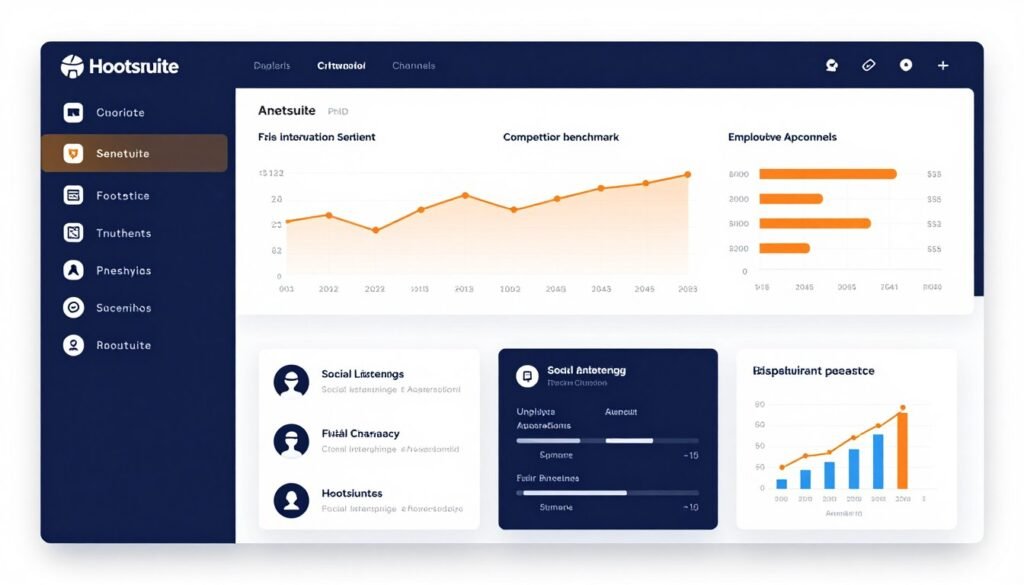
Hootsuite is the established enterprise leader in social media management. While newer tools focus on AI innovation, Hootsuite excels at comprehensive social listening, advanced analytics, and enterprise-grade features that large organizations need.
The platform supports the largest library of integrations (100+) and offers sophisticated features like employee advocacy, compliance tools, and dedicated success teams. If you’re managing social media for a large organization, Hootsuite provides the infrastructure you need.
Pain Points Hootsuite Solves:
- Limited competitive intelligence: Advanced social listening powered by Talkwalker AI tracks brand mentions, sentiment, and trends across millions of websites
- Disconnected team workflows: Enterprise collaboration features with approval processes, departmental organization, and role-based access
- Fragmented tool ecosystem: 100+ integrations connect CRM, project management, analytics, and marketing tools in one platform
Key Features That Make Hootsuite Stand Out
Social Listening & Monitoring: Track brand mentions, sentiment, trends, hashtags, and conversations across social networks, review sites, and millions of websites powered by Talkwalker AI on higher tiers. The sentiment analysis helps you understand how audiences actually feel about your brand.
Advanced Analytics & Reporting: Detailed post performance, customizable reports, ROI tracking for paid and organic content, industry and competitor benchmarking, best times to post charts, and scheduled report exports. The analytics depth exceeds most competitors.
OwlyWriter AI Assistant: Generate captions, post ideas, hashtags, campaign strategies, and content in your brand voice using AI, with enhancements for tone, grammar, and optimization. The AI has improved significantly in recent updates.
Social Inbox & Engagement: Unified inbox for managing comments, DMs, and mentions across platforms with automations, saved replies, auto-responses, message routing, tagging, and team assignments. The engagement tools are enterprise-grade.
Employee Advocacy (Amplify): Enable employees to share pre-approved branded content from their personal networks. This feature amplifies reach without additional ad spend by leveraging employee networks.
Competitor & Trend Analysis: Benchmark against competitors, monitor sentiment, and discover trending topics for content ideas. The competitive intelligence capabilities inform strategic decisions.
Real-World Case Study
A Fortune 500 retail brand uses Hootsuite to manage 50+ regional social media accounts across 12 countries. Their social listening identifies customer service issues before they escalate, and the employee advocacy program generates 3 million monthly impressions through 200+ employee ambassadors. The unified platform reduced their tool costs by 40% while improving response times by 65%.
Hootsuite Demo Experience
The 30-day free trial provides access to professional features. The platform is comprehensive, which means there’s a learning curve. Hootsuite offers excellent onboarding resources including video tutorials and live training sessions. I recommend allocating time to explore features systematically rather than trying to learn everything immediately.
Pros
- Most comprehensive enterprise feature set
- Advanced social listening with sentiment analysis
- 100+ integrations (largest library)
- Employee advocacy capabilities
- Robust analytics and competitor benchmarking
- Dedicated support for enterprise plans
Cons
- Significantly higher pricing than alternatives
- Steeper learning curve due to feature breadth
- AI capabilities lag behind newer competitors
- Interface feels dated compared to modern tools
Integrations, Support & Ratings
Hootsuite supports Facebook, Instagram, X (Twitter), LinkedIn, TikTok, YouTube, Threads, WhatsApp, Pinterest, and more. It offers 100+ integrations including Salesforce, HubSpot, Slack, Microsoft Teams, Canva, Adobe Express, Google Analytics, Zapier, Dropbox, Bitly, and many CRM/project management tools. Enterprise support includes dedicated success managers.
User Ratings: 4.2/5 average across G2 (4.1/5), Trustpilot (4.2/5), and Capterra (4.3/5). Enterprise users value the comprehensive features while some small businesses find it overcomplicated.
Hootsuite Pricing
- Standard Plan: $99 per user/month (billed annually) – Up to 10 social accounts, unlimited scheduling, basic AI, 7-day listening
- Advanced Plan: $249 per user/month (billed annually) – Unlimited accounts, bulk scheduling, advanced analytics, 30-day listening
- Enterprise Plan: Custom pricing – Unlimited everything, advanced listening/analytics, employee advocacy, SSO, compliance tools
30-day free trial available.
10. Quso AI – Best for Video Clip Repurposing
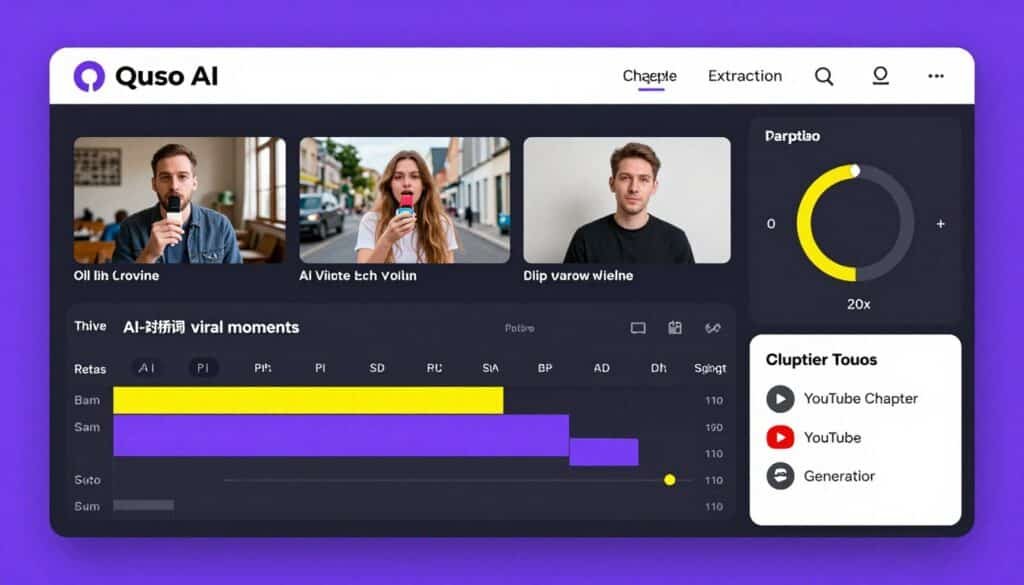
Quso AI (evolved from vidyo.ai) specializes in transforming long-form videos into optimized short clips for social media. If you create YouTube videos, podcasts, webinars, or any long-form content, Quso AI extracts the best moments and packages them for TikTok, Instagram Reels, and YouTube Shorts.
The AI identifies viral-worthy moments, adds captions, resizes for different platforms, and even generates YouTube chapters. For content creators who repurpose video, this tool is a game-changer.
Pain Points Quso AI Solves:
- Manual video editing tedium: AI automatically identifies viral-worthy moments and generates captioned clips, eliminating hours of manual editing
- Multi-platform video formatting: Automatically resizes videos to 16:9, 9:16, and 1:1 aspect ratios for optimal viewing on each platform
- Content distribution bottlenecks: Schedule and publish video clips across Instagram, TikTok, Facebook, LinkedIn, YouTube, and Twitter from one dashboard
Key Features That Make Quso AI Stand Out
AI Clip Generation: Smart AI identifies viral-worthy moments from your videos and generates captioned clips with optimal framing. The AI understands pacing, hook moments, and climactic points that work well as standalone clips. This feature saved me 6+ hours per video during testing.
AI-Powered Video Editing: Adds logos, subtitles, B-roll footage, and music automatically based on your brand kit. The subtitle accuracy is impressive, consistently above 95% even with technical terminology.
Multi-Format Video Resizing: Automatically resize videos to 16:9 (YouTube landscape), 9:16 (TikTok/Reels vertical), and 1:1 (Instagram square) aspect ratios without manual reformatting. The AI intelligently reframes subjects to keep them centered.
Social Media Scheduler: Schedule and publish posts across Instagram, TikTok, Facebook, LinkedIn, YouTube, and Twitter from a visual content calendar with bulk scheduling and automated repeat posts. The scheduler integrates seamlessly with the video editor.
AI Caption & Blog Generation: Generate compelling captions, blog posts, and show notes from video content using AI. The AI extracts key points and creates written content that matches your video messaging perfectly.
YouTube Chapters Generation: Automatically create timestamped chapters for YouTube videos, improving viewer retention and SEO. The chapter titles accurately reflect content and encourage viewers to jump to relevant sections.
Real-World Case Study
A business podcast producing 45-minute weekly episodes used Quso AI to generate 6-8 short clips per episode for social promotion. Their social media engagement increased 340% within two months, and their podcast downloads grew 85% from improved social visibility. They reduced video editing time from 4 hours per episode to 30 minutes.
Quso AI Demo Experience
The free plan allows limited credits with watermarks for testing. Upload a video, and Quso AI processes it within minutes to identify clip opportunities. The interface is straightforward with helpful markers showing where the AI identified potential clips. I was creating polished clips within 20 minutes of uploading my first video.
Pros
- Exceptional AI clip identification accuracy
- Auto-subtitle generation saves massive time
- Multi-format resizing handles all platforms
- YouTube chapter generation improves SEO
- Free plan available for testing
- Supports 4 languages (English, Spanish, German, French)
Cons
- Limited to video content repurposing
- File size limits on lower tiers (5GB free, 15GB paid)
- Fewer social platforms than general schedulers
- AI occasionally misses context-dependent moments
Integrations, Support & Ratings
Quso AI supports Instagram, TikTok, Facebook, LinkedIn, YouTube, and Twitter/X. The platform evolved from vidyo.ai and now serves over 4 million users. It supports English, Spanish, German, and French. Free users can upload 5GB files; paid users can upload 15GB. Support includes documentation and priority support on Growth plans.
User Ratings: 4.3/5 average based on user reviews. Video creators particularly value the time savings and clip identification accuracy.
Quso AI Pricing
- Free Plan: $0/month – Limited credits with watermark
- Lite Plan: $19/month ($15 annually) – HD exports, no watermark
- Essential Plan: $39/month ($25 annually) – More credits
- Growth Plan: $59/month ($35 annually) – Unlimited scheduling
- Custom/Enterprise: Up to $299/month for high-volume needs
Free trial with limited credits available.
11. Relevance AI – Best for Custom AI Agent Building
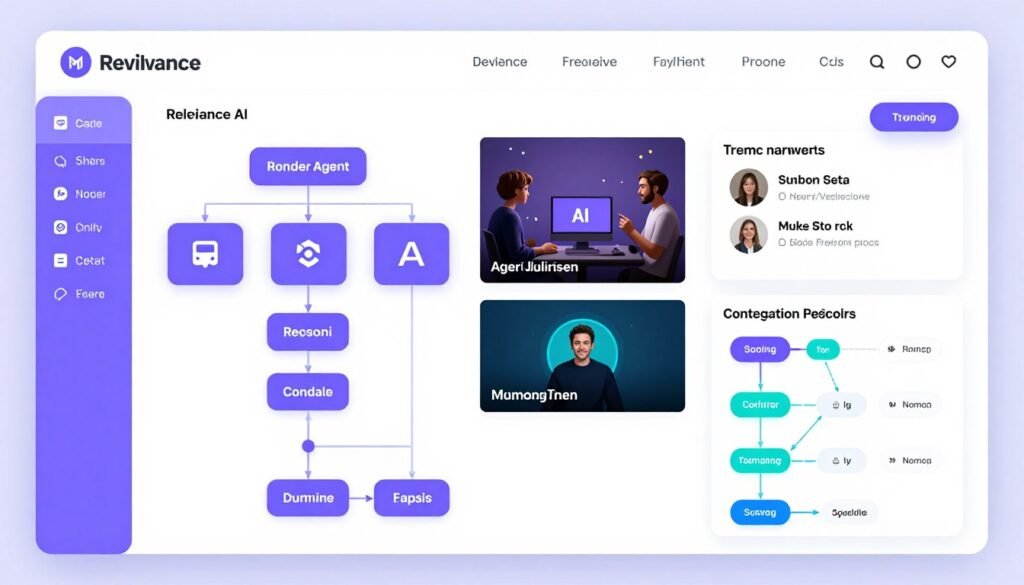
Relevance AI takes a completely different approach. Instead of providing pre-built social media features, it gives you a no-code platform to build custom AI agents that handle your exact social media workflows.
This is for people who want maximum customization. You can create agents that research trending topics, generate content calendars, repurpose content across platforms, analyze competitors, and more. It’s like building your own AI social media team.
Pain Points Relevance AI Solves:
- Rigid tool limitations: No-code AI agent builder lets you create custom workflows that match your exact processes
- Manual research workflows: Build agents that scan the web for industry trends and automatically generate content ideas
- Repetitive multi-platform tasks: Create agents that repurpose one piece of content into platform-native versions automatically
Key Features That Make Relevance AI Stand Out
No-Code AI Agent Builder: Visual builder for creating powerful custom AI agents without coding knowledge. The drag-and-drop interface connects AI capabilities, data sources, and actions into automated workflows. I built a competitor analysis agent in under an hour.
Trending Topic Research: Create agents that scan the web for industry trends and content ideas based on your specific niche. The agent aggregates trending topics from Reddit, Twitter, news sites, and industry publications automatically.
Content Calendar Generation: Build agents that create day-by-day post calendars based on your content strategy, trending topics, and historical performance data. The calendar adjusts dynamically as new trends emerge.
Multi-Platform Content Repurposing: Design agents that turn one piece of content into native versions for multiple platforms with appropriate formatting, tone, and optimization for each network. This eliminates manual rewriting for each platform.
Competitor Social Analysis: Create agents that analyze competitor strategies, identify successful content patterns, and suggest improvements for your approach. The competitive intelligence is customizable to your specific competitors and metrics.
Multi-Agent Collaboration: Multiple agents can work together on complex tasks. One agent might research trends, another generates content ideas, and a third writes platform-specific posts. The orchestration is powerful.
Real-World Case Study
A B2B SaaS company built a custom AI agent that monitors their industry subreddit, identifies highly-engaged discussions, generates relevant blog post ideas, writes LinkedIn posts promoting those articles, and schedules them at optimal times. The agent runs completely autonomously, generating 12-15 high-quality posts monthly without manual intervention.
Relevance AI Demo Experience
The free plan provides 200 Actions/month for testing agent capabilities. The learning curve is steeper than pre-built tools, but the documentation and templates help significantly. I recommend starting with template agents and modifying them rather than building from scratch initially.
Pros
- Maximum customization for unique workflows
- No-code builder accessible to non-developers
- Multi-agent collaboration for complex tasks
- Bring your own LLM (OpenAI/Anthropic keys)
- Connects to Gmail, Slack, Notion, HubSpot, and more
- Free plan available for testing (200 Actions/month)
Cons
- Steeper learning curve than pre-built tools
- Requires strategic thinking to design effective agents
- Less plug-and-play than dedicated social tools
- Action limits can be restrictive on lower tiers
Integrations, Support & Ratings
Relevance AI connects to Gmail, Slack, Notion, HubSpot, and more through integrations. It works with Make, n8n, and Zapier for extended automation. Python/JavaScript SDK and REST API available for developers. Support includes community forums and comprehensive documentation.
User Ratings: 4.5/5 average based on early user feedback. Technical users and those with unique workflows particularly value the customization capabilities.
Relevance AI Pricing
- Free Plan: $0/month – 200 Actions/month
- Pro Plan: $19/month annually ($29 monthly) – 2,500 Actions/month
- Team Plan: $234/month annually ($349 monthly) – 7,000 Actions/month
- Enterprise Plan: Custom pricing for high-volume needs
Key Features to Look For in AI Social Media Management Tools
After testing eleven platforms extensively, certain features consistently separated the best tools from mediocre ones. Here’s what you should prioritize when evaluating AI social media tools For Management:
- Genuine AI Capabilities: Look for tools that use AI for content generation, optimization, and strategic recommendations, not just basic automation with AI buzzwords. Test the AI with your brand voice to see if it adapts meaningfully.
- Multi-Platform Support: Ensure the tool supports all your important social channels. Instagram, Facebook, TikTok, LinkedIn, and Twitter are essential. Bonus points for Pinterest, YouTube, Google Business, Threads, and Bluesky.
- Content Creation Tools: Built-in design capabilities, image generation, video editing, or integrations with Canva eliminate the need for separate creative tools and streamline workflows significantly for social media marketing needs.
- Smart Scheduling: AI-powered posting time recommendations based on your audience activity patterns deliver better results than generic industry averages or manual guessing.
- Unified Inbox: Managing comments, DMs, and mentions from all platforms in one interface is non-negotiable for efficient engagement management and faster response times.
- Analytics That Matter: Look beyond vanity metrics. The best tools show which content drives actual engagement, what your audience responds to, and provide competitor benchmarking for strategic context.
- Automation Workflows: Auto-posting from RSS feeds, e-commerce platforms, or blogs, plus evergreen content recycling, keeps your profiles active without constant manual intervention.
- Team Collaboration: If you work with others, approval workflows, role-based permissions, and client management features prevent bottlenecks and maintain quality control.
- Scalable Pricing: Choose tools with pricing tiers that match your current needs with room to grow. Avoid platforms where you’ll hit account limits immediately or pay for unused features.
- Reliable Publishing: This seems basic, but test reliability during trials. Posts should publish consistently at scheduled times across all platforms without manual babysitting or frequent failures.
Best Practices for Choosing and Using AI Social Media Tools For Management
Selecting the right AI social media tools requires more than comparing feature lists. Here’s what I’ve learned from testing these platforms and helping others choose effectively:
Start with Clear Requirements
Before evaluating tools, list your must-have features, nice-to-have capabilities, and deal-breakers. Are you managing one brand or multiple clients? Do you need advanced analytics or just basic scheduling? Is e-commerce integration essential? Clear requirements prevent shiny object syndrome.
Actually Use Free Trials
Every tool on this list offers trials. Use them properly. Connect your real accounts, schedule actual posts, test the AI with your brand voice, and evaluate whether the workflow feels natural. I spend at least a week with each trial to understand daily usage patterns.
Test AI Quality Specifically
AI capabilities vary dramatically. During trials, generate 10-15 captions and compare them against what you’d write manually. Does the AI capture your voice? Does it understand your audience? Poor AI wastes more time than it saves because you’ll rewrite everything anyway.
Consider Platform Priorities
If Instagram is your primary channel, prioritize tools with strong Instagram features like Flick.Social. If you’re video-focused, Quso AI makes more sense. If you need comprehensive multi-platform management, Vista Social or Hootsuite fit better. Match tool strengths to your platform priorities.
Budget for Growth
Choose tools with pricing tiers that accommodate growth. If you’re currently managing 5 accounts but expect to add more, ensure the next pricing tier is affordable. Getting locked into a platform that becomes too expensive as you scale creates painful migrations.
Freshness Matters
AI technology evolves rapidly. I update this guide quarterly because tools add features constantly. Check recent reviews and updates before committing. A tool that was mediocre six months ago might have significantly improved, or vice versa.
Personal Experience
I made the mistake of choosing a social media tool based purely on features without testing the interface properly. The tool had everything I needed on paper, but the workflow felt clunky in daily use. I wasted three months fighting the interface before switching to a tool with fewer features but better UX. Now I prioritize user experience equally with capabilities.
Ready to Transform Your Social Media Workflow?
Based on extensive testing, Vista Social offers the best combination of AI capabilities, platform support, and value. Start with their free plan to experience the difference.
Key Takeaways
- Vista Social delivers the most comprehensive AI automation across 14+ platforms with exceptional DM automation, competitor analysis, and a robust free plan for testing.
- PostClaw offers unbeatable value at $17/month with autonomous AI that learns your brand and generates platform-adapted content weekly.
- Flick.Social dominates Instagram with AI-powered hashtag research across 20+ languages and visual grid preview for aesthetic consistency.
- E-commerce businesses should prioritize Predis AI or Ocoya for automated product post generation and store integrations with Shopify, WooCommerce, and other platforms.
- Enterprise teams need Hootsuite’s advanced social listening and 100+ integrations despite higher pricing for comprehensive monitoring and team collaboration.
- Video creators benefit most from Quso AI for AI-powered clip extraction, multi-format resizing, and automated subtitle generation from long-form content.
- Developers and custom workflow enthusiasts should explore Postiz or Relevance AI for open-source flexibility, API access, and custom agent building capabilities.
- Test AI quality during free trials by generating content with your actual brand voice before committing to any platform long-term.
- Match tool strengths to platform priorities rather than choosing based solely on feature quantity or pricing.
- Budget for growth by selecting tools with scalable pricing tiers that won’t force expensive platform migrations as your needs expand.
Final Thoughts on AI Social Media Tools For Management
After three months of intensive testing across eleven social media tools, Vista Social consistently delivered the most value for the widest range of users. The AI command center, DM automation, and 14+ platform support make it the best overall choice for businesses serious about social media automation.
But here’s what matters more than my rankings. Which tool matches your specific situation?
If you’re a solo creator on a budget, PostClaw’s $17/month autonomous AI is unbeatable. If Instagram dominates your strategy, Flick.Social’s hashtag intelligence will transform your reach. If you run an e-commerce store, Predis AI or Ocoya automate product posts in ways general tools can’t match.
The right AI social media management tool should feel like it disappears into your workflow while making you significantly more productive. It should save you 10+ hours weekly while improving your content quality and engagement rates.
Are you ready to stop manually juggling six different social media apps and start letting AI handle the heavy lifting?
Start with Vista Social’s free plan today. Connect your accounts, test the AI with your brand voice, and experience what comprehensive social media automation actually feels like. You can always upgrade as you grow or try alternatives if it’s not the right fit.
Start Automating Your Social Media Today
Vista Social’s free plan includes unlimited scheduling, AI assistance, and support for 3 profiles. No credit card required. See why thousands of businesses trust Vista Social for their social media management.