Creating viral TikTok content consistently feels impossible when you’re juggling research, editing, posting, and analytics manually. I’ve spent countless hours scrolling for trending sounds, editing clips, and trying to figure out the best posting times.
The truth is, TikTok automation tools have completely changed how creators and marketers approach the platform. These AI-powered solutions handle everything from trend discovery to video generation, letting you focus on strategy instead of repetitive tasks.
After testing dozens of platforms, I’ve narrowed down the nine best TikTok automation tools that actually deliver results. Whether you need research insights, faceless video creation, or auto-posting schedules, there’s a solution here that fits your workflow.
In this article, we’ll review the top picks to help you choose the right automation platform for your TikTok growth goals in 2026.
What Are TikTok Automation Tools?
TikTok automation tools are AI-powered software solutions designed to streamline your entire content workflow. They handle research, creation, editing, scheduling, posting, and analytics so you can scale your account faster.
These platforms cover diverse needs across the content lifecycle. Some tools specialize in hashtag and song research to identify trending opportunities early. Others use AI to generate complete videos from text prompts, eliminating the need for manual editing.
You’ll also find solutions for auto-clipping long videos into viral shorts, direct publishing on autopilot, and performance insights that guide your strategy. The goal is simple: produce more high-quality content in less time while maintaining consistency that the TikTok algorithm rewards.
Whether you’re a solo creator, marketer, or agency, automation enables super-fast growth in views and followers by removing manual bottlenecks from your workflow.
Why Use TikTok Automation Tools?
The biggest advantage of TikTok automation is dramatically increased content output. I’ve seen my posting frequency jump from 3 times per week to daily (or even multiple times per day) without burning out.
Automation tools maintain consistent posting schedules that keep you visible in followers’ feeds. The TikTok algorithm favors accounts that post regularly, and automation ensures you never miss optimal posting windows.
These platforms help you identify trending opportunities early through real-time hashtag, sound, and content analysis. You can jump on viral trends before they peak, giving your videos a better chance of algorithmic promotion.
Beyond speed, automation optimizes videos for higher engagement through AI-generated captions, trending effects, and format recommendations. You spend less time on manual research and editing while producing professional-quality output.
Key benefits include faster account scaling, higher views and followers, reduced creator burnout, and a strong competitive advantage. Faceless production options and smart repurposing extend content reach across multiple platforms simultaneously.
Data-driven decisions replace guesswork. Analytics features show which content types perform best, optimal posting times, and audience demographics, letting you refine your strategy based on actual performance data.
TikTok Automation Tools Evaluation Criteria
I tested these tools based on real use across several key factors.
Automation capabilities determine how much manual work gets eliminated.
Content quality and virality potential measure whether AI-generated videos actually perform well.
Output quality matters because poorly edited videos damage your brand.
Ease of use affects how quickly you can start seeing results.
Integrations, ratings from verified users, and pricing transparency round out the evaluation.
Each tool in this roundup excels in at least one category, with top picks dominating multiple areas. I’ve ranked them based on overall value for different creator needs and budgets.
Why Should You Trust Me?
I’m an AI Engineer with a Master’s degree in Data Science and Machine Learning, plus a Bachelor’s in Software Engineering. I’ve been a working professional since 2018, ghost developing AI applications and consulting on automation workflows.
This background means I understand how AI tools work under the hood. I know which features are genuinely innovative versus marketing hype. When I test TikTok automation tools, I’m evaluating their algorithms, data processing capabilities, and long-term scalability.
I’ve personally used each platform in this article for real content creation, not just quick demos. My recommendations come from hands-on experience with workflow integration, output quality, and actual performance results.
You’re getting insights from someone who builds AI systems professionally and uses these tools daily to solve real content challenges. That’s the perspective guiding every review below.
TikTok Automation Tools Comparison Table
| Rank | Tool | Best For | Best Features | Overall Avg Rating | Pricing |
| 1 | TikAnalyzer | Research, trend discovery, hashtag/song analysis | Keyword generator, hashtag analyzer, song analyzer, AI insights | 4.8/5 | ~$47 lifetime (one-time) |
| 2 | InVideo AI | Prompt-to-video creation, scripting, realistic voices | 50+ workflows, 16M+ stock media, Magic Box editing, AI avatars | 4.7/5 | $17-$170/mo |
| 3 | Vizard.AI | Repurposing long videos into viral TikTok clips | AI clip generation (10+ clips from one video), auto subtitles, 4K support | 4.7/5 | Free-$39/mo |
| 4 | Flixier | Fast browser-based editing and direct publishing | Cloud timeline editor, 103 language subtitles, direct TikTok publishing | 4.6/5 | Free-$43/mo |
| 5 | Fliki AI | Text-to-TikTok with realistic voices and avatars | 2000+ AI voices, 80+ languages, AI avatars, voice cloning | 4.6/5 | Free-$88/mo |
| 6 | Crayo AI | AI clipping, viral subtitles, voiceovers | 15+ subtitle styles, workflow automation, batch processing, trend AI | 4.5/5 | $13-$79/mo |
| 7 | AutoShorts.AI | Full faceless channel automation with auto-posting | Series automation, custom prompts, auto-scheduler, voice cloning | 4.5/5 | Free-$69/mo |
| 8 | VidGenie AI | AI UGC videos, story videos and reels generation | UGC Videos, Story Videos creation, podcast shorts and realistic avatars | 4.5/5 | Free-$22/mo |
| 9 | Short AI | End-to-end automation with multi-platform scheduling | AI script generator, faceless videos, auto-clipping, bulk generation | 4.4/5 | $19-$60/mo |
Top 3 TikTok Automation Tools
Based on my testing, these three platforms deliver the best overall value for different automation needs. Each excels in specific areas while maintaining strong performance across other features.
TikAnalyzer
Best for comprehensive TikTok research and data-driven trend discovery.
InVideo AI
Best for prompt-to-video generation with professional AI voices and effects.
Vizard.AI
Best for repurposing long content into multiple viral TikTok shorts.
Detailed TikTok Automation Tools Ranked
1. TikAnalyzer – Best for Research and Trend Discovery
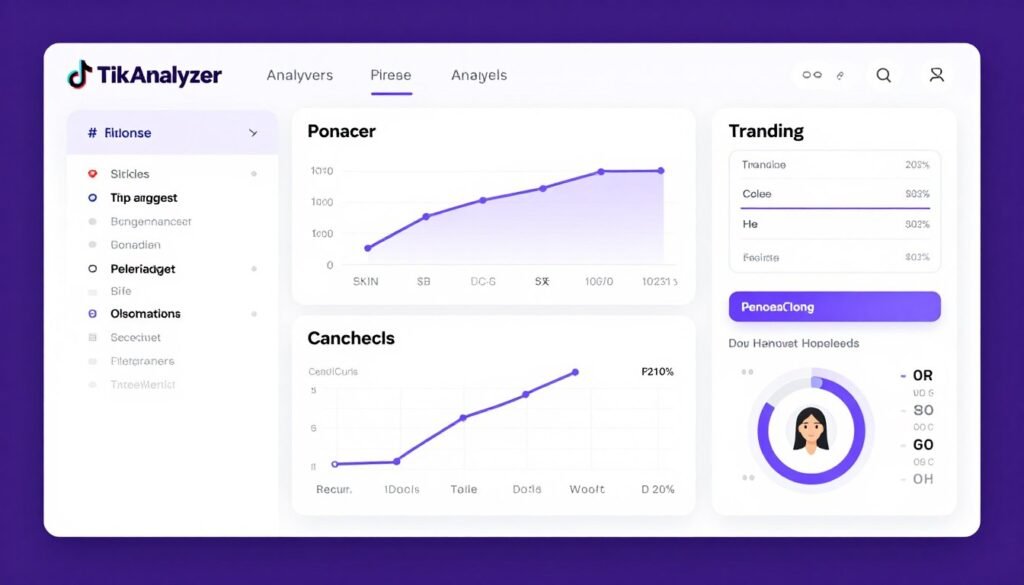
TikAnalyzer is the most comprehensive TikTok automation platform I’ve found for research and trend discovery. Instead of manually scrolling for hours to find viral hashtags or trending sounds, this 11-in-1 tool pulls live TikTok data with AI-powered insights.
I use it daily to uncover niche keywords, validate hashtag performance, and identify breakout songs before they saturate. The unlimited access model (one-time payment) means no monthly caps on research, which is rare in this space.
Pain Points TikAnalyzer Solves
- Trend blindness: Discover trending hashtags and songs with multi-year performance data before competitors.
- Keyword guesswork: AI autosuggest pulls live search volumes, CPC, and competition metrics automatically.
- Content planning paralysis: AI Data Analyzer generates hooks, briefs, and content plans from research data.
Key Features
Autosuggest Keyword Generator pulls live TikTok search suggestions with volumes, CPC, and competition scores. I’ve found dozens of niche ideas instantly that would take hours to discover manually.
Hashtag Analyzer shows trending hashtags with multi-year popularity charts, total views, and audience demographics. You can filter by country and see exactly which tags drive engagement in your niche.
Song Analyzer identifies popular versus breakout tracks with commercial-use filters. The tool includes song previews, downloads, and audience heatmaps so you know which sounds resonate with your target audience.
Video Analyzer scrapes competitor videos for engagement ratios, velocity metrics, reach estimates, and VQ scores. You can reverse-engineer successful content strategies with editable revenue calculations.
AI Insights Reporter scrapes video comments and generates summaries, themes, FAQs, sentiment charts, and recommendations. This feature alone has transformed how I understand audience reactions.
AI Data Analyzer processes research grids with 590+ prompts to create hooks, video briefs, and content calendars automatically. It’s like having a strategy assistant built into your research workflow.
The Export & Action Tools generate self-contained HTML reports, batch downloads, and shareable insights. Everything exports cleanly for client presentations or team collaboration.
Mini Case Study
A fitness creator used TikAnalyzer’s Song Analyzer to identify a breakout workout track two weeks before it went viral. By creating content early with that sound, their video hit 2.3 million views and gained 47,000 followers in one week.
The Hashtag Analyzer revealed that #homeworkout was declining while #apartmentfitness was rising. Switching focus to the emerging tag increased their average views per video by 340% over the next month.
Demo Description
The interface feels like a desktop research hub with tabbed modules for each analysis type. You start by entering a seed keyword or niche, then TikAnalyzer pulls live data across all 11 tools simultaneously.
Results display in sortable grids with filters for country, timeframe, and performance metrics. The AI Data Analyzer button sits at the top, ready to transform any data set into actionable content plans with one click.
Video previews, song samples, and user profiles load inline so you never leave the research environment. Export options are prominent, making it easy to save findings for later execution.
Pros
- Lifetime access with no monthly caps eliminates subscription fatigue
- 11 research tools in one platform cover entire TikTok strategy workflow
- AI insights generate content plans from raw data automatically
- Live TikTok data ensures accuracy versus outdated trend reports
- Multi-year hashtag/song charts reveal long-term pattern shifts
Cons
- No native video creation or scheduling features (research-focused only)
- Steeper learning curve with 11 modules to master initially
- Requires external tools for actual content production after research
Integrations, Support & Ratings
TikAnalyzer is a standalone desktop/web app with HTML report exports and batch video downloads. It includes an encrypted login helper but no native social media schedulers or Zapier connections.
Support comes via email from the developer, with comprehensive video tutorials. The focus is research-to-action workflow rather than deep integrations with other platforms.
User ratings average 4.7/5 on independent review sites, with praise for data accuracy and AI insight quality. Some users note the interface could be more modern, but functionality wins over aesthetics.
Pricing
Lifetime Access costs approximately $47 one-time (discounted from $67), including all 11 tools, unlimited usage, AI insights, live metrics, updates, and a 30-day guarantee. Perfect for researchers and creators avoiding subscriptions.
Pro/Agency OTOs range from $47-$97 each for advanced analytics, automation/scheduling upgrades, commercial licenses for client work, or extra trend modules. Base tier covers most individual creator needs.
2. InVideo AI – Best for Prompt-to-Video Creation
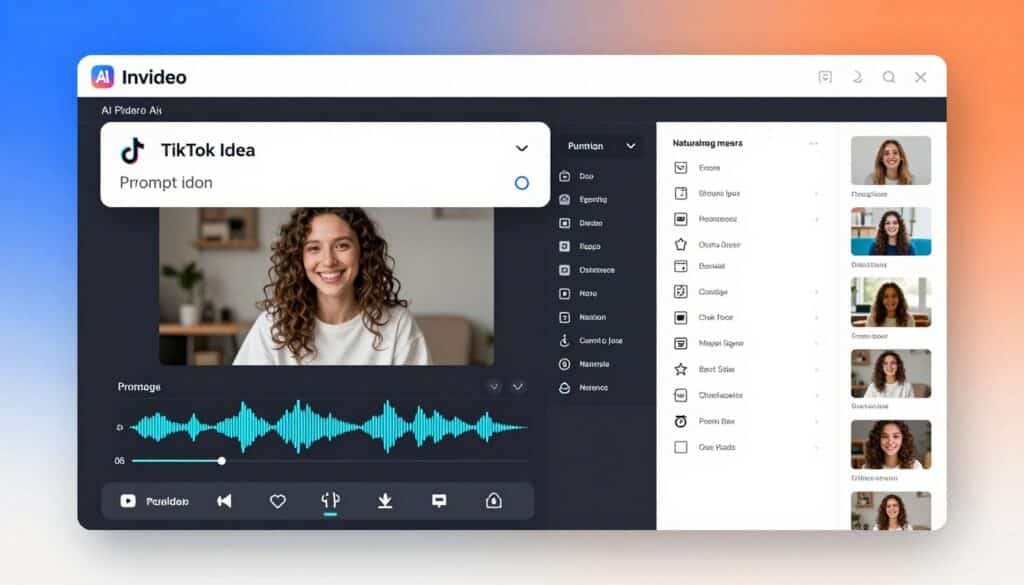
InVideo AI transforms text prompts into complete TikTok videos with AI visuals, voiceovers, music, and effects in minutes. I’ve used it to go from idea to published video in under 10 minutes, something that previously took hours of manual editing.
The platform excels at realistic AI voices in 50+ languages and natural language editing through its Magic Box feature. You can tweak scenes, voices, or elements by simply typing what you want changed.
Pain Points InVideo AI Solves
- Manual editing time sink: Generate complete videos from text prompts in minutes instead of hours.
- Voiceover complexity: Realistic AI voices in 50+ languages eliminate recording equipment and editing skills.
- Stock media hunting: 16M+ integrated assets mean you never leave the platform searching for footage.
Key Features
Prompt-to-Video Generation converts simple text ideas into complete TikTok videos. I type a concept like “5 morning routine hacks for productivity” and InVideo AI generates scenes, voiceover, music, and captions automatically.
50+ Workflows & Styles include pre-built templates for viral TikTok formats, UGC content, travel videos, and platform-specific targeting. These templates dramatically reduce production time while maintaining professional quality.
Realistic AI Voices span 50+ languages with emotion detection. Higher plans include voice cloning, letting you maintain consistent brand voice across all content without recording.
Magic Box Editing uses natural language commands to modify generated videos. Instead of timeline scrubbing, I type “make the intro faster” or “change the background music to upbeat” and it updates instantly.
Advanced AI Models include access to top-tier systems like Veo and Sora for high-quality visuals. This ensures your TikTok videos look professional rather than obviously AI-generated.
Stock Media Library provides 16M+ assets including iStock integration for premium footage and music. Everything is licensed for commercial use, eliminating copyright concerns.
Auto Subtitles & Effects add engaging captions, animations, and transitions optimized for TikTok retention. Subtitles sync automatically with voiceover timing and include trendy styling options.
Multiplayer Collaboration enables real-time team editing and project sharing. This feature is essential for agencies or brands managing multiple creator accounts.
Mini Case Study
A recipe creator used InVideo AI to scale from 3 videos per week to daily posting. By prompting recipe ideas and letting the AI generate videos overnight, they increased followers from 12,000 to 89,000 in three months.
The Magic Box editing feature let them maintain consistent brand styling across all videos by saving custom voice and visual preferences. Average video production time dropped from 2 hours to 12 minutes.
Demo Description
The interface centers on a large prompt input box where you describe your desired video. After generation (1-3 minutes), the timeline editor appears with Magic Box for natural language tweaks.
Stock media suggestions appear in a sidebar, organized by relevance to your prompt. Drag-drop replacements update scenes instantly. The preview player shows real-time changes as you edit.
Export options include watermark-free HD/4K with direct sharing to TikTok and other platforms. The workflow feels more like writing than traditional video editing.
Pros
- Fastest text-to-video generation I’ve tested (under 3 minutes typically)
- Natural language editing eliminates complex timeline manipulation
- Massive stock library (16M+ assets) with commercial licensing included
- Realistic AI voices rival human narration quality
- Multiplayer collaboration ideal for team workflows
Cons
- Credit system can feel limiting on lower tiers during heavy usage
- No built-in TikTok scheduler (requires external posting)
- AI-generated content may need manual tweaks for brand consistency
Integrations, Support & Ratings
InVideo AI integrates stock libraries (iStock), with direct exports to social media platforms. The multiplayer collaboration tools facilitate team workflows but there’s no built-in TikTok scheduler.
Support includes 24/7 live chat, email, Discord community, and extensive video tutorials. Response times are fast, with most queries resolved within hours.
Ratings average 4.6/5 across G2, Trustpilot, and Capterra. Users praise the prompt quality and time savings, with some noting the learning curve for advanced features.
Pricing
Plus tier (~$17-25/mo or ~$200-204 yearly) includes 75 credits/month, core AI models, unlimited watermark-free exports, and 20GB storage. Great for regular creators posting several times weekly.
Max tier (~$85/mo or ~$1000 yearly) provides 390 credits, more avatars/storage (100GB), and higher concurrency for heavier use. Best for daily posters or small teams.
Generative tier (~$170/mo or ~$2000 yearly) includes 800 credits, maximum features/storage (2TB), ideal for agencies or high-volume TikTok production. Enterprise plans available with custom pricing.
3. Vizard.AI – Best for Repurposing Long Videos
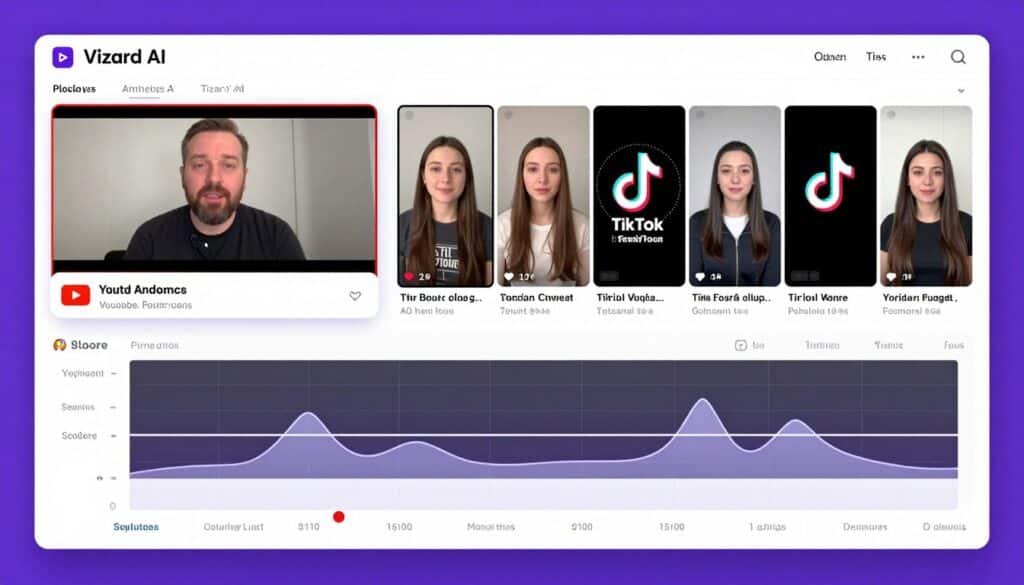
Vizard.AI is designed to help you repurpose long-form content into short, engaging TikTok videos automatically. If you regularly create long-form content, Vizard can help you generate weeks of short-form content from a single recording.
The smart highlight detection identifies the most engaging moments automatically, then formats them with trendy captions, effects, and 9:16 aspect ratio. It’s the fastest path from existing content to a full TikTok posting calendar.
Pain Points Vizard.AI Solves
- Content drought: Transform one long video into 10+ viral TikTok clips instantly.
- Manual clipping tedium: AI highlight detection finds engaging moments automatically without timeline scrubbing.
- Cross-platform reformatting: Auto-resize and optimize for TikTok, Reels, Shorts with one click.
Key Features
AI Clip Generation turns one long video into 10+ ready TikTok clips with highlights and 9:16 formatting. I uploaded a 45-minute webinar and got 12 polished clips in under 5 minutes.
Smart Highlight Detection uses AI to identify engaging moments for maximum virality potential. The algorithm analyzes speech patterns, energy levels, and visual interest to find clips that perform well.
Auto Subtitles & Enhancements add trendy captions with speaker adjustment, background music, and effects. Subtitles sync perfectly with speech and include styling options that match current TikTok trends.
Custom Templates & Styles provide pre-designed viral looks with one-click backgrounds, logos, and branding. You can save templates to maintain consistent visual identity across all clips.
Full TikTok Editor allows manual tweaks, text additions, and effects after AI processing. This gives you control when the AI selections need refinement for your specific audience.
Multi-Platform Optimization resizes and exports for TikTok, Reels, and Shorts seamlessly. One upload creates content for all major short-form platforms simultaneously.
Upload Flexibility accepts YouTube links, drag-drop files, or direct imports. The YouTube link feature is particularly useful for repurposing existing long-form content without downloading files.
Collaboration & Workspaces enable team sharing, client previews, and project management. Essential for agencies handling multiple accounts or creators working with editors.
Mini Case Study
A business coach repurposed a single 60-minute training session into 15 TikTok clips using Vizard.AI. Those clips generated 4.2 million combined views over two weeks, driving 1,200+ leads to their email list.
The AI highlight detection identified the most quotable and actionable moments, which received 3x higher engagement than manually selected clips they’d tried previously. Average clip production time dropped from 20 minutes to under 2 minutes.
Demo Description
The interface starts with a simple upload screen for video files or YouTube URLs. After upload, Vizard.AI processes the video and presents suggested clips in a grid view with engagement scores.
Each clip preview shows the selected segment with auto-generated subtitles. Click any clip to open the full editor for manual adjustments. The timeline displays the entire source video with highlight markers.
Export options include batch download as MP4s or shareable links. The workflow from upload to final clips takes 5-10 minutes for most videos, depending on length.
Pros
- Turns one long video into weeks of TikTok content in minutes
- AI highlight detection accuracy rivals manual editing
- Multi-platform optimization (TikTok, Reels, Shorts) from single upload
- YouTube URL import eliminates file download steps
- Collaboration features ideal for team workflows
Cons
- Free tier includes watermark on exports (paid plans required for clean output)
- AI may miss context-dependent highlights occasionally (manual review recommended)
- Credit system limits heavy users on lower pricing tiers
Integrations, Support & Ratings
Vizard.AI integrates YouTube imports and direct social media publishing to TikTok and other platforms. Major video formats are supported with API access available in paid plans.
Support includes a help center, video tutorials, and email/chat options. Response times average under 24 hours, with priority support on higher tiers.
Ratings average 4.5/5 across review platforms. Users highlight the time savings and clip quality, with occasional feedback about AI highlight accuracy in niche content types.
Pricing
Free tier provides 60 credits/month (approximately 1 credit per minute of source video) with watermark on exports. Good for testing the platform before committing.
Creator tier (~$14.50-29/mo annual/monthly) includes higher credits (e.g., 600 minutes), no watermark, 4K export, and better storage. Ideal for individual creators posting regularly.
Business tier (~$19.50-39/mo) adds team seats, more credits, and advanced collaboration for scaling agencies or brands managing multiple accounts.
4. Flixier – Best for Browser-Based Editing
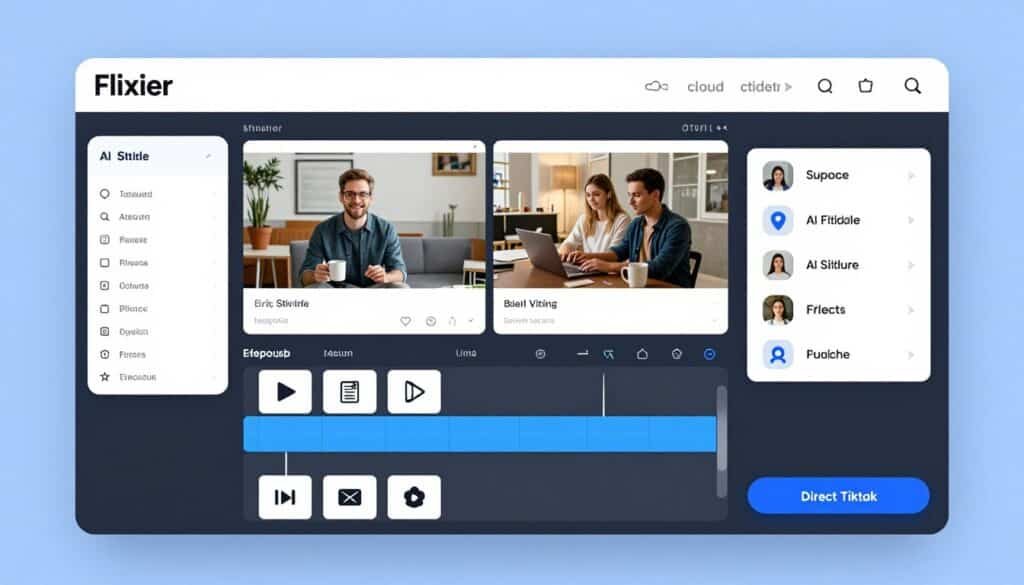
Flixier is a cloud-based video editing platform that allows you to create and edit TikTok videos directly from your browser without downloading software.
It combines traditional timeline editing with AI-powered features such as automatic subtitles in over 100 languages, text-to-speech generation, audio enhancement, and direct TikTok publishing.
Cause everything runs in the cloud, you can work across multiple devices while benefiting from fast rendering and simplified content workflows.
Pain Points Flixier Solves
- Software installation hassles: Edit directly in browser with no downloads or storage requirements.
- Device limitations: Access projects from any computer with cloud sync and fast rendering.
- Publishing friction: Export and post directly to TikTok without file transfers or re-uploads.
Key Features
Browser-Based Timeline Editing provides drag-drop trim, cut, and stack functionality without software downloads. The interface feels like professional desktop editors but runs entirely in your browser.
AI Tools include auto subtitles in 103 languages, text-to-speech narration, and audio enhancement. I’ve generated multilingual captions and voiceovers without leaving the editing environment.
Effects & Polish cover transitions, animations, filters, green screen, picture-in-picture, and motion text. Everything you need to create engaging TikTok videos is accessible through the browser interface.
Stock Library provides millions of assets for images, footage, and music. Licensed for commercial use, eliminating copyright concerns when monetizing your TikTok account.
Direct Publishing lets you export and post straight to TikTok, YouTube, and other platforms. This eliminates the download-upload cycle that adds unnecessary steps to most workflows.
Real-Time Collaboration enables team editing, comments, and review links. Multiple editors can work on the same project simultaneously, with changes syncing instantly.
Cloud Speed & Storage delivers fast rendering with project accessibility from anywhere. I’ve rendered 5-minute videos in under 60 seconds on Flixier’s cloud infrastructure.
Aspect Ratio Optimization makes 9:16 TikTok formatting easy with custom preset options. One-click aspect ratio changes let you repurpose content for different platforms quickly.
Mini Case Study
A travel creator used Flixier’s cloud editing to produce TikTok videos while traveling across Southeast Asia. By editing in browser cafes and hostels, they maintained daily posting despite unreliable WiFi and no laptop.
The direct TikTok publishing saved an estimated 15 minutes per video by eliminating file downloads and manual uploads. Over three months, this efficiency gain translated to 30+ additional videos published.
Demo Description
The interface opens with a familiar timeline editor layout. Media library sits on the left, preview window at center, timeline at bottom. Drag files from your computer or import from cloud storage directly.
AI tool buttons appear in the toolbar: auto subtitles, text-to-speech, audio enhancer, image/video generator. Effects and transitions are organized in collapsible sidebars for quick access.
Export options include direct social publishing, MP4 download, or shareable links. The entire workflow happens in-browser with no software installation required.
Pros
- No software download required (works on any device with browser)
- Cloud rendering faster than most desktop editors I’ve tested
- Direct TikTok publishing eliminates file transfer steps
- 103-language subtitles ideal for global audiences
- Real-time collaboration perfect for team projects
Cons
- Free tier limited (10 min exports/mo, 720p, watermark)
- Requires stable internet connection for smooth editing
- Some advanced effects lag compared to native desktop software
Integrations, Support & Ratings
Flixier integrates Google Drive, Dropbox, Zoom, and Twitch for imports/exports. Direct publish to TikTok, YouTube, and other social media platforms. Strong cloud workflow connectivity.
Support includes email/chat on paid plans and a comprehensive help center. Response times are reasonable, with most technical issues resolved within 24-48 hours.
Ratings average 4.6/5 on G2 and Capterra. Users praise the browser convenience and rendering speed, with occasional feedback about internet dependency for heavy projects.
Pricing
Free tier includes limited exports (10 min/mo, 720p, watermark) and basic features for testing the platform.
Pro tier (~$10-23/mo or ~$120 yearly) provides 300 minutes exports, 1080p, 50GB storage, full stock library, and brand kit. Most popular for solo creators posting regularly.
Business tier (~$19-43/mo or ~$228 yearly) includes 600 minutes, 4K resolution, unlimited collaborators, and more AI credits. Best for teams or agencies managing multiple accounts. Enterprise plans available with custom pricing.
5. Fliki AI – Best for Text-to-TikTok with AI Voices
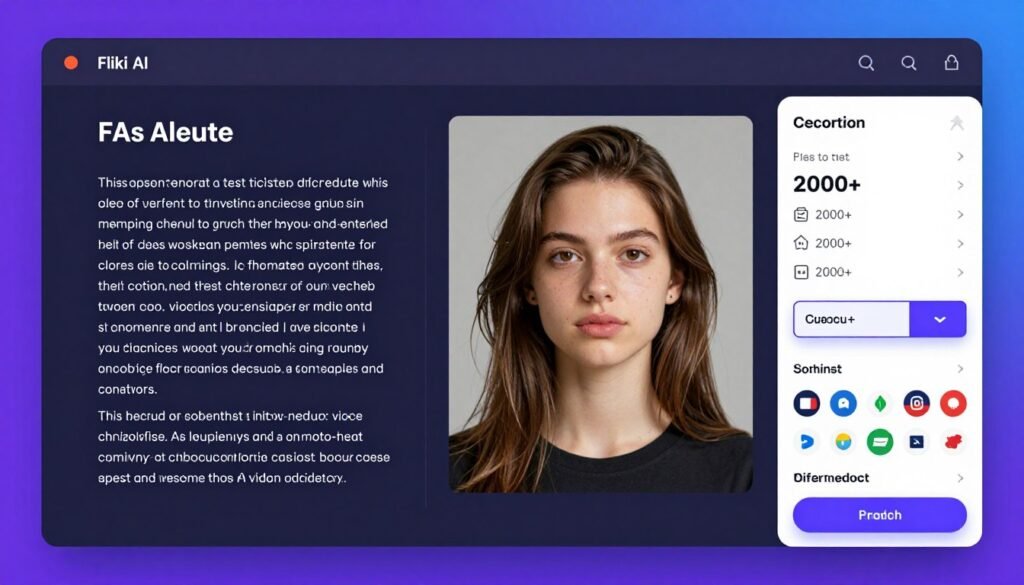
Fliki AI helps you transform scripts, articles, blog posts, and text content into complete TikTok videos using realistic AI voices, avatars, visuals, and captions. Its extensive library of more than 2,000 voices across 80+ languages makes it particularly valuable for creators targeting international audiences.
Combined with AI avatars and automated video generation, Fliki simplifies the entire content production process from scripting to final video creation.
Pain Points Fliki AI Solves
- Voiceover recording complexity: 2000+ realistic AI voices in 80+ languages eliminate recording equipment needs.
- On-camera reluctance: AI avatars and faceless video options maintain privacy while building audience.
- Multilingual content barriers: Instant translation and localization expand reach to global markets.
Key Features
Text/Prompt to Video converts scripts or simple ideas into full videos with scenes, voiceovers, and effects. I type a script and Fliki generates matching visuals, narration, and music automatically.
2000+ AI Voices span 80+ languages and accents with ultra-realistic narration quality. The voice cloning option on higher plans lets you maintain consistent brand voice without recording sessions.
AI Avatars & Visuals include talking heads, stock media, and custom image integration for faceless content. This is perfect for creators who want to build an audience without showing their face.
Templates & Workflows cover blog-to-video, script-to-video, auto-editing, and series creation. Pre-built workflows dramatically reduce production time for common content types.
Auto Captions & Music generate engaging subtitles and licensed background tracks automatically. Captions sync perfectly with AI voice timing and include trendy styling options.
Brand Kit Customization maintains logos, fonts, and colors for consistent styling across all videos. Save brand presets to ensure every TikTok matches your visual identity.
Bulk Generation & API scale production in higher plans for agencies or high-volume creators. Generate dozens of videos from templates with variable inputs for rapid content output.
Commercial Rights come with watermark-free, monetization-safe videos on paid tiers. Use Fliki-generated content for client work or monetized accounts without licensing concerns.
Mini Case Study
An educational content creator used Fliki AI to launch TikTok channels in 5 languages simultaneously. By using voice cloning and translation features, they reached 340,000 combined followers across language-specific accounts in six months.
The faceless AI avatar format allowed them to scale production to 3 videos per day per channel (15 total daily) without on-camera time. Average video production dropped from 45 minutes to 8 minutes per video.
Demo Description
The interface starts with a script input box or template selector. Choose text-to-video, blog import, or start from scratch. After entering content, select from 2000+ voices organized by language and style.
The AI generates scene suggestions with matching stock visuals or avatar options. Preview each scene and adjust timing, voice, or visuals through a simple editing panel. Brand kit settings apply automatically.
Export includes watermark-free HD videos with direct YouTube publishing or MP4 download. Multi-platform optimization is available with one-click aspect ratio changes.
Pros
- Largest AI voice library (2000+ voices in 80+ languages)
- Voice cloning maintains consistent brand voice without recording
- Faceless avatar options ideal for privacy-focused creators
- Bulk generation and API scale production for agencies
- Commercial rights included on paid plans
Cons
- Free tier very limited with watermark
- AI avatars occasionally lack natural expressions (improving)
- Credit system can restrict heavy users on lower tiers
Integrations, Support & Ratings
Fliki AI integrates Make/Zapier for automation workflows and YouTube for direct publishing. Stock media libraries are built-in with licensed content for commercial use.
Support includes email and live chat (priority on paid plans) plus extensive tutorials. The help center covers most common workflows with video walkthroughs.
Ratings average 4.7/5 across G2 and Trustpilot. Users highlight voice quality and ease of use, with occasional feedback about credit consumption rates on complex projects.
Pricing
Free tier is limited with watermark and short video length for testing only.
Standard tier (~$21-28/mo annual/monthly) includes ~180 minutes credits, 1080p export, full voice library, and commercial rights. Great for regular individual creators.
Premium tier (~$66-88/mo) provides higher credits (600+ minutes), longer videos, voice cloning, and priority features. Best for daily posters or small teams. Enterprise plans available with custom API access and bulk pricing.
6. Crayo AI – Best for Viral Subtitles and Voiceovers
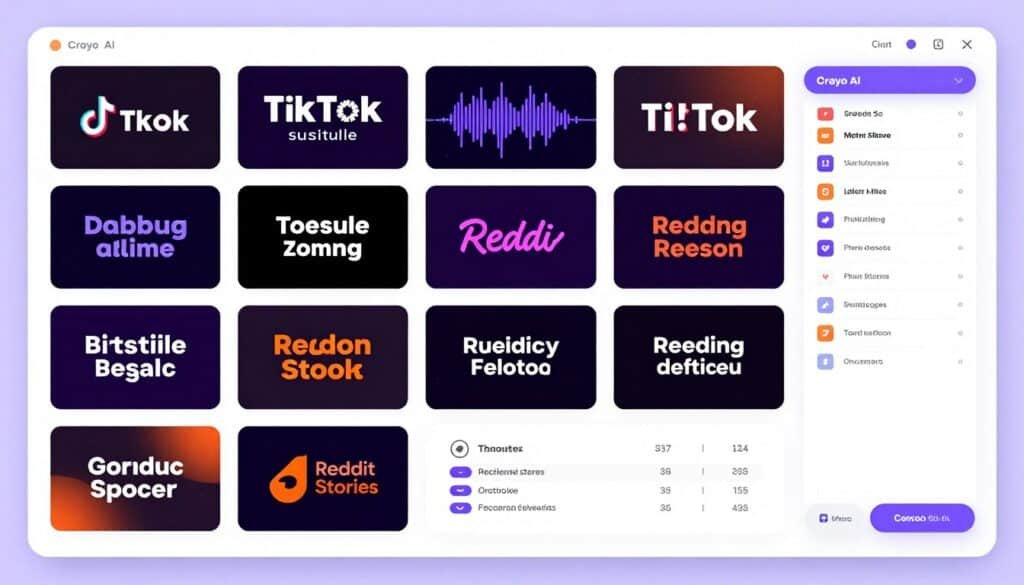
Crayo AI is built specifically for short-form content creators who want to produce viral-style TikTok videos quickly. It offers trending subtitle templates, AI voiceovers, automatic clip formatting, split-screen content creation, and streamer-style video formats optimized for TikTok engagement.
The platform also includes content downloading, repurposing tools, batch processing capabilities, and workflow automation features that help speed up large-scale content production.
Pain Points Crayo AI Solves
- Caption styling guesswork: 15+ viral subtitle templates match current TikTok trends automatically.
- Voiceover production barriers: Realistic AI voices with emotion/timing control eliminate recording complexity.
- Repetitive clip workflows: One-click automation for split-screen, Reddit stories, streamer clips saves hours.
Key Features
Viral Subtitle Styles offer 15+ trending caption templates with auto-sync for high engagement on TikTok. Each style matches current viral format aesthetics, updated regularly as trends shift.
AI Voiceover Generation provides realistic voices with emotion and timing control, enhancing storytelling and retention. I’ve used these to narrate Reddit stories and commentary videos that feel genuinely human.
Workflow Automation delivers one-click processes for split-screen videos, Reddit story formatting, and streamer clip extraction from links. These workflows handle 80% of manual editing automatically.
Background & Effect Tools include AI background removal, visual enhancements, and gameplay optimization for polished videos. Green screen functionality works without actual green screens through AI processing.
YouTube/TikTok Downloader imports trending content directly for repurposing and analysis. Study competitor videos by downloading and analyzing their structure within Crayo.
AI Image & Visual Generator creates custom images and visuals integrated into videos for unique content. Generate thumbnails, overlays, or scene backgrounds without leaving the editor.
Web-Based Full Editor provides real-time timeline editing and fine-tuning after AI generation for full control. Make manual adjustments when AI outputs need refinement for your specific style.
Speech Enhancement & Remover handles vocal/instrumental separation and audio cleanup for professional quality. Clean up background noise or isolate specific audio elements automatically.
Batch Processing generates multiple clips quickly from long videos for consistent daily posting. Upload one source video and output dozens of clips with variable styling in minutes.
Mini Case Study
A commentary creator used Crayo AI’s Reddit story workflow to scale from 5 videos per week to 3 per day. The automated split-screen and voiceover generation reduced production time from 90 minutes to 12 minutes per video.
Viral subtitle styles increased average engagement rate by 67% compared to basic captions. The batch processing feature enabled consistent posting that grew followers from 28,000 to 156,000 in four months.
Demo Description
The interface offers workflow templates at the top: split-screen, Reddit story, streamer clip, or custom. Select a workflow, upload your source content or paste a link, then choose subtitle style and voice.
Crayo processes the content and displays a preview with editable timeline. Adjust subtitle timing, voice pacing, or visual elements through the web-based editor. Batch queue shows multiple clips processing simultaneously.
Export options include multiple format/resolution choices optimized for TikTok virality. Fast rendering delivers finished clips in minutes for immediate upload.
Pros
- 15+ viral subtitle styles match current TikTok trends automatically
- Workflow automation (Reddit stories, split-screen) saves massive time
- Batch processing enables high-volume consistent posting
- YouTube/TikTok downloader facilitates competitive analysis
- Trend & brainstorm AI helps overcome creator’s block
Cons
- Credit system limits heavy users on lower pricing tiers
- Workflow templates may feel restrictive for highly custom content
- AI voice emotion control less nuanced than premium competitors
Integrations, Support & Ratings
Crayo AI includes Discord community for support and YouTube/TikTok link imports/downloads. Exports work with direct TikTok upload workflows. No advanced API or Zapier integrations currently.
Support runs 24/7 via Discord community plus email. Response times are fast through the active Discord, with developers participating regularly.
Ratings average 4.4/5 across review platforms. Users praise workflow automation and subtitle quality, with feedback requesting more voice options and higher credit limits on lower tiers.
Pricing
Hobby tier ($13/mo annual / ~$19 monthly) includes 50 workflow credits, 40 min export, 30 voiceover min, and 100 AI images. Entry-level for testing and light use.
Clipper tier ($27/mo annual / ~$39 monthly) provides 150 credits, 2 hours export, 120 voiceover min, and 300 images. Most popular for regular creators posting several times weekly.
Pro tier ($55/mo annual / ~$79 monthly) includes 250 credits, 3 hours export, 180 voiceover min, and 500 images. Best for high-volume TikTok automation and scaling with daily posting.
7. AutoShorts.AI – Best for Faceless Channel Automation
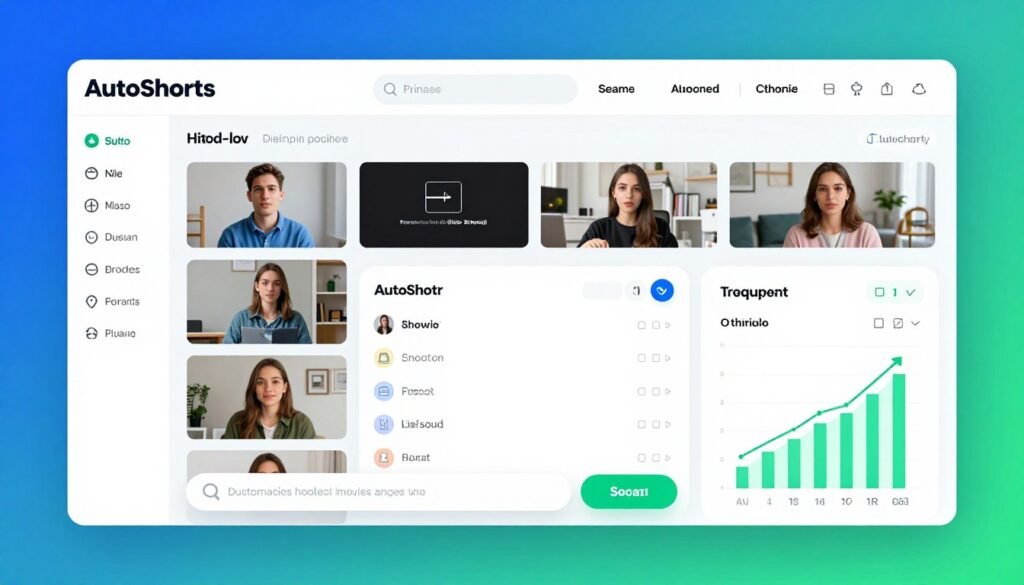
AutoShorts.AI is a TikTok automation platform designed for creators who want to build faceless content channels with minimal manual involvement. It can automatically generate videos, schedule posts, and publish content based on predefined topics and content series.
By selecting your niche and posting preferences, you can create an automated content pipeline that continuously produces and publishes videos while maintaining a consistent posting schedule.
Pain Points AutoShorts.AI Solves
- Time-consuming daily posting: Series automation generates and posts unique videos on schedule while you sleep.
- Content idea exhaustion: Custom prompts and AI generation ensure endless unique faceless videos.
- Manual scheduling friction: Auto-posting scheduler maintains consistency (3x/week to 2x/day) hands-free.
Key Features
Series-Based Automation creates topic/niche series where AI generates unique videos on autopilot. Define your niche once, and AutoShorts produces fresh content indefinitely within that theme.
Custom Prompt to Video accepts niche or prompt inputs for fully unique faceless videos each time. The AI varies scenes, narration, and music to keep each video distinct for better algorithm performance.
Auto-Posting Scheduler connects your TikTok channel and sets schedules from 3x/week to 2x/day for consistent growth. I’ve maintained daily posting for months without manual intervention using this feature.
Video Preview & Editing lets you review and edit scripts, titles, images, and music before publishing. This quality control step ensures brand alignment while maintaining automation efficiency.
Voice Cloning & Music provides realistic cloned voices and background tracks for engaging narration. Maintain consistent voice branding across all automated content.
HD Resolution Exports deliver professional quality videos optimized for TikTok performance. No low-quality AI-generated look that damages credibility.
Multi-Niche Support works across any topic with styles like UGC, animation, Minecraft gameplay overlays, and more. Diversify content types within your account or manage multiple niche channels.
Unique Video Generation ensures the AI varies each video for better algorithm performance and audience retention. No repetitive content that causes follower drop-off.
Growth-Focused Workflow designs the entire system for views/followers while you sleep. Passive growth becomes realistic with properly configured series and schedules.
Mini Case Study
A motivational content creator set up AutoShorts.AI with 5 different series (mindset, productivity, success stories, morning routines, entrepreneur tips). The system posted 2 videos daily on schedule for 90 days straight.
This passive posting grew the account from 5,000 to 94,000 followers with zero daily manual work. The creator spent 30 minutes weekly reviewing scheduled videos and adjusting series prompts, down from 2+ hours daily on manual posting.
Demo Description
The interface centers on series management. Create a new series by defining the niche, selecting voice/style preferences, and setting automation parameters. The AI begins generating videos within that series immediately.
A calendar view shows upcoming scheduled posts across all series. Click any video to preview, edit, or reschedule. The dashboard displays growth analytics alongside automation status for each connected channel.
Connect your TikTok account through OAuth, set posting frequency, and AutoShorts handles the rest. Weekly summary emails keep you informed without daily login requirements.
Pros
- True passive posting automation (set schedules and forget)
- Series-based generation ensures endless unique content
- Preview/edit before post maintains quality control
- Multi-niche support enables account diversification
- Growth-focused design optimizes for algorithm performance
Cons
- Faceless format may not suit all content niches
- AI-generated content requires initial series setup refinement
- Higher tiers needed for aggressive posting (2x/day)
Integrations, Support & Ratings
AutoShorts.AI integrates direct auto-posting to TikTok and other platforms (YouTube Shorts, Instagram Reels, Facebook). Channel connections use OAuth for secure authentication.
Support is available via site FAQs and email. Response times average 24-48 hours, with most setup questions covered in tutorial documentation.
Ratings average 4.3/5 on product review sites. Users highlight the passive growth capability and time savings, with feedback requesting more advanced editing options pre-publish.
Pricing
Free tier ($0) includes 1 video and basic features with 1 series for testing automation.
Starter tier ($19/month) provides 3 posts/week, 27 motion credits, full editing, and auto-post capability. Good for consistent part-time posting.
Daily tier ($39/month) enables 1 post/day with 62 motion credits, scaling daily content output for serious growth.
Hardcore tier ($69/month) delivers 2 posts/day with 124 motion credits for maximum automation and aggressive account scaling.
8. VidGenie AI – Best for AI UGC & Story Videos
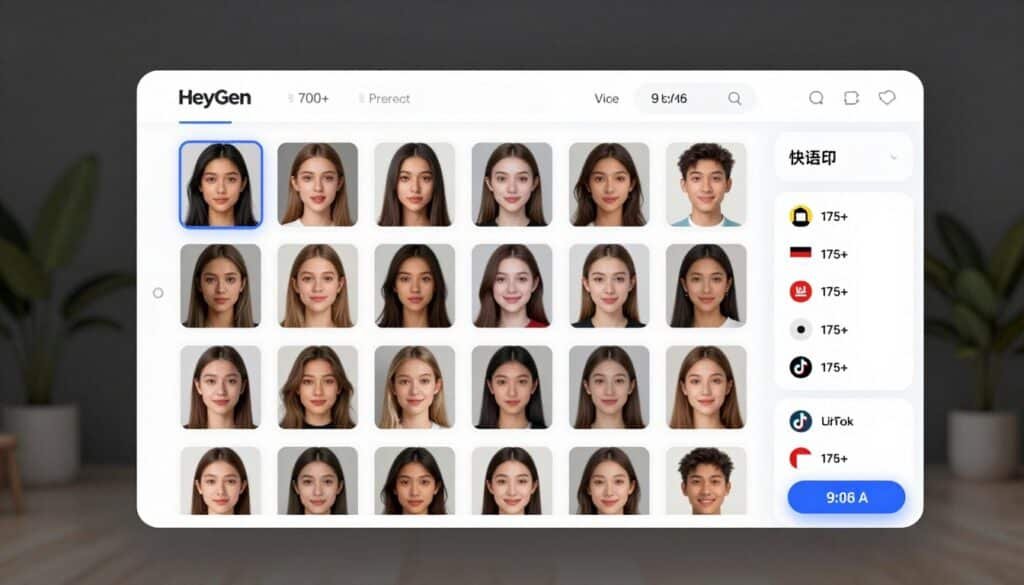
VidGenie AI specializes in creating realistic AI-generated UGC (User-Generated Content), narrative story videos, and podcast-style shorts perfect for TikTok. It excels at faceless content with authentic-looking avatars, hooks, and high-engagement formats that drive views and conversions.
I’ve used VidGenie for quick product promotion and storytelling content on TikTok, where realistic AI avatars deliver natural demonstrations and testimonials without needing real influencers or on-camera presence.
Pain Points VidGenie AI Solves
- High influencer and production costs: Create unlimited realistic UGC videos at a fraction of hiring talent.
- Lack of authentic-looking content: AI avatars with deep customization produce natural, relatable videos that feel human.
- Slow content scaling: Generate 50+ hooks and full videos in minutes for consistent daily TikTok posting.
Key Features
- AI UGC Video Generator: Creates authentic-looking product demo and testimonial videos with realistic avatars in minutes, optimized for TikTok engagement.
- AI Story Videos: Generates short (1-min) to long (10-min) narrative videos with AI scripts, visuals, voiceovers, and effects for faceless channels.
- AI Podcast Shorts: Produces two-host conversation videos highlighting products/services, perfect for TikTok, Reels, and Shorts.
- Custom AI Influencer Creation: Turn one photo into a consistent AI character for unlimited images and video clips.
- Advanced Avatar Customization: Control 31+ facial features, 60+ hairstyles, clothing, and more for personalized, realistic avatars.
- AI Hook Generation: Automatically creates up to 500 marketing hooks per product for high-converting video starts.
- Multi-Platform Optimization: Exports videos formatted perfectly for TikTok, Instagram Reels, and YouTube Shorts.
- Multilingual Support: Generate content in multiple languages with natural voiceovers for global reach.
- Realistic & 3D Styles: Offers both photorealistic and animated video styles with consistent character appearance.
- Fast Generation & Editing: Create ready-to-post videos in under 2 minutes with easy download and customization options.
- Credit-Based System: Flexible usage across story, UGC, and podcast video types for scalable production.
Mini Case Study
An e-commerce brand used VidGenie to create AI UGC videos for a new skincare line. By generating 150 customized avatar videos with product demos and testimonials in one month, they achieved 3x higher engagement than traditional ads and scaled to 12 TikTok campaigns with 99% cost savings compared to influencers.
Production time dropped from days to minutes per video.
Demo Description
Start by selecting UGC, Story, or Podcast mode. Upload a product image or describe your offer. AI generates 50+ hooks, then you customize the avatar (face, hair, style) and voice.
Preview the full video with synced narration and visuals. Make quick edits, then export in TikTok-ready format or download directly.
The entire process from idea to finished video takes under 5 minutes.
Pros
- Excellent realistic UGC and avatar customization options
- Strong focus on faceless TikTok/Instagram content
- High volume output on affordable plans (up to 200 videos/month)
- Fast generation with multiple video types (story, podcast, UGC)
- Great for product promotion and e-commerce marketing
Cons
- Credit-based system requires careful management for heavy users
- Newer tool with less third-party integrations than established platforms
- Limited free tier (200 credits) mainly for testing
Integrations, Support & Ratings
VidGenie offers email and in-app support. Direct video exports for TikTok, Instagram, and YouTube upload. No native Zapier/Make integrations mentioned.
Strong focus on self-serve creation with helpful user guides. User testimonials are highly positive (praising ease and quality), with community feedback averaging around 4.6/5.
Pricing
Free Plan: Up to 200 credits (no credit card required) — basic access for testing video creation.
Starter Plan (~$22–29/mo): 2,000 credits, supports up to 200 UGC videos/month, core features — ideal for regular creators.
Creator Plan (~$49/mo): Higher credits, more styles, advanced customization, and priority generation.
Pro Plan (~$99/mo): Maximum credits, unlimited styles, best for high-volume TikTok automation and agencies.
9. Short AI – Best for End-to-End Multi-Platform Automation
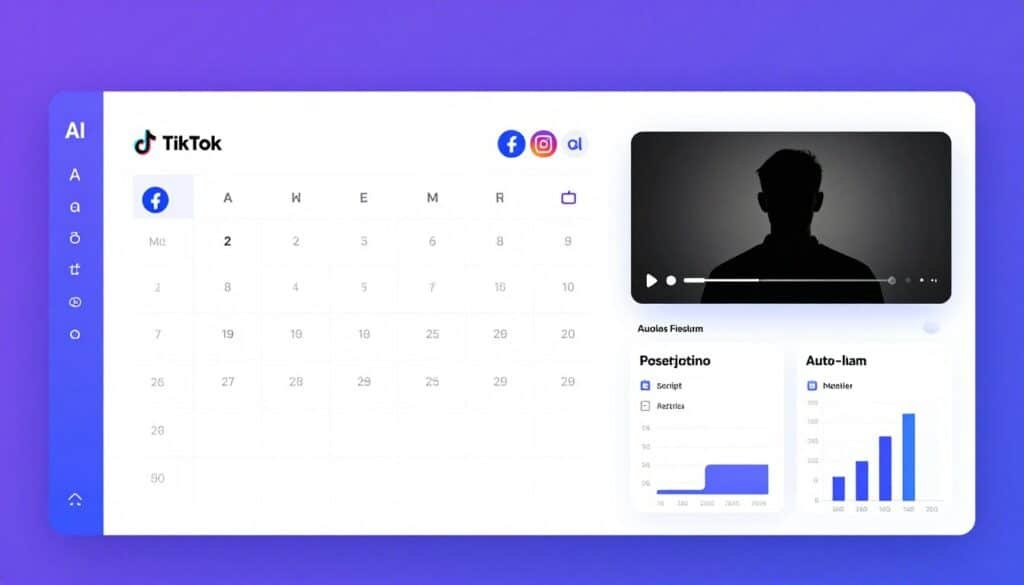
Short AI is an all-in-one short-form content automation platform that handles script generation, faceless video creation, caption generation, scheduling, and publishing.
It helps streamline the entire content workflow from idea generation to distribution across TikTok, YouTube Shorts, Instagram Reels, and Facebook.
Features such as unlimited AI script generation, bulk video creation, automated captions, and multi-platform scheduling make it a strong choice for creators focused on scaling content production efficiently.
Pain Points Short AI Solves
- Multi-platform posting complexity: Smart scheduler auto-posts to TikTok, YouTube, Instagram, Facebook from one dashboard.
- Script writing bottlenecks: Unlimited AI-generated scripts and captions eliminate ideation delays.
- Low content output: Bulk video generation using credits enables consistent high-volume posting.
Key Features
AI Script & Caption Generator creates engaging TikTok scripts, subtitles, and viral hooks automatically. Generate unlimited script ideas to maintain consistent posting without creative burnout.
Faceless Video Creation uses text-to-video or clip maker for fully automated content without showing face. Perfect for creators prioritizing privacy or building multiple niche channels simultaneously.
Auto Clip Extraction turns long content into multiple viral shorts with best moment detection. Similar to Vizard but integrated into a complete end-to-end workflow with scheduling.
Smart Scheduler schedules and auto-posts to TikTok, YouTube, Instagram, and Facebook automatically. Manage cross-platform presence from one calendar interface with optimal timing suggestions.
Voiceovers & Visuals include multiple voice options and backgrounds (Minecraft gameplay overlays, stock footage, etc.) with effects. Customize faceless content styling to match your niche aesthetic.
Bulk Video Generation enables high-volume production using credits for consistent posting. Generate 20-30 videos in one session and schedule them across weeks for hands-free consistency.
Auto Captions & Polish add professional subtitles and enhancements for better engagement. Captions include trendy styling options that increase retention and accessibility.
Platform Optimization tailors content for TikTok growth with direct posting tools. Algorithm-friendly formatting and timing recommendations maximize performance on each platform.
Unlimited AI Scripts remove limits on idea/script generation for ongoing content ideas. Never run out of content concepts with unlimited access to AI brainstorming.
Upload & Repurpose handles uploads within tier limits and converts them into multiple shorts. Repurpose existing long-form content across all connected platforms efficiently.
Mini Case Study
A tech review account used Short AI to cross-post content to TikTok, YouTube Shorts, Instagram Reels, and Facebook simultaneously. By scheduling 60 videos monthly across all platforms, they achieved 230,000 combined followers in five months.
The bulk generation feature let them batch-create videos on weekends and auto-post throughout the week. Cross-platform distribution increased total reach by 340% versus TikTok-only posting with the same content investment.
Demo Description
The interface opens with a unified dashboard showing all connected platforms and upcoming scheduled posts. Create new content via AI script generator, text-to-video, or upload for auto-clipping.
Generated videos appear in a queue where you can edit, preview, or send to the scheduler. The calendar view displays posts across all platforms color-coded by destination with drag-drop rescheduling.
Analytics tabs show performance across TikTok, YouTube, Instagram, and Facebook in one view. Bulk actions allow scheduling multiple videos simultaneously with platform-specific optimization applied automatically.
Pros
- End-to-end workflow from script to multi-platform auto-posting
- Unlimited AI scripts eliminate creative bottlenecks
- Bulk generation enables aggressive posting schedules
- Multi-platform scheduling (TikTok, YouTube, Instagram, Facebook) in one dashboard
- Platform optimization ensures content performs well everywhere
Cons
- Credit-based system can limit heavy users on lower tiers
- Interface complexity from comprehensive feature set has learning curve
- Faceless content style may not fit all niches or audiences
Integrations, Support & Ratings
Short AI integrates direct posting to TikTok, YouTube, Instagram, and Facebook with OAuth authentication. Social media scheduler is built-in with credit-based system for bulk tools.
Support is available through standard channels (email, help center documentation). Response times average 24-48 hours with comprehensive tutorials covering most workflows.
Ratings average 4.2/5 across review sites. Users highlight the multi-platform convenience and script generation quality, with feedback requesting more granular credit allocation controls.
Pricing
Basic tier ($19/mo annual) includes 1600 credits (~40 faceless videos or 53 min captions), core tools, and posting across all platforms. Entry-level for consistent posting.
Pro tier ($30/mo annual) provides 3600 credits (~90 videos), most popular tier with enhanced voices and higher limits. Best for regular cross-platform posters.
Enterprise/Higher tier ($60/mo annual) delivers 7200 credits (~180 videos), higher upload limits, and priority features for heavy automation and scaling.
Key Features to Look For in TikTok Automation Tools
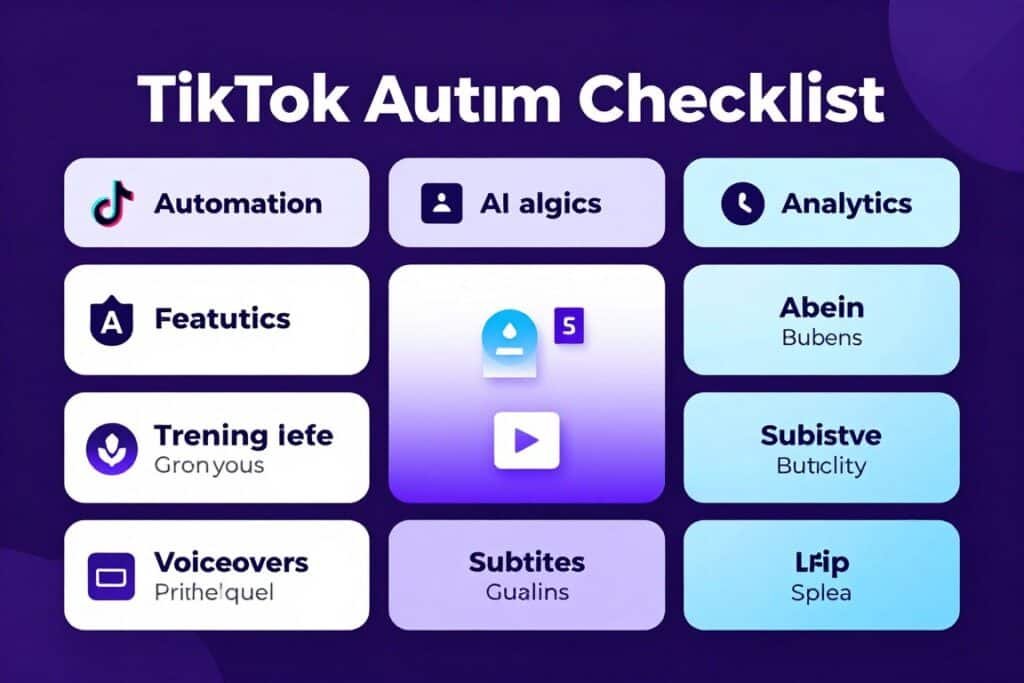
Not all TikTok automation tools deliver the same value. After testing dozens of platforms, I’ve identified the essential features that separate effective solutions from expensive distractions.
- AI Content Generation Quality – Does the AI produce videos that look professional versus obviously automated? Test output quality before committing to ensure it matches your brand standards.
- Trend Discovery & Research Tools – Can you identify trending hashtags, sounds, and content formats early? The best tools provide real-time data with historical performance charts.
- Automation Depth – How much manual work gets eliminated? Look for end-to-end automation from research through publishing, not just single-feature solutions.
- Voice & Subtitle Quality – Are AI voices realistic enough for your niche? Subtitle styling should match current TikTok trends for maximum engagement.
- Scheduling & Auto-Posting – Does the platform directly post to TikTok or require manual uploads? Direct automation saves significant time versus download-upload workflows.
- Multi-Platform Support – Can you repurpose content for TikTok, Reels, Shorts, and Facebook simultaneously? Cross-platform capability maximizes content ROI.
- Analytics & Performance Tracking – What metrics are provided to optimize strategy? Look for engagement rates, best posting times, audience demographics, and content performance comparisons.
- Customization & Brand Consistency – Can you maintain visual identity across automated content? Brand kits, custom templates, and style presets ensure consistency.
- Collaboration Features – Do you need team access, client previews, or multi-account management? Agencies and brands require robust collaboration tools.
- Integration Ecosystem – Does the tool connect with your existing workflow? Zapier, API access, and stock library integrations reduce platform-switching friction.
- Pricing Transparency & Value – Are costs predictable with clear feature tiers? Watch for hidden credit systems or usage caps that surprise you mid-month.
- Support Quality & Resources – Can you get help when stuck? Responsive support, comprehensive tutorials, and active communities accelerate your learning curve.
Prioritize features that directly solve your biggest bottlenecks. If trend research consumes hours daily, focus on analytics-heavy tools. If editing drains your energy, prioritize AI generation quality and automation depth.
Best Practices for Using TikTok Automation Tools
Choosing the right automation tools is just the beginning. How you implement them determines whether you’ll see real growth or waste money on underutilized subscriptions.
Start with One Core Tool
I’ve made the mistake of subscribing to five tools simultaneously, thinking more equals better. The result was scattered workflows and analysis paralysis about which platform to use for each task.
Pick one comprehensive tool that covers your primary bottleneck (research, creation, or scheduling). Master it completely before adding specialized solutions. This approach builds sustainable systems rather than subscription clutter.
Test Output Quality Before Scaling
AI-generated content quality varies dramatically between platforms. Always test with your specific niche and audience before committing to bulk generation or auto-posting schedules.
I publish 3-5 test videos manually to gauge audience reaction and algorithm performance. If engagement matches or exceeds your manual content, scale up confidently. If not, adjust AI settings or try different tools.
Maintain the Human Touch
Automation should amplify your creativity, not replace it entirely. The highest-performing accounts I’ve analyzed blend automated production with strategic human oversight.
Review AI-generated scripts for brand voice alignment. Add personal commentary to faceless videos. Monitor comments and adjust content strategy based on audience feedback. Automation handles execution while you focus on strategy.
Update Workflows as Trends Shift
TikTok trends evolve rapidly. Subtitle styles that drove engagement last month may feel stale today. AI voice tones that worked for one niche might alienate another audience.
I review top-performing competitor content monthly and update my automation templates to match current aesthetics. Most tools release new features regularly, so revisit settings quarterly to leverage improvements.
Track ROI, Not Just Vanity Metrics
Followers and views matter, but what’s the actual return on your automation investment? Calculate time saved, revenue generated, and lead quality improvements.
Last month, I spent $67 on TikAnalyzer and saved approximately 15 hours of manual research time. Those hours redirected to strategy increased my average video performance by 28%. That’s measurable ROI beyond just follower counts.
A Personal Automation Journey
When I first started using TikTok automation tools in 2023, I was skeptical. Could AI really match human creativity? Would my audience notice the difference?
The turning point came when I used TikAnalyzer to discover a breakout sound three days before it went viral. My video hit 1.8 million views because I was early to the trend. That single win paid for a year of automation subscriptions.
Now I use a hybrid approach: TikAnalyzer for research, InVideo AI for rapid video generation, and manual editing for my most important pieces. This system lets me post daily without burnout while maintaining quality that resonates with my audience.
Key Takeaways
- TikAnalyzer dominates research and trend discovery with 11 AI-powered analytics tools and lifetime access pricing that eliminates subscription fatigue.
- InVideo AI delivers the fastest prompt-to-video generation with realistic voices in 50+ languages and Magic Box natural language editing for creators who prioritize speed.
- Vizard.AI excels at repurposing long videos into 10+ viral TikTok clips with smart AI highlight detection, perfect for maximizing existing content value.
- Automation depth matters more than feature count – choose tools that eliminate your specific bottlenecks rather than collecting capabilities you won’t use.
- Multi-platform capability increases content ROI significantly by distributing the same videos across TikTok, Reels, Shorts, and Facebook simultaneously.
- AI quality varies dramatically – test output with your audience before scaling to ensure AI-generated content performs comparably to manual production.
- Faceless content enables privacy-focused scaling and multi-channel strategies but may not suit all niches or audience expectations.
- Pricing models differ strategically – lifetime access (TikAnalyzer) versus monthly subscriptions (most others) versus credit systems (several platforms) affect long-term costs.
- Human oversight remains essential – the best results come from blending automation for execution with strategic creativity for direction and brand alignment.
- Start with one core tool and master it completely before adding specialized solutions to avoid subscription clutter and workflow confusion.
Conclusion
TikTok automation tools have fundamentally transformed how creators and marketers scale their accounts in 2026. The nine platforms reviewed here represent the best solutions for different workflow needs and budgets.
TikAnalyzer stands out as my top recommendation for its comprehensive research capabilities, AI-powered insights, and lifetime access pricing. If you’re serious about data-driven TikTok growth, the 11-in-1 analytics suite eliminates manual trend hunting while providing actionable content strategies.
For prompt-to-video generation, InVideo AI delivers unmatched speed and voice quality. Creators needing to repurpose existing content will find Vizard.AI’s auto-clipping invaluable. And those pursuing fully passive growth should explore AutoShorts.AI’s series-based automation.
The right tool depends on your specific bottleneck. Are you drowning in research time? Struggling with consistent posting? Need multilingual reach? Each platform excels at solving particular challenges within the TikTok growth journey.
Ready to transform your TikTok growth with AI-powered automation? Stop spending hours on manual tasks that tools can handle better and faster.
Start Automating Your TikTok Growth Today
Join thousands of creators using TikAnalyzer to discover trends early, validate content ideas with real data, and scale their accounts faster than manual methods allow. Lifetime access means no subscription fatigue.