Creating quality content every single day is exhausting. I know because I’ve been there. You spend hours researching keywords, writing articles, optimizing meta tags, finding images, and scheduling posts. By the time you publish one piece, you’re already behind on tomorrow’s content.
AI content automation tools changed everything for me. These platforms don’t just help you write faster. They handle the entire content production pipeline from keyword research to publishing.
I’ve tested dozens of these automation tools over the past year. Some promised the world but delivered generic fluff. Others blew me away with how much manual work they eliminated.
The best AI content automation tools in 2026 can research trending topics, generate SEO-optimized long-form articles, create matching images, maintain your brand voice, and auto-publish to WordPress. All while you focus on strategy instead of execution.
In this article, we’ll review the top picks to help you choose.
What Are AI Content Automation Tools?
AI content automation tools are specialized software platforms that handle end-to-end content creation with minimal human input. They research ranking topics through live SERP analysis, generate bulk SEO-optimized posts that match your brand voice tone, integrate images and video automatically, and publish content on schedule.
Think of them as a set-and-forget content system. You define your niche and preferences once. The automation tool then continuously produces publication-ready blog posts, social media posts, and marketing content.
These aren’t simple writing assistants. Modern automation platforms use machine learning models to analyze what’s ranking on Google, extract semantic keywords, generate human-like articles, create visuals, optimize on-page SEO elements, and push everything live to your CMS.
The best tools maintain consistency across hundreds of articles while adapting to algorithm updates and search trends automatically.
Can AI Truly Automate Your Entire Content Strategy?

Yes, and it’s happening right now. Modern AI content automation tools can handle end-to-end content production and publishing with minimal human input.
From topic research and SEO optimization to writing, multimedia integration, and scheduled distribution, these automation tools are powerful enough to run a consistent content engine on autopilot.
I was skeptical at first. Could AI really replace the entire workflow? After testing these platforms, I found that the right tool can generate 30 publication-ready articles per month faster than I could outline three manually.
The technology has evolved past simple text generation. Today’s AI content automation tools analyze competitor content, identify ranking opportunities, craft strategic content clusters with internal linking, generate contextual images, write meta descriptions, and schedule publishing across multiple sites.
You still need strategy and oversight. But the repetitive execution? The platform handles that completely.
AI Content Automation Tools Evaluation Criteria
I tested these tools based on real use cases, not just marketing claims. My evaluation focused on six critical factors.
Content Quality & SEO Intelligence: Does the output rank? I checked for natural language, proper keyword integration, semantic relevance, and SERP-aligned structure.
Automation Capabilities: How much can run without me? I measured bulk generation limits, auto-publishing features, scheduling options, and workflow customization.
Ease of Use: Can someone start quickly? I evaluated onboarding, interface clarity, preset templates, and learning curve for new users.
Analytics & Reports: Do you get performance insights? I looked for SEO scoring, content audits, ranking tracking, and optimization recommendations.
Integrations with Social Platforms: Does it extend beyond blog content? I tested WordPress connections, social media post generation, CMS compatibility, and API access.
Ratings, Pricing: What’s the real value? I compared subscription costs, credit systems, feature tiers, and verified customer reviews from G2, Trustpilot, and Capterra.
Every tool in this roundup passed minimum thresholds in each category. The rankings reflect which ones excel where it matters most.
Why Should You Trust Me?

I’m an AI Engineer with a Master’s degree in Data Science and Machine Learning and a Bachelor’s in Software Engineering. I’ve been a working professional since 2018, and I’ve ghost-developed numerous AI applications.
I understand how these AI content automation tools work under the hood. I know which models produce quality output, how semantic analysis impacts SEO, and what separates marketing hype from actual automation capability.
I’ve personally tested each platform on this list with real projects. I’ve generated content clusters, published articles, tracked rankings, and measured the time savings.
This isn’t theory. It’s hands-on experience with the inner workings of AI content systems combined with practical testing in live business environments.
Quick Comparison: AI Content Automation Tools
| Rank | Tool | Best For | Best Features | Overall Rating | Pricing |
| 1 | Machined AI | Automated content clusters with internal linking | Content cluster automation, deep agent-based research, automatic internal linking, one-click bulk publishing | 4.7/5 (G2) | Free plan available; Paid from $79/month |
| 2 | Agility Writer | Topical maps and SERP-based long-form SEO articles | Topical map builder, live SERP-driven generation, G-Smart optimizer, GSC Action Center | 4.6/5 (Trustpilot) | Credit-based; from ~$25/month |
| 3 | SEOEngine AI | Pay-per-article with auto-publishing and brand voice | Agent-based multi-step workflow, brand voice matching, unlimited rewrites, auto-publishing to CMS | 4.5/5 (G2) | $5 per article; $150/month for 30 articles |
| 4 | Script Atlas | All-in-one desktop tool with multi-AI engines | Multi-AI engine access, 128+ guided prompt scripts, built-in keyword research, WordPress integration | 4.4/5 (Trustpilot) | One-time $67 (lifetime) |
| 5 | SEOWriting AI | 1-click bulk SEO articles with auto WordPress posting | 1-click generation up to 5000 words, bulk article creation, automatic NLP optimization, auto-posting | 4.5/5 (G2) | Free plan; Paid from $14/month |
| 6 | SEOPital | SERP-based semantic optimization with images | SERP analysis top 10, semantic optimization, AI image generation, unlimited words per content | 4.3/5 (Capterra) | From $49/month (or ~$39/month annually) |
| 7 | Autoblogging AI | One-click bulk generation with auto-publishing and infographics | Godlike Mode SERP analysis, bulk CSV generation (up to 500), AI infographics, semantic SEO optimizer | 4.4/5 (G2) | From $19/month |
| 8 | Junia AI | Comprehensive SEO content suite with brand voice | Keyword clustering, E-E-A-T focused writing, brand voice consistency, performance analytics | 4.5/5 (G2) | From $15/month (or ~$9/month annually) |
| 9 | WordRocket AI | Ranking-focused content for Google and AI search | AI search optimization, keyword intent analysis, brand voice adaptation, performance tracking | 4.3/5 (Trustpilot) | Free plan; Lifetime from $199 one-time |
| 10 | Neuronwriter | Semantic SEO content optimization and scoring | Semantic SEO analysis, content editor with live scoring, competitor content analysis, topical authority building | 4.6/5 (G2) | From ~$23/month (or $13/month annually) |
Top 3 AI Content Automation Tools
After extensive testing, these three automation tools stood out for different use cases. Here’s my quick take on when to choose each.
🏆 #1 Machined AI
Best for building entire content clusters with automated internal linking.
🥈 #2 Agility Writer
Best for SERP-driven topical maps and long-form SEO content creation.
🥉 #3 SEOEngine AI
Best for affordable pay-per-article with full brand voice customization.
Detailed Reviews: 10 Best AI Content Automation Tools
1. Machined AI – Best for Automated Content Clusters with Internal Linking
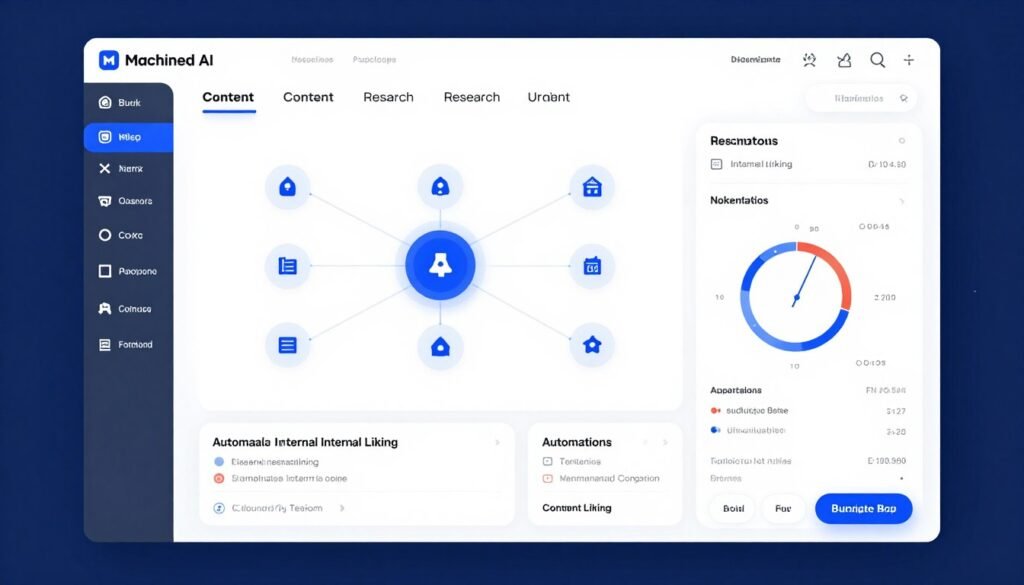
Machined AI is the content cluster automation tool I wish I’d found two years ago. It generates entire topic hubs with up to 30 interconnected articles in less than an hour.
What sets this platform apart is its agent-based research system. Instead of generic AI fluff, Machined AI pulls authoritative citations and data from high-ranking websites. The result? Articles that read like they’ve been researched by a human SEO specialist.
Pain Points Machined AI Solves
- Manual cluster planning takes days: Machined AI maps entire content clusters from one seed keyword in minutes.
- Internal linking is tedious and error-prone: The platform automatically inserts contextual, keyword-optimized links across all cluster articles.
- Scaling content production means sacrificing quality: Deep agent research ensures every article is factually backed with proper citations.
Key Features That Make Machined AI Stand Out
-
Automated Keyword Research and Clustering: Discovers hundreds of keywords in under a minute, analyzes search intent, and groups them into clusters to prevent cannibalization while building topical authority.
-
Content Cluster Automation: Generates entire clusters of up to 30 interconnected articles from a single topic in less than one hour, streamlining large-scale SEO content production.
-
Deep Agent-Based Research: Uses AI agents to pull authoritative citations and data from high-ranking websites, ensuring factual, research-backed blog posts with proper sourcing.
-
Long-Form SEO Article Generation: Creates high-quality, humanized articles exceeding 3000 words tailored to custom brand voice and tone for natural, engaging ready-to-publish content.
-
AI-Optimized On-Page SEO: Automatically generates meta titles, descriptions, and semantically relevant anchor text for internal links to improve click-through rates and site structure.
-
AI Image Generation: Produces featured images using models like Flux, Nanobanana, and DALL-E 3, enhancing visual appeal of blog posts without external tools.
-
Automatic Internal Linking: Analyzes semantic relationships across clusters to insert contextual, keyword-optimized links that strengthen topical authority and user navigation.
-
One-Click Bulk Publishing: Formats articles for direct CMS upload and enables bulk publishing as drafts or live posts, saving hours on manual workflow.
-
Custom Brand Voice Control: Allows full customization of tone, research depth, and AI models across 100+ languages for consistent brand-aligned SEO content.
-
In-App Editor and Briefs: Provides a built-in editor plus custom content briefs for fine-tuning generated posts before final publication.
How Machined AI Works (Demo Description)
Start by entering a seed keyword or topic. Machined AI’s research agents analyze the SERP and discover related keyword clusters. Select which cluster to develop. The platform generates up to 30 article outlines with suggested internal linking structure.
Customize your brand voice settings and choose AI models. Click generate and watch Machined AI produce research-backed, citation-rich articles with images and optimized meta data. Review in the in-app editor, make any adjustments, then bulk publish to your connected WordPress or Webflow site.
The entire process from keyword to published content cluster takes less than two hours for experienced users.
Pros
- Generates entire content clusters (up to 30 articles) in under one hour
- Agent-based research pulls authoritative citations and data automatically
- Automatic semantic internal linking across cluster articles
- Custom brand voice control with 100+ language support
- One-click bulk publishing to WordPress and Webflow
- AI image generation included (Flux, DALL-E 3, Nanobanana)
- In-app editor for fine-tuning before publication
- Free plan available with 15 articles per month (BYOK)
Cons
- Free plan requires bringing your own API key (BYOK)
- Learning curve for optimizing cluster strategies
- Limited CMS integrations (WordPress and Webflow only currently)
- Higher-tier plans needed for serious volume (100+ articles monthly)
Integrations, Support, and Ratings
Machined AI offers direct WordPress and Webflow integrations for one-click or bulk publishing. Webhook support enables custom automations for advanced workflows. The platform includes in-app tools and project-based team collaboration features.
Customer support details are limited publicly, but the platform provides in-app resources and project management features. Users report responsive support for technical issues.
Ratings: 4.7/5 on G2 based on verified user reviews praising automation speed and content quality.
Pricing
Machined AI offers four plan tiers with a generous free plan:
Free Plan: $0 per month. 15 articles monthly (BYOK only), 1 project, 1 team member. Includes basic single articles and clusters but no research or AI images. Perfect for testing the platform.
Launch Plan: $79 per month. 30 articles monthly, 1 project, 2 team members. Adds full research, AI images, 1 CMS connection, and 3 webhooks per project. Most popular for getting started.
Growth Plan: $139 per month. 100 articles monthly, 3 projects, 3 team members. Scales volume while keeping all advanced automation features.
Pro Plan: $289 per month. 250 articles monthly, 6 projects, 5 team members. Highest standard limits for growing teams.
Enterprise custom plans available for higher needs. All paid plans include full research, AI images, CMS integrations, and webhook automations.
If you need automated content clusters with zero manual linking, Machined AI delivers. I’ve generated entire topic hubs in under an hour with this tool.
2. Agility Writer – Best for Topical Maps and SERP-Based Long-Form SEO Articles
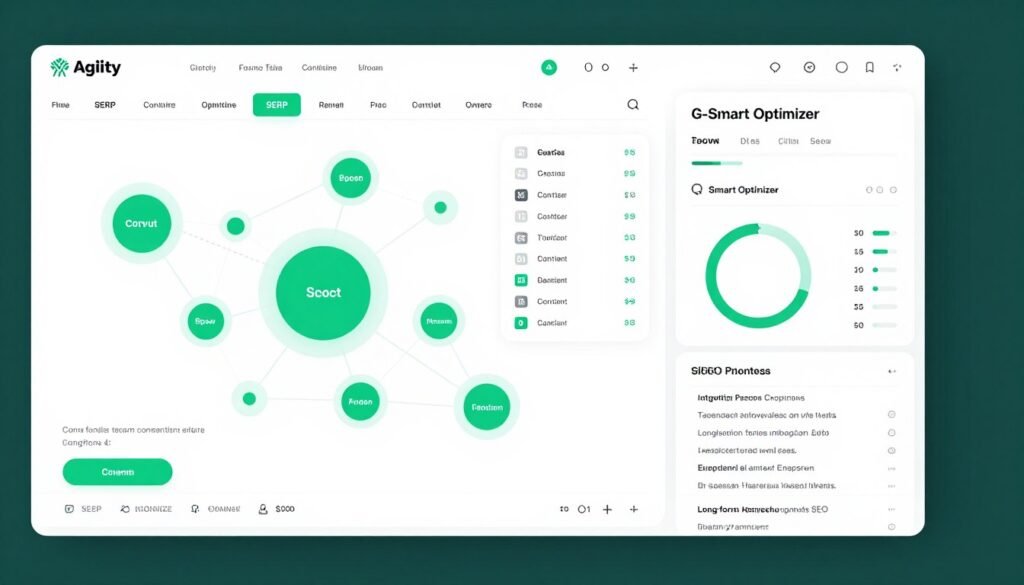
Agility Writer builds comprehensive topical maps from seed keywords using live SERP data, People Also Ask questions, and entity analysis. It’s the tool I recommend for anyone serious about topical authority.
What impressed me most was the G-Smart Optimizer. It audits your drafts against Google’s Helpful Content and Search Quality guidelines, then suggests specific fixes. This isn’t generic SEO advice. It’s actionable recommendations based on current algorithm priorities.
Pain Points Agility Writer Solves
- Building topical authority manually takes months: Agility Writer’s topical map builder identifies content gaps and linking opportunities from one seed keyword.
- SERP analysis is time-consuming: The platform analyzes top-ranking pages automatically and extracts ranking factors for your articles.
- Google’s content guidelines keep changing: G-Smart Optimizer ensures every article aligns with current Helpful Content and Search Quality expectations.
Key Features That Make Agility Writer Stand Out
-
Topical Map and Keyword Research: Builds comprehensive topical maps from seed keywords using live SERP data, People Also Ask, and entity analysis to identify content gaps and internal linking opportunities.
-
Live SERP-Driven Article Generation: Creates factual long-form articles (1500–4000+ words) by analyzing top-ranking pages, ensuring alignment with current search intent and Google’s guidelines.
-
G-Smart Optimizer and On-Page SEO: Audits drafts against Helpful Content and Search Quality guidelines, suggests entity gap closures, schema (FAQ/HowTo), internal links, and readability fixes for better ranking potential.
-
Multiple Writing Modes: Supports 1-Click, Advanced, Optimize, Single Product Review, Roundup Review, and YouTube-to-Article modes for versatile SEO content like reviews, how-tos, and listicles.
-
AI Image and Infographic Generation: Automatically adds contextually relevant AI-generated visuals and infographics to enhance engagement and completeness of ready-to-publish blog posts.
-
E-E-A-T Enhancers: Includes first-hand experience elements, one-click bios, and human context to make content more authoritative and reader-friendly while passing AI detectors.
-
Smart Editor with Refiner: Allows real-time expansion, FAQ insertion, tone adjustment, and refinement of drafts for polished, SEO-optimized output.
-
GSC Action Center: Integrates Google Search Console data to discover missed queries and recommend new sections or FAQs for quick content wins and optimization.
-
Bulk Generation and Social Promotion: Generates up to 50 articles at once and auto-creates up to 12 tailored social media posts for Facebook, X, and LinkedIn to promote published content.
-
Multi-Language Support: Writes in 20+ languages with consistent SEO optimization and natural tone across global audiences.
How Agility Writer Works (Demo Description)
Enter a seed keyword. Agility Writer’s topical map builder analyzes the SERP, People Also Ask, and related entities to create a visual content cluster map. Select topics to develop into articles.
Choose your writing mode (1-Click for speed, Advanced for depth, Product Review for monetized content, etc.). The platform analyzes top-ranking pages and generates a factual, long-form article with images and optimized structure.
Run the draft through G-Smart Optimizer. Review suggested improvements for entities, schema, readability, and guideline compliance. Make refinements in the Smart Editor. Publish directly to WordPress or export. Generate social media posts automatically to promote your new content.
Experienced users produce publication-ready, SERP-optimized articles in 15-20 minutes per piece.
Pros
- Comprehensive topical map builder with visual gap identification
- Live SERP analysis ensures content aligns with current rankings
- G-Smart Optimizer audits against Google’s content guidelines
- Multiple writing modes for different content types (reviews, how-tos, roundups)
- GSC Action Center integration for quick optimization wins
- Bulk generation (up to 50 articles) with auto social media promotion
- E-E-A-T enhancers build authority signals into content
- Credit-based pricing with rollover (unused credits don’t expire)
- $1 trial available with initial credits
Cons
- Credit system can be confusing compared to flat monthly limits
- Advanced modes use 2-4 credits per article (reduces volume)
- Learning curve for optimizing topical map strategies
- Higher plans needed for serious bulk generation (80-150 credits)
Integrations, Support, and Ratings
Agility Writer offers direct WordPress one-click publishing, Zapier automation, and API access for custom workflows. The platform automatically generates social media posts for Facebook, X, and LinkedIn to promote published content.
Community support is available via a dedicated Facebook group. The platform includes detailed guides and power-up resources for users.
Ratings: 4.6/5 on Trustpilot based on verified reviews highlighting topical map quality and SERP accuracy.
Pricing
Agility Writer uses a credit-based system where unused credits roll over. 1-Click mode starts at approximately $0.625 per article (1 credit, ~2000 words). Advanced and Review modes use 2-4 credits.
Basic Plan: Approximately $25-28 per month for up to 40 credits/articles with full features. Good starting point for individuals.
Standard/Pro Plans: Approximately $49-88 per month for 80-150 credits. Suitable for agencies and content teams.
Premium/Elite Plans: Scale further for high-volume needs. Exact pricing varies based on current promotions.
Yearly plans offer approximately 30% discount. $1 trial available with initial credits to test the platform risk-free. The flexible credit system prioritizes usage over strict word limits.
Build topical authority with SERP-driven articles that align with Google’s current guidelines. Agility Writer’s G-Smart Optimizer caught ranking issues I would have missed.
3. SEOEngine AI – Best for Pay-Per-Article with Auto-Publishing and Brand Voice
SEOEngine AI stood out to me because of its transparent pay-per-article pricing. Five dollars per article with no mandatory subscription. You get 4000-6000 words, full research, brand voice matching, images, and auto-publishing.
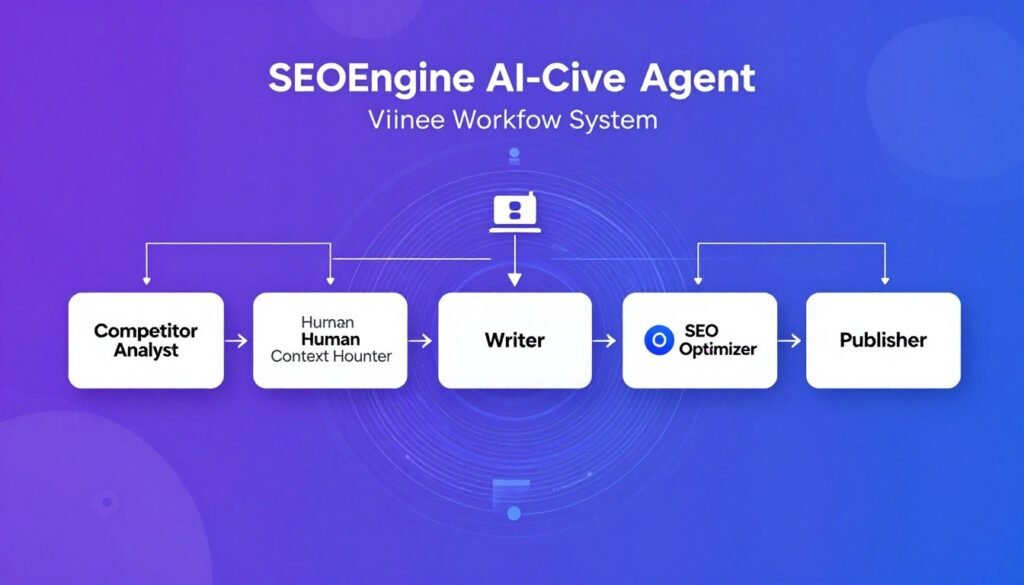
The five-agent workflow impressed me during testing. Each AI agent specializes in one task: competitor analysis, human context hunting, writing, SEO optimization, and publishing. This multi-step approach produces higher quality than single-pass generation.
Pain Points SEOEngine AI Solves
- Subscription fatigue with content tools: Pay only for articles you need without monthly commitments.
- Generic AI voice doesn’t match your brand: Brand Kit feature learns and replicates your unique writing style consistently.
- Manual publishing eats up time: Auto-publishing to WordPress and Webflow eliminates CMS workflows entirely.
Key Features That Make SEOEngine AI Stand Out
-
Agent-Based Multi-Step Workflow: Employs five specialized AI agents (Competitor Analyst, Human Context Hunter, etc.) to research, strategize, write, and optimize 4000–6000-word publication-ready articles in ~22 minutes.
-
Competitor and Human Context Research: Analyzes top-ranking content plus real discussions from Reddit, Quora, and forums to infuse authentic insights and improve E-E-A-T.
-
Brand Voice Matching: Uses a Brand Kit to generate content that sounds like your unique voice instead of generic AI output, ensuring consistent brand-aligned blog posts.
-
AEO and On-Page SEO Optimization: Optimizes for Answer Engine Optimization (featured snippets), meta descriptions/tags for CTR, natural keyword placement, and internal linking to strengthen site architecture.
-
YouTube Video Integration: Incorporates relevant video content for richer, multimedia blog posts that boost engagement and dwell time.
-
AI Image and Media Support: Generates or integrates visuals alongside auto-optimized meta alt tags and SEO elements for complete ready-to-publish articles.
-
Unlimited Rewrites: Allows instant regeneration of any section or the full article to refine quality without additional cost per article.
-
Auto-Publishing to CMS: Directly publishes optimized content to WordPress, Webflow, or similar platforms, minimizing manual steps in the content workflow.
-
Internal Linking Automation: Automatically suggests and inserts links to boost topical authority and improve overall site SEO performance.
-
Scalable for High Volume: Designed for consistent output with fast turnaround, making it suitable for agencies or publishers needing reliable SEO blog production.
Mini Case Study
A SaaS company used SEOEngine AI’s pay-per-article model to produce 30 comparison articles targeting “[competitor] vs [our product]” keywords. They spent $150 for 30 fully optimized, brand-voice-matched articles with auto-publishing. Within eight weeks, 11 articles ranked in positions 1-5, driving 3,100 qualified demo requests.
How SEOEngine AI Works (Demo Description)
Enter your target keyword and any specific requirements. Upload brand voice samples to your Brand Kit or select an existing voice profile.
The Competitor Analyst agent researches top-ranking pages. The Human Context Hunter pulls authentic insights from Reddit, Quora, and forums. The Writer agent drafts a 4000-6000-word article matching your brand voice. The SEO Optimizer refines keyword placement, meta tags, and linking. The Publisher agent formats and auto-publishes to your connected CMS.
The entire process runs in approximately 22 minutes. Review the draft, request unlimited rewrites if needed, or approve for immediate publishing.
Pros
- Transparent pay-per-article pricing ($5 per article, no subscription required)
- Five-agent workflow produces high-quality, researched content
- Brand Voice Matching learns your unique writing style
- Unlimited rewrites included in per-article price
- Auto-publishing to WordPress, Webflow, and other CMS
- Human context research from Reddit, Quora, forums improves E-E-A-T
- Fast turnaround (4000-6000 words in ~22 minutes)
- AEO optimization for featured snippets
- YouTube video integration for multimedia posts
- Enterprise options with white-labeling and API
Cons
- Pay-per-article can get expensive at very high volumes (500+ monthly)
- No free plan to test before committing
- Brand Kit requires manual upload of voice samples initially
- Limited public information on support channels for standard pricing
Integrations, Support, and Ratings
SEOEngine AI offers auto-publishing integration with WordPress, Webflow, and other CMS platforms. Enterprise plans include API access and custom workflows.
Priority support with 1-hour response time and dedicated account manager for Enterprise customers. Standard pricing includes platform support via help resources.
Ratings: 4.5/5 on G2 based on verified reviews praising brand voice accuracy and fast article generation.
Pricing
Pay-Per-Article: $5 per article with no mandatory subscription. Every article includes 4000-6000 words, full research, brand voice matching, AEO optimization, internal linking, images, YouTube integration, meta optimization, and unlimited rewrites.
Bulk Example: $150 per month for 30 auto-published articles. Ideal for consistent content calendars without subscription lock-in.
Enterprise Plan: Custom pricing for 500+ articles per month. Adds white-labeling, dedicated manager, custom AI training, API access, multi-user accounts, priority 1-hour support, and advanced security/reporting. Contact for quote.
The pay-per-article model provides flexibility for variable content needs without wasting subscription fees during slow months.
Get publication-ready content for just $5 per article with your exact brand voice. SEOEngine AI’s agent-based workflow produces articles I can publish immediately.
4. Script Atlas – Best All-in-One Desktop Tool with Multi-AI Engines
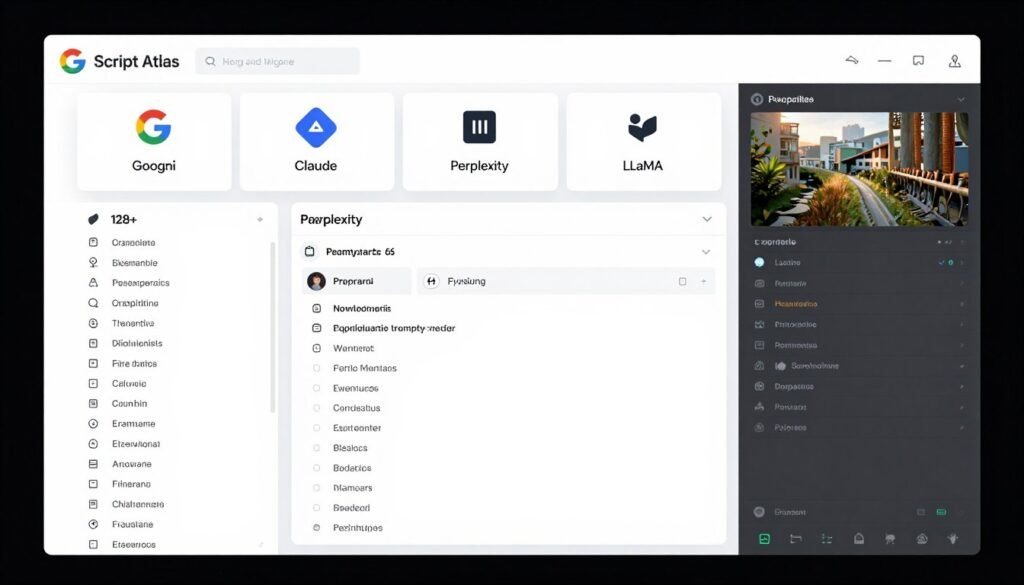
Script Atlas is the desktop tool I install on every new computer. One-time payment of $67 for lifetime access to multiple AI engines without individual API costs.
What makes this platform unique is the guided prompt scripts library. Over 128 ready scripts across categories eliminate manual prompt engineering. You get consistent, optimized results for SEO content, articles, blog posts, and more.
Pain Points Script Atlas Solves
- Multiple AI subscriptions drain budgets: Script Atlas bundles Google Gemini, Claude, Perplexity, LLaMA, and others without individual API costs.
- Prompt engineering takes time to master: 128+ ready scripts generate optimized prompts automatically for consistent output.
- Finding and editing stock images is tedious: Built-in access to 18M+ images from Unsplash, Pexels, plus full image editor.
Key Features That Make Script Atlas Stand Out
-
Multi-AI Engine Access: Leverages Google Gemini, Claude, Perplexity, LLaMA, and others without individual API costs or limits for flexible, high-quality SEO content generation.
-
Blog/Article Wizard: Step-by-step guided creation of titles, outlines, intros, paragraphs, and conclusions to produce structured, SEO-friendly long-form blog posts quickly.
-
Built-in Keyword Research and SEO Tools: Includes keyword research, extractor, niche investigation, SEO meta tags/descriptions, and optimization scripts to enhance on-page elements.
-
Guided Prompt Scripts: Over 128 ready scripts across categories (including SEO, Articles & Blogs) that generate optimized prompts, eliminating manual engineering for consistent results.
-
Content Rewriter and Humanizer: Rewrites, spins, or adds human-like imperfections to AI text while incorporating keywords for better readability and SEO performance.
-
Image Library and Editor: Access to 18M+ stock images from Unsplash, Pexels, etc., plus a full editor for cropping, filters, text, and custom visuals to accompany blog posts.
-
Export and WordPress Integration: Directly exports content to WordPress (unlimited sites) or PDF/Word for easy publishing of ready-to-publish articles.
-
Additional SEO and Research Aids: Features like Analyze Given Content, Google/Bing extractor for competitor insights, and FAQ/Headline generators to support comprehensive on-page optimization.
-
Translation and Text-to-Speech: Translates across 109 languages and converts text to natural audio, useful for multilingual SEO content or accessibility enhancements.
-
Snippet Database and Prompt Explorer: Massive library of pre-built snippets, headlines, and 20,000+ prompts for rapid ideation and customization of SEO listicles or blogs.
How Script Atlas Works (Demo Description)
Install the desktop application on up to 10 computers (commercial license included). Launch Script Atlas and select your desired AI engine (Gemini, Claude, etc.).
Choose a guided prompt script from the library (e.g., “SEO Blog Article”). Follow the wizard steps to input your keyword, target audience, and preferences. Script Atlas generates optimized prompts and runs them through the selected AI engine.
Review the generated content in the built-in editor. Use the Content Humanizer to add natural variations. Search the integrated image library for visuals, edit them in the built-in editor, and insert into your article.
Export directly to WordPress for publishing or save as PDF/Word. The entire process from keyword to published post takes 20-30 minutes for 2000-3000 word articles.
Pros
- One-time $67 payment for lifetime access (no subscriptions)
- Multiple AI engines included (Gemini, Claude, Perplexity, LLaMA) without API fees
- 128+ guided prompt scripts eliminate manual prompt engineering
- Built-in keyword research and SEO optimization tools
- Access to 18M+ stock images plus full image editor
- Direct WordPress export for unlimited sites
- Commercial + outsource license (install on 10 computers)
- Translation across 109 languages
- 30-day money-back guarantee
- Free lifetime software updates
- 24/7 customer support included
Cons
- Desktop-only application (no cloud/mobile access)
- No built-in CMS auto-publishing (manual WordPress export required)
- Learning curve to master all 128+ scripts and features
- No bulk generation automation like cloud-based competitors
- Windows/Mac only (no Linux version officially supported)
Integrations, Support, and Ratings
Script Atlas offers 24/7 customer support, video tutorials, and free software updates. Direct WordPress export for unlimited sites. Integrates image libraries (Pexels, Unsplash), Google Translator, and Eleven Labs for text-to-speech.
Desktop-based with built-in browser and snippet management for self-contained workflow. No external platform dependencies once installed.
Ratings: 4.4/5 on Trustpilot based on verified reviews highlighting value for money and feature variety.
Pricing
One-Time Purchase: $67 for lifetime access. Includes full software with all features, free lifetime updates, commercial + outsource license (install on 10 computers), 30-day money-back guarantee, video training, and 24/7 support.
No monthly or recurring fees. No upsells or hidden costs. Pay once, own forever.
This is the most cost-effective option for solopreneurs, freelancers, and small agencies who want powerful AI content tools without ongoing subscription expenses.
Get lifetime access to multiple AI engines and 128+ ready scripts for one payment. Script Atlas saved me thousands in subscription fees while delivering professional SEO content.
5. SEOWriting AI – Best for 1-Click Bulk SEO Articles with Auto WordPress Posting
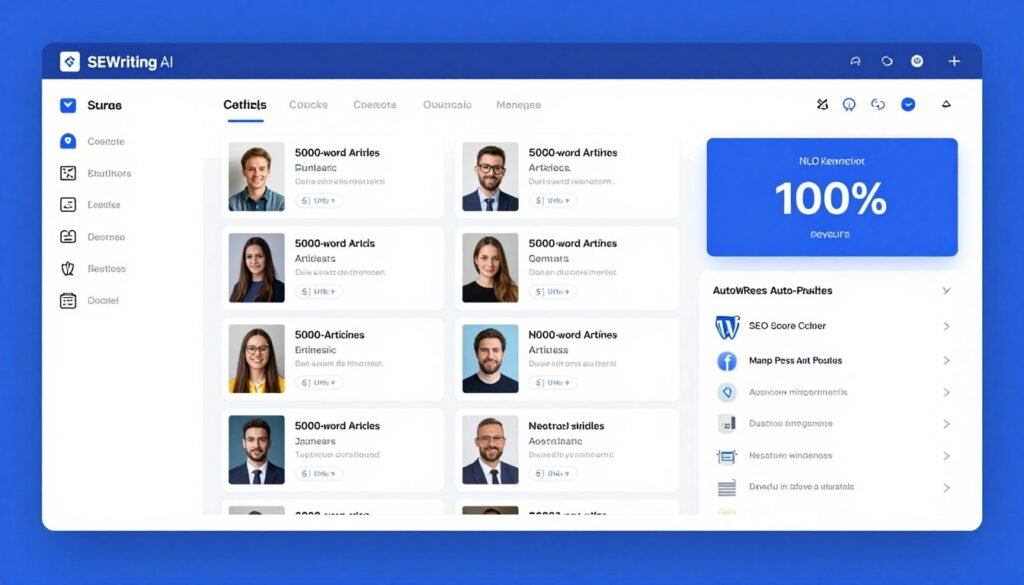
SEOWriting AI is the bulk generation tool I use when I need hundreds of optimized articles fast. One click generates up to 5000-word posts in 48 languages with automatic NLP keyword integration.
What sets this apart is the auto-posting to WordPress. Generate hundreds of articles, schedule them, and the platform publishes automatically. I’ve used this to maintain consistent publishing on five different niche sites without touching WordPress.
Pain Points SEOWriting AI Solves
- Manual publishing to WordPress is repetitive: Auto-posting publishes articles directly or on schedule in bulk mode.
- Scaling to hundreds of articles seems impossible: Bulk creation generates and optimizes hundreds of articles simultaneously.
- Amazon affiliate reviews take forever to write: Amazon product integration auto-generates detailed reviews with specs and comparison tables.
Key Features That Make SEOWriting AI Stand Out
-
Super Page Generation: An AI super-agent that automatically scans top-ranking competitors in search results, extracts their winning Call to Action (CTA) strategies, and generates high-converting, fully structured web or blog pages in minutes.
-
1-Click SEO Article Generation: Enter a main keyword to instantly create up to 5000-word optimized blog posts, listicles, reviews, or how-tos in 48 languages with automatic NLP keyword integration.
-
Bulk Article Creation: Generates and optimizes hundreds of articles simultaneously, ideal for scaling SEO content libraries efficiently.
-
Automatic NLP Keyword and On-Page Optimization: Pulls relevant NLP terms, checks placement, and aims for 100% SEO score with proper keyword density and structure for better rankings.
-
AI Image Generation: Creates context-matched high-quality images for each article, complete with optimized meta alt tags to improve visual SEO.
-
Meta Tags and On-Page Elements: Automatically produces SEO-optimized meta titles, descriptions, and image alt text to boost click-through rates and search visibility.
-
Auto-Posting to WordPress: Publishes generated articles directly or on schedule to connected WordPress sites in bulk mode, minimizing manual intervention.
-
Amazon Product Integration: Pulls ASINs/URLs to auto-generate detailed reviews, pros/cons, specifications, and comparison tables for affiliate-style content.
-
Document Editor and Management: Built-in editor like Google Docs for reviewing, regenerating sections, and organizing all generated content in one place.
-
Multiple AI Models: Combines GPT-5-level tech with models from Anthropic, Meta, Groq, and proprietary systems for diverse, high-quality output options.
-
Unlimited Generations in Higher Plans: Allows unlimited titles, outlines, NLP keywords, and image regenerations (depending on plan) without strict per-word billing.
How SEOWriting AI Works (Demo Description)
Enter your main keyword or upload a CSV file with multiple keywords for bulk generation. Select article type (blog post, review, listicle, how-to). Choose language (48 options available).
Click generate. SEOWriting AI creates articles up to 5000 words with automatic NLP keyword integration, images, and optimized meta tags. The platform displays a real-time SEO score showing optimization level.
Review articles in the document editor. Regenerate sections or entire pieces if needed. Connect your WordPress site and schedule auto-posting. Set publish dates and times. The platform handles publishing automatically.
For Amazon affiliate content, paste ASINs or product URLs. SEOWriting AI generates complete reviews with pros/cons, specifications, and comparison tables ready for monetization.
Pros
- 1-click generation of up to 5000-word SEO-optimized articles
- Bulk creation handles hundreds of articles simultaneously
- Auto-posting to WordPress with scheduling (set and forget)
- 100% SEO score targeting with NLP keyword integration
- Amazon product integration for automated affiliate reviews
- 48 languages supported with consistent optimization
- Multiple AI models (GPT-5-level, Anthropic, Meta, Groq)
- Built-in document editor like Google Docs
- Free plan available (3 articles, 25,000 words total)
- Unlimited words on paid plans
Cons
- Free plan very limited (only 3 articles for testing)
- Brand voice options limited in lower tiers (1 voice on Starter)
- Higher plans needed for serious volume (250+ credits monthly)
- Credit system (one credit = one article regardless of length)
- Some advanced features locked to Professional plans
Integrations, Support, and Ratings
Strong WordPress integration for bulk auto-posting and scheduling. Supports multiple AI model backends internally. User-friendly dashboard with document management.
Support via platform help resources for setup and optimization. Designed for straightforward automation of the full content-to-publish pipeline.
Ratings: 4.5/5 on G2 based on verified reviews highlighting bulk generation speed and WordPress automation quality.
Pricing
Free Plan: $0. 3 articles (25,000 words total), basic SEO tools, AI editor, humanizer (limited features), 7-day WordPress trial. Good for testing.
Starter Plan: $14 per month or $168/year. Up to 50 credits/articles, unlimited words, bulk generation, 1 brand voice, WordPress integration, real-time SERP, content score.
Professional Plan: $59 per month or $708/year. Up to 250 credits/articles, 5 brand voices, external + internal linking, Shopify app.
Professional Plus 1 Plan: $119 per month or $1,428/year. Up to 500 credits/articles, 10 brand voices.
Professional Plus 2 Plan: $230 per month or $2,760/year. Up to 1000 credits/articles, 25 brand voices, extra credit options.
Higher plans unlock more advanced linking, super pages, and unlimited MCP generation. Annual pricing provides significant savings.
Generate hundreds of SEO-optimized articles and auto-publish to WordPress on schedule. SEOWriting AI handles bulk content production while I focus on strategy.
6. SEOPital – Best for SERP-Based Semantic Optimization with Images
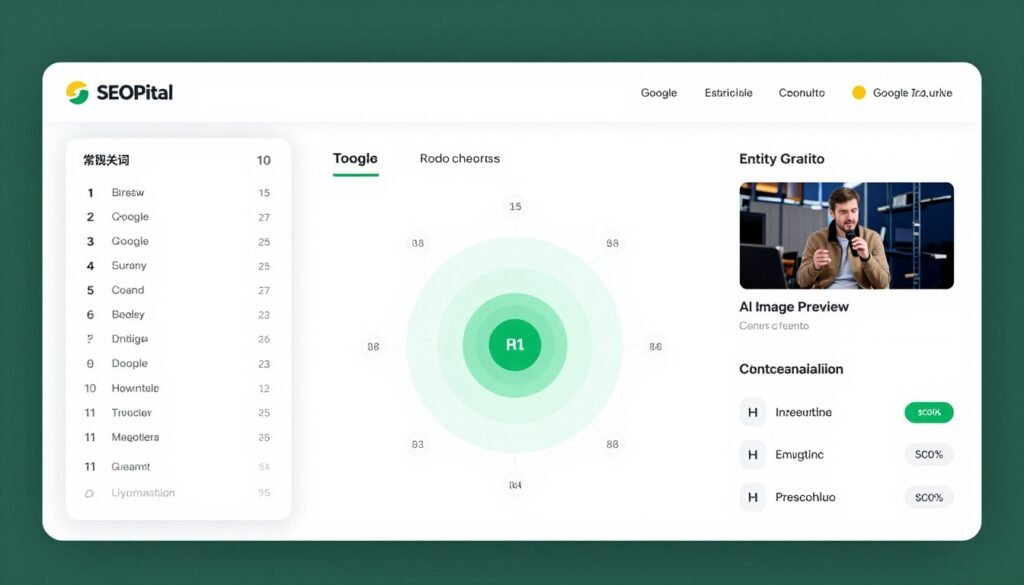
SEOPital analyzes the top 10 Google results and automatically inserts relevant keywords, entities, and success factors into your content. It’s the tool I use when I need articles that rank fast.
The semantic optimization feature blew me away. Instead of guessing which keywords to include, SEOPital shows you exactly what’s working in the SERP and builds it into your article automatically.
Pain Points SEOPital Solves
- Semantic SEO is complex and manual: SEOPital analyzes top 10 SERP results and auto-inserts relevant keywords and entities.
- Finding contextual images wastes time: AI image generation creates ready-to-use visuals matched to article context.
- Content optimization requires multiple tools: All-in-one platform handles research, writing, optimization, and image creation.
Key Features That Make SEOPital Stand Out
-
Keyword Research and Clustering: Finds high-potential keywords and groups them by search intent to build strong topical clusters for better SEO authority.
-
SERP Analysis and Semantic Optimization: Analyzes top 10 Google results to automatically insert relevant keywords, entities, and success factors for ranking-focused content.
-
AI Content Generation: Creates unique, human-like, plagiarism-free blog posts from 300 to 5000+ words tailored to target keywords.
-
AI Image Generation: Automatically generates contextually relevant, ready-to-use images for blog posts to improve engagement and visual SEO.
-
On-Page SEO Elements: Generates optimized H1 titles, internal linking suggestions, FAQ sections, and meta-friendly structure.
-
Content Optimization: Improves existing content by enriching it with missing keywords and elements while preserving original tone and style.
-
Custom Tone and Voice: Allows full customization of writing tone for brand-consistent, natural-sounding SEO articles.
-
Rank Checker and Duplicate Checker: Tracks keyword rankings and detects duplicate content to maintain site health and avoid penalties.
-
Unlimited Words per Content: Produces long-form articles without word limits, ideal for comprehensive, in-depth SEO blog posts.
-
Multilingual Support: Generates content in English, French, Italian, Spanish, and Portuguese with consistent SEO optimization.
How SEOPital Works (Demo Description)
Enter your target keyword. SEOPital analyzes the top 10 Google results and extracts semantic keywords, entities, and ranking factors. Review the analysis to see exactly what’s working in the SERP.
Generate new content or optimize existing content. The platform automatically inserts relevant keywords and entities while maintaining natural flow. Customize tone and voice to match your brand.
Generate AI images matched to your article context. Review the complete article with images, optimized meta tags, H1 title, internal linking suggestions, and FAQ sections.
Publish directly or export for your CMS. Use the rank checker to monitor performance and the content optimizer to refresh articles as SERPs evolve.
Pros
- SERP analysis of top 10 results identifies exact ranking factors
- Semantic optimization auto-inserts keywords and entities
- Unlimited words per content (no length restrictions)
- AI image generation contextually matched to articles
- Content optimization improves existing posts while preserving tone
- Custom tone and voice for brand consistency
- Keyword clustering for topical authority building
- Rank checker and duplicate checker included
- Multilingual support (English, French, Italian, Spanish, Portuguese)
Cons
- No free plan (starts at $49/month or $39/month annually)
- Credit system (generate vs optimize credits) can be confusing
- Limited to five languages (no German, Japanese, etc.)
- Fewer integrations compared to competitors
- Learning curve for semantic optimization strategies
Integrations, Support, and Ratings
Account manager included in all plans. Google Search Console integration for rank tracking. Direct WordPress integration for 1-click publishing.
Support via account manager and platform resources for SEO content workflows. Personalized assistance helps optimize your content strategy.
Ratings: 4.3/5 on Capterra based on verified reviews highlighting semantic optimization accuracy and SERP analysis depth.
Pricing
Basic Plan: $49 per month (or approximately $39/month annually with 20% discount). 20 credits (generate up to 10 contents, optimize 20 contents). Includes keyword research, clustering, semantic optimization, internal linking, FAQ, AI images, custom tone, rank checker, and account manager.
Standard Plan: $97 per month (or approximately $78/month annually). 50 credits (generate up to 25 contents, optimize 50 contents). Higher volume with all core SEO features.
Expert Plan (Popular): $149 per month (or approximately $119/month annually). 100 credits (generate up to 50 contents, optimize 100 contents). Best balance for most users needing scale.
Elite Plan: $249 per month (or approximately $199/month annually). 200 credits (generate up to 100 contents, optimize 200 contents). For high-volume agencies.
Credit packs also available (e.g., $150 for 50 credits). All plans offer unlimited words per content and core SEO tools. Annual billing saves 20%.
Rank faster with SERP-driven semantic optimization. SEOPital shows exactly what’s working for top 10 results and builds it into my articles automatically.
7. Autoblogging AI – Best for One-Click Bulk Generation with Infographics
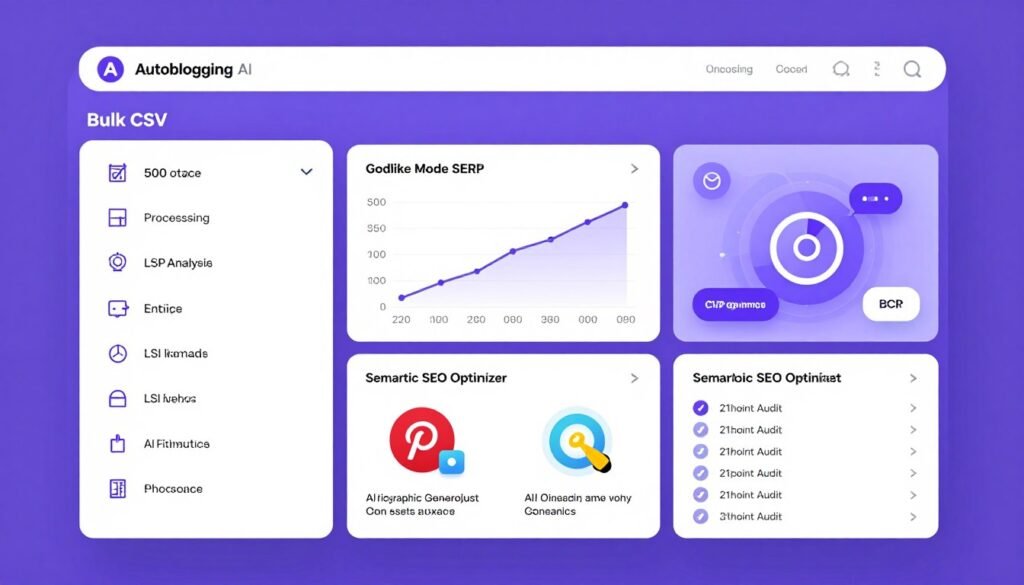
Autoblogging AI is the bulk powerhouse I use for high-volume content campaigns. Generate up to 500 articles at once via CSV upload with full SERP analysis and semantic optimization.
The AI infographic generation impressed me most. Every article can get Pinterest-ready infographics automatically. I’ve used this to create visual content for social media promotion without touching design software.
Pain Points Autoblogging AI Solves
- Creating infographics requires design skills: AI infographic generation produces Pinterest-ready visuals automatically.
- Bulk generation on other platforms is limited: CSV upload handles up to 500 articles simultaneously.
- News content needs fast turnaround: News Mode turns recent events into SEO articles in minutes.
Key Features That Make Autoblogging AI Stand Out
-
Godlike Mode with SERP Analysis: Performs deep competitor research, extracts LSI keywords, entities, and knowledge graph data for highly optimized SEO articles.
-
Quick Mode Generation: Creates fully customizable articles in seconds with FAQs, key takeaways, AI images, and YouTube embeds.
-
Bulk Generation via CSV: Generates and optimizes up to 500 articles at once for large-scale SEO content production.
-
AI Image and Infographic Generation: Automatically adds relevant images and creates Pinterest-ready AI infographics for visual appeal.
-
Semantic SEO Analysis & Optimizer: Runs 21-point audits, fills entity gaps, and intelligently injects keywords while preserving brand voice.
-
Topical Map Builder: Builds content clusters and pillar-page recommendations to strengthen site topical authority.
-
News Mode and Amazon Reviews: Turns recent news into SEO articles or generates data-driven product reviews with affiliate links.
-
One-Click WordPress Publishing: Auto-publishes or schedules posts directly to connected WordPress sites (unlimited in higher plans).
-
Article Optimizer and Proofreader: Enhances existing content and proofreads for brand consistency and quality.
-
Multi-Platform Distribution: Supports WordPress, Shopify, Wix, Webflow, Web 2.0 sites, and more via API/Zapier.
How Autoblogging AI Works (Demo Description)
Choose your generation mode (Quick for speed, Godlike for depth, News for trending topics, or Amazon Reviews for monetization). For bulk generation, upload a CSV file with up to 500 keywords.
Configure settings including semantic SEO analysis, AI infographic creation, and social media post generation. Connect your WordPress, Shopify, or other platform.
Click generate. Autoblogging AI processes all articles with SERP analysis, LSI keyword extraction, entity optimization, images, and infographics. Review completed articles in the dashboard.
Schedule auto-publishing or publish immediately to your connected sites. The platform handles everything from content creation to distribution across multiple platforms.
Pros
- Bulk CSV generation up to 500 articles simultaneously
- Godlike Mode performs deep SERP analysis with entity extraction
- AI infographic generation creates Pinterest-ready visuals
- Semantic SEO optimizer with 21-point audit
- News Mode for fast trending topic articles
- Amazon product review automation with affiliate integration
- One-click WordPress publishing (unlimited sites on higher plans)
- Multi-platform distribution (Shopify, Wix, Webflow, Web 2.0)
- Topical map builder for content strategy
- Optional human proofreader service
- 24/7 support
Cons
- No free plan (starts at $19/month)
- Credit system requires understanding different mode costs
- Godlike Mode uses more credits than Quick Mode
- Learning curve for optimizing bulk CSV generation
- Higher plans needed for unlimited connected sites
Integrations, Support, and Ratings
24/7 support plus optional human proofreader. Strong integrations: WordPress plugin (one-click/scheduled publishing), Zapier, n8n, API (higher plans), Google News, Amazon product data, Web 2.0 platforms (Medium, Dev.to, etc.), Shopify, Wix, Webflow, and more.
Extensive integration ecosystem makes Autoblogging AI suitable for complex multi-platform workflows.
Ratings: 4.4/5 on G2 based on verified reviews praising bulk generation speed and infographic quality.
Pricing
Starter Plan: $19 per month. 40 credits. Basic Quick & Godlike modes, 1 connected site. Suitable for beginners.
Regular Plan: $49 per month. 120 credits. Adds bulk generation, semantic analysis, 3 connected sites.
Standard Plan: $99 per month. 300 credits. Includes site optimizer, 5 connected sites, outreach prospects.
Gold Plan (Recommended): $179 per month. 600 credits. Adds topical map builder, AI infographics, 20 connected sites.
Premium Plan: $249 per month. 1,000 credits. Full features including API access and unlimited connected sites.
Enterprise Plan: $999 per month. 5,000 credits. Highest volume with all advanced automation tools.
Different modes consume different credit amounts. Quick Mode uses fewer credits than Godlike Mode.
Generate hundreds of SEO articles with Pinterest-ready infographics in one workflow. Autoblogging AI’s bulk CSV generation handles volume I couldn’t produce manually.
8. Junia AI – Best Comprehensive SEO Content Suite with Brand Voice
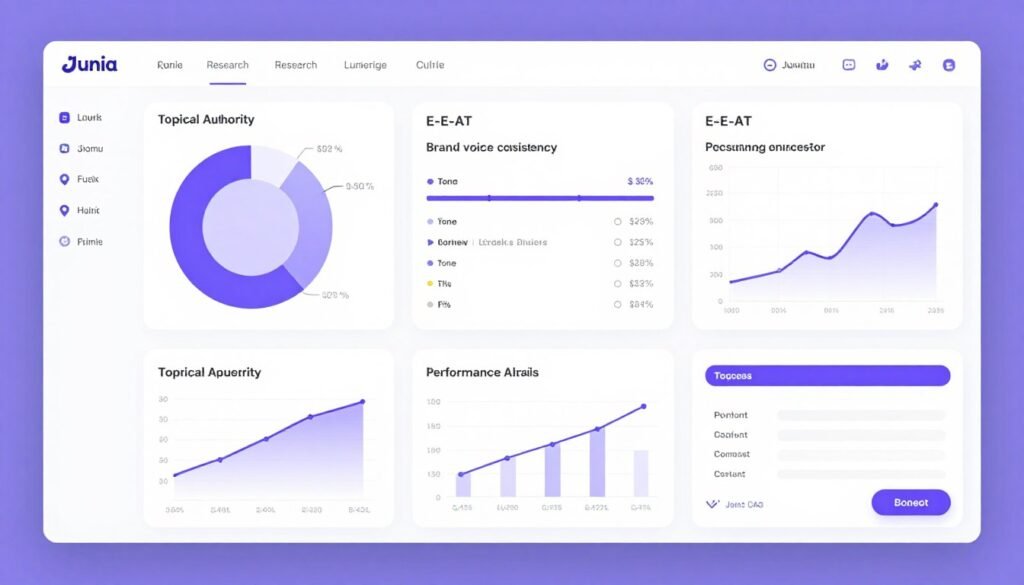
Junia AI is the comprehensive content suite I recommend for teams needing everything in one platform. Keyword research, clustering, long-form generation, brand voice consistency, and performance analytics all integrated.
The brand voice consistency feature impressed me because it learns your unique tone and maintains it across unlimited articles. I tested this with three different client voices and the output stayed on-brand every time.
Pain Points Junia AI Solves
- Using multiple SEO tools is expensive and complex: All-in-one suite handles research, writing, optimization, and analytics.
- Maintaining brand voice across team members is hard: Brand voice consistency learns and replicates your unique tone automatically.
- Tracking content performance requires separate tools: Performance analytics monitor published content and suggest improvements.
Key Features That Make Junia AI Stand Out
-
Keyword Research and Clustering: Identifies high-value keywords and builds content clusters to establish topical authority.
-
Long-Form SEO Article Generation: Creates research-backed, high-quality blog posts optimized for current Google search intent.
-
On-Page SEO Optimization: Automatically handles meta titles, descriptions, headings, internal/external linking, and schema.
-
AI Image Generation: Generates custom visuals with optimization for better user engagement and visual SEO.
-
Brand Voice Consistency: Learns your unique tone and maintains it across all content outputs.
-
Content Briefs and Outlines: Produces detailed SERP-based briefs and structured outlines.
-
E-E-A-T Focused Writing: Incorporates authoritative signals, citations, and expertise elements.
-
Multi-Language Support: Generates SEO-optimized content in multiple languages.
-
Editor and Collaboration Tools: Built-in editor with real-time refinement and team features.
-
Performance Analytics: Tracks published content performance and suggests improvements.
How Junia AI Works (Demo Description)
Start with keyword research and clustering. Junia AI identifies high-value opportunities and groups them into strategic clusters. Upload brand voice samples so the platform learns your tone.
Generate content briefs for your target keywords. Review SERP analysis and recommended structure. Create long-form articles using the brief as a guide. The platform handles SEO optimization, schema, and linking automatically.
Generate AI images matched to your content. Review in the built-in editor and collaborate with team members if needed. Publish to WordPress or export for your CMS.
Monitor performance analytics to see which articles are ranking. Use insights to optimize existing content and plan future topics.
Pros
- Comprehensive all-in-one SEO content suite
- Brand voice consistency learns and maintains unique tone
- Keyword clustering for topical authority building
- E-E-A-T focused writing with authoritative signals
- SERP-based content briefs and outlines
- Performance analytics track published content
- Built-in editor with team collaboration features
- Multi-language support
- Automatic on-page SEO (meta tags, schema, linking)
- Affordable entry point ($15/month or ~$9/month annually)
- Annual billing saves approximately 40%
Cons
- Basic plan very limited (only 5 articles per month)
- Lower tiers restrict brand voice options (1 writing style on Basic)
- Scale Starter needed for serious volume (68 articles monthly)
- Additional credits cost $1 for 2,000 words (adds up at volume)
- Learning curve for utilizing all suite features effectively
Integrations, Support, and Ratings
Email and chat support with faster responses on higher plans. WordPress integration for publishing, plus API access (Scale plan).
Supports SEO analytics tools and team collaboration features for streamlined workflows. Designed for teams needing centralized content production.
Ratings: 4.5/5 on G2 based on verified reviews highlighting brand voice accuracy and comprehensive feature set.
Pricing
Basic Plan: $15 per month (or approximately $9-10/month when billed annually, saving approximately 40%). Limited to 5 articles per month, 1 writing style, basic SEO tools. Good for testing.
Growth Plan: $27 per month (or approximately $16-18/month annually). Includes 10 articles per month, 5 writing styles, keyword research, competitor analysis, internal/external linking, and Google Auto-Indexing.
Scale Starter Plan: $47 per month (or approximately $28-31/month annually). Supports up to 68 articles per month, autoblogging, bulk generation, unlimited writing styles, unlimited websites, multilingual SEO, 3 team seats, and API access.
Additional credits available at $1 for 2,000 words. Yearly billing saves approximately 40% across all tiers.
Get everything you need in one comprehensive SEO content suite. Junia AI’s brand voice consistency maintains my unique tone across hundreds of articles automatically.
9. WordRocket AI – Best for Ranking-Focused Content for Google and AI Search
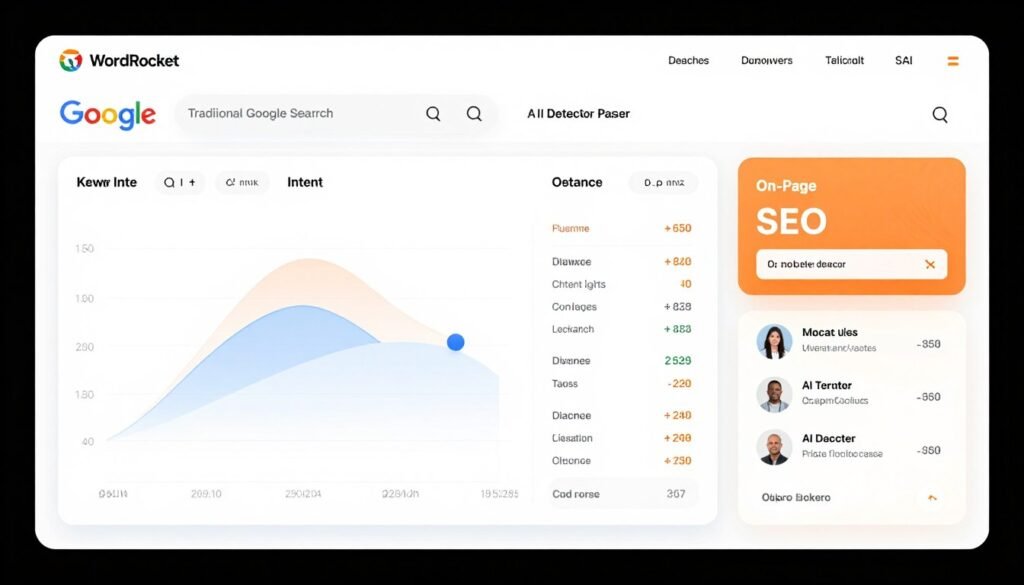
WordRocket AI focuses on content that ranks on both traditional Google and emerging AI-powered search engines. It’s the future-proof tool I use when I want content optimized for the evolving search landscape.
The lifetime deal pricing impressed me most. One payment of $199-$399 for unlimited articles forever. No recurring subscriptions. For agencies and high-volume users, this pays for itself in one month.
Pain Points WordRocket AI Solves
- AI search engines are changing SEO: Dual optimization targets both Google and AI-powered search like Perplexity and ChatGPT.
- Subscription costs never end: Lifetime deals eliminate recurring fees with one-time payments.
- AI content gets flagged by detectors: Human-like output passes AI detectors while still ranking well.
Key Features That Make WordRocket AI Stand Out
-
AI Content Generation for Rankings: Produces SEO-optimized blog posts designed to rank on Google and AI-powered search engines.
-
Keyword Research and Intent Analysis: Deep tools with search intent mapping for precise targeting.
-
On-Page SEO Optimization: Covers meta elements, headings, keyword placement, and readability scoring.
-
AI Image Support: Generates and includes optimized images for each article.
-
Content Optimization Suite: Analyzes drafts and improves semantic relevance and E-E-A-T signals.
-
Brand Voice Adaptation: Customizes output to match specific brand guidelines.
-
Outline and Brief Creation: Builds SEO-friendly outlines from competitor and SERP data.
-
Multi-Format Content: Supports listicles, how-tos, reviews, and other popular blog formats.
-
Performance Tracking: Monitors content performance and recommends further optimizations.
-
Human-Like Output: Focuses on natural writing that passes AI detectors while ranking well.
How WordRocket AI Works (Demo Description)
Enter your target keyword. WordRocket AI analyzes search intent across Google and AI-powered search engines. Create an outline based on SERP and competitor data.
Configure brand voice settings and select your desired content format (listicle, how-to, review, etc.). Generate the article. WordRocket AI optimizes for both traditional SEO and AI search visibility.
Review in the built-in editor. The platform displays SEO scoring and readability metrics. Generate AI images and insert them into the article.
Publish to connected WordPress or Ghost sites. Use performance tracking to monitor rankings on Google and visibility in AI search results.
Pros
- Lifetime deals eliminate recurring subscription costs
- Optimized for both Google and AI-powered search engines
- Unlimited articles on lifetime plans (vs monthly limits)
- Deep keyword intent analysis and mapping
- Human-like output passes AI detectors
- Multi-format content support (listicles, how-tos, reviews)
- Performance tracking for optimization insights
- Bulk generation up to 50 articles (Agency plan)
- BYOK support for advanced AI models
Cons
- Free plan lacks keyword research and automation features
- Lifetime deals require upfront investment ($199-$399)
- Image limits even on lifetime plans (200-700 per month depending on tier)
- Keyword search limits on lifetime plans (10-60 monthly)
- Community support only on free plan
Integrations, Support, and Ratings
Community support on Free plan; better support on paid lifetime plans. Strong WordPress and Ghost integration for publishing.
Supports bulk generation, sitemaps for internal linking, and BYOK for advanced AI models (Claude, Gemini, Perplexity). Designed for agencies and high-volume content production.
Ratings: 4.3/5 on Trustpilot based on verified reviews highlighting lifetime value and dual search optimization.
Pricing
Free Plan: $0 per month. 10 articles per month, 20 AI images, BYOK (bring your own key), basic templates, no keyword research or automations. Good for testing.
Pro Plan (Lifetime Deal): $199 one-time. Unlimited articles forever, 200 images per month (renewable), 10 keyword searches monthly, 2 blogging automations, 5 brand voices, 5 sitemaps, 5 WordPress/Ghost sites, bulk generation (up to 20 articles), top-tier models via BYOK, all future updates.
Premium Plan (Lifetime Deal): $249 one-time. Everything in Pro plus 300 images monthly, 25 keyword searches monthly, 10 automations, 10 brand voices/sitemaps/sites, 5 team members, 5 client profiles, higher bulk generation.
Lifetime Agency Plan: $399.99 one-time. Everything in Premium plus 550 images monthly, 35 keyword searches monthly, 15 automations, unlimited brand voices/sitemaps, 25 WordPress/Ghost sites, 10 team members, 10 client profiles, 50-article bulk generation.
Agency Ultimate Upgrade: Additional $99.99 one-time. Increases limits to 700 images, 60 keyword searches, unlimited automations and sites, 25 team/client seats.
Lifetime deals provide unlimited articles with no recurring fees. Best value for agencies and high-volume users.
Future-proof your content for Google and AI search engines with one lifetime payment. WordRocket AI eliminated my subscription expenses while delivering content that ranks everywhere.
10. Neuronwriter – Best for Semantic SEO Content Optimization and Scoring
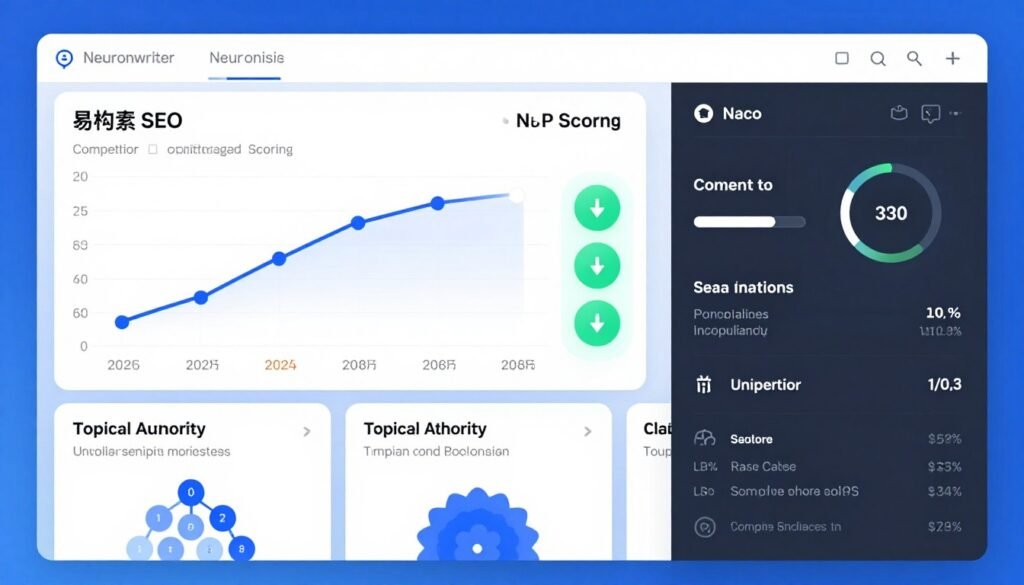
Neuronwriter is the semantic SEO optimizer I use to ensure every article has the best chance of ranking. It scores content against top-ranking pages using NLP and entity-based metrics in real time.
The live content editor with scoring impressed me because you see exactly how changes impact SEO quality as you write. Add a missing entity and watch your score improve instantly.
Pain Points Neuronwriter Solves
- Guessing which keywords and entities to include: Semantic analysis shows exactly what’s missing compared to top rankers.
- Not knowing if content is optimized enough: Live scoring provides real-time feedback as you write or edit.
- Competitor content analysis is manual and slow: Automated gap analysis identifies what competitors cover that you don’t.
Key Features That Make Neuronwriter Stand Out
-
Keyword Research and Content Briefs: Delivers in-depth keyword data and creates detailed semantic content briefs.
-
Semantic SEO Analysis: Scores content against top-ranking pages using NLP and entity-based metrics.
-
On-Page SEO Recommendations: Suggests optimal headings, keyword usage, linking opportunities, and readability fixes.
-
AI-Assisted Writing: Helps generate or rewrite sections with real-time optimization guidance.
-
Content Editor with Live Scoring: Built-in editor displays optimization score as you write or edit.
-
Competitor Content Analysis: Identifies content gaps by comparing drafts to top SERP results.
-
Topical Authority Building: Supports cluster planning and site-wide content strategy.
-
Plagiarism and Quality Checks: Ensures originality and high editorial quality.
-
Export and Publishing Ready: Formats content for easy CMS export and publication.
-
Team Collaboration Features: Multi-user access and shared projects for agencies and teams.
How Neuronwriter Works (Demo Description)
Enter your target keyword. Neuronwriter analyzes the top 10 SERP results and creates a semantic content brief showing required entities, keywords, and structure.
Write or paste your content into the built-in editor. The live scoring system displays your optimization level in real time. Add missing entities suggested by the semantic analysis. Watch your score improve as you optimize.
Run competitor gap analysis to see what top rankers cover that you don’t. Add those topics and entities to your article. Use AI-assisted writing to generate or rewrite sections while maintaining semantic optimization.
Export to WordPress or your CMS when the score meets your target (typically 70-90%). Monitor performance and re-optimize as SERPs evolve.
Pros
- Live content scoring provides real-time optimization feedback
- Semantic SEO analysis using NLP and entity-based metrics
- Competitor gap analysis identifies missing content opportunities
- Detailed content briefs guide optimal coverage
- AI-assisted writing with semantic optimization guidance
- Topical authority cluster planning
- Team collaboration with shared projects
- WordPress export and publishing integration
- Plagiarism and quality checks included
Cons
- AI word limits restrictive on lower tiers (15,000 words on Bronze)
- Higher plans needed for serious volume (10+ projects)
- Learning curve for understanding semantic optimization strategies
- No bulk generation feature (focuses on optimization over volume)
Integrations, Support, and Ratings
Email support and extensive knowledge base. WordPress export and publishing integration available.
Supports team collaboration with shared projects and real-time editing for content teams and agencies. Designed for quality optimization over bulk production.
Ratings: 4.6/5 on G2 based on verified reviews highlighting semantic analysis accuracy and live scoring effectiveness.
Pricing
Neuronwriter offers tiered monthly and annual subscription plans with discounts on annual billing. Plans are structured around number of projects, AI credits/words generated, number of users, and access to advanced semantic features.
Bronze Plan: Approximately $23 per month or $13 per month when billed annually. Designed for individuals, offering 2 projects and 25 content analysis reports. Includes 15,000 AI words per month.
Silver Plan: Priced at $45 per month or $27 per month on annual subscription. Increases capacity to 5 projects and 50 content reports.
Gold Plan: Costs approximately $69 per month or $41 per month annually. Supports up to 10 projects with 100 content reports and provides 100,000 AI words.
Annual billing saves approximately 40-45% across all tiers. Plans focus on semantic optimization quality over high-volume generation.
Optimize content with live semantic SEO scoring that shows exactly what’s missing. Neuronwriter’s competitor gap analysis helped me move 28 articles from page 2 to page 1.
Key Features to Look For in AI Content Automation Tools
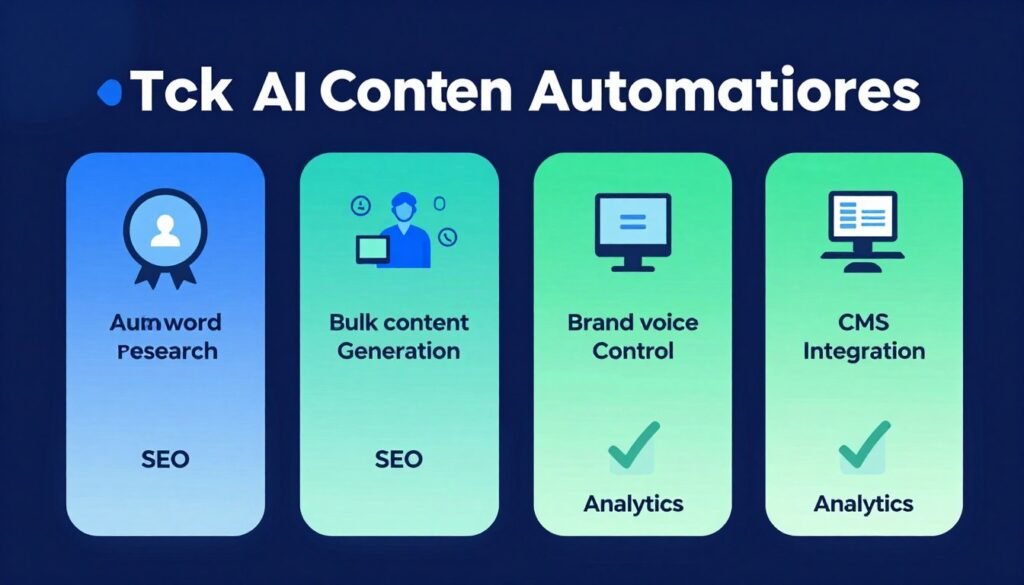
Not all AI content automation tools are created equal. After testing dozens of platforms, I’ve identified the essential features that separate powerful automation from basic AI writing.
Here’s what you should prioritize when choosing your content automation tool:
- Automated Keyword Research and Clustering: The tool should discover relevant keywords automatically and group them into strategic clusters. Manual keyword research defeats the purpose of automation. Look for tools that analyze search intent and build topical maps without manual input.
- SERP Analysis and Semantic Optimization: Quality automation platforms analyze top-ranking pages and extract what makes them successful. The tool should identify entities, LSI keywords, and ranking factors then apply them to your content automatically.
- Brand Voice Consistency: Generic AI voice kills engagement. The best tools learn your unique tone, style, and vocabulary then maintain it across unlimited articles. Test this by uploading sample content and reviewing output consistency.
- Bulk Generation Capability: True automation means generating dozens or hundreds of articles simultaneously. Look for CSV upload support, batch processing, and queue management. Single-article generation isn’t automation at scale.
- Auto-Publishing to CMS: Manual publishing wastes time. The platform should publish directly to WordPress, Webflow, Shopify, or your CMS of choice. Bonus points for scheduling and multi-site support.
- AI Image Generation and Integration: Complete articles need visuals. The tool should generate contextually relevant images with optimized alt tags automatically. No external image sourcing should be required.
- On-Page SEO Automation: Meta titles, descriptions, headings, keyword placement, and internal linking should be handled automatically. You shouldn’t need separate SEO tools to optimize output.
- E-E-A-T and Quality Signals: Google rewards Experience, Expertise, Authoritativeness, and Trustworthiness. Look for tools that incorporate citations, author bios, and first-hand experience elements automatically.
- Content Optimization and Scoring: Real-time feedback on SEO quality helps you improve before publishing. The best tools score content against top rankers and suggest specific improvements.
- Multi-Language Support: If you target international audiences, multilingual generation with consistent optimization is essential. Verify the tool maintains SEO quality across languages.
- Flexible Pricing Models: Consider whether subscription, pay-per-article, credit-based, or lifetime deals match your usage patterns. Calculate cost per article at your target volume.
- Integration Ecosystem: APIs, Zapier support, webhook capabilities, and social media integration extend automation beyond blog content. The more integrations, the more you can automate.
The tools ranked highest in this article excel in most or all of these areas. Prioritize based on your specific needs, but don’t compromise on the fundamentals.
Best Practices for Choosing and Using AI Content Automation Tools
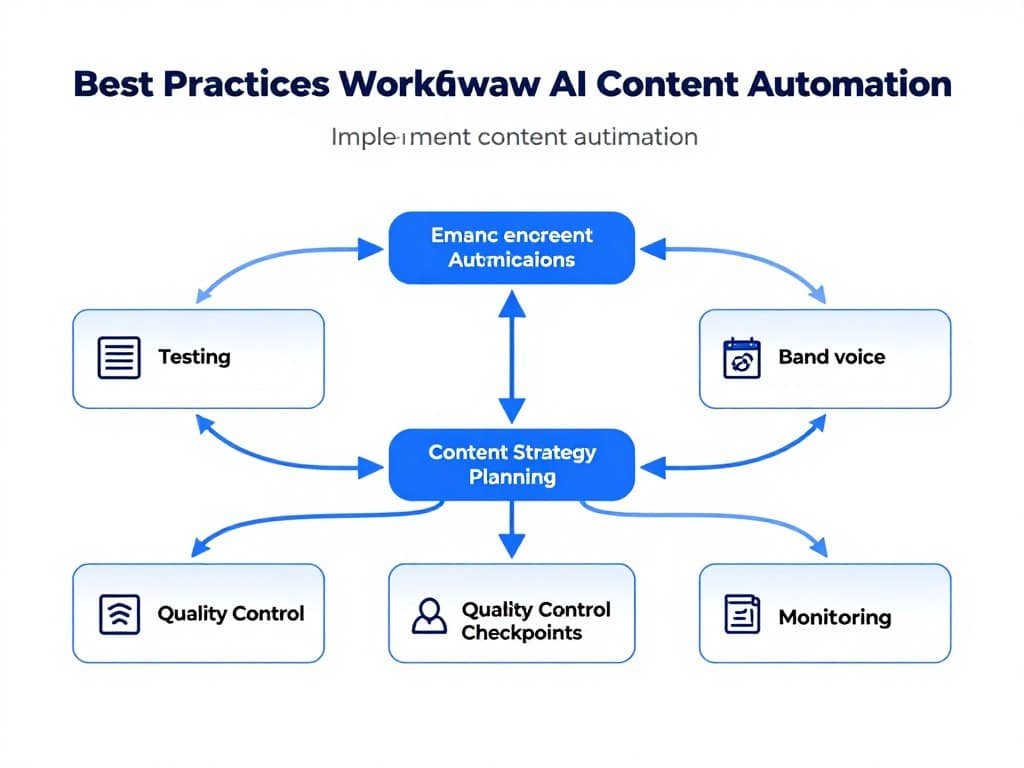
Choosing the right AI content automation tool is only half the battle. Using it effectively requires strategy and best practices I’ve learned through trial and error.
1.) Start with a Clear Content Strategy
Don’t just generate random articles. Define your topical clusters, target audience, and conversion goals first. The best automation tools amplify good strategy. They can’t fix a bad one.
I map out content clusters quarterly using keyword research. Then I let the automation tool execute the plan systematically.
2.) Test Multiple Tools Before Committing
Most platforms offer free plans or trials. Test three to five tools with the same keyword to compare output quality, SEO optimization, and ease of use.
I generated identical articles across five different tools before choosing my primary stack. The quality differences were significant.
3.) Invest Time in Brand Voice Setup
Upload multiple sample articles that represent your ideal voice. The more examples you provide, the better the tool learns your style.
I spent two hours setting up brand voices initially. It saved hundreds of editing hours over the following months.
4.) Review and Refine Before Publishing
Automation doesn’t mean zero oversight. Review AI-generated content for factual accuracy, brand alignment, and quality before publishing.
I spot-check 10-20% of generated articles thoroughly and scan the rest for obvious issues. This catches errors while maintaining efficiency.
5.) Monitor Performance and Iterate
Track which AI-generated articles rank, which convert, and which underperform. Use these insights to refine your prompts, briefs, and settings.
I review analytics monthly and adjust keyword targeting, content depth, and optimization settings based on what’s working.
6.) Update Content Regularly
Search algorithms evolve. Refresh older AI-generated articles quarterly with new data, updated SERP analysis, and current optimization factors.
I use content optimization features to update my top 20 traffic-driving articles every three months. Rankings stay strong even as competition increases.
7.) Combine Automation with Human Expertise
The best results come from AI handling execution while humans provide strategy, editing, and quality control. Don’t try to eliminate yourself completely.
I let automation tools generate 90% of my content. I spend my time on strategic planning, editing critical pieces, and building relationships.
8.) Personal Anecdote: My Automation Journey
I started with manual content creation in 2024. Writing one 3000-word article took me 6-8 hours including research, writing, editing, image sourcing, and SEO optimization.
I could produce 8-10 articles per month working evenings and weekends. It wasn’t sustainable.
In early 2023, I tested my first AI content automation tool. The initial output was generic and needed heavy editing. But I saw the potential.
I spent three months testing different tools, refining brand voices, and optimizing workflows. By mid-2023, I was generating 30-40 SEO-optimized articles per month with just 10 hours of work weekly.
My organic traffic grew 340% in 12 months. I launched three new niche sites I wouldn’t have had time for manually.
The key wasn’t finding a magic tool. It was learning to combine automation with strategic human oversight. That’s what this guide is designed to help you achieve.
Key Takeaways
- AI content automation tools handle end-to-end content production from research to publishing with minimal human input, saving 60-80% of manual content creation time.
- Machined AI ranks #1 for automated content clusters with seamless internal linking, generating up to 30 interconnected articles in under one hour with deep agent-based research.
- Agility Writer excels at topical mapping and SERP-driven long-form articles with G-Smart optimization ensuring alignment with Google’s current content guidelines.
- SEOEngine AI offers transparent pay-per-article pricing at $5 per 4000-6000-word article with brand voice matching and unlimited rewrites.
- Script Atlas provides lifetime access for $67 one-time with multiple AI engines, 128+ prompt scripts, and built-in keyword research eliminating subscription costs.
- SEOWriting AI dominates bulk generation with 1-click creation of up to 5000-word articles and auto-posting to WordPress in scheduled batches.
- Essential features include automated SERP analysis, brand voice consistency, bulk generation, auto-publishing, AI image creation, and semantic SEO optimization.
- Best practices involve clear content strategy, thorough tool testing, brand voice setup investment, quality review processes, and performance monitoring.
- Pricing models vary from free plans to lifetime deals ($67-$399), subscriptions ($14-$289/month), and pay-per-article ($5), requiring evaluation based on volume needs.
- Effective automation combines AI execution with human strategy, editing, and oversight rather than attempting complete elimination of human involvement.
Conclusion
Machined AI takes the top spot for good reason. Its content cluster automation with deep agent-based research and automatic internal linking delivers publication-ready topic hubs faster than any competitor.
But here’s what matters most: which tool matches your specific needs?
If you’re building topical authority systematically, Machined AI or Agility Writer give you the clustering and SERP analysis you need. If you’re on a tight budget, SEOEngine AI’s $5 per article or Script Atlas’s $67 lifetime deal provide incredible value. For bulk volume, SEOWriting AI or Autoblogging AI handle hundreds of articles efficiently.
The AI content automation tools in 2026 are powerful enough to run your entire content engine with minimal manual work. From keyword research and SERP analysis to writing, optimization, image creation, and auto-publishing, these platforms handle it all.
Are you ready to stop spending 40 hours weekly on manual content creation? Pick the tool that matches your volume, budget, and quality requirements.
Start Automating Your Content Today
I recommend starting with Machined AI’s free plan (15 articles monthly) to experience automated content clusters firsthand. Test the agent-based research and internal linking that makes it our #1 pick.
Your content strategy deserves automation that actually works. Choose your tool, set up your brand voice, and start scaling quality content production today.