Creating video ads used to mean hiring expensive studios, booking actors, and spending weeks in production. Not anymore.
I’ve spent the last three months testing AI Ads Maker tools that promise to turn simple text prompts into scroll-stopping video ads in minutes. Some delivered. Others? Not so much.
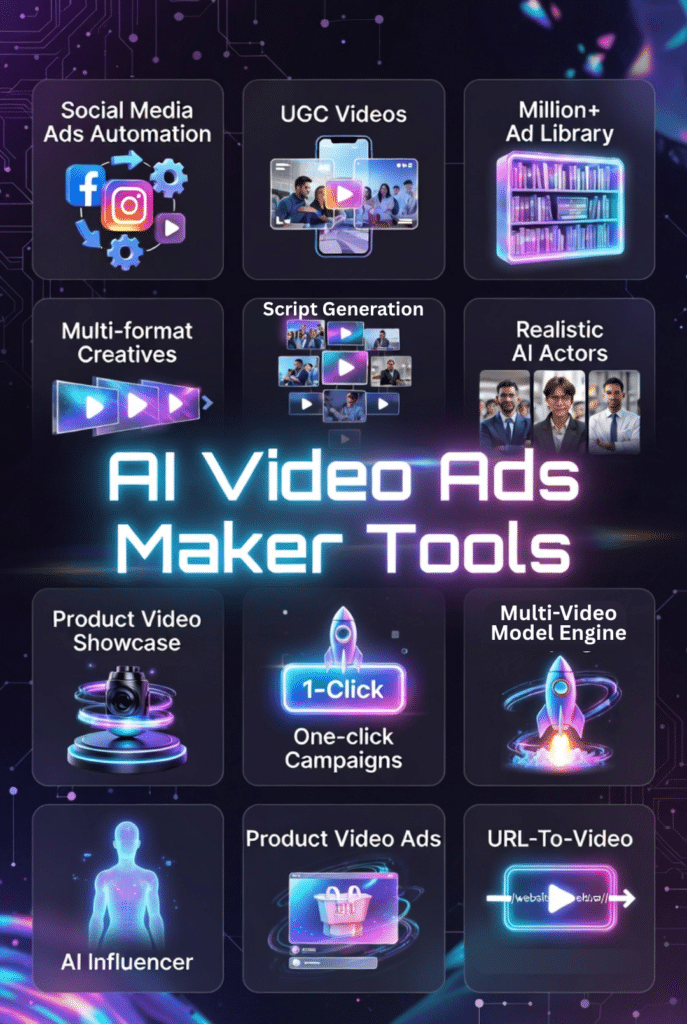
The best AI ad generators can create professional video content for social media platforms like Facebook, Instagram, TikTok, and YouTube without you touching a camera. They generate ads from product links, write compelling copy, add voiceovers, and even create AI avatars to front your campaigns.
But with dozens of tools claiming to be the best, how do you choose?
In this article, we’ll review the top picks to help you choose.
AI Ads Maker tools are software platforms that use artificial intelligence to automate video ad creation. They handle everything from scriptwriting and visual design to voiceover generation and final edits.
Instead of spending hours in video editing software, you simply describe what you want. The AI generator takes your input and produces ready-to-post video ads in minutes.
These tools work by combining several AI technologies. Natural language processing understands your prompts. Computer vision selects relevant stock footage or generates original visuals. Text-to-speech engines create realistic voiceovers. And machine learning models ensure your content matches proven ad formats that actually convert.
The result? You can create ads for multiple platforms, test different variations, and scale your content production without hiring a full creative team.
Video ads outperform static images across every major platform. Facebook reports video ads generate 135% more organic reach than photo posts. TikTok users watch an average of 52 minutes daily. Instagram Reels get 22% more engagement than regular video posts.
Why the massive difference? Video captures attention in crowded feeds. It conveys emotion, demonstrates products, and tells stories in seconds. Static images make users pause. Video makes them stop scrolling.
The numbers back this up. Video ads typically see 2-3x higher click-through rates compared to static creatives. They reduce cost per acquisition because they’re simply more effective at converting browsers into buyers.
But here’s the challenge. Traditional video production is expensive and slow. That’s exactly where AI ad makers come in. They give you the power of video without the traditional workflow bottlenecks.
Who Should Use AI Ads Makers
1. E-commerce Business Owners
Turn product photos into professional video ads that showcase features, benefits, and social proof without expensive photoshoots.
Create product demos automatically from URLs
Generate multiple ad variations for A/B testing
Produce catalog-scale content in hours not weeks
Launch seasonal campaigns faster than competitors
2. Digital Marketing Agencies
Scale creative production for multiple clients simultaneously while maintaining brand consistency and reducing production costs.
Handle higher client volumes with same team size
Deliver rapid creative iterations and refreshes
Offer video services without video specialists
Improve campaign ROAS through better creatives
3. Social Media Managers
Maintain consistent posting schedules across platforms with fresh video content that matches each channel’s format and audience.
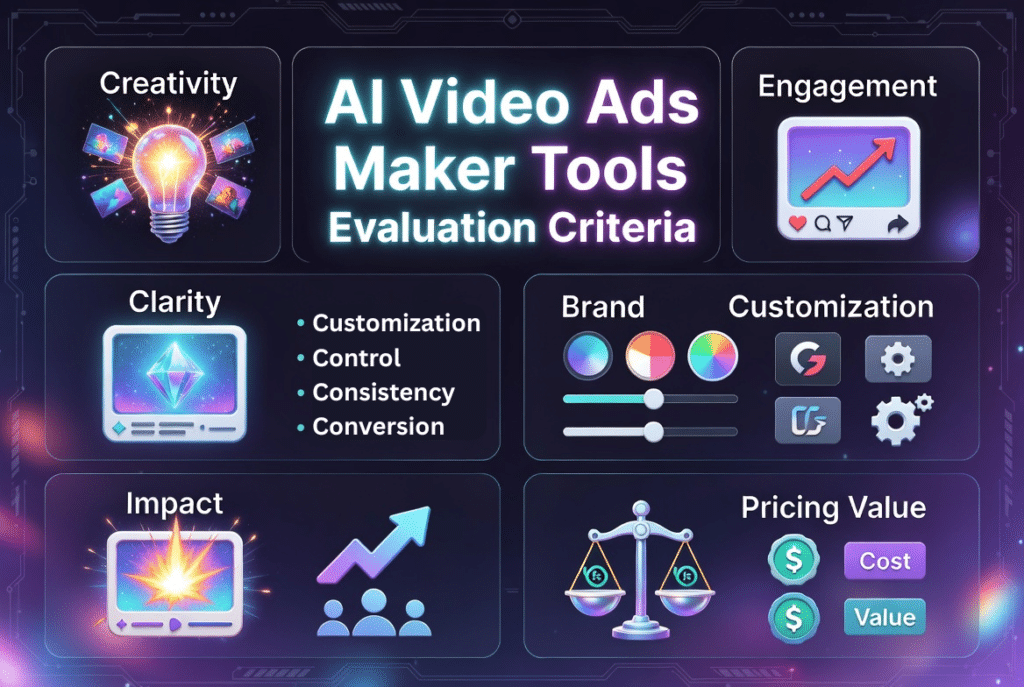
Creativity measures how original and attention-grabbing the AI-generated content looks. Does it produce generic stock-photo compilations or unique visuals that stand out?
Engagement evaluates whether the ads actually perform. I looked at hook strength, pacing, and whether the content makes people stop scrolling.
Clarity checks if the message comes through clearly. Beautiful visuals mean nothing if viewers don’t understand what you’re selling.
Customization determines how much control you have. Can you adjust the AI output to match your brand, or are you stuck with generic templates?
Impact focuses on conversion potential. Does the final ad drive action, or just look pretty?
Ratings come from real user reviews on G2, Trustpilot, and Capterra. I prioritized tools with consistent positive feedback.
Pricing examines value for money. The cheapest tool isn’t always the best deal if it limits your creative options or buries key features behind expensive tiers.
Every tool in this list passed my hands-on testing. I used each one to create at least 10-15 different ads to see how they handle various scenarios.
Why Should You Trust Me?
I’m an AI Engineer with a Master’s degree in Data Science and Machine Learning and a Bachelor’s in Software Engineering. I’ve been working professionally since 2018, and I’ve ghost-developed several AI applications from the ground up.
That technical background means I understand how these AI tools actually work under the hood. I know which AI models power them, what their limitations are, and when marketing claims don’t match technical reality.
I don’t just test these tools as a casual user. I analyze their architecture, evaluate their AI model performance, and assess whether the underlying technology can deliver on the promises.
Plus, I’ve used these platforms extensively in real-world scenarios. Not demo projects but actual ad campaigns with real budgets and performance metrics. That hands-on experience gives me perspective most reviewers simply don’t have.
This isn’t a theoretical review. These are battle-tested insights from someone who knows both the AI technology and the practical application.
Before we dive into all 13 detailed rankings, let me highlight the three standout platforms that consistently delivered exceptional results across my testing.
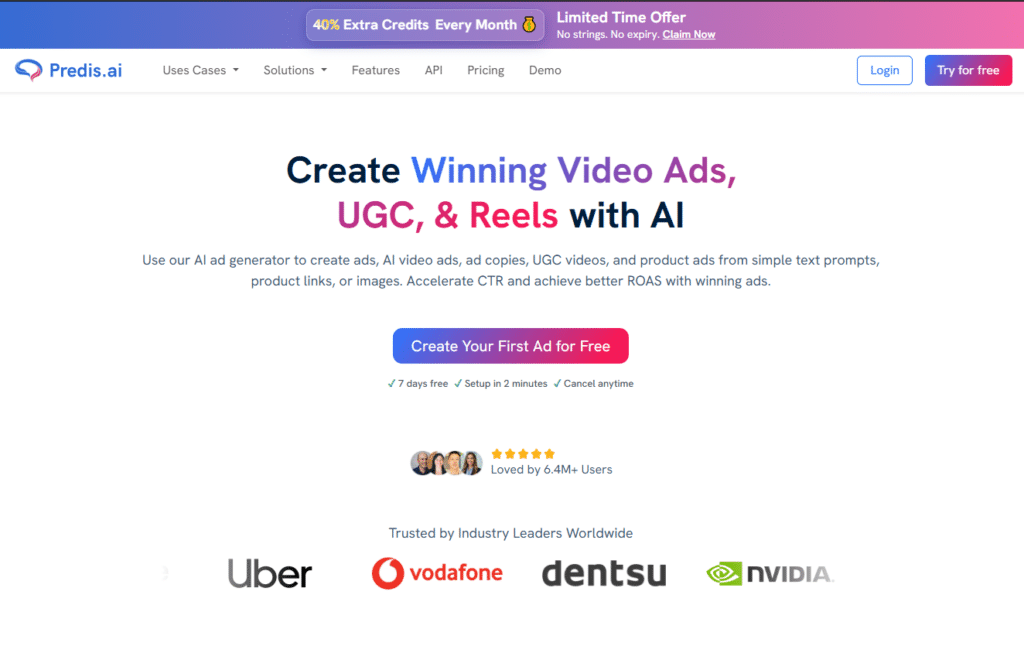
Predis AI sits at the top of my list because it solves the biggest pain point in social media advertising. Instead of using separate platforms for video ads, static image ads, carousel creatives, captions, and social media content, you can generate everything from a single dashboard.
This makes it particularly useful if you need to produce large volumes of branded content quickly while maintaining consistency across Facebook, Instagram, and other marketing channels.
4.8
OVERALL RATING
Social Media Automation4.8/5
UGC Video without Actors4.8/5
Multi-Format Ad Generation4.9/5
Pricing Value4.8/5
Key Pain Points Predis AI Solves
Multi-Platform Format Chaos: Managing different ad specs for Facebook, Instagram, TikTok, LinkedIn, and Twitter usually means hours of resizing and reformatting. Predis generates all formats simultaneously from one input, saving massive amounts of time.
Expensive UGC Production: Hiring actors for user-generated content style ads costs thousands per video. Predis creates authentic-looking UGC videos using AI avatars that match your target demographic without booking a single actor.
Inconsistent Brand Identity: When multiple team members create ads, brand consistency suffers. Predis applies your brand kit automatically to every output so colors, fonts, and logos stay consistent across all campaigns.
Highlight Features
AI Text-to-Ad Generation: Converts simple text prompts into complete ad creatives including visuals, copy, and headlines within seconds, eliminating creative block for marketing teams.
Multi-Format Ad Creation: Generates video ads, static images, carousels, banners, and skyscraper ads simultaneously, ensuring your campaign reaches audiences across every platform format they prefer.
AI Product Photoshoot: Transforms basic product images into professional studio-grade ad visuals with AI-generated backgrounds and lighting, saving 90% on traditional photoshoot costs.
UGC Video Ads Without Actors: Creates human-like user-generated content videos using customizable AI avatars matched by age, gender, and ethnicity, removing the need for expensive actor hiring.
Brand Kit Integration: Automatically applies your logo, colors, fonts, and brand tone across all generated ads, maintaining consistent brand identity across every campaign and platform.
AI Ad Copy & Caption Generator: Writes optimized ad headlines, captions, and hashtags using proven frameworks like PAS and AIDA, boosting click-through rates and conversion performance.
19+ Language Support: Generates ad creatives in over 19 languages with two-click input/output switching, enabling authentic global campaigns without translation agencies.
Stock Asset Library: Provides built-in access to millions of high-quality stock images and videos from Pexels and Unsplash directly within the editor, streamlining the creative workflow.
Animation & Motion Design: Adds smooth animations, transitions, and motion effects to static designs with customizable speed and delay controls for eye-catching animated ads.
A/B Testing Variations: Generates multiple ad variations instantly for split testing different hooks, layouts, and calls-to-action, helping identify winning creative combinations faster.
AI Performance Insights: Analyzes top-performing ads to generate data-backed creatives scientifically designed for higher CTR and better ROAS from day one.
Demo Experience
Join Predis AI for free, The interface feels intuitive from the first click. You start by adding your brand kit once. Colors, logo, fonts get saved. Then you either type a prompt or paste a product link.
The AI generates a first draft in about 30 seconds. You can then refine elements individually. Want a different background? Click and choose. Need punchier copy? Ask the AI to rewrite. The editing workflow is surprisingly smooth.
What blew me away was the stock asset integration. Predis pulls from Pexels and Unsplash libraries automatically. Every visual feels fresh and on-brand, never generic.
Predis AI connects directly to Facebook, Instagram, TikTok, YouTube, LinkedIn, Pinterest, and X. You can schedule and publish ads without leaving the platform. Enterprise plans include API access for custom workflows.
Support comes via email and chat. Response times averaged under two hours in my testing. Higher tiers get priority assistance. The knowledge base covers most common questions well.
Pricing
Core Plan: $19-32/month (annual ~$27/month). Includes 1,300 credits monthly, 1 brand, unlimited stock assets, 10 social accounts, and 60 competitor analyses. Best for solopreneurs and small businesses starting out.
Rise Plan: $40-79/month (annual ~$66/month). Includes 3,200 credits monthly, 4 brands, auto-posting, 20 social accounts, and 130 competitor analyses. Ideal for growing businesses managing multiple brands.
Enterprise Plan: $212-249/month (annual ~$208/month). Includes 10,000+ credits monthly, unlimited brands, 60 social accounts, and 600 competitor analyses. Perfect for agencies and large marketing teams.
Supercharge your social media ads with AI automation!
Predis AI offers a 7-day free trial so you can experience the power of multi-format ad generation and UGC creation without actors firsthand.
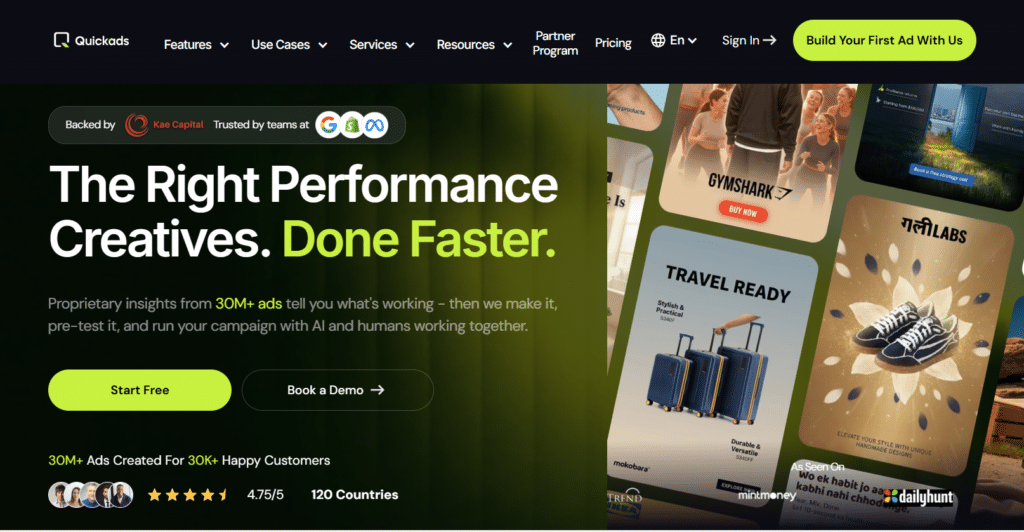
Quickads takes a fundamentally different approach. Instead of creating better ads from scratch, it shows you what’s already working.
The platform analyzes millions of existing advertisements to uncover successful creative patterns, messaging angles, and design trends. You can use these insights to make data-driven creative decisions and then generate your own ad variations directly within the platform.
It also includes AI-powered creative generation and virtual product photography tools that can reduce content production costs while speeding up campaign launches.
4.7
OVERALL RATING
Ad Intelligence & Research4.8/5
Performance Creative Optimization4.7/5
Brand Compliance Scoring4.7/5
Pricing Value4.8/5
Key Pain Points QuickAds Solves
Creative Guesswork: Most tools let you create whatever you want, but they don’t tell you what actually works. Quickads’ 30M+ ad intelligence library shows you proven winners before you create anything, eliminating expensive trial and error.
Brand Inconsistency Across Campaigns: When agencies manage multiple clients or businesses run various campaigns, brand guidelines get violated. The brand compliance scoring automatically tests every creative against your established standards before export.
Time-Consuming Campaign Management: Creating ads is just the start. You also need to schedule, analyze, and optimize. Quickads’ AI Creative Agents automate the entire workflow from generation through performance monitoring.
Highlight Features
30M+ Ad Intelligence Library: Spies on over 30 million high-performing ads to identify exactly what’s winning in your niche, giving data-backed creative direction before you start.
AI Video & Voice Generation: Creates AI-powered video ads with realistic voiceovers using ElevenLabs integration, producing human-sounding narration that matches your brand tone.
Virtual Product Photoshoots: Generates professional product photography with AI without physical studios, creating e-commerce-ready visuals for catalogs and ads at scale.
Virtual Fashion Photoshoots: Creates AI fashion imagery with models and styling, enabling apparel brands to produce lookbook-quality content without expensive model bookings.
Brand Compliance Scoring: Tests every creative against brand guidelines automatically, ensuring all output maintains visual consistency and meets your established standards.
AI Creative Agents: Deploys AI agents that schedule, analyze, and generate creatives automatically, reducing manual campaign management time significantly.
Performance Creative Score: Rates each ad creative on predicted performance metrics before launch, helping prioritize high-potential variants in your testing queue.
Multi-Platform Format Export: Automatically resizes and formats ads for Meta, Google, TikTok, Amazon, and YouTube, ensuring pixel-perfect specs for every placement.
White-Label Agency Solution: Allows agencies to customize the Quickads platform with their own branding and logo, offering a seamless client experience under their own name.
Campaign Management Integration: Combines creative production with full ad campaign execution including targeting, budget allocation, and ROAS optimization across channels.
Human + AI Creative Service: Offers done-for-you creative strategy with dedicated strategists who provide weekly 1:1 calls, concept boards, and performance insights.
Demo Experience
Login to QuickAds, the app starts by asking about your industry and goals. Then it immediately shows relevant high-performing ads as inspiration.
You can either analyze existing ads to understand what makes them work or jump straight into creation. The creative workflow feels more strategic than other tools because you’re building on proven patterns rather than guessing.
The campaign management integration impressed me. I created ads, set targeting, allocated budgets, and tracked ROAS all in one dashboard. Most tools make you export to ad managers. Quickads handles everything.
Ad intelligence focused mainly on Facebook and Google
Requires more strategic thinking than plug-and-play tools
Integrations and Support
QuickAds provide native integrations include Meta Ads Manager, Google Ads, TikTok Ads, Amazon Advertising, and Shopify. Higher tiers add dedicated account managers and shared Slack channels for real-time support.
Chat support responds quickly on all plans. Service tiers include weekly 1:1 strategy calls with creative experts who provide concept boards and performance insights.
Pricing
Discover: Free/$0 (limited). Ad spying and basic ideas.
All-Access: $99/mo. Unlimited generations, ~150 image/100 video downloads, HD, AI agents, brandkits. Recommended for most.
Higher/Service Plans: $199+/mo for strategy, CaaS, or agency-level (more downloads, support). Lifetime/AppSumo options historically available.
Create high-performance ads backed by real ad intelligence!
Quickads offers a free trial so you can experience the power of performance-first creatives and 30M+ ad library insights firsthand.
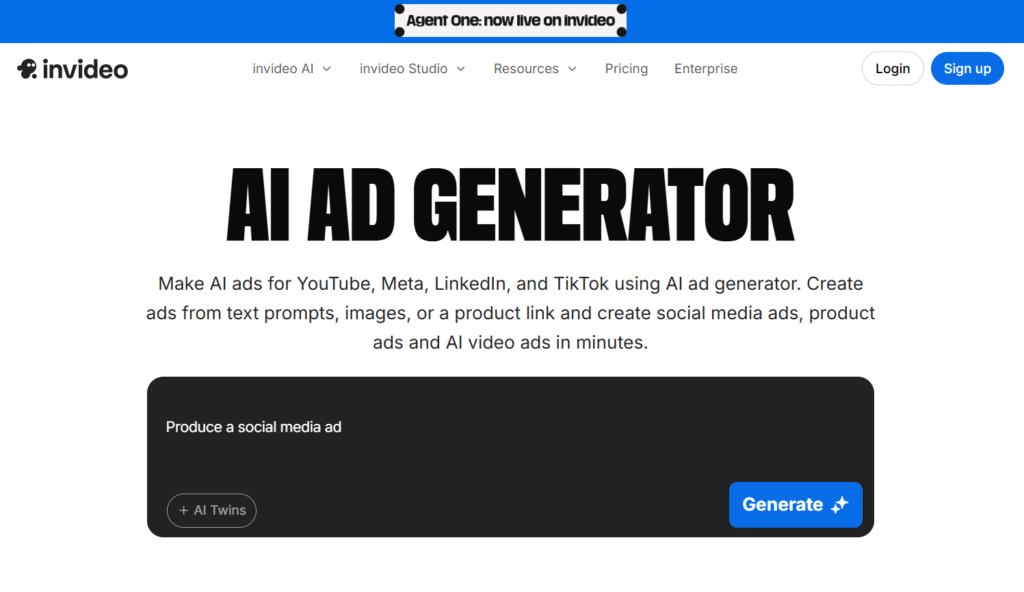
Invideo AI gives you access to the most advanced AI video generation models available. That’s Sora 2 from OpenAI and VEO 3.1 from Google.
It helps you create complete marketing videos from simple text prompts. Instead of sourcing footage, writing scripts, recording voiceovers, and editing manually, you can describe the video you want and let the platform generate the entire production.
The video generator combines AI-generated visuals, scripts, voiceovers, captions, transitions, and editing into a streamlined workflow, making professional video creation accessible even if you have no video production experience.
4.7
OVERALL RATING
Frontier Model Access (Sora/Veo)4.7/5
Full-Stack Video Production4.8/5
Voice Cloning & Avatars4.7/5
Pricing Value4.7/5
Key Pain Points InVideo AI Solves
Limited Stock Footage Quality: Most AI ad makers rely on stock libraries that feel overused and generic. Invideo’s generative video creation produces original footage that no one else has, making your ads genuinely unique.
Expensive Spokesperson Costs: Hiring on-camera talent costs thousands per shoot. Invideo’s AI avatars and digital twins replace human actors completely while maintaining authentic feel across 50+ languages.
Platform-Specific Reformatting: Manually adjusting ads for Facebook, TikTok, Instagram, YouTube, and LinkedIn wastes hours. Invideo automatically formats each video with correct aspect ratios, safe zones, and duration limits per platform.
Highlight Features
Text-to-Complete Video Pipeline: Converts a single text prompt into a full video ad with script, stock footage, voiceover, subtitles, music, and transitions without any editing skills required.
AI Avatars & Actors: Offers AI twin cloning, human actors from diverse demographics, and virtual actors to front any video in 50+ languages, eliminating filming costs entirely.
Product Clone from URL: Pastes any product link to automatically generate high-quality product visuals paired with AI avatars for UGC ads, explainers, or product films.
Voice Clones & AI Voiceovers: Clones your own voice or selects from diverse accents and tones to narrate videos naturally in any language, maintaining brand vocal consistency.
Frontier Model Integration: Bundles access to OpenAI’s Sora 2 and Google’s VEO 3.1, the most advanced AI video generation models available, for cinematic-quality footage.
16M+ Licensed Media Library: Provides access to over 16 million royalty-free clips, images, and music tracks with no copyright concerns, ensuring safe commercial usage.
Precision Fine-Tuning Editor: Allows scene-by-scene editing through simple text prompts or precision controls on media, music, script, and settings without complex timelines.
Pre-Built Ad Workflows: Offers ready-made templates for UGC ads, explainers, brand films, and Shopify-to-video conversions so you never start from a blank canvas.
Bulk Ad Creation: Generates A/B test variations, alternate hooks, different layouts, and fresh versions of the same ad instantly for rapid creative testing.
Platform-Specific Optimization: Automatically formats ads for Facebook, Instagram, YouTube, TikTok, and LinkedIn with correct aspect ratios, safe zones, and duration limits.
Agent One AI System: Deploys an AI agent that can create up to 30 minutes of video from a single prompt, handling complex multi-scene storytelling automatically.
Demo Experience
Invideo’s interface feels more like a conversation than a video editor. You describe what you want in plain language and the AI interprets your intent.
The precision fine-tuning editor lets you refine scenes through text commands. “Make the opening scene brighter” or “Replace the background music with something more energetic” works instantly.
What impressed me most was how it handled complex requests. I asked for “a split-screen comparison showing before and after results” and it generated exactly that without me touching timeline controls.
AI minute limits can feel restrictive on lower tiers
Generative models occasionally produce unexpected results
Rendering times longer than stock-footage-based tools
Integrations and Support
Invideo integrates with iStock, Storyblocks, Shopify, and all major social platforms for direct publishing. Enterprise plans include API access for custom workflows.
Support includes email, community forums, and priority assistance on higher tiers. The learning curve is gentler than expected thanks to extensive tutorials and prompt templates.
Pricing
Free Plan: ~10 AI minutes per week, watermarked outputs, limited commercial rights. Good for testing but not production work.
Plus Plan: $17-28/month (annual ~$20-25/month). Includes 50 AI minutes monthly, unlimited watermark-free exports, full commercial rights, and access to Sora 2 + VEO 3.1 models. Best value for most users.
Max Plan: $48-85/month (annual ~$48/month). Includes 200 AI minutes monthly, additional voice clones, iStock credits, and team collaboration features. Ideal for agencies and power users.
Generative/Premium Tier: ~$100-170/month for heavy usage. Enterprise pricing available for large teams with custom needs.
Turn ideas into cinematic video ads with frontier AI models!
Invideo AI offers a free trial so you can experience the power of full-stack video production with Sora 2 and Veo 3.1 firsthand.
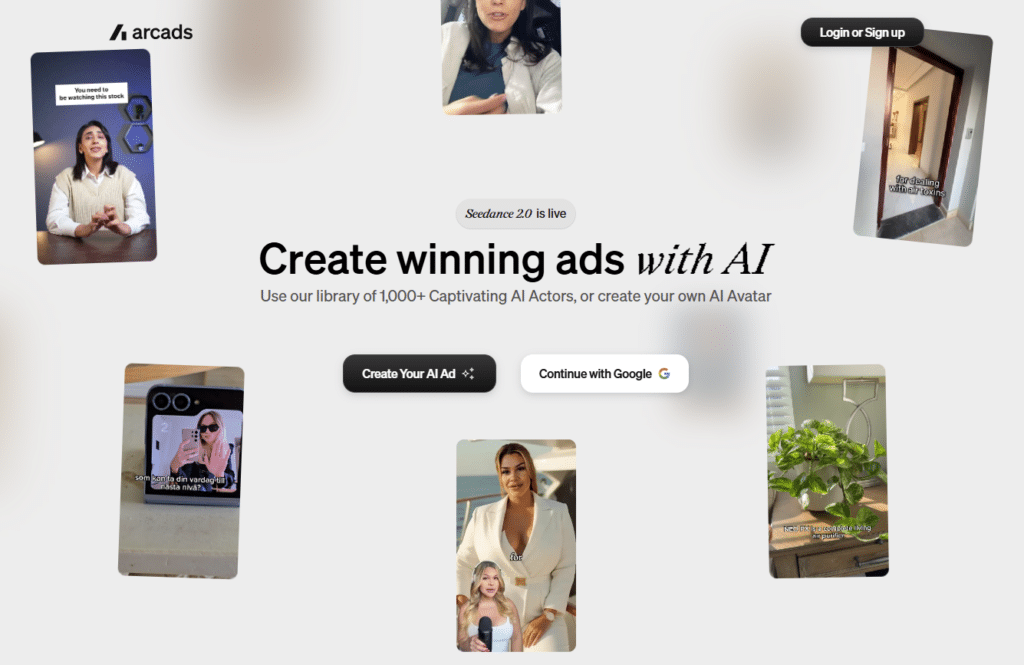
Arcads AI specializes in creating UGC-style video advertisements using AI-generated actors and avatars.
If you want testimonial ads, influencer-style content, product demonstrations, or social proof videos without hiring creators, Arcads can generate multiple ad variations featuring different AI actors.
This allows you to test various demographics, presentation styles, and messaging approaches while significantly reducing production costs.
4.6
OVERALL RATING
AI Actor Realism & Library4.7/5
Multi-Language Lip Sync4.6/5
Seedance 2.0 Video Quality4.6/5
Pricing Value4.7/5
Key Pain Points Arcads AI Solves
Expensive Influencer and Actor Costs: Real people charge hundreds to thousands per video. Arcads’ 1,000+ AI actor library provides diverse talent without booking fees, contracts, or scheduling nightmares.
Limited Diversity in Ad Creative: Finding actors representing all demographics is challenging and expensive. Arcads lets you instantly test messaging with different ages, genders, and ethnicities to see what resonates best with various audience segments.
Global Localization Challenges: Creating authentic ads for international markets requires native speakers and cultural understanding. Arcads’ multi-language lip sync produces believable performances in 74 languages without hiring local talent.
Highlight Features
1,000+ AI Actor Library: Accesses over 1,000 captivating AI actors with diverse ages, ethnicities, and styles, or creates your own custom AI avatar for brand-specific representation.
Seedance 2.0 Video Model: Utilizes the latest AI video generation model for cinematic-quality output with realistic motion, facial expressions, and professional lighting.
AI Video Editing Suite: Edits, translates, extends, subtitles, upscales, and remixes videos using AI tools without switching between multiple applications.
Fashion Try-On Visualization: Creates virtual fashion showcases where AI models wear and display apparel, perfect for fashion and apparel brand advertising.
App Showcase Templates: Uses ready-made presets specifically designed for app and software product demonstrations, optimizing mobile app marketing creatives.
Product Showcase Formats: Generates professional product showcase videos with dynamic angles, lighting effects, and smooth transitions for e-commerce ads.
AI Photo-to-Photoshoot: Transforms a single selfie or product photo into 10+ professional studio-grade shots with different backgrounds and lighting setups.
Glam AI Styling: Applies AI-powered styling, makeup, and fashion transformations to create aspirational lifestyle content for beauty and fashion campaigns.
Multi-Language Lip Sync: Produces perfectly synchronized lip movement and expressive micro-gestures across 74 languages for believable global performances.
Ad Performance Presets: Starts from proven ad formats built specifically for performance marketers, reducing guesswork on structure and pacing.
Raw Clip Export: Delivers high-quality raw AI-generated clips ready for editing in external software like CapCut or Premiere Pro for final polish.
Demo Experience
Arcads focuses on simplicity. You select an actor, paste your script, and choose a preset or customize settings. The generation takes 2-4 minutes per video.
The AI editing suite includes background replacement, subtitle generation, and video extension without complicated timelines. Everything feels streamlined for marketers who need results fast.
The raw clip export is useful if you want to add final polish in professional editing software. The quality holds up well even when color graded and composited with other elements.
Focused on talking-head format limits creative range
Credit system requires careful budget management
Starter plan limits actor selection to 300 of 1,000+
Integrations and Support
Arcads AI integrates with ElevenLabs for voice, plus Kling 3.0, Veo 3.1, and Sora 2 video models. Pro plans include API access for workflow automation.
Support via email with account management on higher tiers. Response times are solid. The learning curve is minimal since the interface focuses on core UGC creation.
Pricing
Starter Plan: $110/month (€100). 10 credits per month (~5-10 videos), access to 300 AI actors. Entry point for testing UGC ad creation.
Creator Plan: $220/month (€200). 20 credits per month with increased capacity. Better for regular campaign needs.
Pro Plan: Custom pricing. Includes full 1,000+ actor access, ElevenLabs integration, team collaboration features, and API access for agencies and enterprises.
Produce realistic AI actor-driven UGC video ads!
Arcads AI offers a free trial so you can experience the power of 1,000+ AI actors and Seedance 2.0 cinematic quality firsthand.
Imagine.Art is an AI image generation platform that gives you access to multiple AI models for creating marketing visuals, product advertisements, social media creatives, and branded artwork.
Rather than being limited to a single generation style, you can experiment with different models and visual aesthetics to find the look that best aligns with your brand. This flexibility makes it useful for businesses that require custom creative assets across multiple campaigns.
4.6
OVERALL RATING
Prompt-to-Ad Generation4.6/5
Multi-Model Selection4.6/5
Reference Image Integration4.6/5
Pricing Value4.7/5
Key Pain Points Imagine.Art Solves
Limited Creative Control: Most tools lock you into one AI model’s aesthetic. Imagine.Art lets you generate the same ad with Imagine V3.0, Kling, Hailuo, and other models to compare styles and choose what works best.
Generic Output Without Brand Context: AI often ignores your specific brand elements. The reference image integration ensures generated ads accurately represent your products with consistent styling and recognizable branding.
Weak Prompting Results: Most users don’t know how to write effective AI prompts. The built-in Imagine Bot assistant refines your prompts automatically to generate higher-quality, on-brand outputs without advanced prompting skills.
Highlight Features
Prompt-to-Ad Video Generation: Transforms text prompts and reference images into compelling video ads with realistic physics, smooth motion, and cinematic quality in minutes.
Multi-Model Selection: Choose from various AI video models including Imagine V3.0 (720p), Kling, Hailuo, and others for rapid prototyping, cinematic storytelling, or real-time animations to find the best output.
Reference Image Integration: Upload product photos or brand elements as references to ensure ads accurately represent your offerings with consistent styling and branding.
AI Prompt Enhancement: Uses the built-in Imagine Bot assistant to refine and optimize prompts for higher-quality, on-brand ad creatives without advanced prompting skills.
Custom Styles and Effects: Apply custom styles, lighting adjustments, camera motions, and visual effects to tailor ads for specific platforms like Instagram Reels, YouTube, or website banners.
A/B Testing Support: Quickly generate multiple ad variations from the same prompt to test different angles, messaging, or visuals for better performance marketing.
Versatile Ad Formats: Creates product demonstration ads, cinematic brand stories, social media reels, explainer videos, and abstract or lifestyle content for broad advertising needs.
No-Experience Editing: Built-in customization tools allow post-generation tweaks directly in the platform; no traditional video editing expertise required.
Multi-Platform Optimization: Generates ads optimized for social media, online platforms, websites, and digital campaigns with fast export and sharing options.
High-Quality Outputs: Supports HD and higher resolutions with professional motion and effects, ideal for converting ideas into scroll-stopping, conversion-focused creatives.
Demo Experience
Imagine.Art’s interface centers around a large prompt box and model selector. You describe your vision, upload reference images if needed, and choose your preferred AI model.
The Imagine Bot appears as a helpful sidebar. If your prompt lacks detail, it suggests improvements. If your reference image is low quality, it warns you before generation.
Generation times vary by model. Some finish in under a minute. More complex renders take 3-5 minutes. The quality consistently impresses across all model options.
Credit consumption varies significantly between models
Results can be inconsistent without good prompting
No built-in editing beyond generation tweaks
Integrations and Support
Imagine.Art functions as a comprehensive creative suite with seamless exports to all major formats. Support includes general assistance on all plans with priority access on higher tiers. Extensive tutorials help users master prompting techniques.
Pricing
Free Plan: Limited daily credits for testing core features.
Basic Plan: ~$9-15/month (2,000-3,500 credits). Entry-level for casual users and small projects.
Standard Plan: $30/month (8,000 credits). Popular choice for regular content creators and small businesses.
Ultimate Plan: $50/month (16,000 credits with priority access). Best for power users needing high output.
Creator/Enterprise Plans: $250+/month or custom pricing for high-volume needs and team collaboration (annual discounts up to 30%).
Generate stunning prompt-based AI video and image ads!
Imagine.Art offers a free plan and affordable upgrades so you can experience the power of multi-model ad generation and reference image integration firsthand.
AdGPT is built for marketers who want to automate campaign creation as much as possible. By simply providing a product URL, the platform can generate multiple types of advertising assets, including UGC videos, short-form video ads, static image ads, and search advertising copy.
This helps you launch campaigns faster while eliminating much of the manual work traditionally involved in ad creation.
4.5
OVERALL RATING
One-Click Campaign Automation4.6/5
Shopify Sync & E-commerce4.6/5
Auto-Upload to Platforms4.5/5
Pricing Value4.5/5
Key Pain Points AdGPT Solves
Time-Consuming Campaign Building: Creating comprehensive campaigns with video, static, and search ads typically takes days per product. AdGPT’s one-click system generates complete multi-format campaigns in minutes, dramatically accelerating launch timelines.
Manual Asset Management: Downloading ads, organizing files, and uploading to different platforms wastes hours weekly. AdGPT’s auto-upload to TikTok, Meta, and Google Ads eliminates manual file handling completely.
Catalog-Scale Content Needs: E-commerce stores with hundreds of products can’t afford individual creative for each. Shopify catalog sync automatically generates unique ads for every product, making full-catalog advertising feasible.
Highlight Features
One-Click Full Campaign System: Drops a product link to generate 3 UGC videos, 20 short product videos, 18 static ads, 12 Google Search ads, and 10 keywords simultaneously.
AI UGC Video Generator: Creates authentic, scroll-stopping user-generated content video ads with human-realistic avatars, facial expressions, and lip sync without actors.
Shopify Catalog Sync: Connects directly to Shopify stores to automatically import product info, pricing, and images, then generates unique ads for every product instantly.
Auto-Upload to Ad Platforms: Publishes creative sets directly to TikTok, Meta, and Google Ads accounts with one click, eliminating manual downloading and uploading.
AI Short Video Creator: Generates stunning short-form video ads optimized for TikTok, Instagram Reels, and YouTube Shorts with dynamic transitions and engaging hooks.
Static Image Ad Generator: Designs science-based high-converting static image ads with smart text composition, multiple grid layouts, and auto-resizing for all platforms.
Product Photo-to-Video: Transforms a simple product image into a stunning video ad with motion, transitions, scenes, and on-brand messaging in a single click.
AI Background Transformation: Uploads a basic product photo and transforms it with cinematic backgrounds, perfect lighting, and pro-level composition automatically.
Competitor Ad Intelligence: Spies on competitor ads to see exactly what they’re running, where, and who they’re targeting with full performance insights.
Multi-Format Variations: Generates dozens of unique grid layouts and hundreds of instant style variations ideal for A/B testing and multi-platform usage.
AI-Optimized Ad Copy: Writes compelling headlines, sub-headlines, descriptions, and calls-to-action tailored to each platform’s best practices and your target audience.
Demo Experience
AdGPT’s dashboard looks like mission control for ad campaigns. You start by connecting Shopify, Meta, TikTok, and Google accounts during setup.
Then you either paste individual product URLs or sync your entire catalog. The generation process shows progress bars for each ad format. Most campaigns complete in 5-10 minutes depending on volume.
The preview mode lets you review everything before publishing. I typically make minor copy tweaks then push to platforms with confidence.
Heavily optimized for e-commerce, less versatile for services
Generated ads sometimes need copy refinement
Higher tier pricing required for serious volume
Platform upload feature occasionally has sync delays
Integrations and Support
AdGPT provides native integrations with Shopify, Meta, Google Ads, and TikTok Ads. The connections are robust and handle authentication securely. Support is tiered with faster response on higher plans.
Pricing
Basic Plan: $29/month (annual $348, 33% savings). 500 credits, limited videos and ads, 1 campaign, 720p output. Good starting point for small catalogs.
Pro Plan: $99/month (annual $1,188). Higher volumes and 4 campaigns. Suitable for growing stores.
Prime Plan: $199/month (annual $2,388). Most popular tier with significantly higher output, 1080p quality, and multiple brand support.
Premium Plan: $399/month (annual $4,788). Highest volume, unlimited brands, and TikTok launch support for large e-commerce operations.
Automate complete e-commerce ad campaigns in one click!
AdGPT offers a free trial so you can experience the power of Shopify sync and full campaign automation firsthand.
Jogg AI helps you create large volumes of product-focused video advertisements using AI avatars, custom scripts, and branded visuals. It is particularly useful for businesses that want to test multiple advertising angles, audiences, and creative concepts without investing heavily in video production.
The ability to generate numerous video variations quickly makes it ideal for performance marketers focused on continuous testing and optimization.
4.5
OVERALL RATING
URL-to-Video Conversion4.6/5
Custom Avatar Training4.6/5
Batch Creation at Scale4.5/5
Pricing Value4.5/5
Key Pain Points Jogg AI Solves
Slow Video Production Bottlenecks: Creating individual videos one at a time limits testing velocity. Batch video creation generates multiple ad variations simultaneously, enabling rapid experimentation that would be impossible manually.
Inconsistent Spokesperson Representation: Using different actors or team members creates visual inconsistency. Custom AI avatar training creates personalized brand avatars that maintain consistent facial features and voice across unlimited campaigns.
Manual Product Video Creation: Filming product demos requires equipment, space, and time. URL-to-video conversion automatically transforms product pages into complete video ads by extracting selling points and pairing them with avatar presentations.
Highlight Features
AI Avatar Video Generator: Creates realistic talking-head video ads using AI avatars with natural lip-sync and gestures, eliminating the need for on-camera talent or expensive studio shoots.
URL-to-Video Conversion: Automatically transforms product page URLs into complete video ads by extracting key selling points, images, and pricing to build scroll-stopping creatives.
Batch Video Creation: Generates multiple video ad variations simultaneously, enabling rapid A/B testing across different hooks, CTAs, and visual styles without manual repetition.
Custom AI Avatar Training: Allows users to upload photos or short video clips to create personalized brand avatars that maintain consistent facial features and voice across all campaigns.
Multilingual Voiceovers & Lip-Sync: Supports diverse languages with accurate lip-sync technology, making it effortless to localize video ads for global markets and audiences.
Text-to-Speech Engine: Converts written ad scripts into natural-sounding voiceovers with adjustable tone, pitch, and pacing to match brand personality and campaign mood.
Video Templates Library: Offers pre-designed ad templates optimized for platforms like TikTok, Instagram Reels, and YouTube Shorts, ensuring correct aspect ratios and pacing.
AI Script Writer: Generates compelling ad scripts based on product descriptions and target audience profiles, saving hours of copywriting time while maintaining conversion focus.
Background Removal & Replacement: Automatically isolates subjects from backgrounds and replaces them with branded or contextually relevant scenes for professional ad visuals.
High-Resolution Export Options: Exports finished video ads in up to 4K resolution with watermark-free output, ensuring crisp quality across all digital advertising placements.
Demo Experience
Jogg’s interface prioritizes speed and scale. The batch creation wizard walks through script options, avatar selection, and customization settings. You can preview one variation then apply settings to generate dozens at once.
The custom avatar training takes about 30 minutes to process uploaded materials. The result is a persistent avatar you can reuse across unlimited projects without retraining.
Export options include all major aspect ratios with watermark-free output on paid plans. The 4K export option ensures ads look sharp even on large screens.
Custom avatar quality depends on uploaded material
No built-in ad intelligence or performance prediction
Integrations and Support
Jogg AI offers email support, live chat, and a comprehensive knowledge base for all users, with priority support reserved for Enterprise clients.
The platform integrates with major social media publishing tools and offers API access on Enterprise plans for custom workflows. Payment options include PayPal, Stripe, Visa, Mastercard, American Express, China UnionPay, Apple Pay, and Google Pay.
Pricing
Free Plan: 3 videos per month, watermarked, limited features. Good for testing only.
Starter Plan: $15/month ($180 annual). ~120 videos, multiple aspect ratios, watermark removal. Best entry point for regular use.
Creator Plan: $39/month ($468 annual). Unlimited videos up to 15 minutes, batch creation, 10 custom avatars. Popular choice for serious content creators.
Enterprise Plan: Custom pricing with API access, no duration limits, dedicated support, and advanced collaboration features.
Scale AI avatar video ads with URL-to-video magic!
Jogg AI offers a free trial so you can experience the power of batch creation and custom avatar training firsthand.
Zebracat helps you transform products, ideas, and existing content into engaging UGC-style video advertisements. It combines AI-generated avatars, realistic environments, voiceovers, captions, and storytelling elements to create videos that feel authentic and relatable.
If your goal is to produce product ads that look less like traditional advertising and more like genuine user recommendations, Zebracat can help streamline that process.
4.5
OVERALL RATING
AI Auto-Editing Suite4.6/5
Custom Avatar & Voice Cloning4.6/5
UGC-Style Product Ads4.5/5
Pricing Value4.5/5
Key Pain Points Zebracat Solves
Generic AI-Generated Aesthetics: Many AI tools produce obviously artificial-looking content. Zebracat’s multi-model engine powered by VEO 3, Kling, Seedance, and others delivers cinematic quality with realistic motion and expressions that feel human-created.
Weak Ad Scripts That Don’t Convert: Most creators struggle with copywriting. The AI script generator trained on millions of top-performing ads automatically creates high-converting scripts with proven hooks, body copy, and CTAs optimized for conversions.
Time-Consuming Post-Production: Manual editing eats hours even after generating initial content. AI auto-editing suite adds scenes, transitions, captions, music, and branding automatically while maintaining professional quality throughout.
Highlight Features
AI Script Generator: Automatically creates high-converting ad scripts optimized from millions of top-performing ads, or allows custom script and CTA input for precise brand messaging.
Generative Video Creation: Produces fully AI-generated videos from text prompts, URLs, or product assets without relying on stock footage, enabling original UGC-style and product ads in minutes.
120+ Premium AI Avatars: Access a diverse library of realistic AI avatars; create custom avatars or digital twins from prompts or real people for consistent brand spokespersons.
AI Voice Cloning & Voiceovers: Clone your own voice or use premium AI voices with support for 175+ languages and translation with lip-sync in 25+ languages for global campaigns.
Multi-Model Video Engine: Powered by cutting-edge models including VEO 3, Kling, Seedance, Nano Banana, Pixverse, and more for cinematic motion, realistic expressions, and high-quality output.
Product & UGC Ad Templates: Specializes in product demonstration ads using AI avatars as presenters and authentic UGC-style videos optimized for e-commerce and performance marketing.
AI Auto-Editing Suite: Automatically adds scenes, transitions, captions, music, on-screen text, and branding; includes quick post-generation edits and brand kit support.
Custom Brand Kits: Apply consistent logos, colors, fonts, and style across all videos for professional, on-brand advertising creatives.
A/B Testing Ready: Rapidly generate multiple ad variations with different scripts, avatars, voices, or visuals to test and optimize campaign performance.
Fast Export Options: Export watermark-free MP4 videos in various aspect ratios optimized for Instagram, TikTok, YouTube, Facebook Ads, and other platforms.
Demo Experience
Zebracat’s interface guides you through script creation, avatar selection, and styling choices. The generative video option lets you describe scenes and the AI creates original footage instead of using stock.
The preview player includes editing shortcuts. Click any element to adjust timing, style, or content through simple text commands. The brand kit system applies consistent styling across all outputs.
Export options include multiple aspect ratios with watermark-free MP4 files on paid plans. Most ads render in 3-5 minutes depending on length and complexity.
Zebracat provides priority support and a dedicated success manager on higher tiers, along with helpful tutorials and a user-friendly interface. It offers API access on the Enterprise plan for workflow automation and custom integrations.
The platform integrates product URLs and website content for seamless ad creation and supports direct export to major social and advertising platforms. It emphasizes massive time (up to 90%) and cost savings (up to 80%) compared to traditional video production.
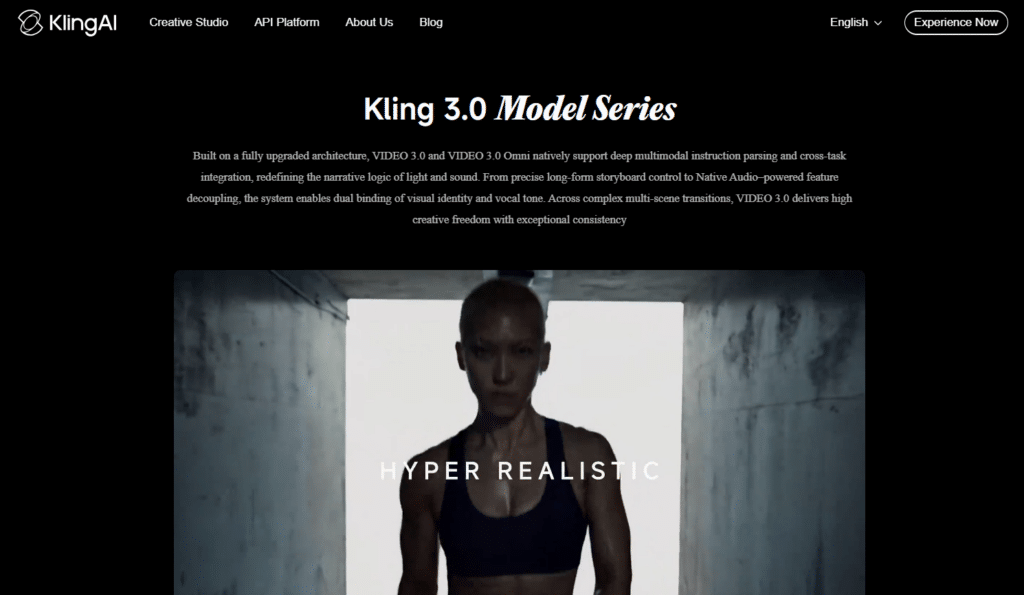
Kling AI is a powerful next-generation AI video platform specializing in high-quality text-to-video and image-to-video generation. Powered by Kling 3.0, it excels at creating realistic human movements, complex scene transitions, and cinematic ad creatives with excellent physics and temporal consistency.
If you’re looking to produce scroll-stopping product ads, brand storytelling videos, or lifestyle commercials without relying on actors or stock footage, Kling AI delivers professional-grade output at a competitive price point.
4.5
OVERALL RATING
Cinematic Motion Realism4.5/5
Text & Logo Rendering Quality4.5/5
Image-to-Video Ad Creation4.4/5
Pricing Value4.5/5
Key Pain Points Kling AI Solves
Limited Creative Control in Other Tools: Many AI video generators struggle with accurate motion and prompt adherence. Kling 3.0 offers advanced motion control, camera movements, and scene consistency, allowing precise execution of creative visions for advertising.
High Production Costs for Video Ads: Traditional video shoots for product demonstrations or cinematic ads are expensive and time-consuming. Kling enables rapid generation of high-quality videos from simple text prompts or reference images, drastically cutting costs and turnaround time.
Poor Text & Branding Integration: Blurry or inaccurate text in AI videos ruins ad effectiveness. Kling’s commercial-grade text rendering produces sharp, legible logos, headlines, and CTAs directly in the video — perfect for branded advertising.
Highlight Features
Kling 3.0 Video Model: Delivers industry-leading motion realism, character consistency, and natural physics. Ideal for dynamic product showcases and lifestyle ads with smooth camera movements and lifelike expressions.
Text & Image-to-Video Generation: Turn detailed prompts or product images into cinematic videos up to 2 minutes long in 1080p. Supports complex storytelling and multi-scene transitions essential for compelling ad narratives.
Native Audio & Lip Sync Capabilities: Generates videos with synchronized sound, music, and voiceovers. Strong support for realistic character performances in promotional content.
Advanced Motion Control & Editing Tools: Precise control over camera angles, object movements, and scene extensions. Includes inpainting, upscaling, and video extension features for refining ad creatives.
Commercial-Grade Text Rendering: Produces clear, stable text, logos, and signage — a major advantage for e-commerce and brand advertising where messaging clarity is critical.
High Consistency & Realism: Excels at maintaining character appearance and environmental details across frames, making it excellent for series of related ad variations.
Demo Experience
Kling AI is simple to use. Just login and start with a detailed text prompt or upload reference images, refine parameters for motion and style, then generate.
Generation speed is competitive, with most 5–10 second clips rendering in under a minute on paid plans. Batch processing and professional mode allow efficient creation of multiple ad variations.
The platform supports iterative refinement, helping marketers quickly test different concepts.
Limited multilingual voice and lip-sync compared to dedicated avatar tools
Credit system varies significantly by video length and settings
Integrations and Support
Kling AI provides limited customer support, which has been flagged as a significant weakness with reports of poor responsiveness and billing issues.
The platform operates as an output-only tool with no built-in post-production editor, meaning generated clips must be exported to external editing software like CapCut, Adobe Premiere, or Runway for final assembly.
The production-ready API integrates with custom pipelines and developer workflows, while managed access routes through platforms like fal.ai and VIDEOAI.ME offer additional workflow scaffolding
Create cinematic AI video ads with unmatched motion realism!
Kling AI offers an affordable Standard plan so you can experience the power of Kling 3.0 text-to-video generation and commercial-grade ad creatives firsthand.
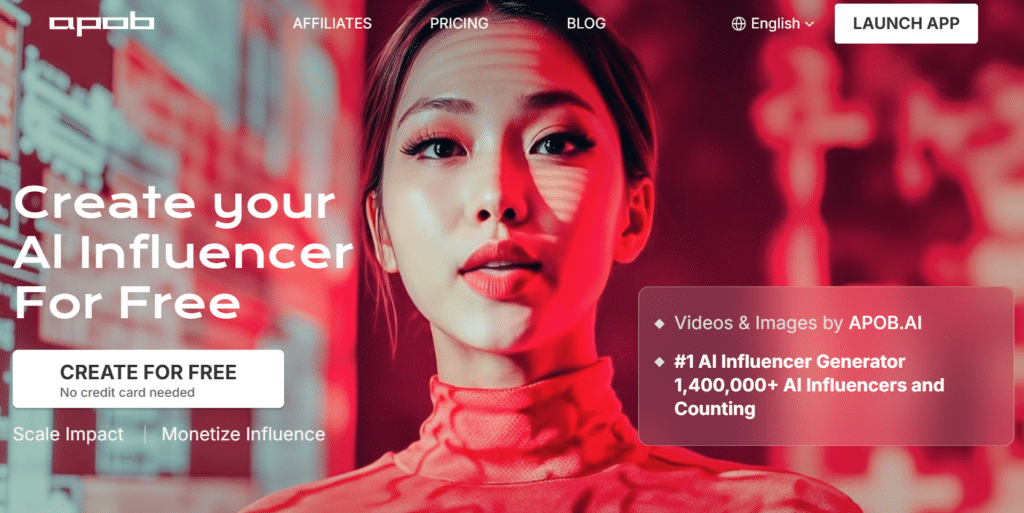
Apob AI allows you to create and manage AI influencers and virtual brand ambassadors for marketing campaigns.
Instead of relying on different creators for every campaign, you can develop a consistent digital personality that appears across advertisements, social media content, and promotional materials.
This helps strengthen brand recognition while giving you complete control over your marketing spokesperson.
4.4
OVERALL RATING
AI Influencer Consistency4.5/5
Custom Model Training4.4/5
UGC Video Output4.5/5
Pricing Value4.4/5
Key Pain Points Apob AI Solves
Inconsistent Influencer Availability: Real influencers have schedules, contracts, and limited availability. AI influencer avatars with consistent personas provide unlimited content creation without booking conflicts or contract negotiations.
Expensive Influencer Partnerships: Hiring macro-influencers costs thousands per post. Apob’s custom model training creates brand-owned virtual influencers who represent your business across unlimited campaigns without ongoing fees.
Lack of Character Consistency Across Campaigns: Using different spokespersons creates fragmented brand identity. Face consistency technology ensures your AI influencer looks identical across all content, building recognition and trust over time.
Highlight Features
AI Influencer Avatar Creation: Generates consistent, realistic AI influencer personas and talking avatars that can star in UGC-style video ads without hiring real creators or dealing with talent management.
Daily Free Credits System: Provides 80 regenerating credits per day on the free tier, allowing users to test portrait generation and basic video features continuously without upfront payment.
Custom Model Training: Enables users to train personalized AI models from their own photos and videos, ensuring brand-consistent characters and influencers across all ad campaigns.
Face Consistency Technology: Maintains identical facial features across multiple generations and video clips, preventing the common “different person” problem that plagues lesser AI avatar tools.
Video Generation from Images: Transforms static portraits and product photos into dynamic talking videos with lip-sync and natural head movements for engaging ad content.
Multiple Style Options: Offers diverse visual styles ranging from professional LinkedIn headshots to casual lifestyle portraits and creative campaign looks for varied advertising needs.
Background Replacement & Scene Generation: Automatically swaps backgrounds and generates contextual scenes around subjects, creating polished ad visuals without green screens or Photoshop skills.
Community Model Library: Provides access to a shared gallery of pre-trained AI models and styles created by the community, accelerating creative exploration and reducing model training time.
Revenue Sharing for Models: Allows creators to monetize their custom-trained AI models through the platform’s marketplace, creating additional value for power users and agencies.
High-Volume Credit System: Uses a transparent credit-based system where different actions consume specific amounts, making it easy to predict costs and scale production up or down as needed.
Demo Experience
Apob’s workflow starts with either selecting a community model or training your custom avatar. Training requires uploading 10-20 reference images from different angles.
The training process takes 2-4 hours. Once complete, you can generate unlimited content with that avatar. The interface lets you adjust expressions, poses, backgrounds, and styling for each video.
The transparent credit system clearly shows costs before generation. You’re never surprised by usage charges.
Apob AI accepts major credit cards, PayPal, Apple Pay, and bank transfers for enterprise accounts. Support is available through standard channels with billing handled monthly or annually.
The platform focuses on standalone AI generation with community model sharing, and credit top-ups are available for users who exceed plan limits.
Pricing
Nano Plan (Free): 80 regenerating daily credits, watermarked. Testing only.
Micro Plan: $10.99/month (~$7.50 annual). 4,000-6,000 credits, 2 custom models. Entry point for regular use.
Macro Plan: $29.99/month (~$17.50 annual). 40,000-45,000 credits. Popular mid-tier option.
Mega Plan: $69.99/month (~$40 annual). 100,000-120,000 credits, full commercial rights, revenue sharing participation. Best for serious influencer marketing.
Generate consistent AI influencer and UGC video campaigns!
Apob AI offers a low-cost starting plan so you can experience the power of face consistency tech and custom model training firsthand.
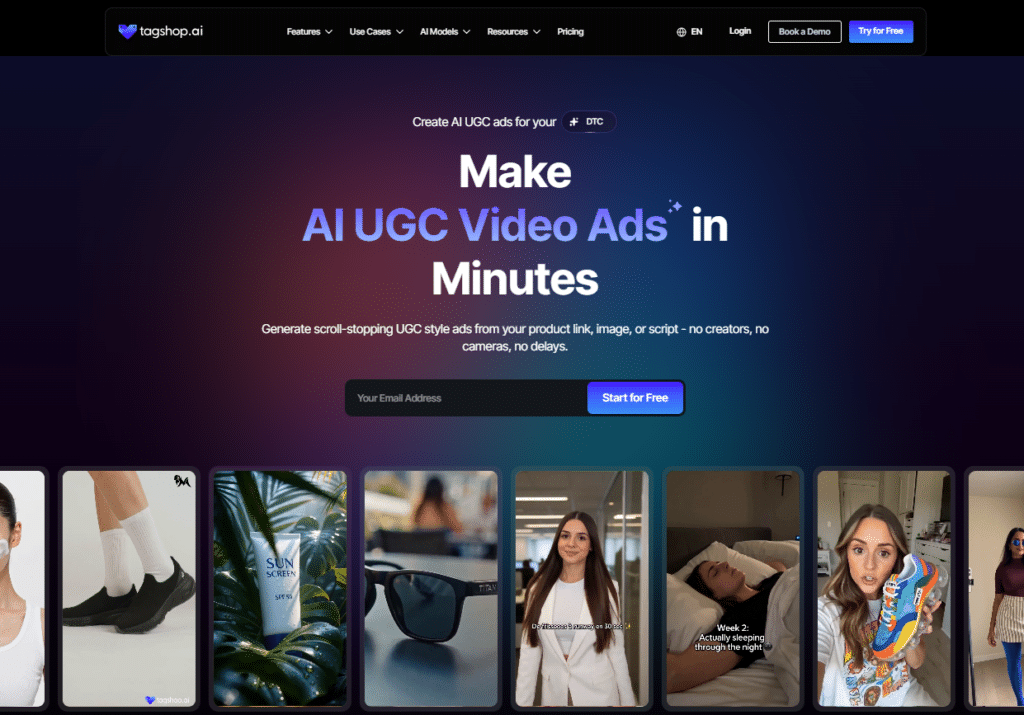
Tagshop AI is designed for ecommerce businesses that need product-focused video content at scale. By simply providing product URLs, you can generate UGC-style advertisements that showcase products in a more authentic and engaging format.
This can be especially valuable for Shopify stores and online retailers looking to produce promotional videos for large product catalogs without spending significant time on manual editing.
4.4
OVERALL RATING
Product URL-to-UGC Video4.5/5
AI Twin Generator4.4/5
E-commerce Vertical Templates4.4/5
Pricing Value4.4/5
Key Pain Points Tagshop AI Solves
Time-Consuming Product Video Creation: Filming individual videos for each product in a catalog is impossible at scale. URL-to-video conversion automatically generates complete ads from product links by extracting features, images, and selling points.
Lack of Authentic User-Generated Content: Real UGC requires customer participation and curation. Tagshop’s 300+ AI avatars create authentic-feeling testimonial-style videos that replicate genuine customer enthusiasm without managing actual users.
Inconsistent Brand Spokesperson: Using different actors across campaigns creates visual discontinuity. AI Twin Generator clones real people into consistent digital avatars that represent your brand authentically across unlimited videos.
Highlight Features
AI UGC Video Ad Generator: Creates authentic, scroll-stopping user-generated content style video ads in minutes from product links, images, text, or scripts — without needing real creators, cameras, or studios.
URL-to-Video Conversion: Paste any product URL (Shopify, e-commerce sites, etc.) and instantly generate complete UGC-style ads featuring the product with AI avatars, voiceovers, transitions, and CTAs.
300+ AI Avatars & Actors: Access a diverse library of realistic AI actors and avatars, including custom avatars and AI Twin Generator for brand-specific spokesperson content.
AI Script Generator: Automatically produces high-converting, performance-optimized ad scripts tailored to your product and target audience tone.
Advanced Video Models: Powered by Seedance 2.0, Kling 3.0, Veo 3, Wan 2.7, and Nano Banana 2 for cinematic text-to-video and image-to-video outputs with natural motion and realistic expressions.
AI Product Videos: Specializes in product demonstration ads for e-commerce, dropshipping, beauty, fashion, health, SaaS, and other verticals with dynamic, engaging showcases.
AI Twin Generator: Create hyper-realistic digital twins or custom avatars from a single photo for consistent, on-brand talking-head style videos across campaigns.
Multi-Language Voice Support: Offers voiceovers in 75+ languages with natural-sounding narration and royalty-free music for global advertising campaigns.
Built-in Editing Tools: Add captions, transitions, branding elements, and quick customizations directly in the platform before exporting.
Fast Export & Optimization: Produces ready-to-use videos optimized for Meta Ads, TikTok, Instagram, YouTube, and other platforms with watermark-free export options.
Demo Experience
Tagshop’s interface prioritizes speed. The URL input field is front and center. Paste a link, click generate, and watch the AI work.
The built-in editing tools let you refine outputs quickly. Adjust avatar, change voiceover, modify script, swap backgrounds—all through simple clicks. No timeline editing required.
The free plan lets you test with 15 credits (1-3 videos) without a credit card. This no-risk trial removed barriers to testing.
Credit limits on lower tiers restrict testing volume
4K export requires highest-tier plan
Limited creative control compared to full video editors
Integrations and Support
Tagshop AI offers call & chat support on higher tiers along with resources and guides for AI video marketing. It excels in direct e-commerce integration via product URL imports, making it highly effective for DTC, dropshipping, and Shopify-based brands.
The platform supports major social and advertising platforms through high-converting UGC-style outputs. It is backed by video marketing experts and frequently runs promotional offers such as 60% off on annual plans or bundled access to premium models like Veo 3.1.
Pricing
Free Plan: 15 credits, 1 video up to 30 seconds (no card required). Risk-free testing.
Starter Plan: $11/month (annual billing). 600 credits yearly, watermark-free exports. Entry point for small businesses.
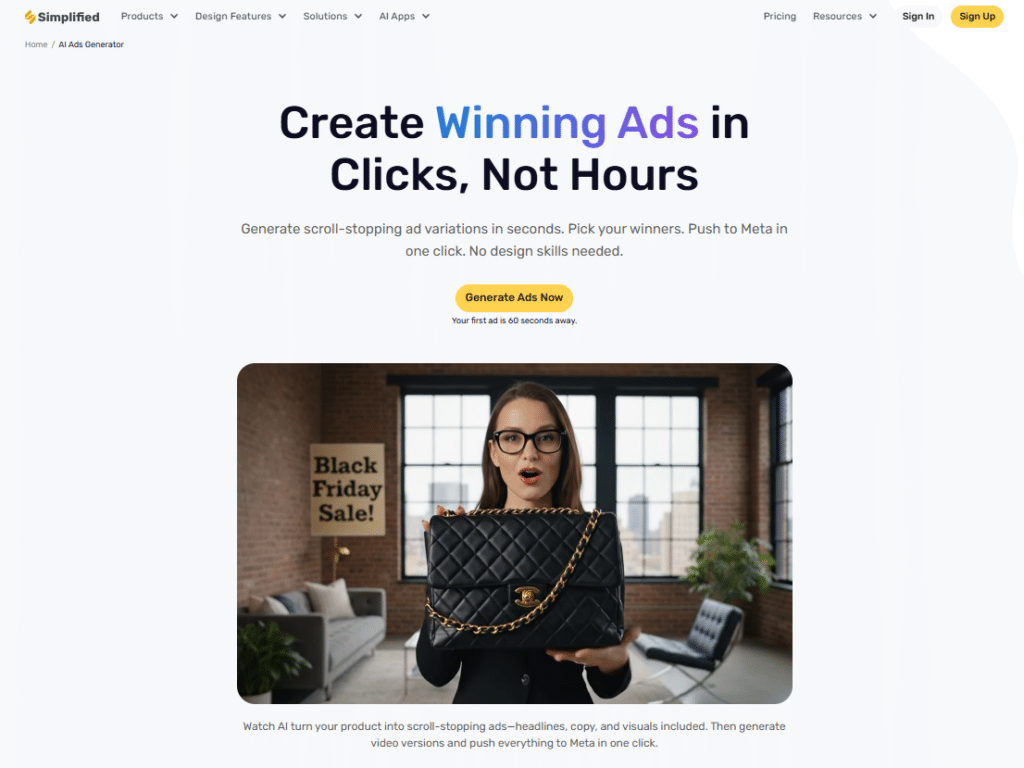
Simplified combines multiple marketing functions into a single platform, including AI copywriting, graphic design, video creation, content planning, scheduling, and publishing.
Instead of switching between separate tools for writing ad copy, designing creatives, producing videos, and publishing content, you can manage your entire campaign workflow from one place. This helps reduce complexity while improving team productivity.
4.4
OVERALL RATING
All-in-One Workflow4.5/5
Social Media Scheduler4.4/5
Multi-Language Support4.4/5
Pricing Value4.4/5
Key Pain Points Simplified Solves
Tool-Switching Workflow Inefficiency: Using separate platforms for copy, design, and video wastes time exporting, uploading, and reformatting. Simplified’s unified workspace handles all ad creative production in one interface with seamless workflow between formats.
Multiple Subscription Costs: Paying for copywriting AI, design software, and video tools separately costs $100+ monthly. The unified credit system covers copy, images, and video under one subscription at significantly lower cost.
Inconsistent Team Output: When team members use different tools, brand consistency suffers. Brand Kit integration and team collaboration workspace ensure everyone produces on-brand content with centralized assets and approval workflows.
Highlight Features
AI Ad Copywriter: Generates persuasive ad headlines, body copy, and CTAs in over 30 languages with tone customization, ensuring messaging resonates across diverse markets and audience segments.
AI-Powered Design Editor: Creates static ad graphics with intelligent layout suggestions, automatic element placement, and brand-aware styling that maintains visual consistency across campaigns.
AI Video Maker: Produces video ads with AI-assisted editing, template libraries, and automatic formatting for different social platforms, consolidating video production into the same workflow.
Unified Credit System: Uses a single monthly credit allowance across all AI tools—whether writing blog posts, generating images, or creating videos—simplifying budgeting and usage tracking.
Social Media Scheduler: Plans, schedules, and publishes ads directly to connected social accounts from one dashboard, eliminating the need for separate scheduling tools like Buffer or Hootsuite.
Brand Kit & Style Guides: Stores logos, color palettes, fonts, and brand voice guidelines to ensure every AI-generated ad adheres to established brand identity without manual oversight.
Team Collaboration Workspace: Enables multiple team members to work on ad projects simultaneously with commenting, approval workflows, and private team spaces for agency and in-house teams.
Background Remover: Isolates subjects from images with one click for cleaner ad compositions, product showcases, and professional-looking creative assets.
Bulk Content Generation: Produces multiple ad variations, sizes, and formats in a single batch, accelerating A/B testing and multi-platform campaign launches.
API Access: Allows integration with existing marketing stacks, CRMs, and custom applications for automated content generation at scale on higher-tier plans.
Demo Experience
Simplified’s dashboard offers clear paths: write copy, design ads, create videos, or schedule posts. The unified interface means learning one system instead of multiple platforms.
The workflow feels natural. Write copy first, then pull it into design or video creation. Or start with design and generate copy to match. The flexibility accommodates different creative processes.
The free forever plan provides unlimited design projects. I tested extensively before committing to paid tiers. This generous free plan removes barriers to evaluation.
Jack-of-all-trades means less specialization depth
Video features less advanced than dedicated platforms
Credit allocation across formats requires management
Learning curve to master all components
Integrations and Support
Simplified offers customer support across all tiers with expanded resources for paid plans. The platform integrates with major social media platforms for direct publishing and provides API access on Growth plans.
The unified workspace consolidates copywriting, design, video, and scheduling tools that would otherwise require 3–4 separate subscriptions.
Pricing
Free Forever Plan: Unlimited design projects and templates with limited/one-time AI credits. Perfect for testing and light use.
Pro Plan: $12-20/month (annual discounts). 10,000 AI credits, multiple social accounts, brand kit, priority support. Best starting point.
Business Plan: $29/month (annual discounts). 30,000 credits, additional team seats, advanced collaboration. For growing teams.
Growth Plan: $79/month (annual discounts). 100,000 credits, unlimited seats, advanced features, API access. For agencies and large teams.
Design, write, and produce ads all in one unified platform!
Simplified offers a free trial so you can experience the power of all-in-one ad creation with copy, design, and video firsthand.
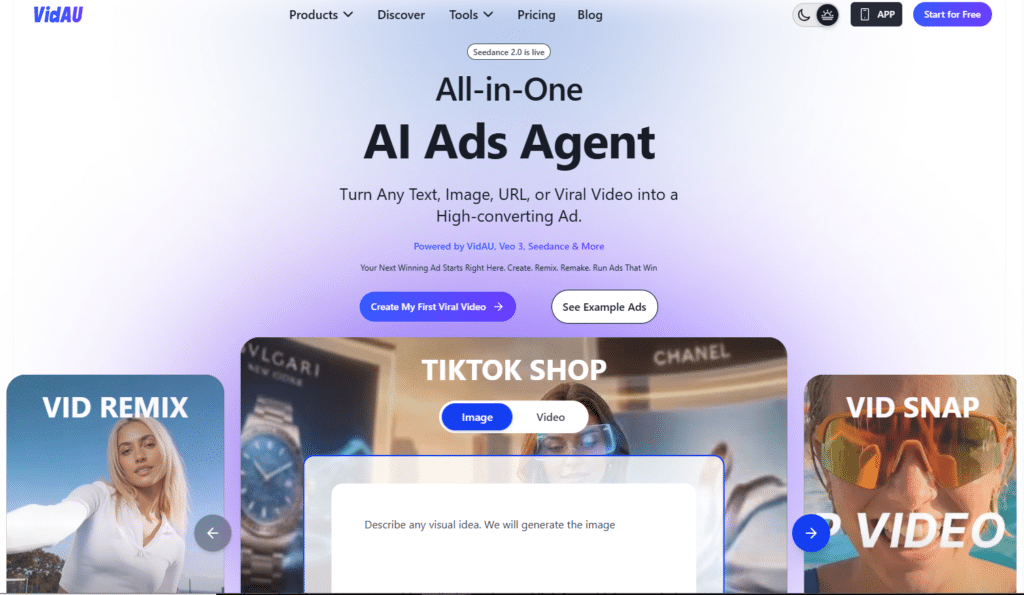
VidAU is built for brands that need to create product videos at scale. It allows you to generate large numbers of video advertisements from existing product catalogs while incorporating different avatars, scripts, creative styles, and promotional angles.
The platform also includes analytics features that help identify top-performing creatives, making it easier to optimize campaigns before committing significant advertising spend.
4.4
OVERALL RATING
Product-to-Video Automation4.4/5
Bulk Generation Capacity4.4/5
Avatar Library Size4.4/5
Pricing Value4.4/5
Key Pain Points VidAU Solves
Catalog-Scale Content Needs: Creating individual videos for hundreds of products manually is impossible. Bulk video generation creates 50+ variants simultaneously from product data, making full-catalog video advertising achievable.
Lack of Performance Data Before Launch: Most tools make you spend ad budget to discover what works. Built-in performance analytics predicts video effectiveness before deployment, helping prioritize budget toward likely winners.
Complex Video Production Requirements: Traditional video creation needs expensive equipment and expertise. URL-to-video and product sample-to-video conversion automatically transforms basic product information into polished video ads without filming.
Highlight Features
URL-to-Video Ad Generator: Pastes any product URL and automatically generates a complete video ad by extracting product images, descriptions, pricing, and reviews, reducing production time from hours to minutes.
Product Sample-to-Video Conversion: Transforms static product photos into dynamic video content with AI-generated scenes, motion graphics, and contextual backgrounds tailored for advertising.
860+ AI Avatars in 140+ Languages: Provides one of the largest libraries of branded AI presenters with multilingual voiceovers, enabling localized video ads at a scale no competitor matches.
UGC Avatar Videos: Generates authentic-style creator videos using AI avatars that mimic real user-generated content, bypassing the need to hire influencers or manage UGC campaigns.
Video Enhancer & Upscaler: Restores and upscales degraded footage to higher resolutions, ensuring even low-quality source material meets professional advertising standards.
Background & Object Remover: Automatically removes distracting backgrounds or unwanted objects from video footage, creating clean, focused product showcases and ad visuals.
Bulk Video Generation: Creates 50+ video ad variants in a single batch session, enabling massive A/B testing and multi-platform creative scaling without repetitive manual work.
Built-in Performance Analytics: Tracks ROAS, CPA, and engagement metrics across video ad variants directly within the platform, closing the loop between creation and performance optimization.
Platform-Ready Export: Simultaneously exports videos in optimal formats for TikTok (9:16), Instagram Reels (9:16), YouTube Shorts (9:16), and standard widescreen (16:9) placements.
Face Swap Technology: Replaces faces in existing videos with AI avatars or brand characters, enabling rapid repurposing of stock footage into customized branded content.
Demo Experience
VidAU’s interface emphasizes automation and scale. The bulk generation wizard guides through uploading product data, selecting avatar preferences, and customizing styling options.
The platform-ready export system formats videos for Instagram, TikTok, Facebook, YouTube, and Amazon automatically. Each export includes correct specs without manual adjustment.
The CRM and social scheduling integrations let you manage campaigns end-to-end. Create videos, schedule posts, and track performance in one dashboard.
VidAU offers support through standard channels with tiered response times based on plan level. The platform integrates with CRM tools, social scheduling applications, and analytics platforms to give marketers end-to-end campaign control.
Payment is subscription-based with monthly and annual options, and the platform is accessible via web browser without a dedicated mobile app.
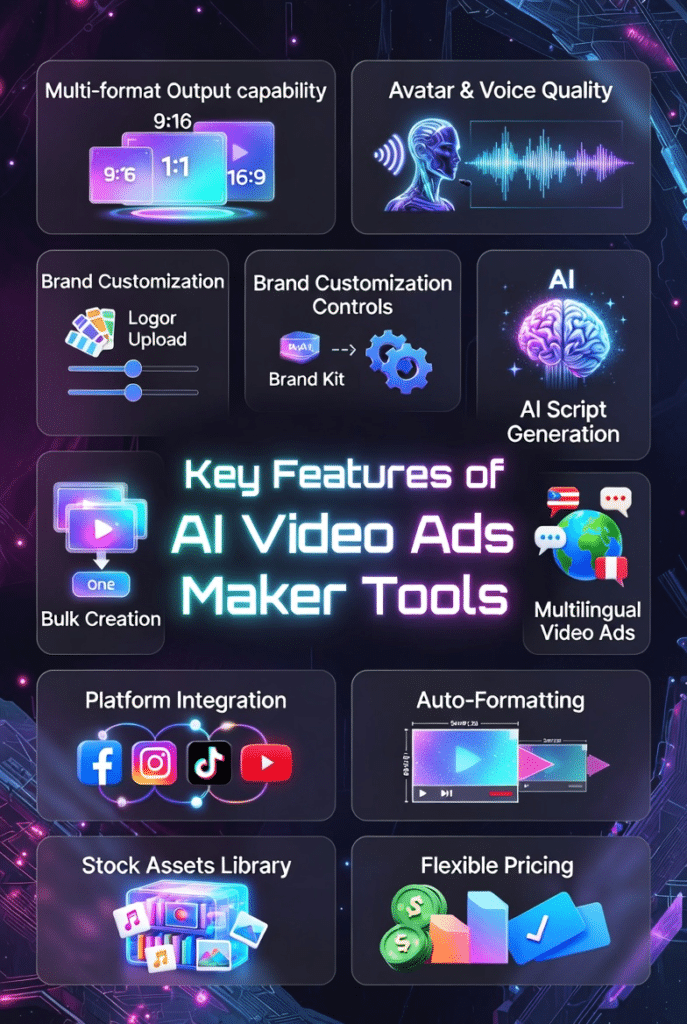
Multi-Format Output Capability – The best tools generate video ads, static images, and multiple aspect ratios from one input. This eliminates reformatting work and ensures your campaigns cover all platforms efficiently.
Avatar and Voice Quality – Realistic facial expressions, natural body language, and human-sounding voices separate good tools from great ones. Poor quality screams “AI-generated” and hurts credibility.
Brand Customization Controls – Look for brand kit integration that automatically applies your logos, colors, fonts, and tone across all outputs. Consistency builds recognition and trust.
AI Script Generation with Proven Frameworks – Tools that write ad copy using AIDA, PAS, or other conversion frameworks produce better results than basic text generation. Quality copywriting drives performance.
Batch and Bulk Creation – For testing and scale, you need tools that generate dozens of variations simultaneously. Manual one-by-one creation limits your testing velocity.
Language and Localization Support – If you operate globally, prioritize tools with authentic multi-language voices and proper lip-sync. Generic translation doesn’t maintain engagement.
Platform Integration and Auto-Formatting – Direct publishing to Meta, TikTok, Google, and other platforms with automatic formatting saves hours of manual work weekly.
Stock Asset Libraries – Built-in access to millions of royalty-free images, videos, and music eliminates copyright concerns and external asset hunting.
Performance Analytics and Prediction – Tools that score creative effectiveness before launch help you prioritize budget toward likely winners instead of equal-testing everything.
Flexible Pricing with Transparent Credits – Understand exactly what each plan includes and how credits or minutes are consumed. Hidden limitations cause frustration after sign-up.
Prioritize features matching your specific workflow. E-commerce brands need bulk generation and product URL conversion. Agencies need white-labeling and client management. Global brands need multilingual capabilities.
Best Practices: Choosing and Using AI Ads Makers
1.) Start with Clear Goals
Define what success looks like before choosing a tool. Need volume? Prioritize bulk generation. Need quality? Focus on advanced AI models. Need speed? Choose automation-first platforms.
2.) Test Free Plans Extensively
Most tools offer free trials or limited free tiers. I always test with real projects before committing to paid plans. Generate 10-15 ads to understand quality, limitations, and workflow fit.
3.) Set Up Brand Assets First
Upload logos, define colors, establish tone guidelines before creating your first ad. This upfront work ensures consistency across all future output.
4.) Generate Multiple Variations Always
Never launch with one creative. Create 5-10 variations testing different hooks, visuals, and CTAs. A/B testing is how you find winners.
5.) Combine AI with Human Review
AI creates the first draft incredibly fast. You add the polish. Review for accuracy, brand alignment, and message clarity before publishing.
6.) Update Content Regularly
Ad fatigue is real. Refresh creative every 2-4 weeks to maintain performance. AI tools make this fast enough to stay ahead of audience burnout.
7.) Track What Actually Converts
Pretty ads mean nothing if they don’t drive action. Monitor CTR, conversion rate, and ROAS. Double down on what works and kill what doesn’t.
8.) Stay Current with AI Model Updates
This field evolves rapidly. Tools adding Sora 2, VEO 3, or other frontier models deliver quality jumps. Check for updates quarterly to ensure you’re using the latest capabilities.
Key Takeaways
AI Ads Maker tools automate video ad creation from simple text prompts, eliminating expensive production costs and time-consuming workflows.
Video ads consistently outperform static images with 2-3x higher click-through rates and significantly better engagement across all platforms.
Predis AI ranks #1 for comprehensive multi-format ad generation, combining video, static, carousel, and UGC ads with strong brand consistency features.
E-commerce businesses benefit most from tools like AdGPT and Tagshop AI that convert product URLs directly into complete ad campaigns.
Multilingual campaigns require specialized tools like InVideo with 175+ authentic languages and proper lip-sync for global audience reach.
Batch generation capabilities separate tools built for scale from basic generators—essential for A/B testing and catalog-wide advertising.
Brand kit integration automatically maintains visual consistency across all outputs, eliminating manual compliance checking.
Performance prediction features help prioritize ad budget toward likely winners before spending on testing every variation.
Free plans let you test extensively before committing—always generate 10-15 real ads during evaluation to understand quality and workflow fit.
Combine AI efficiency with human review for best results—AI creates the draft fast, you add polish and ensure message accuracy.
Final Verdict: Which AI Ads Maker Should You Choose?
After testing 13 AI Ads Maker tools extensively, Predis AI earns my top recommendation for most users. The combination of multi-format generation, authentic UGC creation without actors, and seamless brand consistency makes it the most complete solution.
For e-commerce specifically, AdGPT’s one-click campaign system and Shopify integration provide unmatched automation. If you’re running a product-heavy store, the catalog-scale content creation justifies the specialized focus.
Global brands operating in multiple languages should seriously consider HeyGen. The 175+ language support with authentic voices and lip-sync delivers localization quality impossible with general-purpose tools.
Agencies benefit most from Quickads’ white-label option and massive ad intelligence library. The ability to rebrand the platform and leverage 30 million proven ads creates significant client value.
But here’s the real question: Are you still manually creating ads one at a time when AI could be generating dozens of variations while you sleep?
The brands winning in 2026 won’t be the ones with the biggest production budgets. They’ll be the ones who embraced AI tools to test faster, scale smarter, and adapt quicker than competitors stuck in traditional workflows.
Which tool matches your specific needs? Review the comparison table, read the detailed breakdowns, and start with a free trial today.
Ready to Transform Your Ad Creation Workflow?
Start with Predis AI and generate your first multi-format ad campaign in under 10 minutes. See why it’s the top-rated AI Ads Maker for social media marketing in 2026.