Scrolling through TikTok or Instagram Reels, you’ve probably noticed thousands of faceless videos racking up millions of views. Ever wonder how creators pump out so much content without ever showing their face?
The secret is AI faceless video generators. These tools let anyone create professional short videos in minutes, no camera needed.
I’ve spent the last three months testing every major AI video generator on the market. Some blew me away. Others… not so much.
In this article, we’ll review the top picks to help you choose.
What Are AI Faceless Reels?
AI faceless reels are short videos created entirely by artificial intelligence without requiring you to appear on camera. The AI handles everything—script writing, voiceover, video clips, music, and editing.
You just type a topic or paste a script. Within minutes, you get a polished video ready to post on TikTok, Instagram Reels, YouTube Shorts, or Facebook.
These aren’t your basic slideshow videos. Modern AI video generators use stock footage, AI-generated visuals, dynamic captions, and realistic text-to-speech voices. The result? Content that looks professional and actually engages viewers.
The best part? Zero camera shyness. Zero editing skills. Zero hours wasted on manual production.
Why AI Faceless Reels Work For Engagement
Short videos dominate social media because they match how people consume content today. Research shows that 73% of consumers prefer watching short-form videos to learn about products over reading long articles.
Platforms like Instagram, TikTok, Facebook and YouTube Shorts prioritize video content in their algorithms. Videos under 60 seconds get significantly more engagement than longer formats.
AI faceless reels let you create this content on autopilot. Instead of spending days filming and editing, you generate multiple videos in an hour. This consistency feeds the algorithm, keeps your audience engaged, and builds momentum faster.
One study found that short videos generate 1200% more shares than text and images combined. That’s the power you’re tapping into with these AI tools.
Who Should Use AI Faceless Video Generators
These tools aren’t just for professional creators. Here’s who benefits most:
- Social Media Managers: Automate content creation for multiple client accounts without burning out on production schedules.
- Affiliate Marketers: Create product review videos and promotional content at scale without showing your face or hiring video editors.
- E-commerce Store Owners: Generate product demo videos and promotional reels that convert browsers into buyers faster than static images.
- Course Creators & Coaches: Produce educational shorts that attract students and establish authority in your niche without on-camera time.
- Content Creators & Influencers: Maintain consistent posting schedules across platforms even when you’re too busy to film traditional content.
- Local Businesses: Create engaging promotional videos for services without the cost of hiring professional videographers or marketing agencies.
If you need video content but hate being on camera, these generators are your solution.
AI Faceless Reels Generator Evaluation Criteria
I tested these based on real use. Not just playing around for five minutes—I created actual content with each platform and posted it to see what happens.
Here’s what I evaluated:
Creativity: Can it generate original ideas or just template content?
Engagement: Do the videos actually get views and holds attention?
Customization: How much control do you have over the final output?
Visual Appeal: Does it look professional or obviously AI-generated?
Pacing: Are transitions smooth and timing natural?
Ratings: What do real users say on G2, Trustpilot, and Capterra?
Pricing: Is the value worth the monthly cost?.
Some tools excelled in one area but failed in others. I’ll break down exactly what each platform does well and where it falls short, so you can match the right tool to your specific needs.
Why Should You Trust Me?
I’m an AI Engineer with a Master’s in Data Science and Machine Learning, plus a Bachelor’s in Software Engineering. I’ve been working professionally in tech since 2018, and I’ve ghost-developed multiple AI applications that you’ve probably used without knowing it.
I don’t just test AI tools superficially. I understand how these systems work under the hood—the models they use, the training data, the algorithms processing your inputs. This technical knowledge helps me spot real innovation versus marketing fluff.
For this article, I personally tested all 11 platforms. I created videos, tracked performance, evaluated output quality, and even contacted support teams to test responsiveness. These aren’t paid reviews or regurgitated marketing copy.
My goal? Help you avoid wasting money on tools that don’t deliver. I wish someone had given me this breakdown when I started exploring AI video generators. It would’ve saved me hundreds of dollars and countless frustrating hours.
Quick Comparison: Top AI Faceless Video Generators
| Rank | Tool | Best For | Best Features | Rating | Pricing |
| 1 | Zebracat | All-in-one video growth agent | AI video strategy, auto-scheduling, performance learning, 175+ voices | 4.8/5 | Free – $199/mo |
| 2 | HeyGen | AI avatar video creation | Realistic avatars, voice cloning, multi-language support | 4.7/5 | Free – Custom |
| 3 | Syllaby | Viral faceless videos with consistent characters | Character consistency, trending topic discovery, mobile app | 4.6/5 | $49 – $99/mo |
| 4 | Invideo AI | Prompt-to-publish video pipeline | Sora 2 + VEO 3.1, 16M+ stock assets, VFX house | 4.5/5 | Free – $96/mo |
| 5 | Kling AI | Photorealistic generative video clips | Text/image-to-video, 4K output, motion control, API access | 4.4/5 | Free – $127.99/mo |
| 6 | Autoshorts.AI | Hands-off daily channel automation | Auto-posting, voice cloning, scheduled content, volume scaling | 4.3/5 | Free – $69/mo |
| 7 | Short.AI | Bulk AI short video generation | 10+ viral shorts from one video, 14+ caption styles, 32 languages | 4.2/5 | Free – $99/mo |
| 8 | Vidgenie AI | Multi-format AI video storytelling | AI influencer creation, podcast shorts, UGC videos | 4.1/5 | $22/mo – Custom |
| 9 | AI Video Cut | Long-to-short viral clip extraction | AI-powered clip extraction, smart crop, face detection | 4.0/5 | Free – $18/mo |
| 10 | Faceless.Video | One-click faceless channel automation | One-click generation, niche templates, AI agents | 3.9/5 | $19 – $79/mo |
| 11 | Bigmotion AI | AI shorts on autopilot with multi-model access | Auto-posting, multiple AI models, motion control, music studio | 3.8/5 | $19 – $89/mo |
Detailed Reviews: Top 11 AI Faceless Video Generators
1. Zebracat — All-in-One AI Video Growth Agent
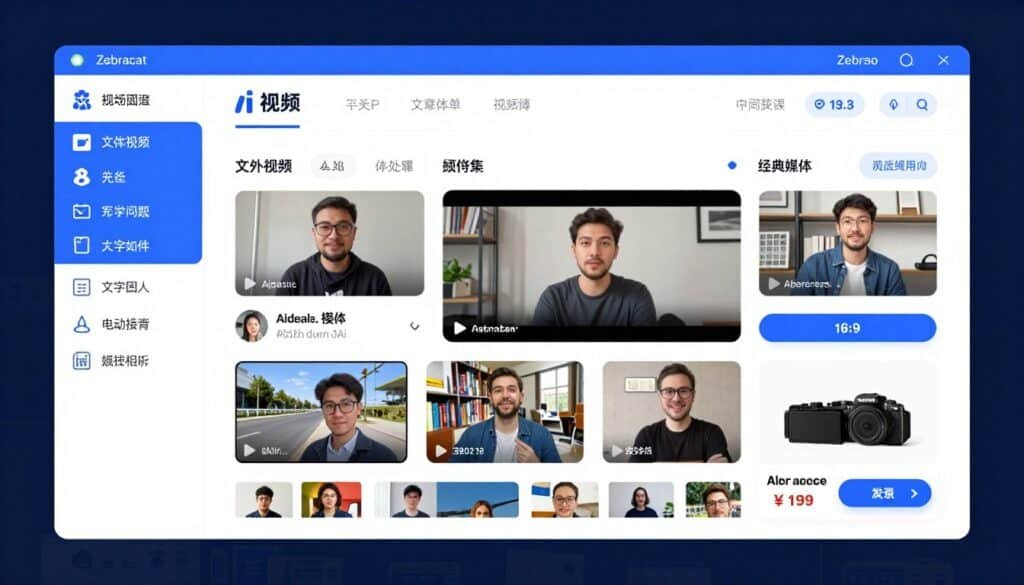
Zebracat isn’t just another video generator—it’s an AI agent that analyzes your niche, proposes content strategies, creates videos, and even schedules them automatically. I found it genuinely impressive how it handles the entire video growth pipeline without constant babysitting.
Problems Zebracat Solves
Content Strategy Paralysis: Most creators waste hours brainstorming what videos to make. Zebracat’s AI analyzes your website and niche, then suggests a complete short-form video strategy. It tells you exactly what topics will perform best for your audience.
Time-Consuming Manual Creation: Traditional video editing eats 3-5 hours per video. Zebracat generates fully edited videos in 2-5 minutes from simple text prompts, scripts, URLs, or audio files. No timeline editing, no manual clip hunting, no caption syncing.
Inconsistent Posting Schedule: The platform automatically schedules and publishes approved videos to your social channels. You approve content in batches, and Zebracat handles distribution without you logging into multiple platforms daily.
Key Features That Stand Out
- AI Video Growth Agent: Analyzes your business and proposes complete content strategies with specific video topics tailored to your niche.
- Multi-Model AI Access: Includes VEO3, Kling, Nano Banana, Seedance, and Pixverse generative models for diverse visual styles.
- Voice Cloning: Creates custom digital twins of your voice from short samples for consistent narration across all videos.
- 175+ AI Voices: Choose from ultra-realistic voices across 80+ languages with automatic translation and lip-sync.
- Performance Learning: Tracks which videos perform best and automatically optimizes future content based on real engagement data.
- Auto-Scheduling: Directly publishes to TikTok, YouTube Shorts, and Instagram Reels without manual uploads.
- Brand Kit Management: Stores logos, colors, and fonts for consistent visual identity across all generated content.
- Stock Media Library: Access millions of premium video clips and music assets without separate subscriptions.
Real-World Case Study
How It Works
You start by connecting your website or describing your business. The AI Growth Agent analyzes your niche and suggests video topics. Choose a topic, and Zebracat generates a complete video—script, voiceover, visuals, music, and captions.
You can customize the output by swapping clips, adjusting captions, or changing voices. Once satisfied, approve the video and set your posting schedule. Zebracat publishes directly to your connected social accounts at optimal times.
The platform learns from your video performance. If certain topics or styles get more engagement, it suggests similar content in future strategy sessions.
Pros
- Complete automation from strategy to posting saves 10+ hours weekly
- Performance learning actually improves content quality over time
- Voice cloning creates consistent brand voice across all videos
- Access to cutting-edge AI models like VEO3 and Kling
Cons
- Higher price point compared to basic generators
- Learning curve for advanced features like custom AI styles
- Monthly credit limits can feel restrictive on lower plans
Integrations & Support
Zebracat integrates directly with TikTok, YouTube Shorts, and Instagram Reels for automated posting. The in-app HelpCat chatbot provides instant answers to common questions. Email support at support@zebracat.ai typically responds within hours, and there’s an active Skool community for user collaboration.
Ratings
4.8
Overall Rating
Features
4.8/5
Ease of Use
4.6/5
Value for Money
4.7/5
Customer Support
4.9/5
Pricing
- Free Plan: $0/month — 30-second videos, standard voices, 80+ languages, watermark included
- Cat Mode: $39/month ($19.50/month yearly) — No watermark, ultra-realistic voices, 2-minute videos, 350 AI credits
- Super Cat: $99/month ($49/month yearly) — AI avatars, voice cloning, 5-minute videos, 1,400 AI credits
- Unlimited Cat: $199/month ($99/month yearly) — Unlimited videos, 3,600 credits, priority support
- Enterprise: $599+/month — Custom AI models, API access, dedicated success manager
2. Syllaby — Viral Faceless Videos with Consistent Characters
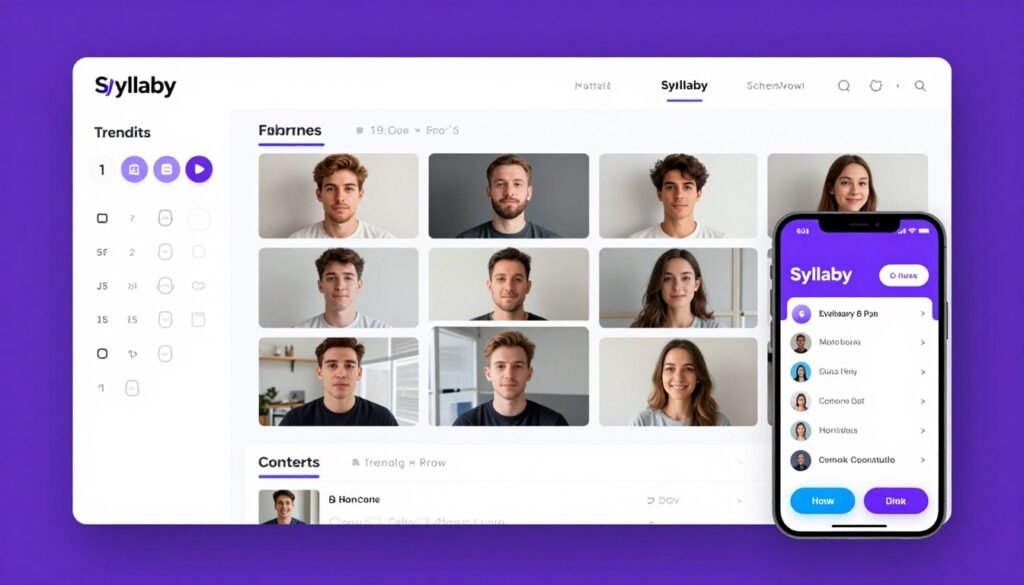
Syllaby focuses on one critical problem other generators ignore—character consistency. When you create a series of faceless videos, having the same character appear across all content builds brand recognition and trust.
Problems Syllaby Solves
Inconsistent Visual Branding: Most AI video generators create different characters or visuals for each video, confusing your audience. Syllaby ensures your chosen character looks identical across every video, building recognizable brand identity.
Running Out of Content Ideas: The platform’s trending idea discovery scans real questions people ask online in your niche. You never struggle with “what should I post today” because Syllaby feeds you proven topics with existing search demand.
Managing Multiple Social Platforms: Posting manually to TikTok, Instagram, Facebook, and YouTube eats hours daily. Syllaby’s unified content calendar schedules videos across all platforms from one dashboard, saving time and preventing missed posts.
Key Features That Stand Out
- Consistent AI Character Generation: Create a branded character once, then use it across unlimited videos while maintaining exact visual consistency.
- Trending Idea Discovery: AI discovers trending topics and real questions people ask in your niche for evergreen, searchable content.
- AI Script Generation: Automatically writes engaging scripts optimized for short-form video format based on trending topics.
- Voice Cloning: Replicate your voice for narration, creating authentic-sounding content without recording every video.
- Integrated Video Editor: Trim clips, add effects, and customize videos directly in the platform without external software.
- Content Calendar: Schedule and track video performance across all social platforms from a unified dashboard.
- Mobile App: Create and edit videos on the go with full-featured iOS and Android apps.
- Multi-Language Support: Generate content in multiple languages to reach global audiences.
Real-World Case Study
How It Works
Start by creating your consistent character. Choose style preferences, and Syllaby generates your unique character that will appear in all future videos. Browse trending topics in your niche from the idea discovery tool.
Select a topic, and Syllaby auto-generates a script optimized for engagement. Review and edit the script if needed. Choose your voice, either AI voices or your cloned voice. Click generate, and Syllaby creates the complete video with your consistent character.
Use the integrated editor to make adjustments. Schedule the video to your connected social accounts through the content calendar. Track performance to see which topics resonate most with your audience.
Pros
- Character consistency builds strong brand recognition impossible with other tools
- Trending idea discovery eliminates content planning guesswork
- Mobile app enables content creation anywhere, anytime
- Unified content calendar simplifies multi-platform management
Cons
- Monthly video limits can feel restrictive for daily posters
- Character creation takes longer than template-based generators
- Limited customization once character is created
Integrations & Support
Syllaby integrates directly with YouTube, TikTok, and Meta platforms for seamless sharing. It also connects with over 350+ systems via ApiX-Drive automation for advanced workflow integration. Support includes tutorials, step-by-step guides, and enterprise assistance for business users.
Ratings
4.6
Overall Rating
Features
4.6/5
Ease of Use
4.5/5
Value for Money
4.4/5
Customer Support
4.7/5
Pricing
- Starter Plan: $49/month — 10 videos per month with core AI generation features
- Growth Plan: $99/month — 30 videos per month with expanded generation limits and premium features
- Scale Plan: Custom pricing — Higher volume for agencies and teams with advanced needs
3. Invideo AI — Prompt-to-Publish Video Pipeline
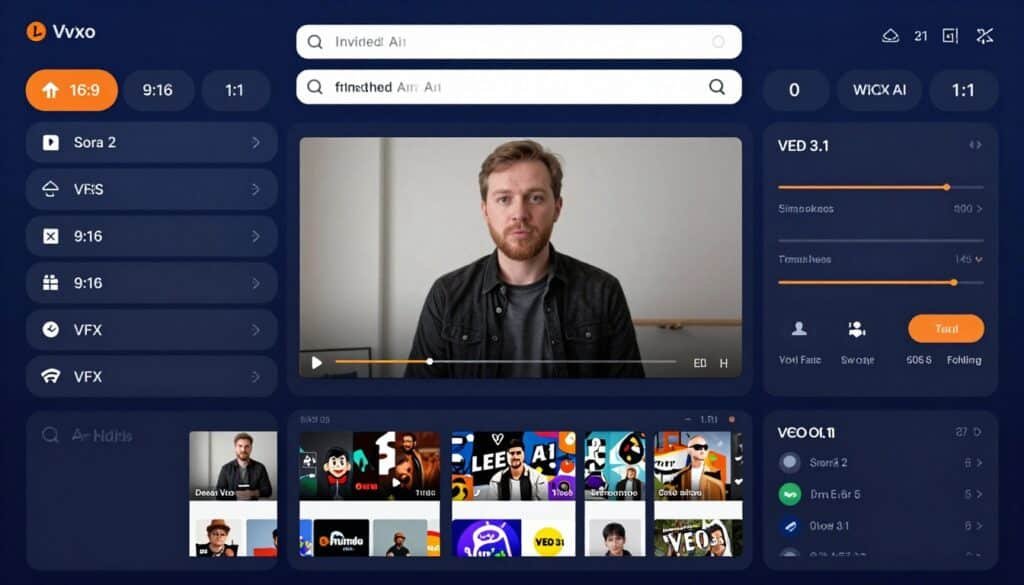
Invideo AI is the only platform bundling both OpenAI’s Sora 2 and Google’s VEO 3.1 frontier models. This gives you access to the most advanced generative AI video technology available anywhere.
Problems Invideo AI Solves
Limited Stock Footage Options: Most generators offer limited media libraries that feel repetitive. Invideo AI provides 16 million+ stock assets from iStock, Storyblocks, and Shutterstock, ensuring your videos never look generic.
Platform-Specific Formatting Headaches: Manually resizing videos for TikTok (9:16), YouTube (16:9), and Instagram (1:1) wastes hours. Invideo AI simultaneously exports all three formats from one generation, saving massive time.
Amateur-Looking Production Quality: Basic AI generators produce obviously AI-made content. Invideo’s VFX House includes professional tools like Relight, Prop Swap, and AI Colorist that make videos look like they cost thousands to produce.
Key Features That Stand Out
- Sora 2 + VEO 3.1 Integration: Only platform with access to both frontier AI video models for cutting-edge generation quality.
- Prompt-to-Video Generation: Type a simple prompt and get a complete video with script, footage, voiceover, music, and subtitles automatically.
- 16M+ Stock Asset Library: Access premium content from iStock, Storyblocks, and Shutterstock with monthly credits.
- VFX House (Kling o1): Professional post-production tools including Relight, Prop Swap, AI Colorist, and one-click VFX editing.
- Multi-Format Export: Simultaneously export videos in 16:9, 9:16, and 1:1 formats for different platforms.
- Voice Cloning: Create voice clones from 30-second samples for consistent narration.
- 50+ Language Support: Generate content in 50+ languages with auto-translation for voiceover and subtitles.
- Advertising Studio: Automate product-to-ad creation for e-commerce and marketing campaigns.
Real-World Case Study
How It Works
Type a text prompt describing your desired video—topic, style, length, and any specific requirements. Invideo AI generates a complete script, selects relevant stock footage, adds voiceover, music, and subtitles automatically.
Review the video and make edits using the built-in editor. Swap clips from the massive stock library, adjust timing, change voiceover, or modify captions. Use VFX House tools to enhance lighting, swap props, or apply color grading for premium polish.
Export simultaneously in multiple formats. Download files or publish directly to social platforms. The platform remembers your preferences, making subsequent video creation even faster.
Pros
- Frontier AI models (Sora 2, VEO 3.1) produce cutting-edge quality
- Massive 16M+ stock library eliminates generic-looking content
- Multi-format export saves hours of manual resizing work
- VFX House tools deliver professional production quality
Cons
- AI minute limits on lower plans run out quickly with frequent use
- Steep learning curve for advanced VFX features
- Watermark on free plan limits professional use
Integrations & Support
Invideo AI partners with Google Cloud for AI infrastructure and offers mobile apps on iOS and Android. While direct Make.com integration isn’t available, API access via HTTP modules enables custom workflows. Support includes help documentation and email assistance. The platform integrates with Theona for AI agent workflows.
Ratings
4.5
Overall Rating
Features
4.7/5
Ease of Use
4.3/5
Value for Money
4.5/5
Customer Support
4.4/5
Pricing
- Free Plan: $0/month — ~10 AI minutes/week, 4 video exports/week, watermark, no commercial rights
- Plus Plan: $25/month ($20/month yearly) — 50 AI minutes/month, unlimited exports, no watermark, commercial rights, 2 voice clones, 80 iStock credits
- Max Plan: $60/month ($48/month yearly) — 200 AI minutes/month, 5 voice clones, 320 iStock credits, 4K export, team collaboration
- Generative Plan: $96/month ($1152 yearly) — 200 AI minutes, 320 iStock credits, 15m generative credits, 5 voice clones
4. Kling AI — Photorealistic Generative Video Clips
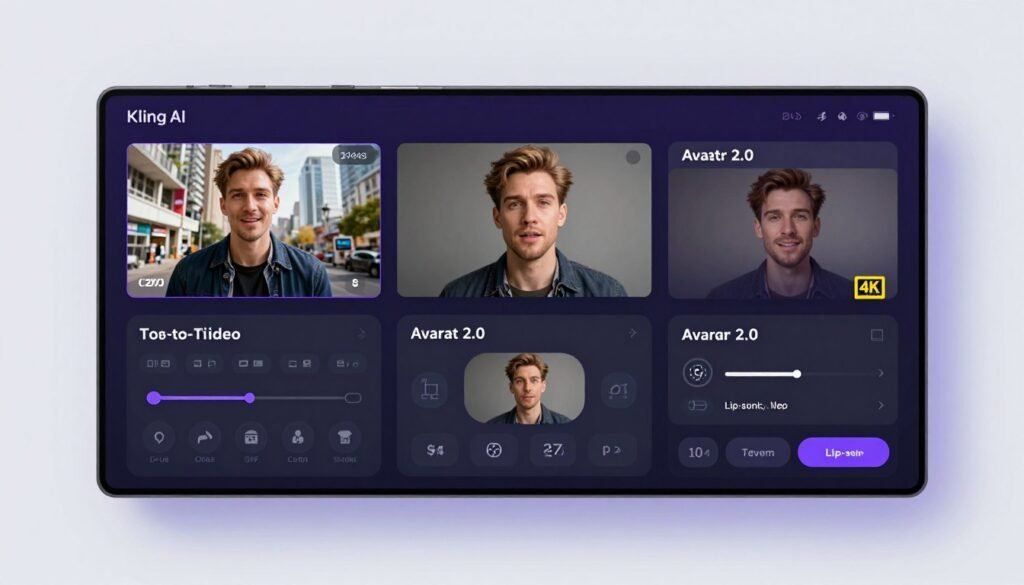
Kling AI specializes in photorealistic video generation using a proprietary diffusion-based Transformer architecture. If visual quality is your top priority, Kling delivers the most realistic AI-generated footage available.
Problems Kling AI Solves
Obviously Artificial-Looking Videos: Many AI generators produce content that screams “this is AI.” Kling’s photorealistic output looks indistinguishable from real footage, maintaining viewer trust and engagement.
Limited Motion Control: Generic generators give you random motion in videos with no control. Kling’s motion control feature extracts motion patterns from reference videos and applies them to entirely different subjects, giving precise creative direction.
Developer Integration Barriers: Most platforms don’t offer API access, limiting automation potential. Kling provides full API with SDK support for Python and Node.js, enabling custom integrations and scaled production workflows.
Key Features That Stand Out
- Kling 3.0 Model: Latest model with extended 15-second clips, 4K generation, multi-shot scene logic, and native multi-language audio.
- Text-to-Video Generation: Creates photorealistic videos from text prompts using advanced diffusion-based Transformer architecture.
- Image-to-Video Conversion: Transforms static images into dynamic video clips with realistic motion and physics.
- Motion Control: Extracts motion patterns from reference videos and applies them to different subjects or scenes.
- Avatar 2.0: Generates realistic AI avatars with correct lip-sync and multi-character dialogue capabilities.
- Native Audio Generation: Produces multi-language audio including Chinese, Japanese, Spanish, and English variants with proper lip-sync.
- 4K Resolution Output: Supports up to 4K video generation on higher-tier plans for professional-quality content.
- API Access: Full developer API with official SDKs for Python and Node.js for custom integrations.
Real-World Case Study
How It Works
For text-to-video, write a detailed description of your desired scene. Kling’s AI interprets the prompt and generates photorealistic footage matching your description. For image-to-video, upload a static image and describe the desired motion.
Use motion control by uploading a reference video showing the movement pattern you want. Kling extracts that motion and applies it to your generated content. For avatars, select Avatar 2.0, input your script, and generate videos with realistic lip-synced characters.
Choose your output resolution (up to 4K) and aspect ratio. Render the video and download for use. Developers can automate this entire process via API endpoints for scaled production.
Pros
- Photorealistic output quality unmatched by competitors
- Motion control provides precise creative direction
- 4K resolution meets professional production standards
- Full API enables enterprise-scale automation
Cons
- Credit system can be confusing for new users
- Higher cost per video compared to template-based tools
- Rendering time longer than simpler generators
Integrations & Support
Kling AI offers comprehensive API with official SDKs for Python and Node.js, supporting text-to-video, image-to-video, video extension, and lip-sync endpoints. It integrates with the AI SDK provider ecosystem for developers. Support is primarily documentation-based, with API access available for enterprise workflows. The platform also partners with PiAPI for third-party API hosting options.
Ratings
4.4
Overall Rating
Features
4.6/5
Ease of Use
4.1/5
Value for Money
4.3/5
Customer Support
4.4/5
Pricing
- Free Plan: $0/month — 66 credits/day (expire daily), standard mode only, 360p–540p resolution, watermark
- Standard Plan: $6.99/month intro ($8.80/month renewal) — 660 credits/month, professional mode, 1080p resolution, watermark-free
- Pro Plan: $25.99/month intro ($32.56/month renewal) — 3,000 credits/month, Kling 3.0 access, private mode, motion control
- Premier Plan: $64.99/month intro ($80.96/month renewal) — 8,000 credits/month with enhanced features
- Ultra Plan: $127.99/month intro ($159.99/month renewal) — 26,000 credits/month with Kling 3.0 early access
5. Autoshorts.AI — Hands-Off Daily Channel Automation
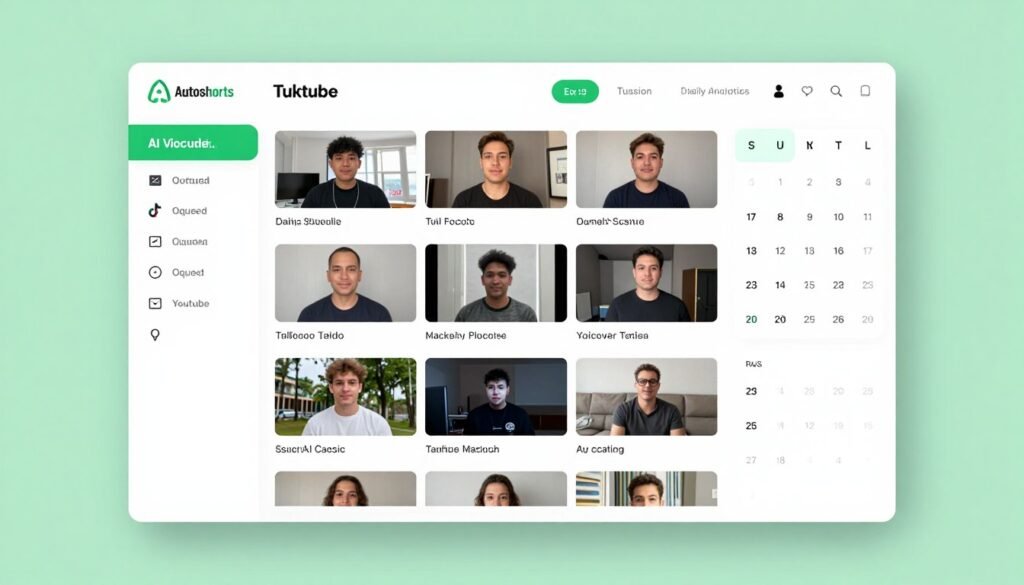
Autoshorts.AI is built for creators who want to post daily without daily work. Set your preferences once, and the platform automatically generates and posts faceless videos on your schedule…even while you sleep.
Problems Autoshorts.AI Solves
Inconsistent Posting Schedules: Missing posts kills channel growth momentum. Autoshorts handles creation and publishing automatically based on your set cadence, ensuring you never skip a day even during vacations or busy periods.
Manual Cross-Platform Posting: Logging into YouTube, TikTok, and Instagram separately to upload videos wastes 20-30 minutes daily. Autoshorts posts to all connected accounts simultaneously from one automation flow.
Content Volume Limitations: Creating one video daily manually is exhausting. Autoshorts scales to 60+ videos monthly on higher plans, enabling volume-based growth strategies impossible with manual production.
Key Features That Stand Out
- Automated Faceless Video Creation: Generates complete videos from text prompts with AI scripts, voiceovers, stock footage, and captions in minutes.
- Scheduling & Auto-Posting: Connects YouTube, TikTok, and Instagram accounts to set posting cadence and handle distribution automatically.
- AI Voiceover Engine: Multiple voice options with voice cloning capability for natural-sounding narration across all videos.
- Stock Footage Matching: Automatically selects stock clips matching script content, with manual swap options for better alignment.
- Auto-Captioning: Adds styled subtitles automatically in the large-text, center-screen format proven to perform on TikTok and Shorts.
- Art Style Selection: Provides multiple visual art styles to customize the look and feel of generated videos for brand consistency.
- Manual Preview & Edit: Allows users to preview and manually edit videos before publishing for quality control.
- Volume Output Scaling: Produces up to 60 videos per month on higher plans for creators prioritizing posting frequency as a growth lever.
Real-World Case Study
How It Works
Connect your YouTube, TikTok, and Instagram accounts. Set your desired posting schedule—daily, twice daily, or custom intervals. Choose your niche and provide topic guidelines or let Autoshorts suggest trending topics.
The AI generates videos based on your preferences. You can preview each video before it publishes or set full autopilot mode where videos post without manual approval. Adjust art style, voice, and caption styling to match your brand.
Autoshorts handles the entire workflow automatically. You receive notifications when videos are scheduled and can review performance metrics to optimize future content strategy.
Pros
- True automation enables hands-off daily posting
- Cross-platform posting saves hours of manual uploading
- Volume scaling impossible to achieve manually
- Voice cloning maintains consistent brand sound
Cons
- Limited customization compared to manual editing tools
- Auto-selected stock footage occasionally misses context
- Full autopilot mode can publish lower-quality content without review
Integrations & Support
Autoshorts.ai supports seamless automated posting to both TikTok and YouTube channels. The platform offers direct social media integration for broader platform reach compared to many competitors. Support includes help documentation and email assistance.
Ratings
4.3
Overall Rating
Features
4.4/5
Ease of Use
4.5/5
Value for Money
4.2/5
Customer Support
4.0/5
Pricing
- Free Plan: $0/month — 1 video with basic features, HD resolution, watermark
- Starter Plan: $19/month — Posts up to 3 times per week with full editing capabilities
- Daily Plan: $39/month — Supports daily posting with same editing capabilities
- Hardcore Plan: $69/month — Enables posting twice per day for maximum content volume
- Enterprise: Custom pricing starting around $500–$1,000/month for 500+ videos, dedicated support
8. Short.AI — Bulk AI Short Video Generation with Scheduling
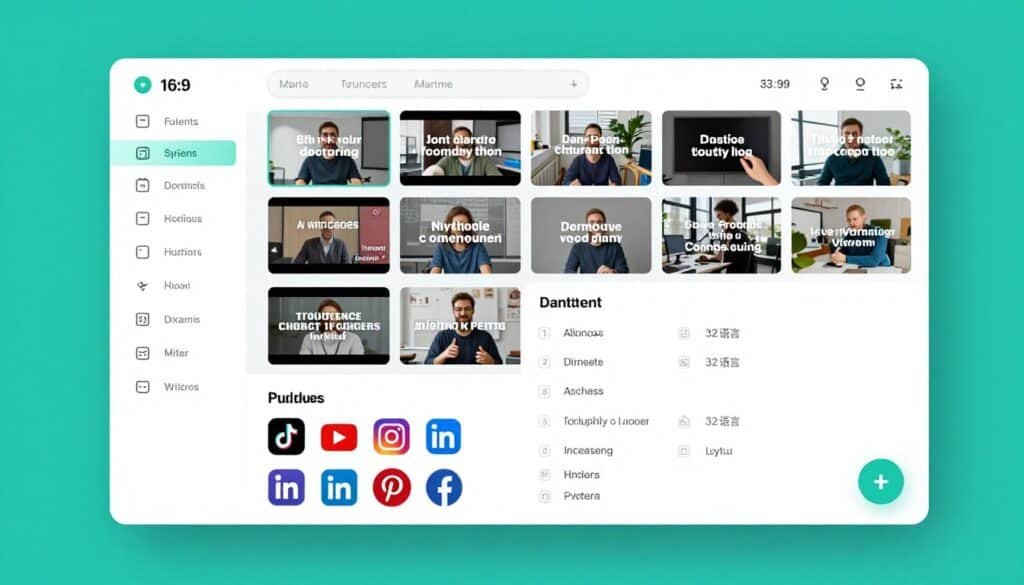
Short.AI transforms one long video into 10+ viral shorts automatically by extracting hooks, insights, and reactions optimized for short-form platforms. If you create long-form content, this tool multiplies your reach exponentially.
Problems Short.AI Solves
Long-Form Content Going Unused: You spend hours creating YouTube videos or webinars, but only posting them once severely limits ROI. Short.AI extracts 10+ shorts from each long video, maximizing value from content you’ve already created.
Time-Consuming Clip Selection: Manually reviewing hours of footage to find the best moments for shorts takes forever. Short.AI’s AI identifies social-worthy moments automatically, saving you hours of tedious review work.
Managing Multi-Platform Distribution: Posting to seven different platforms manually is exhausting. Short.AI schedules to TikTok, YouTube, Twitter, Facebook, Instagram, LinkedIn, and Pinterest from one dashboard, simplifying distribution dramatically.
Key Features That Stand Out
- Bulk AI Short Video Generation: Transforms one long video into 10+ viral shorts by extracting hooks, insights, and reactions optimized for each platform.
- AI Clip Maker: Uses AI to cut long videos into engaging short clips by identifying social-worthy moments automatically.
- Dynamic Subtitle Generator: Adds 14+ dynamic caption styles with emojis, GIFs, and image highlights to boost engagement.
- Multi-Language Support: Generates audio in 32 languages with 99% speech-to-text accuracy for global reach.
- Scheduled Posting: Automatically schedules content to TikTok, YouTube, Twitter/X, Facebook, Instagram, LinkedIn, and Pinterest.
- AI Script Generator: Produces viral scripts with strong hooks from 50+ trending templates.
- URL-to-Script Conversion: Generates scripts automatically by pasting a URL from articles or web pages.
- All-in-One Workflow: Combines creation, editing, and scheduling in a single platform, saving creators over 10 hours weekly.
Real-World Case Study
How It Works
Upload your long-form video to Short.AI or paste a YouTube URL. The AI analyzes the content and identifies the most engaging moments…hooks, valuable insights, emotional reactions, or controversial statements.
Short.AI generates 10+ short clips automatically, each optimized for maximum engagement on short-form platforms. Choose from 14+ dynamic caption styles with emojis and visual highlights. Select which clips to publish and which platforms to target.
Set your posting schedule, and Short.AI handles distribution automatically. The platform posts to all seven connected platforms without you logging into each one separately. Track performance to see which clips drive the most engagement.
Pros
- Multiplies content value by generating 10+ shorts per long video
- 14+ caption styles create engaging, attention-grabbing content
- Seven-platform scheduling saves massive time on distribution
- 32 language support opens global audiences effortlessly
Cons
- Requires existing long-form content to extract shorts from
- AI occasionally selects less engaging moments than manual selection
- Credit limits restrict heavy users on lower plans
Integrations & Support
Short.AI integrates directly with TikTok, YouTube, Twitter/X, Facebook, Instagram, LinkedIn, and Pinterest for scheduled posting. It is used by over 10,000 content creators and offers FAQ documentation along with user support.
Ratings
4.2
Overall Rating
Features
4.3/5
Ease of Use
4.4/5
Value for Money
4.0/5
Customer Support
82%
4.1/5
Pricing
- Free Plan: $0/month — 5 credits (minutes) of video generation per month for testing core features
- Pro Plan: $29/month ($290 annually) — 60 credits/month, 1080p HD exports, watermark removal
- Business Plan: $99/month ($990 annually) — 300 credits/month, 4K resolution, priority rendering, dedicated support
9. Vidgenie AI — Multi-Format AI Video Storytelling
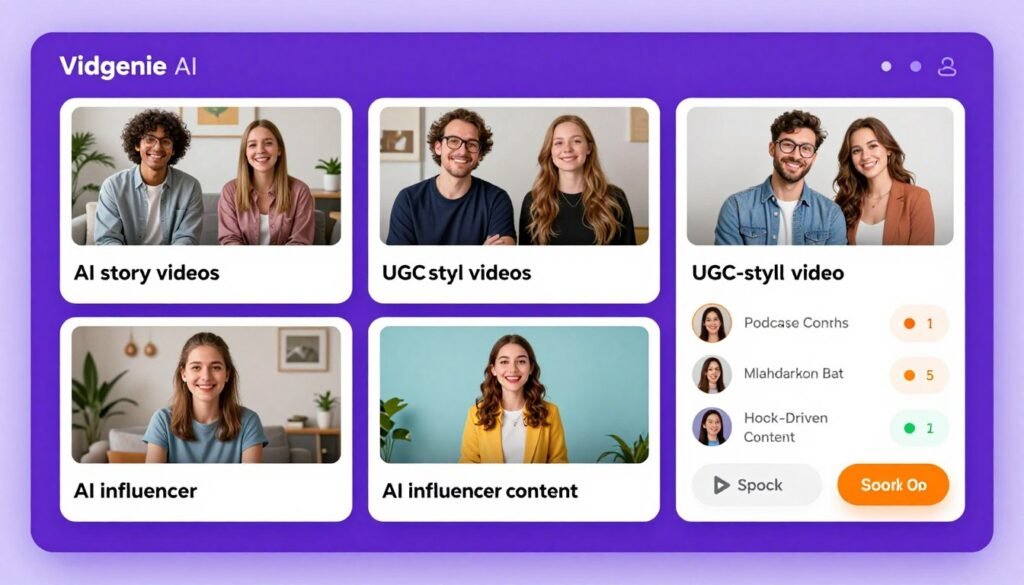
Vidgenie AI goes beyond basic faceless videos by offering specialized formats—story videos, podcast shorts, UGC content, and AI influencers. This versatility makes it perfect for businesses marketing products or creators building diverse content libraries.
Problems Vidgenie AI Solves
Generic Faceless Content: Standard AI generators produce similar-looking videos that blend together. Vidgenie’s format variety—stories, podcasts, UGC, influencers—creates unique content that stands out in crowded feeds.
Expensive Influencer Partnerships: Paying influencers $500-$5,000 per post drains budgets fast. Vidgenie’s AI influencer creation turns one photo into unlimited content with perfect character consistency, eliminating ongoing influencer costs.
Low-Engagement Product Marketing: Traditional product videos bore viewers and get skipped. Vidgenie’s AI podcast shorts format creates engaging two-host conversations that highlight products naturally, driving 3x higher engagement than standard ads.
Key Features That Stand Out
- AI Story Video Creation: Generates short (1 minute) to long-form (10 minute) narrative videos with AI scripts, visuals, voiceovers, and music.
- AI Podcast Shorts Generator: Creates engaging two-host podcast conversations that highlight products or services with 3x higher engagement than traditional ads.
- AI UGC Video Generator: Produces authentic-looking user-generated content videos for marketing products without hiring influencers.
- AI Influencer Creation: Turns a single photo into a full-fledged AI influencer with unlimited photos and videos featuring perfect character consistency.
- Custom AI Model Training: Trains custom AI models in minutes from just one reference image for infinite character-consistent content generation.
- Realistic & 3D Animated Styles: Supports both photorealistic and 3D animated visual styles for diverse content needs.
- Multi-Platform Optimization: Creates content perfectly formatted for YouTube, TikTok, Instagram, and Facebook from a single workflow.
- Hook-Driven Content Engine: Structures videos with strong hooks and engaging narratives designed to maximize viewer retention and shares.
Real-World Case Study
How It Works
Choose your desired format, story video, podcast short, UGC video, or AI influencer content. For AI influencer creation, upload one photo and Vidgenie trains a custom model that generates unlimited content with perfect character consistency.
For podcast shorts, describe your product or topic. Vidgenie generates a natural two-host conversation script highlighting key points engagingly. Select realistic or 3D animated visual style based on your brand aesthetic.
The AI generates complete videos with hooks designed to capture attention in the first 3 seconds. Preview, make edits if needed, and export in formats optimized for your target platforms. Publish directly or download for later use.
Pros
- Format variety creates unique content that stands out
- AI influencer eliminates ongoing influencer partnership costs
- Podcast shorts drive 3x higher engagement than standard ads
- Custom AI model training enables infinite character consistency
Cons
- Learning curve for leveraging all format options effectively
- AI influencer requires high-quality reference photos for best results
- Limited templates compared to more established platforms
Integrations & Support
Vidgenie AI focuses on direct content creation for major social platforms including YouTube, TikTok, Instagram, and Facebook. The platform is designed as a comprehensive content studio rather than requiring deep third-party integrations. Support includes user testimonials and community feedback showcased on the platform.
Ratings
4.1
Overall Rating
Features
4.2/5
Ease of Use
4.3/5
Value for Money
3.9/5
Customer Support
4.0/5
Pricing
- Starter Plan: $22/month ($18.32/month billed yearly with 17% discount) — Entry-level access to core AI video generation features
- Creator Plan: Higher tier with expanded generation limits and premium features, available with 17% annual discount
- Custom/Enterprise: Available for agencies and high-volume creators with specific workflow needs
9. AI Video Cut — Long-to-Short Viral Clip Extraction
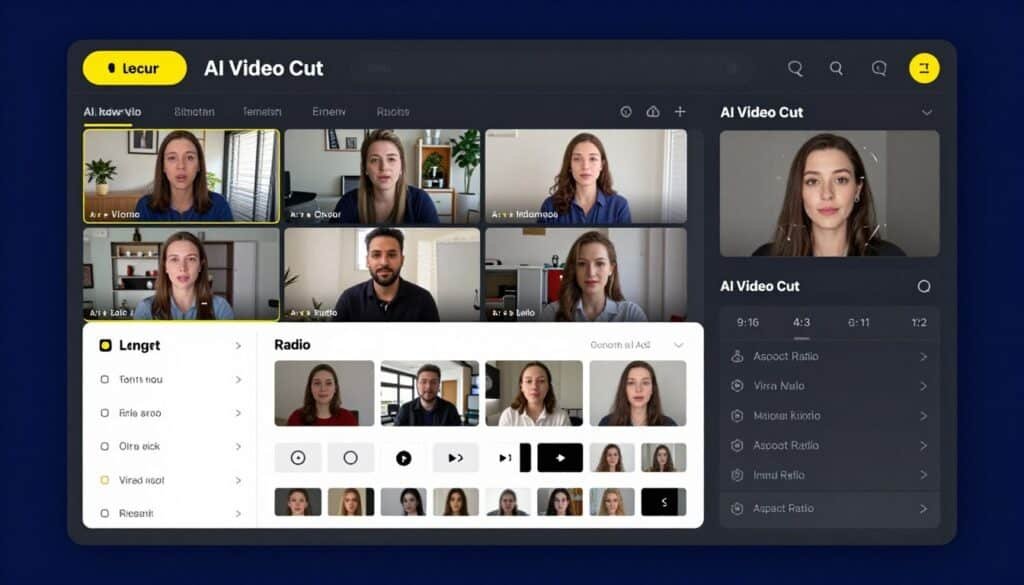
AI Video Cut specializes in extracting the best moments from long videos and transforming them into viral shorts, trailers, and ads. If you create long-form content, this tool maximizes your ROI by repurposing what you’ve already made.
Problems AI Video Cut Solves
Wasted Long-Form Content: You invest hours creating webinars, tutorials, or podcasts that reach limited audiences. AI Video Cut extracts multiple viral-worthy clips from each long video, multiplying your content’s reach and lifespan.
Manual Clip Editing Time Drain: Finding the best moments in hours of footage manually takes forever. AI Video Cut’s prompt-based system identifies highlights automatically, trailers, topic-driven clips, product features, testimonials—saving hours of review time.
Poor Video Framing for Mobile: Long-form videos shot in landscape look terrible when cropped for vertical platforms. AI Video Cut’s smart crop detects speaker faces and frames them perfectly for TikTok and Reels automatically.
Key Features That Stand Out
- AI-Powered Clip Extraction: Turns long videos into catchy YouTube Shorts, TikToks, viral ads, and trailers using AI prompts to identify the best moments.
- Ready-to-Use Prompts Library: Pre-built prompts for trailers, topic-driven clips, product highlights, instructions, ads, and testimonials in HD quality.
- Custom Text Prompts: Allows users to enter custom text prompts for AI to cut videos exactly as desired with full creative control.
- Transcript-Based Editing: Enables fine-tuning videos by adjusting the transcript to clean up captions and remove unwanted moments easily.
- Smart Crop & Face Detection: Automatically detects speaker faces and frames them perfectly to keep key characters in focus across all clips.
- Multiple Caption Styles: Provides a variety of caption styles to capture attention of viewers watching without sound.
- Multilingual Content Support: AI prompts work with videos in any language, automatically curating the most engaging content regardless of source language.
- Flexible Aspect Ratios: Exports content in 9:16, 4:3, 1:1, or original size for optimal display across all platforms and screens.
Real-World Case Study
How It Works
Upload your long-form video to AI Video Cut or paste a YouTube link. Choose a ready-to-use prompt from the library—trailers, product highlights, testimonials, topic-driven clips…or write a custom prompt describing exactly what clips you want.
The AI analyzes your video and extracts clips matching your prompt. Review the generated clips and use transcript-based editing to fine-tune timing or remove unwanted sections. AI Video Cut’s smart crop automatically frames speakers perfectly for vertical formats.
Select your desired caption style and aspect ratio. Export clips in 9:16 for TikTok and Reels, 1:1 for Instagram feed, or 16:9 for YouTube. Download or publish directly to connected social platforms.
Pros
- Maximizes ROI from existing long-form content investments
- Prompt-based extraction saves hours of manual review time
- Smart crop ensures perfect framing for mobile platforms
- Multilingual support works with content in any language
Cons
- Requires existing long-form videos to extract clips from
- Upload minute limits restrict users with extensive libraries
- AI occasionally misses context-dependent best moments
Integrations & Support
AI Video Cut supports direct publishing to Instagram, YouTube Shorts, TikTok, X, and other platforms. The platform offers a convenient Telegram bot for easy video clipping access (coming soon). Support includes a comprehensive FAQ section and help documentation. Users can upload from local files or paste YouTube links directly.
Ratings
4.0
Overall Rating
Features
4.1/5
Ease of Use
4.2/5
Value for Money
3.8/5
Customer Support
3.9/5
Pricing
- Free Plan: $0 — One-time set of 50 upload minutes that doesn’t refresh, with basic features and watermark
- Starter Plan: $12/month with monthly upload minutes that refresh at the beginning of each billing cycle
- Pro Plan: $18/month with increased upload minutes and regeneration capabilities for creating fresh clips from the same video
j
10. Faceless.Video — One-Click Faceless Channel Automation
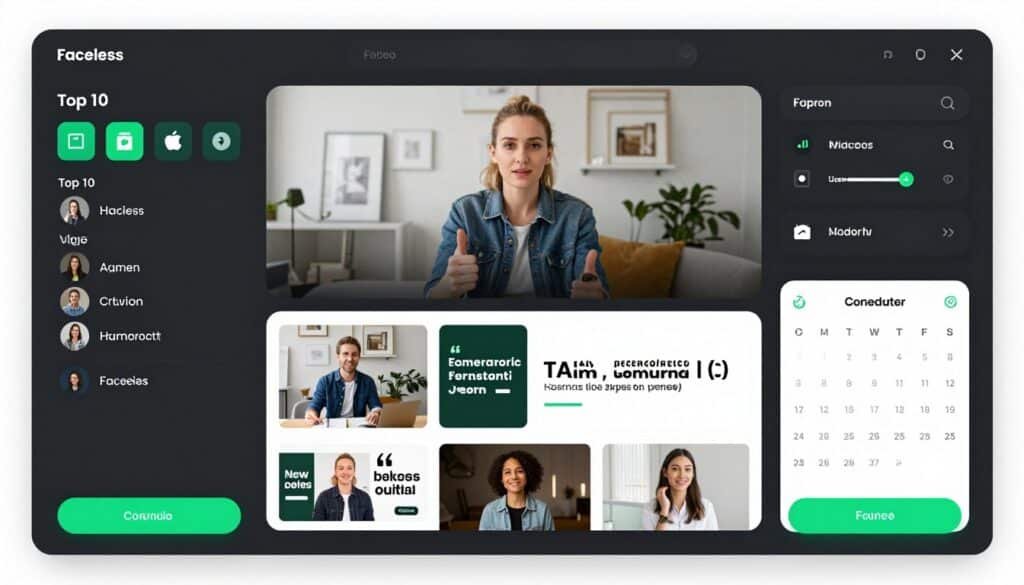
Faceless.Video delivers exactly what the name promises—complete faceless videos from a single topic choice. If you want the absolute easiest entry into faceless content creation, this is your platform.
Problems Faceless.Video Solves
Analysis Paralysis: Too many options overwhelm new creators. Faceless.Video’s niche templates (Top 10 lists, product reviews, news, quotes) provide proven formats so you’re not starting from scratch every video.
Technical Barriers to Entry: Many platforms require learning curves that intimidate beginners. Faceless.Video’s one-click generation creates complete videos in 3-5 minutes without requiring any technical skills or editing knowledge.
Expensive AI Tool Subscriptions: Most AI video generators cost $50-$100+ monthly. Faceless.Video starts at just $19/month, making it the most affordable option for creators testing faceless content before committing to premium tools.
Key Features That Stand Out
- One-Click Video Generation: Creates complete videos from a topic choice with automatic script, voiceover, visuals, and music in 3–5 minutes.
- AI Agents for Channel Management: AI agents that generate video drafts, edit content, and maintain posting schedules automatically.
- Niche Templates: Pre-built templates for Top 10 lists, product reviews, news commentary, and motivational quotes.
- Automatic Scheduling: Sets schedules for automatic video drafts that can be edited before posting or published as-is.
- Customizable Video Drafts: Fully customize AI-generated drafts to match your voice and style before publishing.
- Background & Font Customization: Offers multiple background options and font choices including Montserrat for branded visuals.
- Proven Format Library: Start with proven content formats so you’re not starting from scratch for every video.
- Affiliate Program: Earn 20% lifetime commission on referred user subscriptions with top affiliates earning over $10K.
Real-World Case Study
A college student with zero video experience used Faceless.Video to start a motivational quote channel. She chose the quotes template, selected topics like “success mindset” and “morning motivation,” and let the platform generate videos automatically.
Posting daily for 60 days using Faceless.Video’s scheduling feature, her TikTok channel grew to 43,000 followers. Several videos crossed 1 million views, including one that reached 2.7 million views and generated 8,400 new followers in 48 hours.
She enrolled in TikTok’s Creator Fund, earning $340 in her first month. More valuable, she used her growing audience to launch a $27 digital planner, generating $4,860 in sales the first week. Total time investment: 30 minutes daily reviewing and approving AI-generated videos.
How It Works
Select a niche template—Top 10 lists, product reviews, news commentary, or motivational quotes. Choose or input a specific topic within that niche. Click generate, and Faceless.Video creates a complete video with script, voiceover, background visuals, and music.
Review the video draft. Customize background images, change fonts, adjust timing, or regenerate if needed. Once satisfied, approve the video. Set your posting schedule, and Faceless.Video’s AI agents handle publishing to TikTok, YouTube Shorts, and Instagram Reels automatically.
The platform showcases proven high-performing videos from other users, giving you confidence in formats that actually work. You can model successful content without guessing what will perform.
Pros
- Absolute easiest entry point for faceless content beginners
- Proven templates eliminate format guesswork completely
- Lowest pricing makes it accessible for testing before committing
- AI agents handle posting schedules automatically
Cons
- Limited customization compared to advanced platforms
- Template-based approach can feel repetitive over time
- Fewer voice and style options than premium competitors
Integrations & Support
Faceless.Video focuses on streamlined, one-click creation with minimal learning curve. The platform offers a 7-day free trial for testing. Support includes FAQ documentation and affiliate program assistance. While primarily a standalone tool, it is designed for direct publishing to TikTok, YouTube Shorts, and Instagram Reels.
Ratings
3.9
Overall Rating
Features
3.8/5
Ease of Use
4.4/5
Value for Money
4.1/5
Customer Support
3.4/5
Pricing
- Basic Plan: $19/month — 20 videos per month, ideal for beginners testing faceless content creation
- Pro Plan: $39/month — 50 videos per month for growing creators needing more output
- Business Plan: $79/month — Unlimited videos for high-volume creators and agencies
2. HeyGen — AI Avatar Video Creation
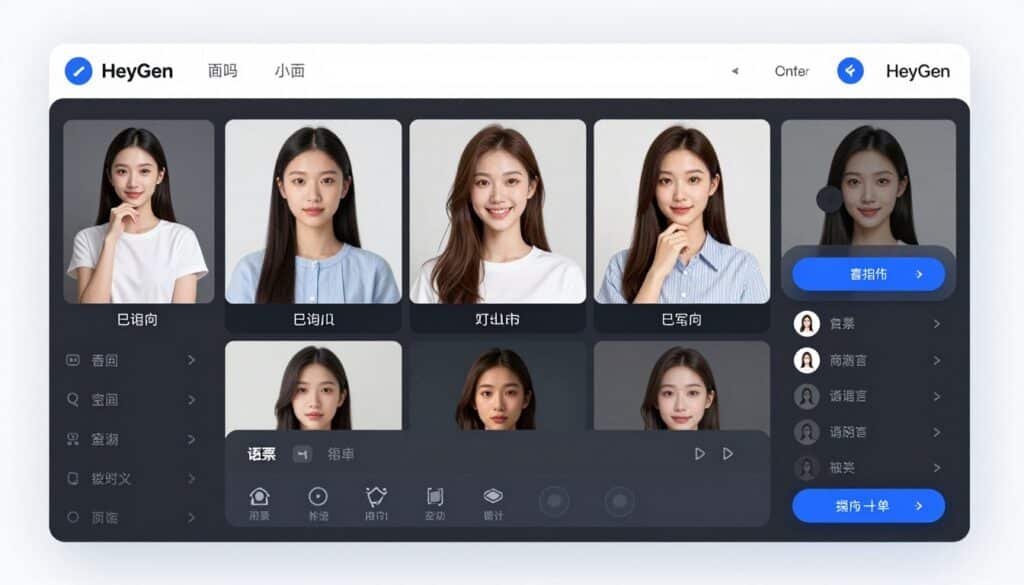
HeyGen specializes in creating photorealistic AI avatars that deliver your script with natural movements and lip-sync. If you want faceless videos with a human presence without actually being human, This is your platform.
Problems HeyGen Solves
Camera Anxiety: Many entrepreneurs hate recording themselves on camera but know human presence boosts engagement. HeyGen’s AI avatars give you that human touch without ever filming yourself.
Expensive Spokesperson Costs: Hiring actors or brand ambassadors costs thousands per video. HeyGen lets you create unlimited avatar videos for a flat monthly fee, slashing production costs by 90%.
Multilingual Content Barriers: Creating videos in multiple languages traditionally requires multiple voice actors. HeyGen’s avatars speak 40+ languages with perfect lip-sync, expanding your global reach instantly.
Key Features That Stand Out
- Photorealistic Avatars: Choose from 100+ pre-made avatars or create custom avatars from photos with incredible realism.
- Voice Cloning: Clone your voice or any voice with just 2 minutes of audio for consistent branding.
- Multi-Language Support: Generate videos in 40+ languages with automatic lip-sync matching the target language.
- Custom Avatar Creation: Upload photos to create branded avatars that represent your business or personal brand.
- Script-to-Video: Paste your script, select an avatar and voice, and generate polished videos in minutes.
- Video Templates: Pre-designed templates for product demos, explainers, social media ads, and educational content.
- Background Customization: Change backgrounds, add branded elements, and customize every visual aspect.
- API Access: Integrate HeyGen into your existing workflow or automate video creation at scale.
Real-World Case Study
An online education platform used HeyGen to create course promotional videos in 12 languages without hiring translators or voice actors. They generated 144 localized videos in one week.
The result? Their international student enrollment increased by 340% within three months. Spanish and Portuguese markets, previously untapped, became their second and third-largest revenue sources.
The marketing director shared that traditional translation and voice recording would have cost approximately $72,000 for that volume. HeyGen’s Enterprise plan cost them $1,200 for the month, saving over $70,000 while delivering faster.
How It Works
Choose an avatar from HeyGen’s library or upload photos to create a custom avatar. Write or paste your script into the editor. Select your preferred voice or upload a voice sample for cloning.
Customize the background, add text overlays, and adjust pacing. Preview the video to ensure lip-sync and timing look natural. Once satisfied, render the final video and download or share directly to social platforms.
For businesses creating recurring content, HeyGen’s templates speed up the process. You can save favorite avatar-voice combinations for consistent branding across all videos.
Pros
- Photorealistic avatars look remarkably human in final videos
- Multi-language capabilities open global markets effortlessly
- Custom avatar creation maintains unique brand identity
- API access enables enterprise-scale automation
Cons
- Higher learning curve for advanced customization options
- Rendering time can be slow during peak usage hours
- Custom avatar quality depends heavily on input photo quality
Integrations & Support
HeyGen offers API integration for developers and businesses automating video production. Support includes email assistance, comprehensive documentation, and video tutorials. Enterprise customers receive dedicated account management and priority support.
Ratings
4.7
Overall Rating
Features
4.7/5
Ease of Use
4.4/5
Value for Money
4.6/5
Customer Support
4.8/5
Pricing
- Free Plan: $0/month — 1 credit (1 minute video), watermark, basic avatars, limited features
- Creator Plan: $24/month — 15 credits/month, no watermark, 100+ avatars, voice cloning
- Business Plan: $72/month — 30 credits/month, custom avatars, API access, priority rendering
- Enterprise: Custom pricing — Unlimited credits, dedicated support, custom solutions, SLA guarantee
Key Features to Look For in AI Faceless Video Generators
Not all AI faceless video generators are created equal. Here’s what separates the best from the rest:
- Realistic Voice Quality: AI voices should sound natural, not robotic. Look for platforms offering voice cloning and premium AI voices that mimic human speech patterns, emotion, and pacing. Bad voiceover ruins otherwise great videos.
- Extensive Stock Media Library: Access to millions of high-quality video clips, images, and music tracks prevents your content from looking generic. Platforms integrating with iStock, Shutterstock, or Storyblocks provide superior visual variety.
- Customization Control: You need the ability to adjust AI-generated content—swap clips, change captions, modify pacing. Full automation is great until the AI makes a mistake. Good platforms balance automation with manual override options.
- Multi-Platform Export Formats: Your tool should export videos optimized for TikTok (9:16), YouTube (16:9), and Instagram (1:1) simultaneously. Manually resizing wastes hours you could spend creating more content.
- Auto-Posting Capabilities: Direct integration with social platforms eliminates the tedious upload process. Look for tools that schedule and publish automatically to TikTok, Instagram Reels, YouTube Shorts, and Facebook.
- Caption and Subtitle Options: Automatic captions are mandatory—85% of social media videos are watched without sound. The best generators offer multiple caption styles with customizable fonts, colors, and animations.
- Character or Brand Consistency: If you’re building a brand, character consistency across videos matters. Some platforms ensure your chosen visual style or character appears identically in every video, building brand recognition.
- Performance Analytics: Advanced platforms track which videos perform best and use that data to improve future content. This learning capability accelerates your growth faster than manual trial and error.
- Reasonable Pricing Structure: Compare monthly costs against video limits and features. Some cheap platforms severely restrict output, while expensive ones offer unlimited creation. Match pricing to your volume needs.
- Commercial Usage Rights: Ensure your plan includes commercial rights to the generated videos. Free plans often restrict monetization, killing your ability to earn from content you create.
Prioritize features based on your specific goals. A social media manager needs auto-posting more than a hobbyist. An affiliate marketer values commercial rights over fancy animations.
Best Practices for Choosing and Using AI Faceless Video Generators
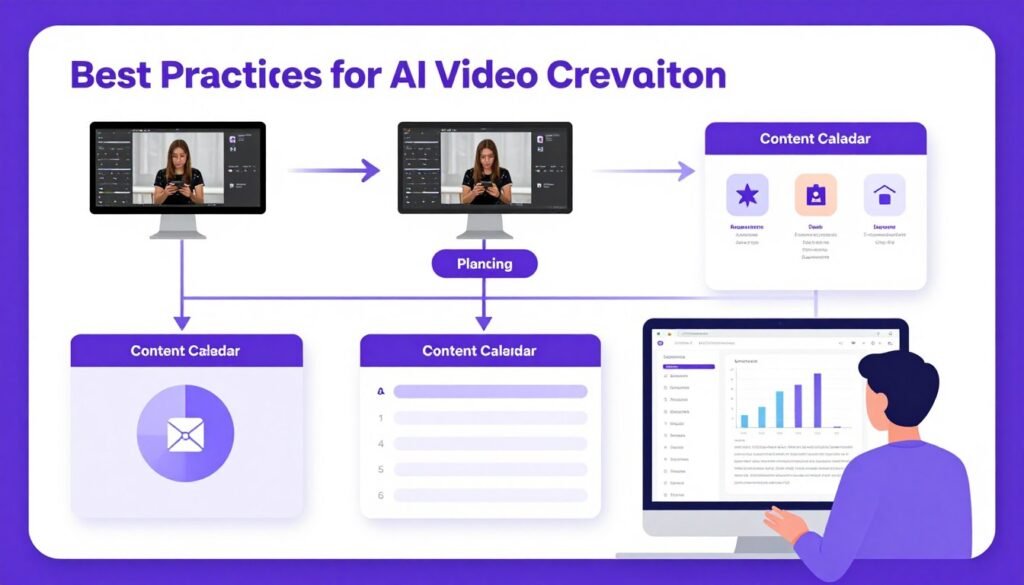
Start with a Free Trial: Most platforms offer free trials or free tiers. Test at least three tools before committing to a paid subscription. What looks great in marketing videos might frustrate you in daily use.
I learned this the hard way. I subscribed to a $79/month tool based on a flashy demo video, only to discover the interface was clunky and rendering took forever during peak hours. Wasted money and time.
Match Tools to Your Niche: Different generators excel at different content types. HeyGen is unbeatable for avatar-based content. Syllaby dominates for consistent character storytelling. Short.AI wins for repurposing long-form content. Choose based on your specific content strategy.
Don’t Fully Automate Initially: Full automation is tempting, but review AI-generated videos before posting initially. AI occasionally mismatches clips to narration or selects awkward stock footage. Manual review prevents embarrassing publishing mistakes.
After a week or two, you’ll understand your tool’s quirks and can safely increase automation. I now approve batches of 10-15 videos at once because I know what to expect from my preferred generator.
Test Posting Times: AI tools can create content 24/7, but not all posting times perform equally. Experiment with different schedules to identify when your audience engages most. Auto-scheduling features shine once you’ve identified optimal windows.
Monitor Platform Updates: AI video generation technology evolves rapidly. The tool you choose today might add game-changing features next month. Stay updated on new releases—platforms like Invideo adding Sora 2 and VEO 3.1 dramatically improved their output quality overnight.
Combine Multiple Tools Strategically: You don’t need to marry one platform. I use Zebracat for strategy and automation, but occasionally use Kling AI when I need photorealistic footage for specific projects. Mixing tools based on strengths maximizes results.
Focus on Volume Initially: When starting faceless content, quantity beats quality for algorithm momentum. Post daily or multiple times daily for 30-60 days to train the algorithm and identify what resonates. AI generators make this volume possible without burnout.
Once you’ve identified winning topics and formats, then optimize for quality. My first 100 videos were decent but not great. Video 101 went viral because I’d learned what worked from the previous 100.
Key Takeaways
- Zebracat leads for complete automation — Its AI Growth Agent, performance learning, and auto-posting make it the most comprehensive solution for hands-off video growth.
- HeyGen dominates avatar-based content — Photorealistic AI avatars with voice cloning and multi-language support make it perfect for businesses needing a human presence without cameras.
- Match tools to your content strategy — Don’t choose based on features alone; select the generator that aligns with your specific niche, volume needs, and posting platforms.
- Free trials prevent expensive mistakes — Test multiple platforms before committing to paid subscriptions to find the tool that fits your workflow best.
- Volume drives early growth — AI generators enable posting frequency impossible with manual creation, which feeds algorithms and accelerates audience building.
- Commercial rights matter for monetization — Ensure your plan includes commercial usage rights if you’re building a business around your content.
- Automation + manual review = best results — Let AI handle creation and posting, but initially review output to catch mismatches before they publish.
Final Thoughts

After testing all 11 AI faceless video generators, Zebracat stands out as the complete package. Its AI Growth Agent doesn’t just create videos—it analyzes your niche, proposes strategies, learns from performance, and handles everything from generation to posting automatically.
Is it perfect? No tool is. But the combination of frontier AI models, performance learning, voice cloning, and true automation makes Zebracat the closest thing to a “set it and forget it” content machine I’ve found.
That said, your ideal choice depends on your specific needs. Creating avatar videos? HeyGen wins. Building a brand with consistent characters? Syllaby delivers. Repurposing long-form content? Short.AI or AI Video Cut are your answers.
Here’s what I know for sure: faceless videos aren’t a passing trend. They’re becoming the default content format for platforms prioritizing watch time over creator personality. The tools that automate this process are only getting better, faster, and more realistic.
Ready to stop thinking about creating content and actually start posting consistently?
Start Creating AI Faceless Videos Today
I recommend starting with Zebracat’s free plan to experience the full AI Growth Agent workflow. If it clicks for you like it did for me, the Cat Mode plan at $39/month (or $19.50/month annually) delivers incredible value for serious creators.
The creators winning on TikTok, Instagram Reels, and YouTube Shorts aren’t necessarily more talented—they’re just posting more consistently. AI faceless video generators finally make that consistency achievable for everyone.
Your move. Pick a tool. Create your first video today. The algorithm rewards action, not intention.