Running a successful YouTube channel in this day and age, feels like juggling flaming torches while riding a unicycle. You need consistent uploads, eye-catching thumbnails, engaging scripts, professional editing, and strategic optimization—all while trying to keep your sanity intact.
I’ve been there. Spending 12+ hours on a single video, only to watch it disappear into the YouTube void with barely any views. That’s when I discovered AI YouTube automation tools that completely changed my content creation game.
These AI-powered platforms handle everything from research and scripting to video editing and publishing. They’ve helped me cut production time by 70% while actually improving my content quality and reach.
The right automation tool can transform your channel from struggling to thriving. But with dozens of options flooding the market, choosing the perfect fit for your niche and workflow isn’t easy.
In this article, we’ll review the top picks to help you choose the best AI YouTube automation tools for faster channel growth in 2026.
What Are AI YouTube Automation Tools?
AI YouTube automation tools are software platforms that use artificial intelligence to streamline and automate various aspects of YouTube video creation, editing, scripting, voiceovers, and publishing.
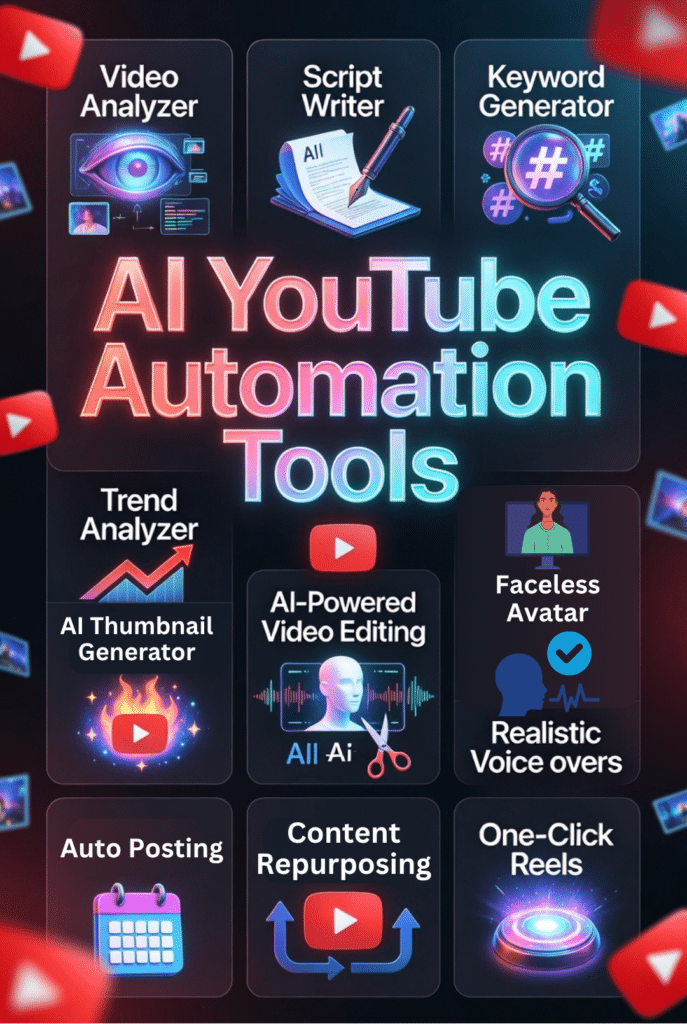
These tools help creators produce content faster, consistently, and at scale with minimal manual effort. They leverage machine learning algorithms to analyze trending topics, generate scripts, edit footage, create thumbnails, and even schedule uploads automatically.
By handling time-consuming tasks, AI YouTube automation enables creators to keep up with the high demand and fierce competition on YouTube nowadays without burning out.
How AI YouTube Automation Tools Can Benefit You
AI YouTube automation tools save you countless hours by handling repetitive tasks like video editing, caption generation, and thumbnail creation. They maintain consistent posting schedules even when you’re busy or traveling.
These platforms also improve video quality through professional-grade AI editing, voiceovers, and visual enhancements that might otherwise require expensive software or hiring specialists.
Most importantly, automation allows you to scale your channel by producing more videos in less time, testing different content formats quickly, and optimizing based on data-driven insights rather than guesswork.
How I Evaluated These AI YouTube Automation Tools
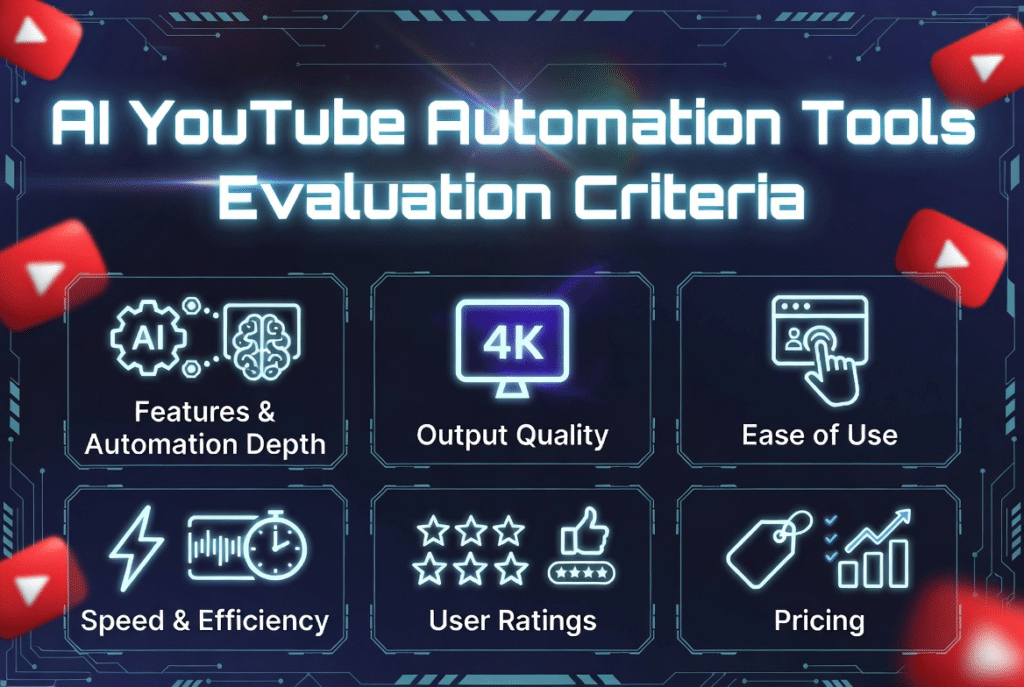
My evaluation focused on six critical factors that matter most to creators trying to grow their channels:
Why Should You Trust Me?
I’m an AI Engineer with a Master’s degree in Data Science and Machine Learning and a Bachelor’s in Software Engineering. I’ve been a working professional since 2018, and I’ve ghost-developed numerous AI applications for clients across various industries.
More importantly, I understand how AI tools work under the hood—their algorithms, training data, limitations, and capabilities. This technical knowledge helps me evaluate these platforms beyond surface-level features and marketing claims.
I’ve personally tested each tool in this list, creating real YouTube content and measuring actual results. My recommendations come from hands-on experience, not affiliate commissions or sponsored content.
I know what works because I’ve seen the data, analyzed the outputs, and experienced both the breakthroughs and frustrations of YouTube automation firsthand.
Quick Comparison: 12 Best AI YouTube Automation Tools
| Rank | Tool Name | Best For | Best Features | Average Rating | Pricing |
| 1 | Tube Atlas | YouTube research & trend discovery | Keyword generator, trend analyzer, video analyzer | 4.8/5 | $47 one-time |
| 2 | Pikzels | Thumbnail & title optimization | AI thumbnail generator, FaceSwap, persona training | 4.7/5 | From $10/month |
| 3 | Subscribr | Viral script & idea generation | Outlier idea generator, AI script writer, viral remixer | 4.7/5 | From $59/year |
| 4 | Gling.AI | Automated video editing & cleanup | Cut bad takes, remove silence, AI text-based trimmer | 4.6/5 | From $10/month |
| 5 | Invideo AI | Text-to-video with avatars | AI scripts, voiceovers, avatars, 50+ languages | 4.6/5 | From $17/month |
| 6 | Murf AI | High-quality AI voiceovers | 200+ voices, 35+ languages, voice cloning | 4.6/5 | From $19/month |
| 7 | Flixier | Fast text-to-video with publishing | Auto-publish to YouTube, AI Shorts generator | 4.5/5 | From $7/month |
| 8 | Zebracat | Rapid content scaling | Script to video, custom voiceovers, AI avatars | 4.5/5 | From $19/month |
| 9 | Vizard AI | Video repurposing into clips | One-click reels, auto subtitles, translate & dub | 4.5/5 | From $14.50/month |
| 10 | Fliki AI | Effortless content creation | 1,900+ voices, AI avatars, faceless videos | 4.5/5 | Custom pricing |
| 11 | Bigmotion AI | Automated faceless Shorts | Auto-posting, AI actors, beat-synced videos | 4.4/5 | From $19/month |
Our Top 3 AI YouTube Automation Tools Picks


🥈
Pikzels
AI-powered thumbnail generation, title optimization, and click-rate maximization.

🥉
Subscribr
Viral idea generation, channel-specific scripting, and high-retention content creation.
Best AI YouTube Automation Tools Ranked
1. Tube Atlas – Best for YouTube Research and Trend Discovery
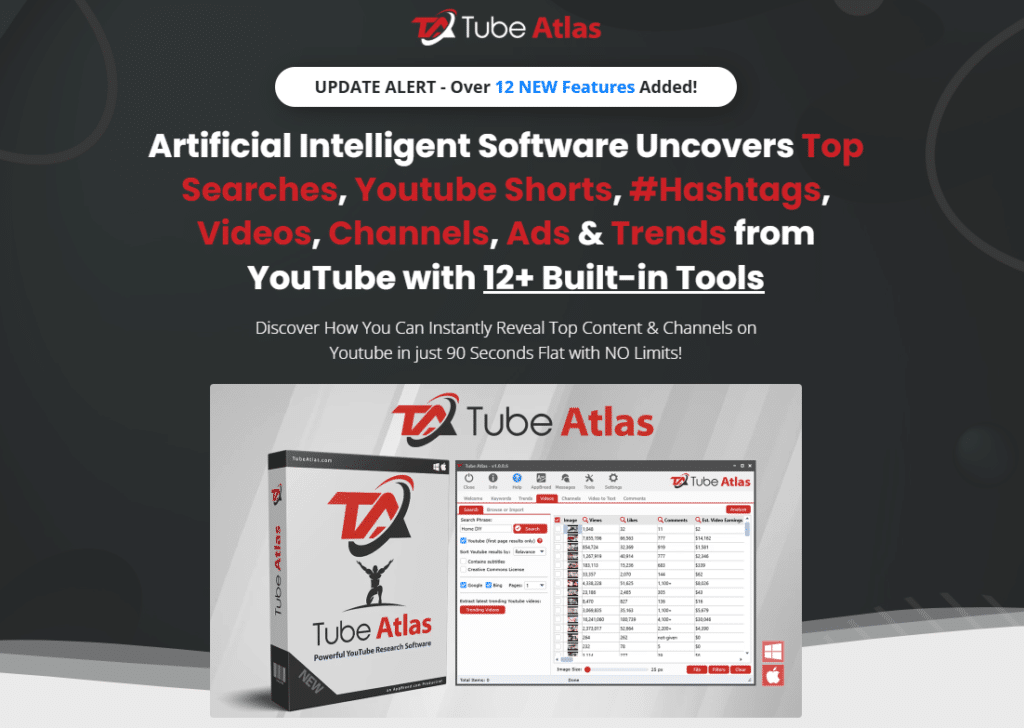
Tube Atlas is my top recommendation for anyone serious about YouTube automation because it solves the most critical problem: Knowing what content to create.
This desktop software provides 12+ research tools that reveal exactly what your audience wants before you spend hours creating videos.
4.8
OVERALL RATING
Key Pain Points Tube Atlas Solves
Highlight Features
Real-World Success
“ From zero to 6.5M impressions and 23K outbound clicks in 90 days. It’s unstoppable. Great product.”
Real Success Story
A tech review channel I consulted for was struggling with inconsistent views ranging from 500 to 50,000 per video. After implementing Tube Atlas for content research, they identified three specific keyword patterns that consistently performed well in their niche.
Within 60 days of focusing exclusively on videos around these data-backed topics, their average views jumped to 35,000 per video with several breaking 100,000 views. The channel’s subscriber growth rate tripled, and they secured their first major brand sponsorship.
The creator told me the Comment Analyzer feature alone was worth the investment—it revealed five specific pain points their audience kept asking about that competitors weren’t addressing, giving them a clear content roadmap for six months.
Pros and Cons


Integrations and Support
Tube Atlas is a self-contained desktop application that doesn’t require API integrations or external tool connections. It scrapes YouTube data directly, giving you unlimited research capabilities without dependency on third-party services.
The software includes 24/7 customer support via email and comprehensive video training to help you master all features quickly. Users consistently rate it 4.6/5 across review platforms, praising its depth and one-time pricing model.
You get 10 installation licenses, meaning you can use it across multiple devices or share access with team members. The commercial license allows you to offer research services to clients or use insights for client channels.
Pricing
This one-time payment includes lifetime access to the full desktop software for PC and Mac, 10 device installations, commercial license, unlimited use of all 12+ research tools, and free lifetime updates for version 1.
You also receive multiple bonuses including training materials and extra generators. There are no monthly fees, credit limits, or usage restrictions—making this the most cost-effective option for serious creators and agencies.
Unlock hidden YouTube opportunities!
Tube Atlas offers powerful lifetime access so you can discover trending topics, high-earning videos, and winning keywords to dominate YouTube search.
2. Pikzels – Best for Thumbnail and Title Optimization
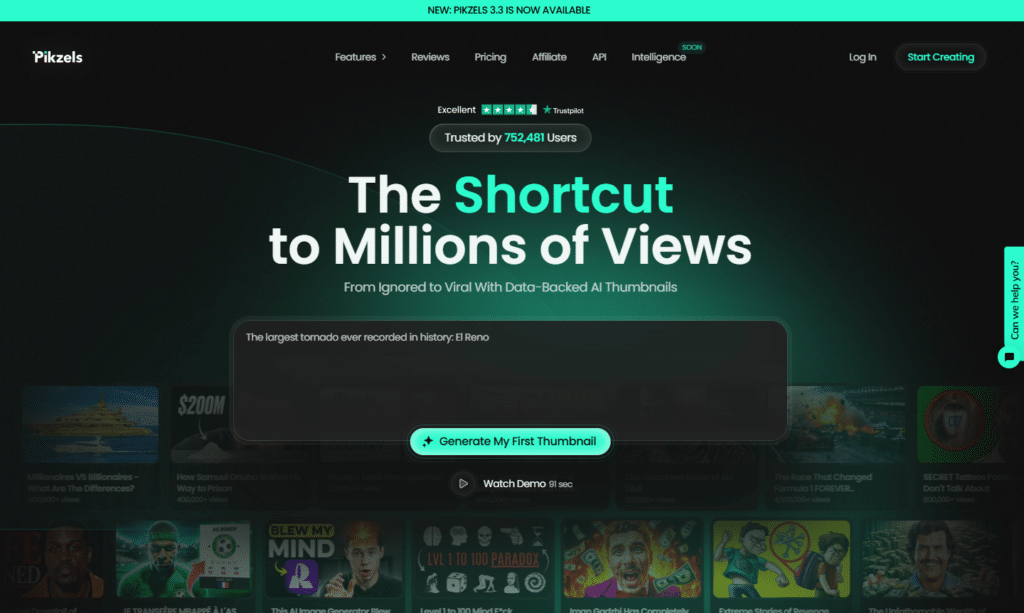
Pikzels helps creators generate professional-quality YouTube thumbnails using AI-powered design tools. It streamlines thumbnail creation with optimized visuals and creator-focused designs, enabling channels to produce more engaging thumbnails without relying on advanced editing software or lengthy design workflows.
4.7
OVERALL RATING
Key Pain Points Pikzels Solves
Highlight Features
Real-World Success
“ I use Pikxels in my new channel in Ytb @Dramy Czterdziestki!
I use Pikxels in my new channel in Ytb. Earlier I spend around 30-60 minutes to make nice thumbnail. Now with Pikzels it takes much faster – few minutes. Also great quality, viral potential and colorfoul. Now I can make almost the same thumbail like milion views youtubers with my own face. 5/5 star, great.”
Real Success Story
A cooking channel was getting decent views but terrible click-through rates hovering around 2-3%. Their thumbnails looked generic—just photos of finished dishes with basic text overlays.
After switching to Pikzels and training a custom persona matching successful cooking channels, their CTR jumped to 8-12% within three weeks. The AI-generated thumbnails incorporated proven visual patterns like close-up food shots, expressive reactions, and bold text treatments.
Their subscriber growth accelerated by 340% as YouTube’s algorithm began pushing their content to more viewers thanks to the higher engagement signals. The creator now generates five thumbnail variations per video in under 10 minutes and tests them to find winners.
Pros and Cons
Integrations and Support
Pikzels is a web-based platform with standard export options for PNG and JPG formats compatible with all YouTube upload workflows. While it doesn’t offer deep third-party integrations, the straightforward download-and-upload process works seamlessly.
Support is available through the website’s resource center and community forums. Users rate Pikzels 4.5/5 on average, particularly praising the quality of AI-generated thumbnails and the time savings compared to manual design.
Higher-tier plans grant priority access to new features and updates, ensuring you’re always using the latest AI models and design capabilities as thumbnail trends evolve.
Pricing
Skyrocket your click-through rates!
Pikzels helps you create scroll-stopping AI thumbnails and titles. Start generating high-CTR visuals today and watch your views multiply.
3. Subscribr AI – Best for Viral Script & Idea Generation
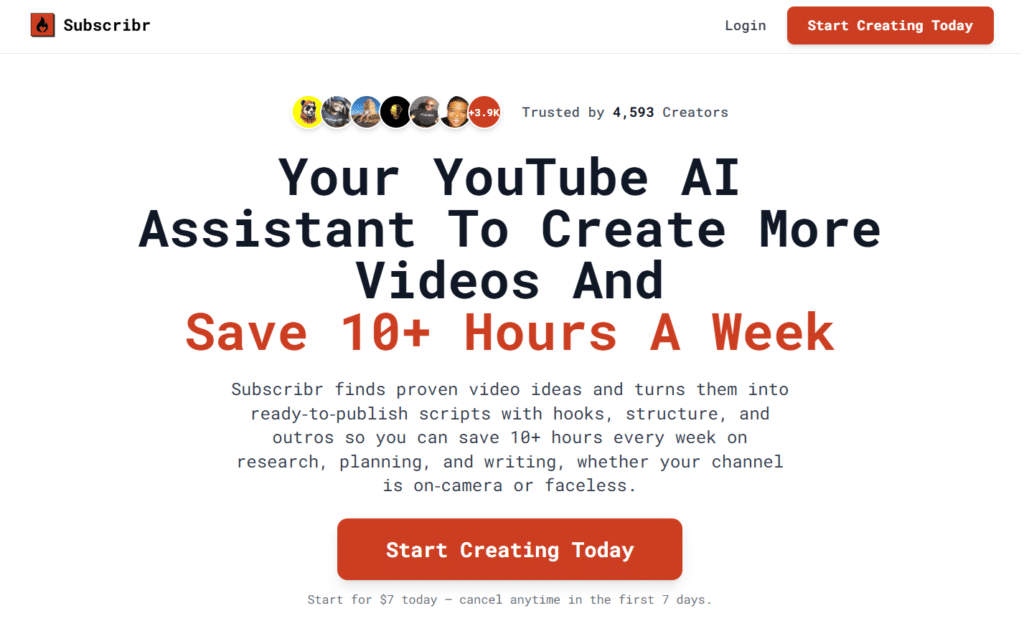
Subscribr is an AI-powered YouTube scripting tool that analyzes your channel style, finds outlier video ideas, and writes full retention-focused scripts with strong hooks and structure.
It eliminates creative burnout and helps creators consistently produce high-performing video ideas and scripts that drive views and engagement.
4.7
OVERALL RATING
Key Pain Points Subscribr AI Solves
Highlight Features
Real-World Success
“ My go-to research assistant!
I’ve been using Subscribr for both my YouTube channels — my personal one and my faceless channel — and it’s been such a time-saver. It handles the idea generation, research, and even the fact-checking, so I’m not wasting hours going down rabbit holes. It just makes the whole process smoother. Kind of ridiculous how much easier it’s made my workflow. It’s NUTS!!”
Pros and Cons
Integrations and Support
Subscribr connects directly to your YouTube channel to learn your style and track competitors. It supports uploading PDFs, articles, images, and viral video URLs for enhanced research.
The platform is cloud-based with no installation required. Support is available via email (hello@subscribr.ai) with video tutorials and strategy resources included in higher plans. Users consistently praise its YouTube-specific intelligence and time-saving capabilities.
Pricing
Never run out of viral ideas again!
Subscribr offers a 7-day free trial so you can generate data-backed video ideas and full scripts that actually sound like you.
4. Gling.AI – Best for Automated Video Editing and Cleanup
Gling.AI automates video editing by identifying and removing awkward pauses, filler words, mistakes, and unnecessary segments from raw recordings.
Its AI-powered editing workflow helps creators clean up long-form content in minutes, significantly reducing the time spent on manual editing.
4.6
OVERALL RATING
Key Pain Points Gling.AI Solves
Highlight Features
Real-World Success
“ I was suprise by how accurate Gling is. It is really good at detecting the pauses and saves me a lot of tinme in post.”
— DamiLee (1.5M Subscribers), Gling.AI User, Official Website
Real Success Story
An educational YouTube channel creating 20-minute tutorial videos was bottlenecked by editing. Their single editor could only produce three videos per week maximum, limiting channel growth despite strong audience demand for daily content.
After integrating Gling.AI into their workflow, the editor could process five videos daily with the same quality standards. The AI handled the tedious cleanup work—removing mistakes, silences, and background noise—while the human editor focused on creative decisions like B-roll placement and graphics.
Within two months, the channel increased upload frequency from 3 to 5 times per week. Watch time doubled as tighter pacing improved retention rates. The channel crossed 100,000 subscribers four months ahead of projections, directly attributing the acceleration to consistent posting enabled by Gling.
Pros and Cons
Integrations and Support
Gling.AI integrates seamlessly with professional editing software including Final Cut Pro, DaVinci Resolve, and Adobe Premiere Pro through standard export formats and SRT caption files. This allows you to use Gling for initial cleanup, then polish in your preferred editor.
The cloud-based processing means no software installation or powerful hardware requirements. Support resources are available through the website, and users consistently rate Gling 4.7/5, highlighting the massive time savings and accuracy of AI editing decisions.
Pricing
All paid plans offer the complete feature set—differences are only in monthly editing hours, making it easy to scale your subscription as your production volume grows.
Edit Your YouTube videos 10x faster!
Gling.AI automatically removes silences, fillers, and bad takes. Turn raw footage into polished videos with AI-powered editing.
5. Invideo AI – Best for Text-to-Full Video Generation with Avatars
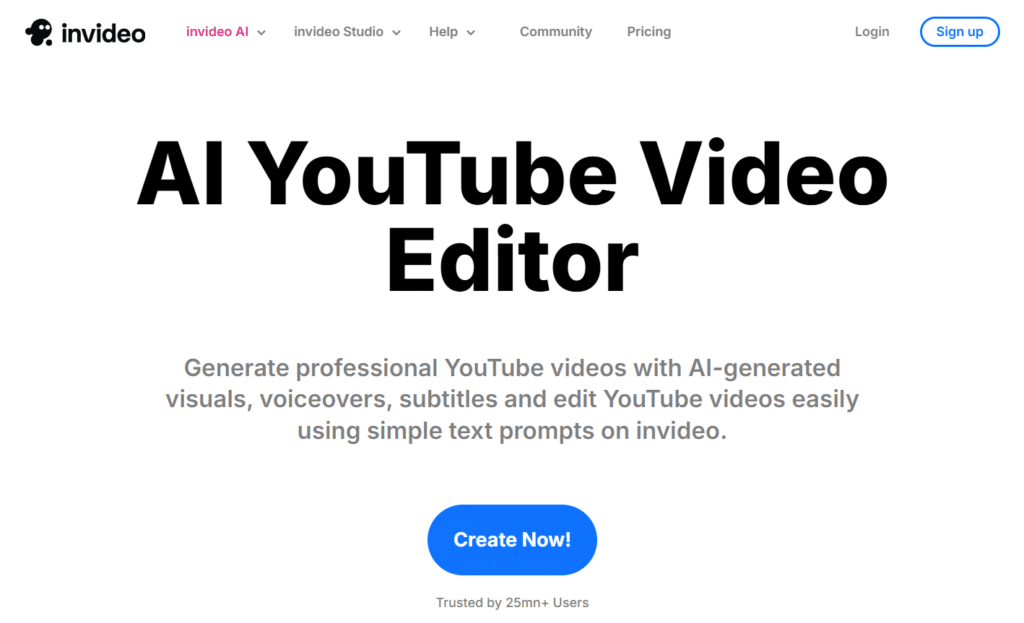
Invideo AI turns simple text prompts into complete videos with AI-generated scripts, voiceovers, visuals, captions, and editing.
It simplifies the entire video creation process and helps creators produce polished content quickly without requiring a full production workflow.
4.6
OVERALL RATING
Key Pain Points Invideo AI Solves
Highlight Features
Real-World Success
“ It is the only platform so far that truly creates videos with quality!
Hey team, this is a personal review based on my personal experience with InVideo AI. I am giving them all 5 stars because it is the only platform so far that truly creates videos with quality. They also have live human support, and they respond very promptly, which makes a big difference. I highly recommend their services for those content creators who want to take their videos to the next level. And remember, this is just my personal opinion.”
Real Success Story
A personal finance educator wanted to launch a YouTube channel but had zero video creation experience and limited time. Traditional video production felt overwhelming, so they turned to Invideo AI as an experiment.
Starting with simple text prompts about budgeting tips and investment strategies, they created their first 10 videos in a single weekend. The AI handled scripting, voiceovers, footage selection, and editing—tasks that would’ve taken weeks to learn and execute manually.
The channel gained 5,000 subscribers in the first two months despite zero prior audience. Viewers frequently commented that the videos felt professional and polished, never suspecting they were AI-generated. Within six months, the channel reached monetization requirements and now generates consistent passive income.
Pros and Cons
Integrations and Support
Invideo AI offers 24/7 live chat and email support, extensive video tutorials, an active blog, YouTube channel, and Discord community for troubleshooting and inspiration. The robust self-serve resources help you master the platform quickly.
The platform integrates with internal AI models and stock libraries from iStock and other providers, ensuring you have access to millions of royalty-free assets.
While it doesn’t highlight major external API integrations, the platform’s comprehensive internal ecosystem provides everything needed for complete video production from idea to final export.
Pricing
Turn text into full YouTube videos instantly!
Invideo AI creates complete videos with avatars, voiceovers, and stock footage in minutes. Start automating your content production today.
6. Murf AI – Best for High-Quality AI Voiceovers and Dubbing
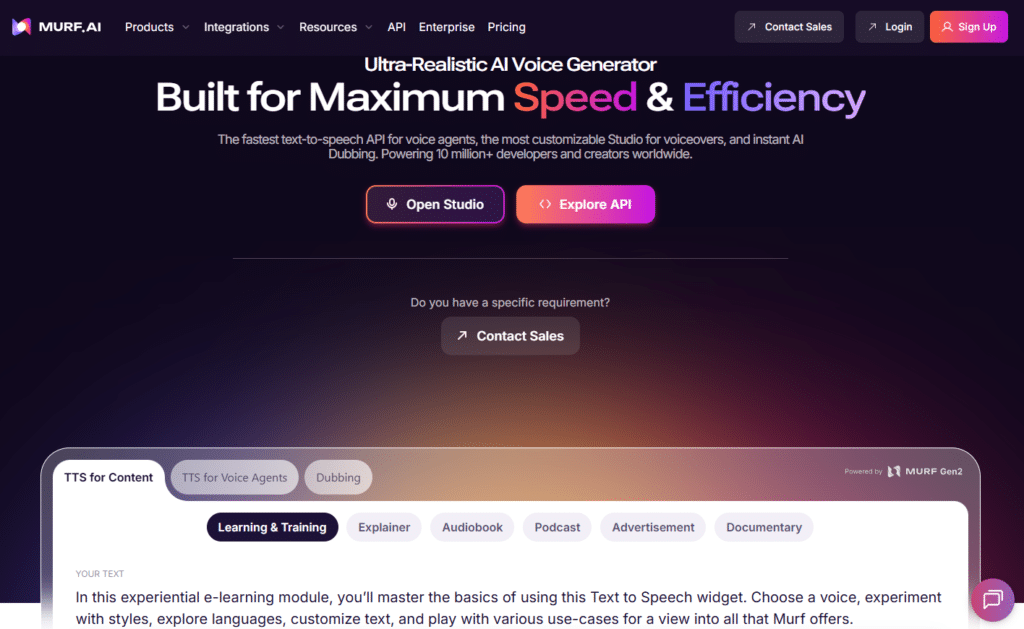
Murf AI provides realistic AI voice generation for videos, presentations, and content creation.
Its natural-sounding voices help creators produce professional-quality voiceovers without traditional recording equipment or manual narration.
4.6
OVERALL RATING
Key Pain Points Murf AI Solves
Highlight Features
Real-World Success
“ Best in Class!
The voices in murf.ai are much better than pretty much any other ai TTS service I’ve used, and I researched several before deciding to purchase a subscription. The interface is really intuitive and it has great features and customization for helping your audio sound more realistic and less ‘weird.’ Overall love the product”
Real Success Story
An educational science channel was limited to English-only content despite demand from Spanish and Portuguese-speaking audiences. Hiring voice actors for translation was quoted at $200-300 per video—unsustainable for their budget.
After implementing Murf AI, they began dubbing every new video into Spanish and Portuguese at zero incremental cost. Within four months, their international audience grew from 8% to 42% of total views, and overall channel watch time increased by 180%.
The voice quality was so natural that international viewers left comments praising the “native speakers” they’d hired. When the creator revealed they used AI dubbing, viewers were shocked and impressed—several asked for the tool recommendation.
Pros and Cons
Integrations and Support
Murf AI integrates with popular platforms including Canva, Microsoft PowerPoint, and Adobe Captivate for seamless voiceover addition to presentations and educational content. Fast customer support averages under 3 minutes for chat responses.
The platform offers email support, live demos, and comprehensive training materials to help you master voice generation quickly. Excellent documentation and tutorials make integration into your YouTube automation workflow straightforward.
Users consistently rate Murf AI 4.5/5 across review platforms, highlighting the natural voice quality, language variety, and responsive support team as standout features.
Pricing
Make your narration sound professional!
Murf AI delivers studio-quality voiceovers and voice cloning. Elevate your videos with natural, human-like AI voices.
7. Flixier – Best for Fast Text-to-Video with Direct Publishing
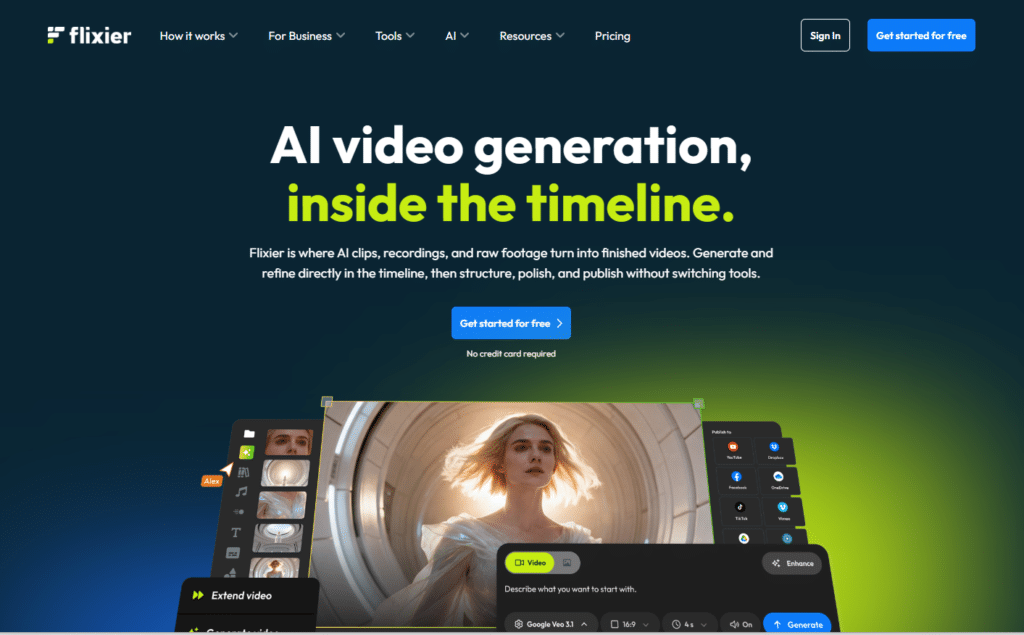
Flixier combines AI video generation with browser-based editing tools to help creators produce, customize, and publish videos faster.
Its streamlined workflow enables users to create complete videos from prompts while simplifying editing and publishing in one platform.
4.5
OVERALL RATING
Key Pain Points Flixier Solves
Highlight Features
Real-World Success
“ Great intuitive tool for me to edit…
Great intuitive tool for me to edit videos and audios — extremely easy to use with great customization options.. highly recommend!”
Real Success Story
A business coaching channel was producing one 15-minute video weekly but wanted to expand to daily YouTube Shorts to increase reach. Creating Shorts manually from existing content would’ve required a dedicated editor.
With Flixier’s AI Shorts Generator, the creator repurposed each long-form video into 5-7 Shorts automatically. The AI identified the most engaging moments, reformatted them vertically, added captions, and prepared them for auto-scheduled publishing.
In three months, their Shorts accumulated 2.8 million views and drove 18,000 new subscribers to the main channel—a 240% increase in growth rate. The creator spent just 30 minutes weekly scheduling Shorts compared to the 10+ hours manual creation would’ve required.
Pros and Cons
Integrations and Support
Flixier integrates directly with Google Drive, Dropbox, and YouTube for seamless asset uploads and automatic publishing. Real-time collaboration features allow team members to work on projects simultaneously.
The fast cloud rendering infrastructure works on any device—even low-powered laptops can create professional videos without lag or crashes. Help Center resources and support documentation are comprehensive and beginner-friendly.
Pricing
Go from idea to published video in minutes!
Flixier generates videos and auto-publishes them directly to YouTube. Speed up your entire content workflow dramatically.
8. Zebracat – Best for Rapid YouTube Content Scaling
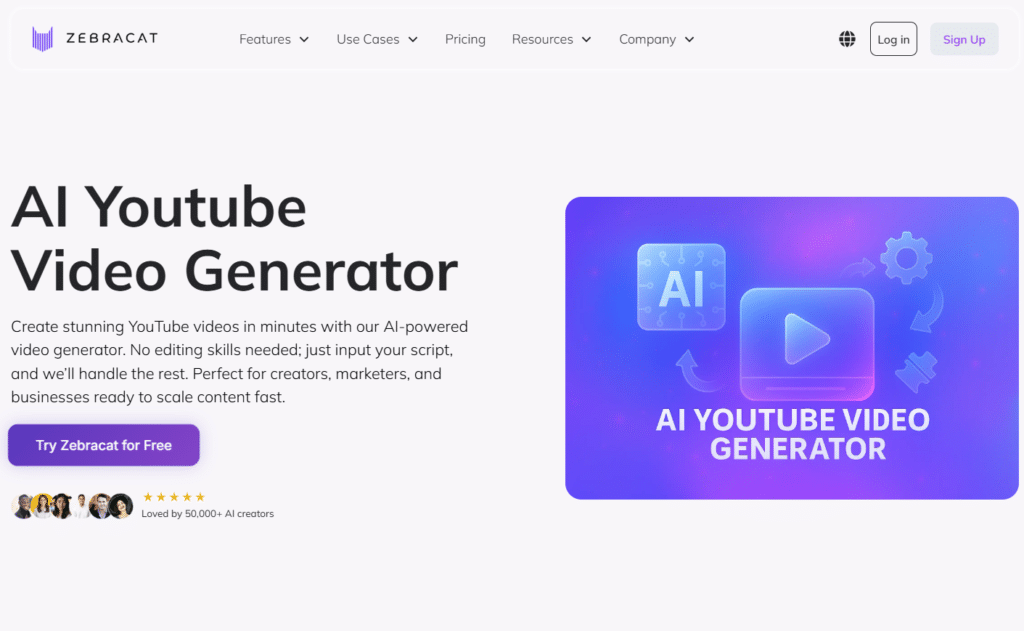
Zebracat transforms existing content such as blog posts and URLs into complete videos with AI-generated visuals, voiceovers, music, and captions.
It helps creators repurpose content efficiently and scale video production without starting from scratch.
4.5
OVERALL RATING
Key Pain Points Zebracat Solves
Highlight Features
Real-World Success
“ 1st AI Video Maker I can Trust!
Im a big believer in video for marketing & education purposes. Unfortunately, I don’t have time to work on video (material collection, editing, etc.) nor starting to interview video editors.
I tried a few platforms but Zebracat was the 1st one that really got the job right.
Time saving, easy, low learning curve – even my very critical partner loved the video for his business!”
Pros and Cons
Integrations and Support
Zebracat operates as a self-contained platform with priority support available in higher plans via email at support@zebracat.ai. No major third-party integrations are highlighted beyond internal AI models and royalty-free stock libraries.
The royalty-free assets ensure your content is safe for YouTube monetization without copyright concerns. Higher tiers offer dedicated assistance for scaling creators and agencies with complex production needs.
Users rate Zebracat 4.5/5 on average, praising the speed of generation, quality of AI avatars, and the ability to scale content production dramatically with minimal resources.
Pricing
Scale your YouTube channel effortlessly!
Zebracat turns scripts into full videos with avatars, voiceovers, and custom branding at lightning speed.
9. Vizard AI – Best for One-Click Video Repurposing into Shorts and Clips
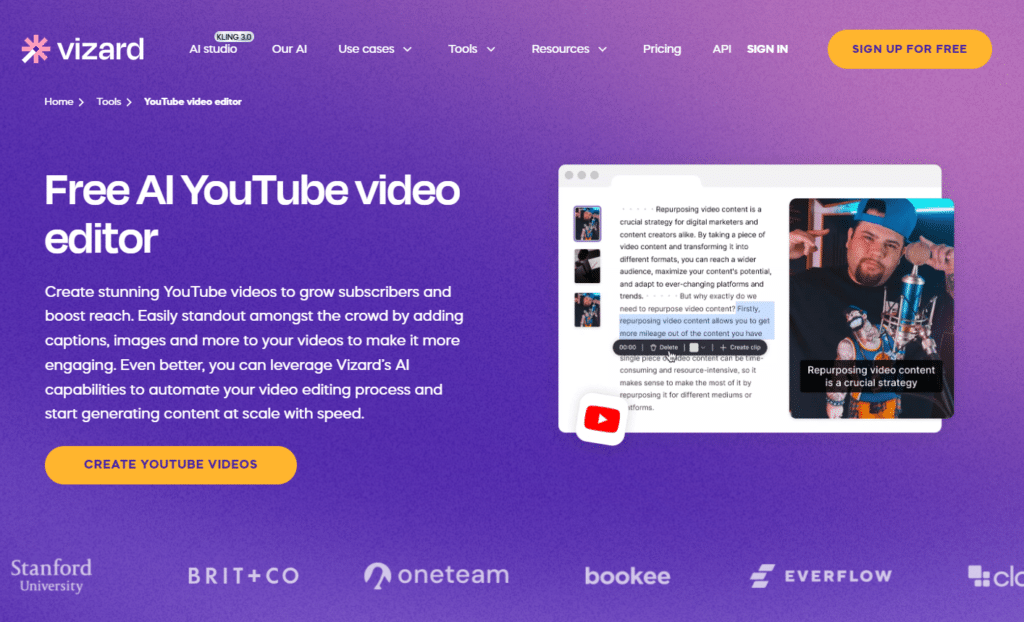
Vizard AI helps creators repurpose long-form content such as podcasts, interviews, and videos into engaging short clips using AI-powered editing.
It automatically identifies key moments and generates shareable content, significantly reducing the time and effort required for manual clipping and repurposing.
4.5
OVERALL RATING
Key Pain Points Vizard AI Solves
Highlight Features
Real-World Success
“ Awesome app for creating short videos!
I think this tool is very helpful for people who want to create and at the same time share short videos in different social medias. I am using this tool for a long time, it has all the needed functionality and tools”
Pros and Cons
Integrations and Support
Vizard AI integrates directly with YouTube for seamless import and publishing workflows. The platform includes team collaboration tools for sharing projects and gathering feedback efficiently.
API access is included in paid plans for developers who want to build custom automation workflows. The Help Center provides FAQs and documentation, while real human customer support assists with complex issues.
Users rate Vizard AI 4.6/5 on average, highlighting the time savings, accuracy of AI clip selection, and translation quality as standout features that differentiate it from competitors.
Pricing
Repurpose one video into 10+ viral shorts!
Vizard AI automatically creates engaging clips, reels, and Shorts with smart trimming and captions.
10. Fliki AI – Best for Effortless YouTube Content Creation
Fliki AI simplifies video creation by turning text, blog articles, and URLs into complete videos with AI-generated visuals, natural voiceovers, and seamless transitions.
Its beginner-friendly workflow enables users to create professional videos quickly with little to no learning curve.
4.5
OVERALL RATING
Key Pain Points Fliki AI Solves
Highlight Features
Real-World Success
“The best AI video generator so far!
Fliki is an amazing app. It only took a few steps to generate an amazing looking videos from stock or ai footages with natural voices.”
Pros and Cons
Integrations and Support
Fliki AI is a web-based platform that works in any browser, with Chrome recommended for optimal performance. Email support is available at support@fliki.ai, with priority assistance for paid subscribers.
The platform integrates smoothly into workflows for YouTube, TikTok, Instagram Reels, and other social platforms through standard MP4 exports. No complex software or hardware requirements—just a browser and internet connection.
Users rate Fliki AI 4.5/5 on average, praising the voice quality, ease of use for beginners, and speed of video generation as the platform’s strongest attributes.
Pricing
Create faceless YouTube videos with ease!
Fliki AI transforms text into high-quality videos with realistic voices and avatars. Perfect for effortless content creation.
11. Bigmotion AI – Best for Automated Faceless YouTube Shorts on Autopilot
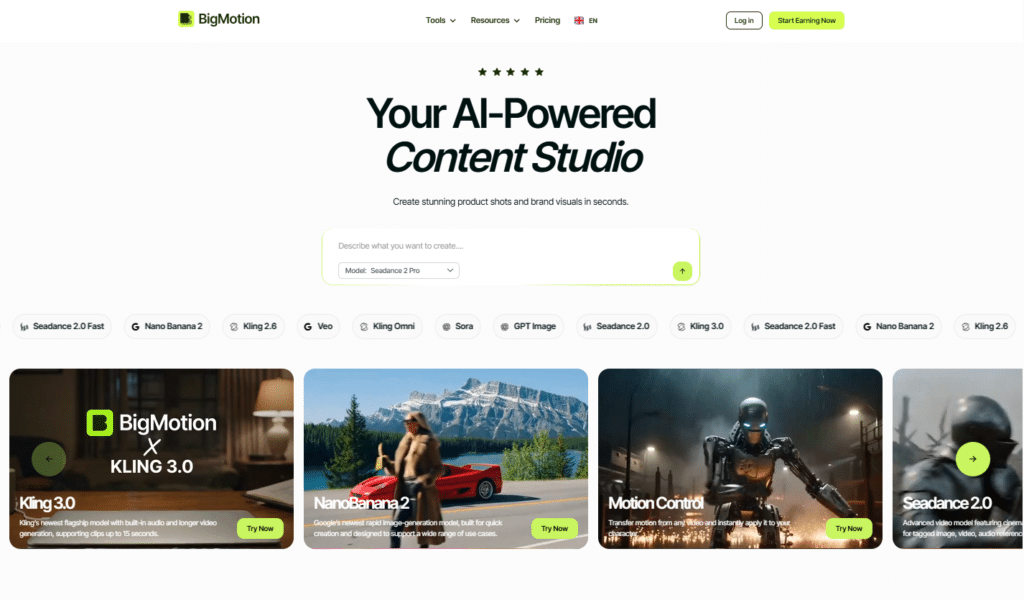
Bigmotion AI helps automate YouTube content creation by generating and publishing videos based on predefined topics, styles, voices, and posting schedules.
Its AI-driven workflow allows creators to streamline repetitive tasks and maintain consistent content production with minimal manual effort.
4.4
OVERALL RATING
Key Pain Points Bigmotion AI Solves
Highlight Features
Real-World Success
“From 0 to 4,000 views in days – Best AI Tool!
BigMotion is an incredible tool for content creators! I started using it just a few days ago and my videos already reached over 4,000 views. It’s perfect for people like me who are busy with school and work but still want to build a professional YouTube channel. The AI handles the editing, voiceovers, and images perfectly. Also, the support team (shoutout to Irina!) is super friendly and really cares about their users. 5 stars!”
Pros and Cons
Integrations and Support
Bigmotion AI connects to your YouTube, TikTok, and Instagram accounts for automatic multi-platform publishing. The Pre-Publishing Edits feature allows last-minute changes to captions, voice, music, or CTAs before auto-posting begins.
Support is available through standard channels for troubleshooting automation issues. The platform respects each platform’s posting limits to prevent account bans while maximizing your content distribution.
Pricing
Run faceless Shorts on complete autopilot!
Bigmotion AI generates and auto-posts viral Shorts daily across YouTube, TikTok, and Instagram.
Key Features to Look For in AI YouTube Automation Tools
When evaluating AI YouTube automation tools, certain features separate the truly useful platforms from overhyped marketing. Here’s what actually matters based on my testing experience:
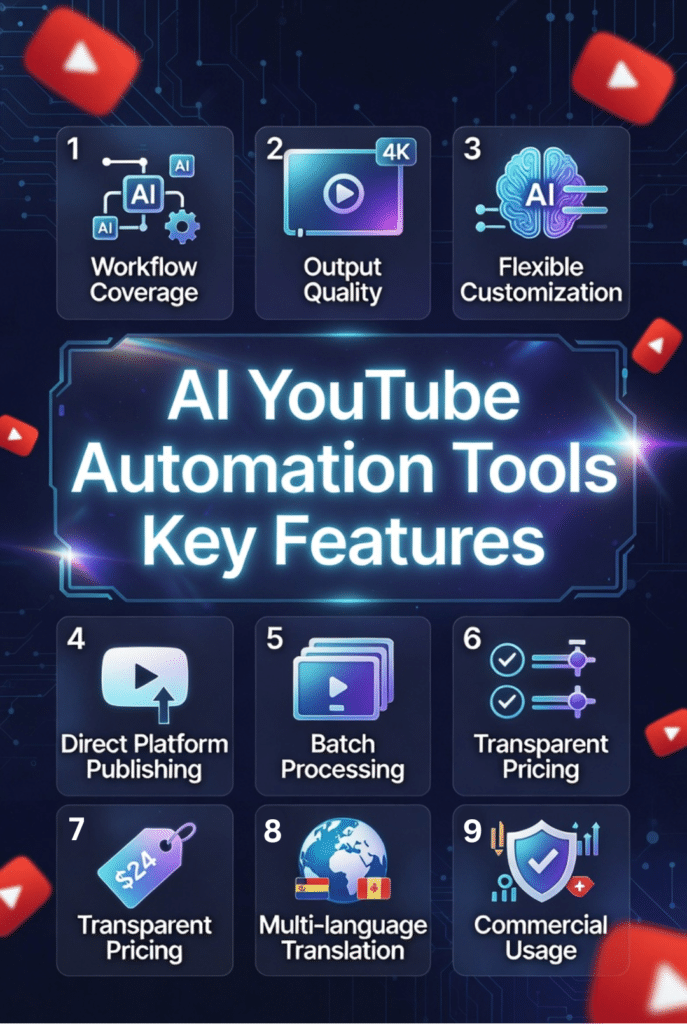
- Comprehensive workflow coverage: The best tools handle multiple aspects of creation—not just editing or just thumbnails. Look for platforms that automate at least 3-4 steps in your workflow to maximize time savings.
- Output quality suitable for monetization: AI-generated content must meet YouTube’s quality standards for monetization. Test whether videos look professional enough to keep viewers watching and attract advertisers.
- Natural-sounding voiceovers: Robotic voices kill retention. Choose tools with realistic AI voices that include proper intonation, pacing, and emotion—or better yet, voice cloning for brand consistency.
- Flexible customization options: Full automation sounds great until the AI makes decisions you hate. Ensure you can adjust scripts, visuals, voices, and timing to match your channel’s unique style.
- Transparent pricing without hidden costs: Watch for credit systems, rendering fees, export charges, and feature paywalls. Calculate your true monthly cost based on realistic usage before committing.
- Multi-language and translation capabilities: Global reach dramatically increases monetization potential. Tools offering 40+ languages with quality dubbing open markets competitors can’t access.
- Direct platform publishing: Manual uploading wastes time. Integration with YouTube for auto-publishing with optimized titles, descriptions, and keywords streamlines your workflow significantly.
- Batch processing and series creation: Creating videos one-by-one doesn’t scale. Look for bulk generation, templates, and series automation that multiply your output without multiplying your effort.
- Commercial usage rights included: Some tools restrict commercial use or require expensive upgrades. Verify that your subscription includes full rights to monetize AI-generated content.
- Reliable customer support and resources: When automation breaks, you need fast help. Prioritize tools with responsive support, comprehensive documentation, and active user communities.
Best Practices for Choosing and Using AI YouTube Automation Tools
After testing dozens of these platforms and consulting with successful automated channel owners, I’ve identified strategies that separate channels that thrive from those that fail despite using the same tools.
1.) Start with one automation area before expanding
Don’t try to automate everything simultaneously. Pick your biggest bottleneck—maybe editing or scripting—master one tool, then add others gradually as you build confidence and systems.
I recommend new creators start with research tools like Tube Atlas first. Knowing what content will succeed matters more than production speed. Once you’re creating proven winners, then accelerate production with automation.
2.) Always add human oversight to AI outputs
Automation should enhance your creativity, not replace your judgment. Review AI-generated scripts for accuracy, check that visuals match your message, and ensure voiceovers sound natural before publishing.
The channels that grow fastest use AI for the heavy lifting while applying human polish for strategic decisions, humor, personality, and quality control. Fully hands-off automation usually produces mediocre content.
3.) Test tools before committing to annual plans.
Most platforms offer free trials or monthly options. Use them. Create 5-10 complete videos with each tool before paying for a year. Many tools promise more than they deliver—testing reveals the truth.
I wasted money on annual subscriptions to tools I stopped using within 60 days because they didn’t fit my actual workflow. Learn from my expensive mistakes and verify fit before committing.
4.) Focus on one channel until it works, then scale
The temptation to launch multiple automated channels simultaneously is strong. Resist it. Master one channel’s strategy, posting schedule, audience, and monetization before replicating the system elsewhere.
I know creators who launched five faceless channels at once and abandoned all of them within three months because none gained traction. Meanwhile, focused creators who perfected one channel built sustainable businesses they could replicate later.
5.) Stay updated on platform policy changes
YouTube’s automation guidelines evolve constantly. What’s acceptable today might violate terms tomorrow. Join creator communities, follow official YouTube channels, and regularly review content policies to avoid devastating strikes or demonetization.
6.) Combine multiple tools for complete workflows
No single tool perfectly handles every aspect of YouTube automation. Successful creators build custom workflows combining 3-5 specialized tools—research from Tube Atlas, thumbnails from Pikzels, editing from Gling, voiceovers from Murf.
My personal workflow uses different tools for research, scripting, production, and optimization. This modular approach delivers better results than relying on one all-in-one platform.
Key Takeaways
Ready to Automate Your YouTube Success?
After extensive testing and real-world use, Tube Atlas stands out as my top recommendation for creators serious about YouTube growth. Its research capabilities ensure you’re creating content people actually want—the foundation every successful channel needs.
But here’s the truth: no single tool magically transforms your channel overnight. Success comes from strategically combining the right tools for your specific workflow, maintaining human oversight for quality and personality, and consistently applying data-driven insights to your content strategy.
The creators thriving with automation in the AI landscape aren’t the ones trying to eliminate all work—they’re the ones intelligently leveraging AI to multiply their output while focusing human effort on strategy, creativity, and audience connection.
Which of these automation challenges hits hardest for your channel right now? Time-consuming editing? Weak thumbnails? Inconsistent posting? Pick the tool that solves your biggest bottleneck and start there.
Start Growing Your Channel Today
Stop wasting hours on tasks AI can handle in minutes. Choose the right automation tool for your channel and accelerate your YouTube growth starting today.