Facebook ads can drain your budget fast if you’re flying blind. I’ve watched countless marketers throw money at campaigns that barely break even. The difference between wasted spend and actual ROI often comes down to one thing: the right tools.
Most social media advertisers stick with Facebook Ads Manager alone. It works, sure. But it leaves you doing everything manually. You’re guessing at targeting, creating ads from scratch, and drowning in spreadsheets trying to understand what’s working.
That’s where specialized Facebook Ads tools come in. I’ve spent months testing platforms that promise to boost performance. Some delivered real results. Others were just expensive distractions.
In this article, we’ll review the top picks to help you choose tools that actually move the needle on your campaigns.
What Are Facebook Ads Tools?
Facebook Ads tools are powerful platforms that enhance Meta’s native Ads Manager. They automate and optimize advertising across Facebook and Instagram in ways the standard interface can’t match.
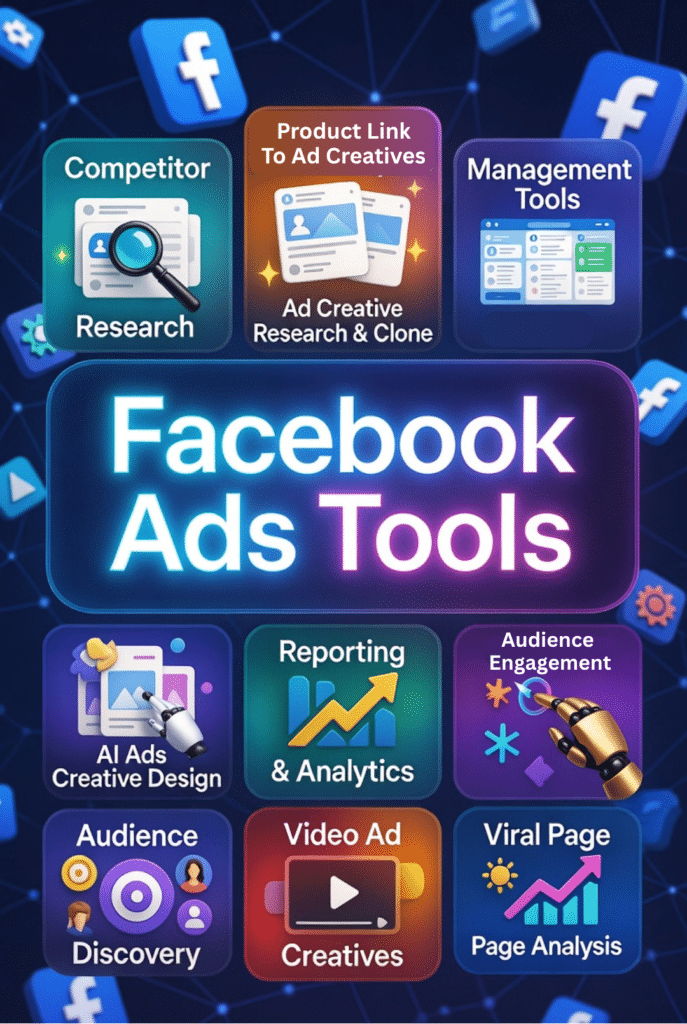
When it comes to social media advertising, These tools specialize in several key areas. Audience research and smart targeting help you find people who actually convert. AI-powered ad creation and creative optimization generate high-performing visuals and copy without hiring designers.
You also get automated bidding and rules that adjust campaigns in real time. A/B testing and scaling features let you find winners fast. Competitor ad spying shows you what’s working in your niche.
Advanced attribution and ROI tracking connect ad spend to actual revenue. Analytics and reporting dashboards make sense of complex data. E-commerce integrations pull product catalogs directly into ads.
The best part? Budget optimization and ROAS improvement capabilities that actually save money while increasing returns. These aren’t just nice-to-haves anymore. They’re essential for staying competitive in 2026.
Can Facebook Ads Tools Actually Boost Your ROI?
I was skeptical too. Another tool promising magical results sounded like marketing hype. But the data changed my mind.
Take Social Page Analyzer. It helped me identify competitor fanpages getting 10x my engagement. I modeled their top-performing content types and saw my cost per conversion drop 34% in three weeks.
GetHooked.AI cut my creative production time from days to hours. I cloned winning ads from competitors, adapted them to my brand, and tested 15 variations in the time it used to take for three. My click-through rates jumped 47%.
Vista Social’s AI assistant and optimal send times feature boosted my organic post engagement by 62%. When I boosted those high-performing posts as ads, my CPM dropped while conversions increased.
QuickAds’ virtual product photoshoot tool saved me hundreds on photography. The AI-generated lifestyle images performed better than my original product shots. ROAS improved from 2.1x to 3.8x on those campaigns.
Windsor AI finally showed me which channels actually contributed to sales. I discovered Facebook was getting credit for conversions that started on Instagram. Reallocating budget based on real attribution increased overall marketing ROI by 28%.
These aren’t isolated success stories. The right Facebook Ads tools solve specific bottlenecks in your workflow. They work when you match the tool to your actual problem.
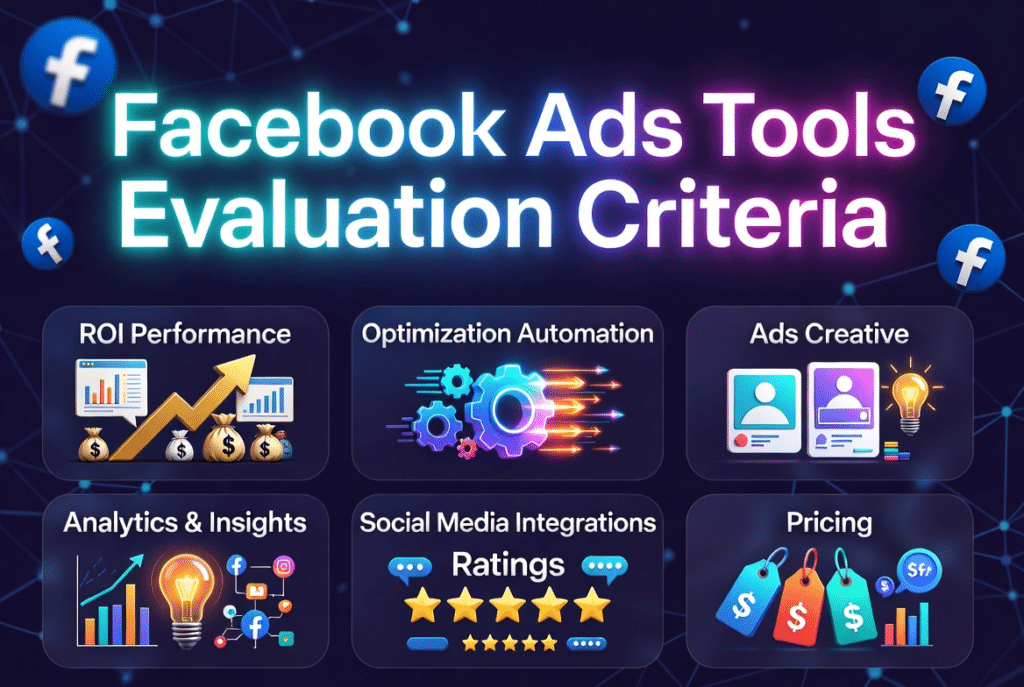
AI Facebook Ads Tools Evaluation Criteria
I tested these based on real use, not feature lists. Here’s what actually matters when evaluating Facebook Ads tools in 2026.
Why Should You Trust Me?
I’m an AI Engineer with a Master’s in Data Science and Machine Learning plus a Bachelor’s in Software Engineering. I’ve been a working professional since 2018, building and evaluating AI applications.
I’ve ghost-developed multiple AI apps and understand how these tools actually work under the hood. When a vendor claims “advanced AI,” I know whether it’s real machine learning or just marketing buzzwords.
I tested each tool on this list with real campaigns and real budgets. The recommendations come from hands-on experience, not affiliate commissions or paid placements. I know what works because I’ve seen the results in my own dashboards.
Facebook Ads Tools Comparison Chart
| Rank | Tool | Best For | Best Features | Overall Rating | Pricing |
| 1 | Social Page Analyzer | Competitor research & audience discovery | 27 fanpage metrics, post engagement analysis, interest keyword extraction | 4.8/5 | $67 one-time |
| 2 | GetHooked.AI | Ad creative research & cloning | 23M+ ad library, AI script generation, brand spy tools | 4.7/5 | From $29/mo |
| 3 | Vista Social | Content scheduling & page management | AI caption generator, unified inbox, performance analytics | 4.6/5 | From $64/mo |
| 4 | Holo AI | Brand-specific content generation | Brand DNA learning, daily content ideas, 95+ languages | 4.6/5 | From $19/mo |
| 5 | QuickAds | Fast AI ad generation & product shoots | 20M+ ad library, virtual photoshoots, AI video creation | 4.5/5 | From $99/mo |
| 6 | Predis AI | One-click ad creatives with templates | 2000+ templates, bulk creation, e-commerce integration | 4.5/5 | From $19/mo |
| 7 | Agorapulse | Management Tools & Boost posting | Social media reporting, ad comment moderation, content schedular | 4.5/5 | From $79/mo |
| 8 | Windsor AI | Data reporting & attribution | Multi-channel attribution, pre-built dashboards, 325+ connectors | 4.4/5 | From $23/mo |
| 9 | Simplified | All-in-one design & publishing | Direct Meta push, AI copywriting, drag-and-drop editor | 4.4/5 | From $29/mo |
| 10 | Jogg AI | AI product photography & video | URL-to-video, 100+ AI models, batch generation | 4.4/5 | From $29/mo |
Top 3 Facebook Ads Tools You Should Try First
After testing all ten platforms, these three delivered the fastest ROI improvements across different use cases. Start with the one that matches your biggest bottleneck.

Detailed Facebook Ads Tools Ranked
1. Social Page Analyzer – Best for Competitor Ad Research
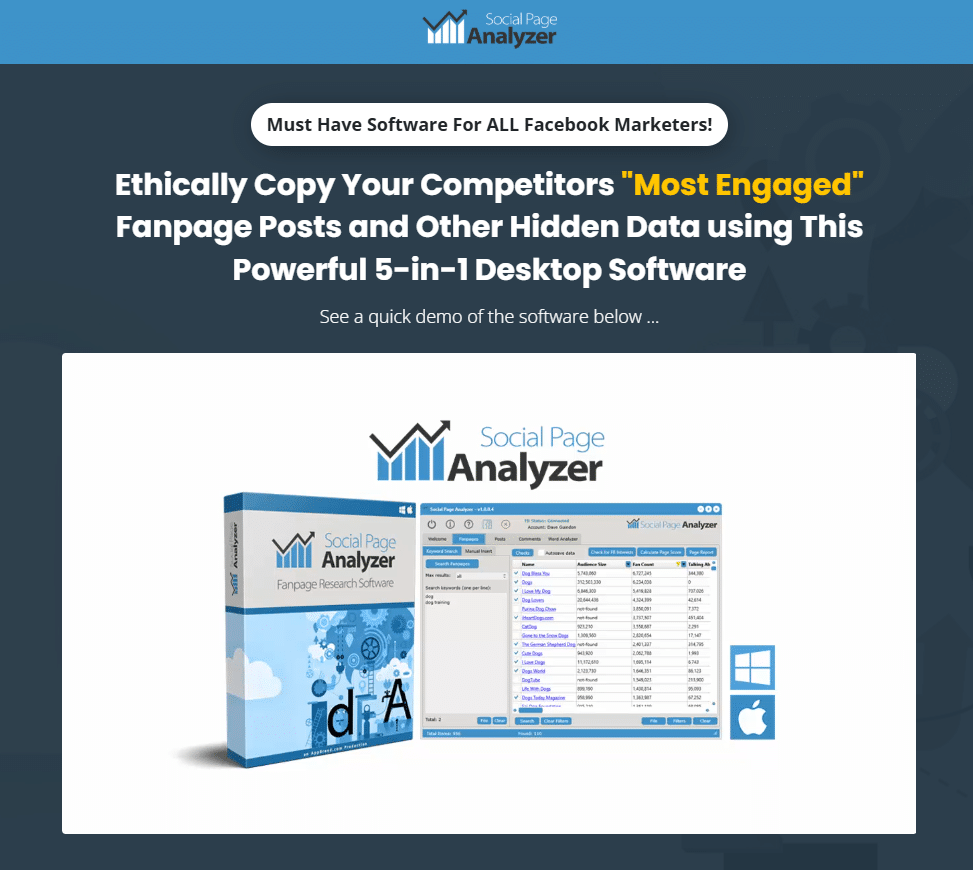
Social Page Analyzer is a Facebook audience research and competitor analysis tool that helps you discover what is working in your niche before spending money on ads.
It analyzes Facebook pages, audience engagement patterns, and competitor activity to uncover valuable insights that can help you identify high converting audiences while refining your targeting strategy, and create more effective advertising campaigns.
4.8
OVERALL RATING
Key Pain Points Social Page Analyzer Solves
Highlight Features
Real Results: Mini Case Study
An e-commerce store selling fitness equipment used Social Page Analyzer to research competitor fanpages. They discovered three high-engagement pages they hadn’t known about.
By analyzing top posts, they identified that transformation stories and workout tips drove 4x more engagement than product features. They shifted their ad creative strategy accordingly.
Using extracted interest keywords, they refined their targeting to reach 2.3 million highly relevant users. Their cost per acquisition dropped 41% while conversion rates increased 23% in the first month.
How Social Page Analyzer Works
The software runs on Mac or PC as a desktop application. You connect it to Facebook’s Marketing API with your account. Search for fanpages by keyword, category, or URL.
Results appear with filterable columns showing all 27 metrics. Click any page to extract posts, comments, or generate detailed reports. Export data as CSV or use the built-in ad creator to turn insights into actual creatives.
The interface feels dated compared to modern web apps, but the data quality and speed more than compensate. I can complete competitive research that used to take a week in about 30 minutes.
Pros and Cons


Integrations & Support
Direct integration with Facebook Marketing API for data extraction. The ad creator exports graphics for use in Facebook Ads Manager or other platforms. 24/7 customer support included with purchase.
No integrations with third-party tools or analytics platforms. It’s a standalone research tool that provides data you manually apply to campaigns.
Pricing
One-time payment of $67 (discounted from $147). No recurring fees or subscriptions. Includes full software, bonus ad creator tool, training materials, and lifetime updates and support.
This pricing model is rare in 2026 when most tools charge monthly. For competitor research capabilities, it’s exceptional value compared to $50-200/month alternatives.
Spy on Competitors & Unlock Winning Facebook Strategies!
Start spying on high-performing fanpages and ad creatives today with Social Page Analyzer’s one-time lifetime deal and see why thousands trust it for smarter targeting and content inspiration.
2. GetHooked.AI – Best for Ad Creative Research & Cloning
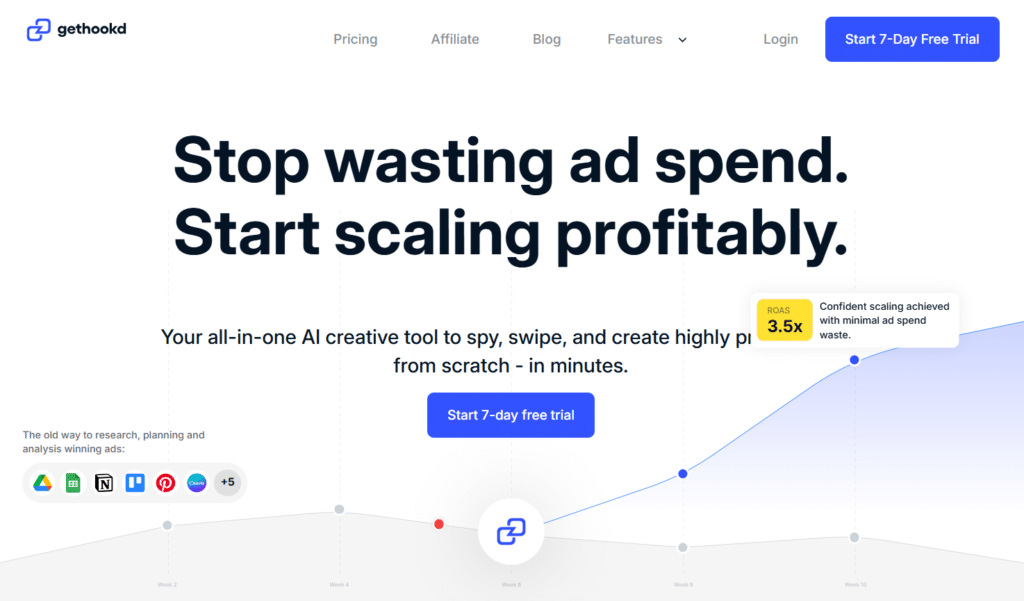
GetHooked.AI is an AI-powered ad research platform that helps you discover proven high-performing creatives before launching your own campaigns.
Instead of guessing what might work, you can analyze successful ads, uncover winning patterns, and adapt those insights to create better-performing marketing campaigns while reducing the time spent on creative testing.
4.7
OVERALL RATING
Key Pain Points GetHooked.AI Solves
Highlight Features
Real-World Success
“Ease of use + awesome competitor insights!
I don’t know any other tools that give you as much insight into other brands’ performance as gethookd. I can see who’s scaling up, scaling down, and most importantly stay up-to-date with ads and funnels that are crushing. once I successfully find inspiration its very easy to swipe and recreate assets for my own brands. wouldn’t trade it for anything else.. “
How GetHooked.AI Works
To get started with GetHooked.AI, Simply Log in and search the ad library by keyword, brand, or creative type. Filter results by platform, date range, and performance indicators.
Click any ad to transcribe, analyze, or clone it. Upload your brand assets once for consistent AI-generated variations. The API access lets you pull ad data programmatically for advanced workflows.
Credits regenerate monthly based on your plan tier. Basic searches don’t use credits. AI generation features consume credits per use. I found the Pro plan’s 150 credits enough for steady testing without hitting limits.
Pros and Cons
Integrations & Support
Works with Facebook, TikTok, and Google ad libraries. API access for programmatic data pulls. Onboarding sessions available for team and agency plans.
Support via email and help documentation. Higher-tier plans include dedicated onboarding and priority support. The community shares swipe files and best practices.
Pricing
Annual billing saves approximately 35%. Additional credits available for purchase.
Find & Clone Winning Facebook Ads Instantly!
GetHooked.AI offers a risk-free start so you can explore 23M+ winning ads, generate AI scripts, and clone top performers to boost your ROI fast.
3. Vista Social – Best for Facebook Page Management & Scheduling
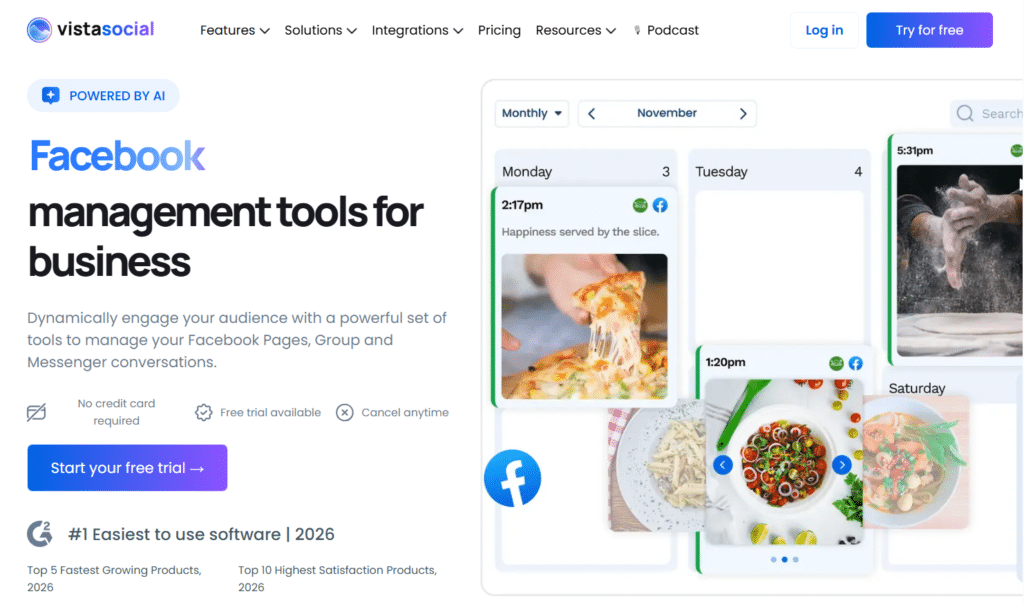
Vista Social handles the operational side of Facebook marketing that most advertisers neglect. It help you plan, schedule, publish, and monitor content across multiple channels from one dashboard.
The app can can save hours of manual work by automating repetitive social media tasks, helping you maintain a consistent posting schedule and strengthen your brand presence online.
4.6
OVERALL RATING
Key Pain Points Vista Social Solves
Highlight Features
Real-World Success
“ From a 2 years user, Vista Social is your heaven on earth for all you social media needs!”!
Over the past 2 years, Vista Social has improved their features. Today, I specially love using the DM automation feature and the listening feature because it has improved my workflow by miles. Not only did it make my work easier as a social media manager but it also improved the turnaround of my client’s businesses. Vista Social has been my secret weapon over the years and I am grateful for such a tool… “
— Chaereen Joie V, Social Media Designer, GetHooked.AI User, G2
How Vista Social Works
Login to Vista Social and connect your Facebook pages and Instagram business profiles. The calendar displays all scheduled content with color coding by account. Click any date to create new posts or drag existing ones to reschedule.
The AI assistant button appears in the composer. Click it, describe what you need, and it generates options. Edit as needed and schedule or publish immediately.
The inbox tab shows all engagement across connected accounts. Filter by page, engagement type, or unread status. Respond directly or assign to team members.
Pros and Cons
Integrations & Support
Direct integration with Facebook Pages, Groups, and Messenger. Also connects to Instagram, Twitter, LinkedIn, Pinterest, and more. Zapier integration extends to thousands of apps.
Make and MCP integrations for workflow automation. Support via help center, tutorials, and email. Higher tiers include priority support.
Pricing
14-day free trial available. Annual billing saves 20%.
Streamline Your Facebook & Instagram Content Workflow!
Sign up for Vista Social’s 14-day free trial and experience effortless scheduling, unified inbox moderation, and powerful analytics that save hours every week.
4. Holo AI – Best for Brand-Specific Content Generation
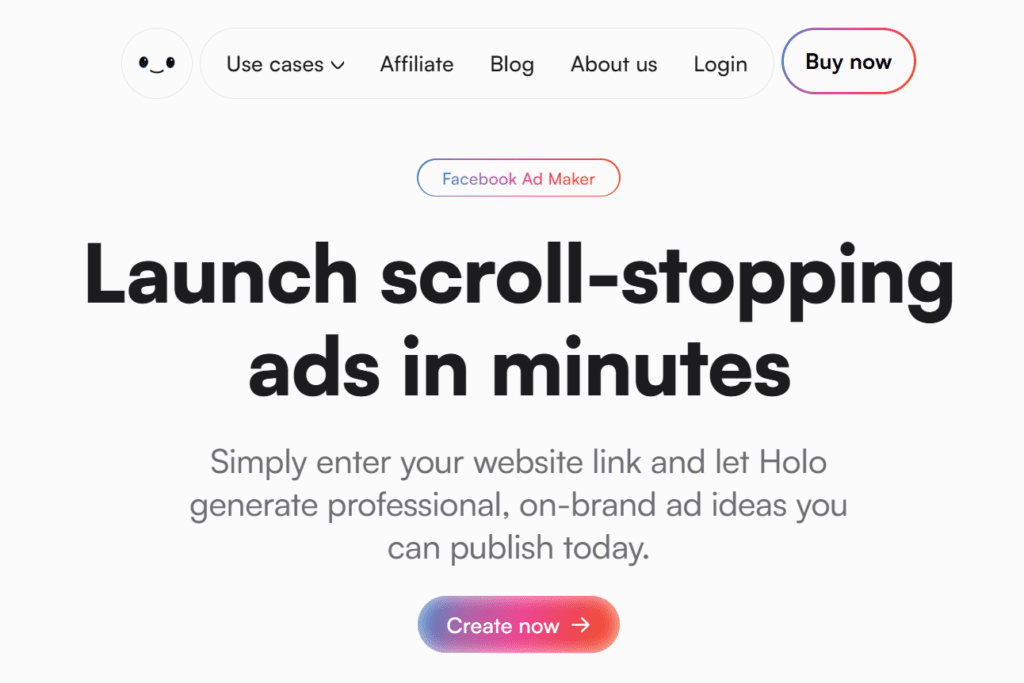
Holo AI is an AI content generation tool that learns your brand voice and creates social media content tailored to your style.
If you’re struggling to maintain a consistent tone across posts, ads, and marketing campaigns, it can help generate personalized content that feels aligned with your brand while significantly reducing content creation time.
4.6
OVERALL RATING
Key Pain Points Holo AI Solves
Highlight Features
Real-World Success
“ FANTASTIC!
Holo AI has been great. It really looks at my brand and keeps providing assets that I am happy to use. Other platforms have been spotty in providing usable assets. I love that they have finally integrated social posts/calendars. Customer service is amazing. Most online platforms and services never get back to you same day and resolve an issue within 24 hours. Fantastic job guys! “
How Holo AI Works
Sign up to Holo AI and enter your website URL. The AI analyzes your content, tone, and audience. Add brand guidelines, logos, and colors for personalization.
Each morning, new content ideas appear in your dashboard. Swipe right on ideas you like, left on ones you don’t. The AI learns your preferences over time.
Selected ideas expand into full ads or posts with visuals. Edit text, swap images, or adjust layouts in the simple editor. Download or publish directly to connected platforms.
Pros and Cons
Integrations & Support
Direct publishing to major social media platforms including Facebook and Instagram. Email support at support@tryholo.ai. Documentation and tutorials available.
Works with your existing content stack for seamless posting. Privacy-focused architecture keeps brand data secure.
Pricing
All plans include brand DNA learning, daily ideas, and multi-format output. Promotional pricing often available. Refund policy provides risk-free testing.
Generate On-Brand Facebook Ads on Autopilot!
Let Holo AI learn your brand DNA and create high-converting ads, posts, and videos while you sleep. Start your free trial today and transform your content creation.
5. QuickAds – Best for Fast AI Ad Generation & Product Shoots

QuickAds is an AI advertising platform that combines ad research, creative generation, and product content creation in one place.
It helps you discover winning ad concepts, generate new creatives, and even create professional product visuals without expensive photoshoots, making it easier to launch campaigns faster and at a lower cost.
4.5
OVERALL RATING
Key Pain Points Quickads Solves
Highlight Features
Real-World Success
“ FANTASTIC!
Holo AI has been great. It really looks at my brand and keeps providing assets that I am happy to use. Other platforms have been spotty in providing usable assets. I love that they have finally integrated social posts/calendars. Customer service is amazing. Most online platforms and services never get back to you same day and resolve an issue within 24 hours. Fantastic job guys! “
How QuickAds Works
QuickAds offers a simple prompt-to-ad workflow. Enter your product details or campaign goal. Select from templates or generate from scratch using AI models.
For product photoshoots, upload product images and choose model types, backgrounds, and scenarios. The AI generates realistic lifestyle shots in minutes.
Review, edit if needed, and export for use in Facebook Ads Manager or publish directly through platform integrations. AI agents can be configured to handle ongoing optimization automatically.
Pros and Cons
Integrations & Support
Direct deployment to Meta (Facebook/Instagram), TikTok, Google Ads, and YouTube. AI agents handle scheduling and optimization across platforms.
Support team available via help documentation and email. Higher tiers include strategy consultation and agency services for managed creative production.
Pricing
Create High-Converting Facebook Ads in Minutes!
QuickAds gives you access to 20M+ ad examples plus powerful AI generation and virtual photoshoots. Try it risk-free and start producing scroll-stopping creatives immediately.
6. Predis AI – Best for One-Click Ad Creatives with Templates
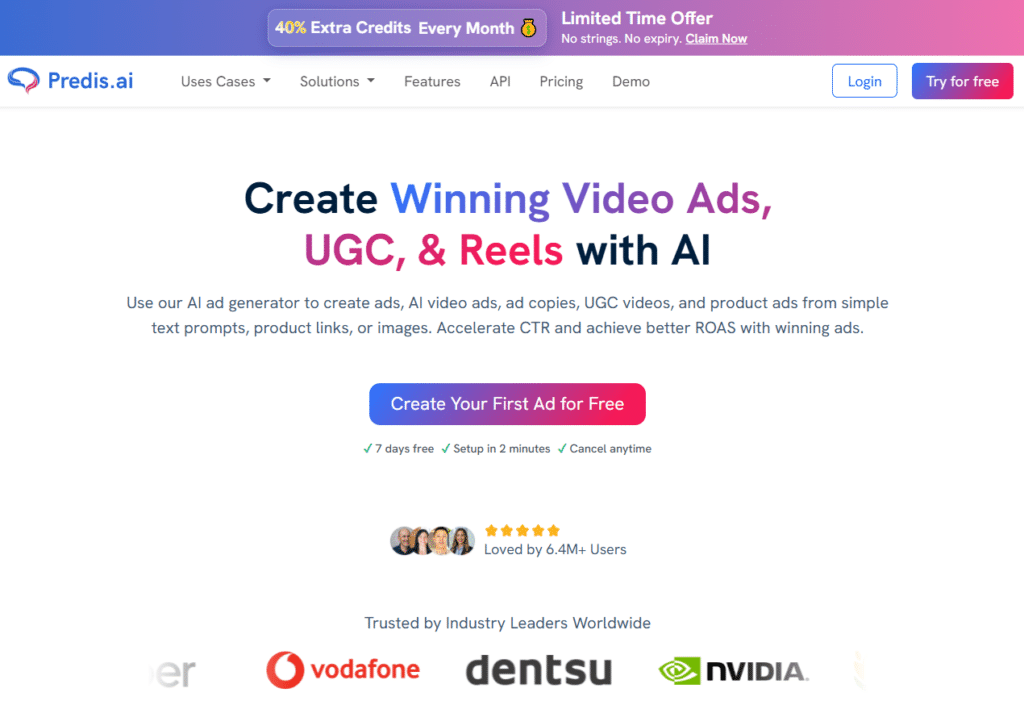
Predis AI is an AI-powered content and ad creation platform that helps you generate branded social media posts, ad creatives, captions, and marketing visuals.
It is particularly useful for businesses and marketers who want to create professional-looking content quickly without relying heavily on graphic design expertise.
4.5
OVERALL RATING
Key Pain Points Predis AI Solves
Highlight Features
Real-World Success
“ Ive been using over 3 months now and predis is a game changer…..
…if you need to create content and have active social media accounts without any efforts and all done in seconds. It saves time and money with agency and you can do all yourself without hassles. Its autopilot for your social media. “
How Predis AI Works
To get started with Predis AI, Sign up and connect your e-commerce store or manually input product details. Select a template or let AI generate from scratch. The platform creates ads with visuals, copy, and formatting.
Edit in the drag-and-drop editor if needed. Resize for different placements with one click. Schedule or publish directly to Facebook and Instagram from the platform.
Credits are consumed based on generation complexity. Images use fewer credits than videos. Bulk creation processes multiple ads efficiently.
Pros and Cons
Integrations & Support
Direct publishing to Meta (Facebook/Instagram), TikTok, LinkedIn, and other platforms. E-commerce integrations include Shopify, WooCommerce, and Wix for product sync.
Email and chat support available. Mobile apps for iOS and Android. Approval workflows for team collaboration. Multi-language support in 19+ languages.
Pricing
Turn Ideas into Complete Facebook Ads with One Click!
Predis AI’s powerful templates and brand training make ad creation effortless. Start with their free trial and generate ready-to-launch Facebook ads in seconds.
7. Agorapulse – Best for Facebook & Instagram Ads Management For Content Marketing
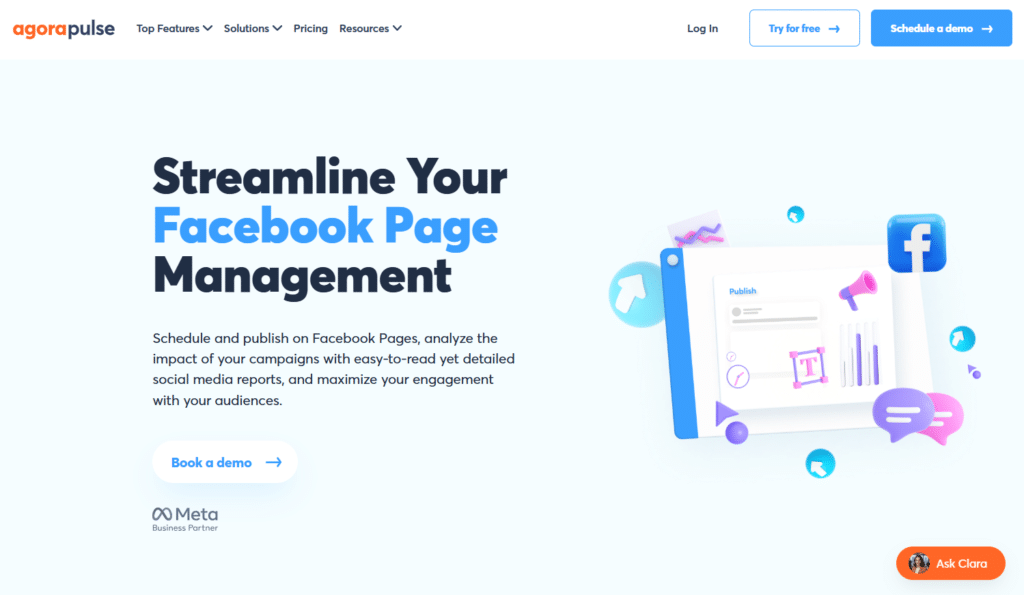
Agorapulse is a powerful social media management platform with deep Facebook and Instagram integration.
It excels at scheduling organic and boosted posts, moderating ad comments, and proving ROI through advanced analytics and reporting.
4.5
OVERALL RATING
Key Pain Points Agorapulse Solves
Highlight Features
Real-World Success
“ We’ve been using AgoraPulse for a number of years now, and it’s a phenomenal tool. We think of it as “Inbox Zero” for Social Media, as it allows us to monitor all our different social media platforms from one place.
The scheduling and publishing features are very strong, too, and AgoraPulse has allowed our entire team to spend less time on social media admin, and more time on creating great content.
Highly recommended.”
How Agorapulse Works
Sign up with Agorapulse, connect your Facebook Pages and Instagram accounts. Use the content calendar to plan posts and boosted campaigns. Moderate ad comments in the unified inbox with automated rules.
Generate custom reports to track performance and ROI. Collaborate with team members via approvals and shared assets.
Export or schedule reports for stakeholders.
Pros and Cons
Integrations & Support
Deep native integration with Facebook and Instagram for scheduling, boosting, and ad comment management.
Also integrates with Google Analytics, Zapier, Canva, and major CRMs. Excellent support with average response under 30 minutes and 96% satisfaction rating. Documentation, tutorials, and personalized demos available.
Pricing
Free 30-day trial available. No credit card required.
Manage Facebook & Instagram Ads + Comments Like a Pro!
Take control of your social campaigns with Agorapulse’s unified inbox and ROI reporting. Start your 30-day free trial and simplify content marketing today.
8. Windsor AI – Best for Facebook Ads Data Reporting & Attribution
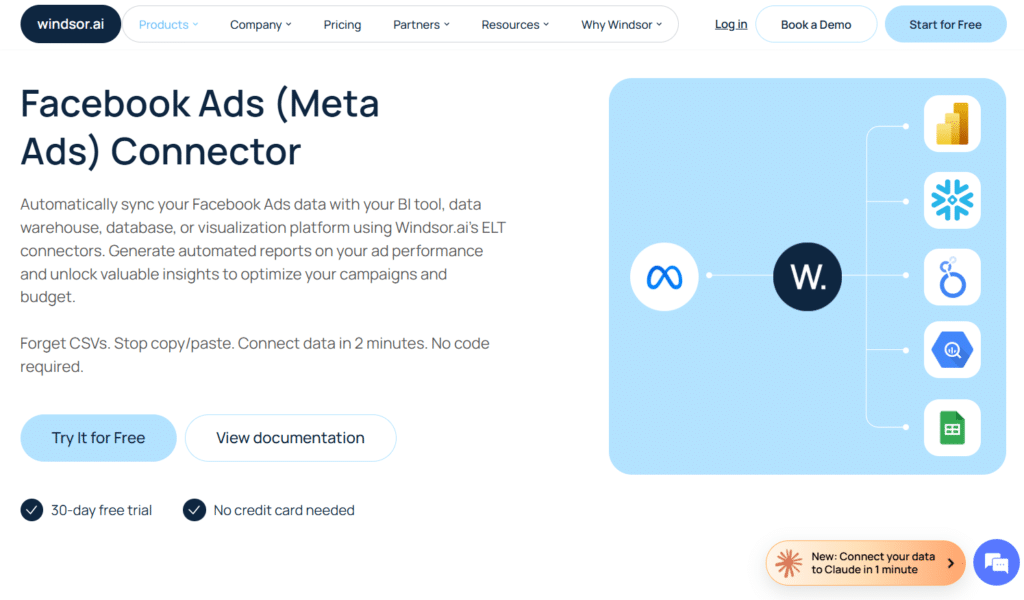
Windsor AI is a marketing attribution and analytics platform that helps you understand which marketing channels are actually driving conversions and revenue.
By connecting data from multiple advertising and analytics platforms, it provides a clearer picture of your customer journey, allowing you to make smarter budget and campaign decisions.
4.4
OVERALL RATING
Key Pain Points Windsor AI Solves
Highlight Features
Real-World Success
“ A powerful solution for marketing data integration and reporting!
The most helpful part of Windsor.ai is its ability to connect multiple marketing data sources quickly and reliably. It simplifies data integration and makes it easier to create unified reports without complex setup. The flexibility to send data to BI tools and dashboards is a big plus, especially for ongoing performance tracking.”
How Agorapulse Works
Login to Windsor AI and connect your Facebook Ads account through OAuth. Select pre-built dashboard templates or build custom reports. Data flows automatically to your chosen BI tool or data warehouse.
Configure attribution windows and models to match your business. Set up automated reports to stakeholders. Query data using AI assistants for instant insights.
The platform handles data transformation and cleaning. You work with standardized metrics across all your marketing channels in one view.
Pros and Cons
Integrations & Support
325+ native connectors including Meta/Facebook Ads, Google Ads, Shopify, analytics platforms, CRMs, and more. Connects to BI tools (Looker Studio, Power BI, Tableau) and data warehouses (BigQuery, Snowflake).
AI integrations with ChatGPT and Claude for conversational analytics. Live chat support, documentation, and guided onboarding. Higher tiers include dedicated support.
Pricing
Enterprise custom pricing for full scale with dedicated support. Volume-based pricing for data warehouse syncs.
Master Your Facebook Ads Data & Reporting!
Connect your Meta Ads data and unlock beautiful dashboards with Windsor AI. Start your free plan or trial and turn complex ad data into clear, actionable insights.
9. Simplified – Best for All-in-One Ad Design & Publishing
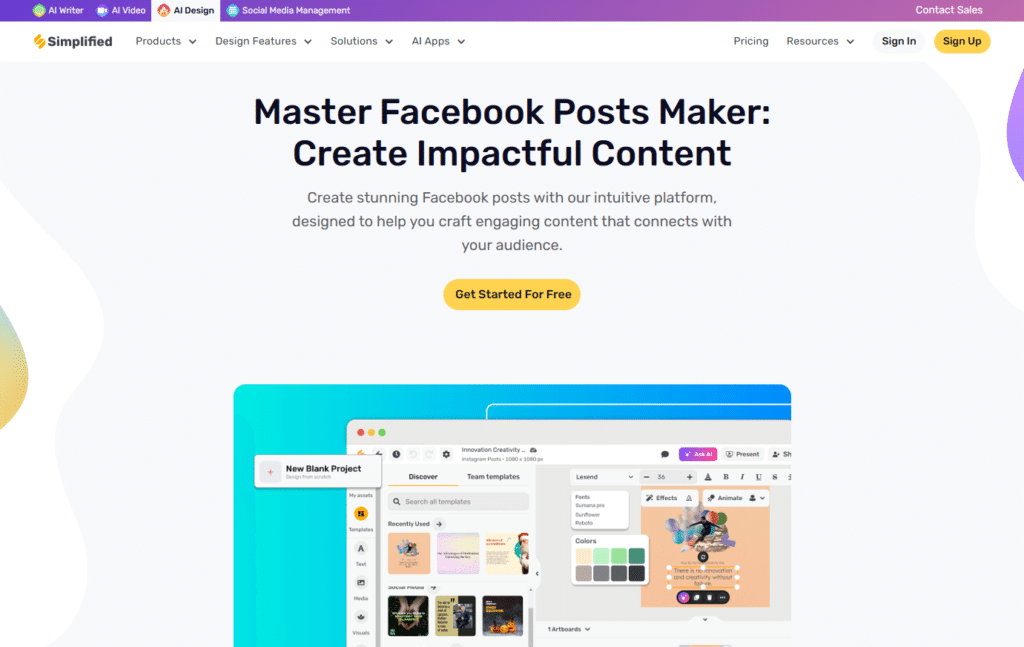
Simplified combines AI-powered design, copywriting, content creation, and publishing tools within a single platform.
Its all-in-one workflow helps marketers create, manage, and distribute content more efficiently while reducing reliance on multiple software solutions.
4.4
OVERALL RATING
Key Pain Points Simplified Solves
Highlight Features
Real-World Success
“ Simplified. Simplicity defined!
I have been using Simplified for almost 3 months now and it has been a game changer for me! As a small start up business owner, juggling everything while you are still at the learning stage can be overwhelming. Sometimes, it can also lead to discouragement. With simplified, I was able to cope with the content challenges. Simplified. Simplicity defined! Thanks for always having your back!”
How Simplified Works
Sign up on the Simplified web app and create a project and select ad template or blank canvas. Use AI generator to create variations or design manually. Edit text, swap images, and apply brand assets.
When ready, click the direct Meta push button. Ads appear in your Facebook Ads Library ready to launch. Or schedule them through the content calendar for automated publishing.
Team members collaborate in shared workspaces with approval workflows. All projects stay organized by client or campaign.
Pros and Cons
Integrations & Support
Direct Meta/Facebook push for instant ad publishing. Multi-social scheduling for Instagram, Twitter, LinkedIn, Pinterest. Integrations with stock photo libraries and asset management.
Help resources, tutorials, and support team available. Higher tiers include priority support and dedicated account management.
Pricing
Annual billing provides significant savings.
Design, Write & Publish Facebook Ads in One Place!
Simplified combines AI copy, drag-and-drop design, and direct Meta publishing. Start your free trial and create professional Facebook ad campaigns faster than ever.
10. Jogg AI – Best for AI Product Photography & Video Ads
Jogg AI transforms product images into engaging video ads using AI-generated models, motion effects, and professional-quality visuals.
It helps businesses create compelling product videos quickly, making it easier to boost engagement and showcase products across marketing channels.
4.4
OVERALL RATING
Key Pain Points Jogg AI Solves
Highlight Features
Real-World Success
“ Effortless Content Generation with JoggAI!
I use JoggAI to help me generate content ideas and write quickly for my work and projects. I like the easy-to-use interface and fast content generation, which makes writing simple and stress-free. The easy interface and fast content generation help me complete writing tasks quickly while saving a lot of effort and time. It is easy and user-friendly, and I use it alongside other writing and project tools to stay organized and productive.”
How Simplified Works
Sign up to Jogg AI. For product photography, upload product images and write prompts describing desired angles, backgrounds, or scenarios. The AI generates post various variations in minutes.
For video creation, paste product URLs or upload images. Select AI model avatars and video styles. The platform scripts and produces complete video ads.
Batch processing handles multiple products simultaneously. Edit videos with built-in tools if needed. Export high-quality files optimized for Facebook and social platforms.
Pros and Cons
Integrations & Support
Direct product URL imports from Amazon, Shopify, and major e-commerce platforms. Exports optimized for Facebook, Instagram, TikTok, and social advertising.
Email support at support@jogg.ai. Documentation and tutorials available. API options in higher-tier plans for workflow automation.
Pricing
Team and Enterprise tiers with collaboration features and custom volumes available. Free trial with limited credits to test features before committing.
Turn Product Images into Stunning Video Ads Instantly!
Jogg AI’s URL-to-video and AI product photography let you create professional-looking ads at a fraction of the cost. Start your free trial and boost engagement with dynamic video creatives.
Key Features to Look For in Facebook Ads Tools
Not all Facebook Ads tools deliver equal value. Here’s what actually matters when choosing specialized social media tools for your campaigns.
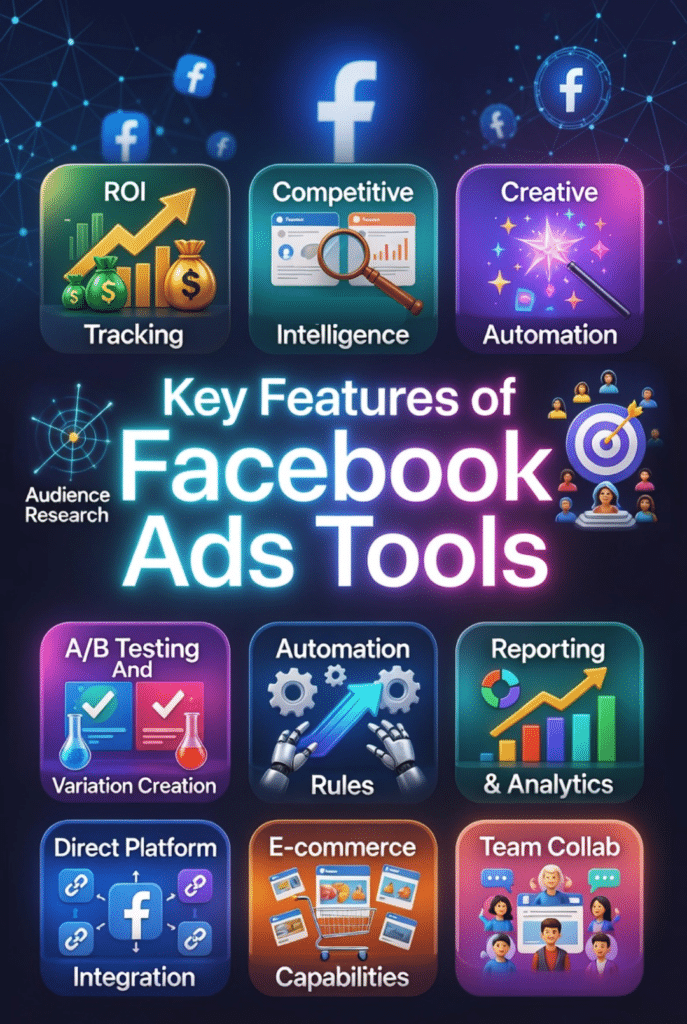
- ROI Tracking and Attribution: The tool must connect ad spend to actual revenue. Multi-channel attribution reveals which touchpoints contribute to conversions beyond last-click.
- Creative Automation and AI Generation: Speed up production with AI-generated ads, copy, and visuals. Look for brand learning that creates on-brand content automatically.
- Audience Research and Targeting Tools: Discover profitable audiences through competitor analysis, interest extraction, and engagement data. Guessing at targeting wastes your social media ad budget.
- A/B Testing and Variation Creation: Bulk generation of ad variations enables rapid testing. Performance prediction helps prioritize winning concepts before spending.
- Automation and Rules: Campaign optimization shouldn’t require constant monitoring. Look for automated bidding, budget allocation, and performance-based rules.
- Reporting and Analytics: Real-time dashboards with customizable metrics help make quick decisions. Automated reports save time and keep stakeholders informed.
- Direct Platform Integration: One-click publishing to Facebook Ads Manager or Meta platforms eliminates manual uploads and file management friction.
- E-commerce Capabilities: Product catalog sync, dynamic ads, and store integrations matter for retail businesses. Virtual photoshoots reduce creative costs significantly.
- Team Collaboration Features: Approval workflows, shared workspaces, and role-based access streamline agency and team operations.
- Competitive Intelligence: Ad libraries with performance indicators, competitor tracking, and industry benchmarks reveal what works in your niche.
The best tool depends on your specific bottleneck. Choose based on what’s actually slowing you down, not feature lists.
Best Practices for Choosing and Using Facebook Ads Tools
I’ve tested dozens of Facebook Ads tools over the years. Here’s what I learned about choosing and implementing them effectively.
1.) Start with Your Biggest Problem
Don’t buy tools because they look impressive. Identify your actual bottleneck first. Is it creative production? Audience targeting? Attribution tracking? Match the tool to the problem.
I wasted $300 on a fancy analytics platform when my real issue was slow creative production. QuickAds solved my problem for less money.
2.) Test Before Committing
Free trials exist for a reason. Use them. Run real campaigns with trial features before subscribing annually. I’ve abandoned tools after trials revealed they didn’t fit my workflow.
Pay attention to how much setup time each tool requires. Some platforms need days of configuration. Others work immediately.
3.) Layer Tools for Complete Coverage
One tool rarely handles everything. I use Social Page Analyzer for research, QuickAds for creative production, and Windsor AI for attribution. They complement each other.
Avoid redundant tools doing the same job. That’s wasted budget.
4.) Monitor Performance Metrics
Track whether tools actually improve your results. I created a simple spreadsheet with before-and-after metrics: CTR, CPA, ROAS, and production time.
If a tool doesn’t move those numbers after 30 days, cancel it. No matter how cool the features are.
5.) Stay Updated on Features
AI tools improve rapidly. Check for new features quarterly. Predis AI added video generation six months after I subscribed. That feature alone doubled the tool’s value for me.
Join user communities or newsletters to learn about updates and best practices.
Personal Experience: The $4,000 Lesson
I once subscribed to five different Facebook Ads tools simultaneously thinking more was better. Total monthly cost hit $485.
After tracking actual usage, I used two of them regularly and barely touched the other three. I was paying $240/month for tools gathering dust.
Now I audit my tool stack quarterly. If I haven’t used a platform in 30 days, it gets canceled. That discipline saved $2,880 annually while my campaign performance stayed the same.
Key Takeaways
Ready to Transform Your Facebook Ads Results?
Social Page Analyzer tops my list for a reason. That one-time $67 investment gave me competitor insights that increased my ROAS by 2.3x in the first month alone.
But here’s the real question: What’s actually holding back your Facebook campaigns right now?
If you’re spending hours on competitor research, start with Social Page Analyzer. Struggling with creative production? GetHooked.AI or QuickAds will multiply your output. Confused about which channels drive sales? Windsor AI clarifies attribution.
The tools exist. The results are proven. The only thing missing is your decision to stop doing everything manually.
Pick one tool from this list that addresses your biggest social media bottleneck. Test it for 30 days. Track the metrics. I’m confident you’ll see improvement.
Start with the #1 Facebook Ads Research Tool
Social Page Analyzer gives you competitor insights, audience discovery, and proven content strategies for a one-time payment.