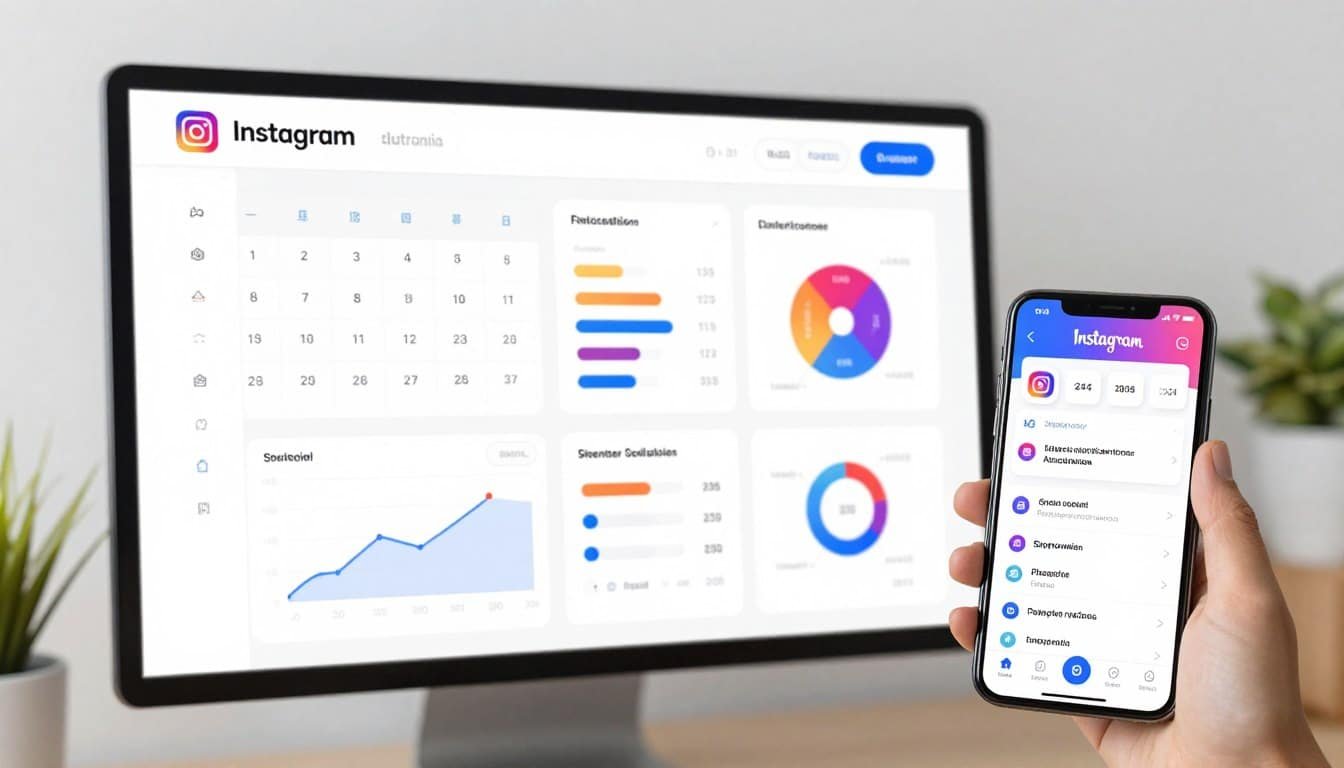
Managing an Instagram account in 2026 feels like juggling flaming swords while riding a unicycle. You need consistent posts, engaging Reels, perfect hashtags, timely responses to DMs, and endless analytics tracking. It’s exhausting.
I’ve been there. As someone who’s managed multiple Instagram accounts for clients and my own projects, I know that manual posting eats up hours you don’t have. That’s where Instagram automation tools become absolute lifesavers.
These platforms handle the heavy lifting so you can focus on strategy and creativity. From AI-powered content creation to smart scheduling and deep analytics, the right automation tool transforms how you grow on Instagram.
In this article, we’ll review the top picks to help you choose.
What Are Instagram Automation Tools?
Instagram automation tools are specialized software platforms designed to streamline your social media management. These tools handle repetitive tasks like content scheduling, post publishing, hashtag research, and performance analytics without constant manual input.
Modern automation platforms go way beyond basic scheduling. They now include AI-powered content creation, automated DM responses, advanced audience insights, and direct Instagram API integration for safe, compliant posting.
The best Instagram automation tools combine multiple features into one dashboard. You can plan your content calendar weeks ahead, generate captions with AI, discover trending hashtags, analyze what’s working, and respond to engagement from a unified inbox.
These platforms respect Instagram’s terms of service by using official APIs rather than risky third-party bots. This means your account stays safe while you automate the time-consuming parts of Instagram management.
Why You Need Instagram Automation Tool Today
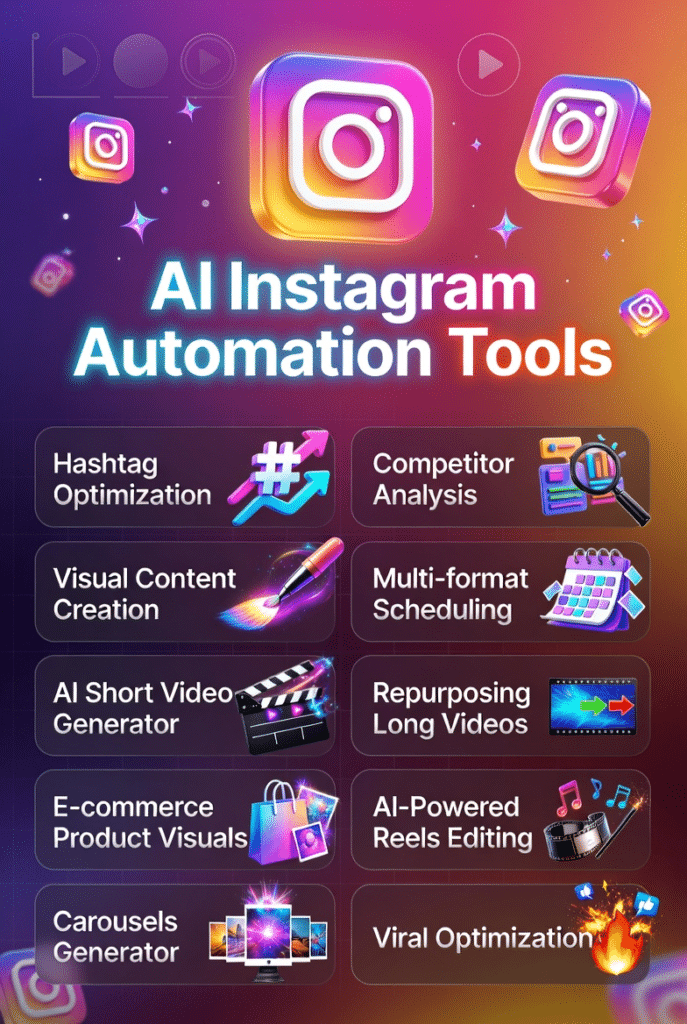
The Instagram landscape has changed dramatically. What worked in 2025 doesn’t cut it anymore. The platform favors accounts that post consistently, engage authentically, get followers and leverage Reels effectively. Doing all this manually? Nearly impossible.
I learned this the hard way when managing three client accounts simultaneously. I was spending 4-5 hours daily just on Instagram tasks. My weekends disappeared into content creation marathons. Something had to change.
Instagram automation tools solve the time crunch problem. They let you batch-create content on Sunday afternoon and schedule it for the entire week. You maintain posting consistency without being chained to your phone at optimal posting times.
But time savings are just the beginning. These tools analyze when your audience is most active and automatically post during peak engagement windows. They track which hashtags drive real reach versus vanity metrics.
The AI capabilities have become genuinely impressive. Modern automation platforms can generate caption ideas, suggest trending Reels formats, and even create complete posts from simple prompts. This speeds up your creative process without sacrificing quality.
For businesses, the ROI is clear. Automation tools help you scale follower growth, boost engagement rates, and track conversions from Instagram traffic. You get professional-level analytics without hiring a full-time social media manager.
The bottom line? Instagram automation isn’t about gaming the system. It’s about working smarter so you can focus on strategy, creativity, and building genuine connections with your audience.
Instagram Automation Tools Evaluation Criteria
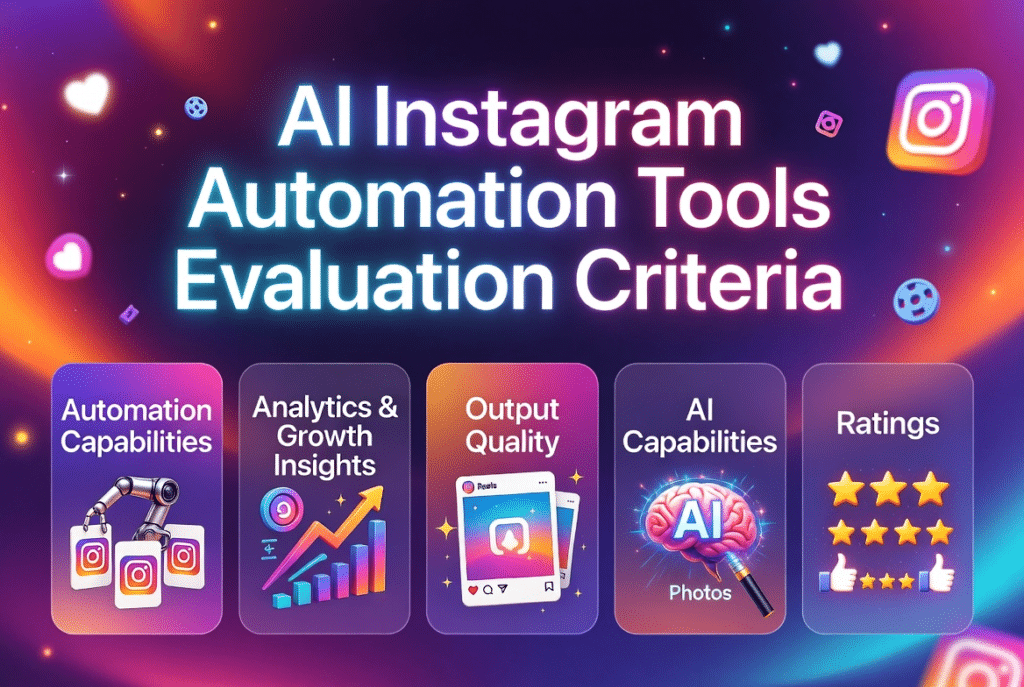
I tested these Instagram automation tools based on real-world use over several weeks. My evaluation focused on six critical factors that matter most for actual Instagram growth.
Why Should You Trust Me?
I’m an AI Engineer with a Master’s in Data Science and Machine Learning and a Bachelor’s in Software Engineering. I’ve been a working professional since 2018, developing AI applications and understanding how these tools function under the hood.
I’ve ghost-developed several AI apps, meaning I know exactly how AI content generation, automation algorithms, and API integrations work from a technical perspective. This isn’t marketing fluff or surface-level testing.
When I review Instagram automation tools, I’m analyzing the actual AI models being used, the quality of their training data, and the reliability of their automation infrastructure. I understand what makes a tool genuinely useful versus just well-marketed.
I test these platforms hands-on with real Instagram accounts, tracking actual results over weeks rather than judging based on feature lists. My recommendations come from practical experience, not sponsored partnerships.
Instagram Automation Tools Comparison Table
| Rank | Tool | Best For | Best Features | Overall Rating | Pricing |
| 1 | Flick Social | Hashtag optimization and analytics-driven growth | AI assistant Iris, advanced hashtag research, performance tracking | 4.8/5 | From £11/month |
| 2 | Vista Create | AI visual content creation and design customization | AI post generator, video creation, drag-and-drop editor | 4.7/5 | From $10/month |
| 3 | Agorapulse | Comprehensive management and unified inbox engagement | Social inbox, advanced reporting, product tagging | 4.7/5 | From $79/month |
| 4 | Vista Social | Visual content planner & multi-format scheduling | Visual content planning of post, reels and carousels | 4.6/5 | From $79/month |
| 5 | Predis.AI | Fast AI content creation and competitor analysis | AI post generator, carousel maker, competitor insights | 4.6/5 | From $19/month |
| 6 | InVideo AI | AI-powered Reels and viral video content | Prompt-to-Reel generator, cinematic effects, viral hooks | 4.6/5 | From $17/month |
| 7 | SellerPic AI | E-commerce product visuals and sales-focused posts | Product-to-post conversion, sales copy generation, Shopify sync | 4.5/5 | From $29/month |
| 8 | Vizard.AI | Repurposing long videos into Instagram Reels | AI video clipping, auto subtitles, direct publishing | 4.5/5 | From $16.90/month |
| 9 | Flixier | Fast browser-based Reel editing with cloud rendering | Cloud video editor, AI subtitles, real-time collaboration | 4.4/5 | From $10/month |
| 10 | Post Planner | Content discovery and consistent multi-format posting | Content discovery, scheduling, evergreen recycling | 4.3/5 | From $37/month |
Our Top 3 Instagram Automation Tools Picks

🥇
Flick.Social
Best for hashtag-driven growth and data-backed strategy.
Flick dominates in hashtag research, analytics depth, and AI content assistance through Iris.
🥈
Vista Create
Best for creating stunning visual content with AI.
Unmatched design customization and AI generation for eye-catching Instagram graphics and videos.

🥉
Agorapulse
Best for comprehensive Instagram management and team collaboration.
Complete platform with unified inbox, advanced reporting, and powerful team workflows.
Best Instagram Automation Tools Ranked
1. Flick Social (Iris) – Best Overall Instagram Automation Tool
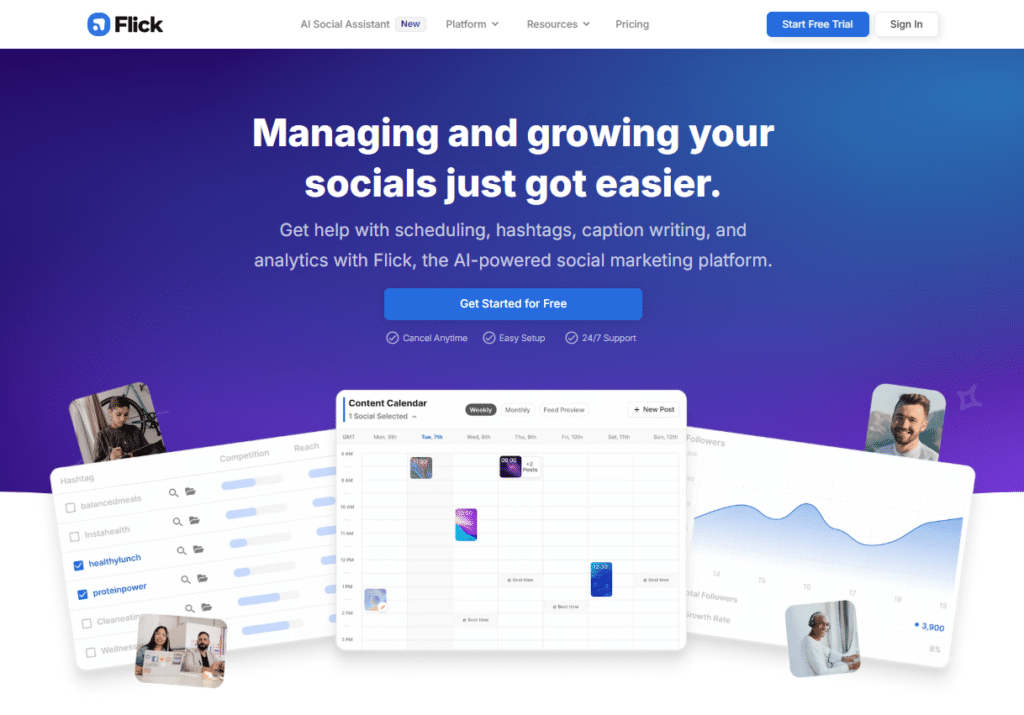
Flick Social is an Instagram marketing and automation platform designed to help you grow your account through smarter hashtag research, content scheduling, and performance analytics.
It helps you discover relevant hashtags, plan content more efficiently, and track engagement metrics so you can improve your Instagram reach and visibility over time.
4.8
OVERALL RATING
Key Pain Points Flick.Social Solves
Highlight Features
Real-World Success
“ A Must Have Tool For today’s Social Media!
Flick is a game-changer for anyone serious about social media management. Its hashtag research and optimisation tools are top-notch, helping you find the perfect mix of high, medium, and low competition tags to boost your visibility.
The content creation support is equally impressive. Flick allows easy scheduling and management of posts across multiple platforms, ensuring your content goes live at the best times without you needing to be online.
The platform’s analytics and performance tracking offer detailed insights into your post’s effectiveness, helping you refine your strategy for better engagement. With its user-friendly interface, Flick is accessible and easy to use, making it a must-have tool for enhancing your social media presence.”
How Flick.Social Works
The workflow is straightforward. You start by connecting your Instagram account through Meta’s official API. Then use the hashtag research tool to build collections for different post types.
Schedule your content using the visual calendar, and Iris helps generate captions if you’re stuck. The mobile apps let you manage everything on the go.
Pros and Cons


Integrations and Support
Flick integrates directly with Instagram, Facebook, TikTok, and LinkedIn through official APIs. Support is available 24/7 through email, help center, and a very active Facebook community where users share strategies. The platform works seamlessly on desktop and mobile apps.
Pricing
All plans include a 7-day free trial to test the full feature set.
Supercharge your Instagram growth with smart hashtags!
Flick Social offers a 14-day free trial so you can experience the power of advanced hashtag optimization and analytics-driven growth firsthand.
2. Vista Create – Best for Professional Instagram Content & Marketing Design
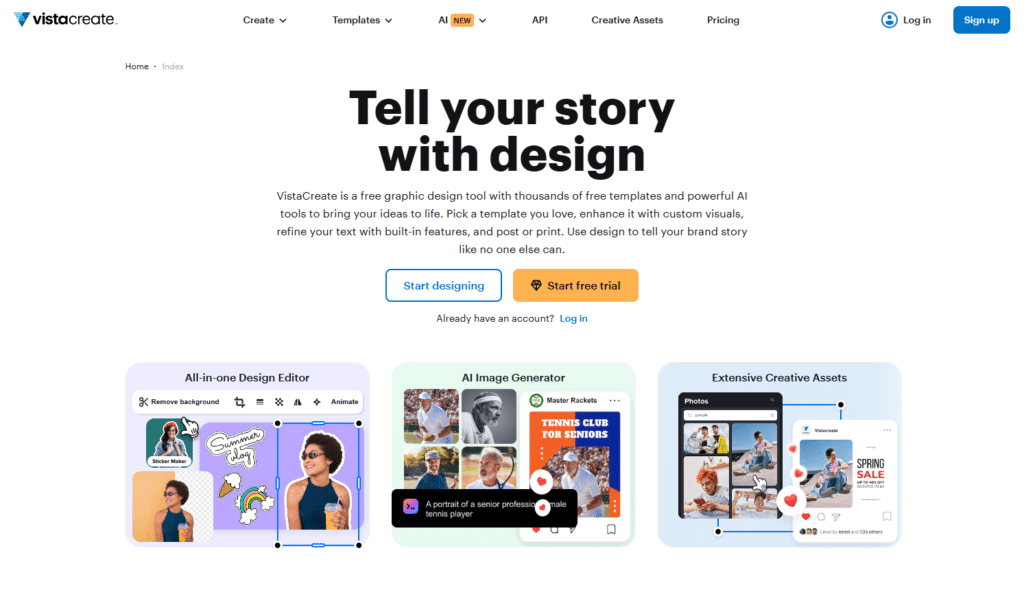
Vista Create (formerly Crello) excels as a powerful yet easy-to-use design platform that specializes in creating high-quality Instagram content and full-funnel social media content marketing assets.
It combines a massive template library, strong animation tools, and smart design features to help businesses produce scroll-stopping visuals at scale, that resonates with your followers.
4.7
OVERALL RATING
Key Pain Points Vista Create Solves
Highlight Features
Real-World Success
“ VistaCreate – The Only Design Tool You’ll Ever Need!
What I love most about VistaCreate is that it is easy to use with its drag-and-drop interface, has a huge range of features for pretty much all of my designing needs from a massive library of templates to fonts to website design. And its seamless integration with other design products makes it super easy to create high-quality designs.”
How Vista Create Works
Getting started with Vista Create is simple. Open the Instagram post maker, browse thousands of templates, or start with a blank canvas.
Customize using drag-and-drop tools, apply your Brand Kit with one click, add animations, and either download or schedule the post directly to Instagram. The interface feels intuitive even for non-designers.
Pros and Cons
Integrations and Support
Vista Create offers direct integration with Instagram for publishing and scheduling. It also supports other social media platforms. Support includes helpful tutorials, a knowledge base, and customer assistance. The platform works smoothly for content marketing teams with its Brand Kit and team features on Pro.
Pricing
Create stunning Instagram visuals in minutes!
Vista Create offers a free plan + 14-day Pro trial so you can experience the power of AI-powered design and professional Instagram content creation firsthand.
3. Agorapulse – Best All-in-One Instagram Management Platform
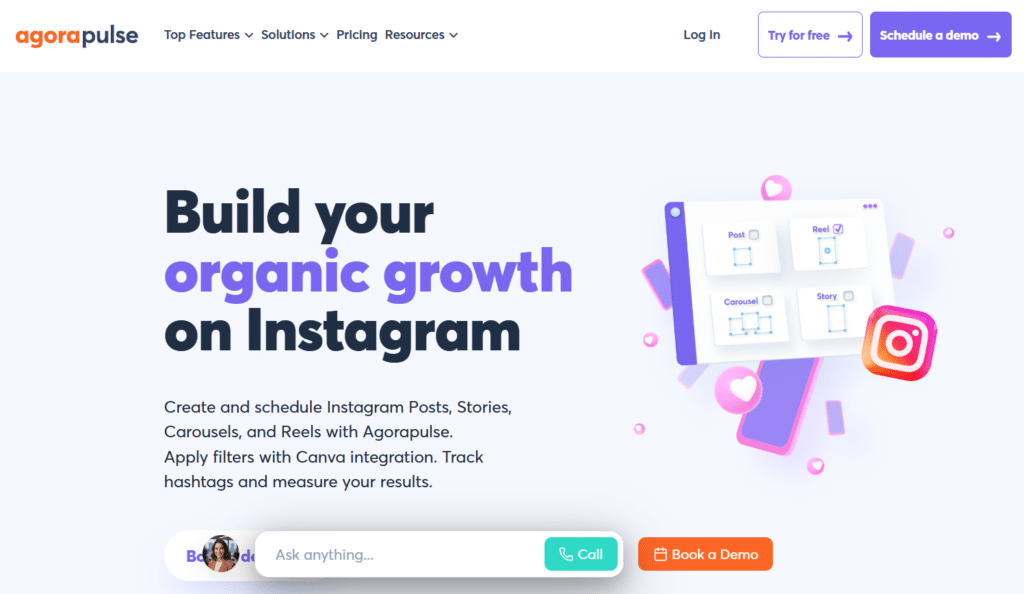
Agorapulse is a comprehensive social media management platform that helps you manage Instagram content, messages, comments, scheduling, and analytics from a single dashboard.
It is particularly useful for businesses, agencies, and creators who need a centralized workspace to streamline Instagram management and maintain consistent engagement with their audience.
4.7
OVERALL RATING
Key Pain Points Agorapulse Solves
Highlight Features
Real-World Success
“ Great tool for social media management!
Agorapulse is an essential tool for social media management. We use it daily at Effet B and particularly appreciate its intuitive interface, comprehensive features (scheduling, moderation, reporting), and the clarity of the reports. The calendar is very well designed, the unified inbox tool saves us valuable time, and the customer service is always quick and efficient. It is a reliable platform that allows us to better collaborate as a team and optimize our social strategies.
I highly recommend Agorapulse to any agency or SME looking to structure and simplify their social media management.”
User Experience
The setup involves connecting your Instagram Business account, organizing team members with appropriate roles, and configuring your inbox labels and rules.
The unified inbox becomes your daily home base for engagement. The scheduler handles content planning, and reporting runs automatically or on-demand.
Pros and Cons
Integrations and Support
Agorapulse provides 24/7 support with faster response times on higher-tier plans, including live chat and onboarding assistance. It integrates with Canva, Zapier, HubSpot, Salesforce, Slack, Google Analytics, Bitly, and Looker Studio. Strong Meta and Instagram API support ensures full feature access and account safety.
Pricing
Master Instagram engagement & management!
Agorapulse offers a 28-day free trial so you can experience the power of unified inbox, advanced analytics, and complete Instagram management firsthand.
4. Vista Social – Best Visual Instagram Planner & Team Scheduler
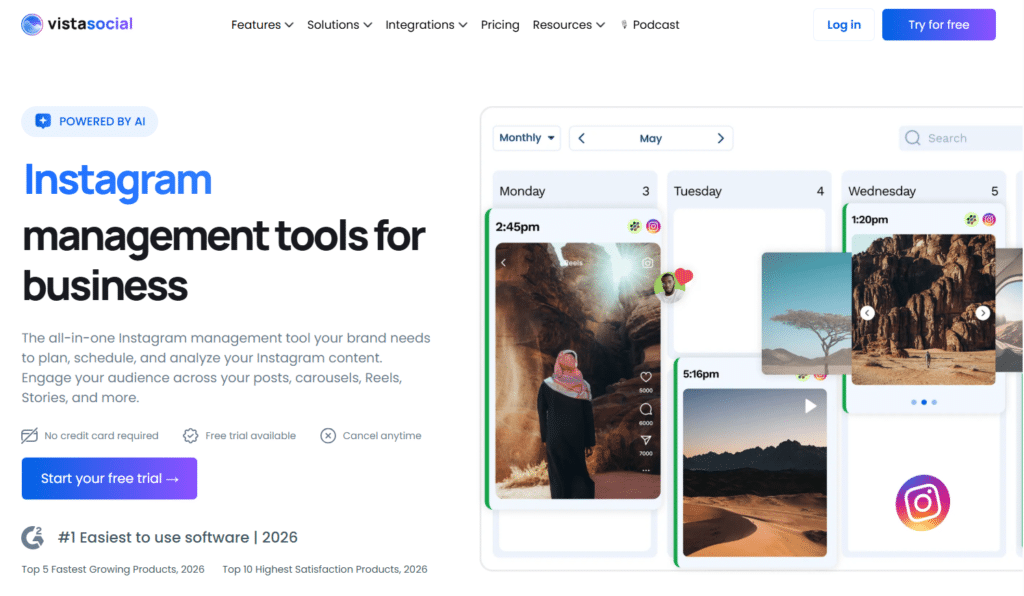
Vista Social stands out as a modern, user-friendly all-in-one social media management platform with powerful Instagram-specific tools.
It excels at helping businesses and teams plan, schedule, publish, engage, and analyze Instagram content efficiently through its intuitive visual planner and smart automation features.
4.6
OVERALL RATING
Key Pain Points Vista Social Solves
Highlight Features
Real-World Success
“ Vista Social: User-Friendly, Reliable Posting, and Powerful Automations!
Vista Social is extremely user-friendly and simple to navigate. I was able to connect it easily to a variety of tools I use on a daily basis, such as FB, Threads, IG, LinkedIn, Pinterest, and more, with just a click. Posting has been very reliable, and I haven’t run into the failures or errors I experienced with other social media tools I’ve used in the past. I’ve also been able to perform bulk actions quickly, which has significantly reduced my workload and saved me time….”
Platform Experience
Vista Social offers a clean dashboard. Connect your Instagram account, use the visual calendar to plan your feed, create or import content (including from Canva), add trending audio or hashtags, set approvals if needed, and schedule or publish directly.
Everything feels modern and intuitive with easy to use interface.
Pros and Cons
Integrations and Support
Vista Social offers direct Instagram integration for seamless publishing and analytics. It also connects with Canva, Zapier, Dropbox, Google Drive, and many other platforms. Support includes a comprehensive help center, tutorial videos, live chat, and responsive email assistance.
Pricing
Plan and schedule your perfect Instagram feed!
Vista Social offers a 14-day free trial so you can experience the power of visual content planning and seamless multi-format scheduling firsthand.
5. Predis.AI – Best for Fast AI Content Generation
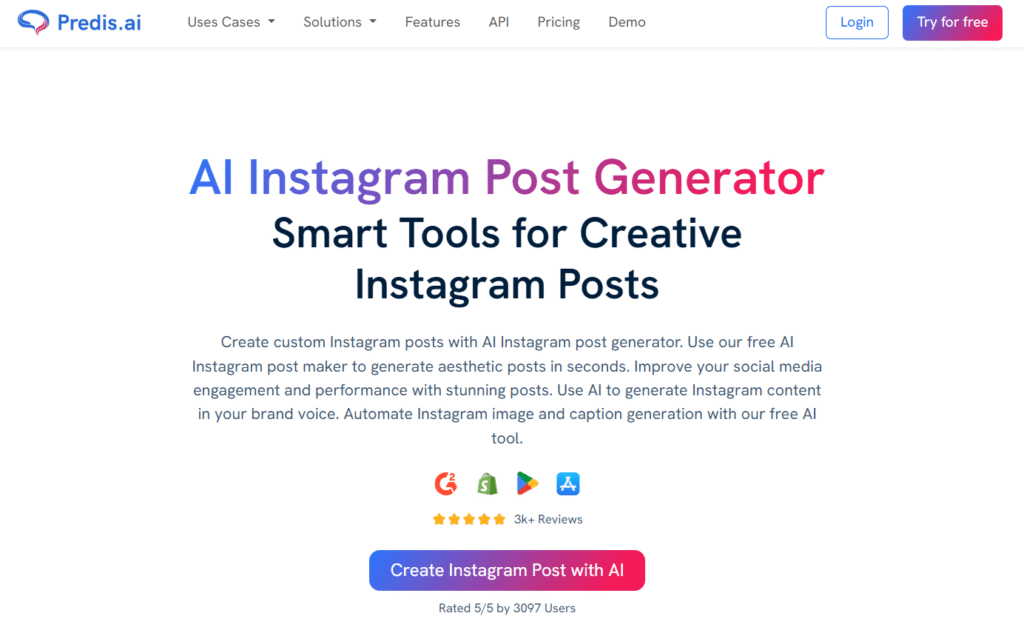
Predis.AI is an AI-powered content creation platform that helps you generate Instagram posts, captions, creatives, carousels, and marketing content in minutes.
It can significantly reduce the time required to create engaging social media content while helping you maintain a consistent brand presence across your Instagram account.
4.6
OVERALL RATING
Key Pain Points Predis.AI Solves
Highlight Features
Real-World Success
“ This tool has made social media management a lot less time-consuming!
The content and avatar features work smoothly, and posts are generated pretty quickly. the interface feels clean. it helped me stay consistent, especially with planning and scheduling. i also had a few questions early on, and the support team was quick and helpful. overall, it is a solod tool that makes the workflow very simple…..”
Platform Workflow
You connect your Instagram account, set up your brand kit once, and start generating content through text prompts or by uploading product information.
The AI creates multiple variations, you select favorites, make any tweaks in the editor, and schedule directly to Instagram.
Pros and Cons
Integrations and Support
Predis.AI offers email and chat support with dedicated assistance for paid plans. Direct publishing integrations support major social platforms including Instagram. Mobile apps provide full functionality on the go. API access available on higher-tier plans for custom workflows.
Pricing
Generate high-performing Instagram content with AI!
Predis.AI offers a 7-day free trial so you can experience the power of AI content creation, carousels, and competitor insights firsthand.
6. InVideo AI – Best for Instagram Reels Creation
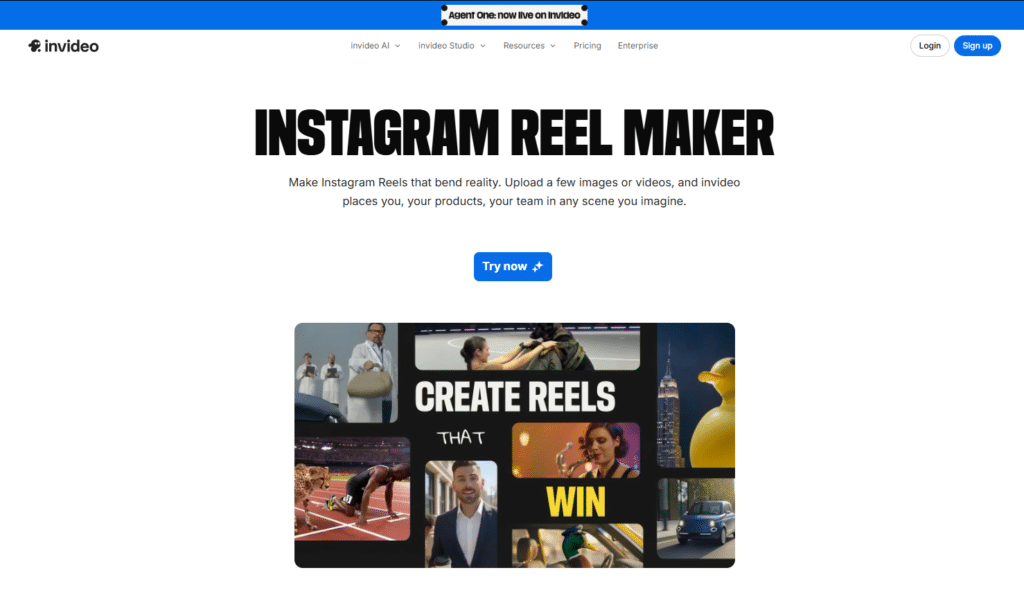
InVideo AI is an AI video generation platform that allows you to create Instagram Reels from simple prompts, scripts, articles, or ideas.
It automatically generates videos with visuals, voiceovers, captions, and transitions, making it easier to create professional-looking Reel content without advanced video editing skills.
4.6
OVERALL RATING
Key Pain Points InVideo AI Solves
Highlight Features
Real-World Success
“ InVideo AI: User-Friendly Savior of My Time (94 Videos & Counting!)
“I’ve made 94 videos with InVideo AI, and here’s why it’s my go-to:*
Speed That Doesn’t Quit – Even when their servers are busy, I never wait long. Unlike other tools that freeze or throttle free users, InVideo AI stays fast.
Edit Anything, Anytime – Hate a clip? Swap it in seconds. Need a different narrator? Done. Music not fitting? Change it with one click. Subtitles out of sync? Fix them instantly. No forced ‘final renders’ just to tweak one thing.
No Hidden Limits – Other ‘free’ tools lock basic edits behind paywalls. Here, I can truly customize everything—pictures, audio, text—without hitting a ‘premium required’ wall.
Saved Me 100+ Hours – I pitch an Idea and add text, and InVideo AI cuts my workflow to minutes.
If you’re tired of ‘almost good’ AI tools, try this. The team clearly respects users’ time.”
Creation Process
You describe your desired Reel in a text prompt (example: “15-second tech product unboxing with dynamic transitions and upbeat music”).
InVideo AI generates the complete video including footage, transitions, text overlays, and audio. You can then refine using the timeline editor or regenerate with adjusted prompts.
Pros and Cons
Integrations and Support
InVideo AI provides email support, extensive tutorials, and an active Discord community for troubleshooting and inspiration. The platform focuses on AI video model integration and internal editing tools. Videos export in Instagram-optimized formats for direct upload. Team and enterprise options support collaboration.
Pricing
Turn ideas into viral Instagram Reels instantly!
InVideo AI offers a 14-day free trial so you can experience the power of prompt-to-Reel generation and cinematic video creation firsthand.
7. SellerPic AI – Best for E-commerce Instagram Marketing
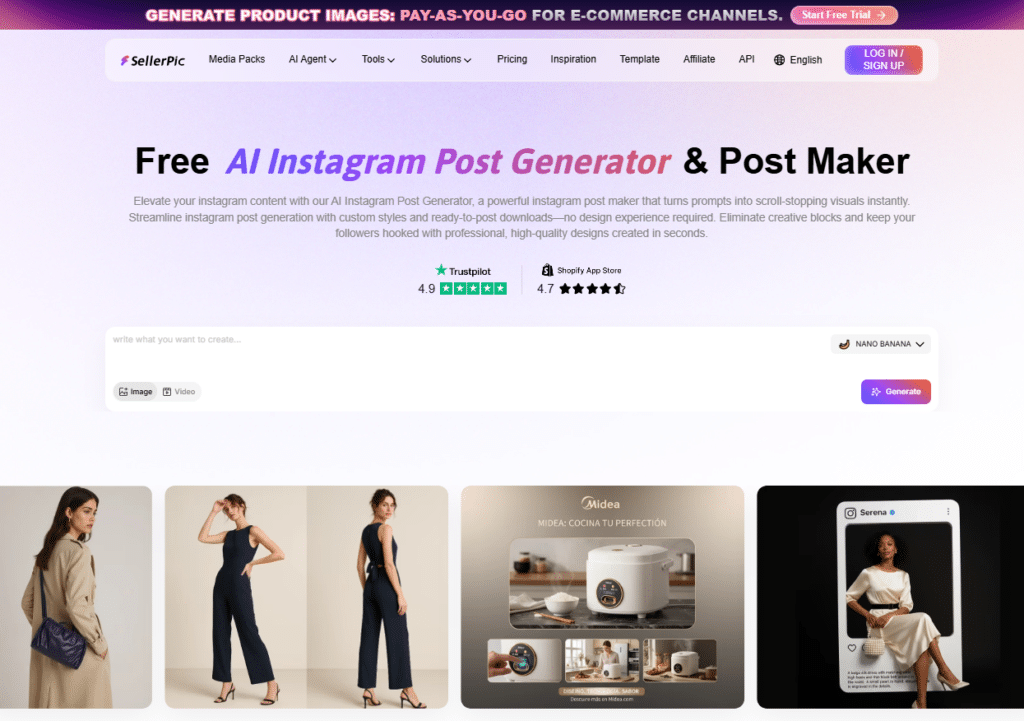
SellerPic AI is purpose-built for e-commerce sellers who need to turn product images into compelling Instagram content quickly. If you sell physical products and struggle with creating promotional graphics, this tool is invaluable.
4.5
OVERALL RATING
Key Pain Points SellerPic AI Solves
Highlight Features
Real-World Success
“ Boost Your Sales Fast with SellerPic’s Powerful Photo Editing!
SellerPic completely changed how I handle product photos for my small online shop. I just uploaded one image, and in a few clicks, I got professional-looking photos and even videos. The quality is seriously impressive. I didn’t expect AI-generated images to look this real.
I love that I can instantly add different models and backgrounds without booking a photoshoot or hiring anyone. The app is super easy to use, even for someone who isn’t a designer. Exporting images and videos for Instagram and Shopify is quick and simple.
I’ve noticed more engagement on my posts and my sales have gone up since I started using SellerPic. I highly recommend it to anyone who wants to save time and make their products stand out.”
How It Works for Sellers
Connect your Shopify store or upload product images manually. Input brief product descriptions or prompts. SellerPic AI generates multiple post variations with lifestyle backgrounds, professional styling, and sales-optimized captions.
Select your favorites, make minor edits if needed, and schedule directly to Instagram.
Pros and Cons
Integrations and Support
SellerPic AI provides email support at support@sellerpic.ai with dedicated assistance for e-commerce sellers. Strong Shopify integration automates product imports. Built-in scheduling and publishing eliminate need for additional tools. The platform pairs well with Meta’s Instagram Shopping features.
Pricing
3-day free trial available on paid plans.
Create scroll-stopping product posts for Instagram!
SellerPic AI offers a 3-day free trial so you can experience the power of AI product visuals, sales copy, and e-commerce Instagram content firsthand.
8. Vizard.AI – Best for Repurposing Long Videos
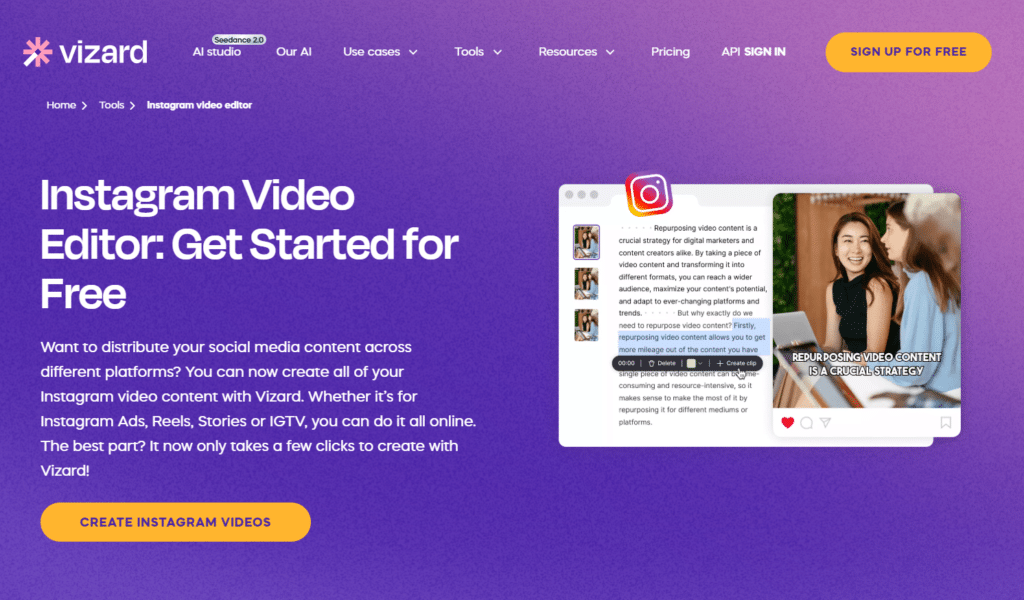
Vizard.AI is a content repurposing tool that transforms long-form videos, podcasts, interviews, and webinars into short-form clips optimized for Instagram Reels and other social platforms.
It helps you maximize the value of existing content by automatically identifying key moments and converting them into shareable short videos.
4.5
OVERALL RATING
Key Pain Points Vizard AI Solves
Highlight Features
Real-World Success
“ Awesome app for creating short videos!
I think this tool is very helpful for people who want to create and at the same time share short videos in different social medias. I am using this tool for a long time, it has all the needed functionality and tools.”
Repurposing Workflow
Upload your long video (podcast, YouTube video, webinar recording). Vizard’s AI analyzes the content and identifies the most engaging segments.
It automatically creates multiple short clips, adds subtitles, and resizes for Instagram. You review the clips, make any minor adjustments, add branding, and publish directly to Instagram.
Pros and Cons
Integrations and Support
Vizard.AI offers comprehensive help center, tutorial videos, and responsive email support. Direct publishing to Instagram, TikTok, YouTube, and LinkedIn from a browser-based interface. Team collaboration tools included. Strong AI clipping and subtitle integration technology.
Pricing
Repurpose long videos into Instagram Reels effortlessly!
Vizard.AI offers a free plan + 14-day Pro trial so you can experience the power of AI video clipping and auto subtitle Reels creation firsthand.
9. Flixier – Best Browser-Based Reel Editor
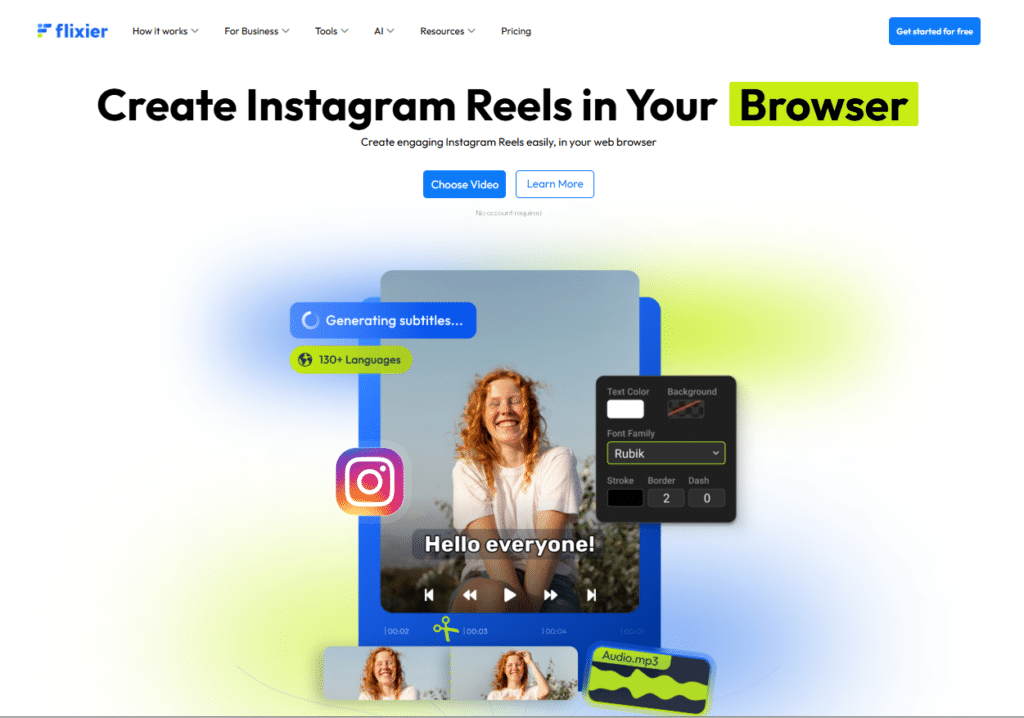
Flixier is a cloud-based video editing platform that helps you create, edit, and publish Instagram Reels directly from your browser.
Due to it running in the cloud, you can access professional editing features without downloading software or using high-performance hardware, making video production faster and more accessible.
4.4
OVERALL RATING
Key Pain Points Flixier Solves
Highlight Features
Real-World Success
“ Flixier is an absolute game-changer for Video Editing!
Flixier is an absolute game-changer for video editing. The platform is fast, intuitive, and incredibly easy to use—no heavy software downloads or lag. Cloud-based editing makes collaboration seamless, and the export speeds are impressive compared to other tools I’ve tried. The interface is clean, modern, and perfect for both beginners and experienced creators.
I especially appreciate how smoothly it handles social media videos and quick edits. If you’re looking for a reliable, efficient, and user-friendly video editor, Flixier is hands down one of the best options available. Highly recommended!”
Editing Process
Open Flixier in any browser, upload your video clips or import from YouTube. Use the timeline editor to trim, add AI subtitles, insert animated text and CTAs, and include music.
The cloud renders your Reel in minutes, and you download in Instagram-optimized format for direct upload.
Pros and Cons
Integrations and Support
Flixier provides extensive help documentation and responsive cloud-based support. Integrates stock libraries, YouTube, SoundCloud, and cloud storage services. Exports in multiple formats optimized for Instagram. Real-time collaboration tools enable seamless teamwork.
Pricing
Edit Instagram Reels at lightning speed!
Flixier offers a free plan + 7-day Pro trial so you can experience the power of fast cloud editing and AI subtitles for Instagram firsthand.
10. Post Planner – Best for Content Discovery & Consistency
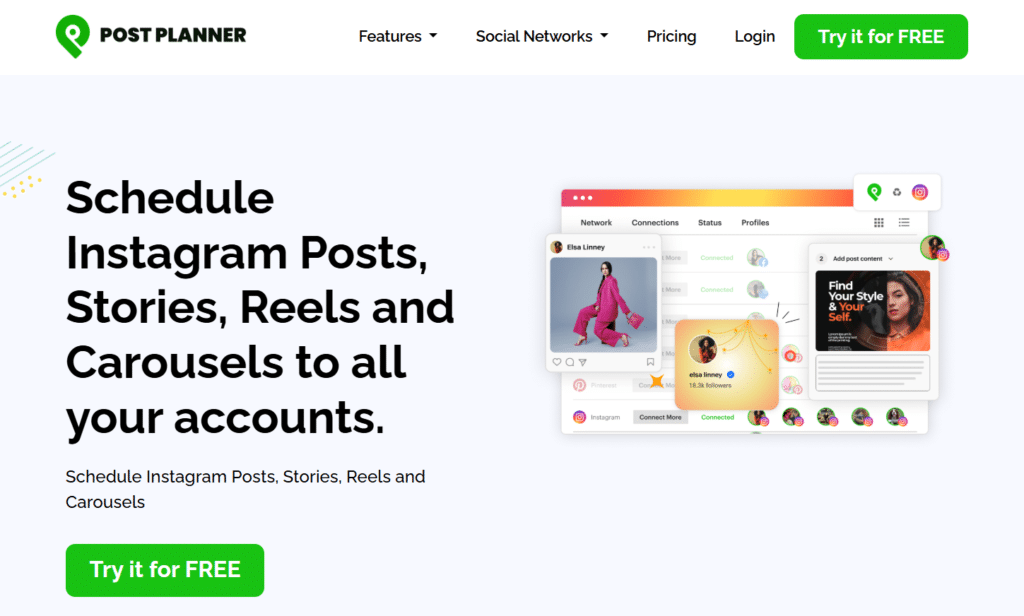
Post Planner excels at solving the “what should I post?” problem. If you struggle with content ideas or maintaining posting consistency, this platform provides the structure and inspiration you need.
4.3
OVERALL RATING
Key Pain Points Post Planner Solves
Highlight Features
Real-World Success
“ Post Planner is a perfect fit for our fast-moving digital marketing agency!
Post Planner is a perfect fit for our needs as a fast-moving digital marketing agency. It’s easy to use, time-saving, and the team are really quick to respond to any queries we have via the chat box on the site.
It doesn’t feel overly corporate either. The guys are so down-to-earth and helpful. We’re really happy with the service!”
Platform Workflow
Connect your Instagram accounts to Post Planner and explore the content discovery feed for your niche, save ideas to drafts, customize with your brand voice, and schedule to your content calendar. Set up recurring queues for evergreen content, and use the browser extension to capture inspiration throughout your day.
Pros and Cons
Integrations and Support
Post Planner offers email and chat support for troubleshooting and questions. Direct Meta and Instagram integration enables official scheduling. Browser extension works across all major browsers. Supports multiple social networks beyond Instagram for comprehensive management.
Pricing
Discover & schedule winning Instagram content!
Post Planner offers a 14-day free trial so you can experience the power of content discovery, smart scheduling, and consistent Instagram growth firsthand.
Key Features to Look For in Instagram Automation Tools
After testing dozens of Instagram automation tools, I’ve identified the essential features that separate genuinely useful platforms from overhyped disappointments. Here’s what actually matters.
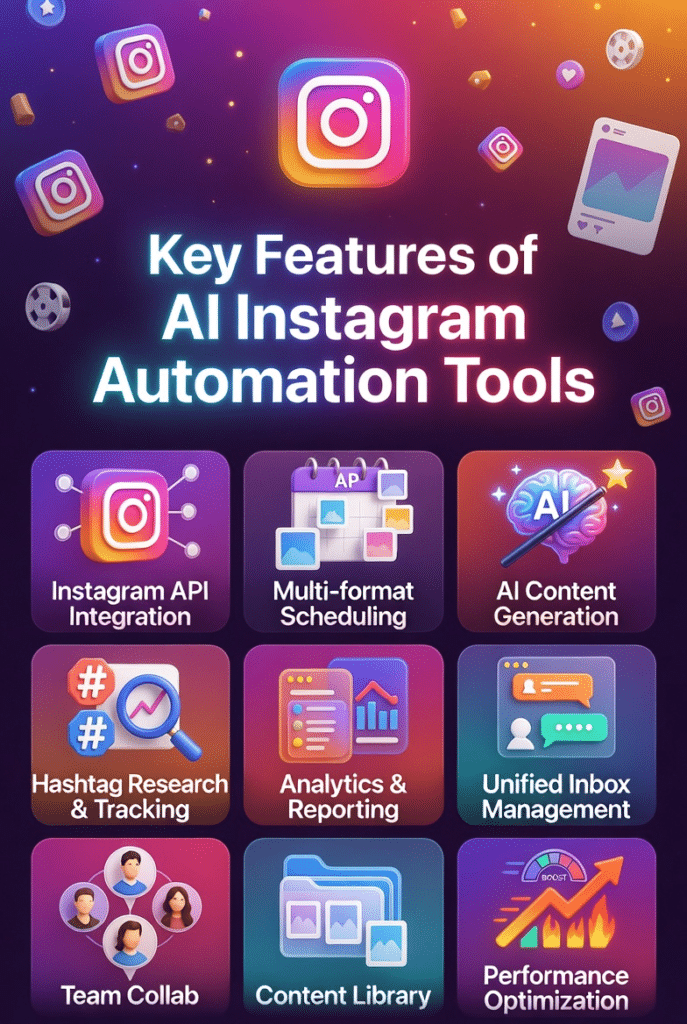
- Official Instagram API Integration: The tool must use Meta’s official API rather than third-party workarounds. This ensures account safety, prevents bans, and maintains compliance with Instagram’s terms of service.
- Multi-Format Scheduling: Support for Posts, Stories, Reels, and Carousels with direct publishing. Bonus points for bulk scheduling and visual calendar interfaces that show your content grid preview.
- AI Content Generation: Quality AI that creates captions, engages with followers, suggests hashtags, generates images or videos, and provides content ideas. The AI should understand your brand voice and produce usable results, not generic garbage.
- Hashtag Research & Tracking: Advanced hashtag tools showing competition levels, predicted reach, and performance tracking over time. Collections or groups for organizing hashtags by content type.
- Robust Analytics & Reporting: Detailed performance metrics including engagement rates, follower growth, best posting times, hashtag effectiveness, and content type analysis. Export capabilities for client reporting.
- Unified Inbox Management: Centralized location for comments, DMs, mentions, and ad comments with team assignments, labels, and saved replies for efficient engagement.
- Team Collaboration Features: User roles, approval workflows, shared calendars, and activity logs for agencies or businesses with multiple team members.
- Mobile Apps: Full-featured iOS and Android apps that mirror desktop functionality for managing Instagram on the go.
- Content Library & Organization: Social media storage, draft saving, content templates, and easy asset retrieval for streamlined workflow.
- Performance Optimization Tools: Best time to post recommendations, A/B testing capabilities, competitor benchmarking, and AI-powered suggestions for improving engagement.
Best Practices for Choosing & Using Instagram Automation Tools
Selecting the right Instagram automation tool requires matching your specific needs to platform strengths. I learned this through trial and error when I first started automating my Instagram management.
1.) Start with a clear use case
Are you primarily creating content, scheduling posts, analyzing performance, or managing followers engagement? Your main pain point should drive your tool selection. Don’t pay for features you won’t use.
2.) Take advantage of free trials
Every tool on this list offers trial periods. Test 2-3 platforms simultaneously with the same content to compare real-world performance. I always run parallel tests before committing.
3.) Prioritize account safety
Only use tools with official Instagram API integration. Third-party bots or social media automation services that promise rapid follower growth through sketchy methods will get your account banned.
4.) Consider your growth stage
Solo social media creators need different tools than agencies managing 20 clients. Start with affordable options that match your current scale, and upgrade as you grow.
5.) Evaluate AI quality hands-on
AI-generated content quality varies wildly between platforms. Generate 10-15 pieces of content during trials to assess if the AI understands your brand and produces usable results.
6.) Check integration ecosystems
Does the tool work with your existing stack? If you use Canva for design or Shopify for e-commerce, native integrations save significant time.
7.) Update your strategy regularly
Instagram’s algorithm changes frequently. Review your automation tool’s performance quarterly and adjust posting times, hashtag strategies, and content formats based on current analytics.
Key Takeaways
Conclusion
After extensively testing these nine Instagram automation tools, Flick Social emerges as the best overall choice for most users. Its combination of advanced hashtag research, AI assistance through Iris, robust analytics, and reliable scheduling creates a complete Instagram growth system.
The hashtag intelligence alone transformed my Instagram strategy. I went from guessing which hashtags might work to using data-backed predictions that consistently increase reach. The AI assistant saves me hours weekly on content planning and caption writing.
But here’s the truth: the “best” tool depends entirely on your specific Instagram goals. E-commerce sellers crushing it with SellerPic AI wouldn’t get the same value from Flick. Video creators repurposing podcasts with Vizard.AI have different needs than graphic designers using Visme.
Your Instagram success isn’t about finding a magic tool. It’s about matching the right automation platform to your workflow, staying consistent with quality content, and using data to continuously improve your strategy.
Are you ready to reclaim those 10+ hours you’re spending on Instagram management every week?
Start Growing Your Instagram Smarter, Not Harder!
Join 100,000+ creators who’ve transformed their Instagram workflow with Flick Social. Get advanced hashtag research, AI content assistance, and powerful analytics in one platform. Start your 7-day free trial today – no credit card required.
Remember, Instagram automation isn’t about shortcuts or gaming the algorithm. It’s about working efficiently so you can focus on what truly matters – creating amazing content and building authentic connections with your audience.
Choose your tool wisely, use it consistently, and watch your Instagram presence transform.